
Free
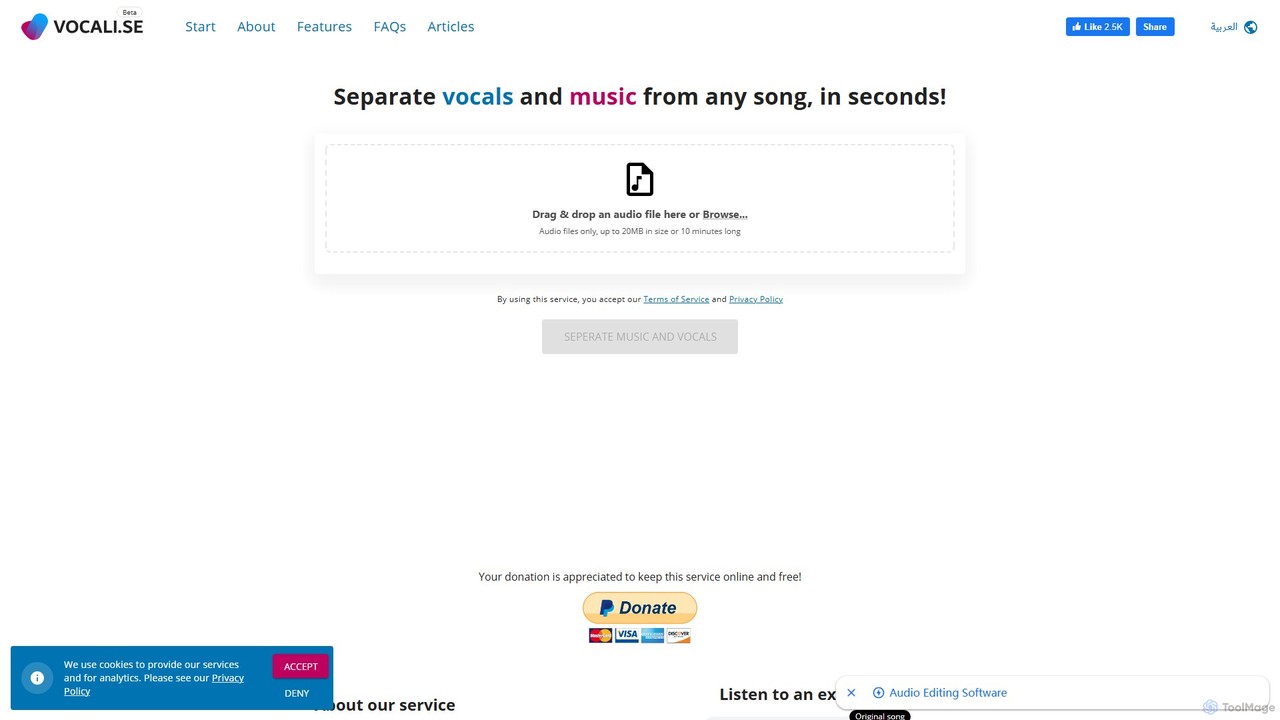
Popular Karaoke AI tools in Audio include Vocali.se, helping you work more efficiently.
AI Karaoke tools are applications that use artificial intelligence to create karaoke-style backing tracks from any song. They primarily leverage audio source separation technology to isolate or remove vocals, generating a clean instrumental version for singing. This allows users to practice their favorite songs, create custom karaoke libraries, and enjoy a personalized singing experience without needing official instrumental versions. These tools transform any audio file into a sing-along track, offering unparalleled flexibility compared to traditional karaoke systems.
These tools are widely used by aspiring singers for vocal practice, content creators for producing song covers for social media, and families or friends for home entertainment. Music educators also use them to create custom practice materials for students, while DJs leverage the technology to produce unique remixes and mashups by isolating vocals or instrumentals.
When selecting an AI Karaoke tool, consider the quality of the vocal separation; listen for artifacts or distortion in the instrumental. Evaluate the processing speed, supported audio formats (e.g., MP3, WAV, FLAC), and the accuracy of any pitch analysis features. Also, compare user interfaces for ease of use and check for additional functionalities like recording, sharing, or multi-track editing capabilities.
A party host wants to include a newly released hit song or a niche indie track in their karaoke night, but it's not available in any standard karaoke library. Using an AI Karaoke tool, they can upload the original MP3 file of the song. The AI processes the audio, separates the vocals from the instrumental, and generates a clean backing track within minutes. This allows them to build a completely personalized and up-to-date playlist, ensuring every guest can sing their favorite current or obscure song.
An amateur singer wants to improve their pitch accuracy for an upcoming performance. They use an AI Karaoke app that not only removes vocals but also features a performance analysis mode. After singing along to the generated instrumental, the app provides a detailed report. It displays a pitch graph overlaying their vocals on the original melody, highlighting notes that were sharp or flat. It also gives a score for timing and rhythm, allowing the singer to identify specific phrases they need to practice more, leading to more focused and effective rehearsals.
A content creator wants to post a cover of a popular song on their YouTube channel. Instead of using low-quality MIDI versions or risking copyright claims with official instrumentals, they use an AI tool. They upload the original song, and the AI generates a high-fidelity instrumental track. This provides a professional-sounding foundation for their cover. They can then record their own vocals over this clean track, mix the audio, and produce a high-quality video for their audience, increasing their channel's production value and engagement.
A music teacher is helping a bass student learn a complex song. To help the student focus, the teacher uses an AI stem separator tool. They upload the song and choose to isolate the bassline and remove all other instruments and vocals. This allows the student to hear the bass part clearly and practice playing along with it. The teacher can also mute the bass and provide the student with a 'minus-one' track (drums, guitar, etc.) to practice their part within the context of the full band, improving their timing and integration skills.
A DJ is preparing a set for a club night and wants to create a unique mashup. They plan to layer the vocals from a classic 80s pop song over the beat of a modern house track. Using an AI Karaoke or stem separation tool, they process both songs. From the pop song, they extract a clean acapella (vocals only). From the house track, they extract the instrumental, ensuring no conflicting vocals. This allows them to seamlessly blend the two elements in their DJ software, creating an original and crowd-pleasing remix that wouldn't be possible with standard tracks.
A language learner is studying Japanese and wants to improve their pronunciation and fluency by singing along to J-Pop songs. However, singing over the original artist makes it hard to hear their own voice. They use an AI Karaoke tool to upload their favorite J-Pop tracks and remove the lead vocals. With the clean instrumental and synchronized Romaji lyrics, they can practice singing the phrases clearly. This method makes language practice more engaging and helps them internalize the natural rhythm and intonation of the language in a fun, musical context.
AI Karaoke tools are software applications that use artificial intelligence, specifically audio source separation models, to remove or isolate vocals from any song. This process generates an instrumental-only version, effectively turning any audio file into a karaoke track. Unlike traditional karaoke which relies on a limited library of pre-made tracks, AI tools offer the flexibility to create a sing-along version of virtually any song you provide, including new releases, rare tracks, or personal recordings.
To choose the right tool, consider these factors:
The main difference lies in the source of the instrumental tracks. Traditional karaoke apps use a curated library of officially licensed, pre-made instrumental tracks (often re-recordings). Their library is limited, and you can only sing songs that are available. AI Karaoke tools, on the other hand, can process almost any audio file you provide. They use AI to create the instrumental on-demand, giving you the freedom to sing new hits, obscure songs, or even your own music. The trade-off is that the quality of AI-generated tracks can sometimes be less consistent than studio-produced traditional tracks.
While modern AI models are incredibly effective, completely removing vocals to achieve perfect studio-quality silence is challenging. The success depends heavily on the original song's mix. In many cases, you might hear faint vocal echoes or artifacts, often called 'ghosting'. Similarly, the process can sometimes slightly affect the quality of the remaining instruments, for example, making cymbals sound a bit 'watery'. However, for practice, home entertainment, or social media covers, the quality is generally more than sufficient, and the technology is continuously improving.
A wide range of users can benefit from these tools: