

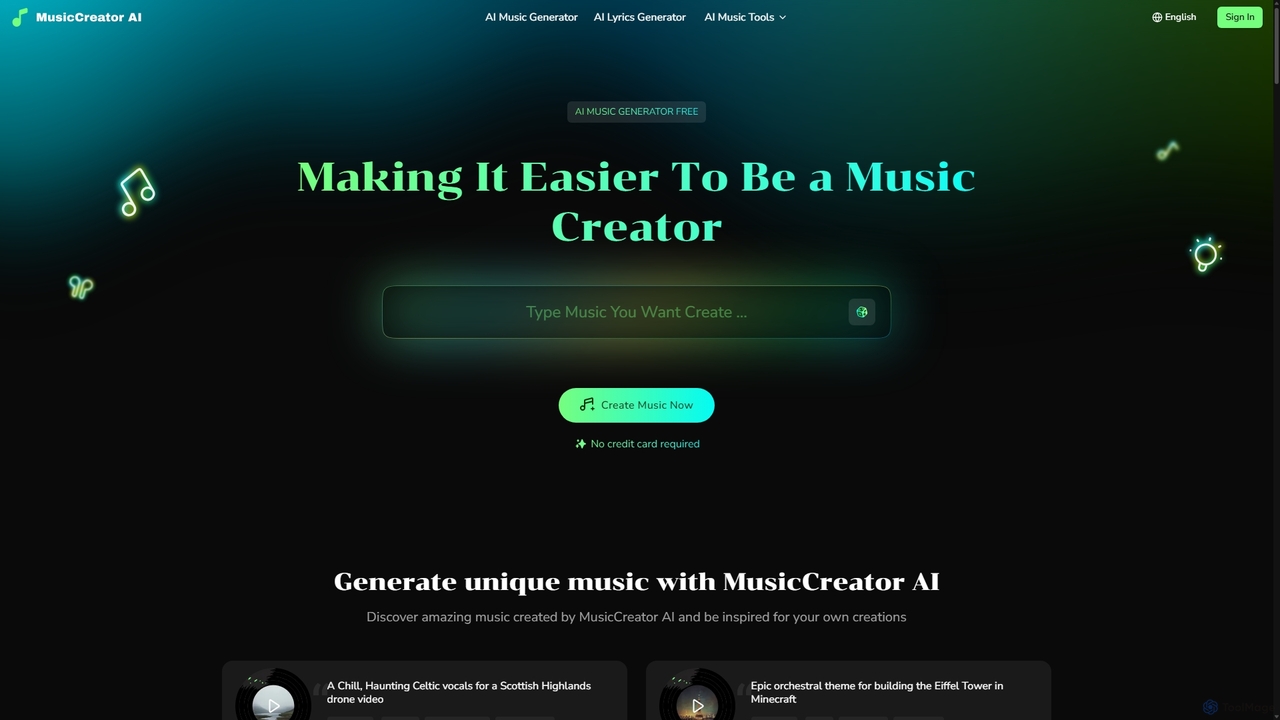
MusicCreator Overview
MusicCreator is an advanced AI-powered platform designed to democratize music creation, making it accessible to everyone from professional musicians to content creators with no musical background. It serves as a complete toolkit for audio production, offering a suite of powerful features that streamline the creative process. At its core, MusicCreator enables users to generate high-quality, original music tracks in seconds. Whether you have a specific mood, genre, or instrumental idea, you can describe it in a text prompt and let the AI compose a unique piece for you. The platform also features a 'Lyrics to Music' function, which can transform written lyrics into fully orchestrated songs with AI-generated vocals, perfect for songwriters and poets looking to bring their words to life.
Beyond music generation, MusicCreator provides a range of essential audio editing tools. The AI Vocal Remover can flawlessly isolate vocals from any song, creating clean instrumental or acapella tracks. This is invaluable for producers creating remixes, singers needing backing tracks for practice, or content creators who require instrumental background music. Similarly, the AI Stem Splitter takes this a step further by separating a song into its core components—vocals, bass, drums, and other instruments. This level of control opens up endless possibilities for remixing, sampling, and detailed audio analysis. The platform also includes an AI Lyrics Generator to help overcome writer's block, crafting original verses, choruses, and bridges based on user prompts.
How to use MusicCreator
Using MusicCreator is designed to be an intuitive and straightforward process, typically involving three simple steps:
- Provide Input: Start by choosing your desired tool. For the AI Music Generator, describe the music you want to create (e.g., "Epic orchestral theme for a cinematic trailer") or input your own lyrics. For the Vocal Remover or Stem Splitter, simply upload your audio file (supports MP3, WAV, FLAC, etc.). For the Lyrics Generator, provide a theme, mood, or key phrase.
- AI Generation: Once you've provided the input, MusicCreator's advanced AI gets to work. It analyzes your request and generates the output in seconds. This could be a complete music track, separated audio stems, a clean instrumental, or a full set of lyrics.
- Download & Use: Preview the generated content. If you're satisfied, you can download the high-quality files immediately. All music generated is 100% royalty-free, giving you the freedom to use it in any personal or commercial project without worrying about copyright issues.
Core Features of MusicCreator
- AI Music Generator: Creates original music from text prompts or lyrics in various genres and moods.
- AI Lyrics Generator: Generates creative and structured song lyrics to overcome writer's block.
- AI Vocal Remover: Isolates vocals from any song to create instrumental or acapella versions.
- AI Stem Splitter: Separates audio tracks into individual stems (vocals, bass, drums, instruments).
- Royalty-Free License: All generated music is 100% royalty-free for both personal and commercial use.
- Fast Processing: Generates music and processes audio files in seconds, significantly speeding up the creative workflow.
- Multi-Format Support: Supports a wide range of audio formats for uploading and downloading, including MP3, WAV, FLAC, and M4A.
- Suite of Tools: Also includes an AI Singing Voice Generator, Song Cover Generator, Music Mastering, MIDI Editor, and more for a complete production experience.
Use Cases for MusicCreator
MusicCreator is a versatile tool suitable for a wide range of users:
- Content Creators & YouTubers: Quickly generate custom, royalty-free background music, intros, and outros for videos, ensuring a unique sound without copyright strikes.
- Musicians & Producers: Use the stem splitter to create remixes and samples, the lyrics generator to find inspiration, and the music generator to quickly prototype new ideas.
- Podcasters: Create unique intro and outro music or ambient background tracks to enhance the production value of their shows.
- Advertisers & Marketers: Develop memorable jingles and background music for commercials, social media campaigns, and promotional videos.
- Songwriters & Poets: Turn written lyrics and poems into fully realized songs with AI vocals and instrumentation.
- DJs: Isolate acapellas and instrumentals from tracks for live sets and mashups.
Advantages of MusicCreator
The primary advantage of MusicCreator is its integration of multiple powerful tools into a single, user-friendly platform. It eliminates the need for expensive software and extensive technical knowledge. The speed of generation allows for rapid creativity and iteration. Most importantly, the 100% royalty-free license provides immense value, giving creators complete ownership and freedom to use their music anywhere, from YouTube to commercial advertisements, without additional costs or legal complexities.
Pricing and Plans
MusicCreator operates on a freemium model. Users can get started for free to experience the core features of the platform, including generating music, lyrics, and processing audio files. This free access allows creators to test the capabilities of the tools without any initial investment or credit card requirement. For users with more demanding needs, such as higher-quality downloads, batch processing, or access to the full suite of advanced tools, MusicCreator offers premium subscription plans with expanded features and higher usage limits.
Traffic
Latest traffic
Status
Monthly traffic trend
- 2025-9: 51.5K
- 2026-1: 1.1M
- 2026-2: 1.1M
- 2026-3: 1.5M
- 2026-4: 1.1M
- 2026-5: 1.0M
Geography
Top 5 countries / regions
- 🇺🇸United States43.7%
- 🇧🇷Brazil28.4%
- 🇫🇷France11.4%
- 🇩🇪Germany8.4%
- 🇮🇩Indonesia8.1%
Traffic sources
| Source type | Percentage |
|---|---|
Direct | 82.0% |
Referral | 16.4% |
Email | 1.6% |
Top keywords
| Keyword | Cost per click |
|---|---|
| ai music generator | $0.88 |
| mp3 to midi | $0.29 |
| music creator ai | $0.72 |
| udio | $0.86 |
| udio ai | $0.79 |
MusicCreator Videos on YouTube


Lanewood Studios

Music Tech Info
Machine Soul Collective

Lanewood Studios

Artificial Quotient

Dex Williams Music

MusicCreator Alternatives

Freemusic
Freemusic is an AI-powered music creation suite that enables users to generate royalty-free music, write lyrics, separate audio stems, remove vocals, and master tracks. It's designed for content creators, developers, podcasters, and businesses to produce unique, commercially licensed audio effortlessly.
Audio Editing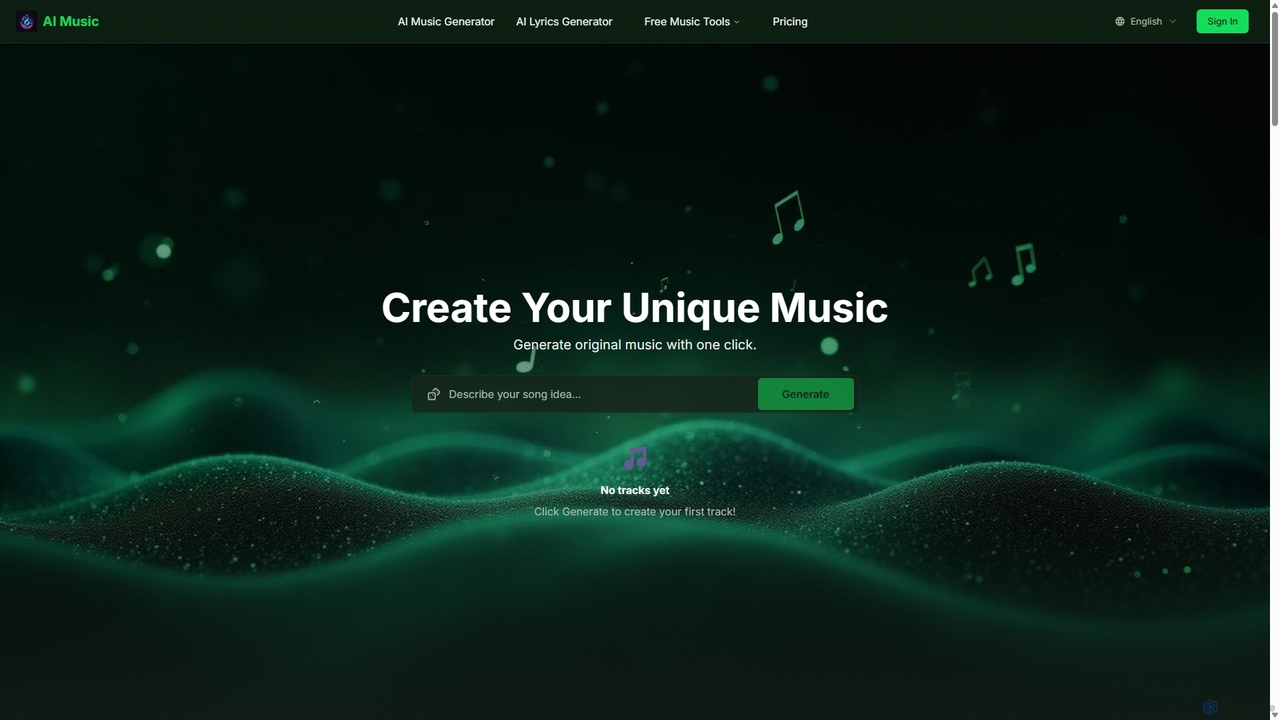
Aisongcreator
Aisongcreator is a powerful AI music and lyrics generator that transforms text prompts into studio-quality, royalty-free songs. Create full tracks with vocals, background music, or catchy lyrics in seconds. No sign-up required to start, making it perfect for content creators, musicians, and marketers.
Music Generation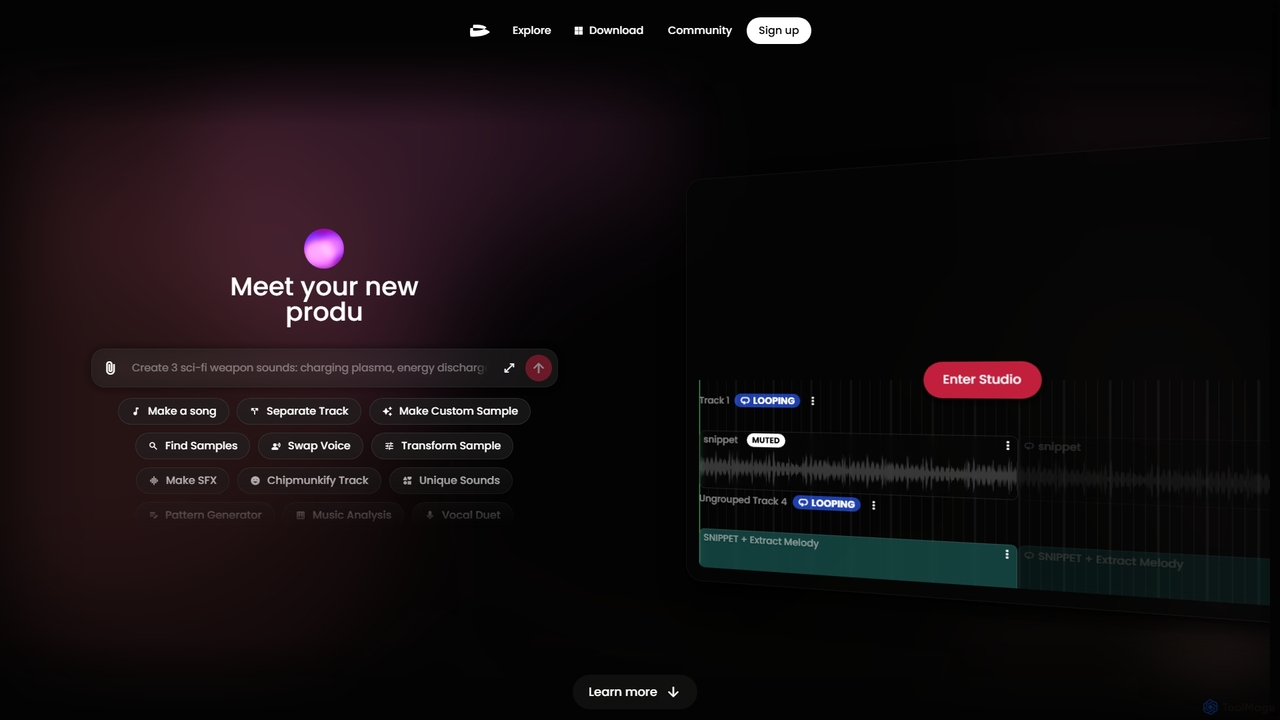
Twoshot
Twoshot is an AI-powered music production platform designed to inspire and accelerate the creative process for music producers. It features an AI Coproducer for generating custom samples from text, a vast library of over 200,000 sounds, powerful remixing tools, and an integrated web-based studio to bring musical ideas to life instantly.
Audio Editing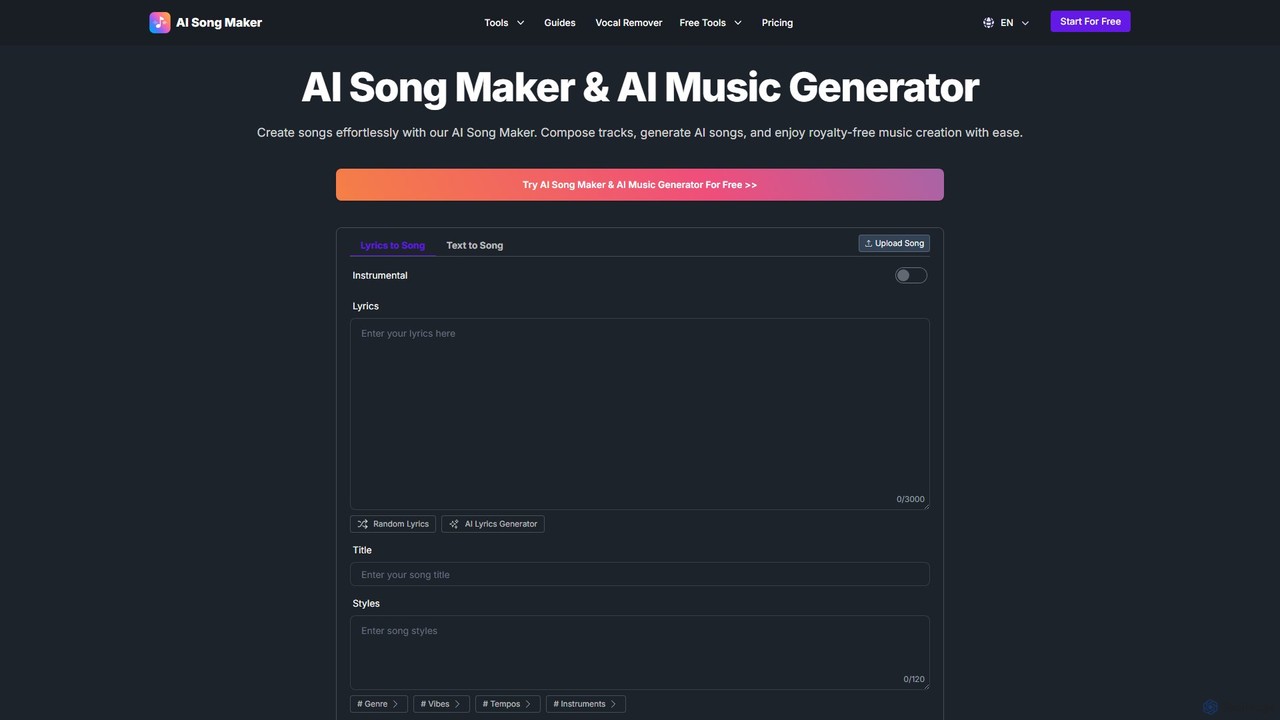
AI Song Maker
AI Song Maker is a powerful AI music generation platform that allows users to create unique, royalty-free songs from text or lyrics in seconds. It offers a comprehensive suite of tools, including an AI lyrics generator, a vocal remover for creating karaoke or acapella tracks, and music editing features like extending or replacing sections. It's designed for creators of all skill levels, from social media influencers and musicians to marketers and educators, providing a fast, easy, and cost-effective solution for high-quality music production.
Audio Editing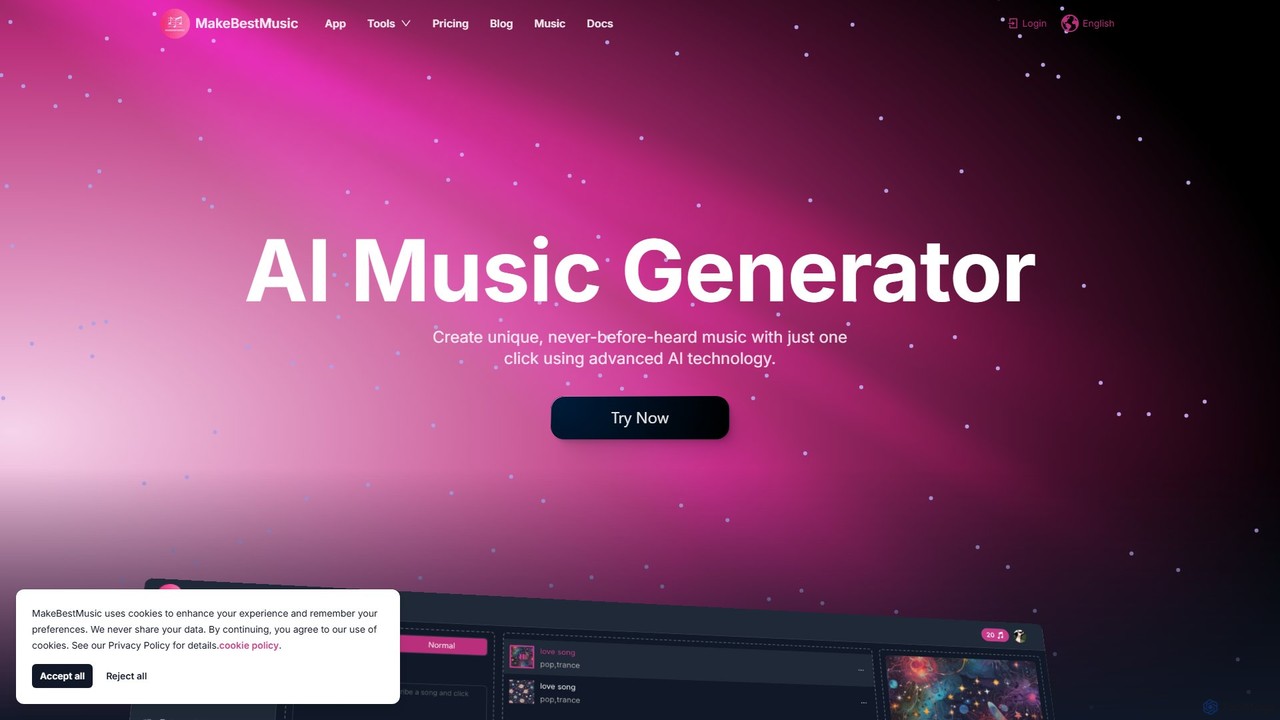
makebestmusic
makebestmusic is a powerful AI-driven music production suite that enables users to generate high-quality, royalty-free music from text prompts. It offers a comprehensive set of tools including text-to-music creation, vocal generation, advanced stem splitting, and AI-powered remixing. Designed for creators of all skill levels, from filmmakers and YouTubers to professional musicians, it democratizes music production by making it fast, accessible, and versatile.
Audio EditingMusicCreator Categories
MusicCreator Jobs
MusicCreator Embed Widget
Copy this embed code to place the badge on your blog, article, or product site and send readers directly to this ToolMage detail page.

Related AI tools
Freemusic
Freemusic is an AI-powered music creation suite that enables users to generate royalty-free music, write lyrics, separate audio stems, remove vocals, and master tracks. It's designed for content creators, developers, podcasters, and businesses to produce unique, commercially licensed audio effortlessly.
Audio EditingAisongcreator
Aisongcreator is a powerful AI music and lyrics generator that transforms text prompts into studio-quality, royalty-free songs. Create full tracks with vocals, background music, or catchy lyrics in seconds. No sign-up required to start, making it perfect for content creators, musicians, and marketers.
Music Generation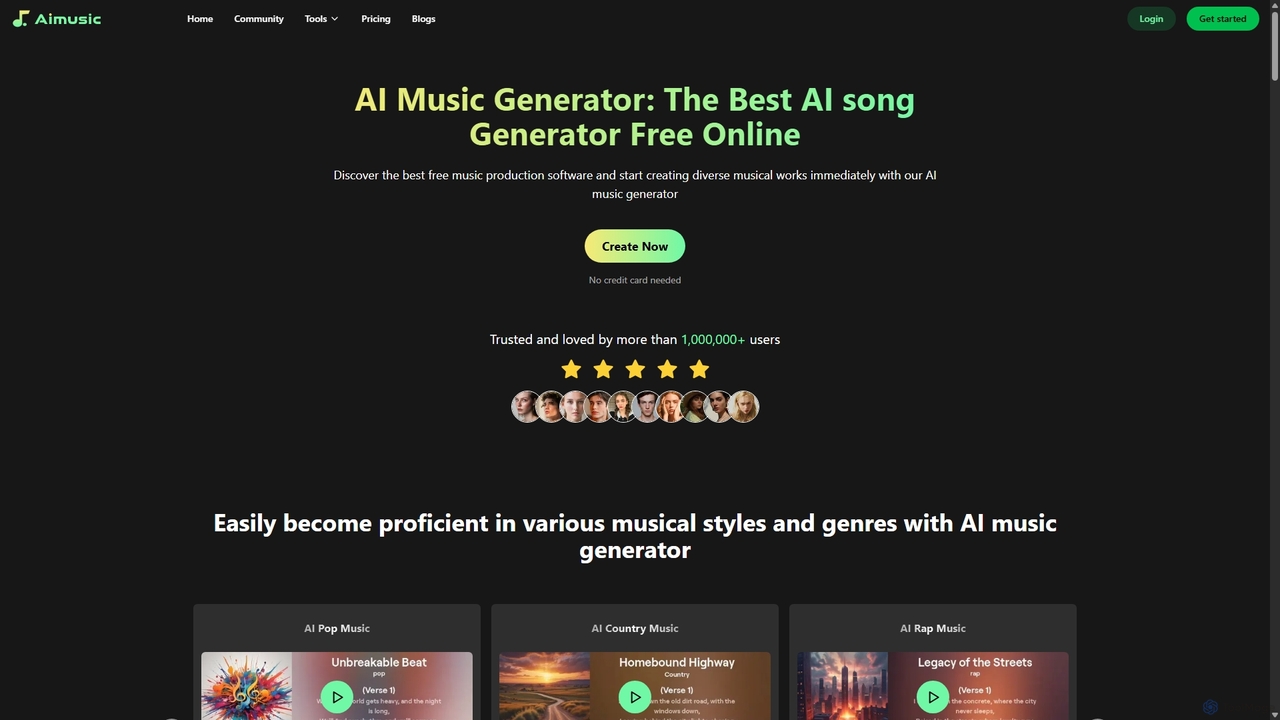
Aimusic
Aimusic is a powerful AI music generator that creates unique, high-quality songs, lyrics, and music videos from text, images, or samples. It supports a wide range of genres like Pop, Rock, and Rap, offering copyright-free music for content creators, musicians, developers, and marketers. The platform features an intuitive interface, advanced customization options, and a freemium model to get started instantly.
Music Generation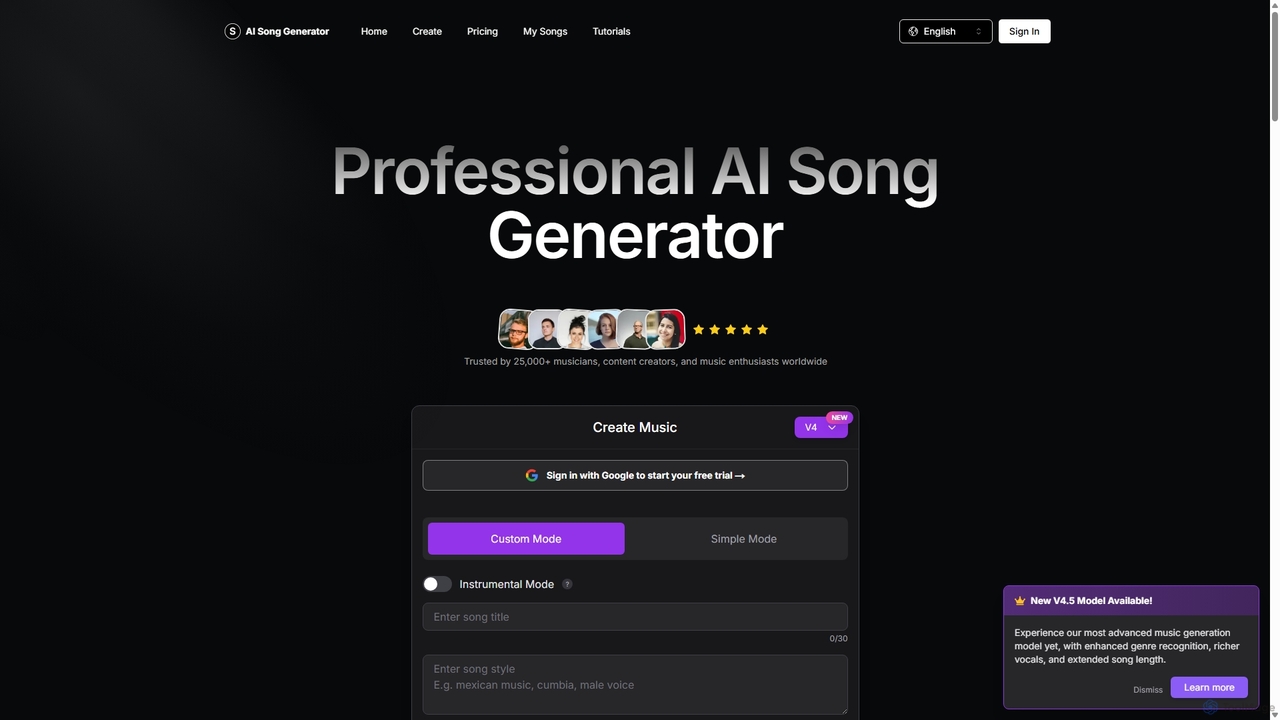
aisonggenerator
aisonggenerator is a powerful AI music creation tool that allows users to generate custom songs from text prompts. It offers both simple and advanced modes, supporting a vast range of genres and styles. Ideal for musicians, content creators, and hobbyists, it can produce high-quality, royalty-free music with or without vocals, requiring no prior musical experience.
Music Generation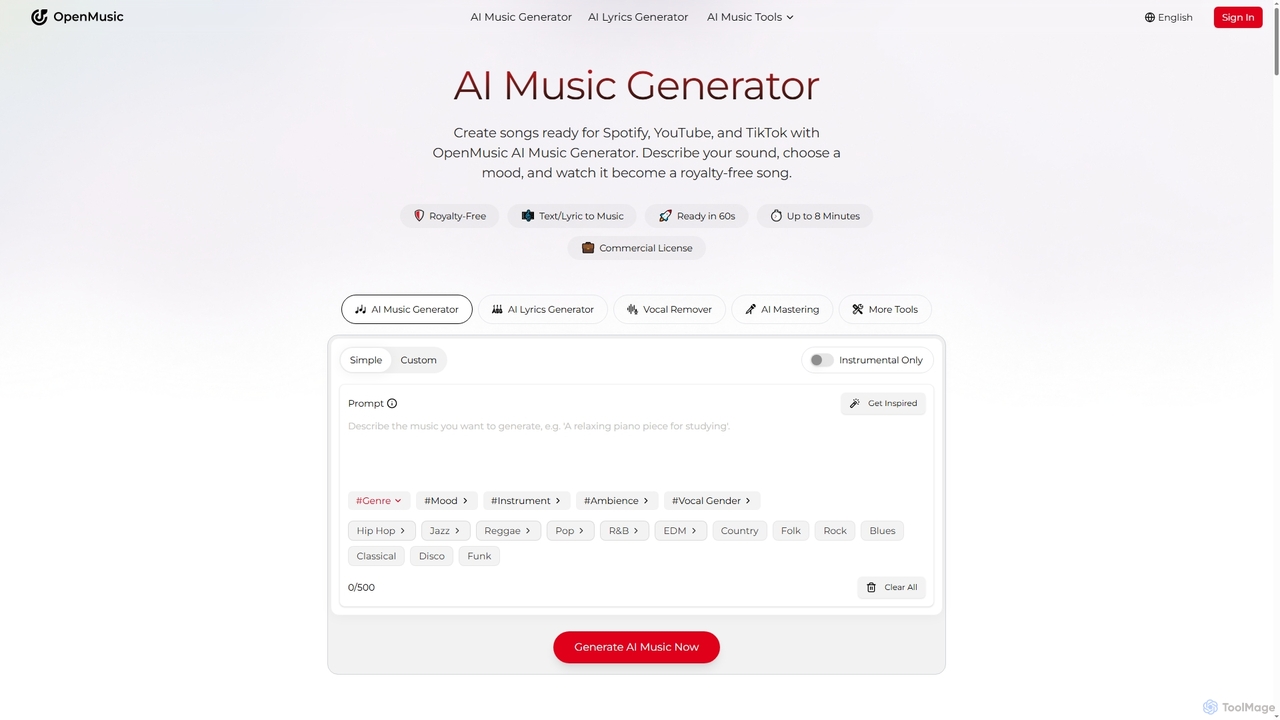
OpenMusic
OpenMusic is an advanced AI music generator and comprehensive toolkit designed for creators of all levels. It enables users to effortlessly create royalty-free, studio-quality music, lyrics, and instrumental tracks for commercial use. From generating full songs from text prompts to splitting stems and mastering audio, OpenMusic streamlines the entire music production workflow, making creativity accessible and monetizable.
Stem Separation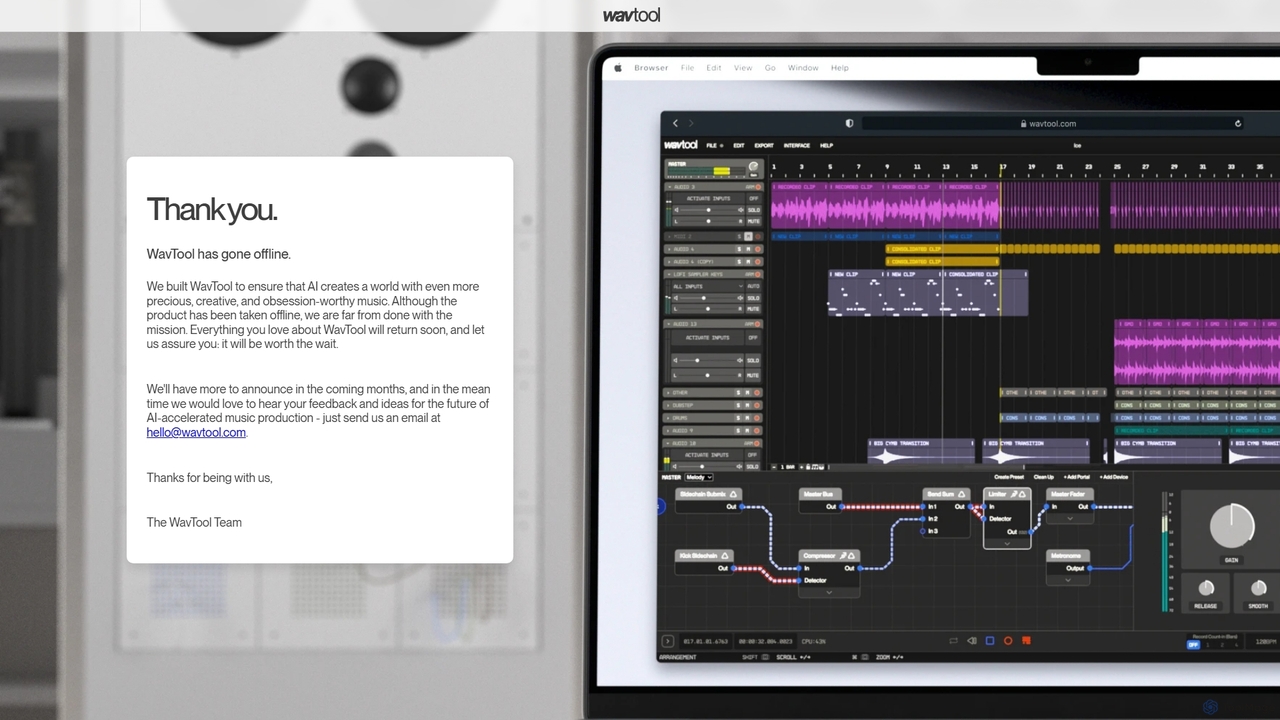
WavTool
WavTool is an innovative, AI-accelerated online digital audio workstation (DAW) designed to revolutionize music production. It combines a full-featured, in-browser DAW with powerful generative AI. Users can compose, record, edit, mix, and master music using natural language prompts and intelligent tools, making professional-grade music creation accessible to everyone from beginners to seasoned producers.
Music Production
Jyek
Jyek is an AI agent platform that understands objectives, creates execution plans, uses tools, and delivers verifiable results for complex, multi-step tasks.
Automation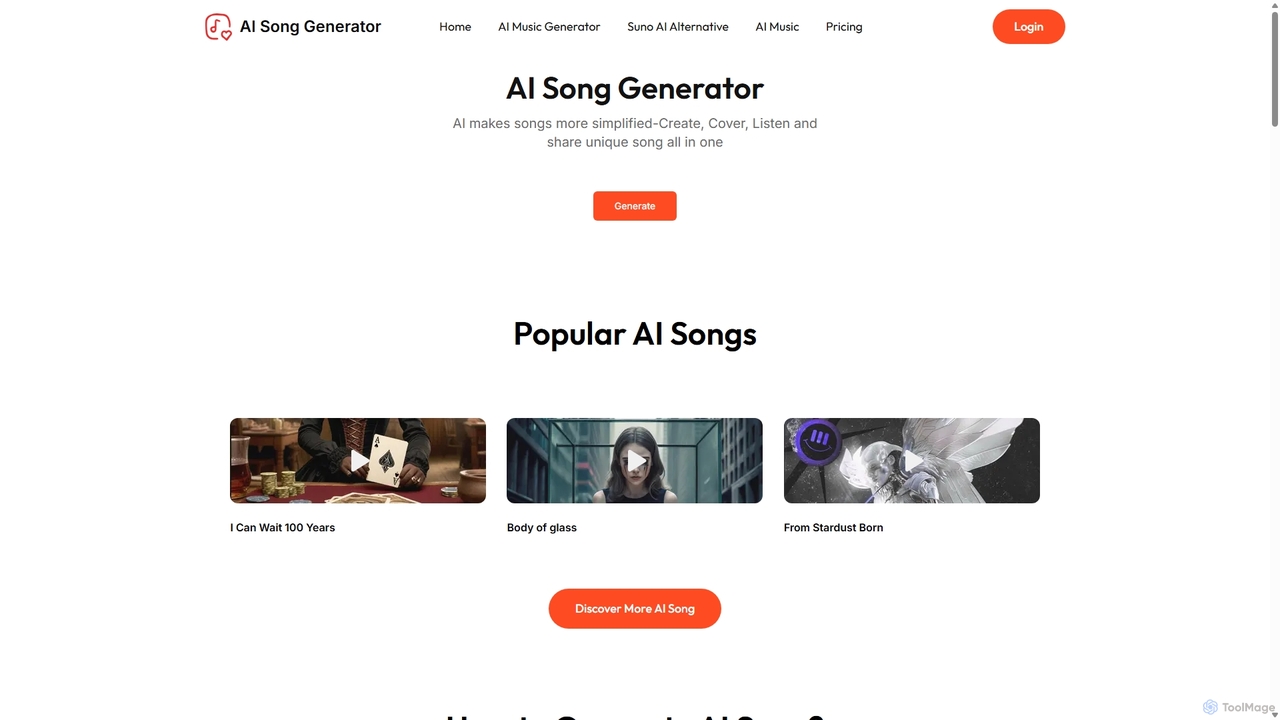
AI Song Generator
AI Song Generator is a powerful AI music creation platform that allows users to generate unique, royalty-free songs from text prompts. It offers features like lyrics generation, voice cloning with famous voices, and extensive customization of genre, mood, and instruments. It's designed for content creators, musicians, and developers as a user-friendly alternative to tools like Suno AI.
Music Generation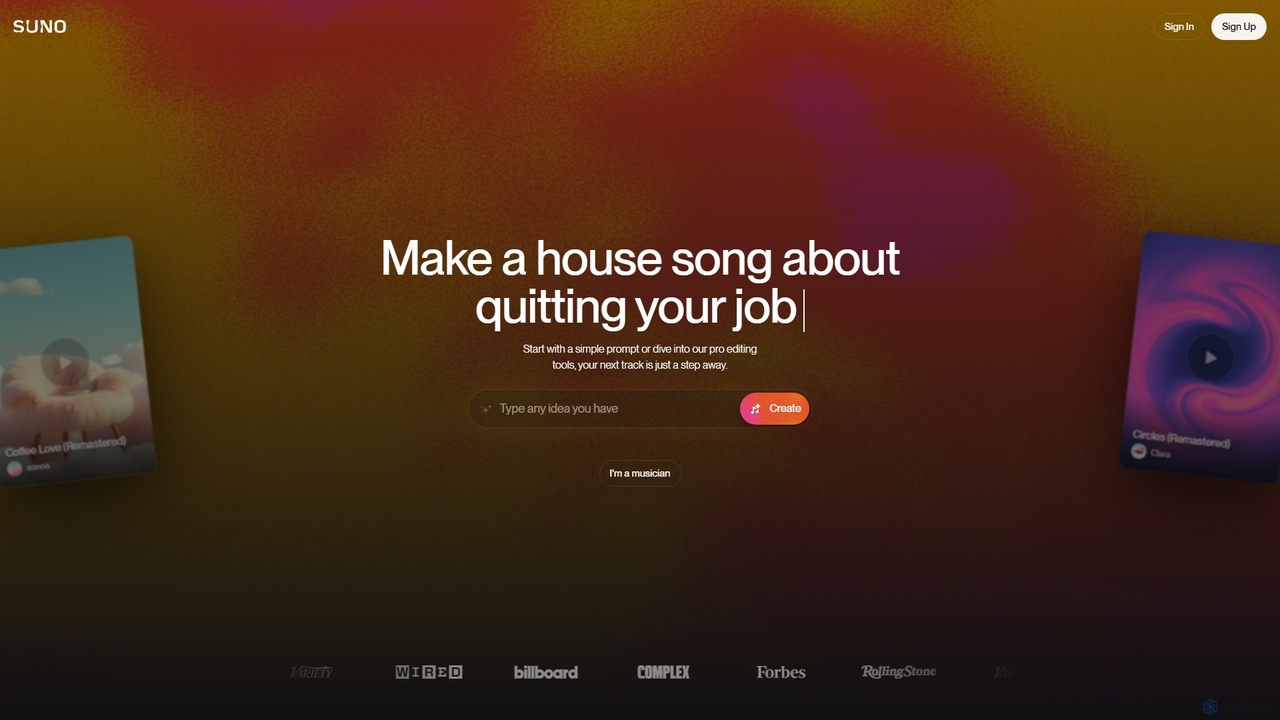
Suno
Suno is a revolutionary AI music generator that creates high-quality, full-length songs from simple text prompts. It empowers users, from beginners to professional musicians, to produce unique music with vocals, lyrics, and instruments across various genres in seconds.
Music Generation
Suno
Suno is a revolutionary AI music and song generation platform that creates complete songs—including lyrics, vocals, and instrumentation—from simple text prompts. It empowers both musicians and non-musicians to produce high-quality, original music in a wide variety of genres and styles effortlessly.
Music Generation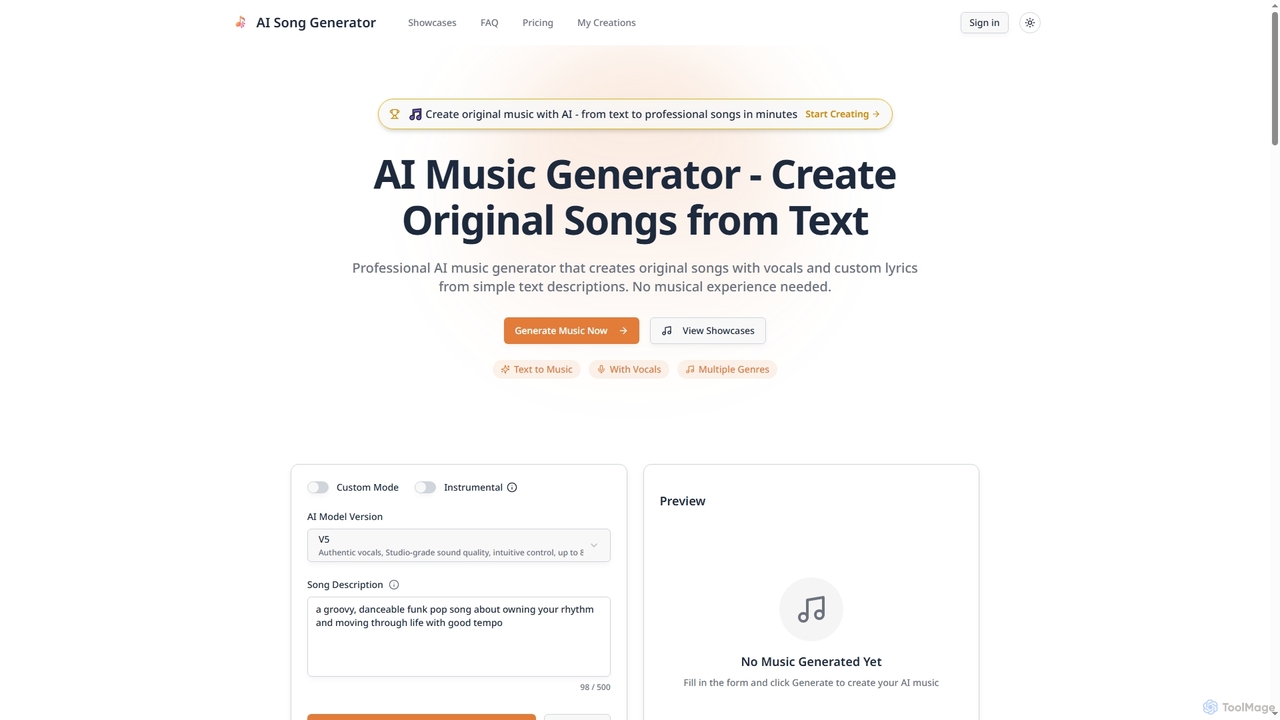
Songgeneratorai
Songgeneratorai is an AI-powered music generator that creates original, professional-quality songs from simple text descriptions. It supports multiple genres, custom lyrics, and both male and female AI vocals. No musical experience is required, and all generated music includes commercial usage rights.
Music Generation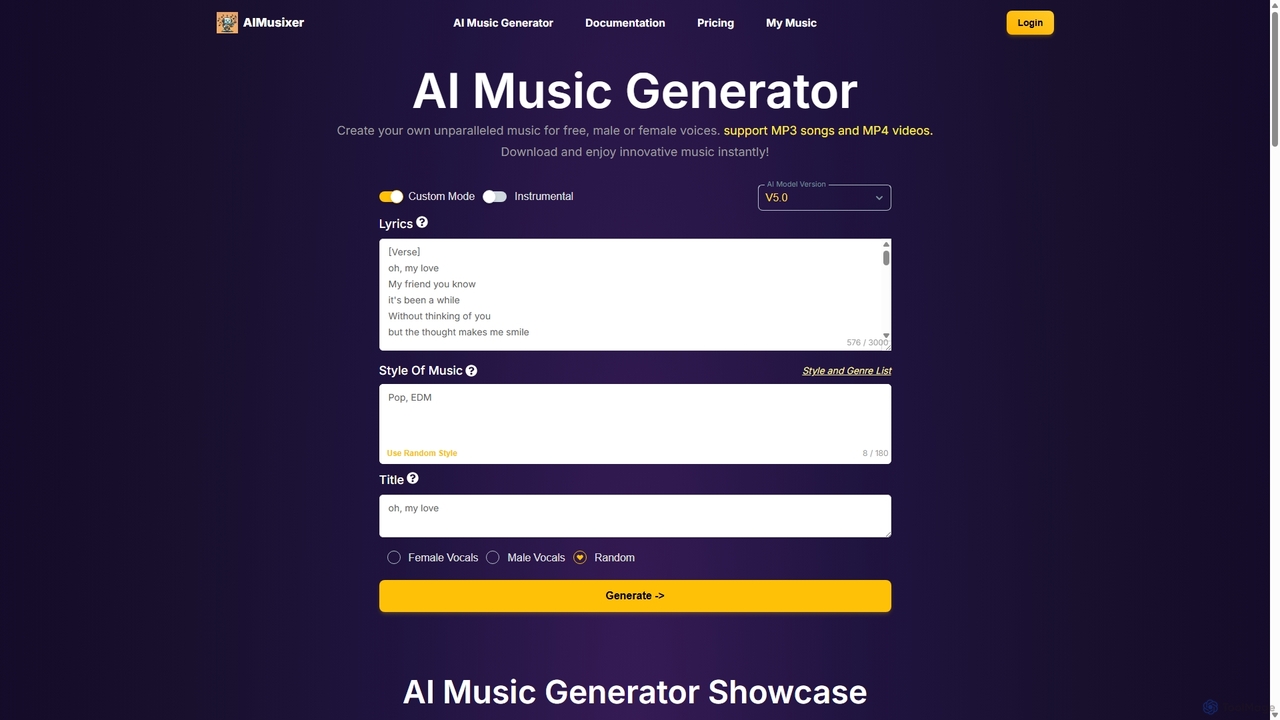
AIMusixer
AIMusixer is an AI-powered music generator that allows users to create unique songs from text prompts. By providing lyrics, a music style, and vocal preferences, anyone can generate complete songs with vocals and instrumentals. It supports various genres like Pop, EDM, and Rap, and offers downloads in both MP3 and MP4 formats, making music creation accessible to everyone from beginners to professional artists.
Music GenerationAI Song Maker
AI Song Maker is a powerful AI music generation platform that allows users to create unique, royalty-free songs from text or lyrics in seconds. It offers a comprehensive suite of tools, including an AI lyrics generator, a vocal remover for creating karaoke or acapella tracks, and music editing features like extending or replacing sections. It's designed for creators of all skill levels, from social media influencers and musicians to marketers and educators, providing a fast, easy, and cost-effective solution for high-quality music production.
Audio Editingmakebestmusic
makebestmusic is a powerful AI-driven music production suite that enables users to generate high-quality, royalty-free music from text prompts. It offers a comprehensive set of tools including text-to-music creation, vocal generation, advanced stem splitting, and AI-powered remixing. Designed for creators of all skill levels, from filmmakers and YouTubers to professional musicians, it democratizes music production by making it fast, accessible, and versatile.
Audio EditingTwoshot
Twoshot is an AI-powered music production platform designed to inspire and accelerate the creative process for music producers. It features an AI Coproducer for generating custom samples from text, a vast library of over 200,000 sounds, powerful remixing tools, and an integrated web-based studio to bring musical ideas to life instantly.
Audio Editing
MusicCreator Comments (0)
Sign in to comment.
Sign inNo comments yet.