

Suno Overview
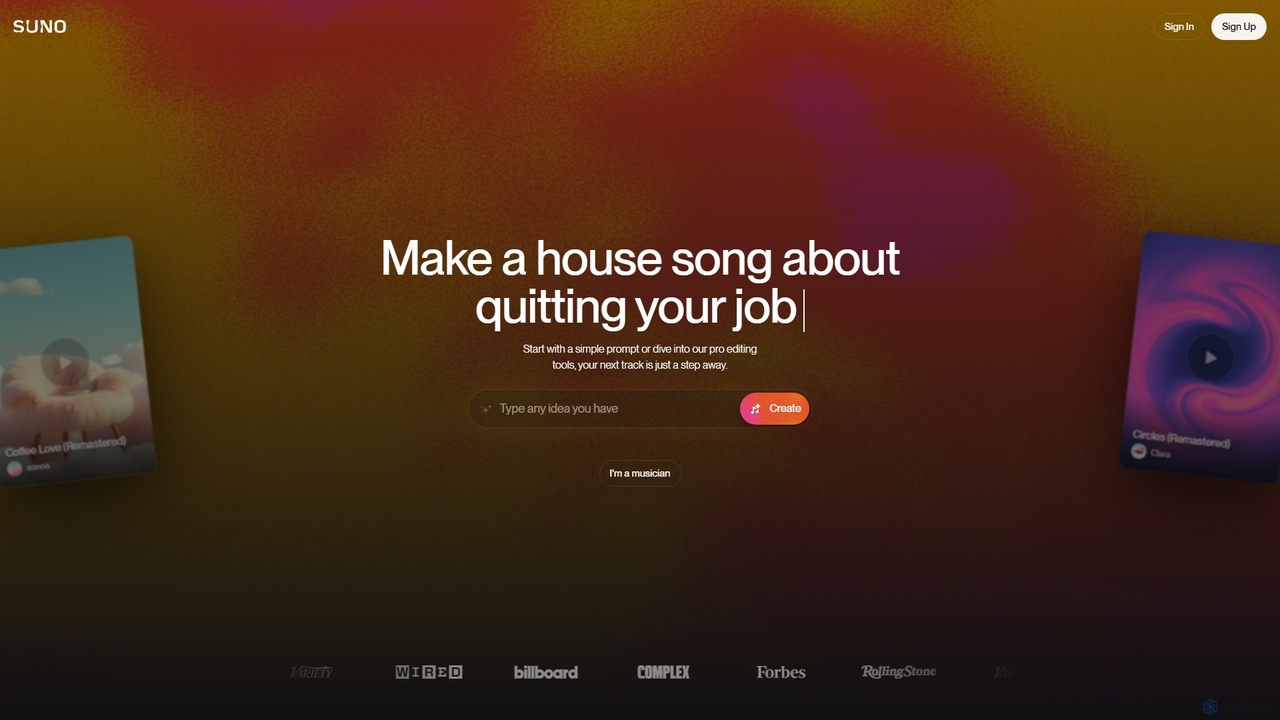
Suno is a pioneering AI-powered music creation tool designed to make music generation accessible to everyone, regardless of their musical background. By simply inputting a text prompt describing a theme, genre, or mood, users can generate complete, radio-quality songs in seconds. The platform's advanced AI model, named Chirp, handles everything from composing melodies and writing lyrics to producing vocals and instrumental backing, offering a seamless and intuitive creative experience.
The platform is built on the idea that creativity should not be limited by technical skill. Whether you're a professional musician looking for a spark of inspiration, a content creator needing unique royalty-free music for your videos, or just someone who wants to have fun creating a song for a special occasion, Suno provides the tools to bring your musical ideas to life. Its ability to understand nuanced prompts and generate coherent, emotionally resonant music sets it apart in the field of generative AI.
How to use Suno
Using Suno is incredibly straightforward, allowing you to create music in just a few simple steps:
- Sign Up/Log In: Visit the Suno website and create a free account using your Google, Discord, or Microsoft credentials.
- Describe Your Song: In the creation dashboard, you'll find a text box. Type a description of the song you want to create. Be as specific or as general as you like. For example, 'A soulful pop song about a rainy day in Paris' or '80s synthwave track for a late-night drive'.
- Use Custom Mode (Optional): For more control, switch to 'Custom Mode'. Here, you can write your own lyrics, specify the genre or style of music, and give the song a title. You can even use tags like [Verse], [Chorus], and [Guitar Solo] to structure your song.
- Generate: Click the 'Create' button. Suno's AI will process your prompt and generate two unique song clips based on your input. This usually takes less than a minute.
- Listen and Refine: Listen to the generated options. You can choose your favorite, share it, download it, or use the 'Continue From This Song' feature to extend it and build a full-length track. You can continue adding sections until you have a complete song.
Core Features of Suno
- Text-to-Song Generation: The primary feature that turns simple text descriptions into full-fledged songs with vocals and instruments.
- Custom Lyric Input: Offers a 'Custom Mode' where users can provide their own lyrics for the AI to set to music.
- Diverse Genre and Style Support: Capable of generating music across a vast spectrum of genres, including pop, rock, hip-hop, electronic, jazz, classical, and more.
- Multi-language Vocal Generation: Can create songs with vocals in various languages, including English, Spanish, French, Chinese, Japanese, and others.
- Instrumental Mode: Allows users to create purely instrumental tracks by leaving the lyrics field blank or specifying an instrumental style.
- Song Structure Control: Users can guide the song's structure using tags like [Verse], [Chorus], [Bridge], [Intro], and [Outro] in their lyrics.
- Song Extension and Remixing: Easily extend a generated clip to create a longer song or remix a track to explore different variations.
- High-Quality Audio Output: Produces music at a high fidelity, suitable for both personal listening and use in professional projects.
Use Cases for Suno
Suno's versatility makes it valuable for a wide range of users:
- Musicians and Songwriters: To quickly prototype song ideas, overcome writer's block, or create backing tracks for practice.
- Content Creators: For generating unique, royalty-free background music for YouTube videos, podcasts, streams, and social media content.
- Marketers and Advertisers: To create custom jingles and soundtracks for marketing campaigns and commercials at a fraction of the traditional cost.
- Game Developers: For producing dynamic and adaptive soundtracks for video games.
- Educators and Students: As a tool for teaching music theory, composition, and creative expression in an engaging way.
- Hobbyists and Enthusiasts: For anyone who wants to have fun creating personalized songs for birthdays, anniversaries, or just for the joy of making music.
Advantages of Suno
Suno stands out due to several key advantages:
- Accessibility: It democratizes music creation, making it possible for anyone to produce a song without needing expensive equipment or years of training.
- Speed and Efficiency: Generates high-quality music in seconds, dramatically speeding up the creative workflow for professionals.
- Creative Freedom: Offers nearly limitless possibilities for musical experimentation, allowing users to blend genres and styles in novel ways.
- Cost-Effectiveness: Provides a free tier for casual use and affordable subscription plans for professionals, offering a great alternative to stock music licensing or hiring composers.
- High-Quality Vocals: Unlike many other AI music tools, Suno excels at generating realistic and emotive human-like vocals, which is a significant differentiator.
Pricing and Plans
Suno operates on a freemium model, offering different tiers to suit various needs:
- Free Plan: Users receive a set number of daily credits (e.g., 50 credits, which equals 10 song generations) to create music. Songs created on this plan are for non-commercial use only.
- Pro Plan: A paid monthly subscription that provides a larger allocation of credits (e.g., 2,500 credits / 500 songs per month), priority generation queue, and general commercial use rights for the music created.
- Premier Plan: A higher-tier subscription for heavy users and professionals, offering a substantial number of credits (e.g., 10,000 credits / 2,000 songs per month), along with all the benefits of the Pro plan.
(Note: Specific credit amounts and pricing are subject to change. Please visit the official Suno website for the most current information.)
Suno Alternatives
Suno
Suno is a revolutionary AI music generator that creates high-quality, full-length songs from simple text prompts. It empowers users, from beginners to professional musicians, to produce unique music with vocals, lyrics, and instruments across various genres in seconds.
Music Generation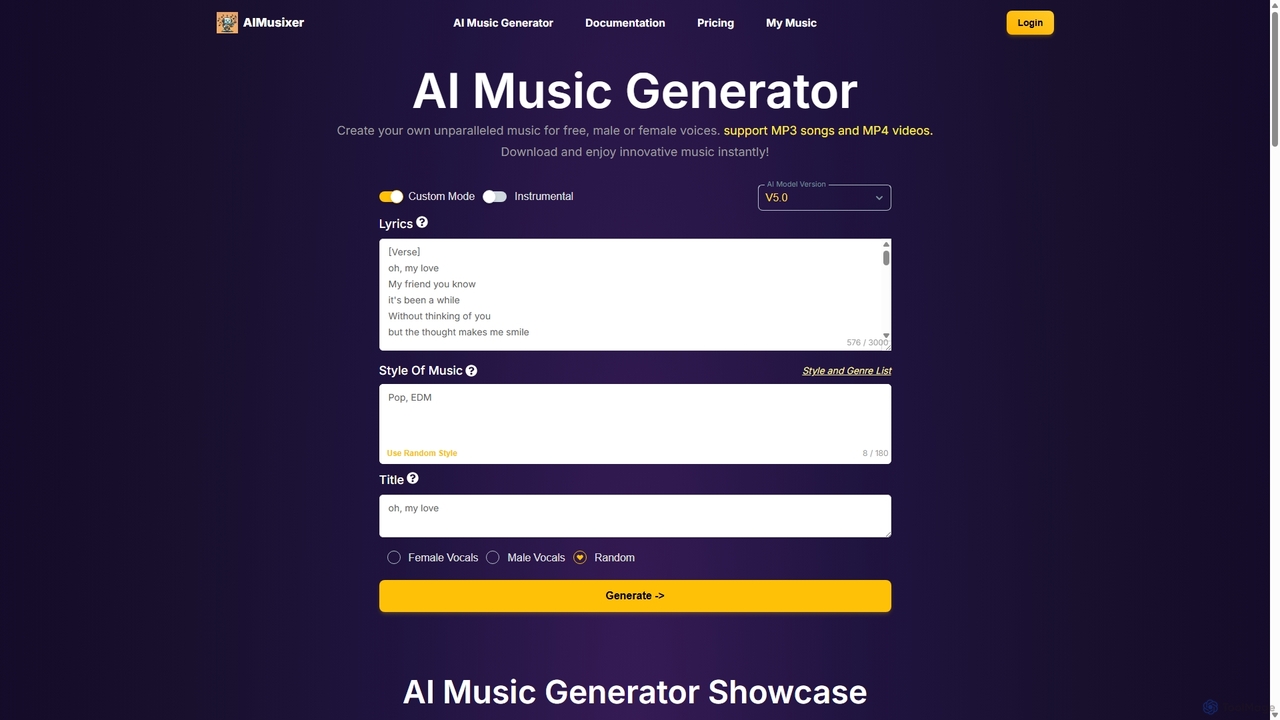
AIMusixer
AIMusixer is an AI-powered music generator that allows users to create unique songs from text prompts. By providing lyrics, a music style, and vocal preferences, anyone can generate complete songs with vocals and instrumentals. It supports various genres like Pop, EDM, and Rap, and offers downloads in both MP3 and MP4 formats, making music creation accessible to everyone from beginners to professional artists.
Music Generation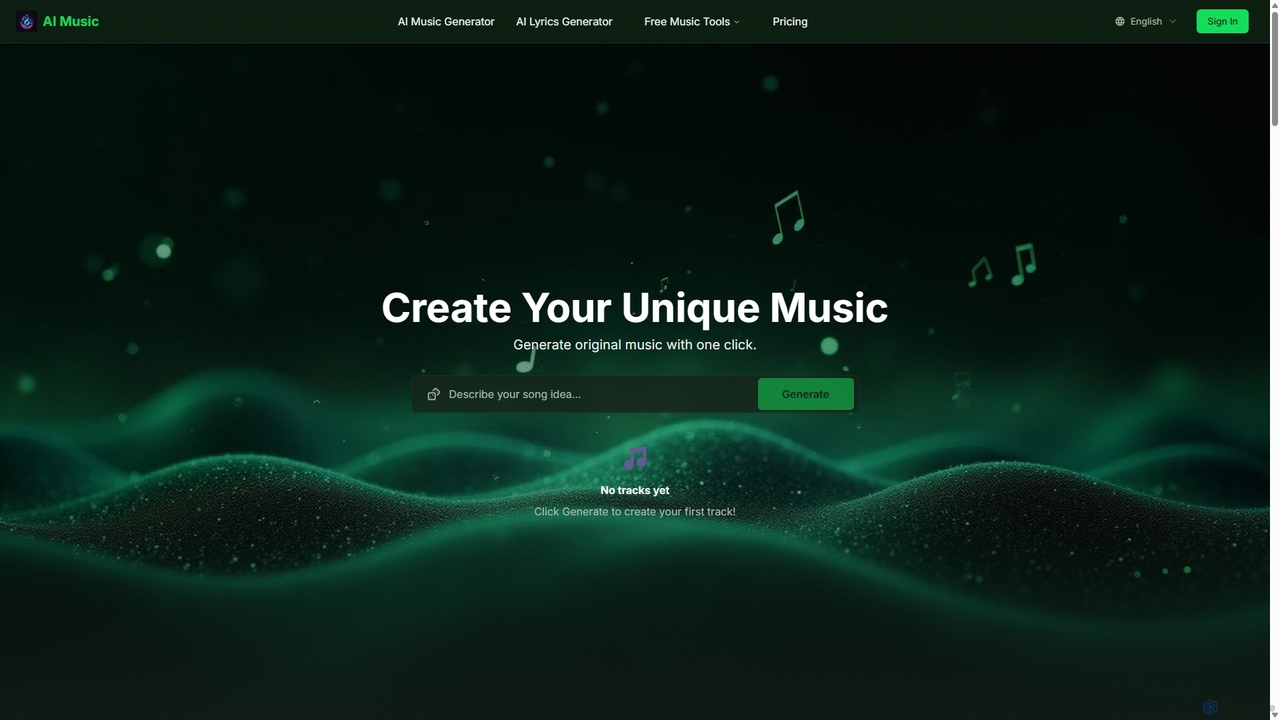
Aisongcreator
Aisongcreator is a powerful AI music and lyrics generator that transforms text prompts into studio-quality, royalty-free songs. Create full tracks with vocals, background music, or catchy lyrics in seconds. No sign-up required to start, making it perfect for content creators, musicians, and marketers.
Music Generation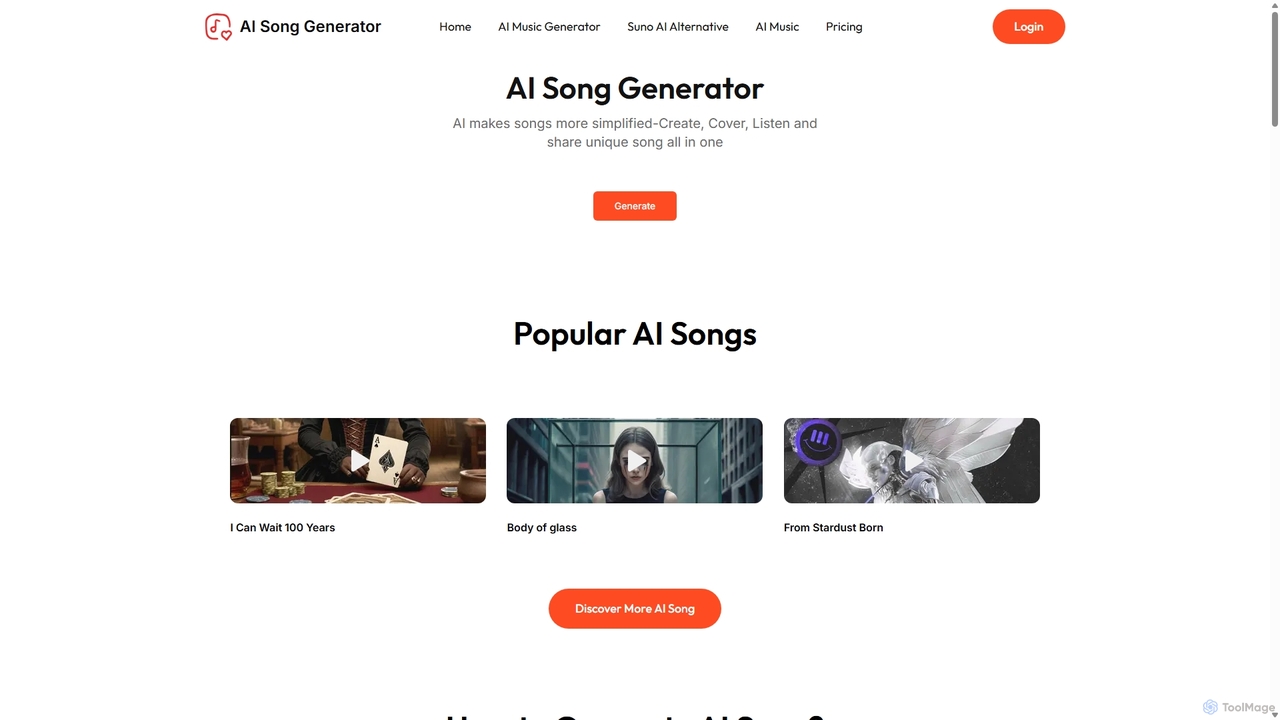
AI Song Generator
AI Song Generator is a powerful AI music creation platform that allows users to generate unique, royalty-free songs from text prompts. It offers features like lyrics generation, voice cloning with famous voices, and extensive customization of genre, mood, and instruments. It's designed for content creators, musicians, and developers as a user-friendly alternative to tools like Suno AI.
Music Generation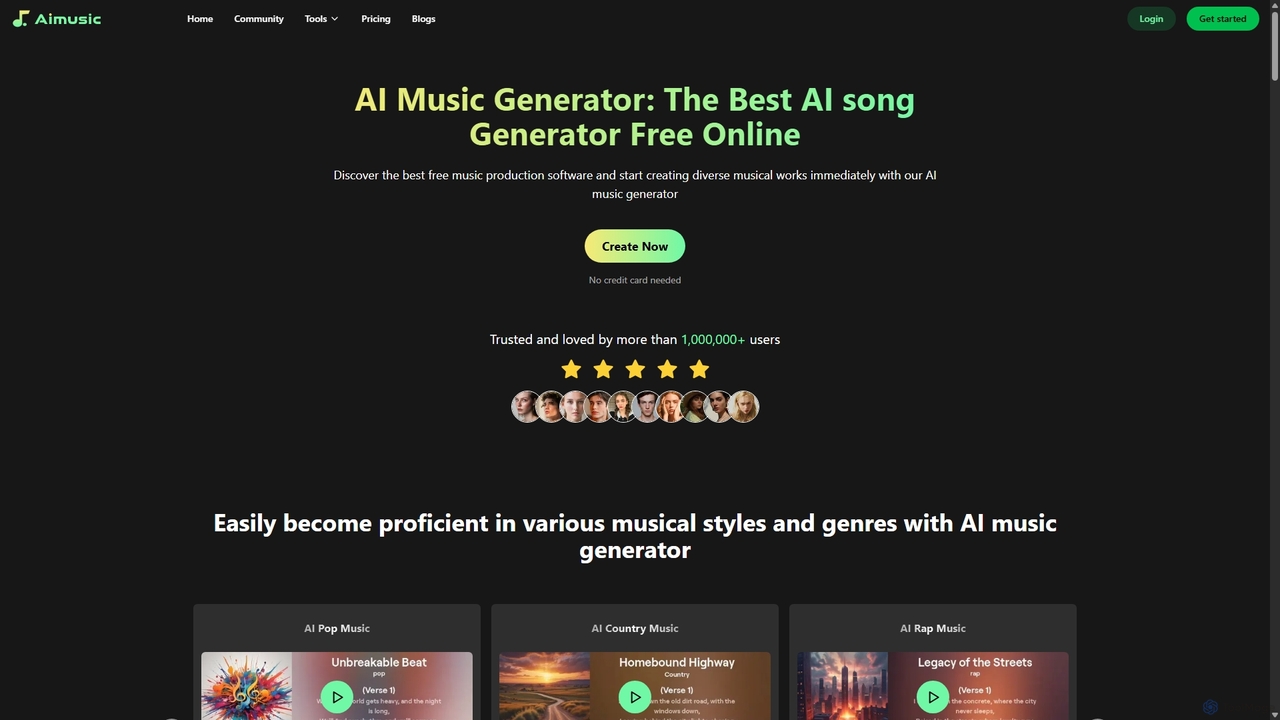
Aimusic
Aimusic is a powerful AI music generator that creates unique, high-quality songs, lyrics, and music videos from text, images, or samples. It supports a wide range of genres like Pop, Rock, and Rap, offering copyright-free music for content creators, musicians, developers, and marketers. The platform features an intuitive interface, advanced customization options, and a freemium model to get started instantly.
Music GenerationSuno Categories
Suno Jobs
Suno Embed Widget
Copy this embed code to place the badge on your blog, article, or product site and send readers directly to this ToolMage detail page.

Related AI tools
Suno
Suno is a revolutionary AI music generator that creates high-quality, full-length songs from simple text prompts. It empowers users, from beginners to professional musicians, to produce unique music with vocals, lyrics, and instruments across various genres in seconds.
Music GenerationAisongcreator
Aisongcreator is a powerful AI music and lyrics generator that transforms text prompts into studio-quality, royalty-free songs. Create full tracks with vocals, background music, or catchy lyrics in seconds. No sign-up required to start, making it perfect for content creators, musicians, and marketers.
Music GenerationAI Song Generator
AI Song Generator is a powerful AI music creation platform that allows users to generate unique, royalty-free songs from text prompts. It offers features like lyrics generation, voice cloning with famous voices, and extensive customization of genre, mood, and instruments. It's designed for content creators, musicians, and developers as a user-friendly alternative to tools like Suno AI.
Music Generation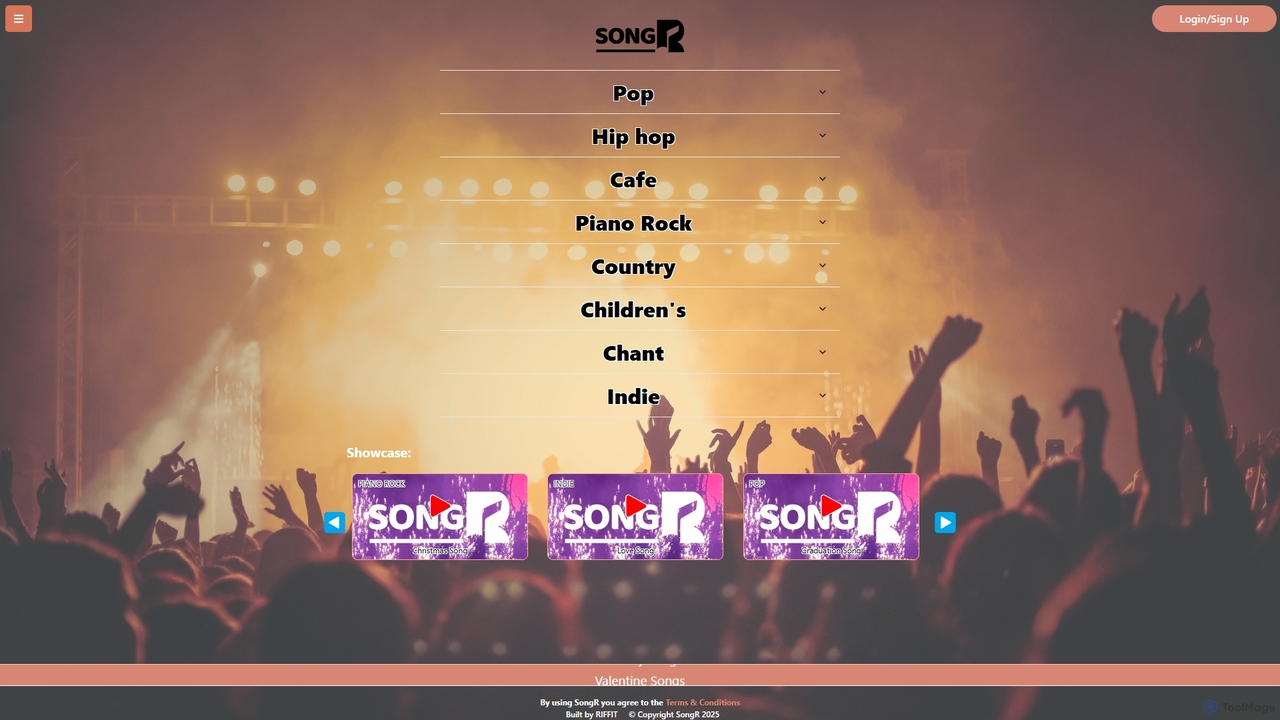
SongR
songR is an AI-powered music generator that creates original songs in seconds. Simply provide a prompt, your own lyrics, or even an image, and choose from a wide variety of genres like Pop, Hip Hop, and Country to generate unique music complete with vocals for any occasion.
Music Generation
Melodyrics
Melodyrics is an AI-powered music generator that enables users to create unique, royalty-free melodies and songs in seconds. It offers a simple three-step process: customize lyrics and mood, fine-tune details like genre and tempo, and generate. Designed for both musicians and non-musicians, it provides a high degree of creative control without requiring any prior musical knowledge.
Generative AudioAimusic
Aimusic is a powerful AI music generator that creates unique, high-quality songs, lyrics, and music videos from text, images, or samples. It supports a wide range of genres like Pop, Rock, and Rap, offering copyright-free music for content creators, musicians, developers, and marketers. The platform features an intuitive interface, advanced customization options, and a freemium model to get started instantly.
Music Generation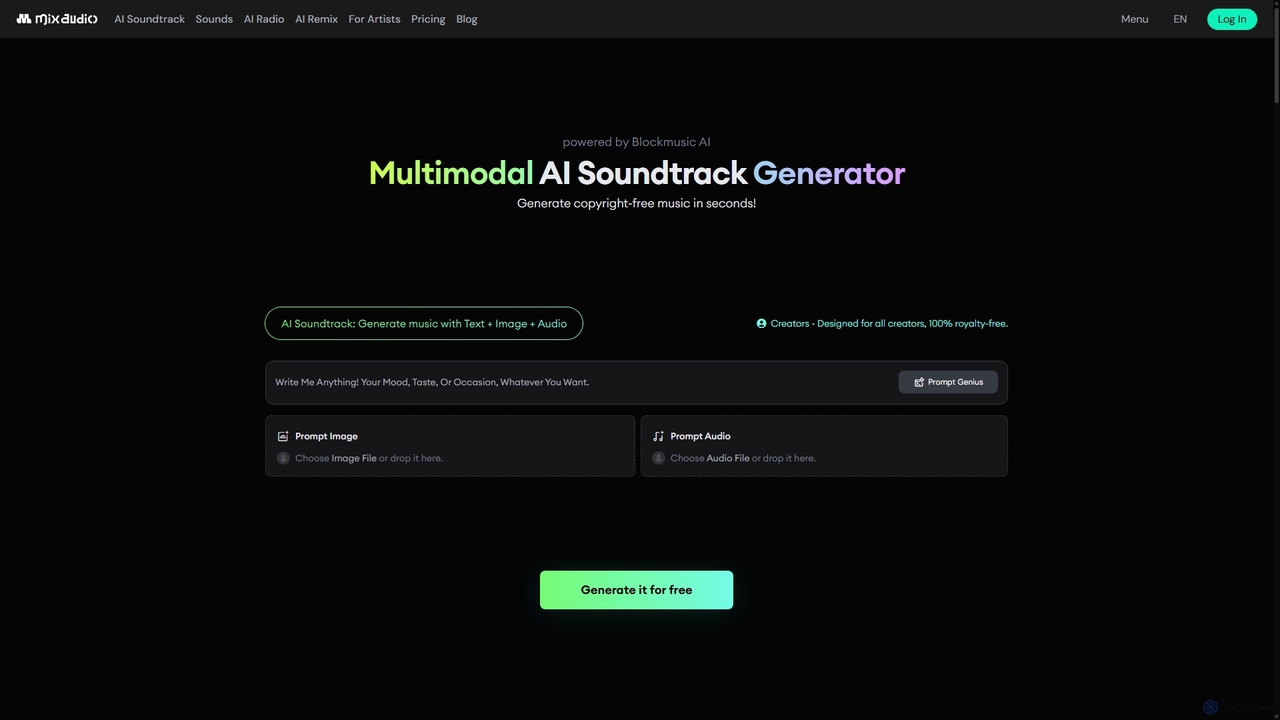
MixAudio
MixAudio is a multimodal AI music generator that creates unique, royalty-free soundtracks in seconds. Designed for creators, it uses text, images, and reference audio to produce custom music. Features include AI Remix, 24/7 AI Radio, and an advanced studio for stem-level editing.
Music Generation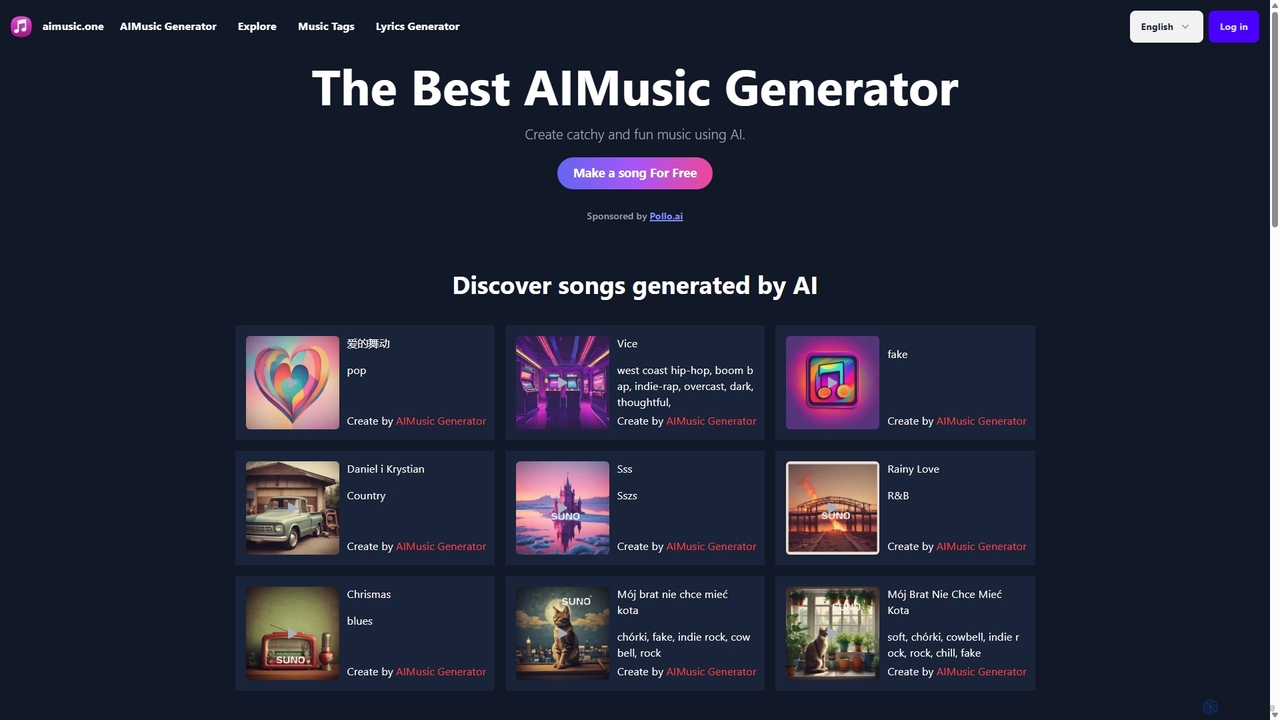
Aimusic
Aimusic is an AI-powered music and lyrics generator that allows users to create original songs and instrumental tracks from simple text prompts. It supports a vast range of genres and styles, offering a user-friendly platform for content creators, musicians, and hobbyists to produce unique, royalty-free music effortlessly. Features include customizable instruments, a dedicated lyrics generator, and social sharing.
Music Generation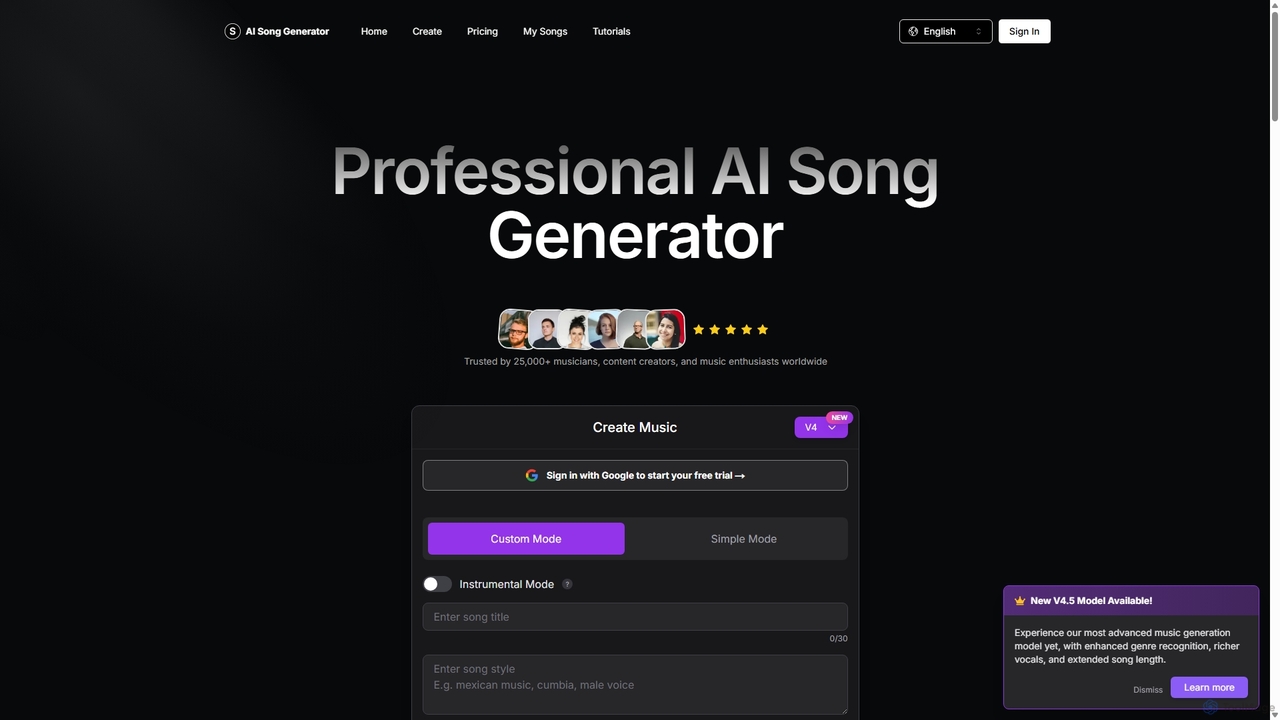
aisonggenerator
aisonggenerator is a powerful AI music creation tool that allows users to generate custom songs from text prompts. It offers both simple and advanced modes, supporting a vast range of genres and styles. Ideal for musicians, content creators, and hobbyists, it can produce high-quality, royalty-free music with or without vocals, requiring no prior musical experience.
Music Generation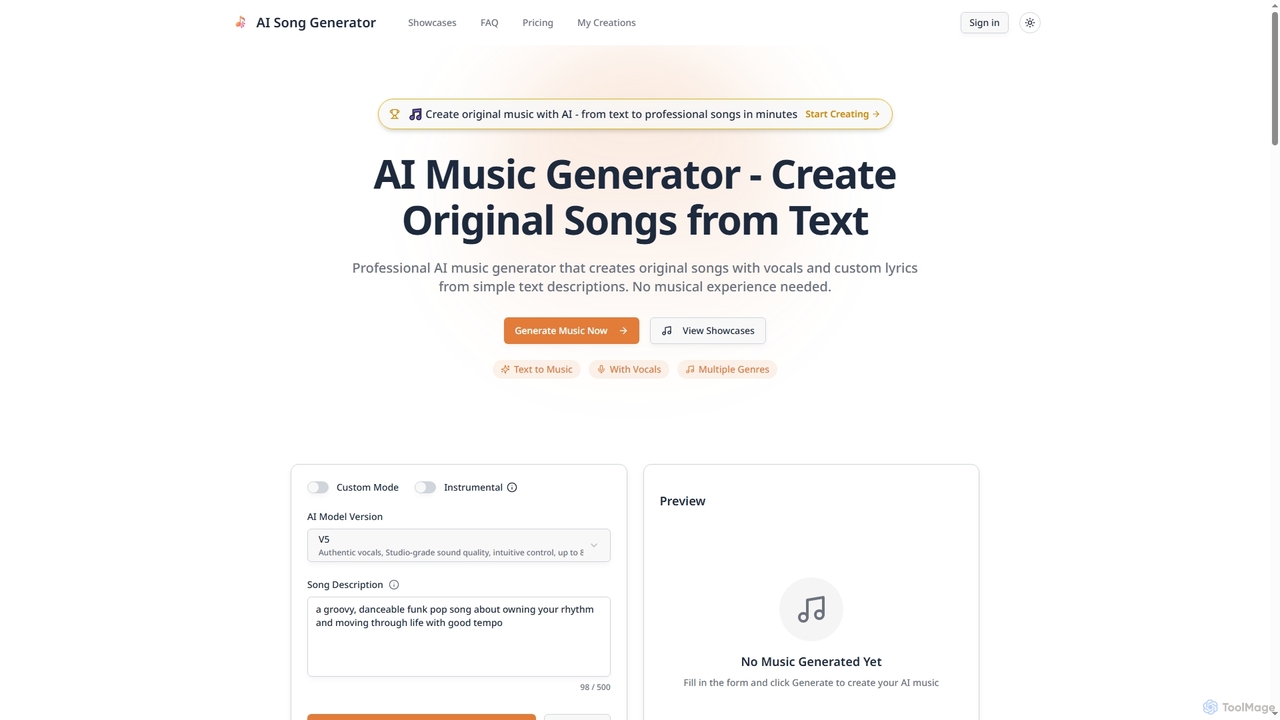
Songgeneratorai
Songgeneratorai is an AI-powered music generator that creates original, professional-quality songs from simple text descriptions. It supports multiple genres, custom lyrics, and both male and female AI vocals. No musical experience is required, and all generated music includes commercial usage rights.
Music GenerationAIMusixer
AIMusixer is an AI-powered music generator that allows users to create unique songs from text prompts. By providing lyrics, a music style, and vocal preferences, anyone can generate complete songs with vocals and instrumentals. It supports various genres like Pop, EDM, and Rap, and offers downloads in both MP3 and MP4 formats, making music creation accessible to everyone from beginners to professional artists.
Music Generation
Freemusic
Freemusic is an AI-powered music creation suite that enables users to generate royalty-free music, write lyrics, separate audio stems, remove vocals, and master tracks. It's designed for content creators, developers, podcasters, and businesses to produce unique, commercially licensed audio effortlessly.
Audio Editing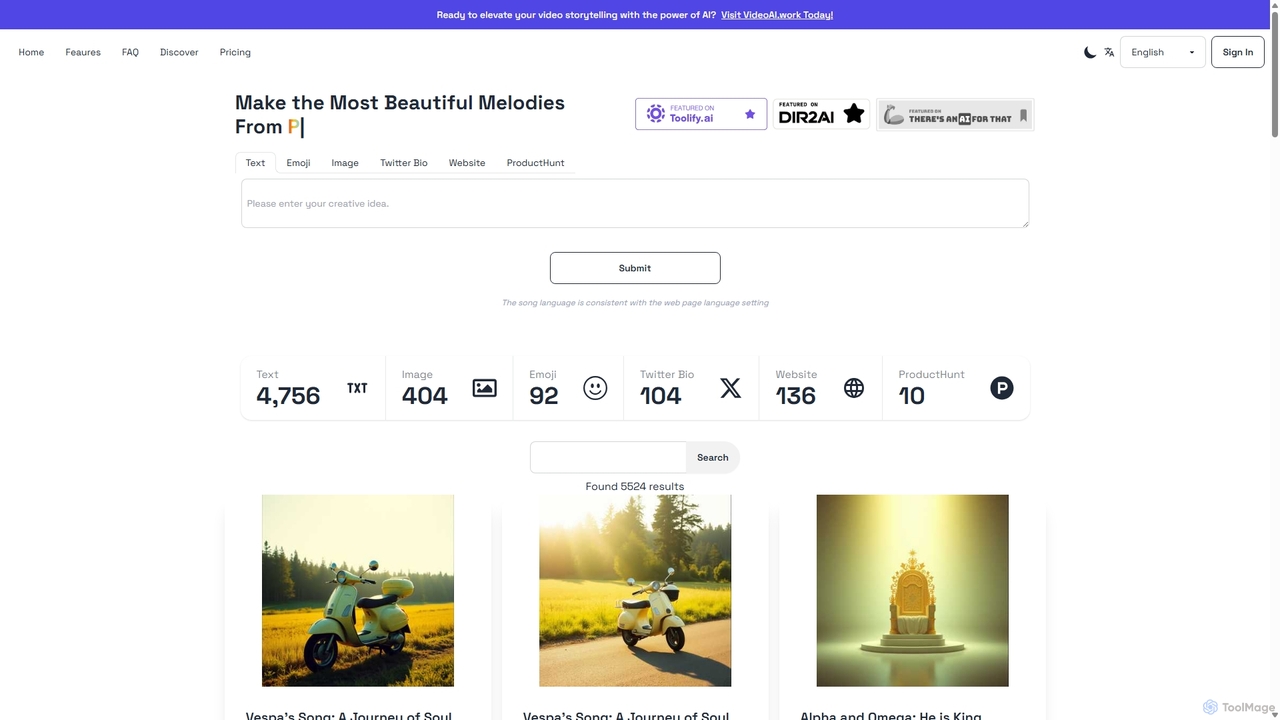
Sunoify
Sunoify is an innovative AI music composer that transforms your text, images, and emotions into unique, high-quality songs. Simply provide an input like a photo or a thought, and Sunoify's advanced AI generates a personalized melody tailored to your preferences. It's designed for everyone, requiring no musical experience to create beautiful music.
Music Generation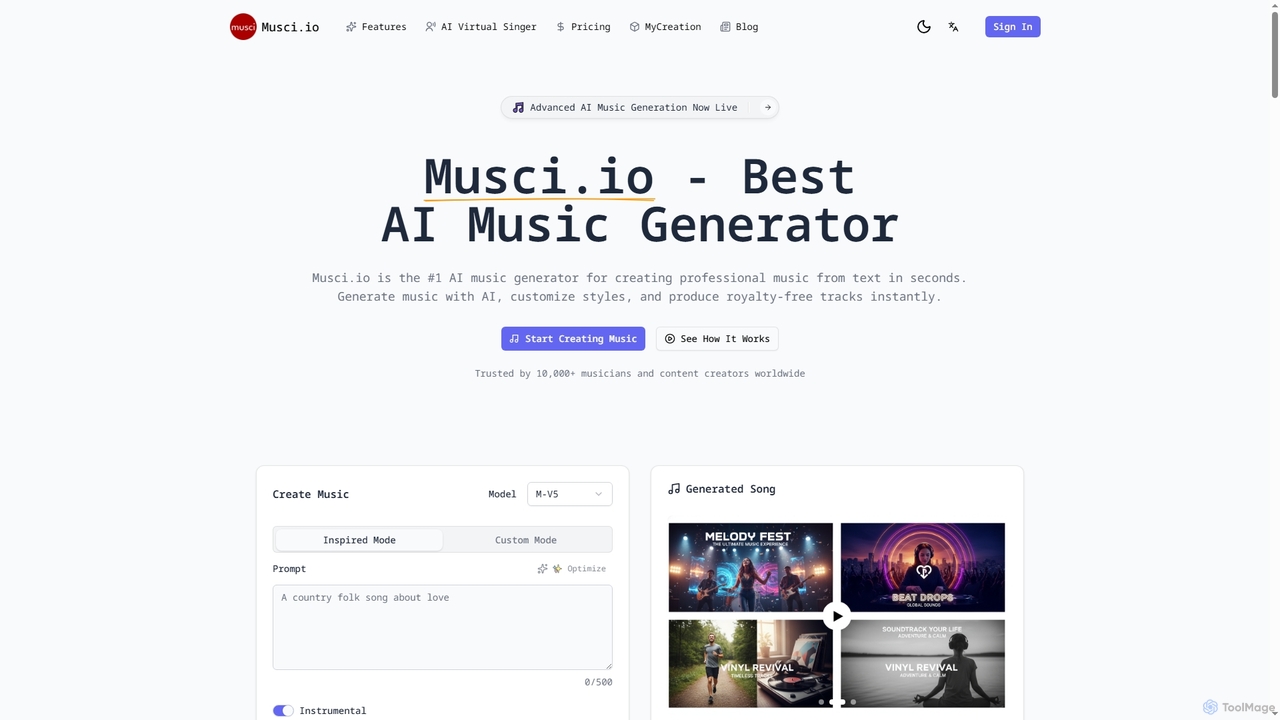
Musci
Musci is an advanced AI music generator that allows users to create professional, royalty-free music from text prompts in seconds. It offers over 100 genres, customizable moods, and high-quality audio exports, alongside an AI Virtual Singer for creating lip-synced singing videos from audio and photos.
Sound Design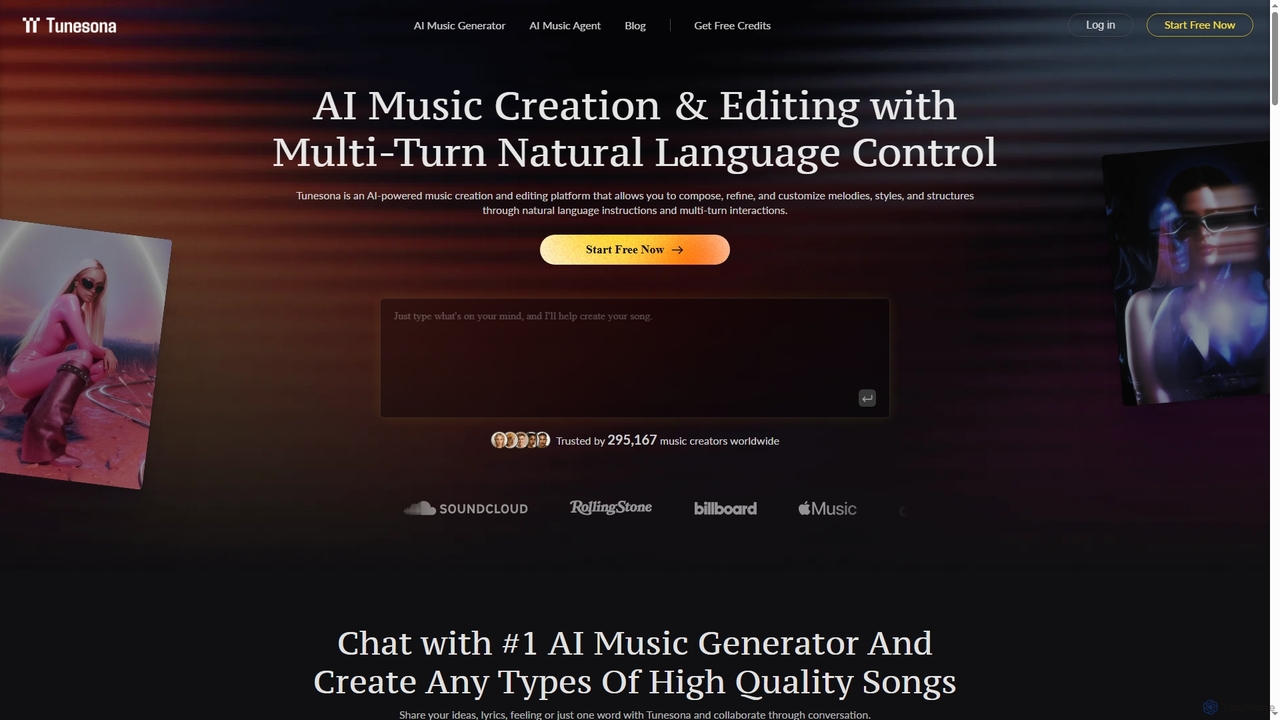
Tunesona
Tunesona is a conversational AI Music Agent that allows users to create, edit, and refine original, royalty-free songs through natural language chat. It supports over 400 genres and styles, requiring no technical music skills to produce high-quality tracks for commercial use.
Music Generation
Suno Comments (0)
Sign in to comment.
Sign inNo comments yet.