ToolMage
Sign in

Best 12 Video AI tools for Content Creation

Popular Video AI tools in Content Creation include fish.audio, TTSMaker, MusicCreator, FakeYou, CoeFont, Supertone, Voicechanger.im, SteosVoice, Dabing AI Voice Changer, and aivoicecloning, helping you work more efficiently.

StoryCut
Freemium

StoryCut

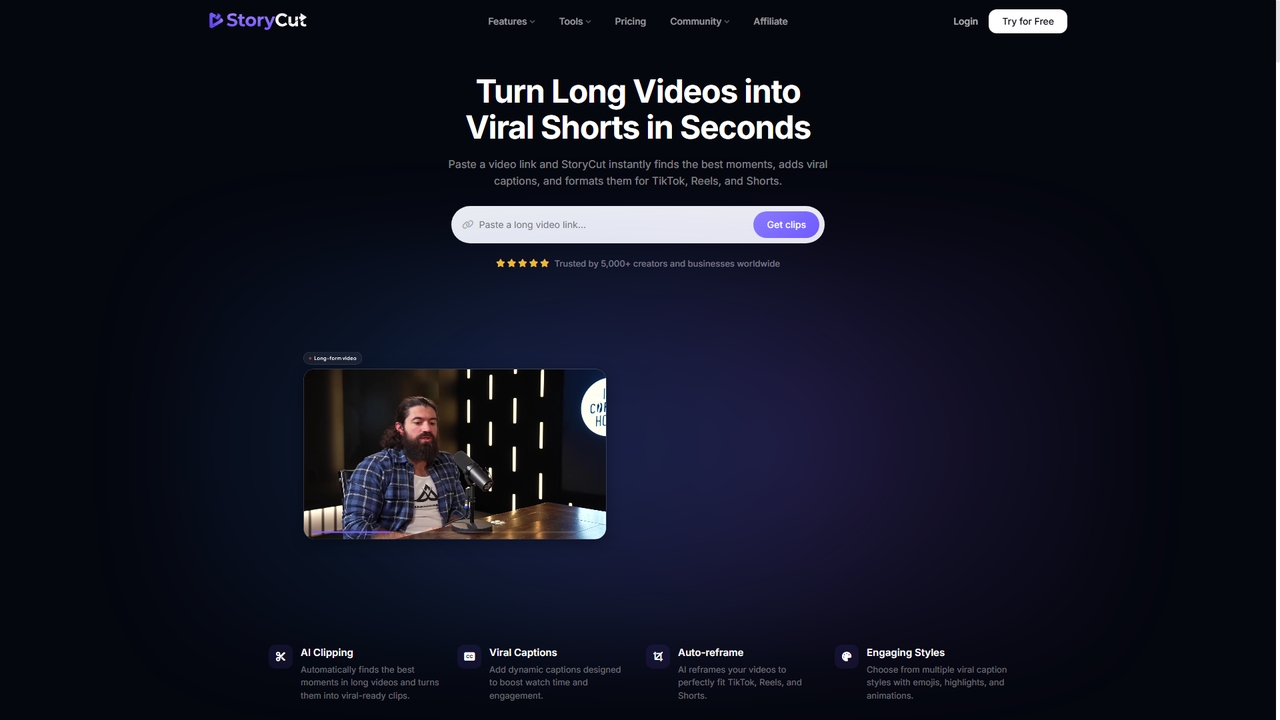
StoryCut is an AI-powered video editor designed specifically for creating viral short-form content. It automates the process of turning long videos into engaging clips for TikTok, Reels, and Shorts by adding dynamic captions, auto-reframing, applying transitions, cleaning audio, and generating thumbnails, all in seconds.

Video
Visits 4.1KFavorites 8Likes 13
Voicechanger.im
Freemium

Voicechanger.im

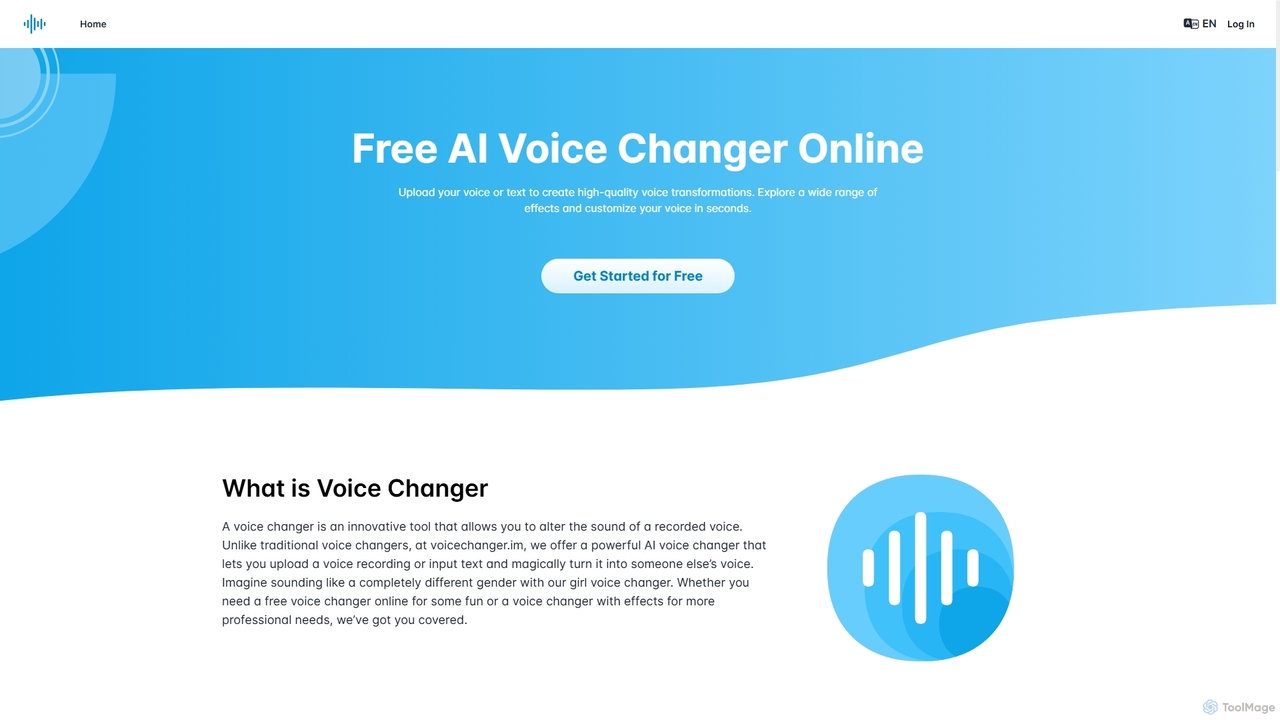
A free, AI-powered online tool that transforms voices and generates speech from text. Upload audio or type text to create high-quality voiceovers with a wide range of effects, including gender conversion and various character voices. Ideal for content creators, gamers, and privacy-conscious users.

Voice Modulation
Visits 90KFavorites 122Likes 128
MusicCreator
Freemium

MusicCreator

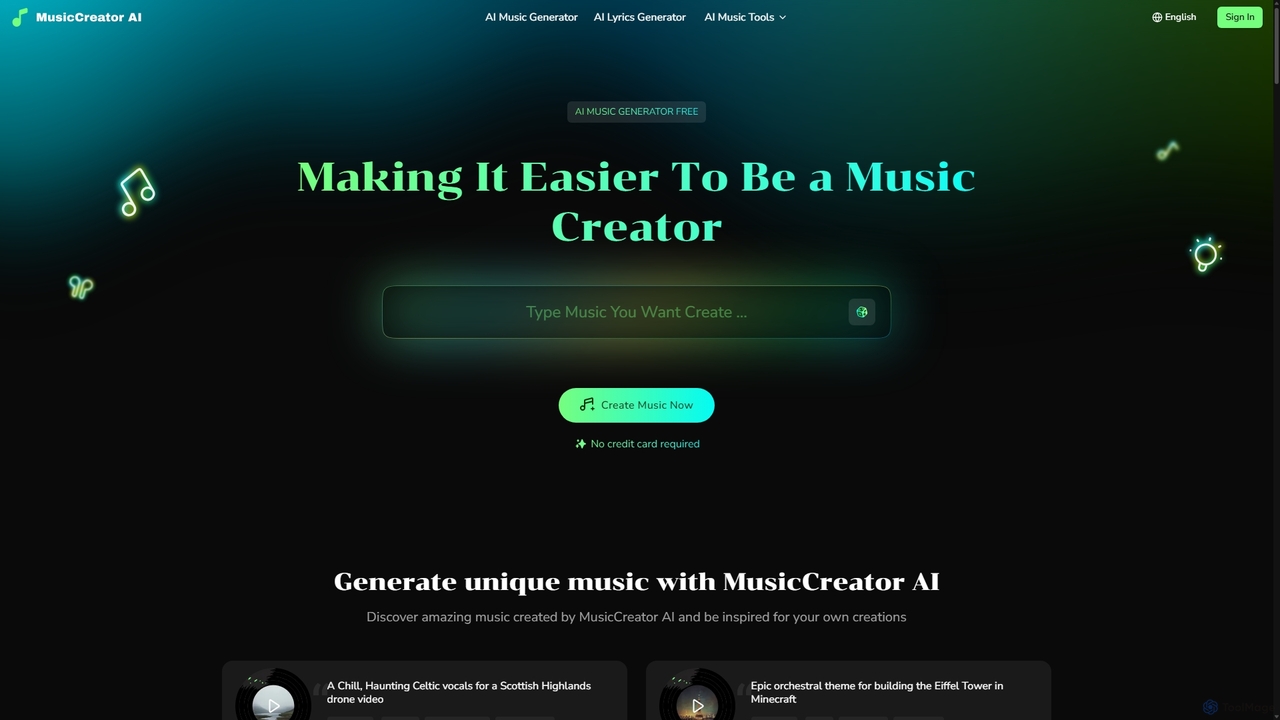
MusicCreator is a comprehensive AI-powered music creation suite that allows users to generate unique, royalty-free music from text or lyrics. It also includes tools for lyric generation, vocal removal, and stem splitting, making it an all-in-one solution for content creators, musicians, and marketers.

Audio Editing
Visits 1MFavorites 121Likes 137
CoeFont
Freemium

CoeFont

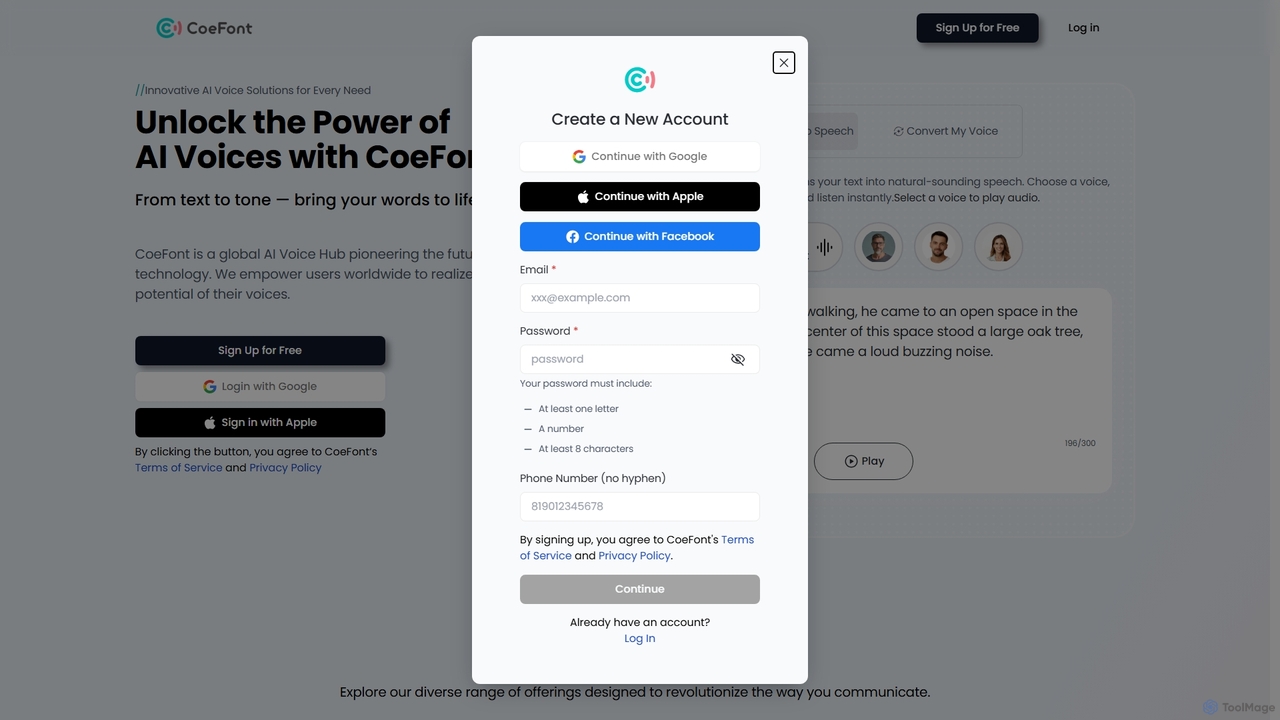
CoeFont is a leading AI Voice Hub offering advanced text-to-speech, voice cloning, and voice changing solutions. With a library of over 10,000 natural-sounding voices, including famous anime voice actors, it empowers creators, businesses, and individuals to generate high-quality audio content in multiple languages. It also features a unique project providing free services for those with speech disabilities.

Assistive Technology
Visits 225.8KFavorites 142Likes 171
TTSMaker
Freemium

TTSMaker

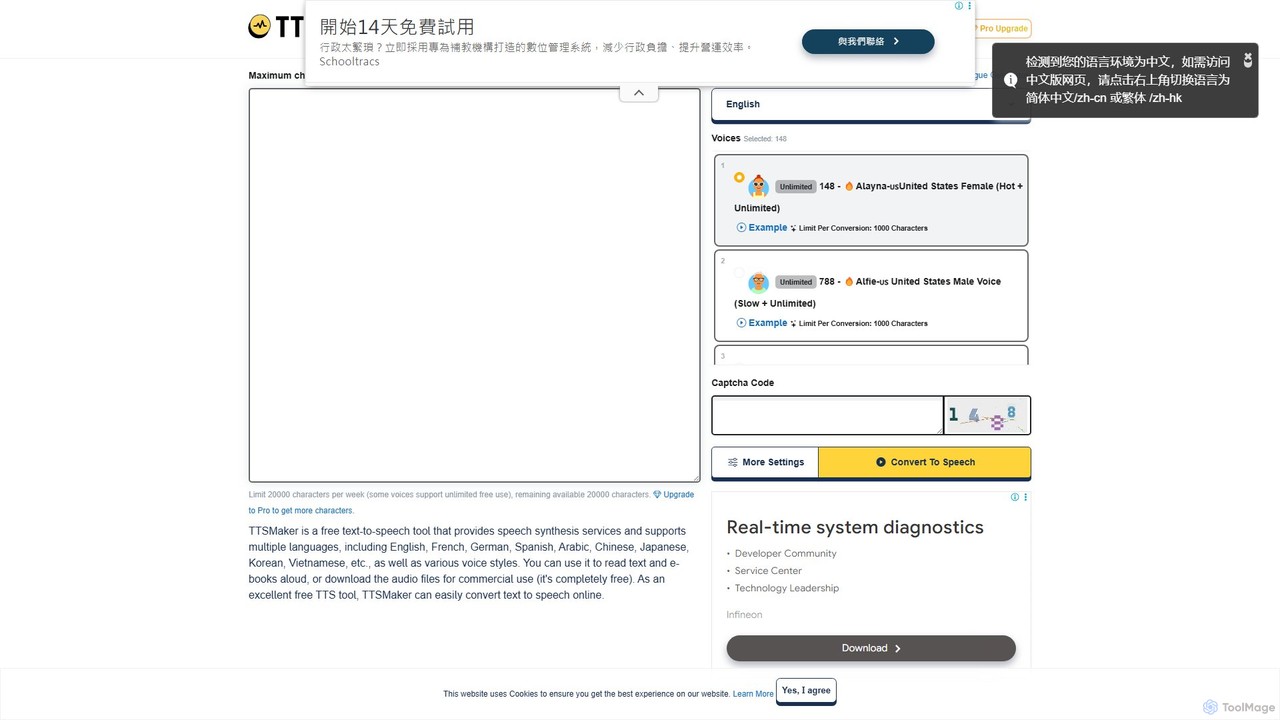
TTSMaker is a powerful, free online text-to-speech tool that converts text into natural-sounding audio. It supports over 100 languages and a wide variety of voices, including emotional and multi-speaker styles. Users can download audio for commercial use at no cost, making it ideal for content creators, educators, and marketers.

Text To Speech
Visits 1.7MFavorites 122Likes 128
fish.audio
Freemium

fish.audio

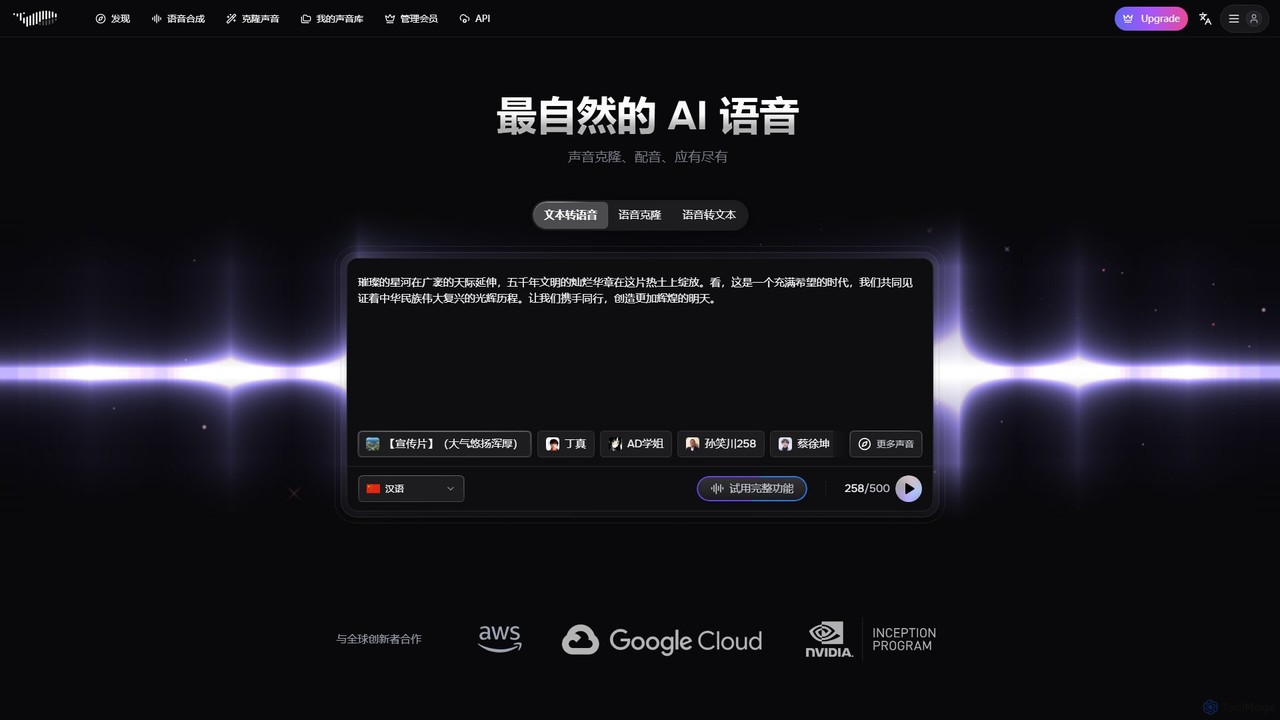
Fish.audio is an advanced AI voice platform specializing in hyper-realistic text-to-speech, rapid voice cloning, and a unique character voice generator. With a library of over 200,000 voices and support for 13 languages, it enables creators to produce studio-quality audio for narration, dubbing, advertising, and entertainment. Clone any voice in seconds or use the voices of famous characters from anime and comics to bring your projects to life.

Voice Synthesis
Visits 5.6MFavorites 116Likes 124
Supertone
Freemium

Supertone

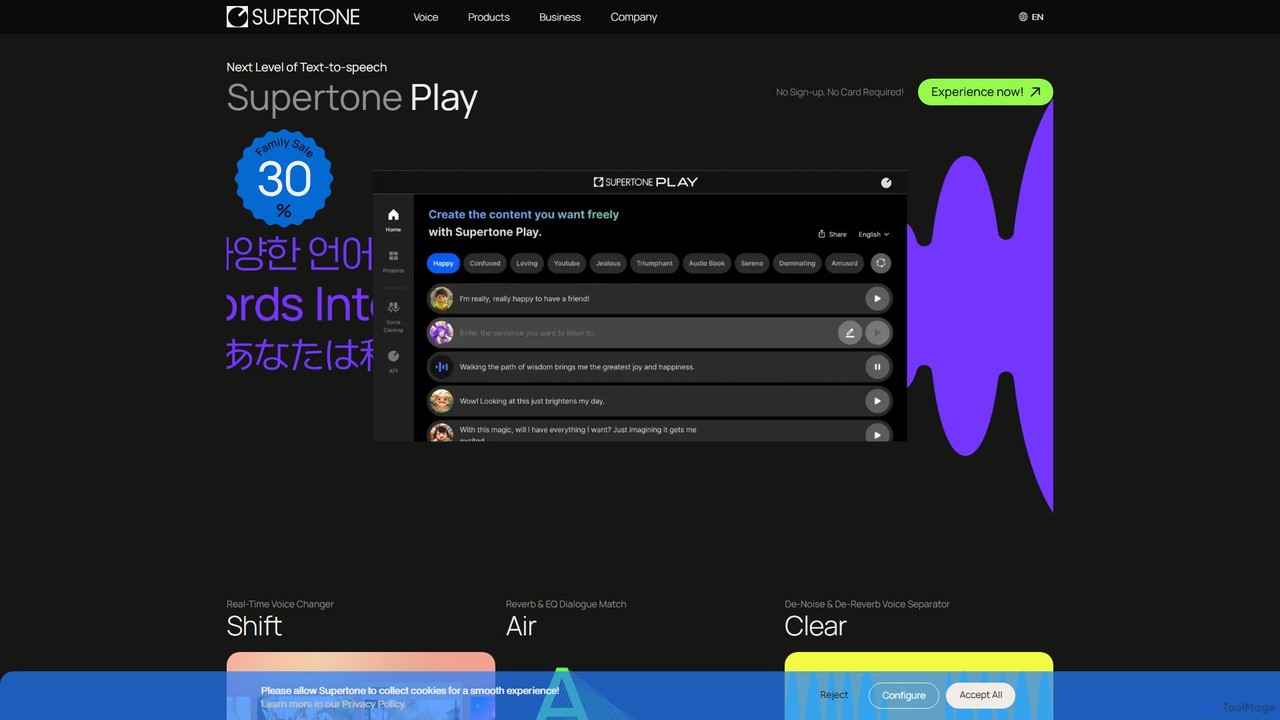
Supertone is an advanced AI voice technology suite offering hyper-realistic text-to-speech, real-time voice changing, ethical voice cloning, and powerful audio cleanup tools. It's designed for content creators, developers, and businesses to create, transform, and perfect vocal content with unparalleled quality and expressiveness.

Audio Editing
Visits 174.5KFavorites 104Likes 102
aivoicecloning
Freemium

aivoicecloning

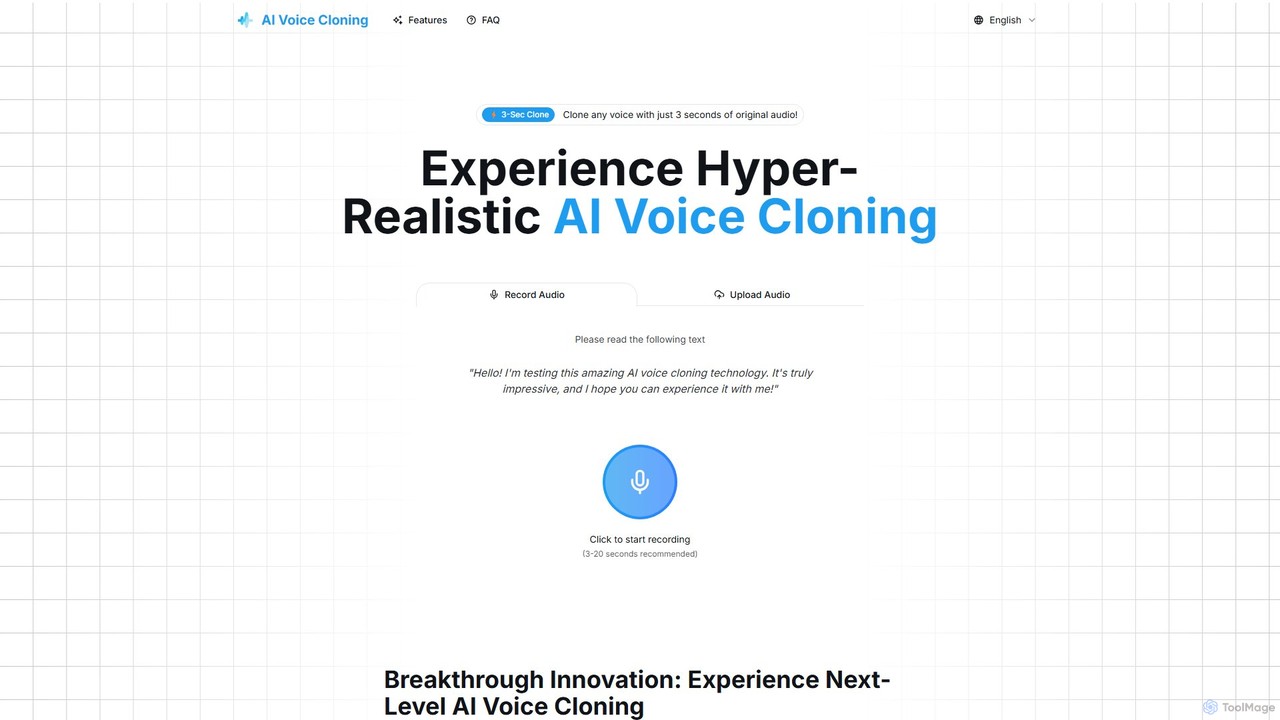
aivoicecloning is a hyper-realistic AI voice generator that can clone any voice from just a 3-second audio sample. It offers high-fidelity, multi-language voice replication for content creators, developers, and businesses, featuring a simple interface and instant audio generation. It supports English, Mandarin, Japanese, and Korean.

Text To Speech
Visits 4.2KFavorites 103Likes 113
Dabing AI Voice Changer
Freemium

Dabing AI Voice Changer

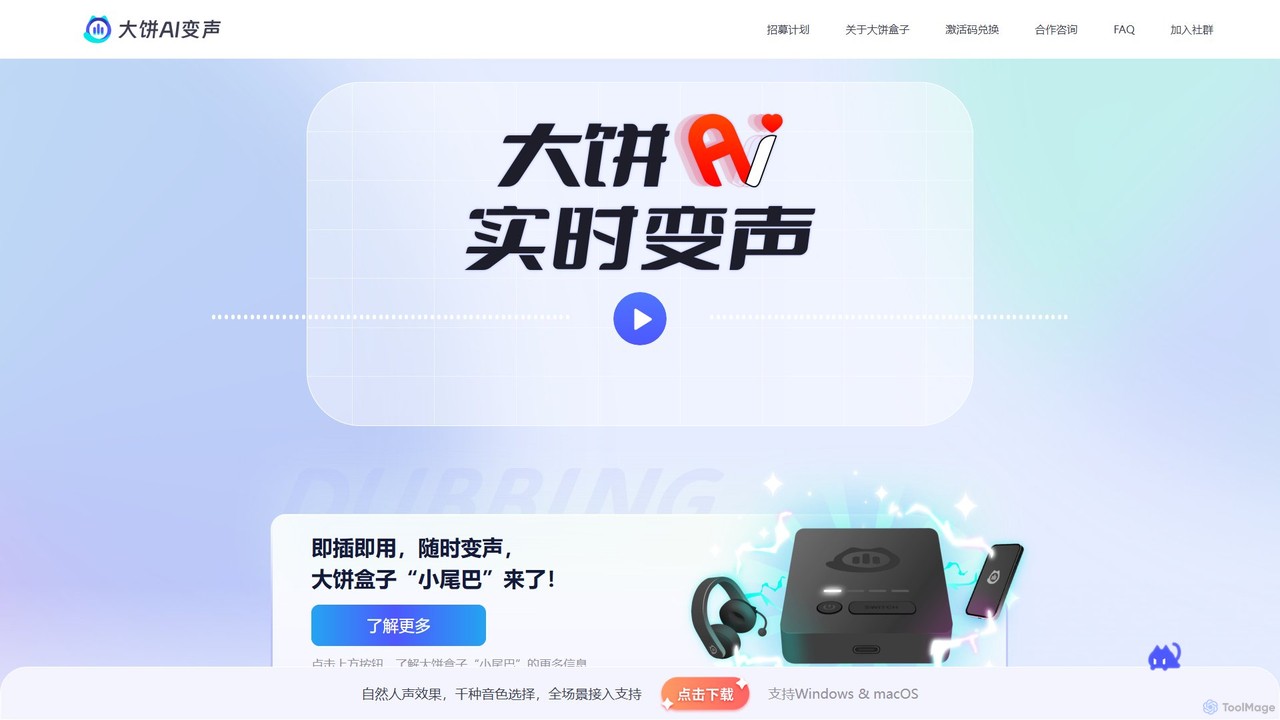
Dabing AI Voice Changer is a real-time AI voice modulation tool for gamers, streamers, and content creators. It offers a wide range of high-quality, low-latency voices, supports multiple platforms (Windows, macOS, iOS, Android), and integrates seamlessly with popular games and applications. It also provides text-to-speech and voice timbre conversion features.

Voice Changer
Visits 25.6KFavorites 134Likes 136
yt_ideas
Free

yt_ideas

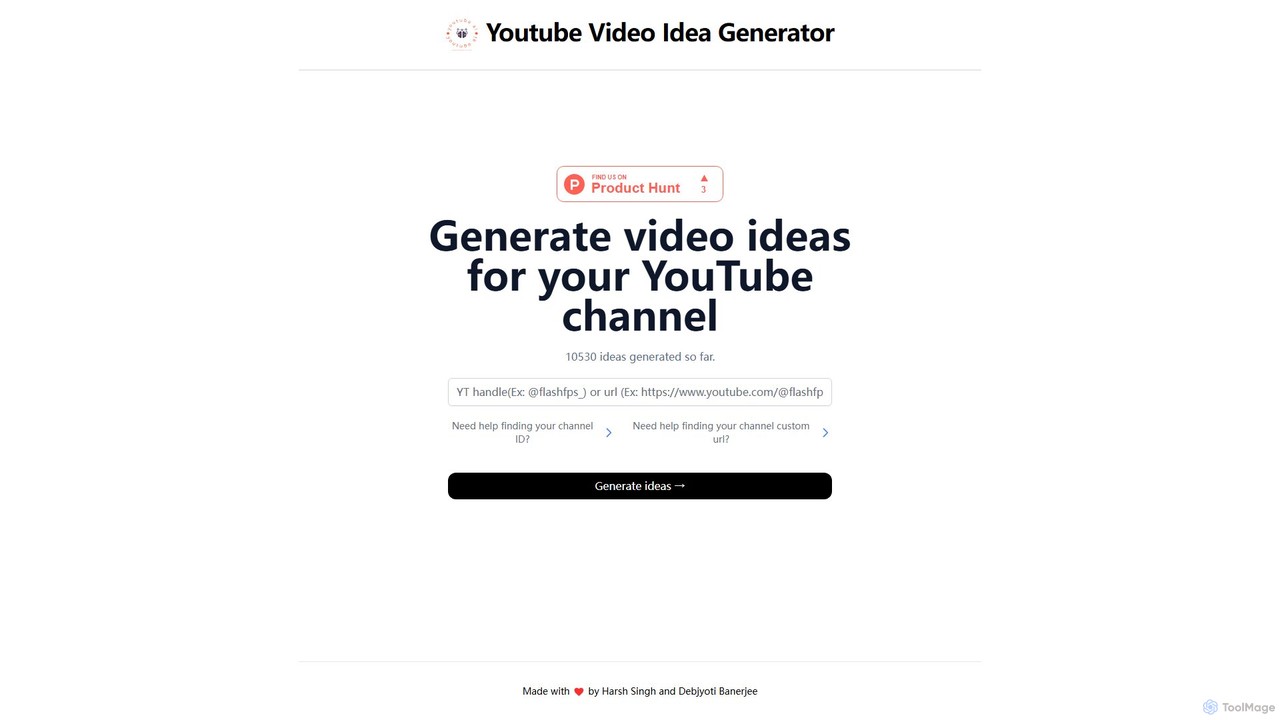
yt_ideas is a free AI-powered tool that generates unique and relevant video ideas for your YouTube channel. Simply input your channel ID or URL to receive tailored suggestions, helping you overcome creator's block and streamline your content strategy.

Video
Visits 4.1KFavorites 130Likes 120
FakeYou
Freemium

FakeYou

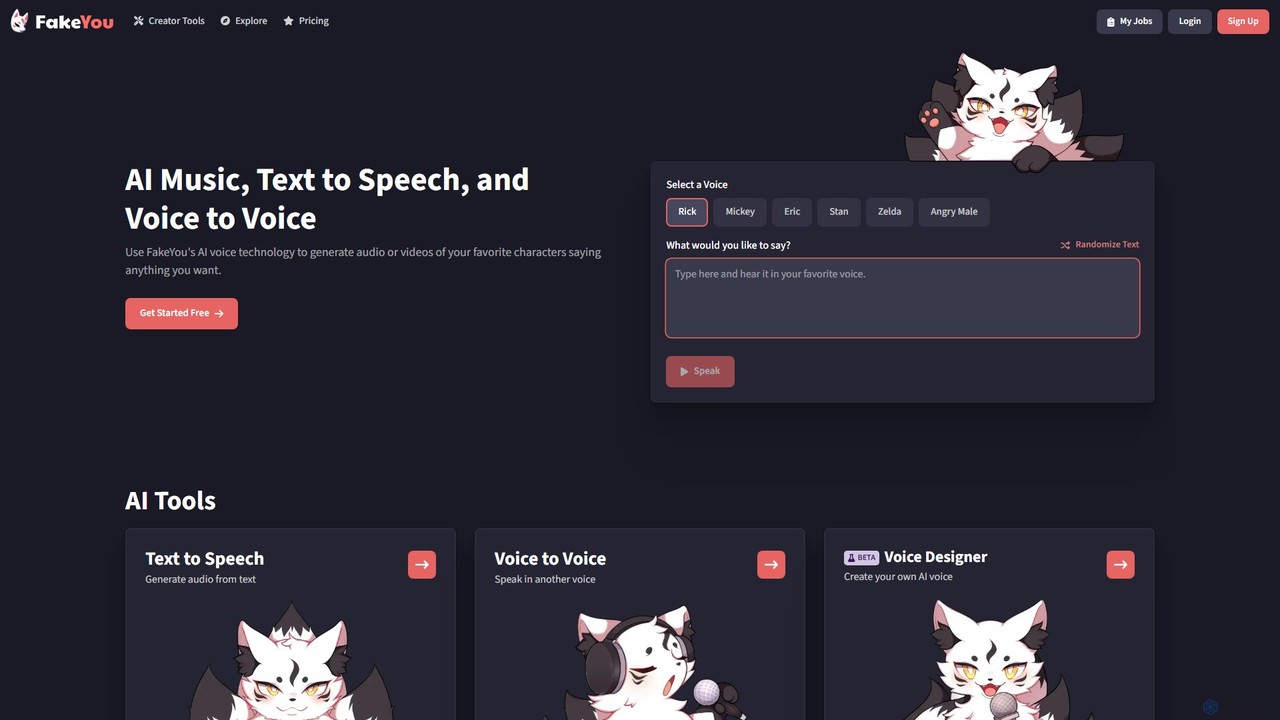
FakeYou is an advanced AI voice generator that lets you create audio and video content using a massive library of thousands of celebrity and character voices. It offers Text-to-Speech, Voice-to-Voice conversion, and voice cloning capabilities, empowering creators to produce high-quality, engaging content without a large budget or team. It's perfect for social media, entertainment, and personal projects.

Voice Synthesis
Visits 633.1KFavorites 122Likes 135
SteosVoice
Freemium

SteosVoice

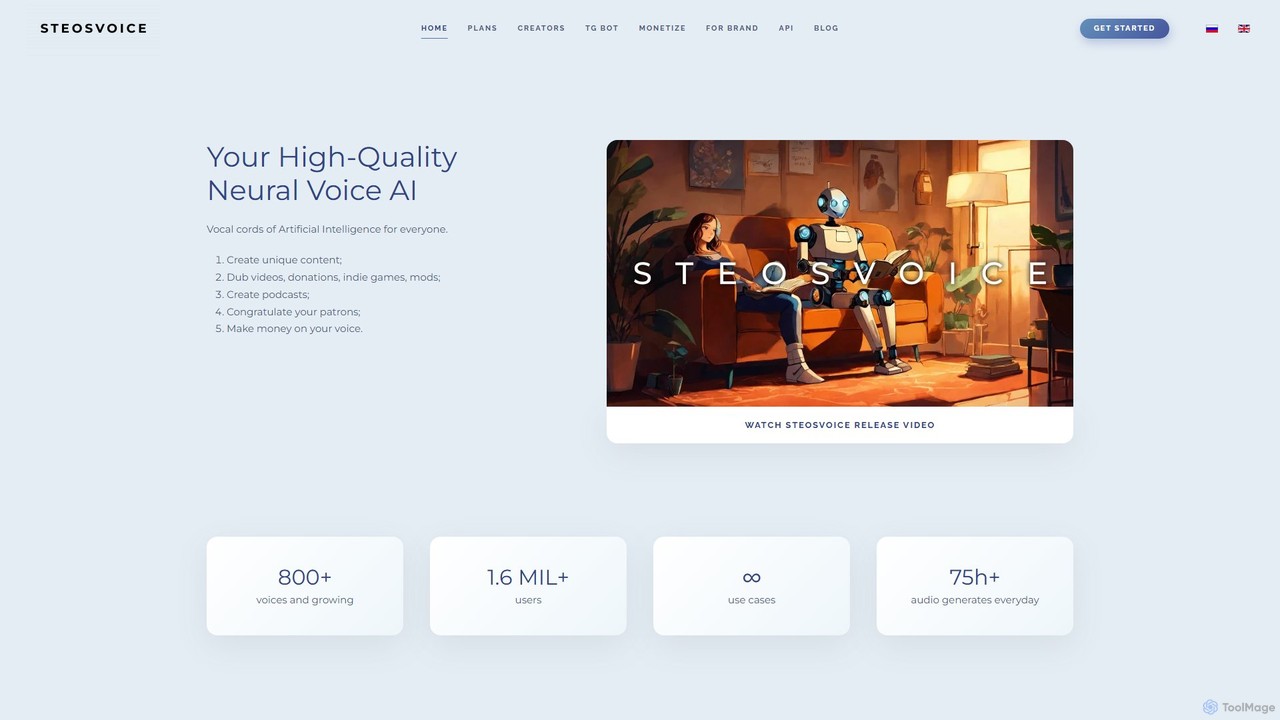
SteosVoice (formerly CyberVoice) is a high-quality neural voice AI platform that generates realistic speech from text. With over 800 voices, it serves content creators, businesses, and game developers for dubbing, podcasts, audio articles, and more. It offers both a free Telegram bot for quick tasks and comprehensive paid plans for commercial use.

Text To Speech
Visits 46.2KFavorites 148Likes 147

About Video

AI video tools are a category of artificial intelligence applications designed to automate and enhance various stages of video production, from initial concept to final output. Leveraging advanced machine learning, natural language processing, and computer vision, these innovative tools can generate, edit, analyze, and optimize video content with remarkable precision and speed. They significantly streamline workflows, empowering content creators, marketers, and businesses to produce high-quality visual narratives with unprecedented efficiency. By making sophisticated video capabilities accessible to a wider audience, AI video tools are transforming how digital stories are told and consumed within the broader field of content creation.

Core Features

  • AI Video Generation: Automatically create compelling videos from simple text prompts, existing images, or audio files, including sophisticated script-to-video conversion and seamless text-to-speech integration for dynamic narration.
  • Automated Editing & Enhancement: Perform complex editing tasks such as precise cutting, seamless trimming, intelligent background removal, professional-grade color correction, and the addition of dynamic visual effects with minimal manual input, saving significant time.
  • Script & Subtitle Creation: Generate coherent and engaging video scripts from outlines, automatically transcribe spoken audio into accurate text, and create precise, multi-language subtitles to enhance accessibility and global reach.
  • Voiceover & Dubbing: Convert written text into natural-sounding, expressive speech using a diverse range of AI voices, and automatically dub videos into various languages, ensuring localized content resonates with international audiences.
  • Content Analysis & Optimization: Analyze video performance metrics, viewer engagement patterns, and audience demographics to suggest data-driven improvements, optimizing content for maximum impact across different platforms and search engines.

Applicable Scenarios

AI video tools prove invaluable for professionals needing to scale their video production efforts rapidly and efficiently. This includes marketing teams creating numerous ad variations for A/B testing, educators developing engaging and consistent e-learning modules, and social media managers producing daily short-form content for platforms like TikTok and Instagram Reels. They also play a crucial role in personalizing video communications for sales outreach and localizing extensive video libraries for global market penetration.

How to Choose

When selecting an AI video tool, it's essential to consider its primary functionalities, such as its generation capabilities, editing automation, and analytical features, to ensure they align with your specific needs. Evaluate the quality and realism of its AI-generated outputs, the intuitiveness of its user interface, and its integration capabilities with your existing creative and marketing workflows. Additionally, assess the pricing model, the level of customization offered for AI voices and visual styles, and the scalability of its features to support your evolving production demands.

Featured tool rankings

Video use cases

1

Generate Marketing Videos from Product Descriptions

Marketing professionals can input product features and benefits as text, and AI video tools automatically generate engaging promotional videos. This includes selecting relevant stock footage or images, adding AI-generated voiceovers, background music, and text overlays, significantly accelerating campaign creation for social media, ads, and product launches.

2

Generate Marketing Videos from Text

Marketing teams can leverage AI video tools to quickly create numerous short promotional videos for social media campaigns or product launches. By simply inputting text descriptions, product features, or marketing slogans, the AI can generate diverse video clips with suitable visuals, music, and voiceovers. This significantly reduces the time and cost associated with traditional video production, allowing marketers to A/B test different ad creatives and scale their video content output to meet aggressive campaign schedules.

3

Automate Social Media Video Production

Social media managers often need to produce a high volume of short, engaging videos. AI video tools allow them to quickly transform blog posts, articles, or simple text prompts into dynamic video snippets, complete with animated text, transitions, and royalty-free music, ensuring a consistent content flow across platforms like TikTok, Instagram Reels, and YouTube Shorts.

4

Automate Explainer Video Production for E-learning

Educators and corporate trainers can use AI video tools to automate the creation of engaging explainer videos for e-learning modules or onboarding processes. By providing lesson plans or training scripts, the AI can generate animated or live-action style videos, complete with synchronized narration, on-screen text, and relevant visuals. This enables rapid content development, ensuring consistent quality across multiple modules and freeing up instructors to focus on curriculum design and student interaction rather than tedious video editing.

5

Personalize Video Messages for Sales Outreach

Sales professionals can significantly enhance their outreach efforts by sending personalized video messages to prospects. AI video tools enable the creation of unique videos for each recipient by dynamically inserting their name, company, or specific details into a pre-recorded template. This level of personalization helps break through the noise of generic emails, building stronger rapport and increasing engagement rates, ultimately leading to higher conversion opportunities in a highly competitive sales environment.

6

Create Explainer Videos for E-learning & Training

Educators and corporate trainers can leverage AI video tools to convert complex textual information or presentation slides into clear, concise explainer videos. With AI avatars delivering the narration and automatically synchronizing with visual aids, these tools simplify the creation of engaging e-learning modules, onboarding videos, and instructional content.

7

Localize Video Content for Global Audiences

Businesses expanding internationally face challenges in localizing video content. AI video tools can automatically translate video scripts, generate new voiceovers in various languages with natural-sounding AI voices, and add accurate subtitles, enabling rapid and cost-effective adaptation of marketing, training, and product videos for diverse linguistic markets.

8

Translate and Localize Video Content for Global Audiences

Businesses expanding into international markets face the challenge of localizing their video content. AI video tools offer robust solutions for translating spoken dialogue, generating accurate subtitles in multiple languages, and even performing AI-powered voice dubbing. This capability allows companies to quickly adapt their marketing videos, training materials, and product demonstrations for diverse linguistic and cultural contexts, ensuring their message resonates effectively with global audiences without the extensive costs and complexities of traditional localization processes.

9

Enhance & Restore Old or Low-Quality Footage

Videographers and archivists can use AI video tools to improve the quality of existing footage. This includes upscaling standard definition videos to 4K, removing noise and grain, stabilizing shaky camera movements, and even colorizing black-and-white films. AI algorithms intelligently reconstruct details, breathing new life into valuable but imperfect video assets.

10

Create Short-form Social Media Videos Rapidly

Social media managers and content creators constantly need fresh, engaging short-form video content for platforms like TikTok, Instagram Reels, and YouTube Shorts. AI video tools enable them to transform blog posts, articles, or even simple bullet points into dynamic video clips with trending music, animated text, and eye-catching transitions in minutes. This rapid content generation capability is crucial for maintaining a consistent online presence, capitalizing on viral trends, and keeping audiences engaged across various fast-paced social media channels.

11

Enhance Video Quality and Accessibility

Video editors and content producers can utilize AI tools to significantly enhance the quality and accessibility of their existing video libraries. AI can automatically upscale low-resolution footage, improve lighting and color grading, stabilize shaky clips, and even remove unwanted objects or noise. Furthermore, AI-powered transcription and captioning ensure that videos are accessible to a wider audience, including those with hearing impairments, and improve SEO by making video content more discoverable through text-based searches.

12

Personalize Video Messages at Scale for Sales & Outreach

Sales and customer success teams can utilize AI video tools to create personalized video messages for individual prospects or clients without manual recording. By integrating with CRM data, these tools can dynamically insert recipient names, company logos, or specific product mentions into a pre-designed video template, fostering stronger connections and improving engagement rates in outreach campaigns.

Video FAQ

What are AI Video tools?

AI Video tools are software applications that use artificial intelligence, primarily machine learning and deep learning, to automate and assist in various aspects of video creation, editing, and production. They can generate video from text, enhance existing footage, create virtual presenters, and streamline complex post-production tasks, making video content creation more accessible and efficient.

What are AI Video Tools?

AI video tools are applications that leverage artificial intelligence to automate and enhance various aspects of video production. They can generate video content from text or images, automate complex editing tasks, create scripts and subtitles, and even perform voiceovers and dubbing. These tools are designed to streamline workflows, reduce production time, and make high-quality video creation more accessible to individuals and businesses within the content creation ecosystem.

How do AI Video Tools work?

AI video tools typically work by employing various artificial intelligence techniques. For video generation, they use natural language processing (NLP) to understand text prompts and computer vision to select or generate relevant visuals. Machine learning models are trained on vast datasets of videos, images, and audio to learn patterns for editing, voice synthesis, and content optimization. When a user provides input, the AI processes it, applies these learned patterns, and generates or modifies video elements according to the specified parameters, often leveraging cloud computing for intensive tasks.

How do AI Video tools work?

AI Video tools typically work by processing various inputs like text, audio, or images through sophisticated AI models. For text-to-video, natural language processing (NLP) understands the script, while computer vision models select or generate visuals. Generative Adversarial Networks (GANs) or diffusion models might create new scenes or avatars. For editing, AI analyzes footage to identify key moments, remove objects, or apply enhancements based on learned patterns.

What are the key features of AI Video generators?

Key features of AI Video generators include text-to-video conversion, where scripts are transformed into full videos with visuals and voiceovers; AI avatar creation, allowing for virtual presenters; automated scene composition and transition generation; background removal and replacement; and intelligent audio synchronization. Many also offer multi-language voice synthesis and subtitle generation.

What are the main benefits of using AI for video production?

The main benefits of using AI for video production include significant time and cost savings, increased scalability, and enhanced creative possibilities. AI automates repetitive tasks like editing, transcription, and translation, allowing creators to produce more content faster. It enables personalization at scale, making it easier to tailor videos for specific audiences. Furthermore, AI can generate unique visual styles, suggest optimal content structures, and provide data-driven insights for better performance, democratizing access to professional-grade video capabilities.

How to choose the best AI Video Tool for your needs?

Choosing the best AI video tool involves evaluating several key factors. First, assess your primary needs: do you prioritize video generation, automated editing, or advanced analytics? Look for tools that offer the specific features you require, such as text-to-video, background removal, or multi-language dubbing. Consider the quality of AI-generated outputs, ease of use, and integration capabilities with your existing software. Finally, compare pricing models, scalability options, and the level of customer support to ensure the tool aligns with your budget and long-term production goals.

How do AI Video tools differ from traditional video editing software?

Traditional video editing software (like Adobe Premiere Pro or DaVinci Resolve) provides manual control over every aspect of editing, requiring significant skill and time. AI Video tools, conversely, automate many of these processes, using algorithms to make creative decisions or perform repetitive tasks. While traditional software offers granular control, AI tools prioritize speed, efficiency, and accessibility, often requiring less technical expertise to produce polished results.

Who can benefit from using AI Video tools?

A wide range of users can benefit from AI Video tools. This includes content creators and YouTubers looking to scale their output, marketing teams needing to produce engaging ad campaigns quickly, educators creating e-learning materials, small businesses without dedicated video production teams, and enterprises aiming to localize content efficiently or personalize communications at scale. Anyone seeking to streamline video production and reduce costs will find value.

What's the difference between AI Video Generation and traditional video editing software?

The core difference lies in automation and creative input. Traditional video editing software provides manual control over every aspect of editing, requiring significant human skill and time. AI video generation, conversely, automates much of the creation process, often generating entire video drafts from simple text prompts or data. While traditional software excels in fine-grained artistic control, AI tools prioritize speed, scalability, and accessibility, enabling users with limited technical skills to produce professional-looking videos quickly, often for specific purposes like marketing or e-learning.