ToolMage
Sign in

Best 2 Stem Separation AI tools for Audio Editing

Popular Stem Separation AI tools in Audio Editing include OpenMusic and Lamucal, helping you work more efficiently.

OpenMusic
Freemium

OpenMusic

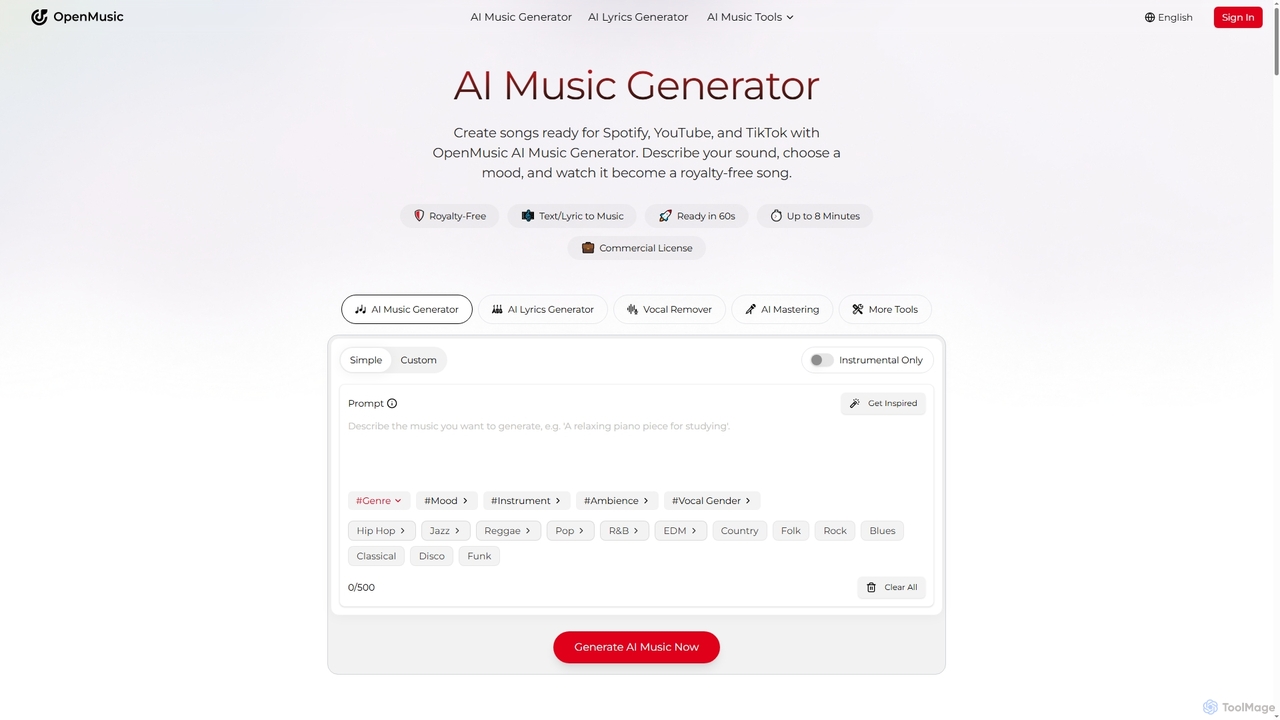
OpenMusic is an advanced AI music generator and comprehensive toolkit designed for creators of all levels. It enables users to effortlessly create royalty-free, studio-quality music, lyrics, and instrumental tracks for commercial use. From generating full songs from text prompts to splitting stems and mastering audio, OpenMusic streamlines the entire music production workflow, making creativity accessible and monetizable.

Stem Separation
Visits 1.2MFavorites 177Likes 165
Lamucal
Freemium

Lamucal

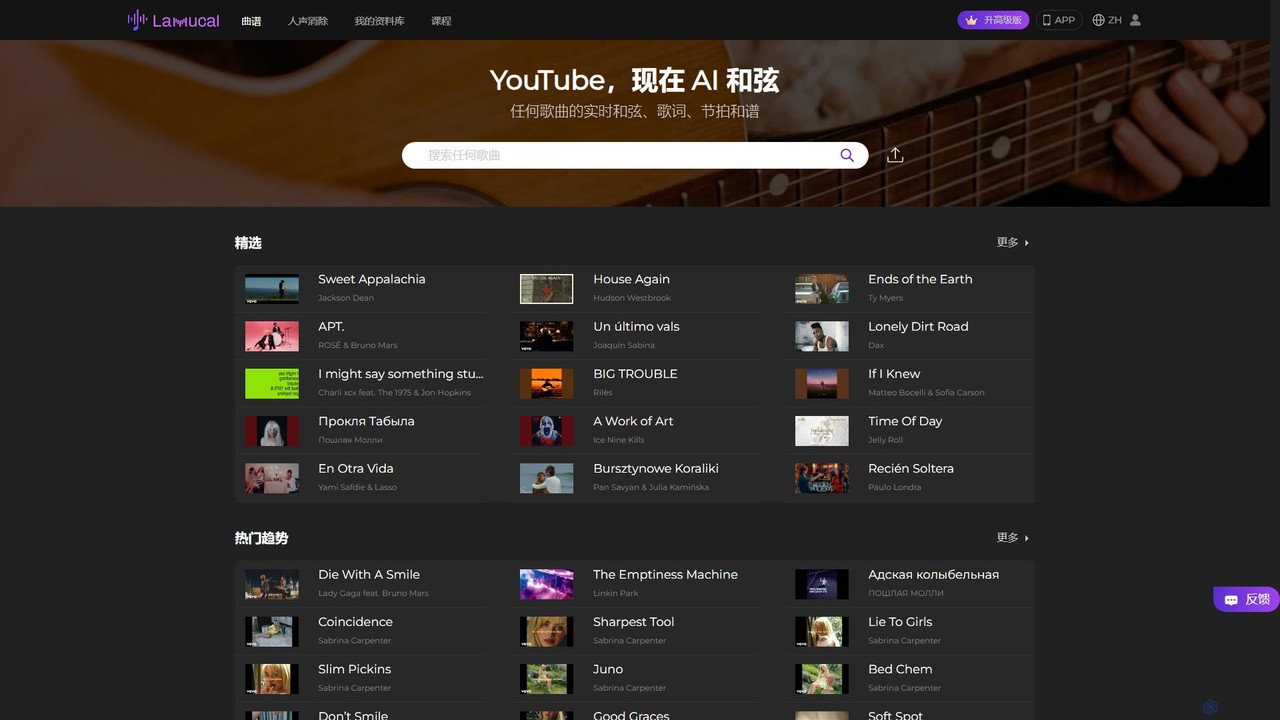
Lamucal is an AI-powered music tool that automatically generates accurate chords and lyrics for any song from audio or video files. It offers advanced features like real-time transposition, tempo control, looping, and AI track separation, making it an essential companion for musicians to learn, practice, and master their favorite songs.

Stem Separation
Visits 215.6KFavorites 131Likes 157

About Stem Separation

AI Stem Separation tools are a specialized category of audio editing software that uses artificial intelligence to deconstruct a single mixed audio track into its individual components, or 'stems'. These tools analyze the complex waveforms of a song to isolate elements like vocals, drums, bass, and other instruments into separate, editable files. This capability provides granular control over finished audio, enabling creative possibilities previously difficult or impossible to achieve. For music producers, DJs, and content creators, this technology is a powerful asset for remixing, sampling, and creating custom audio versions.

Core Features

  • Multi-Stem Isolation: Extracts distinct tracks for vocals, drums, bass, piano, guitar, and more from a single audio file.
  • High-Fidelity Separation: Employs advanced neural networks to minimize audio artifacts and bleeding between separated stems.
  • Instrumental and Acapella Creation: Generates clean instrumental-only or vocal-only (acapella) versions of a song with a single process.
  • Batch Processing: Supports uploading and separating multiple audio files simultaneously to streamline workflows.

Applicable Scenarios

These tools are widely used in the music industry by DJs for creating mashups and remixes, and by producers for sampling specific instrumental parts. They are also popular among content creators for producing high-quality karaoke tracks or background music for videos. In audio post-production, engineers use them to clean up dialogue or isolate specific sound effects from a mixed recording.

Selection Criteria

When choosing a Stem Separation tool, evaluate the quality of the separation algorithm, focusing on how few artifacts it produces. Consider the number and type of stems it can generate (e.g., 2, 4, 5+ stems). Also, assess factors like processing speed, supported file formats (WAV, MP3, FLAC), and whether the service is cloud-based or runs locally. The user interface and integration with other audio software can also be important considerations.

Stem Separation use cases

1

Creating DJ Remixes and Mashups

A professional DJ preparing for a live set needs to create a unique mashup. They use an AI Stem Separation tool to upload two different tracks. From the first track, they isolate a clean acapella (vocals only). From the second track, they extract the instrumental version by removing its original vocals. By combining the isolated vocal stem with the new instrumental, the DJ can create a seamless and original remix in minutes, a process that would have previously required access to official studio stems or complex manual editing.

2

Producing High-Quality Karaoke Tracks

A content creator wants to produce cover song videos for their YouTube channel. To create professional-sounding backing tracks, they use a stem separation tool to upload original songs. The tool effectively removes the lead vocal track while preserving the quality of the background instruments and harmonies. This provides the creator with a clean, high-fidelity instrumental version. They can then record their own vocals over this track, resulting in a final product that sounds polished and is far superior to standard MIDI-based karaoke files.

3

Music Education and Performance Analysis

A music student is learning a complex guitar solo from a famous rock song. To understand the nuances, they upload the song to a stem separation tool and isolate the guitar track. This allows them to listen to the guitar part in complete isolation, without distraction from vocals or drums. They can slow down the isolated track, loop specific sections, and clearly hear every note and technique used. This focused listening greatly accelerates their learning and transcription process, providing a level of detail that is impossible to achieve from the fully mixed track.

4

Isolating Dialogue for Audio Post-Production

An audio engineer is working on a documentary where a key interview was recorded in a noisy environment with background music. The dialogue is difficult to understand clearly. Instead of using complex noise reduction filters that might degrade the voice quality, the engineer uses a stem separation tool. The tool successfully isolates the vocal track from the music and ambient noise. The engineer can then independently adjust the volume of the cleaned dialogue, making it crisp and clear in the final mix, saving hours of manual editing and preserving the original vocal performance.

5

Creative Sampling for Music Production

A music producer is looking for a unique drum break for a new hip-hop track. They find an old funk record with a perfect groove, but it's buried under a bassline and horns. Using an AI stem separator, they process the short audio clip. The tool isolates the drum track, providing a clean, usable loop. The producer can then chop, re-pitch, and process this newly isolated drum sample without any interference from the other instruments, forming the rhythmic foundation of their new song. This unlocks creative potential from a vast library of existing music.

6

Adapting Music for Theatrical Performances

A musical director for a local theater group needs to adjust a song's arrangement for their cast. The original recording is perfect, but they need to remove the saxophone solo to make room for a dance break. By processing the song through a stem separation tool, they can isolate and remove just the saxophone track. They can also isolate the bass and drum tracks to provide a simplified rhythm section for rehearsals. This allows for flexible, on-the-fly arrangement changes without needing to re-record the entire piece of music, saving significant time and resources.

Stem Separation FAQ

What is AI Stem Separation?

AI Stem Separation is the process of using artificial intelligence algorithms to break down a single, mixed audio file into its individual instrumental and vocal tracks, known as 'stems'. Unlike traditional methods that rely on frequency filtering, AI models are trained on vast datasets of music to recognize the unique characteristics of different sounds (like a human voice, a snare drum, or a bass guitar) and surgically extract them. This allows users to get clean, isolated tracks for vocals, drums, bass, and other instruments from a finished song.

How to choose the right AI Stem Separation tool?

Choosing the right tool depends on your specific needs. Consider the following factors:

  • Separation Quality: This is the most critical factor. Look for tools that produce clean stems with minimal 'bleeding' (parts of other instruments audible) and artifacts (unnatural sounds). Many services offer free trials to test the quality.
  • Number of Stems: Some tools offer basic separation (vocals/instrumental), while others provide 4-5 stems (vocals, drums, bass, other) or even more detailed separation.
  • Speed and Workflow: Evaluate how quickly the tool processes audio. Cloud-based services may be convenient, while desktop applications might offer more control and offline access.
  • Supported Formats: Ensure the tool supports the audio file formats you work with, such as WAV, FLAC for high quality, or MP3 for convenience.
What's the difference between Stem Separation and Equalization (EQ)?

Stem Separation and Equalization (EQ) are both audio editing processes, but they operate fundamentally differently. EQ is a tool that adjusts the volume of specific frequency ranges within a single, mixed track. For example, you can boost bass frequencies or cut high frequencies. While you can use EQ to make vocals *less* prominent, you cannot completely remove them without affecting other instruments in the same frequency range.

In contrast, AI Stem Separation physically deconstructs the audio file into separate tracks. It doesn't just lower the volume of certain frequencies; it identifies and isolates the entire source sound (like a vocal performance) into its own file. This allows for complete removal or independent processing of an element, which is impossible with EQ alone.

Is the quality of AI Stem Separation perfect?

While AI has made incredible advancements, the quality of stem separation is not always perfect and can vary. The final result depends heavily on two factors: the quality and complexity of the source audio, and the sophistication of the AI model.

In songs with sparse arrangements and clear separation between instruments, AI can often produce nearly flawless stems. However, in dense, complex mixes with many overlapping frequencies (like a distorted guitar and a raspy vocal), the AI may struggle. This can result in audible 'artifacts' (digital noise) or 'bleeding' (where remnants of one stem are heard in another). Most modern tools are remarkably effective for common use cases like remixing and karaoke creation, but for professional archival or forensic work, results should be critically evaluated.

Who are the primary users of Stem Separation tools?

Stem Separation tools cater to a diverse range of users, primarily within the music and audio industries. Key user groups include:

  • Music Producers: For sampling specific elements from existing tracks or creating remixes and bootlegs.
  • DJs: To create unique mashups, acapella-in/out transitions, and custom edits for live performances.
  • Content Creators & YouTubers: To produce high-quality instrumental backing tracks for cover songs or background music.
  • Musicians & Students: For isolating instrument parts to study, transcribe, or practice along with.
  • Audio Engineers: In post-production, for cleaning up dialogue, isolating sound effects, or re-balancing elements in a mixed recording.