

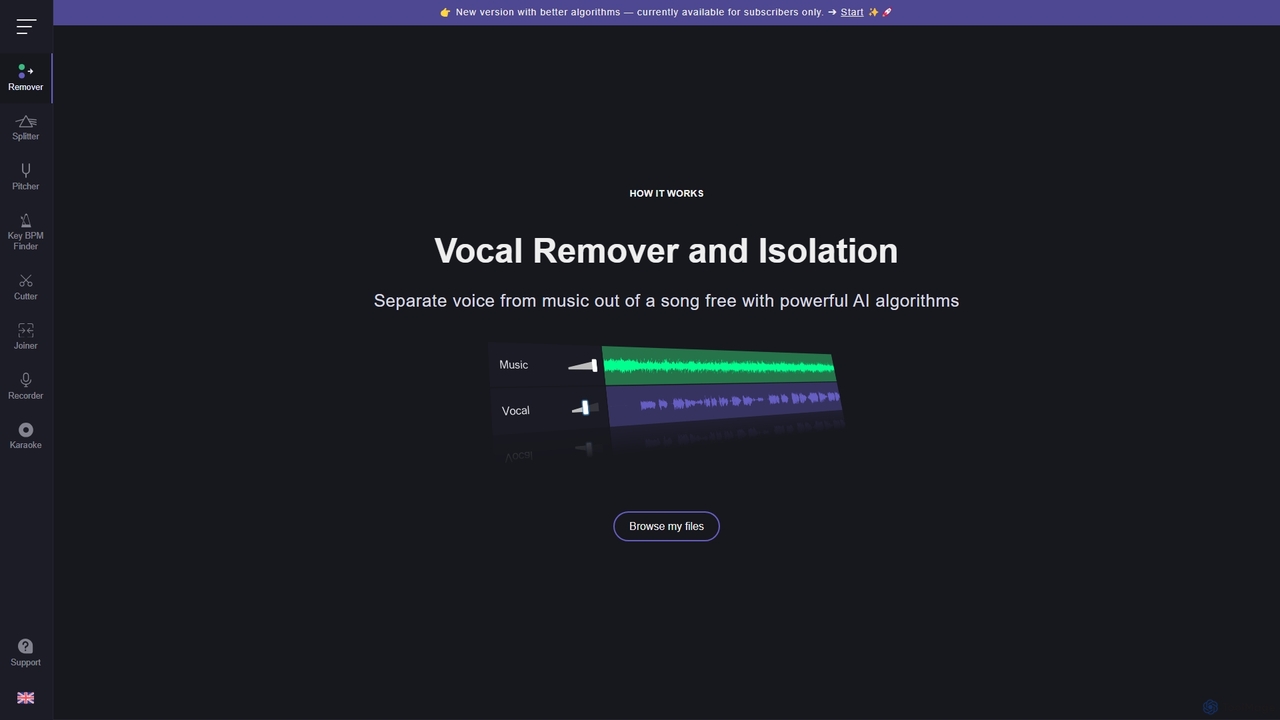
Vocal Remover Overview
Vocal Remover is a comprehensive, web-based audio processing suite that leverages powerful artificial intelligence algorithms to offer a range of tools for musicians, producers, DJs, and content creators. Its flagship feature, the Vocal Remover, can accurately separate vocals from an instrumental track in any song, generating both a clean karaoke version (instrumental only) and an acapella version (vocals only). This process is remarkably fast, typically taking only about 10 seconds.
Beyond vocal separation, the platform includes a versatile 'Splitter AI' tool. This function deconstructs a song into its core components, isolating vocals, bass, drums, and other instruments into separate tracks (stems). This is invaluable for remixing, sampling, or for musicians who want to practice along with a specific part of a song. The platform also features a suite of essential audio utilities, including a high-quality Pitch and Speed Changer, which allows users to transpose a song's key or adjust its tempo without significant audio degradation. Additionally, the Key and BPM Finder tool can instantly analyze any audio file to detect its musical key, scale, and beats per minute, a crucial feature for DJs and music producers for beatmatching and harmonic mixing.
How to use Vocal Remover
Using the tools on Vocal Remover is designed to be simple and intuitive, requiring no technical expertise. The process is generally as follows:
- Navigate to the Vocal Remover website and select the specific tool you wish to use from the menu (e.g., Vocal Remover, Splitter AI, Pitch Changer).
- Click the 'Browse my files' button to upload an audio file from your device. The platform supports various common audio formats.
- Once the file is uploaded, the AI will automatically begin processing. The processing time varies depending on the tool and file size, from about 10 seconds for vocal removal to a minute for multi-stem splitting.
- After processing is complete, the tool will present the output. For the Vocal Remover, you will get two downloadable tracks: the instrumental and the acapella. For the Splitter, you will receive multiple stems. For the Pitch Changer, you can adjust sliders for key and tempo and then download the modified audio.
- Download your new audio files directly to your computer. For certain tools like the Pitch Changer and Key Finder, the processing happens locally in your browser, ensuring your files never leave your device for enhanced privacy.
Core Features of Vocal Remover
- AI Vocal Remover: Precisely separates vocals from music to create high-quality karaoke and acapella tracks.
- AI Music Splitter: Deconstructs songs into individual stems, including vocals, bass, drums, and other instruments.
- Audio Pitch and Speed Changer: Allows for transposing the musical key and adjusting the tempo (BPM) of any song with a high-quality algorithm.
- Song Key and BPM Finder: Automatically analyzes and detects the key, scale, and BPM of audio tracks. Includes a manual tap-tempo feature.
- Serverless Processing: Certain tools like the Pitch Changer and Key/BPM Finder are serverless, meaning files are processed locally on the user's device for maximum privacy and security.
- Fast Processing: Leverages efficient AI models to deliver results in seconds or minutes.
- User-Friendly Interface: Clean, simple, and accessible directly from any web browser with no software installation required.
Use Cases for Vocal Remover
Vocal Remover is a versatile tool that serves a wide range of creative and practical purposes:
- Musicians and Singers: Create practice tracks by removing vocals or isolating specific instruments. Transpose songs to a comfortable vocal range.
- DJs and Music Producers: Extract acapellas and instrumentals for creating remixes, mashups, and unique DJ sets. Use the Key/BPM finder for seamless track mixing.
- Karaoke Enthusiasts: Turn any song in their library into a karaoke version to sing along to.
- Content Creators: Remove vocals from copyrighted songs to create instrumental background music for videos, reducing the risk of copyright claims.
- Music Teachers and Students: Slow down complex musical passages to learn them more easily or isolate an instrument to study its part.
Advantages of Vocal Remover
The primary advantage of Vocal Remover is its combination of power, simplicity, and accessibility. It consolidates multiple essential audio editing tools into a single, free-to-use web platform. The AI-driven algorithms provide results that are often comparable to professional desktop software, but without the cost or steep learning curve. The speed of processing is a significant benefit, delivering usable tracks in under a minute. Furthermore, its commitment to privacy with serverless applets for certain features distinguishes it from many other online audio tools.
Pricing and Plans
Vocal Remover operates on a freemium model. The core functionalities, such as standard-quality vocal removal and other tools, are available completely free of charge. For users seeking higher quality and more advanced features, a subscription plan is available. The premium plan typically includes access to newer, more sophisticated AI algorithms for cleaner audio separation, faster processing queues, the ability to process larger files or batches, and potentially API access for developers. This model allows casual users to benefit from the tools for free while offering professional-grade capabilities to power users and professionals.
Traffic
Latest traffic
Status
Monthly traffic trend
- 2025-9: 8.1M
- 2026-1: 9.5M
- 2026-2: 8.7M
- 2026-3: 9.5M
- 2026-4: 9.5M
- 2026-5: 10.1M
Geography
Top 5 countries / regions
- 🇺🇸United States39.6%
- 🇷🇺Russia30.7%
- 🇮🇳India13.0%
- 🇻🇳Vietnam9.3%
- 🇹🇷Türkiye7.5%
Traffic sources
| Source type | Percentage |
|---|---|
Direct | 86.8% |
Referral | 12.1% |
Email | 1.0% |
Top keywords
| Keyword | Cost per click |
|---|---|
| bpm finder | $0.81 |
| vocal remover | $0.28 |
| vocalremover | $0.33 |
| voice remover | $0.30 |
| ボーカルリムーバー | $0.75 |
Vocal Remover Videos on YouTube
Daniel | Tech & Data
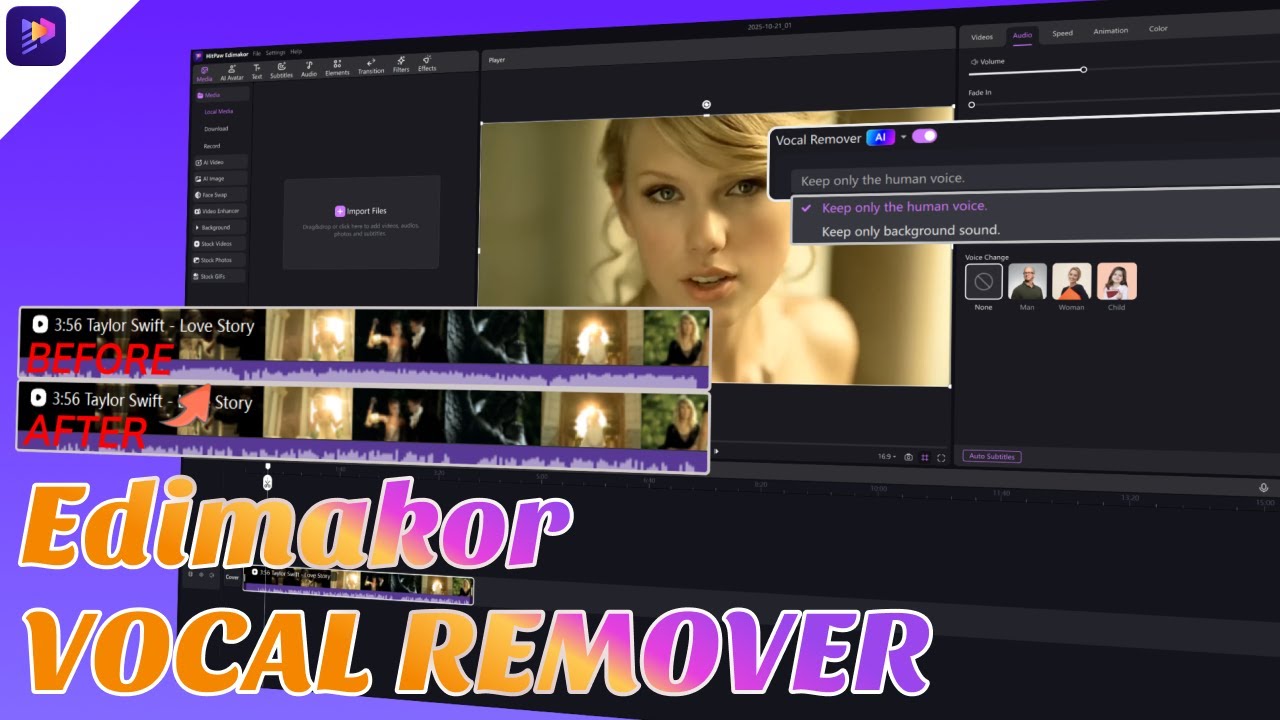
Edimakor for Creators



Brainers Technology
Vocal Remover Alternatives
AudioShake Indie
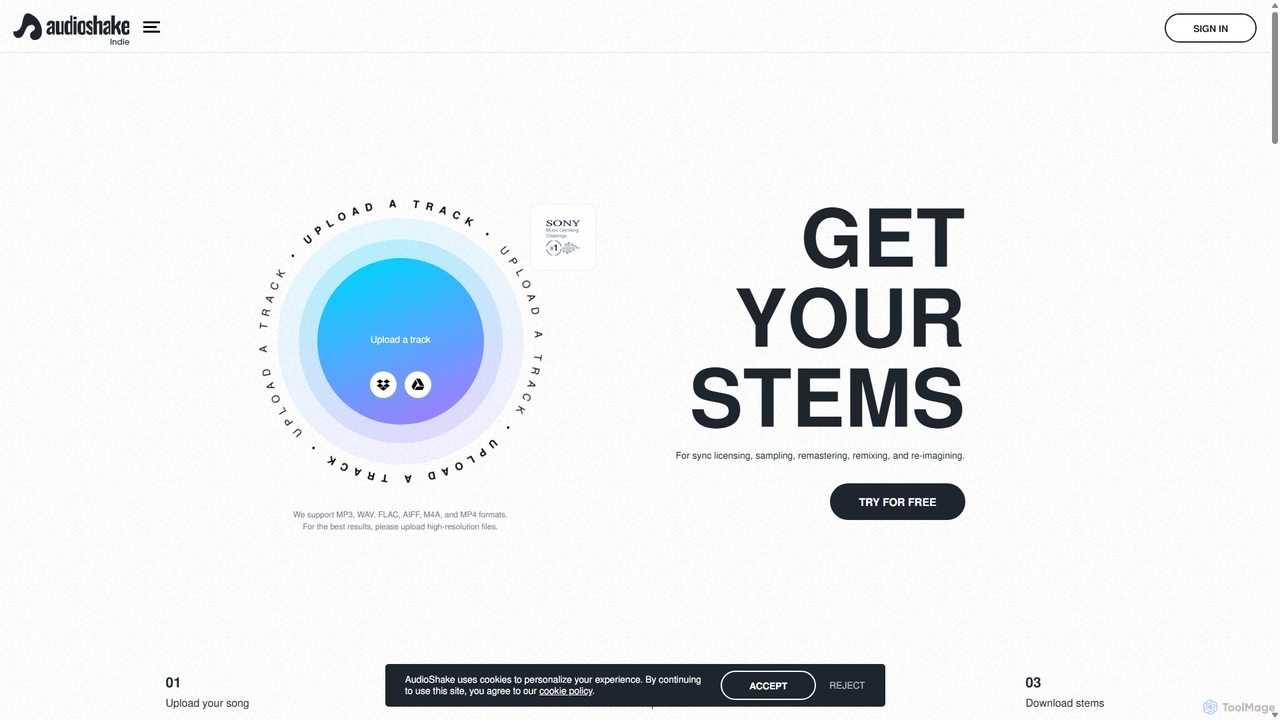
AudioShake Indie is an advanced AI-powered tool designed for musicians, producers, and labels to deconstruct any audio track into its constituent parts, or stems. It cleanly separates vocals, drums, bass, and other instruments from a single audio file, opening up new possibilities for remixing, sampling, sync licensing, and remastering, even when original multi-track recordings are lost.
Music Editing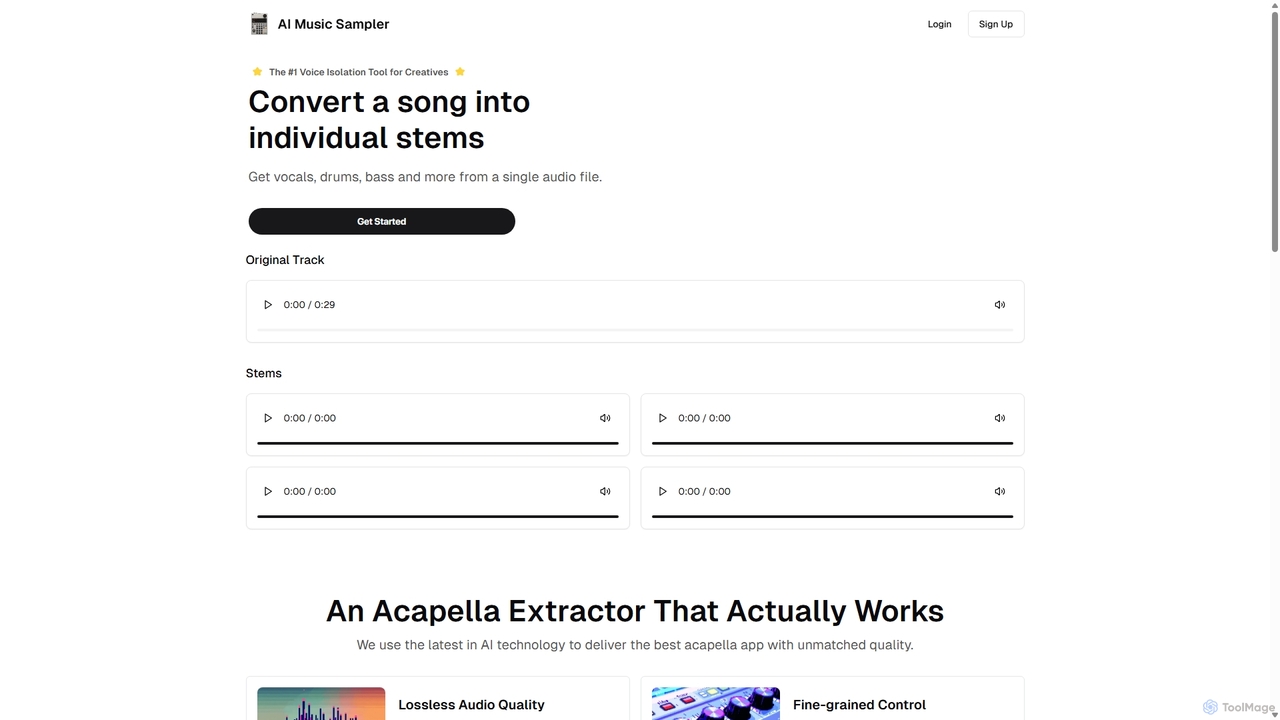
Aimusicsampler
Aimusicsampler is an AI-powered audio separation tool that allows creatives to extract individual stems like vocals, drums, bass, and other instruments from any song. It delivers high-quality, lossless audio files (WAV) with remarkable accuracy, operating on a flexible pay-per-use model without requiring a monthly subscription.
Audio Editing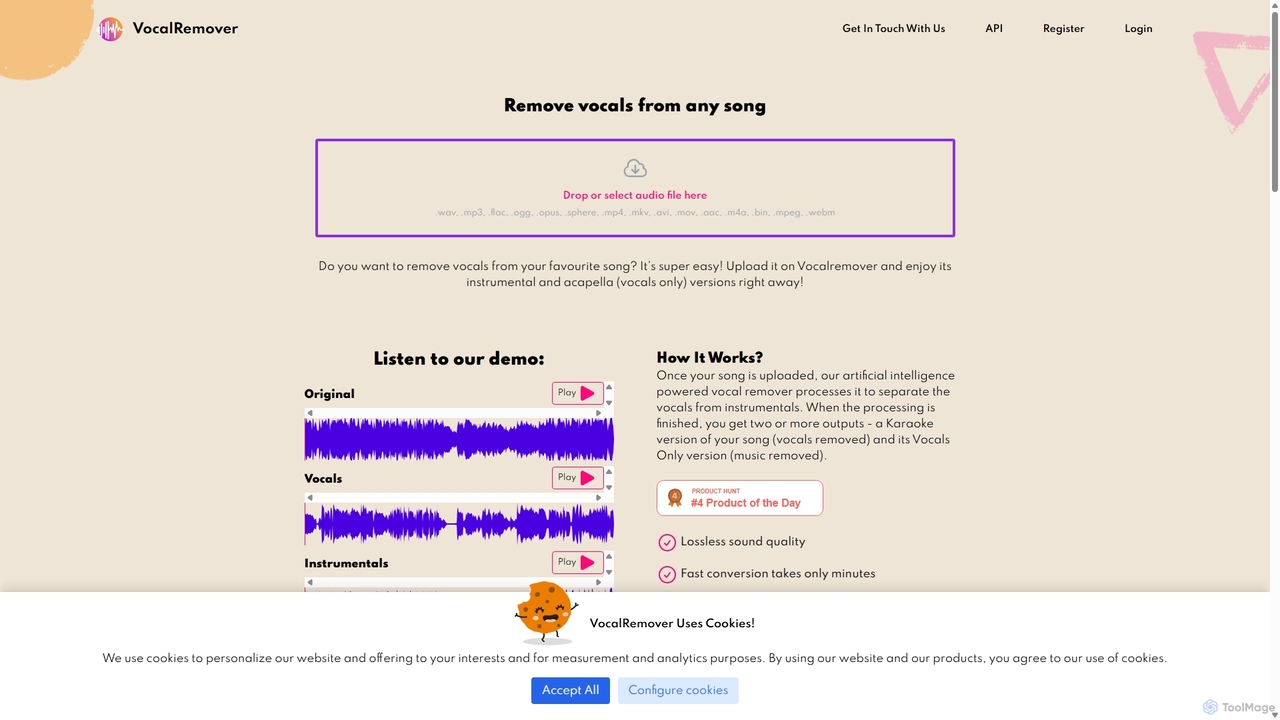
VocalRemover
An AI-powered online tool that precisely separates vocals from music in any audio or video file. It generates high-quality instrumental (karaoke) and acapella tracks. Beyond vocals, it can also isolate specific instruments like drums, bass, and piano, making it an essential tool for DJs, music producers, and karaoke lovers.
Music Editing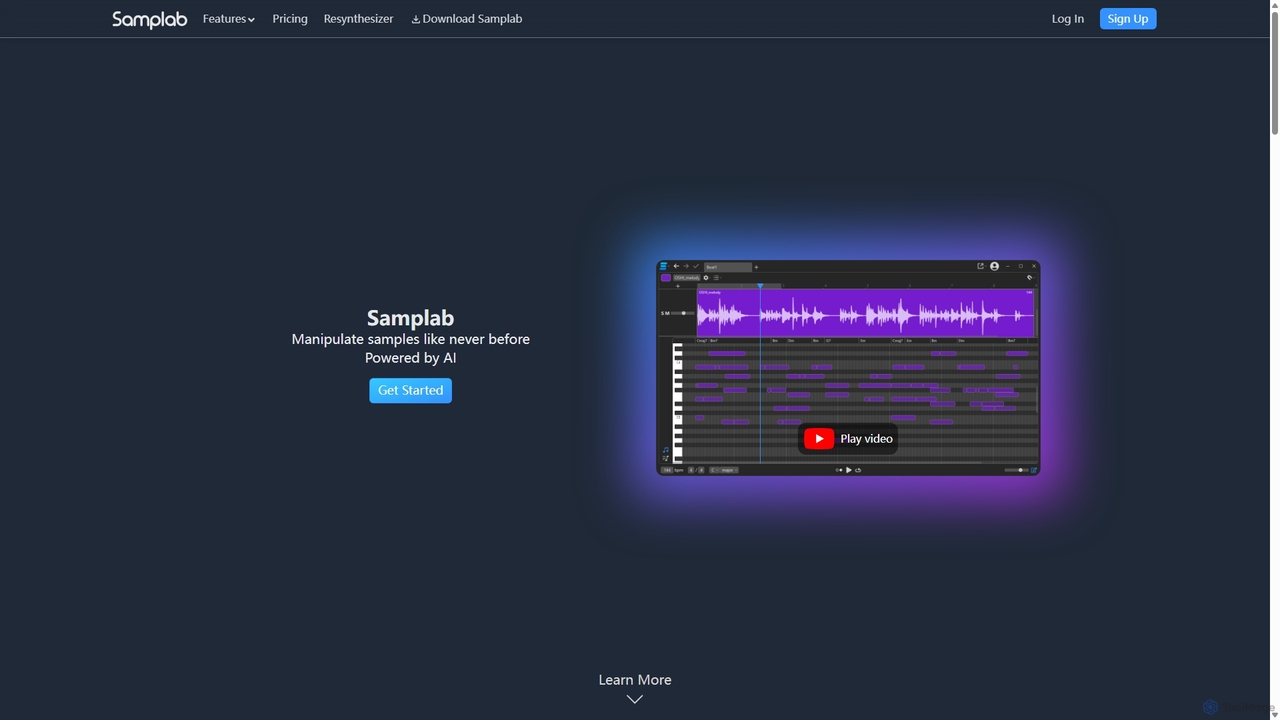
Samplab
Samplab is an AI-powered audio tool for music producers that allows for unprecedented manipulation of samples. Edit individual notes in polyphonic audio, detect and change chords, split music into stems, and seamlessly match the tempo and key of different samples. It integrates directly into your DAW as a VST3/AU plugin.
Audio Editing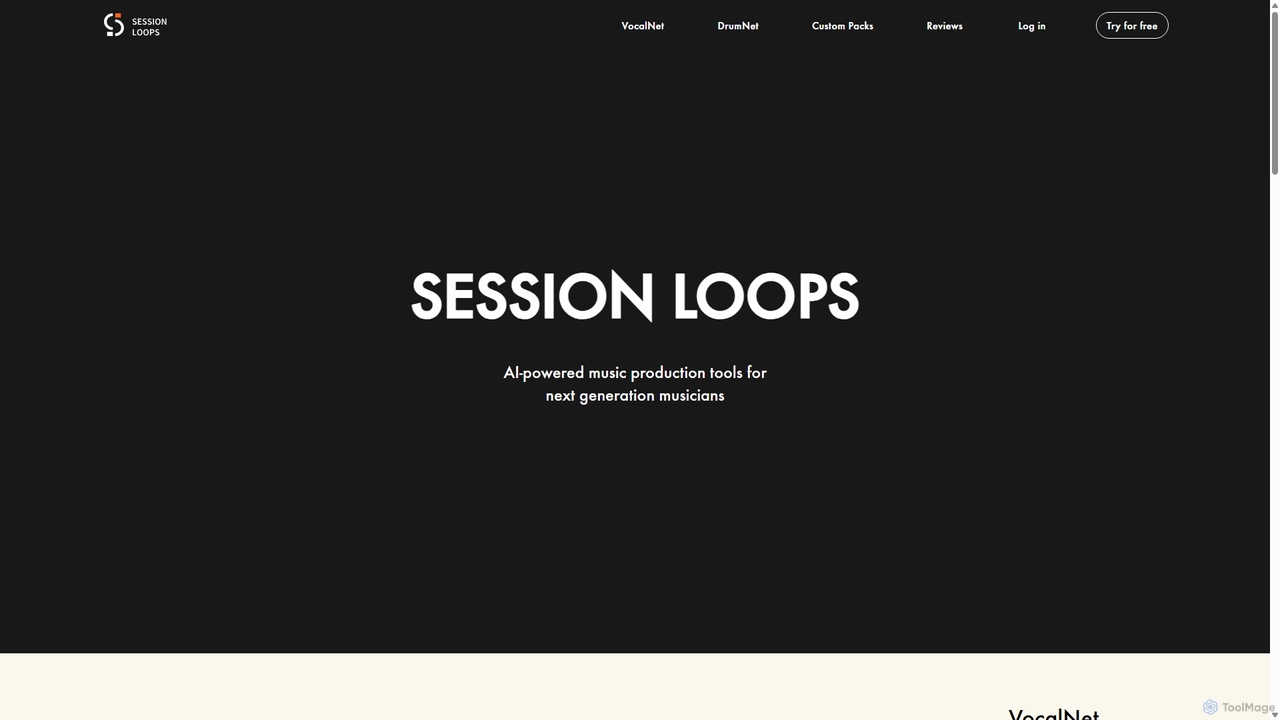
Session Loops
Session Loops is an AI-powered music production platform offering a suite of tools for modern musicians. It features VocalNet for voice transformation, DrumNet for infinite drum sample generation, and a cloud-based editor for creating fully customizable music loops. It's designed to integrate seamlessly with any DAW and accelerate the creative process.
Audio EditingVocal Remover Categories
Vocal Remover Jobs
Vocal Remover Embed Widget
Copy this embed code to place the badge on your blog, article, or product site and send readers directly to this ToolMage detail page.

Related AI tools
Aimusicsampler
Aimusicsampler is an AI-powered audio separation tool that allows creatives to extract individual stems like vocals, drums, bass, and other instruments from any song. It delivers high-quality, lossless audio files (WAV) with remarkable accuracy, operating on a flexible pay-per-use model without requiring a monthly subscription.
Audio EditingVocalRemover
An AI-powered online tool that precisely separates vocals from music in any audio or video file. It generates high-quality instrumental (karaoke) and acapella tracks. Beyond vocals, it can also isolate specific instruments like drums, bass, and piano, making it an essential tool for DJs, music producers, and karaoke lovers.
Music EditingAudioShake Indie
AudioShake Indie is an advanced AI-powered tool designed for musicians, producers, and labels to deconstruct any audio track into its constituent parts, or stems. It cleanly separates vocals, drums, bass, and other instruments from a single audio file, opening up new possibilities for remixing, sampling, sync licensing, and remastering, even when original multi-track recordings are lost.
Music Editing
Voice Isolator
Voice Isolator is a comprehensive AI-powered audio suite designed for pristine sound quality. It excels at removing background noise, isolating vocals and instruments from any track, cleaning up voice recordings for clarity, and generating natural-sounding speech from text. Ideal for podcasters, musicians, and content creators seeking professional-grade audio processing with a simple, fast, and intuitive web-based interface.
3D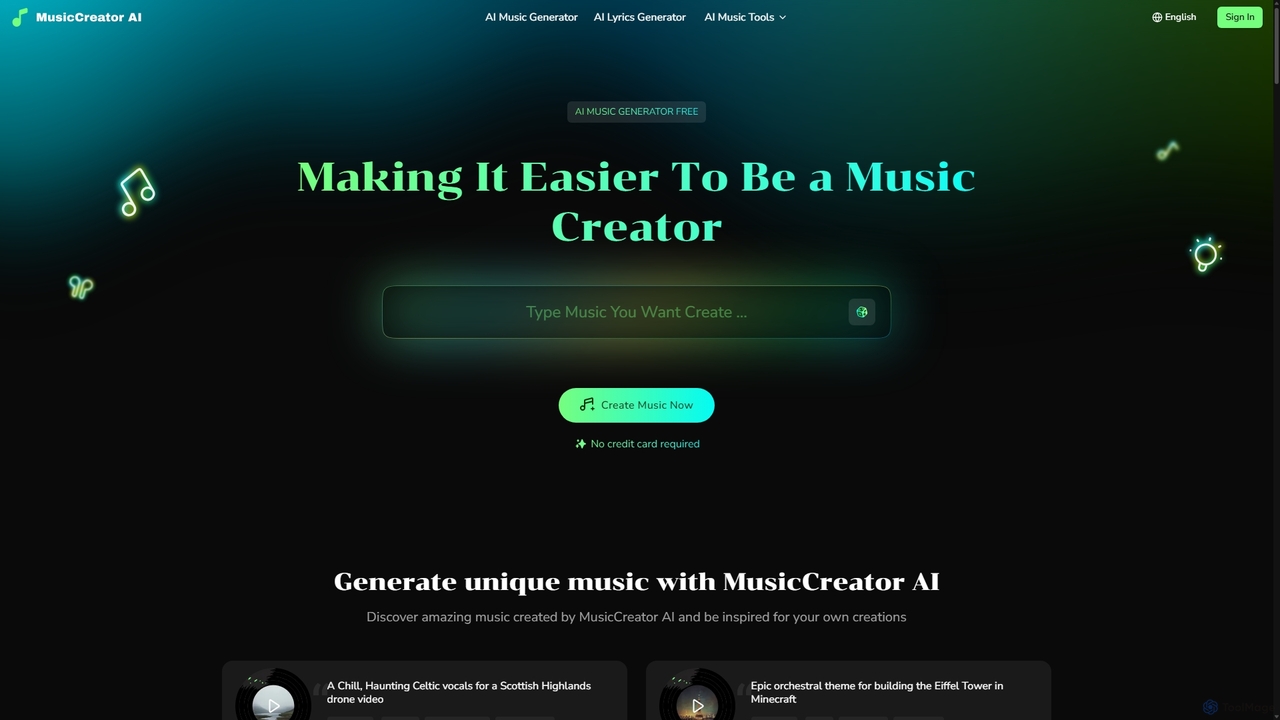
MusicCreator
MusicCreator is a comprehensive AI-powered music creation suite that allows users to generate unique, royalty-free music from text or lyrics. It also includes tools for lyric generation, vocal removal, and stem splitting, making it an all-in-one solution for content creators, musicians, and marketers.
Audio Editing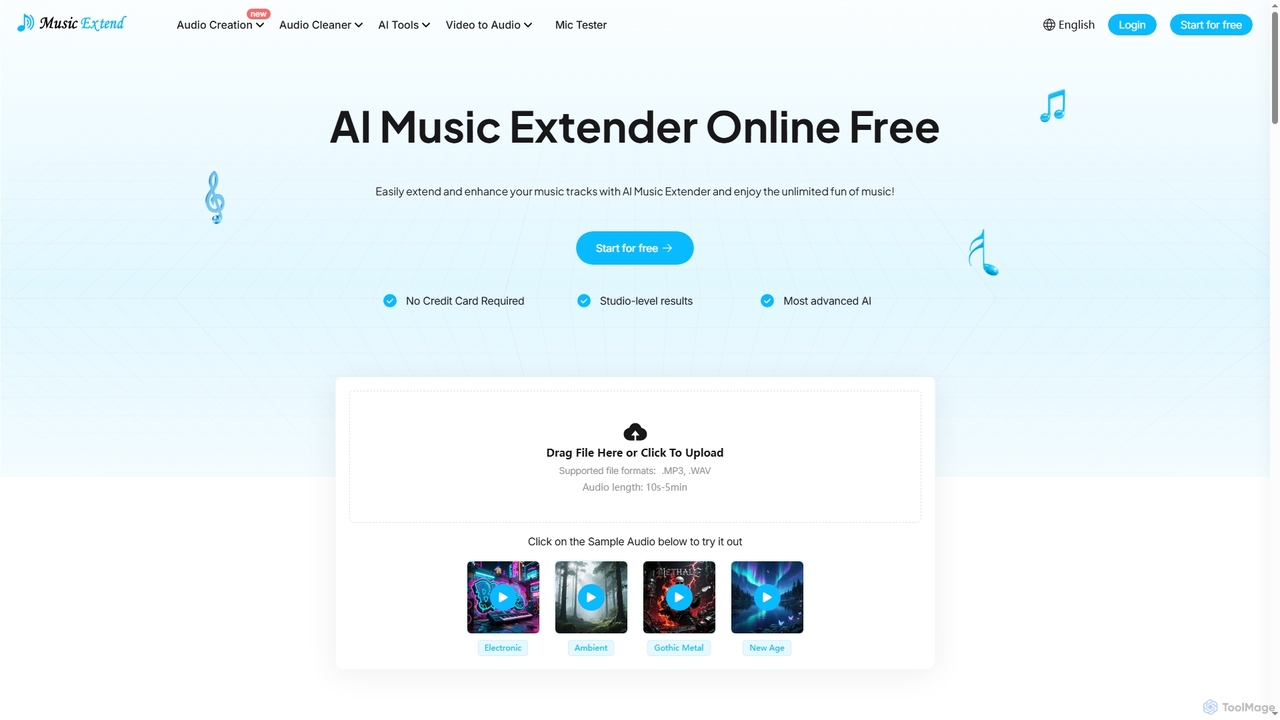
MusicExtend
MusicExtend is an advanced AI-powered online platform offering a suite of audio tools, including music extension, sound effect generation, voice cloning, music mashup creation, BPM detection, and comprehensive audio cleaning. It allows users to enhance, create, and refine audio content with studio-level results, all accessible for free without signup or credit card.
Audio Enhancement
Jyek
Jyek is an AI agent platform that understands objectives, creates execution plans, uses tools, and delivers verifiable results for complex, multi-step tasks.
Automation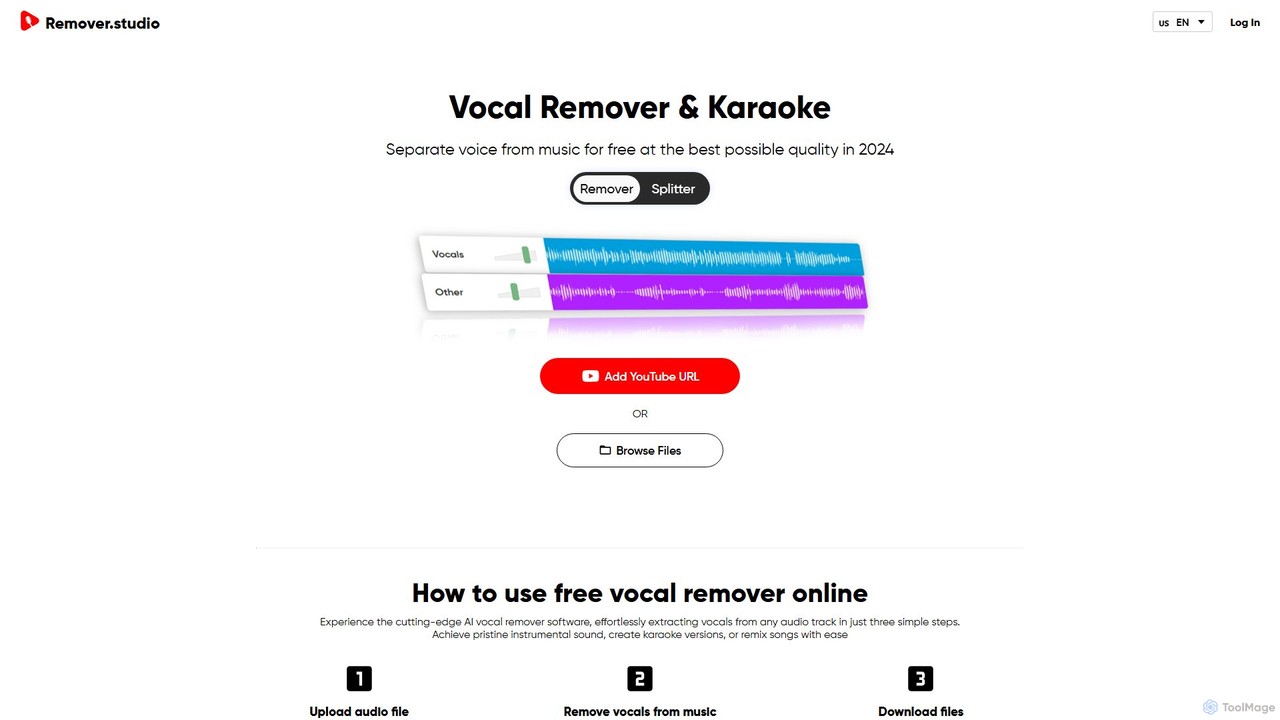
Vocal Remover & Audio Splitter AI
An AI-powered online tool that accurately separates vocals from music and splits audio into individual stems like vocals, bass, drums, and guitar. Ideal for creating karaoke tracks, acapellas, instrumentals, and remixes from any song by uploading a file or pasting a YouTube URL.
Music EditingSamplab
Samplab is an AI-powered audio tool for music producers that allows for unprecedented manipulation of samples. Edit individual notes in polyphonic audio, detect and change chords, split music into stems, and seamlessly match the tempo and key of different samples. It integrates directly into your DAW as a VST3/AU plugin.
Audio Editing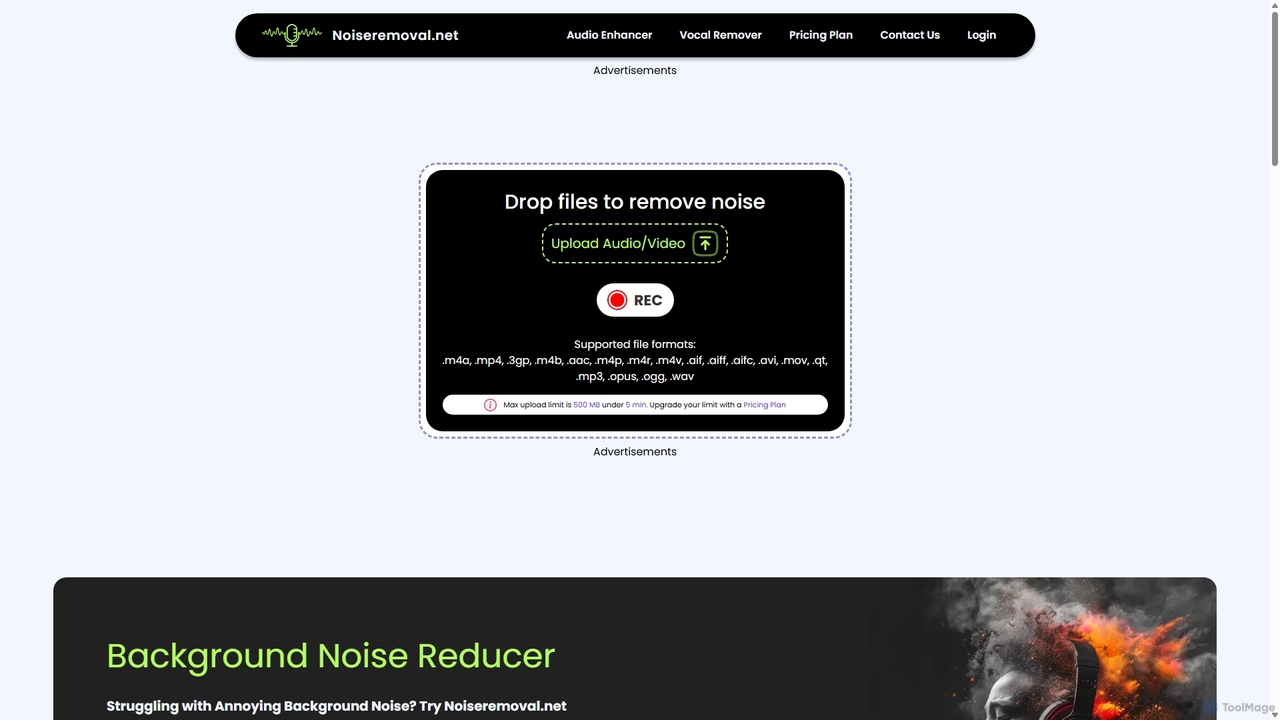
Noiseremoval.net
Noiseremoval.net is an AI-powered online tool designed to enhance audio quality effortlessly. It offers a suite of features including background noise removal from audio and video, a comprehensive audio enhancer to clarify speech and fix levels, and a vocal remover to isolate instrumentals. Ideal for content creators, podcasters, and musicians seeking professional-grade sound with a simple, one-click interface.
3D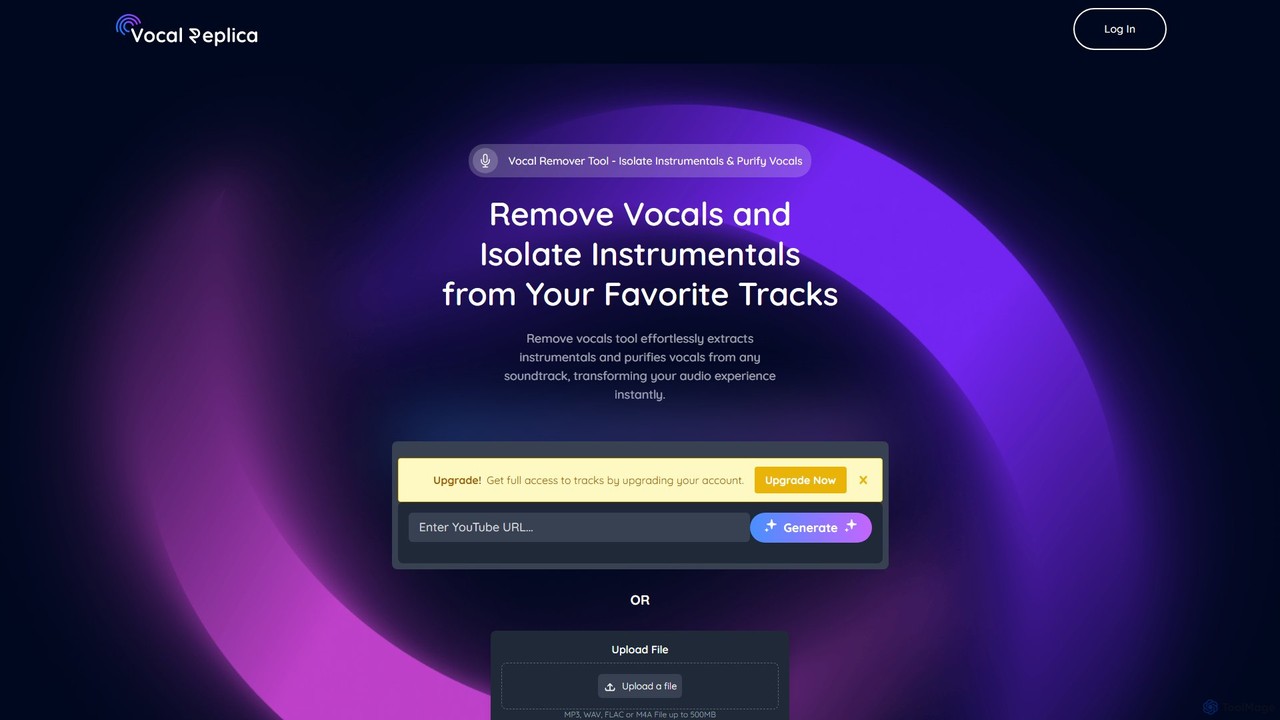
VocalReplica
VocalReplica is an advanced AI-powered tool for high-precision vocal and instrumental separation. It enables musicians, DJs, and producers to easily isolate clean vocal and instrumental tracks from any song by uploading an audio file or pasting a YouTube URL.
Audio EditingSession Loops
Session Loops is an AI-powered music production platform offering a suite of tools for modern musicians. It features VocalNet for voice transformation, DrumNet for infinite drum sample generation, and a cloud-based editor for creating fully customizable music loops. It's designed to integrate seamlessly with any DAW and accelerate the creative process.
Audio Editing
Beatstorapon
An all-in-one ecosystem for music artists, offering a vast library of royalty-free beats, a suite of AI-powered audio tools for mastering and stem separation, and a global network for creator collaboration and discovery.
Audio Editing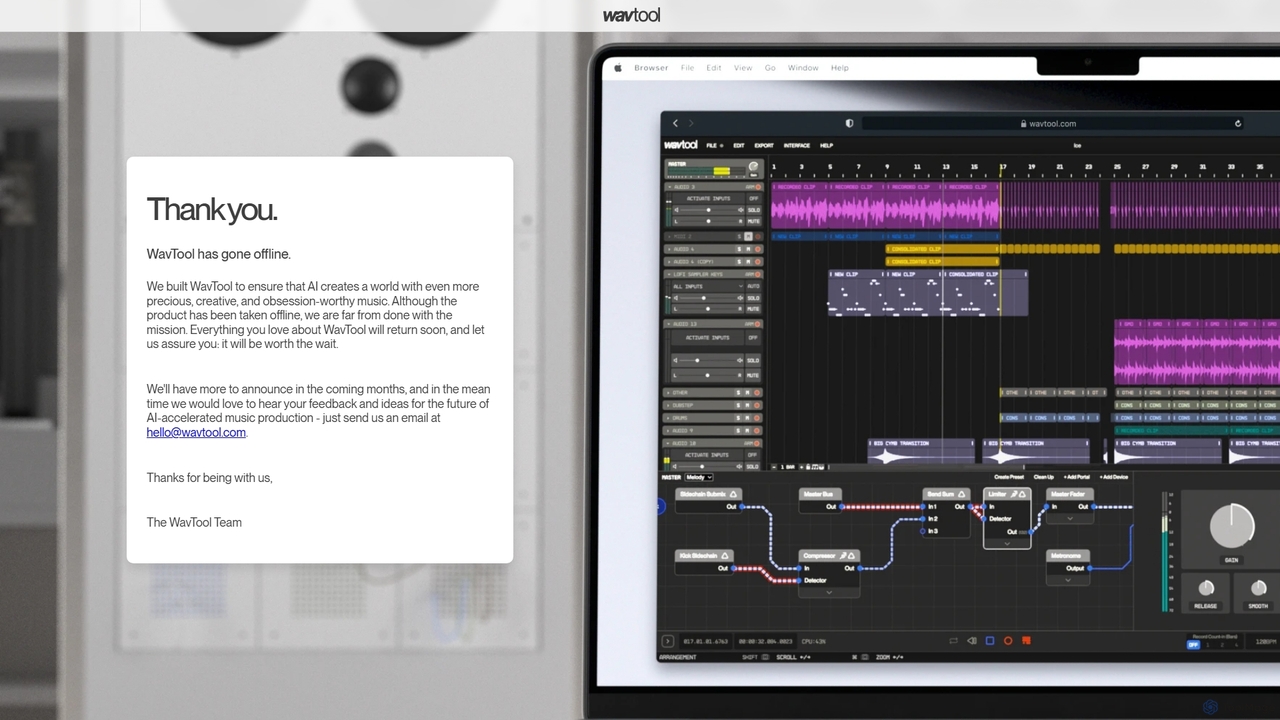
WavTool
WavTool is an innovative, AI-accelerated online digital audio workstation (DAW) designed to revolutionize music production. It combines a full-featured, in-browser DAW with powerful generative AI. Users can compose, record, edit, mix, and master music using natural language prompts and intelligent tools, making professional-grade music creation accessible to everyone from beginners to seasoned producers.
Music Production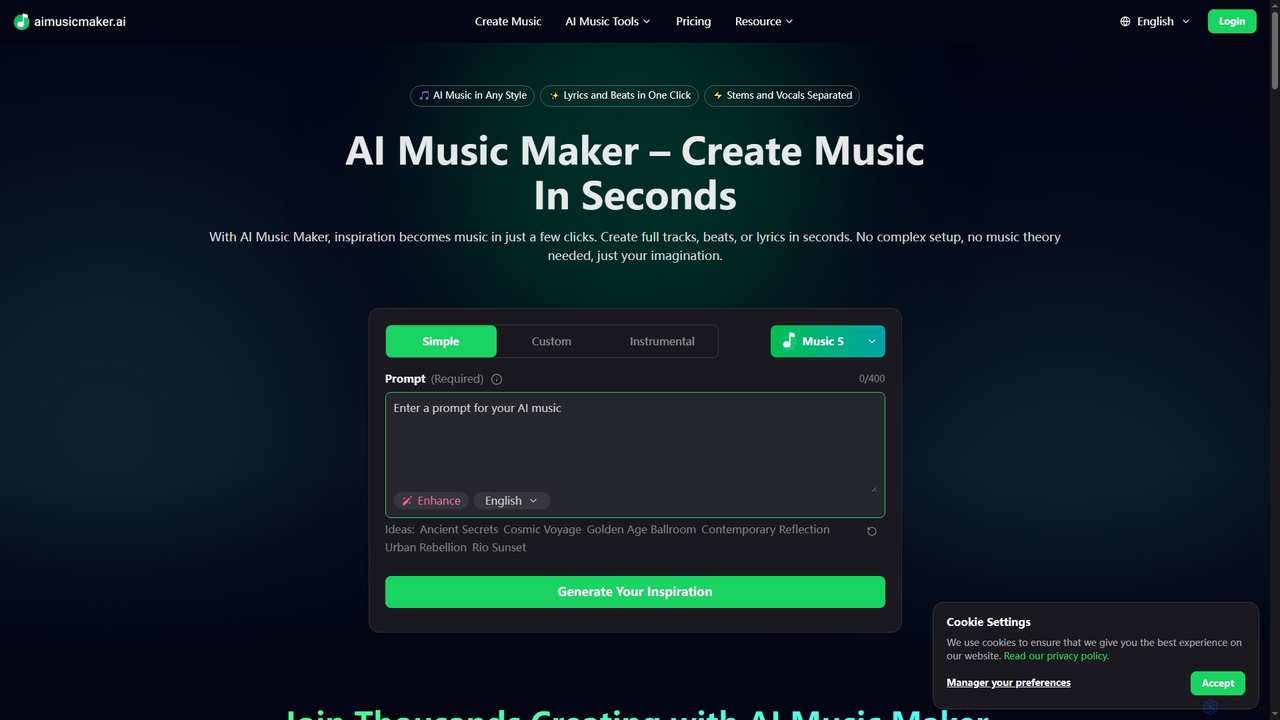
Aimusicmaker
Aimusicmaker is an AI-powered platform designed to simplify music creation. It allows users to generate full tracks, beats, and lyrics in seconds, without requiring complex setups or music theory knowledge. The platform offers a comprehensive suite of AI tools for various audio production needs.
Soundtrack
Vocal Remover Comments (0)
Sign in to comment.
Sign inNo comments yet.