Audio Best in category 2 results Vocal Isolation AI Tool

Popular AI tools in the Vocal Isolation field of Audio include VocalRemover、freemusicdemixer, etc., helping you quickly improve efficiency.

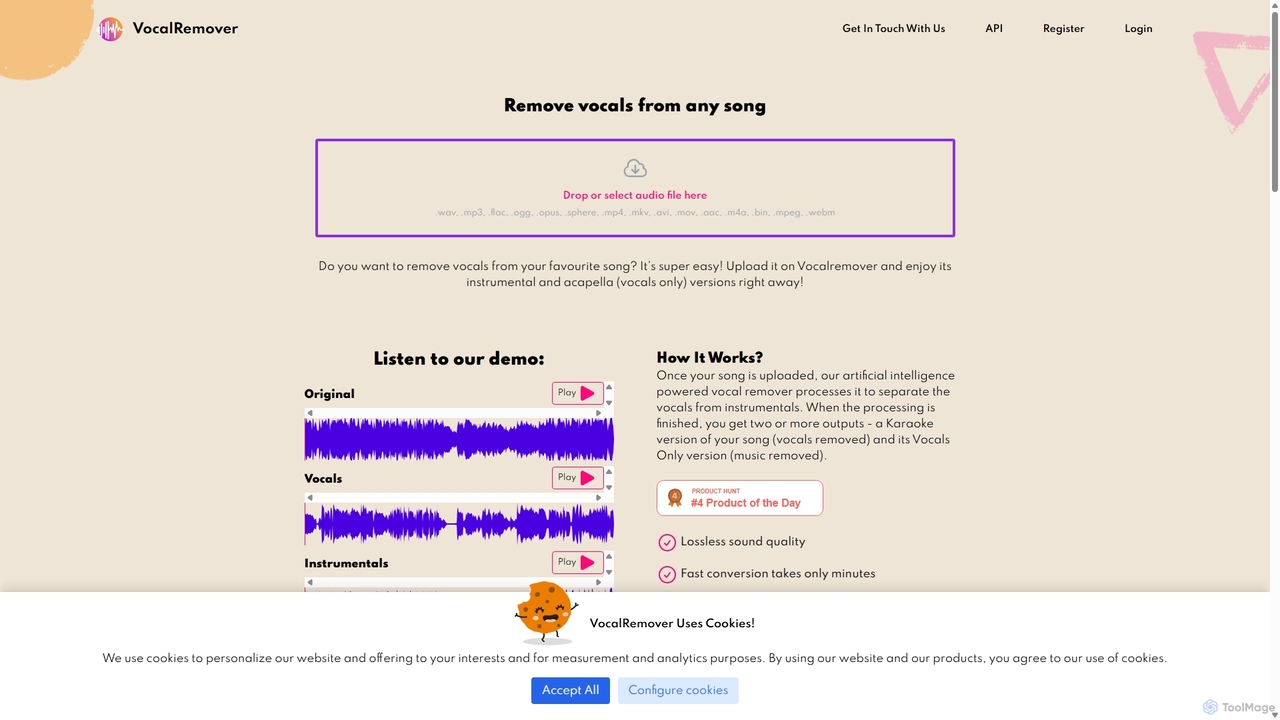
VocalRemover

VocalRemover

An AI-powered online tool that precisely separates vocals from music in any audio or video file. It generates …

257.0K
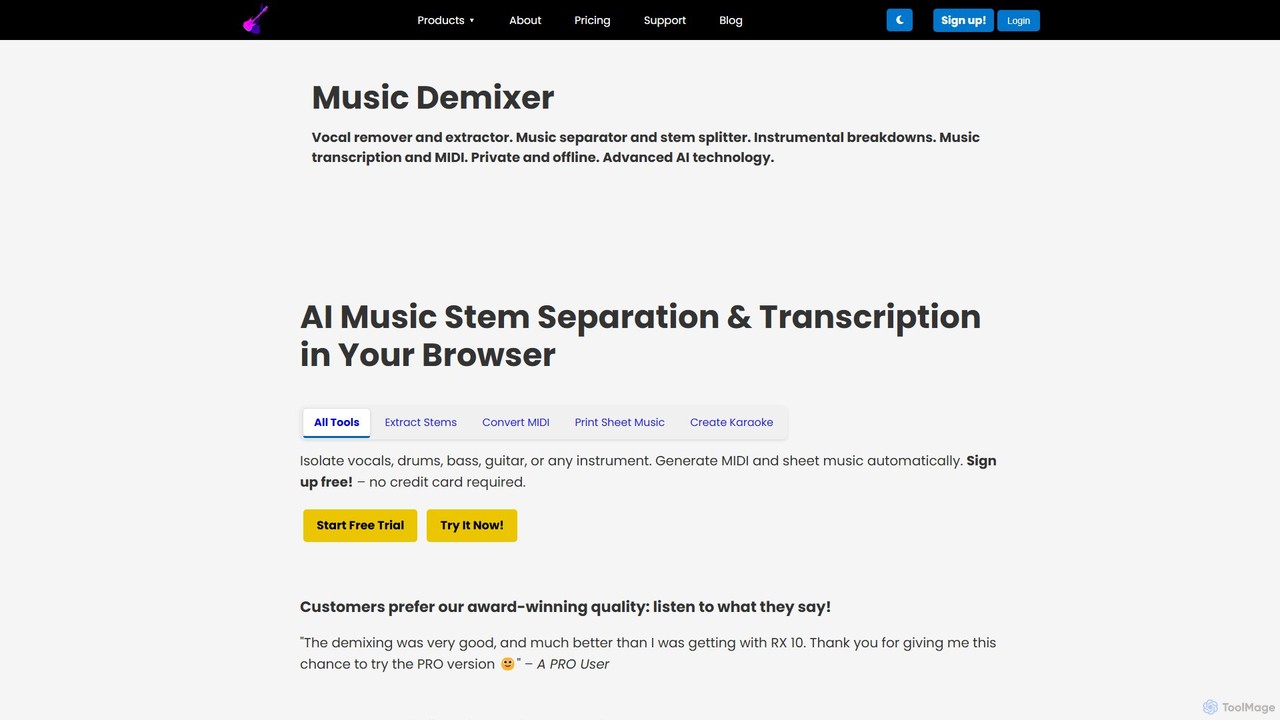
freemusicdemixer

freemusicdemixer

freemusicdemixer is an advanced AI-powered web tool for musicians, DJs, and creators. It allows you to separate any …

23.6K

About Vocal Isolation

Vocal Isolation tools are a class of AI audio software designed to separate human vocals from instrumental tracks within a mixed audio file. These tools leverage deep learning models, trained on vast music datasets, to accurately identify and extract the unique frequency patterns of the human voice. This capability allows musicians, producers, and creators to generate karaoke tracks, produce remixes, or analyze vocal performances with high precision. Unlike traditional EQ filtering, AI-driven separation provides cleaner results with fewer audio artifacts, preserving the quality of both the vocals and the instrumental backing.

Core Features

  • Vocal Track Extraction: Accurately isolates the main vocal line from a complete song mix, creating an acapella track.
  • Instrumental Generation: Produces a clean instrumental or backing track by effectively removing all vocal elements.
  • Multi-Stem Separation: Advanced tools can separate other instruments like drums, bass, and piano into individual tracks (stems).
  • Artifact Reduction: Employs sophisticated algorithms to minimize audio bleeding and phasing for higher-quality output.
  • Broad Format Support: Processes common audio file formats such as MP3, WAV, FLAC, and others.

Use Cases

These tools are widely used in music production for creating remixes and samples, by DJs for crafting unique live sets, and by musicians for generating karaoke and practice tracks. They are also valuable in audio post-production for cleaning up dialogue and in music education for detailed analysis of vocal techniques.

How to Choose

When selecting a Vocal Isolation tool, evaluate the separation quality by checking for audio artifacts. Consider the number of stems offered—whether you need just vocals/instrumentals or also drums and bass. Assess the processing speed and user interface for workflow compatibility. Finally, compare pricing models, such as subscriptions or pay-per-track, to find one that matches your usage needs.

Vocal IsolationUse Cases

1

Creating Karaoke and Backing Tracks

A musician or karaoke enthusiast wants to perform a popular song but cannot find an official instrumental version. They upload the original song file to a Vocal Isolation tool. The AI processes the audio and generates two separate tracks: one containing only the vocals (acapella) and another with only the instruments. This provides them with a high-quality karaoke backing track in minutes, enabling practice or performance without needing complex audio engineering skills or access to the original studio master tapes.

2

Producing Music Remixes and Samples

A music producer or DJ wants to create a remix using the vocal line from a well-known track. By processing the song through a vocal isolation tool, they can extract a clean acapella. This isolated vocal track can then be imported into a Digital Audio Workstation (DAW), where it can be time-stretched, pitch-shifted, chopped, and layered over new instrumental arrangements. This process unlocks immense creative potential, allowing for the creation of entirely new musical works based on existing vocal performances.

3

Audio Cleanup for Podcasts and Interviews

A podcaster records an interview in a location with unavoidable background music. To improve clarity, they process the recording through a vocal isolation tool. While primarily designed for music, the AI can often distinguish the spoken voice from the background music. The tool generates a track with the voices enhanced and the music significantly reduced. This cleaned-up audio makes the dialogue much easier for listeners to understand, resulting in a more professional final product without needing to re-record the session.

4

Music Transcription and Education

A music student is trying to learn a complex vocal melody or harmony part from a recording. The instrumental accompaniment makes it difficult to hear the vocal nuances clearly. By creating an acapella version with a vocal isolation tool, the student can listen to the vocal performance in complete isolation. This allows for easier and more accurate transcription of melodies, analysis of vocal techniques like vibrato and phrasing, and focused practice, ultimately accelerating the learning process.

5

Preparing Audio for Dubbing and Voice-overs

A video production company needs to dub a commercial into a new language. They require the original background music and sound effects track, known as a Music & Effects (M&E) track, without the original narration. Instead of trying to recreate it, they use a vocal isolation tool on the final audio mix. The tool removes the original voice-over, leaving behind a clean M&E track. This allows them to easily record and mix the new language narration over the existing audio bed, saving significant time and resources.

6

Generating Acapella Samples for DJ Sets

A DJ wants to create unique mashups and transitions during a live performance. They use a vocal isolation tool to extract iconic vocal hooks and phrases from various songs, creating a personal library of acapella samples. These samples are then loaded into their DJ software or sampler. During a set, they can drop these isolated vocals over the instrumental of a different track, creating exciting and original live remixes that energize the crowd and showcase their creativity.

Vocal IsolationFrequently Asked Questions