

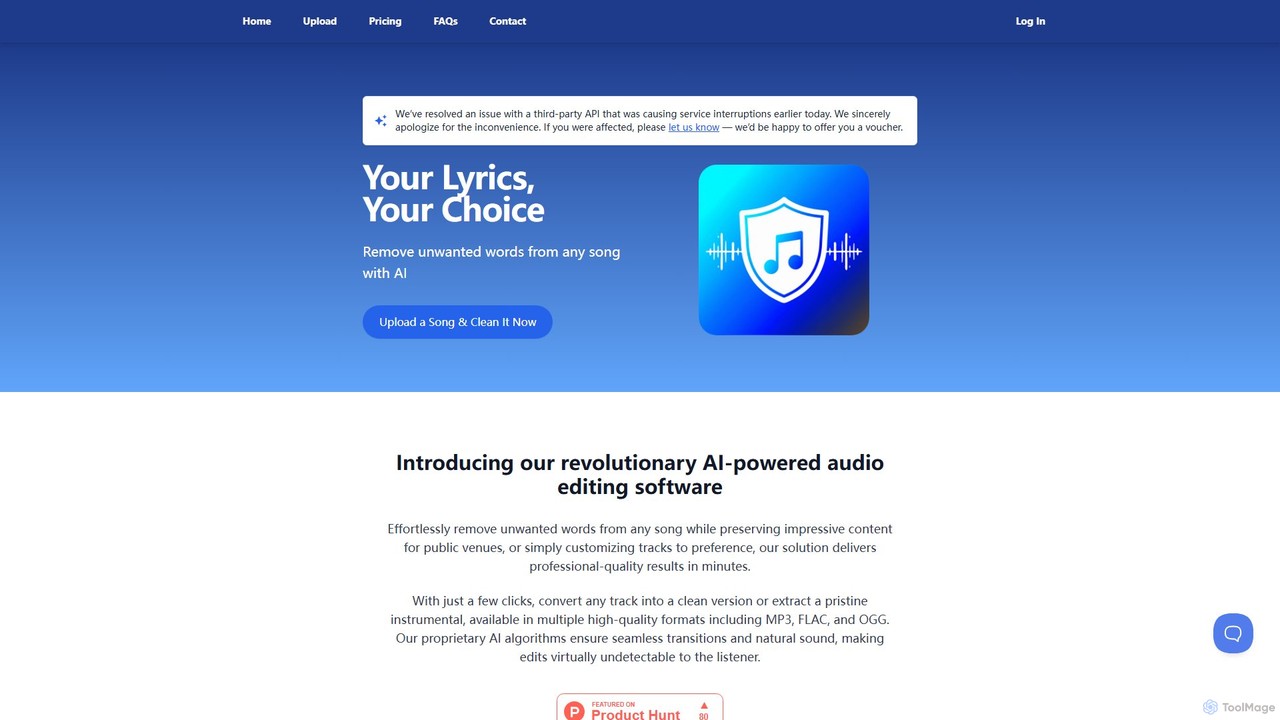
SongCleaner Overview
SongCleaner is a revolutionary AI-powered audio editing platform designed to effortlessly transform any song into a clean, radio-friendly version. By leveraging advanced artificial intelligence, the tool automatically identifies and removes explicit or unwanted lyrics, making music suitable for all audiences and environments. Beyond just cleaning lyrics, SongCleaner also excels at extracting pristine instrumental tracks from songs, providing a versatile solution for a wide range of users, from parents creating kid-safe playlists to professional DJs needing clean edits for events.
The platform is built on proprietary AI algorithms that ensure the editing process is seamless and the results are natural-sounding. The AI analyzes the audio, pinpoints specific words for removal, and intelligently fills the gaps, making the edits virtually undetectable to the listener. This preserves the song's original quality and rhythm, avoiding awkward silences or jarring cuts. The entire process is automated and incredibly fast, delivering professional-quality results in just a few minutes without requiring any technical audio editing skills from the user.
How to use SongCleaner
Using SongCleaner is a straightforward, three-step process designed for maximum simplicity and efficiency:
- Upload Song: Begin by uploading your audio file to the platform. SongCleaner supports a variety of common formats, including MP3, WAV, FLAC, and even MP4 video files (up to 50MB). The web-based interface makes it easy to drag and drop your file or select it from your device.
- AI Processing: Once uploaded, SongCleaner's AI gets to work. It performs a deep analysis of the song's lyrics and vocal tracks to identify explicit or undesirable content. The AI then prepares the necessary edits to create the clean version and simultaneously isolates the instrumental track.
- Download: After the processing is complete, which typically takes only a few minutes, you can download your new files. You will receive both the clean (radio-edit) version of the song and the full instrumental version. Files are available in multiple high-quality formats, including MP3, OGG, and lossless FLAC for premium users.
Core Features of SongCleaner
- AI-Powered Lyric Removal: Automatically detects and removes explicit words from songs with high accuracy, ensuring a natural and seamless listening experience.
- Instrumental Track Extraction: Isolates and extracts a clean, high-quality instrumental version from any uploaded song, perfect for karaoke, remixes, or background music.
- High-Quality Audio Exports: Provides downloads in multiple formats, including standard MP3 and OGG, with support for high-fidelity, lossless FLAC format for premium subscribers.
- Personal User Dashboard: Registered users get a personal dashboard to access, manage, and re-download all their processed songs at any time.
- Fast and Automated: The entire editing process is fully automated and takes just minutes, saving significant time compared to manual editing.
- Priority Processing: Premium plan subscribers benefit from faster processing speeds, even during high-traffic periods.
- Broad File Format Support: Accepts a wide range of input files, including MP3, WAV, FLAC, and MP4.
Use Cases for SongCleaner
SongCleaner is a versatile tool with applications for various users:
- Parents and Families: Easily create kid-friendly playlists for car rides, home listening, and family parties, ensuring children aren't exposed to inappropriate language.
- DJs and Event Organizers: Quickly prepare clean versions of popular songs for public events like weddings, school dances, corporate functions, and clubs.
- Content Creators: Obtain clean background music or instrumentals for YouTube videos, podcasts, and streams without worrying about demonetization or content flags.
- Businesses and Public Venues: Curate a welcoming atmosphere in retail stores, cafes, restaurants, and gyms by playing music that is appropriate for all customers.
- Musicians and Vocalists: Use the instrumental tracks for practice, vocal covers, or performances.
Advantages of SongCleaner
SongCleaner stands out with its combination of simplicity, speed, and quality. Its primary advantage is its accessibility—no prior audio engineering experience is needed. The AI handles all the complex work, delivering professional-grade results that rival manual edits. The dual functionality of lyric cleaning and instrumental extraction offers exceptional value, making it a two-in-one tool. Furthermore, its flexible, tiered pricing model makes it affordable for everyone, from casual users to heavy-duty professionals.
Pricing and Plans
SongCleaner operates on a freemium model, offering a free trial and several subscription tiers:
- Free: Process up to 2 songs for free to test the service, no subscription required.
- Basic Plan: $4.99 per month for up to 10 songs per month.
- Pro Plan: $9.99 per month for up to 25 songs per month and includes high-quality (HQ) FLAC exports.
- Unlimited Plan: $19.99 per month for unlimited song processing, instrumental track downloads, and priority processing.
An annual subscription option is also available, offering a 16% discount compared to the monthly rates.
Traffic
Latest traffic
Status
Monthly traffic trend
- 2025-9: 13.5K
- 2026-1: 19.1K
- 2026-2: 29.0K
- 2026-3: 18.1K
- 2026-4: 12.4K
- 2026-5: 13.4K
Geography
Top 5 countries / regions
- 🇺🇸United States64.6%
- 🇬🇧United Kingdom27.2%
- 🇦🇺Australia4.6%
- 🇧🇷Brazil2.0%
- 🇩🇪Germany1.6%
Traffic sources
| Source type | Percentage |
|---|---|
Direct | 89.0% |
Email | 5.9% |
Referral | 5.0% |
Top keywords
| Keyword | Cost per click |
|---|---|
| clean song generator | $0.00 |
| how to remove swear words from songs | $0.00 |
| make songs clean | $0.00 |
| song cleaner | $1.65 |
| song cleaner free | $0.00 |
SongCleaner Alternatives
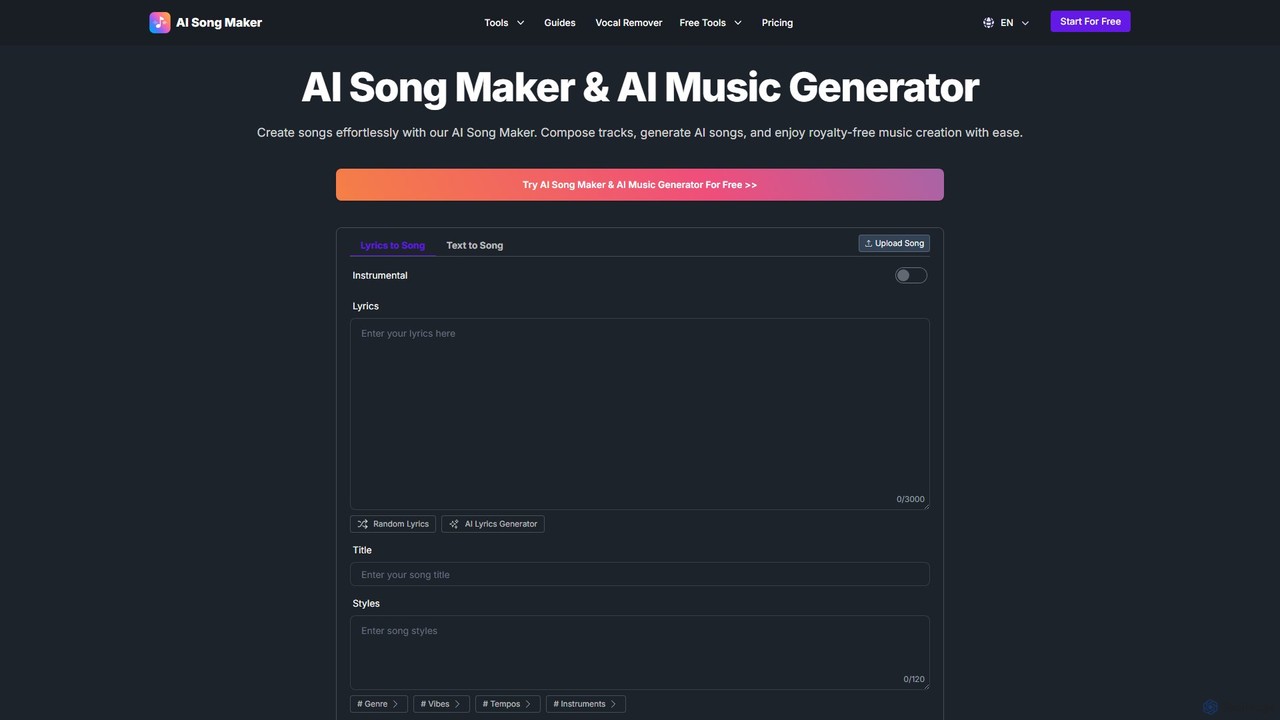
AI Song Maker
AI Song Maker is a powerful AI music generation platform that allows users to create unique, royalty-free songs from text or lyrics in seconds. It offers a comprehensive suite of tools, including an AI lyrics generator, a vocal remover for creating karaoke or acapella tracks, and music editing features like extending or replacing sections. It's designed for creators of all skill levels, from social media influencers and musicians to marketers and educators, providing a fast, easy, and cost-effective solution for high-quality music production.
Audio Editing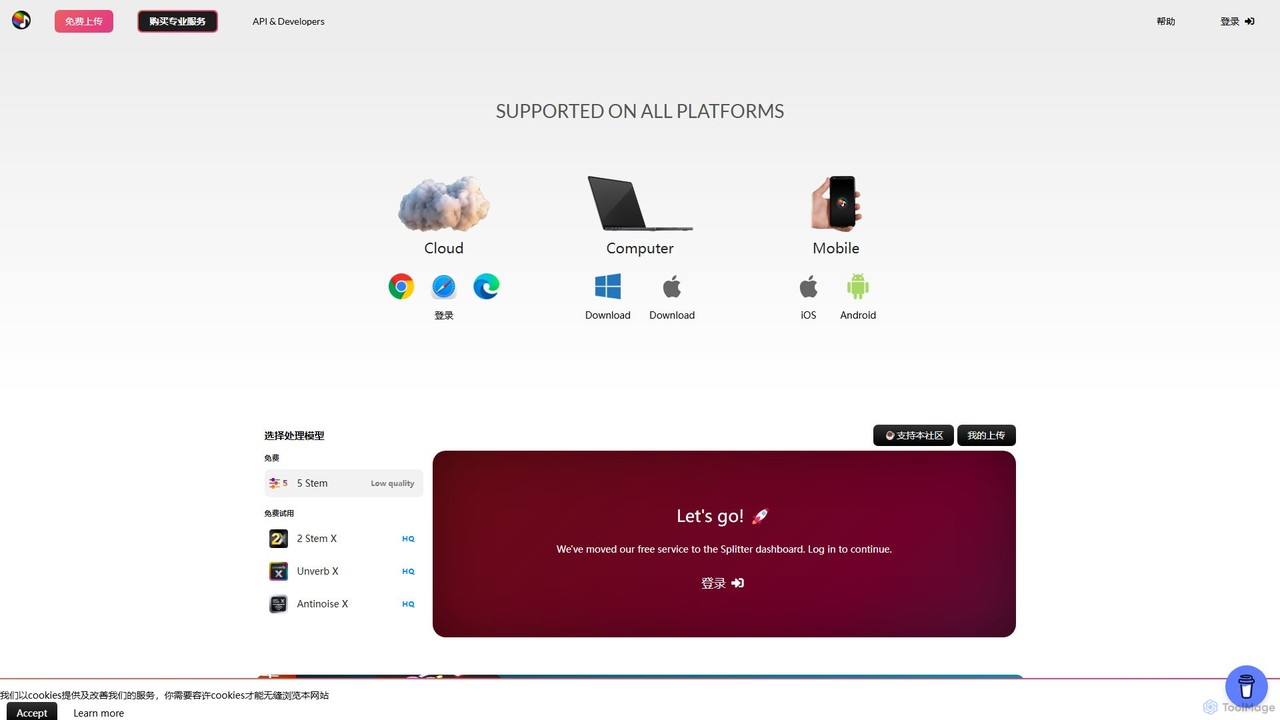
Splitter.ai
Splitter.ai is an advanced AI-powered audio processing platform for high-fidelity stem separation. It enables users to isolate vocals, drums, bass, piano, and other instruments from any song. With features like reverb removal, noise reduction, and direct YouTube processing, it's an essential tool for music producers, DJs, and musicians.
Audio Editing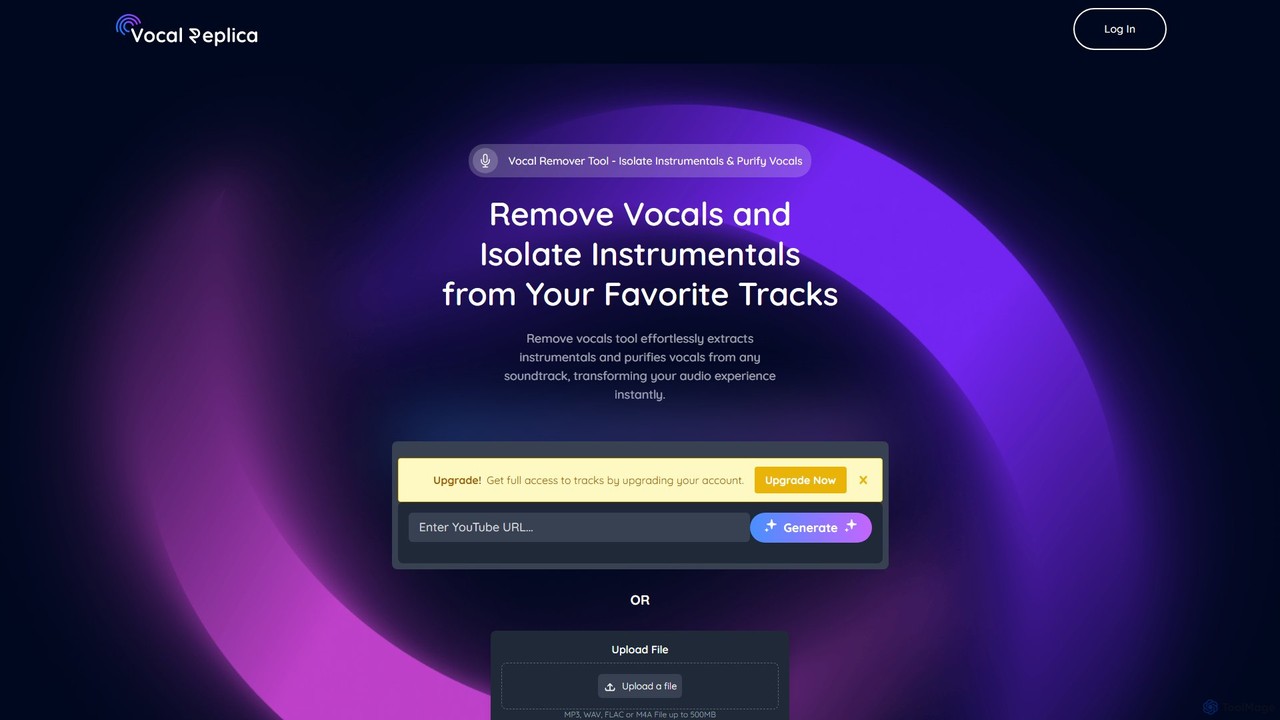
VocalReplica
VocalReplica is an advanced AI-powered tool for high-precision vocal and instrumental separation. It enables musicians, DJs, and producers to easily isolate clean vocal and instrumental tracks from any song by uploading an audio file or pasting a YouTube URL.
Audio Editing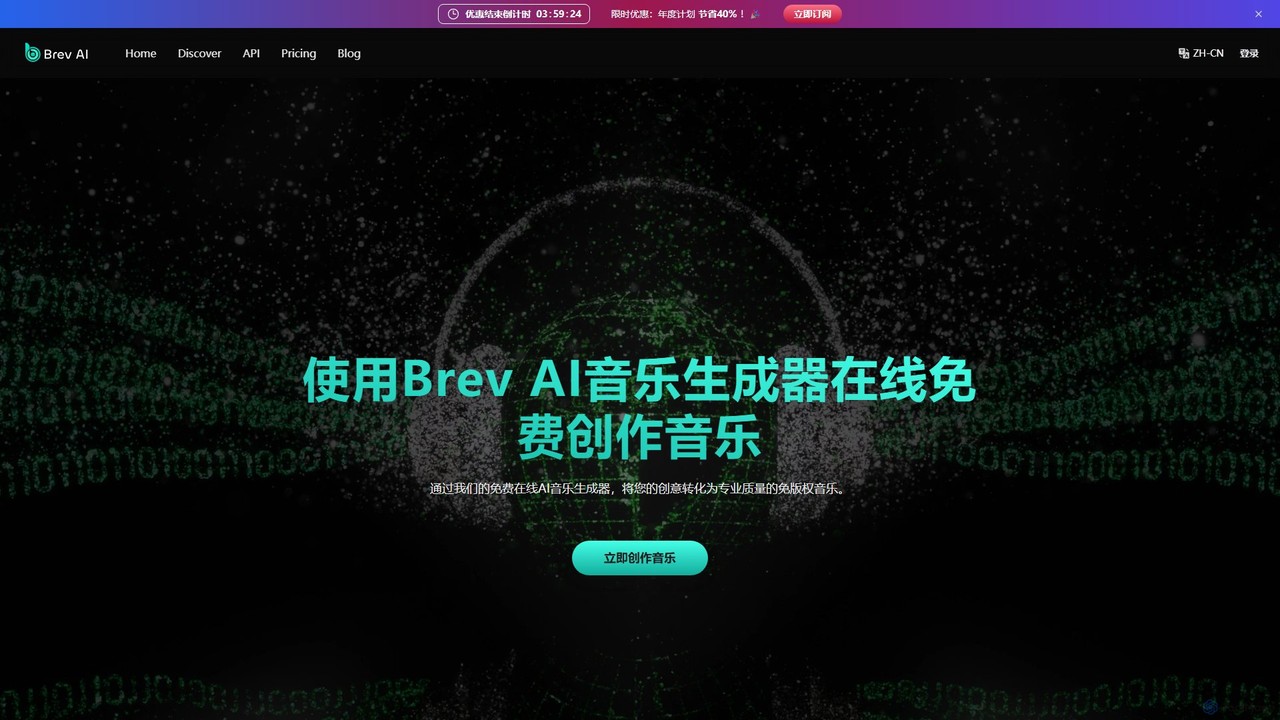
Brev.ai
Brev.ai is a powerful AI music generation platform that transforms text prompts into high-quality, royalty-free music. It offers a comprehensive suite of tools, including a vocal remover, sound effect generator, lyrics generator, and even an AI-powered music video creator. Designed for content creators, musicians, and marketers, Brev.ai provides a seamless workflow from idea to finished track, with both free and premium plans to suit various needs.
Audio Editing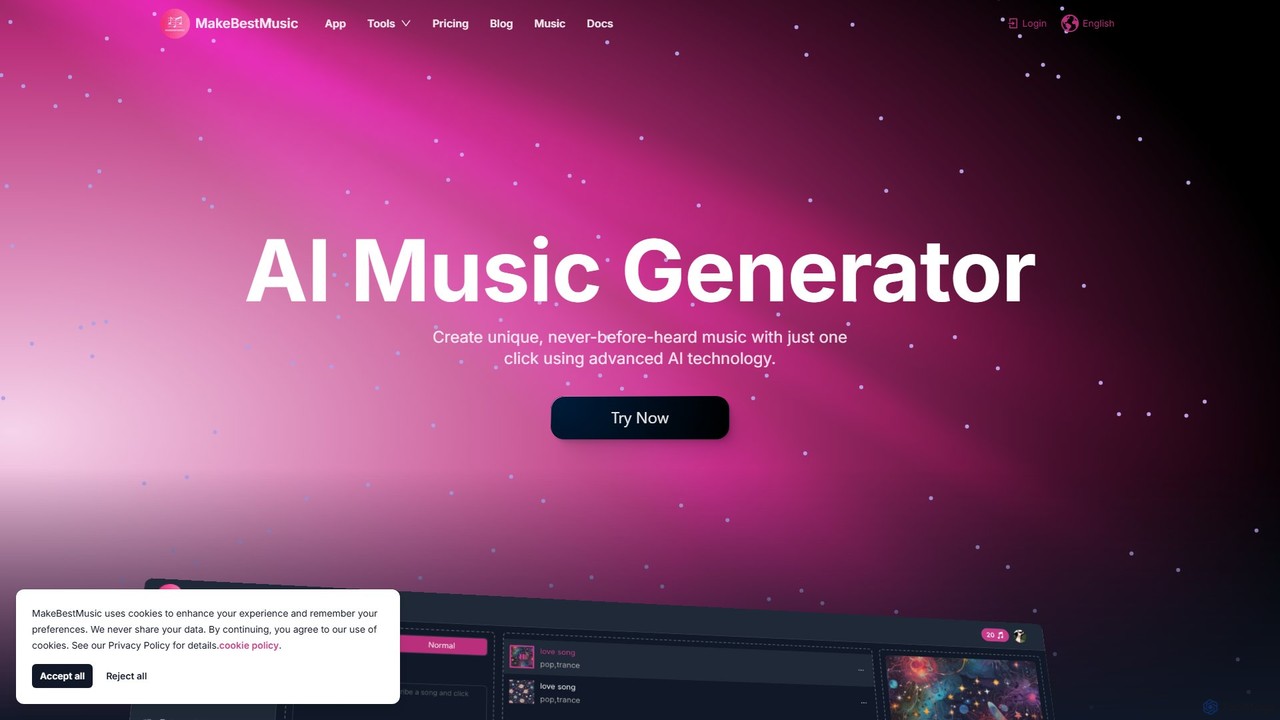
makebestmusic
makebestmusic is a powerful AI-driven music production suite that enables users to generate high-quality, royalty-free music from text prompts. It offers a comprehensive set of tools including text-to-music creation, vocal generation, advanced stem splitting, and AI-powered remixing. Designed for creators of all skill levels, from filmmakers and YouTubers to professional musicians, it democratizes music production by making it fast, accessible, and versatile.
Audio EditingSongCleaner Categories
SongCleaner Embed Widget
Copy this embed code to place the badge on your blog, article, or product site and send readers directly to this ToolMage detail page.

Related AI tools
AudioShake
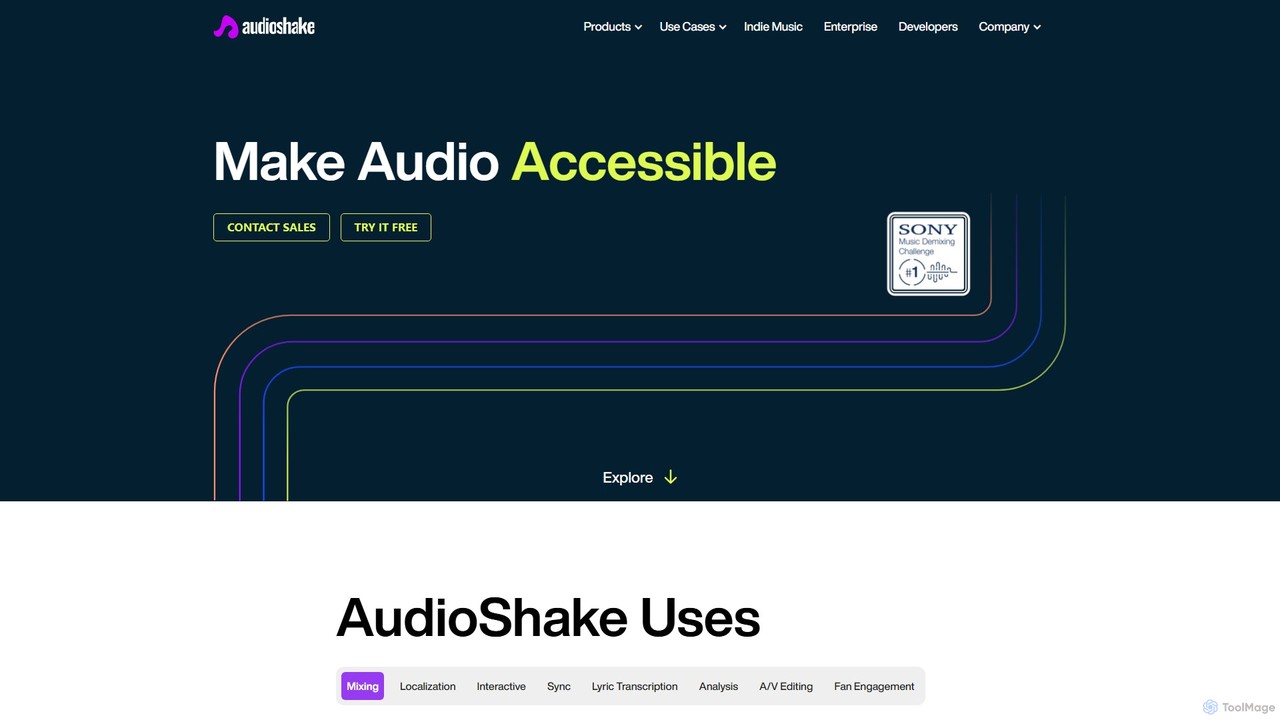
AudioShake is a cutting-edge AI platform that separates audio into its core components (stems). It can isolate vocals, instruments, dialogue, and effects from any audio source, enabling high-quality mixing, remastering, dubbing, and sync licensing. Trusted by industry leaders like Disney and Warner Music, it unlocks new creative and commercial possibilities for music, film, and broadcast professionals.
Music Editing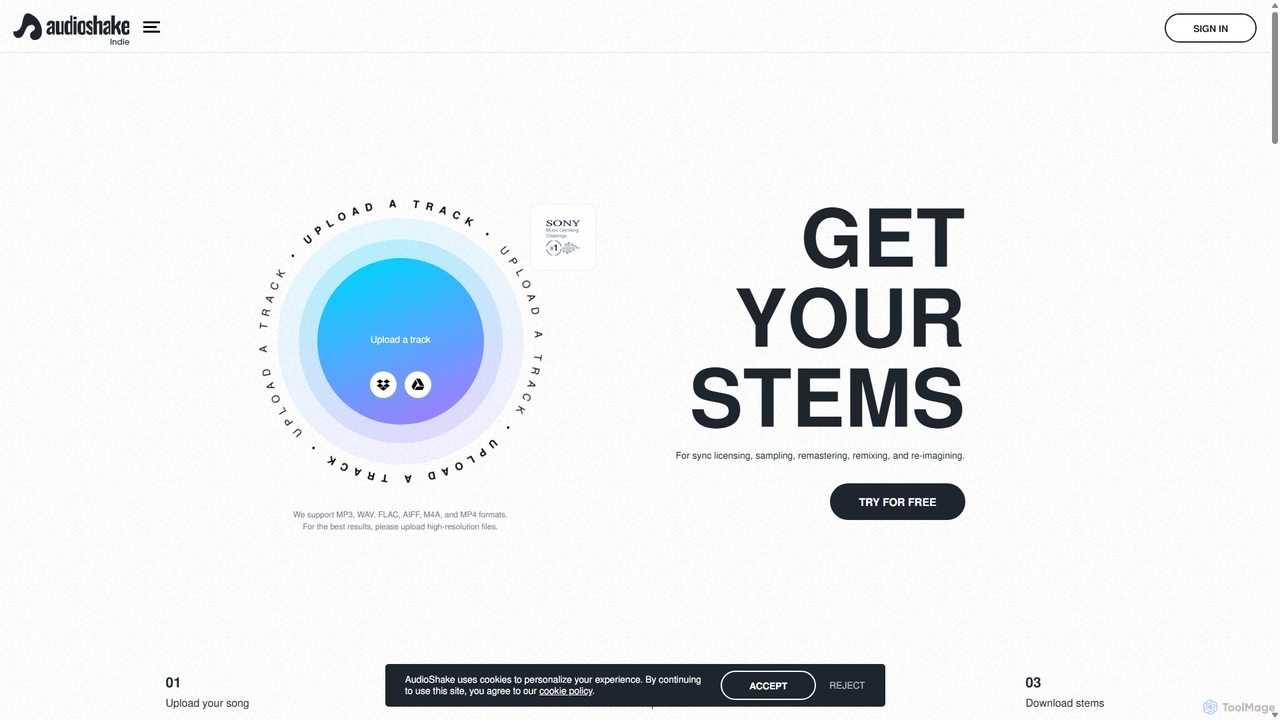
AudioShake Indie
AudioShake Indie is an advanced AI-powered tool designed for musicians, producers, and labels to deconstruct any audio track into its constituent parts, or stems. It cleanly separates vocals, drums, bass, and other instruments from a single audio file, opening up new possibilities for remixing, sampling, sync licensing, and remastering, even when original multi-track recordings are lost.
Music EditingAI Song Maker
AI Song Maker is a powerful AI music generation platform that allows users to create unique, royalty-free songs from text or lyrics in seconds. It offers a comprehensive suite of tools, including an AI lyrics generator, a vocal remover for creating karaoke or acapella tracks, and music editing features like extending or replacing sections. It's designed for creators of all skill levels, from social media influencers and musicians to marketers and educators, providing a fast, easy, and cost-effective solution for high-quality music production.
Audio EditingSplitter.ai
Splitter.ai is an advanced AI-powered audio processing platform for high-fidelity stem separation. It enables users to isolate vocals, drums, bass, piano, and other instruments from any song. With features like reverb removal, noise reduction, and direct YouTube processing, it's an essential tool for music producers, DJs, and musicians.
Audio EditingVocalReplica
VocalReplica is an advanced AI-powered tool for high-precision vocal and instrumental separation. It enables musicians, DJs, and producers to easily isolate clean vocal and instrumental tracks from any song by uploading an audio file or pasting a YouTube URL.
Audio Editing
Jyek
Jyek is an AI agent platform that understands objectives, creates execution plans, uses tools, and delivers verifiable results for complex, multi-step tasks.
Automation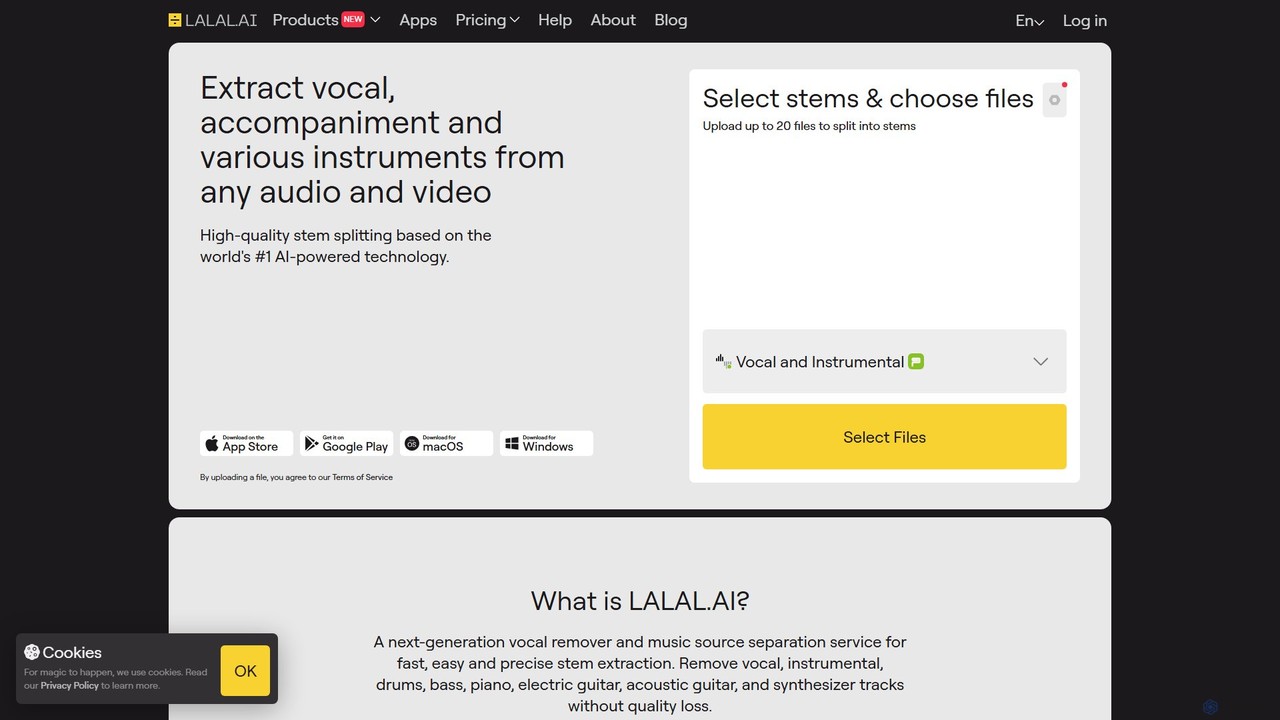
LALAL.AI
LALAL.AI is a next-generation AI-powered service for high-quality vocal and instrumental stem separation. It allows users to quickly and accurately extract up to 10 different stems—including vocals, drums, bass, piano, and more—from any audio or video file. The platform also features a Voice Cleaner for noise reduction, an Echo Remover, and a Voice Cloner, making it a comprehensive toolkit for musicians, producers, and content creators.
Music Editing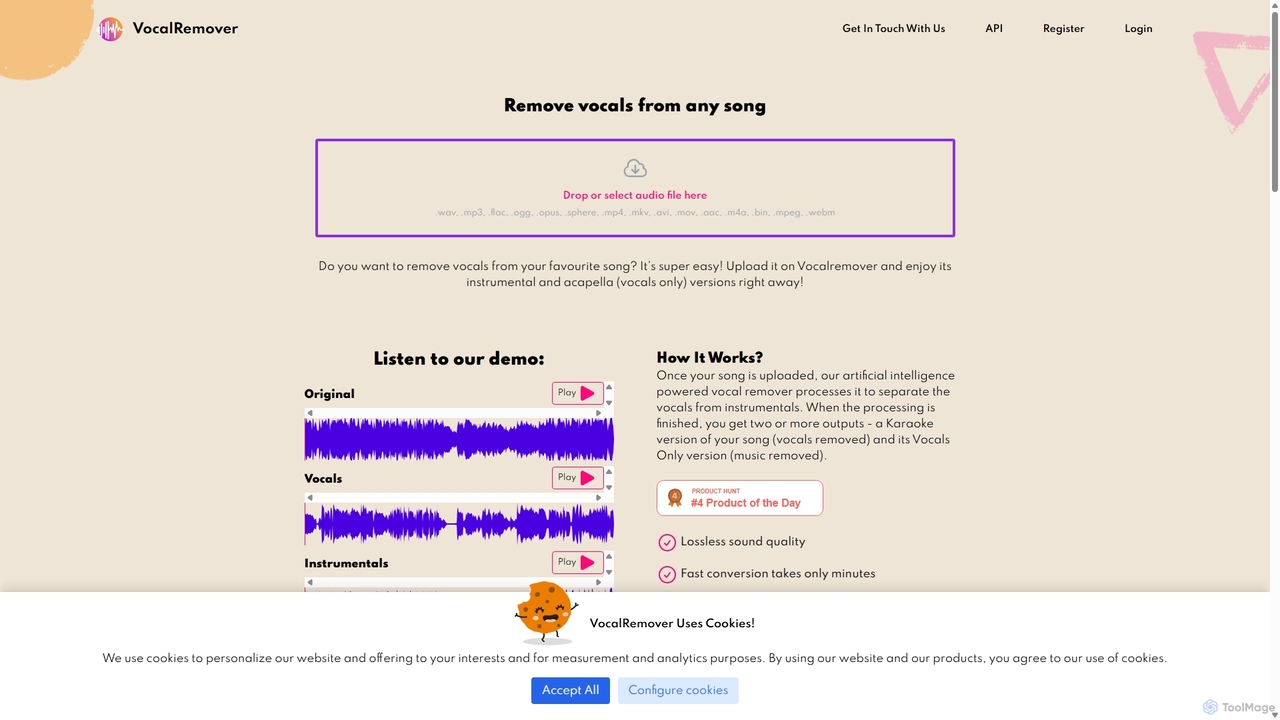
VocalRemover
An AI-powered online tool that precisely separates vocals from music in any audio or video file. It generates high-quality instrumental (karaoke) and acapella tracks. Beyond vocals, it can also isolate specific instruments like drums, bass, and piano, making it an essential tool for DJs, music producers, and karaoke lovers.
Music Editing
Vocal Remover & Audio Splitter AI
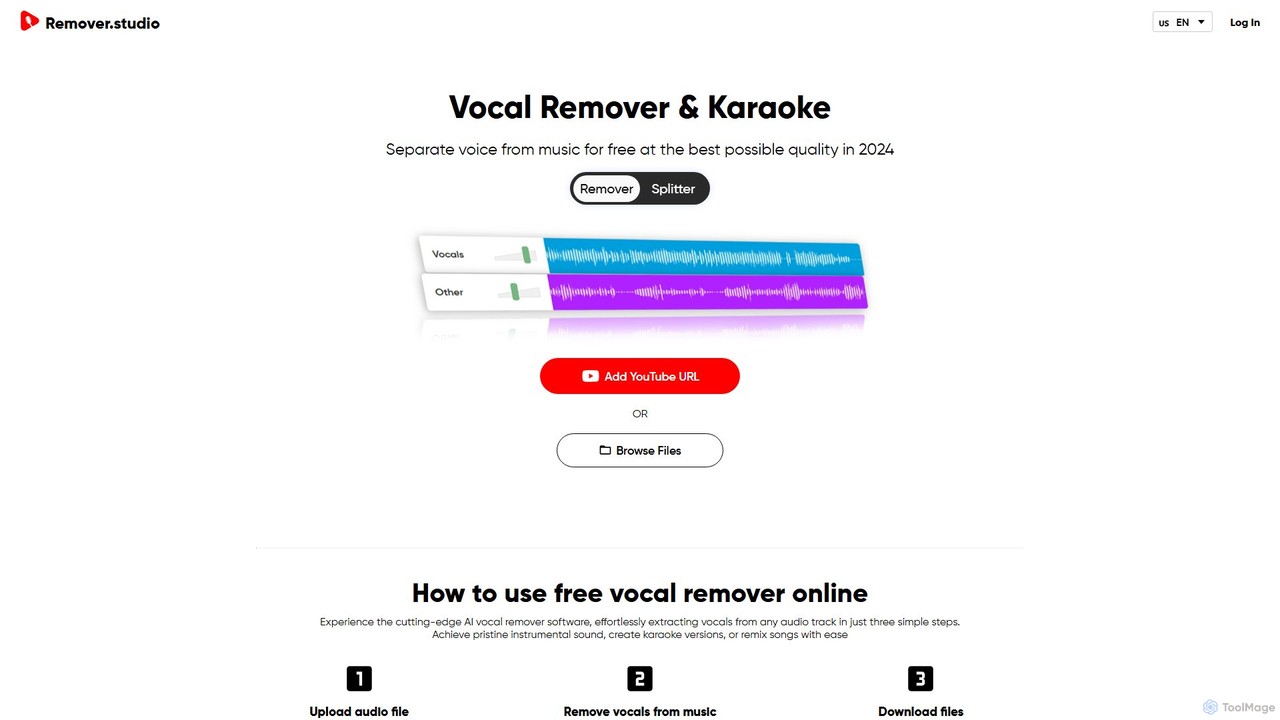
An AI-powered online tool that accurately separates vocals from music and splits audio into individual stems like vocals, bass, drums, and guitar. Ideal for creating karaoke tracks, acapellas, instrumentals, and remixes from any song by uploading a file or pasting a YouTube URL.
Music Editing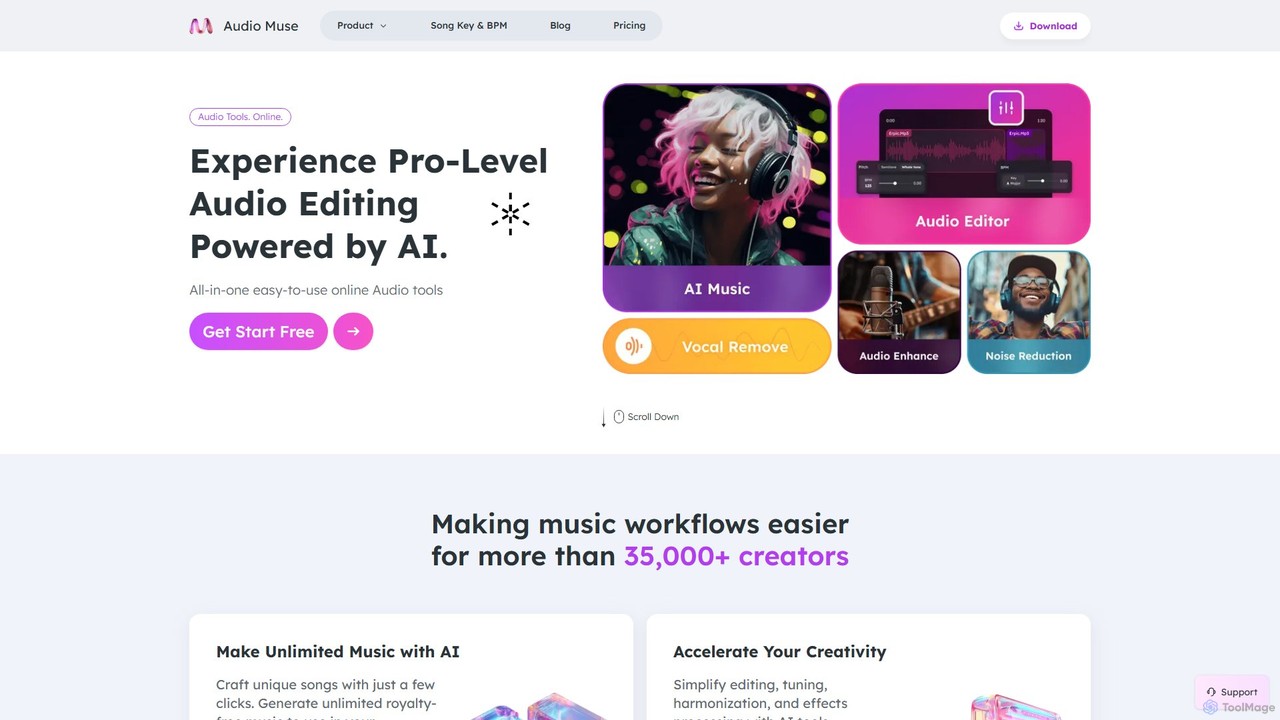
audiomuse
audiomuse is an all-in-one, AI-powered online audio toolkit designed for creators, musicians, and podcasters. It offers a comprehensive suite of tools including an AI music generator, music mastering, stem splitter, vocal remover, noise reduction, and various audio editors. Simplify your workflow and create professional-quality audio with just a few clicks.
Audio Editing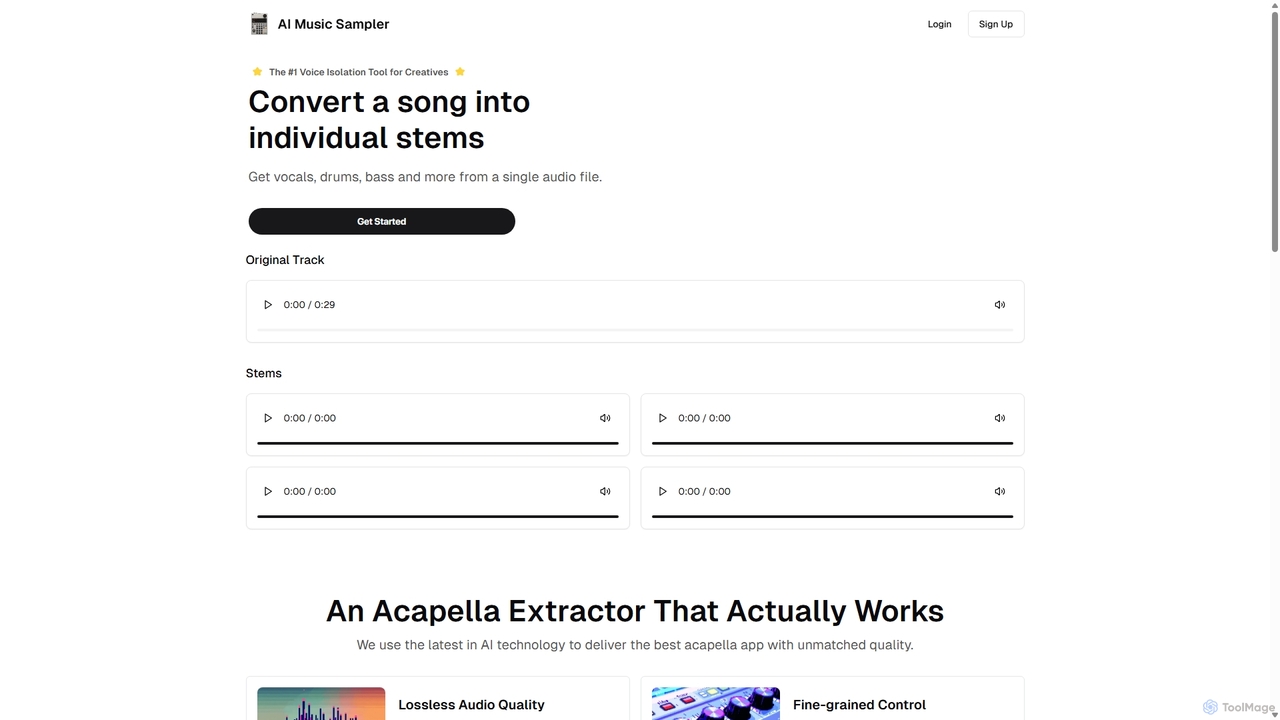
Aimusicsampler
Aimusicsampler is an AI-powered audio separation tool that allows creatives to extract individual stems like vocals, drums, bass, and other instruments from any song. It delivers high-quality, lossless audio files (WAV) with remarkable accuracy, operating on a flexible pay-per-use model without requiring a monthly subscription.
Audio Editing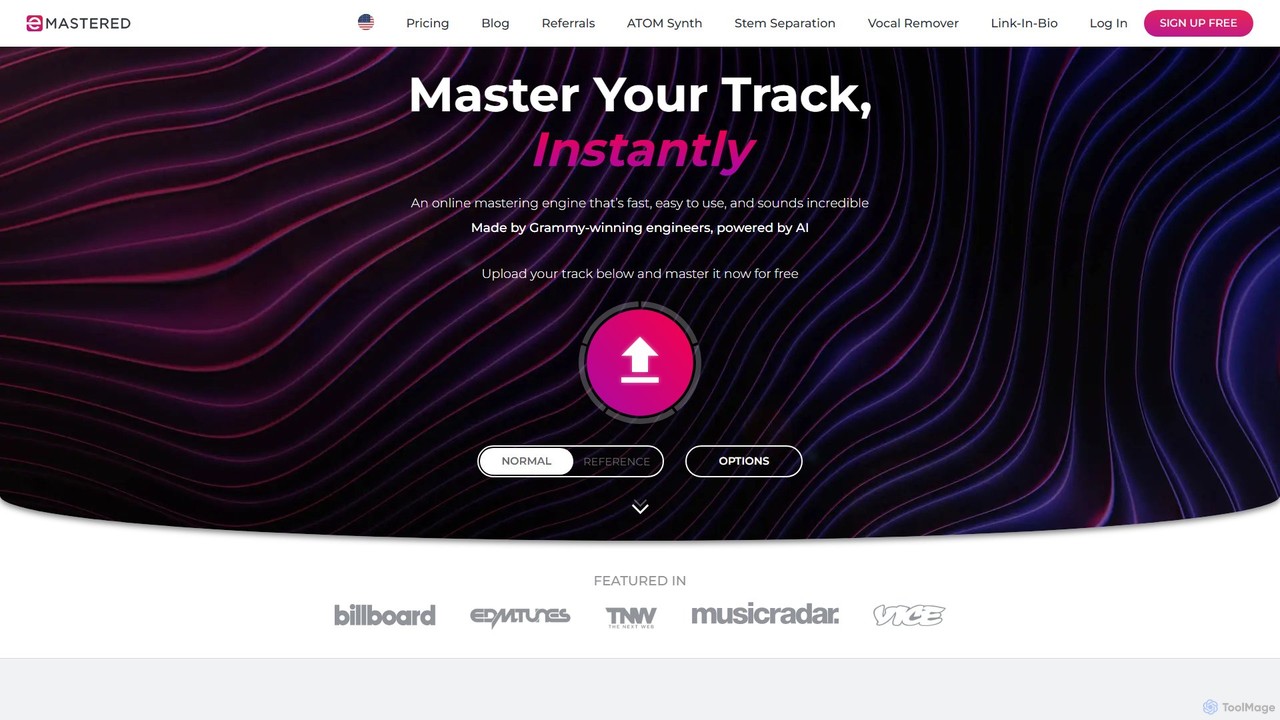
eMastered
eMastered is an AI-powered online audio mastering platform developed by Grammy-winning engineers. It instantly enhances your tracks to a professional, release-ready quality. The platform also offers advanced tools like AI stem separation (Stemify), a link-in-bio page builder (Linkify), and an AI synthesizer (Atom), providing a comprehensive suite for modern music creators.
Mastering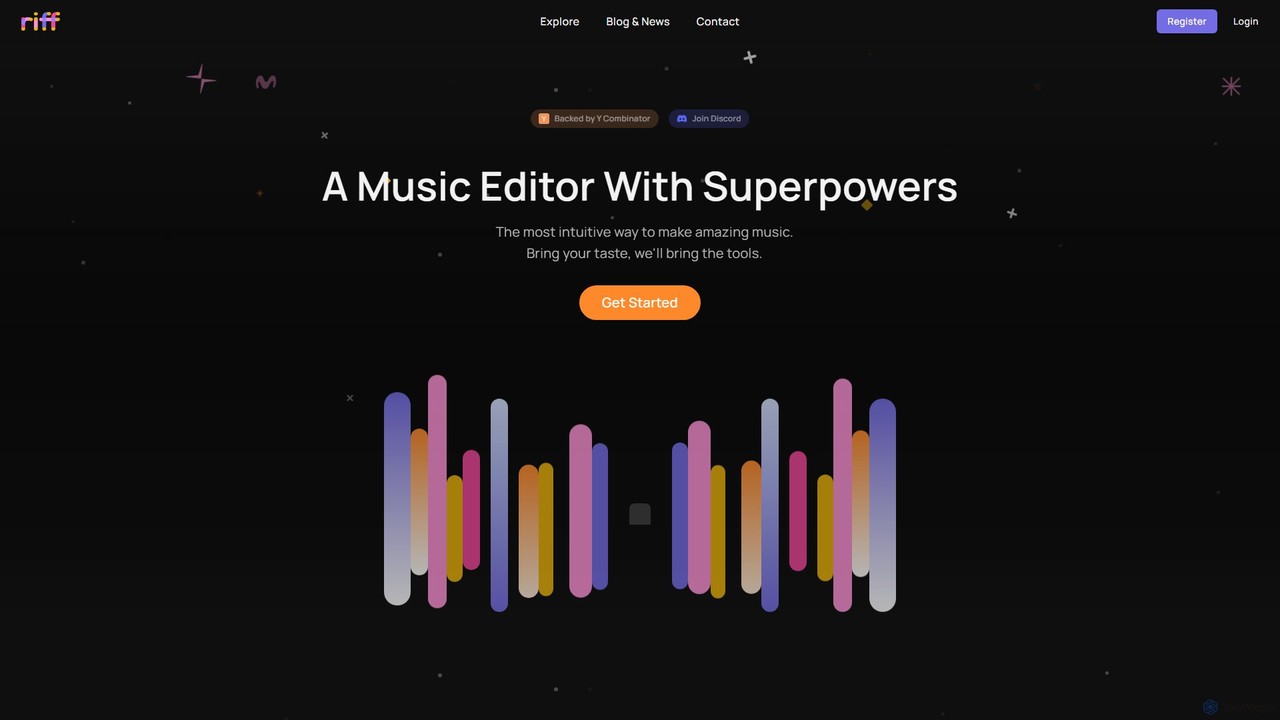
Riff
Riff is an AI-powered music editor and collaborative platform designed to make music creation intuitive and fun. Backed by Y Combinator, it combines a user-friendly interface with powerful AI tools, like a chatbot for edits and intelligent sample search, to help both beginners and experienced producers bring their musical ideas to life.
Music Creation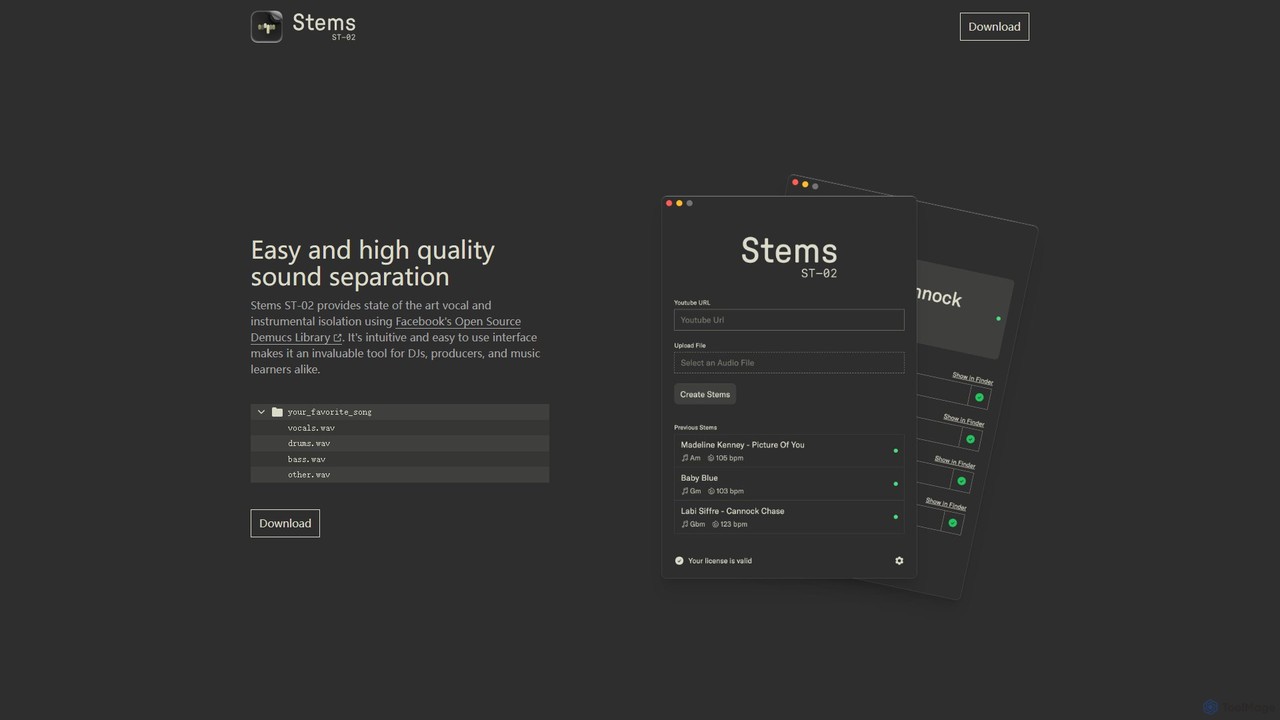
Stems
Stems is a high-quality, easy-to-use desktop application for audio source separation. Powered by Meta's advanced Demucs AI library, it allows DJs, producers, and musicians to effortlessly split any song into individual stems like vocals, drums, bass, and other instruments.
Stem Separation
SongCleaner Comments (0)
Sign in to comment.
Sign inNo comments yet.