

editair Overview
editair is a revolutionary, cloud-based audio enhancement and editing tool that leverages advanced artificial intelligence to deliver pristine, studio-quality sound. Designed for podcasters, video creators, educators, journalists, and business professionals, editair simplifies the complex process of audio post-production. It transforms raw recordings into polished, professional-grade audio without requiring any technical expertise. The platform's core mission is to automate tedious editing tasks, allowing creators to focus on their content rather than the technicalities of sound engineering.
By simply uploading an audio or video file, users can access a suite of powerful AI tools. The platform analyzes the audio to identify and isolate imperfections such as background noise, vocal mistakes, and awkward silences. It then intelligently processes the file to produce a clean, clear, and engaging final product. editair serves as a virtual audio engineer, working in the background to ensure every recording sounds its best.
How to use editair
Using editair is a straightforward, three-step process designed for maximum efficiency:
- Upload Your File: Navigate to the editair dashboard and upload your audio (MP3, WAV, etc.) or video (MP4, MOV, etc.) file. The platform will automatically extract the audio for processing.
- Select AI Enhancements: Choose from a range of AI-powered options. You can apply 'Auto-Enhance' for a comprehensive fix, or select specific tools like 'Noise Reduction', 'Filler Word Removal', or 'Studio Sound' for more granular control. The AI will process your file in minutes.
- Preview and Download: Once the processing is complete, you can preview the before-and-after versions to hear the difference. If you're satisfied with the result, simply download your enhanced audio file or the video with the new audio track.
Core Features of editair
- AI Noise Reduction: Intelligently identifies and removes various types of background noise, including hum, hiss, wind, traffic, and crowd chatter, without compromising voice quality.
- Studio Sound Enhancement: A one-click feature that automatically EQs, compresses, and masters your audio to give it the richness and clarity of a professional studio recording.
- Automatic Filler Word Removal: Detects and seamlessly cuts out filler words and sounds like 'um', 'uh', 'ah', 'you know', and other hesitations to make speech more fluent and professional.
- Silence & Pause Trimming: Automatically shortens or removes long, awkward pauses to improve the pacing and flow of the conversation.
- AI-Powered Transcription: Generates a highly accurate, time-stamped text transcript of your audio, which can be used for subtitles, show notes, or content repurposing.
- Voice Leveling (Loudness Normalization): Balances the volume levels of different speakers and audio segments, ensuring a consistent and pleasant listening experience.
Use Cases for editair
Podcasters: Clean up interview recordings, enhance host and guest voices, remove filler words to create a more polished and engaging show. Generate transcripts for show notes and accessibility.
Video Creators & YouTubers: Drastically improve the audio quality of vlogs, tutorials, and reviews. Eliminate background noise from on-location shoots and ensure crystal-clear voiceovers.
Educators & E-Learning Creators: Produce high-quality audio for online courses and lectures. Clean up recordings of virtual classes and transcribe them for student reference.
Journalists: Enhance the clarity of field interviews and recorded calls, even in noisy environments. Quickly transcribe interviews for accurate reporting.
Business Professionals: Improve the audio for corporate communications, training videos, webinars, and internal podcasts, ensuring a professional brand image.
Advantages of editair
Time-Saving Automation: Automates hours of manual editing work, reducing post-production time from hours to minutes.
Professional Results for All: Empowers users without audio engineering skills to achieve professional, studio-grade sound quality.
Cost-Effective: Provides the benefits of a professional audio engineer at a fraction of the cost.
Improved Workflow: The simple, web-based interface allows for easy uploading, processing, and downloading, integrating smoothly into any content creation workflow.
Enhanced Listener Experience: Clean, clear audio keeps audiences more engaged and improves comprehension.
Pricing and Plans
editair operates on a freemium model, offering a plan for every level of need.
- Free Plan: Ideal for trying out the service. Includes a limited number of minutes of audio processing per month with access to basic features like standard noise reduction.
- Creator Plan: A monthly subscription designed for regular content creators. Offers a generous monthly allowance of processing minutes, access to all core features including Studio Sound and Filler Word Removal, and high-quality downloads.
- Pro Plan: Aimed at professional podcasters, agencies, and high-volume creators. Provides a large volume of processing minutes, priority support, and advanced features.
- Enterprise Plan: Custom plans for businesses and teams with needs for unlimited processing, collaboration features, and dedicated support.
editair Alternatives
FreeTTS
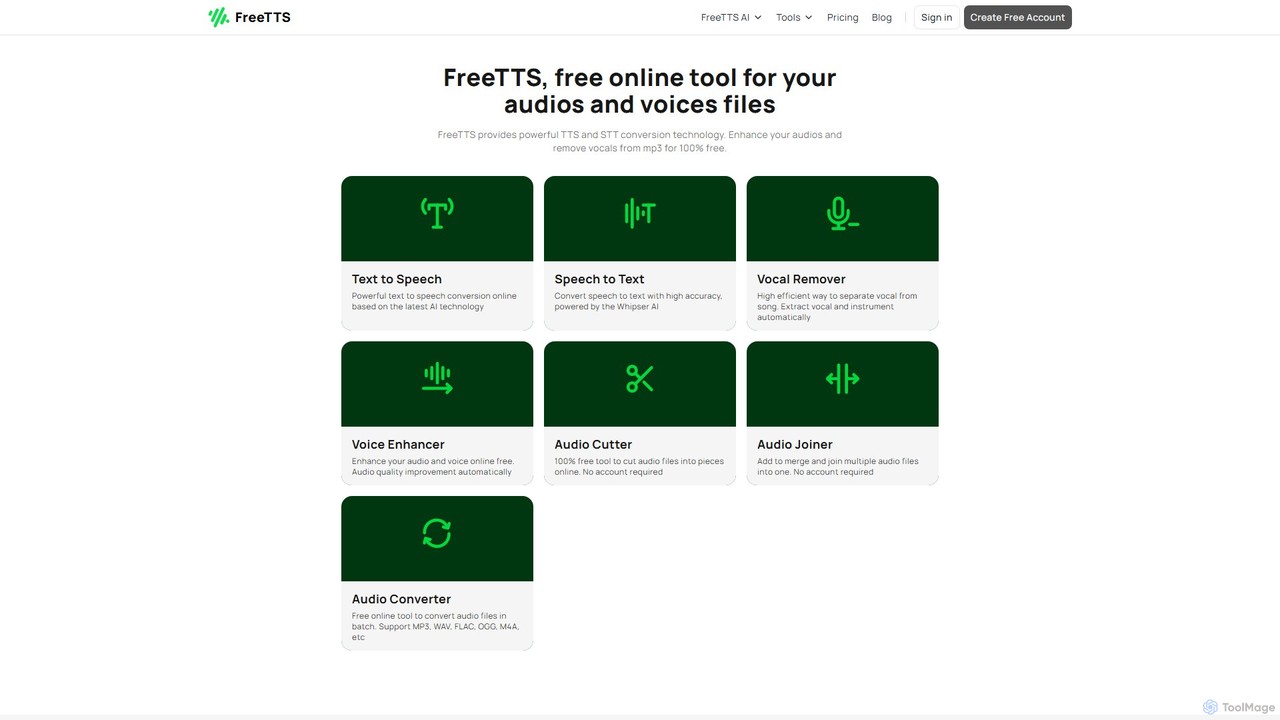
FreeTTS is a versatile AI-powered audio toolkit offering a suite of free and premium services. It excels in converting text to natural-sounding speech with a wide range of human-like voices. Beyond TTS, it provides high-accuracy speech-to-text transcription, an AI vocal remover, a voice enhancer, and various audio editing tools like a converter, cutter, and joiner. It's an all-in-one solution for content creators, musicians, and anyone needing high-quality audio processing.
Audio Editing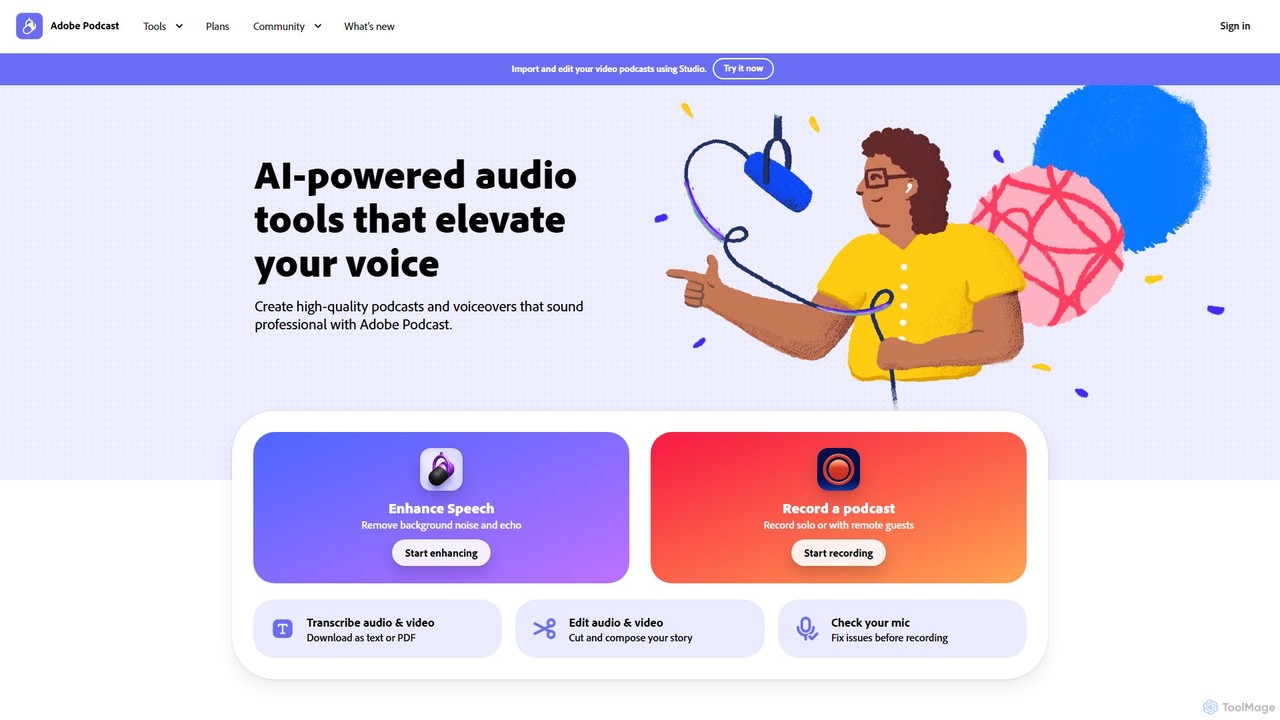
Adobe Podcast
Adobe Podcast is an AI-powered, web-based platform for audio recording, editing, and enhancement. It enables users to create professional-quality podcasts and voiceovers by removing background noise, transcribing audio for text-based editing, and facilitating remote recording. It's designed for both beginners and professionals seeking studio-quality sound without complex equipment.
3D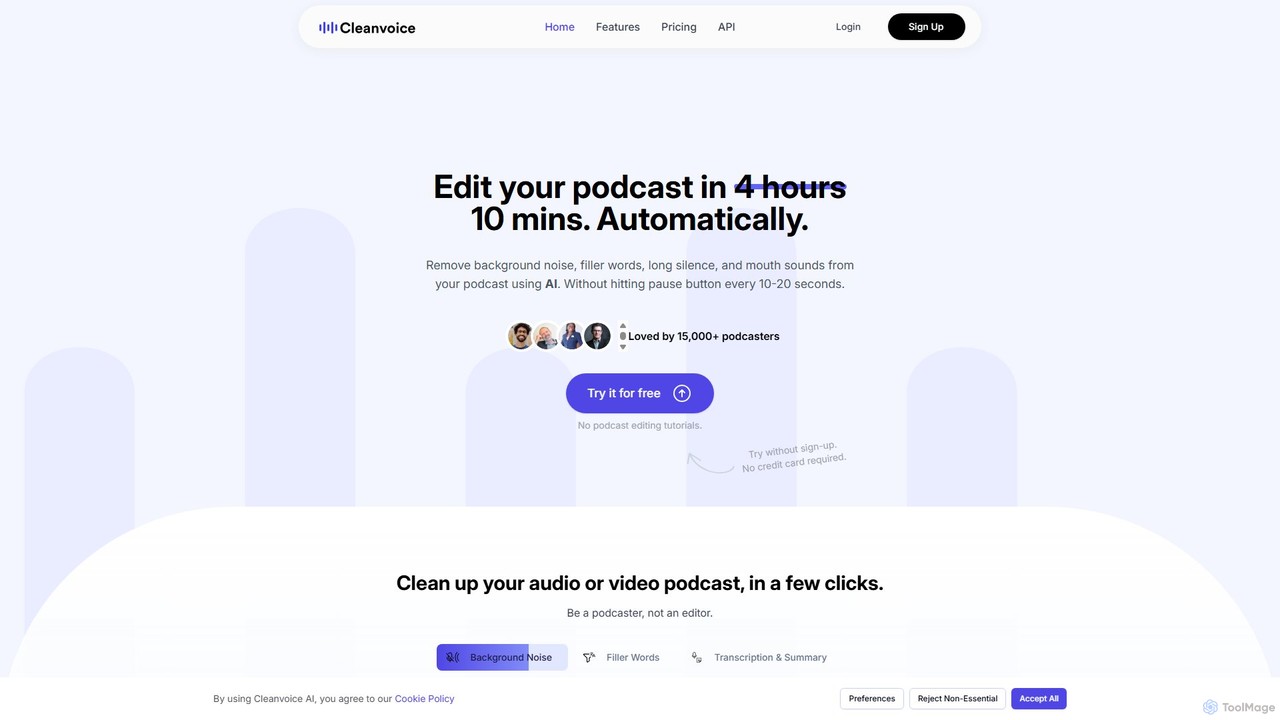
Cleanvoice
Cleanvoice is an AI-powered audio and video editor designed for podcasters and content creators. It automatically removes filler words, background noise, mouth sounds, and long silences from recordings. With features like transcription, summarization, and multitrack editing, it streamlines post-production, saving hours of manual work and delivering studio-quality sound in just a few clicks.
3D
Scrybe Quill
Scrybe Quill is an AI-powered tool designed for Tabletop RPG (TTRPG) players and Game Masters. It automatically transforms your recorded game sessions into captivating audio/video recaps and detailed written notes. Simply upload your session's audio, and the AI generates summaries, character quotes, NPC lists, and more, saving you hours of preparation time.
Audio Editing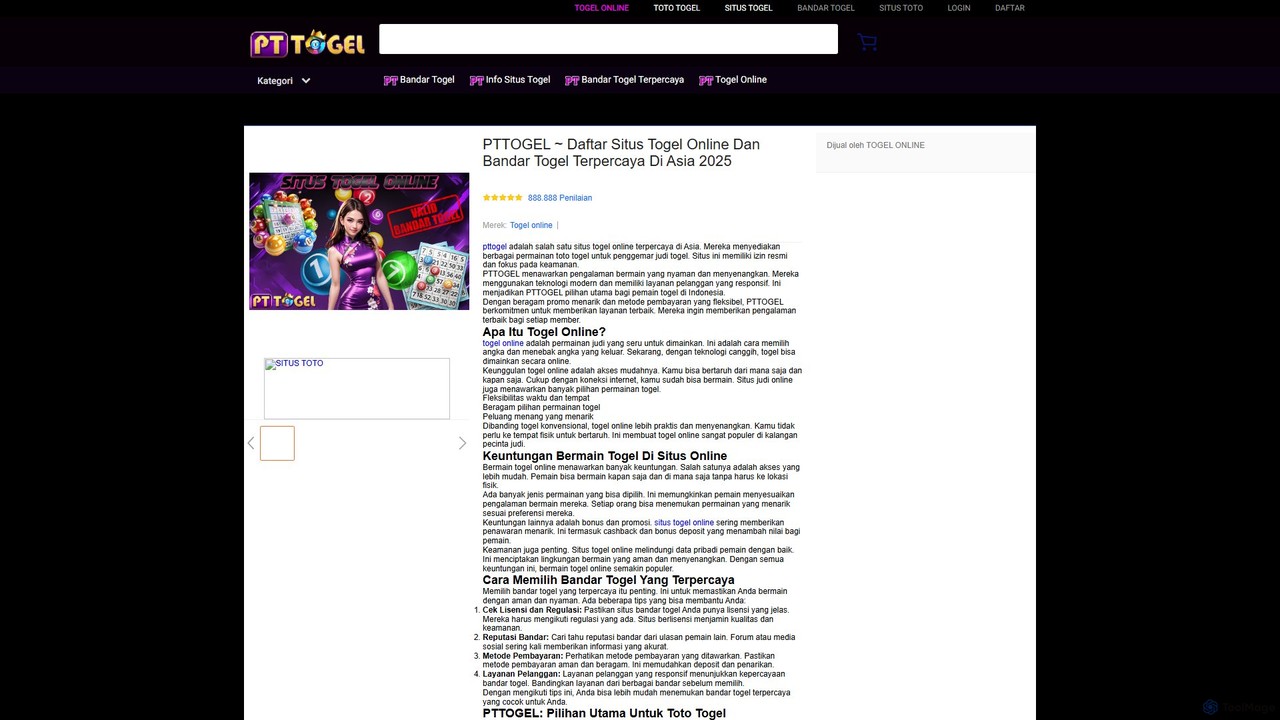
SplitJoin
SplitJoin is an AI-powered audio processing tool designed for musicians, producers, and content creators. It allows users to easily separate any song into individual stems like vocals, drums, bass, and instruments. The platform also provides features to join and mix audio tracks, making it a versatile solution for creating remixes, backing tracks, or karaoke versions with high fidelity.
Audio Editingeditair Categories
editair Embed Widget
Copy this embed code to place the badge on your blog, article, or product site and send readers directly to this ToolMage detail page.

Related AI tools
Levelr
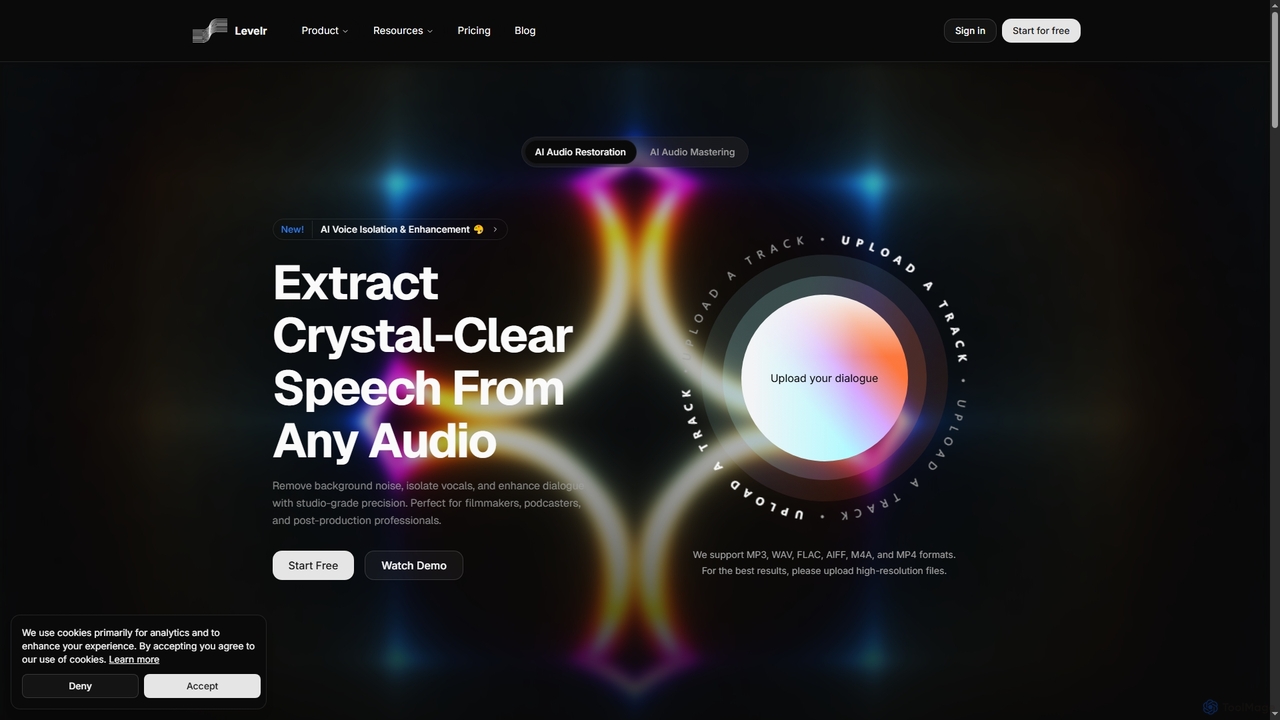
Levelr is an AI-powered audio platform offering studio-grade audio restoration, voice isolation, speech enhancement, and professional music mastering. It helps filmmakers, podcasters, music producers, and live streamers achieve crystal-clear sound by removing noise, isolating vocals, and optimizing tracks for release.
MasteringFreeTTS
FreeTTS is a versatile AI-powered audio toolkit offering a suite of free and premium services. It excels in converting text to natural-sounding speech with a wide range of human-like voices. Beyond TTS, it provides high-accuracy speech-to-text transcription, an AI vocal remover, a voice enhancer, and various audio editing tools like a converter, cutter, and joiner. It's an all-in-one solution for content creators, musicians, and anyone needing high-quality audio processing.
Audio EditingAdobe Podcast
Adobe Podcast is an AI-powered, web-based platform for audio recording, editing, and enhancement. It enables users to create professional-quality podcasts and voiceovers by removing background noise, transcribing audio for text-based editing, and facilitating remote recording. It's designed for both beginners and professionals seeking studio-quality sound without complex equipment.
3DCleanvoice
Cleanvoice is an AI-powered audio and video editor designed for podcasters and content creators. It automatically removes filler words, background noise, mouth sounds, and long silences from recordings. With features like transcription, summarization, and multitrack editing, it streamlines post-production, saving hours of manual work and delivering studio-quality sound in just a few clicks.
3D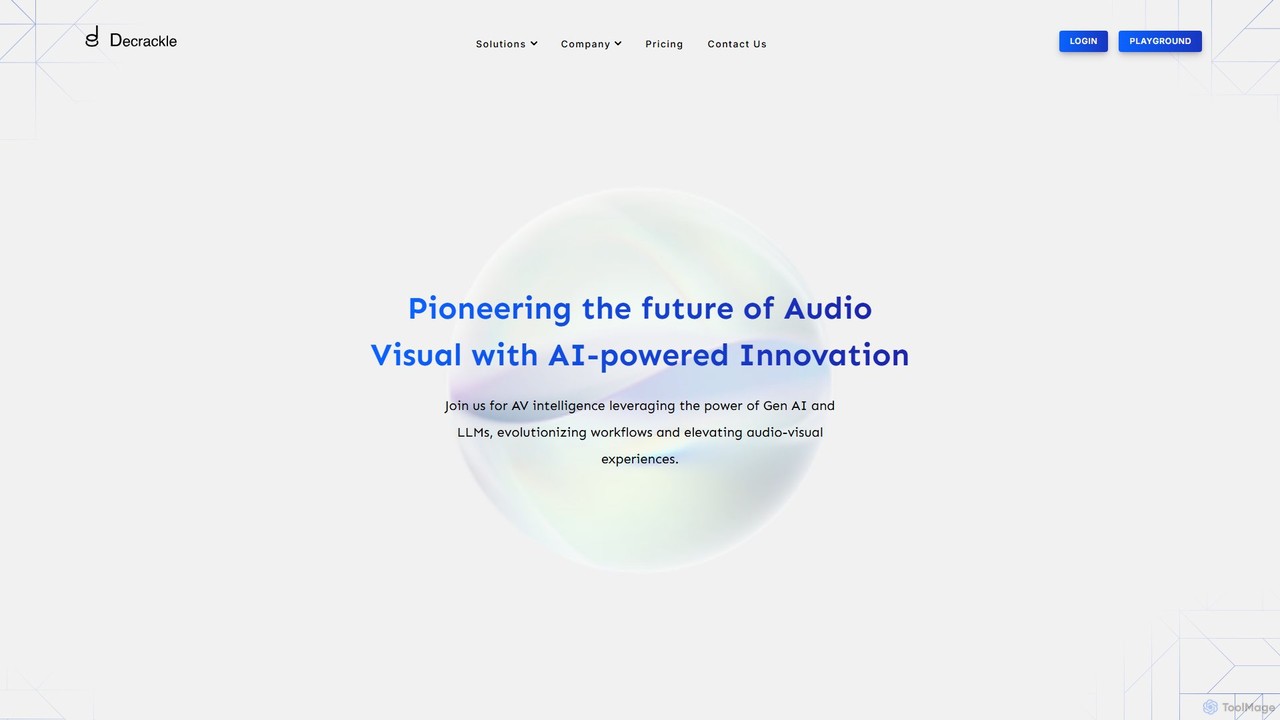
Decrackle
Decrackle is an AI-powered multi-suite platform for audio-visual innovation. It offers a Content Creator Suite for video editing and podcasting, a Conversational Intelligence Suite for call analysis, and an API for developers. Enhance audio, transcribe, summarize, and streamline your entire AV workflow.
3D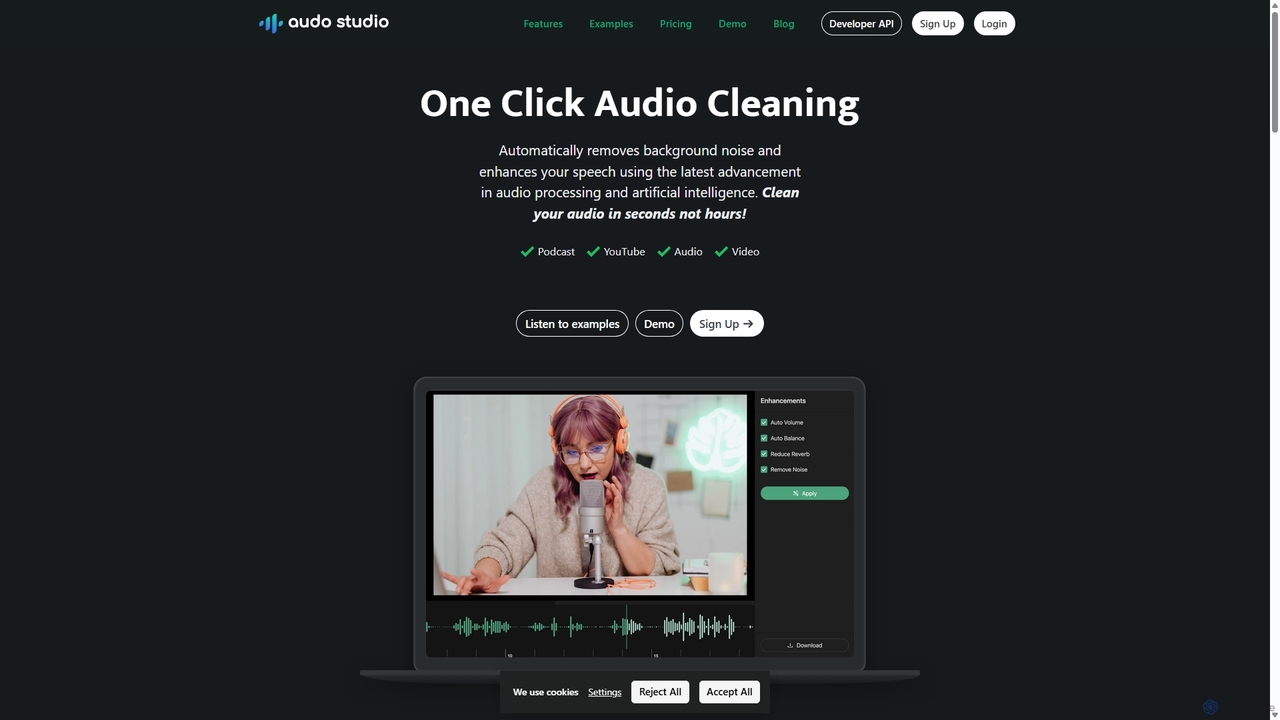
Audo Studio
Audo Studio is an AI-powered audio cleaning tool that removes background noise, reduces echo, and automatically levels volume with a single click. It's designed for content creators, podcasters, and video producers to achieve studio-quality sound effortlessly, without needing complex audio engineering skills.
3D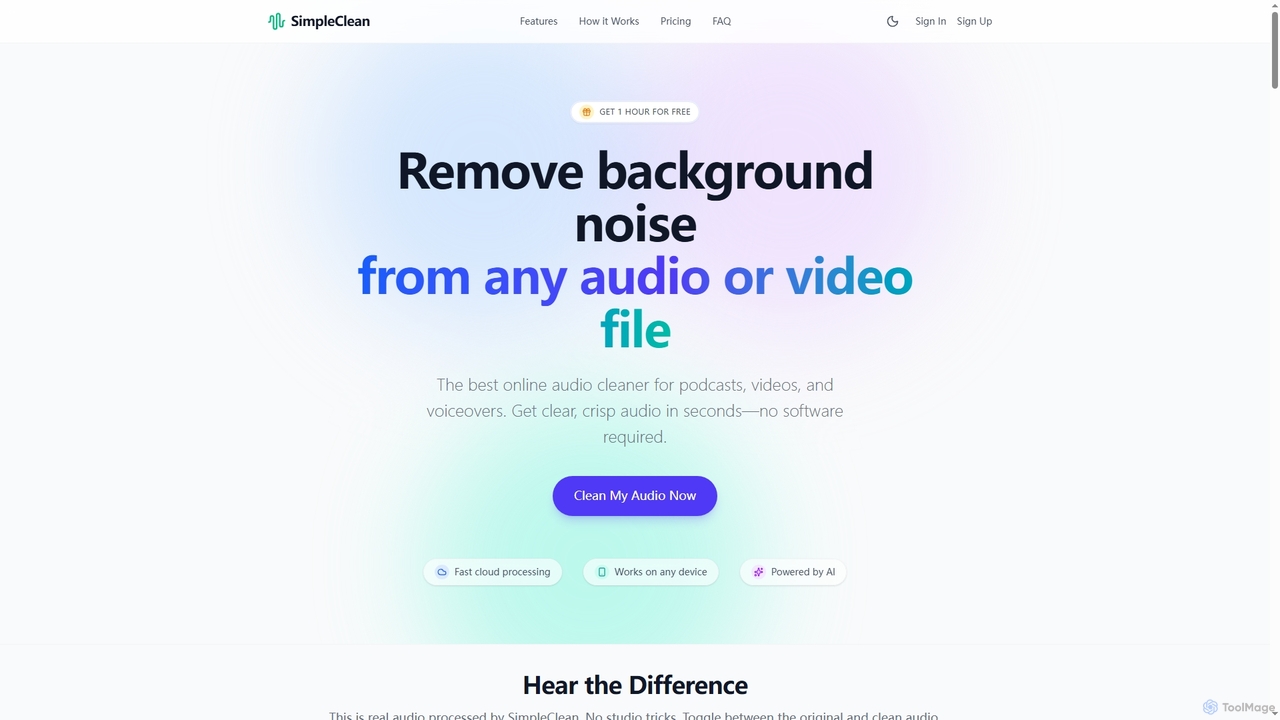
SimpleClean
SimpleClean is an AI-powered online tool designed to remove distracting background noise from audio and video files. It offers a quick, free, and easy solution for creators and professionals to achieve studio-quality speech with just one click, supporting a wide array of popular media formats.
Noise Reduction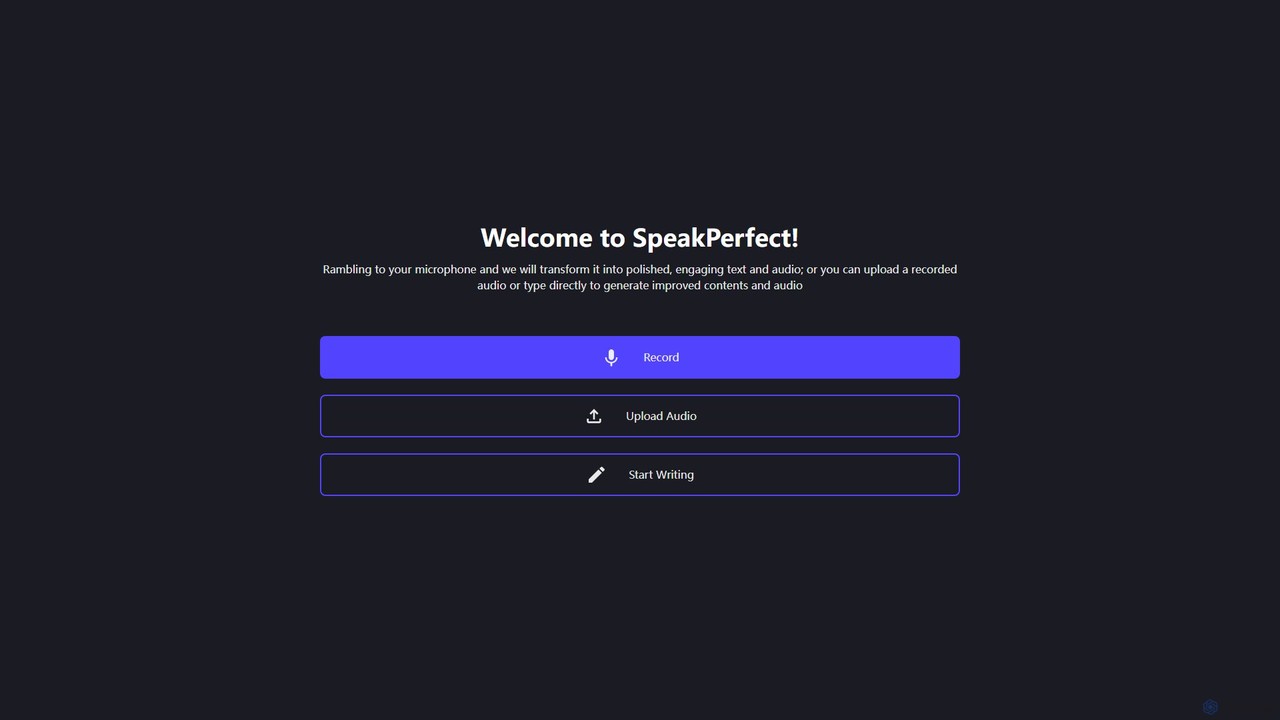
speakperfect
Speakperfect is an AI-powered tool that transforms your raw, spoken ideas into polished scripts and professional-quality audio. It automatically removes filler words, rewrites content for clarity, and generates voice-overs using AI voices or your own cloned voice. It's designed for content creators, marketers, and professionals to produce high-quality content effortlessly in multiple languages.
Speech
Podcut
Podcut is an AI-powered audio and video editing platform designed for podcasters and content creators. It automates tedious editing tasks by allowing you to edit your media by simply editing the text transcript. Automatically remove filler words, long silences, and background noise to produce studio-quality content in minutes, not hours.
3D
Voice Isolator
Voice Isolator is a comprehensive AI-powered audio suite designed for pristine sound quality. It excels at removing background noise, isolating vocals and instruments from any track, cleaning up voice recordings for clarity, and generating natural-sounding speech from text. Ideal for podcasters, musicians, and content creators seeking professional-grade audio processing with a simple, fast, and intuitive web-based interface.
3D
Sonix
Sonix is an advanced AI-powered platform that automatically transcribes, translates, and analyzes audio and video content. It delivers fast, highly accurate speech-to-text conversion in over 53 languages. The platform includes an in-browser editor, automated subtitling, AI-driven summaries, and collaboration tools, making it ideal for journalists, researchers, marketers, and businesses to unlock insights from their media files.
Content Creation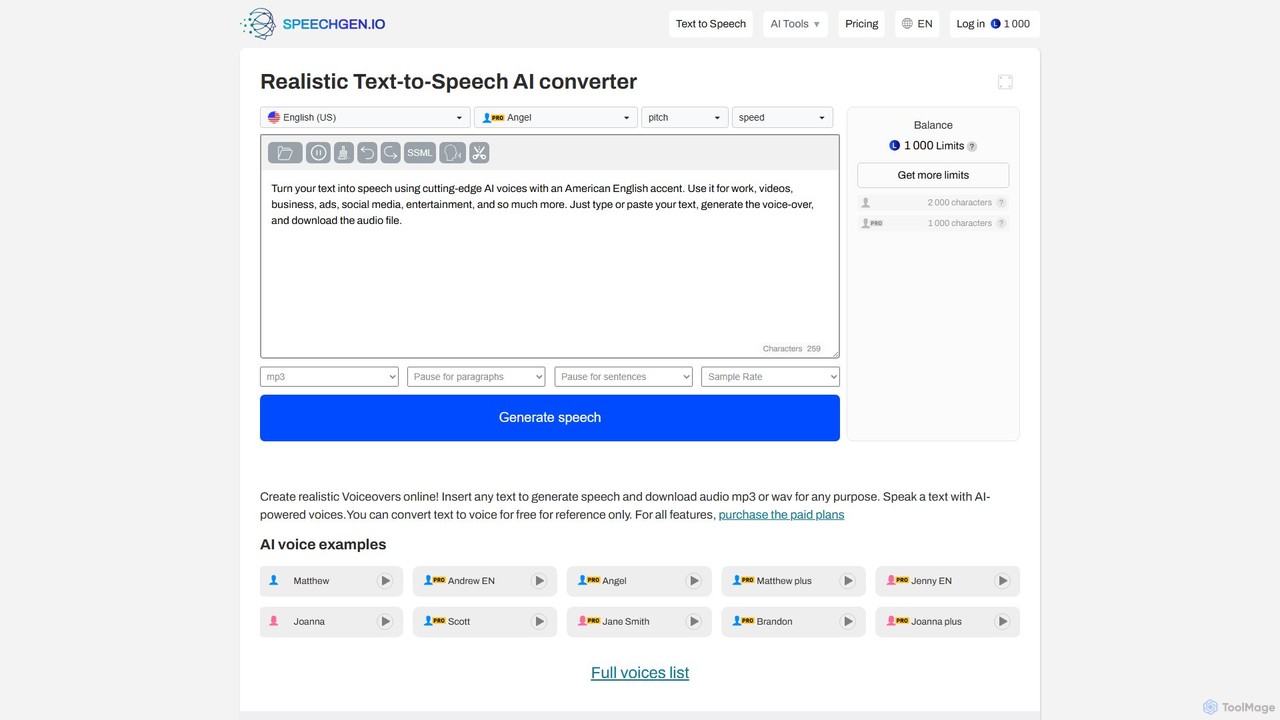
SpeechGen
SpeechGen is a powerful AI tool for generating realistic text-to-speech (TTS) voiceovers and transcribing video/audio files to text. It offers over 1000 natural-sounding voices in 150+ languages, extensive customization options, and a unique pay-as-you-go pricing model. Ideal for content creators, marketers, and developers, it supports commercial use and integrates seamlessly with various platforms.
Text To Speech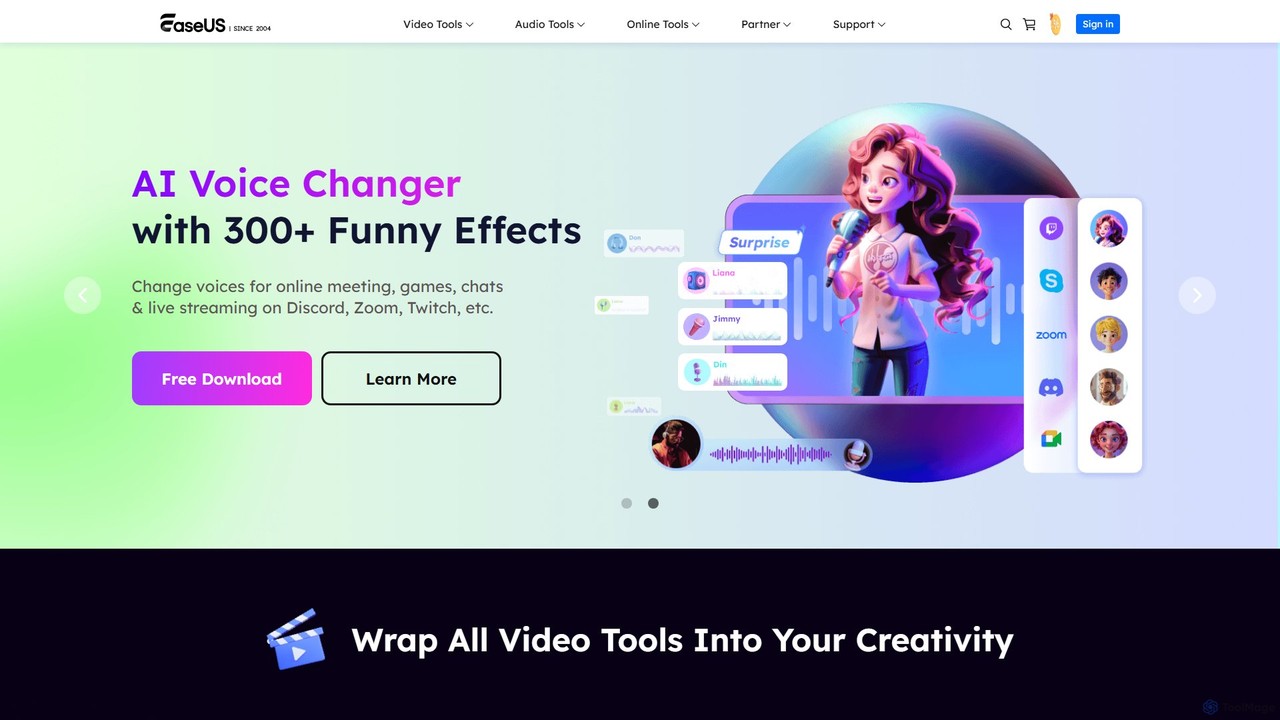
EaseUS Multimedia
EaseUS Multimedia is an all-in-one AI-powered toolkit for video and audio processing. It includes a video converter, editor, downloader, screen recorder, and AI voice changer. Ideal for content creators, gamers, and general users, it simplifies tasks like format conversion, audio extraction, noise removal, and creating AI song covers.
Transcription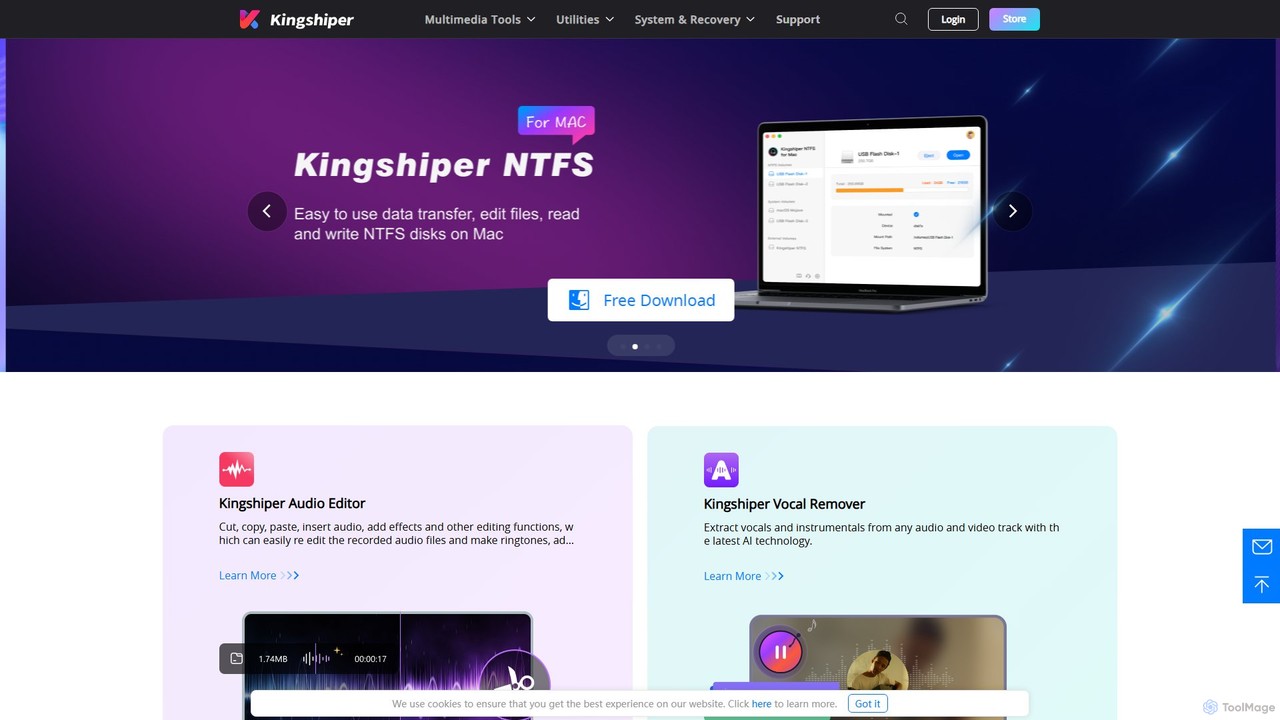
Kingshiper
A versatile suite of desktop tools for audio editing, AI-powered vocal removal, file conversion (audio & PDF), and system utilities. Kingshiper offers user-friendly, high-performance solutions for Windows and Mac, enabling users to easily cut, merge, convert, and manage their digital files with professional-quality results.
Audio Editing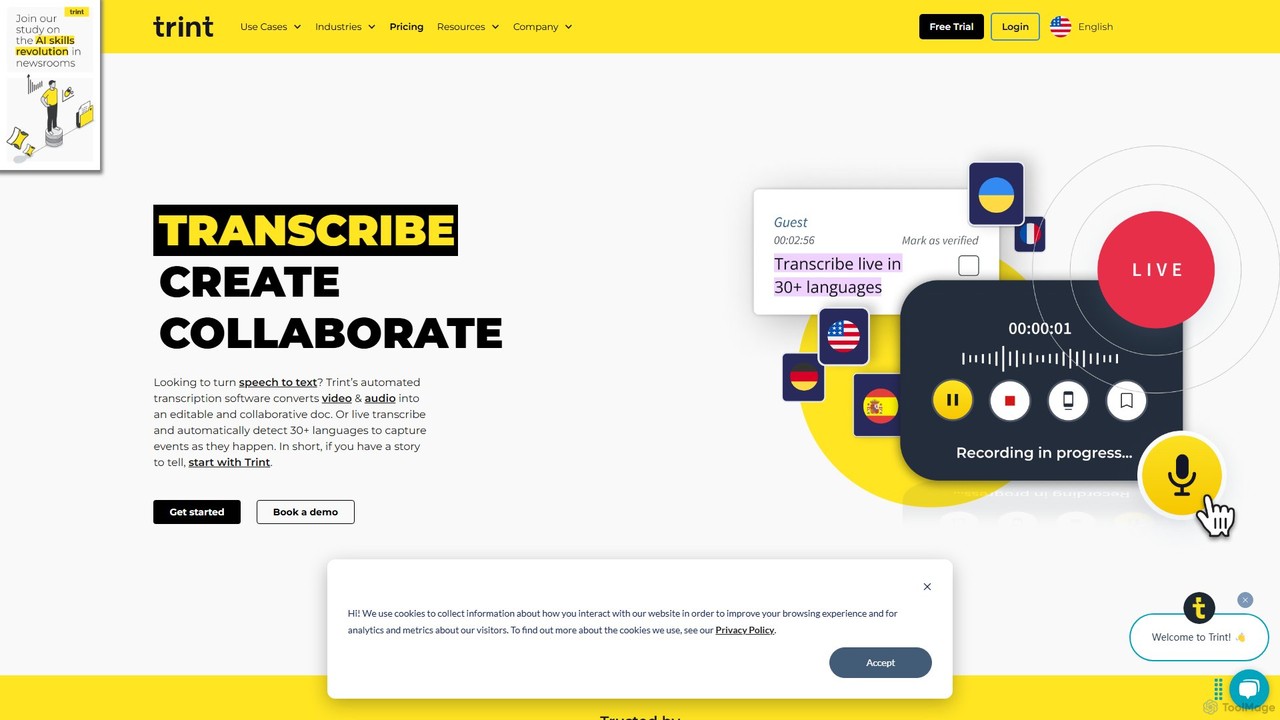
Trint
Trint is an AI-powered transcription platform that converts audio and video to text with up to 99% accuracy. It supports over 40 languages for transcription and 50+ for translation, offering real-time collaboration, an interactive editor, and content creation tools for journalists, marketers, and researchers to streamline their workflow and tell stories faster.
Content Creation
editair Comments (0)
Sign in to comment.
Sign inNo comments yet.