

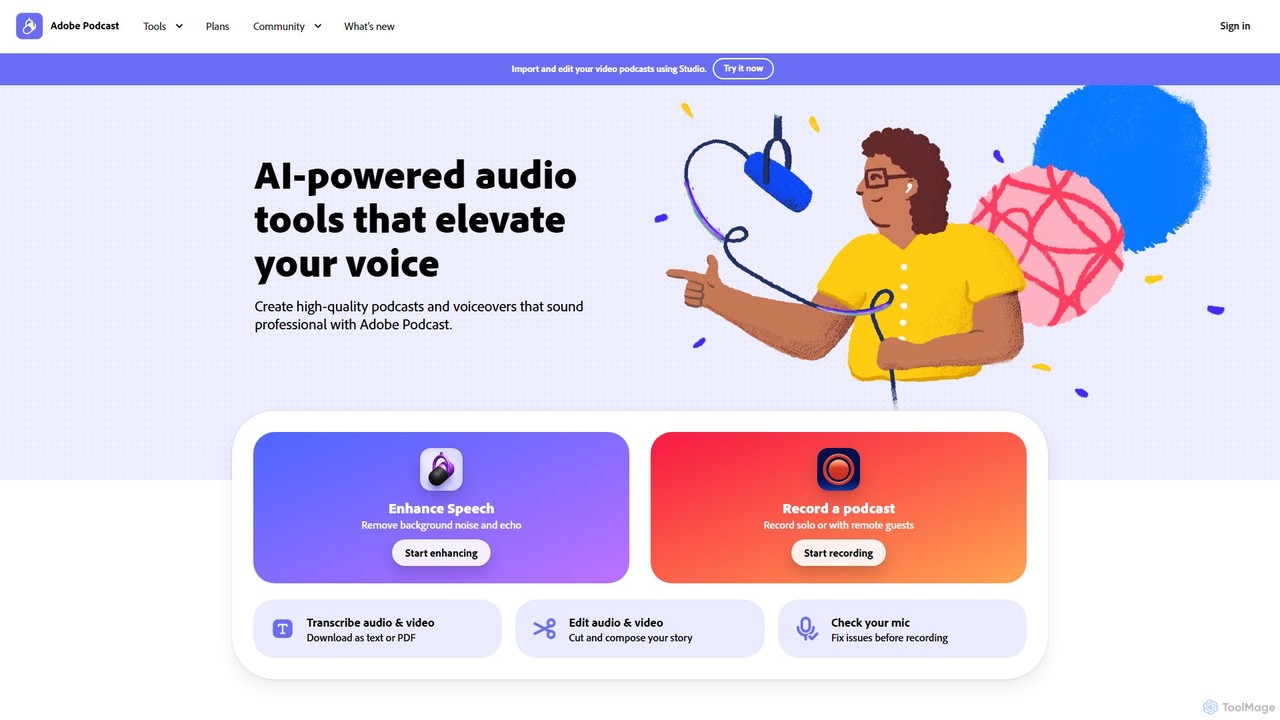
Adobe Podcast Overview
Adobe Podcast is a comprehensive, AI-driven audio toolkit designed to simplify the creation of professional-sounding podcasts and voiceovers. As a fully web-based platform, it eliminates the need for software downloads, offering a seamless workflow directly in your browser. It leverages Adobe's advanced AI technology to transform amateur recordings into studio-quality audio, making it an essential tool for podcasters, content creators, educators, and marketers.
The platform's core is built around making audio production accessible and efficient. Whether you're recording a solo monologue, conducting a remote interview, or creating a voiceover for a video, Adobe Podcast provides the tools to ensure your voice is clear, crisp, and free from distractions. It integrates powerful features from Adobe's professional suite, like the transcription engine from Premiere Pro, into an intuitive, user-friendly interface.
How to use Adobe Podcast
Using Adobe Podcast is a straightforward process designed for maximum efficiency:
- Record Audio: Use the Adobe Podcast Studio to record high-quality audio. You can record by yourself or invite remote guests. The platform captures each participant's audio on a separate track in high-fidelity 16-bit 48k WAV format, ensuring quality is maintained even with unstable internet connections.
- Enhance Speech: Upload your audio or video file to the 'Enhance Speech' tool. The AI will automatically analyze the track, remove background noise, reduce echo, and balance frequencies to make the voice sound as if it were recorded in a professional studio. Premium users can adjust the enhancement strength for a more natural result.
- Edit Like a Document: Once your audio is in the Studio, it's automatically transcribed. Instead of manipulating complex waveforms, you can edit your audio by simply editing the text transcript. Deleting a word or sentence in the text will seamlessly cut the corresponding audio.
- Check Your Setup: Before you even start recording, use the 'Mic Check' feature. This AI-powered tool analyzes your microphone and recording environment, providing actionable tips to improve your sound quality from the source.
- Add Music and Effects: Browse the built-in library of royalty-free intros, outros, transition sounds, and background music to add a professional touch to your production.
- Export and Share: Once your project is complete, you can download it. The platform also integrates with Adobe Express, allowing you to easily create branded visuals, audiograms, and short-form video clips for social media promotion.
Core Features of Adobe Podcast
- AI-Powered Enhance Speech: Automatically removes background noise, echo, and reverb from voice recordings, delivering studio-quality clarity with a single click. Supports both audio and video files (premium).
- Adobe Podcast Studio: An all-in-one, web-based recording and editing environment.
- Transcription-Based Editing: Edit audio recordings as easily as editing a text document. The platform provides an industry-leading, highly accurate transcription.
- High-Fidelity Remote Recording: Record with multiple remote guests, with each person's audio saved on a separate, uncompressed WAV track to ensure maximum quality and editing flexibility.
- Mic Check: An AI tool that analyzes your microphone setup and recording space to help you achieve the best possible sound before you hit record.
- Royalty-Free Sound Library: A curated collection of music and sound effects specifically chosen for podcasts, including intros, outros, and background tracks.
- Bulk Processing (Premium): Upload and enhance multiple files in an automated queue, saving significant time.
- Integration with Adobe Express: Seamlessly create branded visuals, thumbnails, and promotional video clips for your audio content.
Use Cases for Adobe Podcast
Adobe Podcast is versatile and valuable for a wide range of users:
- Podcasters: From solo creators to teams with remote co-hosts, it streamlines the entire podcast production workflow, from recording to final polish.
- Video Creators & YouTubers: Clean up voiceovers and audio from video recordings (e.g., tutorials, reviews, vlogs) to ensure professional sound that matches video quality.
- Educators & Students: Record and enhance lectures, presentations, and academic projects to ensure clear and understandable audio.
- Marketers & Businesses: Create high-quality audio for promotional content, audio newsletters, corporate training materials, and product demos.
- Journalists & Interviewers: Clean up audio from field recordings or remote interviews, even when recorded in noisy environments or on a mobile device.
Advantages of Adobe Podcast
The primary advantage of Adobe Podcast is its ability to democratize professional audio production. Its AI-driven features automate complex tasks that would typically require technical expertise and expensive software. The web-based nature makes it highly accessible, while the intuitive, text-based editing lowers the learning curve dramatically. This combination of power, simplicity, and accessibility allows creators to focus on their story and content, not on the technical challenges of sound engineering.
Pricing and Plans
Adobe Podcast offers a freemium model with two main tiers:
- Free Plan: Ideal for individuals starting out. It includes core features like Enhance Speech (audio only, 30 min max file, 1 hour/day limit), Mic Check, and access to the Studio for projects up to 30 minutes. Downloads are limited to 2 projects per day and include Adobe branding on audiograms.
- Premium Plan: Designed for frequent creators and professionals. This plan unlocks advanced features, including video file enhancement, bulk uploading, enhancement strength adjustment, and significantly higher limits (up to 4 hours/day enhancement, 1 GB file size). It also offers unlimited project downloads from the Studio and removes Adobe branding. The Premium plan is available with a 30-day free trial.
Traffic
Latest traffic
Status
Monthly traffic trend
- 2026-1: 8.9M
- 2026-2: 8.6M
- 2026-3: 10.1M
- 2026-4: 10.8M
- 2026-5: 10.5M
Geography
Top 5 countries / regions
- 🇺🇸United States34.6%
- 🇮🇳India27.8%
- 🇧🇷Brazil20.5%
- 🇲🇽Mexico8.6%
- 🇬🇧United Kingdom8.4%
Traffic sources
| Source type | Percentage |
|---|---|
Direct | 83.8% |
Referral | 14.2% |
Email | 1.9% |
Top keywords
| Keyword | Cost per click |
|---|---|
| adobe audio enhancer | $0.87 |
| adobe enhance | $0.68 |
| adobe podcast | $0.44 |
| adobe podcast ai | $0.55 |
| adobe podcast enhance | $0.64 |
Adobe Podcast Videos on YouTube


Proyecta tu interior

AI Telugu Creations

Raj's Creator Catalyst

Easy Tech Guide
Adobe Podcast Alternatives
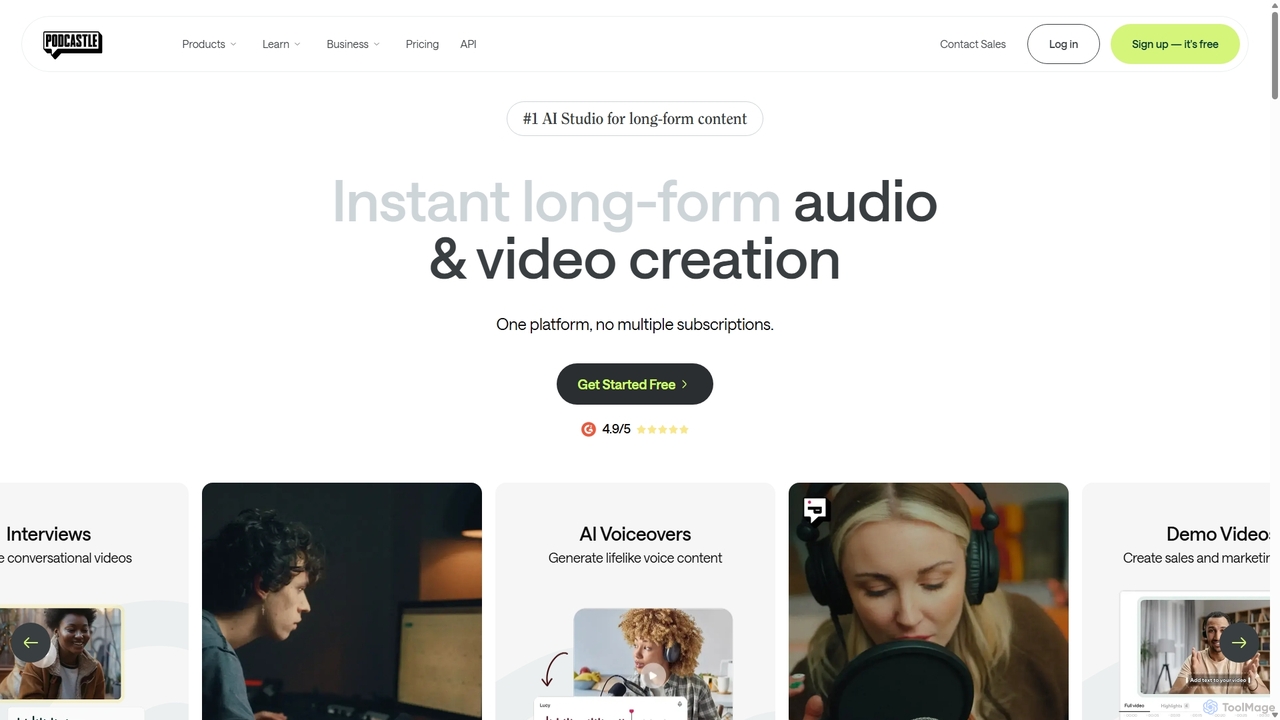
Podcastle
Podcastle is an all-in-one, AI-powered platform for audio and video creation. It simplifies the entire workflow from high-quality recording and text-based editing to AI-enhanced post-production and podcast hosting. Features include studio-quality recording, AI noise removal, voice cloning, and seamless video editing, making it ideal for podcasters, content creators, and marketers.
3D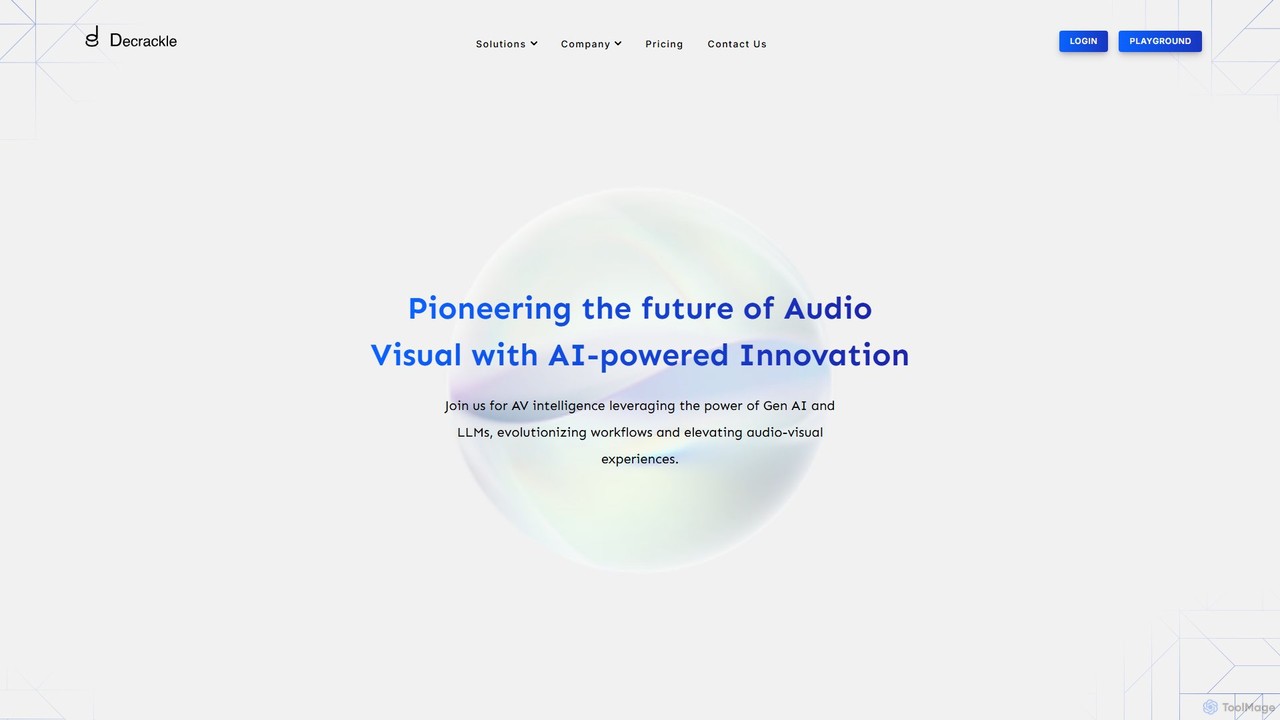
Decrackle
Decrackle is an AI-powered multi-suite platform for audio-visual innovation. It offers a Content Creator Suite for video editing and podcasting, a Conversational Intelligence Suite for call analysis, and an API for developers. Enhance audio, transcribe, summarize, and streamline your entire AV workflow.
3D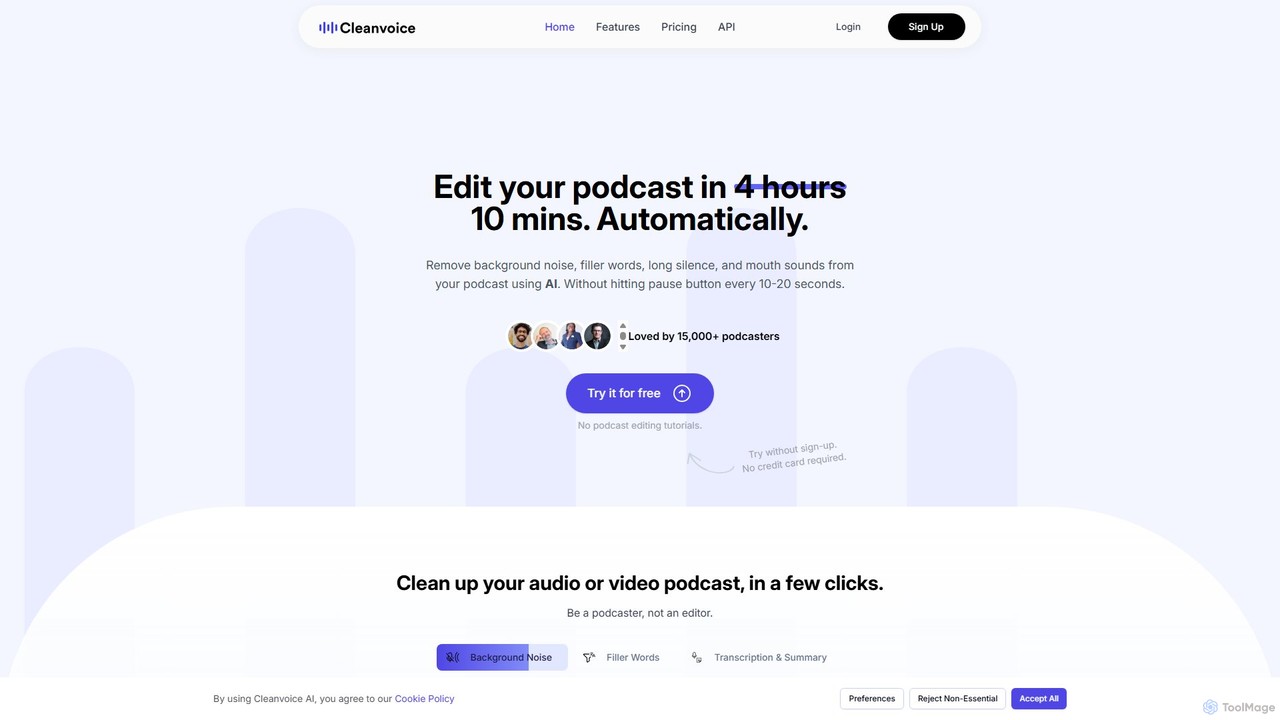
Cleanvoice
Cleanvoice is an AI-powered audio and video editor designed for podcasters and content creators. It automatically removes filler words, background noise, mouth sounds, and long silences from recordings. With features like transcription, summarization, and multitrack editing, it streamlines post-production, saving hours of manual work and delivering studio-quality sound in just a few clicks.
3D
Podcut
Podcut is an AI-powered audio and video editing platform designed for podcasters and content creators. It automates tedious editing tasks by allowing you to edit your media by simply editing the text transcript. Automatically remove filler words, long silences, and background noise to produce studio-quality content in minutes, not hours.
3D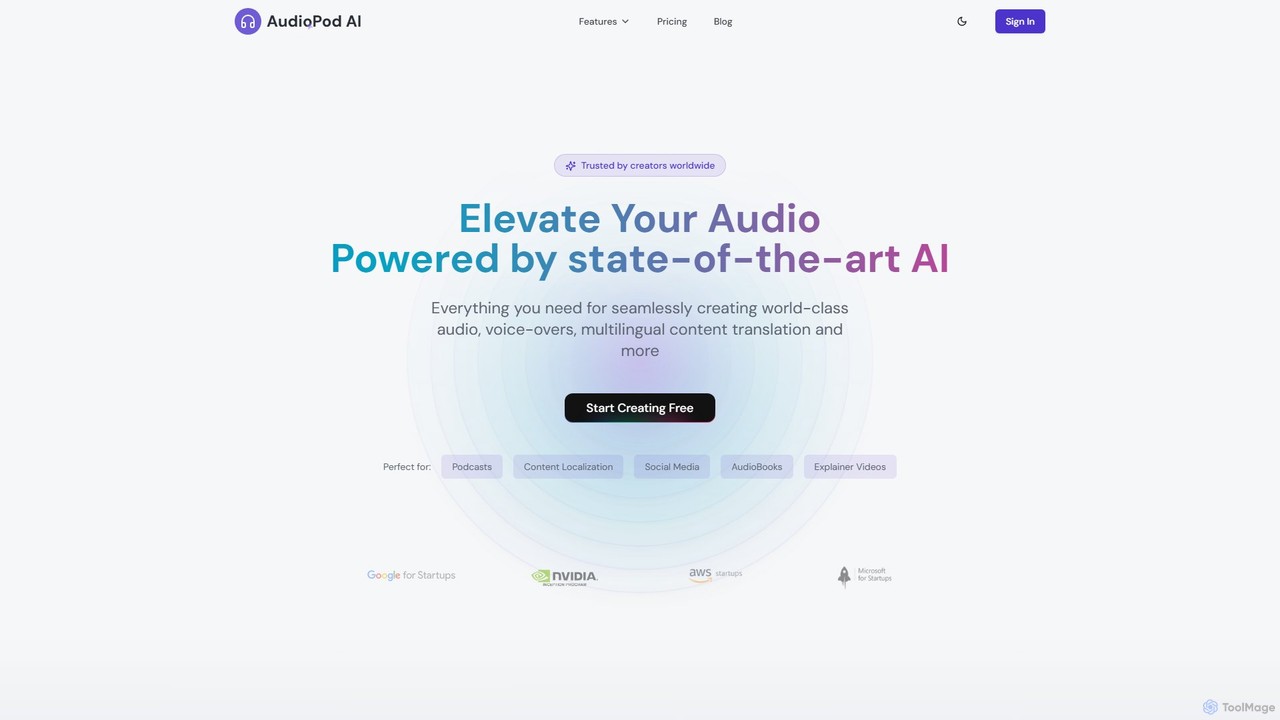
AudioPod
AudioPod is a professional AI-powered audio studio that offers a comprehensive suite of tools for creators. It features advanced voice cloning, multilingual speech-to-speech translation (AI dubbing), high-accuracy speaker separation, music stem splitting, noise reduction, and automated transcription. It's designed to streamline audio and video production workflows for podcasters, content creators, musicians, and businesses, making professional-grade audio processing accessible and efficient.
3DAdobe Podcast Categories
Adobe Podcast Embed Widget
Copy this embed code to place the badge on your blog, article, or product site and send readers directly to this ToolMage detail page.

Related AI tools
Podcut
Podcut is an AI-powered audio and video editing platform designed for podcasters and content creators. It automates tedious editing tasks by allowing you to edit your media by simply editing the text transcript. Automatically remove filler words, long silences, and background noise to produce studio-quality content in minutes, not hours.
3D
Jyek
Jyek is an AI agent platform that understands objectives, creates execution plans, uses tools, and delivers verifiable results for complex, multi-step tasks.
Automation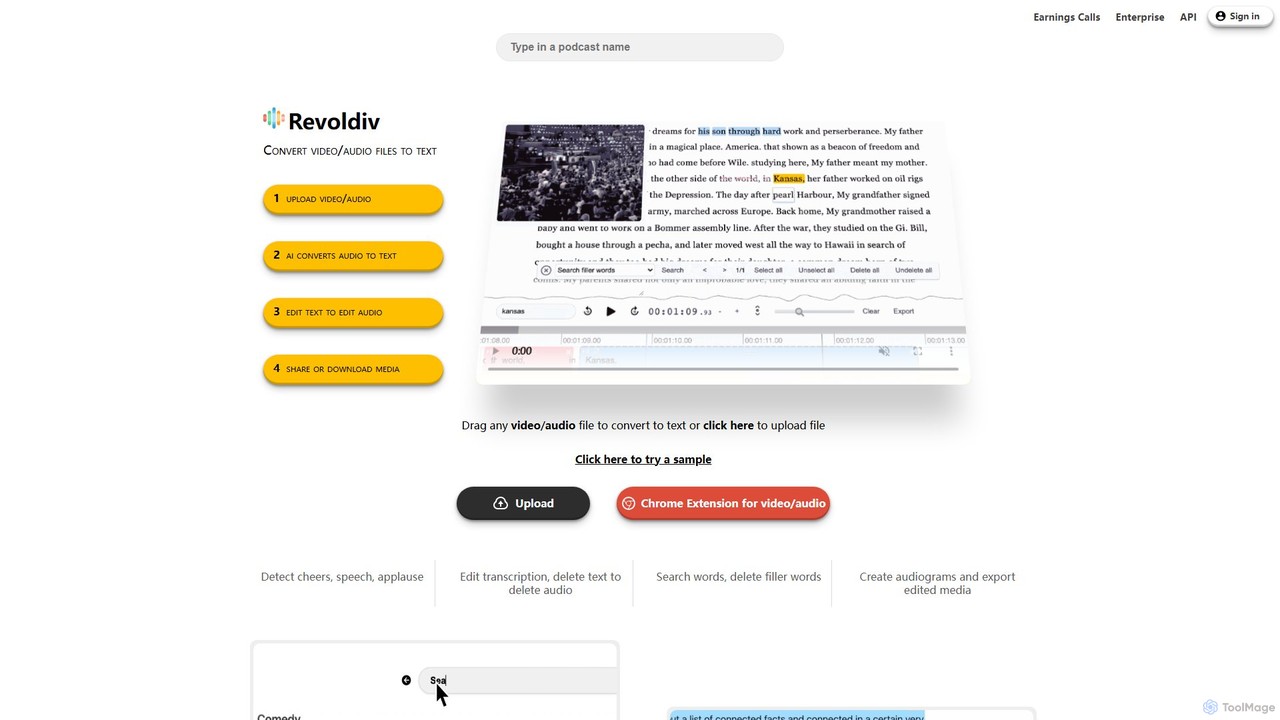
Revoldiv
Revoldiv is an AI-powered platform that transcribes video and audio files into editable text. It revolutionizes content creation by allowing users to edit media by simply editing the text, automatically removing filler words, creating audiograms, and fostering collaboration, making the post-production process fast and intuitive.
TranscriptionPodcastle
Podcastle is an all-in-one, AI-powered platform for audio and video creation. It simplifies the entire workflow from high-quality recording and text-based editing to AI-enhanced post-production and podcast hosting. Features include studio-quality recording, AI noise removal, voice cloning, and seamless video editing, making it ideal for podcasters, content creators, and marketers.
3DDecrackle
Decrackle is an AI-powered multi-suite platform for audio-visual innovation. It offers a Content Creator Suite for video editing and podcasting, a Conversational Intelligence Suite for call analysis, and an API for developers. Enhance audio, transcribe, summarize, and streamline your entire AV workflow.
3D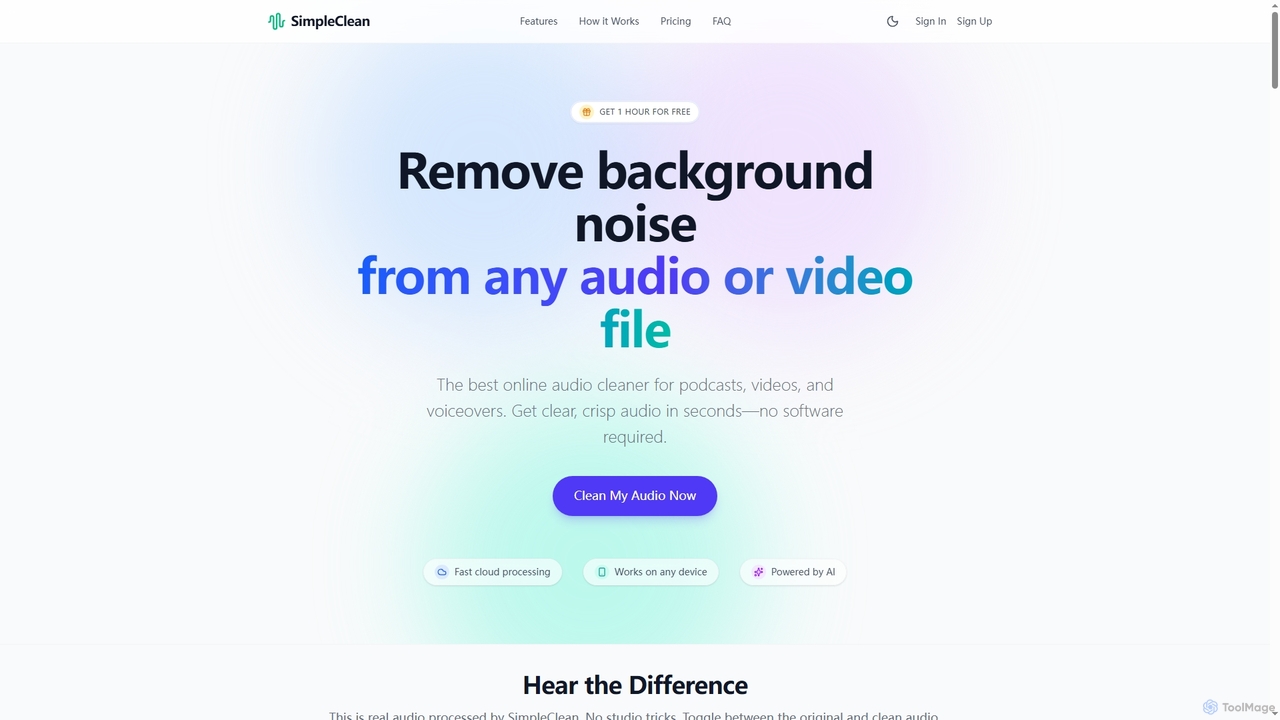
SimpleClean
SimpleClean is an AI-powered online tool designed to remove distracting background noise from audio and video files. It offers a quick, free, and easy solution for creators and professionals to achieve studio-quality speech with just one click, supporting a wide array of popular media formats.
Noise Reduction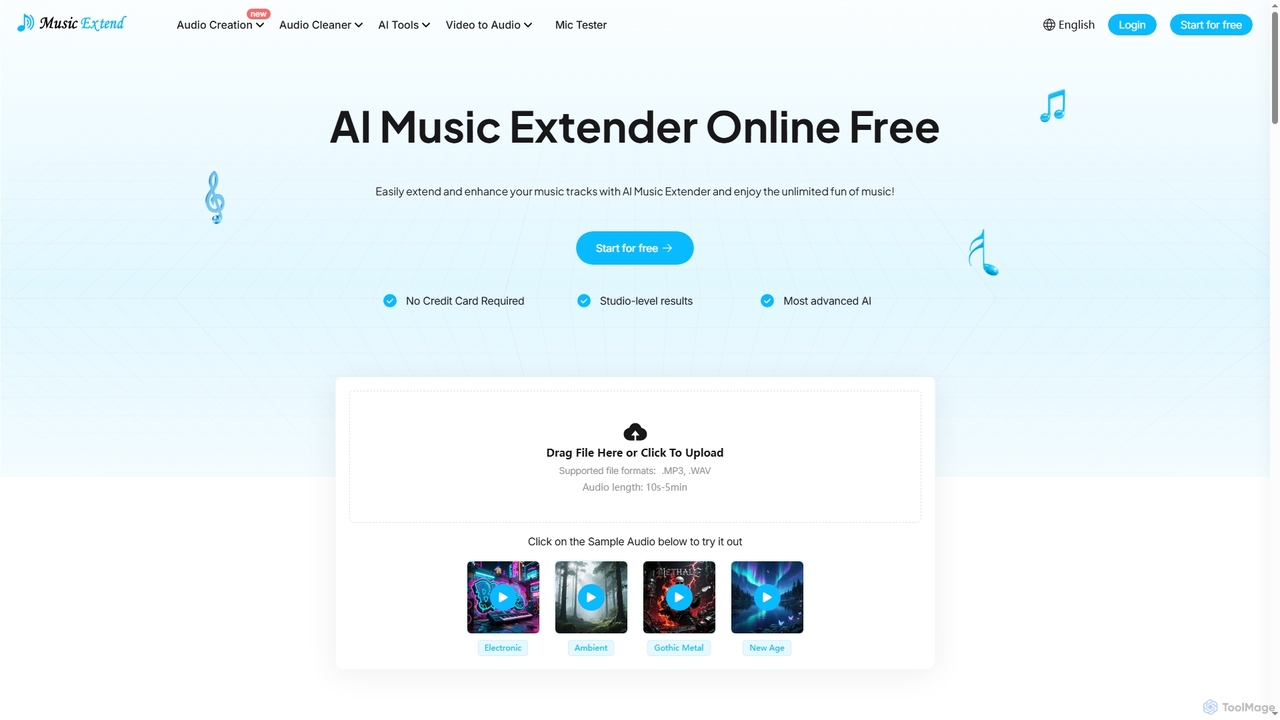
MusicExtend
MusicExtend is an advanced AI-powered online platform offering a suite of audio tools, including music extension, sound effect generation, voice cloning, music mashup creation, BPM detection, and comprehensive audio cleaning. It allows users to enhance, create, and refine audio content with studio-level results, all accessible for free without signup or credit card.
Audio EnhancementAudioPod
AudioPod is a professional AI-powered audio studio that offers a comprehensive suite of tools for creators. It features advanced voice cloning, multilingual speech-to-speech translation (AI dubbing), high-accuracy speaker separation, music stem splitting, noise reduction, and automated transcription. It's designed to streamline audio and video production workflows for podcasters, content creators, musicians, and businesses, making professional-grade audio processing accessible and efficient.
3D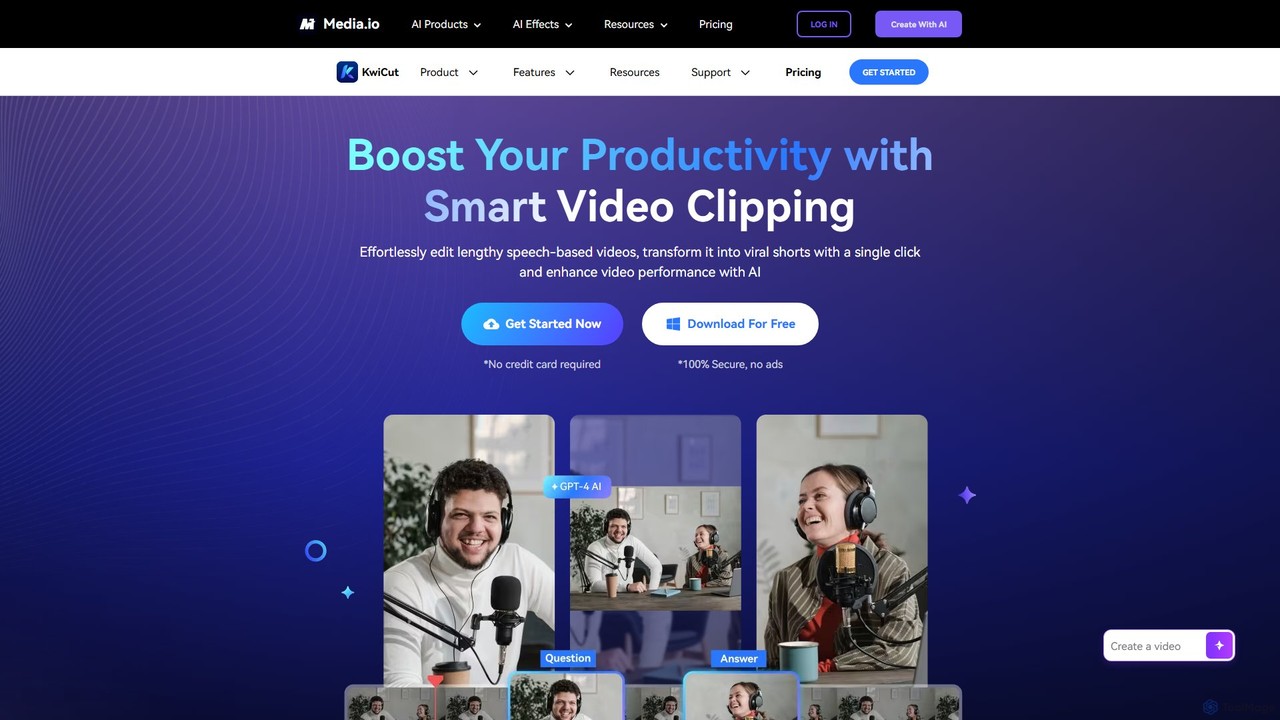
KwiCut
KwiCut is an AI-powered video editing suite designed to streamline the creation of speech-based content. It excels at transforming long videos, like podcasts and interviews, into engaging short clips. Key features include text-based video editing, automatic transcription, one-click filler word removal, noise cancellation, and GPT-4 powered content generation for social media.
Transcription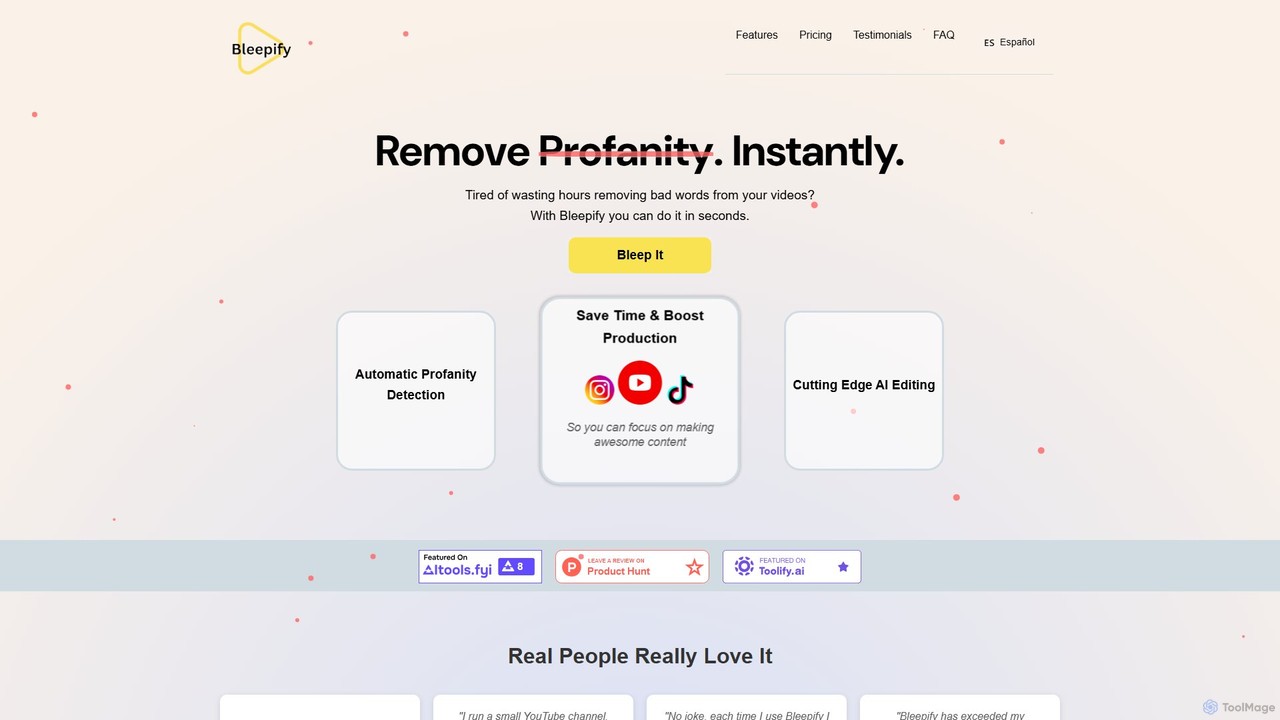
Bleepify
Bleepify is an AI-powered tool that automatically detects and removes profanity from video and audio files. Designed for content creators, podcasters, and media managers, it uses advanced ASR technology to censor unwanted words in over 40 languages, saving hours of manual editing and helping to ensure content is audience-ready and monetizable.
Content Creation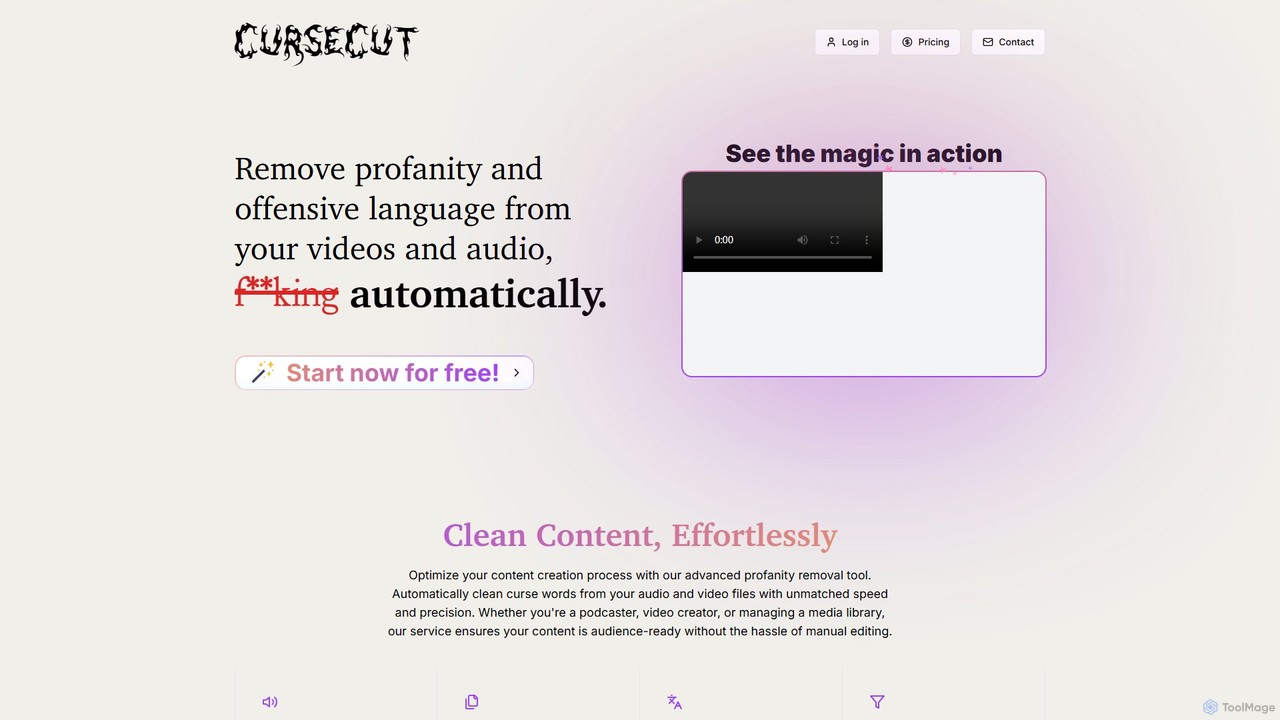
CurseCut
CurseCut is an AI-powered tool that automatically removes profanity and offensive language from video and audio files. It supports over 30 languages, offers batch processing, and features customizable word filters. All processing is done locally on your machine, ensuring your content remains private and secure. Ideal for podcasters, video creators, and media managers who need to create clean, audience-ready content efficiently.
Content Creation
Voice Isolator
Voice Isolator is a comprehensive AI-powered audio suite designed for pristine sound quality. It excels at removing background noise, isolating vocals and instruments from any track, cleaning up voice recordings for clarity, and generating natural-sounding speech from text. Ideal for podcasters, musicians, and content creators seeking professional-grade audio processing with a simple, fast, and intuitive web-based interface.
3D
editair
editair is an AI-powered audio editing platform designed to automatically clean, enhance, and perfect your audio recordings. It intelligently removes background noise, eliminates filler words, and applies studio-quality enhancements with a single click, making professional sound accessible to everyone.
Audio EditingCleanvoice
Cleanvoice is an AI-powered audio and video editor designed for podcasters and content creators. It automatically removes filler words, background noise, mouth sounds, and long silences from recordings. With features like transcription, summarization, and multitrack editing, it streamlines post-production, saving hours of manual work and delivering studio-quality sound in just a few clicks.
3D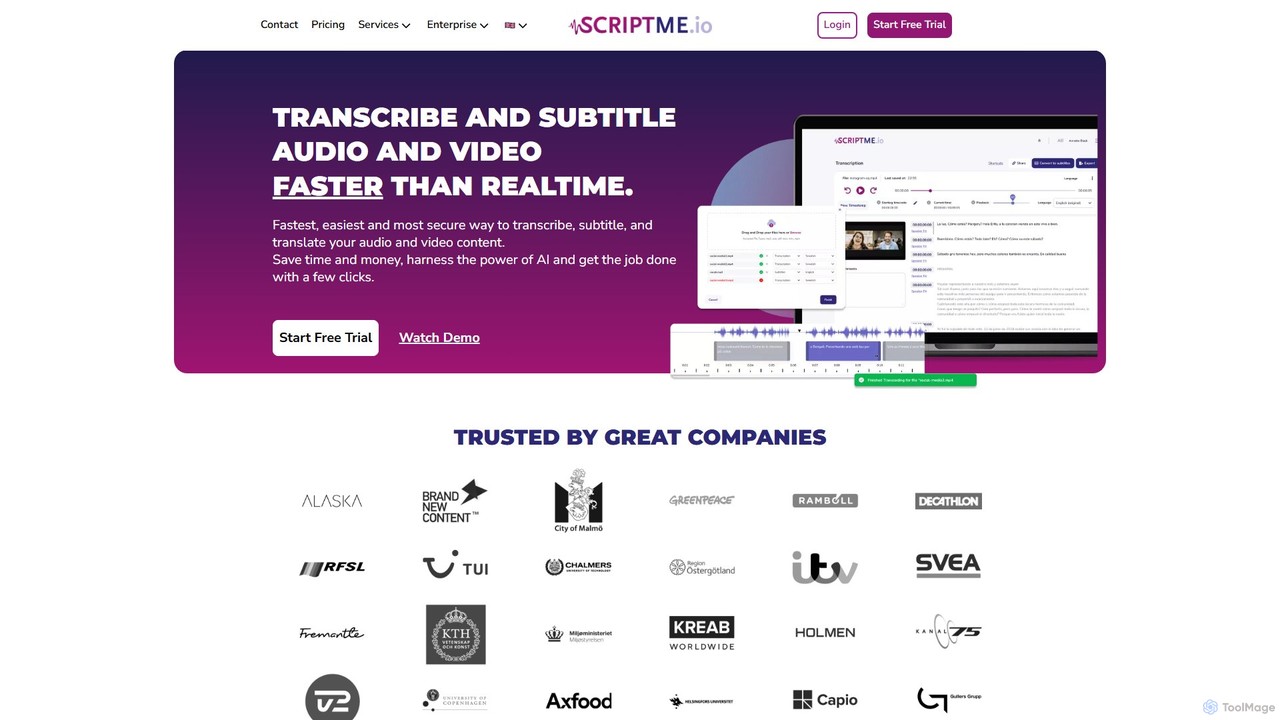
ScriptMe
ScriptMe is an AI-powered platform for fast and accurate automatic transcription of audio and video files. It also provides tools for generating and editing subtitles, making it ideal for content creators, journalists, researchers, and media companies looking to streamline their workflow and improve content accessibility.
Transcription
Adobe Podcast Comments (0)
Sign in to comment.
Sign inNo comments yet.