

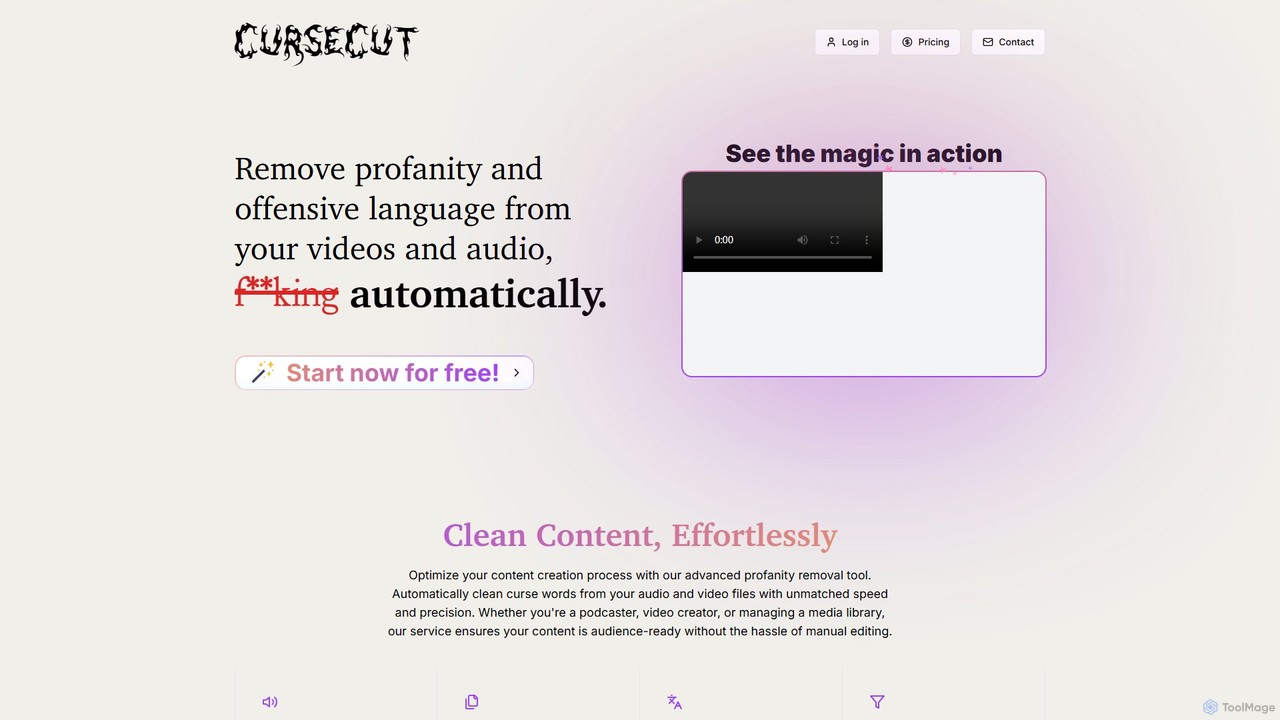
CurseCut Overview
CurseCut is an advanced AI-driven service designed to streamline the content creation process by automatically removing profanity, curse words, and other offensive language from both video and audio files. This powerful tool is built for creators who need to produce clean, family-friendly, or advertiser-safe content without the tedious and time-consuming task of manual editing. By leveraging sophisticated AI, CurseCut offers unmatched speed and precision, making it an essential asset for podcasters, YouTubers, documentary filmmakers, and media library managers.
The platform is designed with user control and privacy at its core. Unlike cloud-based services that require you to upload sensitive files, CurseCut performs all processing locally on your computer. This means your video and audio files never leave your device, guaranteeing complete privacy and security. This local processing approach, powered by ffmpeg, ensures that your data remains yours alone.
How to use CurseCut
Using CurseCut is a simple and intuitive process designed for efficiency:
- Upload Your File: Begin by uploading your video or audio file through the user-friendly interface. The platform supports a wide range of formats, including MP4, MOV, MP3, and WAV, and can handle large files of any length.
- Customize Your Censorship List: You have full control over what gets censored. Provide a list of specific words, slang, or phrases you want to remove. You can choose between exact and approximate matching for comprehensive filtering.
- AI-Powered Detection: CurseCut's advanced AI transcribes the audio in your file and accurately identifies the timestamps of the words you've flagged for removal. The system supports over 30 languages and can automatically detect the language or allow you to select it manually.
- Local Processing: The tool then processes the file directly on your machine. It applies your chosen censorship method—such as a classic beep, silence, or audio reversal—to the identified segments.
- Download the Clean Version: Once the process is complete, you can download the clean, censored version of your file. If you need to make adjustments, you can reprocess the file an unlimited number of times for free.
Core Features of CurseCut
- Advanced Multi-language Support: The AI recognizes and filters profanity in over 30 languages, with automatic language detection for accuracy.
- Customizable Word Filtering: Define your own list of words and phrases to censor, with options for exact or approximate matching.
- Versatile Censorship Methods: Choose from various censorship techniques, including beep tones, silence insertion, custom sound effects, or intelligent audio reversal.
- Local Processing for Privacy: All processing happens directly on your machine, ensuring your files are never uploaded or saved to CurseCut's servers.
- Efficient Batch Processing: Save time by cleaning multiple files simultaneously. Process entire podcast series, video collections, or music albums in a single operation.
- Universal Audio & Video Support: Process a wide range of formats (MP3, WAV, MP4, MOV, etc.) and handle files of any length, including long-form content.
- Precision Censorship Control: Fine-tune the censorship by adjusting how much of each flagged word should be muted, balancing context with cleanliness.
- Free Unlimited Reprocessing: Refine your content as needed by reprocessing files with different settings at no extra charge.
Use Cases for CurseCut
CurseCut is a versatile tool suitable for a wide range of applications:
- Content Creators & YouTubers: Clean up vlogs, livestreams, and reaction videos to make them advertiser-friendly and suitable for all ages.
- Podcasters: Easily remove explicit language from interviews and discussions to broaden your audience reach.
- Filmmakers: Create clean edits of documentaries or films with unfiltered dialogue for different distribution channels.
- Corporate & Educational Content: Polish workplace videos, training materials, and e-learning modules to maintain a professional tone.
- Media Broadcasters: Ensure compliance with network policies and broadcast standards by filtering out prohibited language from live streams and pre-recorded content.
Advantages of CurseCut
CurseCut offers significant advantages over manual editing. It dramatically reduces editing time, allowing creators to focus on producing content. The high accuracy of its AI ensures that no offensive words are missed, while the local processing model provides unparalleled data security. Its flexibility, with customizable word lists and multiple censorship options, gives users complete control over the final product, ensuring the content's original energy and intent are preserved.
Pricing and Plans
CurseCut operates on a freemium model. New users receive free credits to get started and experience the full power of the tool without any initial investment. This allows you to process several files and test all the features. For users with more extensive needs, such as processing large volumes of content, CurseCut offers paid plans that provide additional credits and features. This flexible pricing structure makes it accessible for both individual creators and larger organizations.
Traffic
Latest traffic
Status
Monthly traffic trend
- 2025-9: 28.6K
- 2026-1: 20.8K
- 2026-2: 13.4K
- 2026-3: 7.1K
- 2026-4: 12.2K
- 2026-5: 24.7K
Geography
Top 5 countries / regions
- 🇺🇸United States81.7%
- 🇬🇧United Kingdom7.3%
- 🇨🇦Canada4.5%
- 🇹🇷Türkiye3.9%
- 🇮🇳India2.7%
Traffic sources
| Source type | Percentage |
|---|---|
Direct | 94.5% |
Referral | 5.5% |
Top keywords
| Keyword | Cost per click |
|---|---|
| app to censor curse words | $0.00 |
| curscut | $0.00 |
| cursecut | $0.00 |
| curseword remover | $0.00 |
| is there a website where it filters cuss words in songs | $0.00 |
CurseCut Alternatives

Bleepify
Bleepify is an AI-powered tool that automatically detects and removes profanity from video and audio files. Designed for content creators, podcasters, and media managers, it uses advanced ASR technology to censor unwanted words in over 40 languages, saving hours of manual editing and helping to ensure content is audience-ready and monetizable.
Content Creation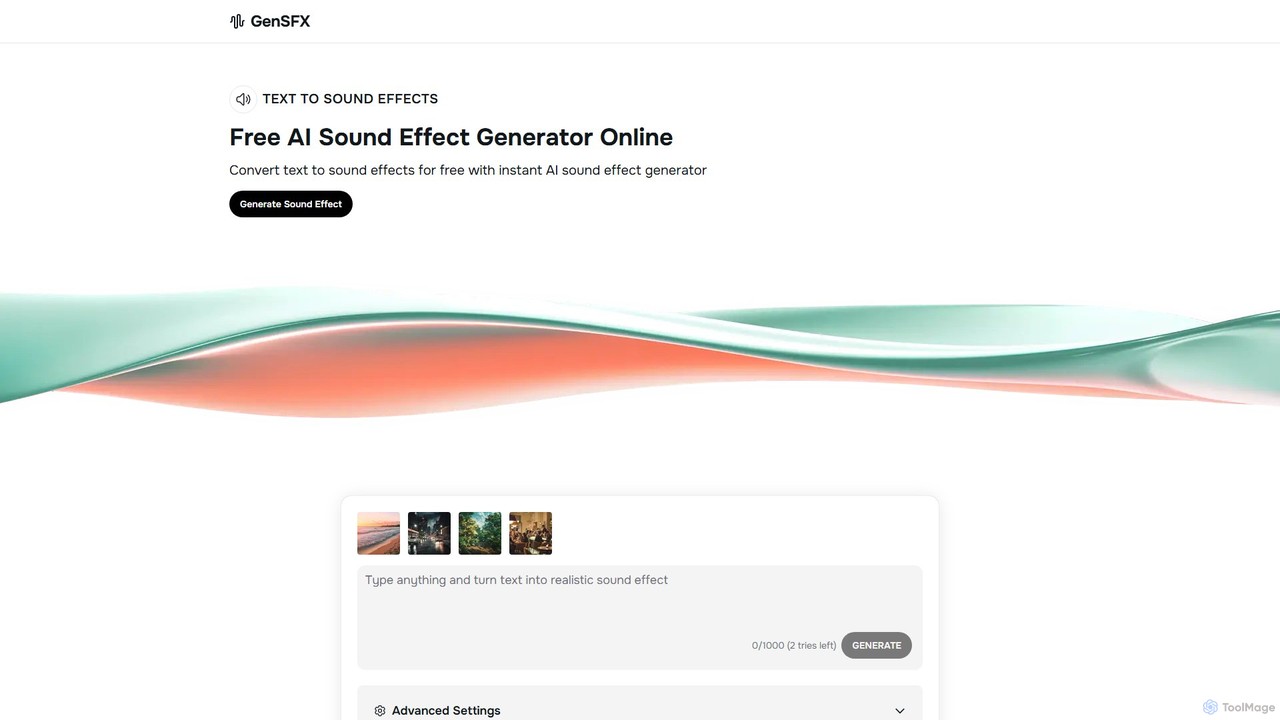
gensfx
gensfx is a free AI-powered sound effect generator that transforms text descriptions into high-quality, unique audio files. Ideal for content creators, game developers, and filmmakers, it allows for instant creation, customization, and download of royalty-free sound effects, eliminating the need for extensive sound libraries.
Sound Generation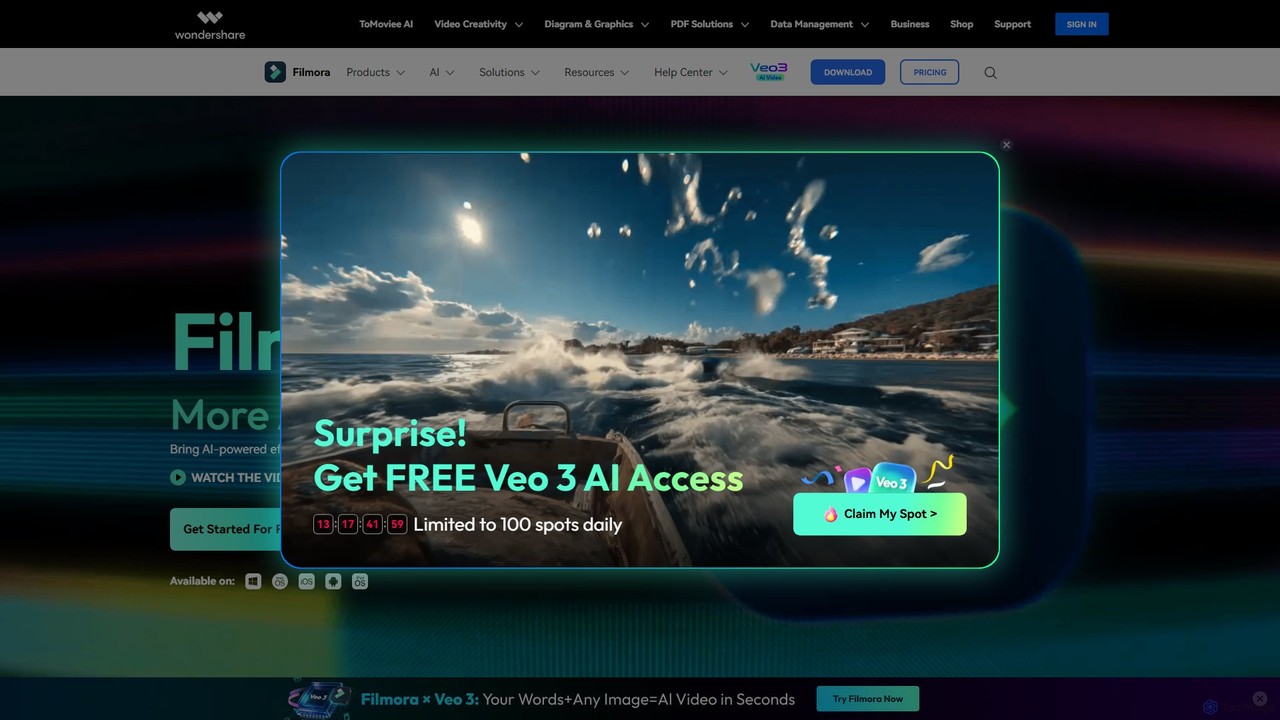
Filmora
Filmora is a powerful and intuitive AI video editor designed for creators of all skill levels. It simplifies the editing process with a suite of AI-powered tools, an extensive library of assets, and a user-friendly interface, making it easy to create professional-quality videos for social media, personal projects, and commercial use.
Social Media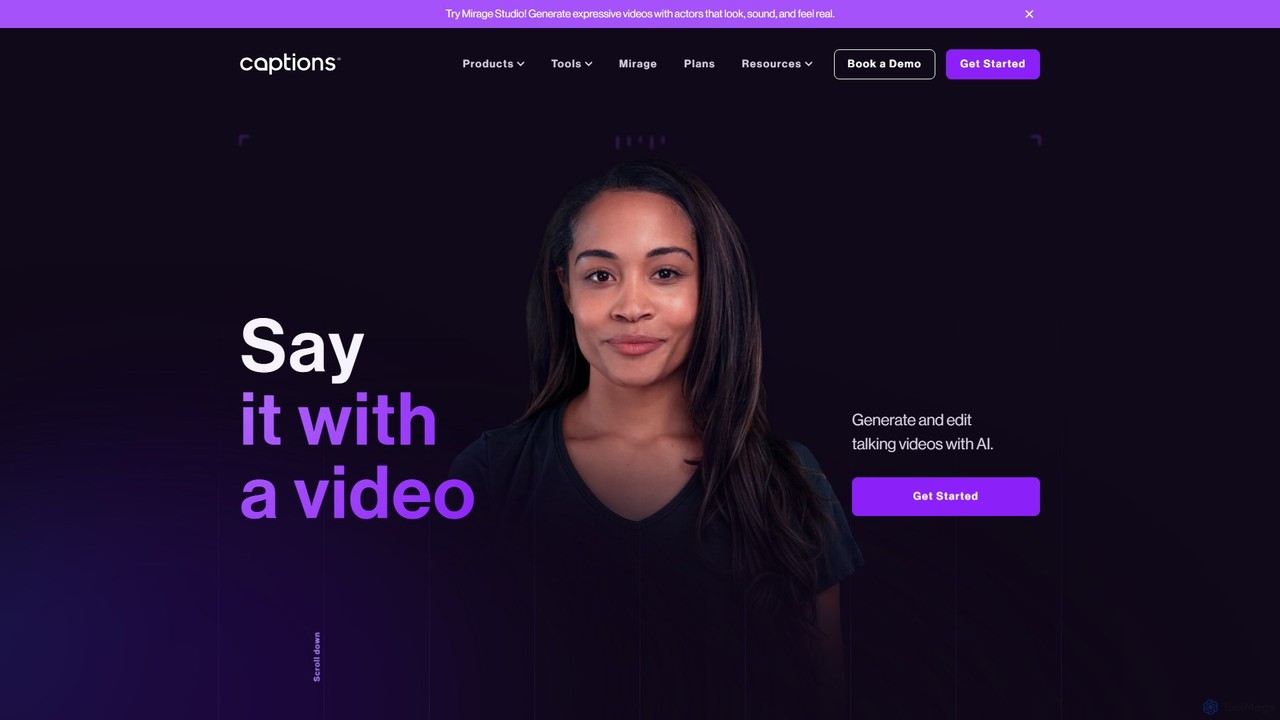
Captions
Captions is an AI-powered creative studio designed for video creators. It automates editing, adds dynamic subtitles, and offers advanced features like AI dubbing, voice generation, and creating a digital twin. It simplifies professional video production, making it accessible for everyone from social media influencers to businesses.
Transcription
Unscreen
Unscreen is an AI-powered tool that automatically removes video backgrounds without needing a green screen. It allows users to upload videos, GIFs, or URLs to instantly get a transparent background, perfect for content creators, marketers, and video editors seeking a quick, high-quality solution.
Social MediaCurseCut Categories
CurseCut Embed Widget
Copy this embed code to place the badge on your blog, article, or product site and send readers directly to this ToolMage detail page.

Related AI tools
Bleepify
Bleepify is an AI-powered tool that automatically detects and removes profanity from video and audio files. Designed for content creators, podcasters, and media managers, it uses advanced ASR technology to censor unwanted words in over 40 languages, saving hours of manual editing and helping to ensure content is audience-ready and monetizable.
Content Creation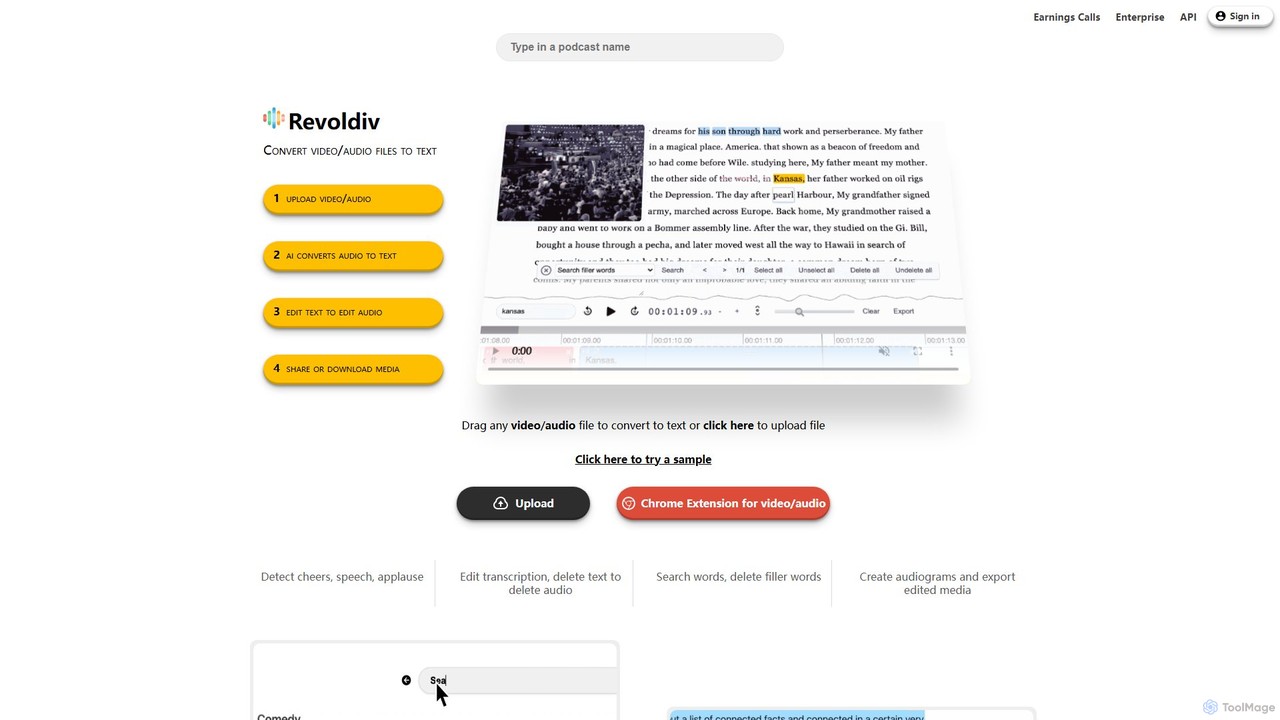
Revoldiv
Revoldiv is an AI-powered platform that transcribes video and audio files into editable text. It revolutionizes content creation by allowing users to edit media by simply editing the text, automatically removing filler words, creating audiograms, and fostering collaboration, making the post-production process fast and intuitive.
Transcription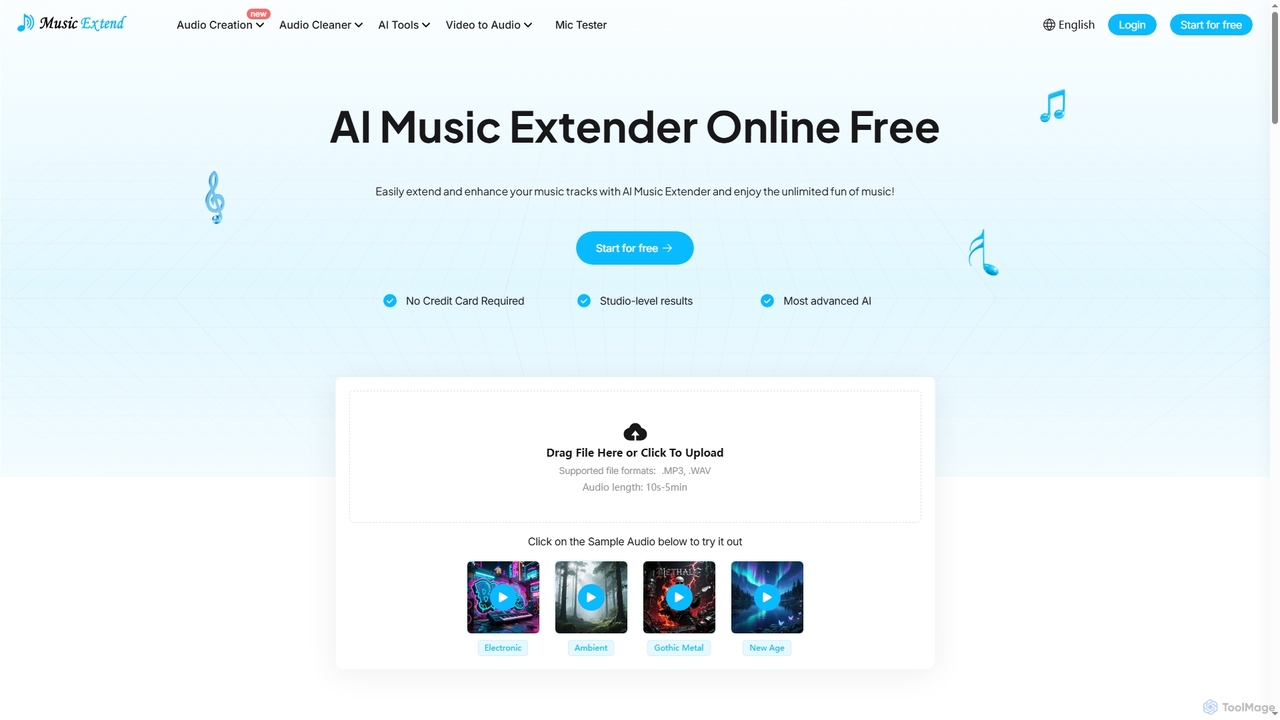
MusicExtend
MusicExtend is an advanced AI-powered online platform offering a suite of audio tools, including music extension, sound effect generation, voice cloning, music mashup creation, BPM detection, and comprehensive audio cleaning. It allows users to enhance, create, and refine audio content with studio-level results, all accessible for free without signup or credit card.
Audio Enhancementgensfx
gensfx is a free AI-powered sound effect generator that transforms text descriptions into high-quality, unique audio files. Ideal for content creators, game developers, and filmmakers, it allows for instant creation, customization, and download of royalty-free sound effects, eliminating the need for extensive sound libraries.
Sound Generation
Adobe Podcast
Adobe Podcast is an AI-powered, web-based platform for audio recording, editing, and enhancement. It enables users to create professional-quality podcasts and voiceovers by removing background noise, transcribing audio for text-based editing, and facilitating remote recording. It's designed for both beginners and professionals seeking studio-quality sound without complex equipment.
3D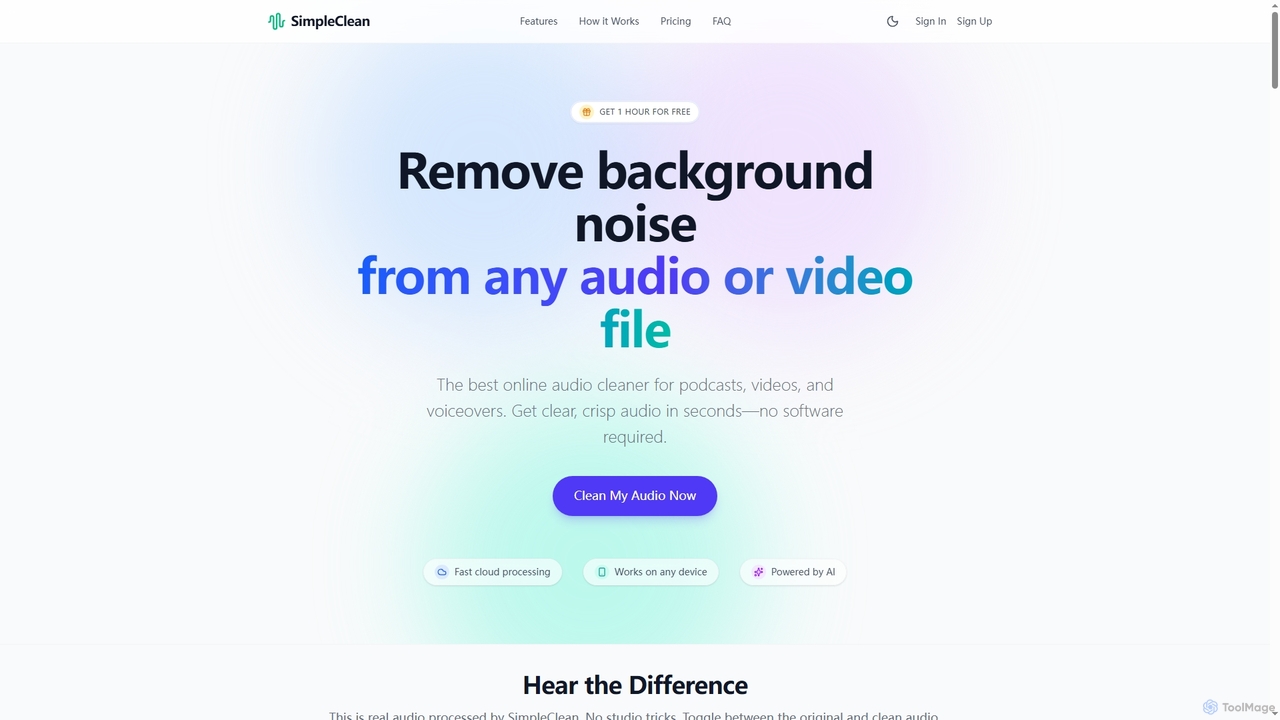
SimpleClean
SimpleClean is an AI-powered online tool designed to remove distracting background noise from audio and video files. It offers a quick, free, and easy solution for creators and professionals to achieve studio-quality speech with just one click, supporting a wide array of popular media formats.
Noise Reduction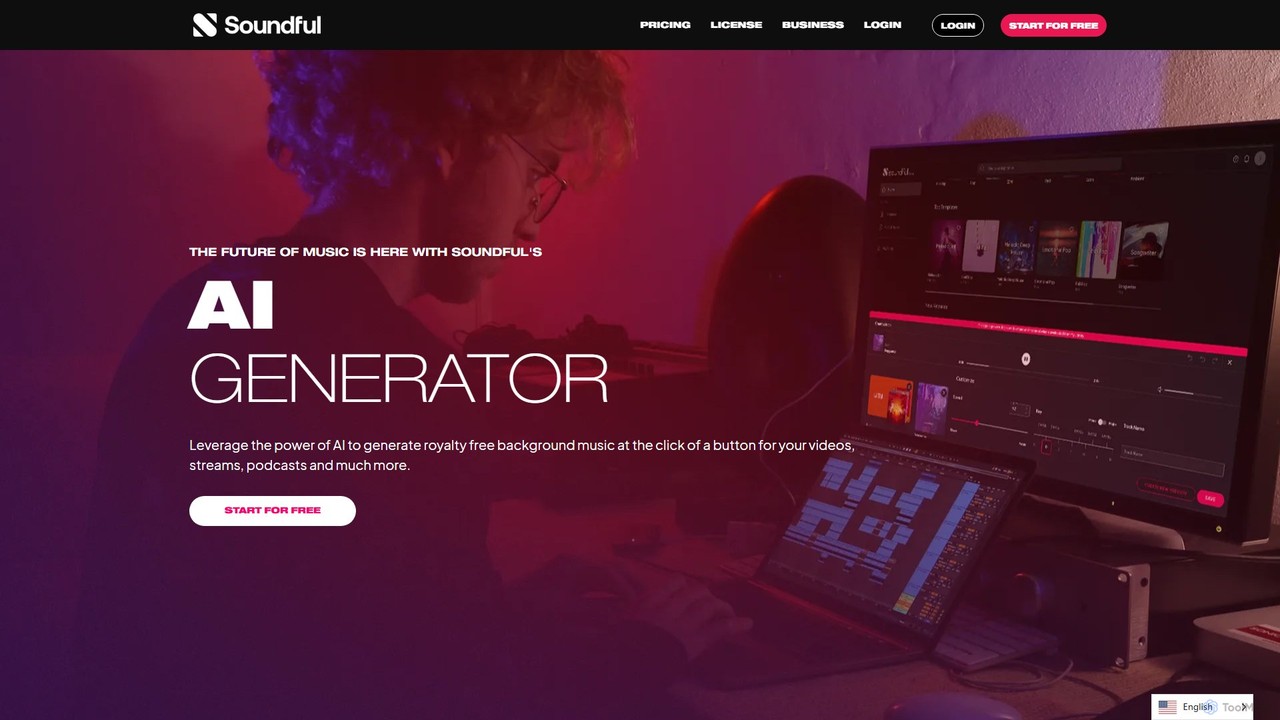
Soundful
Soundful is a leading AI music generator that empowers creators, producers, and brands to create unique, studio-quality, royalty-free music instantly. It offers a vast library of genres and moods, providing the perfect soundtrack for videos, podcasts, streams, and commercial projects, eliminating copyright issues.
Music Generation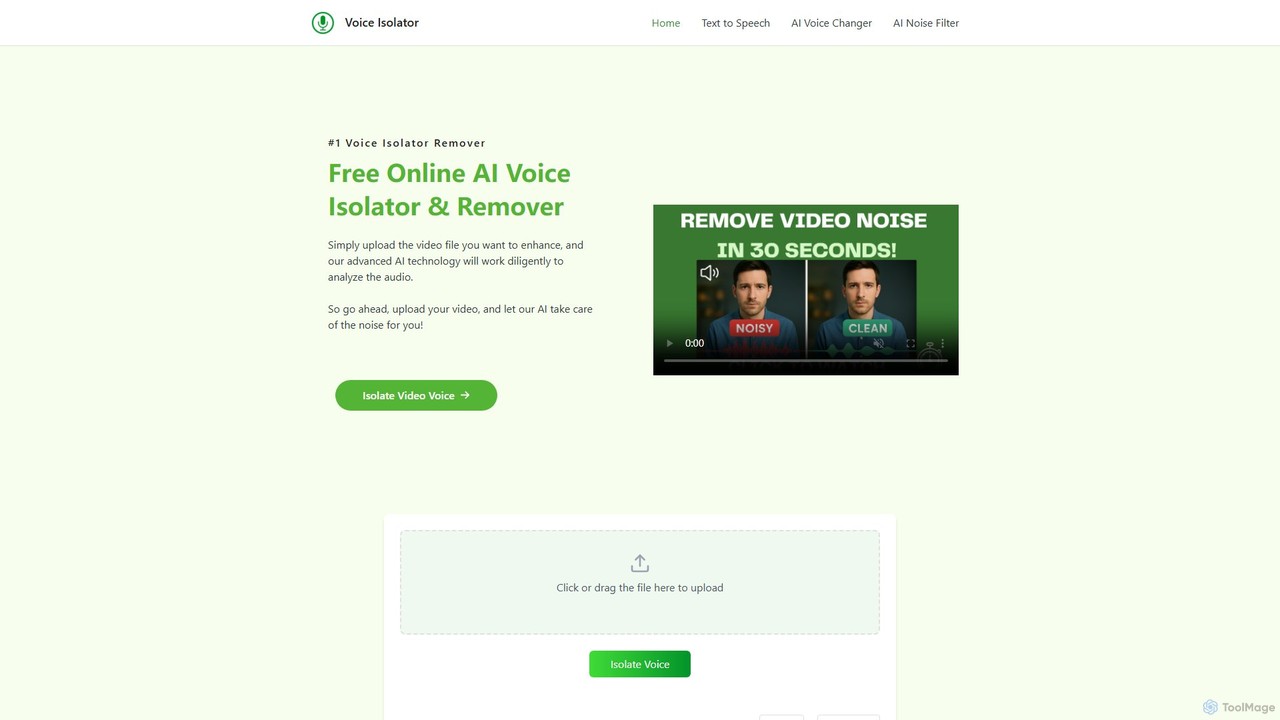
voiceisolator
An AI-powered online tool designed for high-quality voice isolation, background noise removal, and stem separation from audio/video files. It also features a versatile Text-to-Speech (TTS) generator to create natural-sounding voiceovers. Ideal for musicians, content creators, and video editors.
Audio Editing
OneTake AI
OneTake AI is an autonomous video editing and translation agent that transforms raw talking videos into professional presentations with a single click. It automatically handles transcription, removes filler words, eliminates background noise, adds custom music, and creates engaging visuals. Ideal for content creators, educators, and businesses, it also offers voice-cloned translation and dubbing to reach a global audience effortlessly.
E Learning
StockmusicGPT
StockmusicGPT is an AI-powered platform for instantly generating royalty-free stock music, sound effects, and song covers. It offers a comprehensive suite of tools, including text-to-music, image-to-music, stem splitting, and AI mastering, designed for content creators, musicians, and producers.
Audio Editing
Podcastle
Podcastle is an all-in-one, AI-powered platform for audio and video creation. It simplifies the entire workflow from high-quality recording and text-based editing to AI-enhanced post-production and podcast hosting. Features include studio-quality recording, AI noise removal, voice cloning, and seamless video editing, making it ideal for podcasters, content creators, and marketers.
3D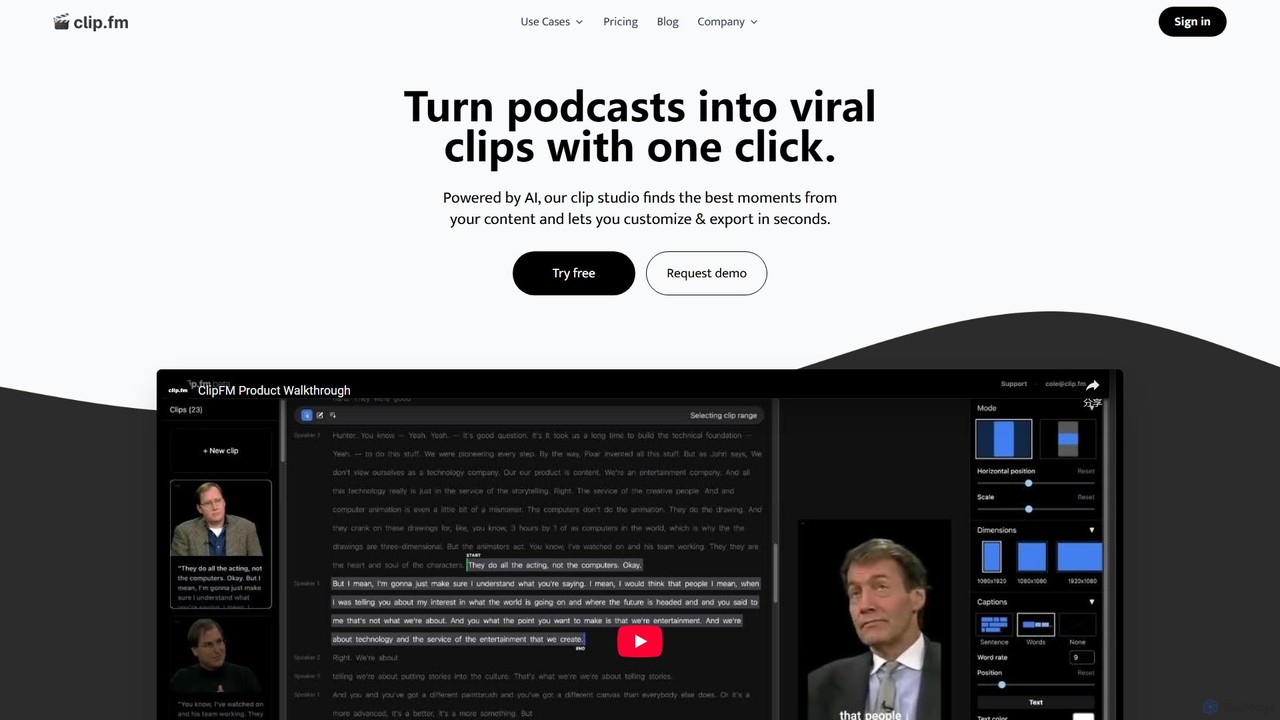
ClipFM
ClipFM is an AI-powered tool that automatically transforms long-form videos and podcasts into engaging, shareable short clips for social media. It identifies the most compelling moments, adds captions, and allows for quick customization, helping creators, podcasters, and marketers save time and expand their audience reach.
Repurposing
Edit on the Spot
Edit on the Spot is an AI-powered video editing tool designed for online creators. It automatically trims silence from the beginning and end of recordings from platforms like Zoom, MS Teams, and OBS. Users can instantly add custom intros and outros, receiving a download link for a professionally polished, full HD video within minutes of finishing their session.
Content Creation
Fluxvid
Fluxvid is an AI-powered video creation platform that effortlessly transforms text and images into stunning, cinematic videos. Featuring movie-like camera movements and lifelike visuals, it's perfect for marketers, creators, and storytellers. Generate high-quality content for social media, ads, and creative projects in seconds, with support for multiple languages and aspect ratios. Start for free to experience the next generation of video creation.
Social Media
Podcut
Podcut is an AI-powered audio and video editing platform designed for podcasters and content creators. It automates tedious editing tasks by allowing you to edit your media by simply editing the text transcript. Automatically remove filler words, long silences, and background noise to produce studio-quality content in minutes, not hours.
3D
CurseCut Comments (0)
Sign in to comment.
Sign inNo comments yet.