


ToneKit Overview
ToneKit is an innovative online audio processing platform designed for professionals and enthusiasts alike, offering a comprehensive suite of tools directly within your web browser. It empowers users to perform various audio manipulations, including converting formats, precise trimming, merging multiple tracks, dynamic compression, and advanced noise reduction. A standout feature of ToneKit is its unwavering commitment to privacy; all audio processing occurs locally on your device, meaning your files are never uploaded to a server. This client-side processing not only guarantees 100% privacy but also delivers lightning-fast results, often in less than a second, without the need for account creation to download your final output.
How to use ToneKit
Using ToneKit is a straightforward three-step process. First, you select your audio file by dragging and dropping it onto the interface or by clicking to browse your local storage. Importantly, your file remains on your device throughout this step. Second, you choose your desired settings, which may include selecting an output format (MP3, WAV, OGG), adjusting specific parameters, or applying various audio effects like noise reduction or compression. Finally, once your settings are applied, you can instantly download your processed audio. There's no waiting time, and you don't even need an account to retrieve your result, making the workflow incredibly efficient and user-friendly.
Core Features of ToneKit
- Format Converter: Instantly convert audio files between popular formats like MP3, WAV, and OGG.
- Trim Audio: Precisely cut audio segments to specific start and end times.
- Merge Files: Combine multiple audio files into a single, cohesive track.
- Compressor: Balance and optimize audio levels using dynamic compression.
- Noise Reduction: Effectively remove background noise to enhance audio clarity.
- Waveform Viewer: Visualize audio waveforms for better preview and editing control.
Use Cases for ToneKit
ToneKit is ideal for a wide range of audio-related tasks. Podcasters can use it to trim intros/outros, reduce background noise from recordings, or convert interview audio to a consistent format. Content creators can quickly merge sound effects, compress voiceovers for web use, or convert music tracks. Musicians and audio engineers can perform quick edits, format conversions, and basic mastering tasks without needing complex desktop software. Educators can prepare audio lessons by trimming lectures or enhancing clarity. Anyone needing fast, private, and efficient audio processing for personal or professional projects will find ToneKit invaluable.
Advantages of ToneKit
The primary advantages of ToneKit lie in its unparalleled privacy, speed, and accessibility. By processing files entirely in the browser, it ensures that sensitive audio data never leaves the user's device, offering complete peace of mind. The lightning-fast processing speed, averaging less than one second, significantly boosts productivity. As a browser-based tool, it requires no software installation or downloads, making it accessible from any device with an internet connection. The intuitive interface and 7-day free trial (no credit card needed) lower the barrier to entry, allowing users to experience its full capabilities risk-free. Furthermore, the support for popular audio formats and the absence of file size limits across all plans add to its versatility and user convenience.
Pricing and Plans
ToneKit offers simple and transparent pricing plans, all of which include a 7-day free trial that does not require a credit card to start. The Starter plan is available for $9/month, providing 100 audio conversions per month. The Pro plan, priced at $19/month, offers 500 audio conversions per month. For users with extensive needs, the Unlimited plan is available for $49/month, offering unlimited audio conversions. All plans include access to all 6 audio tools, 100% private processing, and no file size limits.
ToneKit FAQ
ToneKit Alternatives
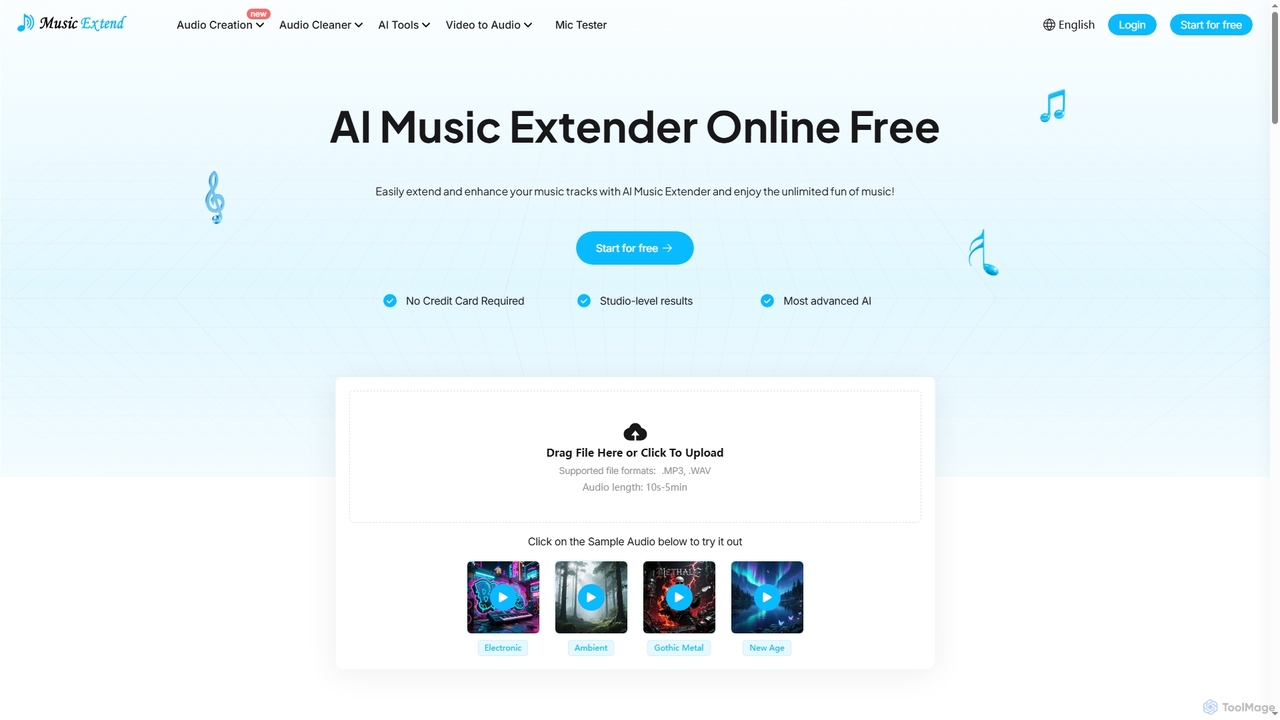
MusicExtend
MusicExtend is an advanced AI-powered online platform offering a suite of audio tools, including music extension, sound effect generation, voice cloning, music mashup creation, BPM detection, and comprehensive audio cleaning. It allows users to enhance, create, and refine audio content with studio-level results, all accessible for free without signup or credit card.
Audio Enhancement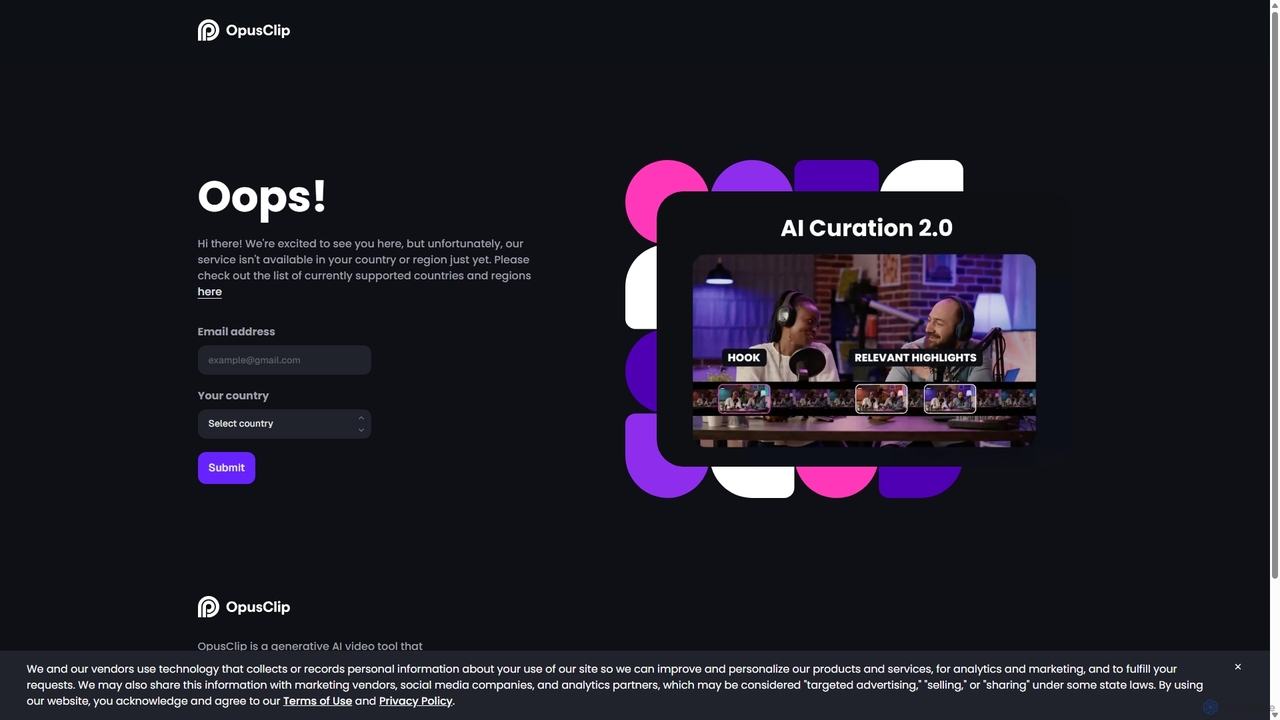
OpusClip
OpusClip is a generative AI video repurposing tool that turns long videos into viral short clips with one click. It automatically identifies the most compelling hooks, reframes the video, adds dynamic captions, and scores clips for virality, streamlining content creation for social media.
Video Marketing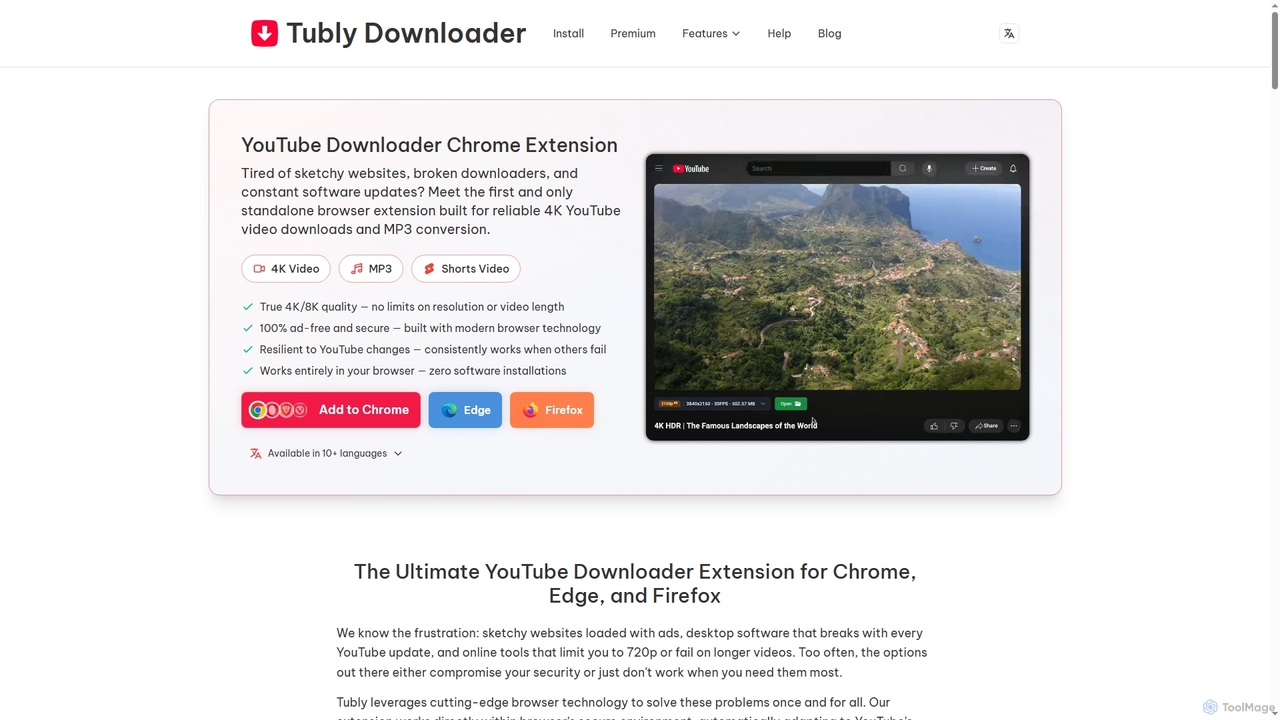
Tubly
Tubly is a powerful and secure browser extension for Chrome, Edge, and Firefox, enabling users to download YouTube videos in up to 8K resolution and convert them to high-quality 320kbps MP3s. It supports YouTube Shorts, private content, and offers an ad-free, reliable offline viewing experience across all major operating systems.
Audio Converter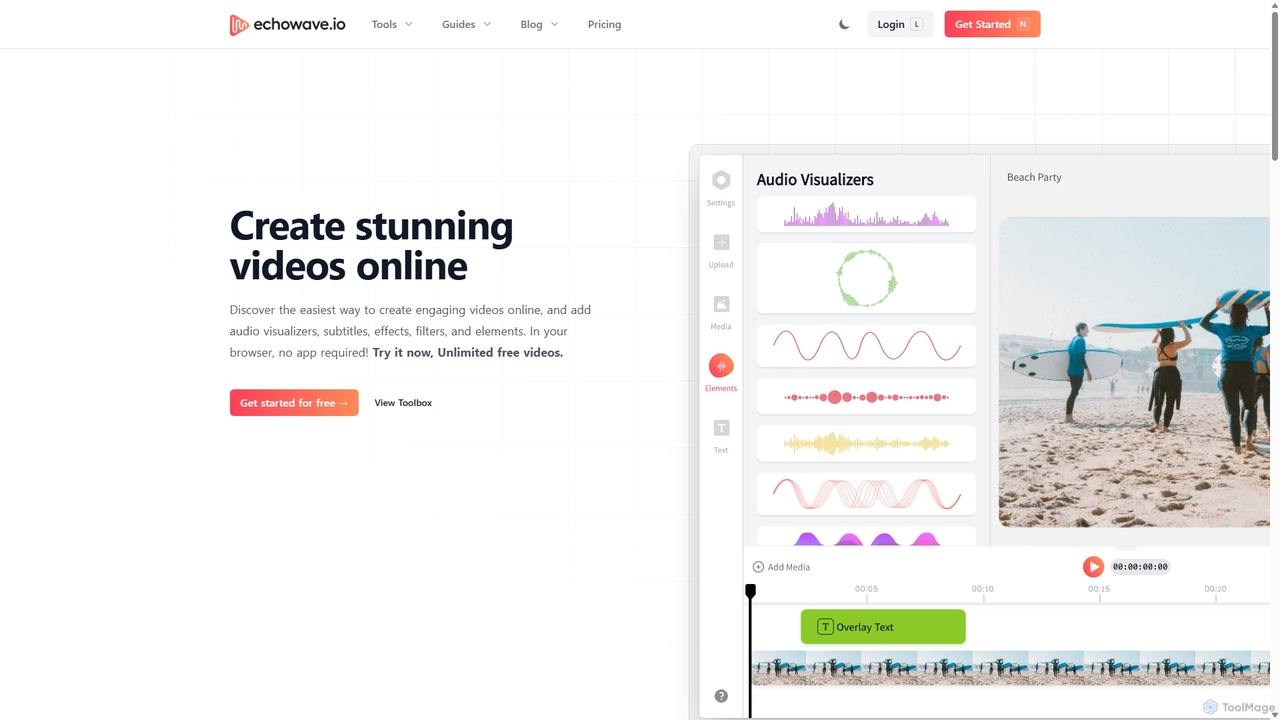
Echowave
Echowave is a free and simple online video editor designed for creators to easily convert audio files into engaging videos. It specializes in adding audio visualizers, automatic subtitles, and effects, making it perfect for podcasters, musicians, and social media managers to repurpose content for platforms like Instagram, YouTube, and Facebook.
Content Creation
TranslateMom
TranslateMom is an AI-powered video translation, dubbing, and captioning tool designed to help content creators, marketers, and educators reach a global audience. It supports over 100 languages for subtitles and translation, and 29 languages for AI dubbing, making video localization fast and efficient.
3DToneKit Categories
ToneKit Jobs
ToneKit Embed Widget
Copy this embed code to place the badge on your blog, article, or product site and send readers directly to this ToolMage detail page.

Related AI tools
MusicExtend
MusicExtend is an advanced AI-powered online platform offering a suite of audio tools, including music extension, sound effect generation, voice cloning, music mashup creation, BPM detection, and comprehensive audio cleaning. It allows users to enhance, create, and refine audio content with studio-level results, all accessible for free without signup or credit card.
Audio EnhancementTubly
Tubly is a powerful and secure browser extension for Chrome, Edge, and Firefox, enabling users to download YouTube videos in up to 8K resolution and convert them to high-quality 320kbps MP3s. It supports YouTube Shorts, private content, and offers an ad-free, reliable offline viewing experience across all major operating systems.
Audio Converter
Podcut
Podcut is an AI-powered audio and video editing platform designed for podcasters and content creators. It automates tedious editing tasks by allowing you to edit your media by simply editing the text transcript. Automatically remove filler words, long silences, and background noise to produce studio-quality content in minutes, not hours.
3DOpusClip
OpusClip is a generative AI video repurposing tool that turns long videos into viral short clips with one click. It automatically identifies the most compelling hooks, reframes the video, adds dynamic captions, and scores clips for virality, streamlining content creation for social media.
Video MarketingEchowave
Echowave is a free and simple online video editor designed for creators to easily convert audio files into engaging videos. It specializes in adding audio visualizers, automatic subtitles, and effects, making it perfect for podcasters, musicians, and social media managers to repurpose content for platforms like Instagram, YouTube, and Facebook.
Content CreationTranslateMom
TranslateMom is an AI-powered video translation, dubbing, and captioning tool designed to help content creators, marketers, and educators reach a global audience. It supports over 100 languages for subtitles and translation, and 29 languages for AI dubbing, making video localization fast and efficient.
3D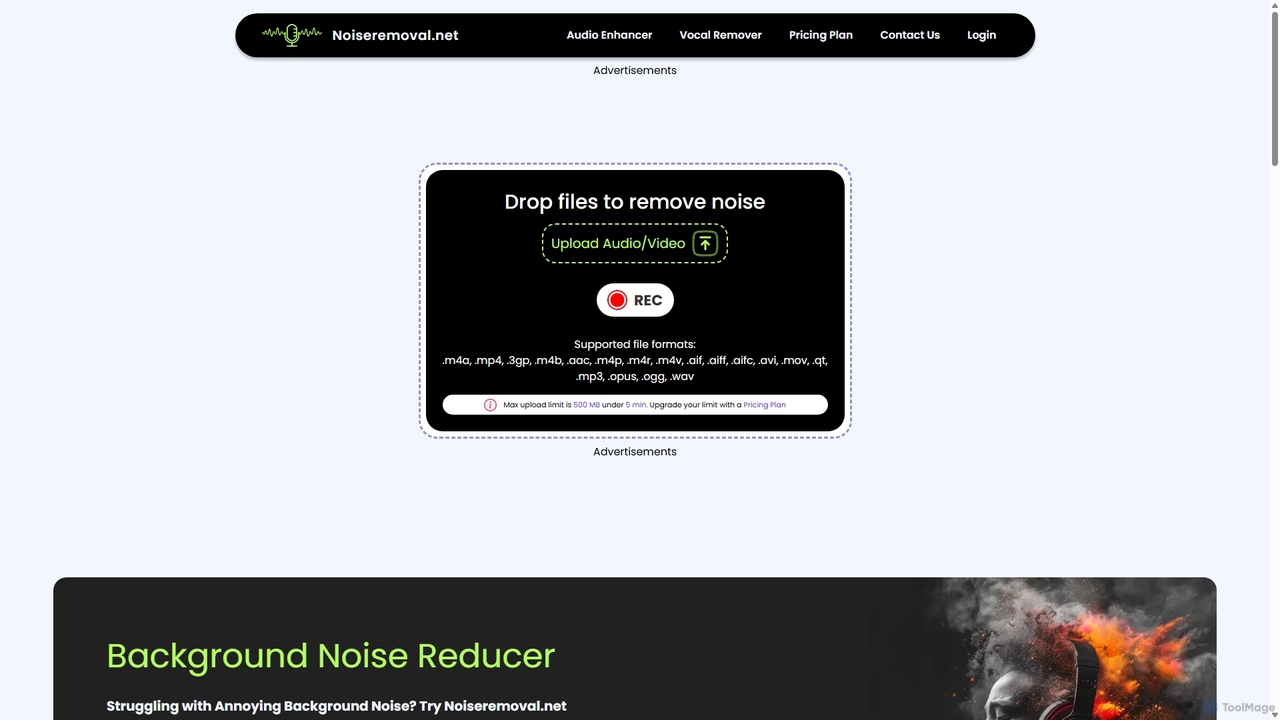
Noiseremoval.net
Noiseremoval.net is an AI-powered online tool designed to enhance audio quality effortlessly. It offers a suite of features including background noise removal from audio and video, a comprehensive audio enhancer to clarify speech and fix levels, and a vocal remover to isolate instrumentals. Ideal for content creators, podcasters, and musicians seeking professional-grade sound with a simple, one-click interface.
3D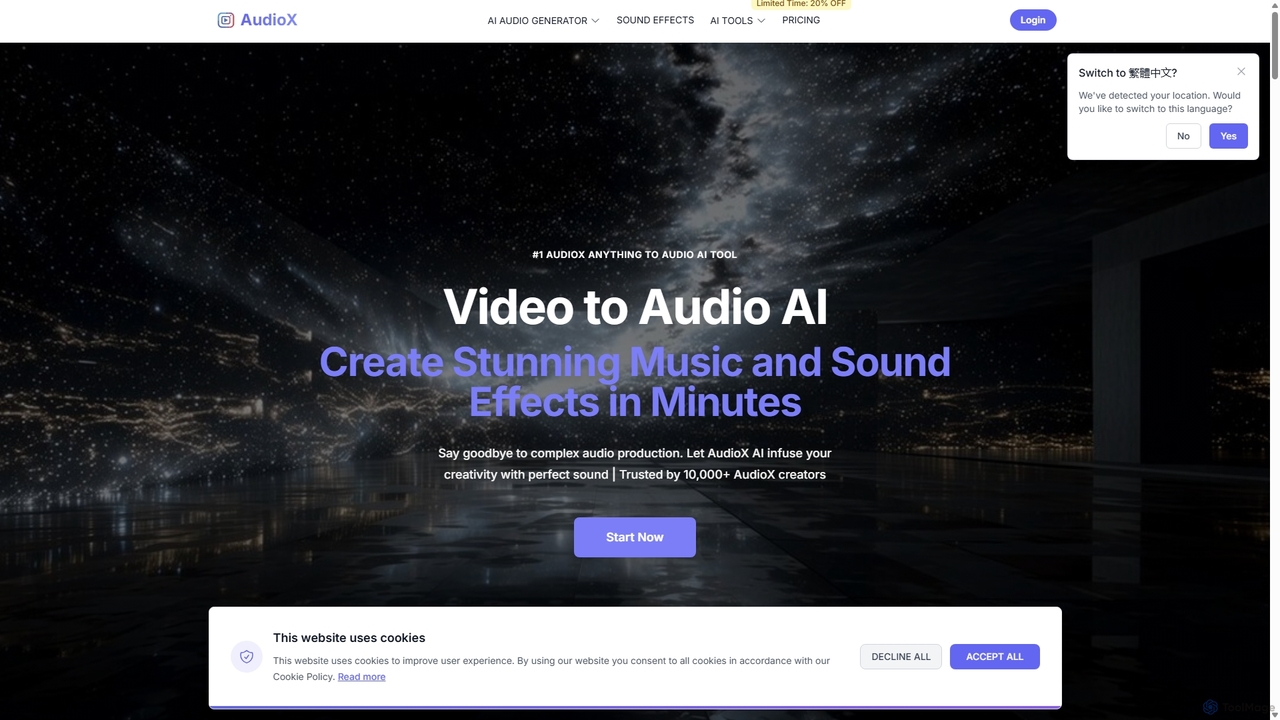
AudioX
AudioX is a professional AI audio generation tool that creates stunning music, sound effects, and voiceovers from various inputs like text, images, and videos. It offers a comprehensive suite for creators of all levels to simplify and enhance audio production.
Music Generation
Jyek
Jyek is an AI agent platform that understands objectives, creates execution plans, uses tools, and delivers verifiable results for complex, multi-step tasks.
Automation
SendShort.ai
SendShort.ai is an AI-powered platform that transforms long-form videos into engaging, viral-ready short clips for social media. Automatically identify key moments, add dynamic captions, and repurpose your content for TikTok, Reels, and Shorts in minutes, maximizing your reach and saving hours of editing time.
Video Marketing
WUI.AI
WUI.AI is an AI-powered platform that transforms long-form videos and podcasts into engaging, viral short clips for social media. It automates highlight detection, subtitling, resizing, and translation, helping creators and marketers save time and maximize their content's reach on platforms like TikTok, Instagram, and YouTube Shorts.
Automation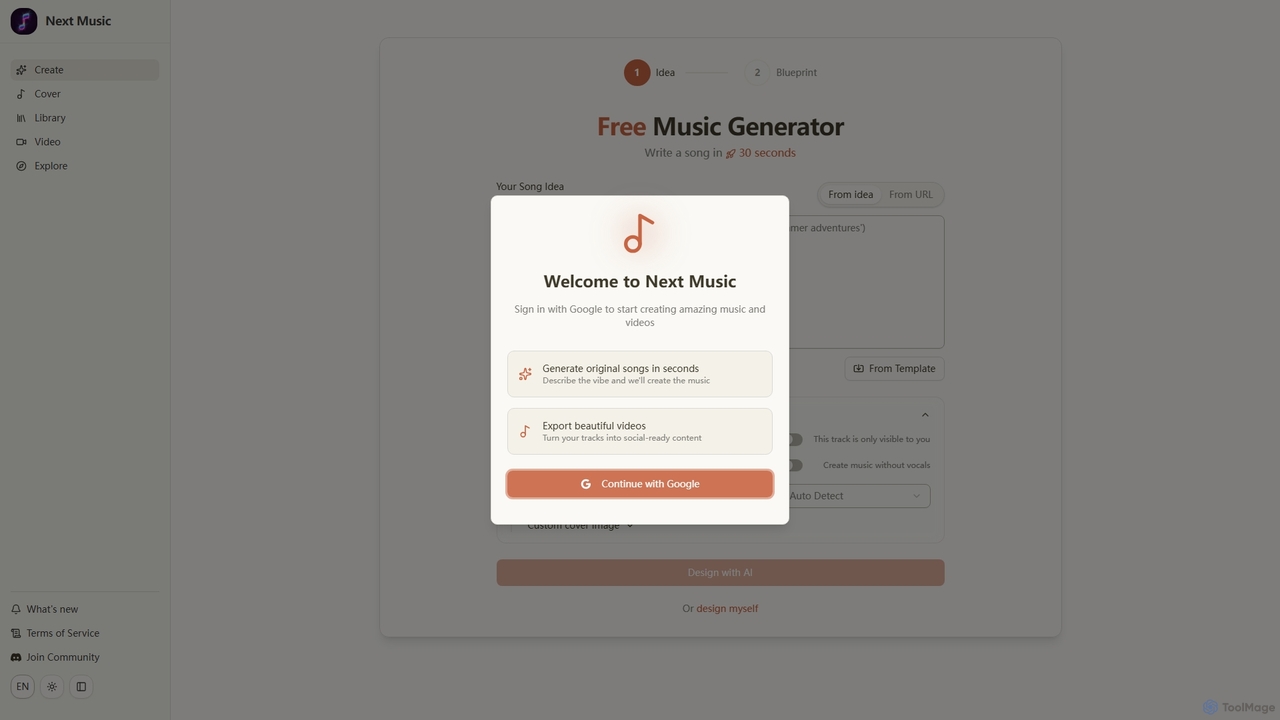
Next Music
Next Music is a free AI-powered platform that allows users to generate original songs and videos in seconds. Describe your musical idea, choose options like instrumental tracks or custom covers, and transform your creations into social-ready video content. It's designed for quick, creative music production.
Music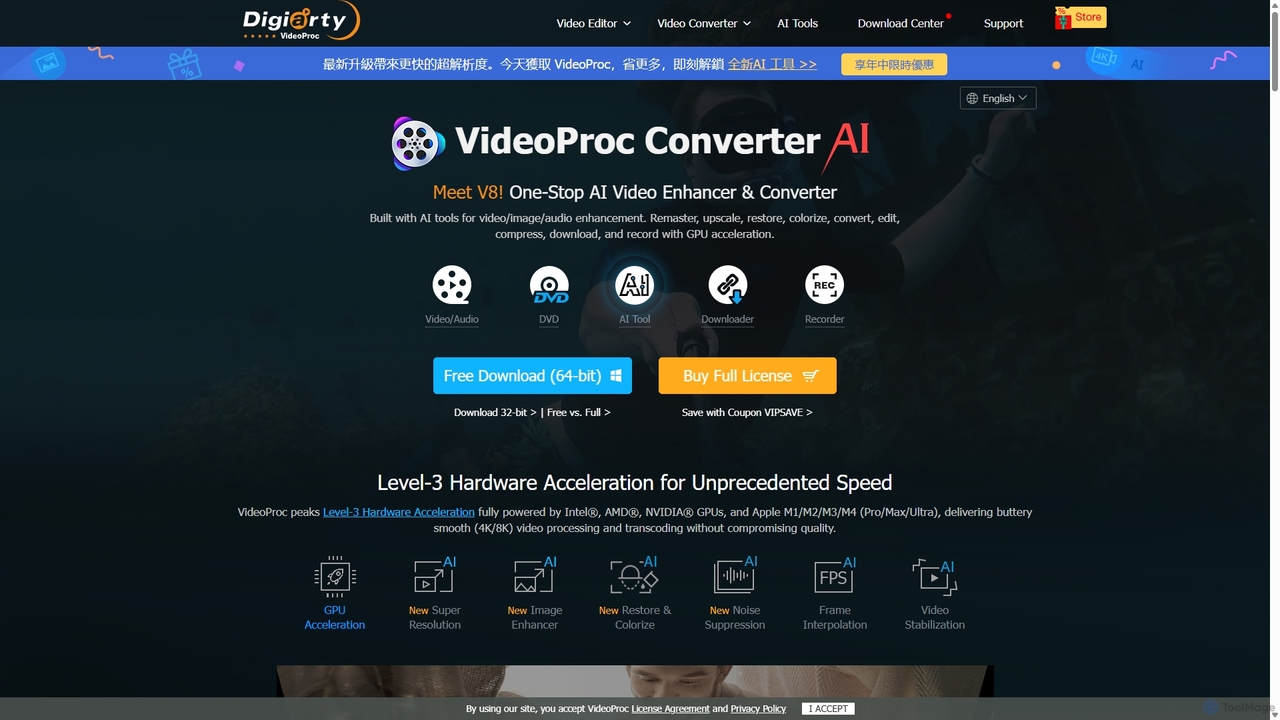
VideoProc
VideoProc is a one-stop, AI-powered media processing suite. It enhances, converts, edits, compresses, downloads, and records 4K/8K videos with full GPU acceleration. Its AI tools upscale video/images, stabilize shaky footage, interpolate frames for smooth motion, and remove background noise from audio.
Audio Editing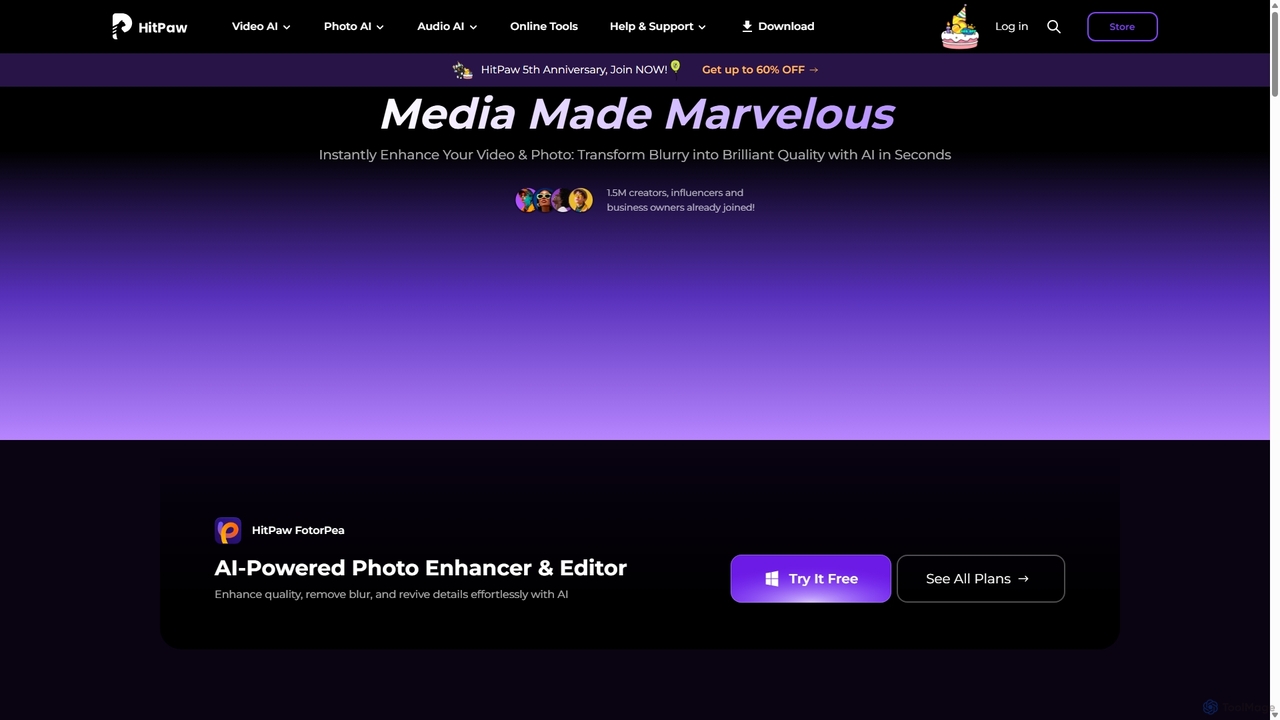
HitPaw
HitPaw is a comprehensive AI-powered multimedia software suite designed for video, photo, and audio enhancement. It offers a range of tools for upscaling video to 8K, restoring old photos, changing voices in real-time, converting file formats, and more, catering to creators, professionals, and enthusiasts.
Voice Modulation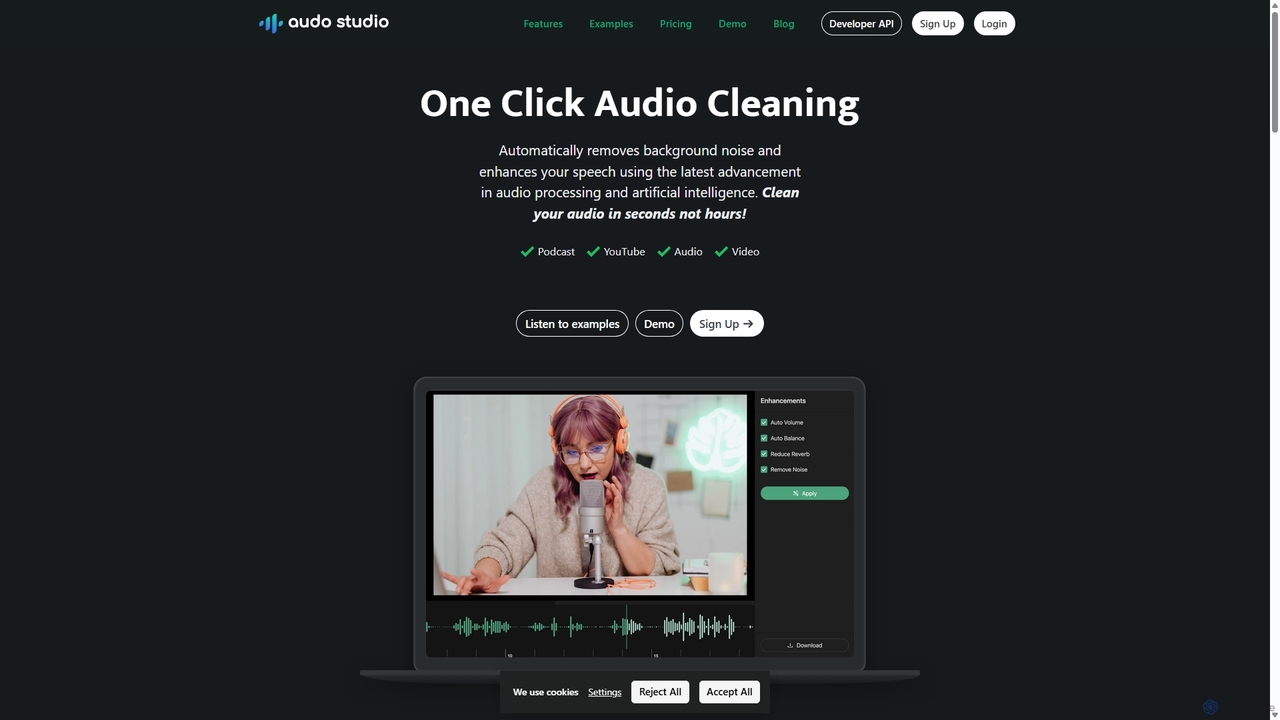
Audo Studio
Audo Studio is an AI-powered audio cleaning tool that removes background noise, reduces echo, and automatically levels volume with a single click. It's designed for content creators, podcasters, and video producers to achieve studio-quality sound effortlessly, without needing complex audio engineering skills.
3D
ToneKit Comments (0)
Sign in to comment.
Sign inNo comments yet.