

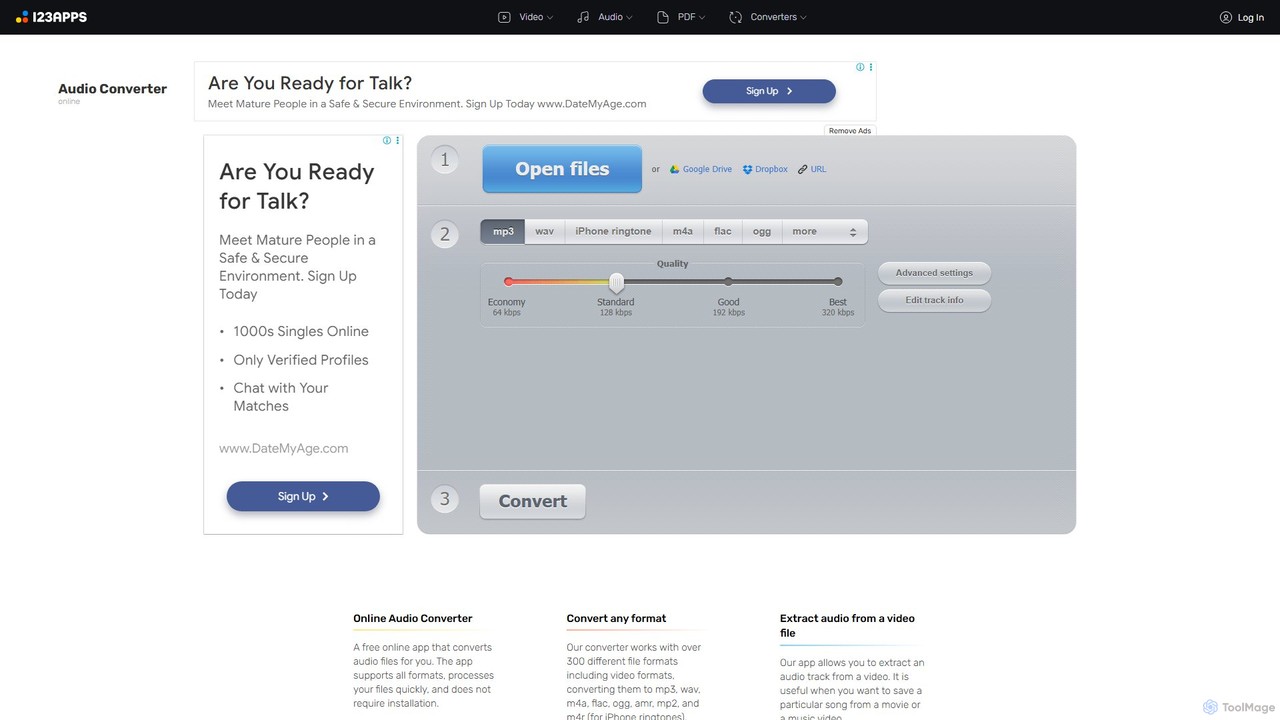
Online Audio Converter Overview
Online Audio Converter is a powerful and user-friendly web application designed for all your audio conversion needs. As part of the 123apps suite, it provides a seamless and efficient experience directly in your browser, eliminating the need for any software installation. The tool is engineered to handle a vast array of audio and video formats, making it a go-to solution for musicians, content creators, and casual users alike.
The primary function of the converter is to change the format of audio files. It boasts support for over 300 different file formats, ensuring you can convert your files to popular formats like MP3, WAV, M4A, FLAC, OGG, and even M4R for iPhone ringtones. Whether you're working with common or obscure file types, this tool likely has you covered.
One of its standout features is the ability to extract audio from video files. If you have a music video, a movie clip, or a recorded lecture and need only the sound, you can easily upload the video file and extract the audio track in your desired format. This is particularly useful for creating audio-only versions of content for podcasts or personal listening.
How to use Online Audio Converter
The conversion process is designed to be simple and intuitive, typically involving just three steps:
- Upload Your File: Click the 'Open files' button to select a file from your computer. You can also import files directly from Google Drive, Dropbox, or by pasting a URL. The tool supports files up to 4 GB for free users.
- Choose Format and Settings: Select your desired output format (e.g., mp3, wav, flac). You can choose from predefined quality presets (Economy, Standard, Good, Best) or click 'Advanced settings' to manually configure the bitrate, sample rate, channels, and apply effects like reverse playback or fade-in. You can also edit the track's metadata (title, artist, album, etc.) using the 'Edit track info' feature.
- Convert and Download: Click the 'Convert' button to start the process. Once the conversion is complete, a download link will appear. You can save the file directly to your computer or to your Google Drive or Dropbox account. For multiple files, the tool conveniently bundles them into a ZIP archive for a single download.
Core Features of Online Audio Converter
- Extensive Format Support: Converts over 300 audio and video formats, including MP3, WAV, M4A, FLAC, OGG, AMR, MP2, and M4R.
- Video to Audio Extraction: Easily extract audio tracks from video files without needing separate software.
- Advanced Audio Control: Fine-tune your output by adjusting bitrate, frequency, channels, and applying simple audio effects like fade-in or reverse.
- Voice Removal: An experimental feature that attempts to remove vocals from a song, creating a karaoke-style track.
- Batch Conversion: Upload and convert multiple files simultaneously, which are then packaged into a ZIP archive for easy downloading.
- ID3 Tag Editing: Supports editing metadata for MP3, OGG, FLAC, and WAV files, allowing you to organize your music library with correct track names, artists, albums, and genres.
- Cloud Integration: Open files directly from Google Drive and Dropbox, and save the converted files back to these services.
- Security and Privacy: All uploaded files are automatically deleted from the servers a few hours after processing, ensuring your data remains private.
Use Cases for Online Audio Converter
This tool is valuable for a wide range of applications. Musicians can convert audio samples to a format compatible with their digital audio workstation (DAW). Podcasters and YouTubers can extract audio from video interviews or convert their final episodes into a universally compatible MP3 format. Students can extract audio from online lectures to listen to on the go. Everyday users can create custom iPhone ringtones from their favorite songs or reduce the file size of audio tracks for easier sharing and storage.
Advantages of Online Audio Converter
The main advantages lie in its accessibility, versatility, and ease of use. Being a browser-based tool, it requires no installation and works on any operating system. The generous free tier makes powerful audio conversion accessible to everyone. Its support for a vast number of formats, batch processing, and advanced settings provides a level of functionality often found only in paid desktop software. Furthermore, its commitment to security through automatic file deletion gives users peace of mind.
Pricing and Plans
Online Audio Converter operates on a freemium model:
- Free Plan: This plan is available at no cost and includes access to all 51 apps in the 123apps suite. Users can process up to 70 files per day with a maximum file size of 4 GB. This plan is ad-supported and offers standard conversion speeds.
- Premium Plan: For users with more demanding needs, the Premium plan costs ¥690 per month (price may vary by region). It offers unlimited file conversions, an increased maximum file size of 10 GB, faster processing speeds, and an ad-free experience.
Traffic
Latest traffic
Status
Monthly traffic trend
- 2025-9: 4.5M
- 2026-1: 4.2M
- 2026-2: 3.7M
- 2026-3: 4.0M
- 2026-4: 4.0M
- 2026-5: 4.1M
Geography
Top 5 countries / regions
- 🇧🇷Brazil37.0%
- 🇷🇺Russia25.3%
- 🇺🇸United States12.8%
- 🇪🇸Spain12.6%
- 🇯🇵Japan12.3%
Traffic sources
| Source type | Percentage |
|---|---|
Direct | 84.4% |
Referral | 14.4% |
Email | 1.2% |
Top keywords
| Keyword | Cost per click |
|---|---|
| audio converter | $0.36 |
| convertidor mp3 | $0.32 |
| convertir a mp3 | $0.21 |
| mp3 converter | $0.50 |
| online audio converter | $0.32 |
Online Audio Converter Alternatives
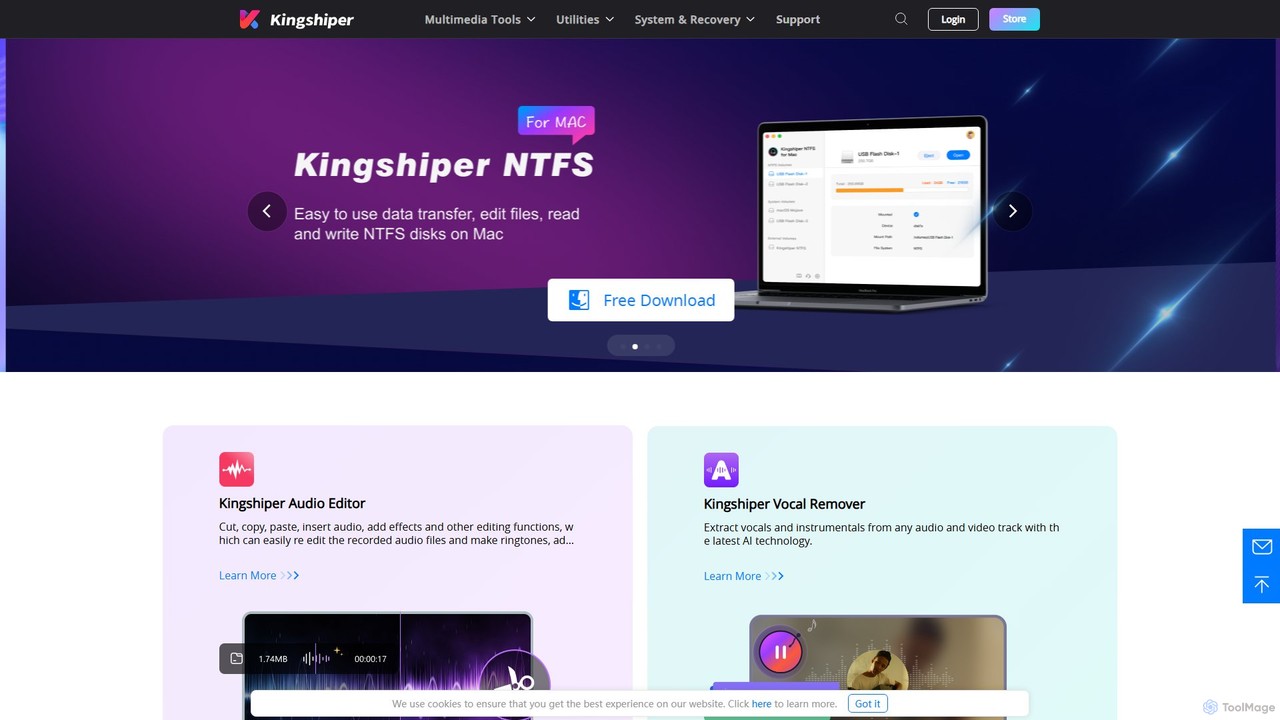
Kingshiper
A versatile suite of desktop tools for audio editing, AI-powered vocal removal, file conversion (audio & PDF), and system utilities. Kingshiper offers user-friendly, high-performance solutions for Windows and Mac, enabling users to easily cut, merge, convert, and manage their digital files with professional-quality results.
Audio Editing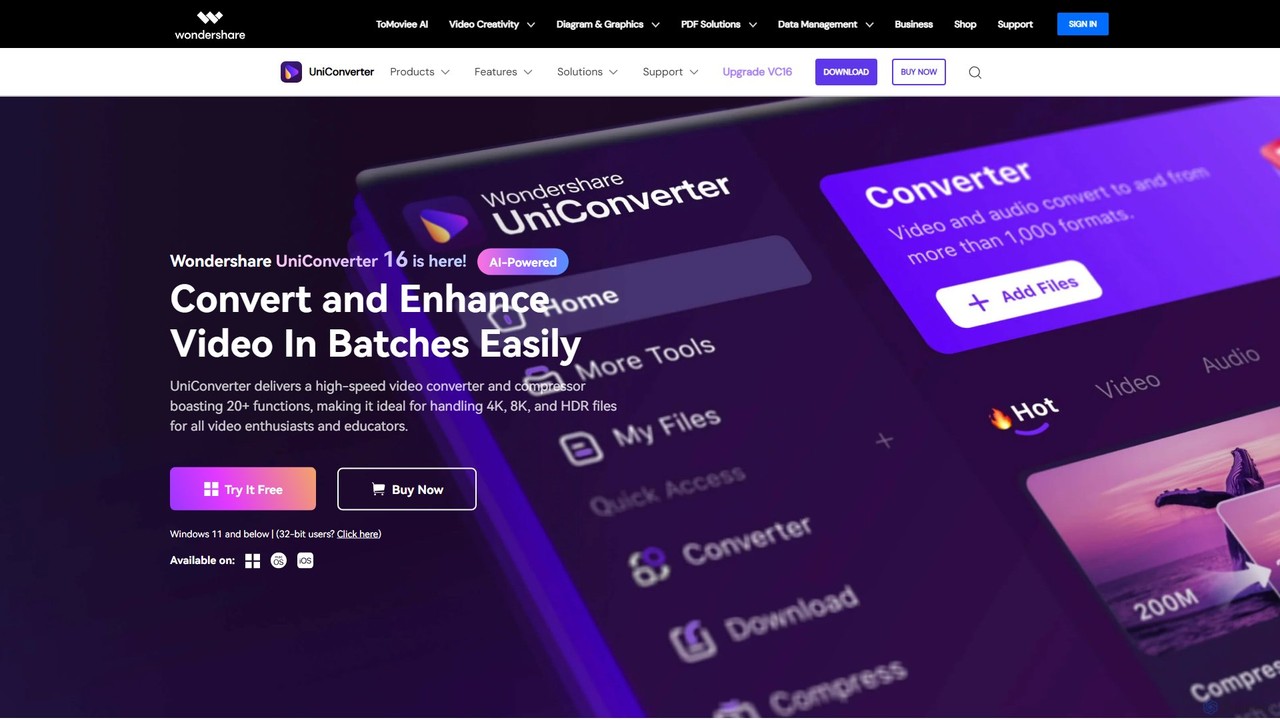
Wondershare UniConverter
Wondershare UniConverter is an all-in-one, AI-powered video toolbox designed for enthusiasts and professionals. It integrates a high-speed video converter, an efficient compressor, a versatile editor, and a suite of AI enhancement tools. Handle 4K/8K/HDR files, convert between 1000+ formats, and leverage AI to upscale video, remove noise, generate subtitles, and more, all within a single, user-friendly application.
Video Enhancement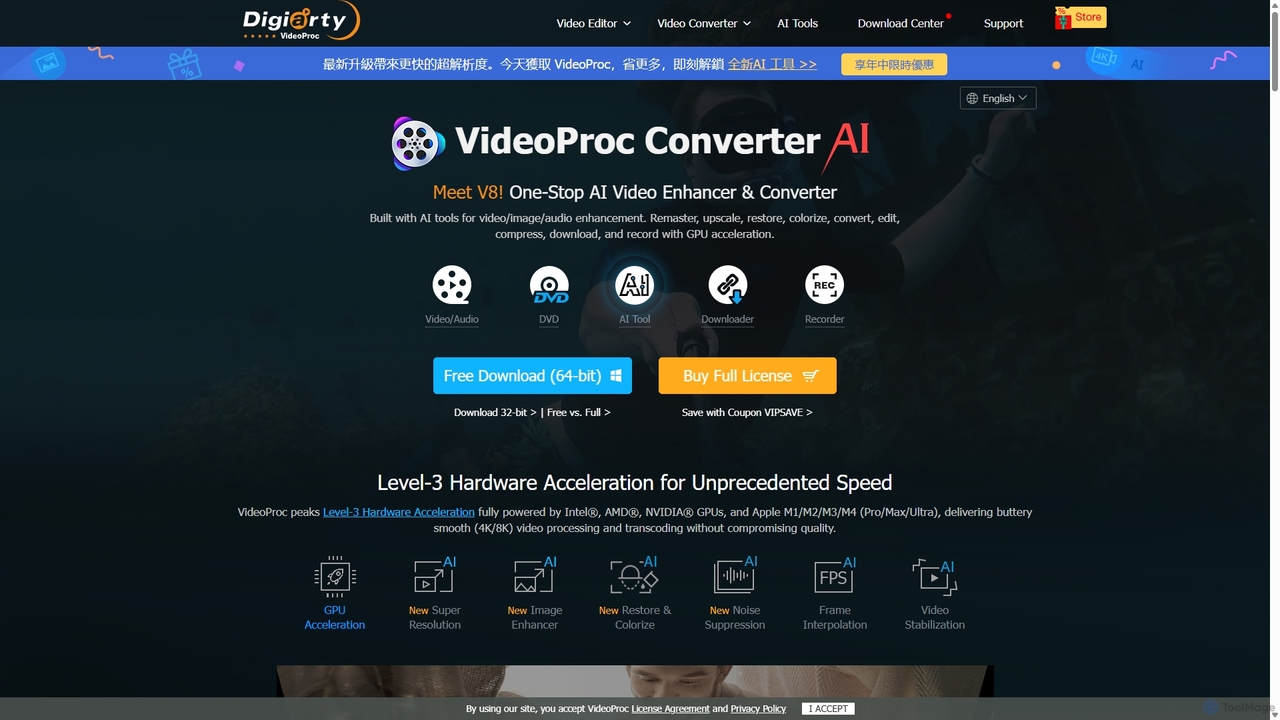
VideoProc
VideoProc is a one-stop, AI-powered media processing suite. It enhances, converts, edits, compresses, downloads, and records 4K/8K videos with full GPU acceleration. Its AI tools upscale video/images, stabilize shaky footage, interpolate frames for smooth motion, and remove background noise from audio.
Audio Editing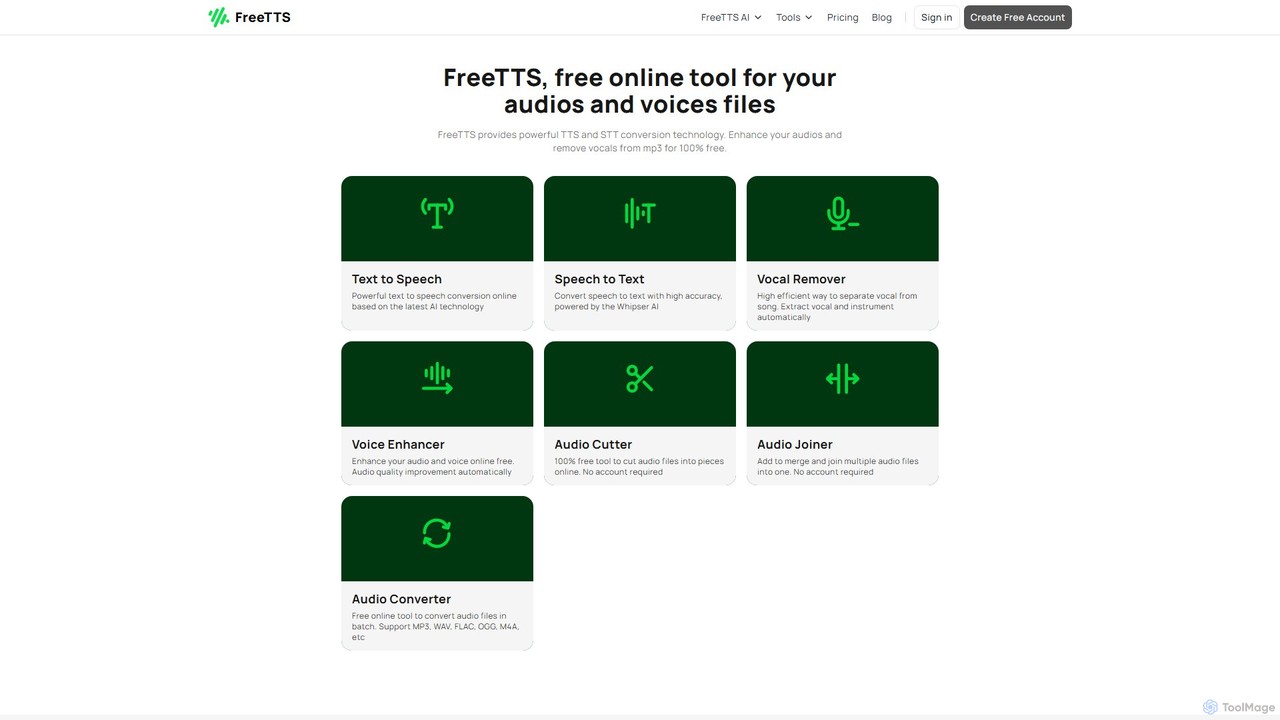
FreeTTS
FreeTTS is a versatile AI-powered audio toolkit offering a suite of free and premium services. It excels in converting text to natural-sounding speech with a wide range of human-like voices. Beyond TTS, it provides high-accuracy speech-to-text transcription, an AI vocal remover, a voice enhancer, and various audio editing tools like a converter, cutter, and joiner. It's an all-in-one solution for content creators, musicians, and anyone needing high-quality audio processing.
Audio Editing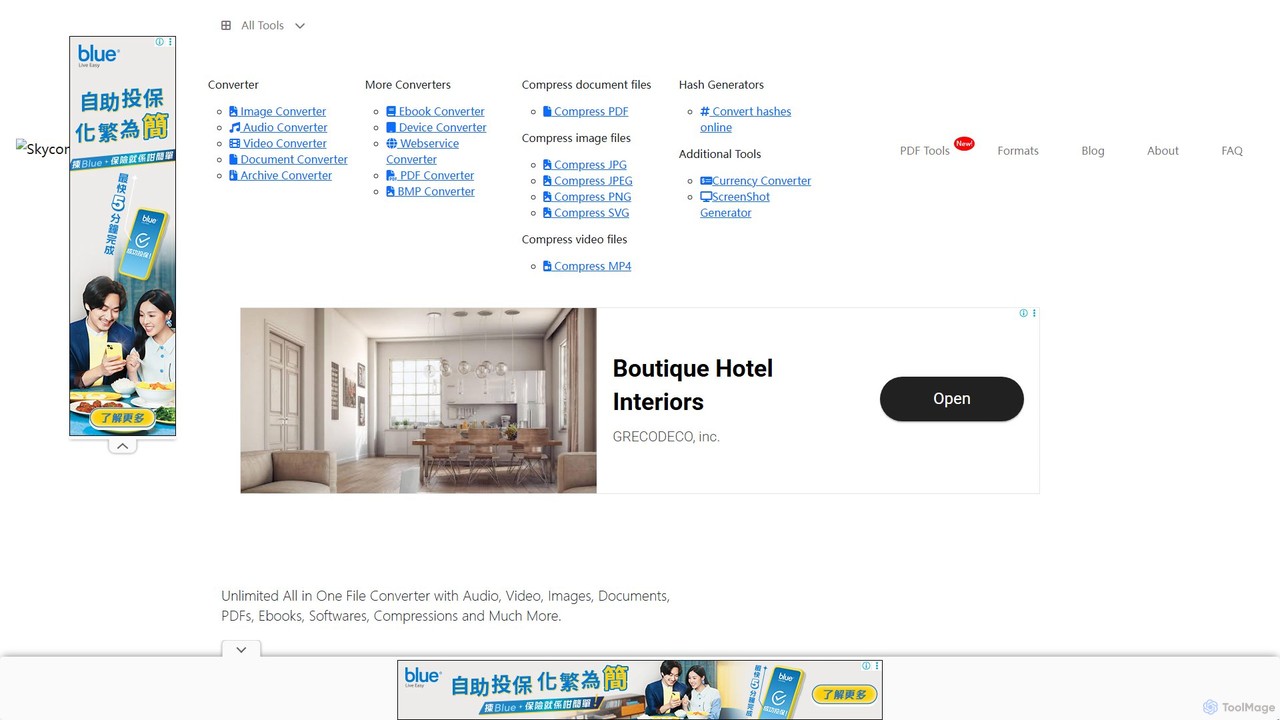
SkyConvert
A versatile and free online file converter that supports over 500 formats. Easily convert, edit, and compress documents, images, videos, and audio files directly in your browser. Secure and accessible on any device, with no software installation required.
Image EditingOnline Audio Converter Categories
Online Audio Converter Embed Widget
Copy this embed code to place the badge on your blog, article, or product site and send readers directly to this ToolMage detail page.

Related AI tools
Kingshiper
A versatile suite of desktop tools for audio editing, AI-powered vocal removal, file conversion (audio & PDF), and system utilities. Kingshiper offers user-friendly, high-performance solutions for Windows and Mac, enabling users to easily cut, merge, convert, and manage their digital files with professional-quality results.
Audio Editing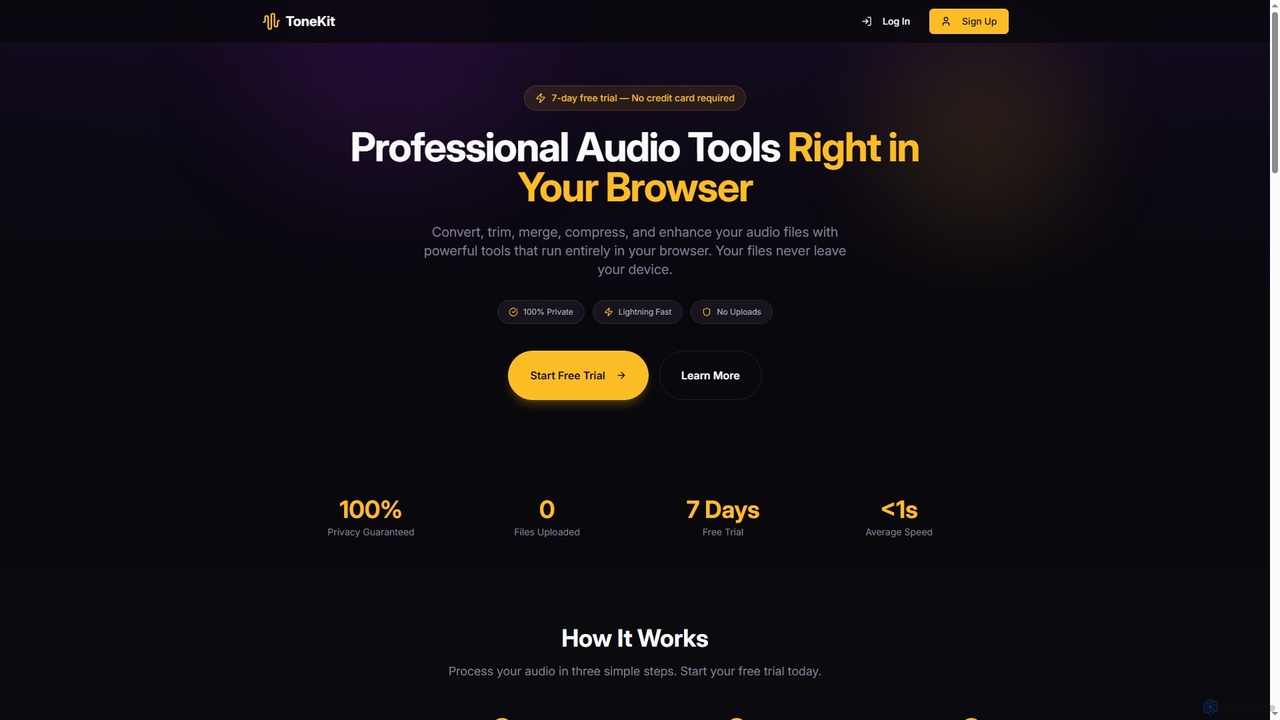
ToneKit
ToneKit is a professional, browser-based audio editing suite that allows users to convert, trim, merge, compress, and enhance audio files with complete privacy. It processes files directly on your device, ensuring no uploads and lightning-fast results, all accessible through a simple, intuitive interface.
Online EditorFreeTTS
FreeTTS is a versatile AI-powered audio toolkit offering a suite of free and premium services. It excels in converting text to natural-sounding speech with a wide range of human-like voices. Beyond TTS, it provides high-accuracy speech-to-text transcription, an AI vocal remover, a voice enhancer, and various audio editing tools like a converter, cutter, and joiner. It's an all-in-one solution for content creators, musicians, and anyone needing high-quality audio processing.
Audio EditingSkyConvert
A versatile and free online file converter that supports over 500 formats. Easily convert, edit, and compress documents, images, videos, and audio files directly in your browser. Secure and accessible on any device, with no software installation required.
Image Editing
Melobytes
Melobytes is a comprehensive online suite of over 100 AI-powered creative tools. It serves as a digital playground for generating music from text and images, creating AI videos, editing audio, generating art, and much more, catering to both hobbyists and content creators.
Audio Editing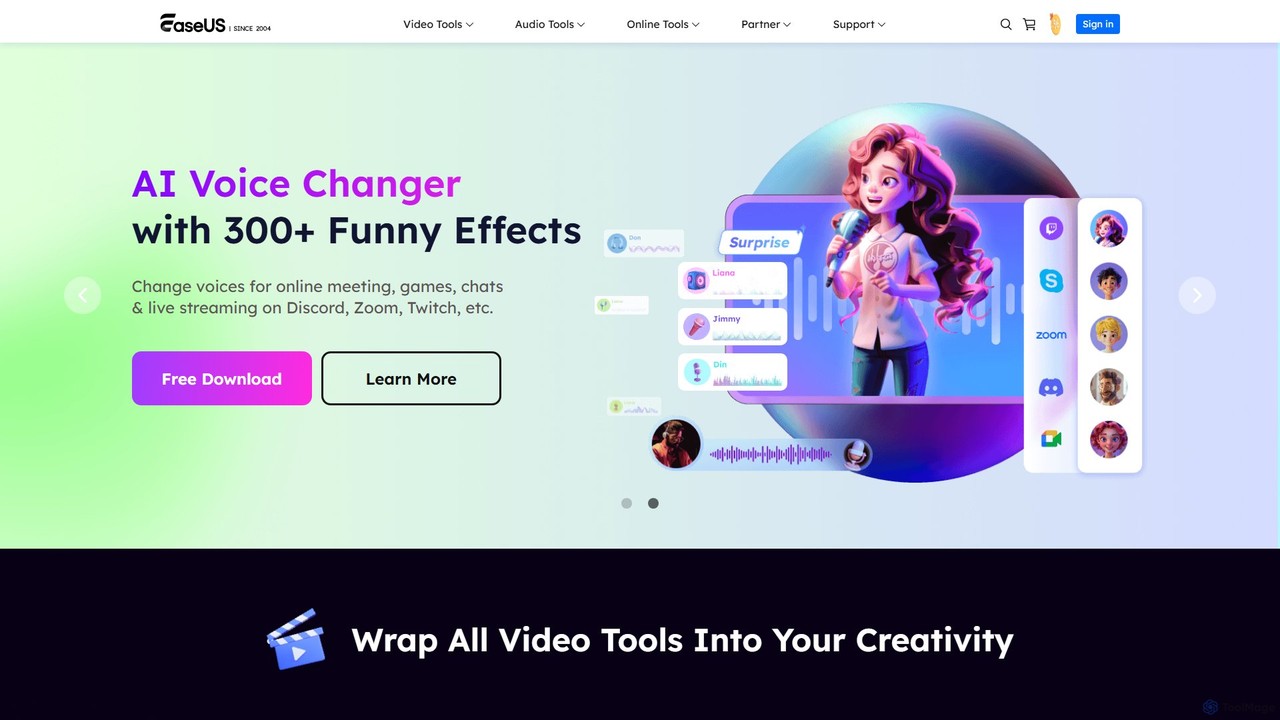
EaseUS Multimedia
EaseUS Multimedia is an all-in-one AI-powered toolkit for video and audio processing. It includes a video converter, editor, downloader, screen recorder, and AI voice changer. Ideal for content creators, gamers, and general users, it simplifies tasks like format conversion, audio extraction, noise removal, and creating AI song covers.
Transcription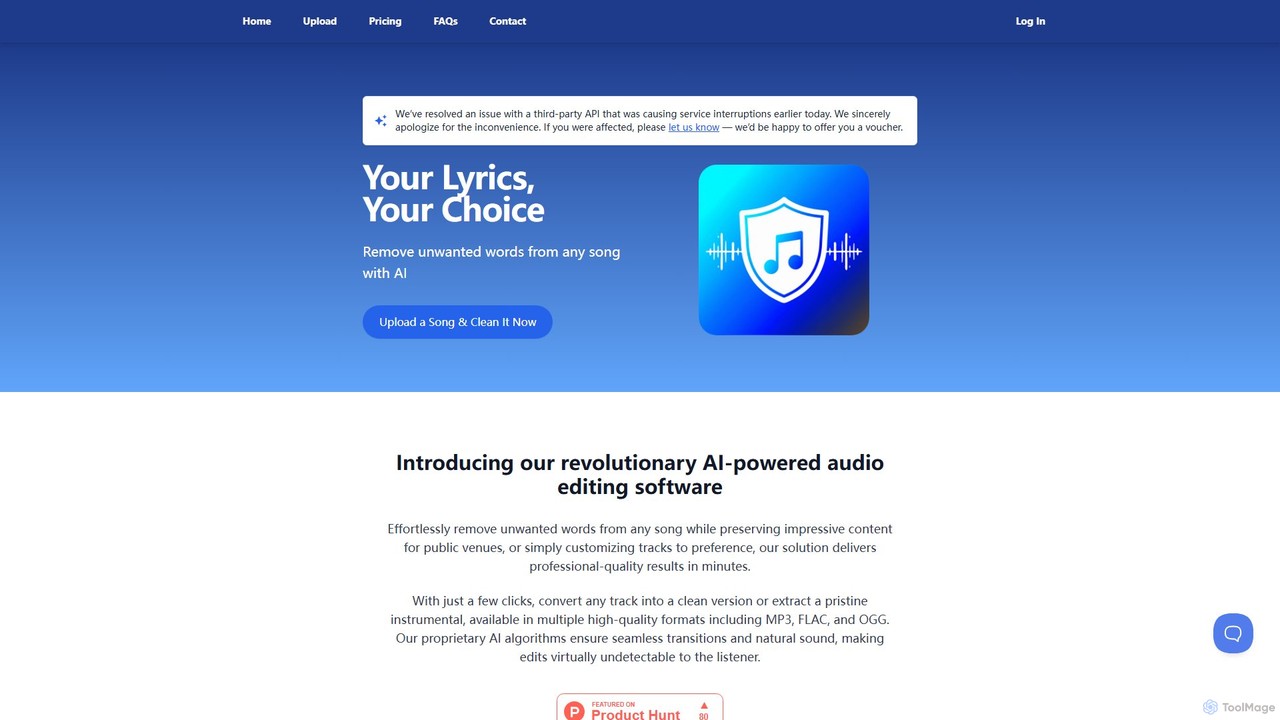
SongCleaner
An AI-powered audio tool that automatically removes explicit or unwanted words from any song to create clean, family-friendly versions. It can also extract high-quality instrumental tracks, making it perfect for parents, DJs, content creators, and public venues.
Audio Editing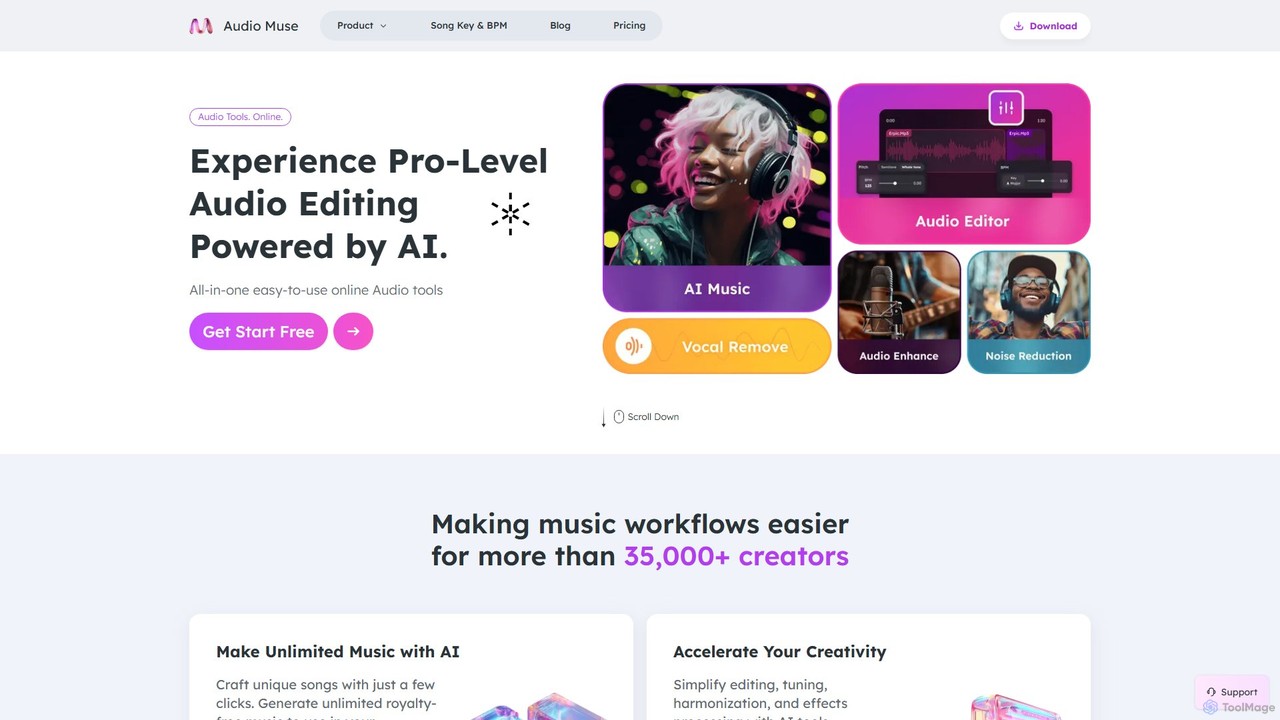
audiomuse
audiomuse is an all-in-one, AI-powered online audio toolkit designed for creators, musicians, and podcasters. It offers a comprehensive suite of tools including an AI music generator, music mastering, stem splitter, vocal remover, noise reduction, and various audio editors. Simplify your workflow and create professional-quality audio with just a few clicks.
Audio Editing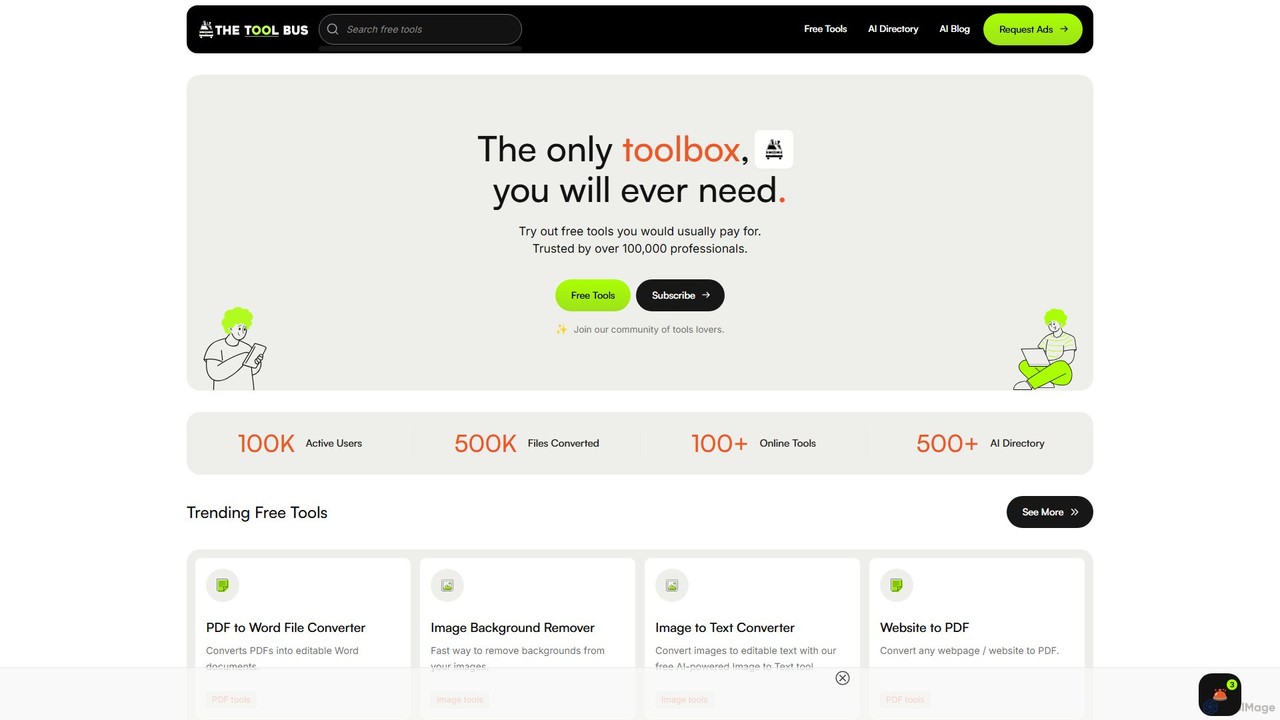
TheToolBus.ai
TheToolBus.ai is a comprehensive, free-to-use online platform offering a suite of AI-powered tools. It features PDF and image converters, an AI cover letter writer, a QR code generator, and more. It also serves as a resource hub with an extensive AI tool directory and an insightful blog on AI trends and tutorials.
Image Editing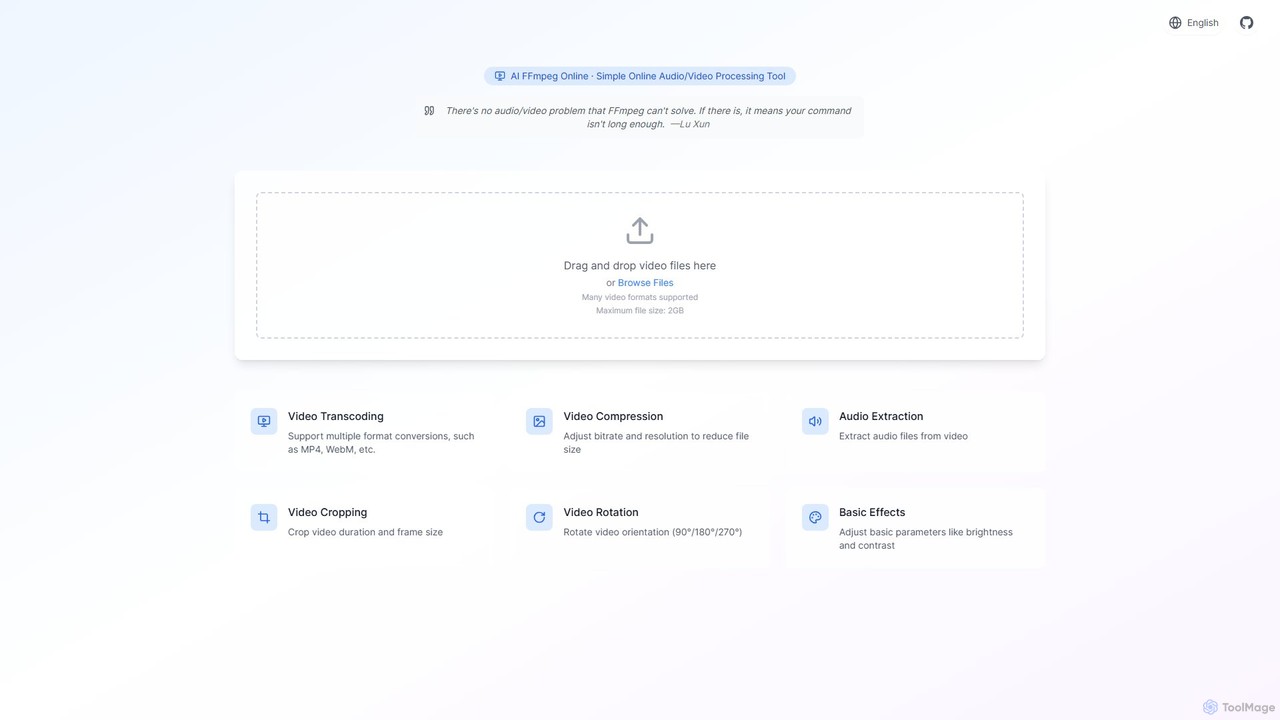
ffmpeg_online
A powerful and free online video processing tool that provides a user-friendly interface for the FFmpeg engine. Enhanced with AI, it simplifies complex tasks like video conversion, compression, cropping, and audio extraction. Ideal for content creators, marketers, and anyone needing quick video edits without installing software.
File Conversion
editair
editair is an AI-powered audio editing platform designed to automatically clean, enhance, and perfect your audio recordings. It intelligently removes background noise, eliminates filler words, and applies studio-quality enhancements with a single click, making professional sound accessible to everyone.
Audio Editing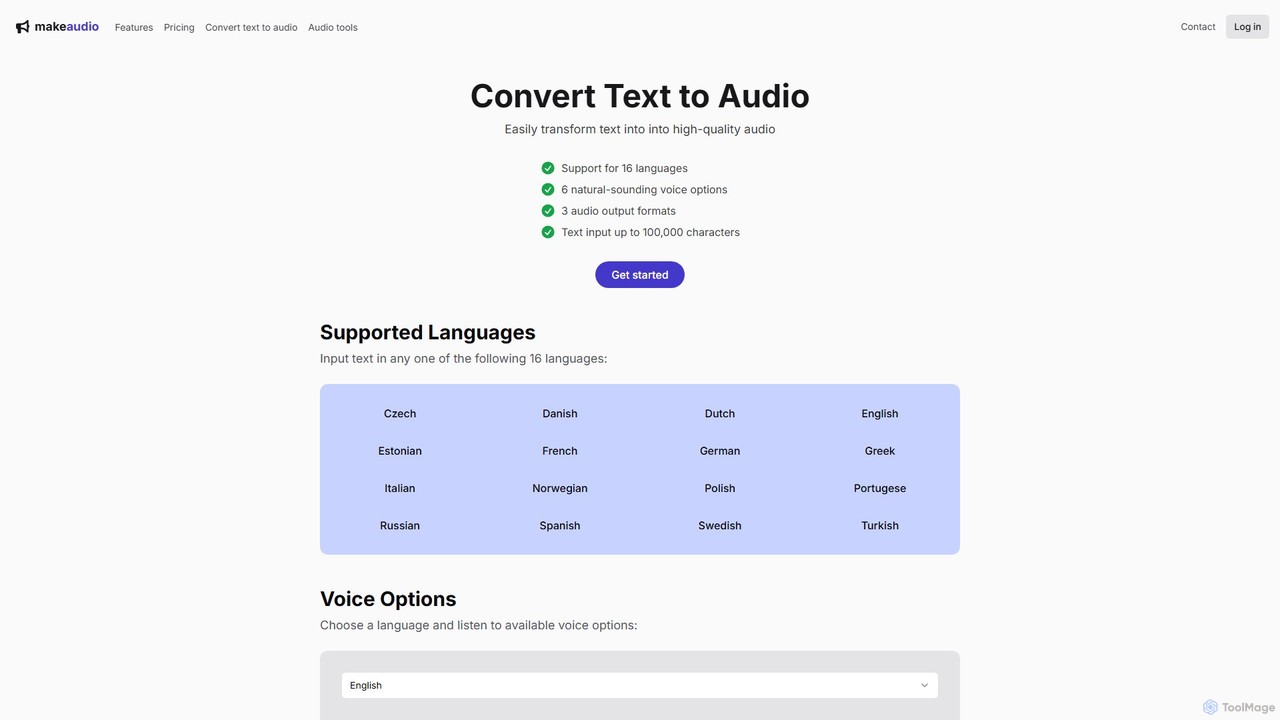
makeaudio.app
makeaudio.app is an AI-powered text-to-speech converter that transforms written text into high-quality, natural-sounding audio. It supports 16 languages, offers multiple voice options, and provides various output formats like MP3, WAV, and FLAC. With a simple one-time payment model and bonus audio merging tools, it's an accessible solution for content creators, educators, and businesses needing professional voiceovers or audio content.
Audio Editing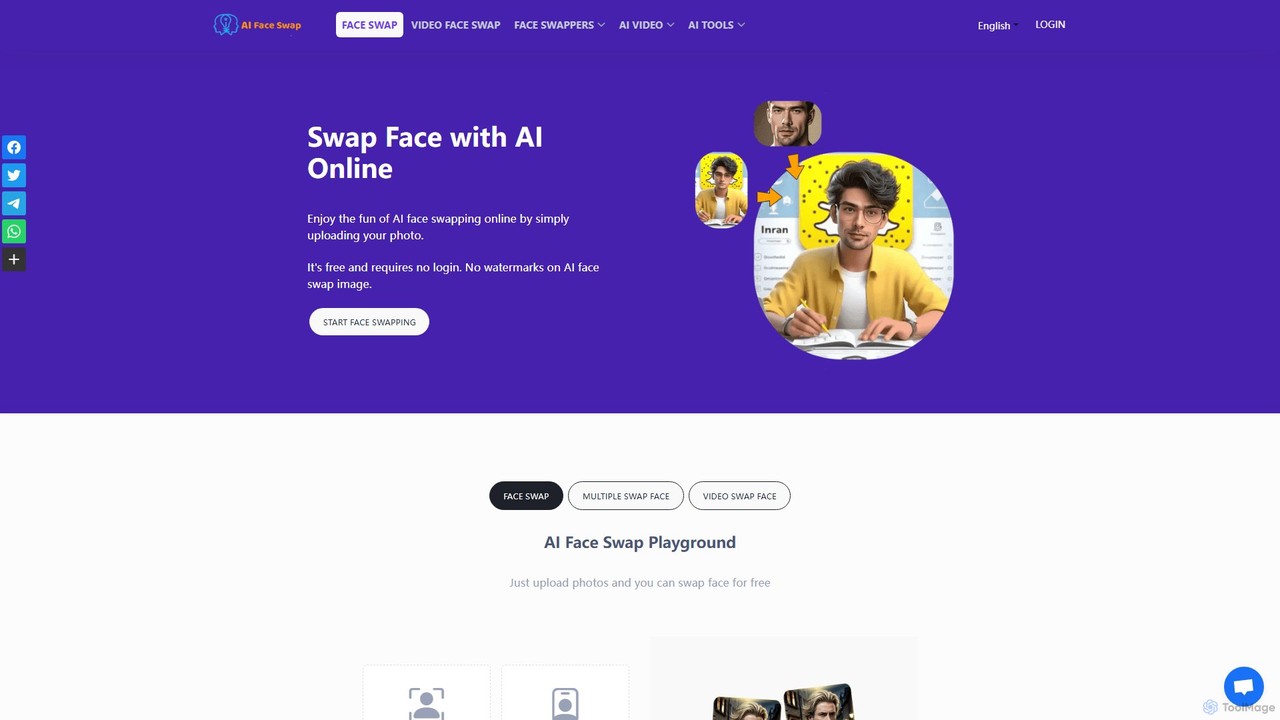
aifaceswap
A powerful and free online AI tool for seamlessly swapping faces in both images and videos. Create hilarious memes, transform into celebrities, or produce high-quality video edits in seconds without any sign-up required for basic features.
Face Swap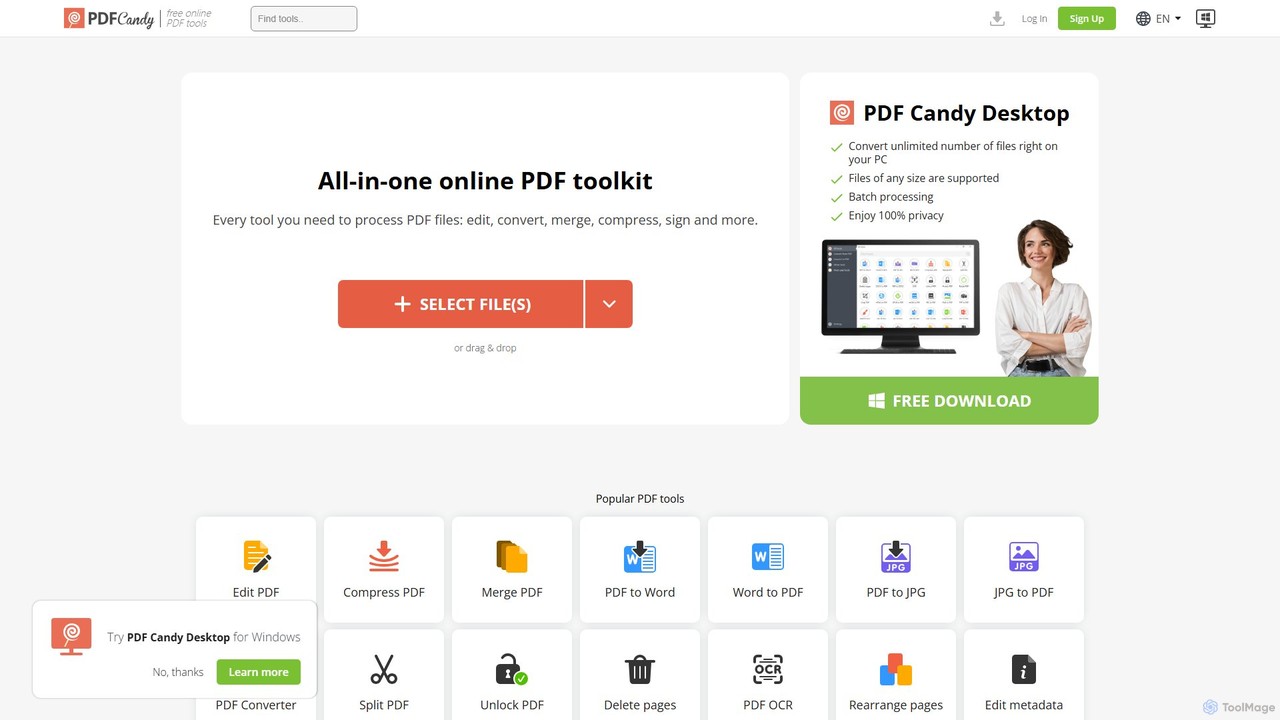
PDF Candy
PDF Candy is a comprehensive all-in-one online and desktop toolkit offering over 90 free tools to manage PDF files. Users can easily edit, convert from and to various formats, merge, compress, sign, unlock, and perform OCR on documents. It provides a user-friendly interface for both casual and professional use, ensuring high-quality results for all your PDF needs.
File Conversion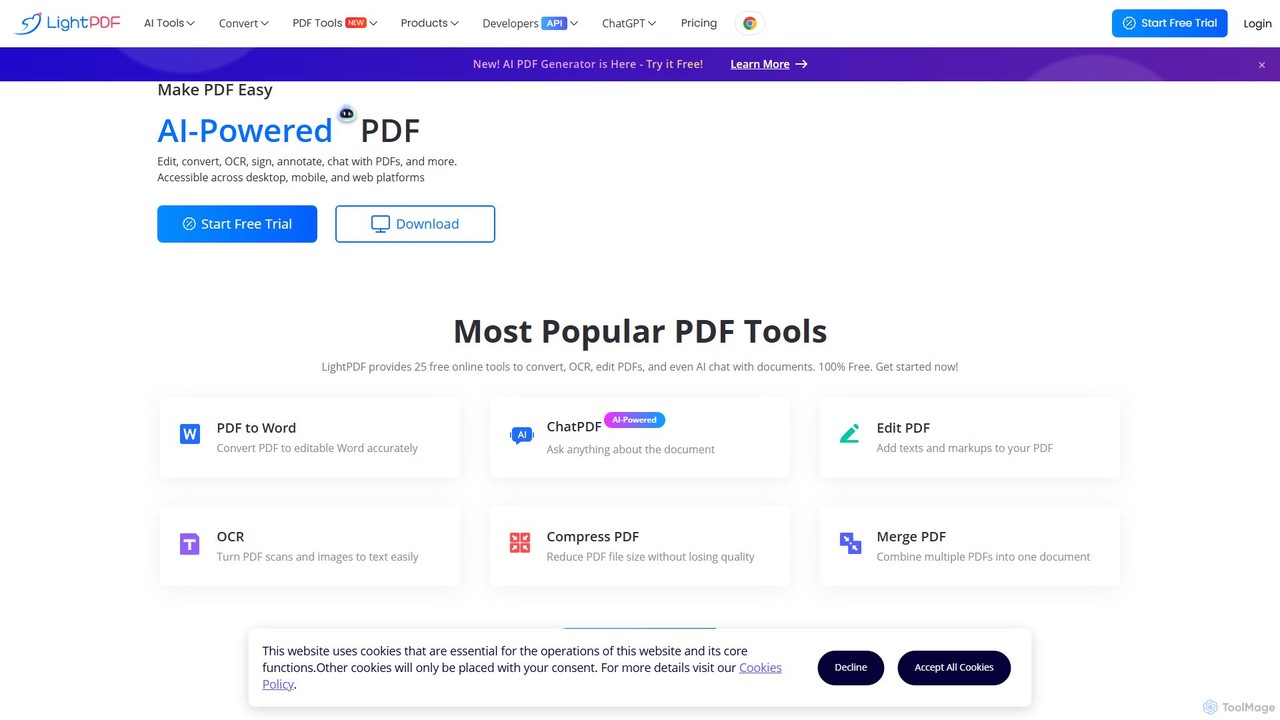
LightPDF
LightPDF is an AI-powered, all-in-one PDF solution designed to simplify document workflows. It allows users to chat with documents, get instant summaries, and ask questions. Beyond its AI capabilities, it offers a comprehensive suite of tools for editing, converting, merging, signing, and performing OCR on PDF files. Available on web, desktop, and mobile, LightPDF makes managing documents efficient and intuitive for students, professionals, and businesses alike.
Chat With Your Docs
Online Audio Converter Comments (0)
Sign in to comment.
Sign inNo comments yet.