

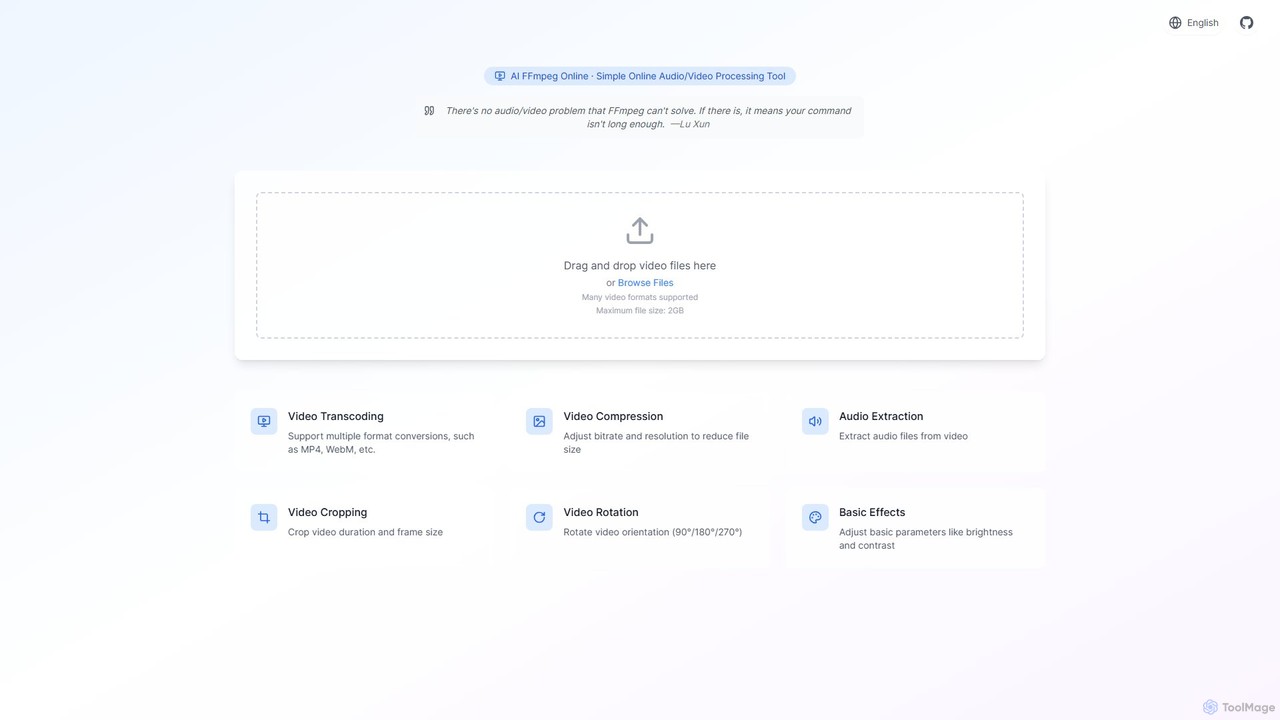
ffmpeg_online Overview
ffmpeg_online is a versatile, web-based tool designed to bring the immense power of FFmpeg to users of all skill levels through a simple and intuitive graphical interface. FFmpeg is renowned as the universal toolkit for handling multimedia files, but its command-line nature can be daunting. This tool eliminates that barrier, allowing anyone to perform complex video and audio processing tasks directly in their browser. It leverages AI to further streamline workflows and optimize output quality, making it an indispensable asset for modern digital media tasks.
The platform supports a wide array of video formats and allows for processing files up to 2GB for free, making it one of the most generous online video editors available. Whether you need to convert a video for a specific device, compress it for web use, or perform precise edits, ffmpeg_online offers a robust set of features without the need for software installation or powerful hardware.
How to use ffmpeg_online
The workflow is designed for maximum simplicity and efficiency. Users can process their videos in just a few steps:
- Upload Your File: Simply drag and drop your video file onto the webpage or use the 'Browse Files' button to select a file from your computer.
- Select an Operation: Choose from a range of available processing options, such as 'Video Transcoding', 'Video Compression', 'Audio Extraction', 'Video Cropping', or 'Video Rotation'.
- Configure Parameters: Adjust the settings according to your needs. For transcoding, select the desired output format (e.g., MP4, WebM, MOV). For compression, set the target bitrate or resolution. For cropping, define the new dimensions or trim the duration.
- Process the Video: Once your settings are configured, the tool will process the video using the powerful FFmpeg engine in the backend. AI algorithms may assist in optimizing the parameters for the best quality-to-size ratio.
- Download the Result: After processing is complete, a download link for your new video file will be provided. The process is secure, and files are typically removed from the servers after a short period to protect user privacy.
Core Features of ffmpeg_online
- Video Transcoding: Convert video files between numerous formats, including MP4, WebM, AVI, and MOV, ensuring compatibility across all devices and platforms.
- AI-Powered Video Compression: Intelligently reduce video file size by adjusting bitrate and resolution. The AI helps maintain the best possible visual quality at the target file size, perfect for web and social media.
- Audio Extraction: Easily strip the audio track from any video file and save it as a separate audio file (e.g., MP3, AAC, WAV).
- Precise Video Cropping: Crop the video frame to a specific aspect ratio or dimension. You can also trim the video's duration by setting start and end times.
- Video Rotation and Flipping: Correct the orientation of your videos by rotating them 90, 180, or 270 degrees, or flip them horizontally and vertically.
- Basic Effects and Adjustments: Fine-tune your video's appearance by adjusting basic parameters like brightness, contrast, and saturation.
- Large File Support: Process video files up to 2GB for free, a limit significantly higher than many other online tools.
Use Cases for ffmpeg_online
For Content Creators: Quickly reformat and compress videos for different social media platforms like YouTube, Instagram (Reels, Stories), TikTok, and Twitter, ensuring optimal playback and fast loading times.
For Marketers and Web Developers: Compress video banners, ads, and product demos to reduce page load times and improve user experience and SEO rankings.
For Students and Educators: Trim long lecture recordings to create highlight clips, extract audio from educational videos for podcasts, or convert videos for use in presentations.
For Personal Use: Convert old family videos to modern formats, rotate a video accidentally filmed in the wrong orientation, or quickly reduce a large video file's size to send it via email or messaging apps.
Advantages of ffmpeg_online
- No Installation Required: Fully browser-based, saving you from complex software installations and system compatibility issues.
- User-Friendly Interface: Abstracts away the complexity of FFmpeg commands into simple buttons and sliders.
- Powered by FFmpeg: Leverages the industry-standard FFmpeg library, ensuring high-quality results and broad format support.
- Completely Free: Offers a robust set of features and a generous 2GB file limit at no cost.
- AI-Enhanced: Uses artificial intelligence to simplify choices and optimize output, such as finding the best compression settings automatically.
- Privacy-Focused: Files are automatically deleted from servers after processing, ensuring your data remains private.
Pricing and Plans
ffmpeg_online is currently available for free. The free service includes access to all core features with a generous maximum file size limit of 2GB. While there are no paid plans announced at this time, this model allows a wide range of users to benefit from its powerful capabilities without any financial commitment. Future premium plans might be introduced to offer features like batch processing, larger file size support, or API access for developers.
ffmpeg_online Alternatives
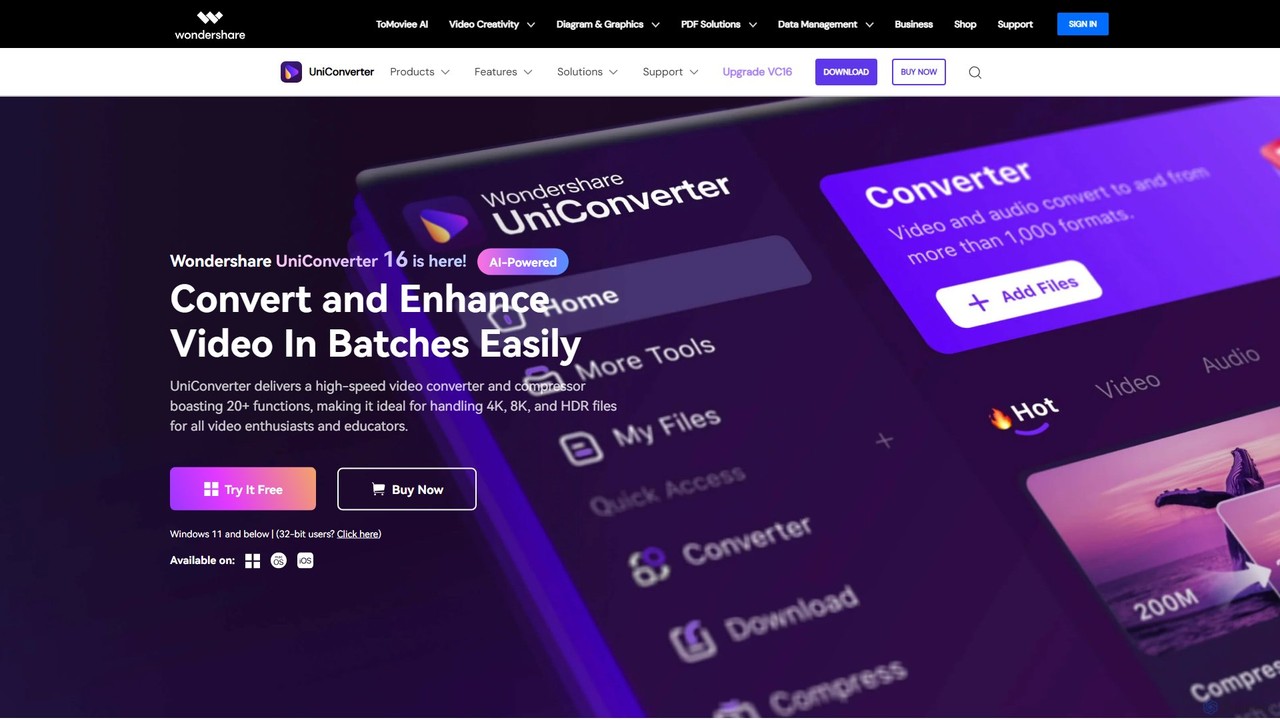
Wondershare UniConverter
Wondershare UniConverter is an all-in-one, AI-powered video toolbox designed for enthusiasts and professionals. It integrates a high-speed video converter, an efficient compressor, a versatile editor, and a suite of AI enhancement tools. Handle 4K/8K/HDR files, convert between 1000+ formats, and leverage AI to upscale video, remove noise, generate subtitles, and more, all within a single, user-friendly application.
Video Enhancement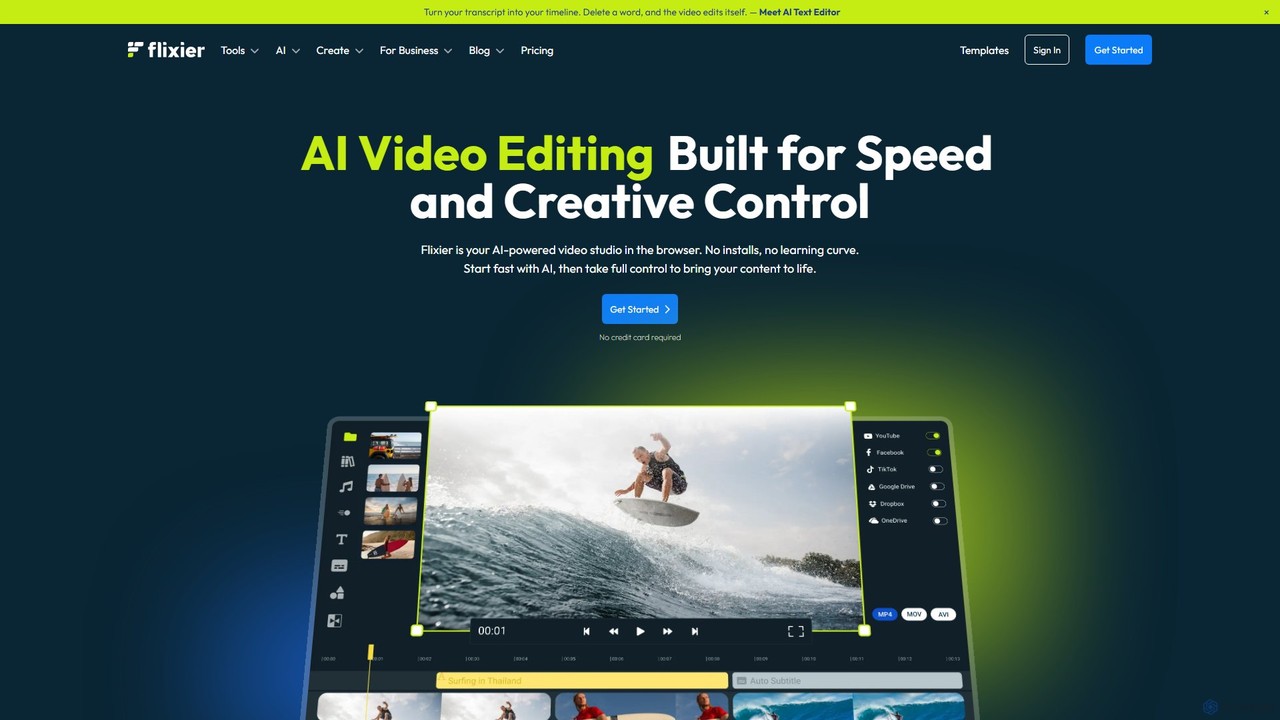
Flixier
Flixier is an AI-powered, cloud-based video editor designed for speed and ease of use. It offers features like text-based editing, AI voiceovers, automatic subtitles, and real-time collaboration, making it ideal for creators, marketers, and educators without needing powerful hardware.
Transcription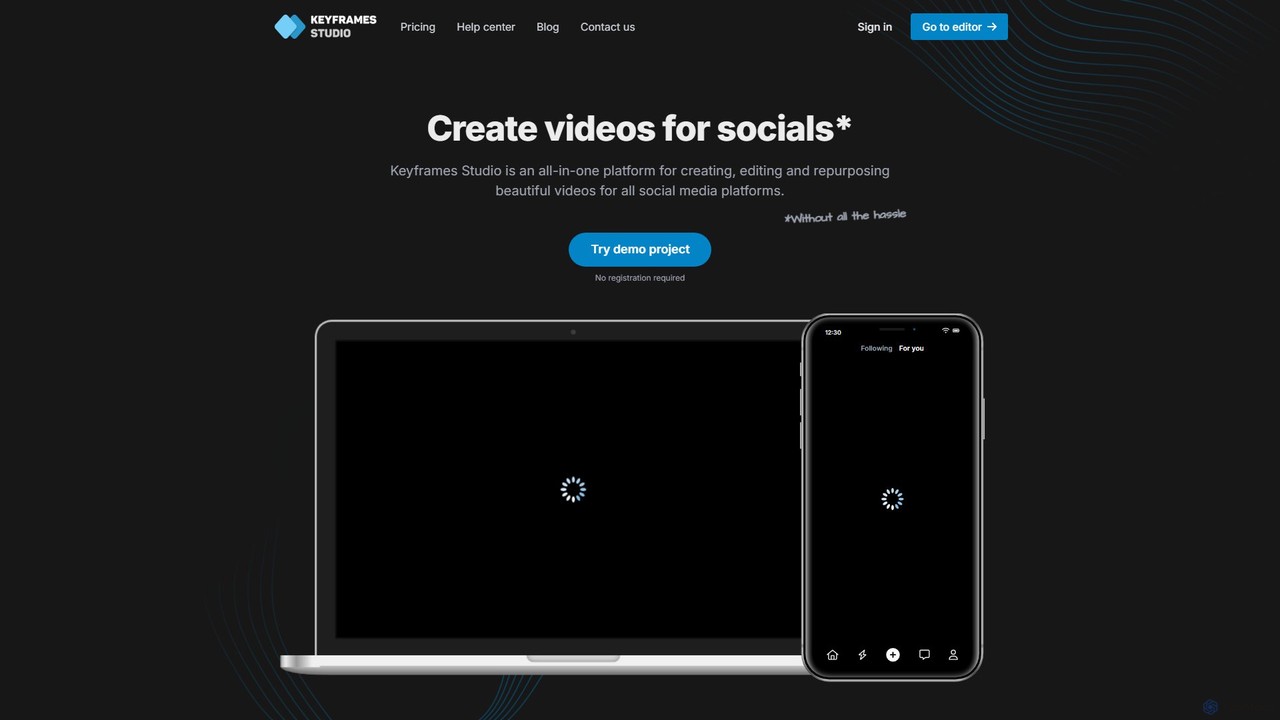
Keyframes Studio
Keyframes Studio is an AI-powered, all-in-one online video editor designed to simplify the creation, editing, and repurposing of videos for social media. It uses AI to automatically generate keyframes and subtitles, making professional video production accessible to everyone, regardless of experience.
Marketing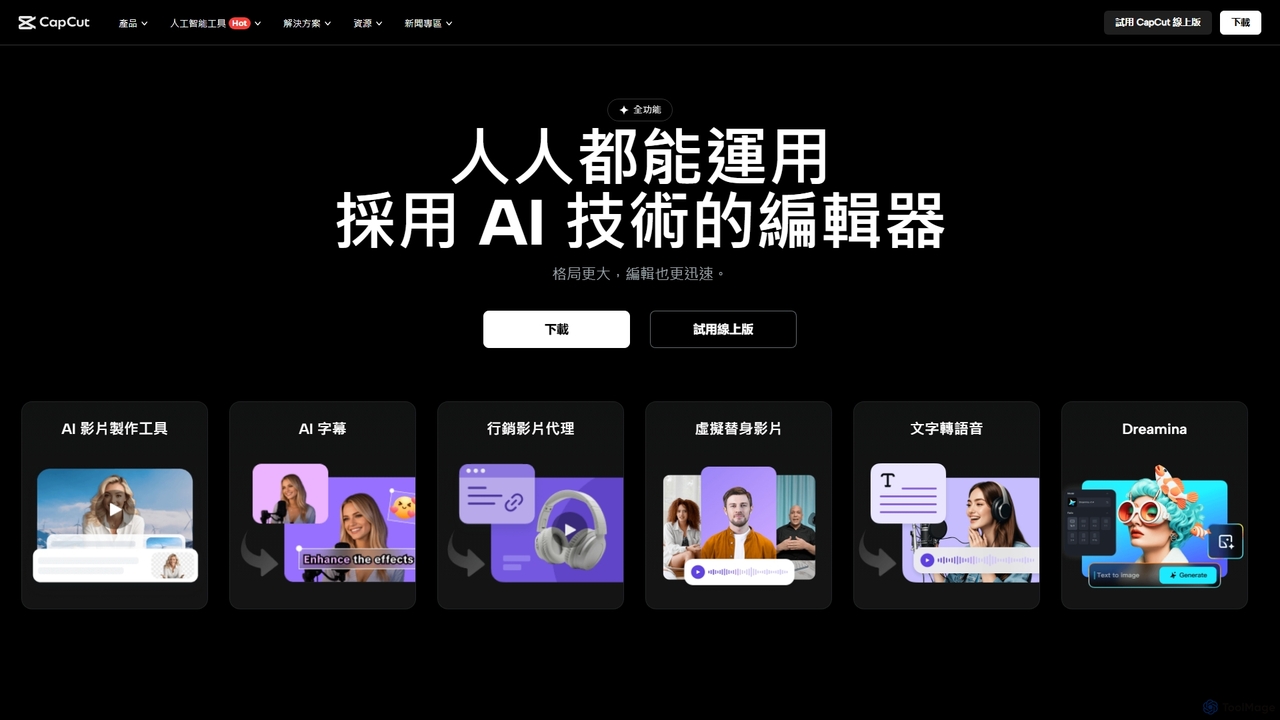
CapCut
CapCut is a powerful, all-in-one AI video editor and creative suite. It simplifies content creation with intuitive tools for video editing, graphic design, and team collaboration. It offers a wide range of AI features like auto-captions, script-to-video, background removal, and video upscaling, making professional-quality content accessible to everyone, from beginners to pros, across web, desktop, and mobile platforms.
Graphics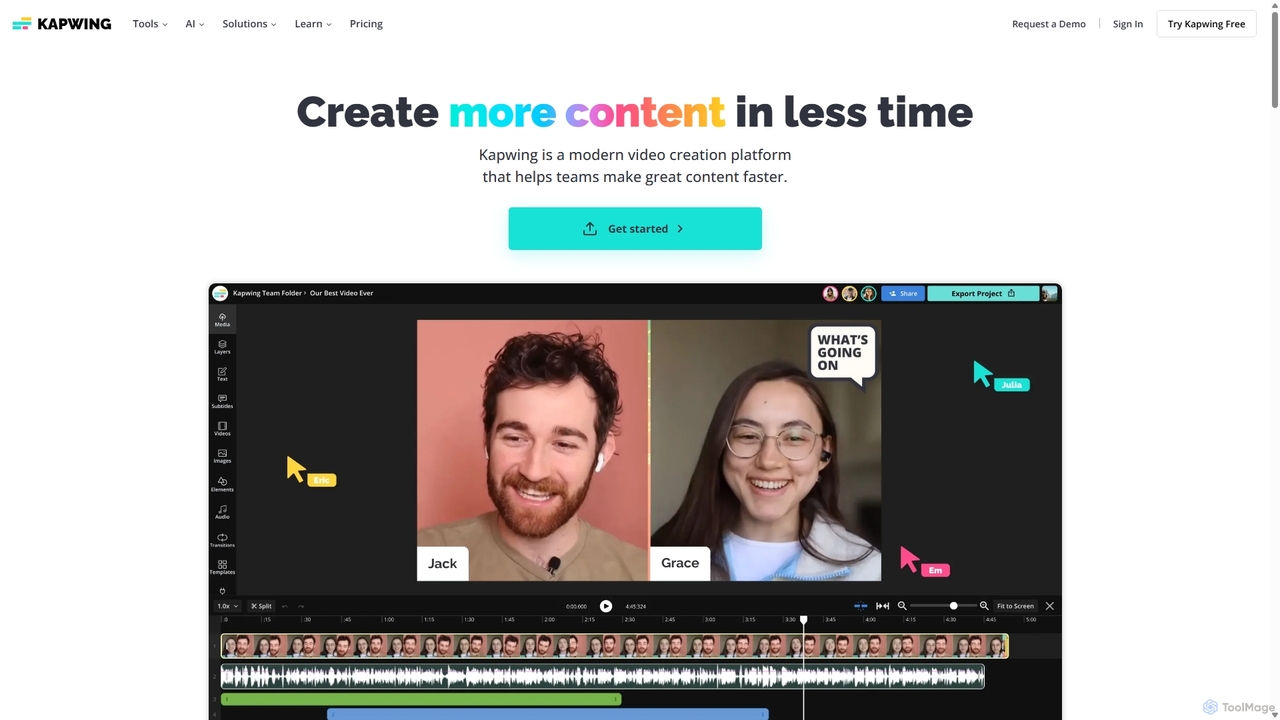
Kapwing
Kapwing is an AI-powered online video editor designed for teams and creators to produce high-quality content faster. It combines a full suite of editing tools with intelligent AI features like text-to-video, automatic subtitling, and background removal in a collaborative, browser-based platform, making video creation accessible to everyone.
Video Marketingffmpeg_online Categories
ffmpeg_online Embed Widget
Copy this embed code to place the badge on your blog, article, or product site and send readers directly to this ToolMage detail page.

Related AI tools
4K Upscaler
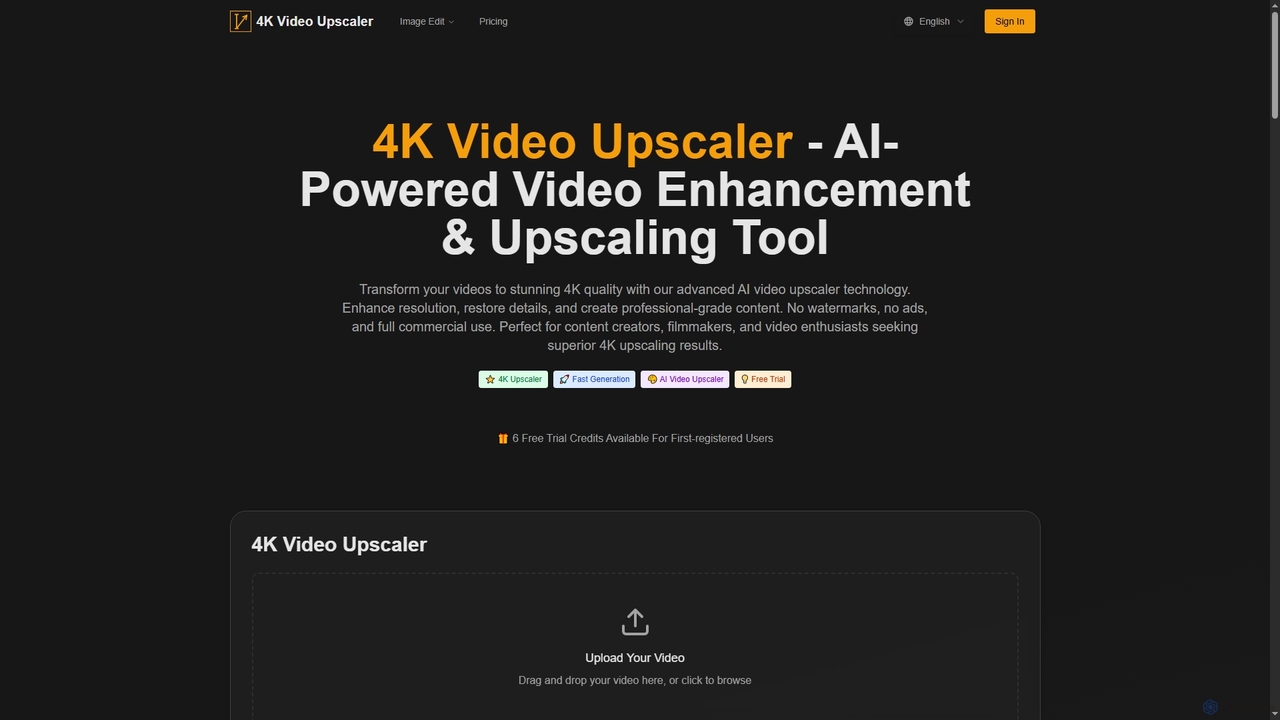
4K Upscaler is an advanced AI-powered online tool designed to transform low-resolution videos into stunning 4K quality. It enhances resolution, restores fine details, reduces noise, and improves color, making professional-grade video enhancement accessible to everyone without watermarks or ads, and with full commercial use rights.
3DWondershare UniConverter
Wondershare UniConverter is an all-in-one, AI-powered video toolbox designed for enthusiasts and professionals. It integrates a high-speed video converter, an efficient compressor, a versatile editor, and a suite of AI enhancement tools. Handle 4K/8K/HDR files, convert between 1000+ formats, and leverage AI to upscale video, remove noise, generate subtitles, and more, all within a single, user-friendly application.
Video EnhancementFlixier
Flixier is an AI-powered, cloud-based video editor designed for speed and ease of use. It offers features like text-based editing, AI voiceovers, automatic subtitles, and real-time collaboration, making it ideal for creators, marketers, and educators without needing powerful hardware.
TranscriptionKeyframes Studio
Keyframes Studio is an AI-powered, all-in-one online video editor designed to simplify the creation, editing, and repurposing of videos for social media. It uses AI to automatically generate keyframes and subtitles, making professional video production accessible to everyone, regardless of experience.
Marketing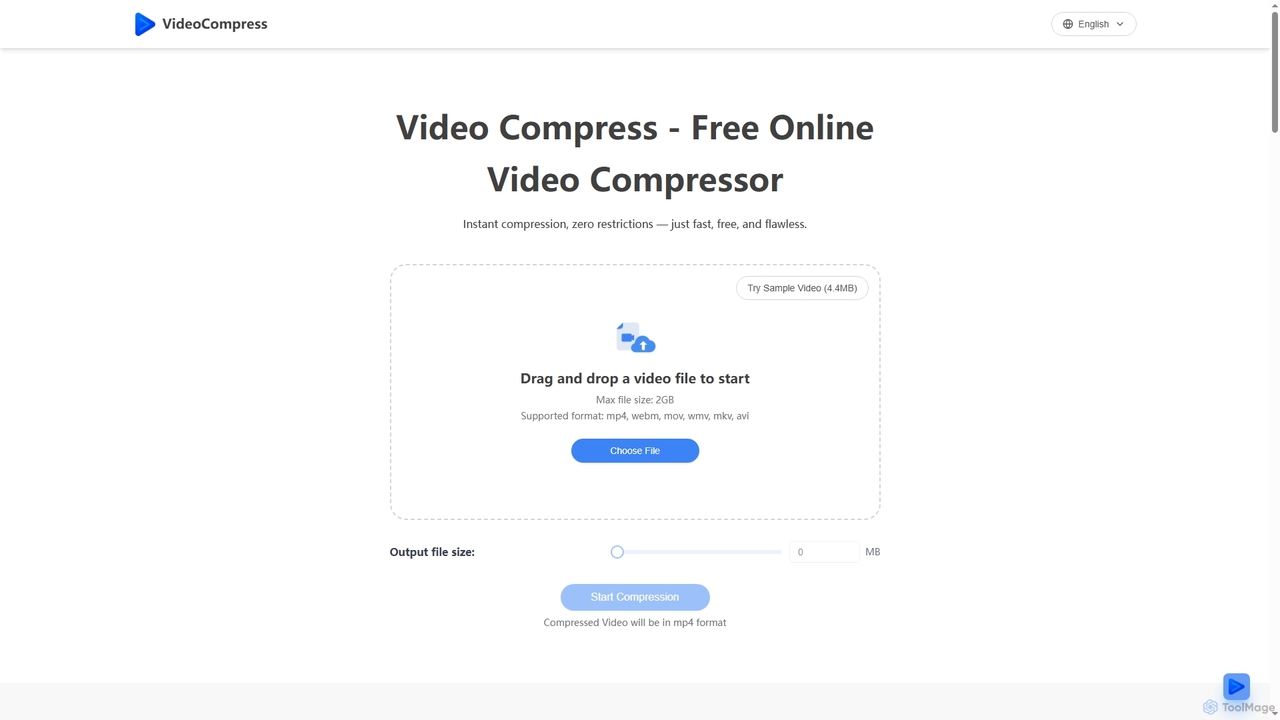
VideoCompress
VideoCompress is a free online tool that efficiently reduces video file sizes by up to 80% using advanced H.265/HEVC encoding, while preserving visual quality. It supports various formats, offers real-time previews, and ensures secure, cloud-based processing for fast, high-quality video optimization.
3D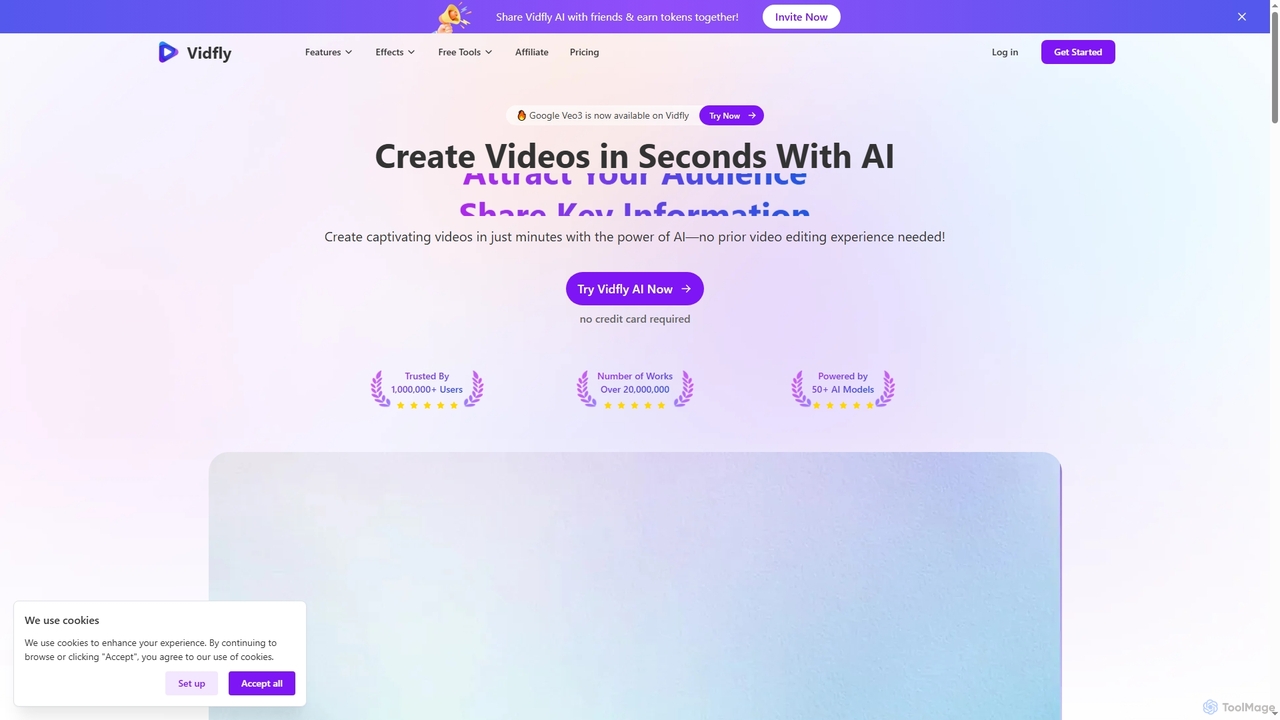
Vidfly
Vidfly is an AI-powered video generator that enables users to create captivating videos from scripts, text, or images in minutes, without prior editing experience. It leverages over 50 AI models to reduce production costs, save time, and boost engagement for various content needs.
Video Editing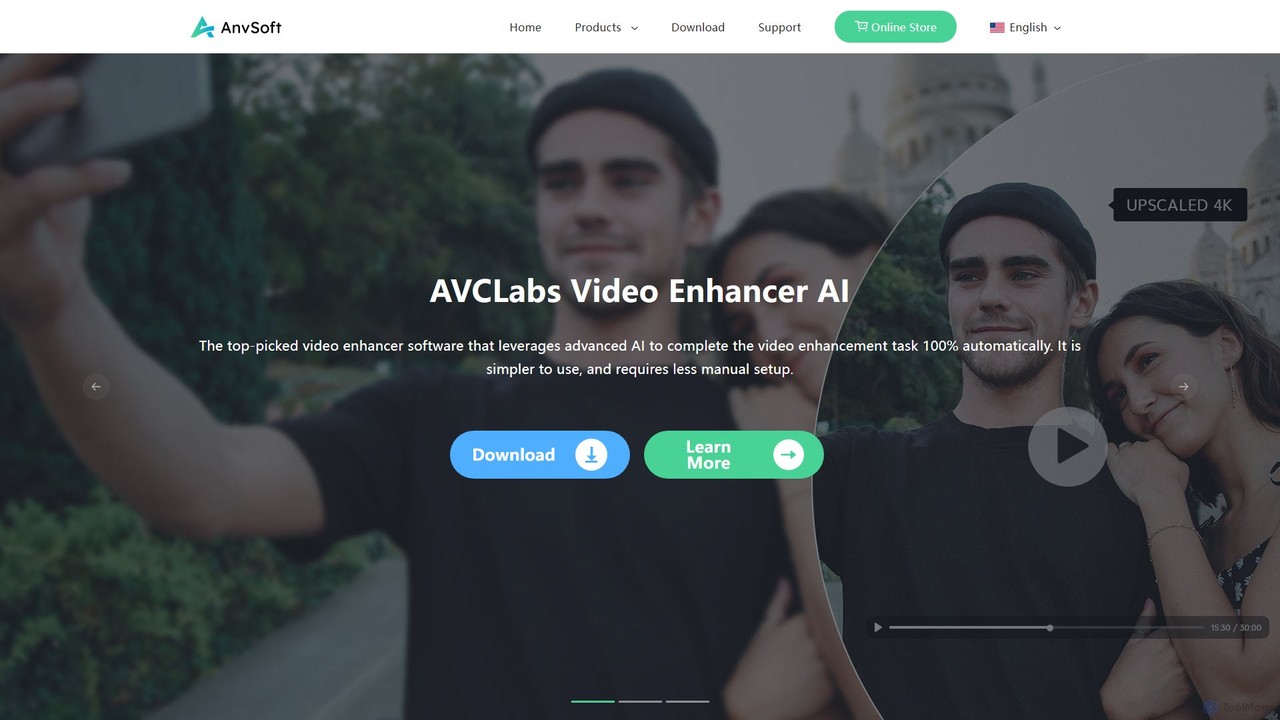
Anvsoft
Anvsoft offers a suite of AI-powered multimedia software designed to enhance, convert, and edit videos and photos. Its flagship products, like AI Video Enhancer and AI Video Blur, use advanced algorithms for upscaling, colorization, face refinement, and automatic blurring, catering to both casual users and professionals.
Image Enhancement
VideoEditorHunt
VideoEditorHunt is an AI-powered online tool designed for efficient video editing, offering advanced features like intelligent watermark removal and face swap. It leverages deep learning algorithms to deliver high-quality results quickly, ensuring privacy protection and support for high-definition formats. Ideal for content creators and marketers seeking to enhance their video content.
3DCapCut
CapCut is a powerful, all-in-one AI video editor and creative suite. It simplifies content creation with intuitive tools for video editing, graphic design, and team collaboration. It offers a wide range of AI features like auto-captions, script-to-video, background removal, and video upscaling, making professional-quality content accessible to everyone, from beginners to pros, across web, desktop, and mobile platforms.
GraphicsKapwing
Kapwing is an AI-powered online video editor designed for teams and creators to produce high-quality content faster. It combines a full suite of editing tools with intelligent AI features like text-to-video, automatic subtitling, and background removal in a collaborative, browser-based platform, making video creation accessible to everyone.
Video Marketing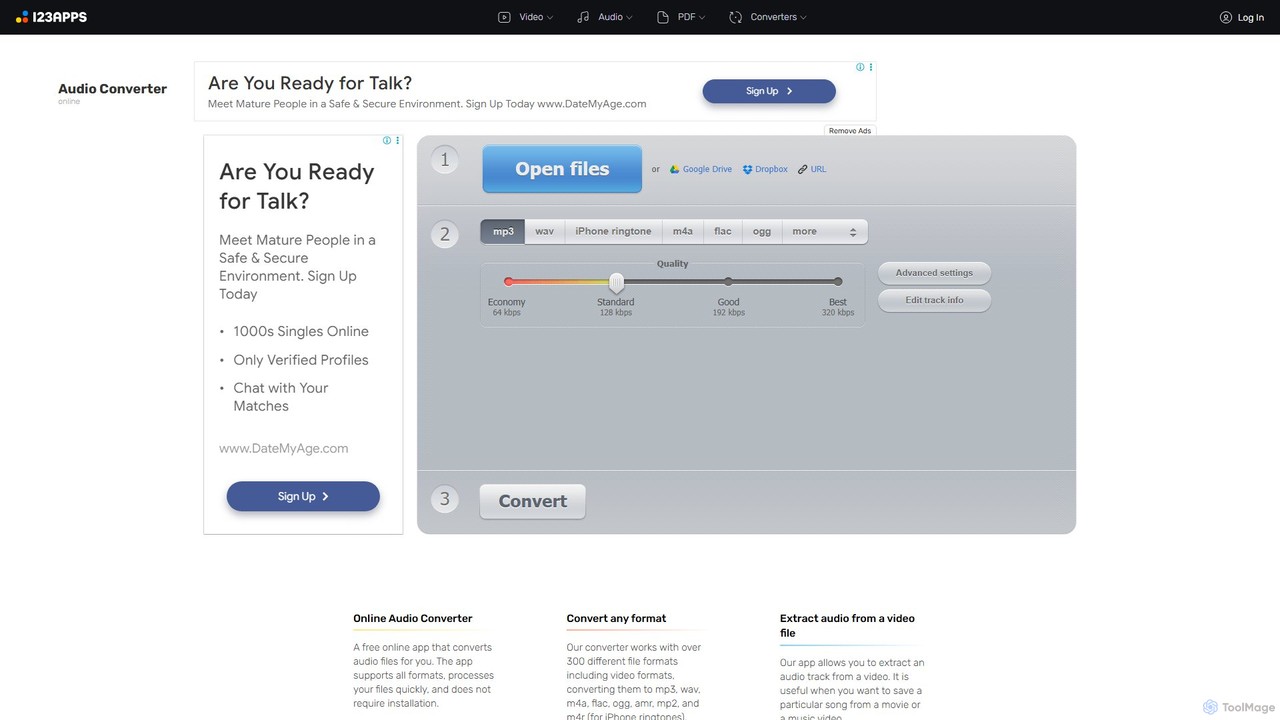
Online Audio Converter
A versatile and free web-based tool for converting audio files. It supports over 300 formats, extracts audio from videos, and allows for advanced customization of quality, bitrate, and channels. Features include batch conversion, ID3 tag editing, and cloud integration, all within a secure, browser-based interface.
Audio Editing
ClipRemix
ClipRemix is an AI-powered platform that transforms long-form videos and podcasts into engaging, short-form clips for social media. It automatically identifies key moments, adds dynamic captions, and reformats content for platforms like TikTok, Reels, and Shorts, helping creators and marketers maximize their reach.
Repurposing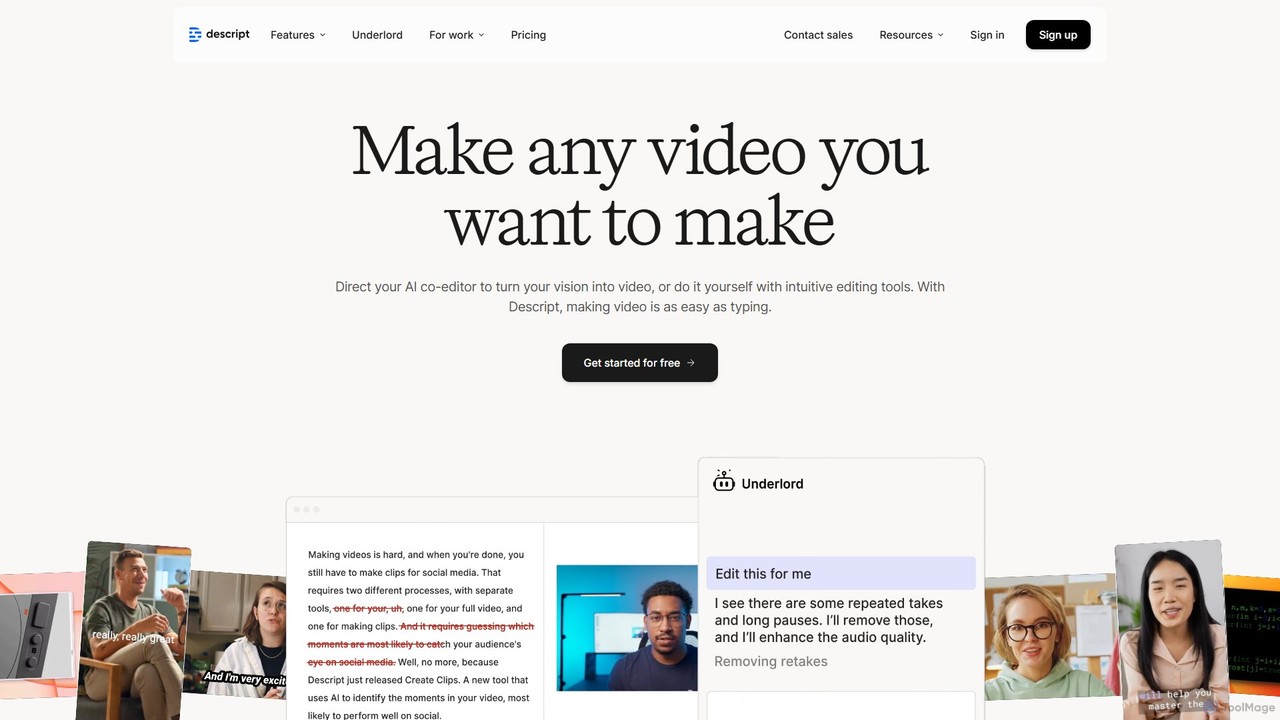
Descript
Descript is an all-in-one AI-powered video and podcast editor that revolutionizes content creation by allowing you to edit media as easily as a text document. It features text-based editing, automatic transcription, and powerful AI tools like Studio Sound, green screen, eye contact correction, and filler word removal. It's the ideal solution for creators and businesses aiming to produce high-quality, professional content with unparalleled efficiency.
Social Media
Jyek
Jyek is an AI agent platform that understands objectives, creates execution plans, uses tools, and delivers verifiable results for complex, multi-step tasks.
Automation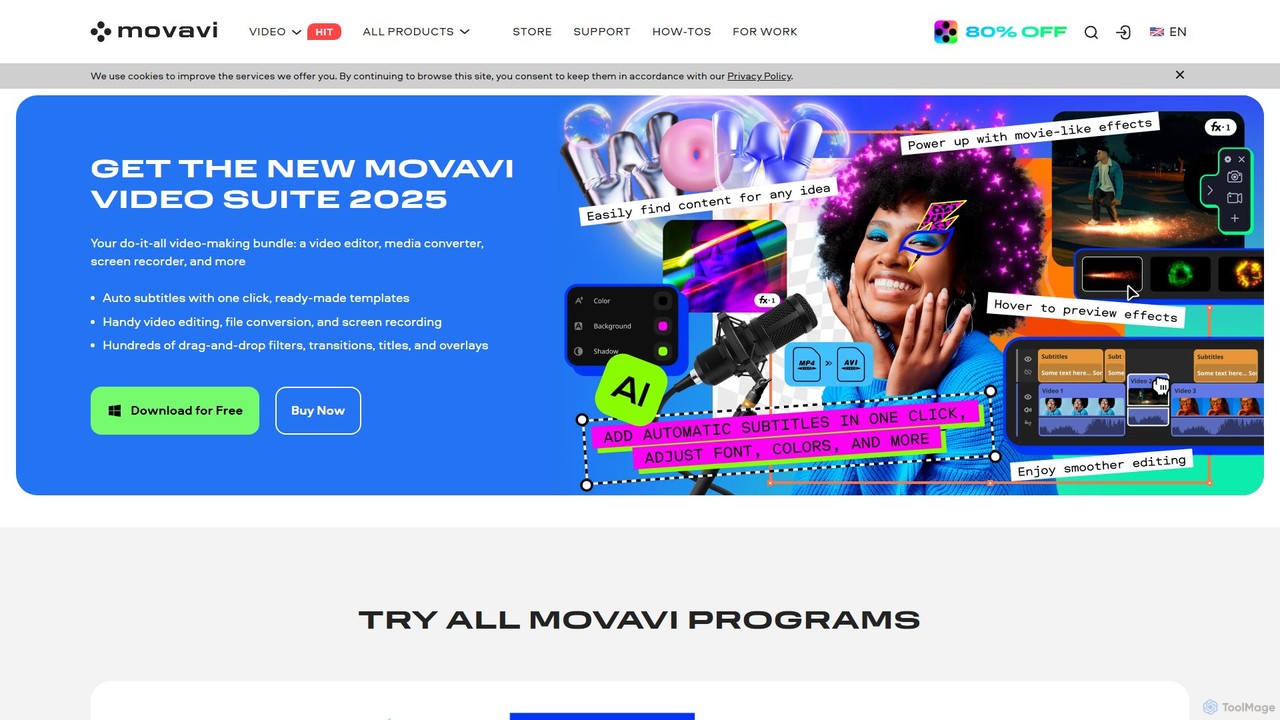
Movavi
Movavi is a comprehensive suite of multimedia programs, featuring a powerful yet user-friendly AI video editor, photo editor, screen recorder, and file converter. It's designed for everyone from beginners to seasoned creators, offering AI-driven features like background removal, motion tracking, and audio denoising to simplify the creative process. Create stunning videos, edit photos, and capture your screen with an intuitive drag-and-drop interface and a vast library of effects.
Screen Recording
ffmpeg_online Comments (0)
Sign in to comment.
Sign inNo comments yet.