

VideoCompress Overview
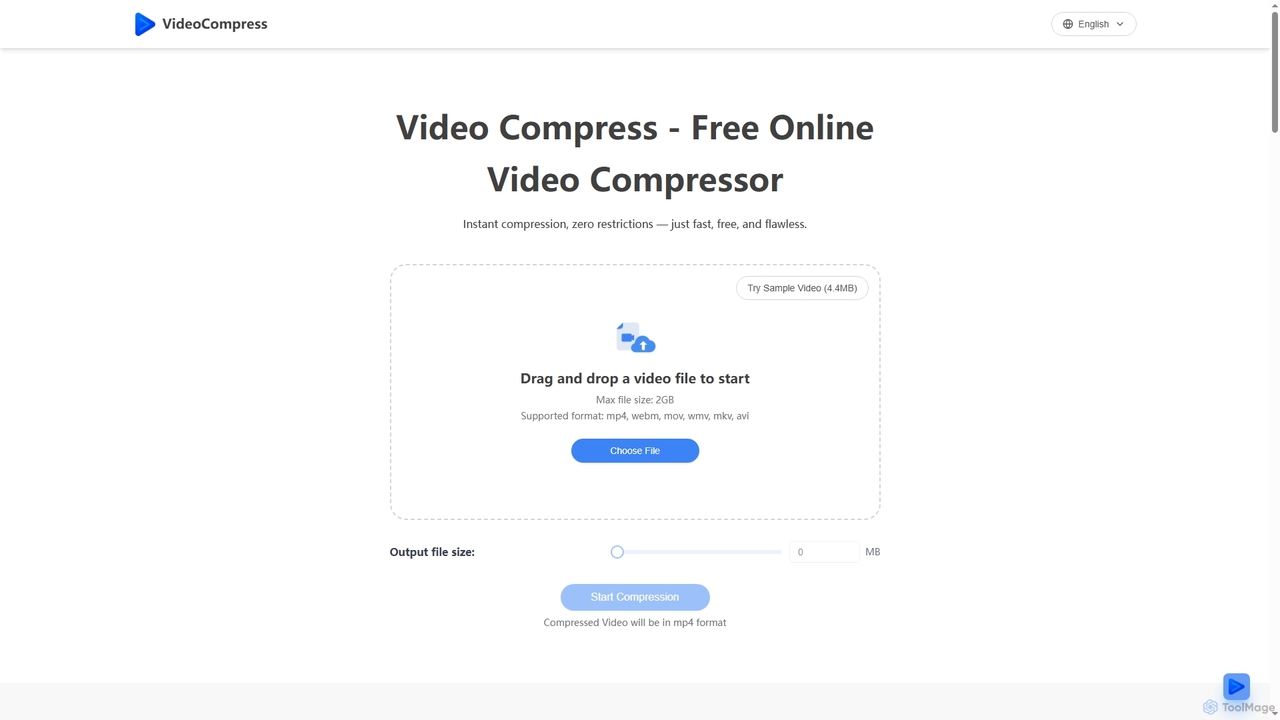
VideoCompress is a powerful and user-friendly online video compression tool designed to significantly reduce video file sizes without compromising visual quality. Leveraging the latest H.265/HEVC encoding technology, it achieves impressive compression rates of up to 80%, making videos perfect for sharing, storage, and faster uploads. The platform supports a wide array of mainstream video formats, including MP4, AVI, MOV, WMV, MKV, and WEBM, and offers mutual conversion capabilities. With its cloud-based processing, VideoCompress handles even 4K ultra-high-definition videos quickly, without consuming local resources. It prioritizes user security with end-to-end encryption for all uploaded, processed, and stored files, ensuring content remains private. Users can benefit from quality presets for various needs, such as web sharing or high-definition preservation, and a real-time preview feature to compare compression effects before downloading.
How to use VideoCompress
Using VideoCompress is a straightforward three-step process. First, Upload Your Video by dragging and dropping the file directly onto the compressor or clicking to browse and select from your device. It supports various formats like MP4, MOV, and AVI, with a maximum file size of 2GB. Second, Select Compression Mode to either compress to a desired file size or customize advanced settings for an optimal balance between quality and size. Finally, once the compression is complete, Download Compressed Video. Your optimized video will be in MP4 format, maintaining excellent quality while being significantly smaller, ideal for faster uploads, sharing, and storage.
Core Features of VideoCompress
- Advanced Compression Algorithm: Utilizes H.265/HEVC encoding for up to 80% file size reduction while maintaining visual quality.
- Secure Encryption: Ensures end-to-end encryption for all video files during upload, processing, and storage, keeping content private.
- Format Conversion: Supports mutual conversion between MP4, AVI, MOV, WMV, MKV, and WEBM formats.
- Quality Presets: Provides multiple compression quality options, including web sharing, storage optimization, and high-definition preservation modes.
- Real-time Preview: Allows users to compare compression effects before and after to ensure desired output quality.
- Cloud Processing: Leverages powerful cloud servers for fast compression of even 4K videos without using local resources.
- No Watermarks & No Limits: Offers free compression without watermarks or usage restrictions (up to 2GB file size).
Use Cases for VideoCompress
VideoCompress is ideal for a wide range of applications where video file size is a concern. It's perfect for individuals and businesses looking to optimize videos for social media sharing, ensuring faster uploads and higher engagement. Marketing teams can use it to prepare video content for various platforms while maintaining crystal clear quality. For startups and enterprises, it significantly reduces cloud storage costs and bandwidth usage, making digital practices more eco-friendly. It streamlines internal communications, allowing for quicker distribution of training videos and presentations to remote teams. Additionally, it simplifies global product demos and localization efforts by eliminating worries about file size limits and slow downloads.
Advantages of VideoCompress
The primary advantages of VideoCompress include its ability to deliver significant file size reduction (up to 80%) without quality loss, thanks to its advanced H.265/HEVC algorithm. Its free and unrestricted nature, coupled with no watermarks, makes it highly accessible. The tool offers secure end-to-end encryption, ensuring user privacy. Its cloud-based processing guarantees speed and efficiency, even for large 4K videos, without burdening local systems. The inclusion of format conversion and quality presets provides flexibility, while the real-time preview ensures user satisfaction with the output. Testimonials highlight increased productivity, faster upload times, and substantial savings on storage costs.
Pricing and Plans
VideoCompress is a completely free online video compression tool. The website explicitly states, "Free Online Video Compressor," "free video compression tool," and confirms in its FAQ, "Yes, VideoCompress is completely free to use." There are no hidden costs, watermarks, or usage limits, though a maximum file size of 2GB is supported per upload.
VideoCompress FAQ
Traffic
Latest traffic
Status
Monthly traffic trend
- 2026-1: 67.4K
- 2026-2: 348.3K
- 2026-3: 794.8K
- 2026-4: 986.9K
- 2026-5: 1.4M
Geography
Top 5 countries / regions
- 🇺🇸United States32.1%
- 🇮🇳India22.6%
- 🇨🇳China19.3%
- 🇷🇺Russia15.2%
- 🇺🇦Ukraine10.8%
Traffic sources
| Source type | Percentage |
|---|---|
Direct | 79.4% |
Referral | 19.4% |
Email | 1.2% |
Top keywords
| Keyword | Cost per click |
|---|---|
| compress video | $0.18 |
| comprimir video | $0.12 |
| video compressor | $0.24 |
| сжать видео | $0.19 |
| 视频压缩 | $0.27 |
VideoCompress Videos on YouTube

Wondershare UniConverter Video Toolbox
VideoCompress Alternatives
VerseVidSaver
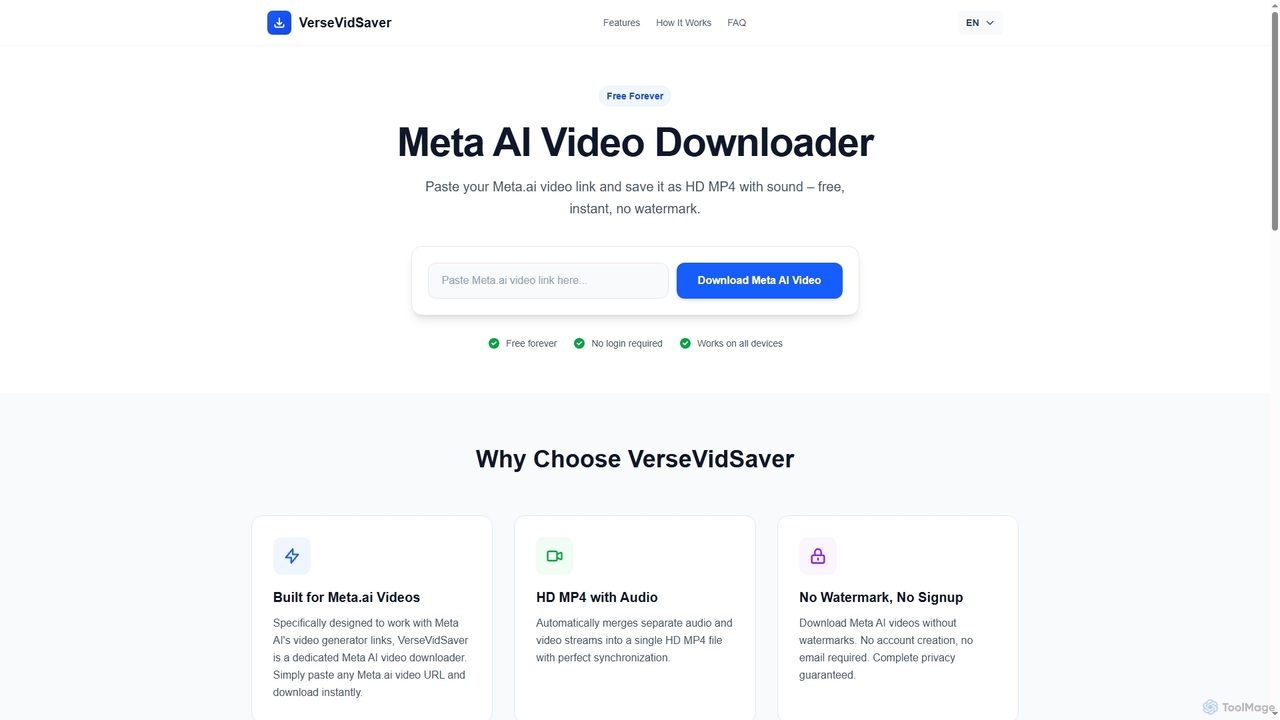
VerseVidSaver is a free online tool specifically designed to download high-definition videos generated by Meta's AI platform. It seamlessly extracts and merges video and audio streams into a single, watermark-free HD MP4 file, offering unlimited downloads without hidden costs.
3D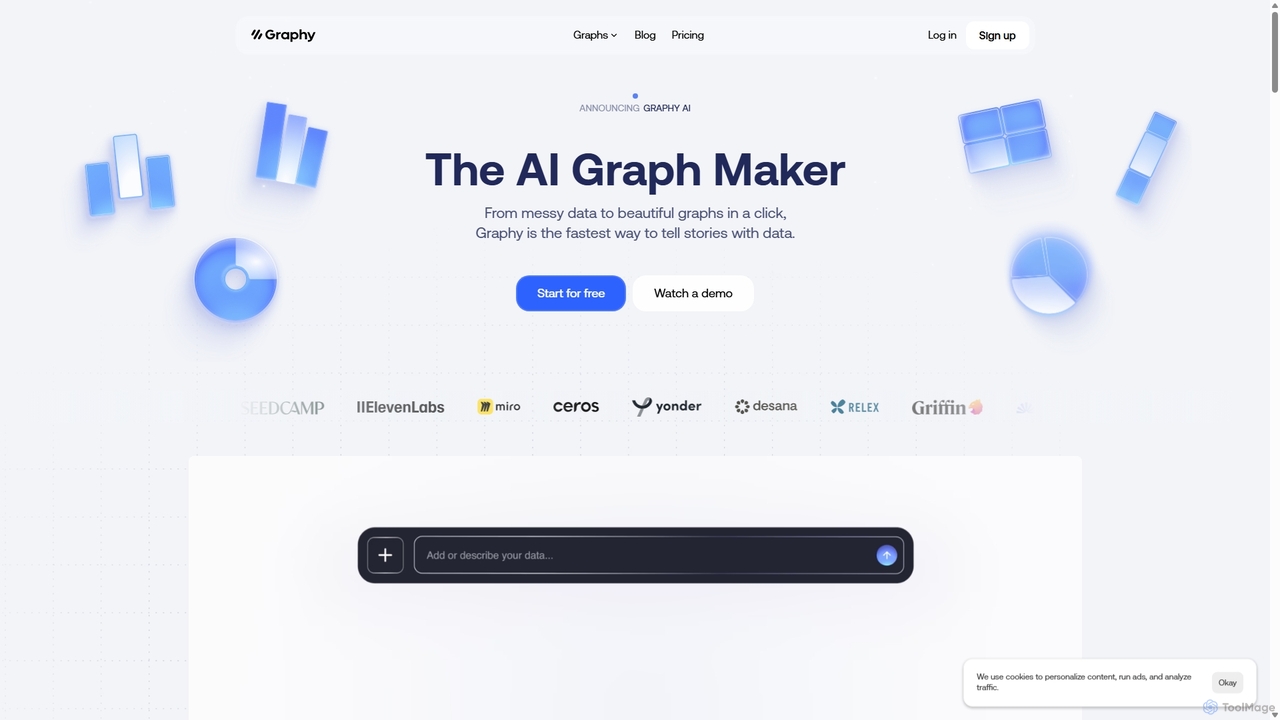
Graphy
Graphy is an AI-powered data visualization tool that transforms raw data into beautiful, interactive charts and graphs in seconds. It simplifies data storytelling by automatically identifying key insights, allowing users to chat with their data, and offering extensive customization. Ideal for marketers, analysts, and teams who need to create compelling visual reports and presentations without complex software.
3D

Wordlab
Wordlab is an AI-powered tool designed for eCommerce businesses to instantly create studio-quality product photos. It eliminates the need for expensive photoshoots by allowing users to change or remove backgrounds, generate new scenes from text prompts, and customize visuals effortlessly. This helps brands enhance their product listings, marketing campaigns, and social media presence with professional, eye-catching imagery at a fraction of the cost and time.
3D
Weinc
Weinc is an all-in-one 5-in-1 software suite designed to supercharge businesses by integrating no-code website building, AI chatbots, social media management, creative tools, and automation. It helps entrepreneurs and agencies streamline operations, generate leads, and manage multiple brands efficiently from a single platform.
3DVideoCompress Categories
VideoCompress Jobs
VideoCompress Embed Widget
Copy this embed code to place the badge on your blog, article, or product site and send readers directly to this ToolMage detail page.

Related AI tools
Memories.ai
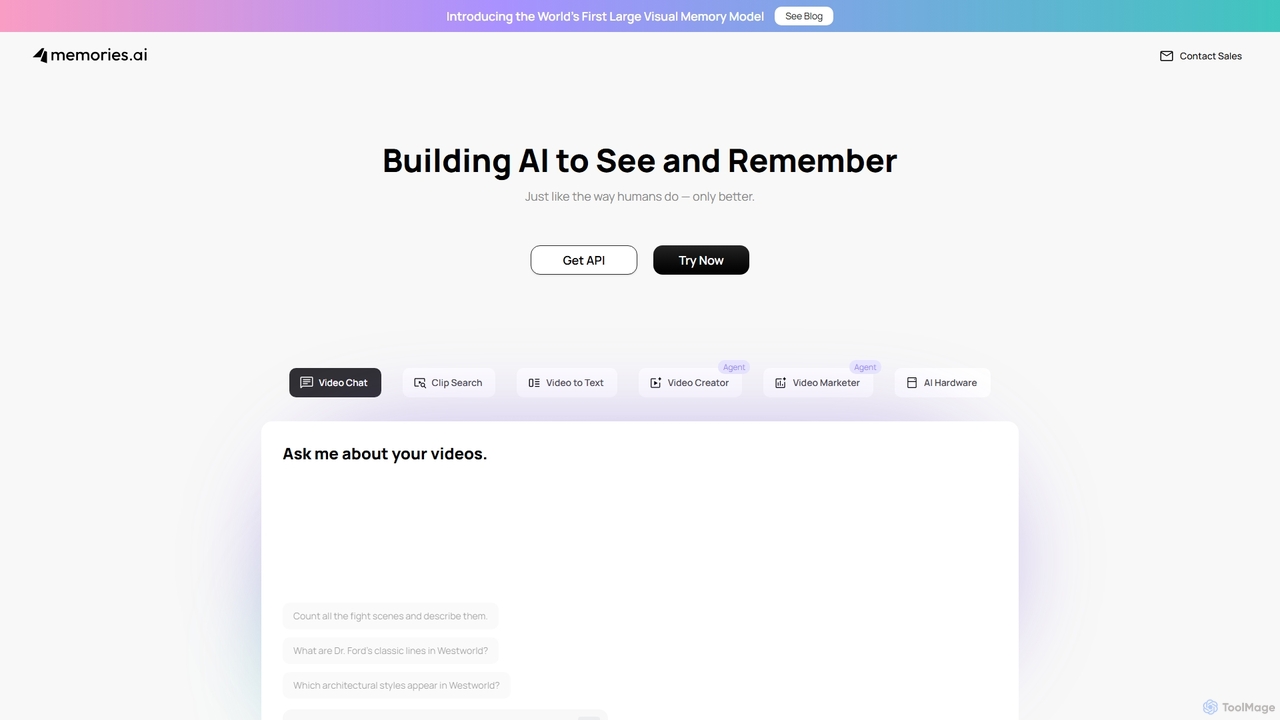
Memories.ai is an advanced AI video analysis platform that transforms raw video footage into searchable, actionable insights. It leverages computer vision and machine learning to automate tasks like object detection, transcription, and content tagging. Ideal for businesses, marketers, and content creators, it provides tools for security monitoring, campaign analysis, and efficient video data management, effectively creating a "human-like visual memory" for your content archives.
Api
Qwen
Qwen is a powerful family of open-source large language and multi-modal models from Alibaba Cloud. It excels at a wide range of tasks including conversational AI, state-of-the-art code generation, advanced image creation with precise text rendering, and high-quality multilingual translation, empowering developers and creators worldwide.
Code Assistant
Reka
Reka provides a suite of powerful, multimodal AI models and solutions designed for real-world impact. From the ultra-compact Spark to the frontier-level Core model, Reka's technology understands and processes text, images, audio, and video. It powers applications like Reka Vision for intelligent video analysis and Reka for Creators for automated social media clip generation, serving developers, enterprises, and content creators.
Transcription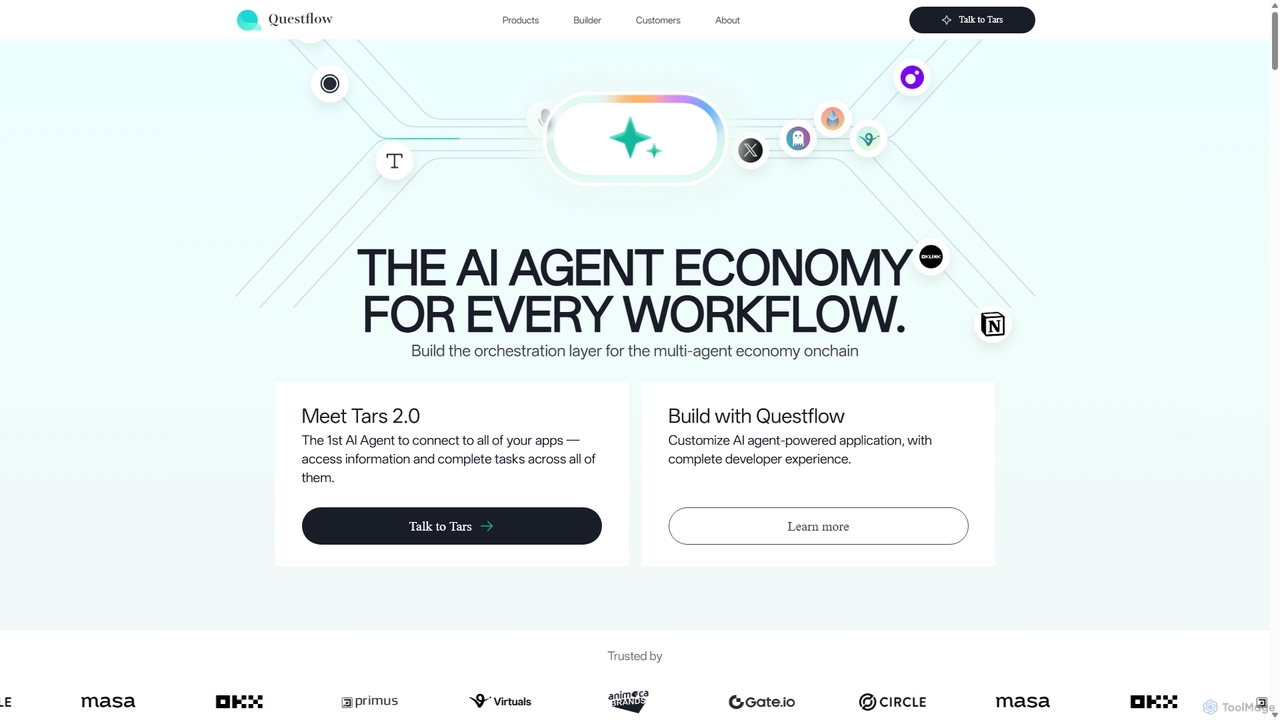
Questflow
Questflow is a no-code platform for building, deploying, and monetizing autonomous AI agent swarms on-chain. It enables users to automate complex workflows across marketing, finance, and crypto by orchestrating multiple AI agents to work collaboratively. It features a pay-as-you-go model with a built-in crypto wallet.
No Code Platform
0101 Digital
0101 Digital is a leading AI solutions provider specializing in transforming businesses through custom AI development, product innovation, and strategic AI consulting. They deliver scalable, outcome-focused solutions, including their unique DPaaS (Delivery Pods as a Service) model, to clients across various industries globally, ensuring measurable ROI and competitive advantage.
Custom Development
Jyek
Jyek is an AI agent platform that understands objectives, creates execution plans, uses tools, and delivers verifiable results for complex, multi-step tasks.
Automation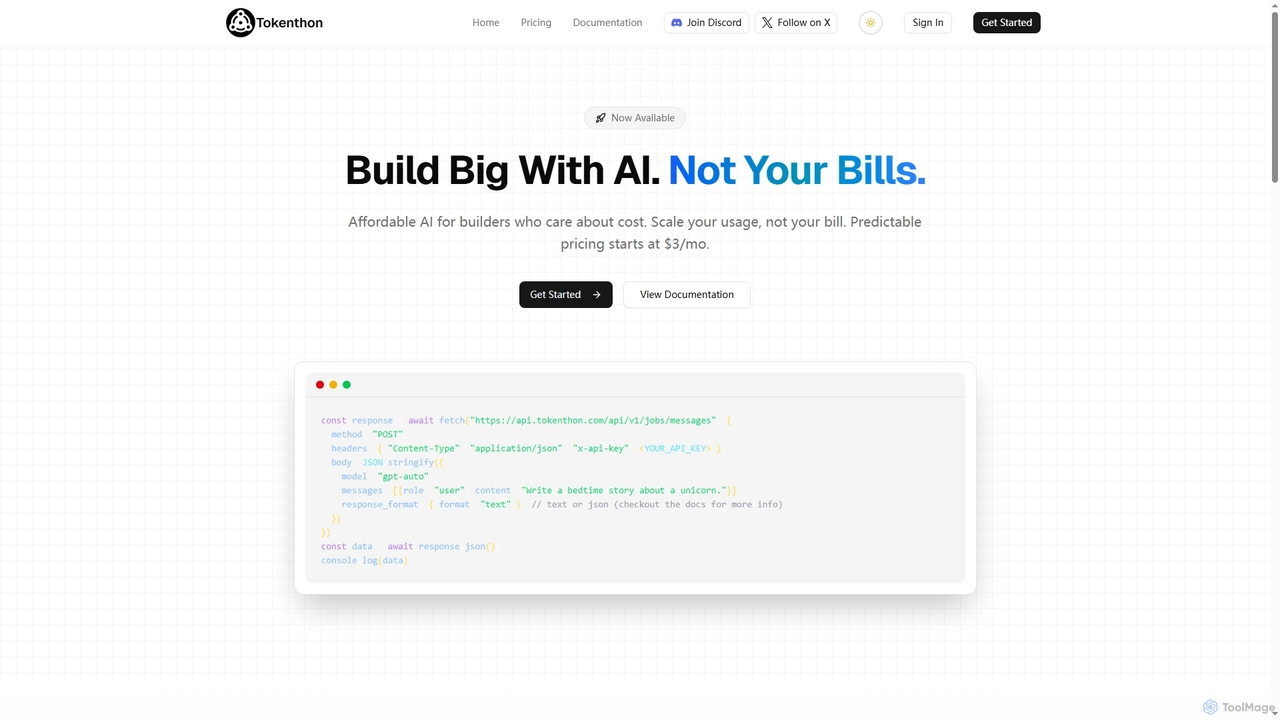
Tokenthon
Tokenthon offers an affordable and predictable AI API, providing access to GPT-5 and GPT-5 mini models with flat-rate pricing. Designed for developers and businesses needing high-volume AI requests without the risk of variable costs, it ensures budget stability for scalable applications like chatbots, content generation, and data processing.
Ai Infrastructure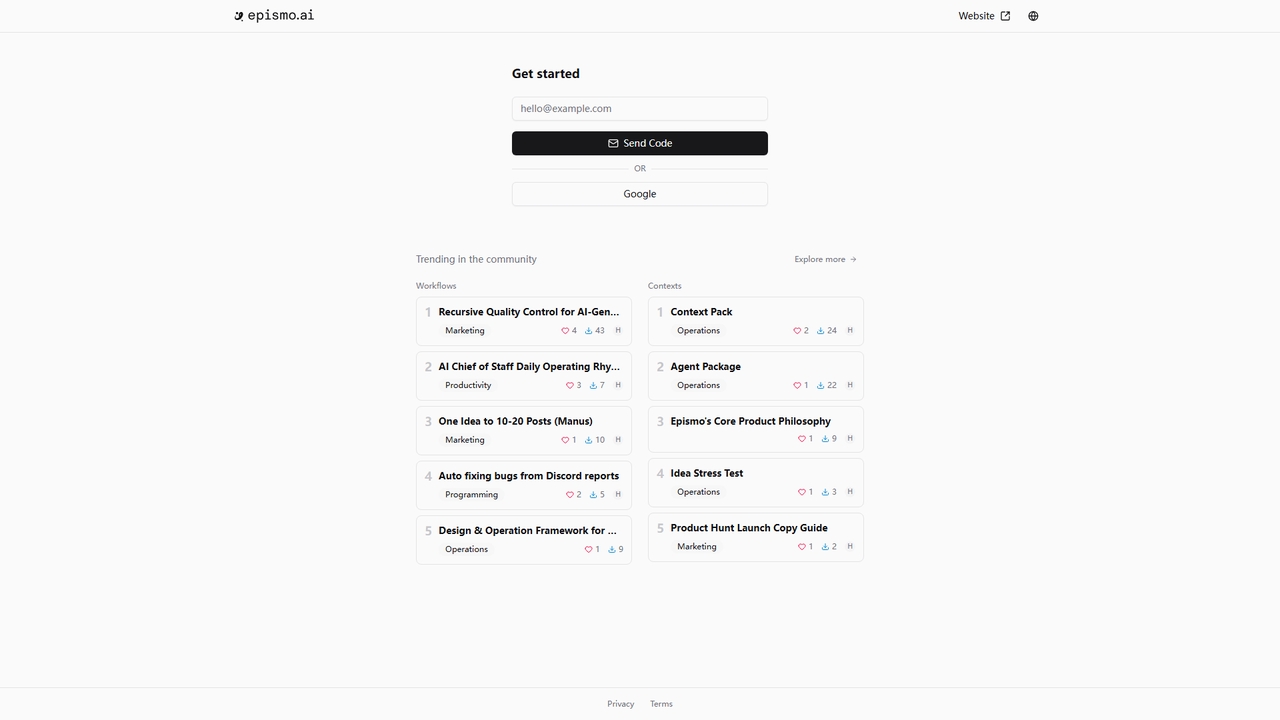
Epismo
A workflow platform for AI agents, offering ready-to-use templates for marketing, productivity, programming, and operations.
Content Generation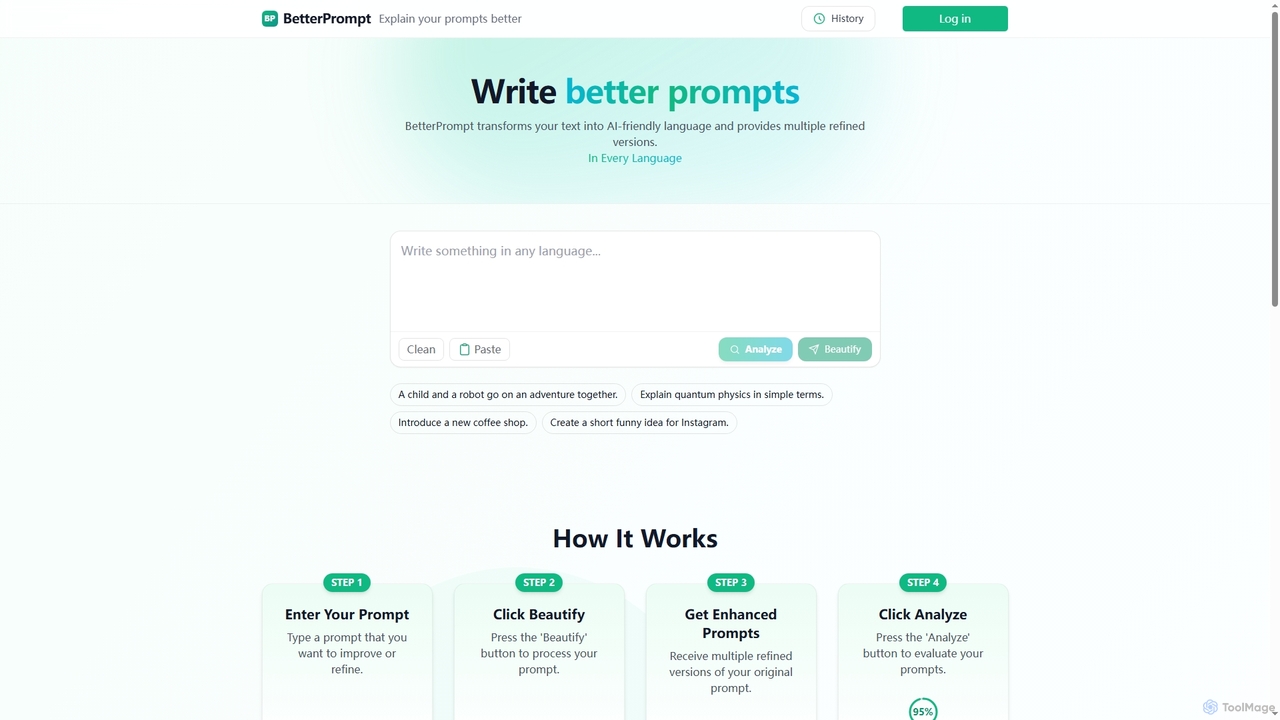
BetterPrompt
BetterPrompt is an AI tool designed to transform your raw text into clear, concise, and AI-friendly prompts. It provides multiple refined versions and analyzes their effectiveness, ensuring you get superior results from any AI model.
Text GenerationGraphy
Graphy is an AI-powered data visualization tool that transforms raw data into beautiful, interactive charts and graphs in seconds. It simplifies data storytelling by automatically identifying key insights, allowing users to chat with their data, and offering extensive customization. Ideal for marketers, analysts, and teams who need to create compelling visual reports and presentations without complex software.
3DWordlab
Wordlab is an AI-powered tool designed for eCommerce businesses to instantly create studio-quality product photos. It eliminates the need for expensive photoshoots by allowing users to change or remove backgrounds, generate new scenes from text prompts, and customize visuals effortlessly. This helps brands enhance their product listings, marketing campaigns, and social media presence with professional, eye-catching imagery at a fraction of the cost and time.
3DWeinc
Weinc is an all-in-one 5-in-1 software suite designed to supercharge businesses by integrating no-code website building, AI chatbots, social media management, creative tools, and automation. It helps entrepreneurs and agencies streamline operations, generate leads, and manage multiple brands efficiently from a single platform.
3D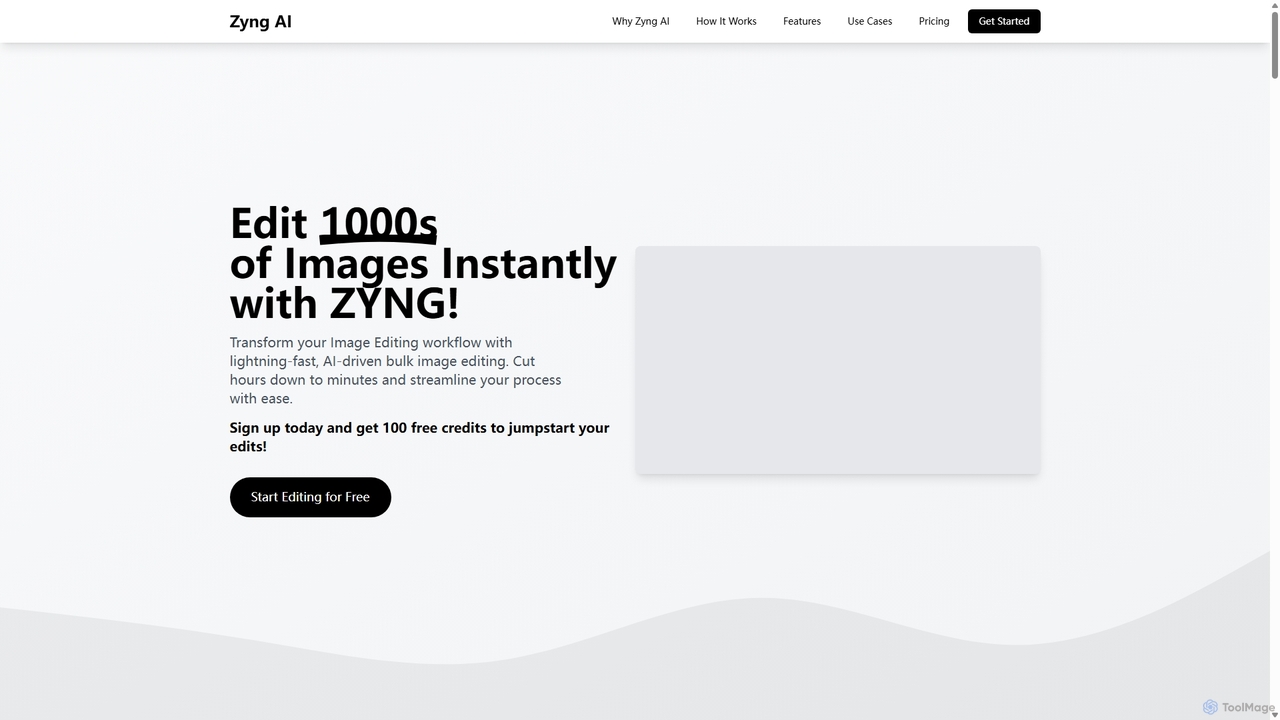
Zyng AI
Zyng AI is a powerful, AI-driven platform for bulk image editing, specifically catering to e-commerce businesses, photographers, and marketing teams. It automates tedious editing tasks, allowing users to process thousands of images in minutes. Key features include background removal, model swapping, smart cropping, face retouching, and AI-generated backgrounds. Zyng AI streamlines workflows, reduces costs, and helps create high-quality, consistent visuals for online stores and marketing campaigns, supporting resolutions up to 8K.
3D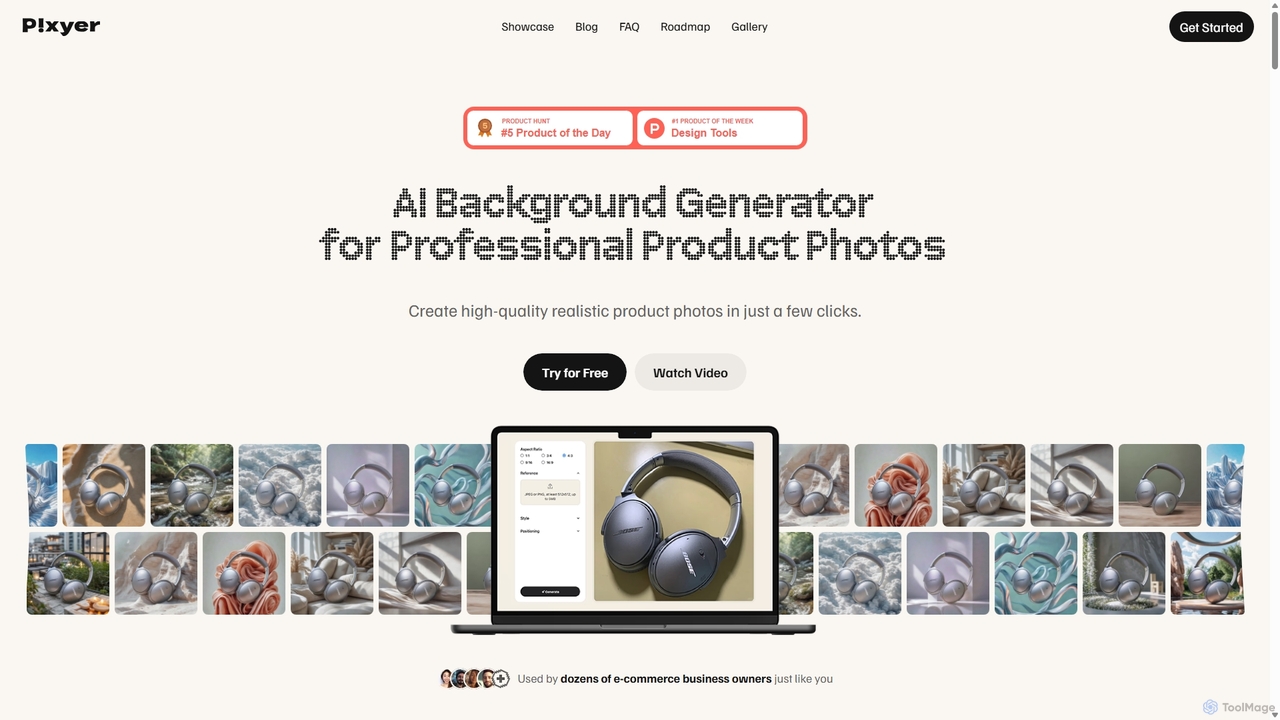
Pixyer
Pixyer is an AI-powered background generator designed for e-commerce, enabling users to create professional, studio-quality product photos in seconds. Simply upload an image, and the tool automatically removes the background and generates realistic, context-aware scenes with perfect lighting. It eliminates the need for expensive photoshoots, offering a fast, simple, and cost-effective solution for creating high-converting visuals for any platform.
3D
VideoCompress Comments (0)
Sign in to comment.
Sign inNo comments yet.