Productivity Best in category 1 results File Optimization AI Tool

Popular AI tools in the File Optimization field of Productivity include VideoCompress, etc., helping you quickly improve efficiency.

Free
VideoCompress

VideoCompress

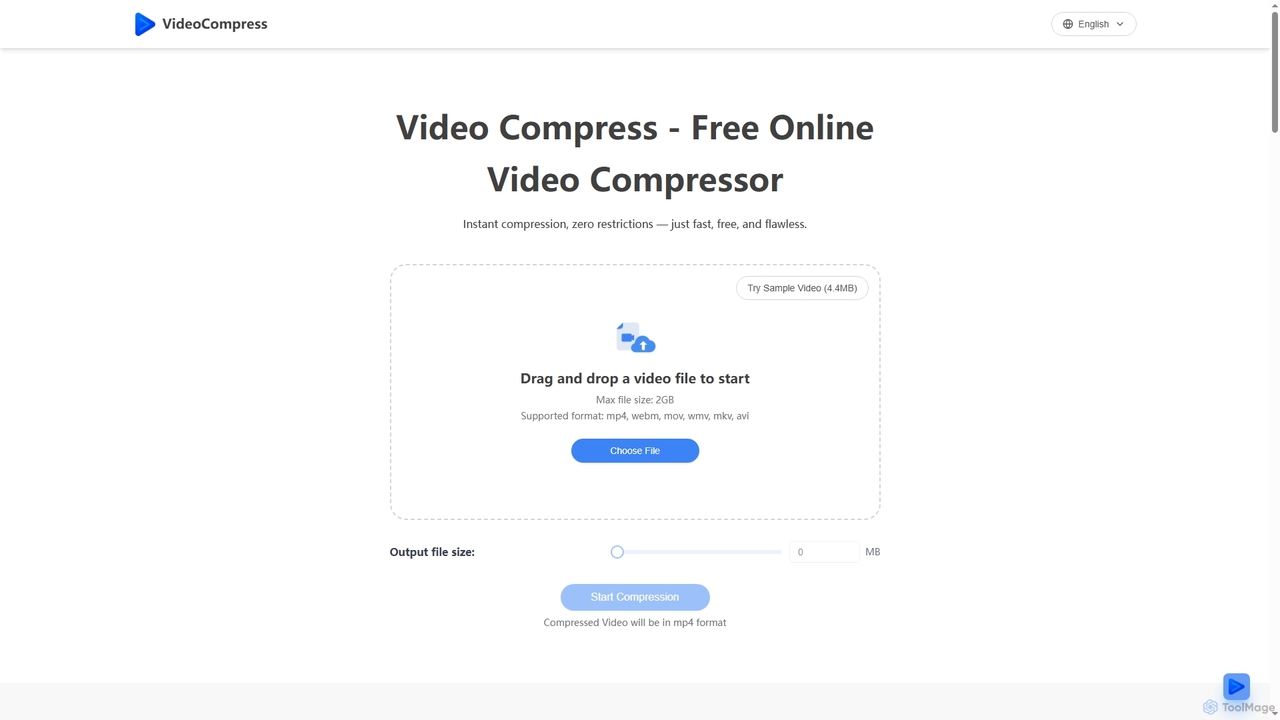
VideoCompress is a free online tool that efficiently reduces video file sizes by up to 80% using advanced …

989.3K

About File Optimization

AI File Optimization tools are applications that use machine learning to intelligently reduce file sizes, convert formats, and enhance media quality. These tools analyze the content of a file—be it an image, video, or document—to apply the most effective compression or conversion without significant perceptual loss. This process significantly improves website loading speeds, reduces storage costs, and streamlines data transfer, directly boosting productivity. Unlike traditional methods, AI-driven optimization is content-aware, ensuring maximum efficiency with minimal quality degradation.

Core Features

  • Intelligent Compression: Analyzes visual or auditory data to remove redundant information while preserving key details, achieving high compression ratios.
  • AI-Powered Format Conversion: Recommends and converts files to optimal formats (e.g., JPEG to WebP) for specific use cases like web display or archiving.
  • Content-Aware Upscaling & Enhancement: Increases the resolution of images or videos and cleans up audio artifacts by intelligently generating new data.
  • Automated Bulk Processing: Optimizes thousands of files simultaneously through a user interface or API, saving significant manual effort.
  • Metadata Management: Automatically corrects, cleans, or enriches file metadata for better organization and searchability.

Use Cases

These tools are essential for web developers aiming to improve site performance, digital marketers creating lightweight campaign assets, and content creators managing large media libraries. Businesses also use them to reduce cloud storage and bandwidth costs, while data scientists prepare large datasets for model training more efficiently.

How to Choose

When selecting a tool, consider the supported file types (image, video, audio, document), the balance between compression level and output quality, and the availability of an API for automated workflows. Also, evaluate the batch processing capabilities, processing speed, and the platform's security protocols for handling sensitive files.

File OptimizationUse Cases

1

Accelerate Website Loading Speeds

A web developer is tasked with improving the Core Web Vitals score for an e-commerce site. They use an AI file optimization tool with API access to create an automated workflow. Every time a new product image is uploaded to their CMS, the API is called to automatically compress the image and convert it to the next-gen WebP format. This process reduces image file sizes by an average of 75% without visible quality loss, leading to significantly faster page load times, a better user experience, and improved SEO rankings.

2

Reduce Cloud Storage Costs for Teams

An IT administrator for a design agency notices that cloud storage costs are escalating due to large video and high-resolution image files. They implement an AI file optimization tool that integrates with their cloud storage provider. A policy is set to automatically scan and optimize all files older than 30 days. The tool intelligently compresses large video project files and RAW photos into high-quality, smaller formats for archival. This reduces their monthly storage footprint by over 40%, resulting in substantial cost savings without requiring any change in workflow for the creative team.

3

Streamline Social Media Content Creation

A social media manager needs to post content across multiple platforms (Instagram, Twitter, Facebook), each with different file size and format requirements. They upload a single high-resolution video to an AI file optimization tool. The tool automatically generates several versions: a high-quality, compressed MP4 for Facebook, a shorter, vertically cropped version for Instagram Reels, and a highly compressed GIF for Twitter. This eliminates the need for manual editing and conversion, saving hours each week and ensuring content is always optimized for best performance on each platform.

4

Enhance Legacy Media for Modern Use

A university archive digitizes its collection of old photographs and low-resolution videos. The resulting files are pixelated and noisy. An archivist uses an AI file optimization tool's enhancement features. The tool's AI upscaler increases the resolution of the photographs, intelligently adding detail to make them suitable for high-resolution displays. For the videos, its noise reduction algorithm cleans up visual and audio artifacts. This process revitalizes historical assets, making them accessible and usable for modern research and digital exhibitions without needing expensive, specialized restoration software.

5

Prepare Datasets for Machine Learning

A data scientist is working with a large dataset of user-submitted images for a computer vision project. The images are in various formats (PNG, JPEG, HEIC) and sizes. They use an AI file optimization tool to batch process the entire dataset. The tool converts all images to a uniform JPEG format, resizes them to a standard 256x256 pixels, and applies a consistent level of compression. This standardization is crucial for model training and significantly speeds up the data loading and preprocessing pipeline, allowing the data scientist to focus on model development rather than manual data wrangling.

6

Optimize PDF Documents for Distribution

A marketing team finalizes a large, high-resolution PDF product catalog for an email campaign. The original file is over 50MB, too large for reliable email delivery. Using an AI file optimizer, they upload the PDF. The tool's AI analyzes the document, intelligently compressing images, removing redundant data, and optimizing font embedding without altering the layout or reducing text clarity. The final file is under 5MB, ensuring it can be easily attached to emails and downloaded quickly by recipients on any device, thereby increasing the campaign's reach and effectiveness.

File OptimizationFrequently Asked Questions