ToolMage
Sign in

Best 1 Vocal Remover AI tools for Video

Popular Vocal Remover AI tools in Video include Kingshiper, helping you work more efficiently.

Kingshiper
Freemium

Kingshiper

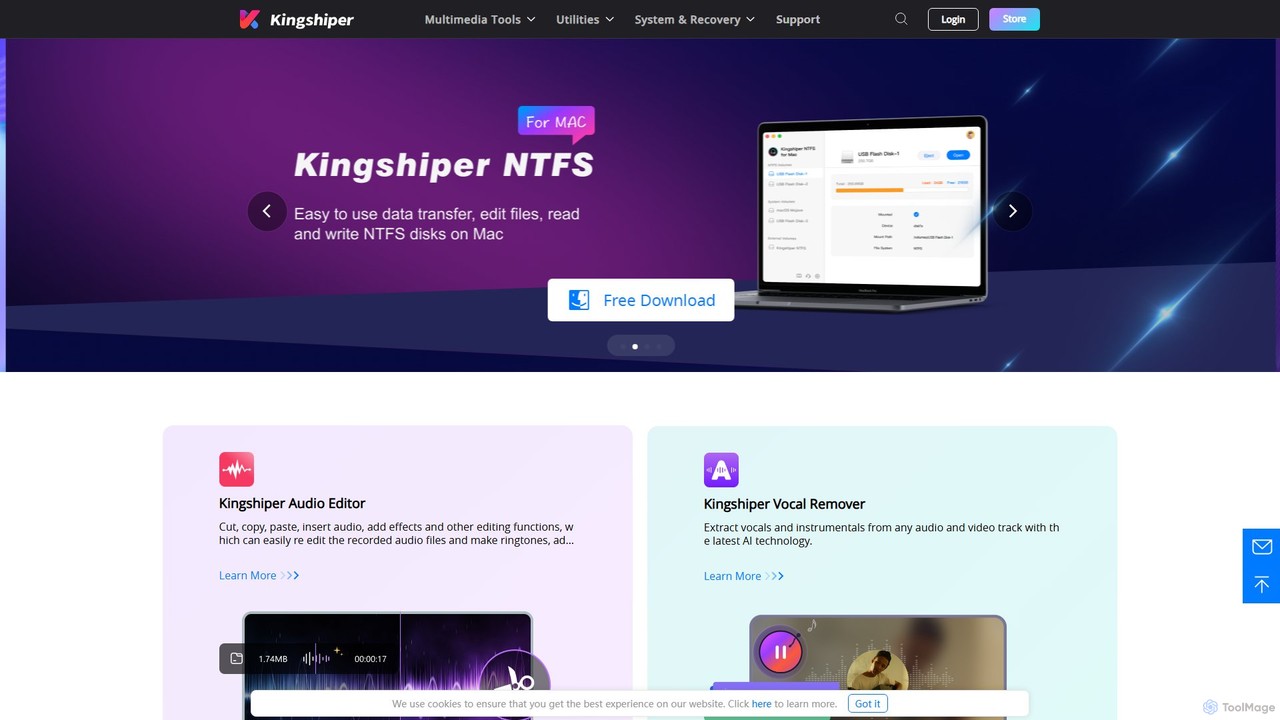
A versatile suite of desktop tools for audio editing, AI-powered vocal removal, file conversion (audio & PDF), and system utilities. Kingshiper offers user-friendly, high-performance solutions for Windows and Mac, enabling users to easily cut, merge, convert, and manage their digital files with professional-quality results.

Audio Editing
Visits 272.5KFavorites 124Likes 131

About Vocal Remover

Vocal Remover tools are AI-powered applications designed to intelligently separate vocal tracks from instrumental music within audio or video files. Leveraging advanced machine learning algorithms, these tools analyze sound frequencies and patterns to isolate or eliminate human voices, leaving behind a clean instrumental track or an acapella version. This capability is invaluable for content creators, musicians, and audio engineers seeking to repurpose audio, create karaoke versions, or remix existing tracks with precision and efficiency.

Core Features

  • AI-Powered Separation: Utilizes deep learning models to accurately distinguish and isolate vocals from background music.
  • Multi-Track Output: Generates separate audio files for vocals, instrumental, bass, and drums, offering granular control.
  • Real-time Processing: Some tools offer instant vocal removal, ideal for live performances or quick edits.
  • Batch Processing: Enables users to process multiple audio or video files simultaneously, saving significant time.

Use Cases

These tools are widely adopted in music production, video editing, and content creation. Musicians use them to create karaoke tracks or practice singing over instrumentals. Video editors can remove unwanted dialogue or background speech from footage, while podcasters might isolate guest voices for clearer interviews. They also serve DJs and remix artists for creating unique mashups and instrumental versions.

How to Choose

When selecting a Vocal Remover tool, consider the accuracy of its separation capabilities, especially for complex mixes. Evaluate the output quality, checking for artifacts or residual sounds. Look for features like multi-track output, batch processing, and compatibility with various audio/video formats. User interface, processing speed, and pricing models (free, subscription, one-time purchase) are also crucial factors for a seamless workflow.

Vocal Remover use cases

1

Creating Karaoke Tracks from Any Song

Aspiring singers and karaoke enthusiasts can use vocal remover tools to instantly generate instrumental versions of their favorite songs. By uploading a music track, the AI precisely strips away the lead vocals, providing a clean backing track perfect for practice, performances, or personal entertainment, without needing to search for pre-made karaoke versions.

2

Producing Instrumental Backgrounds for Videos

Video content creators often need instrumental music for their projects without distracting vocals. These tools allow editors to take any song, remove the vocals, and use the resulting instrumental as background music for vlogs, tutorials, presentations, or short films, ensuring a professional and focused audio experience for viewers.

3

Remixing and Sampling for DJs and Producers

DJs and music producers leverage vocal removers to extract acapella tracks or instrumental stems from existing songs. This enables them to create unique remixes, mashups, or samples for new compositions, offering creative freedom and expanding their sonic palette beyond commercially available stems.

4

Cleaning Up Audio for Podcasts and Interviews

Podcasters and journalists can utilize vocal removal technology to isolate speech from noisy backgrounds or to separate interviewees' voices for clearer editing. This helps in enhancing audio quality, reducing ambient distractions, and ensuring that spoken content is crisp and easily understandable for listeners.

5

Practicing Musical Instruments with Original Backing

Instrumentalists can improve their skills by removing specific instrument tracks (like bass or drums, if multi-track separation is available) or vocals from a song. This allows them to play along with the original recording, focusing on their part and understanding the song's structure and dynamics in a real-world context.

6

Educational Content Creation for Language Learning

Language educators and learners can use vocal removers to create custom listening exercises. By removing vocals from songs, learners can focus on the instrumental, then try to sing along or transcribe the lyrics, improving pronunciation and listening comprehension in a fun and engaging way.

Vocal Remover FAQ

What are AI Vocal Remover tools?

AI Vocal Remover tools are software or online services that use artificial intelligence, specifically deep learning algorithms, to separate vocal tracks from instrumental music in audio or video files. They analyze sound waves to identify and isolate human voices, allowing users to obtain either an acapella version (vocals only) or an instrumental version (music only) of a song.

How do Vocal Remover tools work?

Vocal Remover tools typically employ advanced signal processing and machine learning models trained on vast datasets of music. These models learn to distinguish between vocal frequencies and instrumental frequencies. When you upload a file, the AI analyzes the audio spectrum, identifies the vocal components, and then either mutes them or extracts them into a separate track, often using techniques like source separation.

What is the difference between a Vocal Remover and a Noise Reducer?

A Vocal Remover specifically targets and isolates or eliminates human singing or speech from a musical track, aiming to produce a clean instrumental or acapella. A Noise Reducer, on the other hand, focuses on minimizing or removing unwanted ambient sounds, hums, hisses, or general background noise from any audio recording, without specifically targeting vocals as a primary component.

Can Vocal Remover tools be used for video files?

Yes, many modern AI Vocal Remover tools support video files. When you upload a video, the tool extracts the audio track, performs the vocal separation, and then often allows you to download the processed audio or even re-embed the new audio back into the video file. This is particularly useful for video editors who need to manipulate audio within their visual projects.

What factors affect the quality of vocal separation?

Several factors influence the quality of vocal separation, including the complexity of the original mix (e.g., multiple vocalists, heavy effects), the quality of the input audio file, and the sophistication of the AI algorithm used by the tool. Higher quality, well-produced source audio and more advanced AI models generally yield cleaner and more accurate separation results with fewer artifacts.