

Vocal Overview
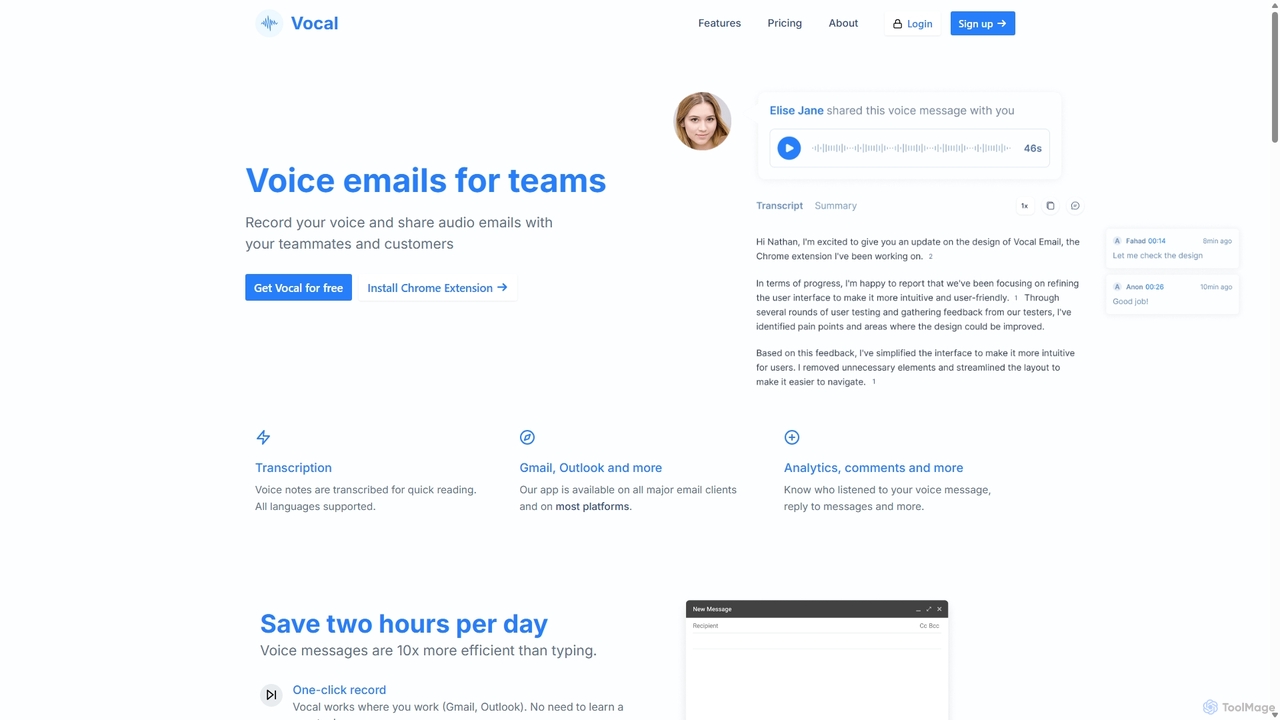
Vocal is a powerful tool designed to revolutionize email communication by integrating the warmth and clarity of the human voice. It addresses the limitations of text-based messages, allowing users to convey nuance, emotion, and complex information more effectively. By seamlessly integrating with popular email clients like Gmail and Outlook, Vocal enables you to record and send voice notes with just a few clicks, transforming your emails into more personal and engaging conversations.
The core mission of Vocal is to simplify online communication. Instead of typing long emails, you can now speak your mind, saving time and reducing the chances of misinterpretation. Recipients don't need to have Vocal installed; they can listen to your message directly as an .mp3 attachment or through a clean, simple web player accessible via a link. This makes the experience frictionless for everyone involved.
How to use Vocal
Getting started with Vocal is incredibly straightforward:
- Install the Extension/Add-in: First, install the Vocal browser extension for Gmail or the add-in for Outlook from their respective stores.
- Compose an Email: Open a new email draft in Gmail or Outlook. You will notice a new microphone icon has been added to your compose window, typically next to the 'Send' button.
- Record Your Message: Click the microphone icon to start recording your voice note. The Pro plan allows you to pause and resume recording as needed.
- Attach and Send: Once you've finished, stop the recording. The voice message will be automatically embedded into your email as a playable link or attached as an .mp3 file.
- Request Voice Notes: You can also generate a shareable link to request voice notes from others, which is perfect for collecting feedback, testimonials, or interview responses.
Core Features of Vocal
- Seamless Email Integration: Works directly inside Gmail and Outlook, providing a native and intuitive user experience.
- Universal Playback: Recipients can listen to voice notes as standard .mp3 attachments or via a simple web link, with no installation required.
- Automatic Transcription: Pro users can automatically transcribe voice notes, making the content searchable and accessible for those who prefer to read.
- Listen Insights: Get notified when someone listens to your voice note, giving you valuable insight into engagement, especially for sales and outreach.
- Advanced Customization: Personalize the listening experience with your profile picture, custom signature, and brand colors. Pro users can even add a Call-to-Action (CTA) button to drive conversions.
- Custom Domain (CNAME): Host voice messages on your own domain for a fully branded and professional appearance.
- Voice Note Management: Organize your recordings into folders, making it easy to manage and retrieve past messages.
- Webhooks & Integrations: Connect Vocal with other tools in your workflow for automated processes.
Use Cases for Vocal
Vocal is versatile and valuable for various professionals and scenarios:
- Sales & Business Development: Stand out in a crowded inbox with personalized voice outreach. Explain complex products clearly and use CTAs to guide leads to the next step.
- Customer Support: Provide empathetic, clear, and personal support responses that build stronger customer relationships. Easily collect detailed audio feedback from users.
- Team Collaboration: Share quick updates, provide detailed feedback on projects, or explain complex ideas without scheduling a meeting.
- Recruitment & HR: Send personalized messages to candidates to increase engagement or use shareable links to collect audio responses for initial screenings.
- Education & Coaching: Deliver personalized feedback to students or clients in a more encouraging and nuanced way.
Advantages of Vocal
Using Vocal offers significant benefits over traditional text emails. It adds a human touch, fostering a stronger connection with the recipient. Voice messages are often faster to create than typing and can convey tone and emotion, preventing misunderstandings. The platform's simplicity ensures a smooth experience for both sender and receiver, while advanced features like listen insights and CTAs provide measurable business value.
Pricing and Plans
Vocal offers a straightforward pricing structure:
- Free Plan: $0/month. Includes up to 20 voice messages per month with a 1-minute recording limit per message.
- Pro Plan: $30 per user/month (or $299 per user/year, offering a discount). This plan unlocks unlimited voice messages, unlimited recording time, automatic transcription, listen insights, full customization options, CTAs, custom domain hosting, folder management, and more.
Traffic
Latest traffic
Status
Monthly traffic trend
- 2025-9: 22.4K
- 2026-1: 28.3K
- 2026-2: 30.1K
- 2026-3: 38.1K
- 2026-4: 35.5K
- 2026-5: 32.6K
Geography
Top 5 countries / regions
- 🇺🇸United States48.5%
- 🇮🇳India25.6%
- 🇧🇷Brazil11.0%
- 🇮🇩Indonesia8.9%
- 🇹🇭Thailand6.0%
Traffic sources
| Source type | Percentage |
|---|---|
Direct | 80.2% |
Referral | 11.9% |
Email | 7.9% |
Top keywords
| Keyword | Cost per click |
|---|---|
| app vocal | $0.00 |
| speakpipe | $3.11 |
| vocal | $1.32 |
| vocal email | $0.00 |
| voice messa urls | $0.00 |
Vocal Videos on YouTube



![The Best Vocal AI Plugin I've Tried [ft. VoiceAI from Sonarworks]](https://i.ytimg.com/vi/-k4hdXO0N5U/maxresdefault.jpg)


Vocal Alternatives

Mailbutler
Mailbutler is an AI-powered email extension for Apple Mail, Gmail, and Outlook that enhances your inbox. It offers features like email tracking, AI-driven smart compose and summarization, collaborative tools for teams, and professional signature marketing to boost productivity and streamline communication.
Help Desk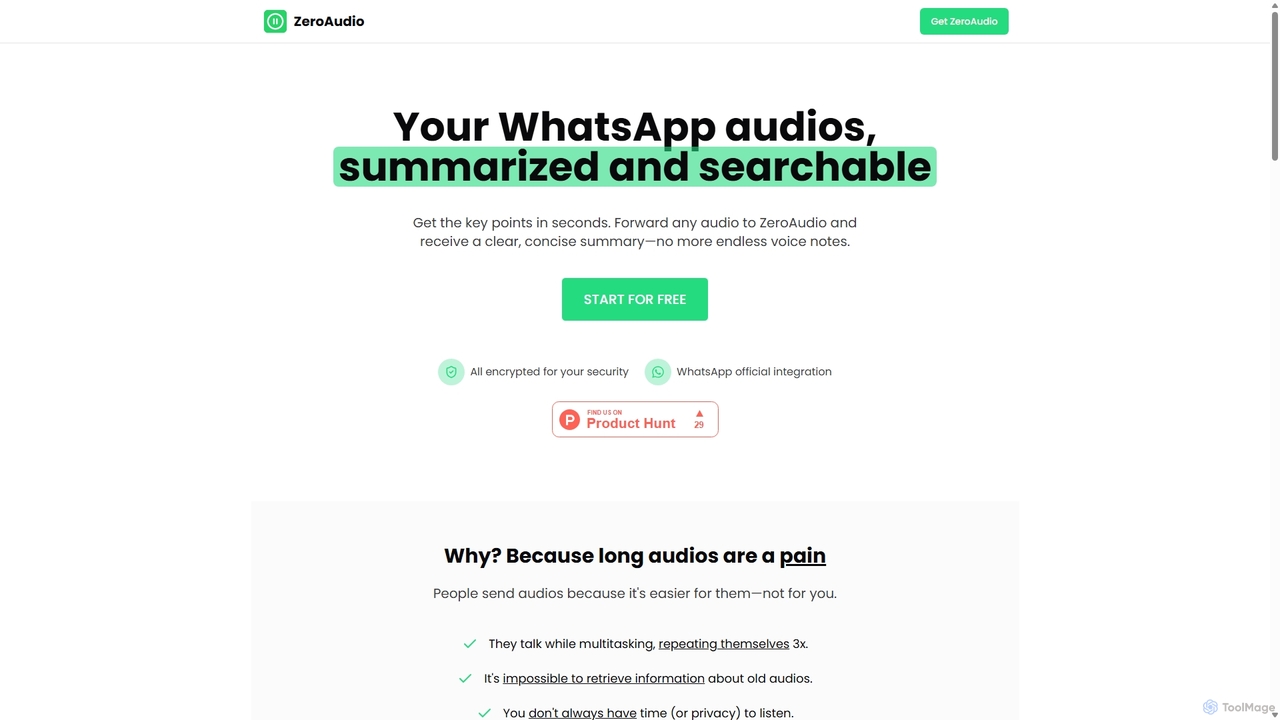
ZeroAudio
ZeroAudio is an AI-powered tool that integrates with WhatsApp to summarize long audio messages. Simply forward any voice note to ZeroAudio, and it will quickly provide a concise, text-based summary of the key points. This saves you time, allows you to "read" audios in private, and makes the information within them easily searchable, eliminating the need to listen to lengthy, rambling messages.
Speech To Text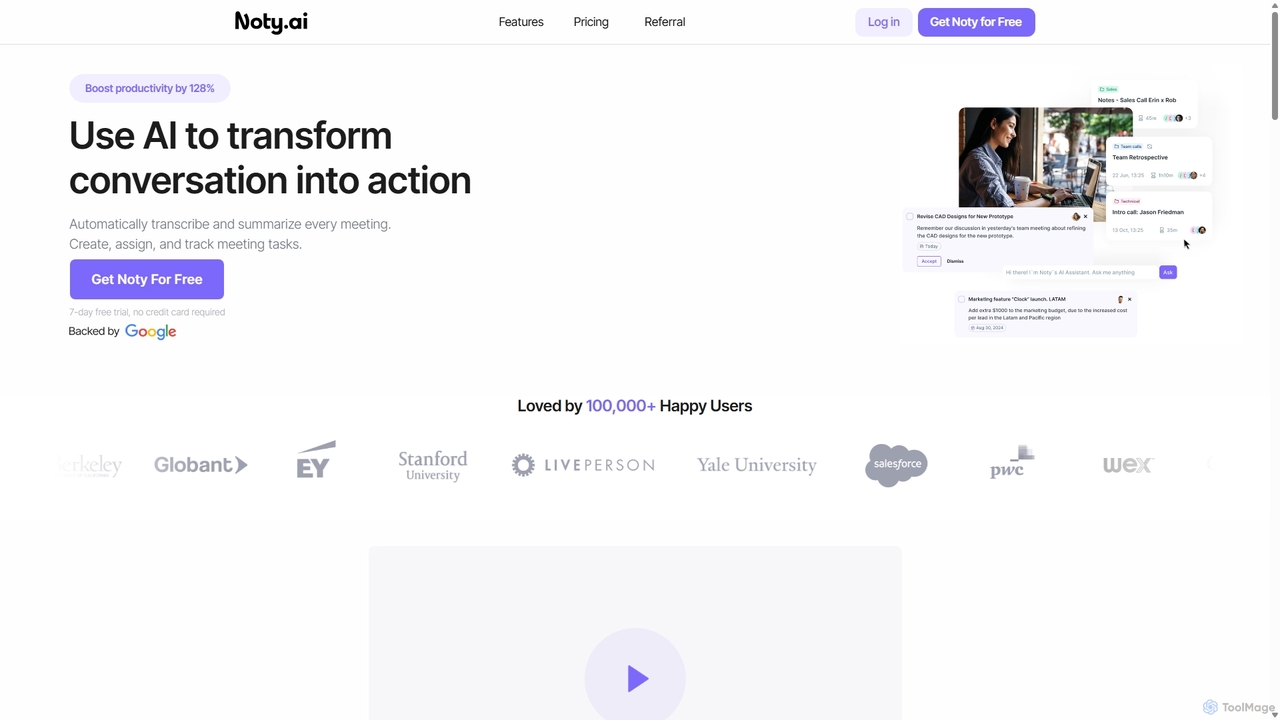
Noty.ai
Noty.ai is an AI meeting assistant that automatically transcribes, summarizes, and generates action items from your conversations. It helps you focus during meetings, ensures no detail is missed, and transforms discussions into trackable tasks, boosting team productivity and accountability.
Task Management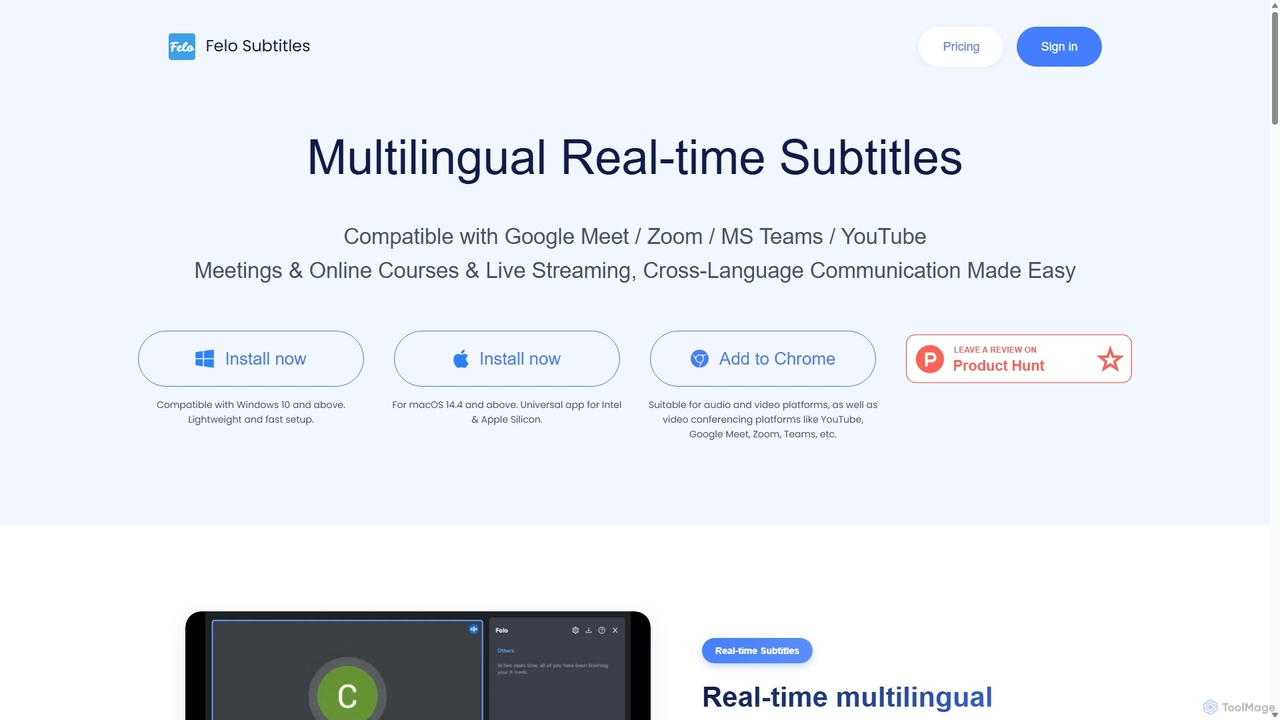
Felo Subtitles
Felo Subtitles is an AI-powered tool providing real-time multilingual captions and translated subtitles for meetings and videos. It seamlessly integrates with platforms like Google Meet, Zoom, MS Teams, and YouTube, offering features like speaker recognition, AI summaries, and customizable dictionaries to ensure clear, cross-language communication.
Language Learning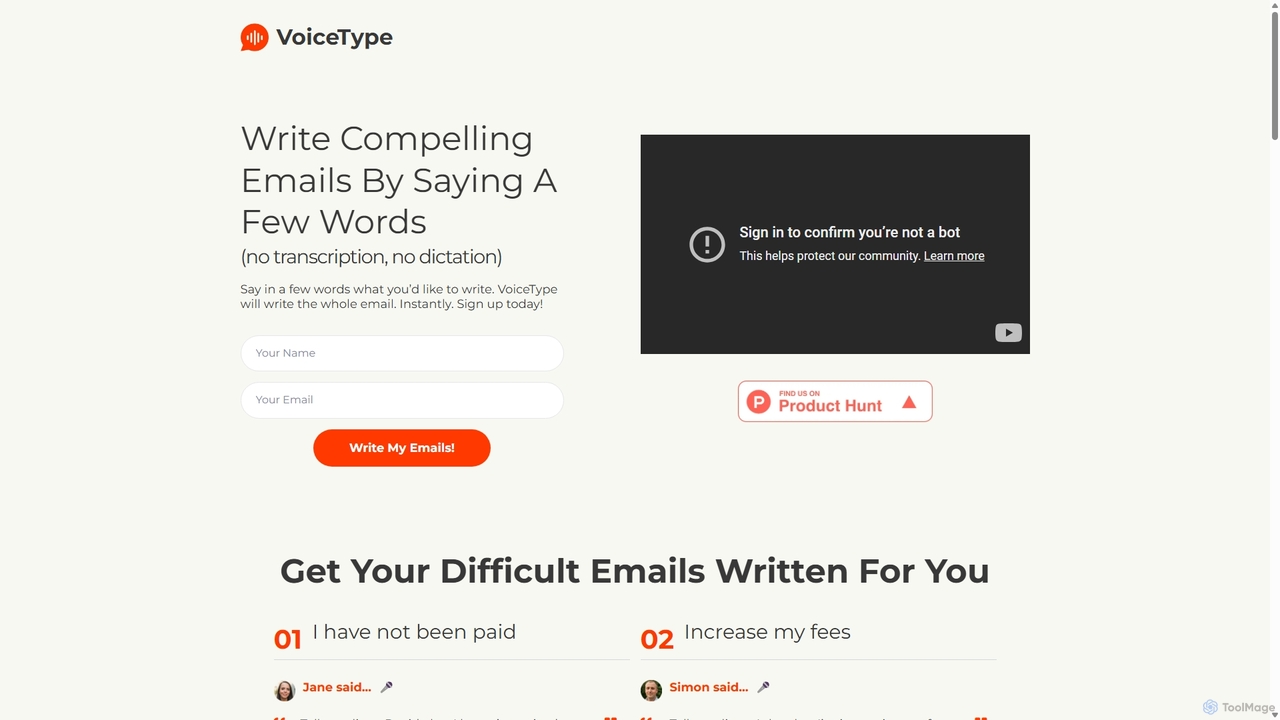
VoiceType
VoiceType is an AI-powered Chrome extension for Gmail that transforms short voice prompts into fully composed, professional emails. Instead of dictation, you simply explain the intent of your message, and VoiceType drafts a polished, grammatically correct email instantly. It's designed to save time, improve communication quality, and assist users with writing difficulties like dyslexia.
Assistive TechnologyVocal Categories
Vocal Jobs
Vocal Embed Widget
Copy this embed code to place the badge on your blog, article, or product site and send readers directly to this ToolMage detail page.

Related AI tools
Mailbutler
Mailbutler is an AI-powered email extension for Apple Mail, Gmail, and Outlook that enhances your inbox. It offers features like email tracking, AI-driven smart compose and summarization, collaborative tools for teams, and professional signature marketing to boost productivity and streamline communication.
Help DeskZeroAudio
ZeroAudio is an AI-powered tool that integrates with WhatsApp to summarize long audio messages. Simply forward any voice note to ZeroAudio, and it will quickly provide a concise, text-based summary of the key points. This saves you time, allows you to "read" audios in private, and makes the information within them easily searchable, eliminating the need to listen to lengthy, rambling messages.
Speech To TextNoty.ai
Noty.ai is an AI meeting assistant that automatically transcribes, summarizes, and generates action items from your conversations. It helps you focus during meetings, ensures no detail is missed, and transforms discussions into trackable tasks, boosting team productivity and accountability.
Task ManagementFelo Subtitles
Felo Subtitles is an AI-powered tool providing real-time multilingual captions and translated subtitles for meetings and videos. It seamlessly integrates with platforms like Google Meet, Zoom, MS Teams, and YouTube, offering features like speaker recognition, AI summaries, and customizable dictionaries to ensure clear, cross-language communication.
Language LearningVoiceType
VoiceType is an AI-powered Chrome extension for Gmail that transforms short voice prompts into fully composed, professional emails. Instead of dictation, you simply explain the intent of your message, and VoiceType drafts a polished, grammatically correct email instantly. It's designed to save time, improve communication quality, and assist users with writing difficulties like dyslexia.
Assistive Technology
Ambient
Ambient is an AI-powered meeting assistant that automatically joins your calls, records, transcribes, and generates intelligent summaries. It captures action items, key decisions, and important topics from your meetings on platforms like Zoom, Google Meet, and Microsoft Teams, saving you hours on manual note-taking and ensuring no detail is missed.
Transcription Services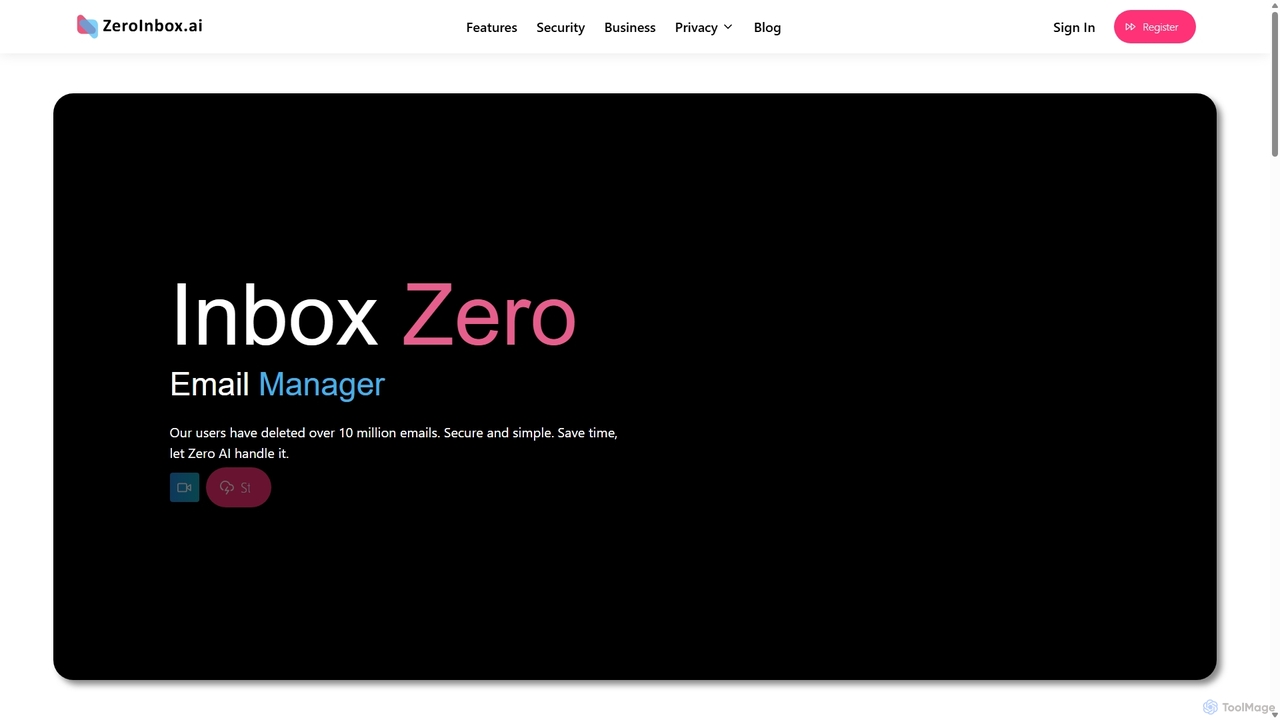
Inbox Zero
Inbox Zero is an AI-powered email organizer designed to help you clean and manage your inbox effortlessly. It intelligently sorts emails, deletes spam, and facilitates one-click unsubscribing from newsletters, allowing you to achieve a clean, organized inbox in seconds. With a strong focus on security and user privacy, it's the ultimate tool for boosting email productivity for both individuals and businesses.
Email Management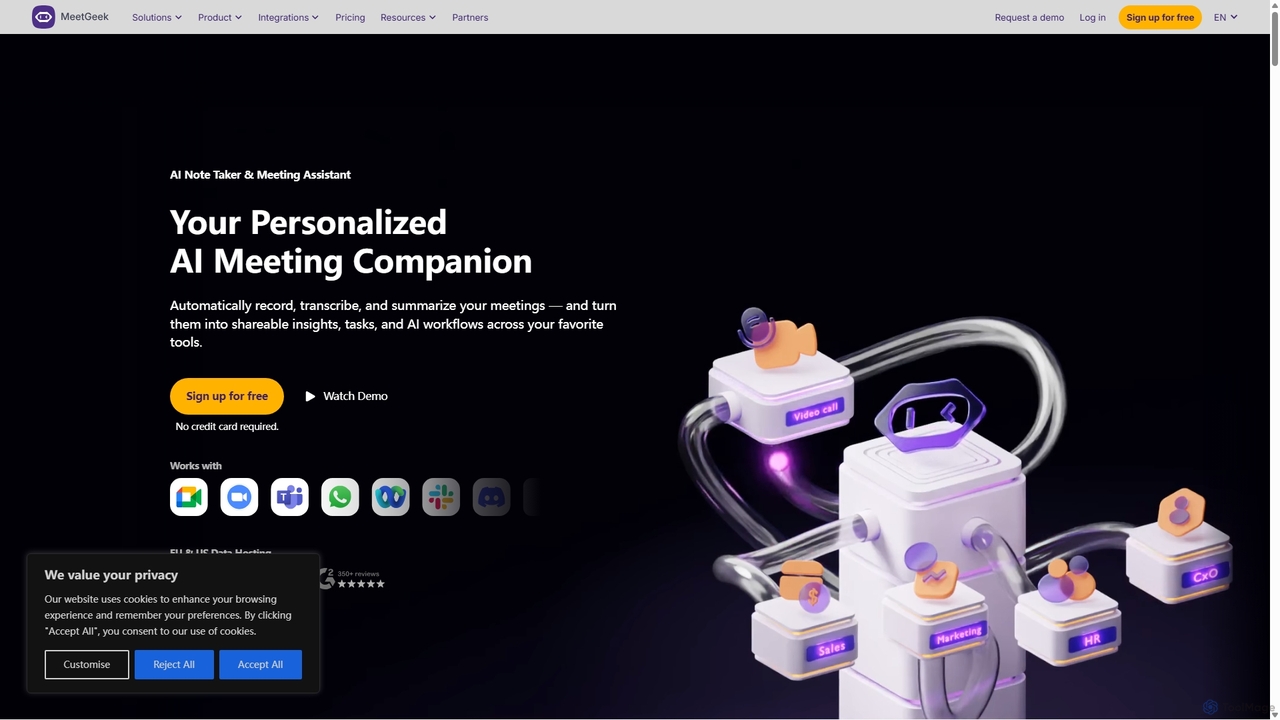
MeetGeek
MeetGeek is an AI meeting assistant that automatically records, transcribes, summarizes, and provides key insights for your meetings. It integrates with Zoom, Google Meet, and Microsoft Teams to capture every detail, turning conversations into actionable knowledge and saving hours of manual note-taking.
Sales
VideoAsk
VideoAsk, by Typeform, is an interactive video platform that helps businesses connect with their audience through personal, face-to-face conversations at scale. It replaces traditional text-based forms and chatbots with asynchronous video, audio, or text interactions, making lead generation, recruitment, and customer support more engaging and human.
Feedback Collection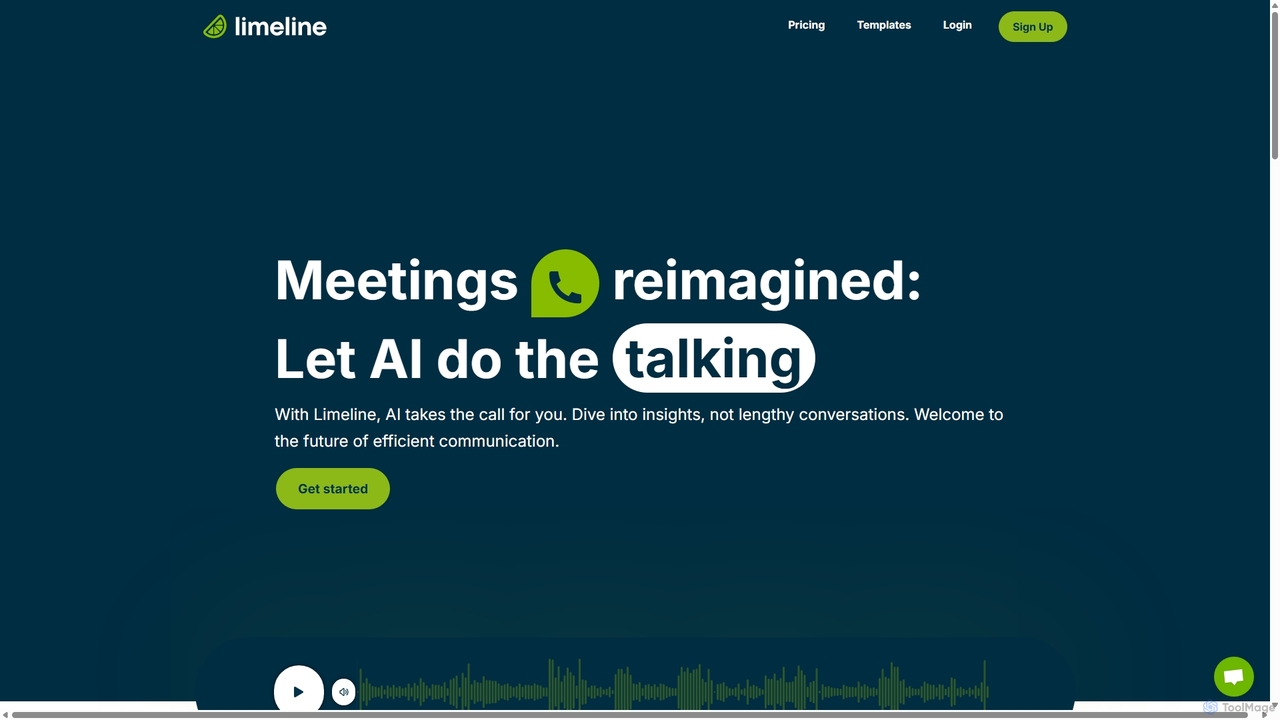
Limeline
Limeline is an AI-powered platform that automates meetings and calls. Create custom AI agents to conduct conversations on your behalf, gathering information, qualifying leads, or collecting feedback 24/7. It provides real-time transcripts, summaries, and recordings, saving you time and enhancing productivity across various departments like sales, HR, and research.
Feedback Collection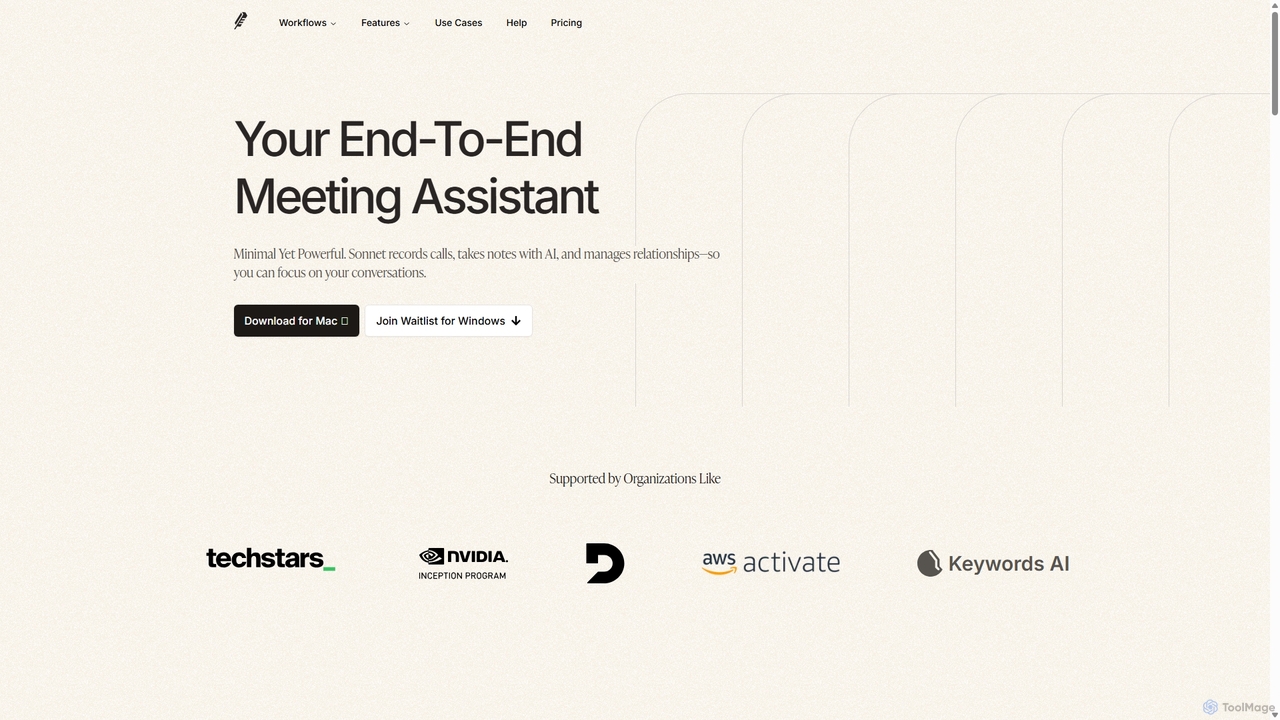
Sonnet AI
Sonnet AI is an end-to-end meeting assistant that records, transcribes, and summarizes conversations. It automates note-taking, CRM updates, and action item generation, providing pre-meeting insights on participants and post-meeting shareable summaries to enhance productivity across various professions.
Crm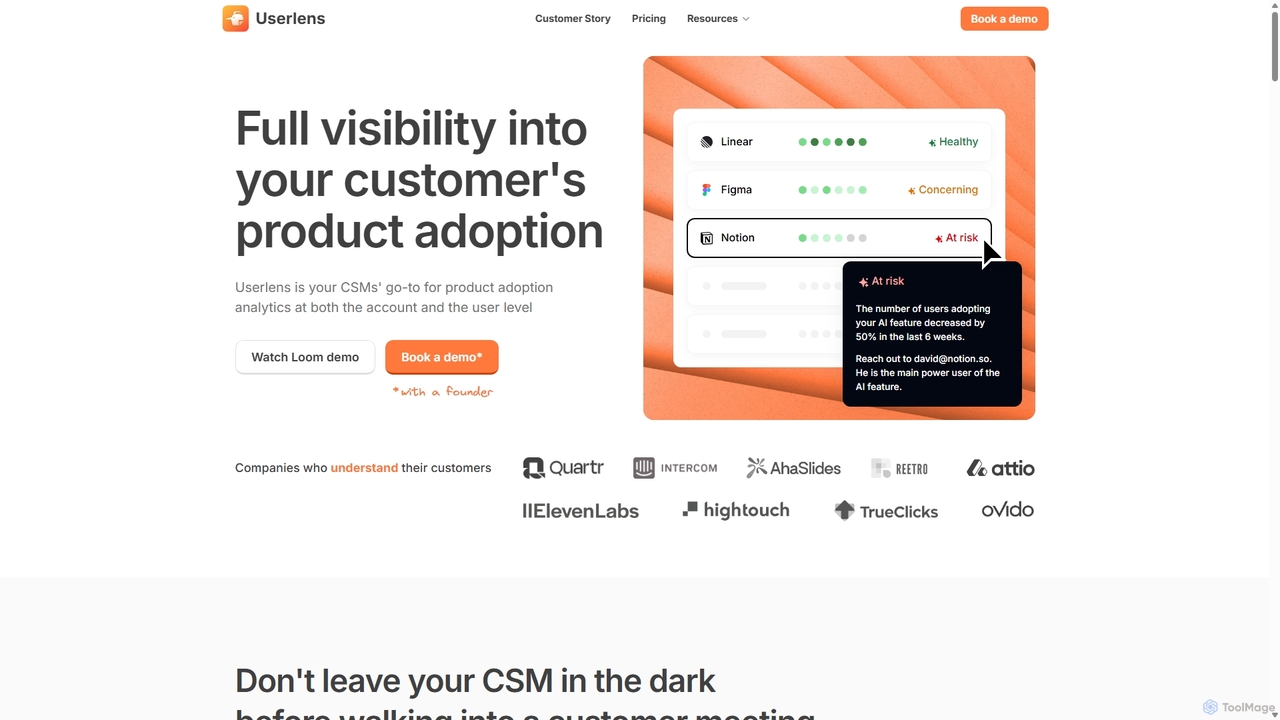
Wudpecker
Wudpecker is an AI-powered platform offering two core solutions: an AI Meeting Assistant for automated recording, transcription, and summarization, and Userlens, a product analytics tool for customer success teams to monitor user adoption, assess account health, and prevent churn. It streamlines meeting productivity and provides deep customer insights.
Product Analytics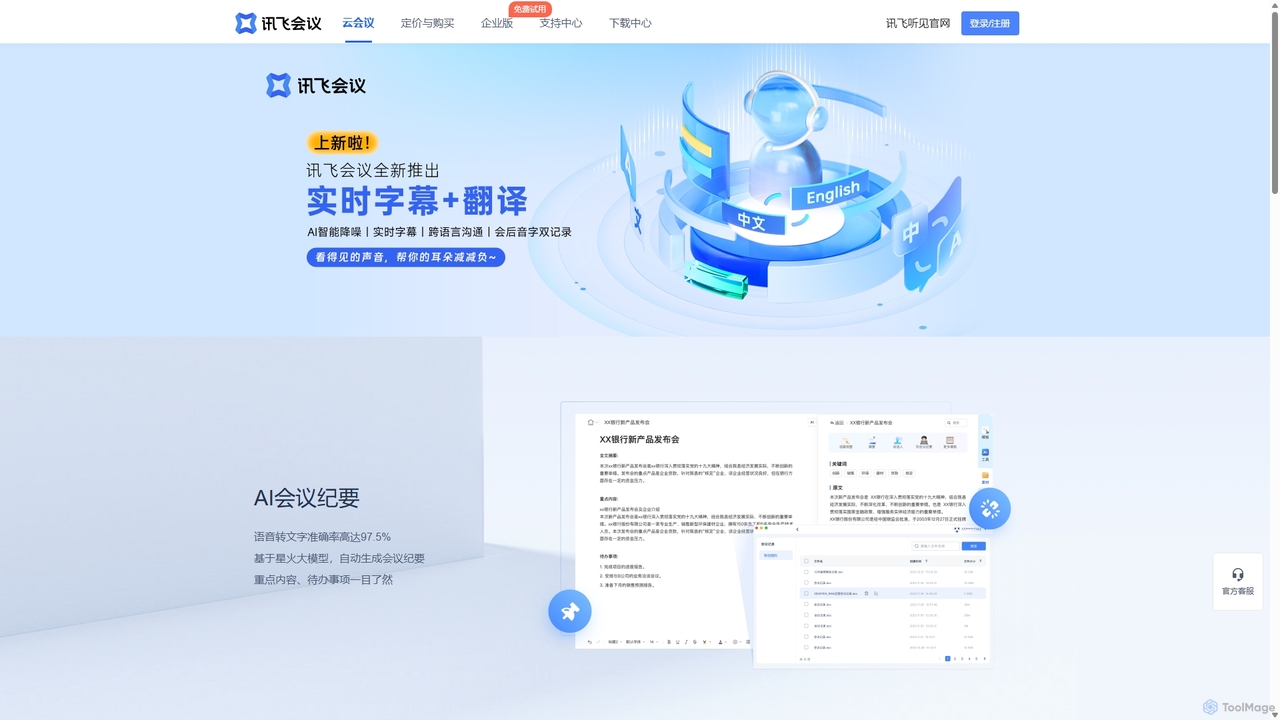
IFlytek Meeting
iFlytek Meeting is an AI-powered HD video conferencing platform. It offers high-accuracy real-time transcription, automatic meeting summaries, and to-do list generation. With features like stable HD video, cross-platform support, and robust security, it enhances meeting efficiency for individuals, teams, and large enterprises, providing a seamless remote collaboration experience.
Communication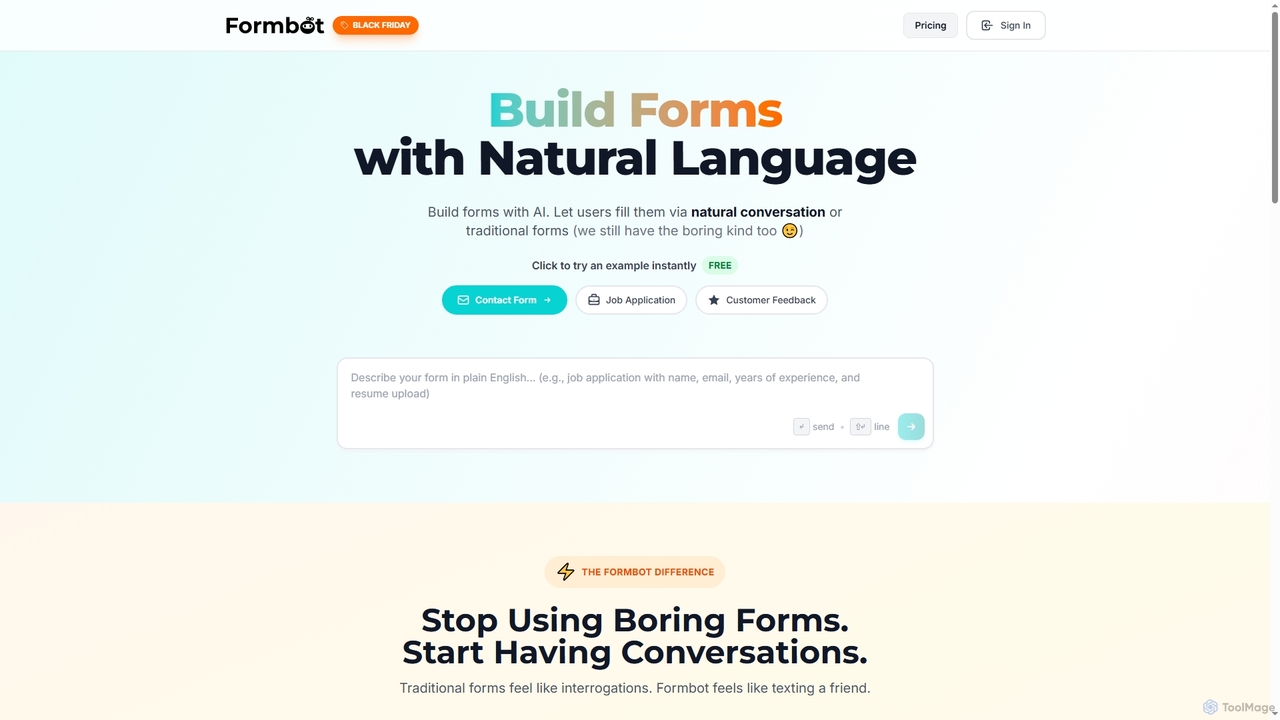
Formbot
Formbot is an AI-powered form builder that creates forms from natural language descriptions. It features a unique conversational chat mode to boost user engagement and completion rates, alongside traditional and guided form options. It offers full customization, real-time analytics, and over 100 templates for various industries without requiring any coding skills.
Feedback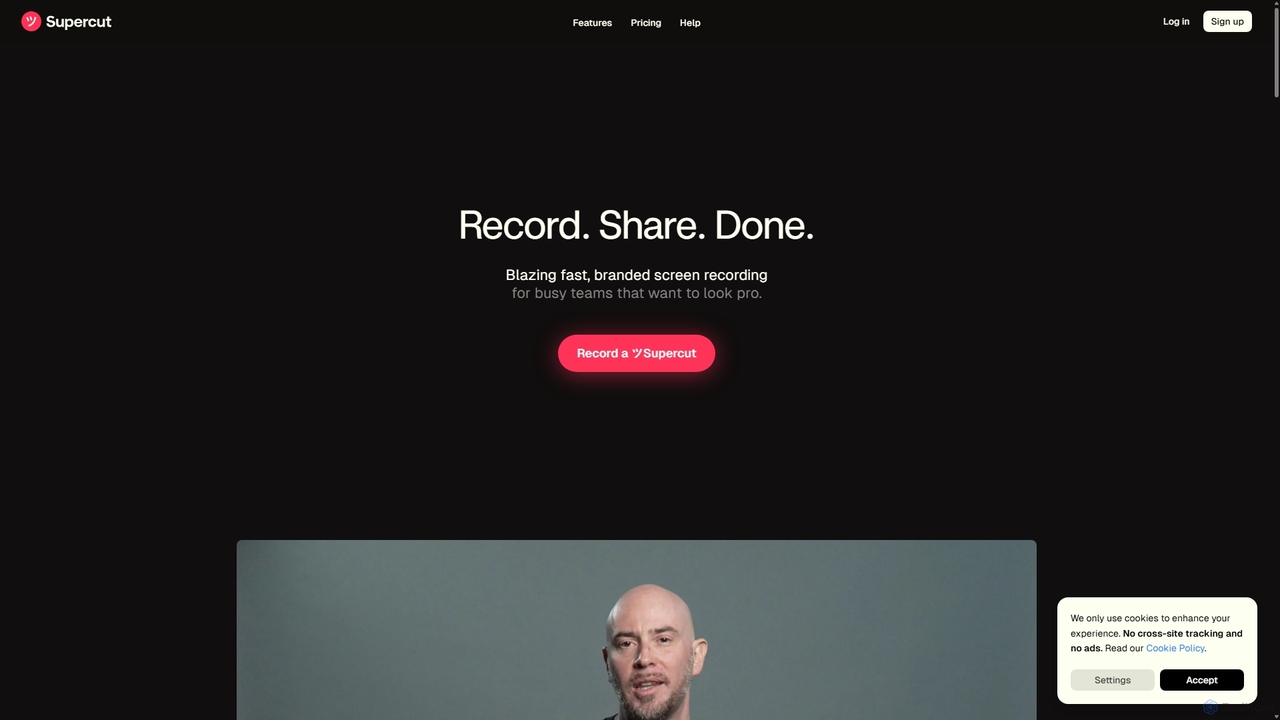
Supercut
Supercut is an AI-powered screen recording tool designed for teams to create professional, branded videos with blazing speed. It automates tedious tasks like chapter creation and editing, enabling users to record, share, and get results instantly. Ideal for sales, customer support, and team collaboration.
Helpdesk
Vocal Comments (0)
Sign in to comment.
Sign inNo comments yet.