ToolMage
Sign in

Best 13 Email AI tools for Productivity

Popular Email AI tools in Productivity include Superhuman, Streak, Canary Mail, Boomerang for Gmail, Mailbutler, Vocal, EmailEngine, maildax, MailTime, and Email Tracker, helping you work more efficiently.

Superinbox
Freemium

Superinbox

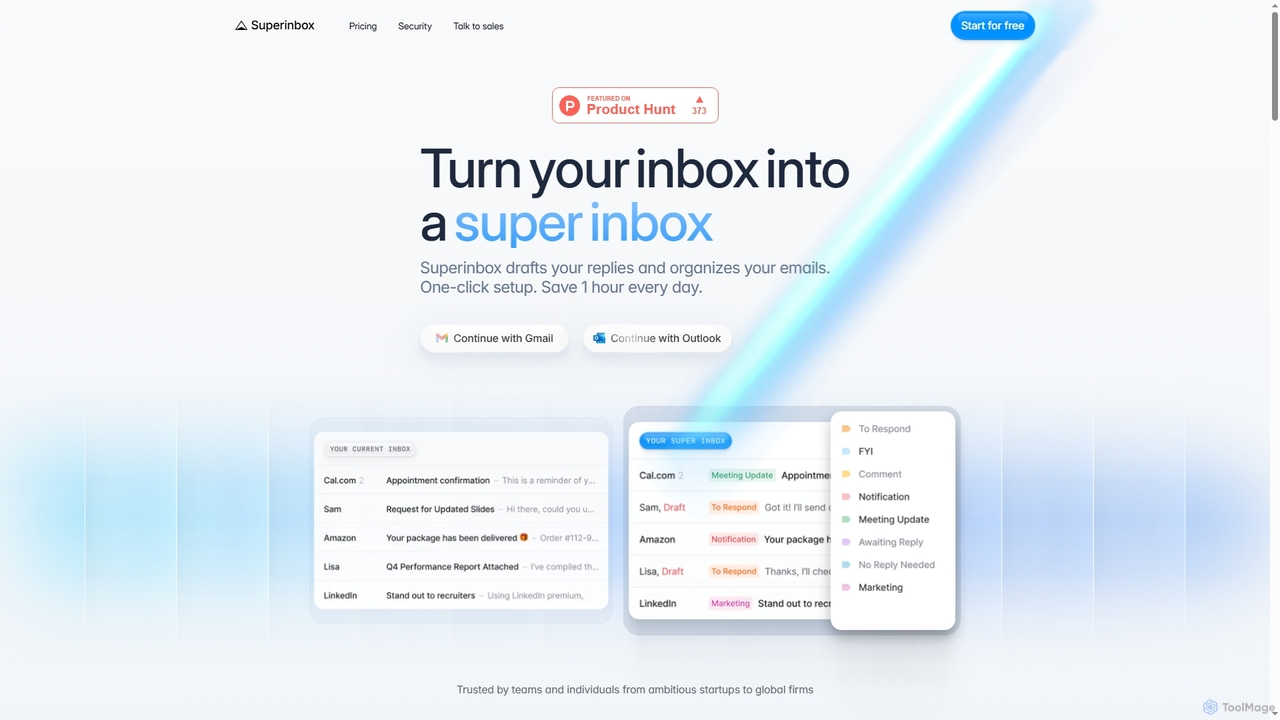
Superinbox is an AI-powered email assistant for Gmail and Outlook that automates email management. It drafts context-aware replies in your voice, automatically categorizes your inbox, and integrates with your calendar to streamline scheduling. Designed to save you time, it offers enterprise-grade security and a one-click setup.

Automation
Visits 6.7KFavorites 154Likes 150
Vocal
Freemium

Vocal

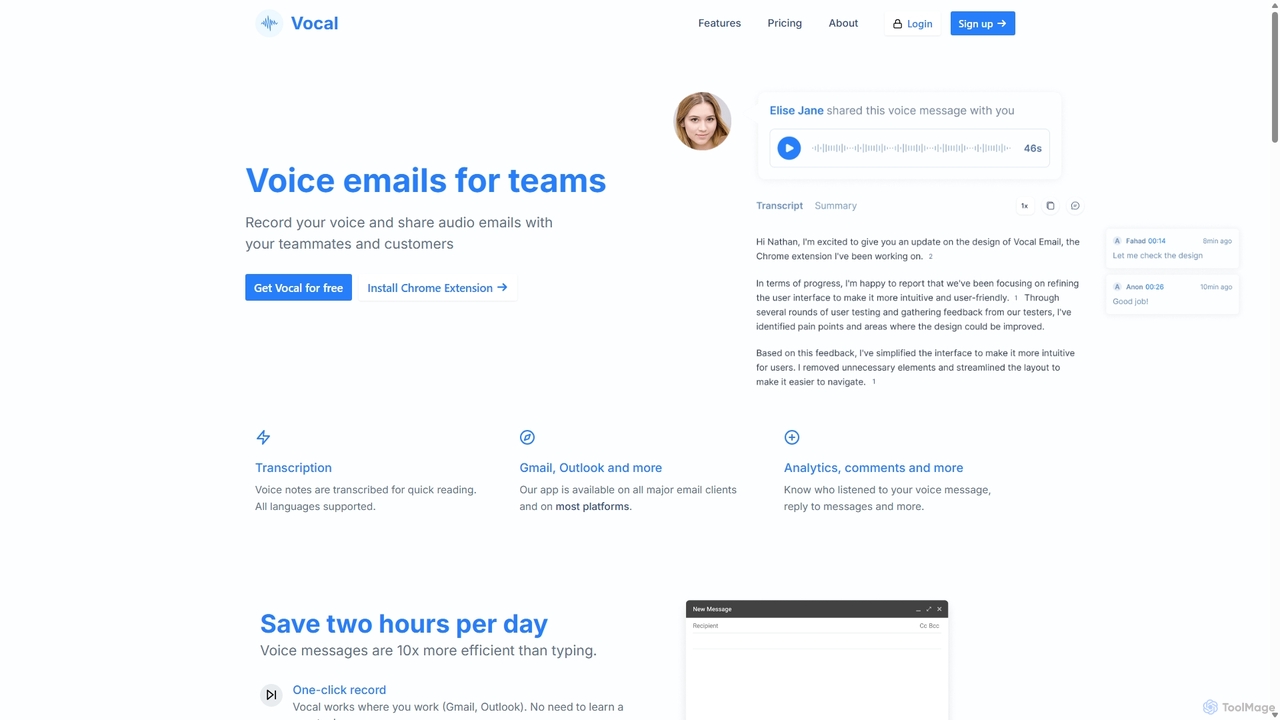
Vocal enhances email communication by allowing users to send voice messages directly within Gmail and Outlook. It simplifies sending personal, nuanced audio notes as .mp3 attachments or shareable links, making communication more expressive. Features include automatic transcription, listen insights, and customization options to improve engagement and efficiency.

Messaging
Visits 39.1KFavorites 192Likes 185
Mailbutler
Freemium

Mailbutler

Mailbutler is an AI-powered email extension for Apple Mail, Gmail, and Outlook that enhances your inbox. It offers features like email tracking, AI-driven smart compose and summarization, collaborative tools for teams, and professional signature marketing to boost productivity and streamline communication.

Help Desk
Visits 59.6KFavorites 139Likes 157
Email Tracker
Freemium

Email Tracker

A free email tracking extension for Gmail that provides real-time open notifications, link click tracking, and detailed engagement insights. Enhance your email outreach, increase reply rates by up to 40%, and close more deals with powerful, easy-to-use analytics.

Email Marketing
Visits 12.8KFavorites 135Likes 126
Streak
Freemium

Streak

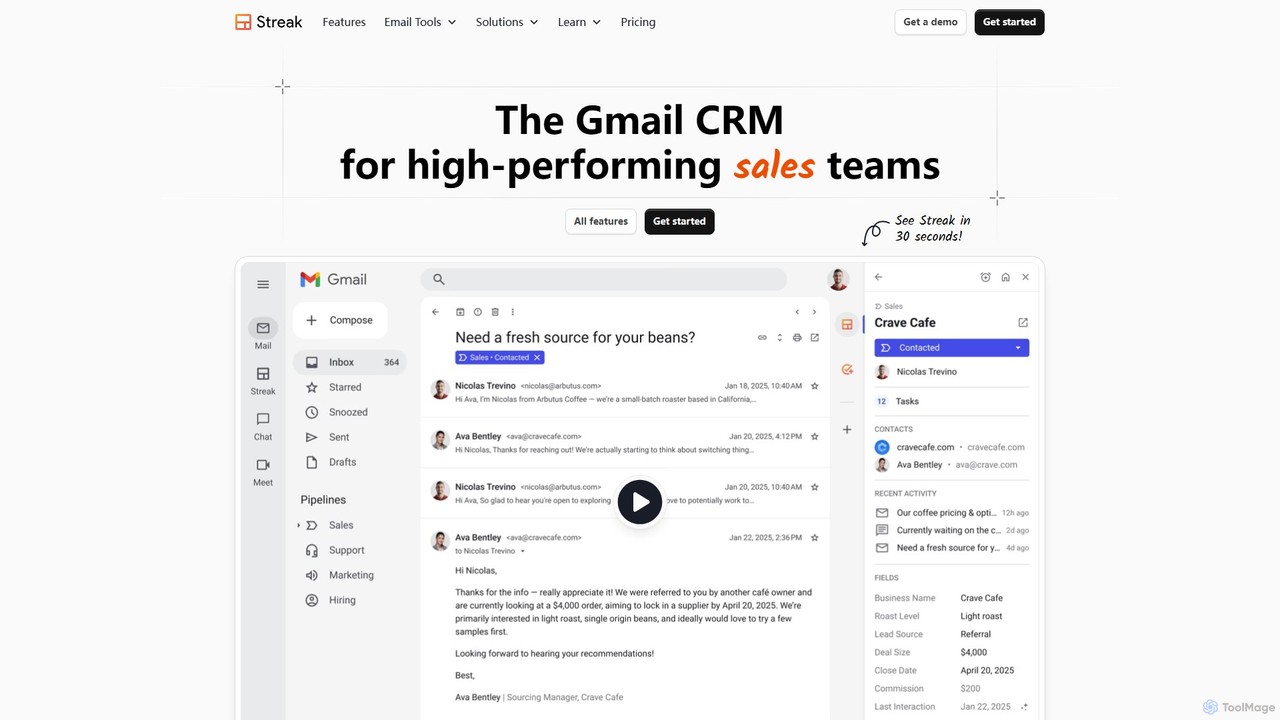
Streak is a powerful CRM built directly into your Gmail inbox. It helps teams manage sales pipelines, track leads, automate workflows, and enhance email outreach with features like tracking, mail merge, and AI-powered summaries, all without leaving Gmail.

Crm
Visits 575.9KFavorites 138Likes 141
Friday
Freemium

Friday

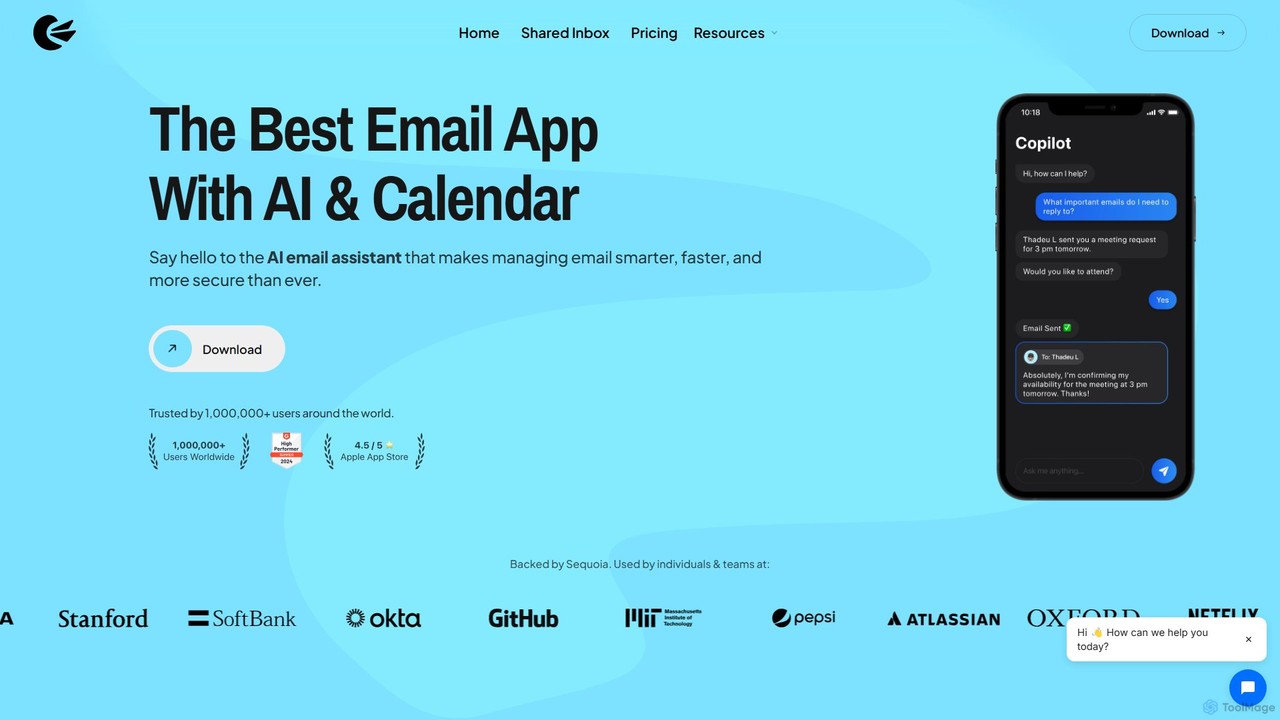
Friday is a Y Combinator-backed AI email client designed to revolutionize your inbox. It learns from your email habits to automatically summarize threads, handle routine responses, and filter out junk mail, acting as a personal assistant to help you manage your email at the speed of thought.

Personal
Visits 11.8KFavorites 189Likes 148
Boomerang for Gmail
Freemium

Boomerang for Gmail

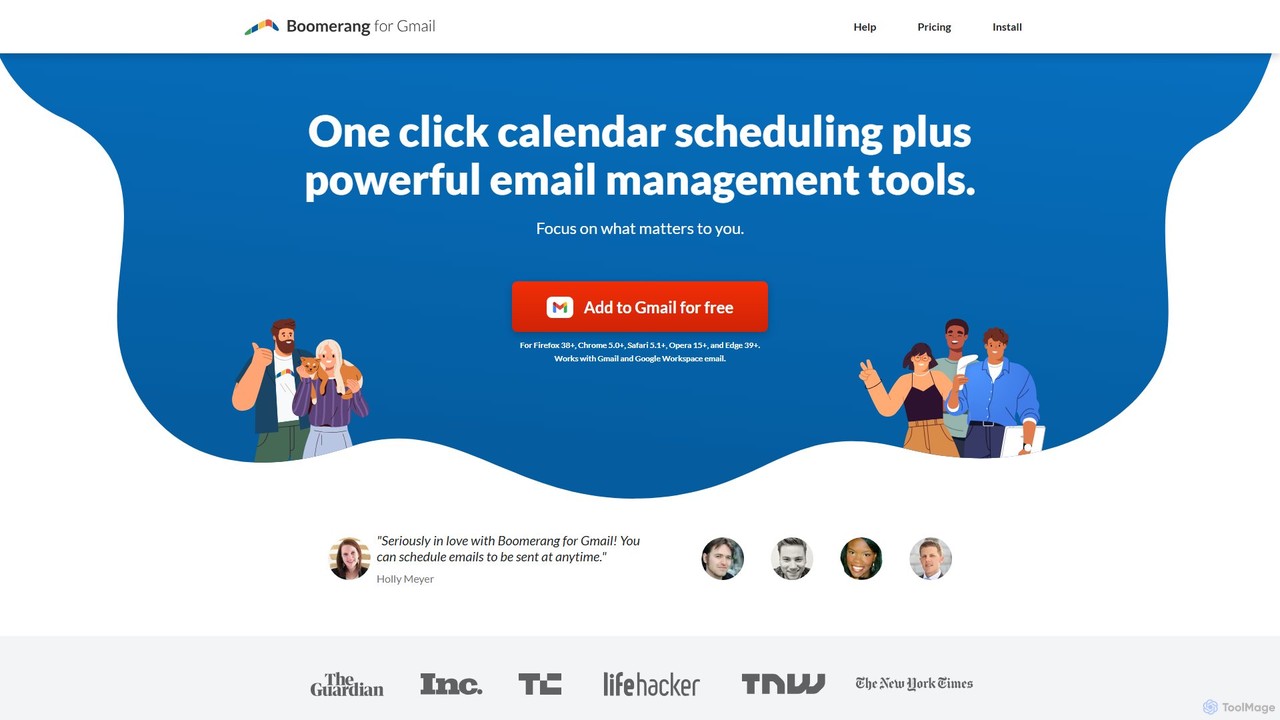
Boomerang for Gmail is a powerful email productivity tool that enhances your inbox with features like email scheduling, follow-up reminders, and response tracking. It uses AI to help you write more effective emails and manage your communications efficiently, ensuring you never miss an important conversation.

Email Marketing
Visits 148.1KFavorites 128Likes 139
EmailEngine
Freemium

EmailEngine

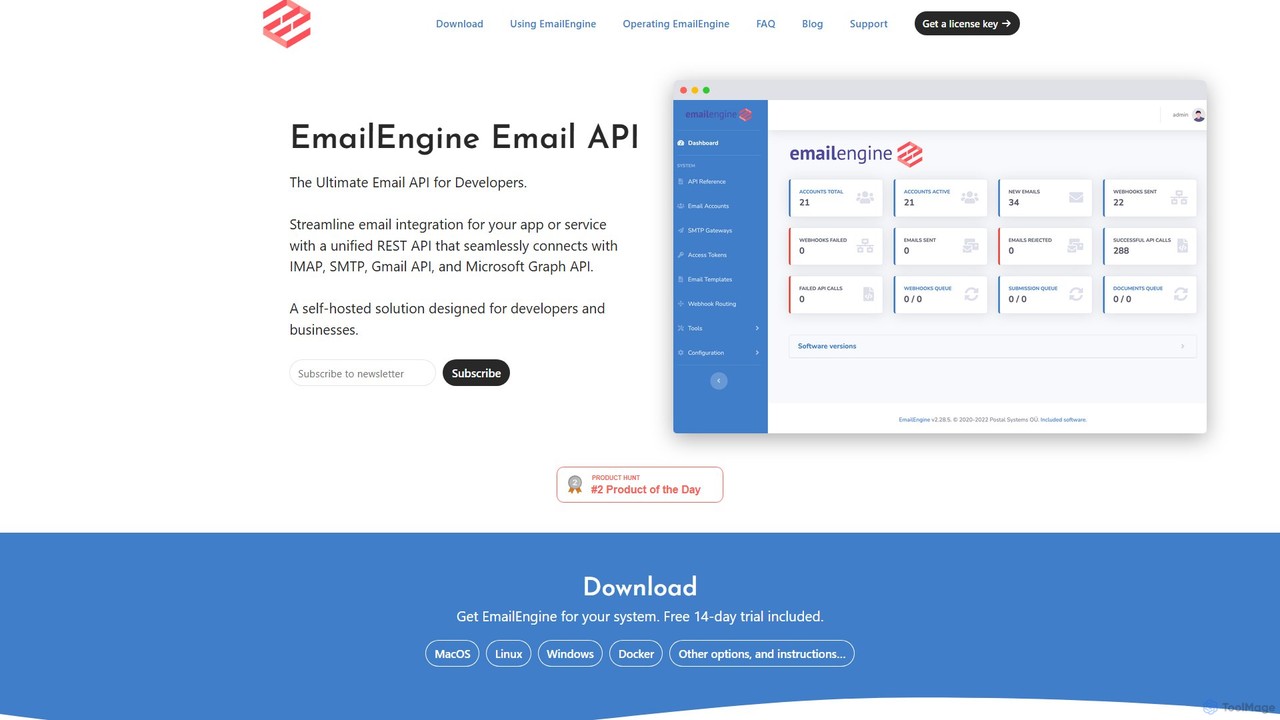
EmailEngine is a self-hosted email API that allows developers to integrate their applications with existing email accounts. It provides a RESTful API for reading and sending emails via IMAP, SMTP, Gmail API, and MS Graph API, ensuring data privacy and compliance by keeping all information on your own servers.

Crm
Visits 27.3KFavorites 139Likes 159
MailTime
Freemium

MailTime

MailTime is an AI-powered email messenger app that transforms your cluttered email threads into clean, chat-like conversations. It declutters your inbox by filtering out newsletters and promotions, allowing you to focus on important messages from real people. It supports major email providers like Gmail, Outlook, and Yahoo.

Messaging
Visits 15.8KFavorites 107Likes 103
maildax
Free

maildax

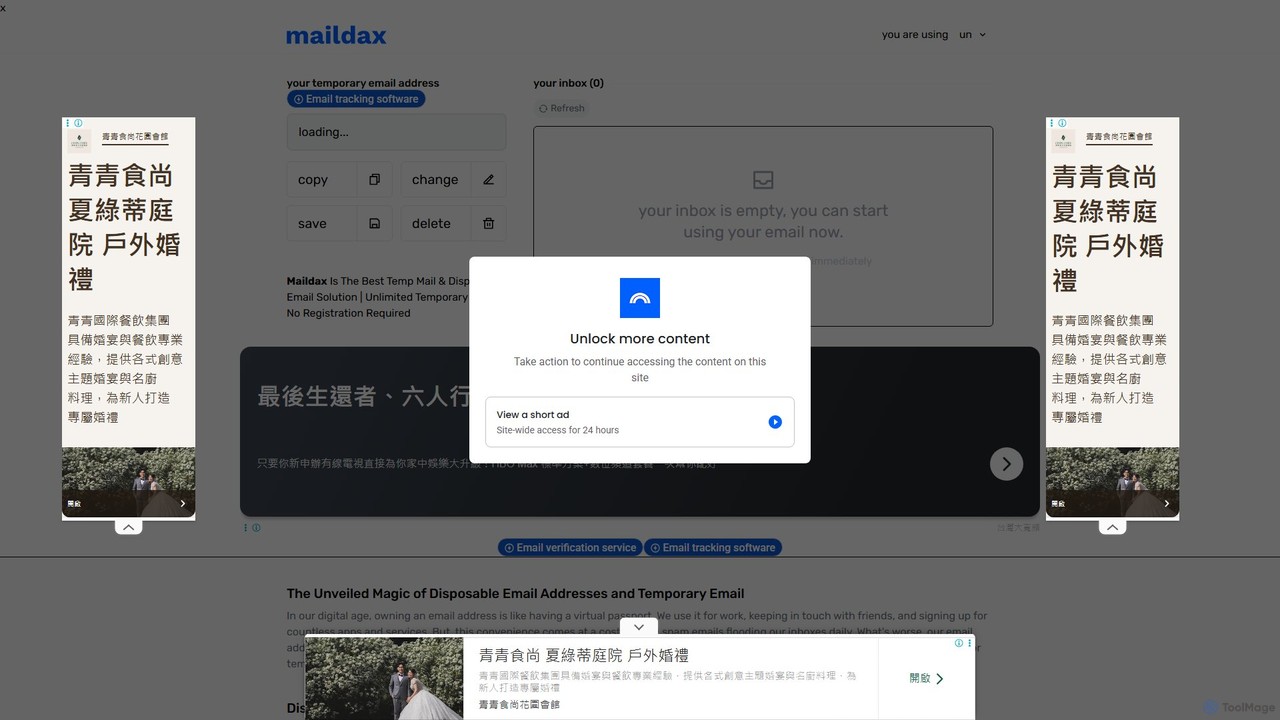
Maildax is a free disposable temporary email service that provides instant, anonymous email addresses without any registration. Protect your primary inbox from spam, advertising, and data breaches by using a secure, temporary email for sign-ups, trials, and testing.

Email
Visits 22.2KFavorites 113Likes 112
Superhuman
Paid

Superhuman

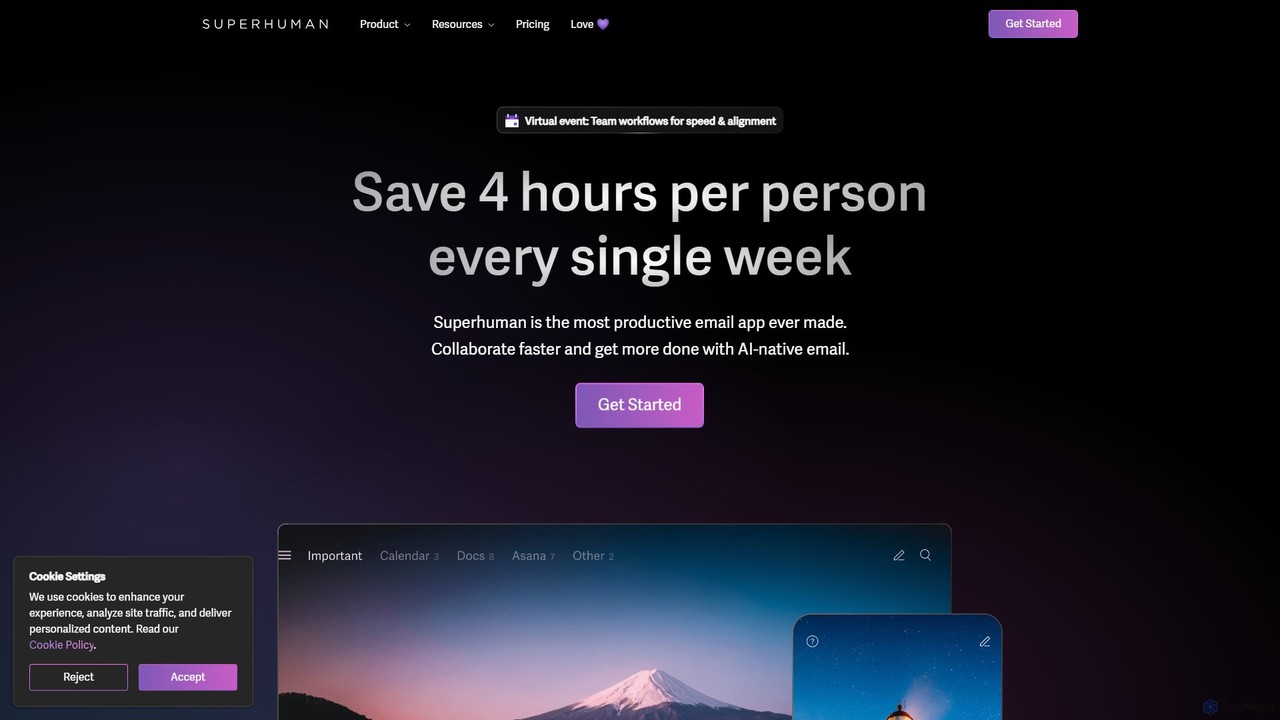
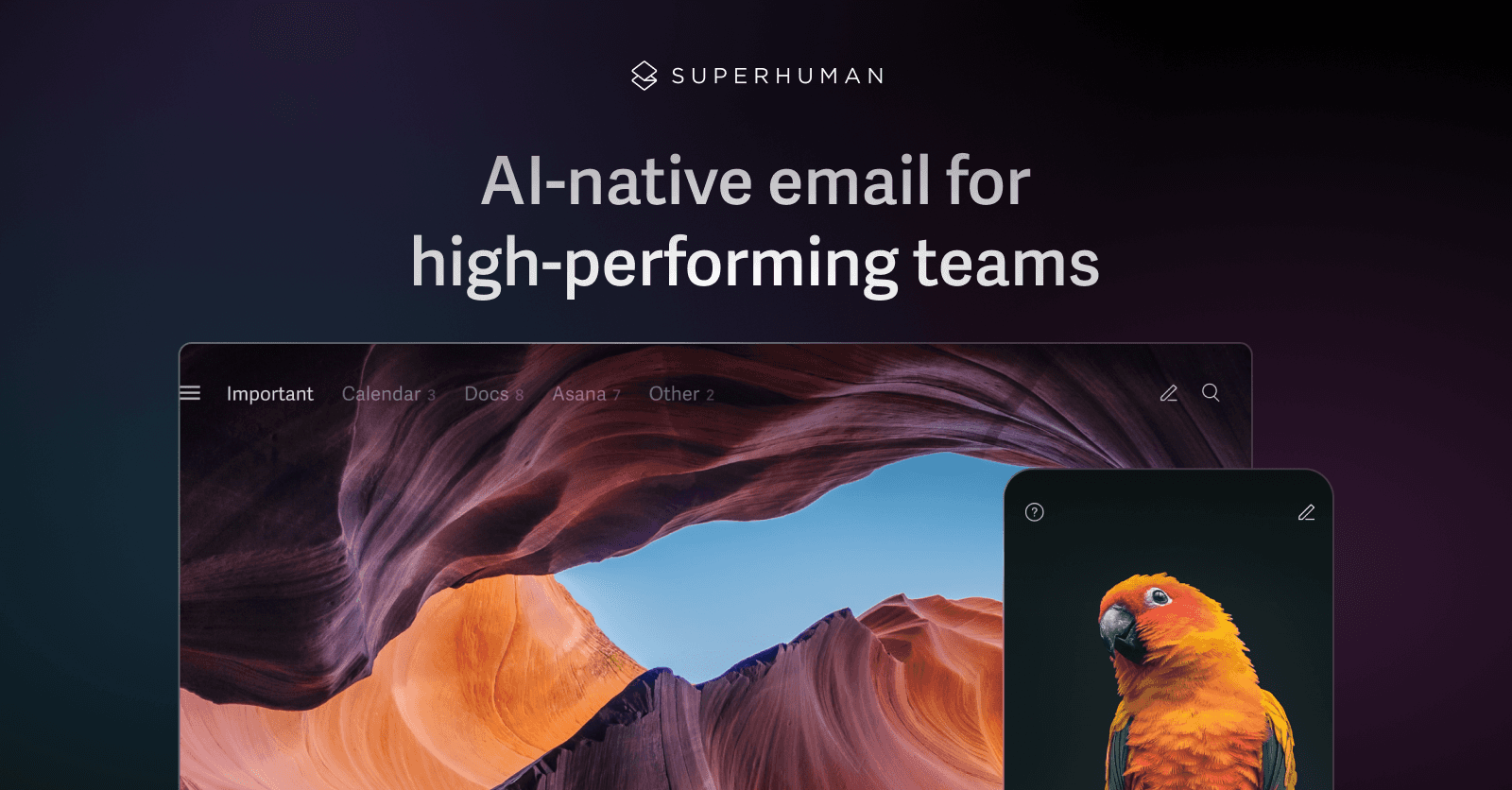
Superhuman is an AI-native email client designed for speed and productivity. It helps high-performing teams and individuals save over 4 hours a week by organizing the inbox, summarizing threads, and drafting emails with AI that matches your personal writing style. It supports Gmail and Outlook, offering a blazingly fast, focused, and collaborative email experience.

Team Collaboration
Visits 3.3MFavorites 116Likes 133
Canary Mail
Freemium

Canary Mail

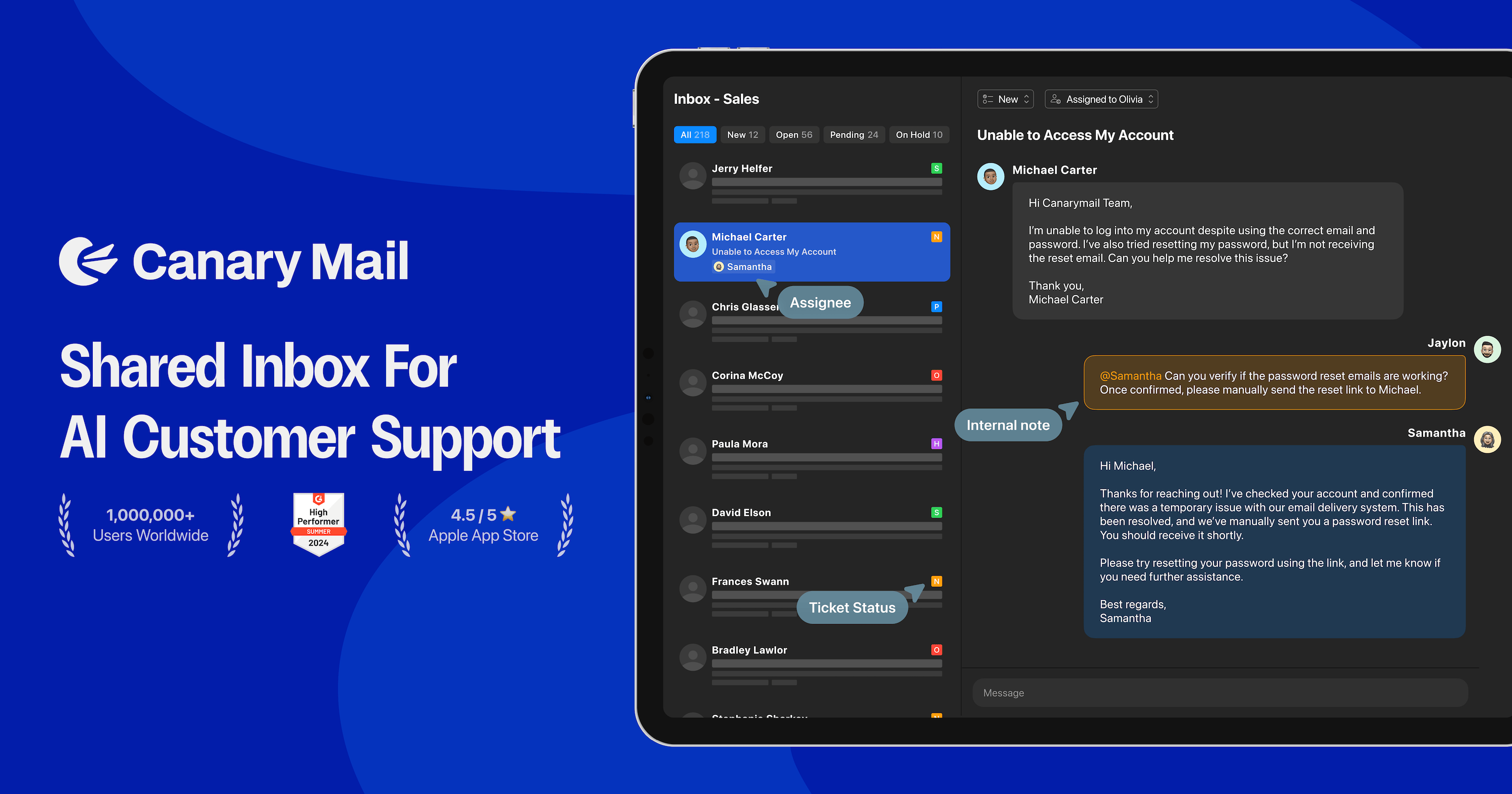
Canary Mail is a powerful, secure email client for Mac, iOS, Android, and Windows. It features an AI assistant for writing and summarizing emails, a unified inbox for all your accounts, and enterprise-grade security with end-to-end encryption. Ideal for individuals and teams seeking to enhance productivity and protect their communications.

Writing
Visits 260KFavorites 151Likes 158
volamail
Freemium

volamail

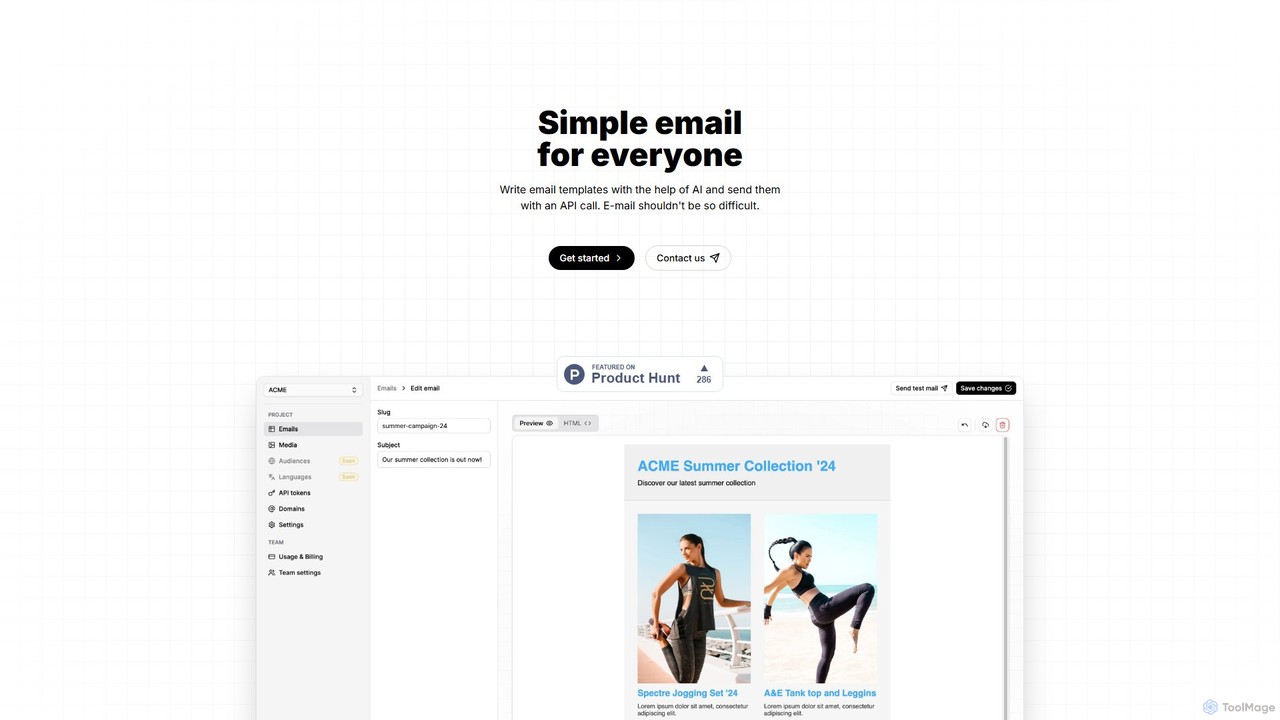
volamail is an AI-powered platform that simplifies email creation and delivery. It allows users to write and edit email templates with AI assistance, import existing HTML, and send transactional emails via a simple API call. It's open-source, self-hostable, and designed for developers and teams looking for an efficient email solution.

Api
Visits 6.4KFavorites 131Likes 110

About Email

AI Email tools are a sophisticated category of AI-powered applications specifically designed to automate, optimize, and significantly enhance various aspects of email communication. Leveraging advanced natural language processing (NLP), machine learning, and generative AI, these tools can intelligently understand email context, generate highly personalized content, categorize incoming messages, and prioritize your inbox with remarkable efficiency. They are instrumental in streamlining email management, improving the overall quality and impact of communication, and saving substantial time for individuals, sales teams, marketing professionals, and customer support departments, thereby becoming an indispensable component of modern productivity workflows.

Core Features

  • AI-Powered Drafting & Generation: Automatically generates comprehensive email content, compelling subject lines, and contextually relevant responses based on user prompts and conversation history, significantly speeding up composition.
  • Smart Inbox Management & Prioritization: Intelligently categorizes, prioritizes, and summarizes emails, effectively reducing inbox clutter and ensuring urgent or important messages are highlighted for immediate attention.
  • Automated Follow-ups & Reminders: Schedules and sends personalized follow-up emails or reminders based on predefined triggers, recipient engagement, or a lack of response, ensuring no opportunity is missed.
  • Sentiment Analysis & Tone Adjustment: Analyzes the emotional tone and sentiment of both incoming and outgoing emails, providing insights and suggesting adjustments to ensure messages are perceived as intended.
  • Personalization at Scale: Customizes email content for large audiences by dynamically inserting relevant details and tailoring messages, ensuring high relevance and engagement without requiring manual effort for each recipient.

Applicable Scenarios

AI Email tools find extensive application across diverse professional landscapes. Customer service teams utilize these tools to automate accurate and consistent responses to frequently asked questions, drastically improving response times and service quality. Sales professionals leverage AI to craft highly personalized and persuasive outreach emails, which significantly increases open rates, engagement, and ultimately, conversion rates. Marketing departments employ these advanced tools for generating compelling campaign content, optimizing send times based on recipient behavior, and A/B testing variations, leading to more effective and impactful communication with their target audience.

How to Choose

When selecting an AI Email tool, it is crucial to consider its seamless integration capabilities with your existing email client (e.g., Gmail, Outlook) and CRM system for a truly unified and efficient workflow. Evaluate the accuracy, sophistication, and adaptability of its underlying AI models for content generation, summarization, and contextual understanding. Look for robust customization options that allow you to tailor AI suggestions to your specific brand voice, communication style, and unique business needs. Furthermore, prioritize tools with strong data security protocols, transparent privacy policies, and compliance certifications, especially when handling sensitive customer or business information.

Featured tool rankings

Email use cases

1

Automating Customer Support Email Responses

Customer service teams can deploy AI Email tools to automatically generate accurate and empathetic responses to common customer inquiries. By analyzing the content of incoming support emails, the AI can suggest or directly compose replies regarding FAQs, order status, or basic troubleshooting, significantly reducing response times and freeing agents to focus on complex issues. This ensures consistent service quality and improves customer satisfaction.

2

Personalizing Sales Outreach at Scale

Sales professionals often struggle with crafting unique, engaging emails for each prospect. AI Email tools enable them to generate highly personalized sales outreach messages by incorporating prospect-specific details, company information, and relevant pain points gleaned from public data or CRM. This automation allows sales teams to send hundreds of tailored emails efficiently, dramatically increasing open rates and lead conversion compared to generic templates.

3

Generating Engaging Marketing Campaign Emails

Marketing specialists can leverage AI Email tools to rapidly create diverse and compelling content for email marketing campaigns. From crafting catchy subject lines and engaging body copy to suggesting optimal send times and A/B test variations, AI assists in producing high-performing emails. This accelerates content creation, ensures brand consistency, and helps optimize campaign performance by tailoring messages to different audience segments.

4

Intelligent Inbox Triage and Prioritization

Busy professionals receive hundreds of emails daily, making inbox management overwhelming. AI Email tools intelligently analyze incoming messages, categorizing them by urgency, sender, or topic, and highlighting critical communications. They can also summarize long threads or draft quick replies, allowing users to focus on high-priority tasks and manage their inbox more efficiently without missing important information.

5

Streamlining Meeting Scheduling and Follow-ups

Coordinating meetings and sending follow-up summaries can be time-consuming. AI Email tools can automate the entire process: suggesting optimal meeting times based on calendar availability, drafting professional invitations, and sending post-meeting summaries with action items. This reduces administrative overhead, ensures timely communication, and keeps all participants aligned, enhancing overall team productivity.

6

Enhancing Cross-Cultural Email Communication

For global teams or businesses interacting with international clients, language barriers and cultural nuances in email can be challenging. AI Email tools can provide real-time translation, suggest culturally appropriate phrasing, and even adjust the tone of messages to ensure clarity and respect across different linguistic and cultural contexts. This facilitates smoother international collaboration and prevents misunderstandings.

Email FAQ

What are AI Email tools?

AI Email tools are software applications that integrate artificial intelligence, primarily natural language processing (NLP) and machine learning, to automate and enhance email-related tasks. They go beyond traditional email clients by offering intelligent features like content generation, smart categorization, automated responses, and personalization, aiming to improve efficiency, communication quality, and inbox management for users.

How do AI Email tools differ from traditional email clients?

Traditional email clients (like Gmail or Outlook) primarily provide infrastructure for sending, receiving, and organizing emails manually. AI Email tools, however, actively assist in the content creation and intelligent management of emails. They use AI to understand context, suggest or write replies, summarize threads, prioritize messages, and personalize outreach, offering a proactive layer of assistance that traditional clients lack.

What specific tasks can AI Email tools automate?

AI Email tools can automate a wide range of tasks, including:

  • Drafting & Composing: Generating entire emails, subject lines, or specific paragraphs based on prompts.
  • Responding: Crafting quick, context-aware replies to common inquiries.
  • Summarizing: Condensing long email threads or individual messages into key points.
  • Categorizing & Prioritizing: Automatically sorting emails by importance, sender, or topic.
  • Scheduling: Automating follow-ups and reminders.
  • Personalization: Tailoring content for mass outreach campaigns.

How can I choose the right AI Email tool for my needs?

To choose the right AI Email tool, consider several factors. First, assess your primary needs: do you need help with content generation, inbox management, or sales outreach? Second, check its integration capabilities with your existing email provider and CRM. Third, evaluate the quality and accuracy of its AI-generated content and its customization options. Finally, review its pricing model, security features, and user reviews to ensure it aligns with your budget and privacy requirements.

Are AI Email tools secure and private, especially with sensitive information?

The security and privacy of AI Email tools are paramount. Reputable AI Email tools employ robust encryption for data in transit and at rest, adhere to strict data privacy regulations (like GDPR, CCPA), and often offer enterprise-grade security features. However, it's crucial to research each tool's specific privacy policy, data handling practices, and compliance certifications before entrusting it with sensitive or confidential information. Always choose tools from trusted providers.