

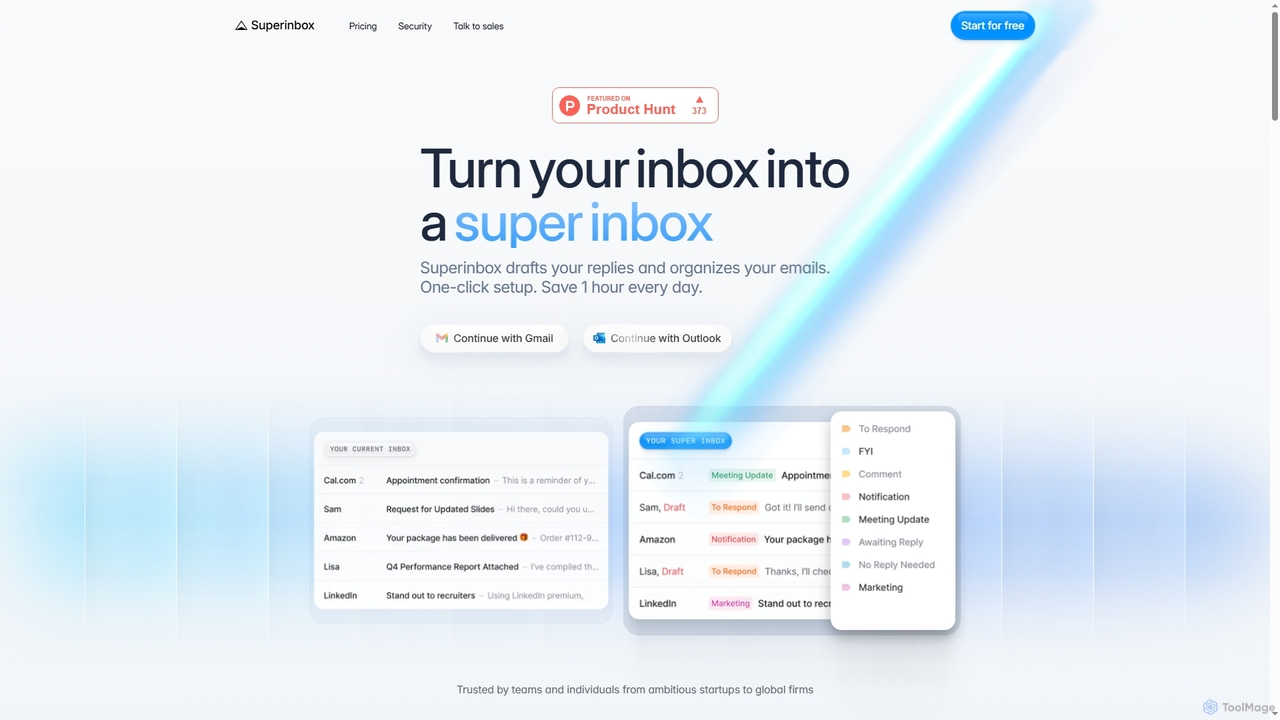
Superinbox Overview
Superinbox is an intelligent email assistant designed to transform your Gmail or Outlook inbox into a highly efficient productivity hub. By leveraging artificial intelligence, it automates tedious email tasks, such as drafting replies and organizing messages, aiming to save users an hour every day. The tool seamlessly integrates with your existing email client on web, desktop, and mobile platforms with a simple one-click setup, requiring no changes to your workflow.
How to use Superinbox
Getting started with Superinbox is straightforward. Users connect their Gmail or Outlook account via a secure OAuth authentication process. Once connected, the tool works in the background to analyze incoming emails. It automatically sorts them into relevant categories and prepares draft replies for emails that require a response. Users can then review, edit, and send these AI-generated drafts directly from their inbox, significantly speeding up email communication and organization.
Core Features of Superinbox
- AI-Powered Drafts: Generates pre-written replies that are context-aware, leveraging your email history and uploaded documents to ensure coherence.
- Personalized Voice & Tone: Adapts its writing style to match your unique voice for each conversation and recipient.
- Calendar Integration: Automatically pulls your available time slots into draft replies to eliminate the back-and-forth of scheduling meetings.
- Automatic Categorization: Sorts all incoming emails into appropriate categories using default or custom rules, keeping your inbox tidy.
- Enterprise-Grade Security: Features CASA Tier 2 certification, official partnerships with Google and Microsoft, and a strict no-data-storage policy where emails are processed in real-time and never stored.
Use Cases for Superinbox
Superinbox is ideal for busy professionals, teams, and individuals looking to reclaim time spent on email. It's particularly useful for managing high volumes of correspondence, quickly responding to common inquiries, scheduling appointments efficiently, and maintaining a consistently organized inbox. Business users can leverage custom rules and shared knowledge to streamline team-wide communication workflows.
Advantages of Superinbox
The primary advantage of Superinbox is its ability to drastically reduce the time and effort required to manage email. Its AI learns from your behavior to provide highly relevant and personalized assistance. The seamless integration with Gmail and Outlook means there's no new software to learn. Furthermore, its strong commitment to security, including real-time processing without data storage and independent audits, provides peace of mind for both individual and enterprise users.
Pricing and Plans
Superinbox offers a 7-day free trial with no credit card required. The paid plans are as follows:
- Starter: $25/month. Designed for individuals, it includes processing for up to 2500 emails/month, organization for one inbox, AI drafts, and calendar scheduling.
- Business: $40/month. Aimed at busy professionals, this plan increases the limit to 6000 emails/month and adds support for a second inbox, custom labels/folders, PDF context, and advanced AI models.
- Enterprise: Custom pricing. Tailored for teams, it includes all Business features plus advanced security controls, SSO, organization-wide shared knowledge, 1:1 onboarding, and priority support.
Superinbox FAQ
Superinbox Alternatives
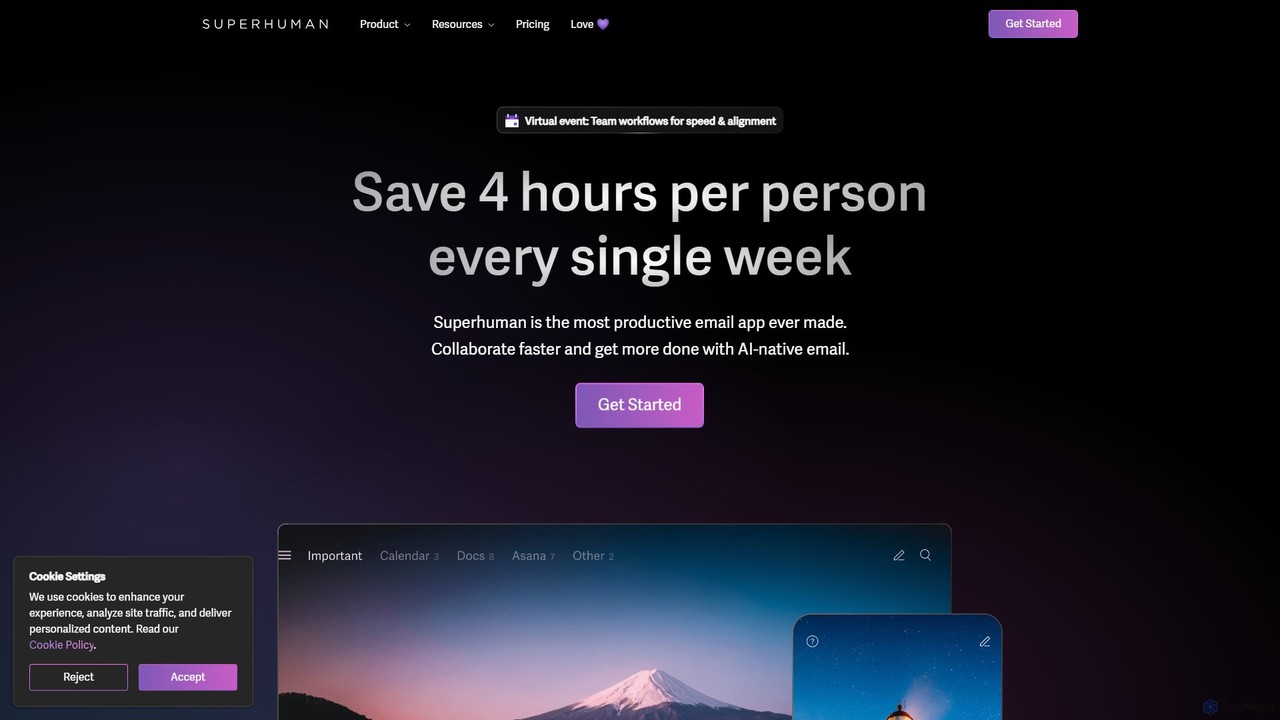
Superhuman
Superhuman is an AI-native email client designed for speed and productivity. It helps high-performing teams and individuals save over 4 hours a week by organizing the inbox, summarizing threads, and drafting emails with AI that matches your personal writing style. It supports Gmail and Outlook, offering a blazingly fast, focused, and collaborative email experience.
Team Collaboration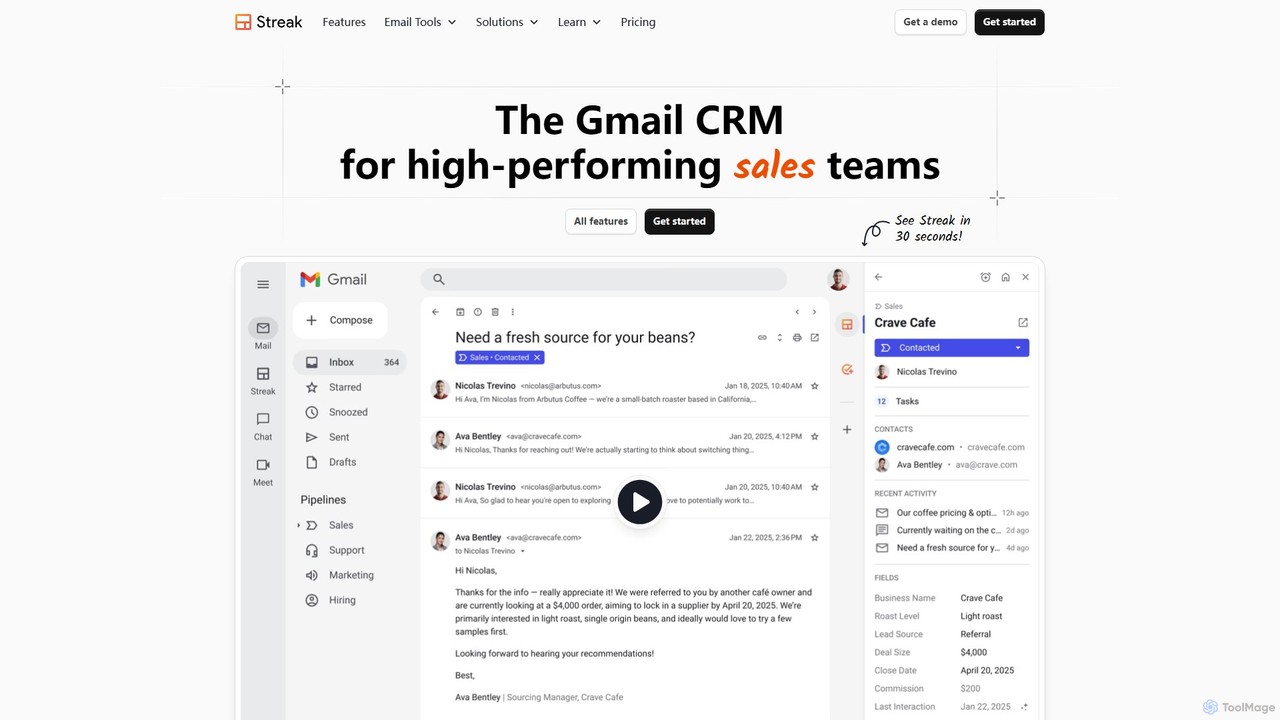
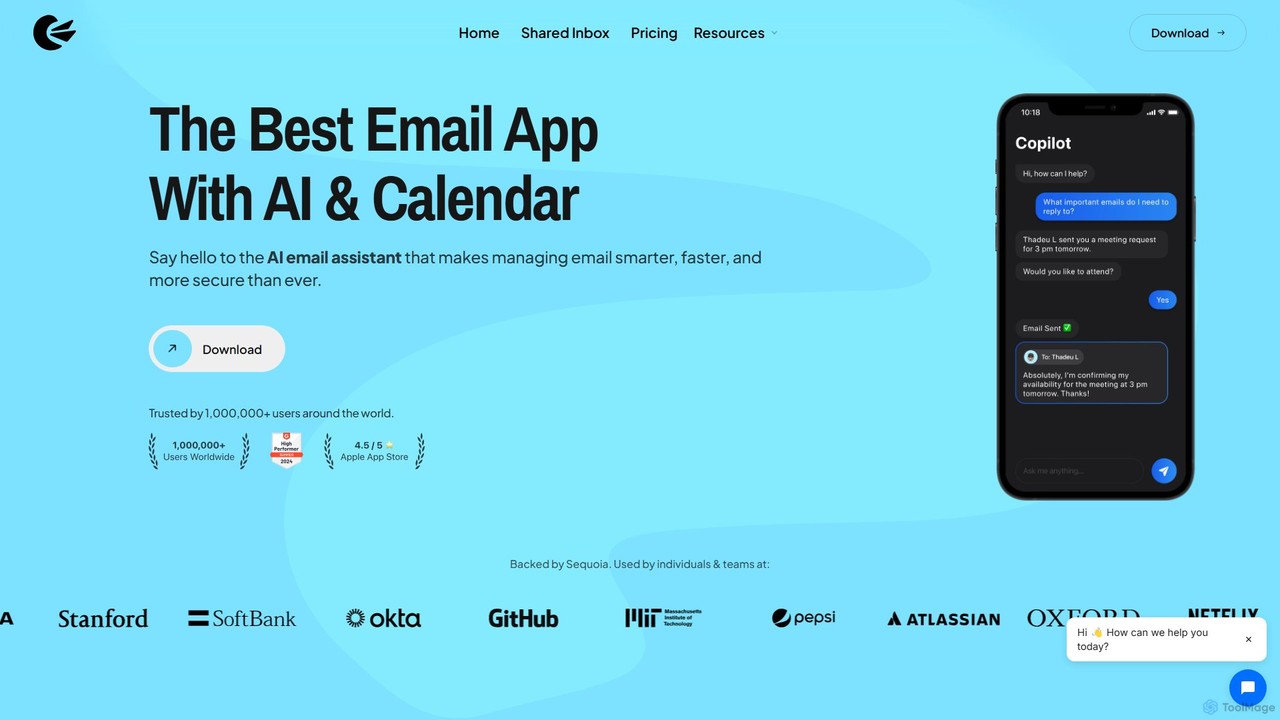
Canary Mail
Canary Mail is a powerful, secure email client for Mac, iOS, Android, and Windows. It features an AI assistant for writing and summarizing emails, a unified inbox for all your accounts, and enterprise-grade security with end-to-end encryption. Ideal for individuals and teams seeking to enhance productivity and protect their communications.
Writing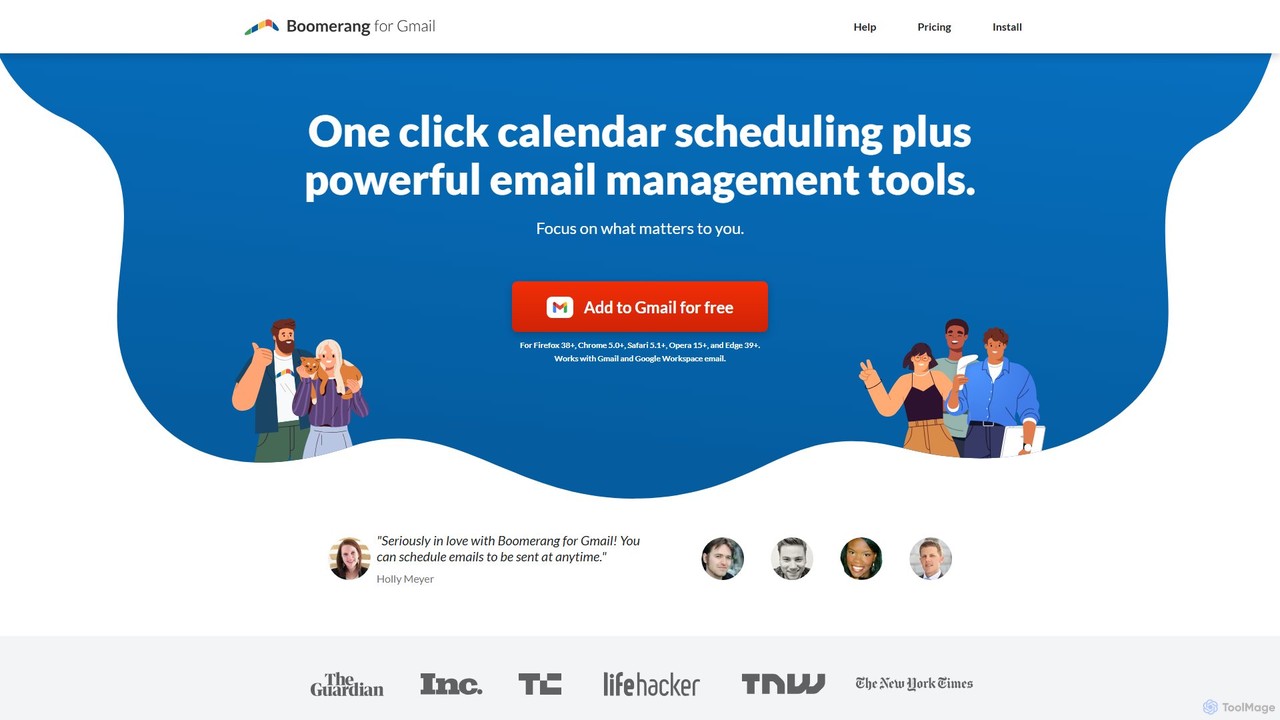
Boomerang for Gmail
Boomerang for Gmail is a powerful email productivity tool that enhances your inbox with features like email scheduling, follow-up reminders, and response tracking. It uses AI to help you write more effective emails and manage your communications efficiently, ensuring you never miss an important conversation.
Email Marketing
Mailbutler
Mailbutler is an AI-powered email extension for Apple Mail, Gmail, and Outlook that enhances your inbox. It offers features like email tracking, AI-driven smart compose and summarization, collaborative tools for teams, and professional signature marketing to boost productivity and streamline communication.
Help DeskSuperinbox Categories
Superinbox Embed Widget
Copy this embed code to place the badge on your blog, article, or product site and send readers directly to this ToolMage detail page.

Related AI tools
Superhuman
Superhuman is an AI-native email client designed for speed and productivity. It helps high-performing teams and individuals save over 4 hours a week by organizing the inbox, summarizing threads, and drafting emails with AI that matches your personal writing style. It supports Gmail and Outlook, offering a blazingly fast, focused, and collaborative email experience.
Team Collaboration
Jyek
Jyek is an AI agent platform that understands objectives, creates execution plans, uses tools, and delivers verifiable results for complex, multi-step tasks.
AutomationCanary Mail
Canary Mail is a powerful, secure email client for Mac, iOS, Android, and Windows. It features an AI assistant for writing and summarizing emails, a unified inbox for all your accounts, and enterprise-grade security with end-to-end encryption. Ideal for individuals and teams seeking to enhance productivity and protect their communications.
WritingBoomerang for Gmail
Boomerang for Gmail is a powerful email productivity tool that enhances your inbox with features like email scheduling, follow-up reminders, and response tracking. It uses AI to help you write more effective emails and manage your communications efficiently, ensuring you never miss an important conversation.
Email MarketingMailbutler
Mailbutler is an AI-powered email extension for Apple Mail, Gmail, and Outlook that enhances your inbox. It offers features like email tracking, AI-driven smart compose and summarization, collaborative tools for teams, and professional signature marketing to boost productivity and streamline communication.
Help Desk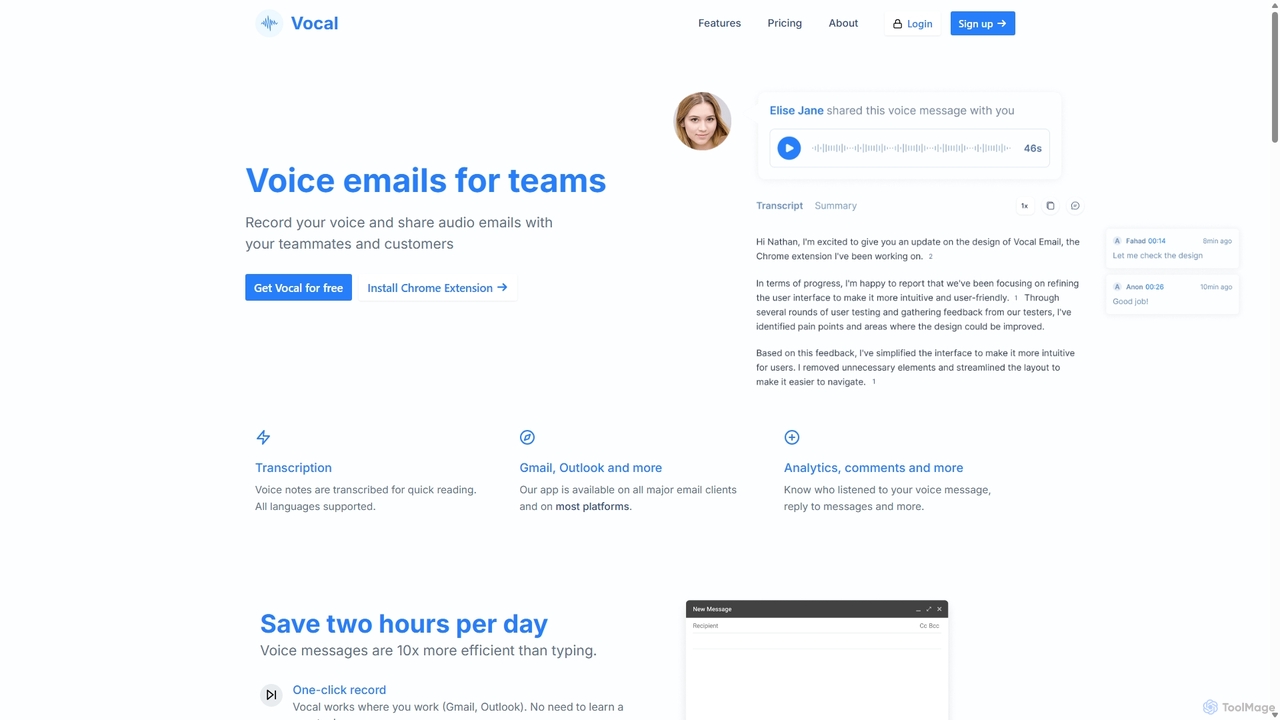
Vocal
Vocal enhances email communication by allowing users to send voice messages directly within Gmail and Outlook. It simplifies sending personal, nuanced audio notes as .mp3 attachments or shareable links, making communication more expressive. Features include automatic transcription, listen insights, and customization options to improve engagement and efficiency.
Messaging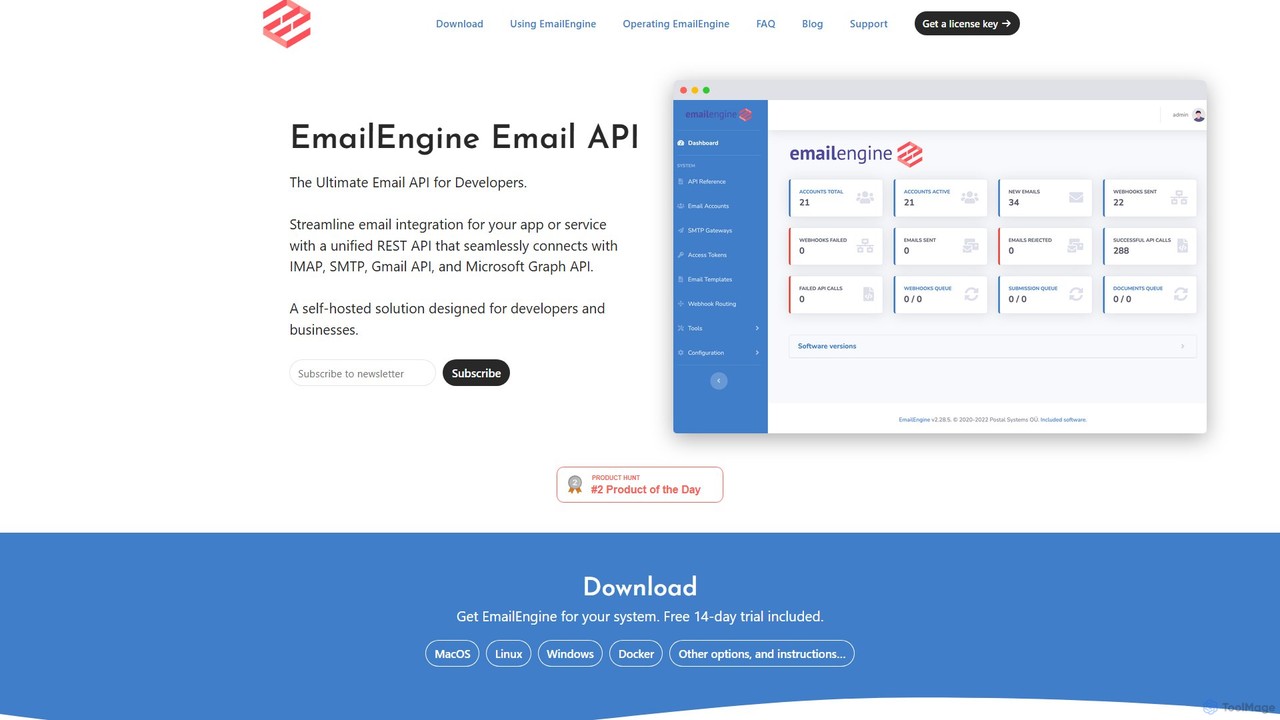
EmailEngine
EmailEngine is a self-hosted email API that allows developers to integrate their applications with existing email accounts. It provides a RESTful API for reading and sending emails via IMAP, SMTP, Gmail API, and MS Graph API, ensuring data privacy and compliance by keeping all information on your own servers.
Crm
maildax
Maildax is a free disposable temporary email service that provides instant, anonymous email addresses without any registration. Protect your primary inbox from spam, advertising, and data breaches by using a secure, temporary email for sign-ups, trials, and testing.
Email
MailTime
MailTime is an AI-powered email messenger app that transforms your cluttered email threads into clean, chat-like conversations. It declutters your inbox by filtering out newsletters and promotions, allowing you to focus on important messages from real people. It supports major email providers like Gmail, Outlook, and Yahoo.
Messaging
Email Tracker
A free email tracking extension for Gmail that provides real-time open notifications, link click tracking, and detailed engagement insights. Enhance your email outreach, increase reply rates by up to 40%, and close more deals with powerful, easy-to-use analytics.
Email Marketing
Friday
Friday is a Y Combinator-backed AI email client designed to revolutionize your inbox. It learns from your email habits to automatically summarize threads, handle routine responses, and filter out junk mail, acting as a personal assistant to help you manage your email at the speed of thought.
Personal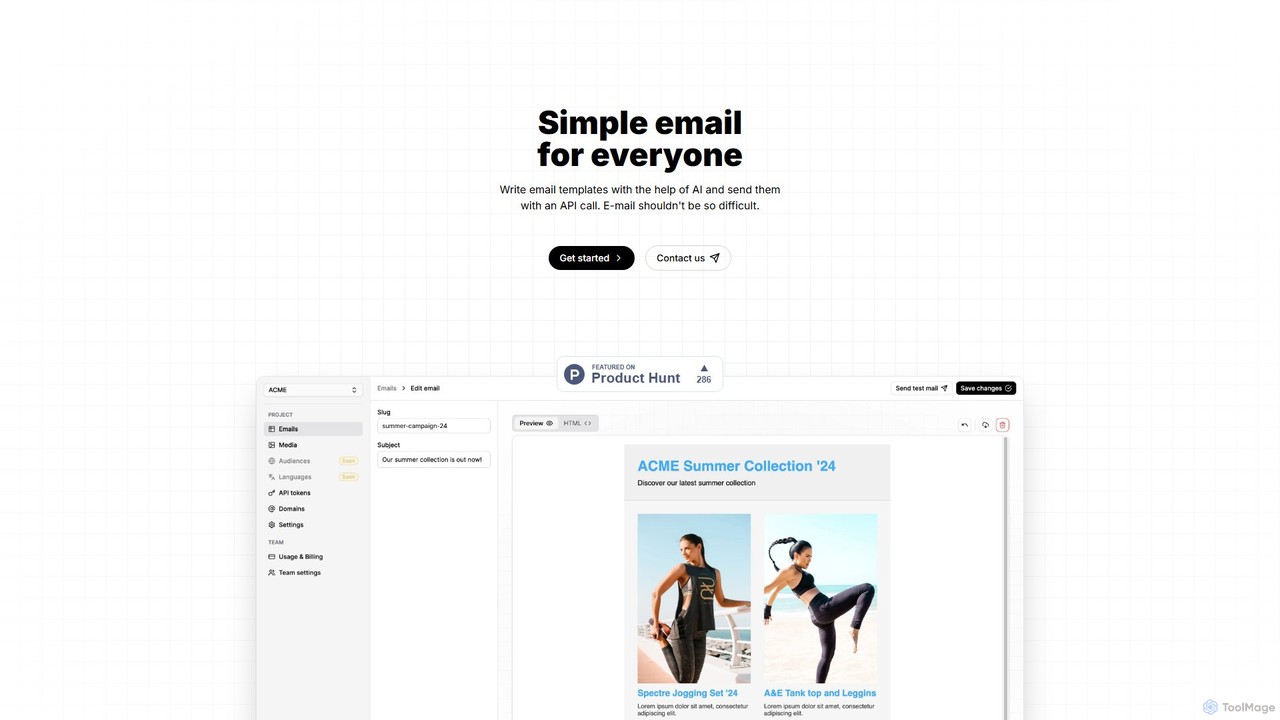
volamail
volamail is an AI-powered platform that simplifies email creation and delivery. It allows users to write and edit email templates with AI assistance, import existing HTML, and send transactional emails via a simple API call. It's open-source, self-hostable, and designed for developers and teams looking for an efficient email solution.
Api
Superinbox Comments (0)
Sign in to comment.
Sign inNo comments yet.