ToolMage
Sign in

Best 3 Ai Chat AI tools for Productivity

Popular Ai Chat AI tools in Productivity include Twigg, Offeline, and purechat.pro, helping you work more efficiently.

Offeline
Free

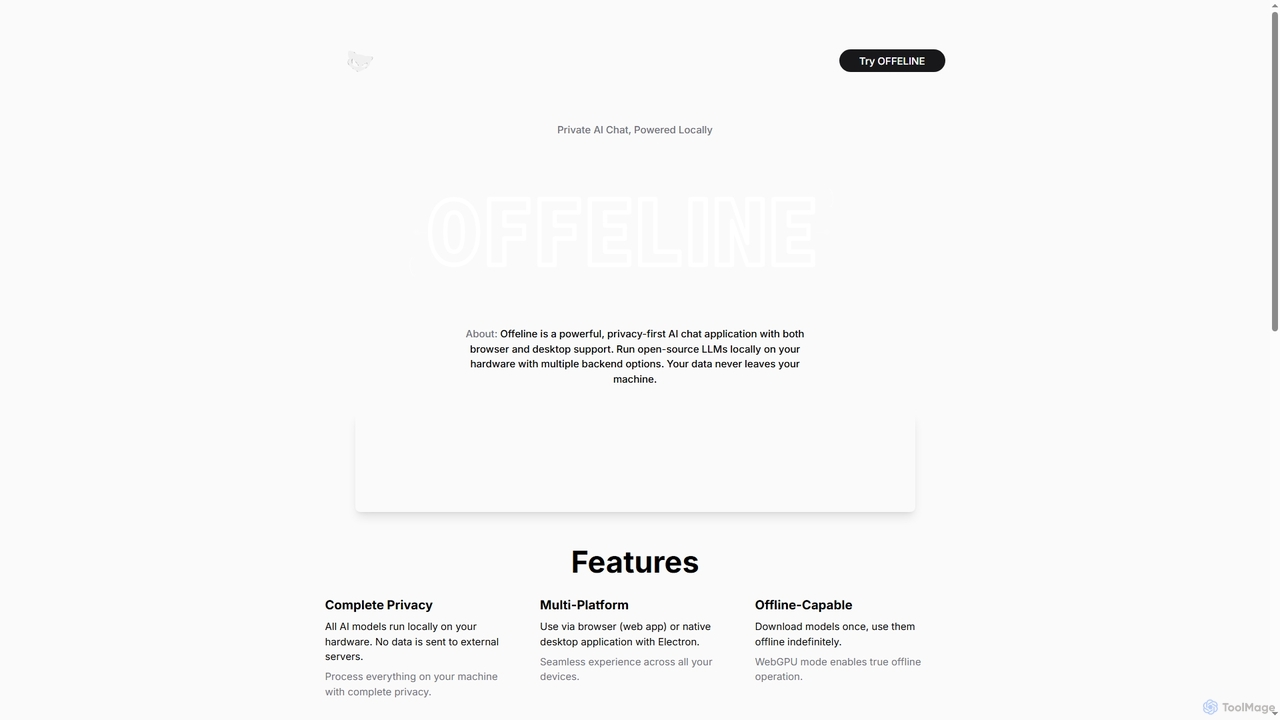
Offeline

Offeline is a powerful, privacy-first AI chat application that runs open-source Large Language Models (LLMs) locally on your hardware. It supports both browser and native desktop use, ensuring your data never leaves your machine. Enjoy offline capabilities, web search integration, document analysis, and voice support.

Local Llms
Visits 6.1KFavorites 166Likes 170
Twigg
Freemium

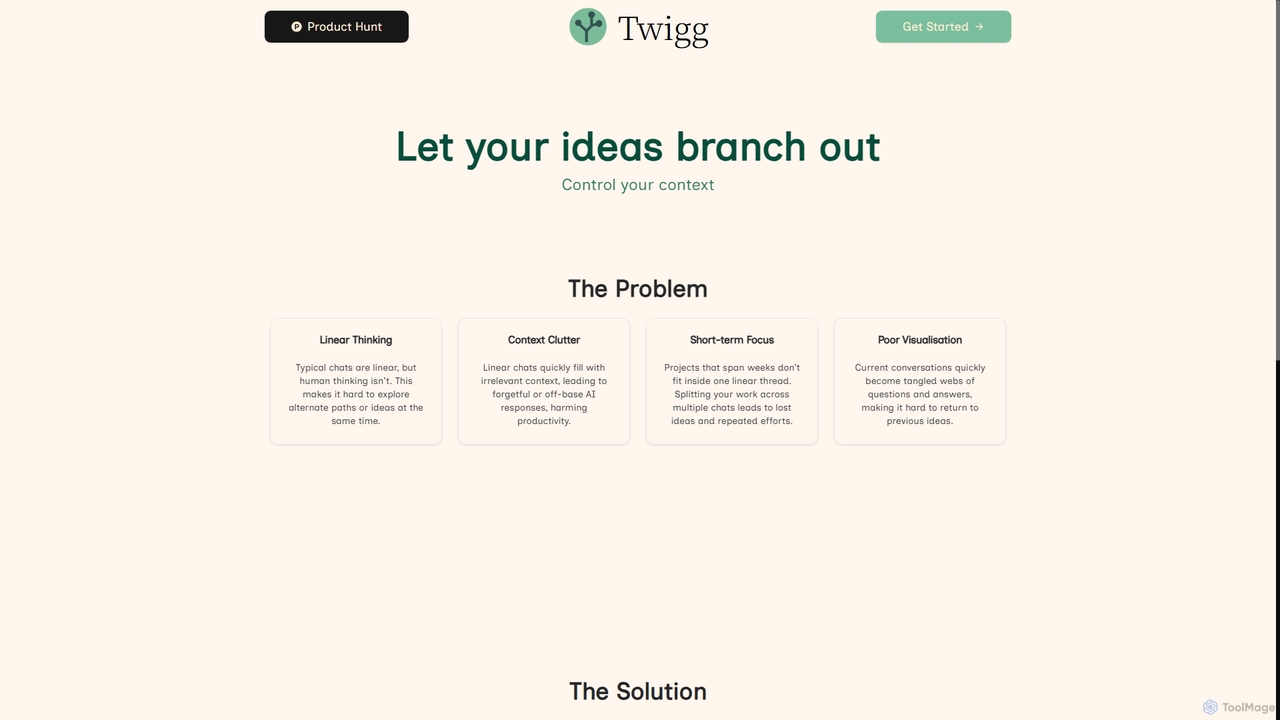
Twigg

Twigg is an innovative AI chat interface that transforms linear conversations into interactive, branching idea trees. It helps users manage context, explore tangents, and visualize complex projects, making long-term collaboration with LLMs more efficient and intuitive.

Context Management
Visits 7.1KFavorites 182Likes 172
purechat.pro
Freemium

purechat.pro

purechat.pro is a professional AI chat platform for creating and deploying intelligent chatbots. It allows businesses to build custom assistants trained on their own data, integrate them seamlessly into websites for customer support and lead generation, and leverage top-tier AI models like GPT-4 for powerful, natural conversations.

Chatbots
Visits 5.2KFavorites 107Likes 120

About Ai Chat

AI Chat tools are applications that enable users to interact with artificial intelligence through natural language conversations. Powered by large language models (LLMs), these tools understand context, generate human-like text, and perform a wide range of tasks based on user prompts. They serve as versatile assistants for brainstorming ideas, drafting content, summarizing information, and writing code, significantly enhancing productivity. Unlike traditional software with fixed menus, AI Chat offers a flexible, dynamic interface where possibilities are defined by the conversation itself.

Core Features

  • Natural Language Understanding (NLU): Accurately interprets complex user queries, questions, and commands.
  • Contextual Memory: Maintains conversation history to provide relevant and coherent follow-up responses.
  • Multi-modal Capabilities: Accepts various inputs like text, images, or documents and can generate diverse outputs.
  • Code Generation & Debugging: Writes, explains, and helps fix code snippets in numerous programming languages.
  • Content Creation & Summarization: Drafts articles, emails, and reports, or condenses long texts into key points.

Use Cases

AI Chat tools are widely used across various professions. Developers use them for quick coding assistance and debugging, marketers for creating campaign copy and social media content, and students for research and learning support. They are also integrated into workflows for drafting legal documents, generating business reports, and providing instant answers from internal knowledge bases.

How to Choose

When selecting an AI Chat tool, consider the underlying model's power and specialization (e.g., GPT-4, Claude 3). Evaluate its integration capabilities, such as plugins or API access, to fit your workflow. Review the platform's data privacy policies, especially for sensitive information. Finally, compare usage limits and pricing models to find a plan that matches your expected volume of interaction.

Ai Chat use cases

1

Accelerating Software Development with Code Generation

A software developer is tasked with building a new feature that requires a complex data parsing algorithm. Instead of spending hours searching through documentation and forums, they describe the desired function in plain English to an AI Chat tool. They specify the input format, the required output, and ask for the code in Python with comments and error handling. The AI generates a functional and well-documented code snippet in seconds. This allows the developer to immediately test and integrate the logic, reducing development time for that specific task from hours to minutes.

2

Crafting Marketing Campaigns and Social Media Content

A marketing manager needs to launch a campaign for a new product. They use an AI Chat tool as a brainstorming partner. They provide the tool with product details, target audience demographics, and the desired tone of voice. They then ask for five distinct Twitter post ideas, three variations of Facebook ad copy, and a blog post outline. The AI provides a range of creative options, helping the manager overcome writer's block and quickly generate a diverse set of on-brand materials. This process significantly speeds up the initial content creation phase of the campaign.

3

Streamlining Academic Research and Summarization

A university student is writing a literature review and needs to quickly understand the key arguments of a dense, 20-page academic paper. Instead of reading it word-for-word, they upload the PDF to an AI Chat tool. They prompt it to 'summarize this paper into five key bullet points and identify its main conclusion.' Within a minute, the tool provides a concise and accurate summary. This allows the student to rapidly assess the paper's relevance to their research, saving hours of reading time and enabling them to cover more source material efficiently.

4

Drafting and Refining Professional Emails

A project manager needs to send a delicate email to a client regarding a project delay. They are unsure how to phrase it professionally and empathetically. They open an AI Chat tool and provide the key points: apologize for the delay, briefly explain the unforeseen technical issue, provide a revised timeline, and reassure the client of their commitment. The AI drafts a well-structured email with an appropriate tone. The manager can then review, make minor tweaks, and send it with confidence, ensuring clear and professional communication while saving time and mental energy.

5

Personalized Language Learning and Practice

A person learning French wants to practice their conversational skills but doesn't have a practice partner. They use an AI Chat tool, instructing it to act as a native French speaker in a café scenario. The learner can type or speak in French, and the AI responds in character, creating an immersive practice environment. They can ask the AI to correct their grammar or suggest more natural phrasing. This provides a low-pressure, on-demand way to build fluency and confidence without the scheduling constraints or costs of a human tutor.

6

Enhancing Customer Support with Instant Answers

A customer support agent receives a highly technical question about a product feature. Instead of manually searching through a dense internal knowledge base, the agent asks the question directly to an AI Chat tool that has been trained on all company documentation. The AI instantly synthesizes the relevant information and provides a clear, step-by-step answer. The agent can then relay this accurate information to the customer immediately, significantly reducing resolution time and improving the overall customer experience. This frees up the agent to handle more complex, nuanced issues.

Ai Chat FAQ

What is an AI Chat tool?

An AI Chat tool is a software application that allows you to have a conversation with an artificial intelligence using natural language. Powered by large language models (LLMs), these tools can understand questions, follow instructions, and generate human-like text. Unlike simple chatbots, they can handle complex topics, remember previous parts of the conversation, and perform tasks like writing code, drafting emails, summarizing documents, and brainstorming ideas.

How to choose the right AI Chat tool?

Choosing the right AI Chat tool depends on your specific needs. Consider these key factors:

  • Underlying Model: The power of the large language model (e.g., GPT-4, Gemini, Claude) determines the quality of responses. Some are better for creative tasks, others for factual accuracy.
  • Features and Integrations: Look for capabilities like file uploads, web browsing access, or plugins that connect to other applications in your workflow.
  • Data Privacy: Review the provider's policy on data usage. For sensitive work, choose a tool with strong privacy guarantees or an enterprise plan that doesn't use your data for training.
  • Cost and Usage Limits: Compare the limitations of free versions with the pricing and features of paid plans to find the best value for your usage frequency.
What's the difference between an AI Chat tool and a search engine?

The primary difference lies in how they provide information. A search engine finds and links to existing web pages, requiring you to read and synthesize the information yourself. An AI Chat tool directly answers your question by synthesizing information from its training data to generate a new, coherent response. AI Chat is conversational, can generate original content like code or poetry, and can refine its answers based on follow-up questions, whereas a search engine provides a static list of resources for each query.

Can AI Chat tools understand different languages and topics?

Yes, most modern AI Chat tools are multilingual and have been trained on a vast range of topics. They can typically converse, translate, and generate content in dozens of languages. Their knowledge base is extensive, covering everything from science and history to programming and creative arts. However, their expertise can vary, and for highly specialized or very recent events (after their last training date), their information may be less accurate or incomplete. Always verify critical information from reliable sources.

Are my conversations with an AI Chat private?

Privacy policies vary significantly between AI Chat providers. Many free, consumer-focused services may use your conversations (with personal information anonymized) to train their models. It is generally not recommended to input sensitive personal or proprietary business information into these services. However, paid or enterprise-grade versions often come with stricter privacy controls, including options for zero data retention, ensuring your conversations are not stored or used for any purpose. Always read the terms of service and privacy policy before use.