

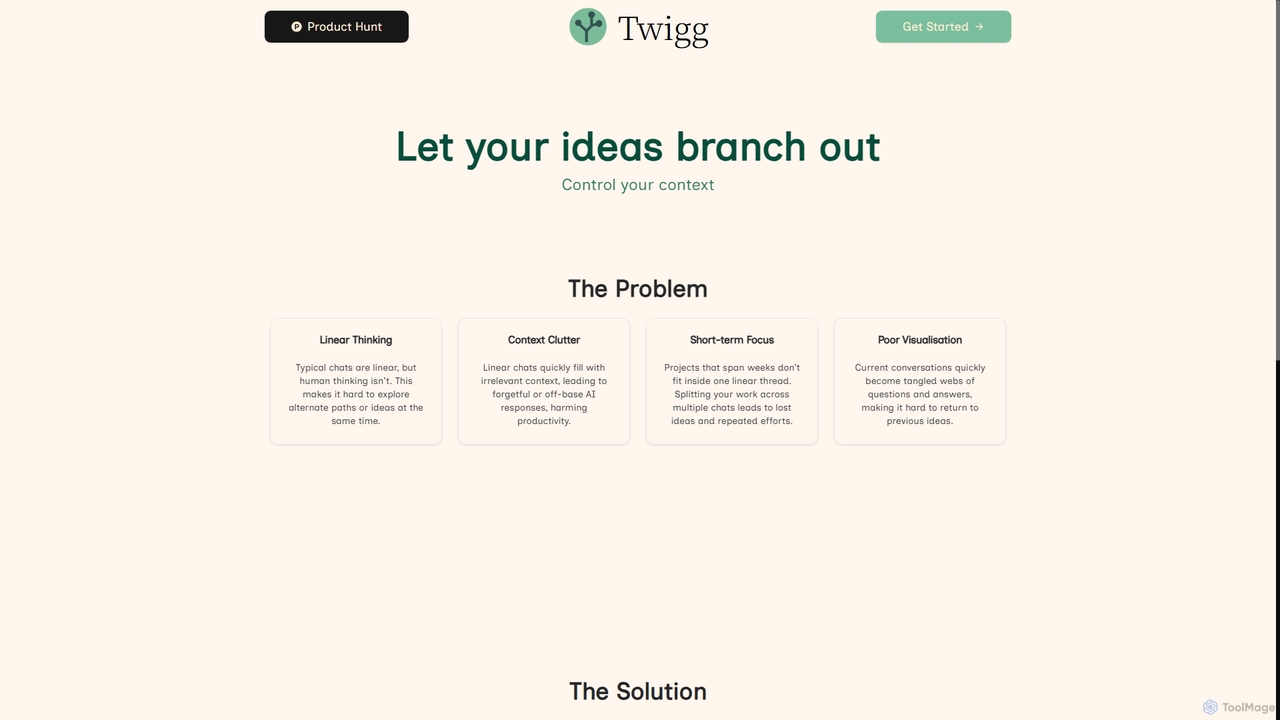
Twigg Overview
Twigg addresses the inherent limitations of traditional linear AI chat interfaces, which often lead to lost ideas, context clutter, and difficulties in managing long-term projects. By reimagining conversation not as a flat timeline but as a dynamic, living tree of ideas, Twigg provides a structured, visual, and highly efficient way for individuals and teams to interact with large language models (LLMs).
The platform's core innovation is its interactive tree diagram, which allows users to visualize their entire project's conversation history. This visual approach enables seamless navigation, context control, and the ability to branch off new ideas without disrupting the main line of thought. Twigg is designed to reduce redundant work, optimize token costs, and ultimately empower users to build better things with AI by fostering a more natural and productive thought process.
How to use Twigg
Using Twigg involves interacting with a dual-panel chat interface and its central 'Tree' visualization. To begin, you can submit prompts in the primary chat panel. The 'Tree' (accessible via the Twigg logo in the chat bar or fullscreen via an expand icon) displays your conversation as a series of nodes (prompt-response pairs) and links. To explore new ideas, you can 'branch' a conversation either by continuing from an existing parent node in the primary chat or by using the dedicated 'branch' button in the secondary chat panel. Context management is crucial: Twigg allows you to manipulate the tree structure by moving or deleting nodes and branches to precisely control what information is fed to the LLM. You can also copy and paste nodes, either inline or as new branches, to reuse useful content. Different LLM models can be selected from a dropdown menu at any time to compare responses.
Core Features of Twigg
- Interactive Tree Visualization: Transforms linear chats into a dynamic, navigable tree diagram for project overview and idea tracking.
- Context Control: Allows precise manipulation of conversation nodes and branches to manage the context fed to the LLM.
- Branching Conversations: Create new branches from any point in the conversation to explore tangents without cluttering the main context.
- Dual-Panel Chat Interface: Enables parallel queries and exploration of ideas in a secondary panel while maintaining the primary conversation.
- Version Control for LLMs: Easily navigate to any point in your conversation history, similar to version control systems.
- Long-Term Project Support: Designed to keep entire projects within one evolving tree, eliminating the need to restart chats or copy context.
- Multi-Model Access: Provides access to various LLMs (e.g., Gemini, GPT, Claude, Grok) with the ability to switch models on the fly.
- Node Management: Copy, paste (inline or as new branch), move, and delete individual nodes or entire branches.
- File Upload and Web Search: Supports uploading and searching files, and integrates web search tools (available in Free tier and above).
- BYOK (Bring Your Own Key) Integration: Connect your own API keys for supported models to pay for usage directly.
Use Cases for Twigg
Twigg is ideal for anyone engaged in complex, iterative, or long-term projects requiring deep interaction with AI. Researchers can use it to explore multiple hypotheses and track their thought process. Content creators can brainstorm different angles for articles or scripts, branching out ideas without losing the core narrative. Software developers can manage complex coding problems, exploring various solutions and debugging paths. Project managers can use it for strategic planning, visualizing different scenarios and decision trees. Academics can organize research notes and arguments, ensuring consistent context for their AI interactions. Essentially, any professional needing to manage intricate information flows and explore diverse ideas with AI will find Twigg invaluable.
Advantages of Twigg
Twigg's primary advantage lies in its ability to overcome the limitations of linear AI chats, fostering a more natural and productive thinking process. It significantly reduces context clutter, ensuring AI responses are always relevant and accurate. The visual tree structure acts as a powerful knowledge management tool, allowing users to easily revisit, refine, and build upon previous ideas, akin to version control for conversations. This structured approach saves time by eliminating repetitive context copying and reduces token costs by allowing precise context feeding. For long-term projects, Twigg ensures continuity and prevents idea fragmentation, making it an indispensable tool for complex problem-solving and creative exploration with AI.
Pricing and Plans
Twigg offers a freemium model with several paid tiers, operating on a credit-based system where a portion of the fee covers platform costs, and the rest converts to usage credits at no markup on token prices. Pricing is available in GBP, USD, and EUR.
- Free: Access to advanced context management, full branching chat features, file upload and search, web search tools, and access to Gemini 2.5 Flash, GPT-5-mini, and other models, with limited monthly token limits.
- BYOK (Bring Your Own Key): £5.00/month (or $5.00/month, €5.00/month). Includes all Free tier features, plus the ability to connect your own API keys for all supported models, paying for usage directly.
- Plus: £15.00/month (or $15.00/month, €15.00/month). Offers access to ChatGPT-5, Gemini 2.5 Pro, and more powerful models, increased token limits, and includes all BYOK features.
- Pro: £80.00/month (or $80.00/month, €80.00/month). Provides access to ChatGPT5-pro and Claude Opus 4.1, the largest token limits, and includes all features from Plus and BYOK plans.
Token costs vary by model and are charged at the same rate as the model providers. For example, Google 2.5 Flash (Free Tier) costs $0.30/1M input tokens and $2.50/1M output tokens, while OpenAI GPT-5-pro (Pro Tier) costs $15.00/1M input tokens and $120.00/1M output tokens. Token usage is estimated, with 1,000 tokens roughly equivalent to 750 English words.
Twigg FAQ
Traffic
Latest traffic
Status
Monthly traffic trend
- 2026-1: 756
- 2026-2: 233
- 2026-3: 2.0K
- 2026-4: 72
- 2026-5: 1.7K
Geography
Top 5 countries / regions
- 🇮🇳India100.0%
Top keywords
| Keyword | Cost per click |
|---|---|
| twigg | $0.40 |
| twigg ai ltd | $0.00 |
Twigg Alternatives
Moka
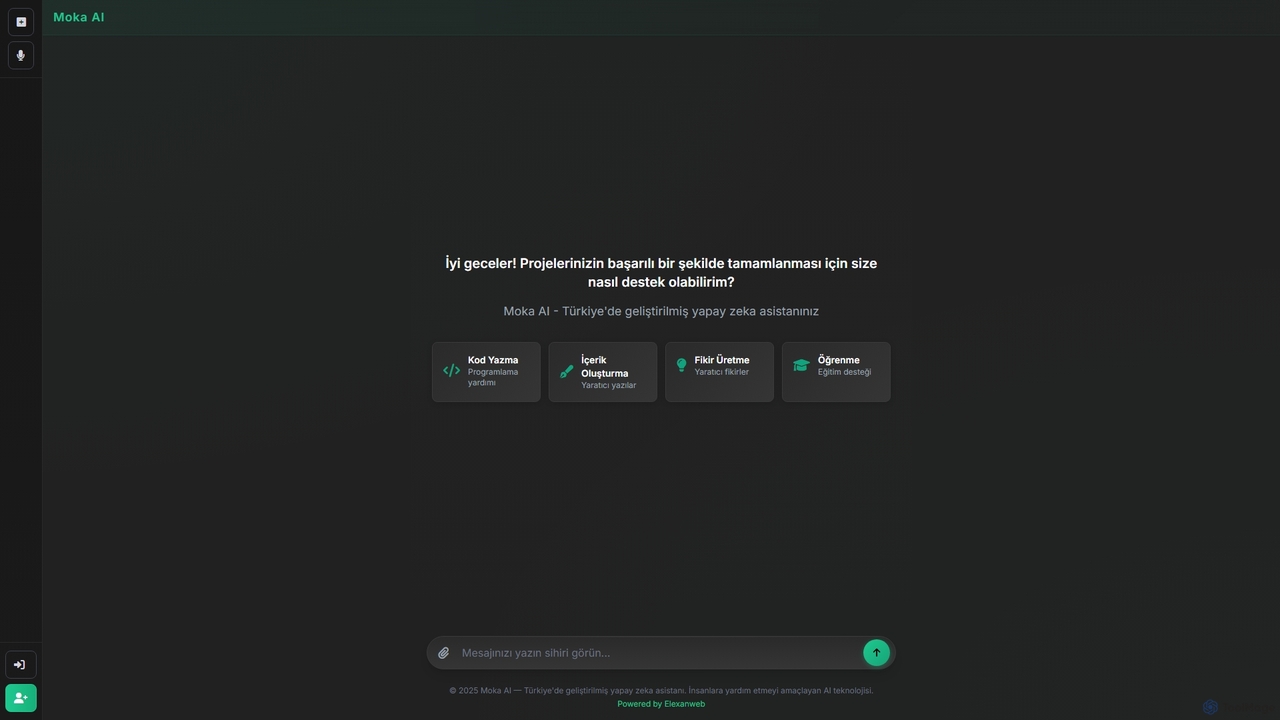
Moka is an AI assistant developed in Turkey, designed to help users with a wide range of tasks including code writing, creative content generation, idea brainstorming, and educational support. It aims to streamline projects and enhance productivity through intelligent chat interactions.
Idea Generation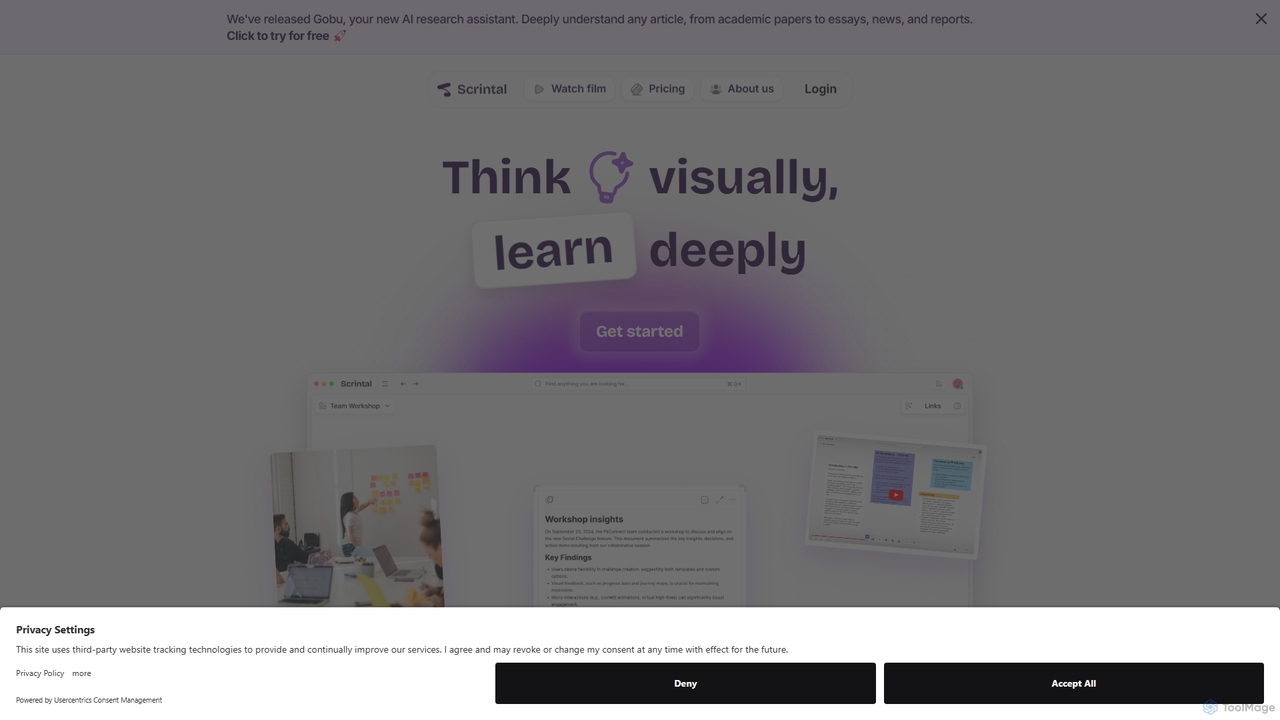
Scrintal
Scrintal is an AI-powered visual note-taking and research tool designed for thinkers, researchers, and students. It combines an infinite canvas for brainstorming with a powerful block-based editor and an AI assistant, Gobu. Organize ideas, connect concepts with bi-directional links, and seamlessly turn your visual thoughts into structured written documents.
Research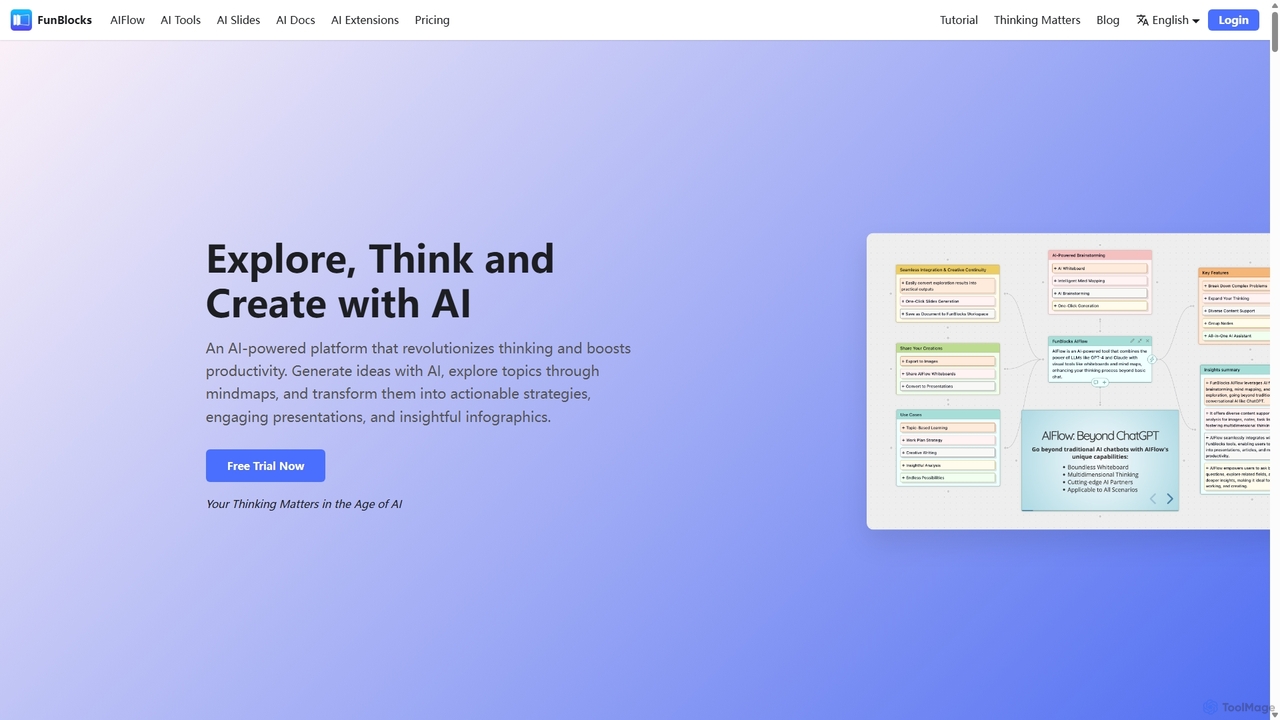
FunBlocks
FunBlocks is an all-in-one AI workspace designed to revolutionize thinking and boost productivity. It seamlessly integrates AI-powered tools for mind mapping (AIFlow), document creation (AI Docs), slide generation (AI Slides), and web research (Browser Extension). From brainstorming complex ideas visually to producing polished documents and presentations with a single click, FunBlocks supports the entire knowledge workflow, enhancing creativity and critical thinking for students, professionals, and teams.
Presentations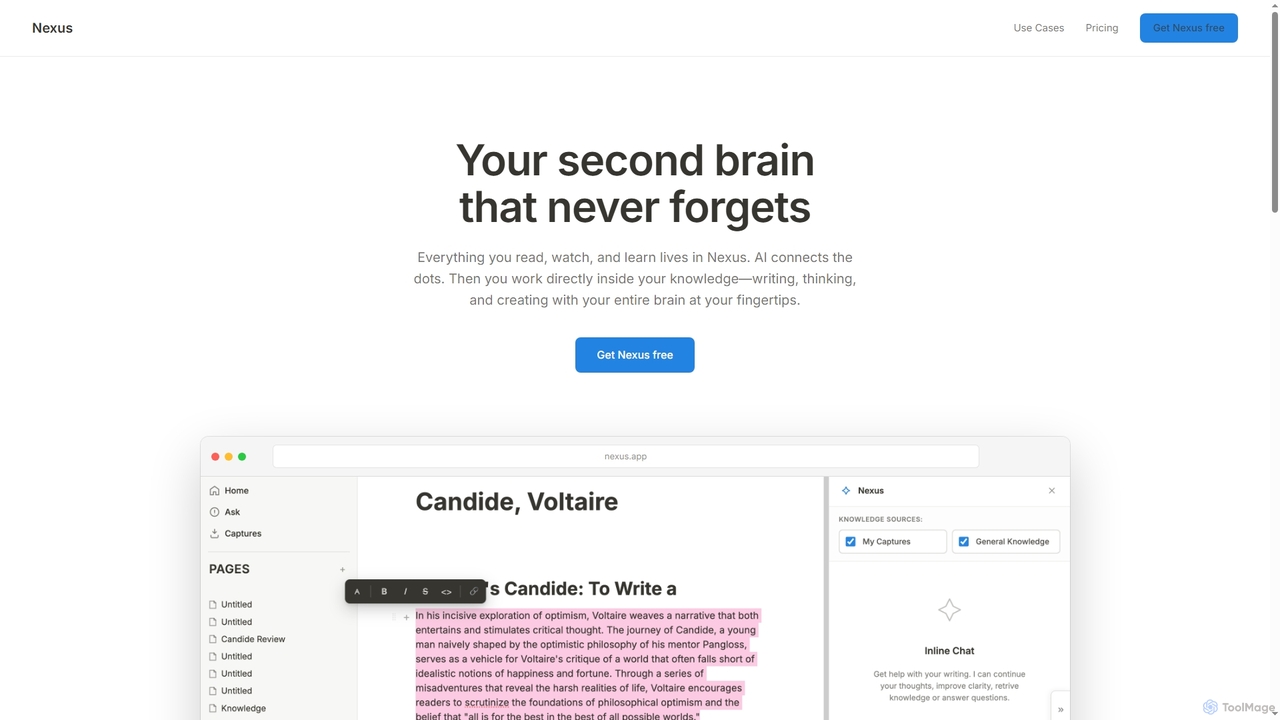
Mem
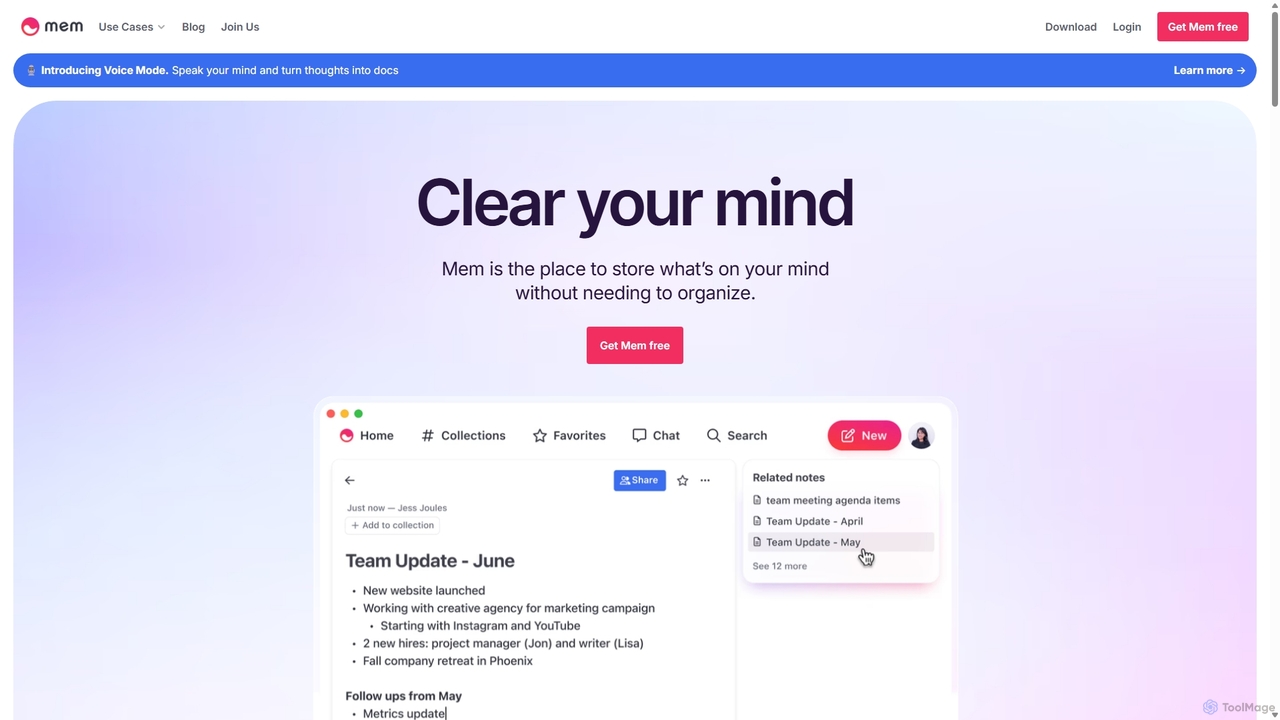
Mem is a self-organizing workspace powered by AI, designed to act as your personal second brain. It captures, connects, and resurfaces your notes automatically, eliminating the need for manual organization. With its integrated AI chat, you can search, summarize, and generate content from your own knowledge base.
Personal AssistantTwigg Categories
Twigg Jobs
Twigg Embed Widget
Copy this embed code to place the badge on your blog, article, or product site and send readers directly to this ToolMage detail page.

Related AI tools
FunBlocks
FunBlocks is an all-in-one AI workspace designed to revolutionize thinking and boost productivity. It seamlessly integrates AI-powered tools for mind mapping (AIFlow), document creation (AI Docs), slide generation (AI Slides), and web research (Browser Extension). From brainstorming complex ideas visually to producing polished documents and presentations with a single click, FunBlocks supports the entire knowledge workflow, enhancing creativity and critical thinking for students, professionals, and teams.
PresentationsScrintal
Scrintal is an AI-powered visual note-taking and research tool designed for thinkers, researchers, and students. It combines an infinite canvas for brainstorming with a powerful block-based editor and an AI assistant, Gobu. Organize ideas, connect concepts with bi-directional links, and seamlessly turn your visual thoughts into structured written documents.
ResearchMoka
Moka is an AI assistant developed in Turkey, designed to help users with a wide range of tasks including code writing, creative content generation, idea brainstorming, and educational support. It aims to streamline projects and enhance productivity through intelligent chat interactions.
Idea GenerationMem
Mem is a self-organizing workspace powered by AI, designed to act as your personal second brain. It captures, connects, and resurfaces your notes automatically, eliminating the need for manual organization. With its integrated AI chat, you can search, summarize, and generate content from your own knowledge base.
Personal Assistant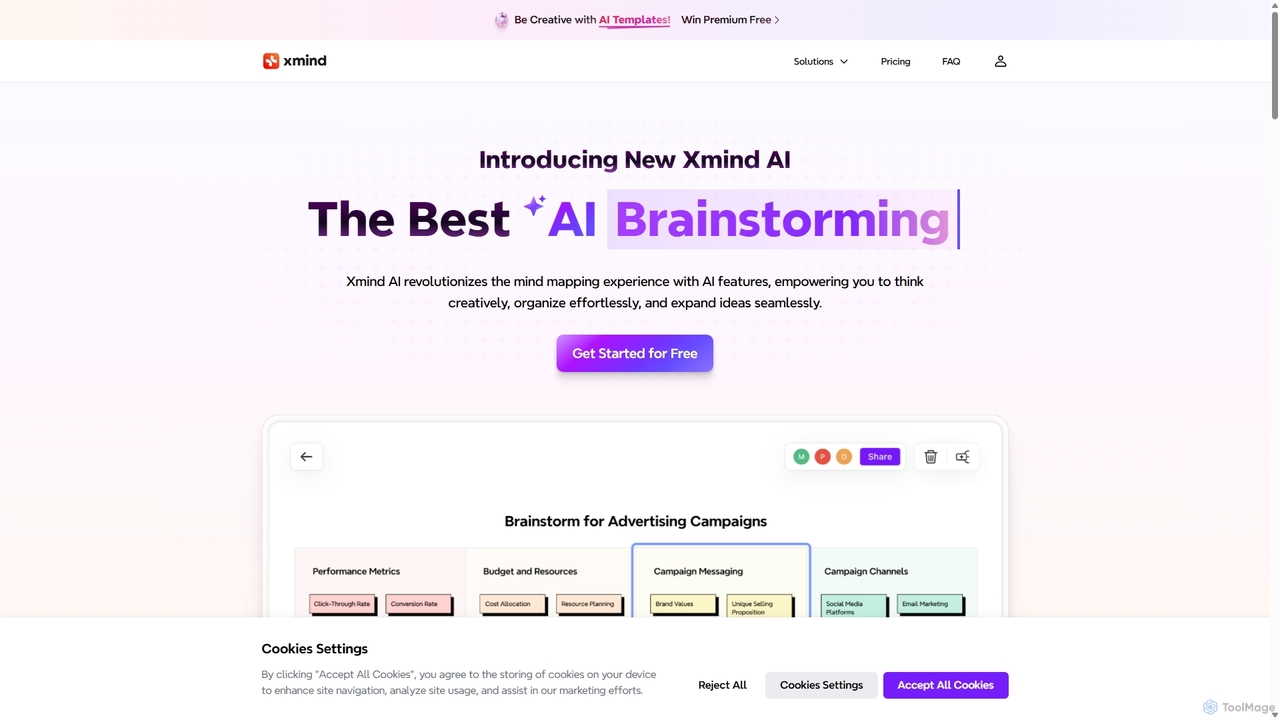
Xmind AI
Xmind AI is an advanced AI-powered mind mapping and brainstorming tool designed to enhance creativity and productivity. It helps users visualize thoughts, organize complex information, and collaborate with teams in real-time. With features like AI-driven idea generation, content summarization, and automated to-do lists, Xmind AI transforms abstract concepts into structured, actionable plans.
Teamwork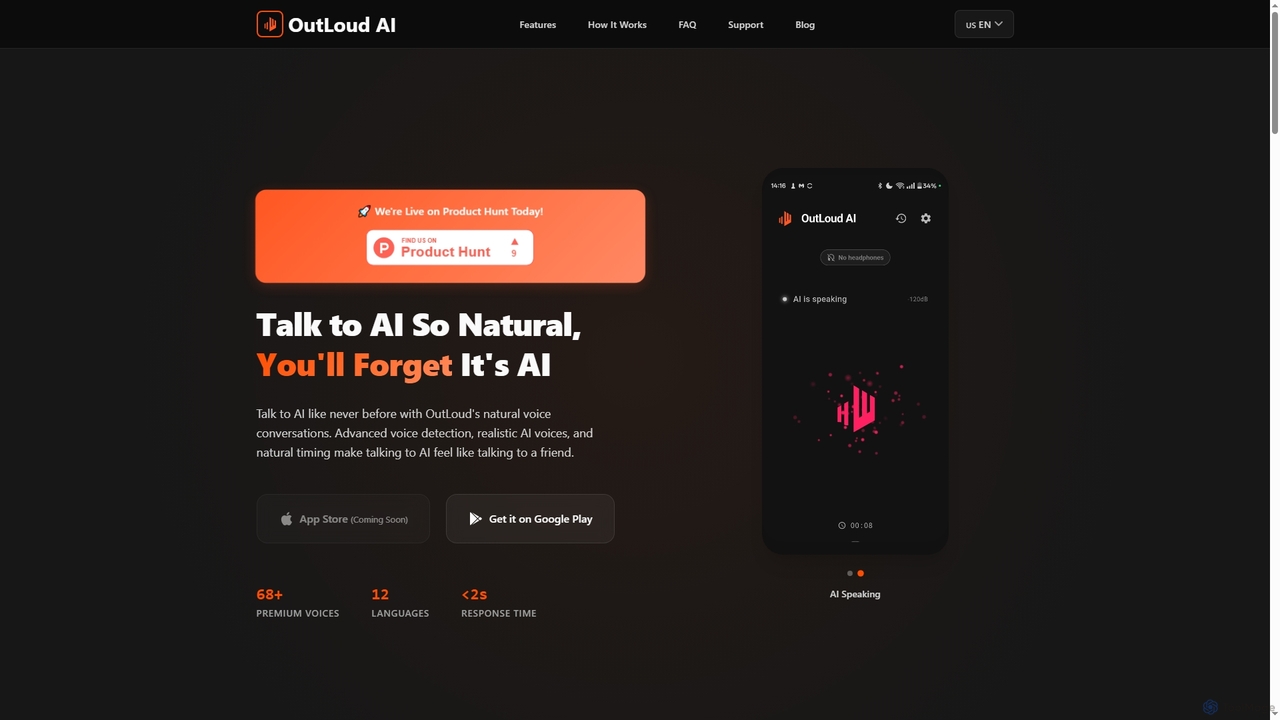
Outloud
Outloud is an AI conversation partner designed for natural voice dialogue. It helps users with brainstorming, problem-solving, and decision-making through hands-free conversations. Featuring a special Critical Thinking Mode and over 68 realistic voices in 12 languages, it acts as a 24/7 thinking partner to challenge assumptions and explore ideas.
Decision Making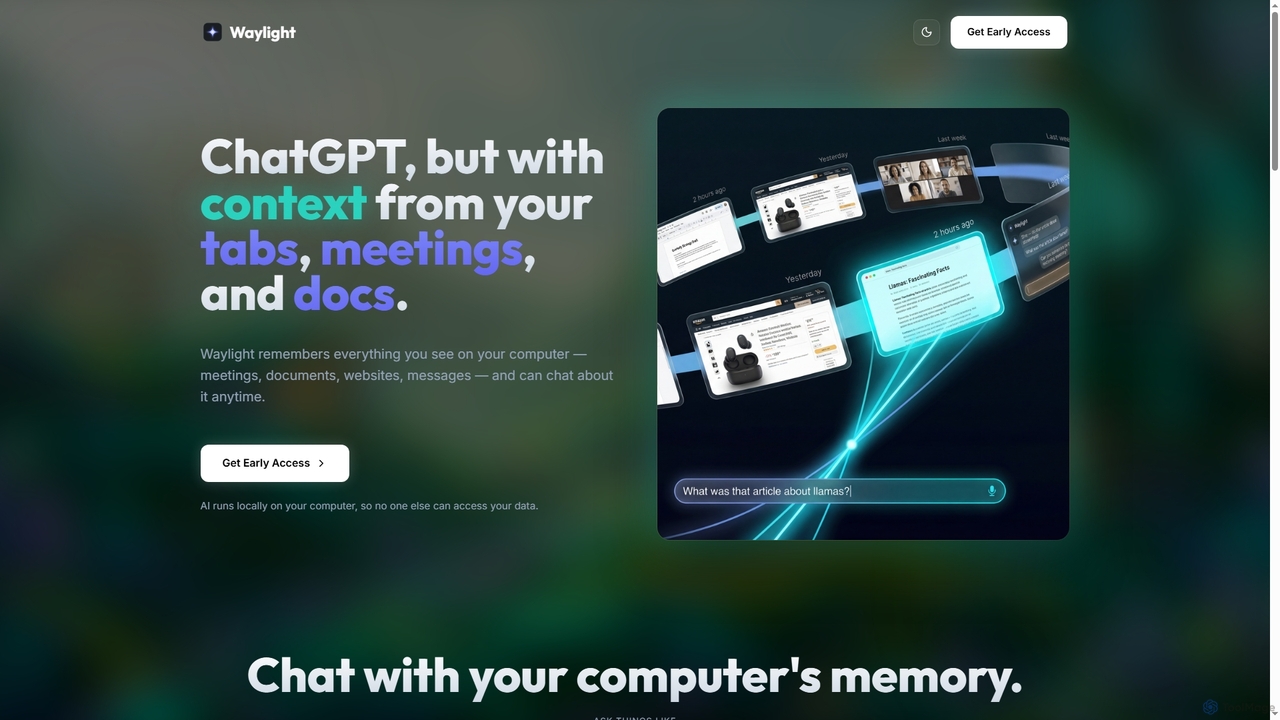
Waylight
Waylight is a privacy-first AI assistant that runs locally on your computer. It remembers everything you see—meetings, documents, and websites—creating a searchable memory you can chat with, without ever uploading your data to the cloud.
Desktop Assistant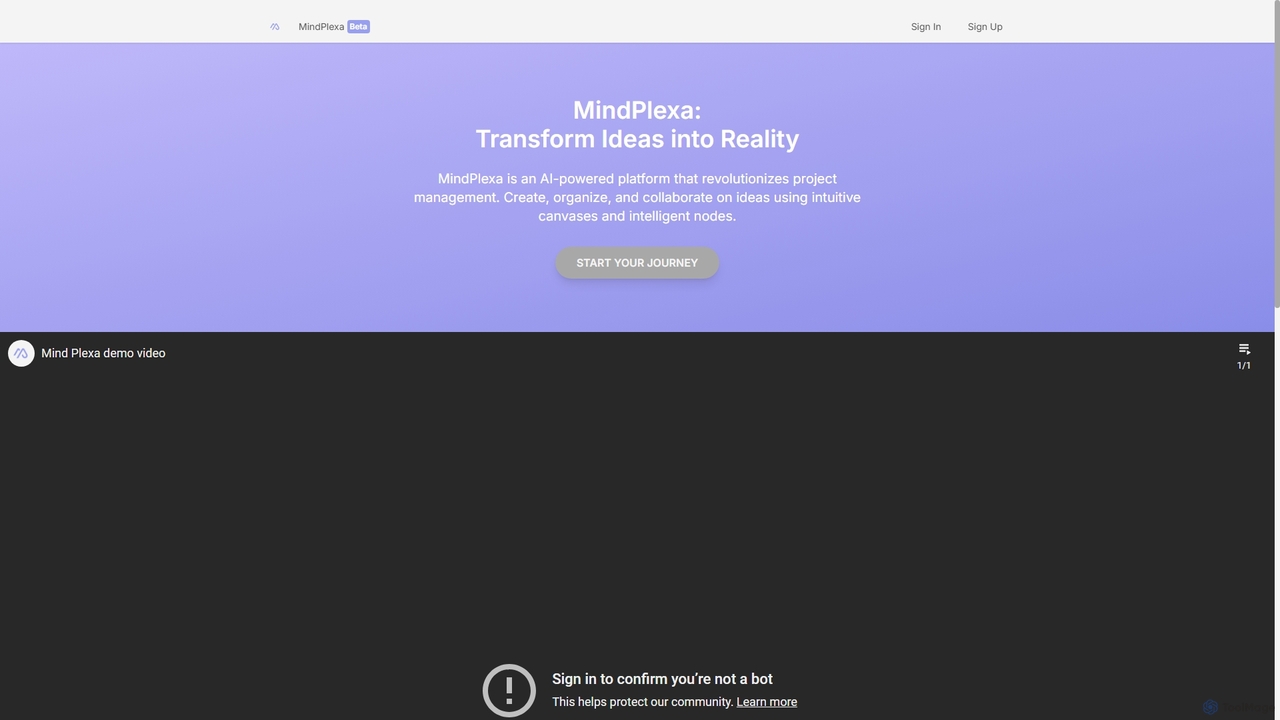
MindPlexa
MindPlexa is an AI-powered productivity platform that transforms ideas into actionable projects. It combines visual mind mapping with intelligent project management, allowing users to create, organize, and collaborate on ideas using intuitive canvases and smart nodes. The AI assistant helps generate project layouts, suggest tasks, and streamline workflows, making it an ideal tool for teams and individuals looking to boost creativity and efficiency.
Teamwork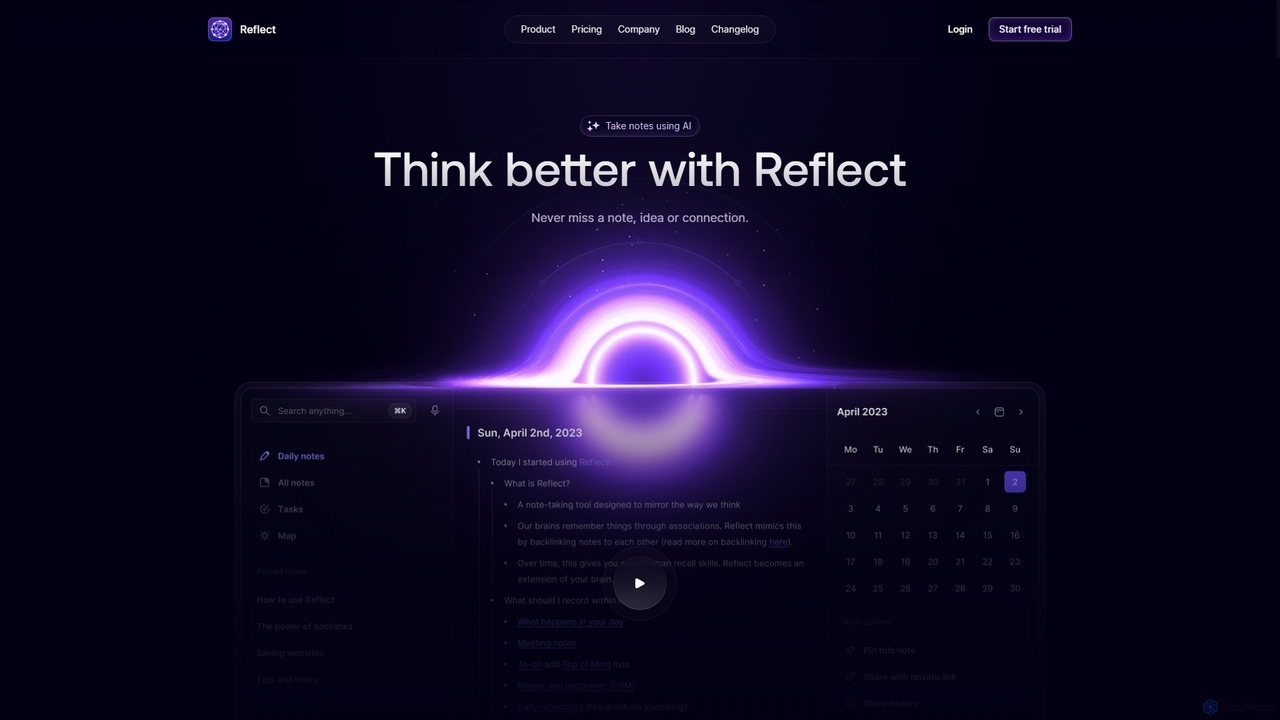
Reflect
Reflect is an AI-powered, networked note-taking app designed to help you think better. It acts as a 'second brain' by connecting your notes through backlinks, creating a graph of your ideas. With features like AI-driven transcription, summarization, end-to-end encryption, and seamless cross-device sync, it's built for speed, security, and frictionless thought capture.
Personal Assistant
MindmapAI
MindmapAI is an advanced AI-powered platform that transforms ideas, PDFs, YouTube videos, and web URLs into structured, visual mind maps. It automates information analysis and organization, enabling users to quickly grasp complex topics, brainstorm effectively, and collaborate with teams in real-time. Ideal for students, professionals, and creators looking to enhance productivity and clarity.
Project Management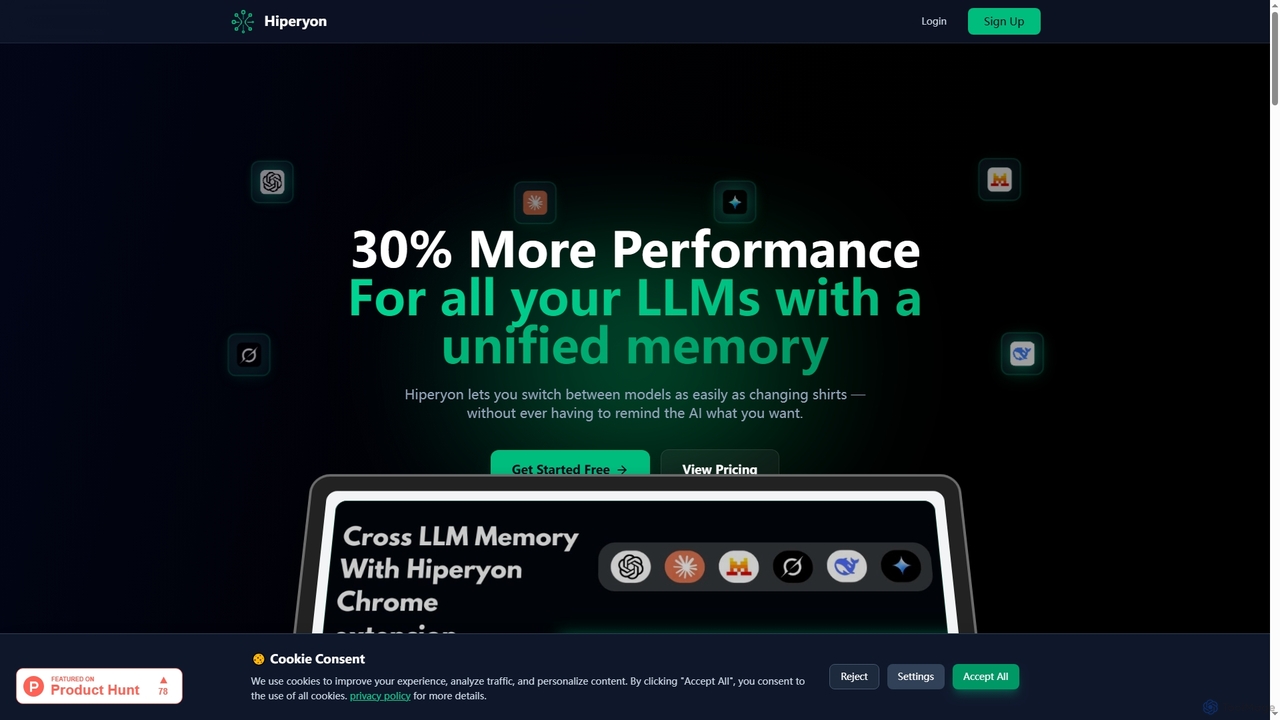
Hiperyon
Hiperyon is an AI tool that provides a unified contextual memory layer for multiple Large Language Models (LLMs) like ChatGPT, Claude, and Gemini. It enhances productivity by allowing users to switch between different AI models without losing context or repeating information, ensuring consistent and efficient interactions.
Context Management
Heydai
Heydai is an AI-powered daily planner and time tracker designed to help you understand where your time goes. It provides a visual timeline, in-depth analytics, and intelligent recommendations to align your daily activities with your long-term goals, boosting productivity and ensuring your time matches your priorities.
Analytics
TicNote
TicNote is an AI-powered meeting notetaker that transcribes, summarizes, and organizes conversations in real-time across 120+ languages. It uses on-device AI to generate smart summaries, mind maps, and action items without meeting bots, enhancing productivity and knowledge management for professionals.
Language Processing
Tingo.ai
Tingo.ai is an AI-powered productivity and workflow automation platform designed for modern teams. It integrates with your existing tools like Slack and Jira to automate meeting summaries, task management, and knowledge base creation, helping your team stay aligned and focus on what matters most.
Project Management
Twigg Comments (0)
Sign in to comment.
Sign inNo comments yet.