ToolMage
Sign in

Best 3 Visual Collaboration AI tools for Project Management

Popular Visual Collaboration AI tools in Project Management include Creately, Kuse AI, and Twigg, helping you work more efficiently.

Twigg
Freemium

Twigg

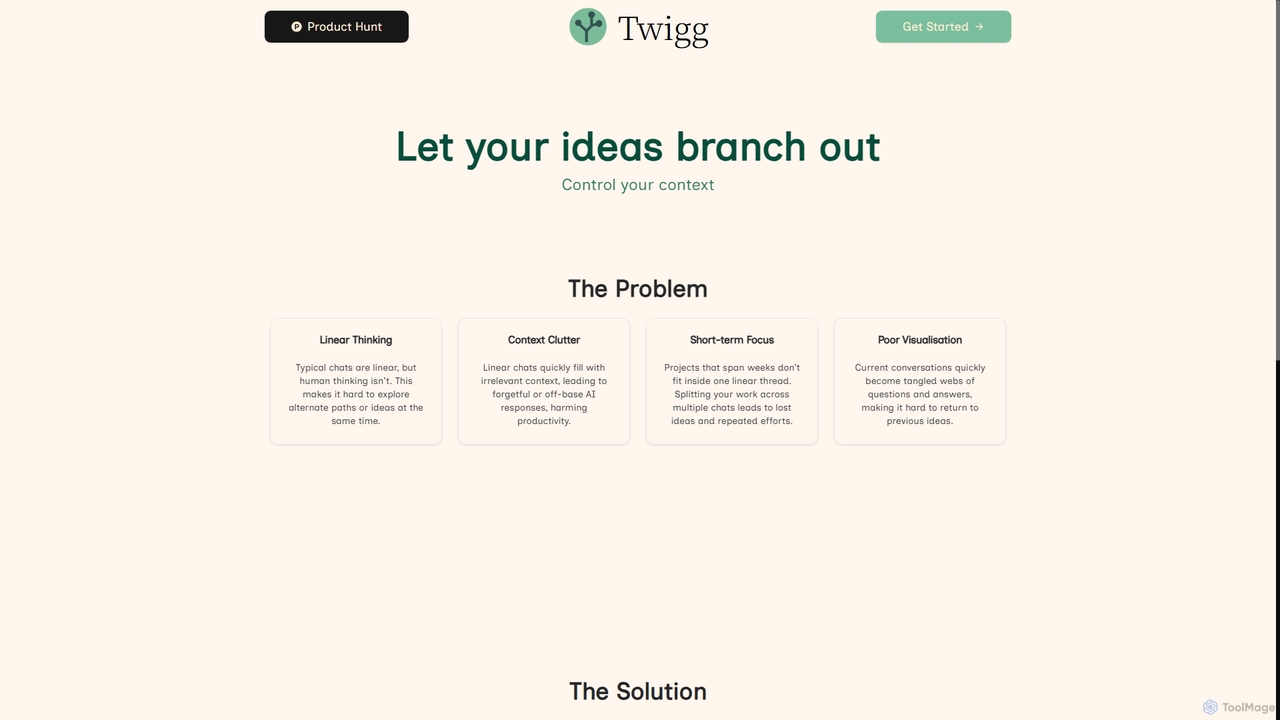
Twigg is an innovative AI chat interface that transforms linear conversations into interactive, branching idea trees. It helps users manage context, explore tangents, and visualize complex projects, making long-term collaboration with LLMs more efficient and intuitive.

Context Management
Visits 5.9KFavorites 171Likes 164
Kuse AI
Freemium

Kuse AI

Kuse AI is an intelligent visual collaboration platform that uses AI to supercharge brainstorming, mind mapping, and project planning. It provides an infinite canvas where teams can generate, organize, and develop ideas in real-time with the help of an AI assistant.

Mind Mapping
Visits 78.8KFavorites 136Likes 123
Creately
Freemium

Creately

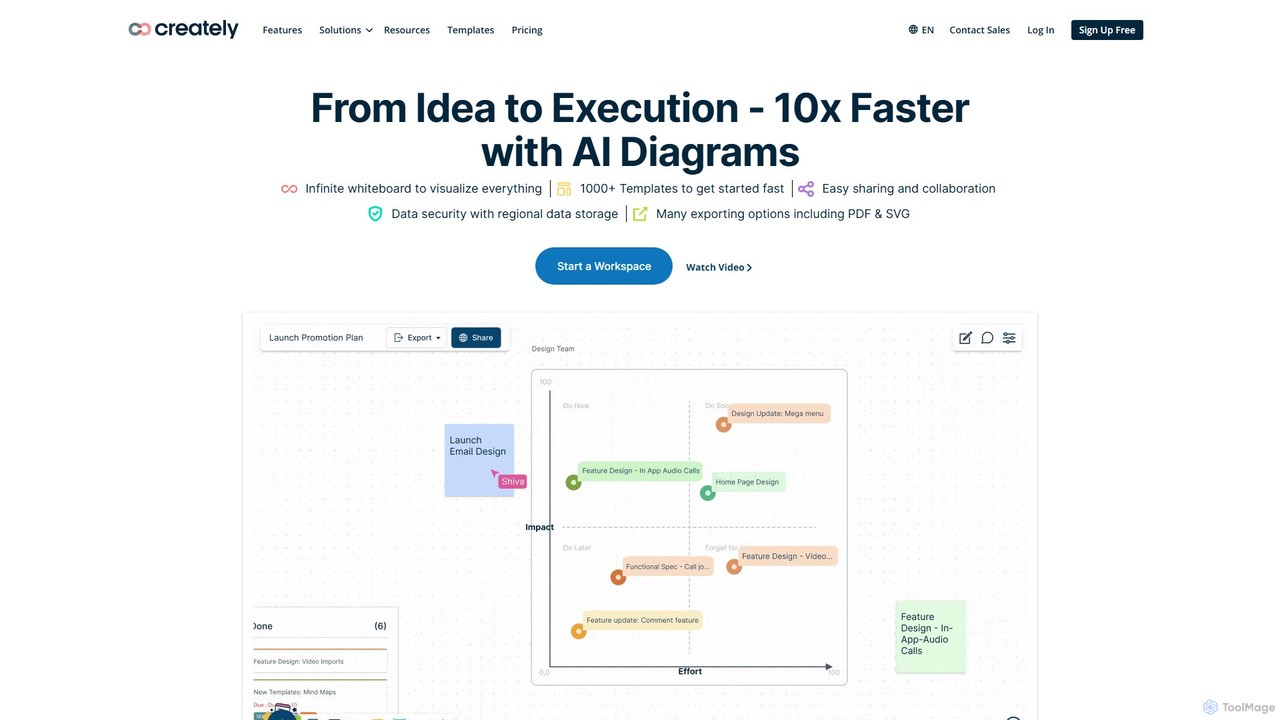
Creately is an AI-powered visual collaboration and work management platform. It combines intelligent diagramming, online whiteboarding, and data-driven project management on a single smart canvas, helping teams brainstorm, plan, and execute projects more effectively.

Planning
Visits 1MFavorites 117Likes 115

About Visual Collaboration

Visual Collaboration tools are AI-enhanced platforms designed to facilitate real-time teamwork through interactive visual elements. These platforms leverage digital whiteboards, diagrams, and shared canvases to enable teams to brainstorm, plan, and review projects collaboratively. By transforming abstract ideas into tangible visuals, they significantly enhance communication, foster creativity, and streamline decision-making within project management workflows.

Core Features

  • Interactive Digital Whiteboards: Offer a freeform canvas for real-time drawing, sticky notes, shapes, and text, mimicking physical whiteboards.
  • Diagramming & Flowcharting: Enable creation of professional flowcharts, mind maps, organizational charts, and process diagrams with smart connectors.
  • Multimedia Integration: Allow embedding of images, videos, documents, and links directly onto the collaborative canvas for rich context.
  • Real-time Cursors & Presence: Display active participants' cursors and names, showing who is working on what in real time.
  • AI-powered Assistance: Provide intelligent suggestions for layouts, summarize discussions, generate ideas, or even transcribe spoken input.

Use Cases

These tools are invaluable for remote teams conducting brainstorming sessions, agile teams performing sprint planning and retrospectives, and design teams collaborating on UI/UX wireframes. They also support strategic planning workshops, educational training, and marketing campaign ideation, making complex information more accessible and engaging for all participants.

How to Choose

When selecting a Visual Collaboration tool, consider its core collaboration features like real-time editing, commenting, and voting. Evaluate the breadth of its template library for various use cases and its integration ecosystem with existing project management, communication, and design tools. Assess the sophistication of its AI capabilities, such as intelligent suggestions or content generation, and ensure it meets your team's scalability and security requirements.

Featured tool rankings

Visual Collaboration use cases

1

Remote Team Brainstorming

For distributed teams, Visual Collaboration tools provide a shared digital space to generate and organize ideas effectively. Team members can simultaneously add sticky notes, draw connections, and vote on concepts, ensuring everyone's input is captured and structured. This facilitates dynamic idea generation and problem-solving without geographical limitations, leading to more inclusive and innovative outcomes.

2

Agile Sprint Planning & Retrospectives

Agile teams utilize these platforms to visually map out user stories, tasks, and dependencies during sprint planning sessions. During retrospectives, teams can collaboratively identify pain points and action items using visual templates. The interactive nature helps foster engagement and a shared understanding of the sprint backlog and improvement areas, enhancing overall agile workflow efficiency.

3

Product Design & Wireframing

Product designers and UX/UI teams leverage Visual Collaboration tools to sketch out wireframes, user flows, and mockups in a shared environment. Stakeholders can provide real-time feedback directly on the canvas, iterating on designs collaboratively. This accelerates the design process, ensures alignment across teams, and reduces miscommunication by visualizing concepts early in development.

4

Strategic Planning & Mind Mapping

Leadership and strategy teams use these tools to develop strategic roadmaps, conduct SWOT analyses, and create detailed mind maps. The visual format helps break down complex objectives into actionable plans and visualize interdependencies. This clarity aids in aligning organizational goals, identifying key initiatives, and communicating strategic direction effectively to all stakeholders.

5

Educational Workshops & Training

Educators and corporate trainers employ Visual Collaboration platforms to create engaging and interactive learning experiences. Participants can actively contribute to exercises, group activities, and discussions on a shared canvas. This fosters active learning, encourages participation, and allows for immediate visual feedback, making training sessions more dynamic and memorable.

6

Marketing Campaign Ideation

Marketing teams use these tools to brainstorm new campaign concepts, map out customer journeys, and plan content strategies. They can visually organize campaign elements, target audiences, and messaging, ensuring a cohesive approach. The collaborative visual environment helps refine ideas, identify gaps, and align all team members on the creative direction and execution plan for marketing initiatives.

Visual Collaboration FAQ

What are Visual Collaboration tools?

Visual Collaboration tools are digital platforms that enable teams to work together in real time using interactive visual elements like whiteboards, diagrams, and shared canvases. They are designed to enhance communication and creativity by transforming ideas into tangible visuals, often incorporating AI to assist with content generation, organization, and summarization within project management contexts.

How do Visual Collaboration tools enhance project management?

These tools significantly enhance project management by improving clarity, engagement, and decision-making. They facilitate better brainstorming, planning, and review processes, especially for remote or hybrid teams. By providing a shared visual space, they ensure all team members have a common understanding of project goals, tasks, and progress, leading to more efficient and aligned execution.

What are the essential features of an AI-powered Visual Collaboration platform?

Essential features include an interactive digital whiteboard for freeform ideation, robust diagramming capabilities for structured thinking, and multimedia integration for rich context. AI-powered platforms often add intelligent suggestions for layouts, automated summarization of discussions, and even content generation, alongside real-time cursor presence and comprehensive template libraries.

How to select the best Visual Collaboration tool for my team?

To select the best tool, consider your team's specific collaboration needs, such as real-time editing, commenting, and voting. Evaluate the range of available templates, the tool's integration capabilities with your existing software stack (e.g., Slack, Jira), and the sophistication of its AI features. Also, factor in scalability for future growth, security protocols, and your budget.

How do Visual Collaboration tools differ from traditional project management software?

Traditional project management software typically focuses on task tracking, timelines, and resource allocation through text-based lists and Gantt charts. Visual Collaboration tools, conversely, prioritize real-time ideation, brainstorming, and creative problem-solving using interactive visual canvases. While traditional tools manage the "what" and "when," visual collaboration excels at the "how" and "why" of initial concept development and shared understanding, often complementing traditional PM tools.