


Conversease Overview
Conversease is an advanced, privacy-centric AI chat platform designed to serve as a unified user interface for a variety of leading large language models (LLMs). It operates on a "Bring Your Own Key" (BYOK) model, empowering users to connect directly to AI providers like OpenAI and Mistral AI using their personal API keys. This unique architecture ensures that all conversations are stored locally on the user's browser, guaranteeing complete data privacy and security as no conversational data is shared with Conversease's servers. The platform is built for power users, developers, and anyone seeking a more robust and organized way to interact with AI.
Beyond simple text-based chat, Conversease integrates powerful features that enhance productivity and expand creative possibilities. It supports multimodal interactions, including a beta feature for chatting with PDF documents and a new capability for image analysis using vision-enabled models. This makes it an invaluable tool for research, data extraction, and content analysis. The intuitive interface provides seamless conversation management tools, allowing users to search, star, export, and import their chat histories with ease.
How to use Conversease
Getting started with Conversease is a straightforward process designed for user convenience and security:
- Create an Account: Sign up and log in to the Conversease platform to access your personal dashboard.
- Navigate to Settings: Once logged in, find the settings or API key management section.
- Add Your API Keys: Enter the API keys from your preferred AI providers (e.g., OpenAI for GPT-4o, Mistral AI for Pixtral). The platform securely stores these keys for your use.
- Select a Model: In the main chat interface, choose the AI model you wish to interact with from a dropdown list of your configured providers.
- Start Conversing: You can now start chatting with the selected AI. Your conversations are automatically saved locally.
- Utilize Advanced Features: To chat with a document, use the PDF upload option (Beta). For image analysis, upload an image and ask questions about it using a vision-compatible model like GPT-4o.
- Manage Your History: Use the built-in tools to search for specific keywords in past conversations, star important chats for quick access, or export your history for backup and import it on another device.
Core Features of Conversease
- Multi-Provider Support: Seamlessly switch between leading AI models, including OpenAI's GPT-4o and GPT-4o Mini, and Mistral AI's Pixtral 12B and Pixtral Large.
- Enhanced Privacy and Security: All conversation data is stored locally in your browser, ensuring your information remains private and is never shared with third parties.
- Advanced Conversation Management: Easily search, star, export, and import your entire conversation history, giving you full control over your data.
- PDF Chat (Beta): Upload PDF files and interact with their content directly through the chat interface, perfect for summarizing reports, extracting information, and conducting research.
- Image Analysis with Vision Models: Leverage the power of multimodal AI by uploading images and asking questions, getting descriptions, or analyzing visual data with models like GPT-4o.
- Bring Your Own Key (BYOK): Connect your personal API keys to maintain full control over your usage and costs with AI providers.
- Custom AI Solutions: Conversease also offers professional development services, including RAG solutions, LLM integration, and custom AI-powered application development for businesses.
Use Cases for Conversease
Conversease is a versatile tool suitable for a wide range of applications:
- Content Creators: Generate articles, scripts, social media posts, and marketing copy by leveraging different AI models for diverse creative styles.
- Developers and Programmers: Write, debug, and optimize code, or get explanations for complex programming concepts using specialized AI models.
- Researchers and Students: Summarize academic papers, analyze research data from PDFs, and quickly find relevant information within large documents.
- Business Professionals: Draft emails, prepare reports, brainstorm business strategies, and analyze market trends in a secure environment.
- Personal Productivity: Use it as a personal assistant for planning, learning new skills, translating languages, or exploring creative ideas.
Advantages of Conversease
The primary advantage of Conversease is its unique combination of versatility and privacy. By centralizing access to multiple top-tier AI models in one clean interface, it saves users time and effort. The local storage architecture is a significant differentiator, appealing to anyone concerned about data confidentiality. Furthermore, the inclusion of advanced features like PDF chat and image analysis elevates it from a simple chat client to a powerful productivity and research platform. The BYOK model ensures transparency and control over API costs, making it a cost-effective solution for frequent users.
Pricing and Plans
Conversease operates on a freemium model, providing both free and paid tiers to cater to different user needs. While you are responsible for the costs associated with your own API key usage, the platform itself offers the following plans:
- Free Plan: Ideal for individual users, offering access to core features, support for a limited number of API keys, and basic conversation management.
- Pro Plan (Paid): Designed for power users and professionals, this plan typically includes support for unlimited API keys, advanced features like team collaboration (if available), larger storage for local history, and priority support.
For businesses seeking custom integrations, RAG solutions, or bespoke AI applications, Conversease offers enterprise-level development services with custom pricing. Please visit the official website for the most current and detailed pricing information.
Conversease Alternatives
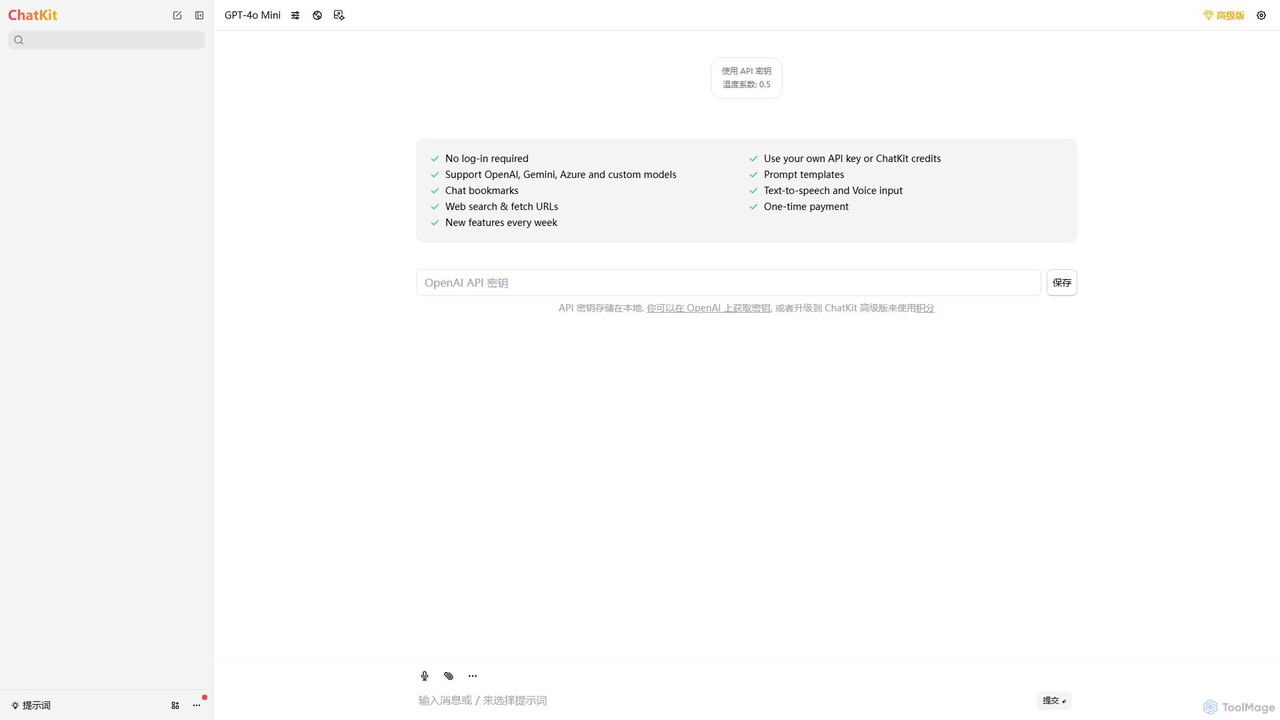
ChatKit
ChatKit is a refined, unified chat interface for top AI models like OpenAI, Gemini, and Azure. It enhances your workflow with features like web search, prompt templates, voice input, and chat bookmarks, all while prioritizing user privacy with local API key storage and no required login.
Api Management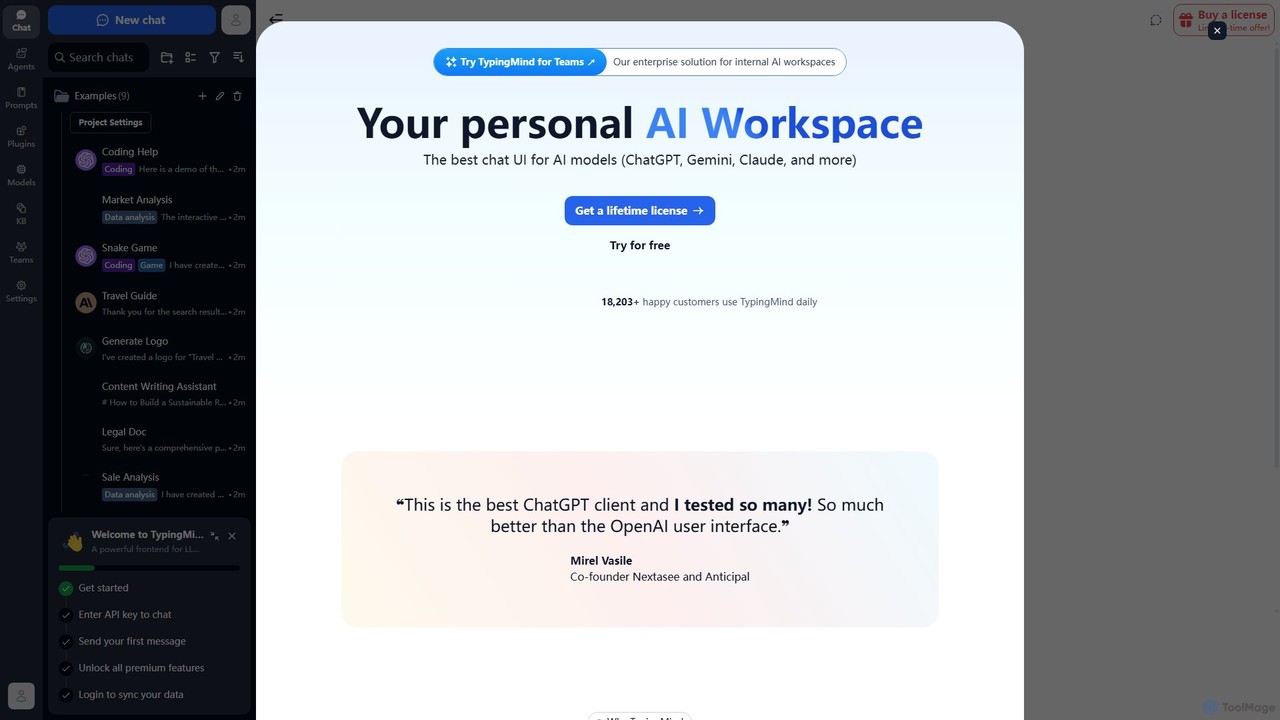
TypingMind
TypingMind is an advanced, privacy-first chat UI for large language models (LLMs) like ChatGPT, Gemini, and Claude. It offers a unified workspace with powerful features, allowing users to bring their own API keys for a one-time fee. Enhance your productivity with custom agents, a rich plugin ecosystem, and advanced chat management tools, all while keeping your data secure on your device.
Api Management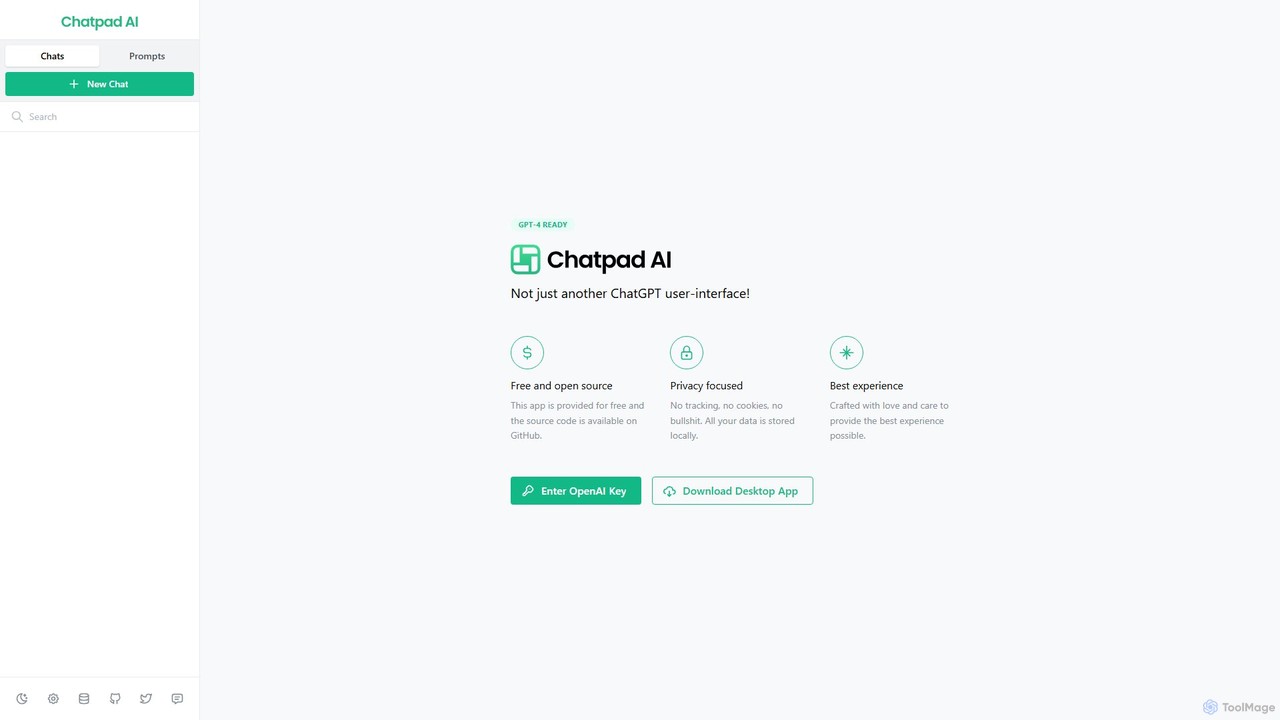
Chatpad AI
Chatpad AI is a free, open-source, and privacy-focused desktop client for OpenAI's GPT models, including GPT-4. It enhances the standard chat experience by storing all your data locally, ensuring complete privacy and data ownership. Use your own OpenAI API key for a secure and powerful AI interaction.
Code Assistant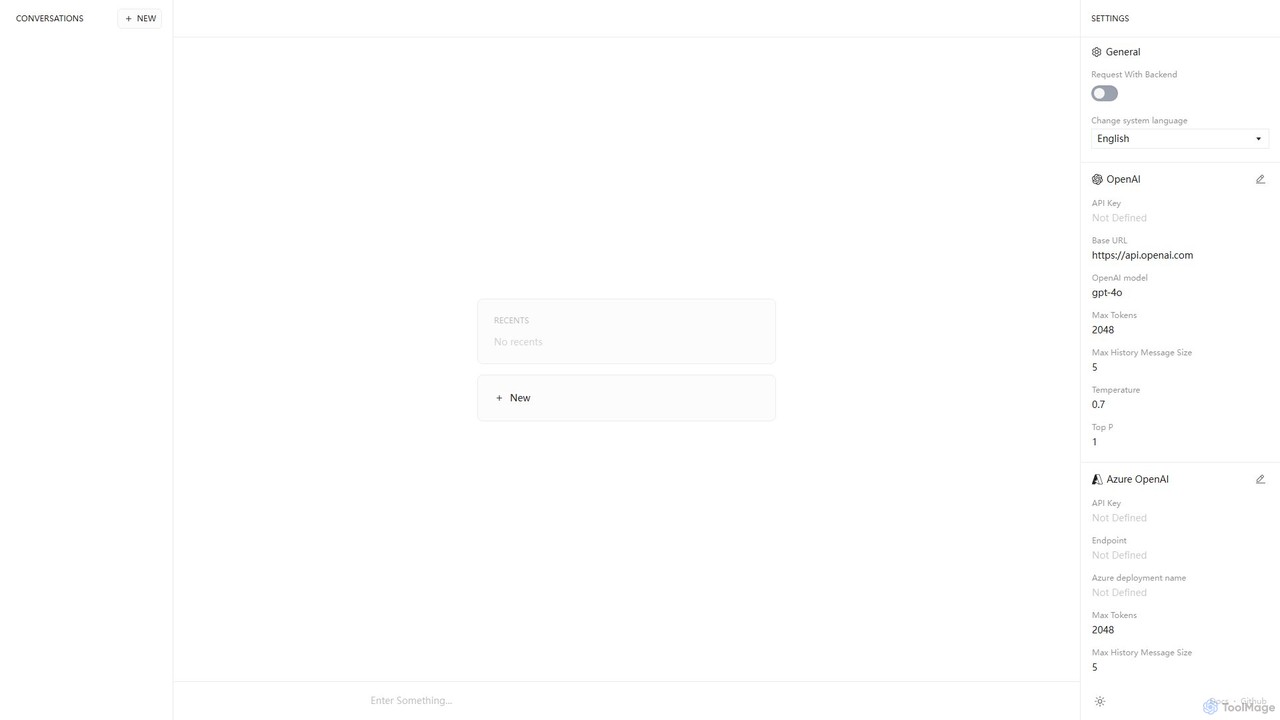
Anse
Anse is a free, open-source, and privacy-focused desktop AI client. It provides a unified interface to interact with various large language models from providers like OpenAI, Google, and Azure. By using your own API keys, you maintain full control over your data and costs, while enjoying advanced features and model customization in a sleek, minimalist application.
Ai Client
HeyGPT
HeyGPT is an advanced, privacy-focused web client for ChatGPT. It enhances your experience by allowing you to use your own OpenAI API key, chat with documents, PDFs, websites, and YouTube videos, and transcribe audio. All data is stored locally, with no monthly fees or required logins.
SummarizerConversease Categories
Conversease Embed Widget
Copy this embed code to place the badge on your blog, article, or product site and send readers directly to this ToolMage detail page.

Related AI tools

Lit.Codes Chat
A privacy-focused AI chat interface offering access to a wide range of advanced GPT models, including GPT-4o. It features end-to-end encrypted chat history and a convenient Chrome extension, making it a secure and versatile tool for developers, writers, and professionals seeking powerful AI assistance without compromising on data security.
Coding Assistant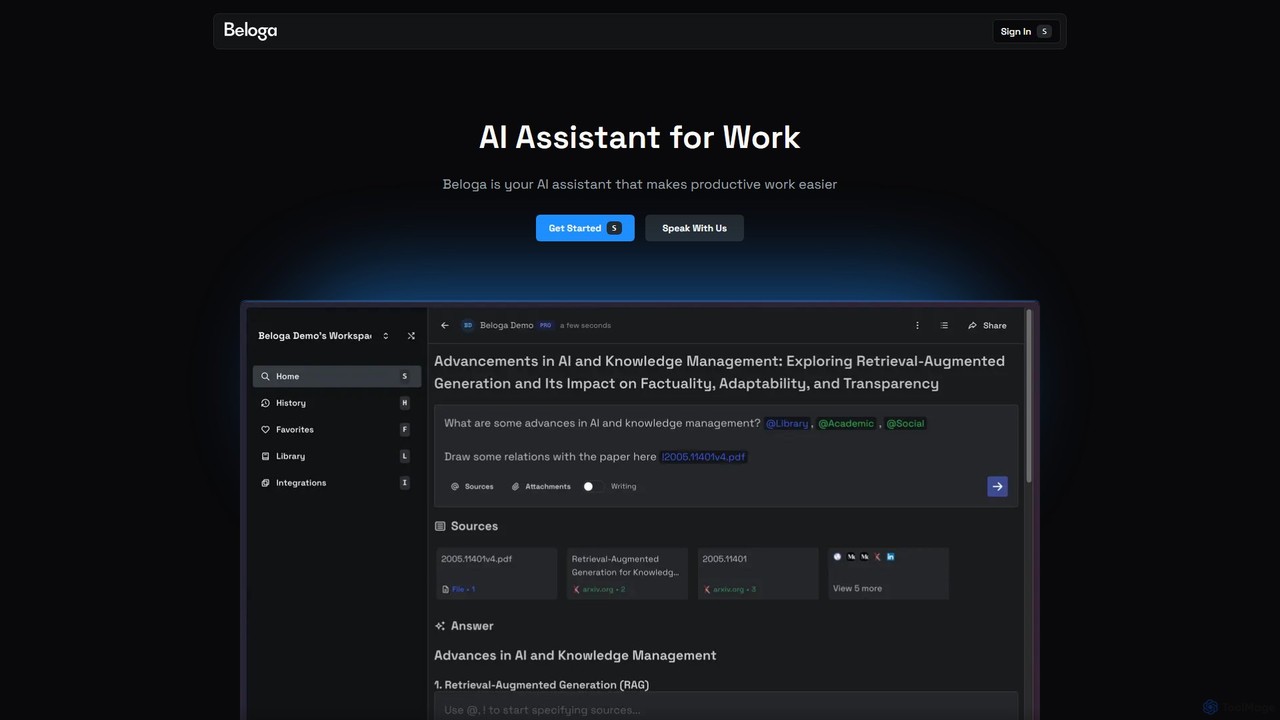
Beloga
Beloga is an AI-powered productivity platform that integrates multiple large language models (like GPT-4o, Claude 3, Gemini 1.5) into a seamless workflow. Through its command spotlight interface, users can perform intelligent searches, automate tasks, and access personalized knowledge bases, boosting efficiency for individuals and teams.
Code AssistantChatKit
ChatKit is a refined, unified chat interface for top AI models like OpenAI, Gemini, and Azure. It enhances your workflow with features like web search, prompt templates, voice input, and chat bookmarks, all while prioritizing user privacy with local API key storage and no required login.
Api Management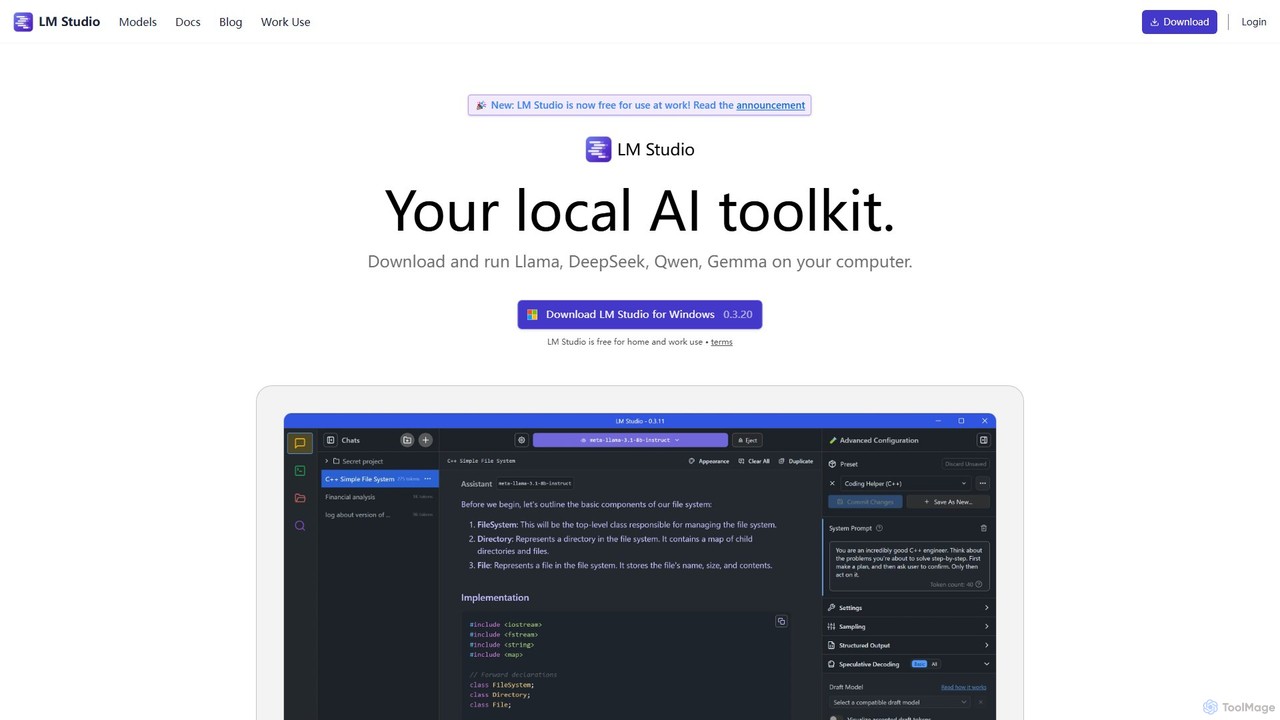
LM Studio
LM Studio is a desktop application for Windows, macOS, and Linux that allows you to discover, download, and run open-source Large Language Models (LLMs) entirely on your local machine. It offers a user-friendly interface, an OpenAI-compatible local server, and robust privacy features, making it ideal for developers, researchers, and anyone seeking a private AI experience.
Model Deployment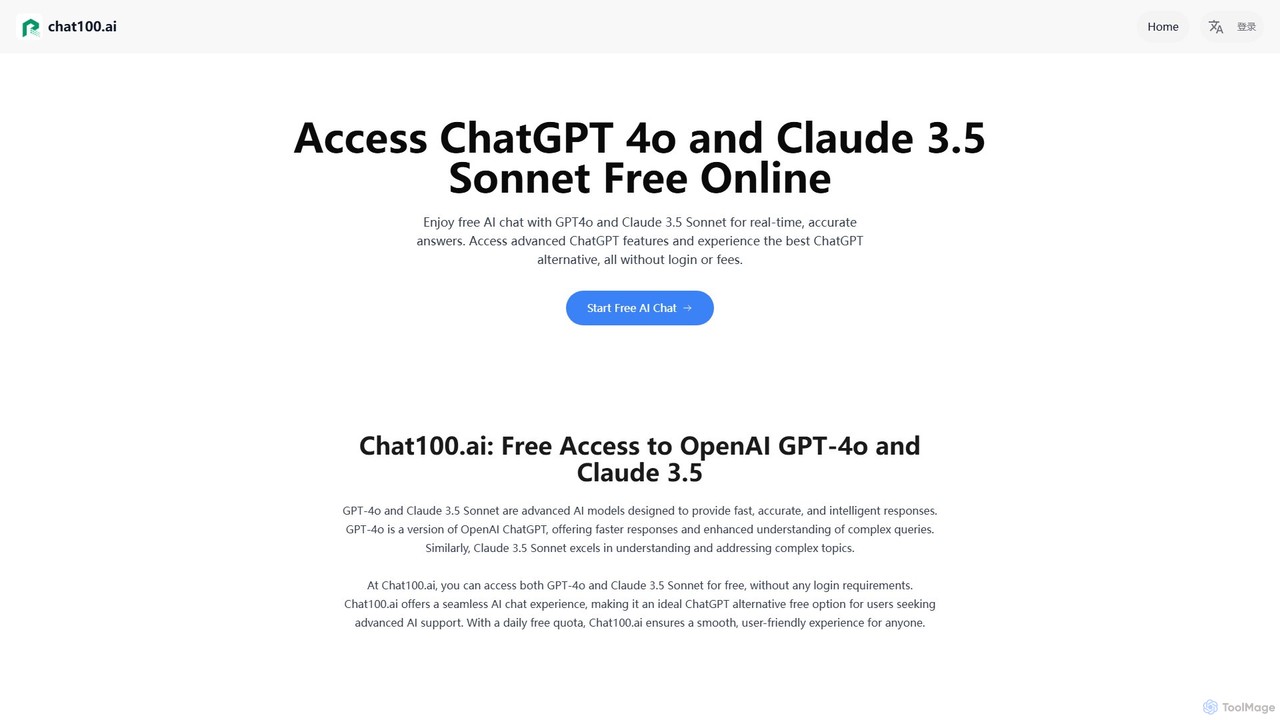
Chat100.ai
Chat100.ai offers free, no-login access to advanced AI models like OpenAI's GPT-4o and Anthropic's Claude 3.5 Sonnet. It provides a seamless, multilingual chat experience for various tasks, including content creation, coding assistance, and complex problem-solving. As a powerful ChatGPT alternative, it supports text and image inputs, delivering fast, accurate, and secure responses with a daily usage quota.
Code Assistant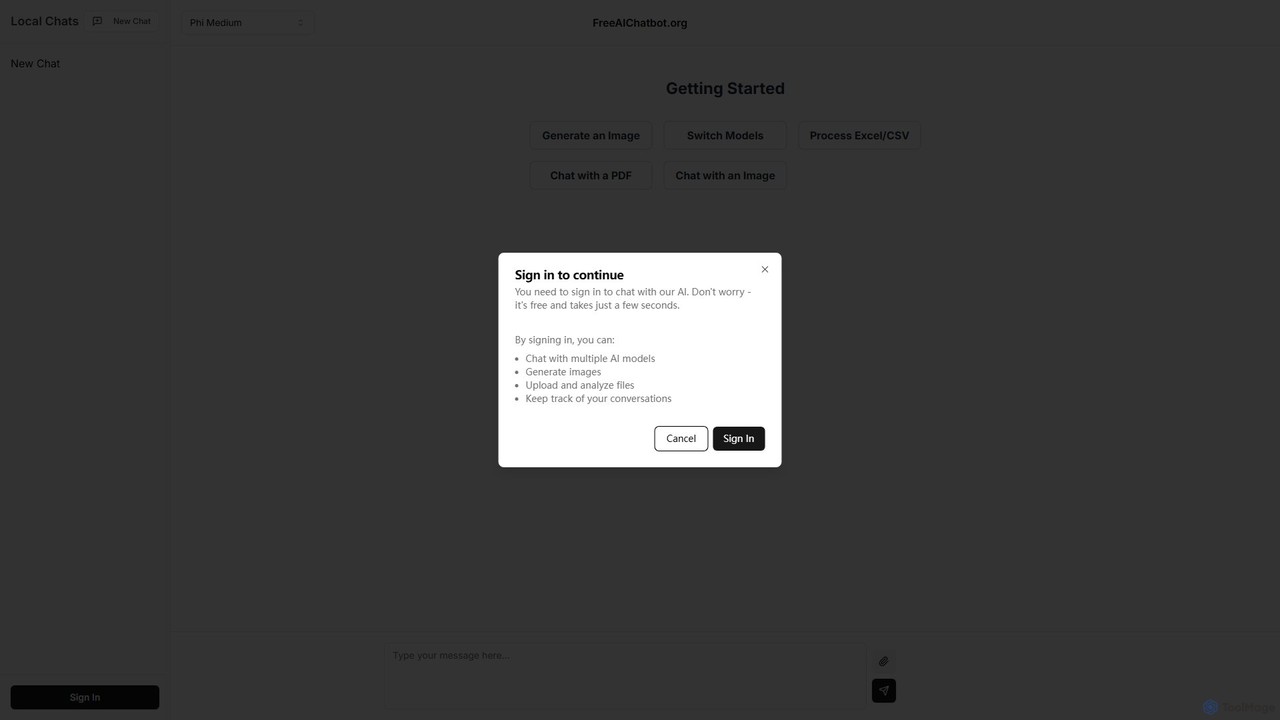
FreeAIChatbot.org
A versatile, free, and privacy-focused AI platform offering multi-model chat, image generation, and analysis of PDFs, images, and CSV files. All your conversations are stored locally on your device, ensuring complete data security and privacy.
Data Analysis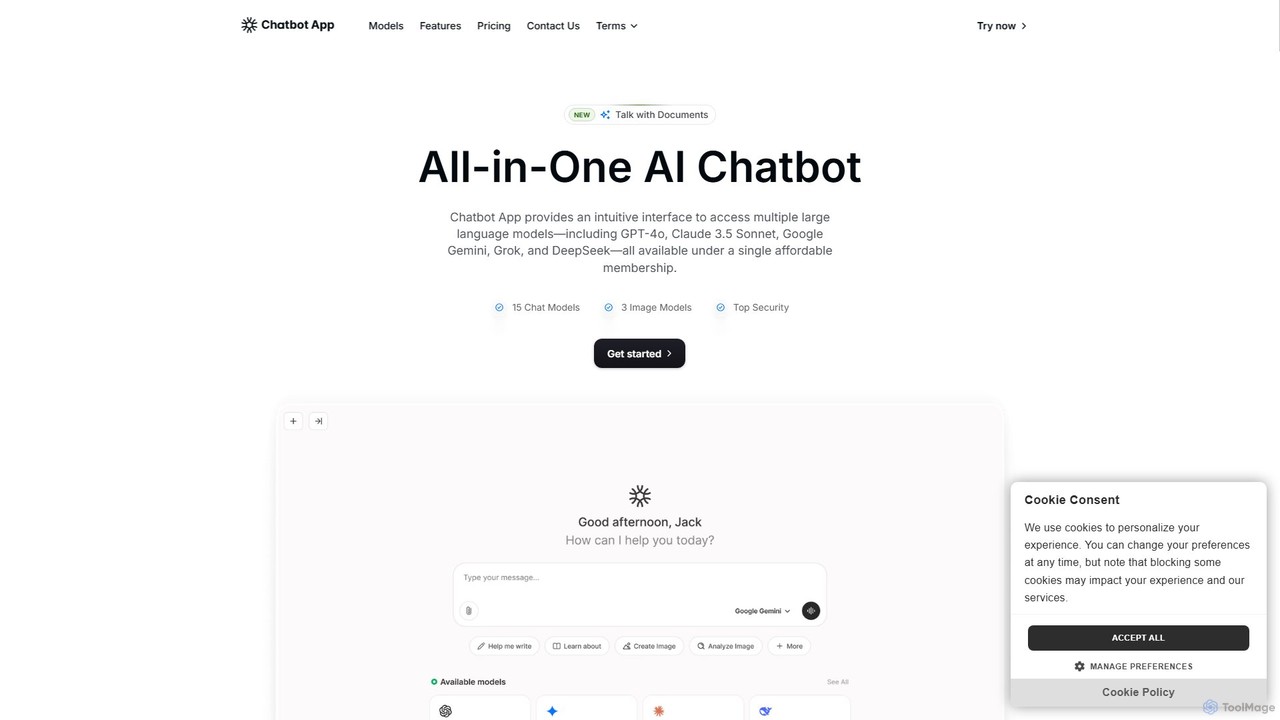
Chatbot App
An all-in-one AI platform providing access to over 10 leading AI models like GPT-4o, Claude 3.5, and Gemini in a single interface. It enables users to chat, generate content, create images, and analyze documents, streamlining workflows and significantly reducing costs compared to separate subscriptions. Ideal for professionals in marketing, content creation, and development.
Ai Chat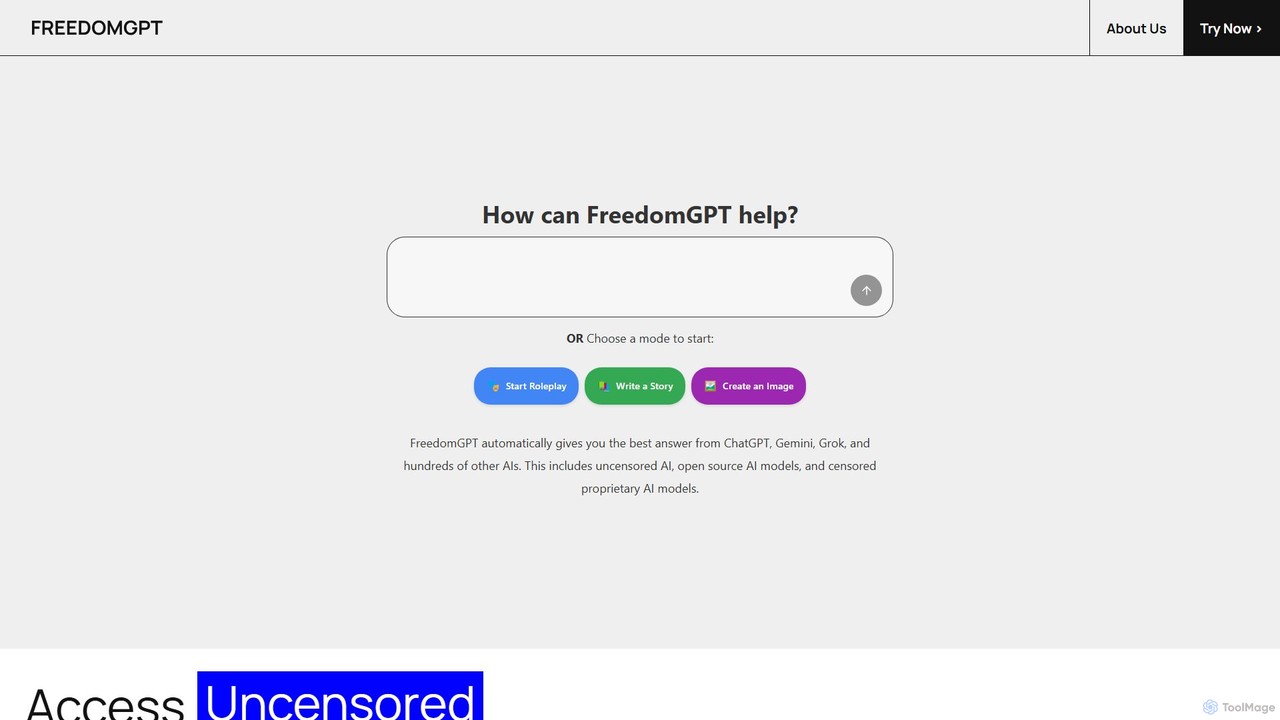
FreedomGPT
FreedomGPT is an AI App Store that provides private and uncensored access to over 400 of the world's leading AI models. It allows users to compare responses from different AIs side-by-side, vote for the best one, and access top models from OpenAI, Google, Anthropic, and open-source alternatives through a single, affordable subscription, all while protecting user privacy.
Model Aggregator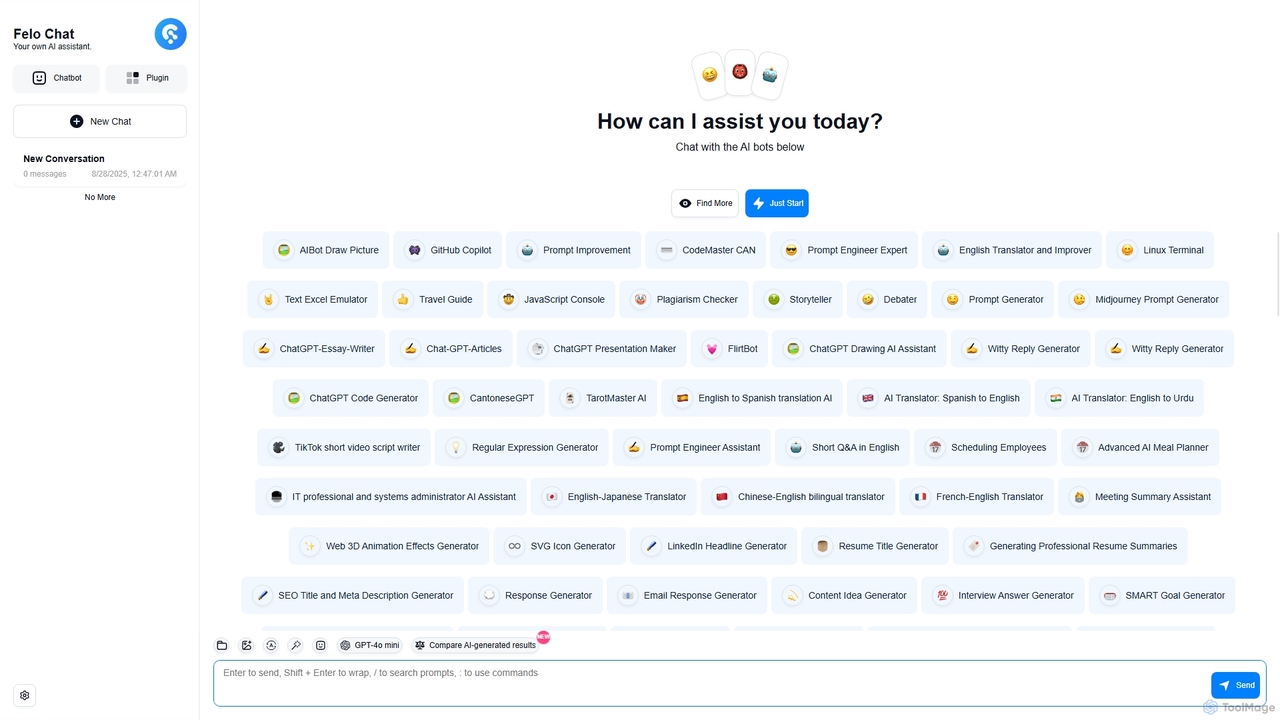
Felo Chat
Felo Chat is a versatile AI assistant platform providing free access to leading AI models like GPT-4o, Claude, and Gemini. It features an extensive library of specialized AI bots for various tasks, from coding and content creation to translation and data analysis. With support for text, file, and image uploads, Felo Chat serves as a comprehensive, all-in-one solution for professionals, students, and creatives.
Code Assistant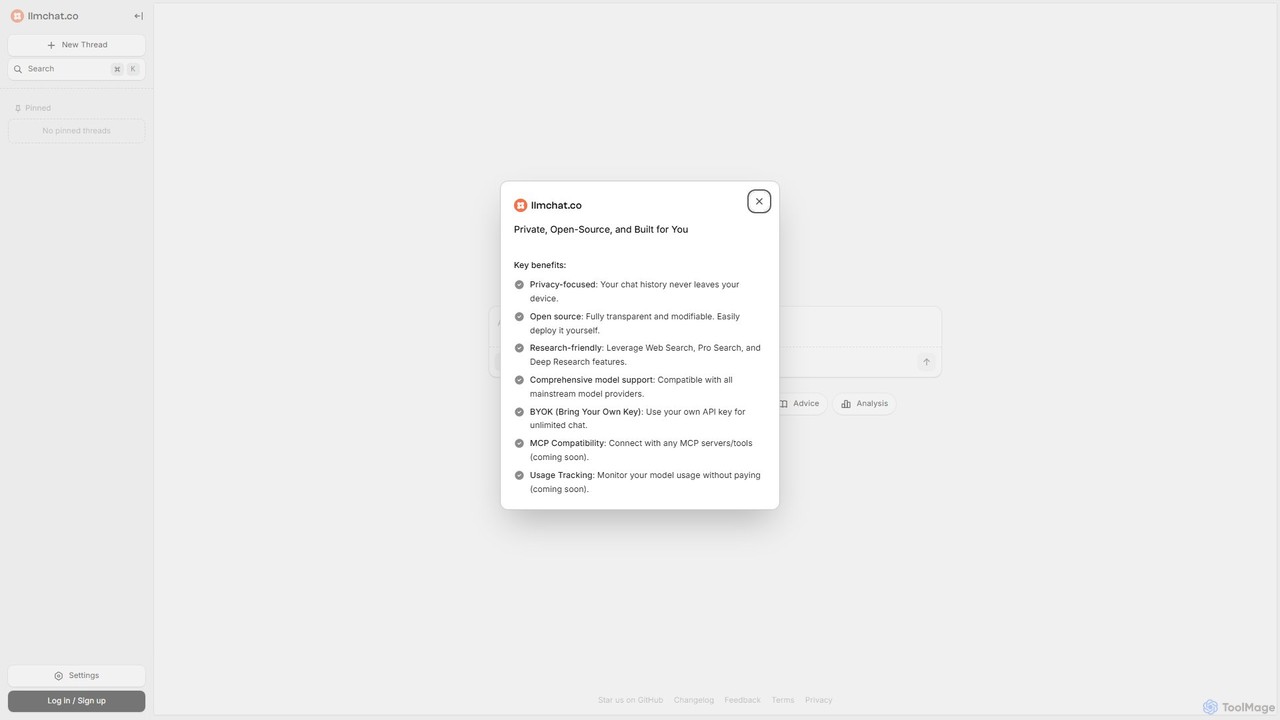
llmchat.co
llmchat.co is a private, open-source AI research assistant designed for deep analysis and agentic workflows. It prioritizes user privacy by keeping all chat history on your device. With support for multiple LLM providers via your own API key (BYOK), it offers powerful features like Web Search and Deep Research, making it an ideal tool for researchers, developers, and power users seeking control and flexibility.
Chatbot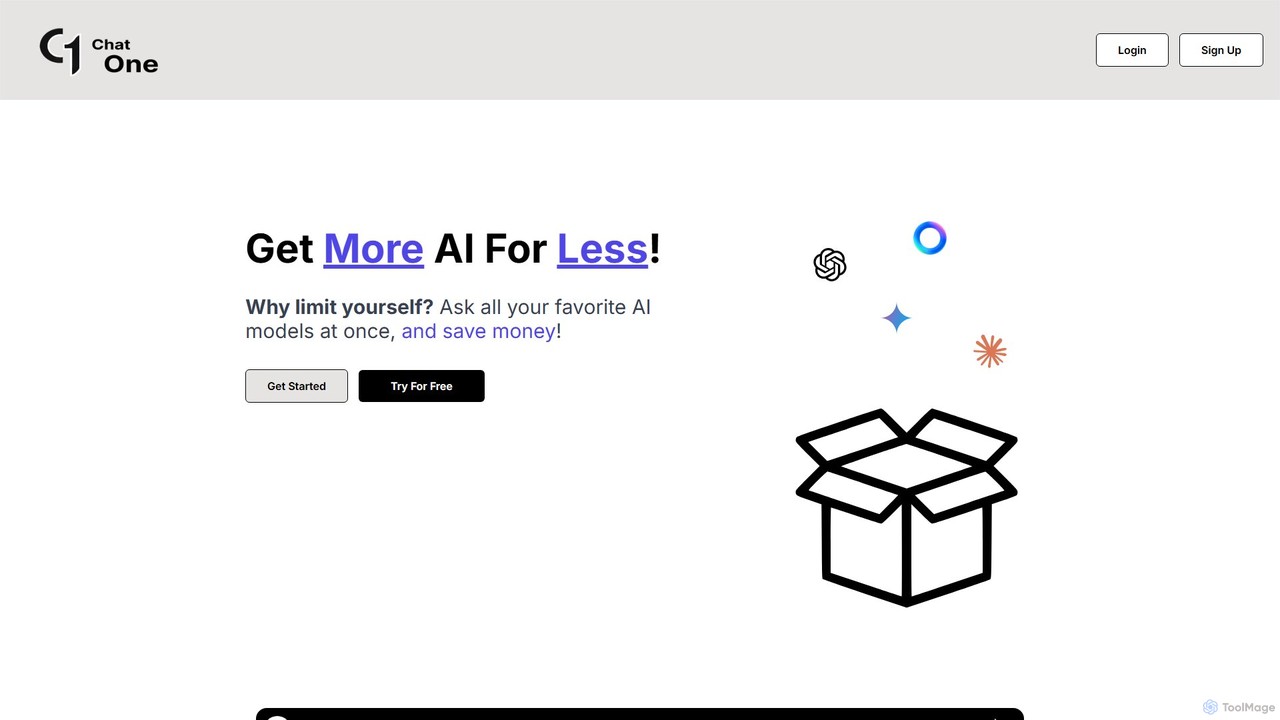
ChatOne
ChatOne is an AI chatbot aggregator that allows you to query multiple leading AI models like ChatGPT, Claude 3.5 Sonnet, and Gemini 1.5 Pro simultaneously. Compare responses in a single interface to get the best results, save time, and reduce costs.
Code Assistant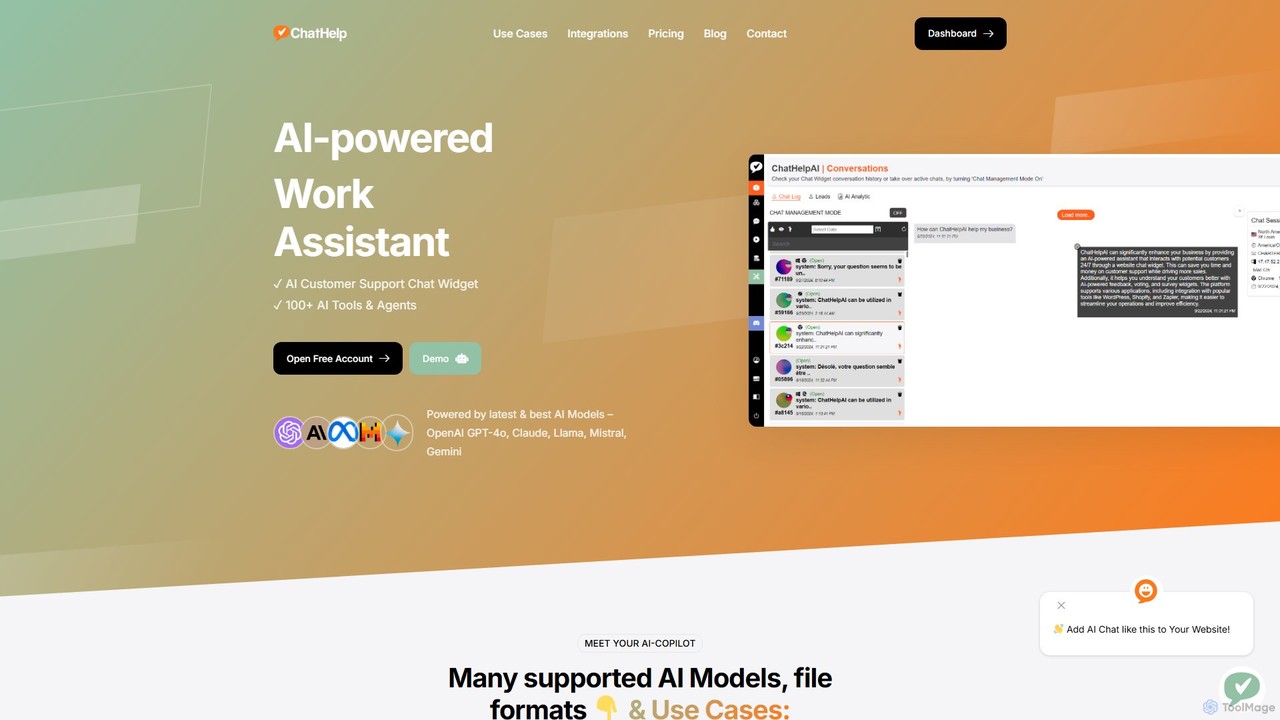
ChatHelp.ai
ChatHelp.ai is an all-in-one AI platform featuring a customizable website chatbot, a versatile AI assistant for business, work, and study, and a toolbox with over 100 AI agents. Powered by leading models like GPT-4o and Claude, it supports various file formats and allows users to bring their own API keys for cost-effective access. It's designed to streamline workflows, enhance productivity, and improve customer engagement.
Chatbot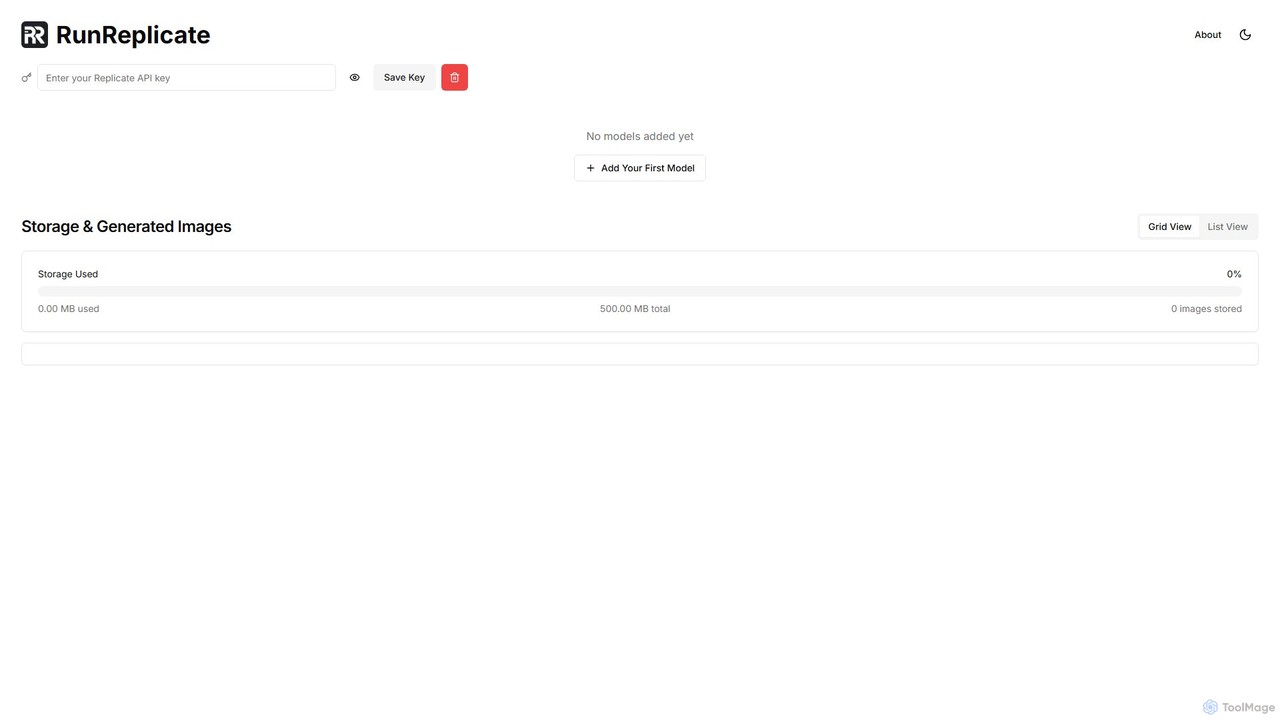
RunReplicate
RunReplicate is a free, privacy-focused browser interface for running Replicate's AI models. It specializes in image generation, offering unique features like a multi-tab workflow for running multiple models simultaneously and the ability to toggle the safety checker for greater creative control.
Api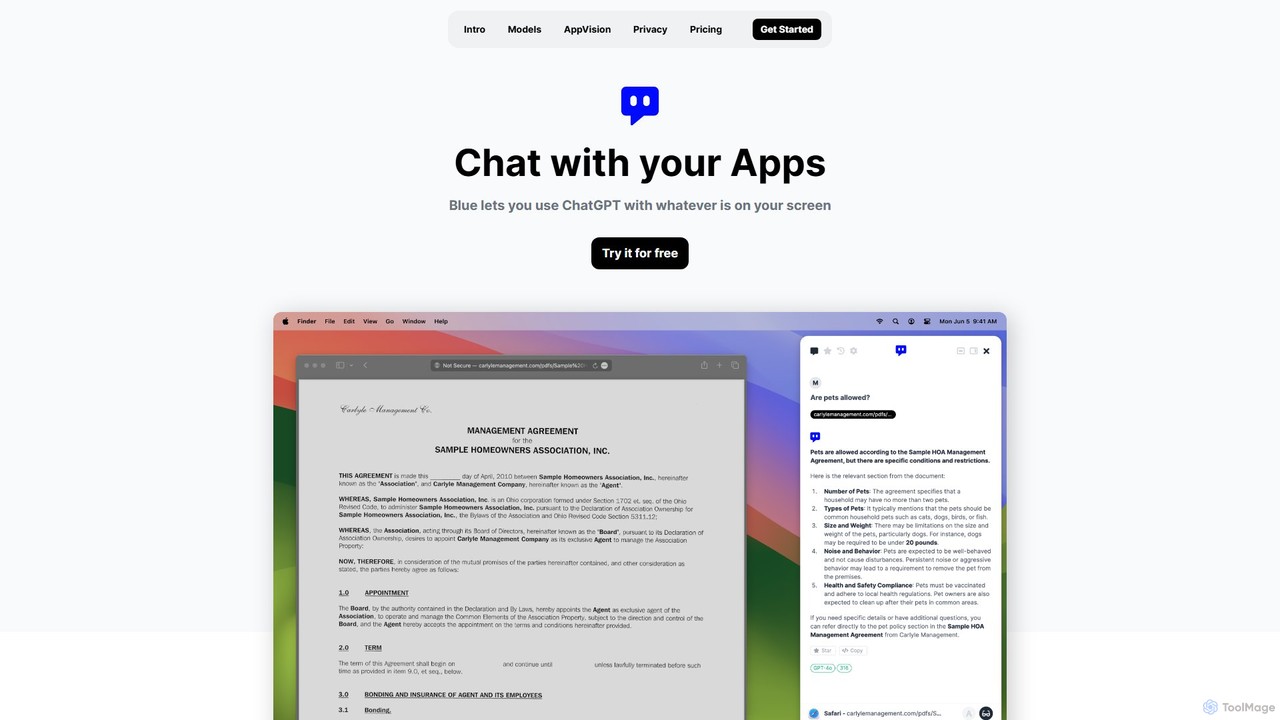
Blue
Blue is a native macOS AI assistant that integrates ChatGPT and other advanced AI models directly into your workflow. Featuring unique screen context awareness (AppVision) and a strong focus on privacy, it allows you to analyze, summarize, or create content in any app with a simple keyboard shortcut, boosting productivity for professionals.
Coding Assistant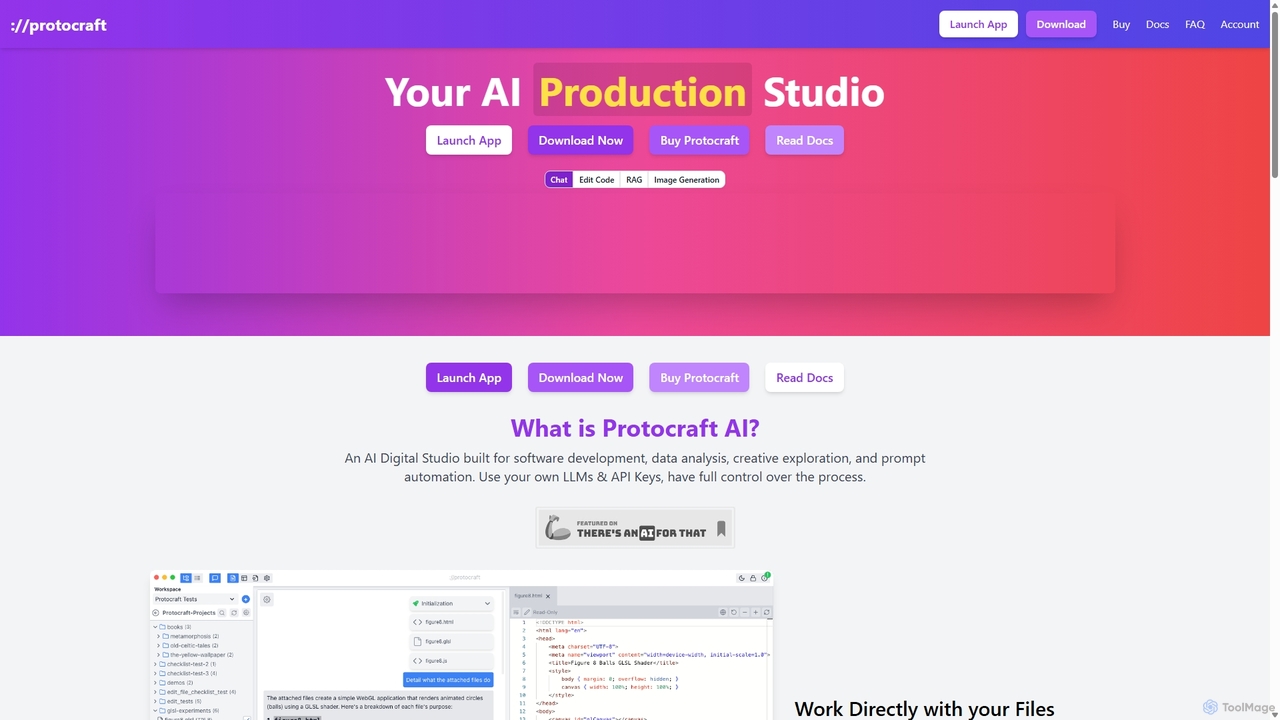
Protocraft AI
Protocraft AI is a versatile AI production studio for software development, data analysis, and creative tasks. It operates on a 'Bring Your Own Key' (BYOK) model, integrating with major LLMs like OpenAI, Anthropic, and Google, as well as local models. Available as both a web and desktop app, it allows users to interact directly with their local files, generate and edit code, create images, and automate prompts, all while maintaining full control over their data and privacy.
Business Intelligence
Conversease Comments (0)
Sign in to comment.
Sign inNo comments yet.