
RunReplicate Overview
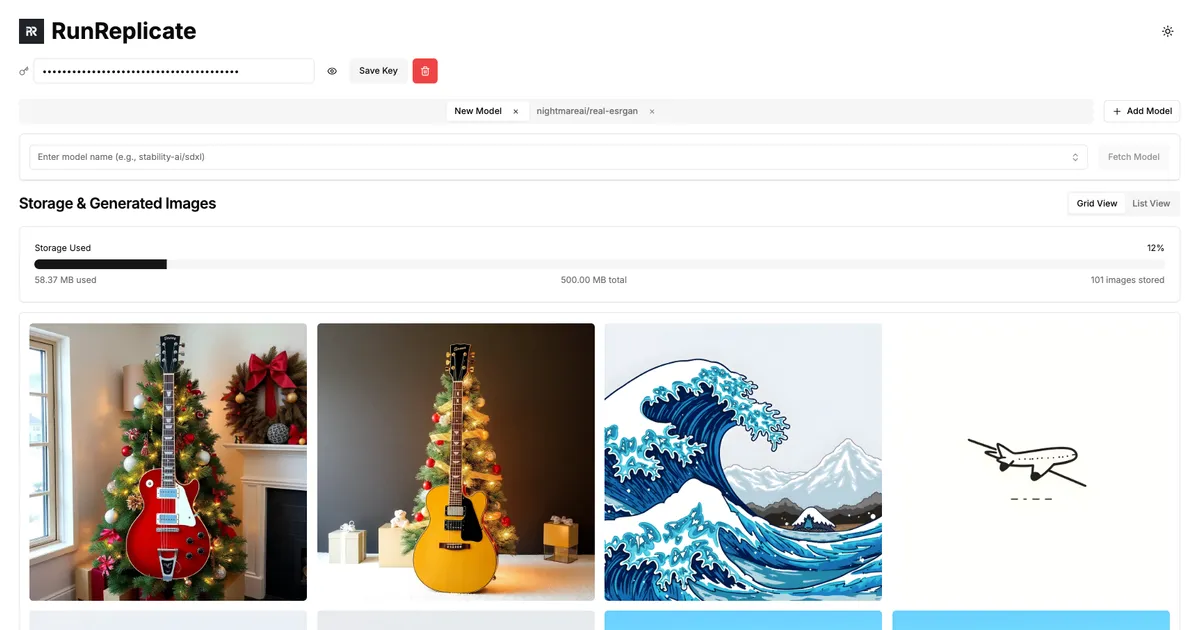
RunReplicate is an independent, browser-based tool designed to provide a streamlined and powerful user interface for interacting with Replicate.com's extensive library of machine learning models. While primarily focused on AI image generation and processing, it offers a distinct set of features that cater to users seeking enhanced privacy, flexibility, and control over their creative workflows. It operates as a sophisticated front-end, allowing users to leverage the power of Replicate's cloud-based models without ever leaving their browser or compromising their data's privacy.
The core philosophy of RunReplicate is centered on user privacy and control. Unlike many cloud-based AI tools that store your creations on their servers, RunReplicate utilizes your browser's local IndexedDB for all image storage. This means that every image you generate remains on your own device until you explicitly choose to download or share it. This client-side architecture provides a significant privacy advantage for users working on sensitive projects or who simply prefer to keep their data local.
How to use RunReplicate
Using RunReplicate is a straightforward process designed for both technical and non-technical users. Here’s a typical workflow:
- Get a Replicate API Key: First, you need an account on Replicate.com to obtain your personal API key. This key links the RunReplicate interface to your Replicate account for billing and model access.
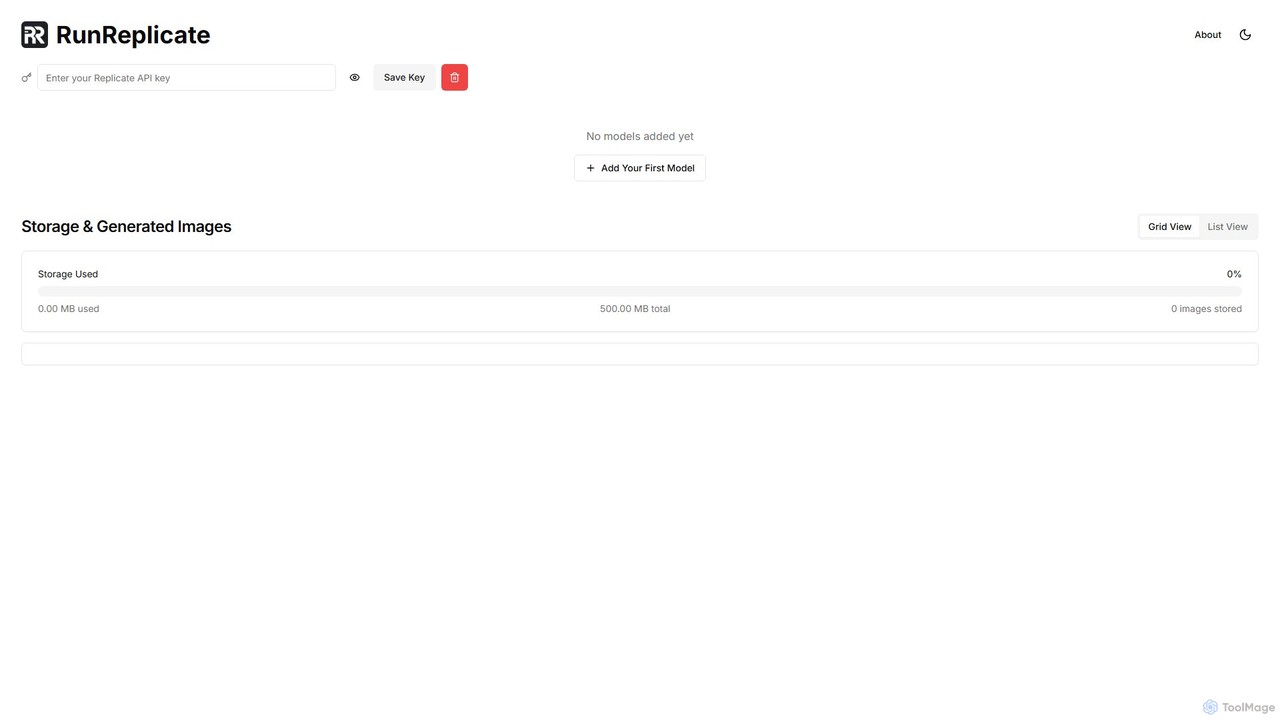
- Save Your Key: Navigate to the RunReplicate website and securely save your API key within the tool's settings. This key is stored locally in your browser and is never transmitted to RunReplicate's servers.
- Add Models: Browse or search for the AI models you wish to use from Replicate's library. You can add multiple models, such as different versions of Stable Diffusion, ControlNet, or other specialized image generators.
- Run Generations in Tabs: Each model you add opens in its own dedicated tab. This allows you to input different prompts, adjust parameters, and run generations for multiple models simultaneously, making it easy to compare results.
- Generate and Manage Images: After inputting your prompt and settings, click 'Generate'. The AI model runs on Replicate's servers, and the resulting image is sent directly back to your browser and saved in your local 500MB storage space. You can then view, manage, and download your creations from the 'Storage & Generated Images' section.
Core Features of RunReplicate
- Privacy-Focused Architecture: All generated images and the API key are stored locally in the browser's IndexedDB. No data is stored on RunReplicate's servers, ensuring maximum user privacy.
- Flexible Multi-Tab Model Management: The unique multi-tab interface allows users to run and interact with different models at the same time, streamlining comparison and complex, multi-step image generation workflows.
- Advanced Safety Controls: RunReplicate provides the option to toggle Replicate's built-in safety checker. This gives users more control and creative freedom over the generation process, which is a feature not available on the main Replicate website.
- Direct Replicate API Integration: Seamlessly connects to the Replicate API, giving users access to thousands of cutting-edge open-source AI models without writing a single line of code.
- Local Image Storage: Offers 500MB of free, private, in-browser storage to manage and organize generated images.
- Browser-Based and Zero-Installation: As a web-based tool, it requires no downloads or complex setup. It works on any modern web browser.
Use Cases for RunReplicate
RunReplicate is a versatile tool suitable for a wide range of users:
- AI Artists and Designers: Can rapidly prototype concepts, experiment with different artistic styles by running models in parallel, and maintain full privacy over their creative work.
- Developers and Researchers: Can quickly test, debug, and compare the outputs of various Replicate models before integrating them into their own applications via API.
- Content Creators and Marketers: Can generate unique, high-quality images for social media, blog posts, and marketing materials with fine-tuned control over the output.
- Hobbyists and AI Enthusiasts: Provides an accessible, code-free way to explore the capabilities of advanced AI image models.
Advantages of RunReplicate
Compared to other AI image generation platforms, including Replicate's own Playground, RunReplicate offers several key advantages. Its primary benefit is the privacy-first approach, ensuring user-generated content remains local. The multi-tab workflow is a significant efficiency booster for power users who need to compare models or prompts. Furthermore, the ability to disable the safety filter provides a level of creative freedom that is increasingly rare in the AI tool landscape, appealing to users who need to generate a wider range of content without restrictive filtering.
Pricing and Plans
The RunReplicate tool itself is completely free to use. It does not charge any fees for its interface, multi-tab functionality, or the 500MB of local storage it provides. However, to generate images, users must connect their own Replicate.com account via an API key. The actual cost of running the AI models is billed directly by Replicate based on their pay-as-you-go pricing, which depends on the specific model used and its computation time. This makes RunReplicate a freemium-style tool where the interface is free, but the backend service is paid.
RunReplicate Alternatives
Zoo
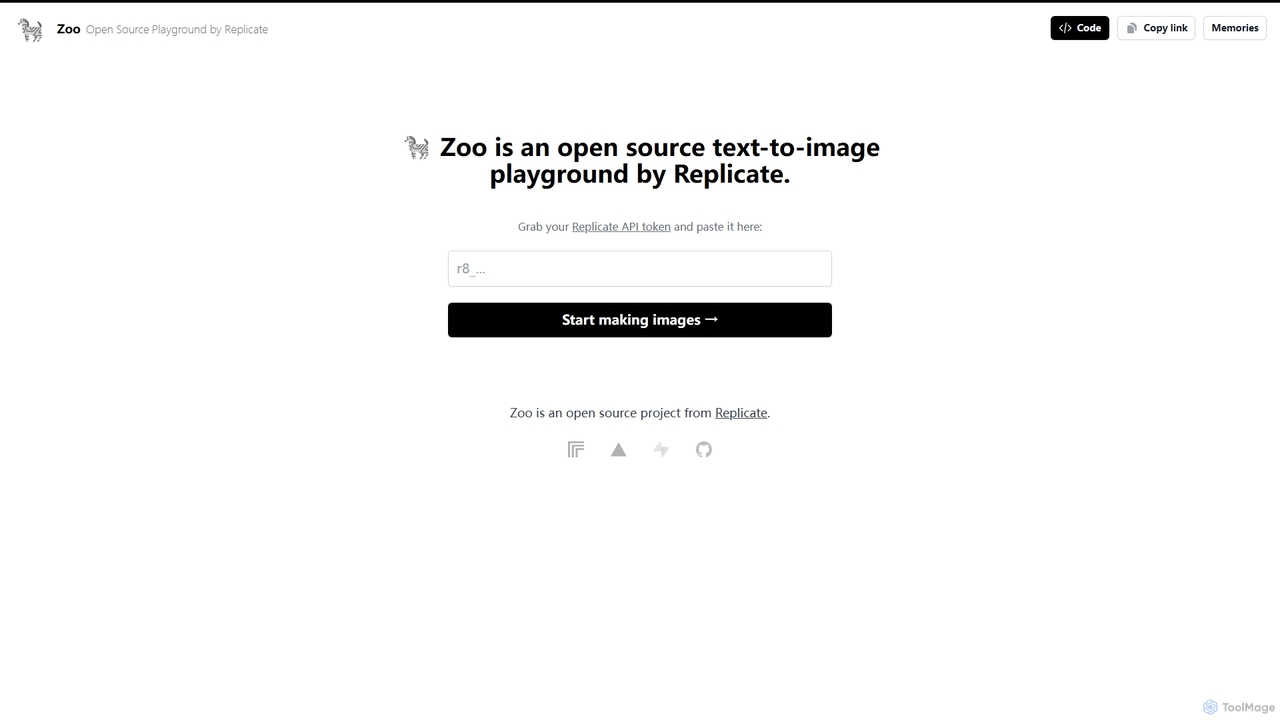
Zoo is an open-source text-to-image playground developed by Replicate. It provides a simple, web-based interface for users to experiment with various AI image generation models available on the Replicate platform. By using their Replicate API token, developers, artists, and enthusiasts can generate high-quality images from text prompts without writing any code, making it an ideal tool for rapid prototyping and creative exploration.
Creative Tools
Stable Horde
Stable Horde is a free, open-source, and crowd-sourced distributed cluster for AI image and text generation. It allows anyone to access powerful AI models by leveraging the volunteer-contributed computing power of a global community, without needing their own high-end hardware.
Api
TextSynth
TextSynth offers developers powerful, cost-effective access to a suite of AI models, including large language models (LLMs), text-to-image, text-to-speech, and speech-to-text, through a flexible REST API and an interactive playground. It features models like Llama, Mistral, Stable Diffusion, and Whisper, optimized for speed and affordability.
Speech Synthesis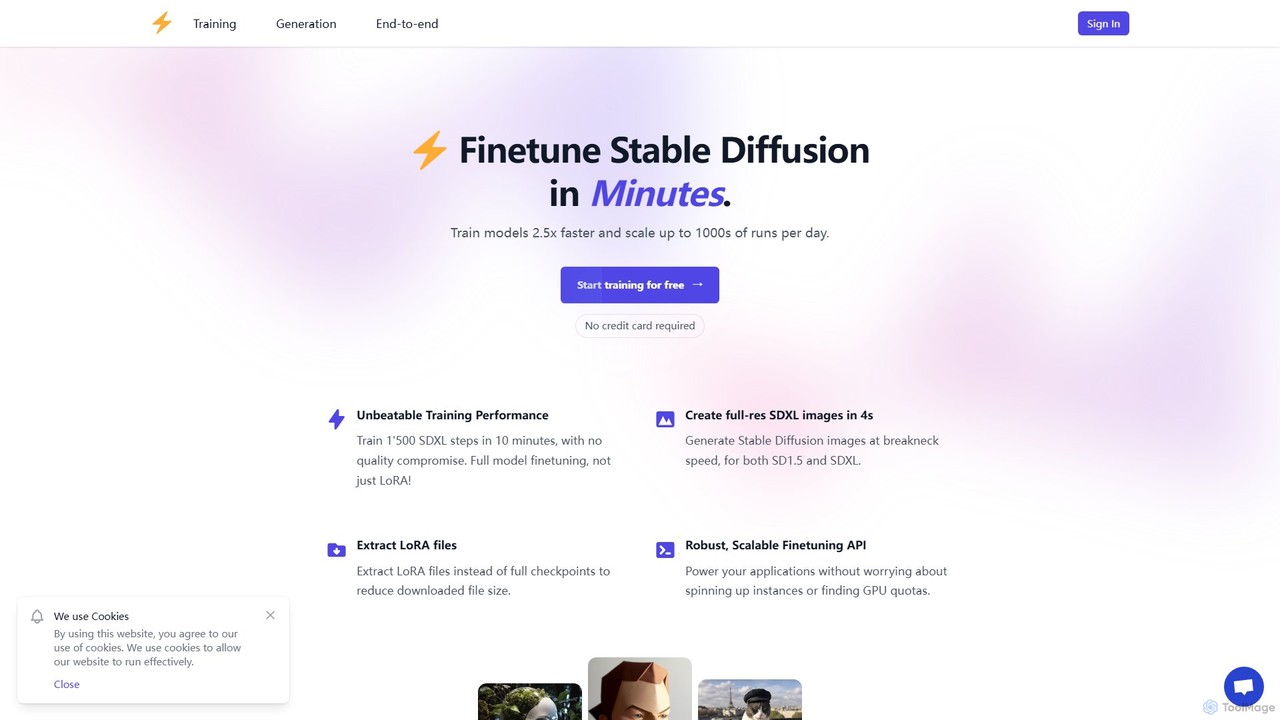
dreamlook.ai
dreamlook.ai is a high-speed platform for fine-tuning Stable Diffusion models (SD1.5 & SDXL). Train custom models on your own images in minutes, not hours. It offers full model fine-tuning, LoRA extraction, and a robust API for developers to integrate custom AI image generation into their applications, all with competitive, token-based pricing.
Model Training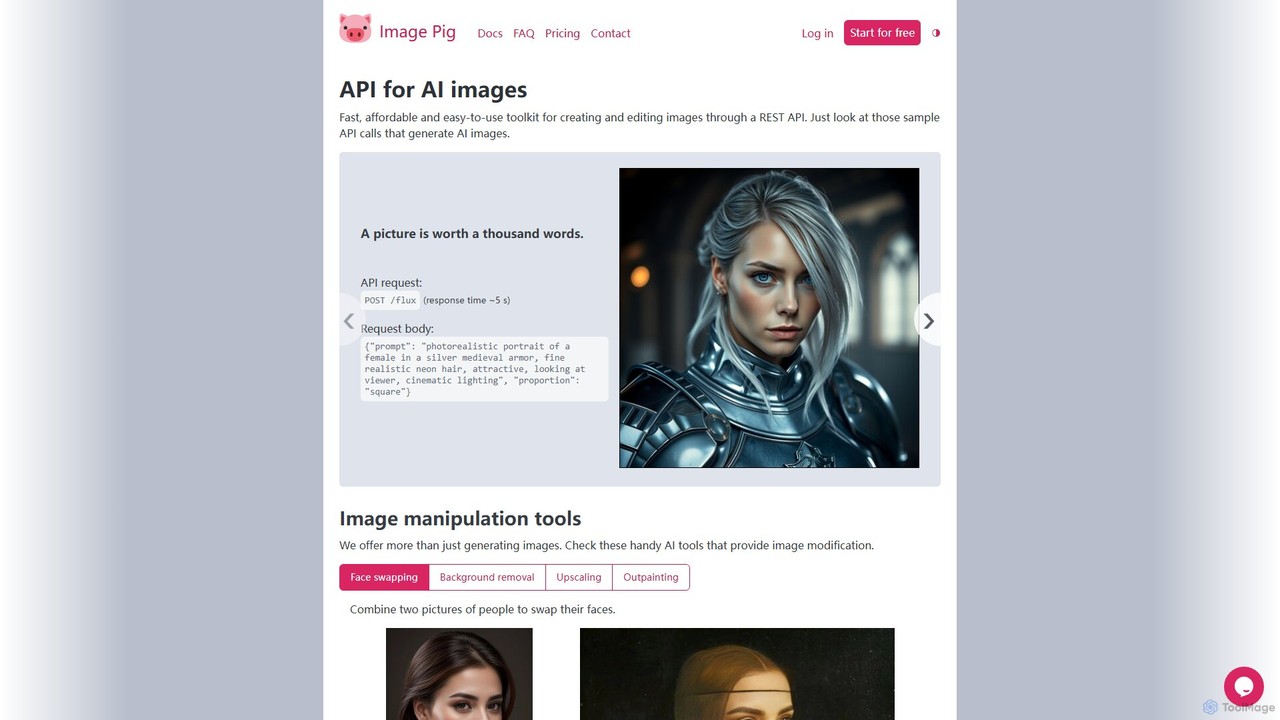
Image Pig
Image Pig is a developer-focused REST API for AI image generation and manipulation. It offers a fast, affordable, and easy-to-use toolkit for creating images from text, swapping faces, removing backgrounds, upscaling, and outpainting. With curated models like Stable Diffusion and FLUX, it allows developers to integrate powerful visual AI into their projects without managing complex hardware.
ApiRunReplicate Categories
RunReplicate Embed Widget
Copy this embed code to place the badge on your blog, article, or product site and send readers directly to this ToolMage detail page.

Related AI tools
Zoo
Zoo is an open-source text-to-image playground developed by Replicate. It provides a simple, web-based interface for users to experiment with various AI image generation models available on the Replicate platform. By using their Replicate API token, developers, artists, and enthusiasts can generate high-quality images from text prompts without writing any code, making it an ideal tool for rapid prototyping and creative exploration.
Creative Tools
Venice
Venice is a privacy-focused AI platform offering uncensored access to leading open-source models for text, image, and code generation. It ensures 100% user privacy by processing all data on-device and provides a powerful API for developers to build unrestricted AI applications.
Uncensored Chat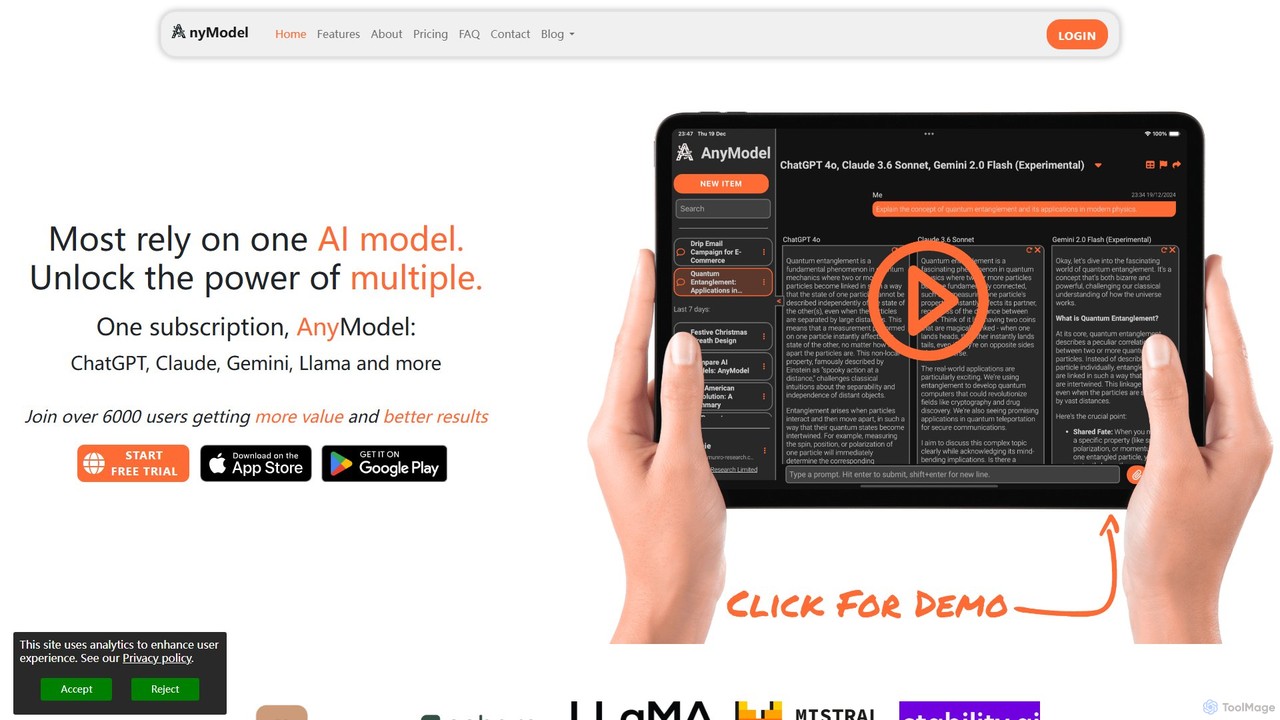
AnyModel
AnyModel is an all-in-one platform that allows you to access, compare, and utilize over 50 of the world's leading AI models with a single account. Send prompts to multiple text and image models simultaneously, view results side-by-side, and gain AI-powered insights to enhance accuracy and creativity. Eliminate the need for multiple subscriptions and API keys, saving time and money while achieving superior results.
Model Playground
Conversease
A privacy-focused AI chat platform that provides a unified interface for leading AI models like GPT-4o and Pixtral. Users connect their own API keys to store, manage, and search conversations locally on their browser. It supports advanced features including PDF chat and image analysis, offering a secure and versatile AI interaction experience.
Api Management
Jyek
Jyek is an AI agent platform that understands objectives, creates execution plans, uses tools, and delivers verifiable results for complex, multi-step tasks.
AutomationStable Horde
Stable Horde is a free, open-source, and crowd-sourced distributed cluster for AI image and text generation. It allows anyone to access powerful AI models by leveraging the volunteer-contributed computing power of a global community, without needing their own high-end hardware.
ApiTextSynth
TextSynth offers developers powerful, cost-effective access to a suite of AI models, including large language models (LLMs), text-to-image, text-to-speech, and speech-to-text, through a flexible REST API and an interactive playground. It features models like Llama, Mistral, Stable Diffusion, and Whisper, optimized for speed and affordability.
Speech Synthesisdreamlook.ai
dreamlook.ai is a high-speed platform for fine-tuning Stable Diffusion models (SD1.5 & SDXL). Train custom models on your own images in minutes, not hours. It offers full model fine-tuning, LoRA extraction, and a robust API for developers to integrate custom AI image generation into their applications, all with competitive, token-based pricing.
Model TrainingImage Pig
Image Pig is a developer-focused REST API for AI image generation and manipulation. It offers a fast, affordable, and easy-to-use toolkit for creating images from text, swapping faces, removing backgrounds, upscaling, and outpainting. With curated models like Stable Diffusion and FLUX, it allows developers to integrate powerful visual AI into their projects without managing complex hardware.
Api
Magicflow AI
Magicflow AI is a professional workspace for generative AI image experimentation. It enables users to test prompts, evaluate models like Stable Diffusion, and analyze thousands of images at scale. Designed for teams and individuals, it streamlines the workflow of perfecting AI-generated visuals through organized, collaborative, and data-driven testing.
Testing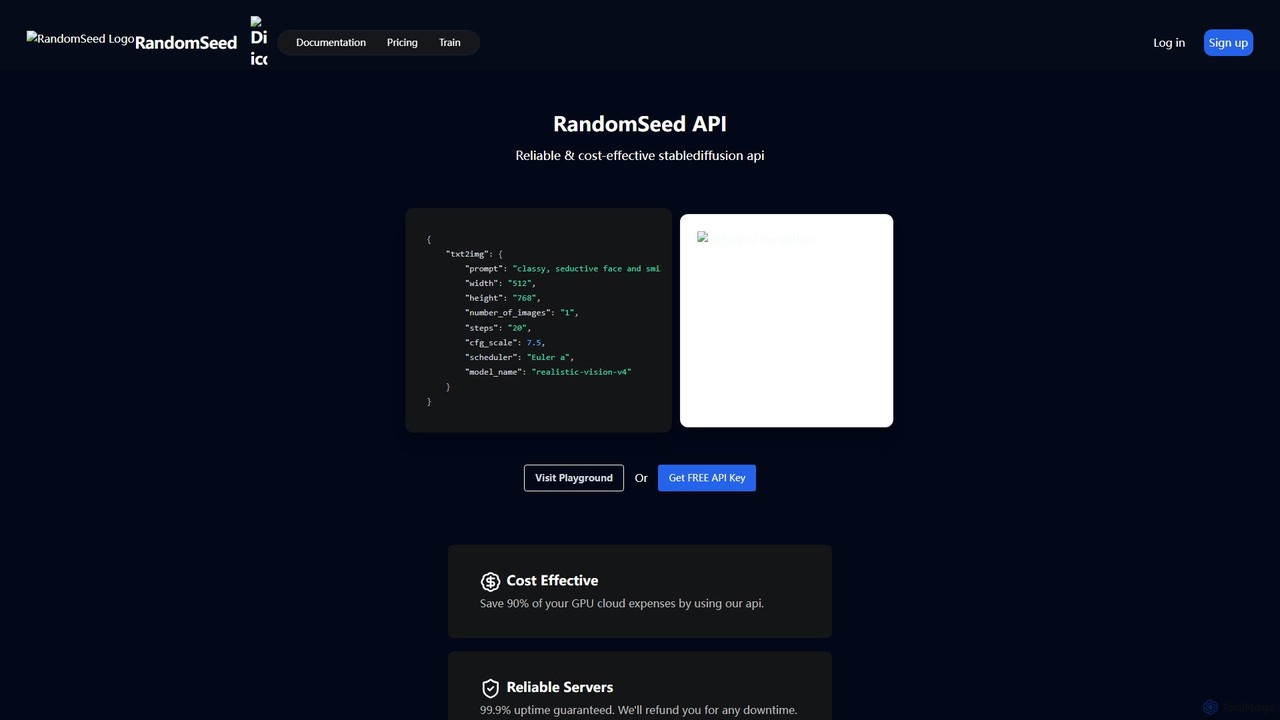
randomseed
randomseed offers a powerful and cost-effective Stable Diffusion API for developers and a user-friendly web playground for creators. It supports custom models from CivitAI and Hugging Face, LoRA training and usage, and guarantees high-speed, reliable image generation. This platform is ideal for integrating AI art into applications or creating unique visuals with maximum flexibility and control, saving up to 90% on GPU costs.
Ai Art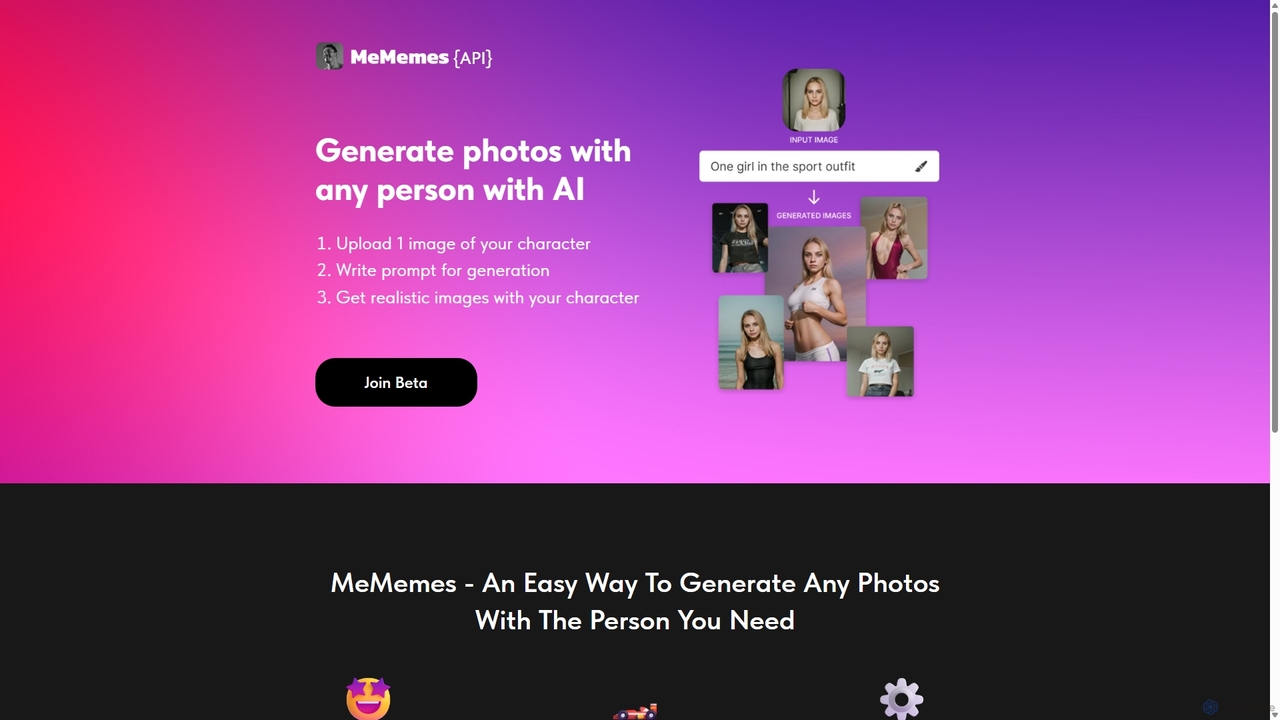
MeMemes
MeMemes is a developer-focused API that uses AI to generate high-quality, realistic photos featuring any specific person. By uploading just one image, developers can integrate a powerful character-consistent image generation service into their applications, enabling users to create personalized content in seconds.
Api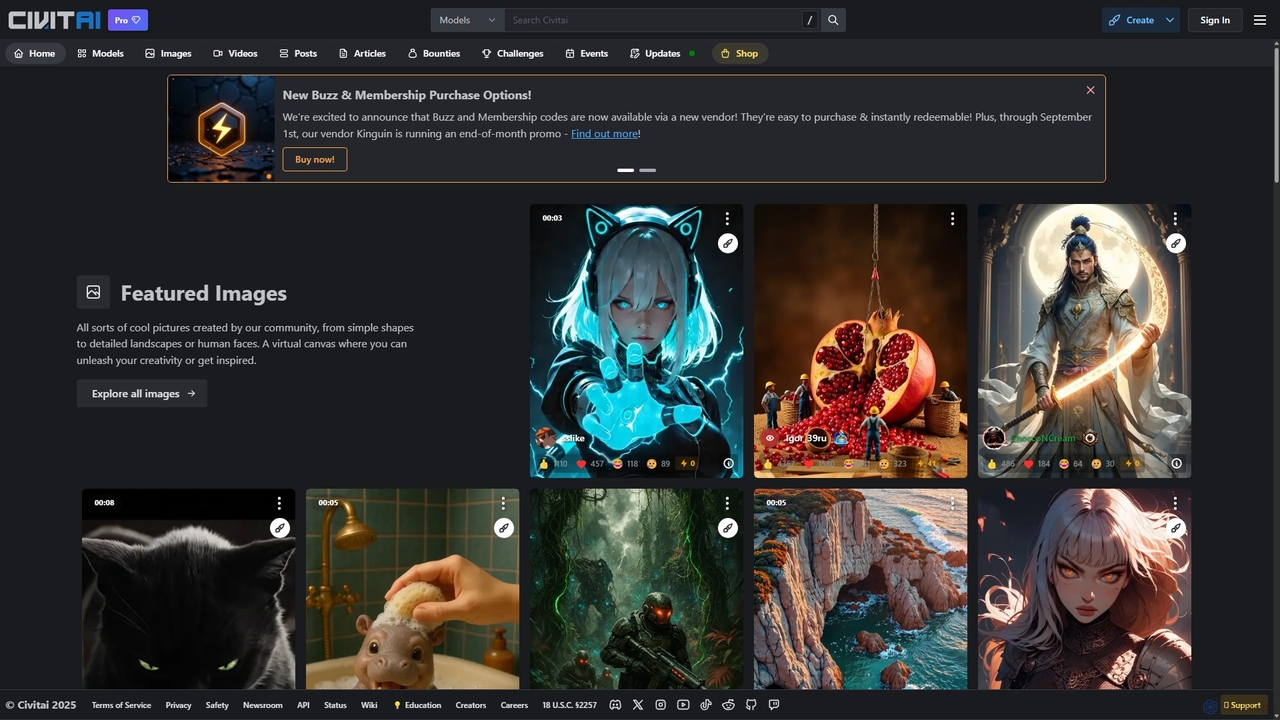
Civitai
Civitai is the leading hub for the open-source generative AI community. It serves as a massive repository for discovering, sharing, and downloading AI models like Stable Diffusion checkpoints and LoRAs. The platform also features an integrated AI image and video generator, allowing users to create content directly on the site, fostering a vibrant ecosystem for AI artists, developers, and enthusiasts.
Creative Communities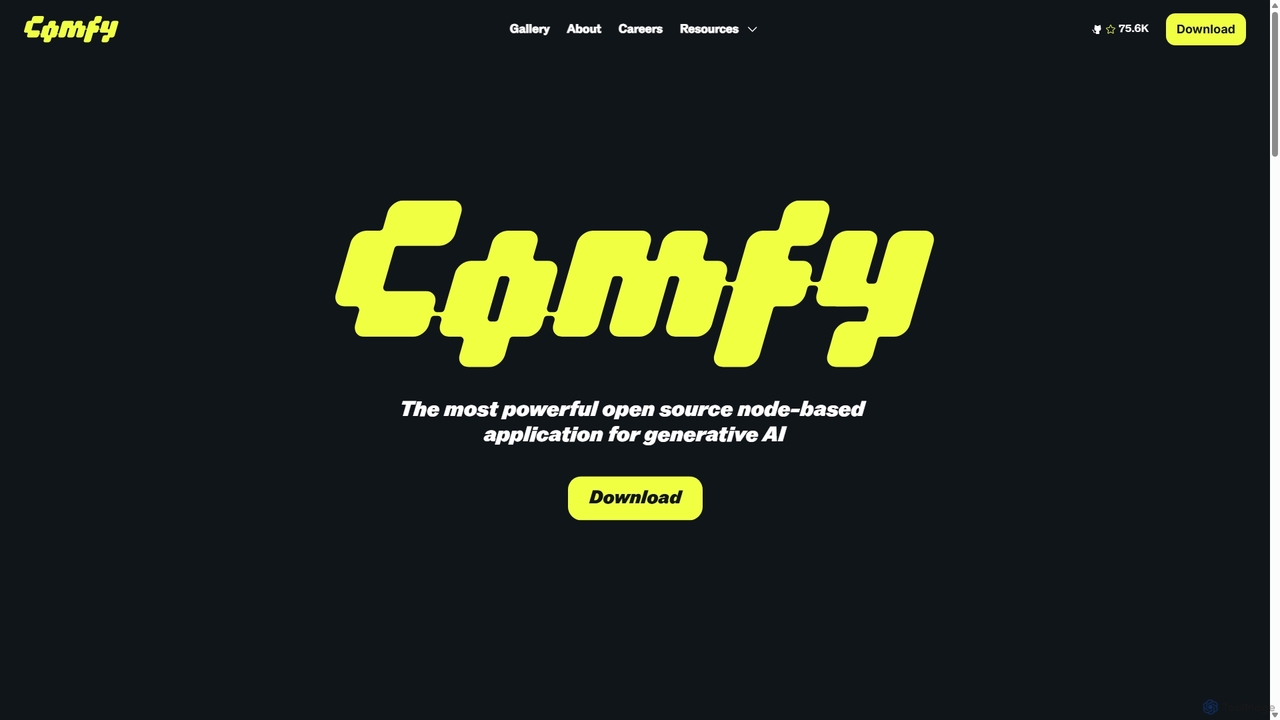
ComfyUI
ComfyUI is a powerful, free, and open-source node-based graphical user interface for generative AI. It offers unparalleled control and flexibility for creating complex workflows to generate images, videos, 3D assets, and audio, designed for artists, developers, and researchers.
3D Modeling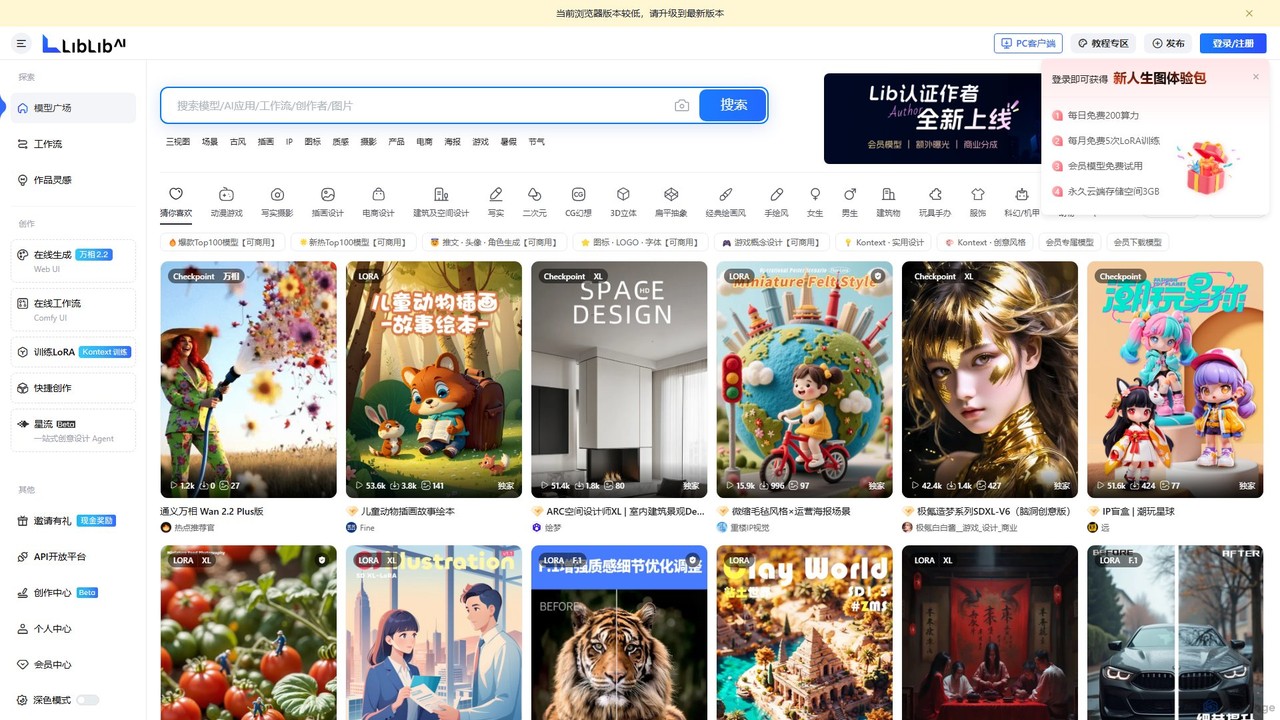
LiblibAI
LiblibAI is a leading AI creation platform and community, focusing on AI model sharing for image generation. It offers a vast library of Stable Diffusion models, including Checkpoints and LoRAs, with a special emphasis on anime, gaming, and unique Chinese artistic styles. Users can generate images online or download models for local use.
Ai Art
RunReplicate Comments (0)
Sign in to comment.
Sign inNo comments yet.