

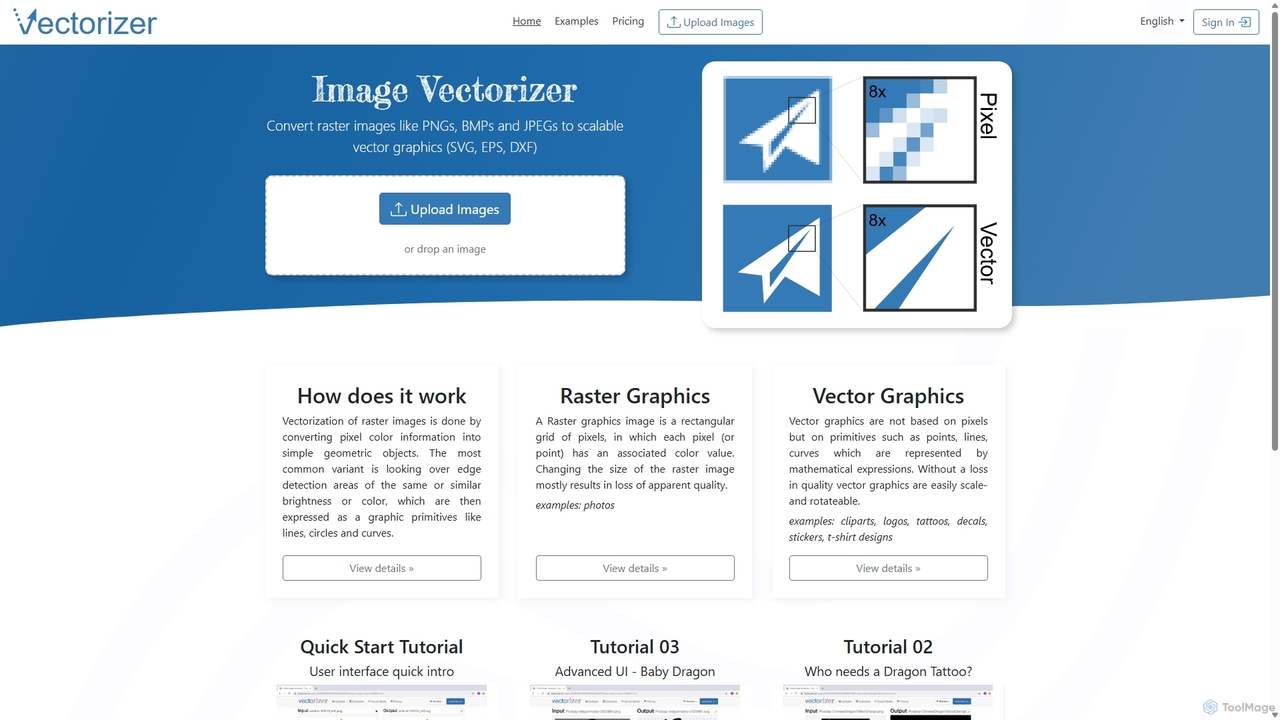
Vectorizer Overview
Vectorizer is a sophisticated, AI-driven online platform designed to seamlessly convert raster images into fully scalable, high-quality vector graphics. Raster images, such as JPEGs and PNGs, are made of pixels and lose quality when enlarged. Vector graphics, on the other hand, are based on mathematical paths, allowing them to be scaled to any size—from a tiny icon to a massive billboard—without any loss of clarity. Vectorizer bridges this gap by automating the complex process of image tracing, providing professional-grade results in seconds.
The tool is built for efficiency and accessibility, catering to a wide range of users from professional graphic designers to hobbyists and business owners. Whether you need to update an old, low-resolution logo, prepare a design for a cutting machine, or create artwork for apparel, Vectorizer offers a powerful yet simple solution without the need for complex desktop software.
How to use Vectorizer
Using Vectorizer is a straightforward process designed for speed and ease of use:
- Upload Your Image: Begin by visiting the Vectorizer website and uploading your raster image. You can typically drag and drop a file or select one from your computer. The platform supports common formats like JPEG, PNG, BMP, and GIF.
- Automatic AI Processing: Once uploaded, the AI engine immediately analyzes your image. It identifies edges, shapes, and color areas, and intelligently traces them into clean vector paths. This entire process is automated and takes only a few moments.
- Preview and Refine: The platform will present you with a preview of the vectorized result. For more complex images, advanced options may be available to fine-tune the output, such as adjusting the color palette, smoothing curves, or controlling the level of detail.
- Download Your Vector File: Once you are satisfied with the result, you can download the file in your desired vector format. Vectorizer typically offers outputs like SVG (Scalable Vector Graphics), EPS (Encapsulated PostScript), and PDF (Portable Document Format), ensuring compatibility with professional design software like Adobe Illustrator, CorelDRAW, and Affinity Designer.
Core Features of Vectorizer
- AI-Powered Vectorization: Utilizes advanced artificial intelligence algorithms to perform highly accurate and detailed conversions from raster to vector.
- Full Color Support: Capable of vectorizing complex, full-color photographs and illustrations, not just simple black-and-white logos.
- High-Quality Output: Produces clean lines, smooth curves, and sharp edges, minimizing the artifacts often associated with automated tracing tools.
- Multiple File Formats: Supports a wide range of input (JPEG, PNG) and output (SVG, EPS, PDF) formats, ensuring seamless integration into any design workflow.
- Infinite Scalability: The primary benefit of vector graphics. All output files can be scaled to any dimension without any degradation in quality.
- Web-Based Convenience: As a fully online tool, it requires no software installation or updates. It is accessible from any desktop computer with an internet connection.
- User-Friendly Interface: Designed with simplicity in mind, making it accessible even for users with no prior experience in graphic design.
Use Cases for Vectorizer
Vectorizer is a versatile tool suitable for numerous personal and professional applications:
- Logo and Brand Identity: Convert pixelated logos into a crisp, scalable format suitable for business cards, websites, merchandise, and large-scale signage.
- Apparel and Merchandise: Prepare designs for T-shirts, hats, and other promotional items that require clean vector art for screen printing or embroidery.
- Marketing and Advertising: Create high-resolution graphics for print materials like flyers, brochures, and billboards.
- Crafts and DIY Projects: Generate files compatible with cutting machines like Cricut and Silhouette for creating vinyl decals, stickers, and stencils.
- Digital Illustration and Art: Transform hand-drawn sketches or raster illustrations into editable vector files for further refinement in design software.
- Web Design: Create lightweight, fast-loading SVG icons and graphics that look sharp on all screen resolutions, including Retina displays.
Advantages of Vectorizer
Vectorizer offers significant advantages over manual tracing or other software:
- Efficiency: It reduces the time-consuming task of manual tracing from hours to mere seconds.
- Affordability: The flexible, non-subscription pricing model is perfect for freelancers and small businesses who need professional tools without a recurring financial commitment.
- Professional-Grade Results: The AI engine is tuned to deliver high-fidelity conversions that meet the standards of commercial design work.
- Accessibility: No steep learning curve. It empowers anyone to create high-quality vector graphics without needing to master complex programs like Adobe Illustrator.
Pricing and Plans
Vectorizer operates on a simple, non-subscription access pass model, ensuring you only pay for what you need. This is ideal for project-based work.
- One-Week Access Pass: Priced at HKD 39.63, this plan is perfect for users with short-term or single-project needs. It grants full access to the service for 7 days.
- One-Month Access Pass: Priced at HKD 79.35, this plan offers better value for users who anticipate needing the service multiple times over a month.
Both plans are intended for professional use and include a high hourly quota, high processing priority, and are governed by a Fair Use Policy to ensure service quality for all users. Importantly, these are one-time purchases with no recurring charges.
Traffic
Latest traffic
Status
Monthly traffic trend
- 2025-9: 442.8K
- 2026-1: 432.6K
- 2026-2: 429.5K
- 2026-3: 461.3K
- 2026-4: 512.7K
- 2026-5: 472.6K
Geography
Top 5 countries / regions
- 🇺🇸United States41.0%
- 🇮🇳India26.6%
- 🇨🇦Canada11.7%
- 🇬🇧United Kingdom10.8%
- 🇩🇪Germany10.0%
Traffic sources
| Source type | Percentage |
|---|---|
Direct | 91.1% |
Referral | 7.5% |
Email | 1.4% |
Top keywords
| Keyword | Cost per click |
|---|---|
| image to vector | $0.41 |
| vectorize | $0.54 |
| vectorize image | $0.97 |
| vectorizer | $0.29 |
| vectorizer ai | $0.29 |
Vectorizer Videos on YouTube
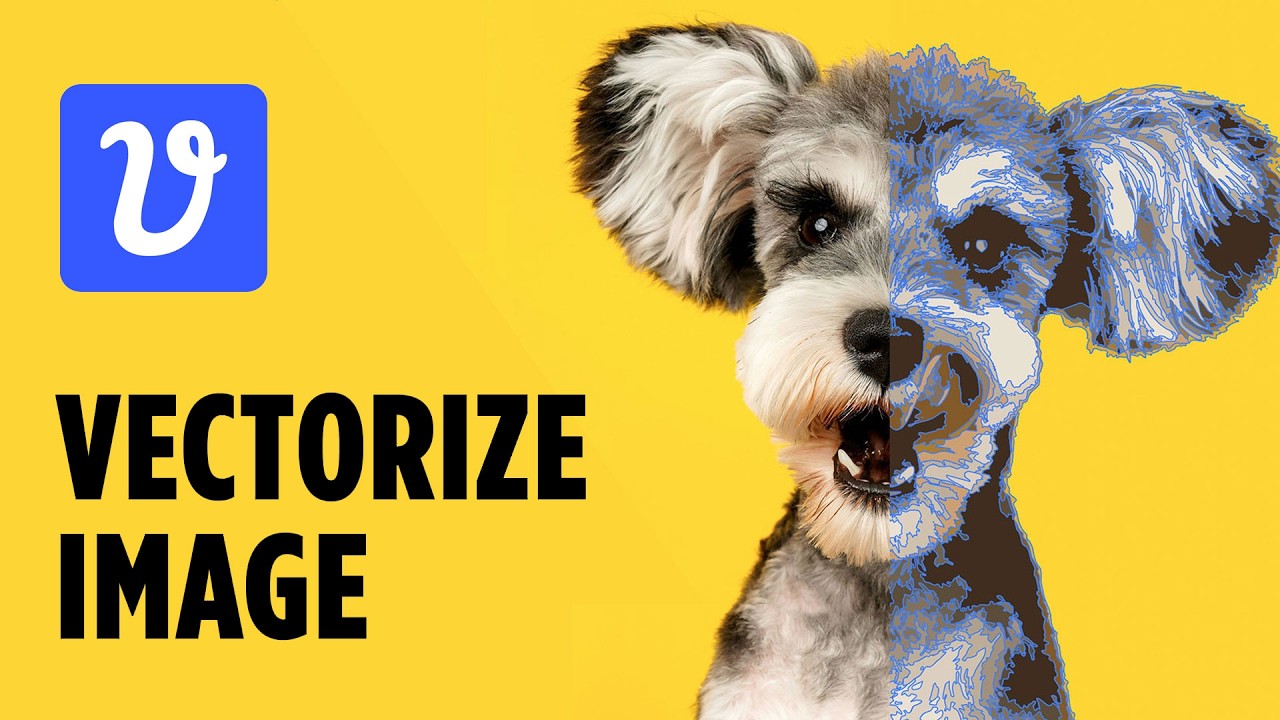
CryeStudio Design Tutorials
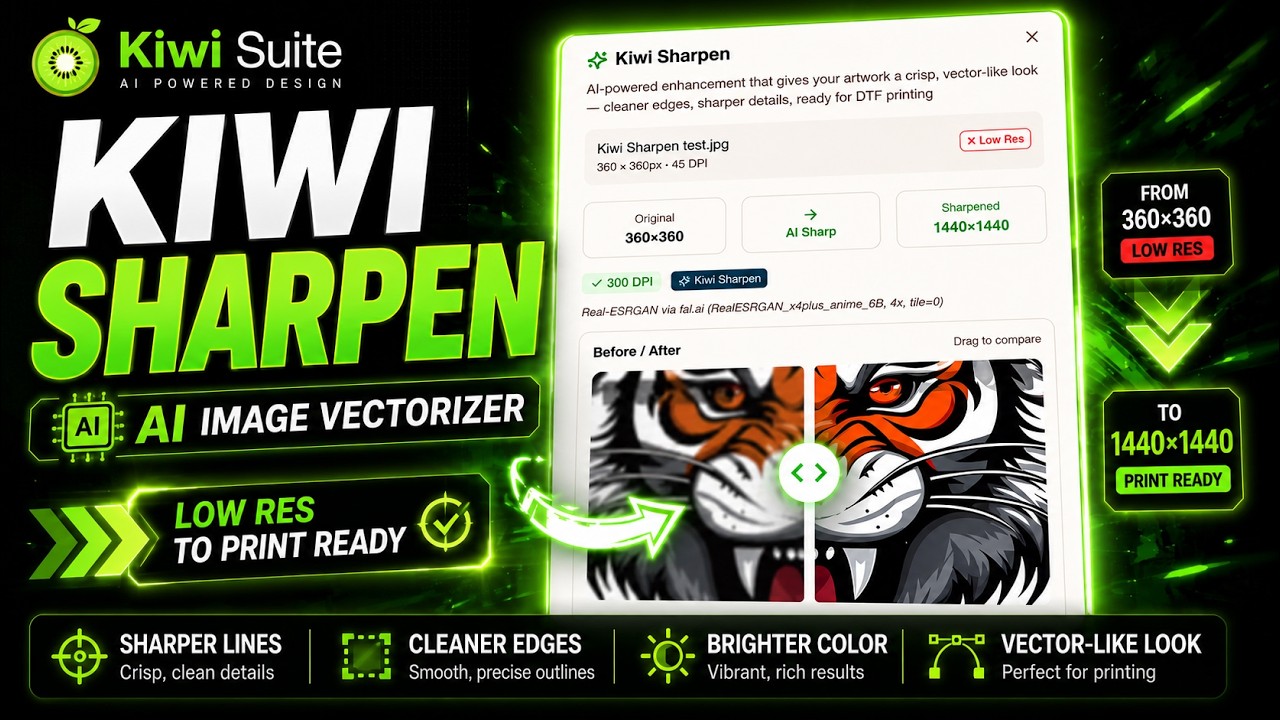



Captain Textile Ai


AMS Manufacturing & Printing

Vectorizer Alternatives
Icons8
Icons8 is a comprehensive design platform offering a vast library of icons, illustrations, photos, and music. It integrates powerful AI tools like a face generator, image upscaler, and background remover to streamline the creative workflow for designers, marketers, and developers.
Graphics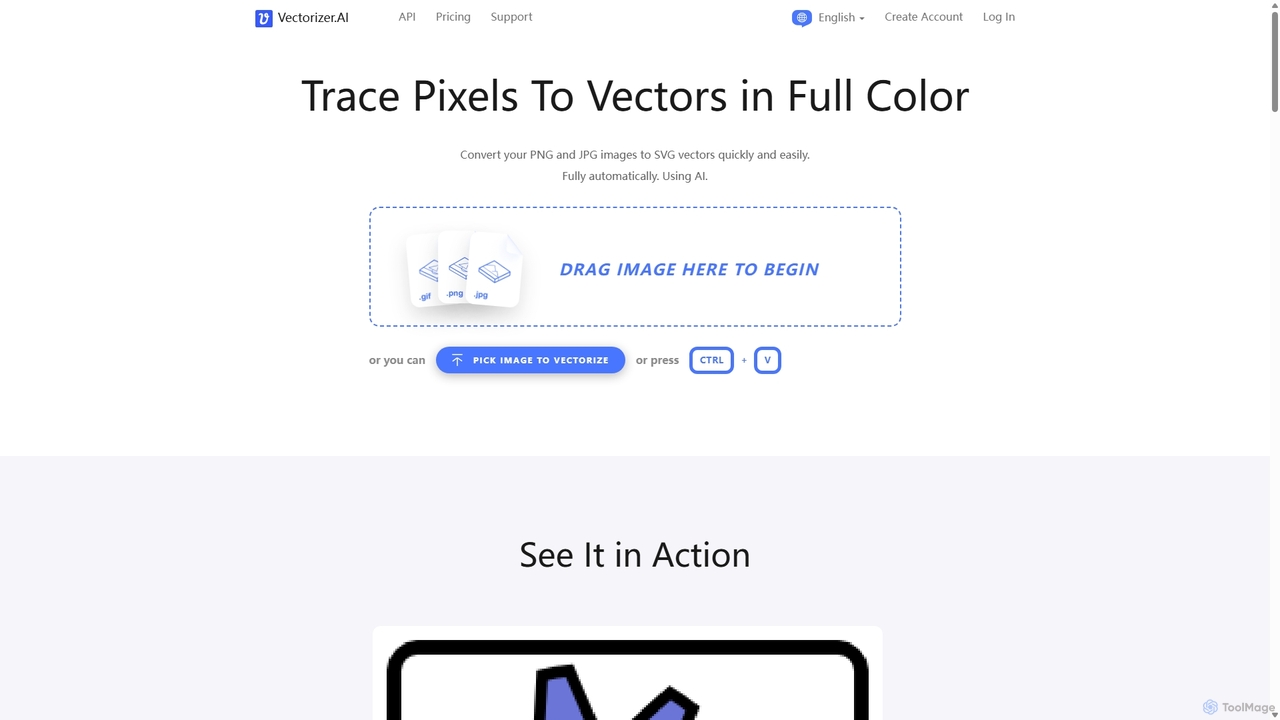
Vectorizer.AI
Vectorizer.AI is an advanced online tool that uses deep learning AI to convert raster images (PNG, JPG, GIF) into high-quality, scalable vector graphics (SVG, PDF, EPS, DXF). It excels at capturing fine details missed by traditional methods, making it ideal for designers, printers, and creators who need clean, editable vector files for logos, illustrations, and various printing processes.
Image Editing
Chuangkit AI
Chuangkit AI is an all-in-one intelligent design platform that leverages AI to automate creative workflows. It enables users to generate posters, product photos, logos, and social media content from simple text prompts, and offers a comprehensive suite of AI-powered image editing tools.
Graphic Design
Artimator
Artimator is a versatile, all-in-one AI art and image generator. It leverages powerful models like Stable Diffusion 3, SDXL, and Leonardo Diffusion to transform text prompts into unique, high-resolution images. It offers free generation, photo-to-sketch conversion, AI-powered object removal, and full commercial rights for all created artwork, making it ideal for artists, marketers, and creators.
Generative Art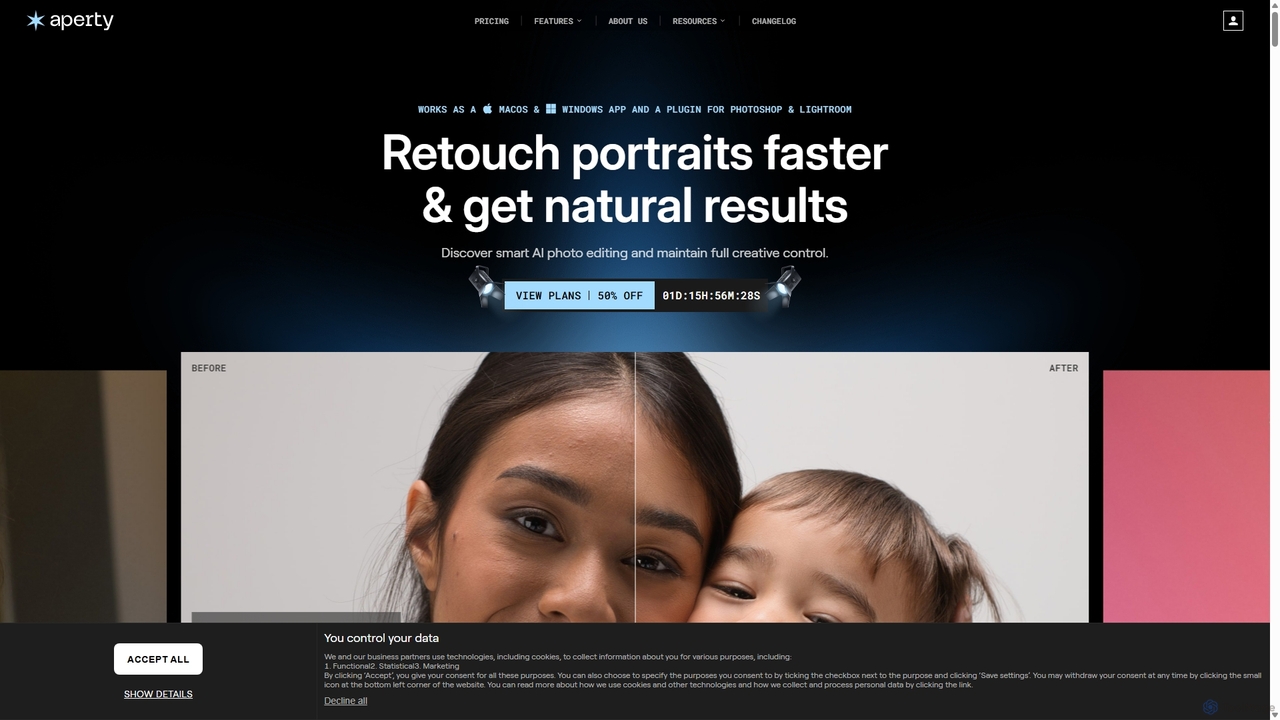
Aperty
Aperty is an AI-powered portrait photo editor designed for photographers to accelerate their retouching workflow. It offers smart, natural-looking enhancements for skin, eyes, and makeup, and functions as a standalone app for macOS/Windows or as a plugin for Photoshop and Lightroom, ensuring full creative control and efficiency.
GraphicsVectorizer Categories
Vectorizer Jobs
Vectorizer Embed Widget
Copy this embed code to place the badge on your blog, article, or product site and send readers directly to this ToolMage detail page.

Related AI tools
Vectorizer.AI
Vectorizer.AI is an advanced online tool that uses deep learning AI to convert raster images (PNG, JPG, GIF) into high-quality, scalable vector graphics (SVG, PDF, EPS, DXF). It excels at capturing fine details missed by traditional methods, making it ideal for designers, printers, and creators who need clean, editable vector files for logos, illustrations, and various printing processes.
Image Editing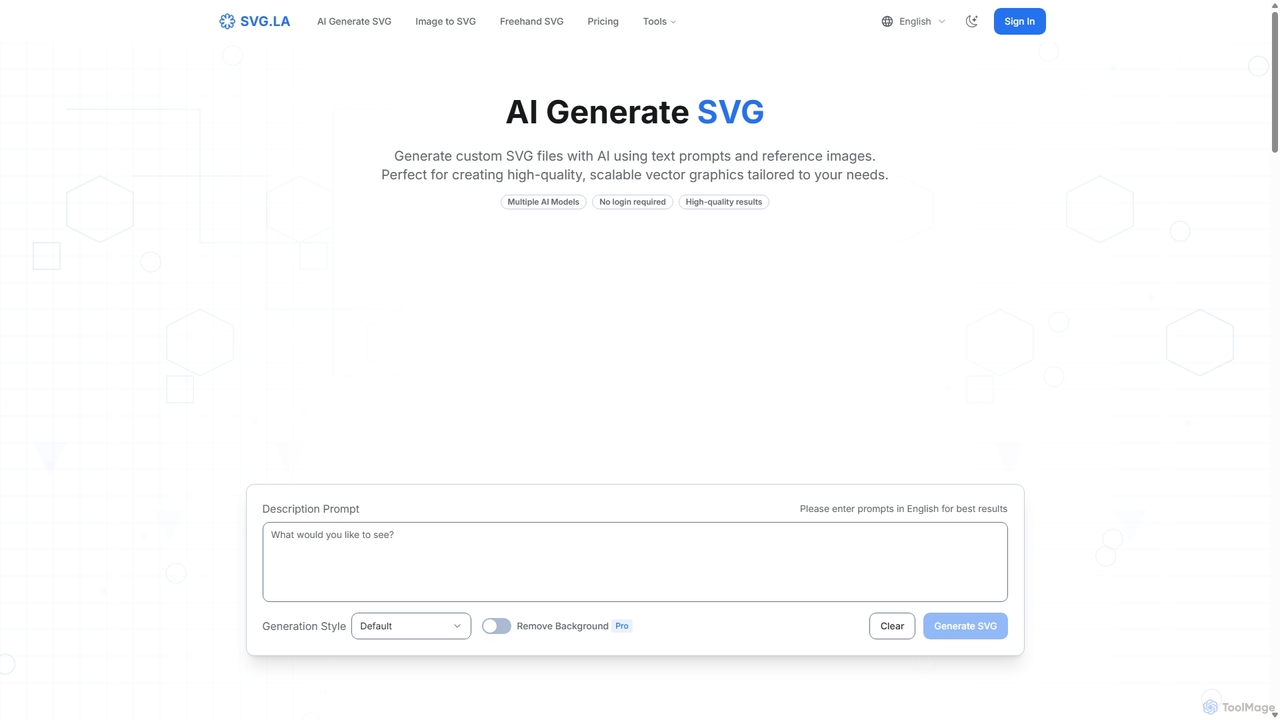
SVG.LA
SVG.LA is a comprehensive AI-powered platform for all your vector graphic needs. It enables users to generate high-quality, scalable SVG files from text prompts, convert bitmap images into vectors, and create freehand drawings. Featuring multiple AI models and a user-friendly interface, it's perfect for designers, developers, and creators.
GraphicsIcons8
Icons8 is a comprehensive design platform offering a vast library of icons, illustrations, photos, and music. It integrates powerful AI tools like a face generator, image upscaler, and background remover to streamline the creative workflow for designers, marketers, and developers.
Graphics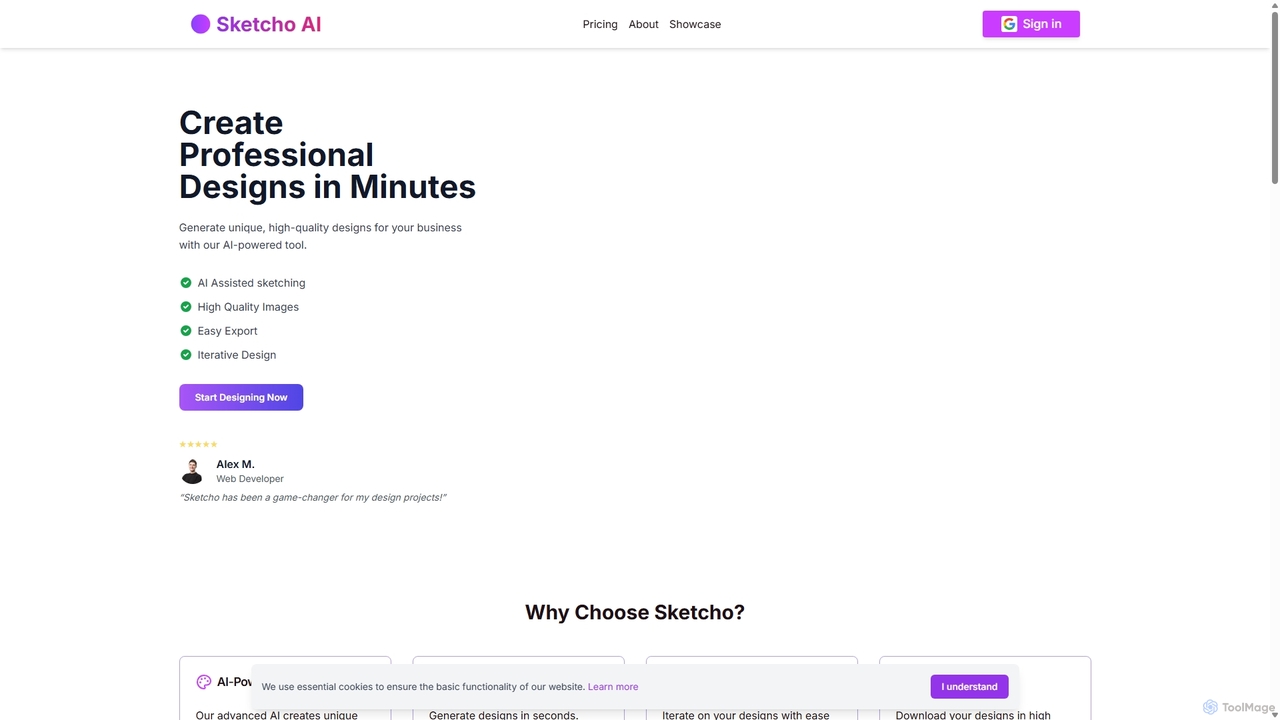
Sketcho
Sketcho is an AI-powered design tool that transforms your simple sketches and text prompts into professional, high-quality designs in minutes. It's built for rapid iteration, allowing users to easily generate and refine logos, illustrations, marketing materials, and concept art. By combining intuitive drawing tools with advanced AI, Sketcho makes professional design accessible to everyone, from developers and artists to business owners, streamlining the creative process and enhancing visual quality.
Ai Art Generator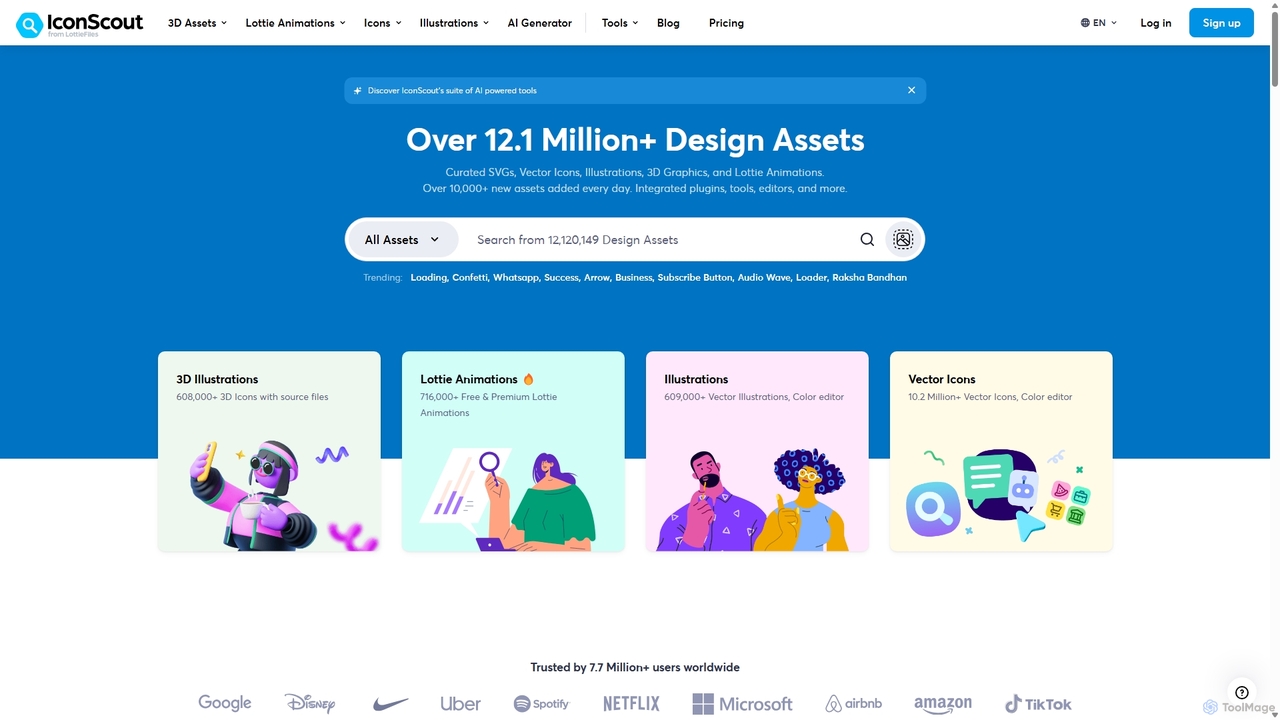
IconScout
IconScout is a massive design ecosystem with over 12.1 million assets, including icons, illustrations, 3D graphics, and Lottie animations. It features a suite of AI-powered tools to generate 3D illustrations and vector art from text, convert images to vectors, and remove backgrounds, streamlining the creative workflow for designers, developers, and marketers.
Graphics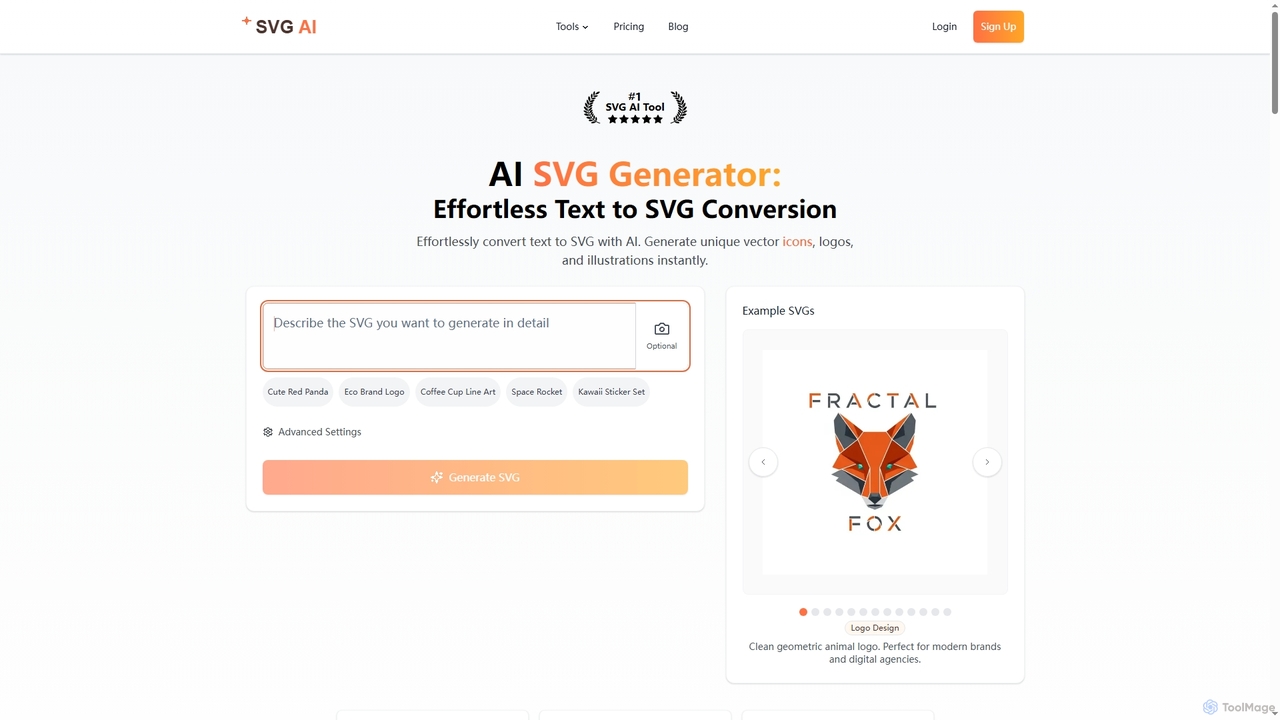
Svgai
Svgai is an AI-powered platform that instantly converts text descriptions into high-quality, scalable vector graphics (SVGs). It's designed for creating unique logos, icons, and illustrations with clean, production-ready code, supporting over 50 languages.
Graphics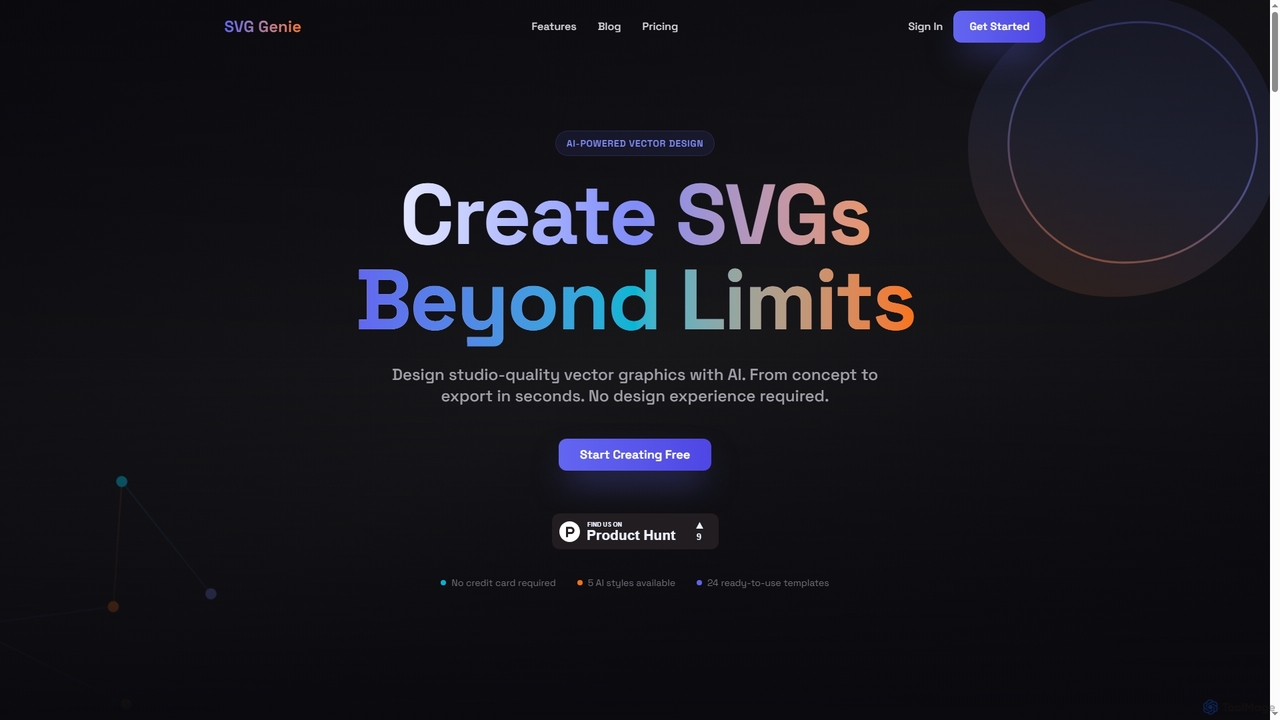
SVG Genie
SVG Genie is an AI-powered platform that transforms text descriptions into high-quality, infinitely scalable vector graphics (SVGs). Designed for users of all skill levels, it generates studio-quality logos, icons, and illustrations in seconds across five unique artistic styles, requiring no design experience.
Illustration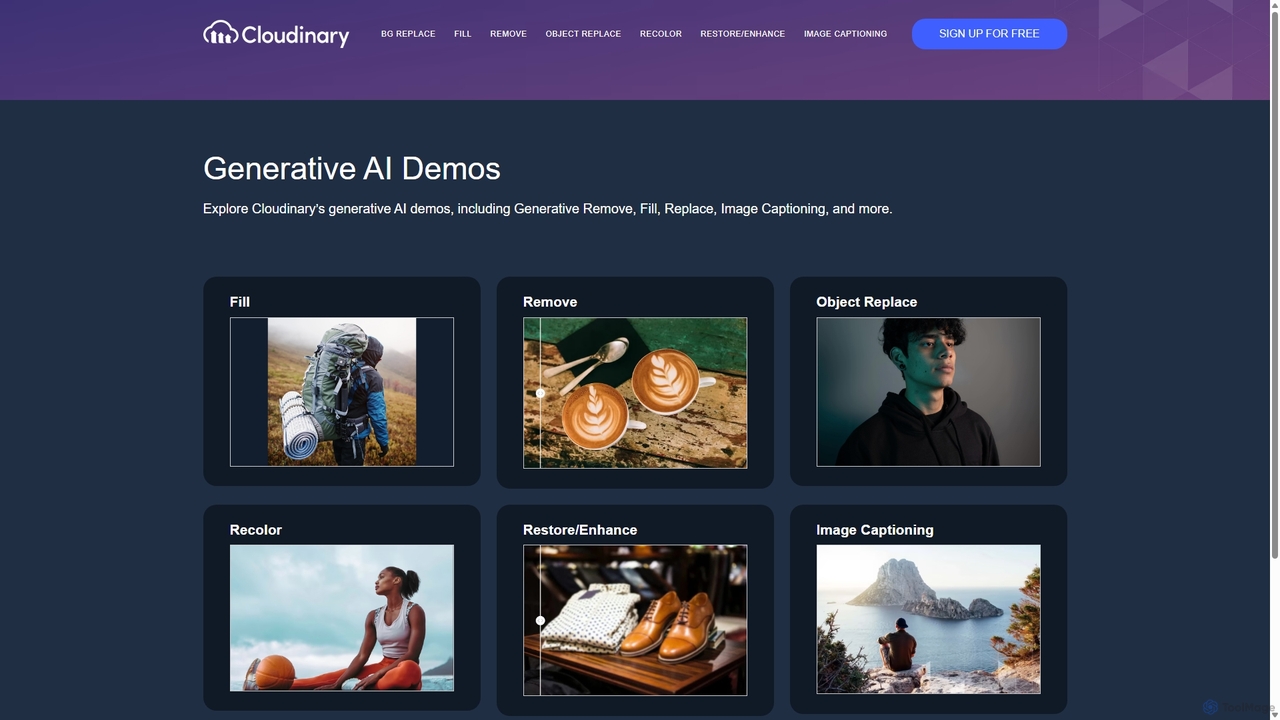
Cloudinary Generative AI Playground
An advanced suite of AI-powered tools from Cloudinary for developers, marketers, and creators. Effortlessly perform complex image manipulations like background removal, generative fill, object replacement, and image generation through an intuitive interface and powerful APIs.
Api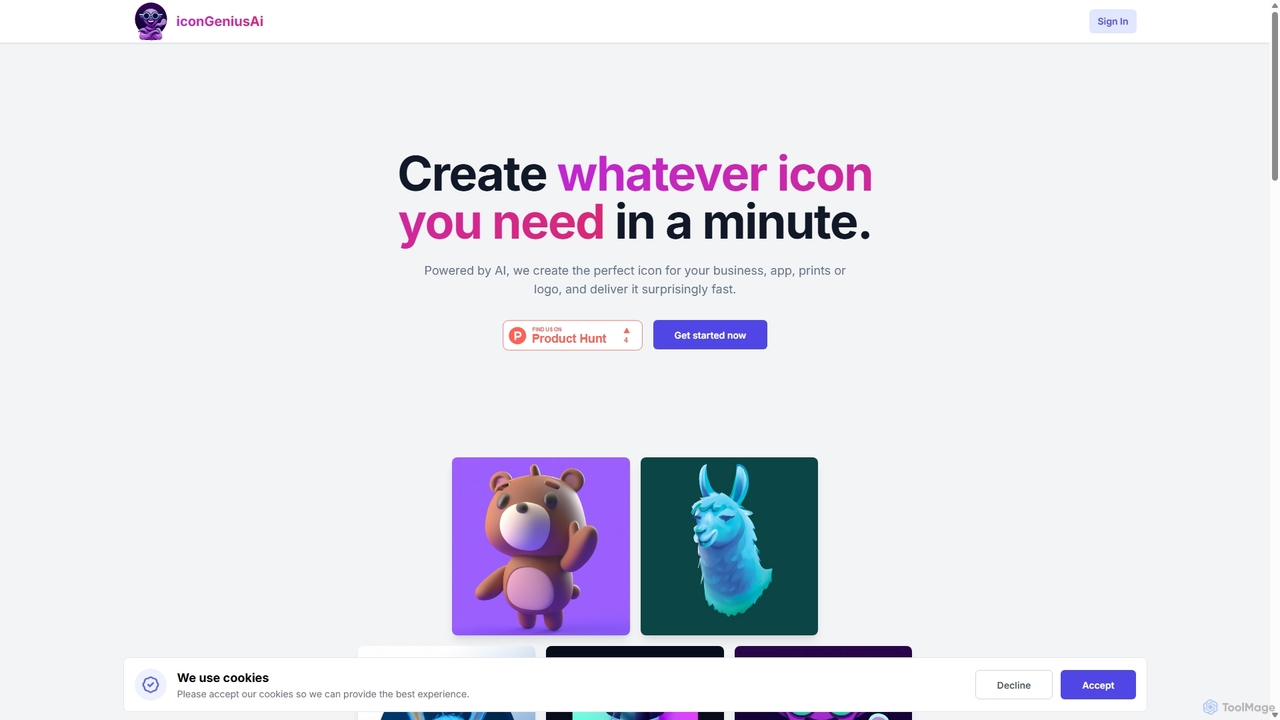
IconGeniusAi
iconGeniusAi is an AI-powered tool that allows users to create custom, high-resolution icons in minutes. Simply describe your desired icon, choose a color and style, and the AI generates unique visuals for your business, app, or personal projects. It offers a flexible, credit-based system instead of a recurring subscription.
Graphics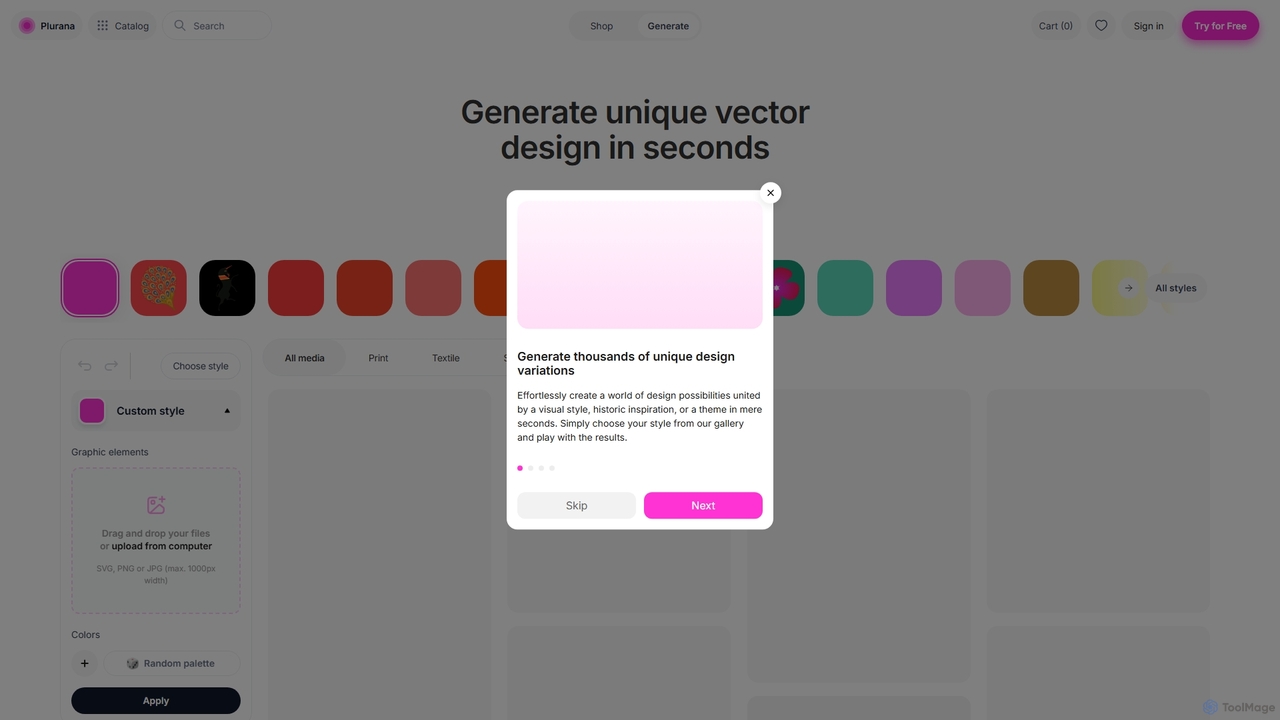
Plurana
Plurana is an AI-powered platform that generates unique, editable vector designs and patterns in seconds. Ideal for graphic designers, artists, and creators, it offers a vast library of styles and assets to kickstart creativity for print, textiles, and digital media.
Generative Art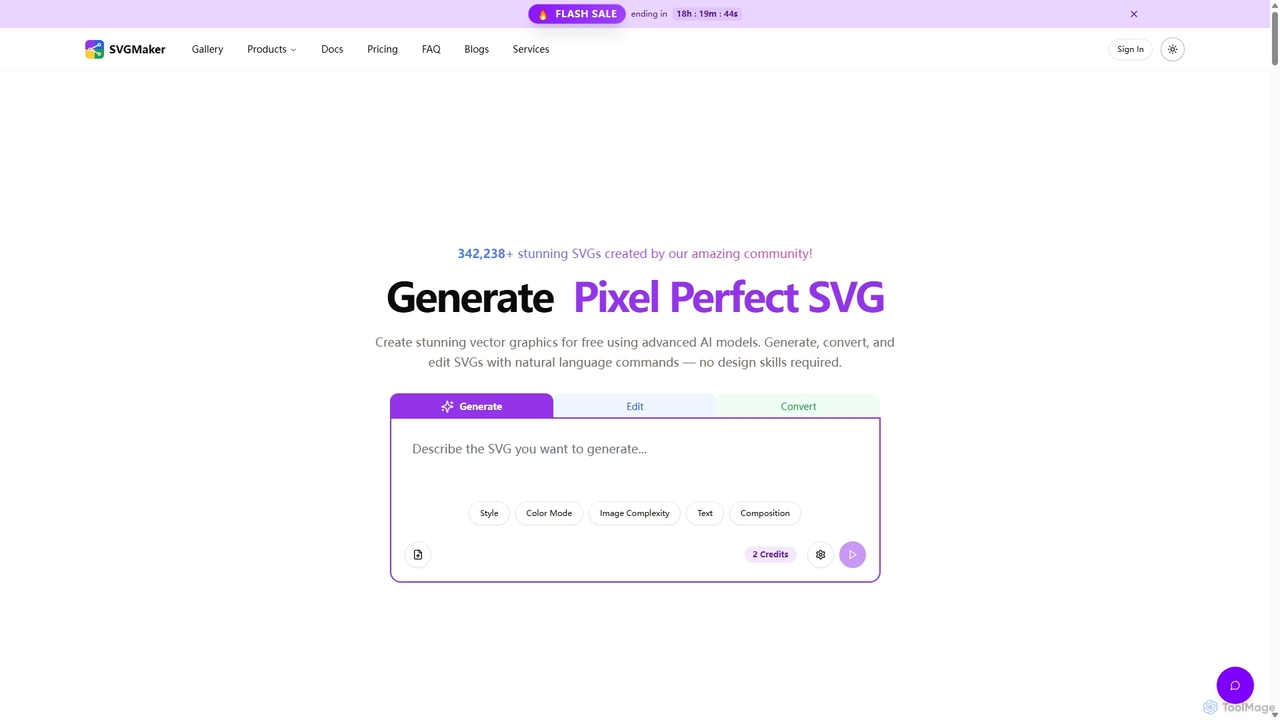
SVGMaker
SVGMaker is an AI-powered platform for generating, editing, and converting SVG vector graphics. Effortlessly create pixel-perfect logos, icons, and illustrations from text prompts, convert raster images into scalable SVGs, and refine your designs with natural language commands. Ideal for designers, developers, and creators without requiring advanced design skills.
Vector GraphicsChuangkit AI
Chuangkit AI is an all-in-one intelligent design platform that leverages AI to automate creative workflows. It enables users to generate posters, product photos, logos, and social media content from simple text prompts, and offers a comprehensive suite of AI-powered image editing tools.
Graphic DesignArtimator
Artimator is a versatile, all-in-one AI art and image generator. It leverages powerful models like Stable Diffusion 3, SDXL, and Leonardo Diffusion to transform text prompts into unique, high-resolution images. It offers free generation, photo-to-sketch conversion, AI-powered object removal, and full commercial rights for all created artwork, making it ideal for artists, marketers, and creators.
Generative Art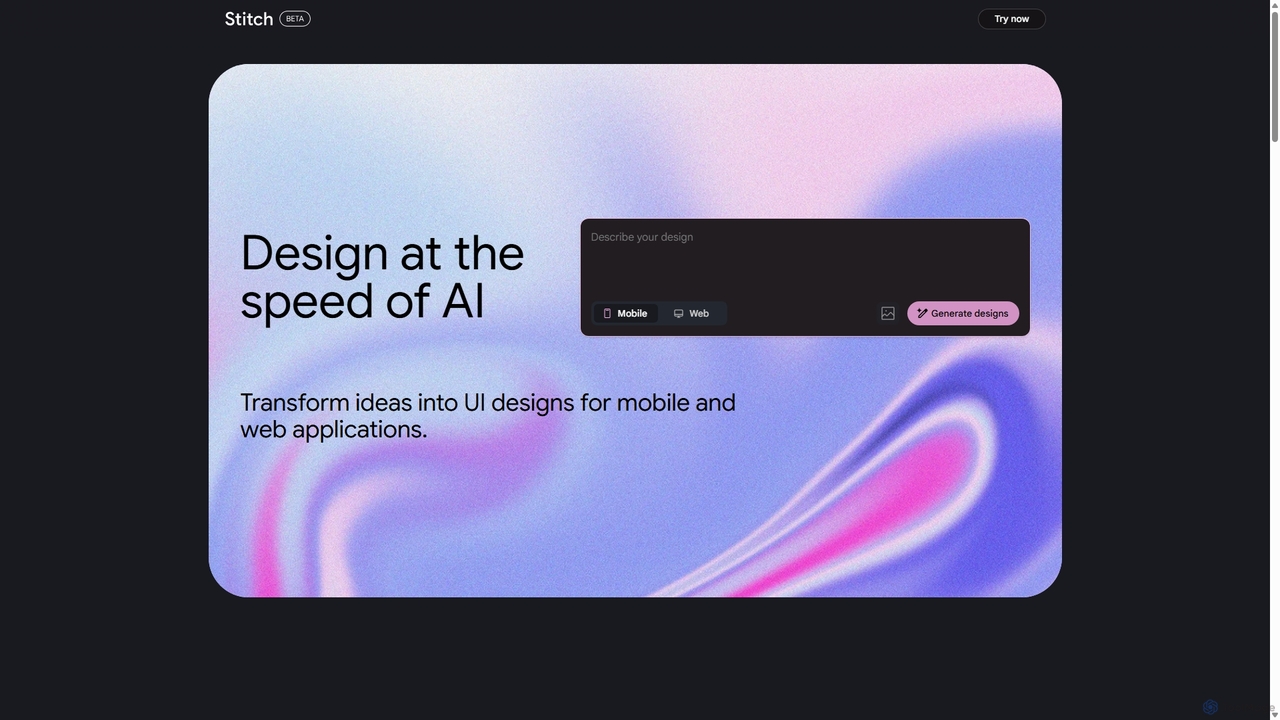
Stitch
Stitch is a revolutionary AI-powered design platform by Google that transforms text prompts and rough sketches into high-fidelity mockups and prototypes. It streamlines the design workflow, enabling creators to rapidly ideate, iterate, and generate stunning visuals, UI/UX designs, and complete design systems with unprecedented speed and efficiency.
Generative Design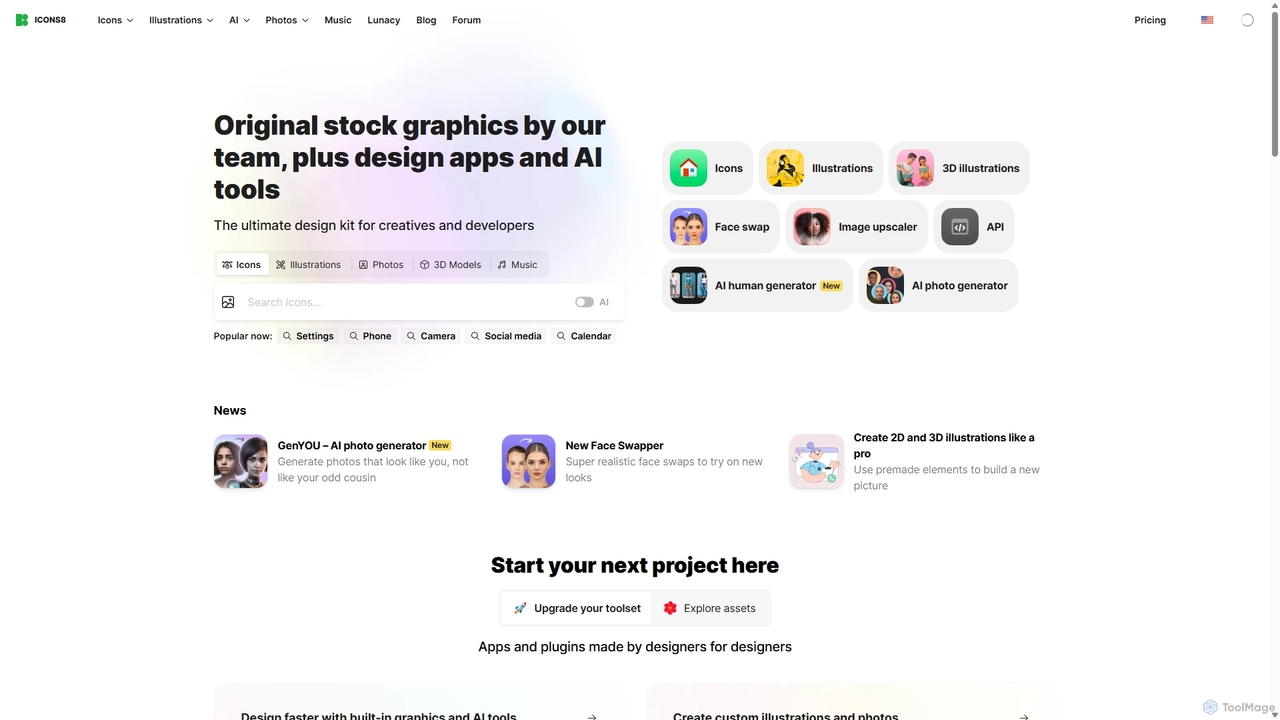
Icons8
Icons8 is a comprehensive design platform offering millions of royalty-free icons, photos, illustrations, and music tracks. It also features a powerful suite of AI-driven tools, including an image upscaler, background remover, face swapper, and AI photo/human generators, designed to streamline the creative workflow for designers, developers, and content creators.
Icons
Vectorizer Comments (0)
Sign in to comment.
Sign inNo comments yet.