

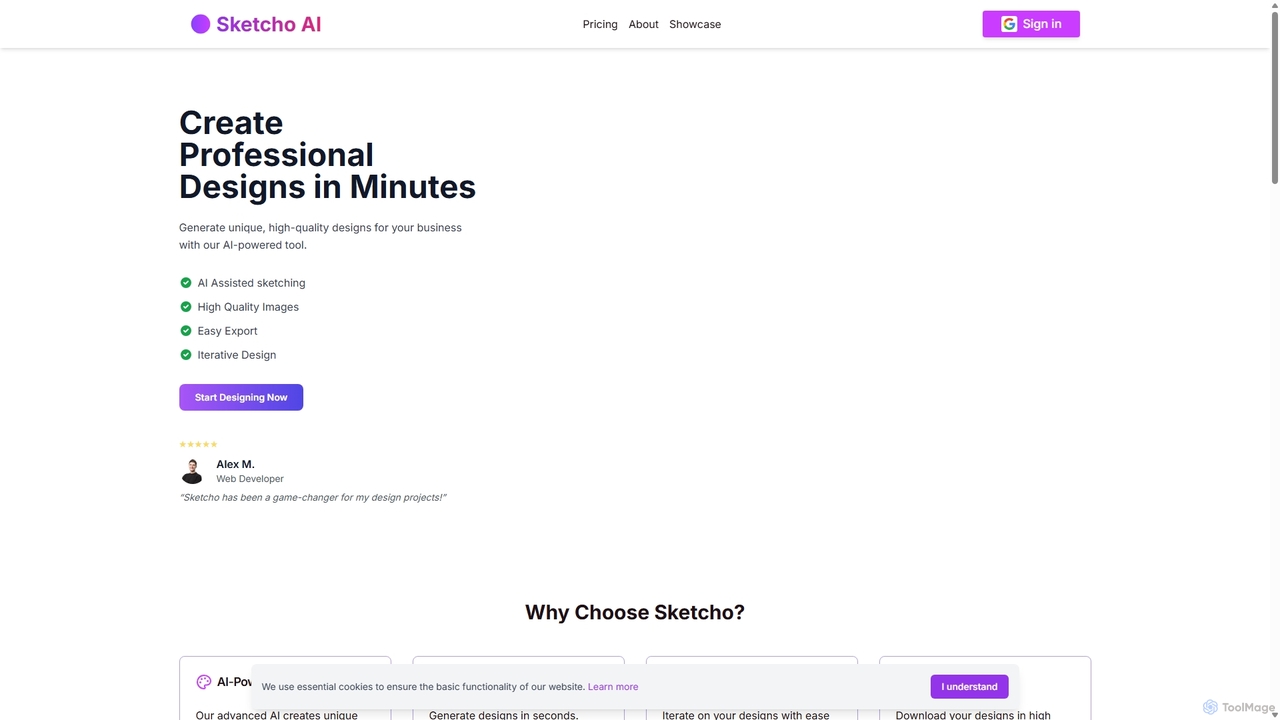
Sketcho Overview
Sketcho is a revolutionary AI-driven design platform that empowers users to create unique, high-quality visuals effortlessly. Launched in 2024, its mission is to democratize professional design by bridging the gap between human creativity and artificial intelligence. The tool is designed for a wide range of users, including graphic designers, web developers, 3D artists, and business owners, enabling them to translate their initial ideas into polished designs in a matter of minutes. Sketcho stands out by using a combination of user-drawn sketches and descriptive text prompts to guide its advanced AI, ensuring the final output is both unique and perfectly aligned with the user's vision.
How to use Sketcho
The creative process in Sketcho is streamlined into four simple and intuitive steps, making it accessible even for those without technical design experience:
- Sketch Your Idea: Begin by using the platform's intuitive drawing tools to create a basic sketch of your concept. This doesn't need to be a masterpiece; a simple outline or composition is enough to give the AI a structural foundation.
- Describe Your Vision: Enhance your sketch by adding descriptive text prompts. This is where you guide the AI on style, color, mood, and specific details. For example, you could sketch a car and add a prompt like, "A car driving down a dirt road in the Australian outback, high detail, 4k, orange dirt."
- Generate AI Designs: With your sketch and prompt submitted, Sketcho's powerful AI gets to work. It processes both inputs to generate a variety of unique design options that bring your concept to life. This process is incredibly fast, delivering results in seconds.
- Refine and Iterate: Review the generated designs. If a design is close but not perfect, you can easily modify it. Sketcho integrates with the Excalidraw Editor, allowing you to tweak your sketch, adjust your prompts, and regenerate until you achieve the perfect result. This iterative cycle is key to creative exploration and refinement.
Core Features of Sketcho
- AI-Assisted Sketching: Transforms rough sketches into detailed, professional-grade images and designs. It interprets the user's visual input as a base for generation.
- Text Prompt Guidance: Allows for fine-tuned control over the final output by combining visual sketches with specific text descriptions for style, theme, and detail.
- Iterative Design Workflow: Features seamless integration with an editor (Excalidraw) to encourage easy modification and regeneration, allowing for rapid prototyping and refinement of ideas.
- High-Quality Image Generation: Produces high-resolution designs suitable for both digital and print applications, including marketing materials, web assets, and posters.
- Lightning-Fast Generation: The advanced AI engine delivers design variations in seconds, significantly speeding up the creative workflow compared to traditional methods.
- Easy Export: Users can download their final designs in standard high-resolution formats, ready for immediate use in their projects.
Use Cases for Sketcho
Sketcho's versatility makes it valuable across various professional and creative fields:
- Marketing and Branding: Business owners and marketers can quickly generate logos, social media graphics, and promotional materials that align with their brand identity without needing to hire a designer.
- Web and UI/UX Design: Web developers can sketch out layouts and concepts for websites or app interfaces to visualize ideas before diving into code.
- Concept Art and 3D Modeling: 3D artists and game developers can use Sketcho to rapidly create concept art and visualize scenes, speeding up the pre-production and ideation phases of their projects.
- Illustration and Personal Art: Artists and hobbyists can explore new creative styles, generate inspiration for posters and artwork, or simply use it as a fun tool for self-expression.
Advantages of Sketcho
Sketcho offers a unique blend of simplicity and power. Its primary advantage is its ability to merge intuitive human input (a sketch) with the generative power of AI, resulting in highly customized outputs that feel more personal than those from text-only generators. It saves immense time, elevates the quality of work for non-designers, and provides an intuitive platform that lowers the barrier to creating professional visuals. The iterative process empowers users to experiment freely, leading to more creative and satisfying outcomes.
Pricing and Plans
Sketcho offers a straightforward and affordable subscription model to unlock its full potential.
- Sketcho Pro Monthly: $5 per month. This plan includes unlimited image generation, unlimited downloads, and access to high-quality image exports.
- Sketcho Pro Yearly: $50 per year. This plan offers the same benefits as the monthly plan but at a discounted rate, saving users $10 annually.
Both plans are secured by Stripe and provide full access to all of Sketcho's features, making it a cost-effective solution for continuous design needs.
Sketcho Alternatives
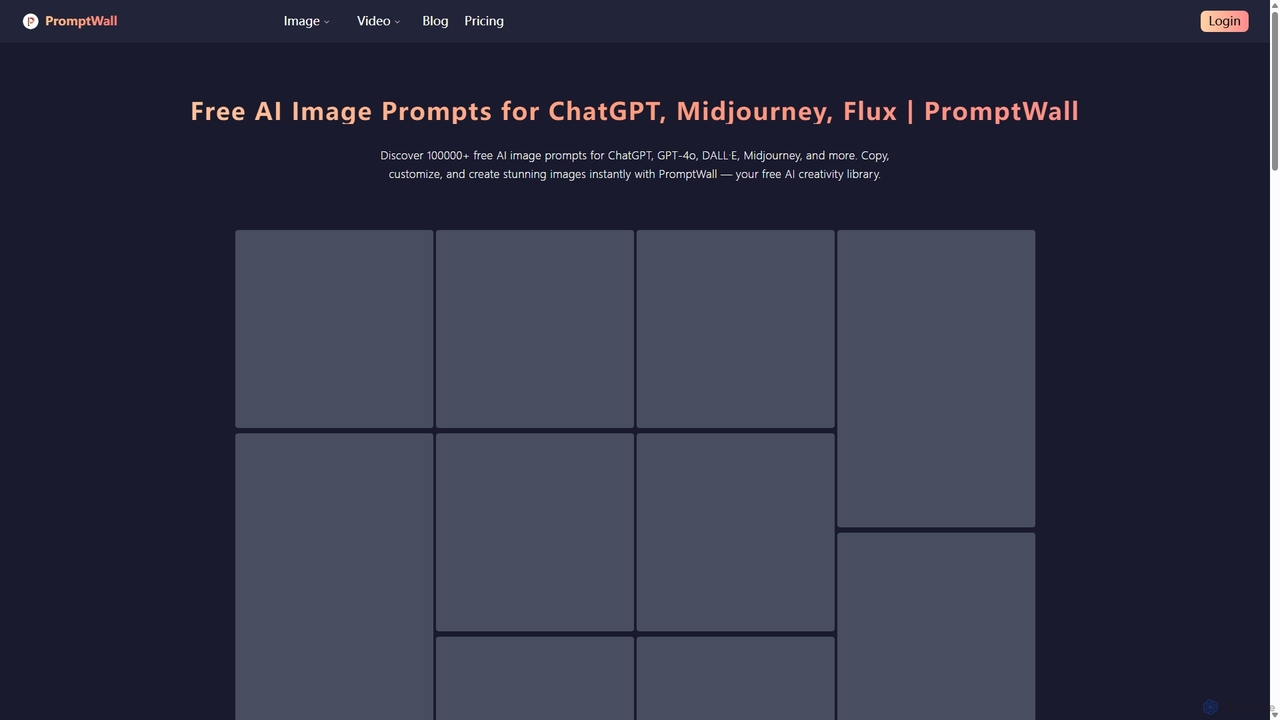
PromptWall
PromptWall is a free, extensive library with over 100,000 AI image prompts. It's designed for creators using tools like ChatGPT, GPT-4o, Midjourney, and DALL-E, allowing them to discover, copy, and customize high-quality prompts to generate stunning images instantly and spark creativity.
Prompt Generator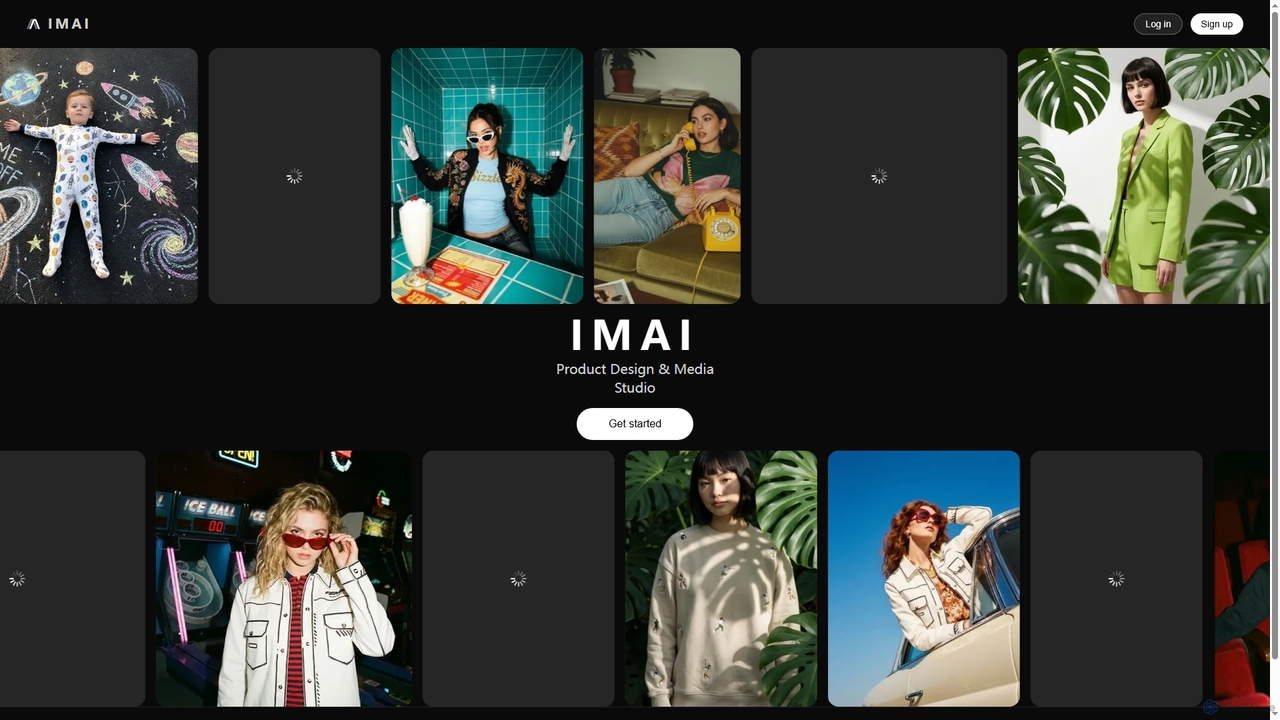

Google Gemini
Google Gemini is a powerful, multimodal AI assistant designed to enhance creativity and productivity. It can understand and process text, code, images, and video to help you write, plan, learn, and create. Integrated with Google's ecosystem, it offers features like advanced content generation, deep research, and seamless collaboration within Google apps.
Image Generator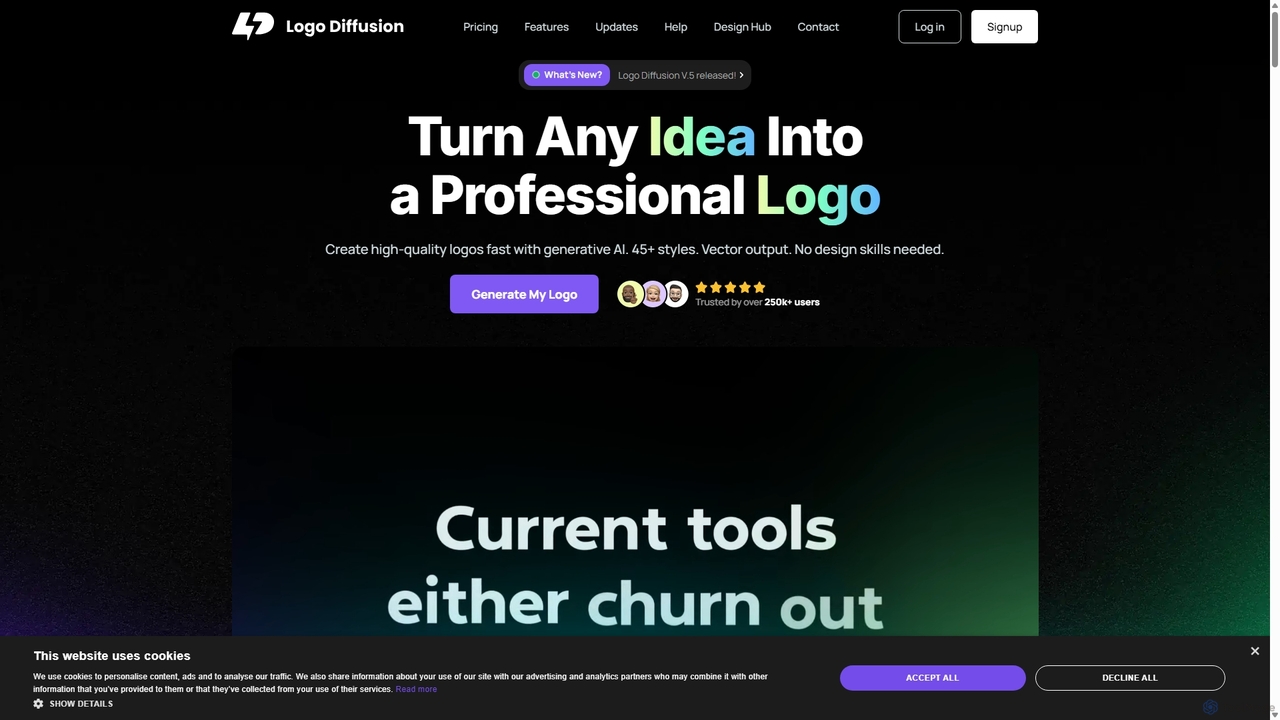
Logo Diffusion
Logo Diffusion is an AI-powered platform for creating professional logos and brand assets. It offers multiple creation methods, including text-to-logo, sketch-to-logo, and logo redesign. With over 45 styles, vector export, and a suite of tools like background removal and 2D-to-3D conversion, it empowers users without design skills to generate high-quality, unique brand identities quickly.
Image Generation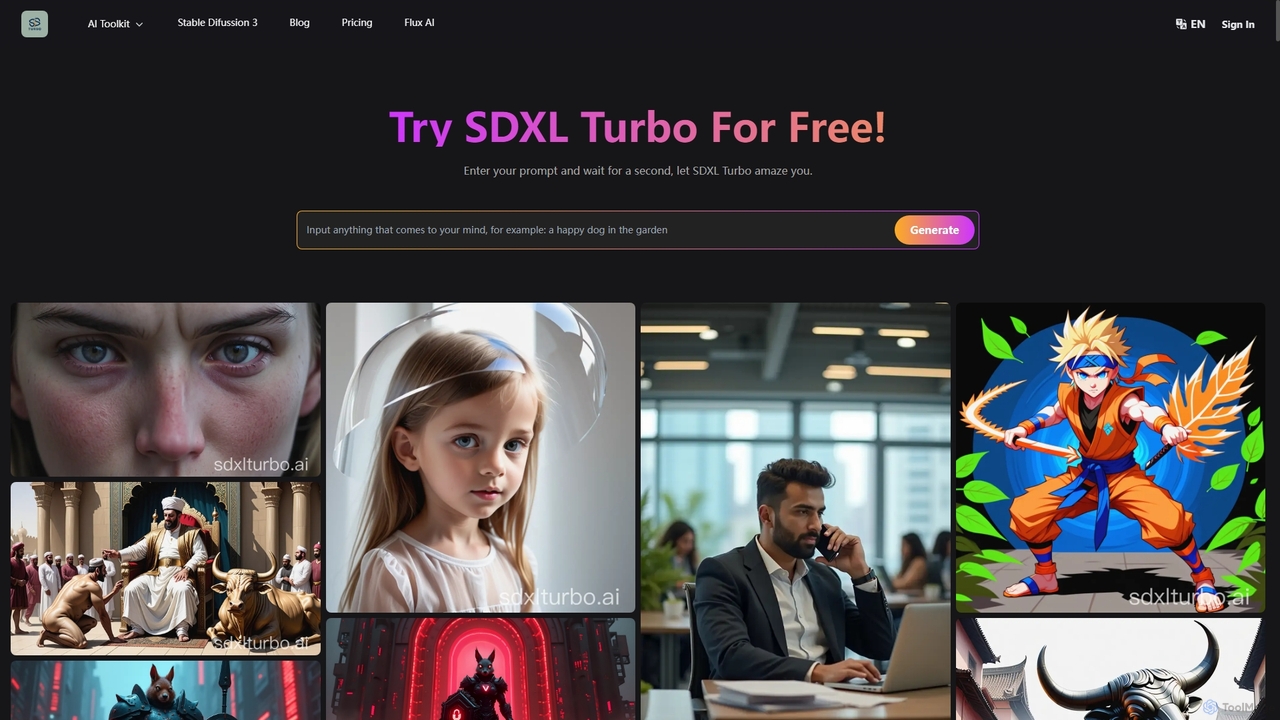
SDXL Turbo
SDXL Turbo is a real-time text-to-image AI generator that creates high-quality, detailed images from text prompts in a single step. Powered by advanced Adversarial Diffusion Distillation (ADD) technology, it offers incredible speed and efficiency. The platform also includes a powerful prompt generator and supports the latest Stable Diffusion 3 model, making it ideal for artists, designers, and content creators.
Art GenerationSketcho Categories
Sketcho Jobs
Sketcho Embed Widget
Copy this embed code to place the badge on your blog, article, or product site and send readers directly to this ToolMage detail page.

Related AI tools
Logo Diffusion
Logo Diffusion is an AI-powered platform for creating professional logos and brand assets. It offers multiple creation methods, including text-to-logo, sketch-to-logo, and logo redesign. With over 45 styles, vector export, and a suite of tools like background removal and 2D-to-3D conversion, it empowers users without design skills to generate high-quality, unique brand identities quickly.
Image Generation
Jyek
Jyek is an AI agent platform that understands objectives, creates execution plans, uses tools, and delivers verifiable results for complex, multi-step tasks.
AutomationSDXL Turbo
SDXL Turbo is a real-time text-to-image AI generator that creates high-quality, detailed images from text prompts in a single step. Powered by advanced Adversarial Diffusion Distillation (ADD) technology, it offers incredible speed and efficiency. The platform also includes a powerful prompt generator and supports the latest Stable Diffusion 3 model, making it ideal for artists, designers, and content creators.
Art Generation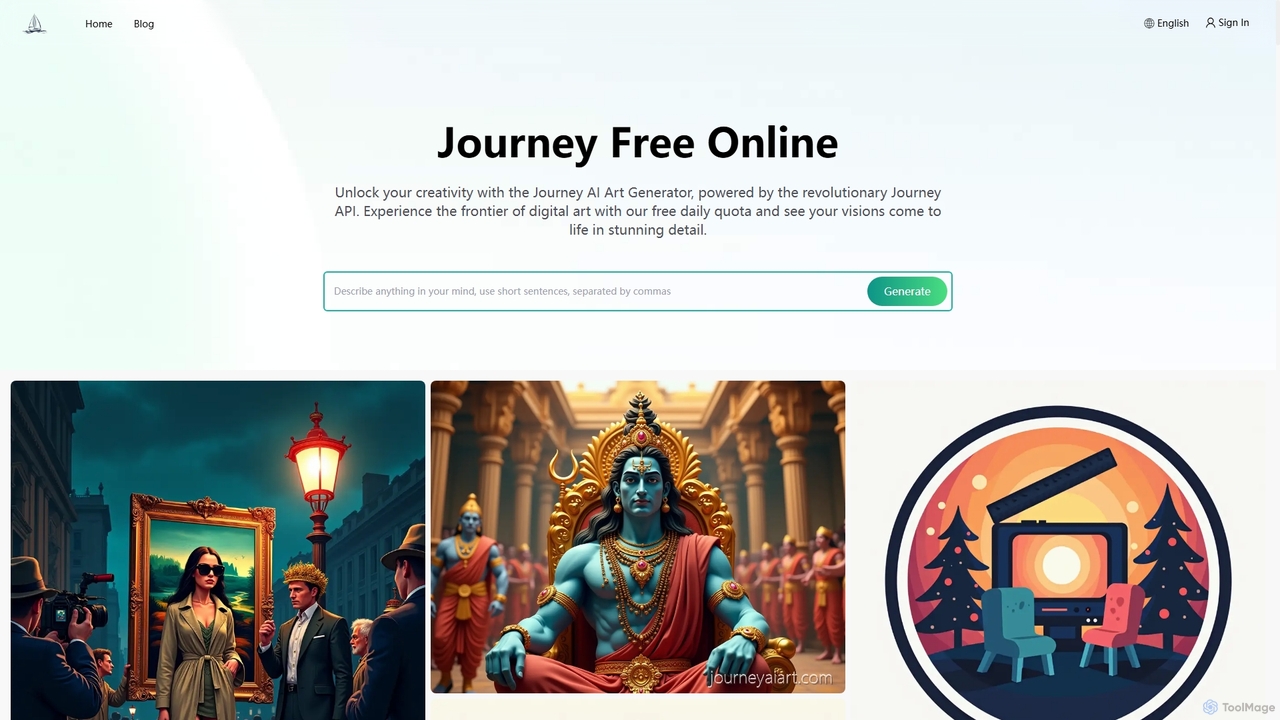
Journey AI Art Generator
Journey AI Art Generator is a free online Midjourney alternative that transforms text prompts into stunning visuals. Powered by the advanced Journey API, it supports diverse models like V6.1 for realism and NIJI for vibrant styles. It offers a daily free quota, making high-quality AI art creation accessible to everyone.
Graphics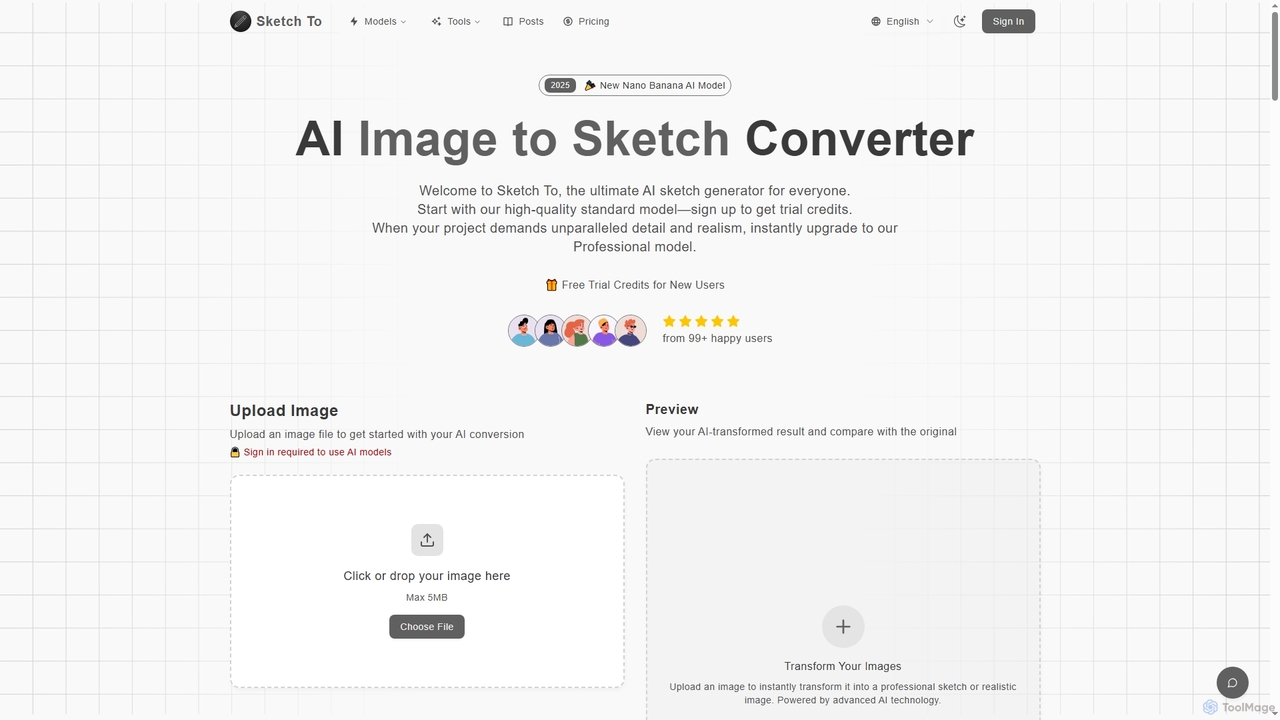
Sketch To
Sketch To is a versatile AI platform that transforms images into sketches and sketches into realistic photos. It also serves as a powerful hub for multiple advanced text-to-image models like Nano Banana, Seedream 4.0, and HunYuan 3.0, enabling users to generate high-quality, detailed visuals from simple text prompts. It offers both free trial and professional plans for various creative needs.
Digital Art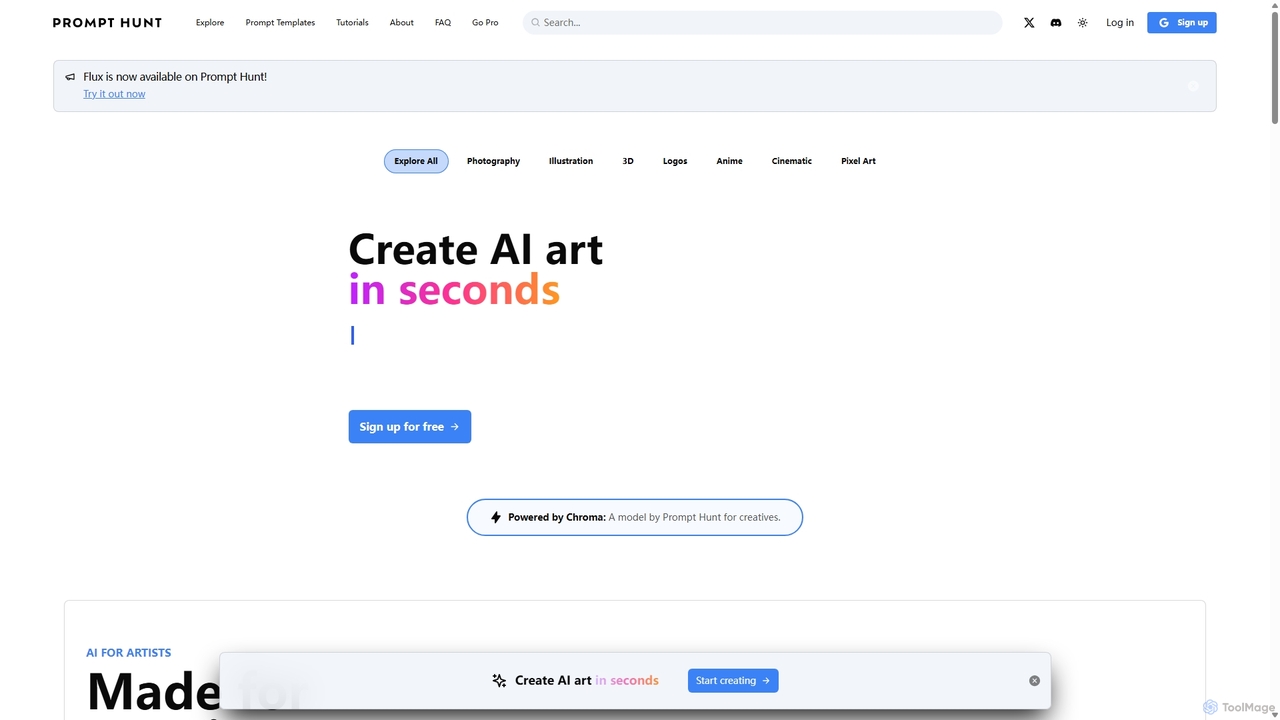
Prompt Hunt
Prompt Hunt is an AI art platform designed for creatives to explore, create, and share high-quality AI-generated images. It features a powerful proprietary model called Chroma, an extensive library of prompt templates, and an intuitive interface, making it easy for both beginners and experts to produce stunning visuals.
Illustration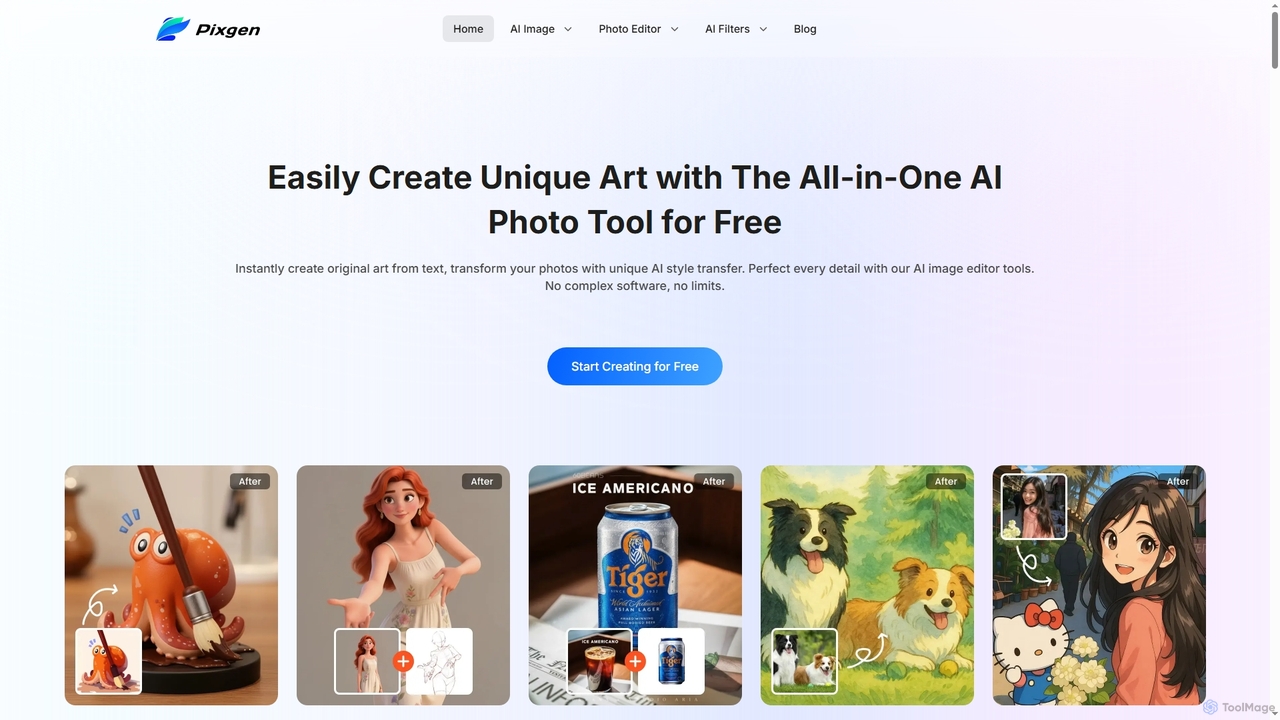
Pixgen
Pixgen is a free, all-in-one AI-powered online platform for creating, editing, and stylizing images. It allows users to generate unique art from text prompts, transform photos with AI style transfers, and perfect details using advanced editing tools like background removal, object erasure, and image enhancement. Designed for ease of use, Pixgen offers a seamless creative workflow without watermarks or hidden costs.
Style Transfer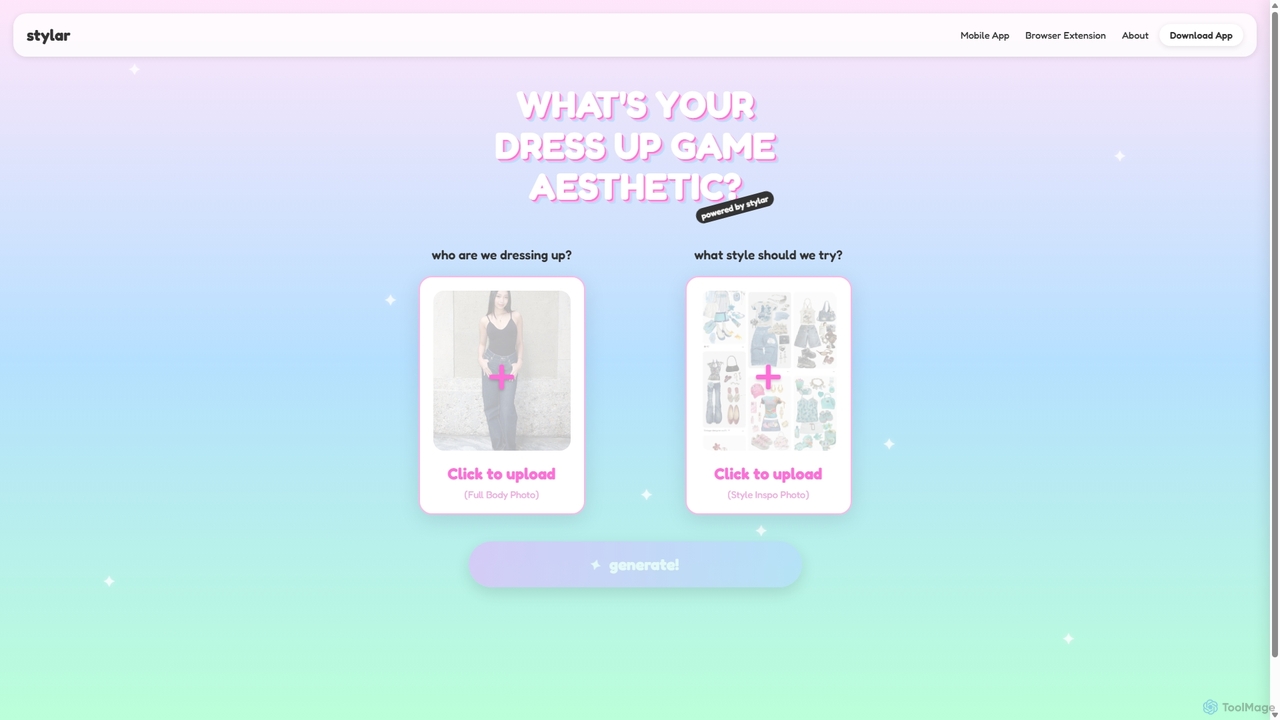
Stylar
Stylar is an all-in-one AI creative suite for artists and designers, offering precise control over image generation. It combines text-to-image, image-to-image, and composition tools with a user-friendly layer-based interface. Ideal for fashion design, character creation, and concept art, Stylar empowers users to bring their exact creative vision to life with unparalleled control and flexibility across web, mobile, and browser extension platforms.
Generative Art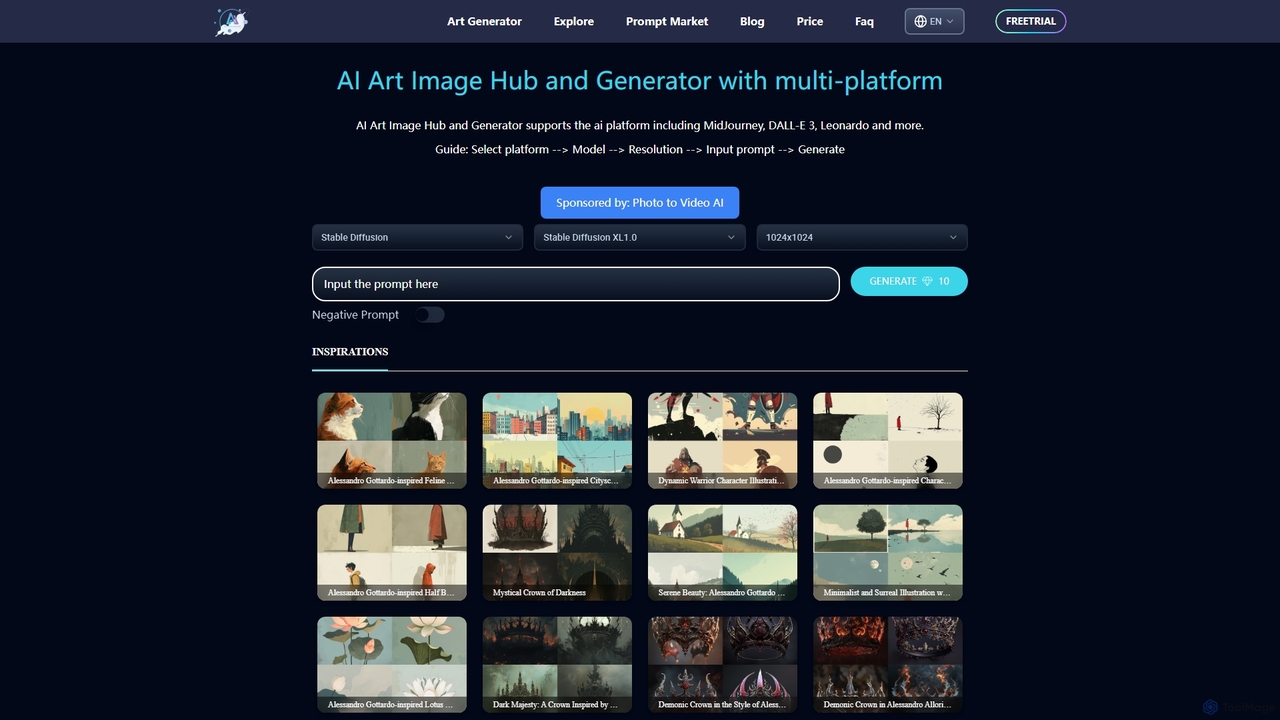
ArtiverseHub
ArtiverseHub is a comprehensive AI art hub integrating top generators like MidJourney, DALL-E 3, and Stable Diffusion. It features a powerful image generator, an extensive prompt marketplace, and an inspiration gallery. Ideal for artists, designers, and content creators to explore, create, and share stunning AI-generated visuals from a single, user-friendly platform.
Prompt Generation
Sirens
Sirens is a specialized AI art generator for creating breathtaking fantasy and mythological artwork. Using advanced text-to-image models, it excels at bringing mythical creatures, enchanted landscapes, and epic scenes to life. Perfect for artists, writers, and game developers seeking high-quality, thematic visuals.
Image Generation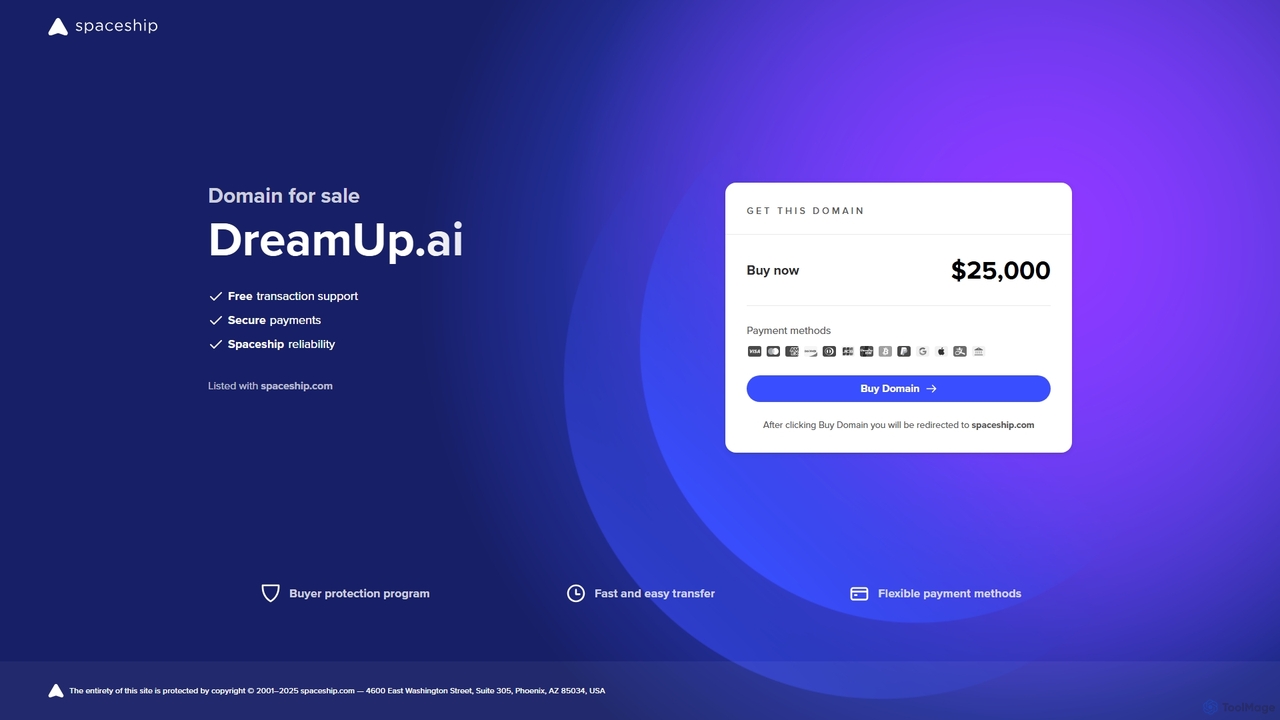
DreamUp
DreamUp is a powerful AI art generator that transforms your text descriptions into stunning, high-quality images and artwork. Leveraging advanced generative models, it allows creators, marketers, and designers to produce unique visuals, concept art, and marketing materials in seconds.
Generative Art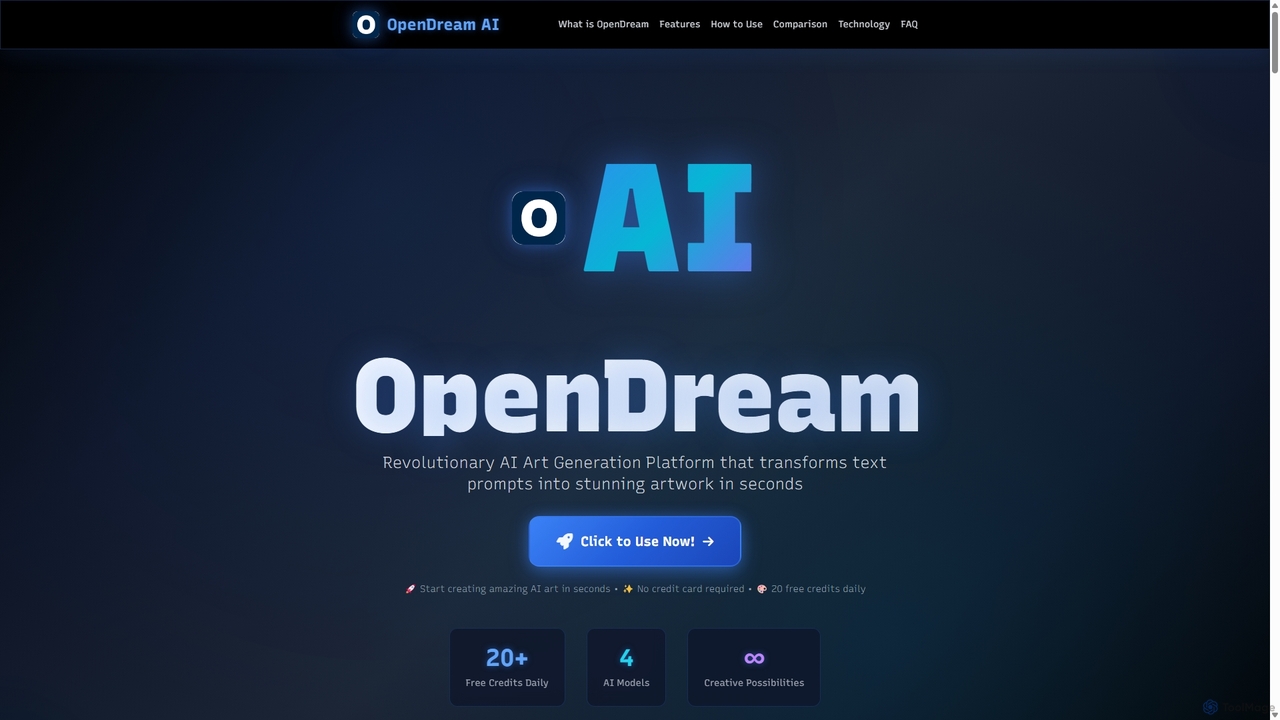
OpenDream
OpenDream is a user-friendly AI art generation platform that transforms text prompts into stunning images in seconds. It offers multiple AI models, including Stable Diffusion, for diverse styles like photorealism and anime. With a generous free tier providing 20 daily credits and full commercial rights on all creations, it's accessible to everyone from hobbyists to professional designers.
Graphics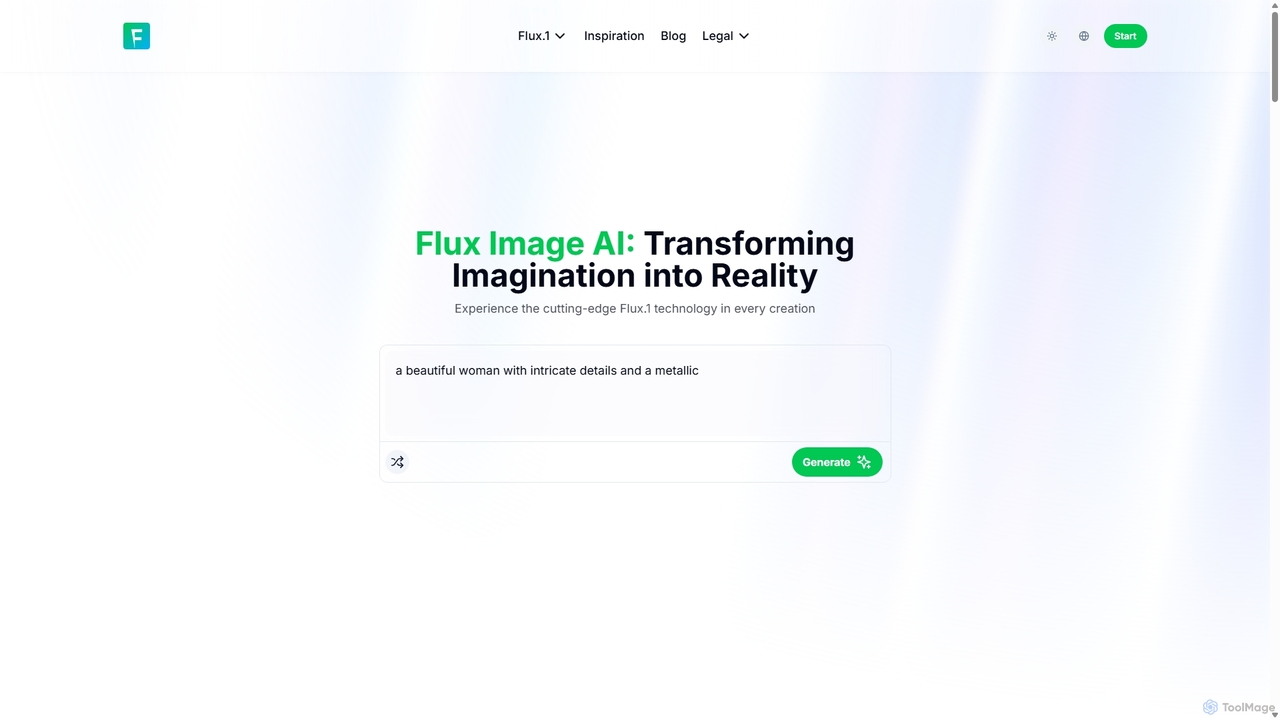
Flux Image AI
Flux Image AI is a next-generation AI art generator powered by the advanced Flux.1 model. It transforms text prompts into high-quality, detailed images with exceptional speed and prompt adherence. Ideal for designers, marketers, and creators, it offers versatile styles, commercial usage rights, and a user-friendly interface.
Generative Art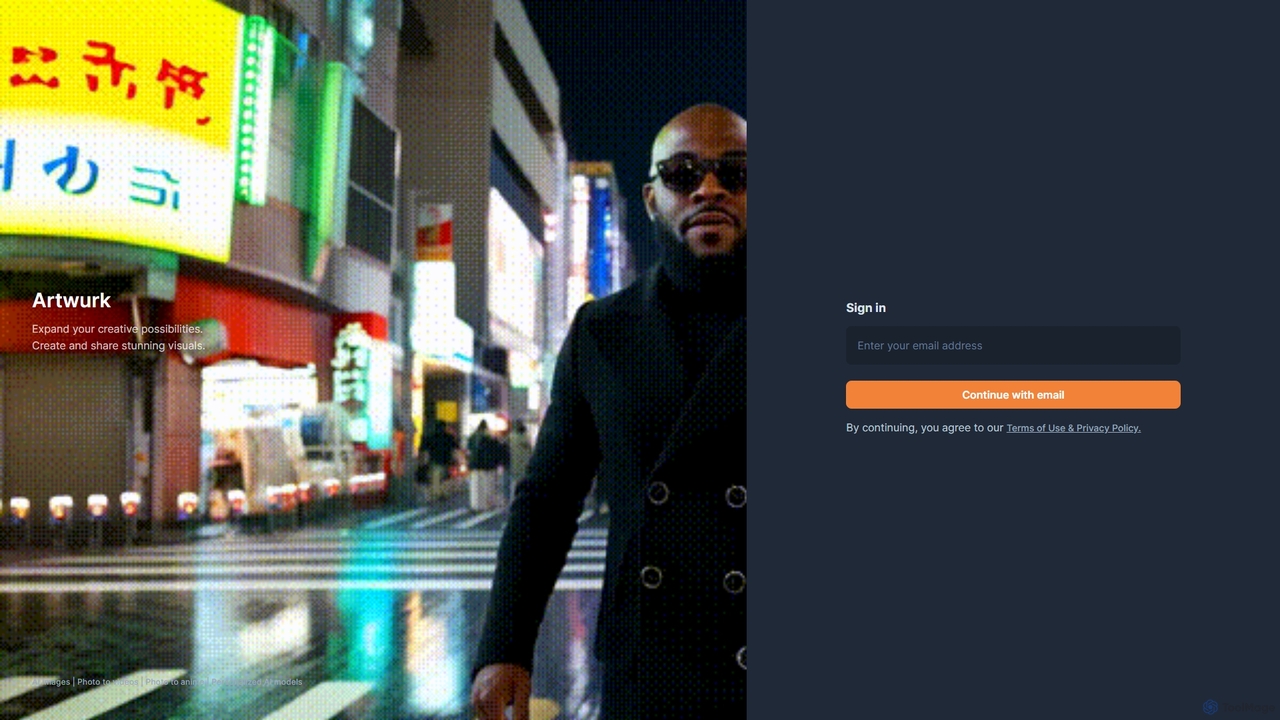
Artwurk
Artwurk is an AI-powered creative suite that expands your artistic possibilities. It allows you to generate stunning images from text, transform static photos into dynamic videos or anime-style art, and even train personalized AI models for consistent and unique visuals. It's an all-in-one platform for creators, marketers, and artists.
Avatars
Aiart.fm
Aiart.fm is a powerful AI art generator that transforms your text prompts into stunning, high-quality images and digital art in seconds. Featuring a user-friendly interface, it supports a wide range of artistic styles, from photorealistic to anime and abstract. Ideal for artists, designers, marketers, and content creators looking to unlock their creative potential without complex software.
Generative Art
Sketcho Comments (0)
Sign in to comment.
Sign inNo comments yet.