
Upscayl Overview
Upscayl is a revolutionary AI-powered tool designed to breathe new life into your images. Whether you're dealing with blurry photos, pixelated graphics, or old digital memories, Upscayl uses advanced artificial intelligence algorithms to enhance and upscale them with remarkable clarity. It stands out by offering two distinct yet complementary products: a completely free and open-source desktop application and a feature-rich, browser-based cloud platform.
The core mission of Upscayl is to make high-quality image enhancement accessible to everyone, from professional designers and artists to casual users wanting to restore old family photos. The desktop version prioritizes privacy and control, allowing users to process images locally on their own hardware without uploading any data. The cloud version, on the other hand, provides unparalleled convenience, speed, and power, eliminating the need for a powerful computer and enabling access from any device, anywhere.
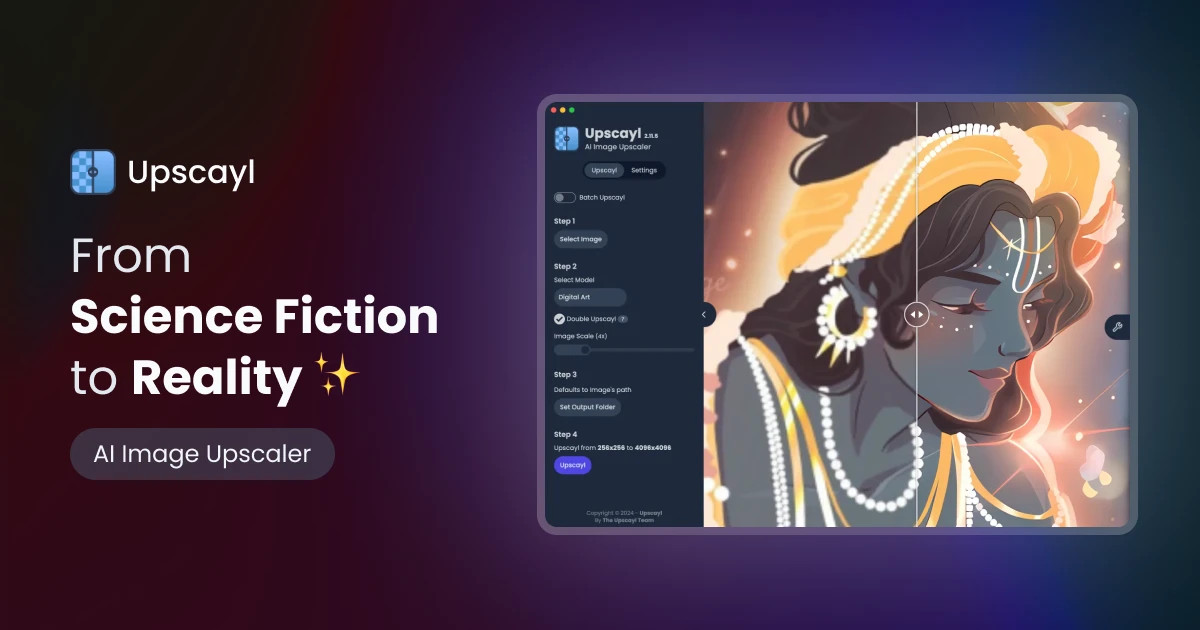
How to use Upscayl
Using Upscayl is designed to be a straightforward and intuitive process, whether you choose the desktop or cloud version.
For Upscayl Desktop:
- Download and Install: Visit the official Upscayl website and download the application for your operating system (Windows, macOS, or Linux).
- Select Image: Open the application and click to select the low-resolution image you want to enhance.
- Choose Model and Settings: Select from various AI models tailored for different types of images (e.g., general photos, digital art). You can also choose the desired upscaling factor (up to 16x) and enable features like 'Double Upscayl'.
- Upscayl: Click the 'Upscayl' button and the application will process the image locally on your computer. The high-resolution result is saved to your specified folder.
For Upscayl Cloud:
- Sign Up/Login: Create an account or log in on the Upscayl Cloud website. New users can start with a free trial.
- Upload Images: Drag and drop your images into the browser or select them from your device. The platform supports batch processing, so you can upload multiple files at once.
- Configure and Process: Choose your upscaling model, resolution, and other advanced options like face enhancement.
- Access and Download: The upscaling is processed on Upscayl's powerful servers. Once complete, you can access and download your enhanced images from your cloud storage, which is accessible from any phone, tablet, or computer.
Core Features of Upscayl
- AI-Powered Upscaling: Utilizes cutting-edge AI models to increase image resolution by up to 16x (Desktop) and even higher on the Cloud, adding detail and sharpness without creating artifacts.
- Free & Open Source Desktop App: A fully-featured desktop application for Windows, macOS, and Linux that is completely free, open-source, and works offline, ensuring user privacy.
- Upscayl Cloud Platform: A browser-based service that requires no powerful hardware, offers faster processing, unlimited storage (on paid plans), and cross-device accessibility.
- Batch Upscaling: Process multiple images simultaneously in both the desktop and cloud versions, saving significant time and effort.
- Multiple AI Models: Choose from a variety of specialized models to get the best results for different types of images, including photographs, digital art, and cartoons.
- Face Enhancement: A specific feature in the cloud version designed to intelligently restore and enhance facial details in portraits.
- Commercial Use: The Cloud version is perfect for commercial projects, allowing businesses and creators to enhance images for clients and marketing without restrictions.
- High Color Accuracy: Preserves and enhances color details, making the upscaled images suitable for high-quality printing.
Use Cases for Upscayl
Upscayl is a versatile tool for a wide range of users:
- Photographers and Designers: Upscale older, low-resolution portfolio images or prepare client photos for large-format printing.
- Digital Artists: Increase the resolution of digital paintings or AI-generated art to reveal finer details and create high-quality prints.
- Businesses and Marketers: Enhance product photos, marketing materials, and website graphics to create a more professional and appealing brand image.
- Archivists and Hobbyists: Restore and preserve old family photos or historical images that were digitized at low quality.
- Web Developers: Update and improve legacy image assets on older websites to meet modern high-resolution display standards.
Advantages of Upscayl
Upscayl offers a unique combination of power, accessibility, and flexibility. Its primary advantage is the dual-offering model. The free, open-source desktop app is a powerful statement in favor of user privacy and accessibility, providing a robust tool without any cost. This makes it an excellent alternative to expensive software. The Cloud platform complements this by offering professional-grade power, speed, and convenience for those with more demanding needs or without powerful local hardware. The community praise for its high-quality output, often rivaling or exceeding paid competitors, further solidifies its position as a top-tier upscaling solution.
Pricing and Plans
Upscayl's pricing is structured to cater to different user needs, separating its Desktop and Cloud offerings.
- Upscayl Desktop: This version is completely free and open-source. You can download it, use it forever, and process unlimited images locally without any cost.
- Upscayl Cloud: This is a freemium service based on a credit system.
- Free Trial: Get 10 free credits upon signing up to test the platform's features.
- Pro Plan: Priced at $24.99/month for 300 credits. This plan includes the ability to save unused credits, priority support, 6 months of unlimited storage, and upscaling up to 256MP.
- Business Plan: Custom plans for higher volume needs, offering upscaling up to 512MP images and other enterprise features.
- Custom Plan: For users with unique requirements, offering a custom amount of credits, priority email & chat support, and unlimited storage. Contact sales for pricing.
Annual subscriptions for cloud plans are available and offer a discount of up to 40%.
Traffic
Latest traffic
Status
Monthly traffic trend
- 2025-9: 671.6K
- 2026-1: 842.9K
- 2026-2: 720.8K
- 2026-3: 759.0K
- 2026-4: 785.1K
- 2026-5: 899.3K
Geography
Top 5 countries / regions
- 🇺🇸United States36.0%
- 🇮🇳India18.9%
- 🇧🇷Brazil18.1%
- 🇨🇳China15.8%
- 🇩🇪Germany11.2%
Traffic sources
| Source type | Percentage |
|---|---|
Direct | 73.3% |
Referral | 25.0% |
Email | 1.6% |
Top keywords
| Keyword | Cost per click |
|---|---|
| upscale | $0.38 |
| upscaly | $0.81 |
| upscayl | $0.54 |
| upscayl ai | $0.72 |
| upscayl free | $1.95 |
Upscayl Videos on YouTube




Upscayl Alternatives

BigJpg AI
BigJpg AI is an advanced AI-powered image upscaler that enlarges images up to 16x their original size without losing quality. It intelligently analyzes and enhances image details, making it perfect for creating high-resolution prints, web graphics, and detailed visuals from small source files. Ideal for photographers, designers, and marketers.
Image Editing
Bigjpg
Bigjpg is an AI-powered image upscaler that uses Deep Convolutional Neural Networks (CNN) to enlarge images without losing quality. It excels at processing anime and illustrations, intelligently reducing noise and serration to produce crisp, clear results. It also supports regular photos, offering a superior alternative to traditional scaling methods. With web, desktop, and mobile apps, Bigjpg provides a flexible solution for artists, designers, and anyone needing to increase image resolution while preserving detail and color fidelity.
Generative Art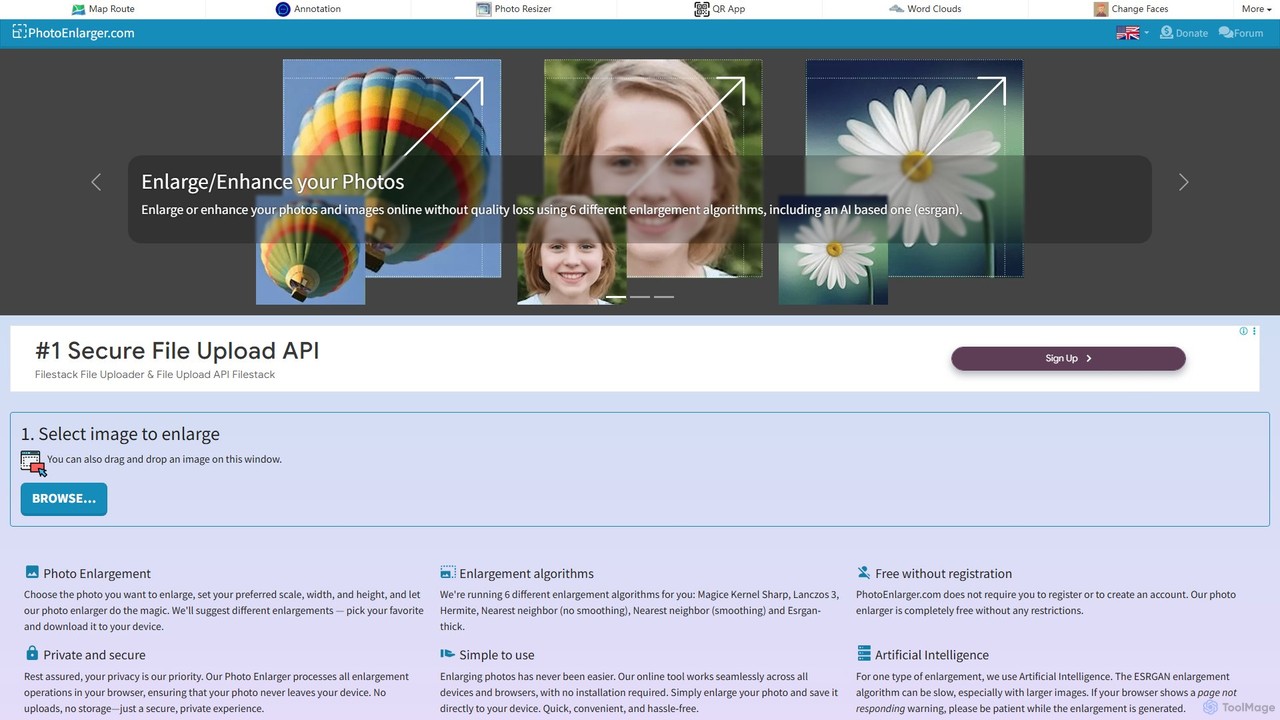
PhotoEnlarger
A free, browser-based tool that enlarges and enhances photos using multiple algorithms, including AI-powered ESRGAN. It requires no registration, processes images directly in your browser for maximum privacy, and offers various enlargement options to choose from.
Image Editing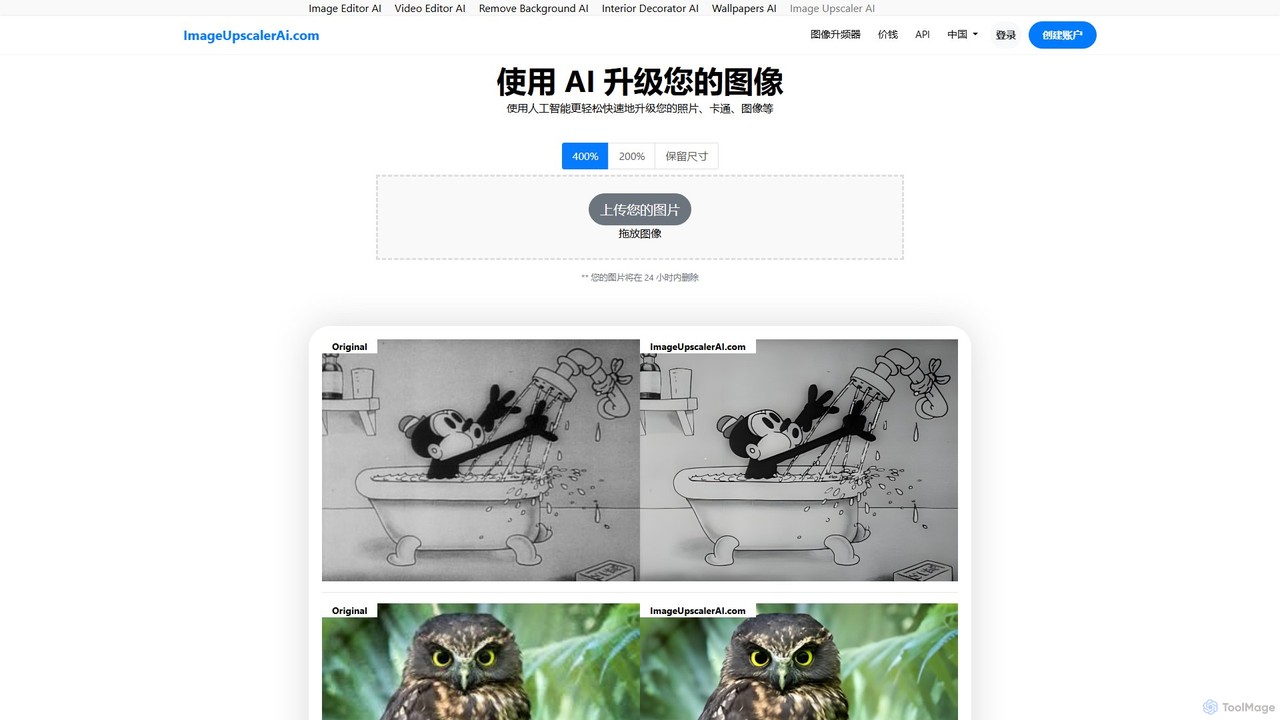
ImageUpscalerAI
ImageUpscalerAI is an AI-powered online tool designed to enlarge and enhance images by up to 400% without losing quality. It supports various image types, including photos, cartoons, and digital art, offering a simple drag-and-drop interface for quick and easy high-resolution results. It prioritizes user privacy by deleting all uploaded images within 24 hours.
Graphics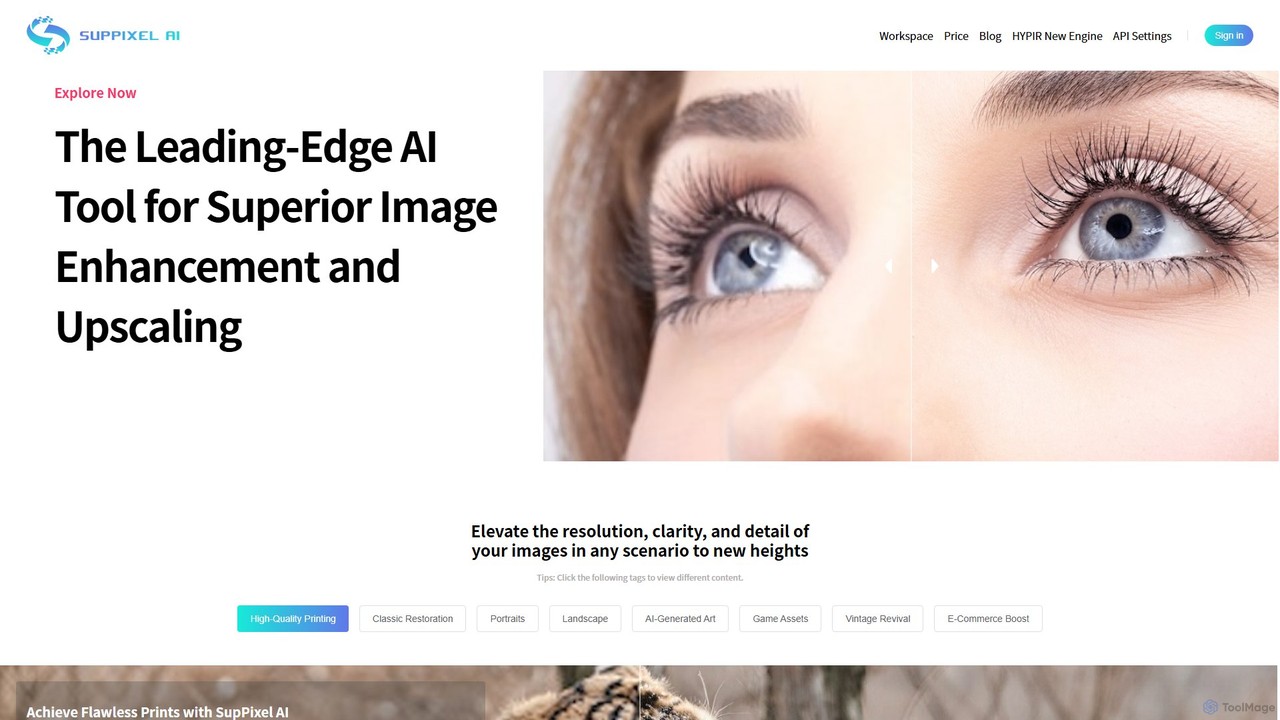
SupPixel AI
SupPixel AI is a leading-edge AI tool for superior image enhancement and upscaling. It elevates the resolution, clarity, and detail of any image, making it ideal for high-quality printing, photo restoration, e-commerce, and enhancing AI-generated art.
Image EditingUpscayl Categories
Upscayl Embed Widget
Copy this embed code to place the badge on your blog, article, or product site and send readers directly to this ToolMage detail page.

Related AI tools
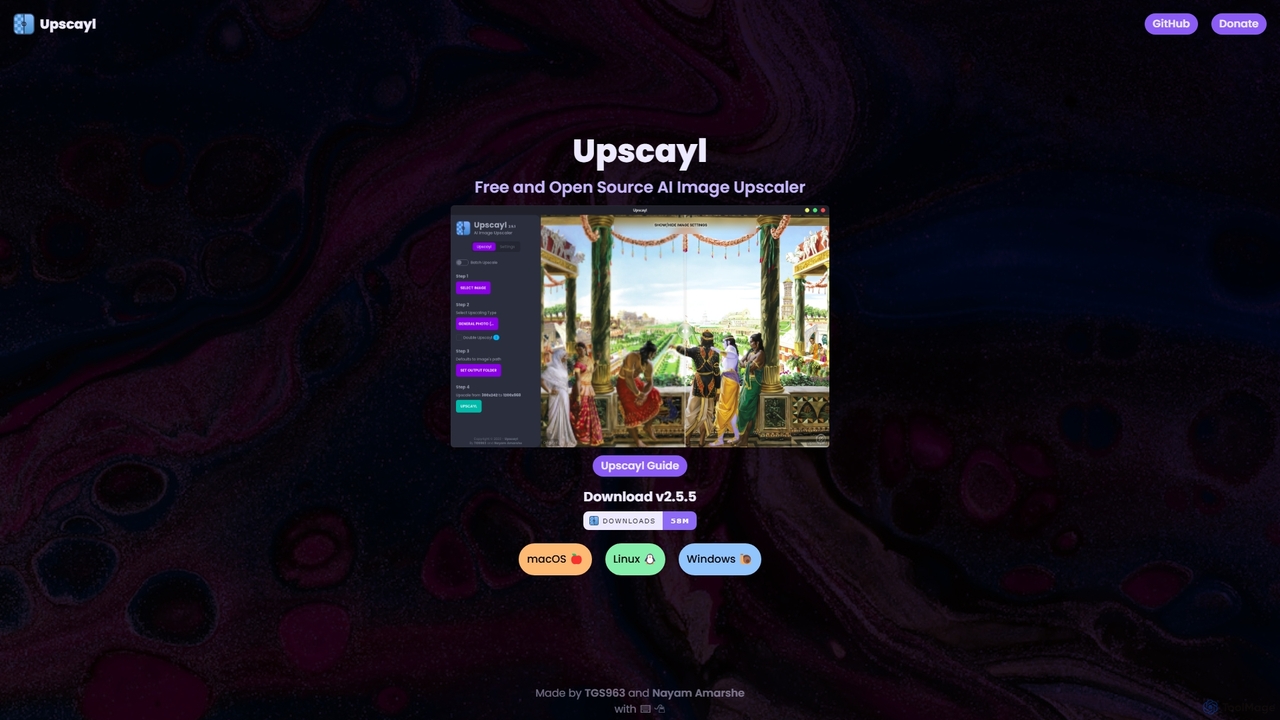
Upscayl
Upscayl is a free and open-source AI image upscaler for Windows, macOS, and Linux. It enhances low-resolution images using advanced AI models, processing everything locally on your device to ensure complete privacy. Ideal for photographers, designers, and AI artists.
GraphicsImageUpscalerAI
ImageUpscalerAI is an AI-powered online tool designed to enlarge and enhance images by up to 400% without losing quality. It supports various image types, including photos, cartoons, and digital art, offering a simple drag-and-drop interface for quick and easy high-resolution results. It prioritizes user privacy by deleting all uploaded images within 24 hours.
Graphics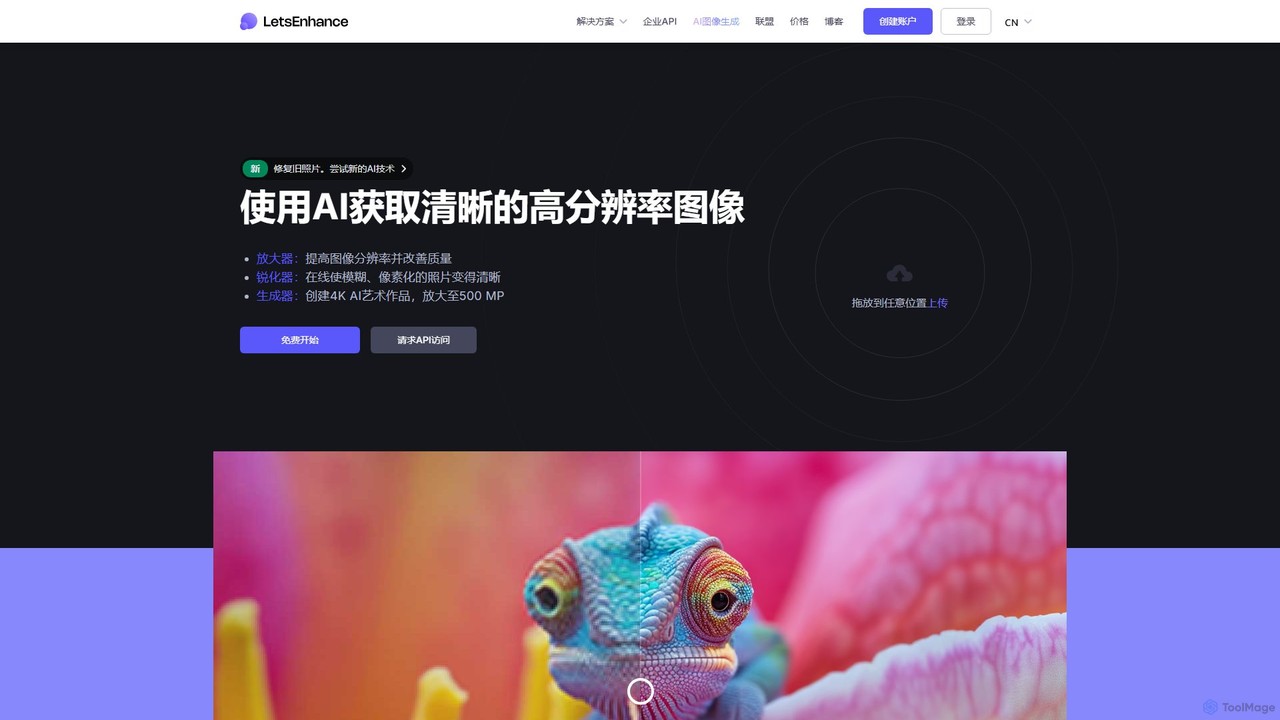
LetsEnhance
An AI-powered platform for image enhancement, upscaling, and generation. It automatically increases image resolution up to 16x, sharpens details, corrects colors, and removes artifacts. Features include old photo restoration, a text-to-image generator for creating high-resolution AI art, and batch processing. Ideal for photographers, designers, e-commerce, and print professionals.
Image Enhancement
imgupscaler
imgupscaler is an AI-powered tool designed to enlarge and enhance images without sacrificing quality. Using advanced deep learning algorithms, it can upscale photos, anime art, and digital graphics up to 8x, intelligently adding detail, reducing noise, and fixing blurriness. It's a fast, user-friendly solution for professionals and hobbyists alike.
Image Enhancement
Upscale.media
Upscale.media is a free AI-powered tool that automatically upscales and enhances images in seconds. It increases image resolution by up to 8x without losing quality, sharpens details, and removes artifacts. Ideal for e-commerce, photographers, and personal use, it offers web, mobile app, and API access for seamless integration.
Image Editing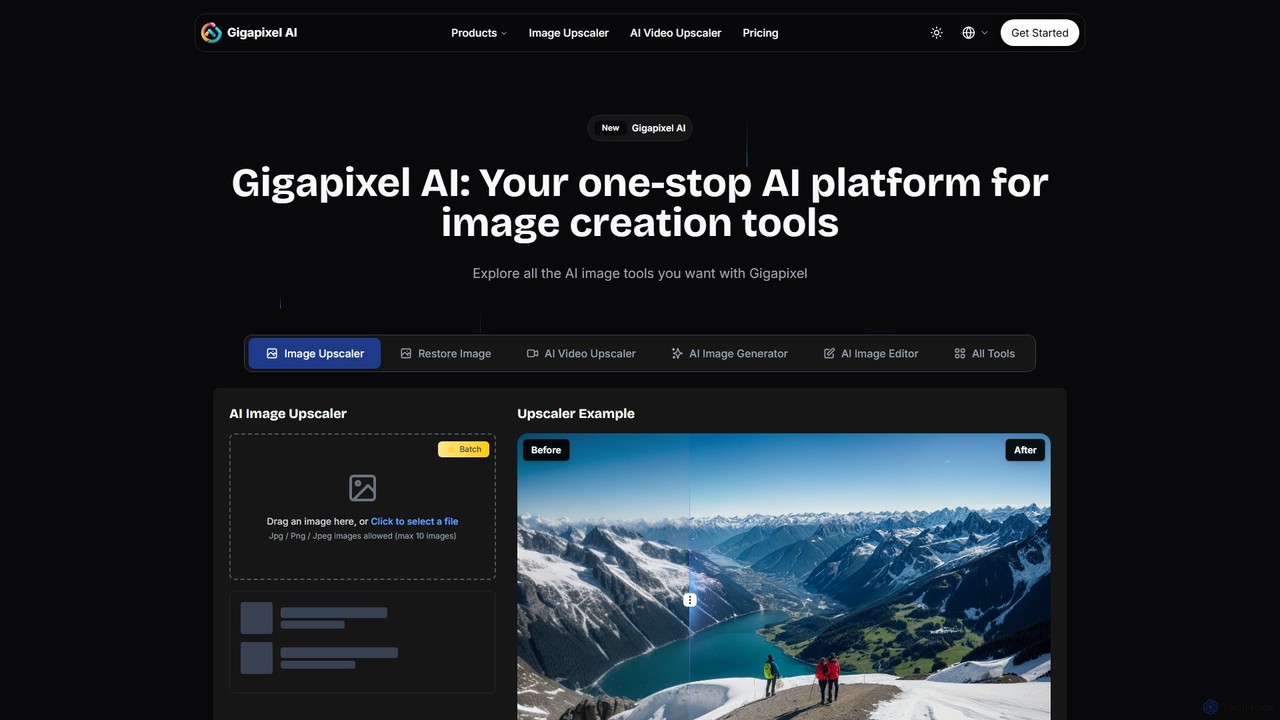
Gigapixel AI
Gigapixel AI is a comprehensive, all-in-one AI platform for image and video creation. It offers a suite of powerful tools, including an advanced image and video upscaler, a versatile image generator, a precise image editor, and a background remover. It's designed for creators, marketers, and developers to enhance, generate, and edit visual content with professional-grade quality and efficiency.
Image Editing
MejorarImagen
MejorarImagen is an AI-powered online tool designed to enhance and upscale image quality. It can enlarge images up to 10x and achieve resolutions up to 12K, significantly improving sharpness and detail. Ideal for professional photographers, graphic designers, and social media managers, it also offers features like batch processing and portrait enhancement.
Image Enhancement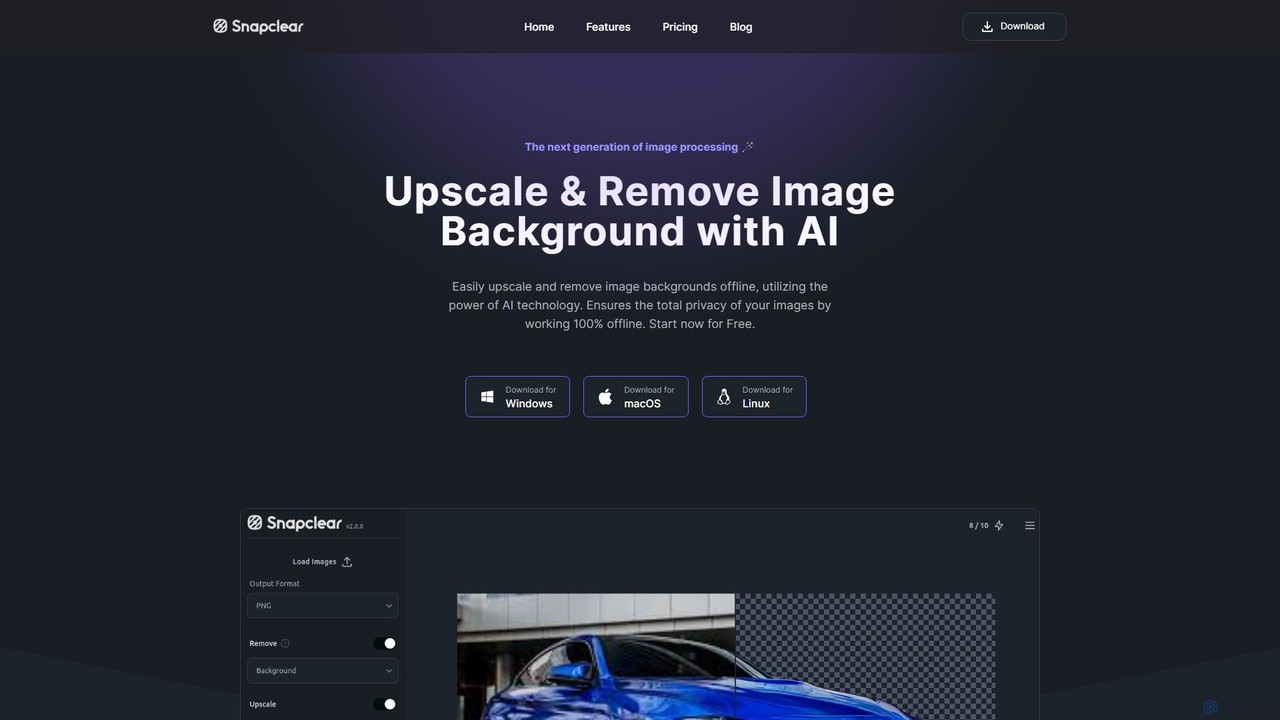
Snapclear
Snapclear is an AI-powered desktop application designed for offline image enhancement. It offers one-click solutions for upscaling images, removing backgrounds, and reducing noise. Supporting bulk processing and multiple formats, it's a versatile tool for photographers, designers, and content creators who prioritize privacy and efficiency.
Background Removal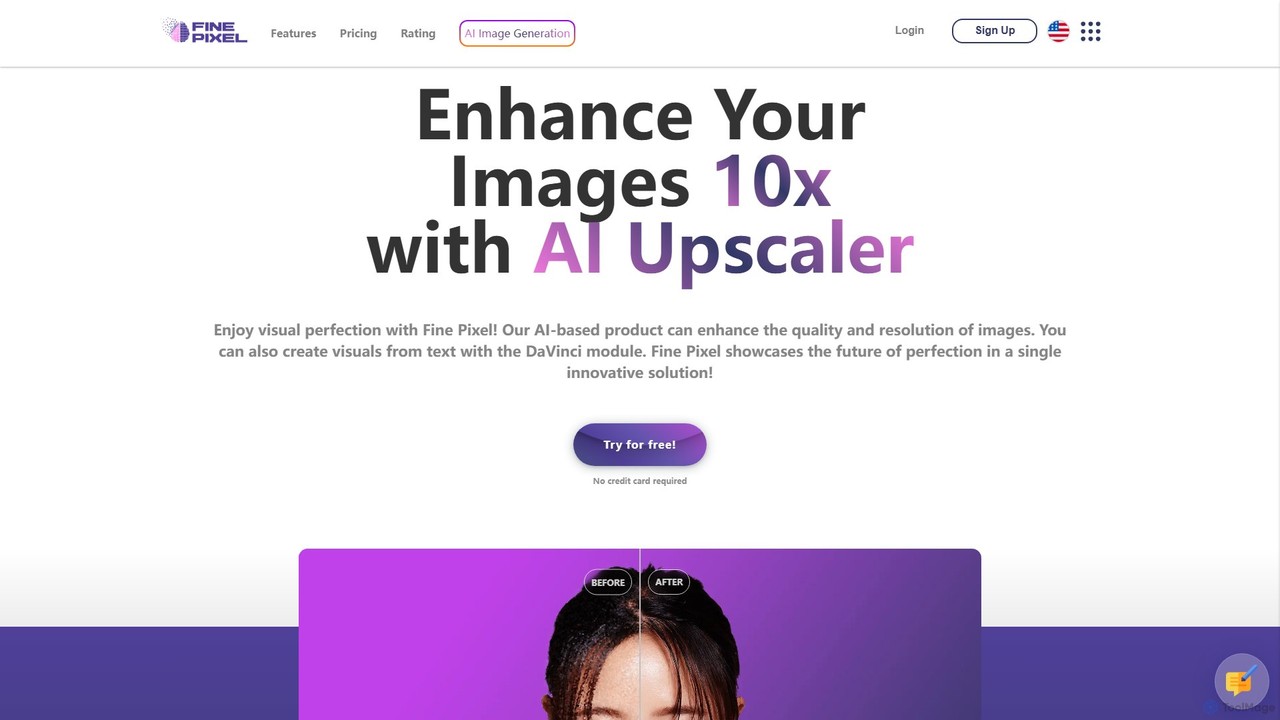
Fine Pixel
Fine Pixel is an all-in-one AI-powered image suite that enhances, generates, and edits visuals. It features a high-resolution image upscaler for print-quality results (300+ DPI), a text-to-image generator (DaVinci Diffusion XL) for instant creativity, and an inpainting tool to seamlessly add or remove objects from photos. It's designed for users of all skill levels, from marketers and designers to personal users, enabling professional-grade image manipulation in seconds.
Image Editing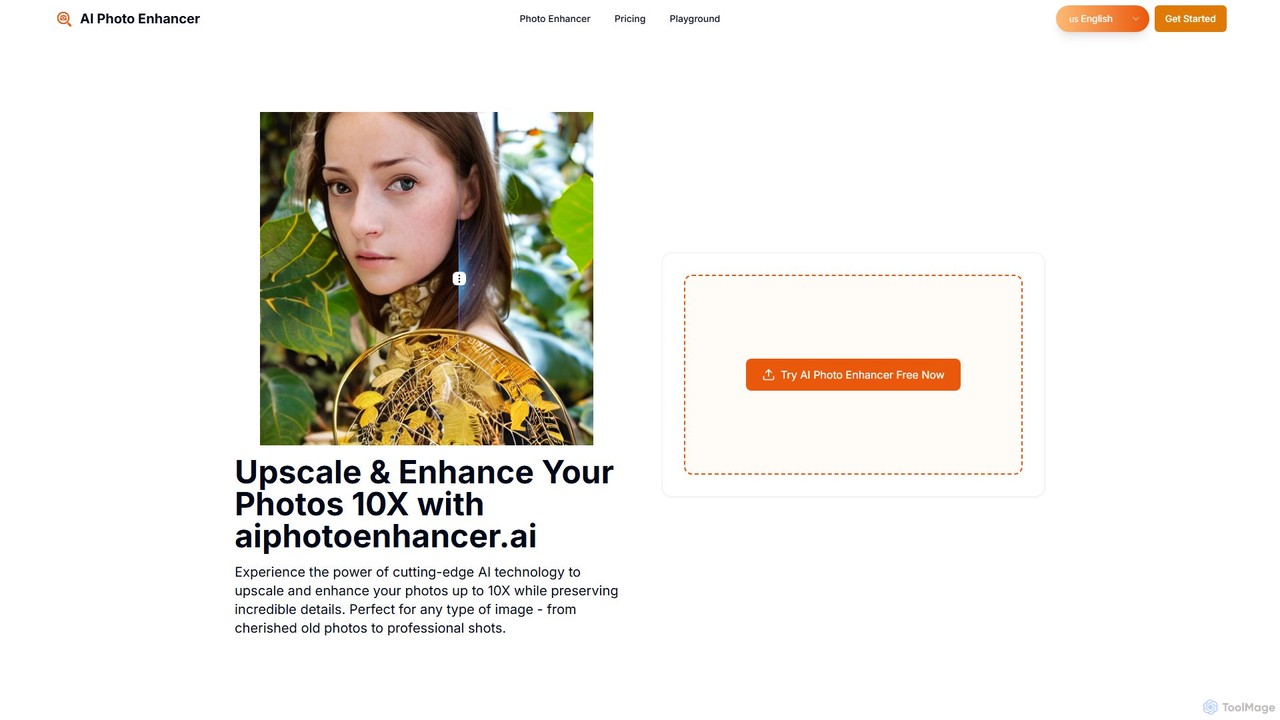
aiphotoenhancer
aiphotoenhancer is an AI-powered tool that upscales and enhances images up to 10X resolution while preserving details. It supports batch processing for up to 10 images and offers specialized modes for various photo types, including portraits, landscapes, e-commerce products, and old photos. With daily free credits, users can easily restore, sharpen, and improve their images for both personal and commercial use.
Image Editing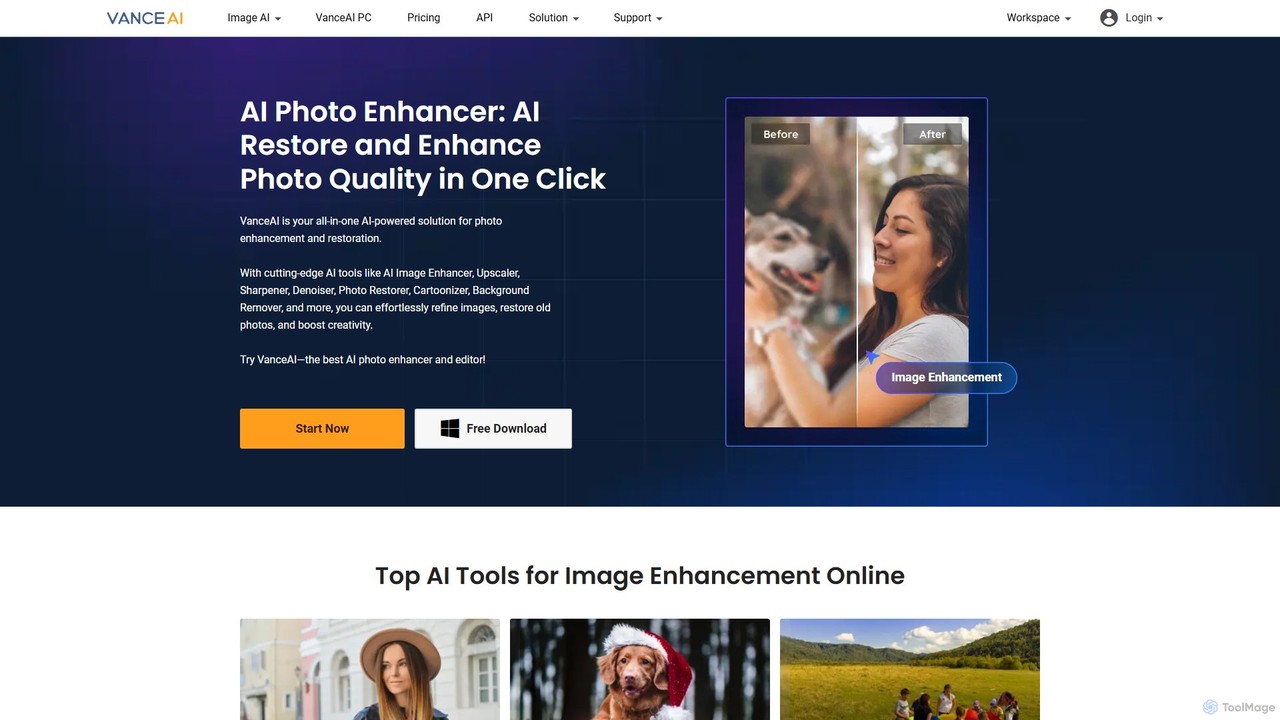
VanceAI
VanceAI is a comprehensive, AI-powered suite for photo enhancement, restoration, and editing. It offers a wide range of tools, including an image upscaler, sharpener, denoiser, background remover, and photo restorer. With one-click solutions and batch processing capabilities, VanceAI helps users from photographers to e-commerce businesses improve image quality, streamline workflows, and boost creativity effortlessly, available both online and as a desktop application.
Image Editing
Picit
Picit is a comprehensive, free online AI image suite. It offers a wide range of tools, including text-to-image generation, background removal, image upscaling, AI filters, avatar creation, and watermark removal. Designed for ease of use, it empowers users to create and edit high-quality visuals in seconds without any cost or technical expertise, making it ideal for designers, marketers, and content creators.
Image Editing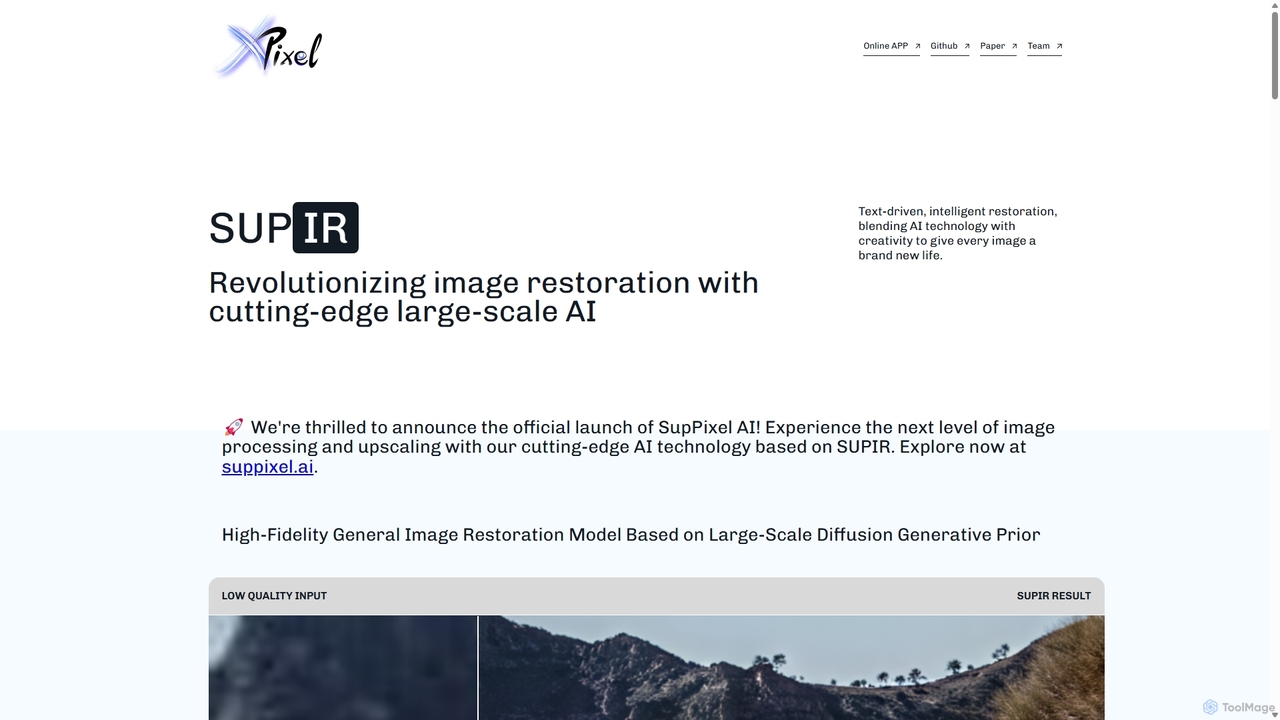
SUPIR
SUPIR (Scaling-up-Prior Image Restoration) is a cutting-edge, high-fidelity general image restoration model. It leverages large-scale diffusion generative priors to intelligently restore and upscale images with stunning clarity and detail. From vintage photos to gaming assets, SUPIR breathes new life into any low-quality image.
Generative Art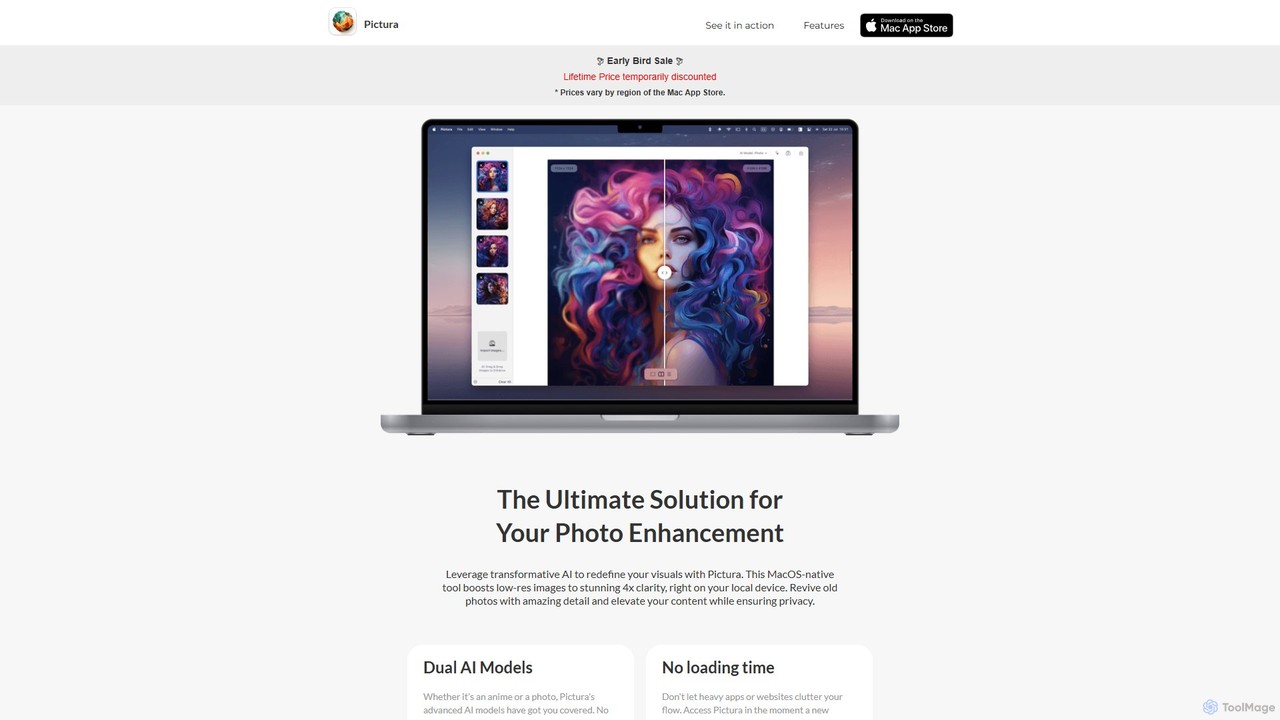
Pictura
Pictura is a native macOS AI application for effortless photo enhancement. It upscales low-resolution images to 4x clarity directly on your device, ensuring complete privacy. Featuring dual AI models tailored for both realistic photos and anime, Pictura revives old pictures, enhances details, and elevates your visuals with a simple drag-and-drop interface, optimized for Apple Silicon.
Graphics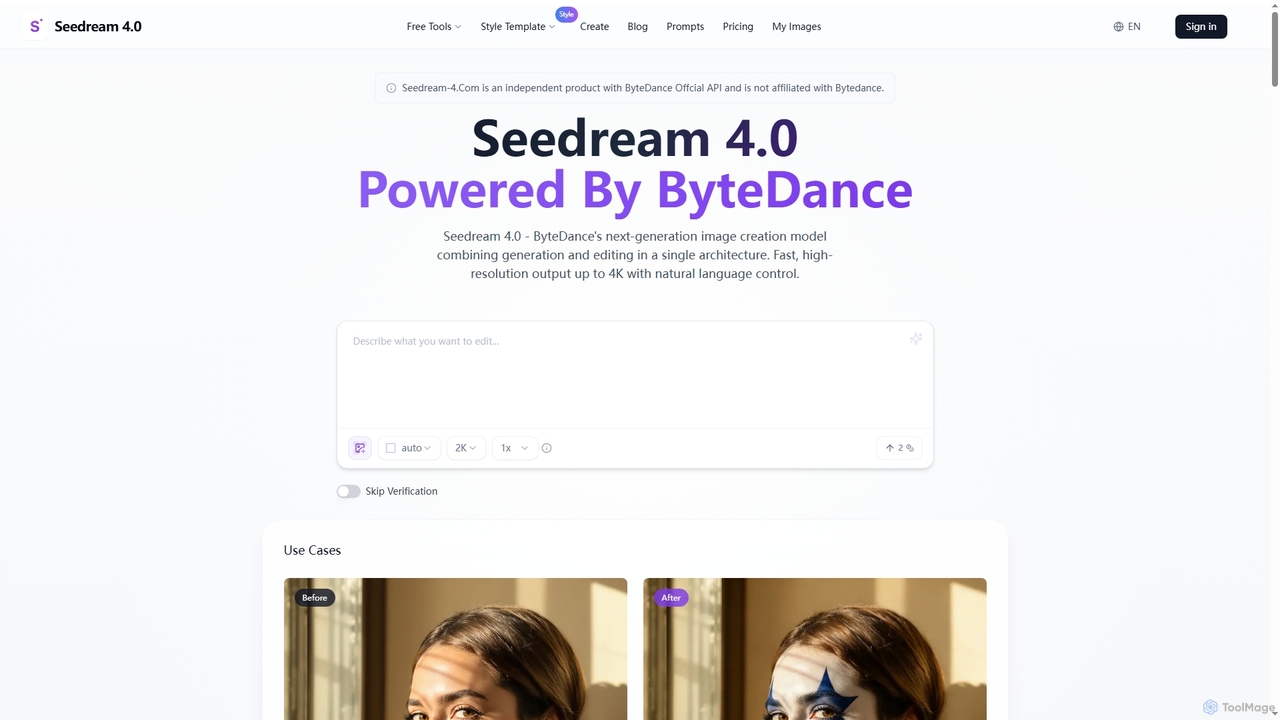
Seedream 4.0
Seedream 4.0 is ByteDance's advanced AI image creation and editing tool, unifying text-to-image generation and image modification in a single architecture. It delivers fast, high-resolution outputs up to 4K with natural language control, batch processing, and versatile style transfer, empowering creators with seamless visual content production.
Creative Asset Generation
Upscayl Comments (0)
Sign in to comment.
Sign inNo comments yet.