

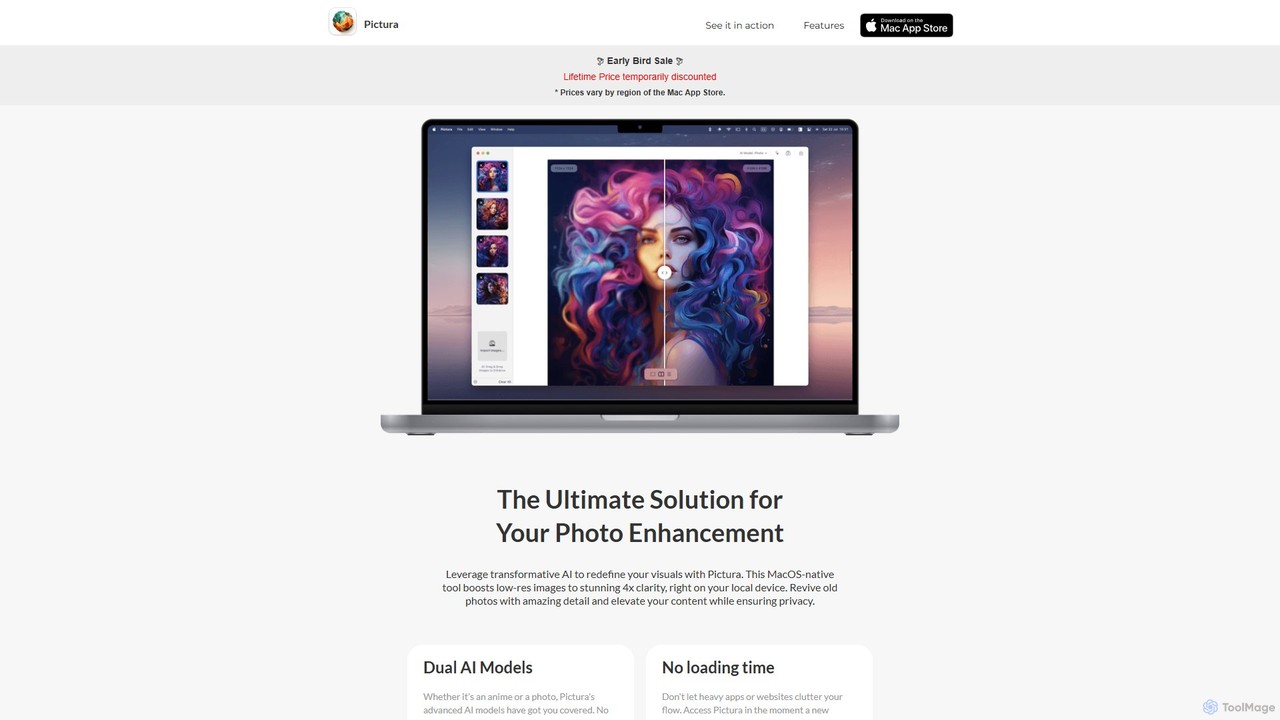
Pictura Overview
Pictura is the ultimate solution for anyone looking to enhance their images on a Mac. As a native macOS application, it leverages transformative AI to redefine your visuals, turning low-resolution, grainy photos into stunning, high-clarity masterpieces. All processing is done locally on your device, guaranteeing that your personal and professional images remain completely private and secure.
Designed with simplicity and power in mind, Pictura integrates seamlessly into your workflow. It eliminates the need for complex software or slow, web-based tools. Whether you're a professional photographer, a graphic designer, a content creator, or simply someone wanting to restore old family photos, Pictura provides the tools you need to achieve exceptional results with minimal effort.
How to use Pictura
Pictura's workflow is designed to be incredibly intuitive and efficient, allowing you to enhance your images in just three simple steps:
- Drag & Drop: Simply drag one or more image files from your desktop or a folder and drop them directly into the Pictura window. This eliminates cumbersome upload processes and gets you started instantly.
- Enhance: The moment you drop an image, Pictura's powerful AI gets to work. It automatically analyzes the image and applies the appropriate enhancement algorithm to boost the resolution by 4x, sharpen details, and reduce noise. The process is fast, leveraging the full power of your Mac's hardware.
- Save: Once the enhancement is complete, you can preview the stunning result. With a single click, save the new high-resolution image directly to your computer, ready for use in your projects or for sharing with the world.
Core Features of Pictura
- 4x AI Upscaling: Instantly increase the resolution of your images by 400% without sacrificing quality. The AI intelligently adds detail and clarity, making your photos look like they were shot with a high-end camera.
- Dual AI Models: Pictura includes two specialized AI algorithms. The 'Photo' model is perfect for general pictures, enhancing textures, and fine details in portraits and landscapes. The 'Anime' model is specifically trained to recognize and refine the unique lines, colors, and art styles of anime and illustrations.
- On-Device Processing & Privacy: Your privacy is paramount. All image processing happens directly on your Mac. Your photos are never uploaded to a cloud server, ensuring they remain confidential and secure.
- Native macOS Experience: Built from the ground up for macOS, Pictura is fast, responsive, and power-efficient. It's fully optimized for Apple Silicon (M1, M2, M3) and the Apple Neural Engine for unmatched performance.
- Intuitive Drag-and-Drop Interface: The user-friendly design makes photo enhancement accessible to everyone. No steep learning curve or complicated settings—just drag, drop, and save.
- No Loading Time: As a native app, Pictura is always ready when you are. Access it instantly whenever inspiration strikes, without waiting for a website to load or a heavy application to launch.
Use Cases for Pictura
Pictura is a versatile tool suitable for a wide range of applications:
- Professional Photographers: Upscale older portfolio images or recover shots taken at a lower resolution to meet modern print and digital standards.
- Graphic Designers & Marketers: Enhance logos, icons, and other visual assets for use in websites, presentations, and marketing materials.
- Content Creators: Improve the quality of thumbnails, social media posts, and blog images to capture your audience's attention.
- Anime & Manga Fans: Increase the resolution of your favorite anime screenshots, wallpapers, and digital art for a crystal-clear viewing experience.
- Archivists & Families: Restore and revitalize old, scanned family photos, bringing precious memories back to life with incredible detail.
Advantages of Pictura
Pictura stands out from other enhancement tools with its unique combination of quality, privacy, and performance. Its key advantages include being a native Mac app that is incredibly fast, a strong focus on user privacy with local processing, and specialized AI models that deliver superior results for both photos and anime. The simplicity of its drag-and-drop interface makes powerful AI technology accessible to users of all skill levels.
Pricing and Plans
Pictura is available as a one-time purchase from the Mac App Store. This gives you a lifetime license to use the app and receive future updates. The price is temporarily discounted for early adopters. Please note that pricing may vary depending on your region's Mac App Store policies. There are no subscriptions or recurring fees, making it a cost-effective investment for high-quality photo enhancement.
Traffic
Latest traffic
Status
Monthly traffic trend
- 2025-9: 898
- 2026-1: 1.7K
- 2026-2: 119
- 2026-3: 1.2K
- 2026-4: 9.6K
- 2026-5: 1.0K
Geography
Top 5 countries / regions
- 🇸🇳Senegal91.8%
- 🇲🇽Mexico8.2%
Top keywords
| Keyword | Cost per click |
|---|---|
| pictura | $0.00 |
Pictura Alternatives
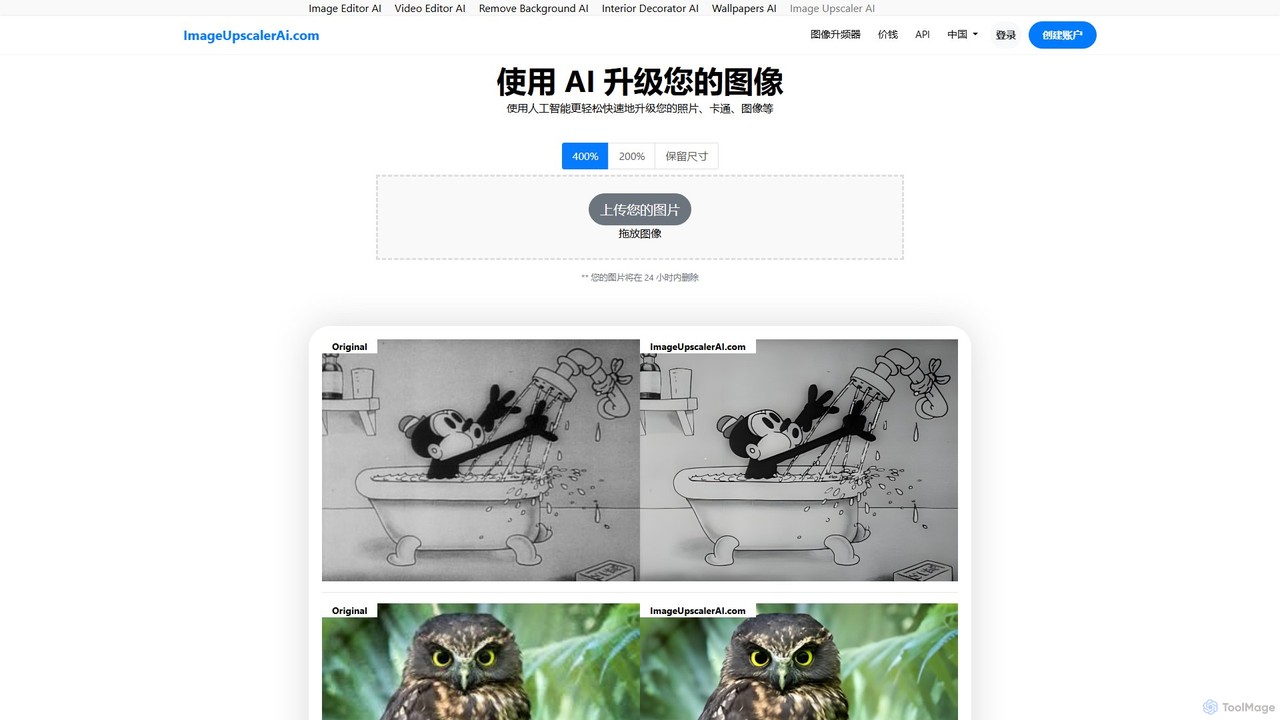
ImageUpscalerAI
ImageUpscalerAI is an AI-powered online tool designed to enlarge and enhance images by up to 400% without losing quality. It supports various image types, including photos, cartoons, and digital art, offering a simple drag-and-drop interface for quick and easy high-resolution results. It prioritizes user privacy by deleting all uploaded images within 24 hours.
Graphics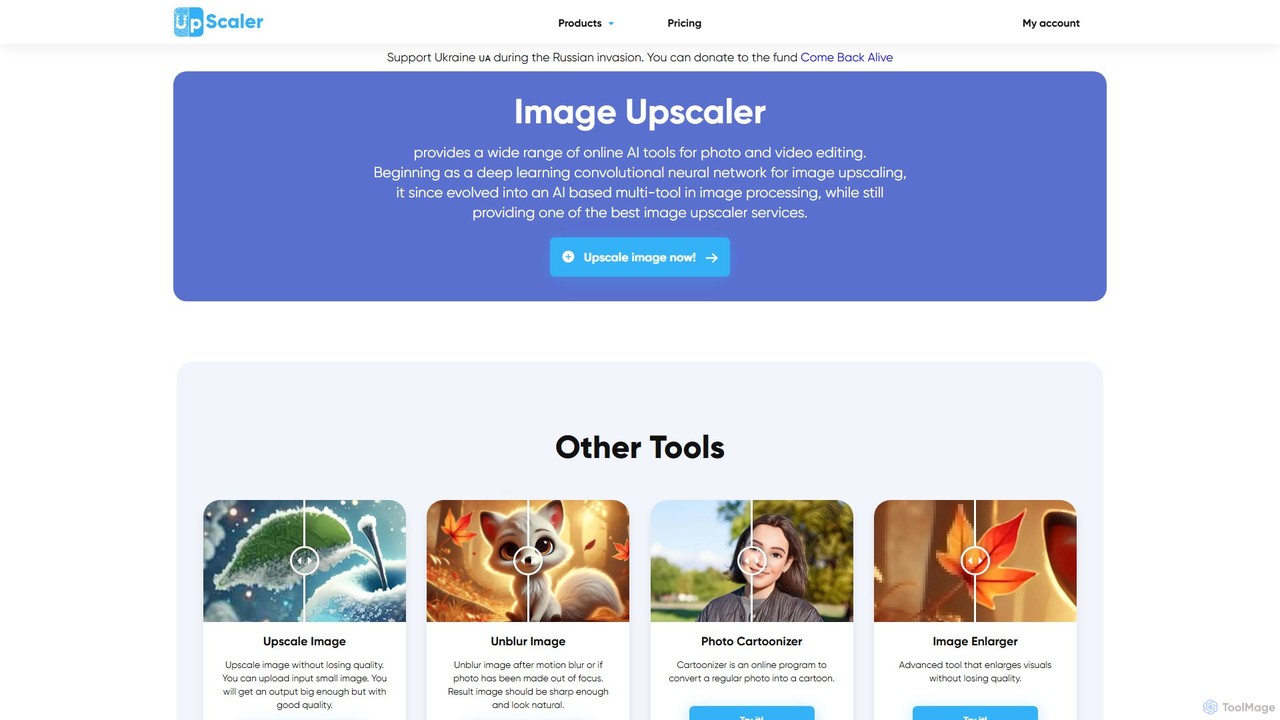
ImageUpscaler
An all-in-one AI-powered platform for image enhancement. Upscale photos up to 4x without quality loss, remove backgrounds, deblur images, generate art from text, and utilize a wide range of creative tools like cartoonizers, colorizers, and object removers. Ideal for professionals and hobbyists.
Graphics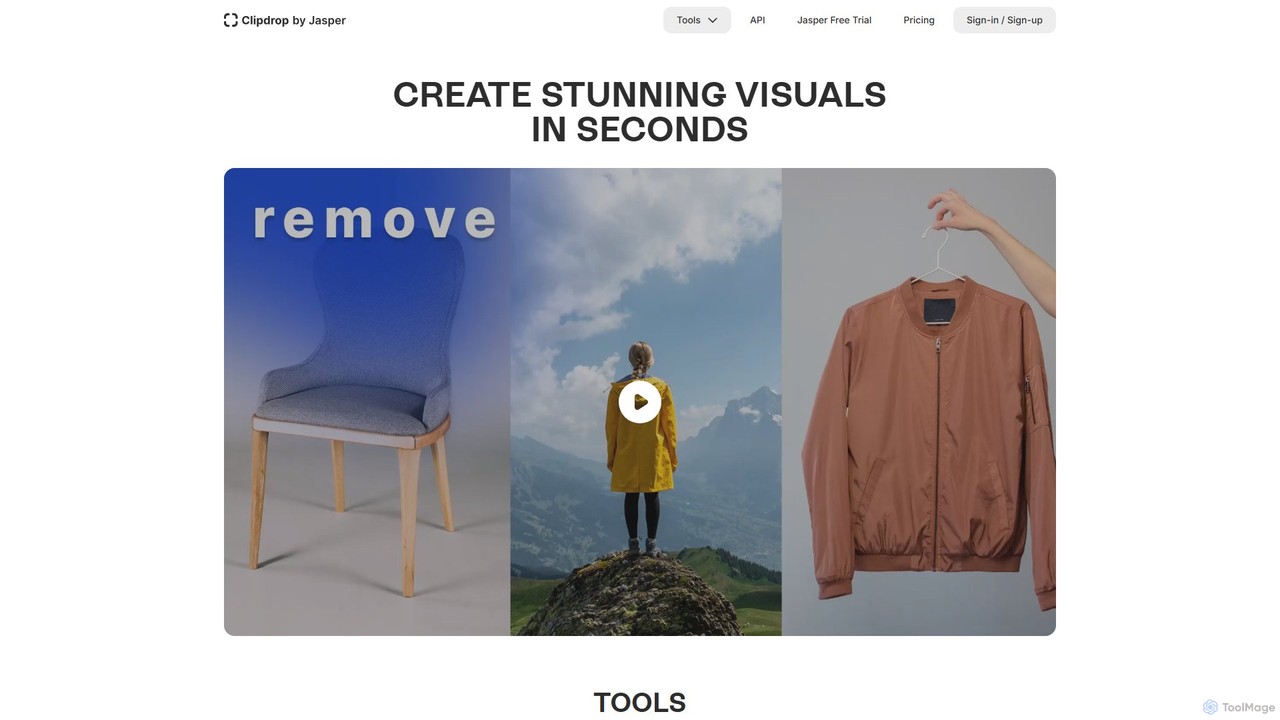
Clipdrop
Clipdrop is an all-in-one suite of AI-powered tools for image creation, editing, and enhancement. Developed by Stability AI, it allows users to effortlessly remove backgrounds, clean up images, upscale resolution, generate visuals from text, and much more, all within a simple web interface.
Graphics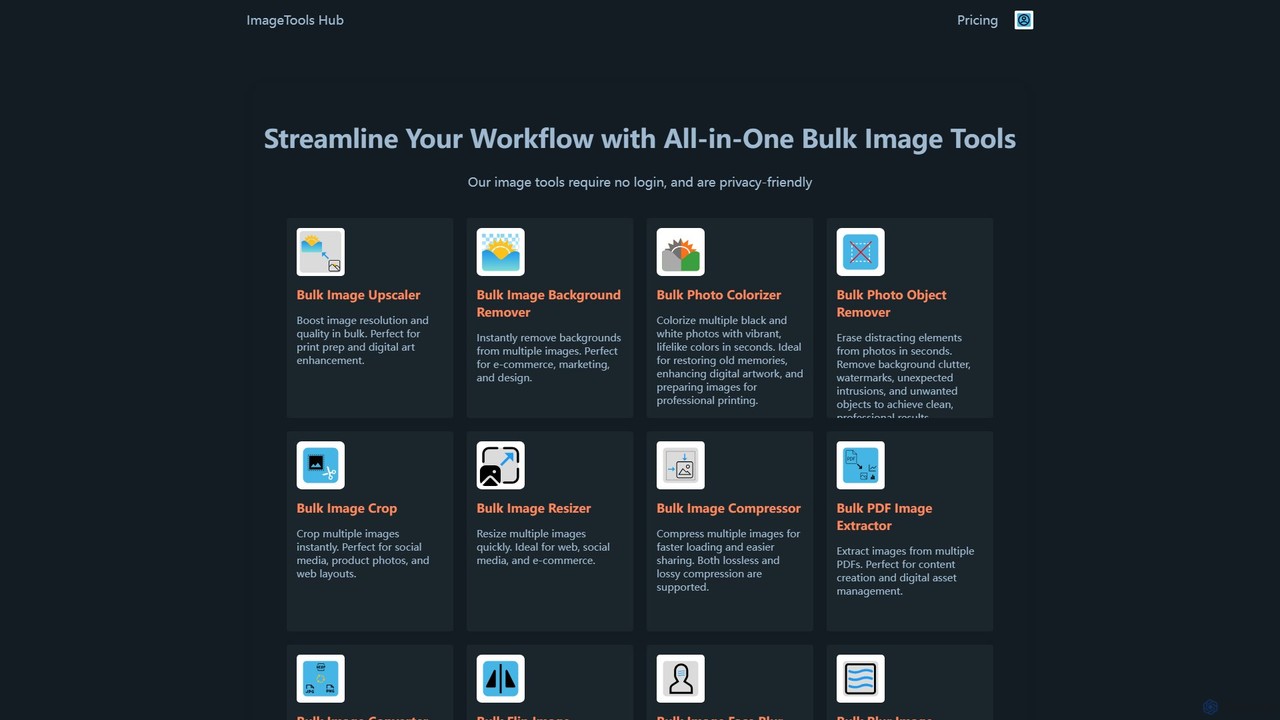
ImageToolsHub
ImageToolsHub is an all-in-one, privacy-focused suite of online image editing tools designed for efficiency. It offers powerful bulk processing capabilities, including AI-powered background removal, image upscaling, photo colorization, and object removal. With no login required for many tools and a strong emphasis on browser-based processing, it provides a fast, secure, and convenient solution for professionals in e-commerce, marketing, and web development to streamline their image workflows.
Graphics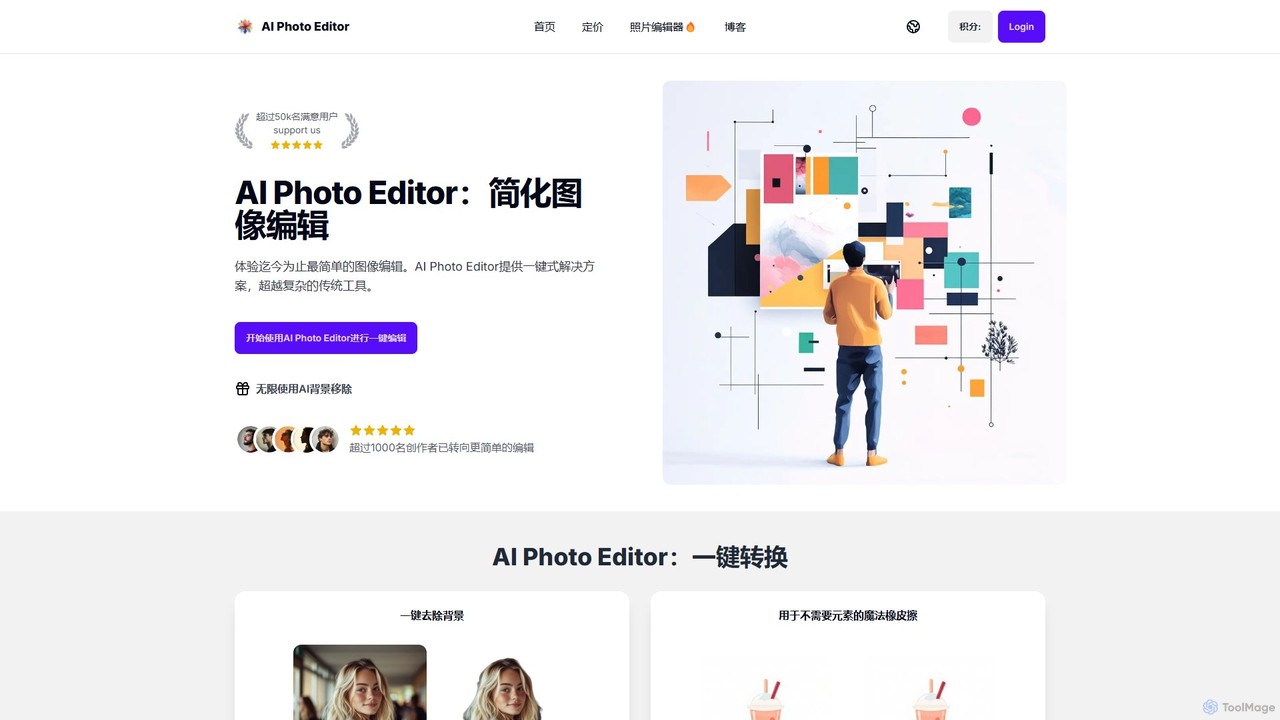
AI Photo Editor
AI Photo Editor is an online tool that simplifies image editing with powerful one-click AI solutions. It offers features like background removal, magic eraser for unwanted objects, photo enhancement, and image upscaling, designed for both beginners and professionals seeking efficiency. Get professional-quality results in seconds without complex software.
GraphicsPictura Categories
Pictura Embed Widget
Copy this embed code to place the badge on your blog, article, or product site and send readers directly to this ToolMage detail page.

Related AI tools
WaifuXL
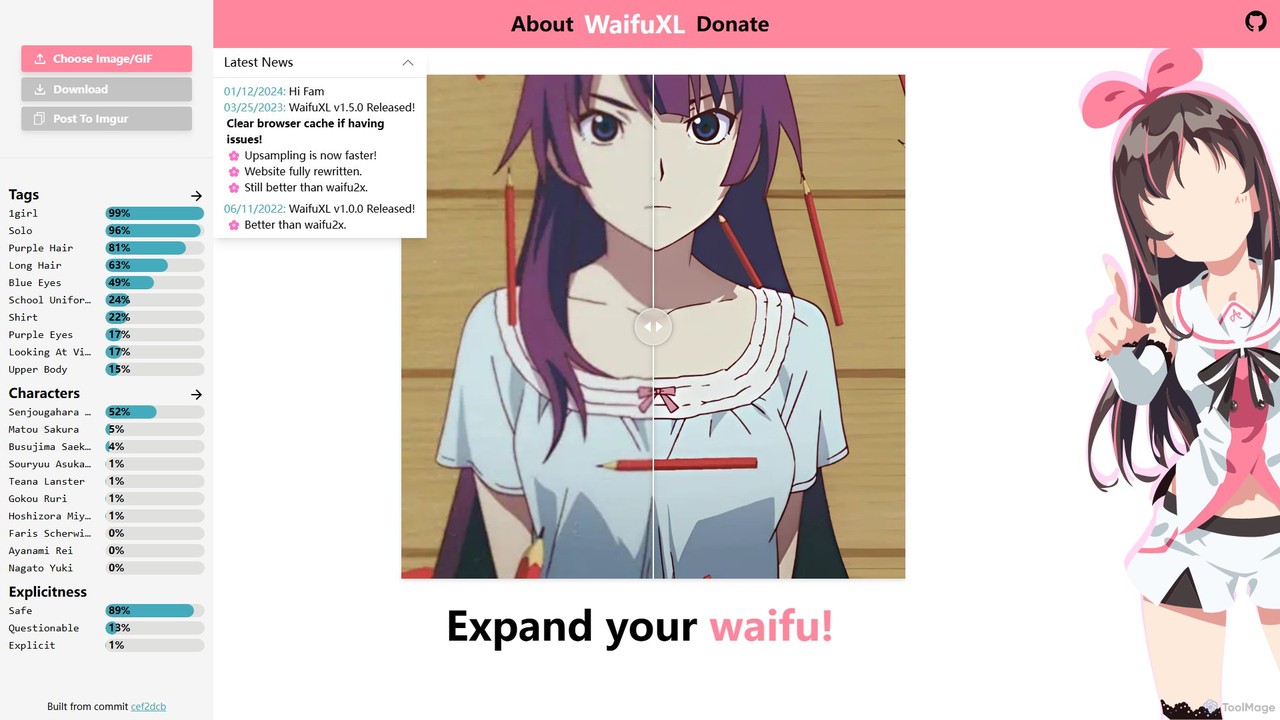
WaifuXL is a free, browser-based AI tool for upscaling anime-style images and GIFs. It uses the state-of-the-art Real-ESRGAN model for high-quality enhancement. A key feature is its 100% local processing, ensuring user images are never uploaded to a server, guaranteeing complete privacy. It also includes an AI-powered auto-tagging feature and requires no registration or complex settings, offering a simple one-click solution for artists and fans.
AnimeImageUpscalerAI
ImageUpscalerAI is an AI-powered online tool designed to enlarge and enhance images by up to 400% without losing quality. It supports various image types, including photos, cartoons, and digital art, offering a simple drag-and-drop interface for quick and easy high-resolution results. It prioritizes user privacy by deleting all uploaded images within 24 hours.
Graphics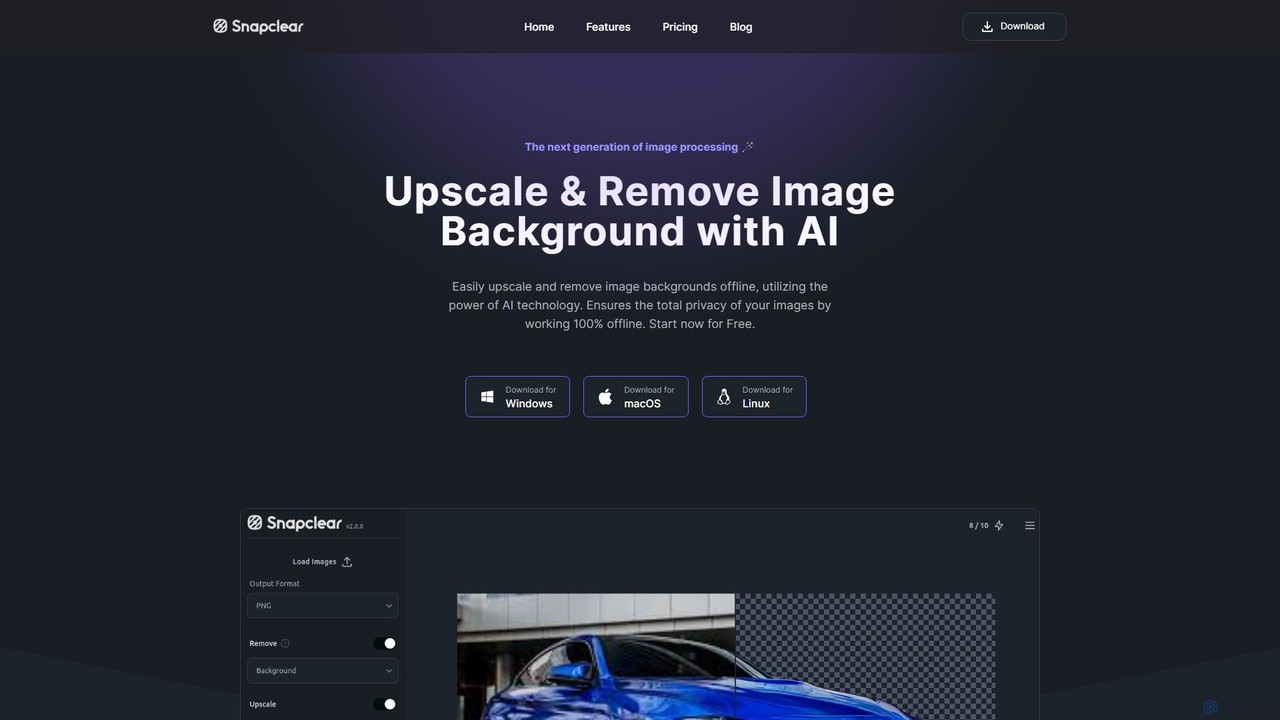
Snapclear
Snapclear is an AI-powered desktop application designed for offline image enhancement. It offers one-click solutions for upscaling images, removing backgrounds, and reducing noise. Supporting bulk processing and multiple formats, it's a versatile tool for photographers, designers, and content creators who prioritize privacy and efficiency.
Background Removal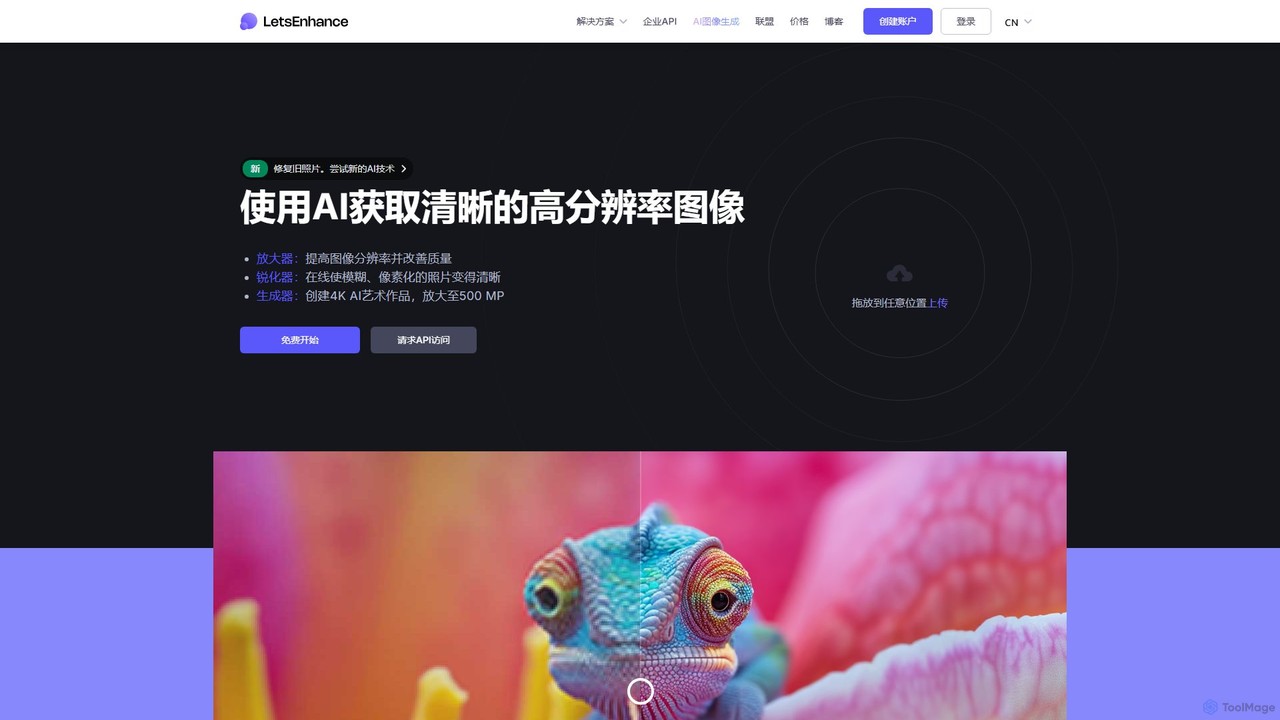
LetsEnhance
An AI-powered platform for image enhancement, upscaling, and generation. It automatically increases image resolution up to 16x, sharpens details, corrects colors, and removes artifacts. Features include old photo restoration, a text-to-image generator for creating high-resolution AI art, and batch processing. Ideal for photographers, designers, e-commerce, and print professionals.
Image Enhancement
Upscayl
Upscayl is a free and open-source AI image upscaler that enhances low-resolution images into high-quality, sharp visuals. It offers both a cross-platform desktop application for local processing and a powerful cloud version with advanced features like batch upscaling and commercial use.
Image Editing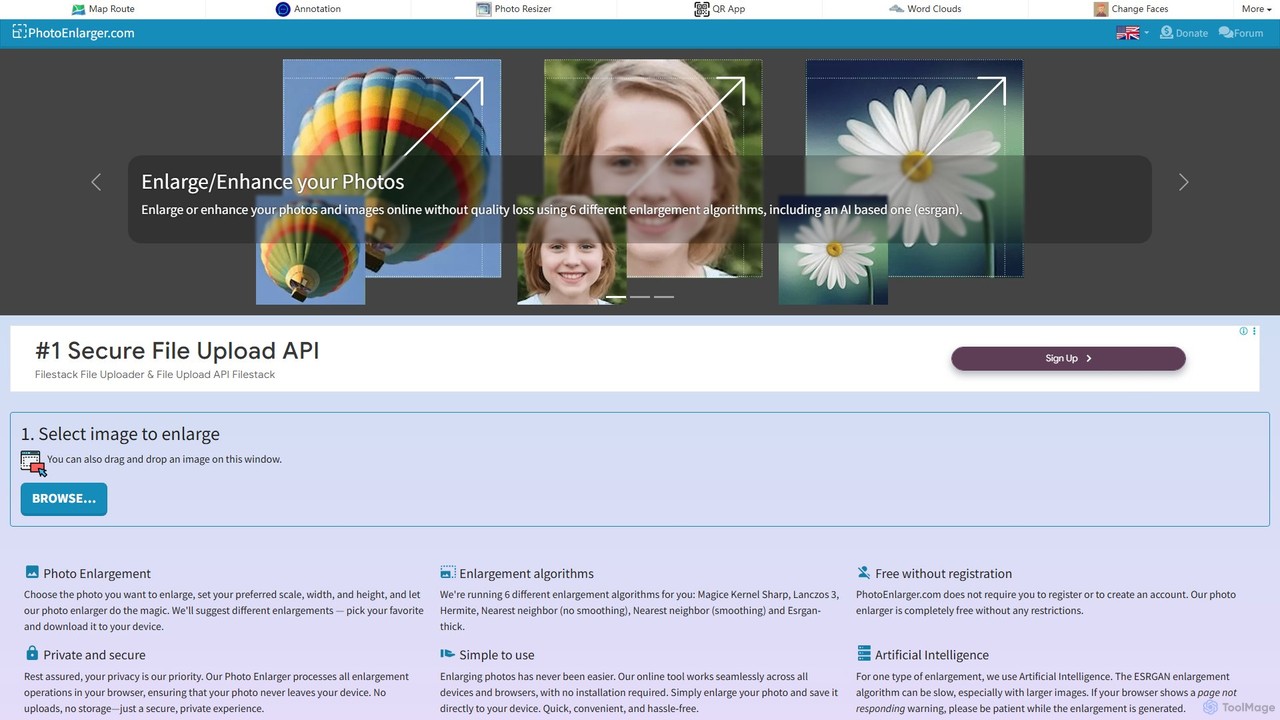
PhotoEnlarger
A free, browser-based tool that enlarges and enhances photos using multiple algorithms, including AI-powered ESRGAN. It requires no registration, processes images directly in your browser for maximum privacy, and offers various enlargement options to choose from.
Image Editing
GrammarBot
GrammarBot is a privacy-focused AI grammar and spelling checker for macOS. It operates entirely offline using a local Large Language Model (LLM), ensuring your text never leaves your computer. With a simple hotkey integration, it works across all your applications. It's available for a one-time purchase, offering a lifetime license without any subscriptions.
Language Learning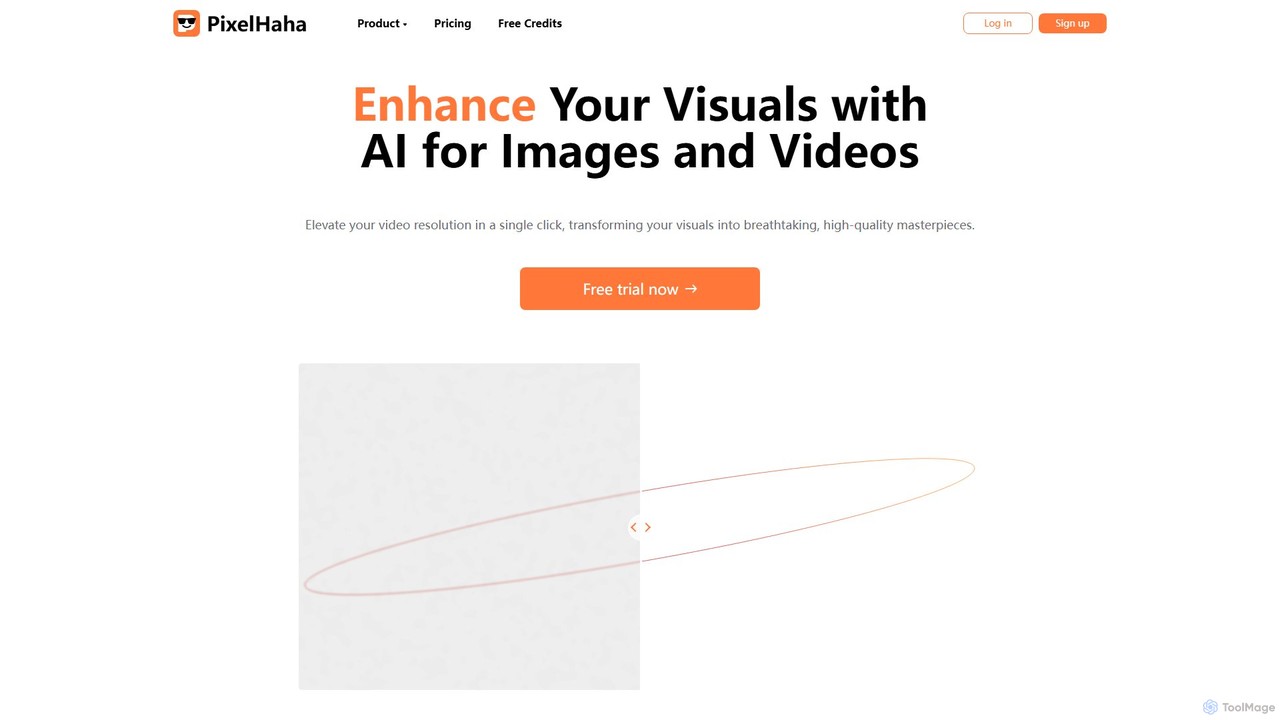
pixelhaha
Pixelhaha is an AI-powered creative platform for enhancing visual media. It offers one-click tools to upscale video resolution and improve photo quality, bringing out vibrant colors and sharp details. It also features a text-to-image generator for creating unique AI art. With a user-friendly interface and a flexible pay-as-you-go pricing model, it's designed for content creators, marketers, and enthusiasts.
Image Enhancement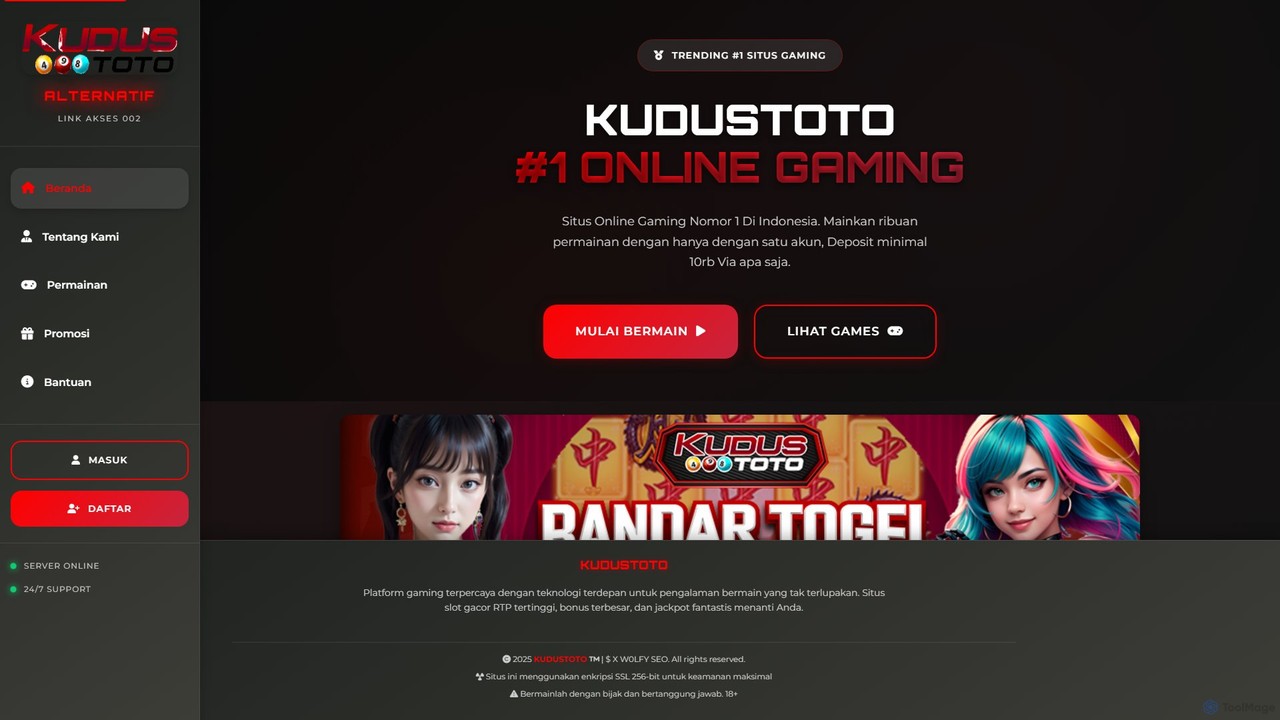
photofix
Photofix is an all-in-one AI-powered platform for photo restoration and enhancement. Effortlessly repair old, damaged photos, colorize black and white images, remove unwanted objects, and upscale resolution with just a few clicks. Ideal for photographers, families, and businesses.
3DImageUpscaler
An all-in-one AI-powered platform for image enhancement. Upscale photos up to 4x without quality loss, remove backgrounds, deblur images, generate art from text, and utilize a wide range of creative tools like cartoonizers, colorizers, and object removers. Ideal for professionals and hobbyists.
Graphics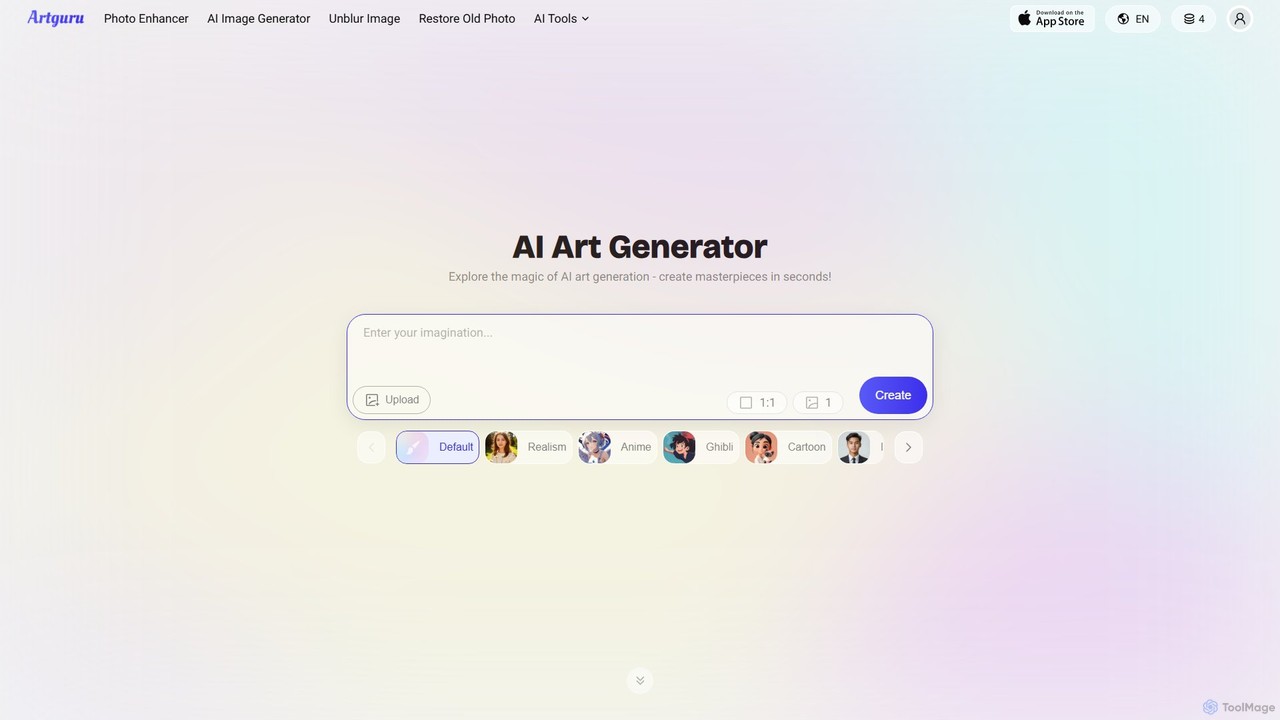
Artguru
Artguru is a versatile AI creative suite for generating unique art from text or photos and enhancing images. It offers tools like a text-to-image generator, photo-to-art converter, 4K image upscaler, photo unblur, and old photo restoration. It's designed for artists, marketers, and casual users with a user-friendly interface and a free-to-start plan.
Ai Art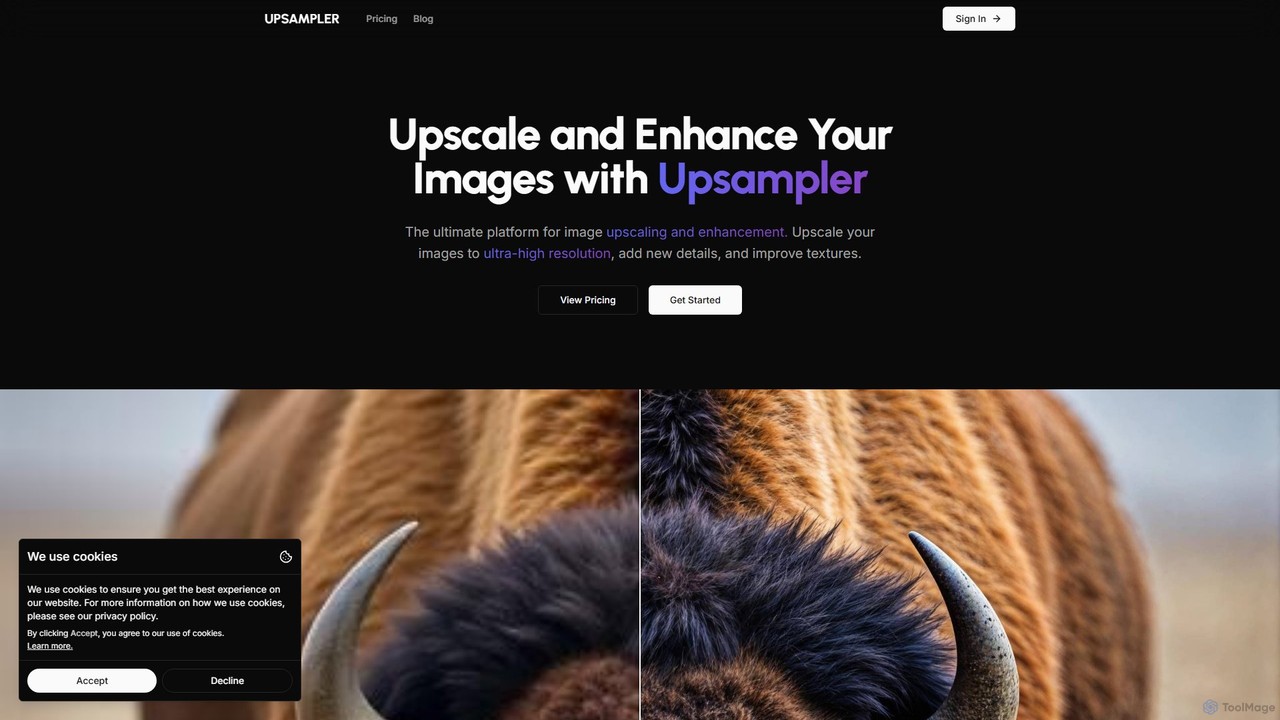
Upsampler
Upsampler is a comprehensive AI-powered online platform for image upscaling, enhancement, restoration, and generation. It features multiple upscaling modes like Smart, Dynamic, and Precise to cater to different image types, from AI art to real photos. It also offers generative fill, photo restoration, and integrates top AI models like GPT-4o and Imagen for image creation.
Image Generation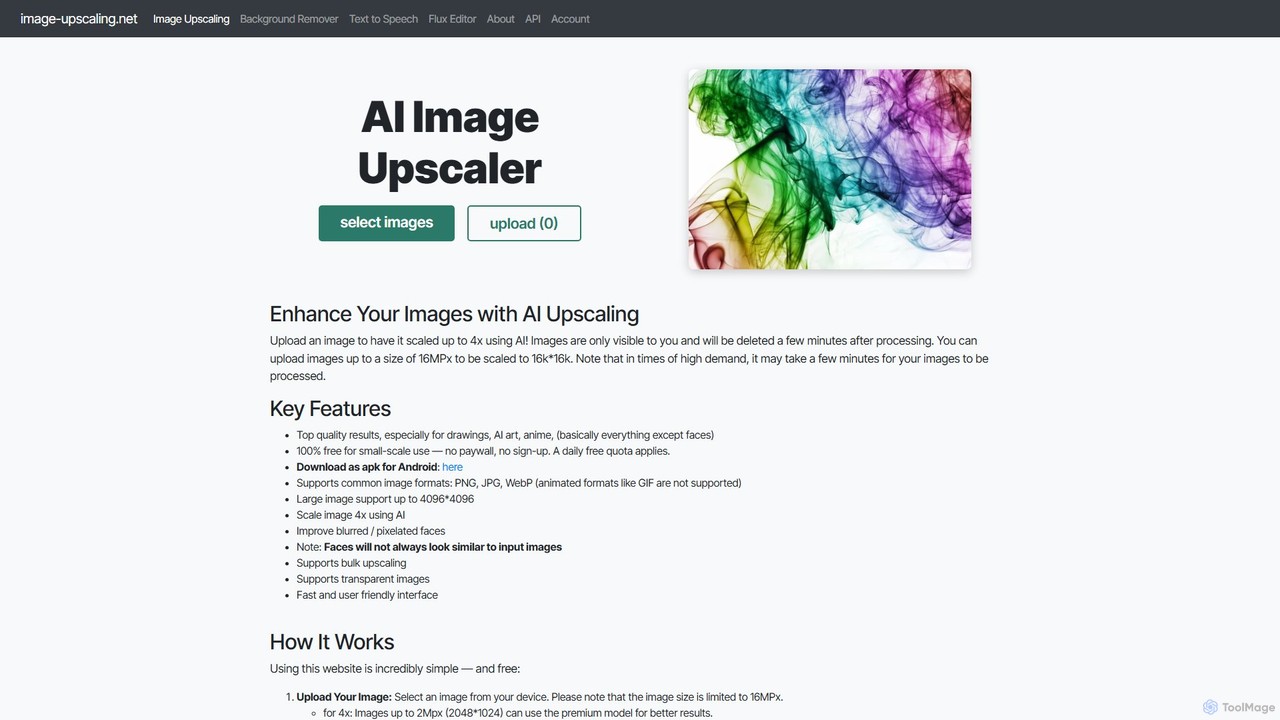
Image-Upscaling.net
A free, web-based AI tool for upscaling images up to 16K resolution without sign-ups or watermarks. It uses advanced AI to enhance details and preserve quality, offering a simple upload-process-download workflow. It also provides background removal and text-to-speech services. The platform is privacy-focused, deleting images after 30 minutes, and offers a fair pay-as-you-go model for extended use beyond the daily free quota.
Graphics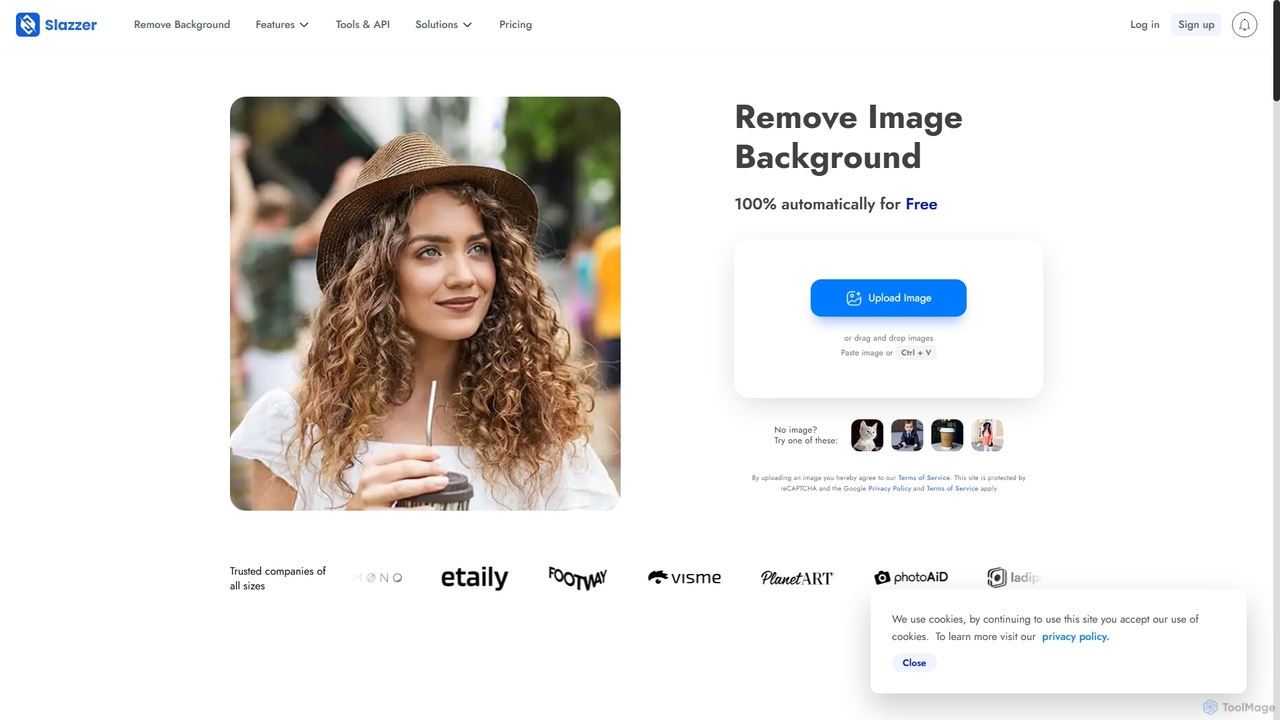
Slazzer
Slazzer is an AI-powered visual editing platform that automatically removes image backgrounds in seconds. It offers a suite of tools including AI background generation, image enhancement, upscaling, and shadow creation. Designed for efficiency, it serves e-commerce, photographers, marketers, and developers with web-based tools, desktop apps, and API integration for bulk processing.
Api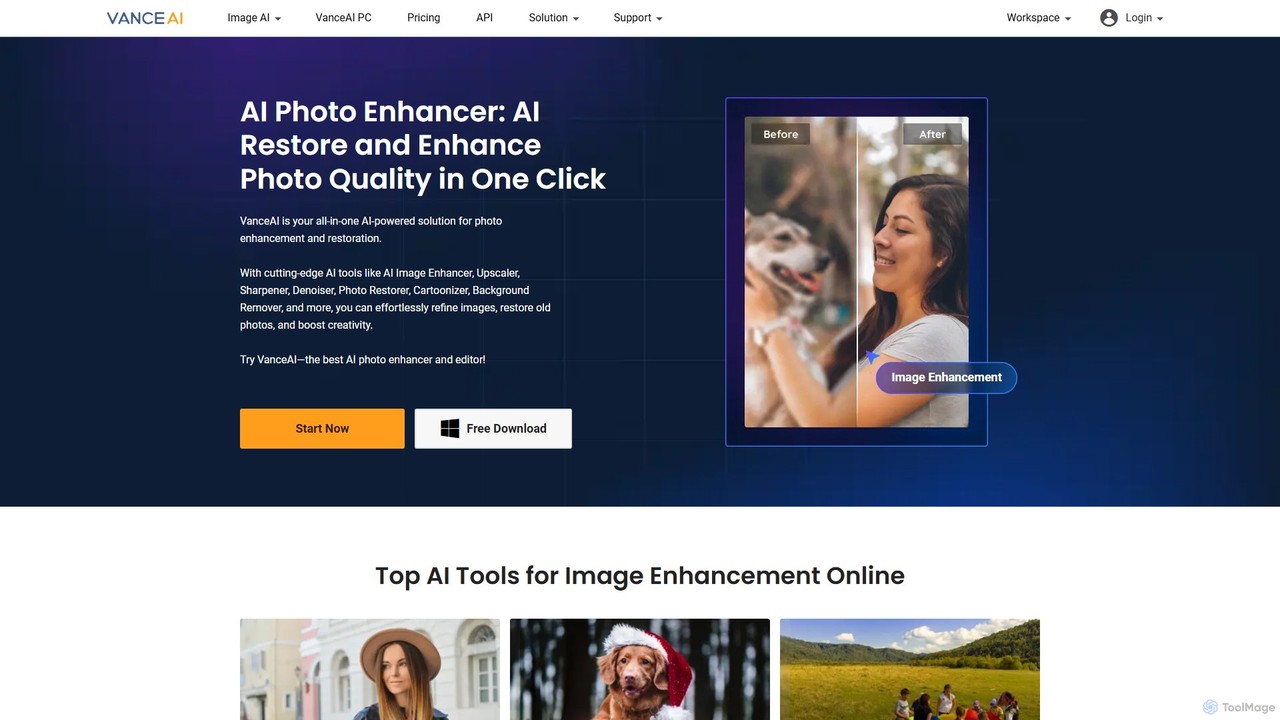
VanceAI
VanceAI is a comprehensive, AI-powered suite for photo enhancement, restoration, and editing. It offers a wide range of tools, including an image upscaler, sharpener, denoiser, background remover, and photo restorer. With one-click solutions and batch processing capabilities, VanceAI helps users from photographers to e-commerce businesses improve image quality, streamline workflows, and boost creativity effortlessly, available both online and as a desktop application.
Image Editing
Pictura Comments (0)
Sign in to comment.
Sign inNo comments yet.