

BigJpg AI Overview
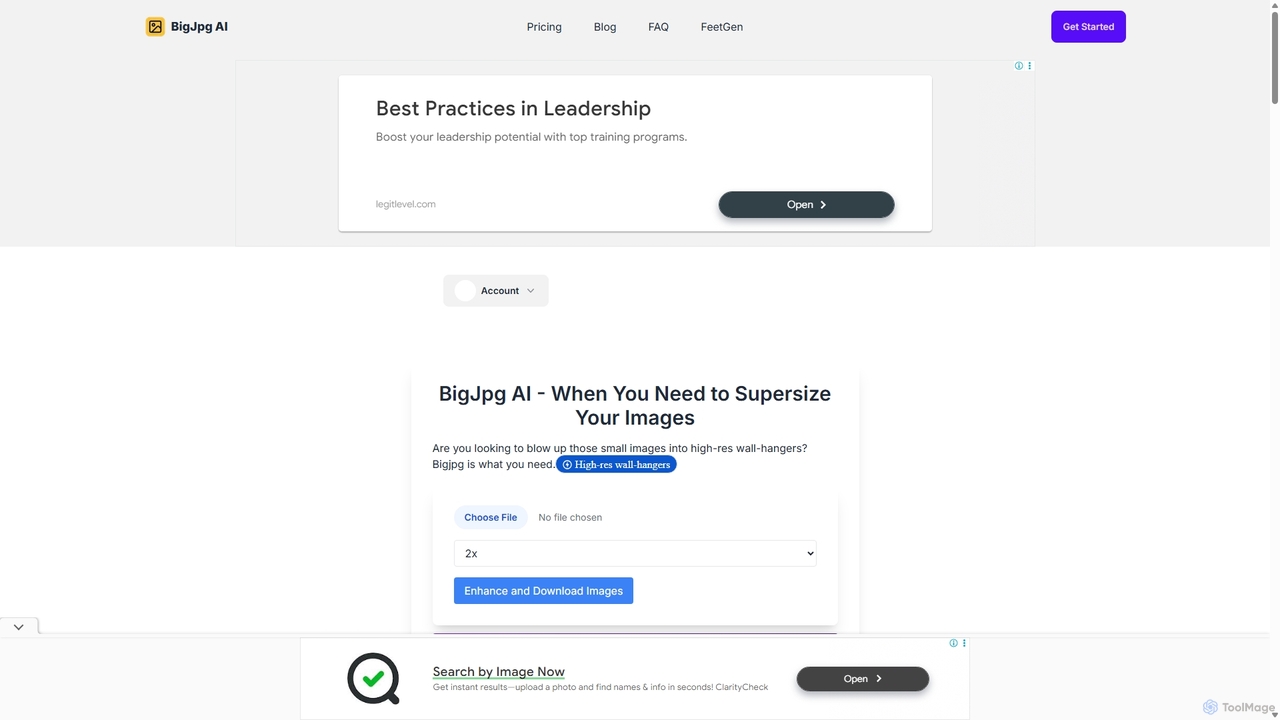
BigJpg AI is a cutting-edge, AI-driven tool designed to solve a common and frustrating problem: enlarging images without the typical loss of quality, sharpness, and detail. While traditional software like Photoshop struggles with significant enlargements, often resulting in pixelation and blurriness, BigJpg AI leverages advanced machine learning algorithms to upscale images by up to 1600% (16x) while maintaining and even enhancing their clarity. It intelligently analyzes the image, predicting and adding realistic details to create a clean, natural, and high-resolution final product. This makes it an indispensable tool for anyone who needs to transform small images into large, impressive visuals, from professional graphic designers preparing files for large-format printing to hobbyists wanting to print a cherished photo for a wall display.
How to use BigJpg AI
The process of using BigJpg AI is designed for simplicity and efficiency, allowing users to achieve professional results in just a few steps without any technical expertise:
- Upload Your Image: Simply drag and drop your image file (JPG, PNG, GIF, or BMP) onto the website or use the upload button to select a file from your computer.
- Set Your Desired Dimensions: Choose your desired enlargement factor, from 2x up to a massive 16x. Paid plans offer custom enlargement options for precise control over the output size.
- Let the AI Work: Click the 'Enlarge' button to start the process. The AI will analyze your image, upscale it, and apply enhancements to sharpen details and reduce noise. This typically takes less than a minute for most images.
- Download the High-Resolution Result: Once processing is complete, you can preview the enlarged image and download the high-quality version to your device.
Core Features of BigJpg AI
- AI-Powered Upscaling: Utilizes sophisticated neural networks to enlarge images up to 16x, far surpassing the capabilities of traditional resizing tools.
- Detail and Quality Preservation: Intelligently adds realistic details and textures, ensuring the upscaled image is sharp, clean, and free of artifacts.
- Batch Processing: Premium users can upload and process multiple images simultaneously, saving significant time and effort on large projects.
- Wide File Format Support: Compatible with popular image formats including JPG, PNG, GIF, and BMP.
- One-Click Simplicity: An intuitive user interface makes the entire process fast and accessible to users of all skill levels.
- Custom Enlargement: Offers flexible upscaling options, allowing users to choose specific multipliers (e.g., 2x, 4x, 8x, 16x) to meet their exact needs.
Use Cases for BigJpg AI
BigJpg AI is versatile and can be applied across various professional and personal scenarios:
- Graphic Design & Print Media: Enlarging logos, icons, and photos for large-format prints like posters, billboards, and banners without compromising quality.
- Web Development: Upscaling graphics and UI elements for high-resolution displays (Retina screens) to ensure they appear crisp and professional.
- E-commerce: Creating high-definition product images from smaller source files, allowing customers to zoom in and see fine details.
- Photography: Restoring and enlarging old, low-resolution photos or cropping a small section of a high-resolution photo and enlarging it to create a new, detailed composition.
- Scientific and Technical Imaging: Extracting maximum detail from telescopic or microscopic images for research and analysis.
- Content Creation: Enhancing images for social media, blogs, and presentations to make them more visually appealing and professional.
Advantages of BigJpg AI
Compared to other image enlargers, BigJpg AI offers distinct advantages. While most tools start to degrade in quality beyond 200-300% enlargement, BigJpg AI maintains tack-sharp results up to 1600%. It saves hours of manual work that would otherwise be spent in complex software like Photoshop. Its AI doesn't just stretch pixels; it reconstructs details, leading to a more natural and believable result. The platform is fast, web-based, and requires no software installation, making it highly accessible.
Pricing and Plans
BigJpg AI offers a flexible pricing structure to suit different user needs:
- Free Plan: Ideal for casual use. Allows users to enlarge images up to 8x. This plan is free forever and includes a double popup confirmation before processing.
- Starter (Monthly): Priced at $21.99/month. This plan unlocks the full potential of the tool, including up to 16x enlargement, unlimited usage, batch image upscaling, custom enlargement factors, and the removal of the double popup confirmation. It also includes 24/7 email support.
- Starter (Yearly): Priced at $200/year. This plan offers the best value, providing two months free compared to the monthly subscription. It includes all the features of the Starter monthly plan.
All purchases are covered by a 14-day refund policy, allowing users to try the premium features risk-free.
Traffic
Latest traffic
Status
Monthly traffic trend
- 2025-9: 63.1K
- 2026-1: 47.4K
- 2026-2: 36.2K
- 2026-3: 37.6K
- 2026-4: 33.1K
- 2026-5: 43.0K
Geography
Top 5 countries / regions
- 🇺🇸United States32.1%
- 🇧🇷Brazil19.3%
- 🇷🇺Russia16.7%
- 🇮🇩Indonesia16.3%
- 🇲🇽Mexico15.7%
Top keywords
| Keyword | Cost per click |
|---|---|
| big jpg | $0.32 |
| bigjpg | $0.39 |
| bigjpg ai | $0.62 |
| bigjpg.com | $0.00 |
| bigjpg upscaler | $0.00 |
BigJpg AI Alternatives
Nightmare AI
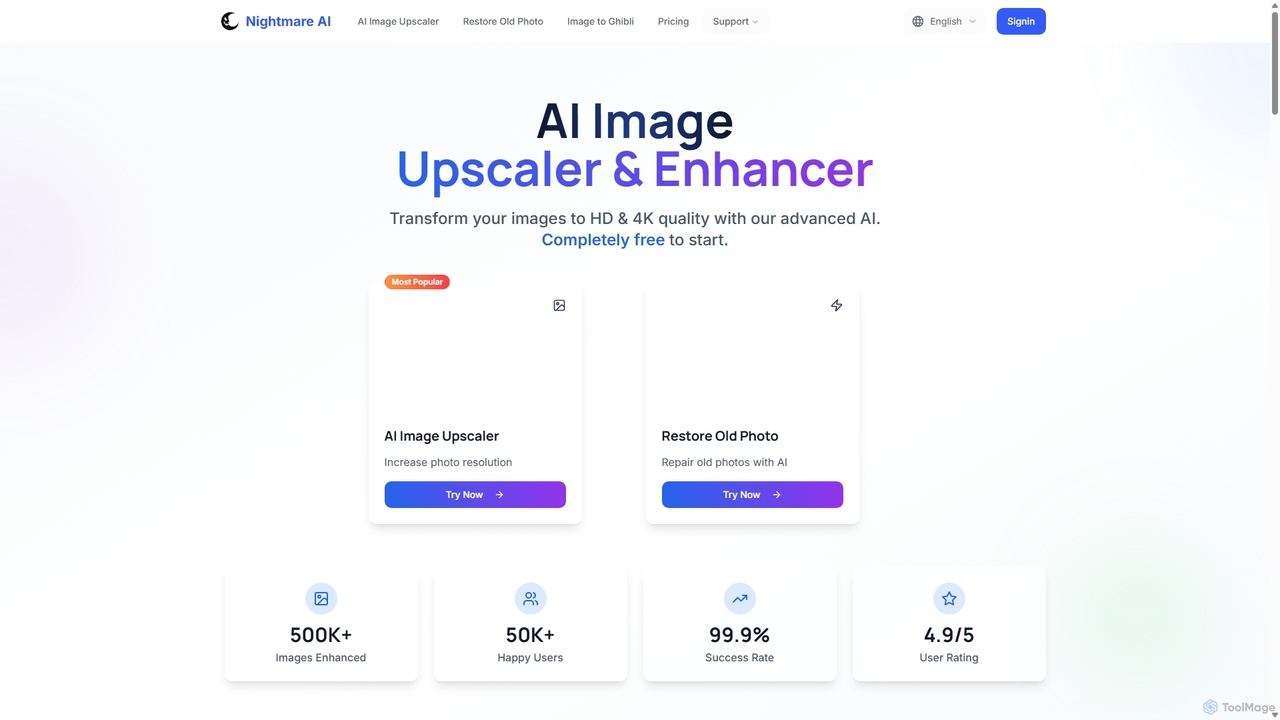
Nightmare AI is a powerful online tool that uses advanced AI algorithms like Real-ESRGAN to upscale images to 4K, enhance photo quality, and restore old, damaged photos. It specializes in improving photos, anime, and cartoons without losing detail. Offering a user-friendly interface, it provides both free and premium plans for photographers, artists, and content creators.
Image Enhancement
Upscayl
Upscayl is a free and open-source AI image upscaler that enhances low-resolution images into high-quality, sharp visuals. It offers both a cross-platform desktop application for local processing and a powerful cloud version with advanced features like batch upscaling and commercial use.
Image Editing
BgSub
BgSub is a free, AI-powered tool for instantly removing and replacing image backgrounds. It prioritizes user privacy by processing images directly in the browser without any uploads. Features include high-precision cutouts, background replacement with colors, gradients, or images, and AI-driven color correction.
Image Editing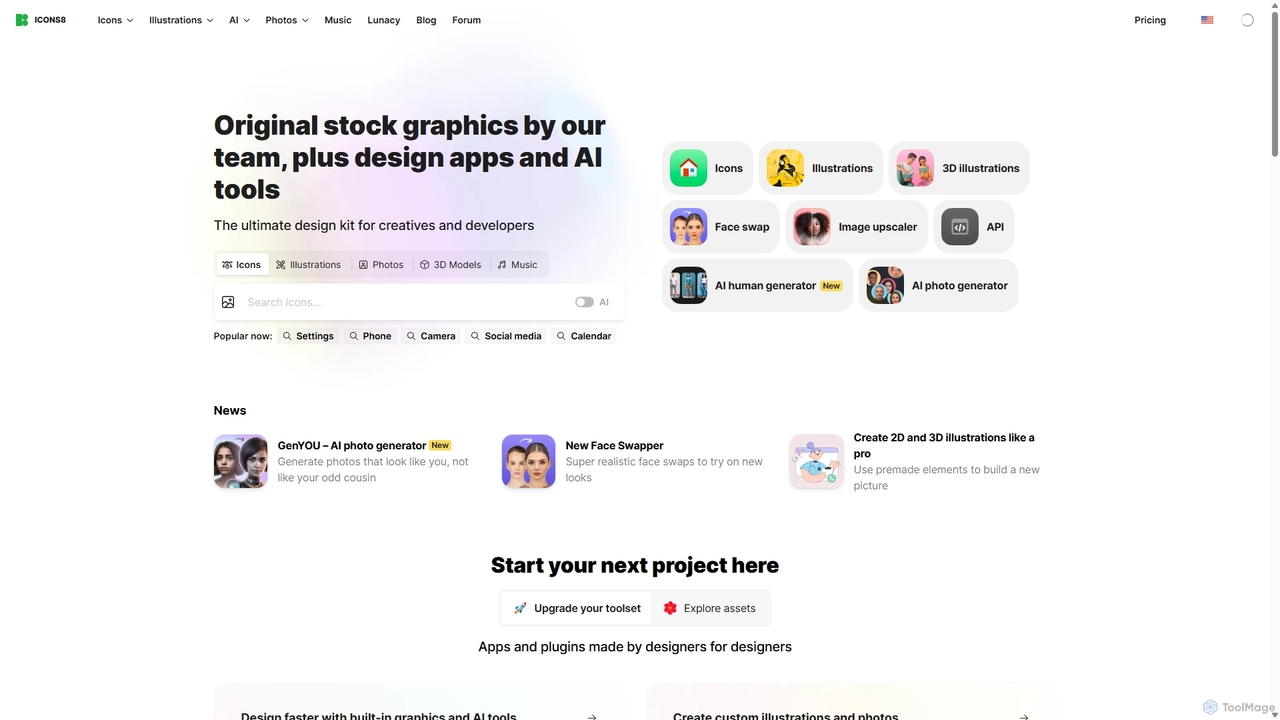
Icons8
Icons8 is a comprehensive design platform offering millions of royalty-free icons, photos, illustrations, and music tracks. It also features a powerful suite of AI-driven tools, including an image upscaler, background remover, face swapper, and AI photo/human generators, designed to streamline the creative workflow for designers, developers, and content creators.
Icons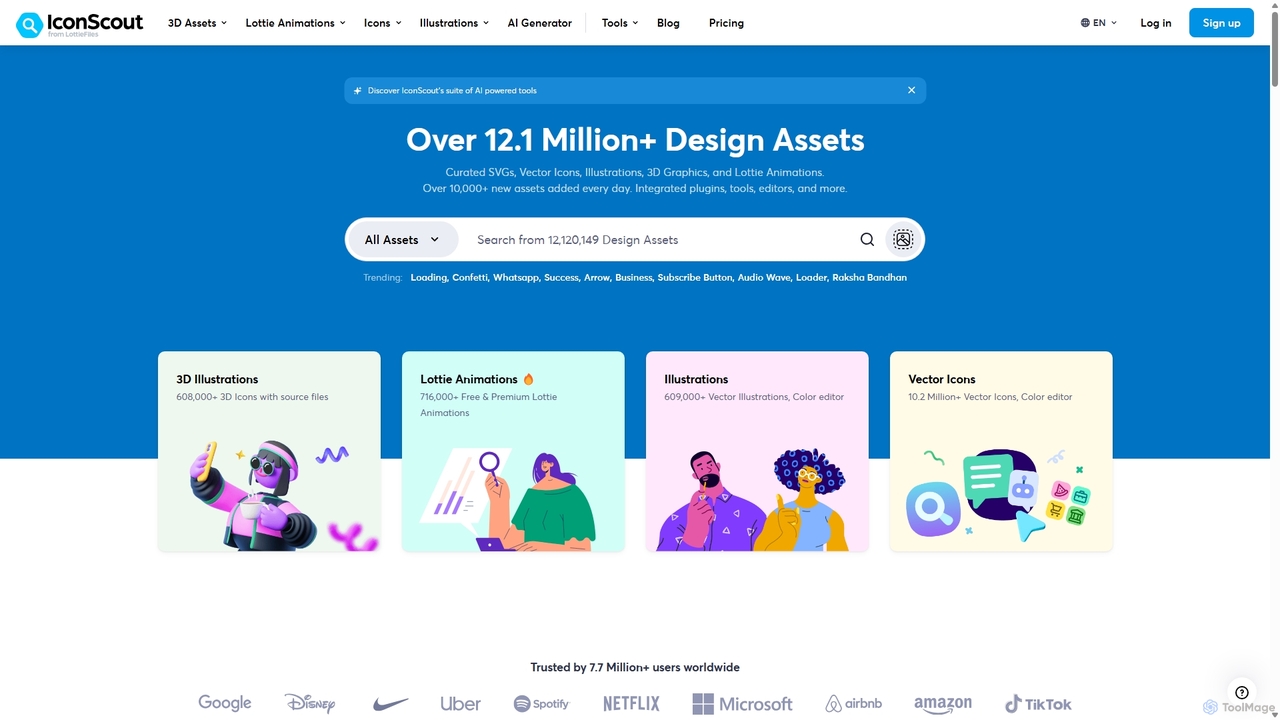
IconScout
IconScout is a massive design ecosystem with over 12.1 million assets, including icons, illustrations, 3D graphics, and Lottie animations. It features a suite of AI-powered tools to generate 3D illustrations and vector art from text, convert images to vectors, and remove backgrounds, streamlining the creative workflow for designers, developers, and marketers.
GraphicsBigJpg AI Categories
BigJpg AI Jobs
BigJpg AI Embed Widget
Copy this embed code to place the badge on your blog, article, or product site and send readers directly to this ToolMage detail page.

Related AI tools
Nero AI
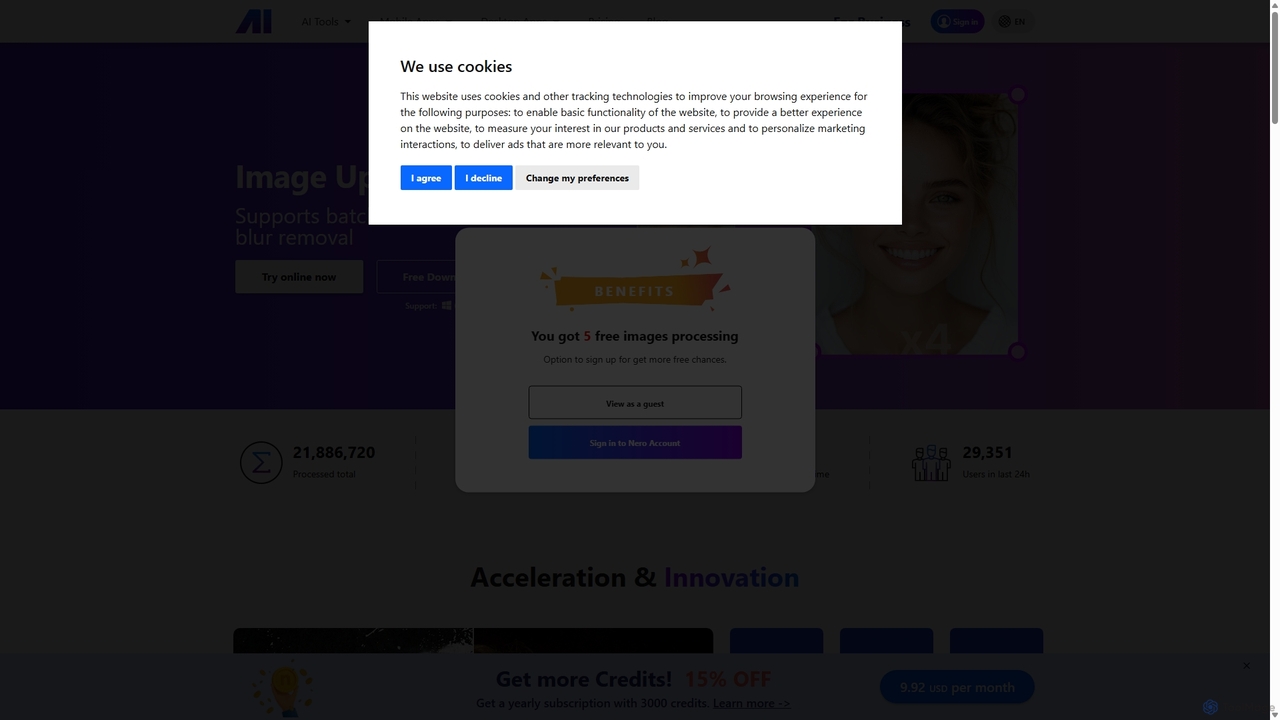
Nero AI is a comprehensive suite of AI-powered tools for image and video enhancement. It offers features like image and video upscaling, photo restoration, background and object removal, face animation, and creative stylization. Designed for creators, marketers, and designers, it provides easy-to-use solutions for both online and desktop platforms to elevate visual content quality.
Graphic Design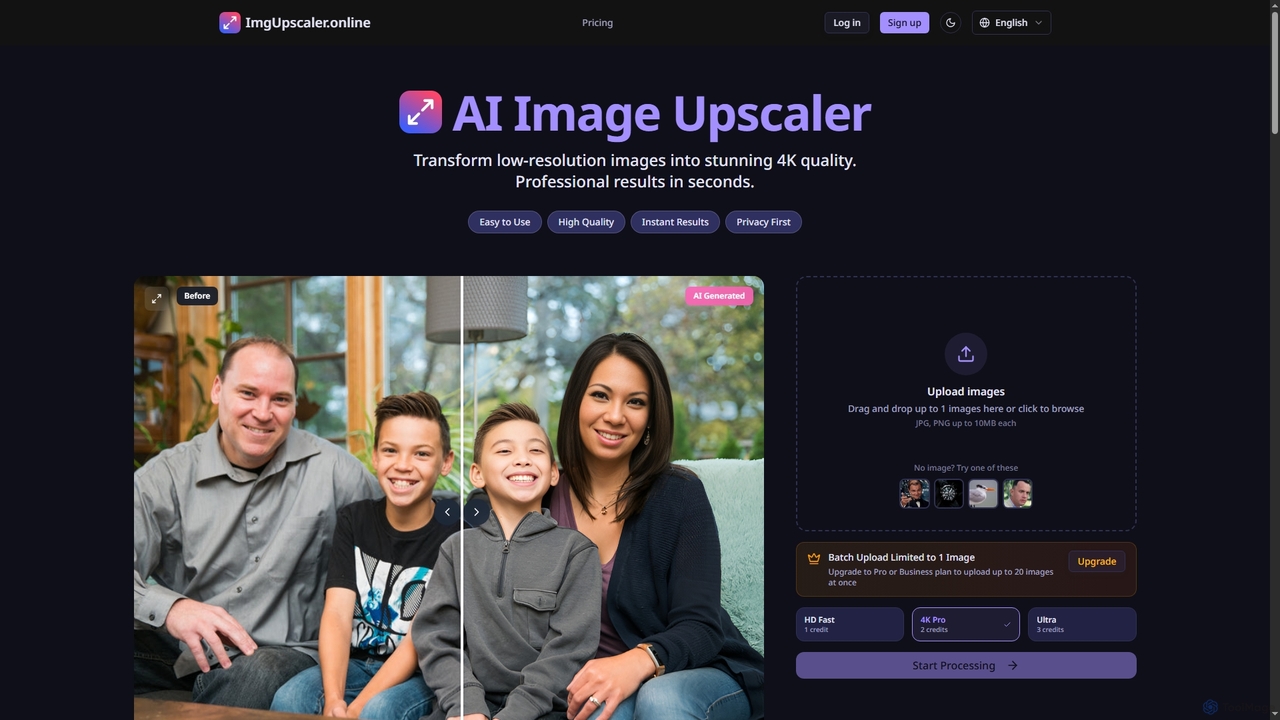
ImgUpscaler
ImgUpscaler is an AI-powered online tool that transforms low-resolution images into stunning 4K quality with professional results in seconds. Leveraging advanced deep learning, it intelligently enhances details, restores blurry photos, and offers multiple quality modes for various needs, from social media to print. It's fast, secure, and ideal for both personal and professional use.
GraphicsNightmare AI
Nightmare AI is a powerful online tool that uses advanced AI algorithms like Real-ESRGAN to upscale images to 4K, enhance photo quality, and restore old, damaged photos. It specializes in improving photos, anime, and cartoons without losing detail. Offering a user-friendly interface, it provides both free and premium plans for photographers, artists, and content creators.
Image Enhancement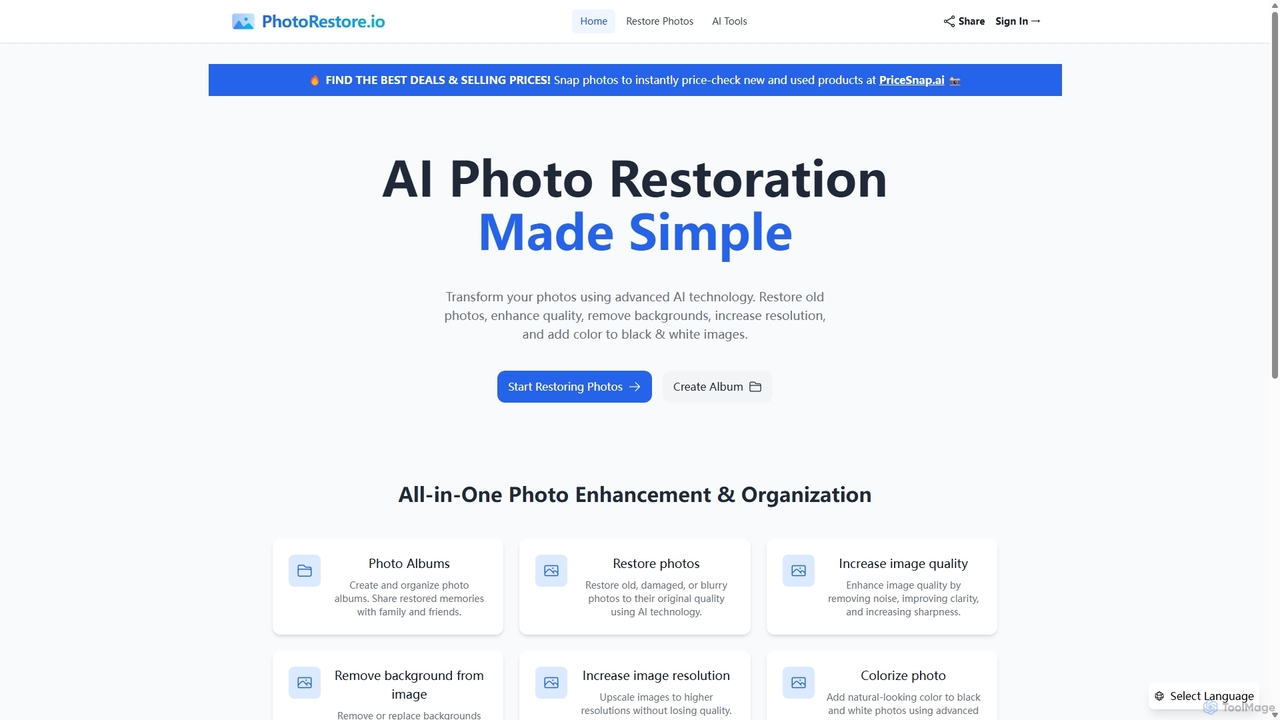
PhotoRestore
PhotoRestore is an all-in-one AI-powered platform for photo restoration and management. It effortlessly restores old, damaged, or blurry photos, enhances image quality, removes backgrounds, upscales resolution, and colorizes black-and-white images. It also features album creation for easy organization and sharing.
Image Editing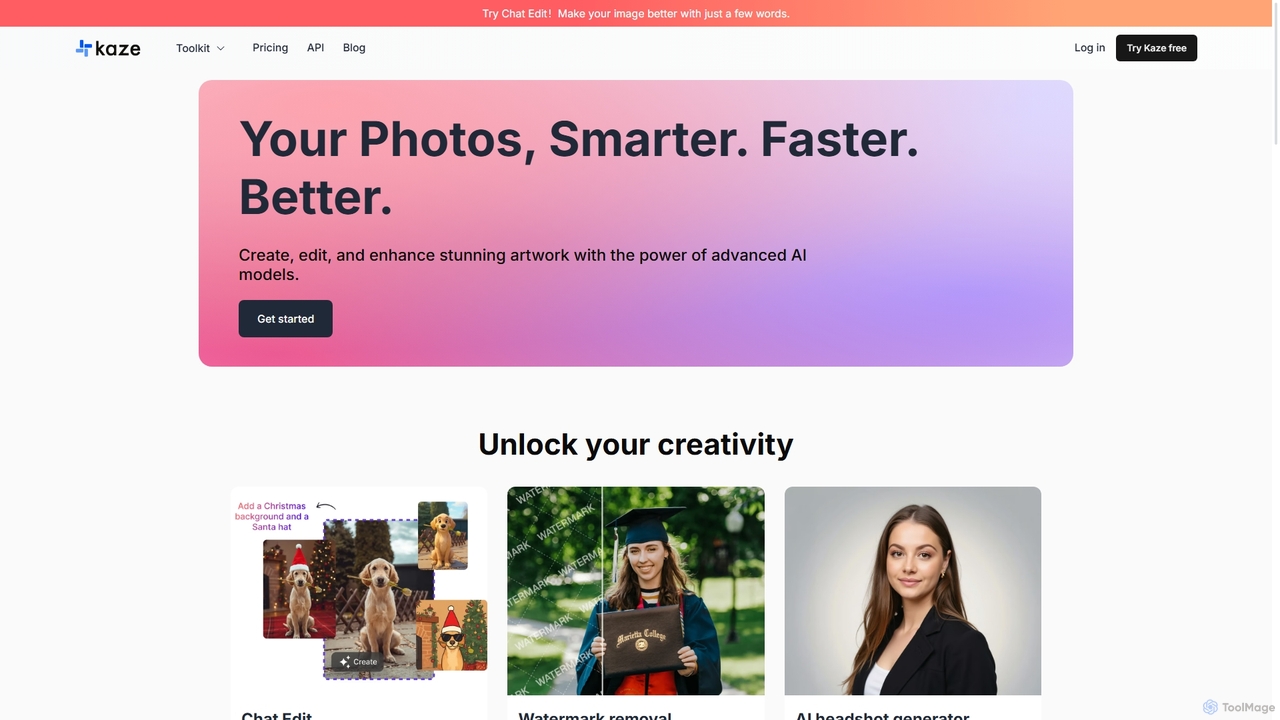
Kaze
Kaze is a comprehensive AI-powered image editing suite designed to create, edit, and enhance photos effortlessly. It offers a wide range of tools including one-click watermark and object removal, photo restoration, image upscaling, background removal, and an AI headshot generator. With its user-friendly interface and advanced AI models, Kaze delivers professional, studio-quality results in seconds, catering to creators, marketers, and photographers.
3D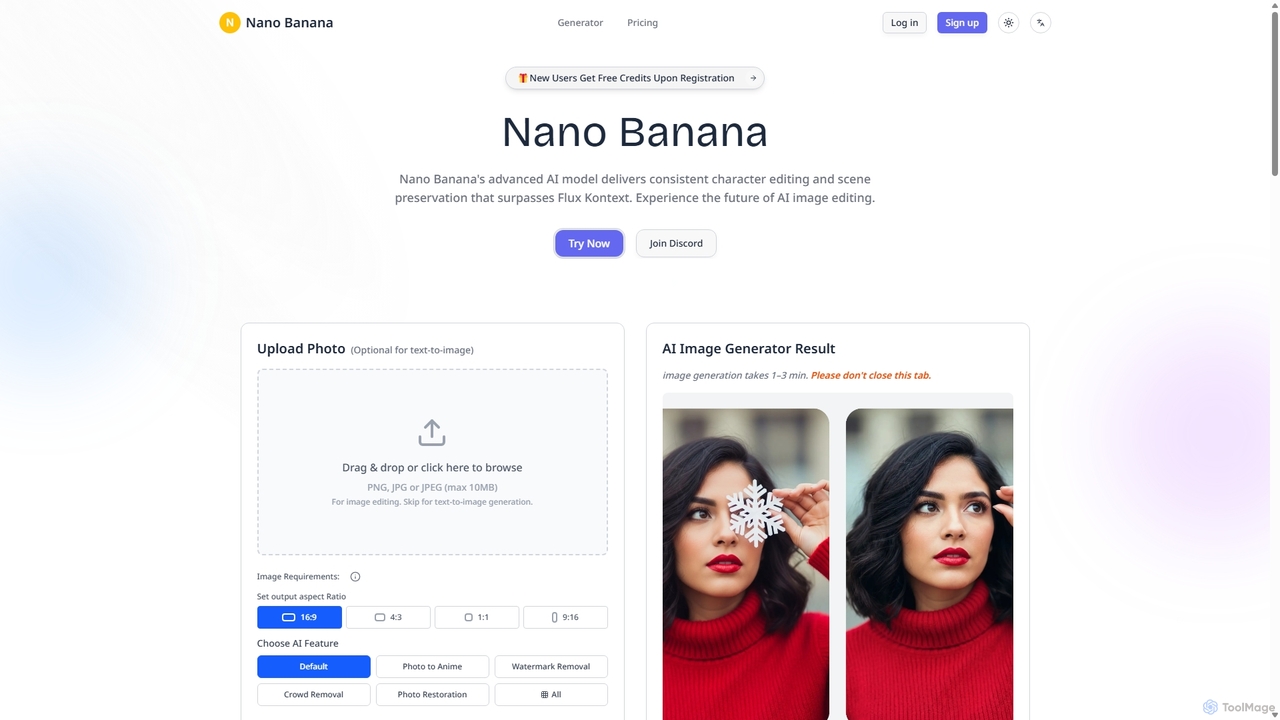
Nanobanana
Nanobanana is an advanced AI image editing and generation platform that transforms images using natural language prompts. It specializes in maintaining character consistency and scene integrity while offering powerful features like watermark removal, photo restoration, and batch processing. Ideal for creators, marketers, and photographers seeking efficient, high-quality visual content creation.
3D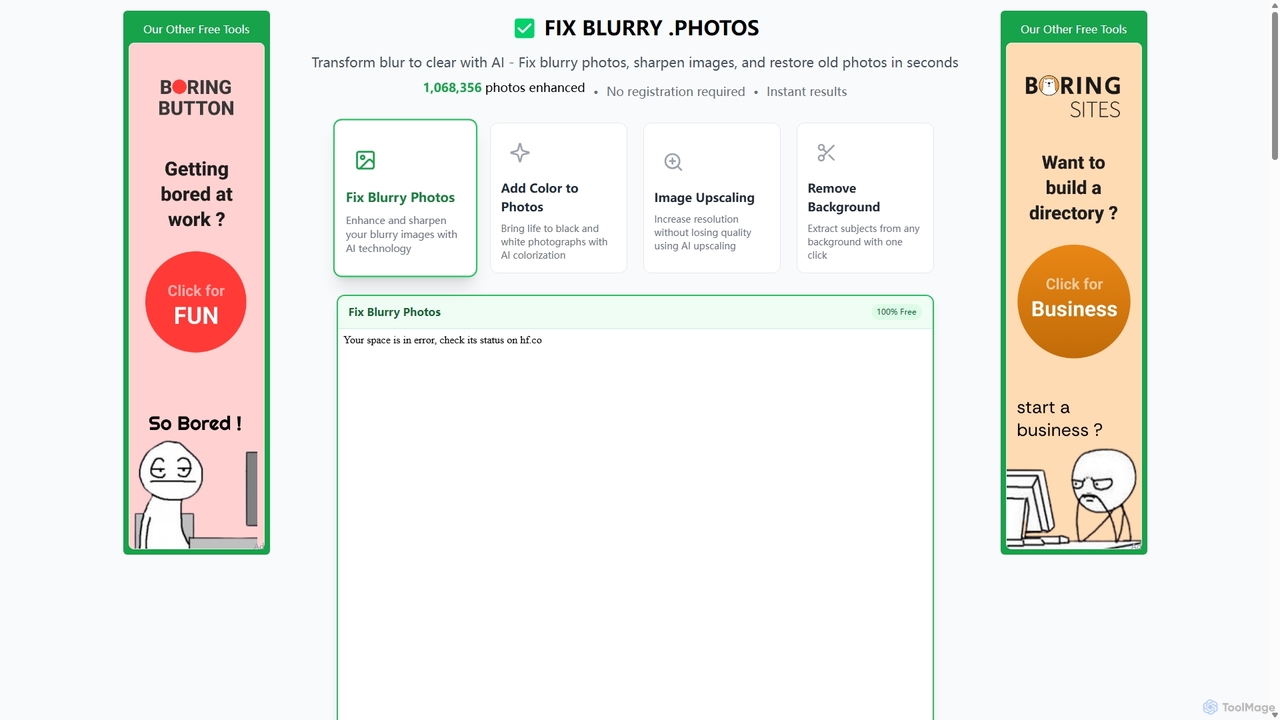
Fixblurry
fixblurry is a free, AI-powered online tool suite designed to enhance your images instantly. It specializes in unblurring and sharpening photos, restoring old or faded pictures, upscaling low-resolution images without quality loss, colorizing black-and-white photos, and removing backgrounds with a single click. No registration or software installation is required, offering professional-grade results for everyone.
Image Editing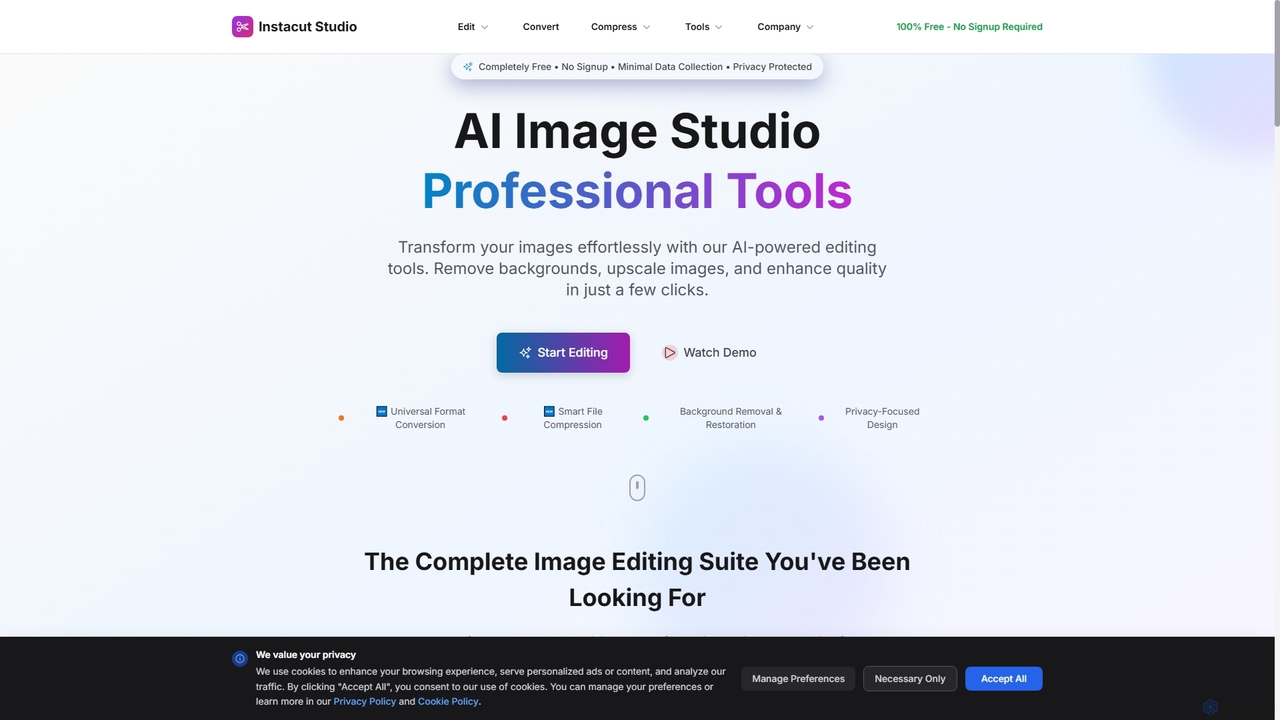
Instacut
Instacut is a comprehensive, privacy-first suite of AI-powered image editing tools available online for free. It requires no signup and offers features like background removal, image upscaling, photo restoration, format conversion, and file compression, ensuring user data is never stored.
Graphics
optimusdrive
An AI-powered media processing platform offering a suite of tools for video and image optimization. It specializes in high-quality compression, resolution upscaling to 4K, and advanced facial enhancement to transform your media assets for web and streaming.
Image Enhancement
Remini
Remini is an AI-powered photo and video enhancer that transforms low-quality, blurry, or old images and videos into stunning high-definition visuals. Using advanced AI, it restores details, sharpens focus, reduces noise, and can even generate professional-quality AI photos of yourself.
3D
PhotoGrid
PhotoGrid is an all-in-one online collage maker and AI photo editor. It offers over 20,000 templates and a suite of powerful AI tools to create stunning photo collages, remove backgrounds, enhance image quality, and apply creative filters, making professional photo editing accessible to everyone.
Collage Maker
Gemini Photo
Gemini Photo is an advanced AI-powered image editing and generation tool that leverages the Nano Banana 2.0 model. It allows users to transform photos and create new images using natural language prompts, offering features like background removal, style transformations, and professional product photography, all designed for stunning and accurate visual results.
Digital Art
Nero Lens
Nero Lens is an all-in-one AI-powered photo enhancer app that instantly upscales, restores, colorizes, and denoises images. It also features an AI avatar and headshot generator, turning your selfies into stunning, stylized photos for social media, dating profiles, or professional use.
Ai Avatar Generator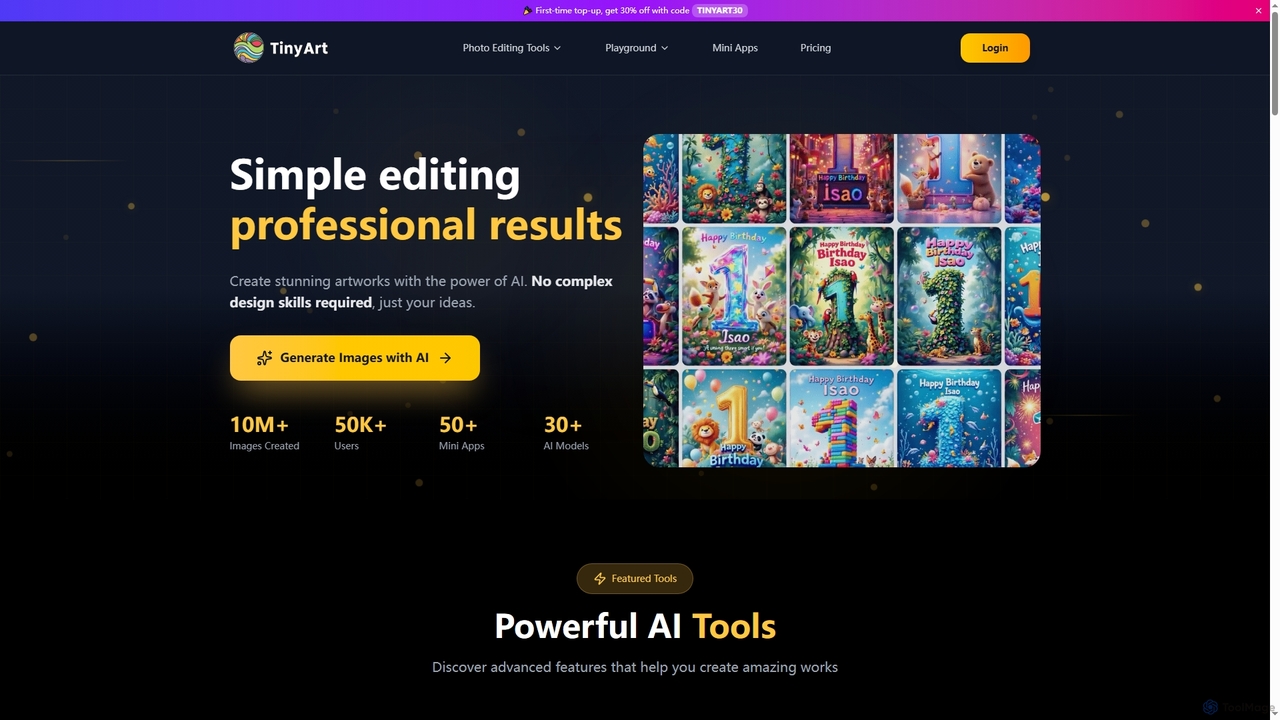
TinyArt
TinyArt is an AI-powered photo editing and image generation platform designed for professional results without complex design skills. It offers a suite of tools including background removal, image upscaling, watermark removal, object cleanup, and text-to-image generation, alongside specialized mini-apps for ID photos, face swaps, and photo restoration.
Creative Tools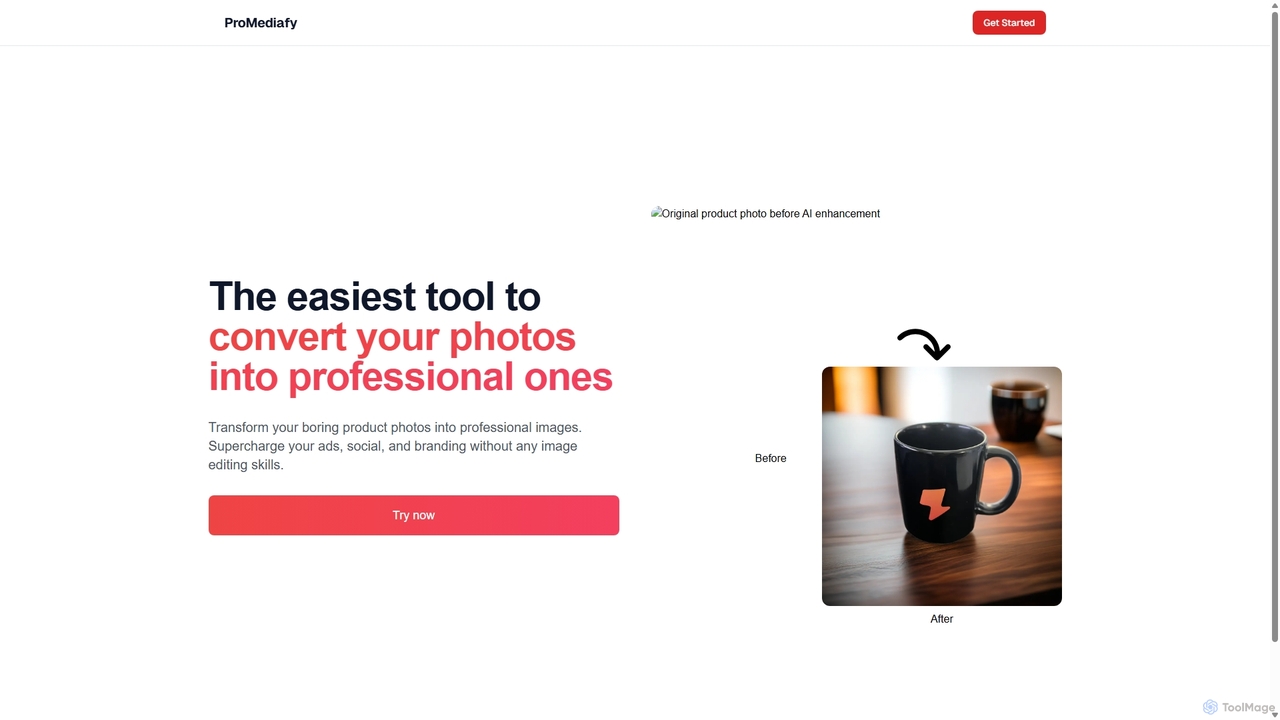
ProMediafy
ProMediafy is an AI-powered tool that effortlessly transforms standard product photos into professional, studio-quality images. It's designed for e-commerce, marketing, and branding, allowing users to generate stunning visuals without any photo editing skills. Simply upload an image, and let the AI create perfect backgrounds, lighting, and shadows to make your products stand out.
Background Generator
BigJpg AI Comments (0)
Sign in to comment.
Sign inNo comments yet.