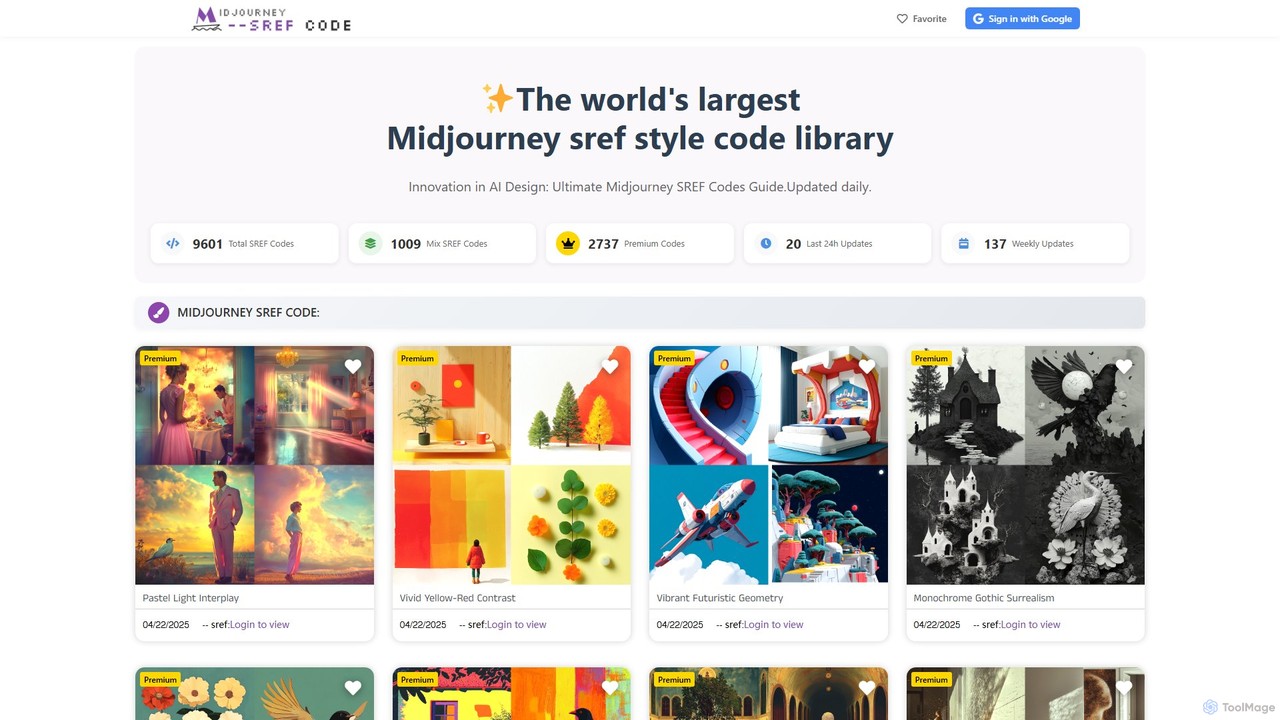
AI Art Resources are specialized AI-powered tools designed to provide artists and creators with essential inputs, inspiration, and foundational elements for their AI art generation workflows. These tools leverage advanced AI algorithms to curate, suggest, or even generate creative assets like prompts, style references, color palettes, and thematic concepts. Their primary purpose is to streamline the initial stages of artistic creation, helping users overcome creative blocks, explore new aesthetics, and efficiently gather the necessary components to guide their AI art projects, ultimately expanding the possibilities of artistic expression.
Core Features
- AI Prompt Generation: Automatically generates diverse and detailed text prompts optimized for various AI image generation models.
- Style & Aesthetic Exploration: Suggests artistic styles, color schemes, and compositional elements based on user input or existing art.
- Reference Image Curation: Gathers and organizes visual references, mood boards, or thematic collections to inspire and guide creative projects.
- Creative Concept Brainstorming: Provides AI-driven ideas for themes, narratives, or visual motifs to kickstart new artistic endeavors.
Use Cases
Artists, designers, and content creators utilize AI Art Resources to enhance their creative process. For instance, concept artists use these tools to quickly generate diverse visual ideas and stylistic directions for character or environment designs. Digital illustrators leverage them to discover unique color palettes and artistic styles, while graphic designers employ them to find thematic inspiration and reference imagery for marketing campaigns or branding projects.
How to Choose
When selecting AI Art Resources, consider the diversity and quality of the resources offered, such as the range of prompt styles or aesthetic suggestions. Evaluate the AI's accuracy and relevance in generating or curating content that aligns with your artistic vision. Look for integration capabilities with your existing AI art generators or design software, and assess the tool's user-friendliness and customization options to ensure it fits your specific creative workflow and artistic needs.