Art Best in category 2 results Creative Assistant AI Tool

Popular AI tools in the Creative Assistant field of Art include LyricStudio、imiprompt, etc., helping you quickly improve efficiency.

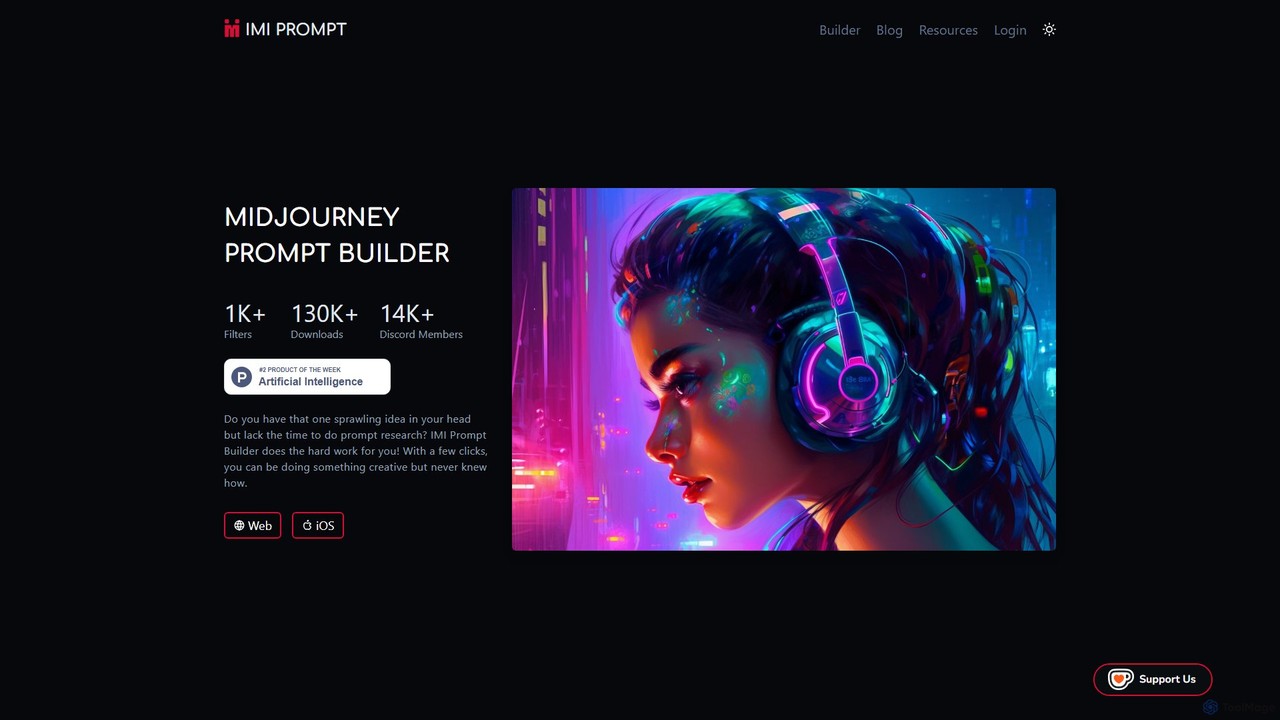
imiprompt

imiprompt

imiprompt is an advanced prompt builder for Midjourney, designed to simplify the creation of complex and detailed text-to-image …

5.7K
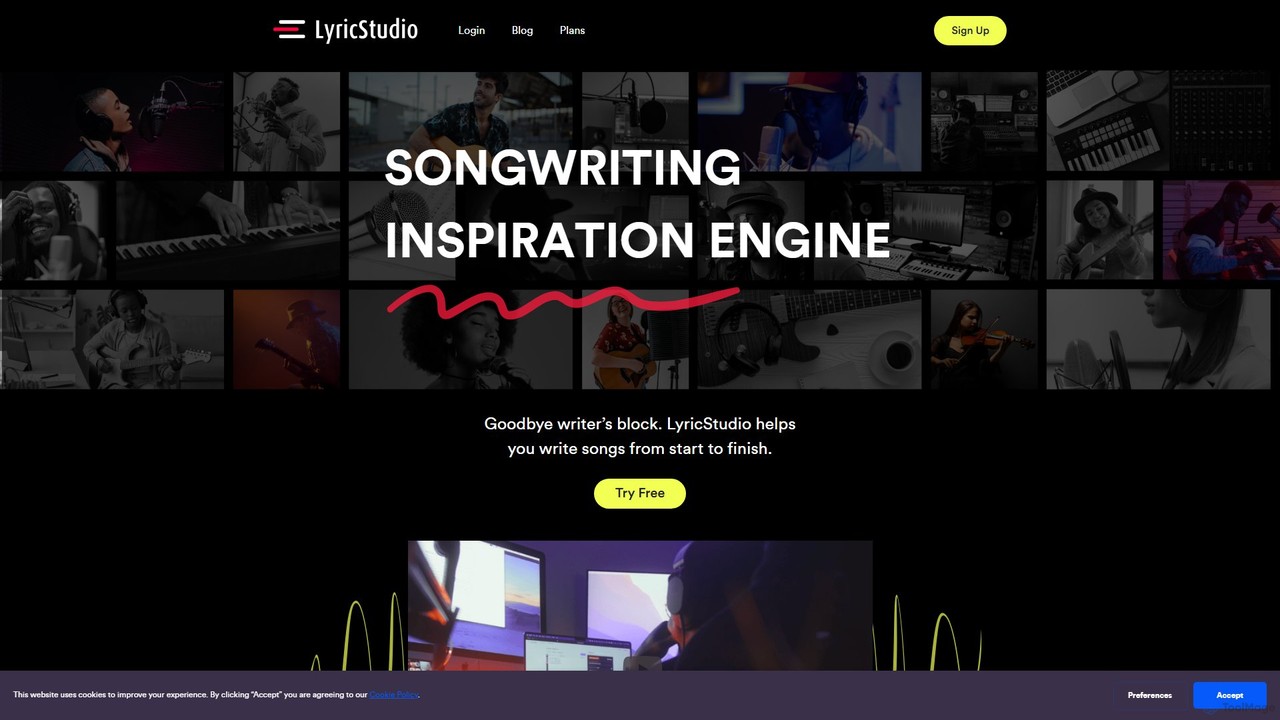
LyricStudio

LyricStudio

LyricStudio is an AI-powered songwriting assistant designed to help musicians and writers overcome creative blocks. It provides intelligent …

170.3K

About Creative Assistant

Creative Assistant tools are AI-powered partners designed to augment the entire creative workflow, from initial brainstorming to concept refinement. They leverage generative models to provide inspiration, suggest alternative ideas, and help users overcome creative blocks. These assistants act as a co-pilot for artists, writers, and designers, accelerating the ideation process and enabling the exploration of a vast range of stylistic possibilities. Unlike tools that simply generate a final asset, Creative Assistants focus on enhancing the human-led discovery and development phase.

Core Features

  • Conceptual Brainstorming: Generates mind maps, 'what-if' scenarios, and thematic ideas based on simple prompts.
  • Style & Mood Exploration: Creates visual mood boards, suggests color palettes, and defines artistic styles.
  • Iterative Variation: Produces multiple design or text variations from a single core concept for comparison.
  • Prompt Enhancement: Refines and expands user ideas into more effective prompts for other generative AI tools.
  • Cross-domain Inspiration: Blends concepts from different fields (e.g., text to image) to spark unique insights.

Use Cases

Creative Assistants are valuable for professionals in marketing, design, writing, and product development. For instance, a marketing team can use them to brainstorm ad campaign slogans and visuals, while a game designer can rapidly prototype character concepts. They are also used by writers to break through writer's block with plot suggestions and by strategists to develop brand identities.

How to Choose

When selecting a Creative Assistant, consider its primary domain (e.g., visual art, writing, music). Evaluate its integration capabilities with your existing software like Figma or Google Docs. Assess the level of user control over the generated suggestions and check if it supports collaborative brainstorming for team projects. Finally, consider the model's diversity and originality of ideas.

Creative AssistantUse Cases

1

Ad Campaign Brainstorming

A marketing team preparing for a new product launch uses a Creative Assistant to accelerate ideation. They input the product description and target audience profile. The AI generates dozens of potential slogans, visual themes for social media posts, and scripts for short video ads. This allows the team to bypass hours of manual brainstorming, quickly identify several strong campaign directions, and present a diverse set of concepts to stakeholders, significantly reducing the concept development cycle time.

2

Game Character Concept Development

A concept artist for an indie game studio needs to design a new protagonist. Using a Creative Assistant, they input a brief character description: 'a rogue botanist in a cyberpunk city.' The tool generates a wide array of visual styles, costume variations, and mood boards. The artist can then select promising elements, ask the AI to iterate on them, and quickly create a rich visual foundation for the character, saving days of initial sketching and research.

3

Overcoming Writer's Block for a Novel

A novelist is stuck on a key plot point in their story. They feed the existing chapter summary into a Creative Assistant. The tool analyzes the narrative and suggests several potential plot twists, character motivations, and dialogue options. It might propose an unexpected alliance or a hidden backstory for a secondary character. This external input helps the writer see their story from a new perspective and provides the spark needed to continue writing.

4

Architectural Mood Board Creation

An interior designer is starting a project for a client who wants a 'biophilic and minimalist' office space. The designer uses a Creative Assistant to translate these abstract concepts into a concrete visual plan. The AI generates a mood board featuring specific materials (light wood, polished concrete), color palettes (earth tones, green accents), furniture styles, and lighting fixtures. This provides a tangible starting point for client discussions and material sourcing.

5

Developing a New Brand Identity

A startup needs to create a complete brand identity from scratch. A brand strategist uses a Creative Assistant to explore possibilities. By providing the company's mission and values, the AI generates name suggestions, logo concepts, typography pairings, and brand voice examples (e.g., playful, professional, authoritative). This allows the strategist to rapidly prototype multiple brand directions and test them with focus groups before committing to a final design.

6

Generating a Social Media Content Calendar

A social media manager for a fashion brand needs to plan the next month's content. They input their brand's key themes, upcoming promotions, and relevant holidays into a Creative Assistant. The tool generates a structured content calendar with daily post ideas, including image concepts, caption hooks, relevant hashtags, and suggestions for user-generated content campaigns. This automates the repetitive part of content planning, freeing the manager to focus on creating high-quality content.

Creative AssistantFrequently Asked Questions