

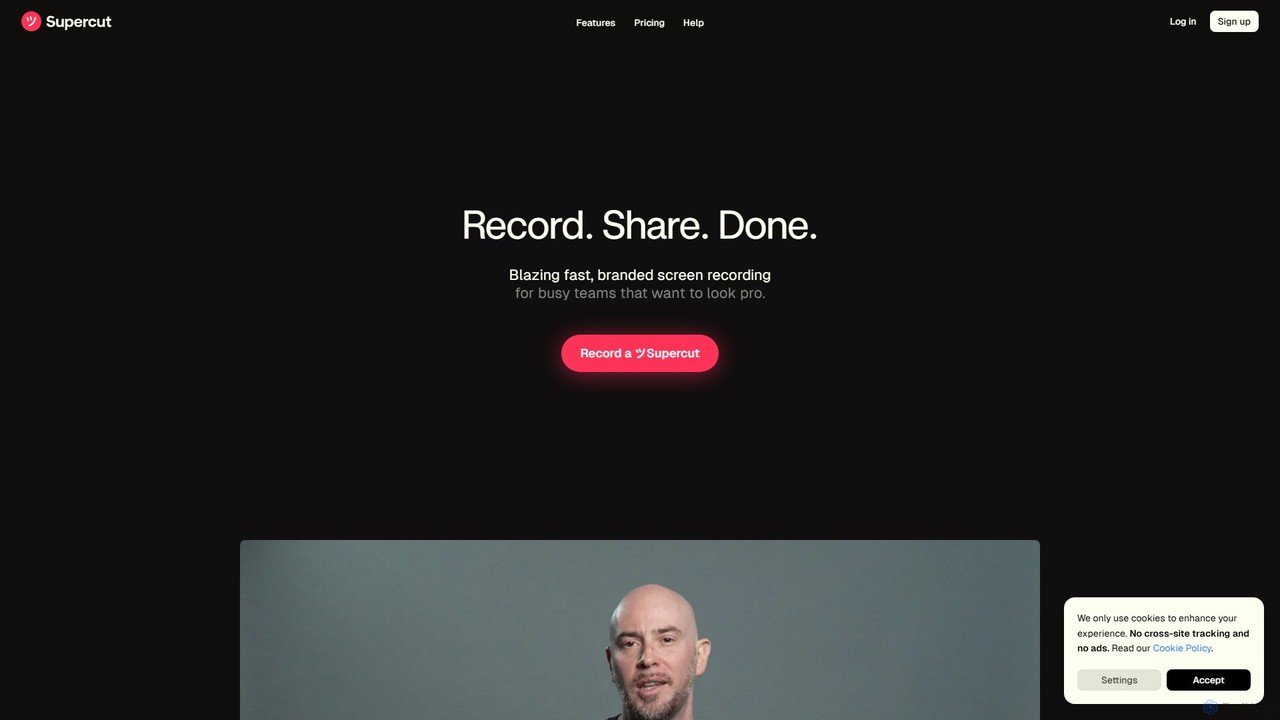
Supercut Overview
Supercut is a revolutionary AI-driven screen recording platform meticulously crafted for busy teams that aim to communicate with professional polish and efficiency. It redefines video creation by simplifying the entire workflow, from recording to sharing. Designed with beauty, simplicity, and speed at its core, Supercut allows users to produce high-quality, on-brand videos with minimal effort. It stands as a powerful alternative to more complex video editing software like Descript or Loom, focusing on an intuitive user experience that eliminates steep learning curves. The platform is built to turn rough recordings into sleek, impactful videos, perfect for clear and effective asynchronous communication.
The core of Supercut's innovation lies in its AI capabilities. It automatically enhances videos, making them ready for an audience in a fraction of the time it would traditionally take. This makes it an indispensable tool for modern businesses that rely on video for internal and external communication, from a quick update to a detailed product demonstration.
How to use Supercut
Using Supercut is designed to be a seamless, three-step process: Record, Share, Done.
- Record: Start by capturing your screen and/or camera using the native macOS application or the browser extension available for Chrome, Edge, and Firefox. You can record in stunning quality up to 4K, ensuring every detail is sharp and clear.
- AI-Powered Enhancement: Once the recording is complete, Supercut's AI gets to work. It automatically generates smart, clickable chapters, making long videos easy to navigate. The upcoming auto-edit feature will intelligently remove filler words, long pauses, and retakes, creating a concise and polished final cut without any manual editing.
- Customize and Share: Apply your company's branding with multiple layout options to maintain a consistent and professional look. Add interactive Call-to-Actions (CTAs) like 'Book a Call' or 'Visit Website' directly into the video. Then, share your creation instantly with a public or private link.
- Collaborate and Analyze: Team members can comment and react directly on the video timeline, making feedback precise and efficient. You can also track views and engagement to understand your video's impact and effectiveness.
Core Features of Supercut
- AI Auto-Editing (Coming Soon): Automatically removes ums, ahs, retakes, and awkward pauses to create a flawless narrative effortlessly.
- Smart Navigation with Auto-Chapters: AI analyzes your video's content and automatically creates a clickable table of contents, allowing viewers to jump to relevant sections.
- Professional Branding: Easily apply your brand's logo, colors, and choose from multiple layouts to ensure every video looks professional and on-brand.
- High-Quality Recording: Capture your screen and camera in up to 4K resolution for crystal-clear presentations.
- Interactive CTAs: Embed call-to-action buttons within your videos to drive engagement and guide viewers to the next step.
- Team Collaboration: Enable teammates to leave time-stamped comments and reactions, streamlining the feedback and approval process.
- Instant Sharing & Privacy Controls: Generate a shareable link in seconds and control who can view your video with public or private settings.
- Engagement Analytics: Track who watches your videos and for how long, providing valuable insights into viewer engagement.
- AI-Powered Q&A and Doc Generation: Ask questions about your video content or automatically generate documents and summaries based on the recording.
Use Cases for Supercut
Supercut is versatile and can be used across various departments:
- Product Demos: Create short, polished videos to showcase key product features for sales pitches, websites, or customer follow-ups.
- Sales Enablement: Build trust and connection with prospects through personalized video outreach. Add CTAs to let them take immediate action.
- Tutorials & How-Tos: Transform complex processes into clear, easy-to-follow video guides without the need for any editing skills.
- Customer Support: Resolve customer issues faster by providing step-by-step visual instructions that reduce confusion and back-and-forth communication.
- Asynchronous Team Communication: Share project updates, conduct code reviews, or provide feedback to your team without scheduling a meeting.
Advantages of Supercut
Supercut offers a distinct advantage over traditional screen recorders and complex video editors. Its primary strength is the combination of speed, simplicity, and professional output. The AI-powered features dramatically reduce post-production time. The intuitive interface ensures that anyone, regardless of their technical skill, can create high-quality videos. This focus on efficiency allows teams to communicate more effectively and move faster, making it an ideal solution for modern, agile businesses.
Pricing and Plans
Supercut is currently available for free during its Public Beta period. The team is committed to establishing fair and competitive pricing plans in the future that deliver exceptional value. For now, users can enjoy all the features of Supercut at no cost while the platform is being refined.
Traffic
Latest traffic
Status
Monthly traffic trend
- 2025-9: 75.6K
- 2026-1: 61.4K
- 2026-2: 54.3K
- 2026-3: 56.1K
- 2026-4: 50.0K
- 2026-5: 115.8K
Geography
Top 5 countries / regions
- 🇺🇸United States46.1%
- 🇵🇱Poland14.9%
- 🇩🇪Germany13.6%
- 🇮🇳India12.8%
- 🇬🇧United Kingdom12.7%
Traffic sources
| Source type | Percentage |
|---|---|
Direct | 76.2% |
Email | 14.0% |
Referral | 9.8% |
Top keywords
| Keyword | Cost per click |
|---|---|
| supercut | $0.37 |
| supercut ai | $0.00 |
| supercut.ai | $0.00 |
| supercut embed video link content policy | $0.00 |
| supercut программа расширение | $0.00 |
Supercut Videos on YouTube

Ticker Symbol: YOU


Supercut Alternatives
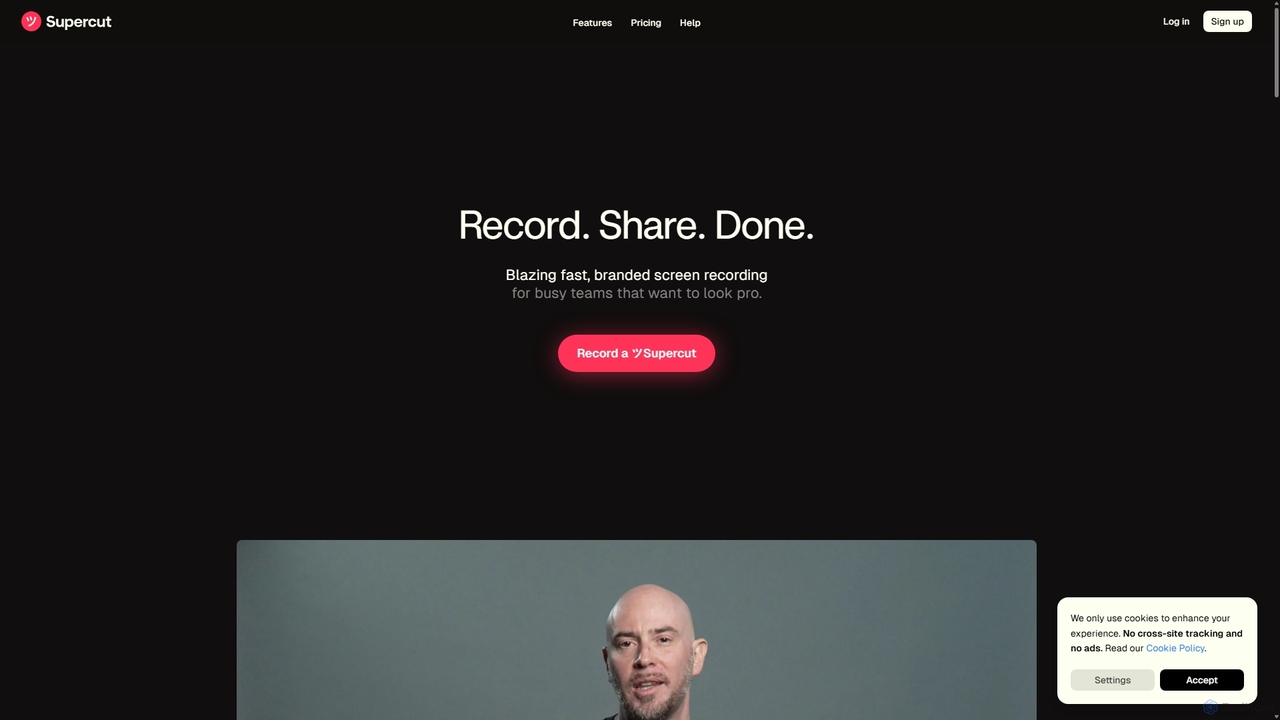
Supercut
Supercut is an AI-powered screen recording tool designed for teams to create professional, branded videos with blazing speed. It automates tedious tasks like chapter creation and editing, enabling users to record, share, and get results instantly. Ideal for sales, customer support, and team collaboration.
Helpdesk
Berrycast
Berrycast is an AI-powered video communication tool for Windows and Mac, designed to enhance workplace productivity. It allows users to easily record their screen and webcam, creating clear, shareable video messages for team collaboration, client communication, and asynchronous work. Features include an AI note-taker, video transcription, and seamless integrations.
Content Creation
Canvid
Canvid is an AI-powered screen recorder for Windows and Mac designed to create professional-looking demos effortlessly. It automatically tracks clicks, applies smart zooms, and uses AI to enhance audio by removing background noise. With features like webcam background replacement and instant captions, Canvid simplifies video production, making it a powerful alternative to tools like Loom.
Content Creation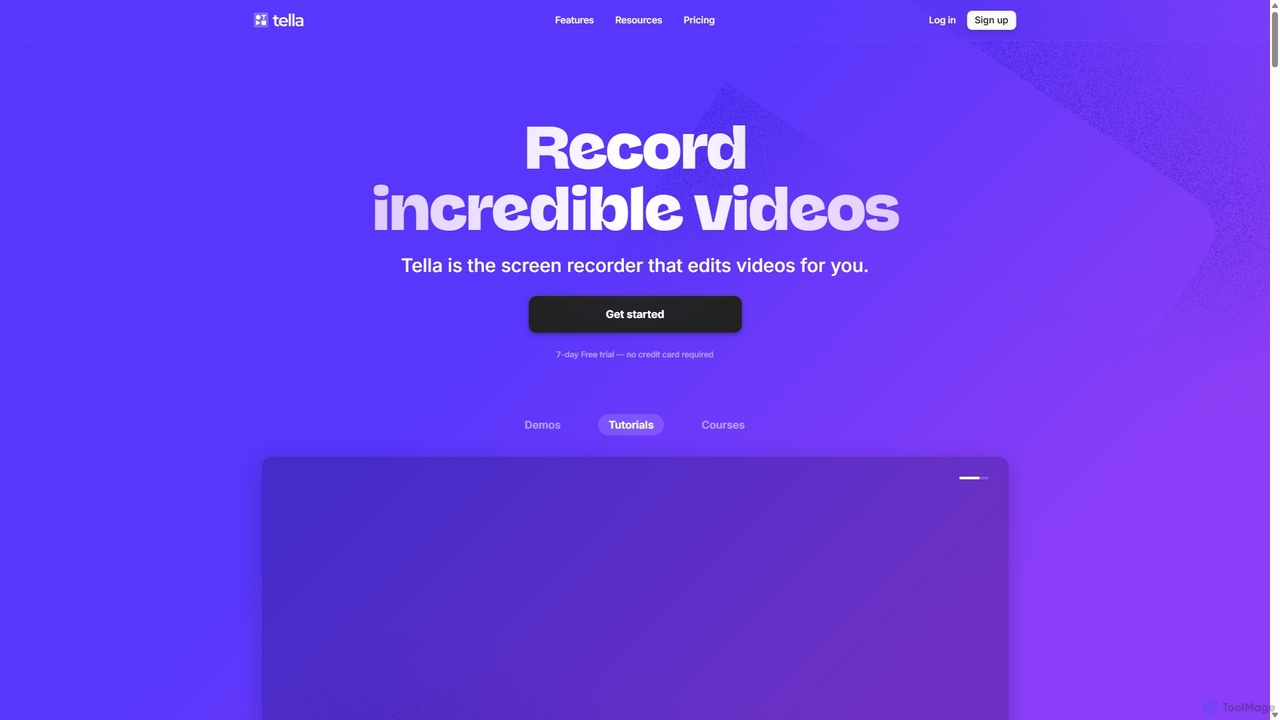
Tella
Tella is an AI-powered screen recorder and video editor for Mac & Windows that simplifies video creation. It automatically removes silences and filler words, offers transcript-based editing, and provides professional customization options like backgrounds, layouts, and zooms. Ideal for creating tutorials, product demos, and online courses in minutes, not hours.
E Learning
Tella
Tella is an AI-powered screen recorder and video editor for Mac and Windows, designed for entrepreneurs and creators. It simplifies video production by recording in manageable clips and using AI to automatically remove filler words and silences. With features like customizable backgrounds, dynamic zooms, and 4K exports, Tella helps users create professional-looking demos, tutorials, and courses in minutes, not hours, without needing any video editing expertise.
Course CreationSupercut Categories
Supercut Embed Widget
Copy this embed code to place the badge on your blog, article, or product site and send readers directly to this ToolMage detail page.

Related AI tools
Supercut
Supercut is an AI-powered screen recording tool designed for teams to create professional, branded videos with blazing speed. It automates tedious tasks like chapter creation and editing, enabling users to record, share, and get results instantly. Ideal for sales, customer support, and team collaboration.
HelpdeskBerrycast
Berrycast is an AI-powered video communication tool for Windows and Mac, designed to enhance workplace productivity. It allows users to easily record their screen and webcam, creating clear, shareable video messages for team collaboration, client communication, and asynchronous work. Features include an AI note-taker, video transcription, and seamless integrations.
Content CreationTella
Tella is an AI-powered screen recorder and video editor for Mac & Windows that simplifies video creation. It automatically removes silences and filler words, offers transcript-based editing, and provides professional customization options like backgrounds, layouts, and zooms. Ideal for creating tutorials, product demos, and online courses in minutes, not hours.
E LearningTella
Tella is an AI-powered screen recorder and video editor for Mac and Windows, designed for entrepreneurs and creators. It simplifies video production by recording in manageable clips and using AI to automatically remove filler words and silences. With features like customizable backgrounds, dynamic zooms, and 4K exports, Tella helps users create professional-looking demos, tutorials, and courses in minutes, not hours, without needing any video editing expertise.
Course CreationCanvid
Canvid is an AI-powered screen recorder for Windows and Mac designed to create professional-looking demos effortlessly. It automatically tracks clicks, applies smart zooms, and uses AI to enhance audio by removing background noise. With features like webcam background replacement and instant captions, Canvid simplifies video production, making it a powerful alternative to tools like Loom.
Content Creation
Jyek
Jyek is an AI agent platform that understands objectives, creates execution plans, uses tools, and delivers verifiable results for complex, multi-step tasks.
Automation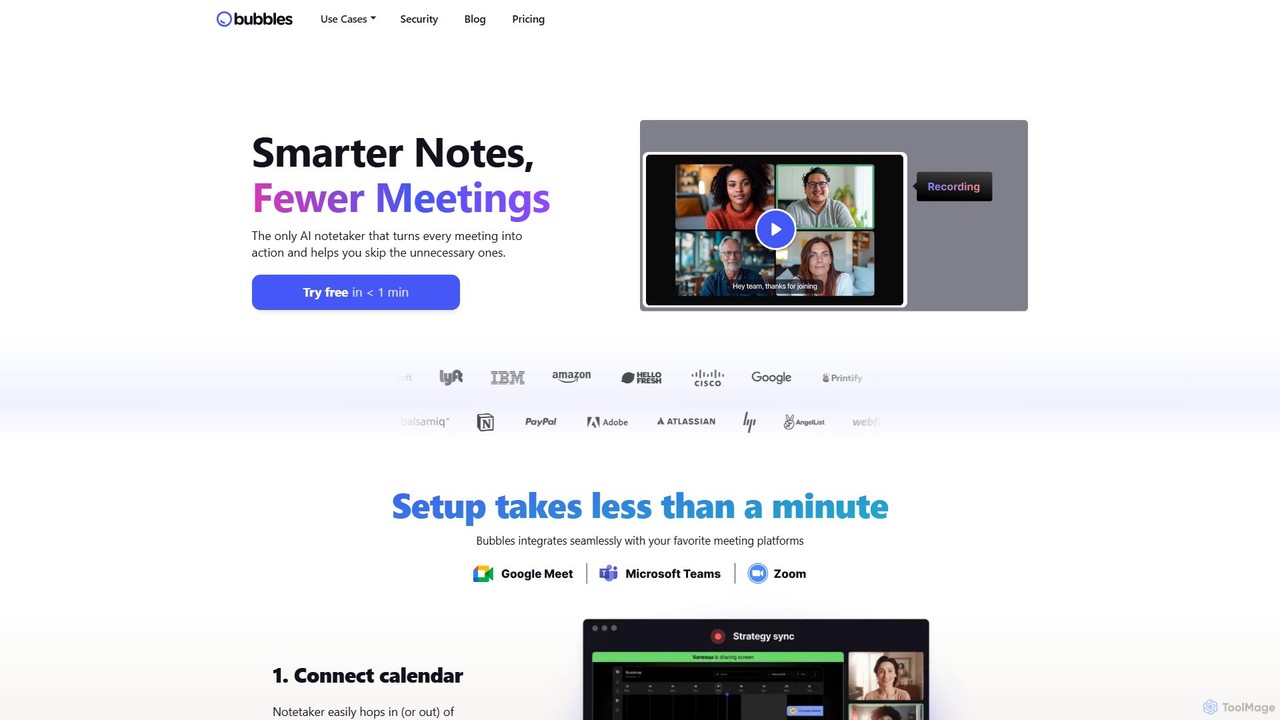
Bubbles
Bubbles is an AI-powered meeting assistant and screen recorder designed to reduce meeting fatigue and enhance team productivity. It automatically joins your meetings to record, transcribe, and generate concise summaries with actionable items. It also facilitates asynchronous communication through screen and video recordings, helping teams collaborate effectively without constant calls.
Collaboration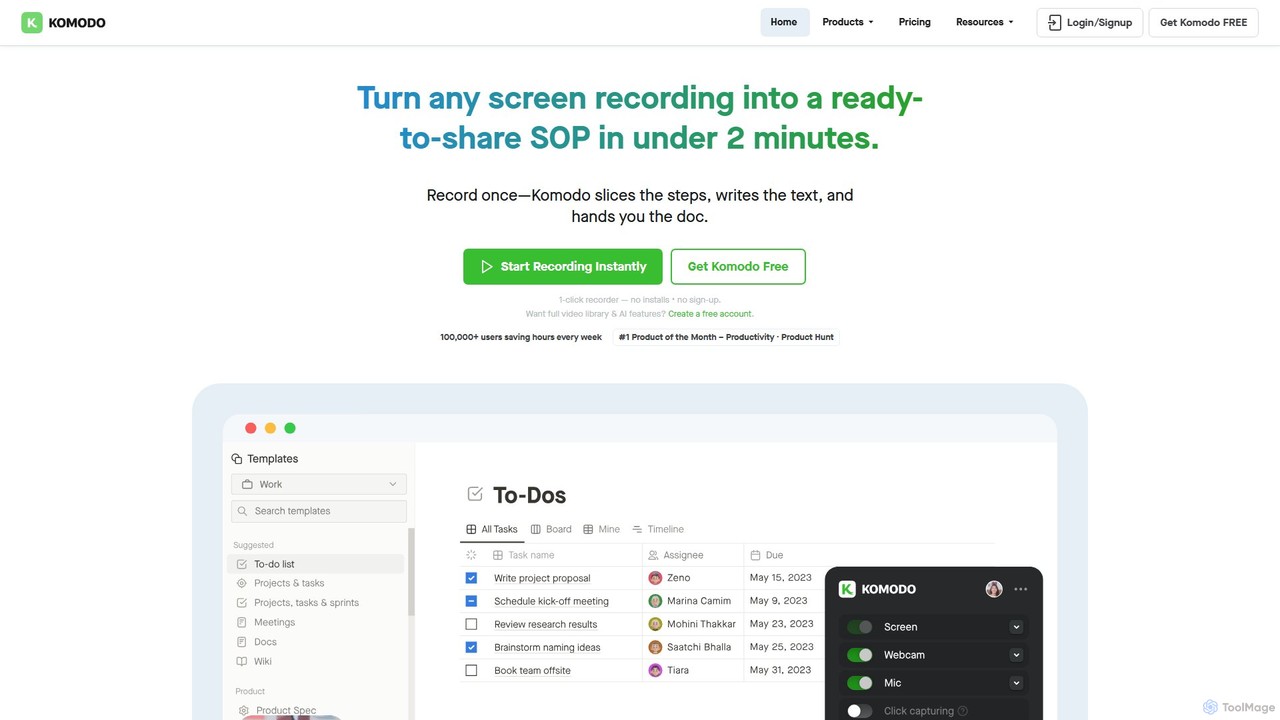
Komodo
Komodo is an AI-powered screen recorder and knowledge base that automatically transforms screen recordings into step-by-step SOPs, guides, and training documents. It also records meetings, generates AI summaries and action items, and provides a searchable video library, consolidating multiple tools into one platform for enhanced team productivity and collaboration.
Knowledge Management
dadan
dadan is an all-in-one, AI-powered video creation platform that simplifies recording, editing, and sharing. It features an AI assistant for automatic transcription, summaries, and chapter generation. Users can enhance videos with interactive elements like polls and quizzes, collaborate with teams, and capture leads directly from videos. Ideal for education, marketing, sales, and remote teams, dadan streamlines video communication and boosts engagement, offering a generous free-forever plan.
Team Collaboration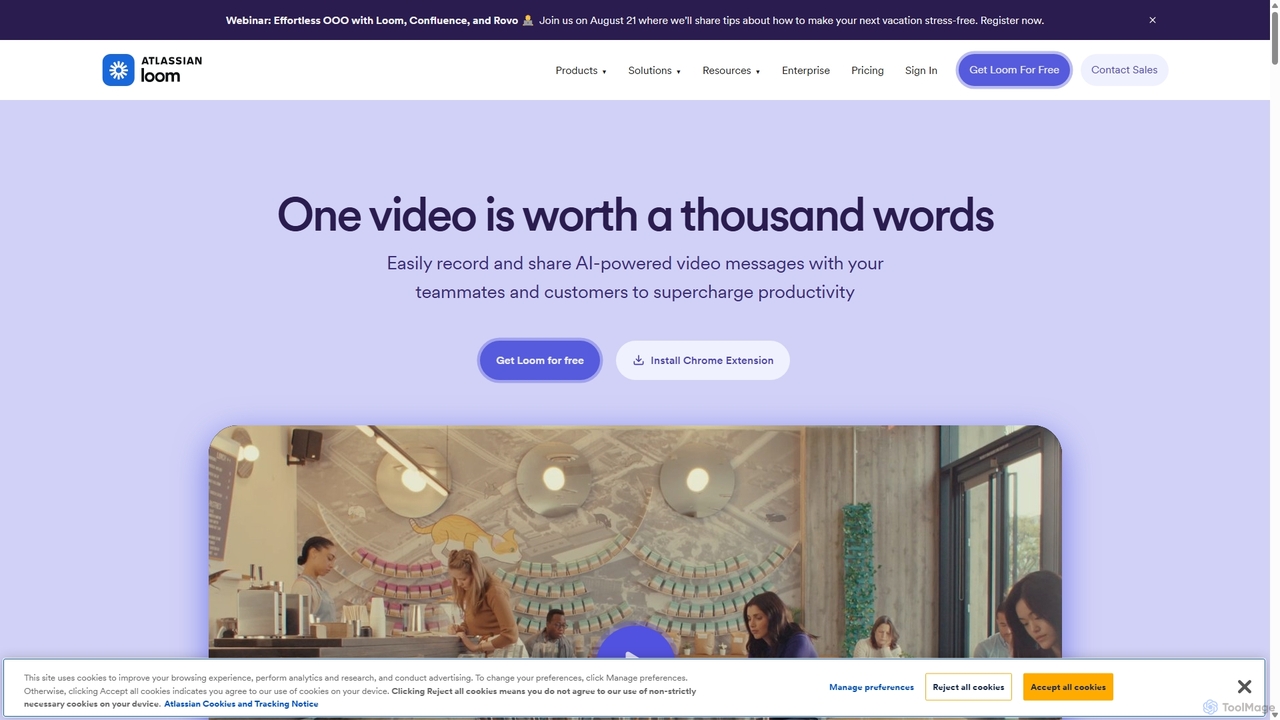
Loom
Loom is an AI-powered video messaging platform for work that allows users to instantly record and share their screen, camera, and audio. It streamlines communication, reduces meetings, and enhances team collaboration with features like AI-powered summaries, transcriptions, and editing tools.
Team Management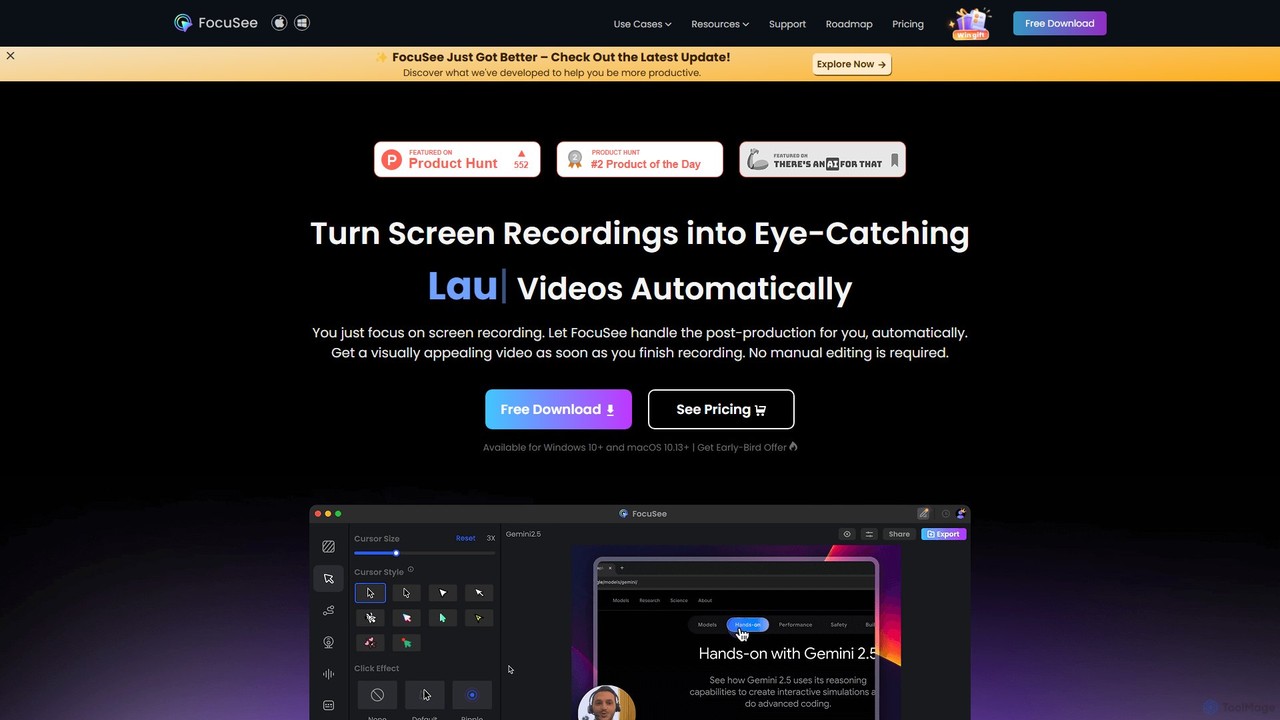
FocuSee
FocuSee is an AI-powered screen recording and video editing software designed to create professional-looking videos with ease. Its standout feature is the automatic zoom and pan effect, which intelligently follows your cursor movements to highlight key actions. This makes it ideal for creating engaging product demos, tutorials, and presentations without complex manual editing, simplifying the entire video creation workflow.
E Learning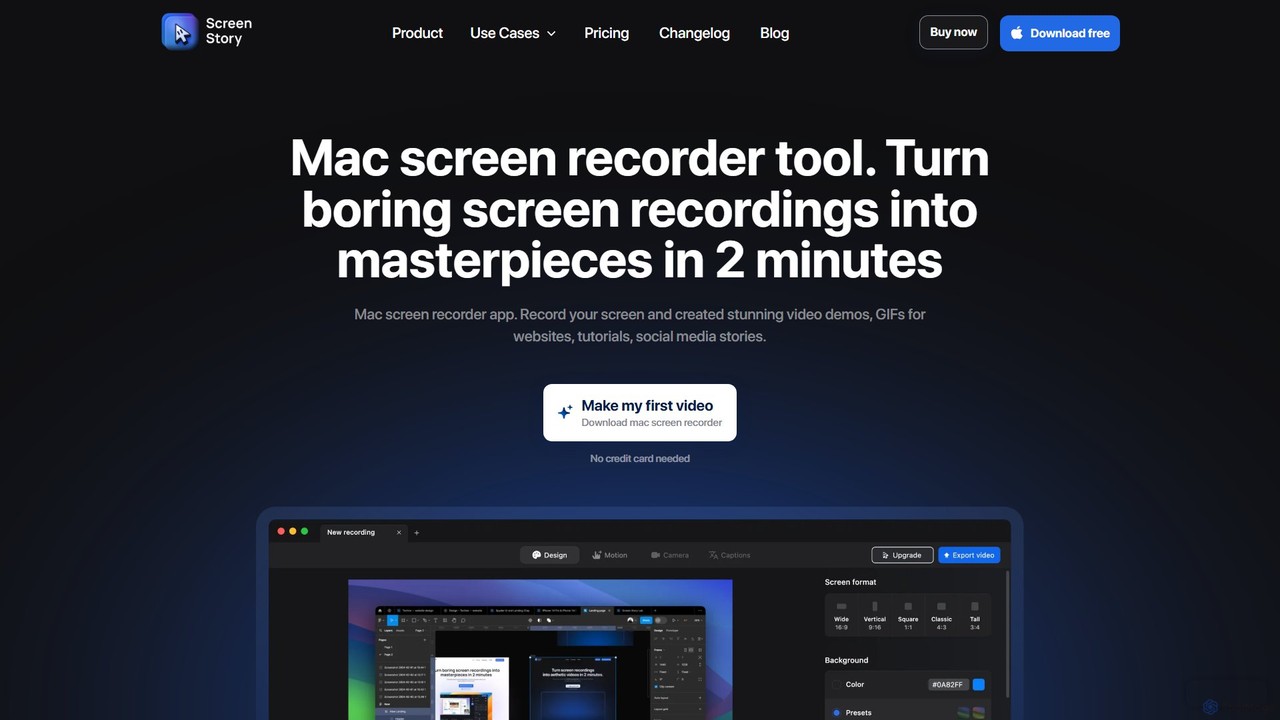
ScreenStory
ScreenStory is an intelligent screen recording app for macOS that automatically transforms standard screen captures into polished, professional-looking videos. It adds dynamic zooms, smooth cursor movements, and motion blur without manual editing. Ideal for creating engaging product demos, tutorials, and marketing content, it simplifies video production for users of all skill levels.
Tutorials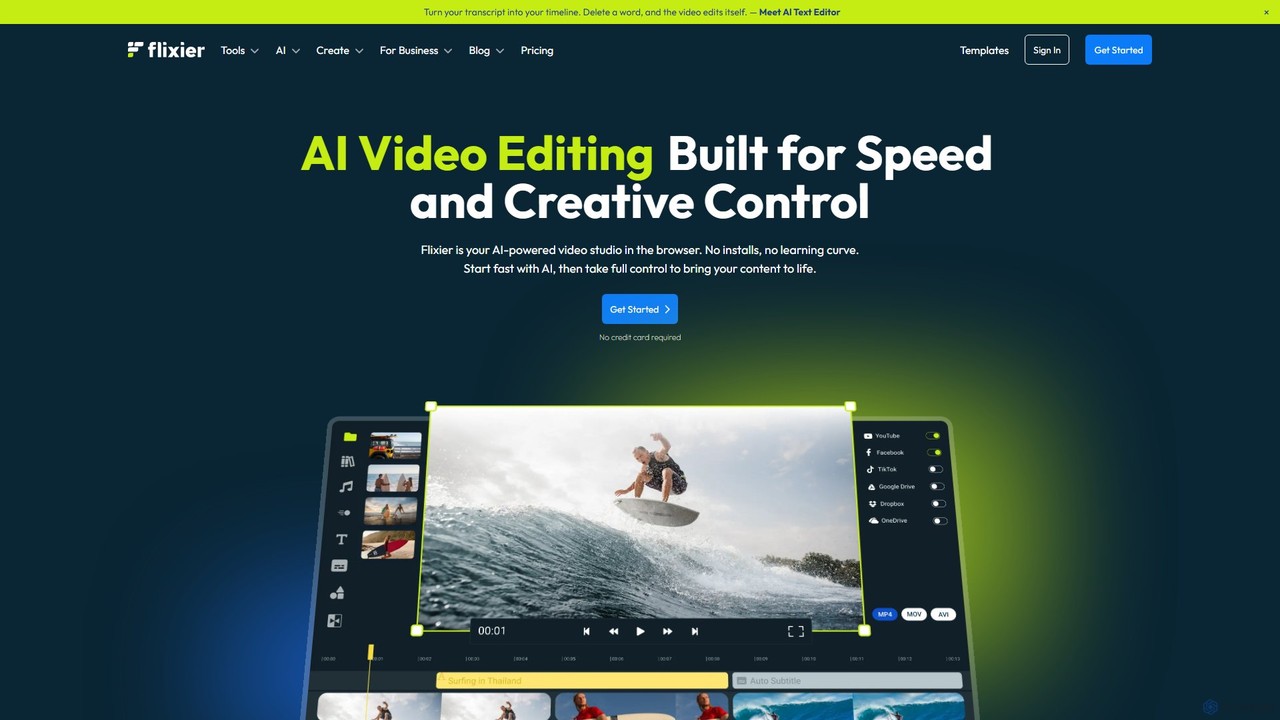
Flixier
Flixier is an AI-powered, cloud-based video editor designed for speed and ease of use. It offers features like text-based editing, AI voiceovers, automatic subtitles, and real-time collaboration, making it ideal for creators, marketers, and educators without needing powerful hardware.
Transcription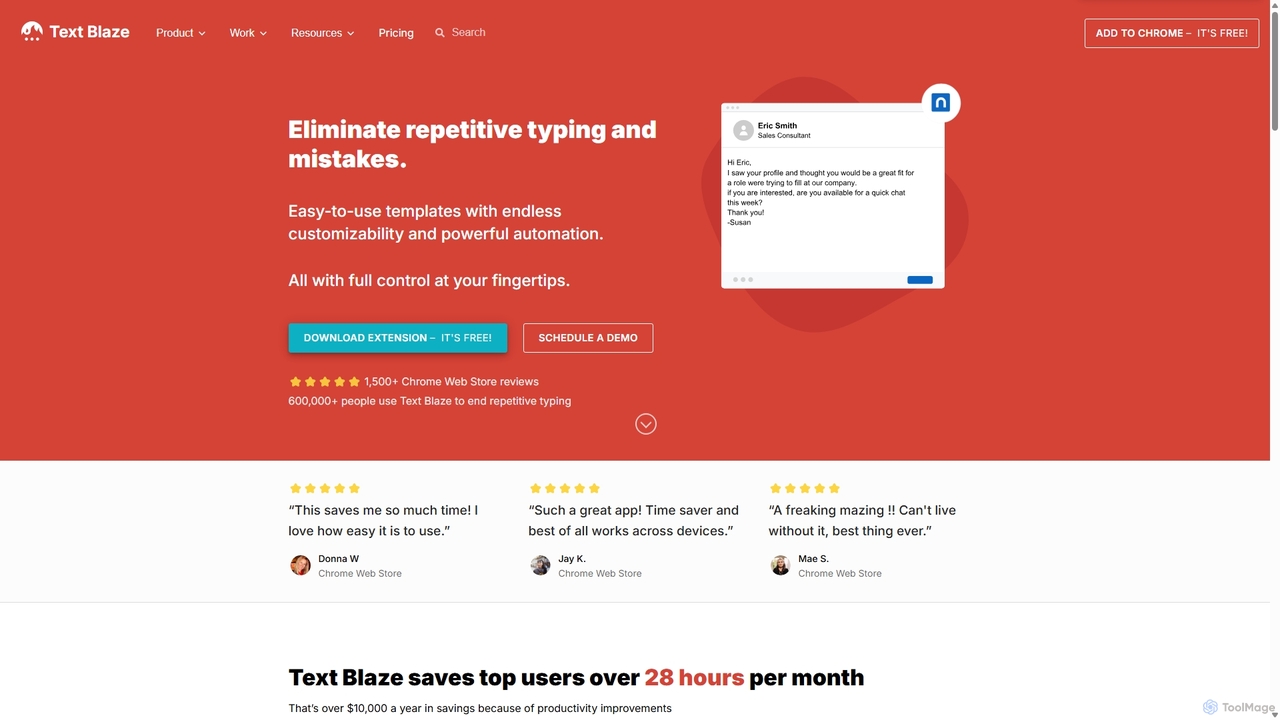
Blaze
Blaze (formerly Text Blaze) is a powerful text expander and automation tool that eliminates repetitive typing. Create customizable snippets and templates with dynamic formulas, forms, and team collaboration features to boost productivity across any website or application.
Response Management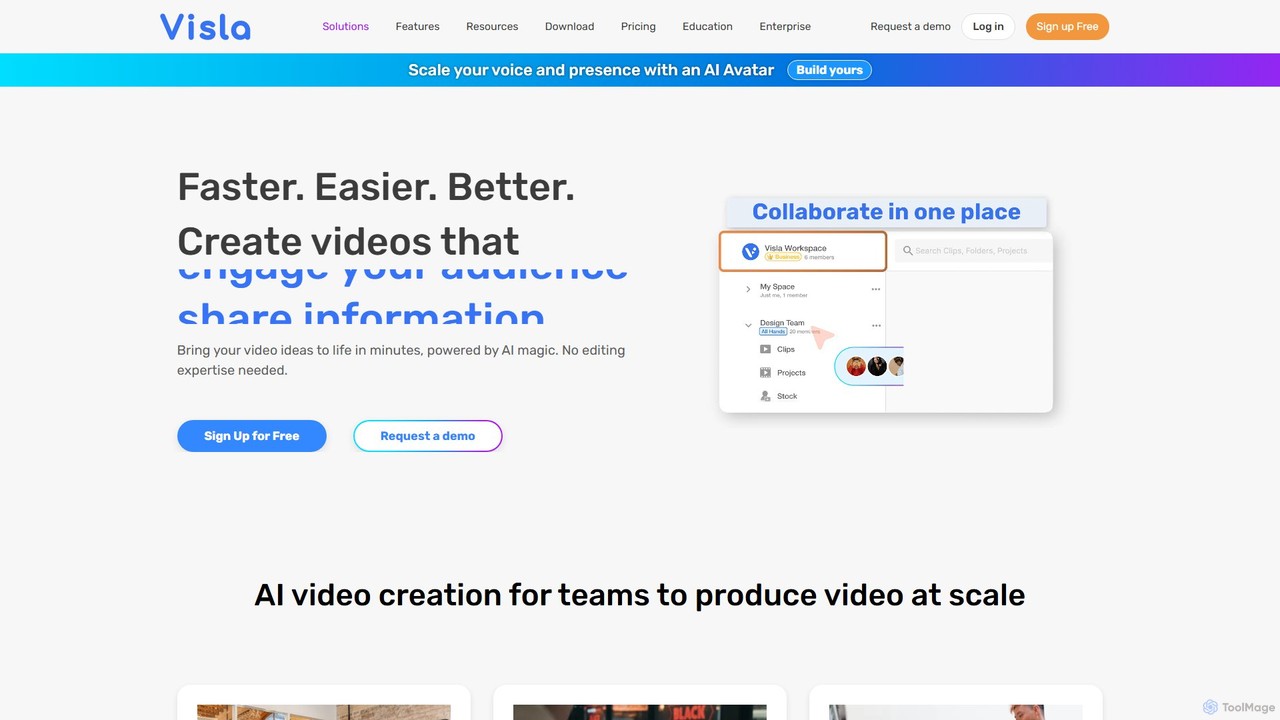
Visla
Visla is an all-in-one AI video platform designed for businesses. It empowers teams to effortlessly create, edit, record, and collaborate on professional-quality videos. Featuring AI-driven tools like text-to-video generation, realistic AI avatars, and an intelligent editor, Visla makes video production scalable and accessible to everyone, regardless of their technical expertise.
Training
Supercut Comments (0)
Sign in to comment.
Sign inNo comments yet.