


Kite Overview
Kite is a specialized screen recording and video editing application designed for creating visually impressive product and app demonstrations. It's built for users who want to go beyond simple screen captures and produce polished, commercial-quality videos effortlessly. The tool integrates advanced features like 3D device mockups, dynamic camera movements, and AI-powered enhancements, streamlining the entire video creation process from recording to final export. It's particularly popular among app developers, marketers, and SaaS companies for showcasing their products in the best possible light.
How to use Kite
The workflow in Kite is designed to be intuitive and efficient, transforming raw recordings into polished videos in a few simple steps:
- Record: Start by recording your Mac or iPhone screen. Kite captures your interactions with high fidelity.
- Enhance: This is where the magic happens. The app can automatically add smooth zoom and pan effects to follow your cursor movements, making the video dynamic and easy to follow.
- Customize: Add stunning 3D device mockups (laptops, phones) to contextualize your app. Customize the cursor style, add animated text overlays, and choose from a library of templates to match your brand.
- Add Audio: Generate a professional voiceover using the AI voiceover feature without needing a microphone, or select a suitable track from the built-in music library to set the right mood.
- Edit & Combine: Easily combine and edit different clips together within the application's timeline. Trim, split, and arrange your footage to create a seamless narrative.
- Export: Export your final video in up to 4K Ultra HD resolution, with presets available for popular social media and video platforms, ensuring your demo looks crisp everywhere.
Core Features of Kite
- High-Fidelity Screen Recording: Capture your Mac and iPhone screens with exceptional clarity and detail.
- Automatic Zoom & Pan: AI-driven camera movements that automatically follow your cursor and highlight key actions, saving hours of manual animation.
- 3D Device Mockups: Showcase your application within beautifully rendered 3D models of phones, laptops, and more to provide realistic context.
- AI Voiceovers: Instantly generate clear and professional voiceovers for your demos in various styles and languages directly within the app.
- Animated Text & Titles: Add professional, eye-catching animated text overlays to explain features or call out important information.
- Cursor Styling & Smoothing: Customize the look of your cursor and benefit from automatic smoothing for professional, non-jittery movements.
- Music Library & Templates: Access a library of royalty-free music and pre-built video templates to accelerate your workflow and enhance your production.
- 4K Ultra HD Export: Deliver your videos in stunning high resolution for a crisp, professional finish on any display.
- Brand Kit: Maintain brand consistency by easily applying your own brand colors, fonts, and logos across your video projects.
Use Cases for Kite
Kite is a versatile tool ideal for a wide range of professional video creation needs:
- Product Demos: Creating compelling and clear demo videos for SaaS products, software, and mobile apps.
- Marketing & Commercials: Producing high-quality promotional videos for social media, websites, and advertising campaigns.
- App Store Previews: Designing engaging video previews for submission to the Apple App Store or Google Play Store.
- Onboarding & Tutorials: Developing clear and concise user onboarding videos and feature tutorials to improve user adoption.
- Sales & Pitches: Enhancing sales presentations and investor pitches with professional video demonstrations of your product.
Advantages of Kite
- Professional Quality, Effortlessly: Turns standard screen recordings into polished, commercial-like videos with minimal effort and no prior video editing experience.
- All-in-One Solution: Combines screen recording, editing, animation, and audio tools in a single application, eliminating the need for multiple complex software.
- AI-Powered Efficiency: Features like auto-zoom and AI voiceovers save significant time and resources in post-production.
- User-Friendly Interface: Designed for speed and ease of use, allowing anyone to create visually stunning videos.
- High-Impact Visuals: 3D mockups and smooth animations make your product look modern, professional, and trustworthy.
Pricing and Plans
Kite operates on a freemium model, providing flexibility for different users:
- Free Plan: This plan allows users to test every feature of the application, including all editing tools, effects, and full-resolution previews. Exports created with the free plan will have a small, unobtrusive watermark. No sign-up is required to download and start using the tool.
- Pro Plan: This is a paid subscription, available on a monthly or annual basis. It unlocks the full power of Kite by removing the watermark from all exports. The Pro plan includes a license for commercial use of the created videos.
- Team Licensing: For organizations and teams that require multiple user licenses, Kite offers custom plans. Interested parties are encouraged to contact their support team to discuss licensing options.
- Refund Policy: Subscriptions are generally non-refundable because the free plan allows for comprehensive testing before purchase. However, Kite offers a 48-hour window for accidental upgrades (if no watermark-free video has been exported) and will consider refunds in cases of technical failures that they cannot resolve in a timely manner.
Traffic
Latest traffic
Status
Monthly traffic trend
- 2025-9: 15.2K
- 2026-1: 19.4K
- 2026-2: 24.1K
- 2026-3: 40.5K
- 2026-4: 29.3K
- 2026-5: 28.5K
Geography
Top 5 countries / regions
- 🇺🇸United States76.9%
- 🇮🇳India9.1%
- 🇮🇱Israel4.8%
- 🇷🇺Russia4.7%
- 🇻🇳Vietnam4.6%
Traffic sources
| Source type | Percentage |
|---|---|
Direct | 84.6% |
Referral | 15.0% |
Email | 0.3% |
Top keywords
| Keyword | Cost per click |
|---|---|
| kite | $0.25 |
| kite demo | $0.00 |
| kite screen recorder | $0.00 |
| kite video | $0.00 |
| kite.video | $0.00 |
Kite Videos on YouTube




Kite Alternatives
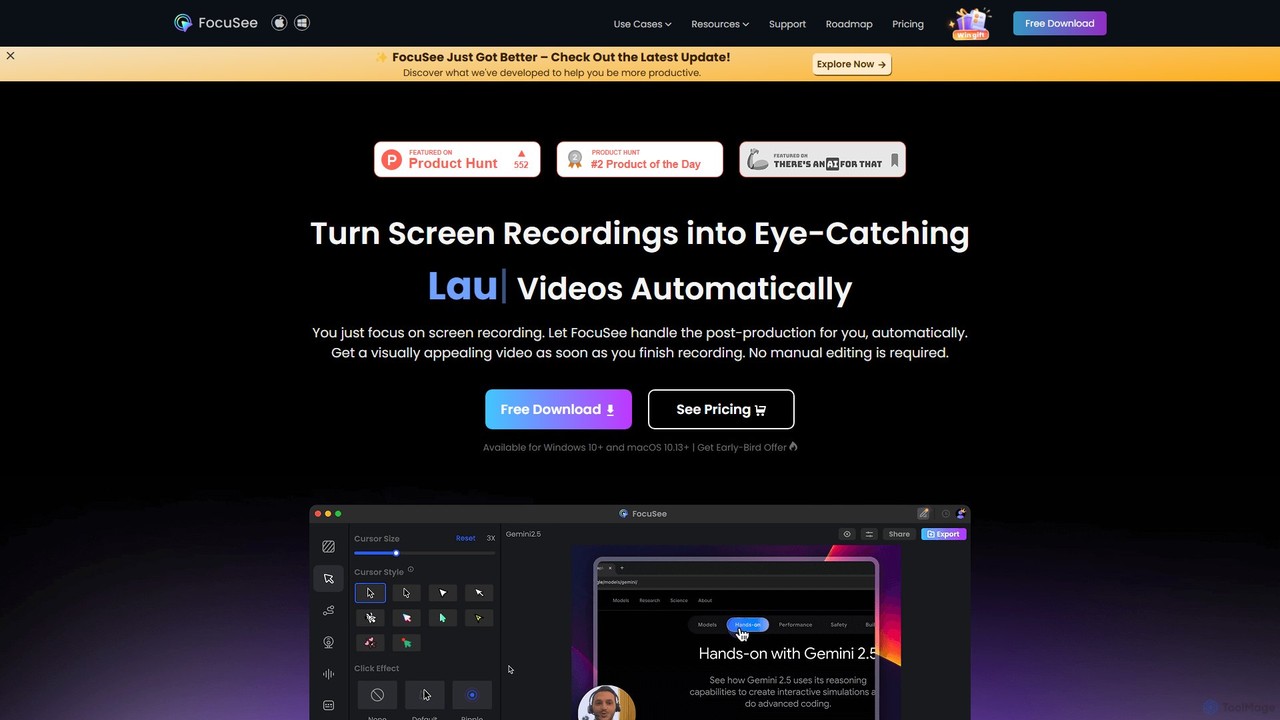
FocuSee
FocuSee is an AI-powered screen recording and video editing software designed to create professional-looking videos with ease. Its standout feature is the automatic zoom and pan effect, which intelligently follows your cursor movements to highlight key actions. This makes it ideal for creating engaging product demos, tutorials, and presentations without complex manual editing, simplifying the entire video creation workflow.
E Learning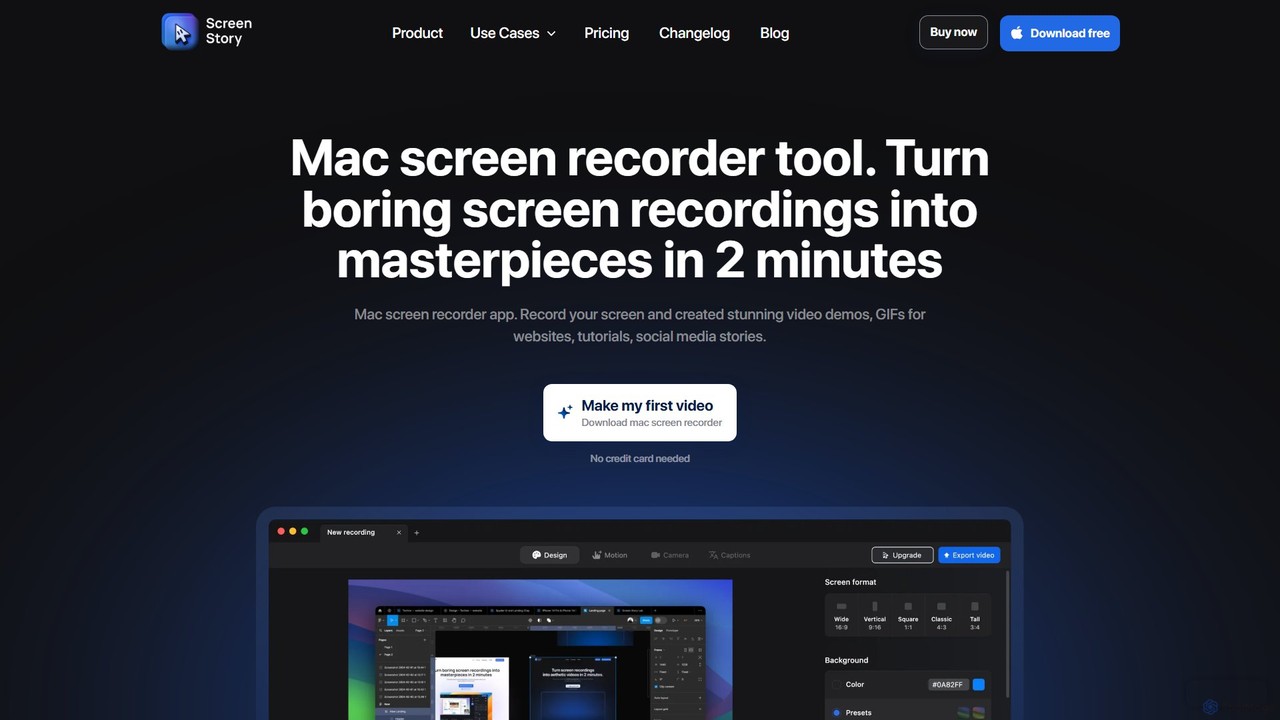
ScreenStory
ScreenStory is an intelligent screen recording app for macOS that automatically transforms standard screen captures into polished, professional-looking videos. It adds dynamic zooms, smooth cursor movements, and motion blur without manual editing. Ideal for creating engaging product demos, tutorials, and marketing content, it simplifies video production for users of all skill levels.
Tutorials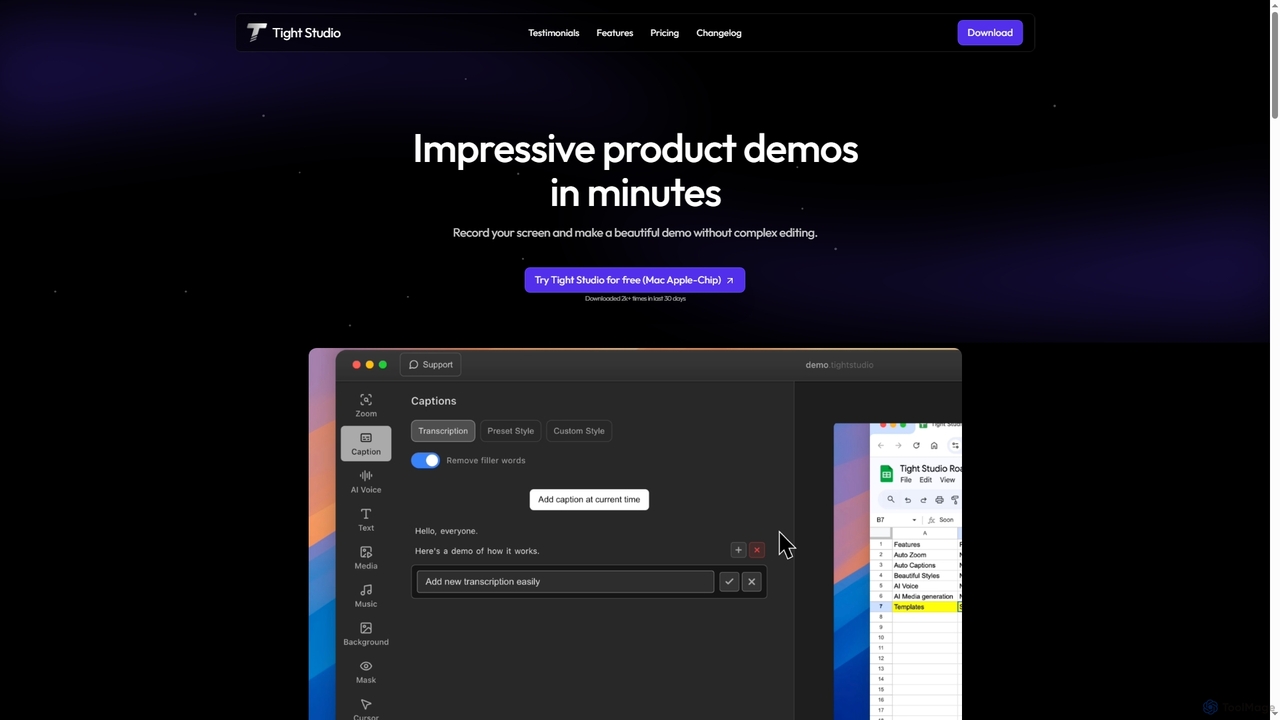
Tight Studio
Tight Studio is an AI-powered screen recording and video editing application for Mac, designed to create professional product demos and tutorials in minutes. It features smart zoom, automatic captions, AI narration, and an intuitive editor, enabling users without editing skills to produce high-quality, engaging videos effortlessly.
Tutorials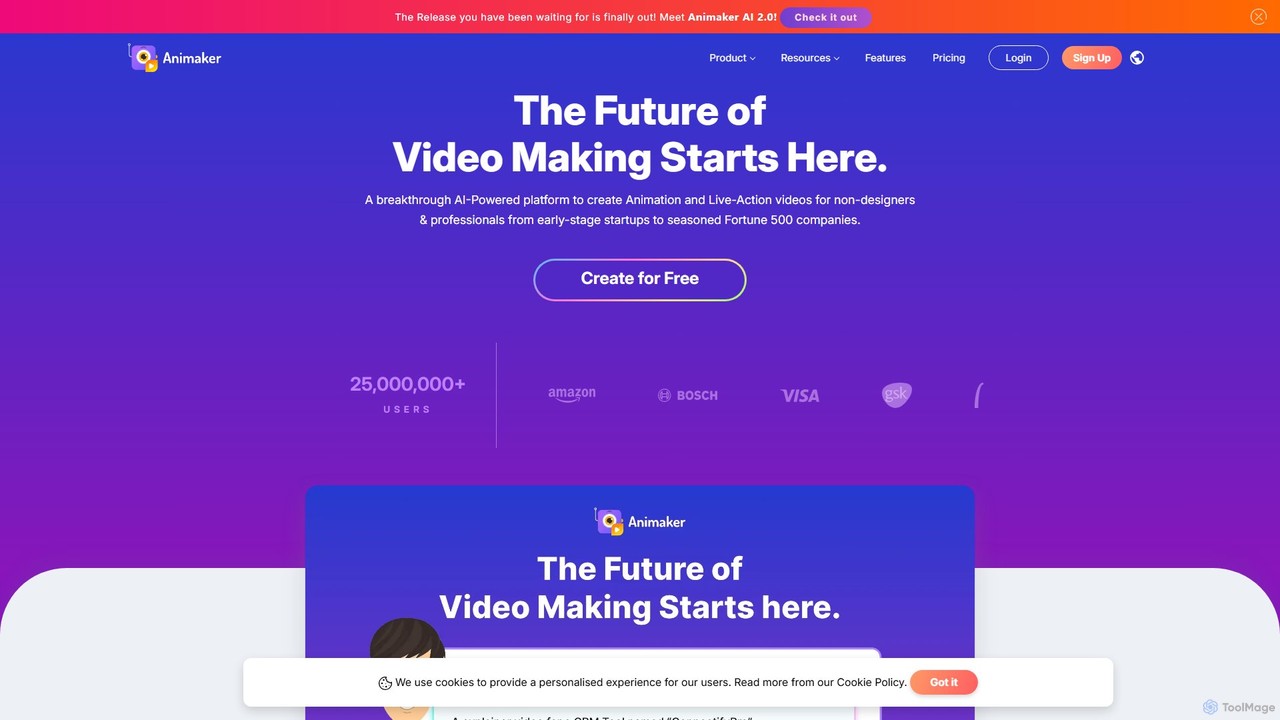
Animaker
Animaker is a powerful AI-driven online platform for creating studio-quality animated and live-action videos. Designed for both beginners and professionals, it features an advanced character builder, a vast asset library, and thousands of templates to produce engaging video content in minutes.
E Learning
Tella
Tella is an AI-powered screen recorder and video editor for Mac and Windows, designed for entrepreneurs and creators. It simplifies video production by recording in manageable clips and using AI to automatically remove filler words and silences. With features like customizable backgrounds, dynamic zooms, and 4K exports, Tella helps users create professional-looking demos, tutorials, and courses in minutes, not hours, without needing any video editing expertise.
Course CreationKite Categories
Kite Embed Widget
Copy this embed code to place the badge on your blog, article, or product site and send readers directly to this ToolMage detail page.

Related AI tools
FocuSee
FocuSee is an AI-powered screen recording and video editing software designed to create professional-looking videos with ease. Its standout feature is the automatic zoom and pan effect, which intelligently follows your cursor movements to highlight key actions. This makes it ideal for creating engaging product demos, tutorials, and presentations without complex manual editing, simplifying the entire video creation workflow.
E LearningScreenStory
ScreenStory is an intelligent screen recording app for macOS that automatically transforms standard screen captures into polished, professional-looking videos. It adds dynamic zooms, smooth cursor movements, and motion blur without manual editing. Ideal for creating engaging product demos, tutorials, and marketing content, it simplifies video production for users of all skill levels.
TutorialsTight Studio
Tight Studio is an AI-powered screen recording and video editing application for Mac, designed to create professional product demos and tutorials in minutes. It features smart zoom, automatic captions, AI narration, and an intuitive editor, enabling users without editing skills to produce high-quality, engaging videos effortlessly.
TutorialsAnimaker
Animaker is a powerful AI-driven online platform for creating studio-quality animated and live-action videos. Designed for both beginners and professionals, it features an advanced character builder, a vast asset library, and thousands of templates to produce engaging video content in minutes.
E LearningTella
Tella is an AI-powered screen recorder and video editor for Mac and Windows, designed for entrepreneurs and creators. It simplifies video production by recording in manageable clips and using AI to automatically remove filler words and silences. With features like customizable backgrounds, dynamic zooms, and 4K exports, Tella helps users create professional-looking demos, tutorials, and courses in minutes, not hours, without needing any video editing expertise.
Course Creation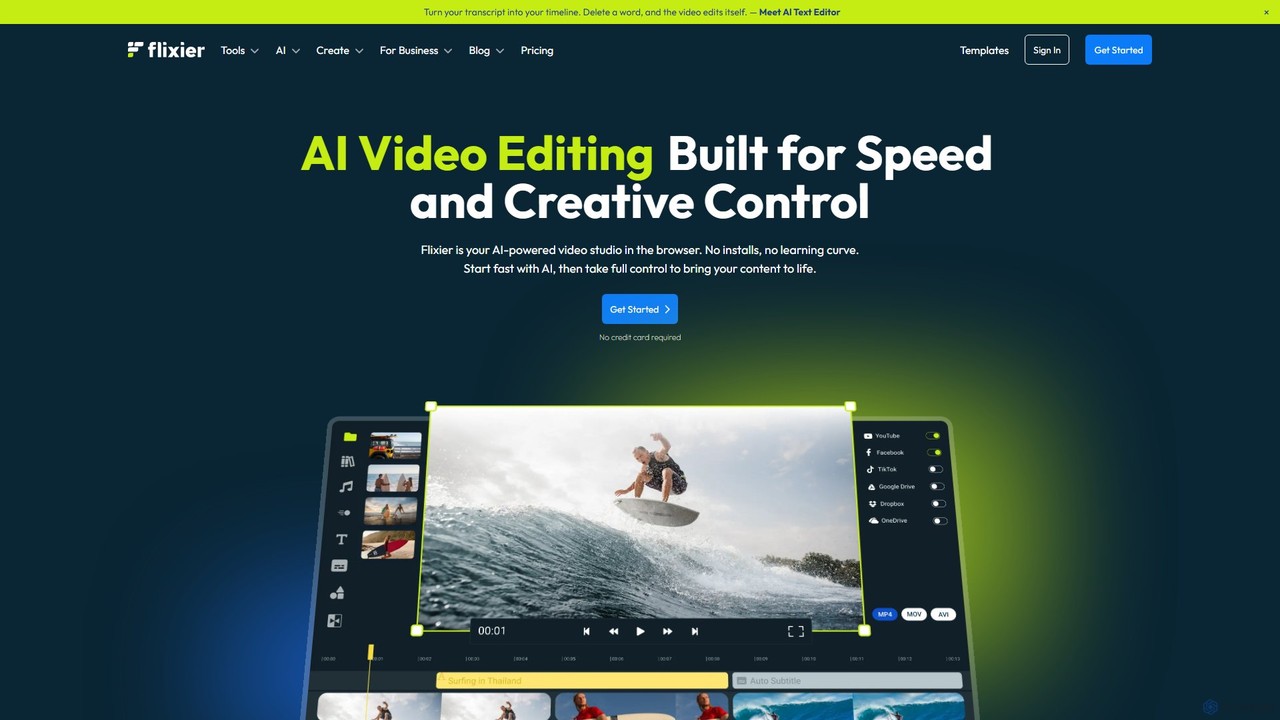
Flixier
Flixier is an AI-powered, cloud-based video editor designed for speed and ease of use. It offers features like text-based editing, AI voiceovers, automatic subtitles, and real-time collaboration, making it ideal for creators, marketers, and educators without needing powerful hardware.
Transcription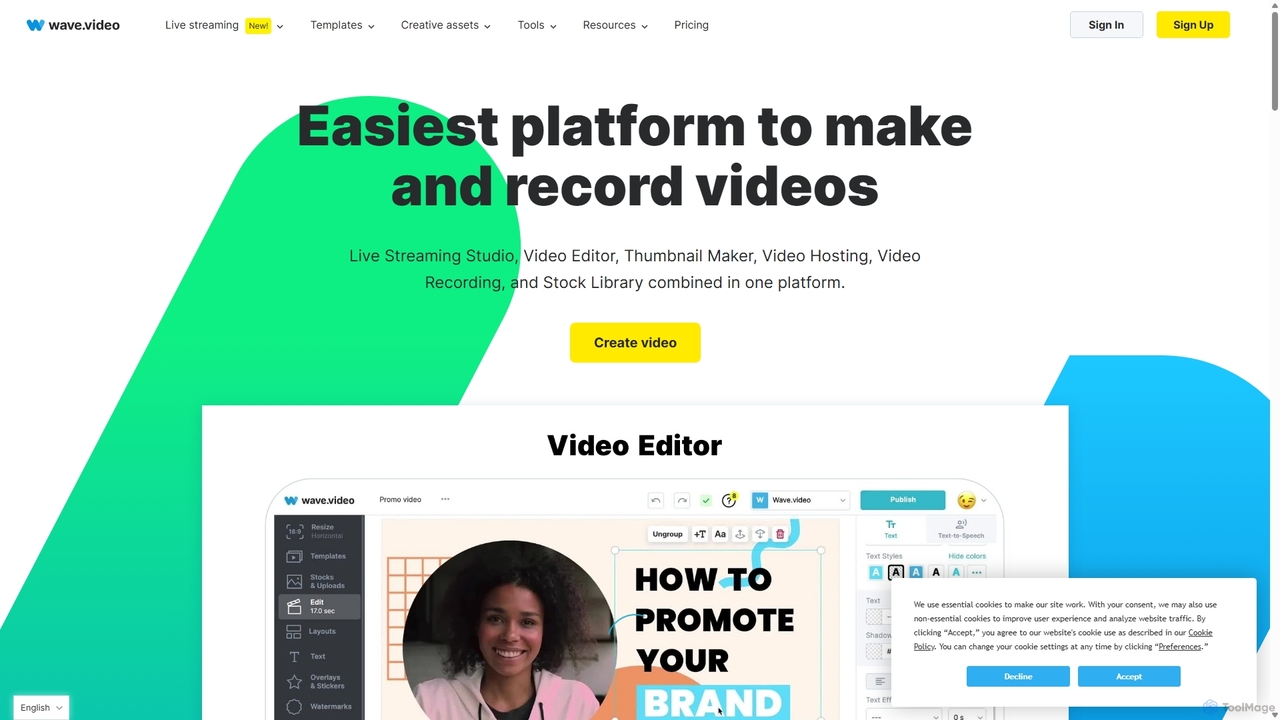
Wave.video
Wave.video is an all-in-one video marketing platform that empowers businesses and creators to easily edit, record, multi-stream, and host videos. It combines a powerful online video editor, a live streaming studio, a thumbnail maker, secure video hosting, and a vast stock library into a single, user-friendly interface. Ideal for marketers and content creators of any skill level looking to produce professional-quality videos that drive engagement and results.
Video Generation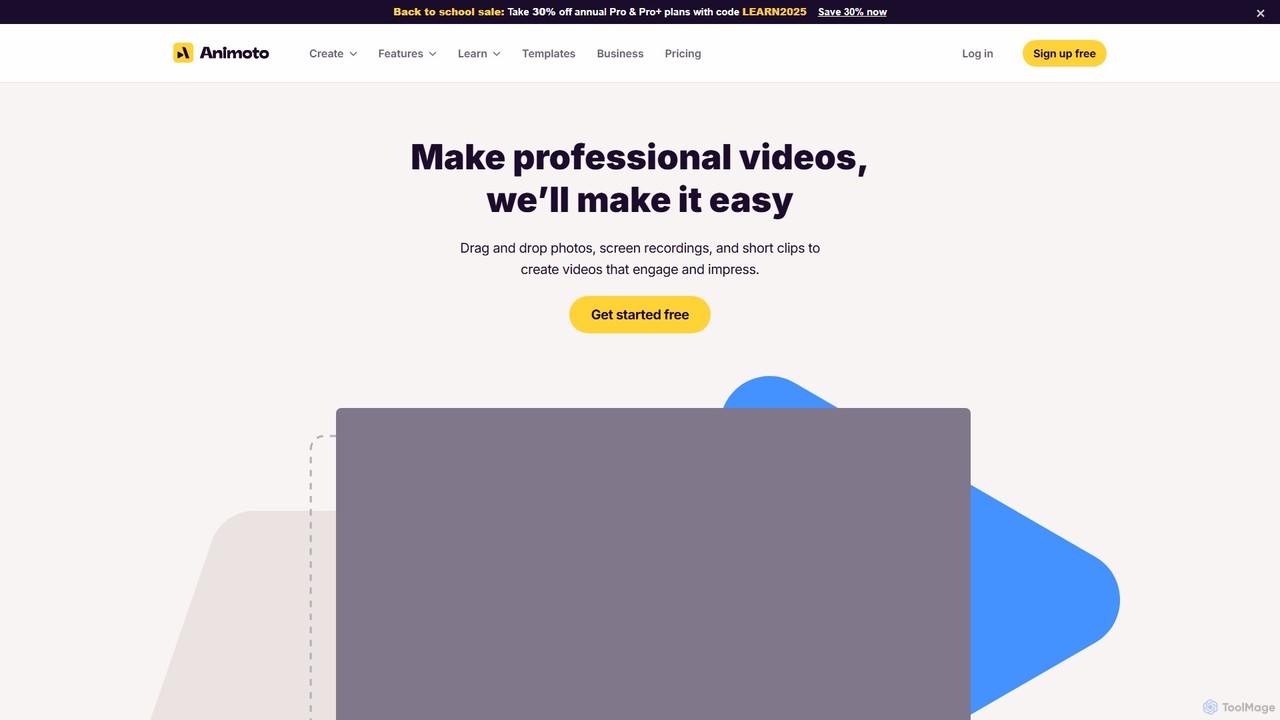
Animoto
Animoto is an intuitive online video maker that enables users to create professional-quality videos with ease. Using a drag-and-drop interface, you can combine photos, video clips, and screen recordings. It offers a vast library of templates, licensed music, and stock media from Getty Images, making it ideal for marketing, business communications, and personal projects without requiring any prior editing experience.
Corporate Communications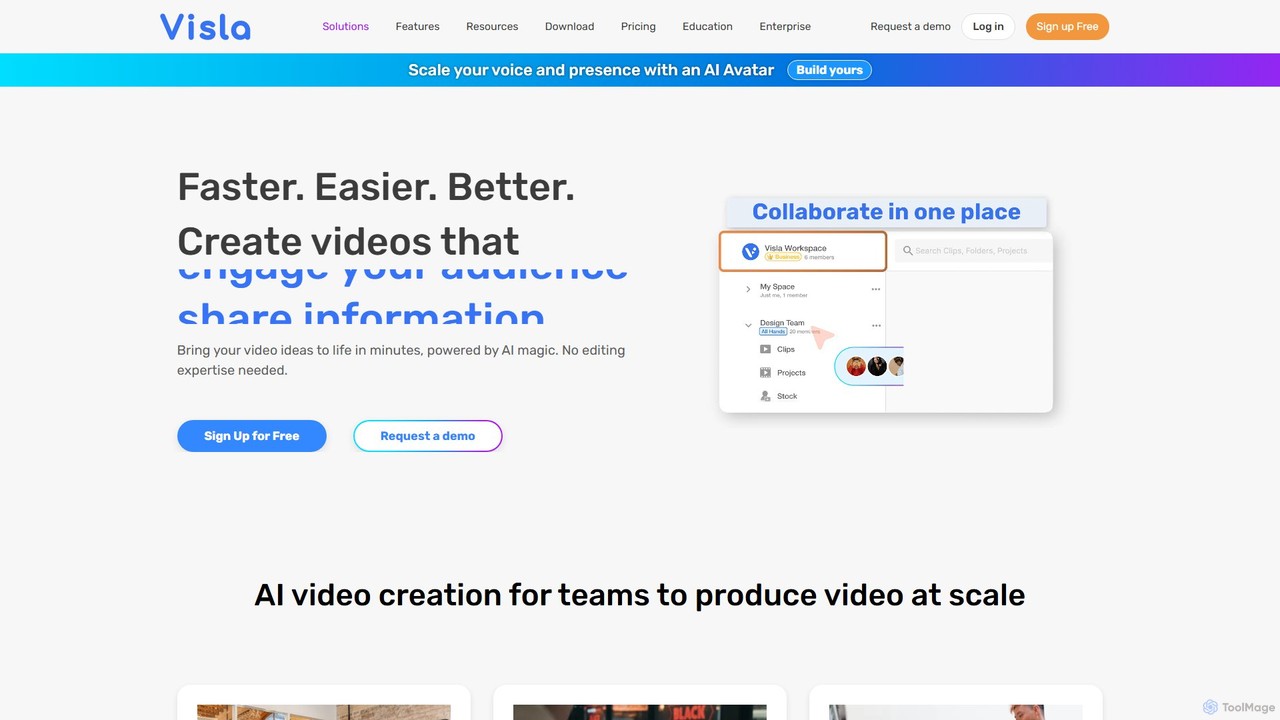
Visla
Visla is an all-in-one AI video platform designed for businesses. It empowers teams to effortlessly create, edit, record, and collaborate on professional-quality videos. Featuring AI-driven tools like text-to-video generation, realistic AI avatars, and an intelligent editor, Visla makes video production scalable and accessible to everyone, regardless of their technical expertise.
Training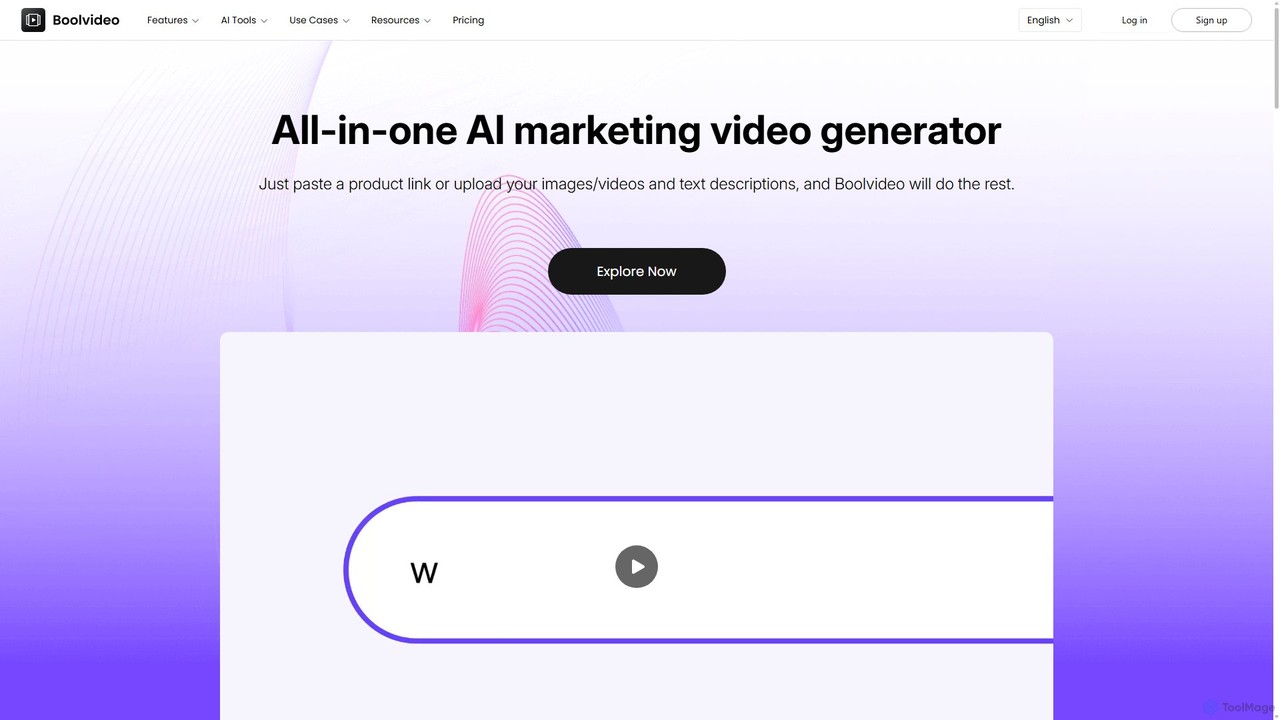
Boolvideo
Boolvideo is an all-in-one AI video generator designed for marketing and e-commerce. It allows users to effortlessly transform product links, images, text, or simple ideas into engaging, professional-quality videos. With a suite of AI-powered tools, it automates scriptwriting, voiceover generation, and visual selection, making it ideal for social media managers, content creators, and brands looking to scale their video content production quickly.
Product Videos
VideoPlus Studio
VideoPlus Studio is an AI-powered platform that transforms your videos into captivating cartoons and adds realistic AI voiceovers in over 80 languages. It's designed for creating engaging product demos, marketing content, and animated storybooks with ease.
Text To Speech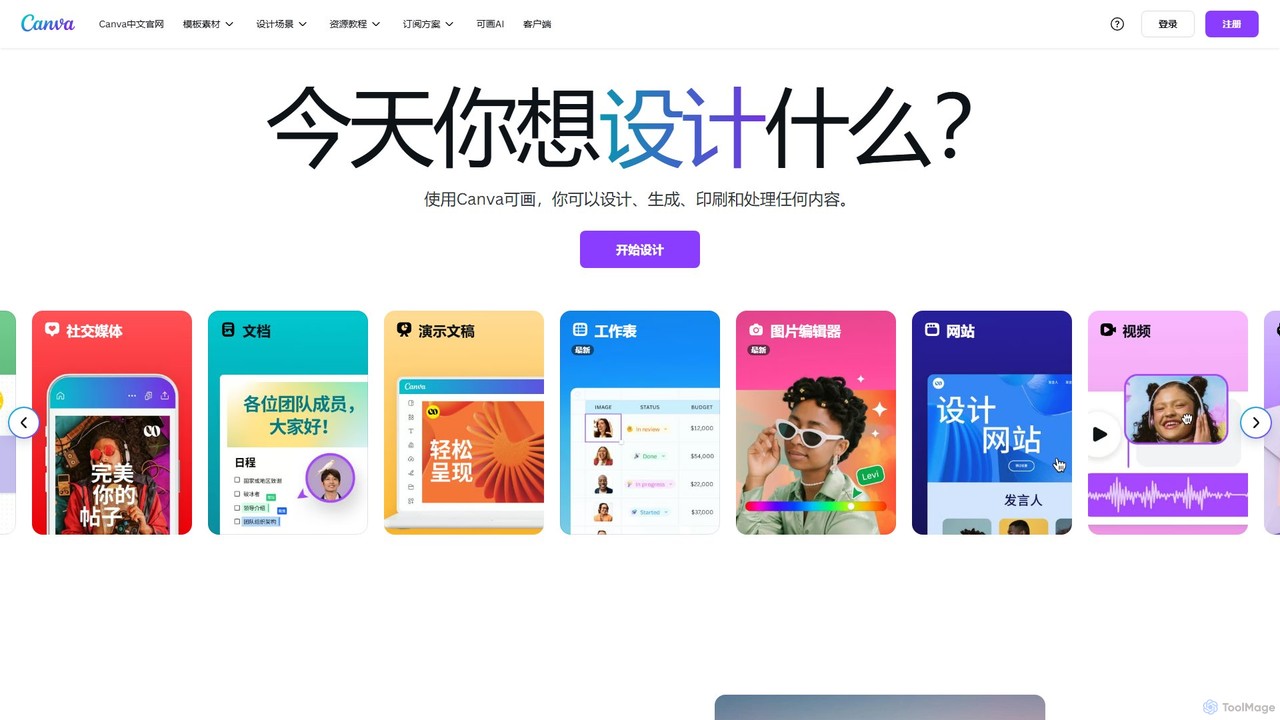
Canva
Canva is an all-in-one visual communication platform that empowers users to design anything, from social media graphics to presentations and videos. It integrates a powerful suite of AI tools, a vast library of templates and assets, and seamless collaborative features, making professional design accessible to everyone, regardless of skill level.
Image Generation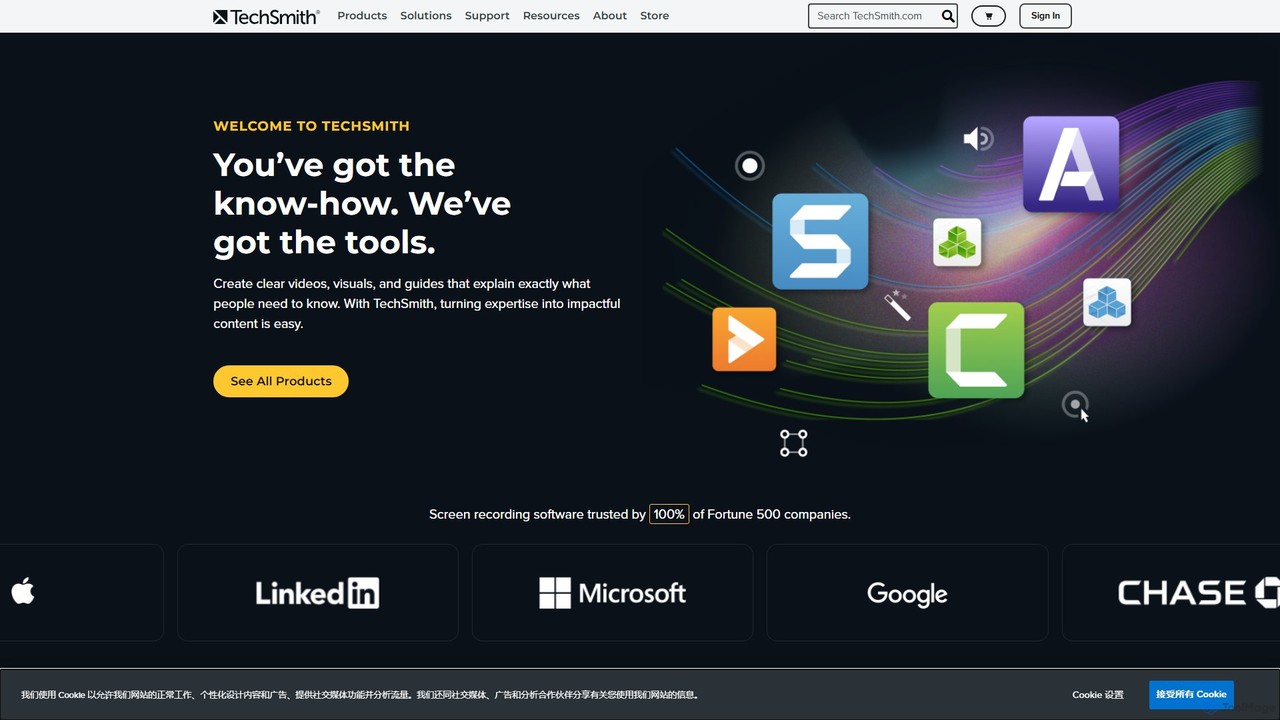
TechSmith
TechSmith offers a powerful suite of tools, including Snagit and Camtasia, for professional screen capture and video creation. Leveraging AI-assisted features, users can easily record, edit, and share high-quality tutorials, training videos, and presentations. It simplifies complex communication by transforming expertise into clear, engaging visual content, trusted by professionals and Fortune 500 companies worldwide.
E Learning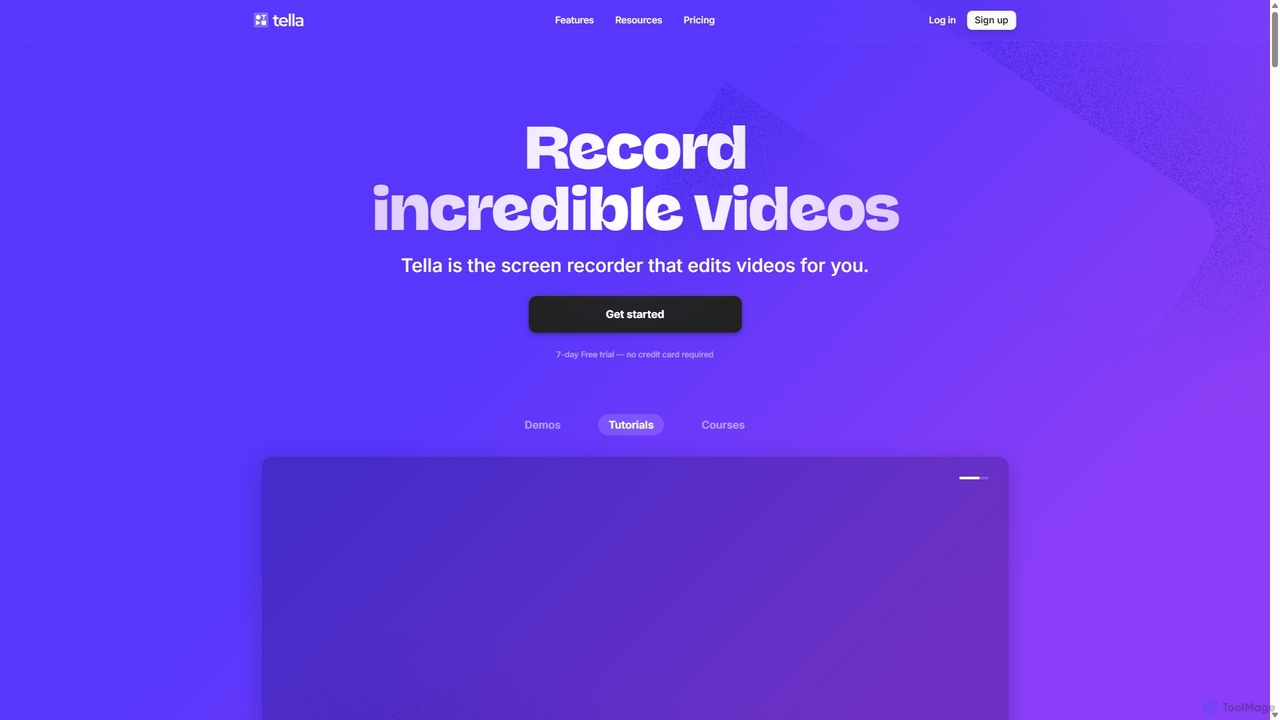
Tella
Tella is an AI-powered screen recorder and video editor for Mac & Windows that simplifies video creation. It automatically removes silences and filler words, offers transcript-based editing, and provides professional customization options like backgrounds, layouts, and zooms. Ideal for creating tutorials, product demos, and online courses in minutes, not hours.
E Learning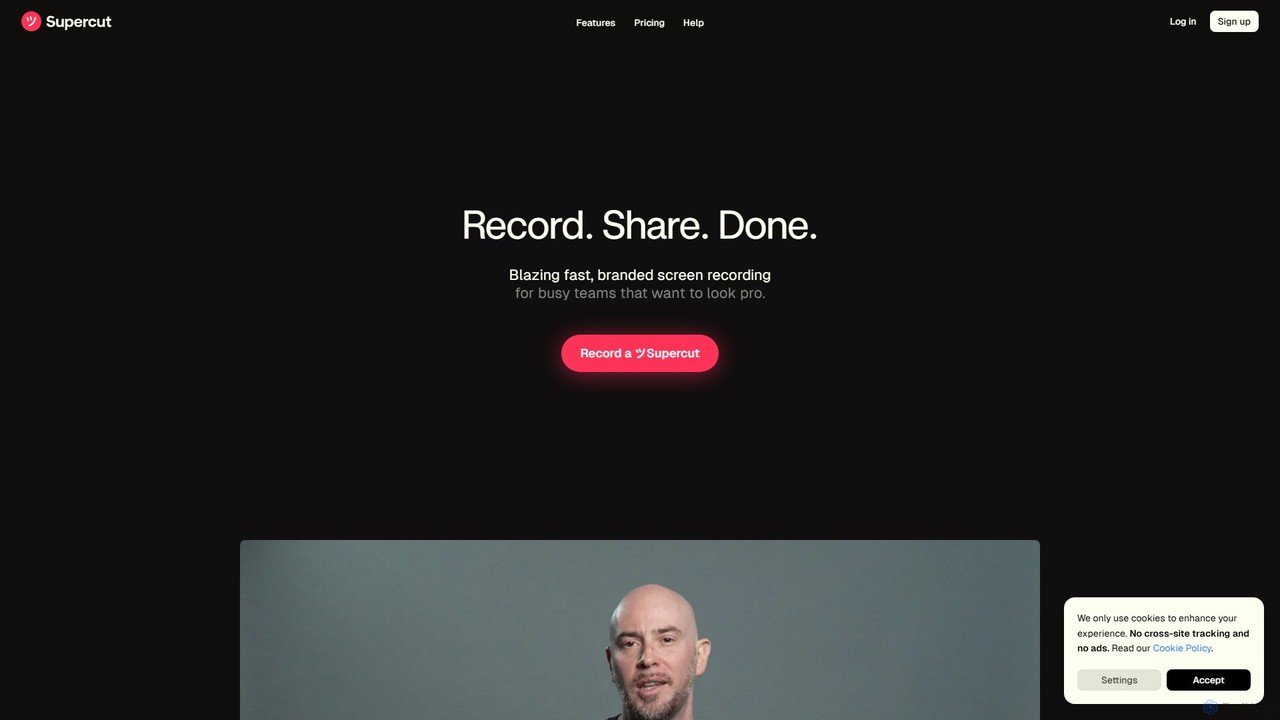
Supercut
Supercut is an AI-powered screen recording tool designed for teams to create professional, branded videos with blazing speed. It automates editing, generates smart chapters, and facilitates collaboration, making it ideal for product demos, sales outreach, and tutorials without a steep learning curve.
Content Creation
Kite Comments (0)
Sign in to comment.
Sign inNo comments yet.