

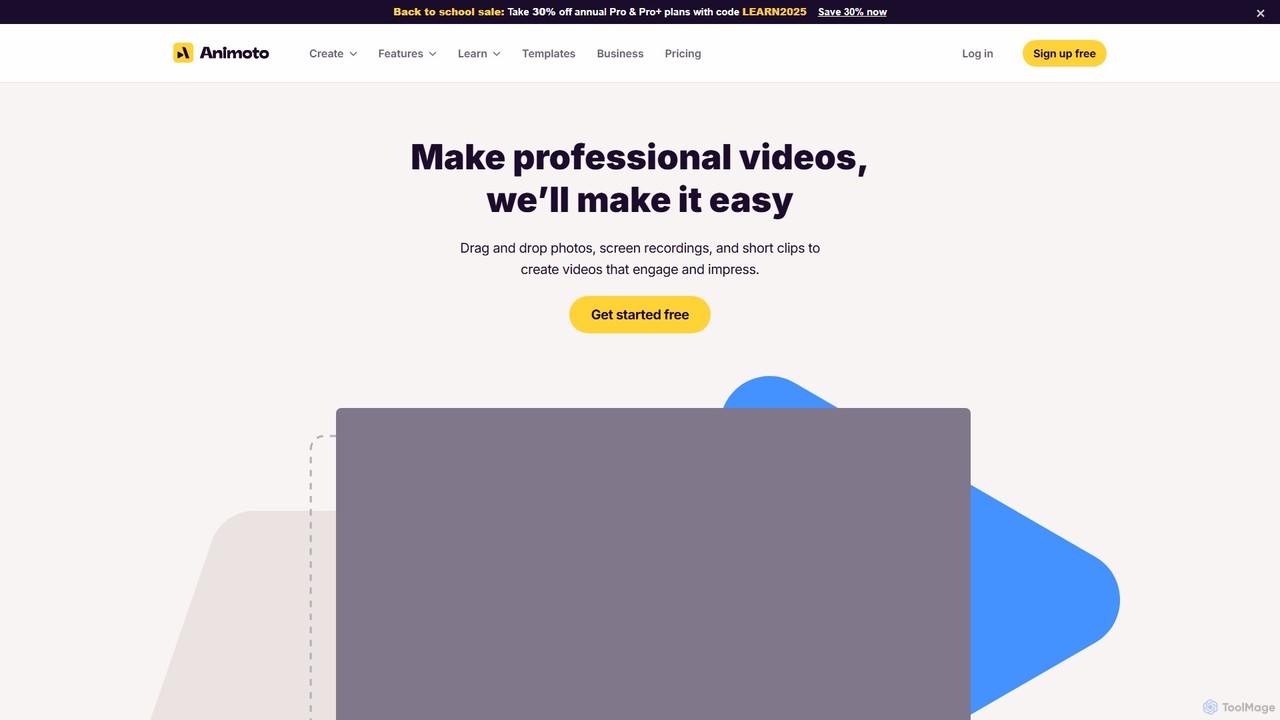
Animoto Overview
Animoto is a powerful and user-friendly cloud-based video creation platform designed to make professional video production accessible to everyone, regardless of their technical skill. Since its inception in 2006, Animoto has empowered millions of users, from individuals to large businesses, to create compelling and engaging videos. The platform's core philosophy is to simplify the video editing process through an intuitive drag-and-drop interface, allowing users to transform their photos, video clips, and screen recordings into polished, high-quality videos in minutes.
The service is built around a vast collection of professionally designed templates tailored for various purposes, including social media marketing, company presentations, product tutorials, event recaps, and personal slideshows. This template-driven approach saves time and ensures a professional look, even for beginners. Users can further customize their creations with a wide range of tools and assets, making each video unique and on-brand.
How to use Animoto
Creating a video with Animoto is a straightforward, three-step process:
- Upload or Record Media: Begin by selecting a template or starting from a blank canvas. You can upload your own photos and video clips, add a voice-over, or use the built-in screen and webcam recorder to capture new content directly within the Animoto platform.
- Edit with Drag-and-Drop: Arrange your media on the timeline using the simple drag-and-drop editor. Customize your video by adding text with eye-catching animations, applying brand colors and fonts, and selecting a soundtrack from a library of thousands of licensed songs. You can also access millions of stock photos and videos from Getty Images to enhance your story.
- Customize and Share: Fine-tune your video with transitions, graphic elements, and professional effects. Once you're satisfied, you can download your video in high definition (up to 1080p), share it directly to social media platforms like Facebook, YouTube, and LinkedIn with a single click, or embed it on your website using the provided code.
Core Features of Animoto
- Drag-and-Drop Editor: An intuitive interface that simplifies the process of arranging clips, photos, and other elements.
- Professional Templates: Hundreds of customizable templates for various occasions and business needs.
- Stock Media Library: Access to millions of licensed stock photos and videos from Getty Images.
- Licensed Music Library: A collection of over 3,000 licensed songs to set the right mood for your video, plus the ability to upload your own tracks.
- Screen & Webcam Recorder: Capture your screen and webcam, either together or separately, directly within the browser.
- Voice-over Recording: Easily record and edit voice-overs to personalize your videos.
- Branding Tools: Save your brand's logo, colors, and fonts to maintain consistency across all your videos (Professional plans).
- Team Collaboration: Features like a shared workspace, multi-user editing, and time-stamped comments facilitate teamwork (Professional Plus plan).
- Video Resizing: Effortlessly reformat your video to fit different aspect ratios for social media platforms.
Use Cases for Animoto
Animoto is versatile and serves a wide range of applications:
- Marketing & Advertising: Create engaging video ads for social media, promotional videos for new products, and content to increase brand awareness. Businesses like Nest Homeware have reported a 4x increase in online sales after using Animoto videos in their campaigns.
- Corporate Communications: Develop internal training videos, company updates, and HR announcements that are more engaging than text-based communications.
- Small Business: Showcase products and services, create customer testimonials, and share behind-the-scenes content to connect with audiences.
- Education & Non-Profits: Create educational content, promotional videos for causes, and event recaps. Animoto offers special discounts for these organizations.
- Personal Use: Compile photos and videos into memorable slideshows for birthdays, weddings, vacations, and other special events.
Advantages of Animoto
Animoto stands out by offering a perfect balance between ease of use and powerful features. Unlike complex software like Adobe Premiere, it allows teams to produce high-quality videos in a fraction of the time. Its all-in-one platform eliminates the need to source music and stock footage separately, streamlining the entire workflow. The cloud-based nature ensures that you can work on your projects from anywhere and collaborate seamlessly with team members. The lifetime license on created videos means your content belongs to you forever.
Pricing and Plans
Animoto offers a freemium model with several tiers to suit different needs:
- Free Plan: Create unlimited videos with the Animoto watermark in 720p quality. Includes core features, screen recording, and access to 50 music tracks.
- Basic Plan: Removes the Animoto watermark, offers unlimited downloads, and provides 1080p video quality.
- Professional Plan (Most Popular): Includes everything in Basic, plus tools for branding (logo & colors), access to over 3,000 music tracks and 1 million+ stock assets, and voice-over capabilities.
- Professional Plus Plan: Designed for teams, this plan includes 3 users, access to over 100 million premium stock assets, advanced collaboration tools, custom font uploads, and dedicated account support.
Annual subscriptions offer significant savings (up to 50%) compared to monthly billing. Special discounts are available for non-profits and educational institutions.
Traffic
Latest traffic
Status
Monthly traffic trend
- 2025-9: 585.3K
- 2026-1: 549.5K
- 2026-2: 373.1K
- 2026-3: 331.8K
- 2026-4: 321.8K
- 2026-5: 350.4K
Geography
Top 5 countries / regions
- 🇺🇸United States76.8%
- 🇨🇦Canada10.0%
- 🇮🇳India7.1%
- 🇬🇧United Kingdom3.2%
- 🇻🇳Vietnam3.0%
Traffic sources
| Source type | Percentage |
|---|---|
Direct | 75.5% |
Email | 12.9% |
Referral | 11.7% |
Top keywords
| Keyword | Cost per click |
|---|---|
| anamoto | $3.86 |
| animato | $1.64 |
| animoto | $1.71 |
| animoto login | $4.12 |
| fun facts about me | $0.26 |
Animoto Videos on YouTube


Animoto Alternatives
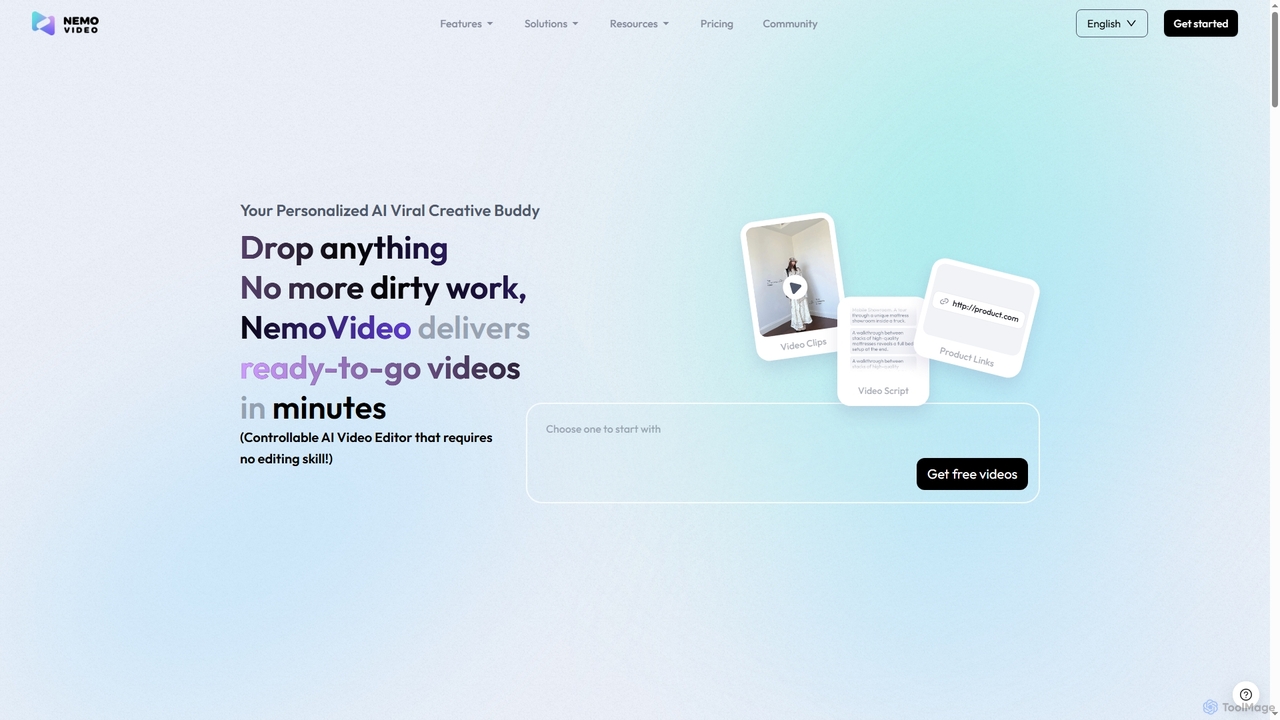
Nemovideo
Nemovideo is an AI-powered video editor that transforms your ideas, links, or raw clips into viral-ready marketing videos. It analyzes successful video formulas and automates the entire editing process, from scriptwriting to final cuts, requiring no prior editing skills.
Social Media Marketing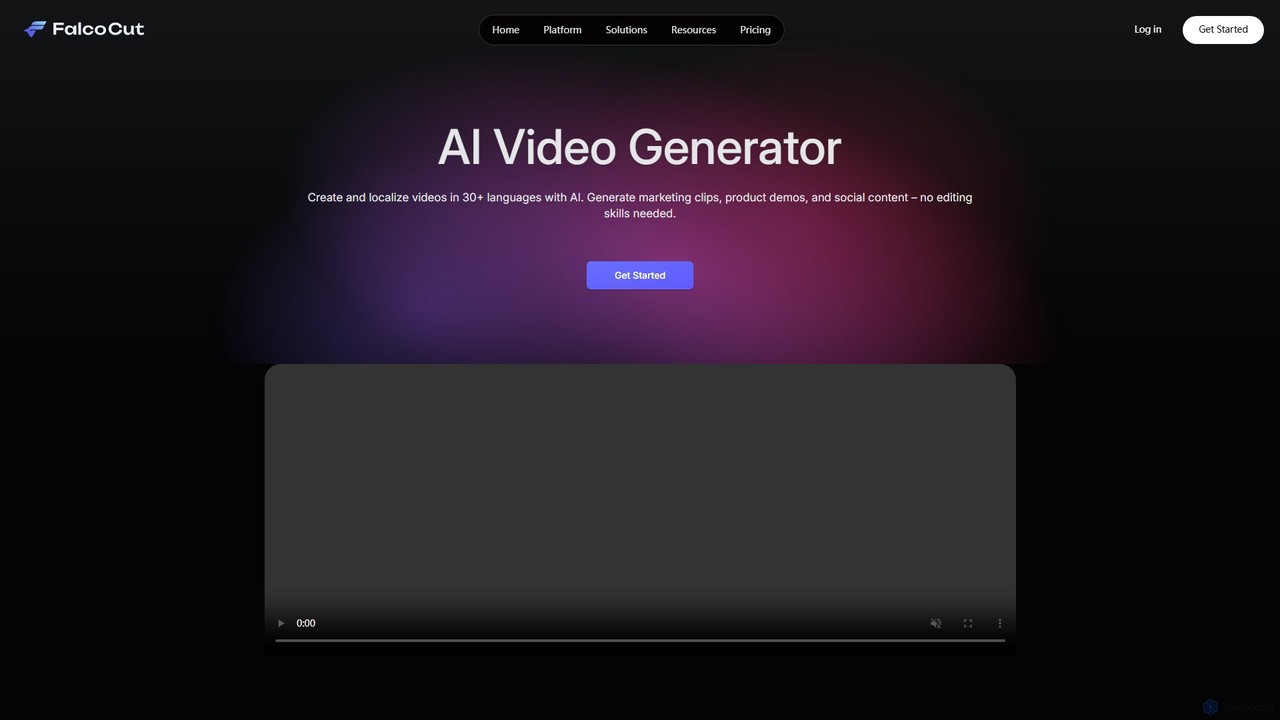
falcocut
FalcoCut is an AI-powered video generator designed for creating and localizing social media and marketing content. It enables users to translate videos into over 30 languages with features like realistic lip-sync, voice cloning, and AI avatars. No advanced editing skills are required, making it ideal for marketers, content creators, and businesses aiming for a global audience.
Voice Cloning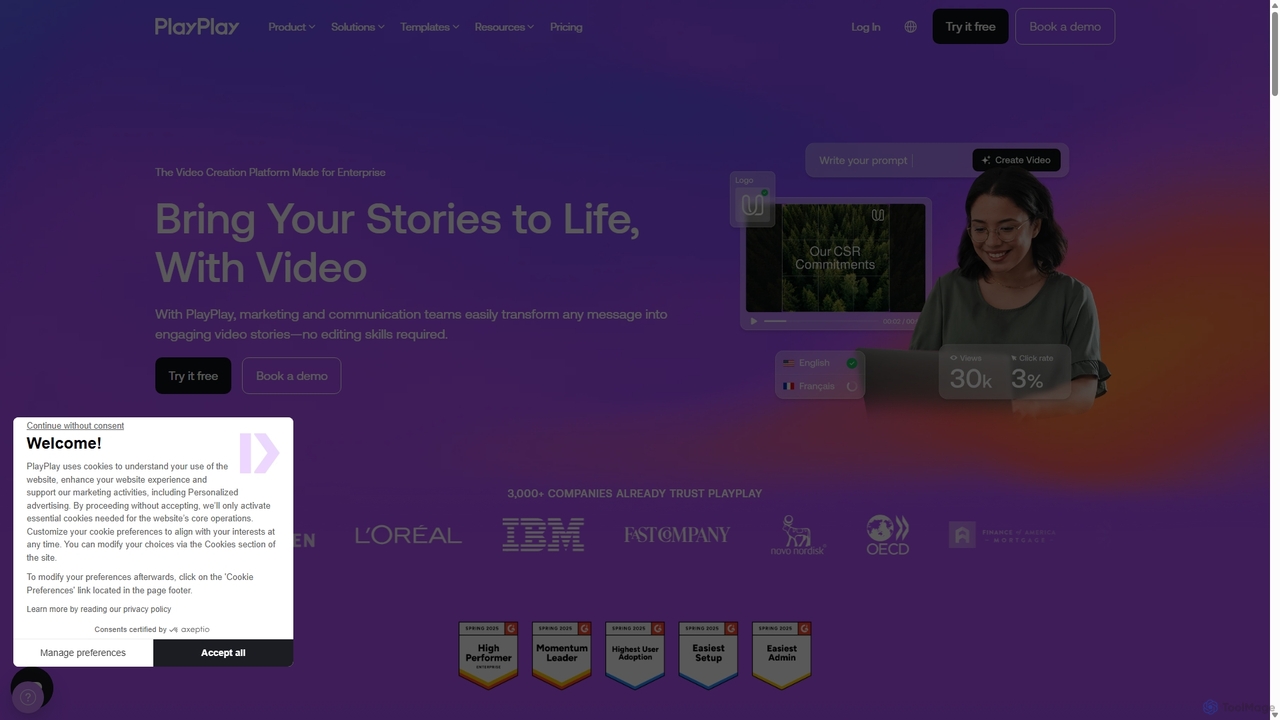
PlayPlay
PlayPlay is an AI-powered online video creation platform designed for businesses. It enables marketing, communication, and HR teams to easily produce professional, on-brand videos without any editing skills. Features include AI video assistance, automatic subtitles, AI avatars, and a vast template library.
Training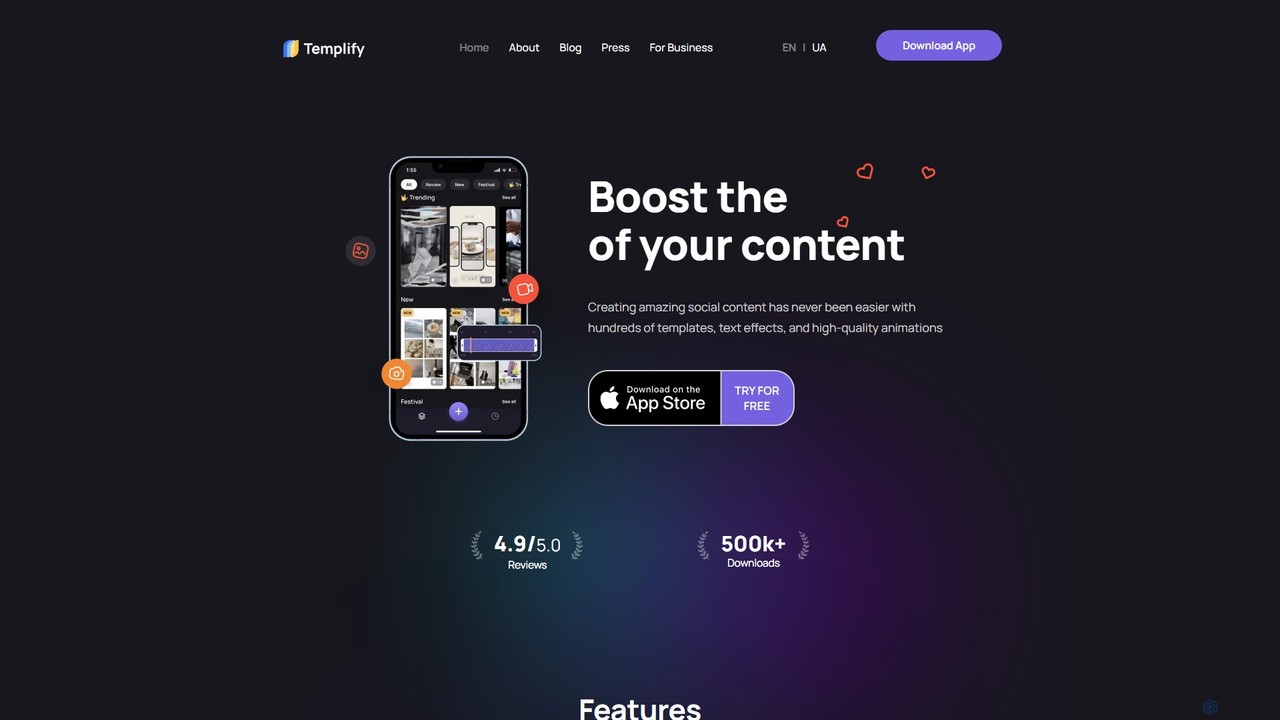
Templify
Templify is an AI-powered mobile video editing app designed to simplify social media content creation. It offers hundreds of ready-made templates, auto-editing, and an Auto Beat Sync feature, enabling users to create professional, engaging videos in minutes. It's ideal for small businesses, creators, and marketers looking to boost their social media presence with high-quality video content without needing complex editing skills.
Social Media Marketing
Clipchamp
Clipchamp is a user-friendly, AI-powered online video editor from Microsoft. It enables everyone, from beginners to professionals, to create stunning videos with features like AI-driven text-to-speech, automatic subtitles, and smart editing tools. Available on browsers, Windows, and iOS, it's an all-in-one solution for content creators, businesses, and educators.
Text To SpeechAnimoto Categories
Animoto Embed Widget
Copy this embed code to place the badge on your blog, article, or product site and send readers directly to this ToolMage detail page.

Related AI tools
Clipchamp
Clipchamp is a user-friendly, AI-powered online video editor from Microsoft. It enables everyone, from beginners to professionals, to create stunning videos with features like AI-driven text-to-speech, automatic subtitles, and smart editing tools. Available on browsers, Windows, and iOS, it's an all-in-one solution for content creators, businesses, and educators.
Text To Speech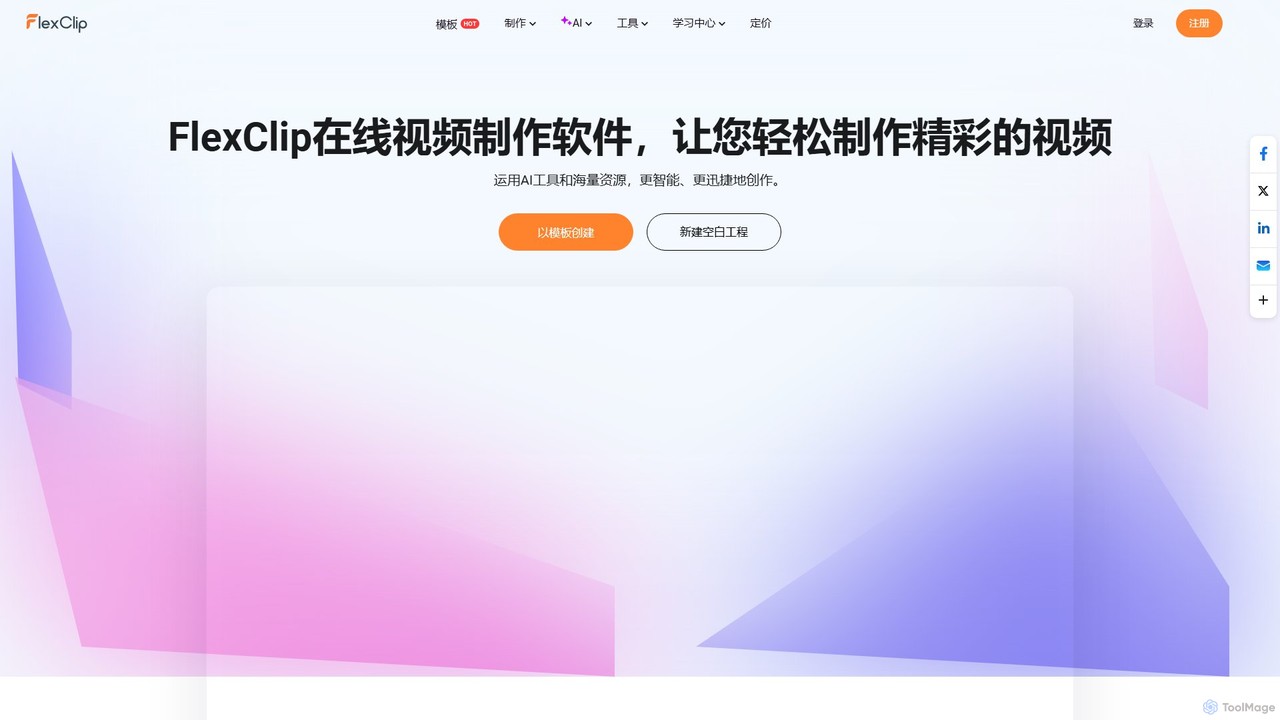
FlexClip
A powerful yet easy-to-use online video maker that combines traditional editing tools with a suite of AI features. Create professional videos for marketing, social media, or personal use with a vast library of templates, stock media, and intelligent tools like AI video generation, auto-subtitling, and text-to-speech.
Social Media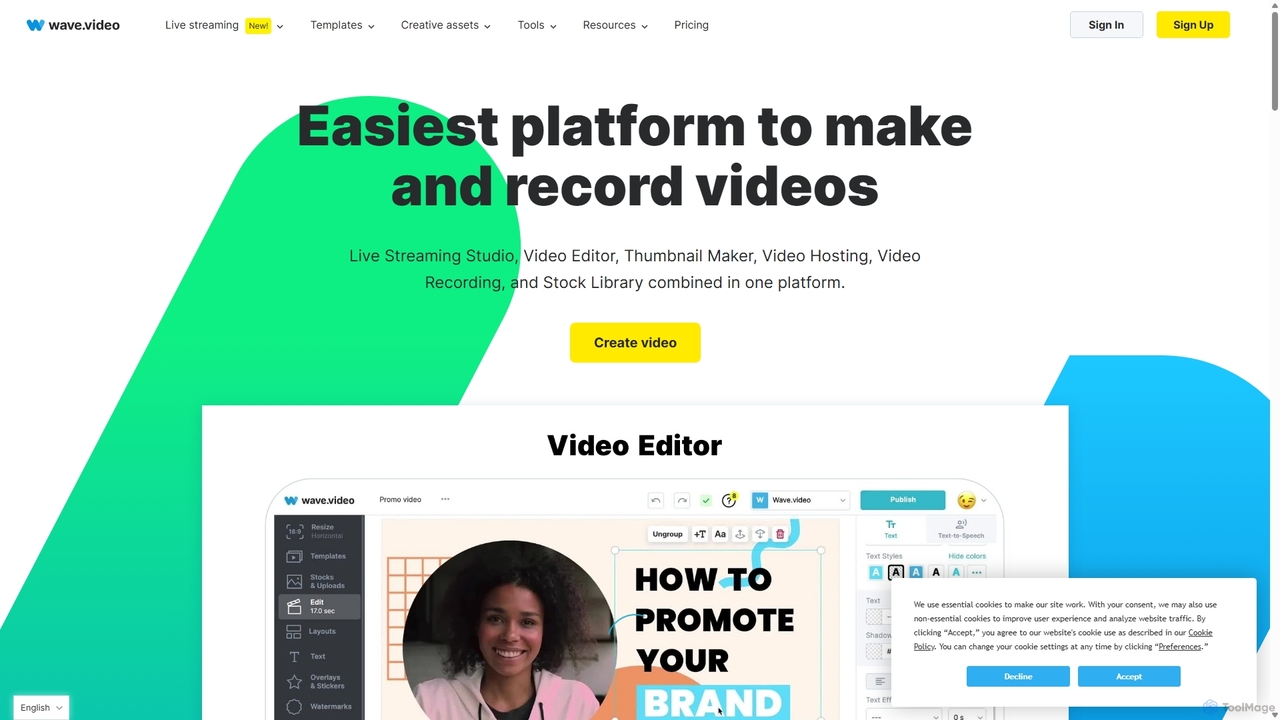
Wave.video
Wave.video is an all-in-one video marketing platform that empowers businesses and creators to easily edit, record, multi-stream, and host videos. It combines a powerful online video editor, a live streaming studio, a thumbnail maker, secure video hosting, and a vast stock library into a single, user-friendly interface. Ideal for marketers and content creators of any skill level looking to produce professional-quality videos that drive engagement and results.
Video Generation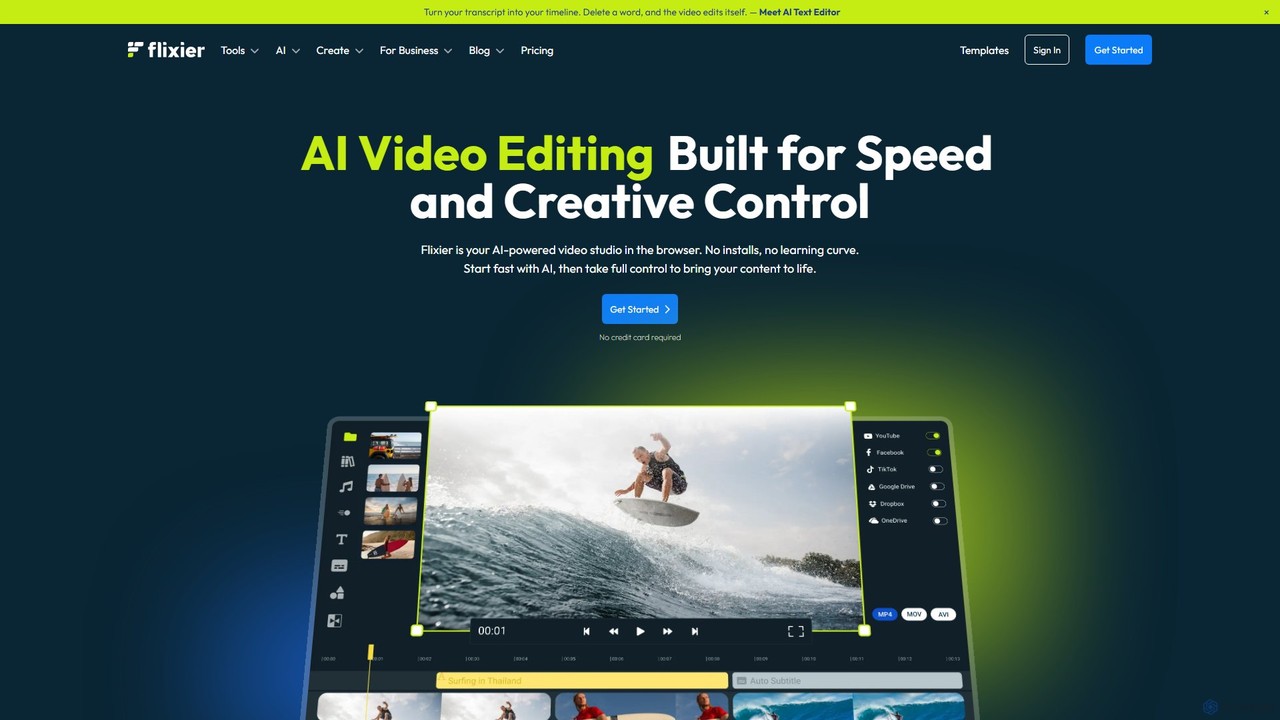
Flixier
Flixier is an AI-powered, cloud-based video editor designed for speed and ease of use. It offers features like text-based editing, AI voiceovers, automatic subtitles, and real-time collaboration, making it ideal for creators, marketers, and educators without needing powerful hardware.
Transcription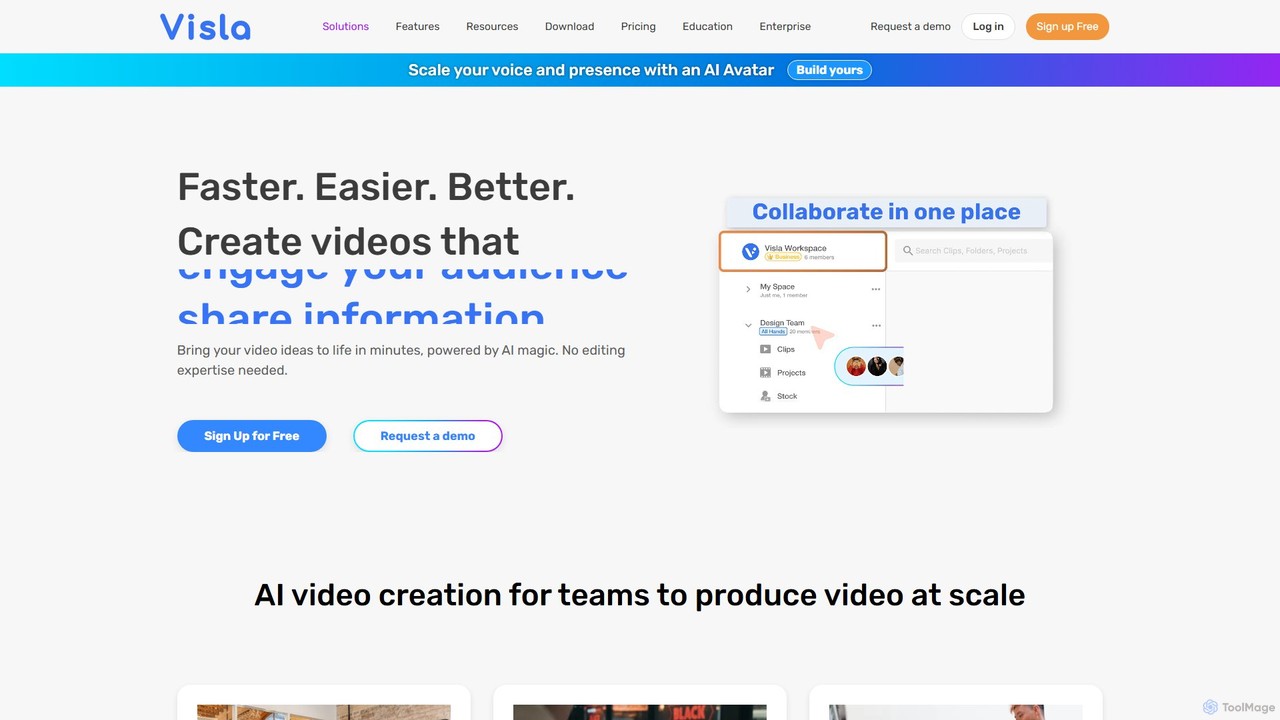
Visla
Visla is an all-in-one AI video platform designed for businesses. It empowers teams to effortlessly create, edit, record, and collaborate on professional-quality videos. Featuring AI-driven tools like text-to-video generation, realistic AI avatars, and an intelligent editor, Visla makes video production scalable and accessible to everyone, regardless of their technical expertise.
Training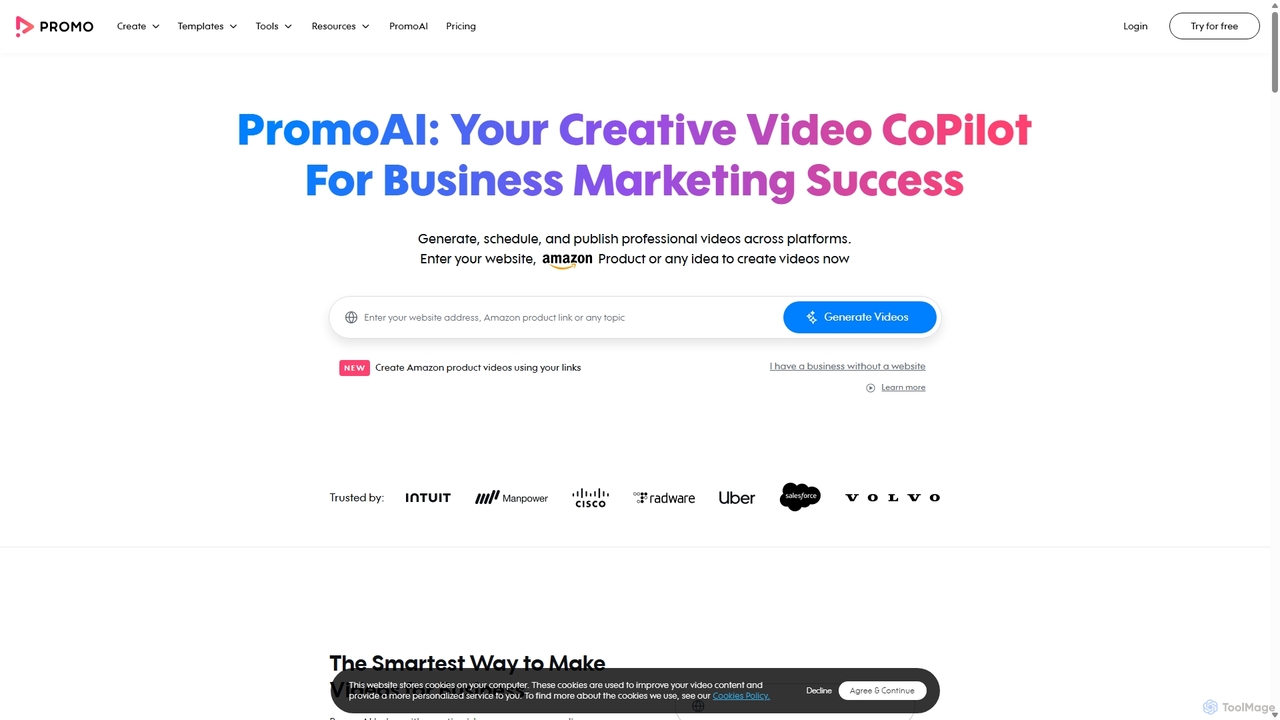
Promo.com
Promo.com is an AI-powered video creation platform designed for businesses and agencies. It features an AI Creative CoPilot that generates professional videos from simple inputs like a website URL or product link. With access to over 275 million premium stock assets from Getty Images and iStock, customizable templates, and an intuitive editor, users can create, schedule, and publish high-quality marketing videos in minutes without any prior editing skills.
Video Marketing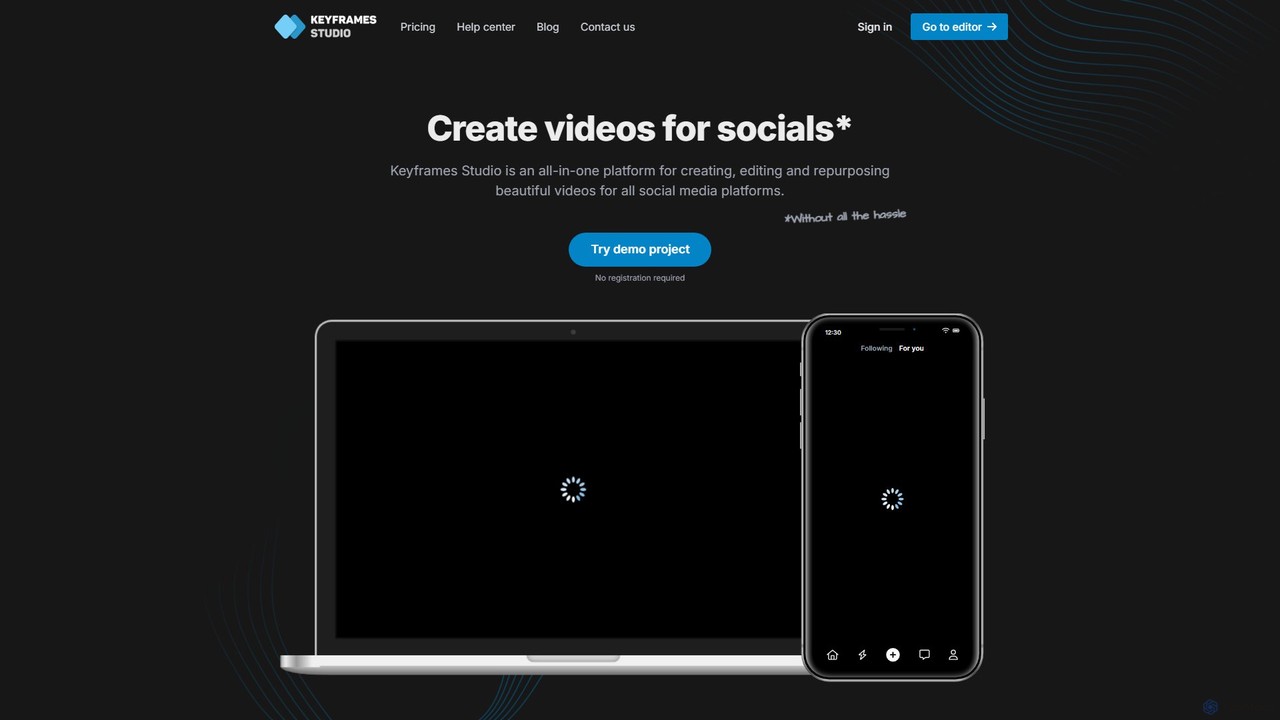
Keyframes Studio
Keyframes Studio is an AI-powered, all-in-one online video editor designed to simplify the creation, editing, and repurposing of videos for social media. It uses AI to automatically generate keyframes and subtitles, making professional video production accessible to everyone, regardless of experience.
MarketingNemovideo
Nemovideo is an AI-powered video editor that transforms your ideas, links, or raw clips into viral-ready marketing videos. It analyzes successful video formulas and automates the entire editing process, from scriptwriting to final cuts, requiring no prior editing skills.
Social Media Marketingfalcocut
FalcoCut is an AI-powered video generator designed for creating and localizing social media and marketing content. It enables users to translate videos into over 30 languages with features like realistic lip-sync, voice cloning, and AI avatars. No advanced editing skills are required, making it ideal for marketers, content creators, and businesses aiming for a global audience.
Voice Cloning
bigvu
bigvu is an all-in-one AI video creation platform that combines a teleprompter, AI script generator, automatic captions, and a powerful video editor. It enables users to script, shoot, style, and share professional-quality videos 10x faster, with features like AI avatars and text-based editing. Ideal for marketing, sales, and content creators.
Script Writing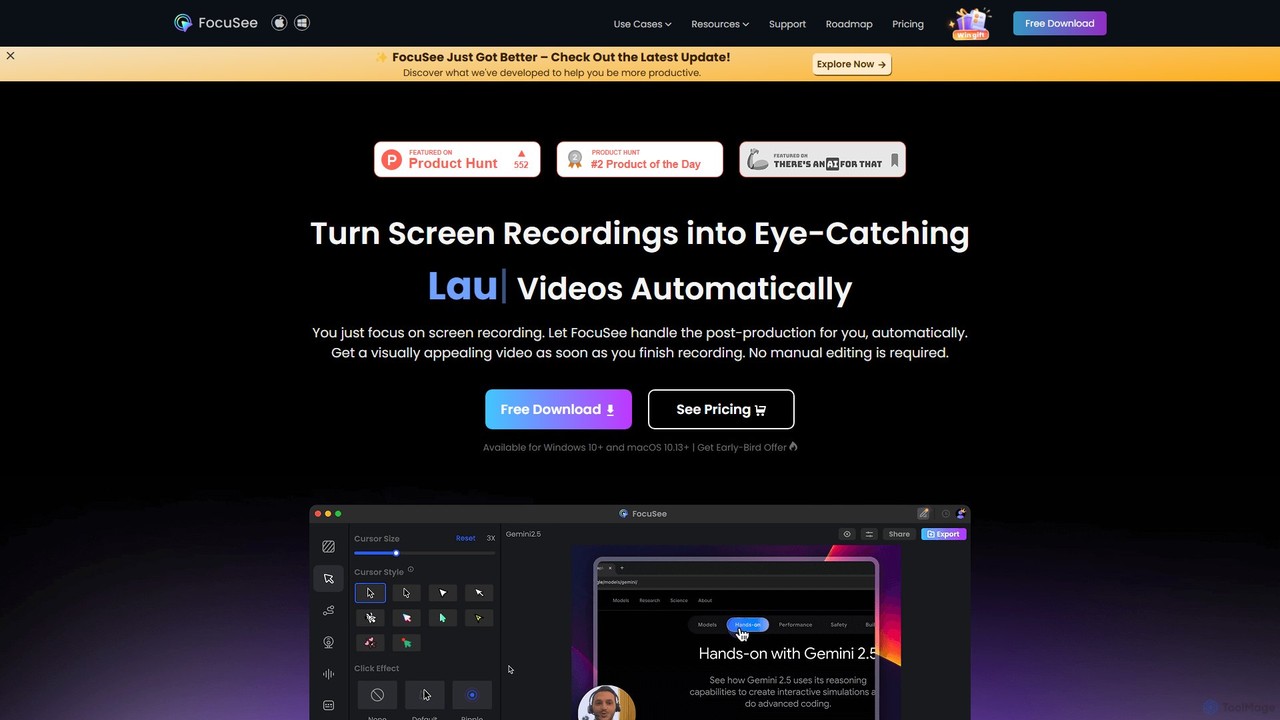
FocuSee
FocuSee is an AI-powered screen recording and video editing software designed to create professional-looking videos with ease. Its standout feature is the automatic zoom and pan effect, which intelligently follows your cursor movements to highlight key actions. This makes it ideal for creating engaging product demos, tutorials, and presentations without complex manual editing, simplifying the entire video creation workflow.
E Learning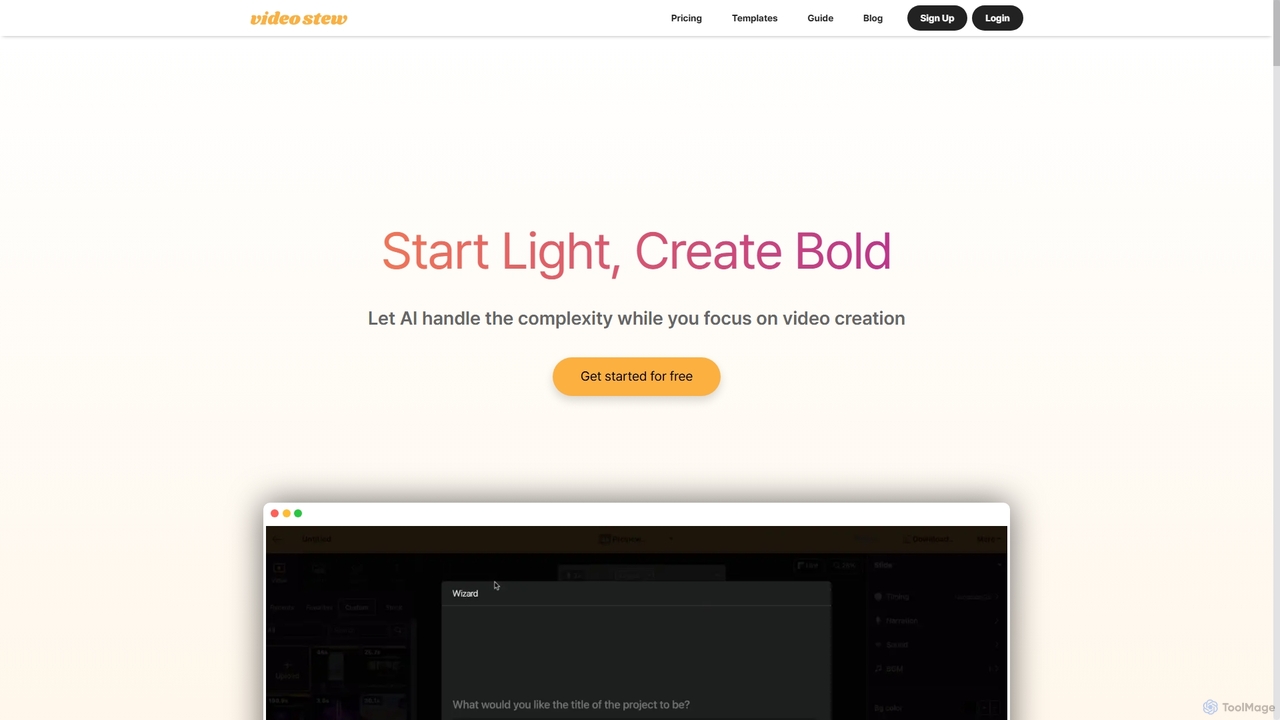
VideoStew
VideoStew is an AI-powered online video editor that simplifies video creation. Generate video drafts from text, URLs, or voice in minutes. It offers a vast library of copyright-free assets, AI voices, auto-captions, and team collaboration features, making professional video production accessible to everyone, anywhere, on any device.
Video Marketing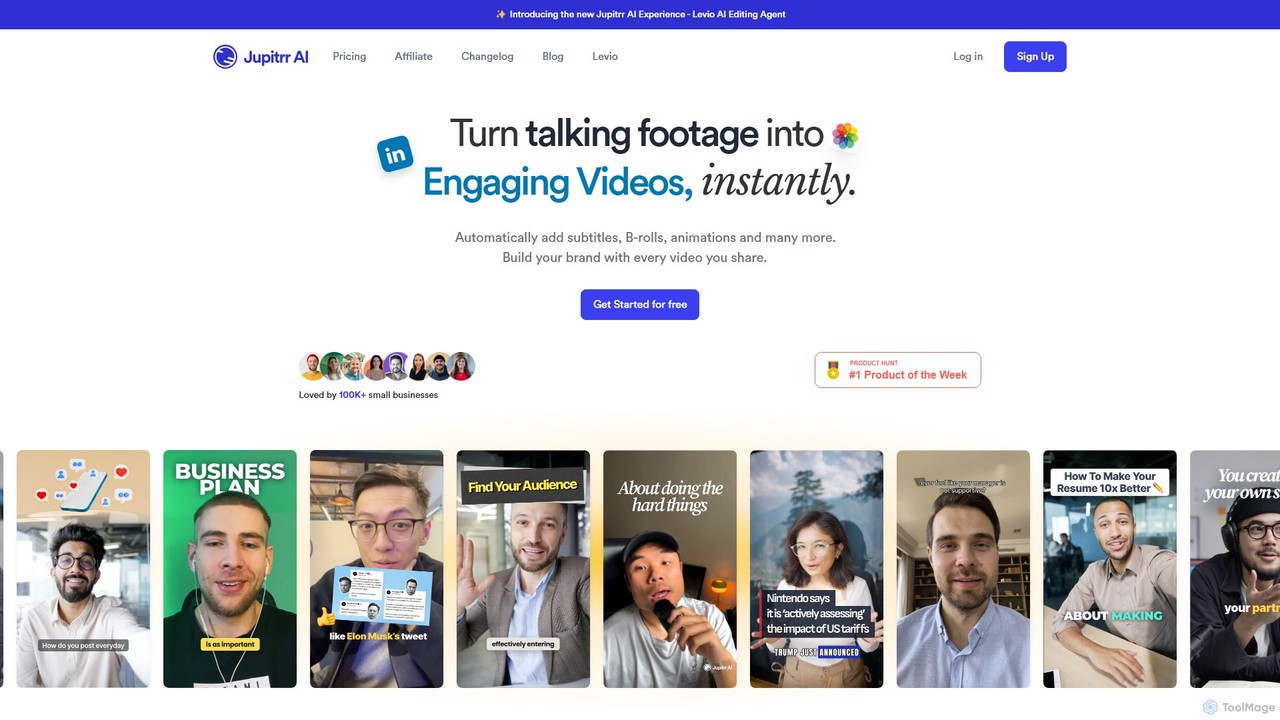
jupitrr
jupitrr is an AI-powered video editor that instantly transforms raw talking-head footage into engaging, shareable video clips. It automatically adds dynamic subtitles, relevant B-rolls from a massive stock library, animations, and background music, making professional video creation accessible to everyone without editing skills.
Automation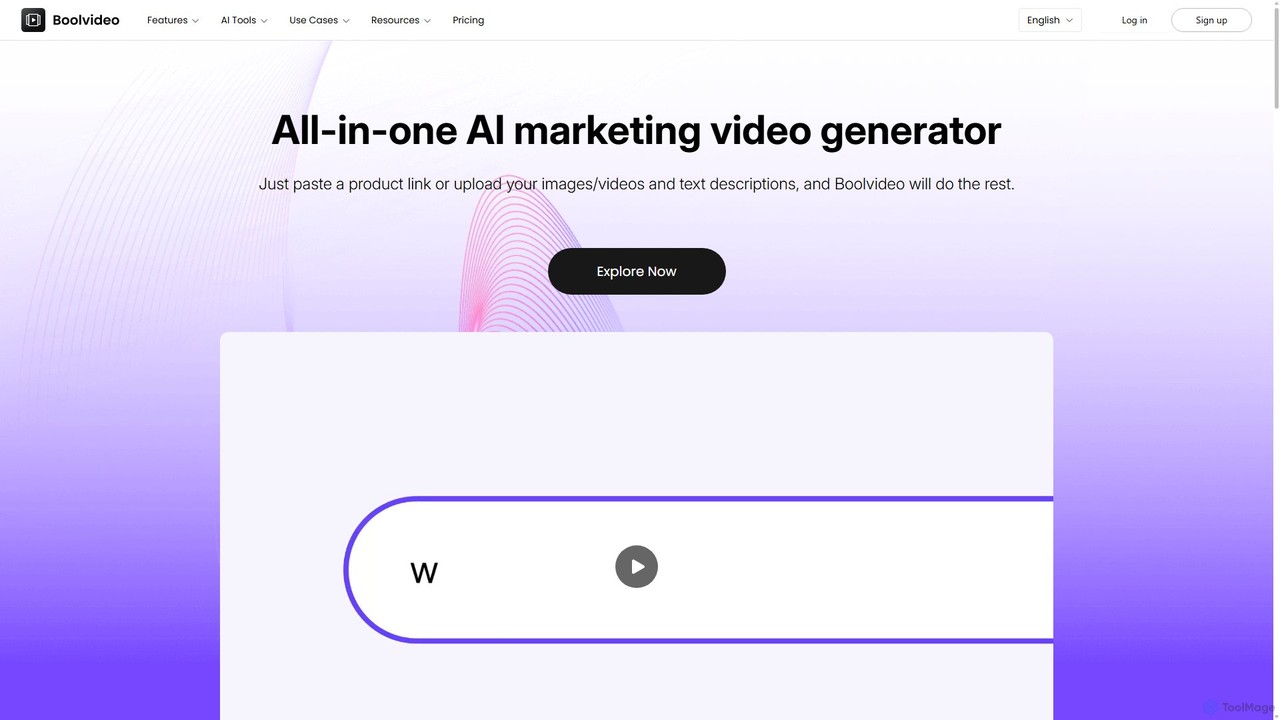
Boolvideo
Boolvideo is an all-in-one AI video generator designed for marketing and e-commerce. It allows users to effortlessly transform product links, images, text, or simple ideas into engaging, professional-quality videos. With a suite of AI-powered tools, it automates scriptwriting, voiceover generation, and visual selection, making it ideal for social media managers, content creators, and brands looking to scale their video content production quickly.
Product Videos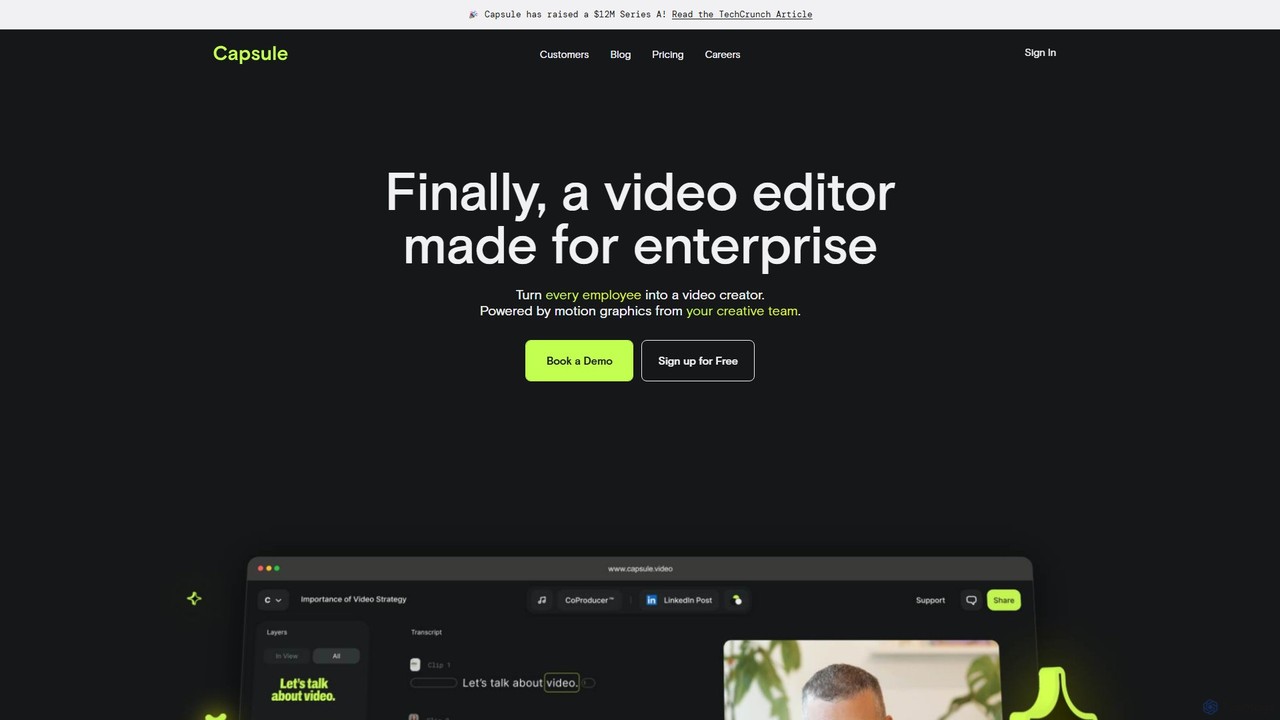
Capsule
Capsule is an AI-powered video editor designed for enterprise teams to create professional, on-brand videos 10x faster. It empowers non-editors with features like AI audio enhancement (VoiceMagic), smart music suggestions, and reusable motion design templates. This collaborative platform streamlines video creation for marketing, sales, and internal communications, ensuring brand consistency at scale.
Social Media
Animoto Comments (0)
Sign in to comment.
Sign inNo comments yet.