

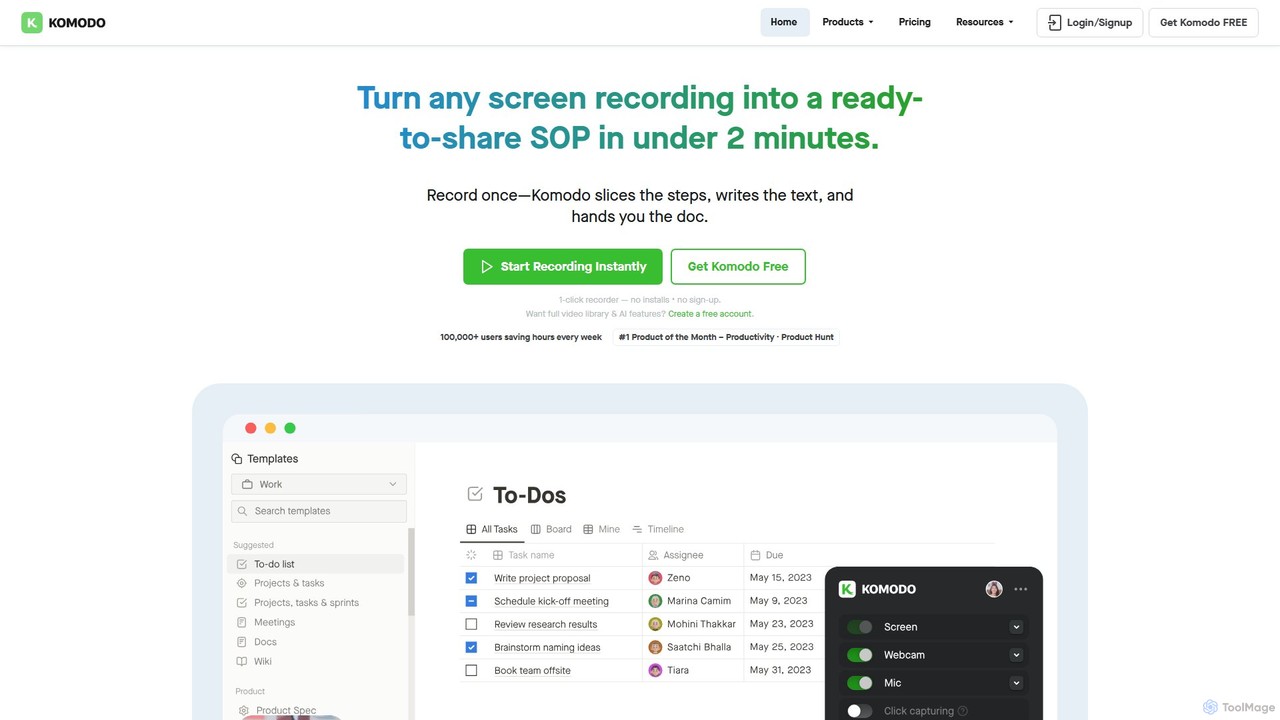
Komodo Overview
Komodo is a versatile, AI-driven platform designed to streamline team communication and documentation. It functions as an all-in-one screen recorder, SOP generator, and knowledge base, effectively replacing the need for multiple separate tools like Loom, Scribe, and Descript. By capturing your screen activity, Komodo automatically creates detailed, interactive step-by-step guides and Standard Operating Procedures (SOPs) in minutes. This feature is invaluable for creating training materials, onboarding new team members, and documenting complex processes without manual effort.
Beyond simple screen recording, Komodo integrates deeply with team workflows. It can sync with your Google Calendar to automatically record meetings, after which its AI generates concise summaries, key insights, and actionable items that can be shared directly in platforms like Slack or Jira. The platform also features a powerful AI Assistant, which acts like a specialized ChatGPT for your entire content library. Teams can ask questions and receive precise answers with direct links to the relevant moments in videos or steps in guides, turning your collection of recordings into an intelligent, searchable knowledge base.
How to use Komodo
Getting started with Komodo is designed to be fast and intuitive. Users can begin recording instantly with the 1-click recorder, available as a Chrome extension or a lightweight desktop app for Windows and Mac, without needing to sign up for the basic features.
- Record Your Screen: Simply click the record button to capture your entire screen, a specific window, or a browser tab. As you perform a task, Komodo's technology tracks every click, scroll, and page change.
- Generate Guides Automatically: Once you stop recording, Komodo processes the video and simultaneously generates a step-by-step guide based on the actions you performed. You can then edit, reorder, or annotate these steps as needed.
- Record Meetings: Connect your Google Calendar to have Komodo automatically join and record your scheduled video calls.
- Leverage AI Insights: After any recording (screen or meeting), the AI provides a transcript, a summary, and a list of action items.
- Edit and Customize: Use the browser-based video editor to trim your recordings or edit them based on the transcript. Customize the final output with the Page Builder, adding text, logos, custom colors, and other media to create a comprehensive landing page.
- Share and Collaborate: Share your video, guide, or custom page with a single link. Team members can leave comments directly on the video timeline for feedback.
Core Features of Komodo
- AI SOP & Guide Generator: Automatically documents processes by tracking screen actions to create interactive, step-by-step guides with unlimited steps.
- AI Meeting Recorder & Notetaker: Syncs with Google Calendar to record meetings and provides AI-generated summaries, transcripts, and action items.
- AI Assistant: A searchable AI that provides instant, precise answers from your entire library of videos and guides.
- Unlimited Screen Recording: Free users get unlimited recordings of unlimited length (at a lower resolution), with up to 4K resolution available on paid plans.
- Browser-Based Video Editor: Edit videos easily using a timeline or the AI-generated transcript. Includes version control.
- Custom Page Builder: Turn any video into a custom landing page with full markdown support, embeds, and custom branding.
- Team Collaboration: Features include team workspaces, user roles and permissions, and team folders for organized knowledge sharing.
- Privacy and Security: Blur sensitive information during recording, set password protection, and create expiring links.
Use Cases for Komodo
Komodo is ideal for various professional scenarios:
- Team Onboarding & Training: Create a library of SOPs and how-to guides to get new hires up to speed quickly.
- Sales Enablement: Record personalized video pitches and product demos. Use templates to scale outreach efficiently.
- Education & E-Learning: Record lectures and tutorials, and easily update specific sections without re-recording the entire video.
- Customer Support: Quickly create visual guides to help customers solve problems, reducing support ticket times.
- Product Management & Engineering: Document bugs, demonstrate new features, and share process walkthroughs with the development team.
- Asynchronous Communication: Share company-wide announcements or team updates with more personality and clarity than an email.
Advantages of Komodo
Komodo stands out by offering a consolidated, cost-effective solution. It combines the functionality of several tools into one subscription, saving users money and reducing app clutter. Its free plan is notably generous, offering unlimited recording time, a feature many competitors restrict. The AI-powered automation for guide creation and meeting summaries saves significant time and effort. Being bootstrapped, the company emphasizes real human support and sustainable growth, focusing on user feedback to drive improvements.
Pricing and Plans
Komodo offers a freemium model with plans for individuals and teams:
- Starter Plan (Free): $0/month. Includes unlimited video recordings (unlimited length, standard resolution), screen and webcam recording, meeting recorder, and the ability to create unlimited guides (up to 10 steps each). Ideal for individuals and freelancers.
- Komodo Premium Plan: $9/month (billed annually) or $15/month (billed monthly). This plan includes all Starter features plus Full HD (up to 4K) resolution, unlimited steps in guides, AI transcripts and summaries, advanced video editing, custom branding, page builder, team features, full access to the AI Assistant, and enhanced privacy controls.
Traffic
Latest traffic
Status
Monthly traffic trend
- 2025-9: 236.1K
- 2026-1: 7.7K
- 2026-2: 7.2K
- 2026-3: 4.3K
- 2026-4: 5.8K
- 2026-5: 109.5K
Geography
Top 5 countries / regions
- 🇺🇸United States51.1%
- 🇮🇳India26.6%
- 🇪🇸Spain12.0%
- 🇸🇦Saudi Arabia5.9%
- 🇲🇽Mexico4.5%
Traffic sources
| Source type | Percentage |
|---|---|
Direct | 88.2% |
Referral | 9.2% |
Email | 2.7% |
Top keywords
| Keyword | Cost per click |
|---|---|
| kommodo | $0.90 |
| kommodo ai | $0.00 |
| komododecks | $0.00 |
| komodo recording | $0.00 |
Komodo Videos on YouTube

Komodo Systems

Komodo Health



Richard Murrey

Komodo Alternatives
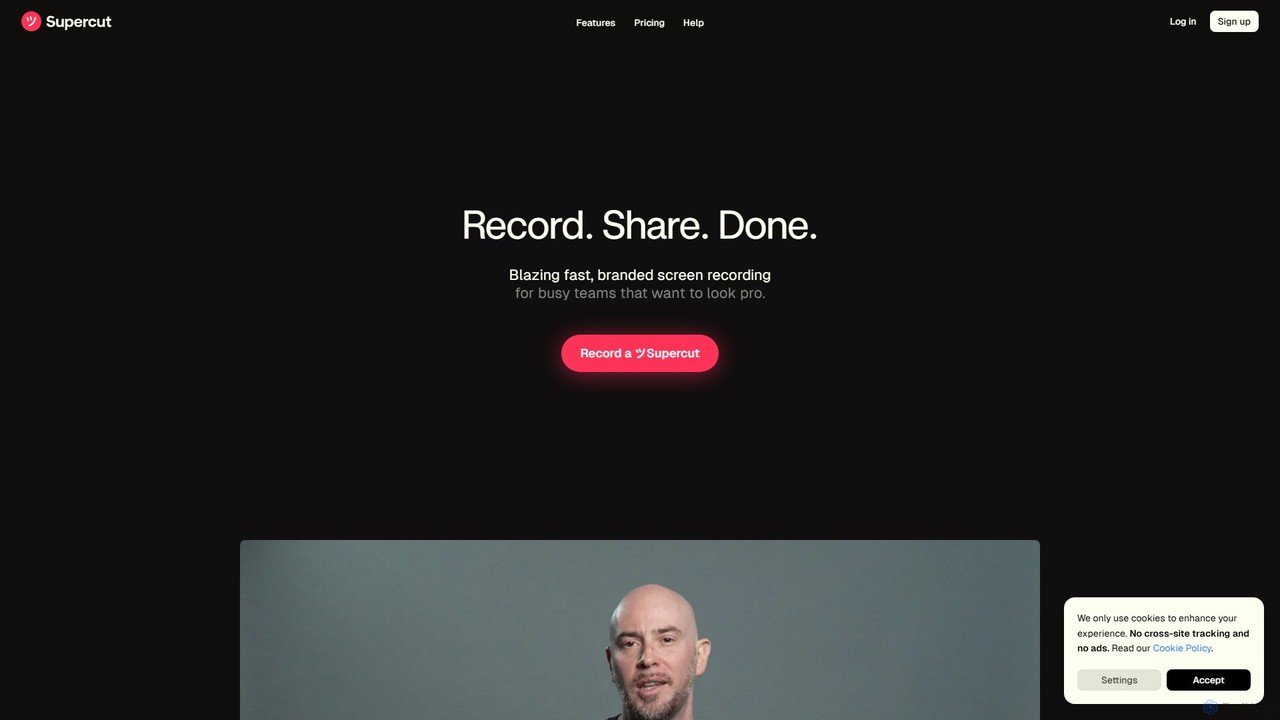
Supercut
Supercut is an AI-powered screen recording tool designed for teams to create professional, branded videos with blazing speed. It automates editing, generates smart chapters, and facilitates collaboration, making it ideal for product demos, sales outreach, and tutorials without a steep learning curve.
Content Creation
Slite
Slite is an AI-powered knowledge base and team collaboration tool. It serves as a single source of truth, helping teams organize their documents, share knowledge, and make decisions asynchronously. Its core AI feature, 'Ask', allows users to find answers from across the entire workspace using natural language questions, making information instantly accessible.
Internal Communication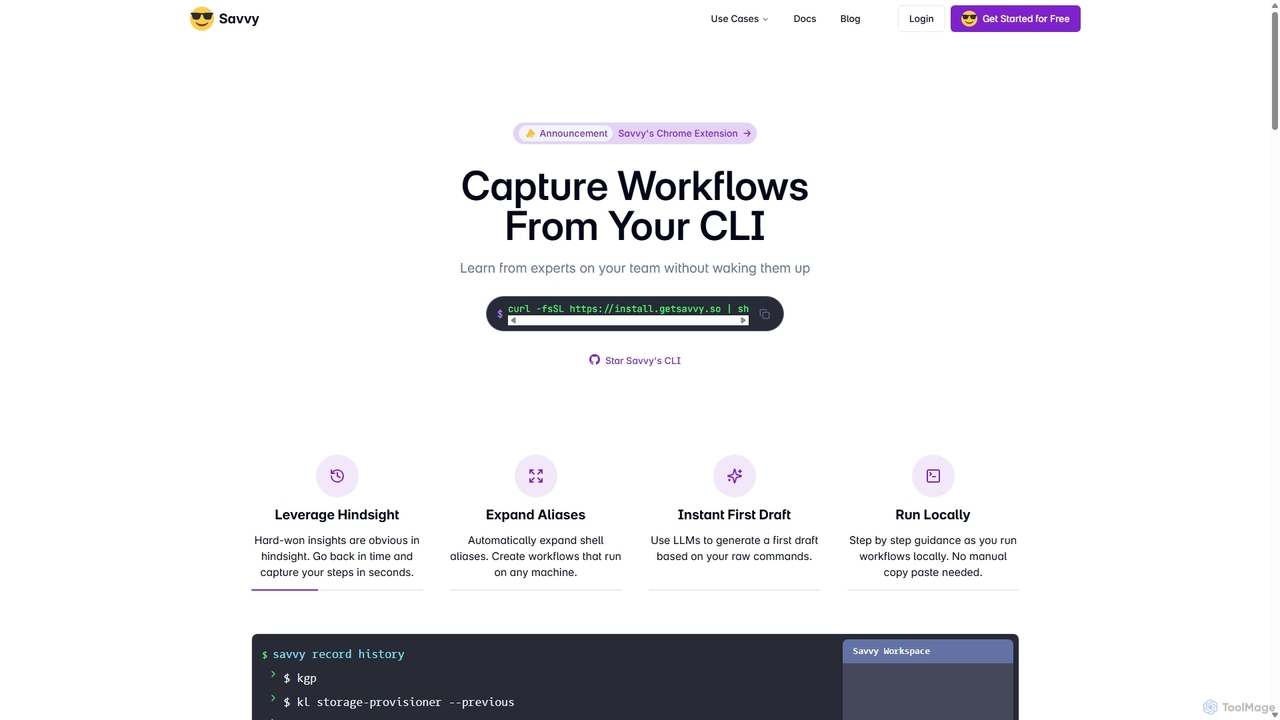
Savvy
Savvy is an AI-powered tool for developers that captures Command Line Interface (CLI) actions to create shareable, step-by-step workflows. It helps teams document tribal knowledge, accelerate new hire onboarding, and resolve incidents faster by turning complex command sequences into easy-to-follow guides. With features like sensitive data redaction and AI-generated documentation, Savvy enhances productivity and collaboration for technical teams.
Command Line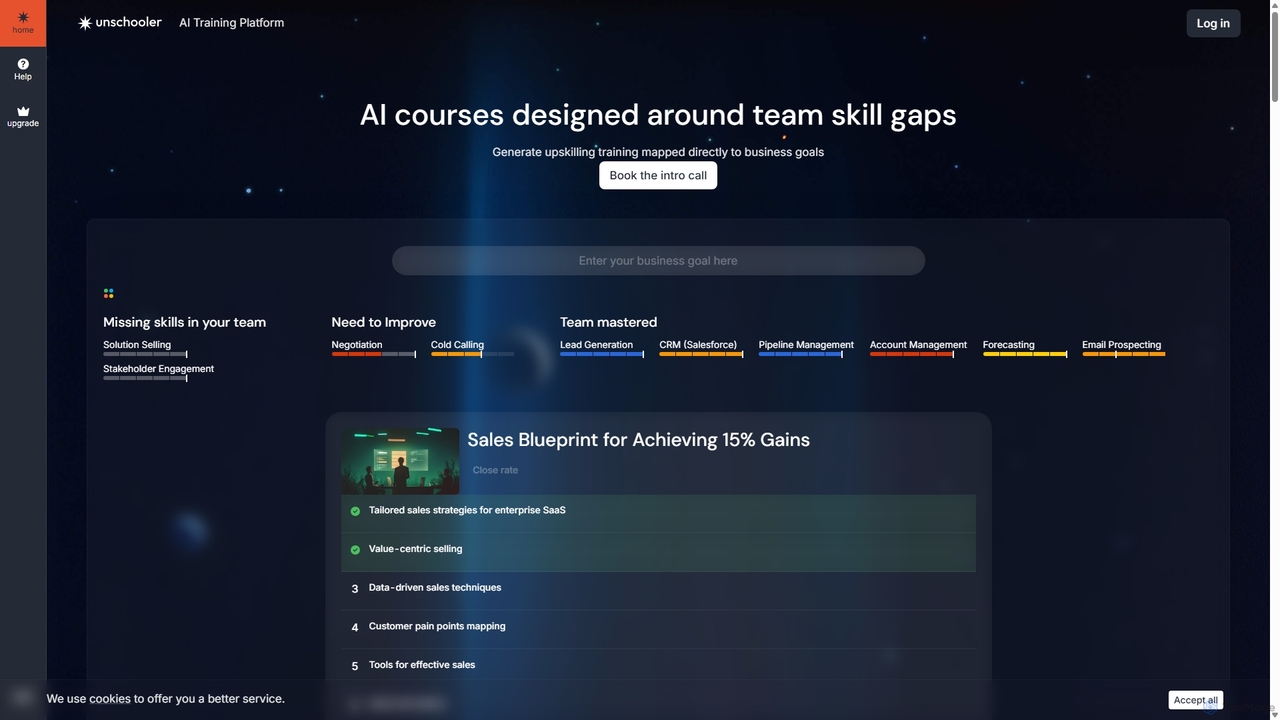
Unschooler
Unschooler is an AI-powered Learning & Development (L&D) platform designed for businesses, universities, and educators. It enables the rapid creation of interactive, company-specific training courses in minutes. By linking learning modules directly to business KPIs and providing a 24/7 AI assistant trained on your knowledge base, Unschooler helps upskill teams, close skill gaps, and drive measurable growth, particularly in sales enablement.
Corporate Training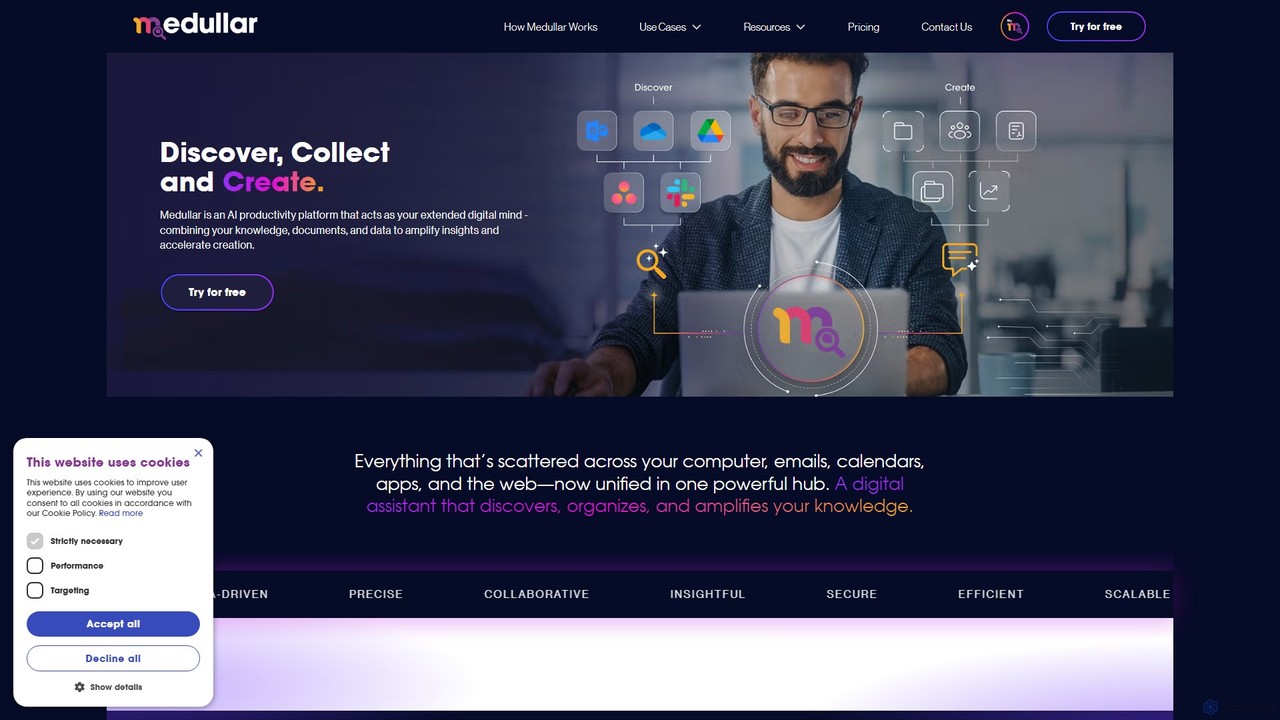
Medullar
Medullar is an AI productivity platform that acts as your extended digital mind. It unifies scattered knowledge from your computer, apps, and the web into a single, searchable hub. Leverage AI-powered universal search and collaborative 'Spaces' to discover insights, accelerate content creation, and boost team productivity, especially for sales and research.
Knowledge ManagementKomodo Categories
Komodo Embed Widget
Copy this embed code to place the badge on your blog, article, or product site and send readers directly to this ToolMage detail page.

Related AI tools
Supercut
Supercut is an AI-powered screen recording tool designed for teams to create professional, branded videos with blazing speed. It automates editing, generates smart chapters, and facilitates collaboration, making it ideal for product demos, sales outreach, and tutorials without a steep learning curve.
Content Creation
Jyek
Jyek is an AI agent platform that understands objectives, creates execution plans, uses tools, and delivers verifiable results for complex, multi-step tasks.
Automation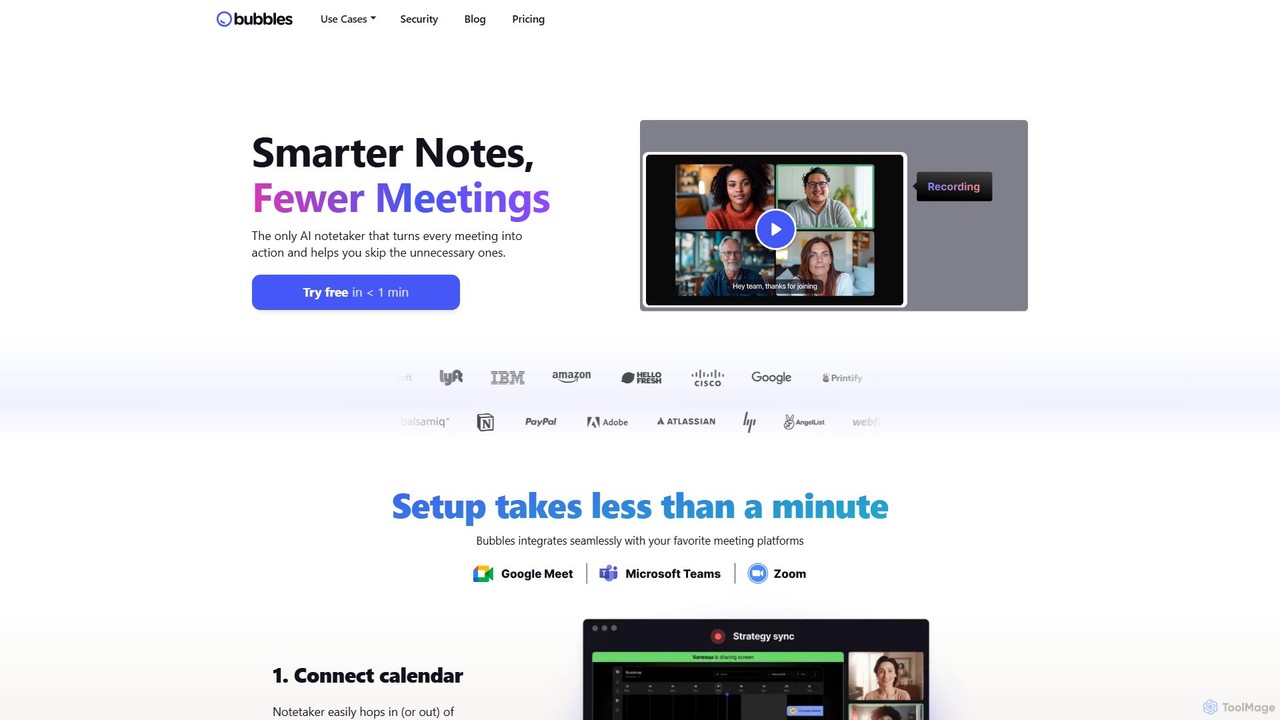
Bubbles
Bubbles is an AI-powered meeting assistant and screen recorder designed to reduce meeting fatigue and enhance team productivity. It automatically joins your meetings to record, transcribe, and generate concise summaries with actionable items. It also facilitates asynchronous communication through screen and video recordings, helping teams collaborate effectively without constant calls.
Collaboration
Berrycast
Berrycast is an AI-powered video communication tool for Windows and Mac, designed to enhance workplace productivity. It allows users to easily record their screen and webcam, creating clear, shareable video messages for team collaboration, client communication, and asynchronous work. Features include an AI note-taker, video transcription, and seamless integrations.
Content Creation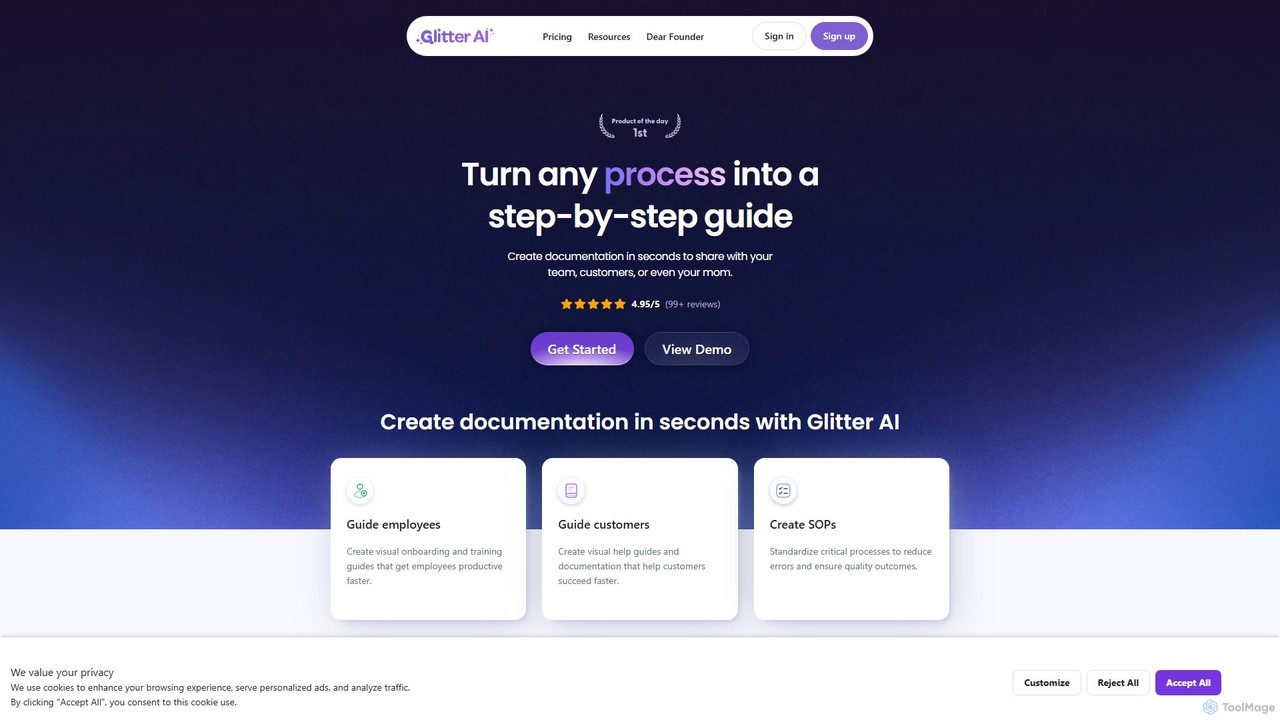
Glitter AI
Glitter AI is an AI-powered tool that automatically transforms screen recordings, meetings, and existing videos into step-by-step guides. By capturing your actions and transcribing your voice, it creates professional documentation, SOPs, and training materials in seconds. It supports desktop and web capture, works in 99 languages, and offers easy editing and sharing options, significantly reducing the time spent on creating instructional content.
Customer Support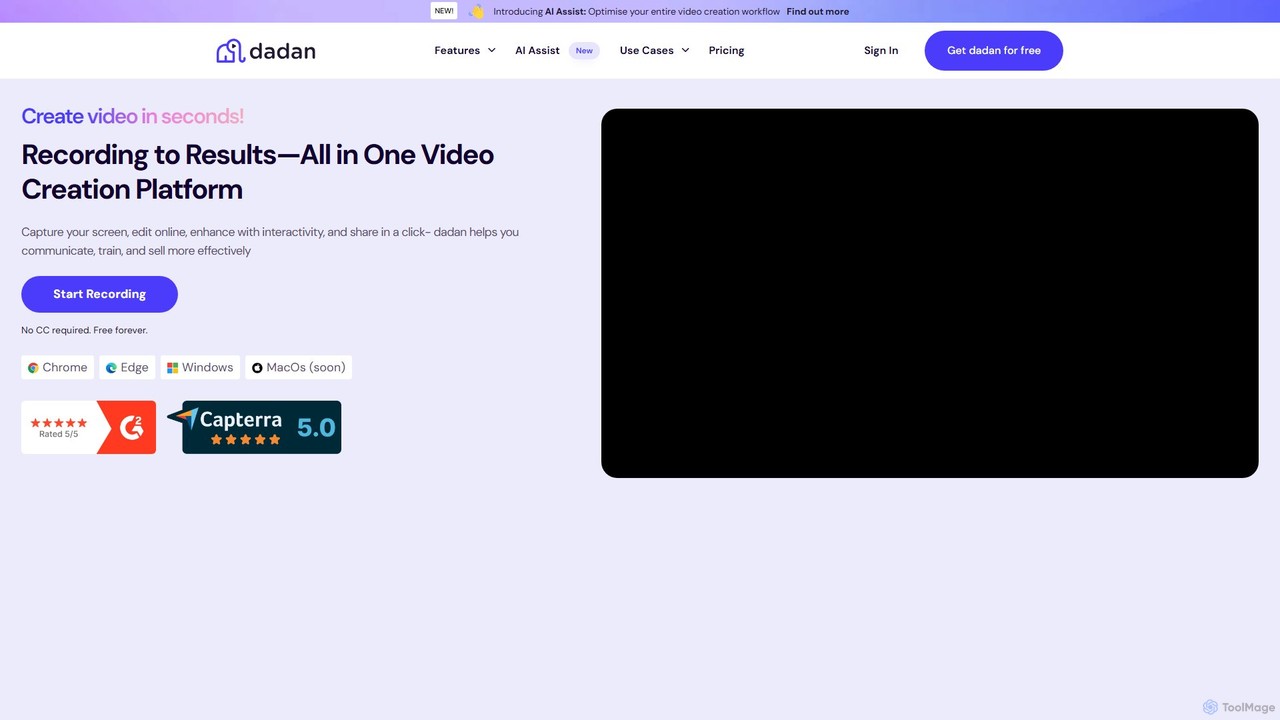
dadan
dadan is an all-in-one, AI-powered video creation platform that simplifies recording, editing, and sharing. It features an AI assistant for automatic transcription, summaries, and chapter generation. Users can enhance videos with interactive elements like polls and quizzes, collaborate with teams, and capture leads directly from videos. Ideal for education, marketing, sales, and remote teams, dadan streamlines video communication and boosts engagement, offering a generous free-forever plan.
Team Collaboration
Dubble
Dubble is an AI-powered Chrome extension that automatically creates step-by-step guides, tutorials, and documentation. It records your on-screen actions, instantly generating written instructions, annotated screenshots, and videos. This tool is designed to eliminate the tedious process of manual documentation, saving teams significant time on employee onboarding, customer support, and process training.
Knowledge Base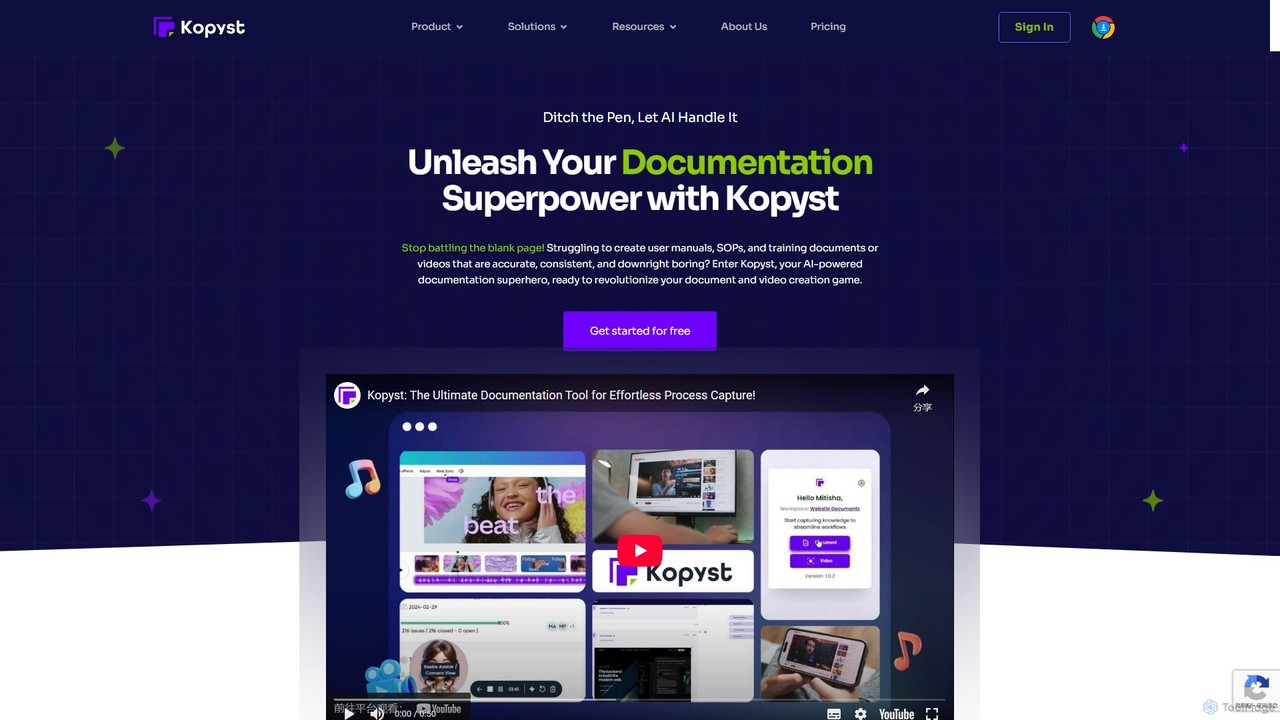
Kopyst
Kopyst is an AI-powered platform that transforms complex workflows into engaging step-by-step videos and documents. By recording your screen interactions, it automatically generates user manuals, SOPs, training materials, and product walkthroughs, saving you hours of manual work and ensuring accuracy.
Knowledge Base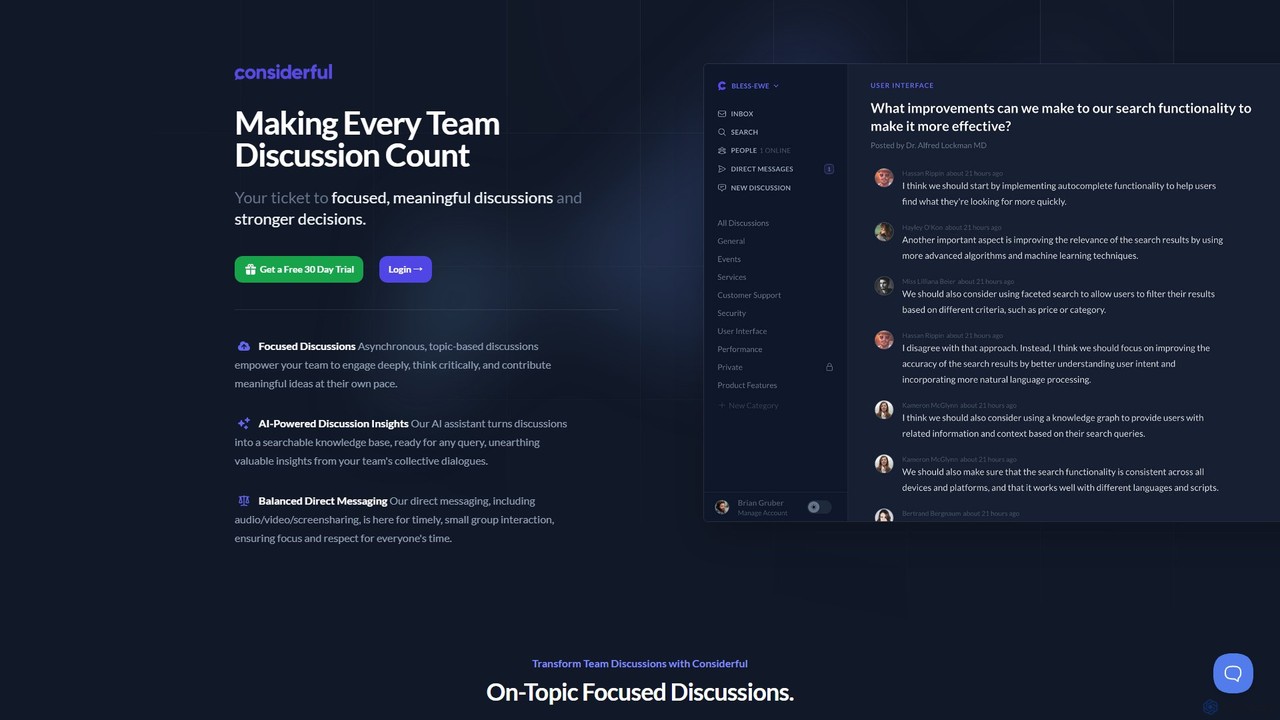
Considerful
Considerful is an AI-powered communication platform designed for productive teams. It fosters focused, asynchronous, topic-based discussions to encourage deep thinking and meaningful contributions, while its AI assistant transforms conversations into a searchable knowledge base. It also includes balanced direct messaging for timely interactions.
Project ManagementSlite
Slite is an AI-powered knowledge base and team collaboration tool. It serves as a single source of truth, helping teams organize their documents, share knowledge, and make decisions asynchronously. Its core AI feature, 'Ask', allows users to find answers from across the entire workspace using natural language questions, making information instantly accessible.
Internal Communication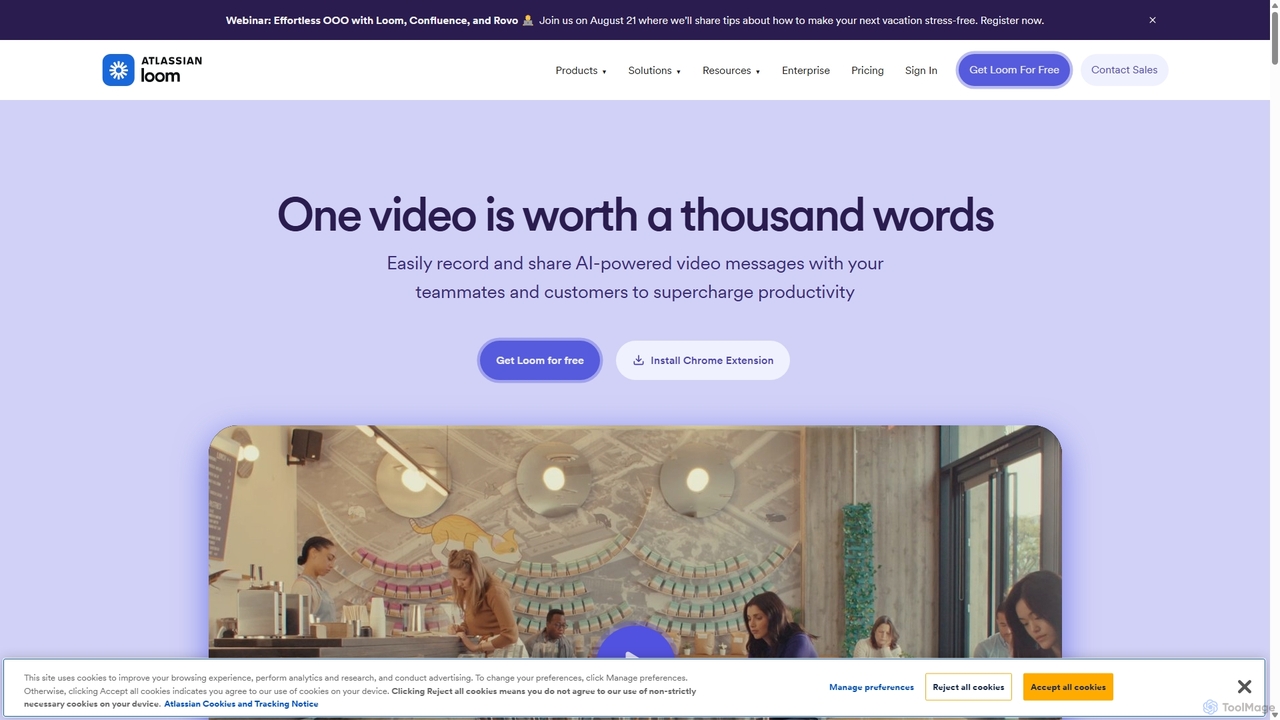
Loom
Loom is an AI-powered video messaging platform for work that allows users to instantly record and share their screen, camera, and audio. It streamlines communication, reduces meetings, and enhances team collaboration with features like AI-powered summaries, transcriptions, and editing tools.
Team Management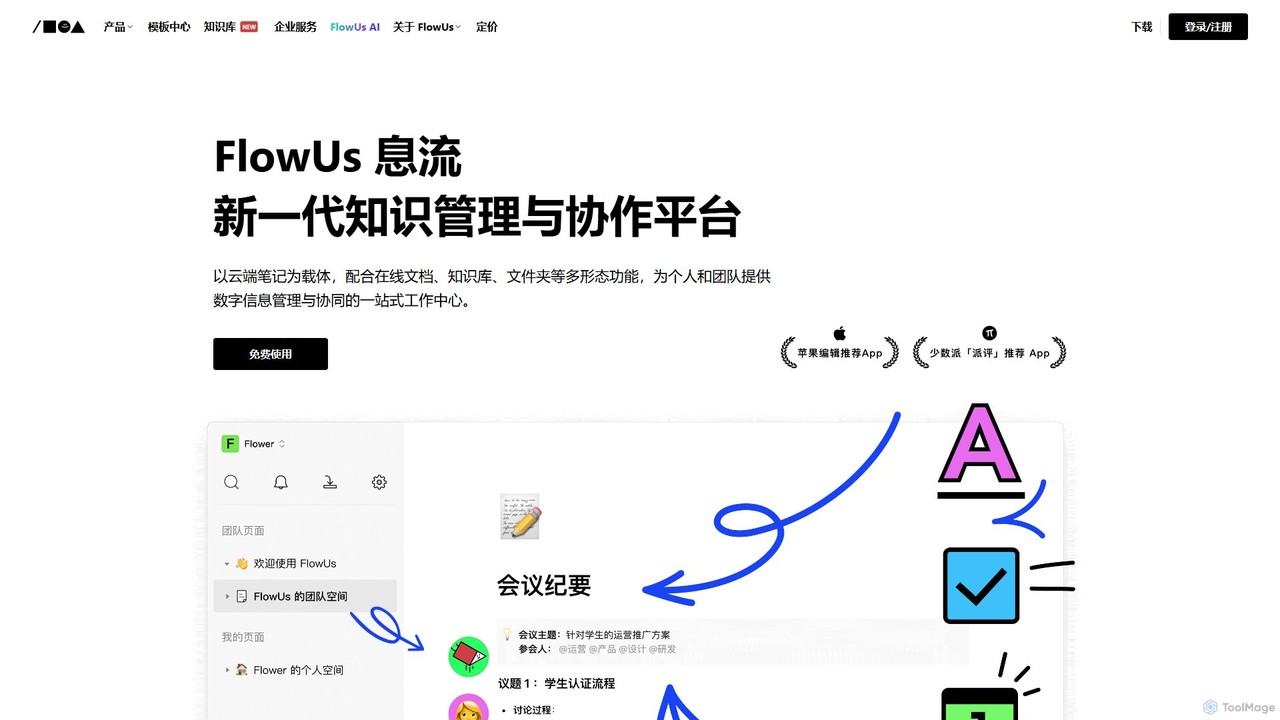
FlowUs
FlowUs is a next-generation knowledge management and collaboration platform that integrates documents, notes, databases, and project management into a unified workspace. It features a powerful, natively embedded AI assistant to streamline workflows for individuals and teams.
Writing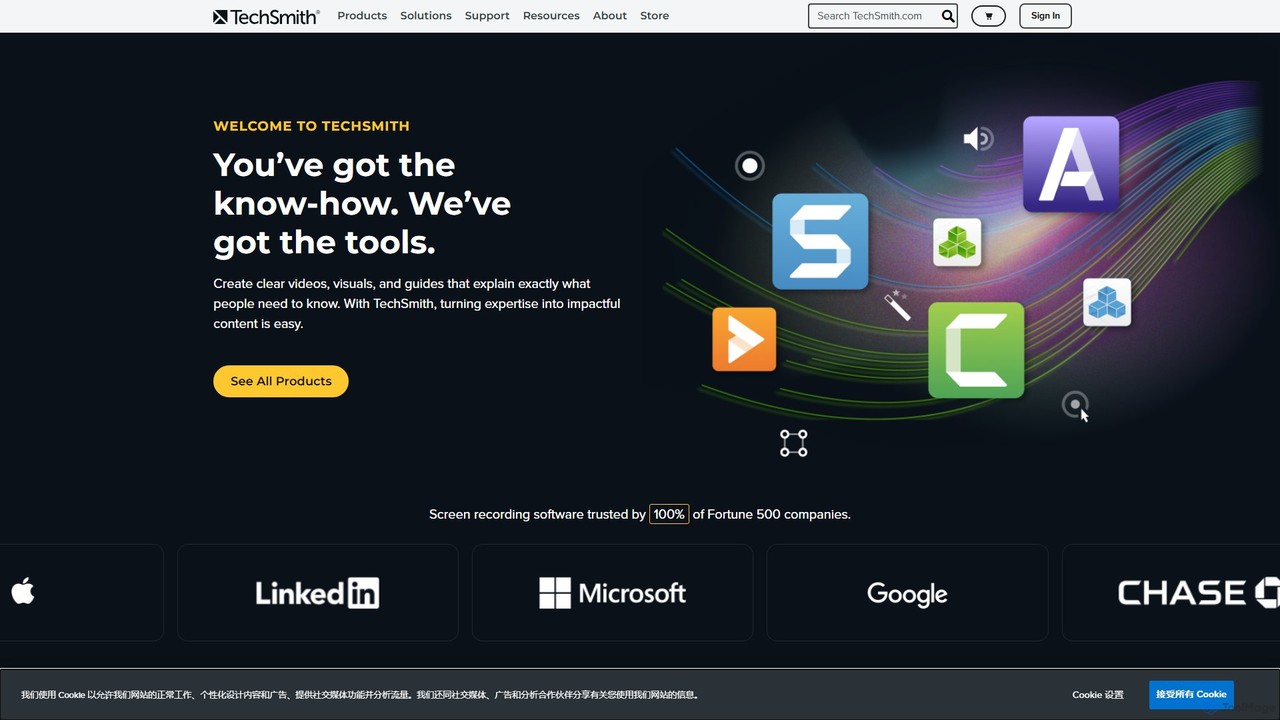
TechSmith
TechSmith offers a powerful suite of tools, including Snagit and Camtasia, for professional screen capture and video creation. Leveraging AI-assisted features, users can easily record, edit, and share high-quality tutorials, training videos, and presentations. It simplifies complex communication by transforming expertise into clear, engaging visual content, trusted by professionals and Fortune 500 companies worldwide.
E Learning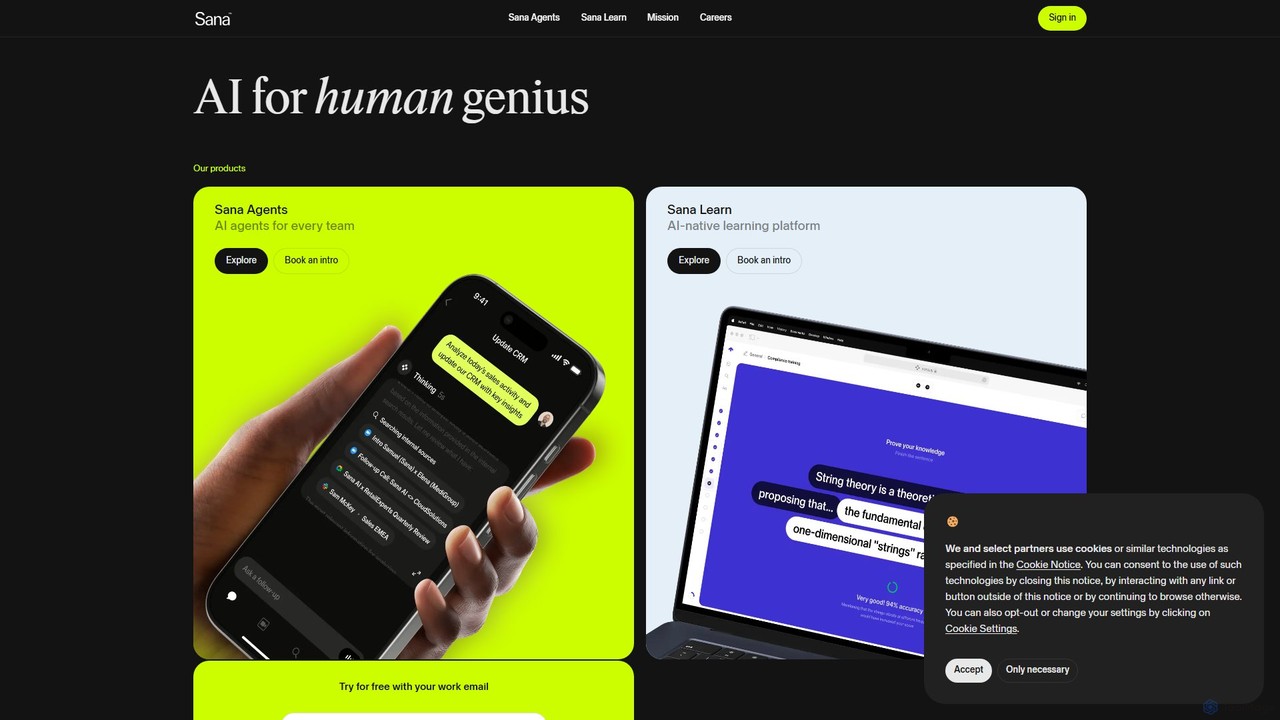
Sana
Sana is an all-in-one AI platform designed for the workplace. It combines a powerful knowledge assistant with an AI-native learning platform, enabling teams to find information, automate tasks, and accelerate learning. By connecting to all your company's apps, Sana acts as a central intelligence layer to unlock your organization's collective genius.
Ai Assistant
Tella
Tella is an AI-powered screen recorder and video editor for Mac and Windows, designed for entrepreneurs and creators. It simplifies video production by recording in manageable clips and using AI to automatically remove filler words and silences. With features like customizable backgrounds, dynamic zooms, and 4K exports, Tella helps users create professional-looking demos, tutorials, and courses in minutes, not hours, without needing any video editing expertise.
Course Creation
Komodo Comments (0)
Sign in to comment.
Sign inNo comments yet.