
Glitter AI Overview
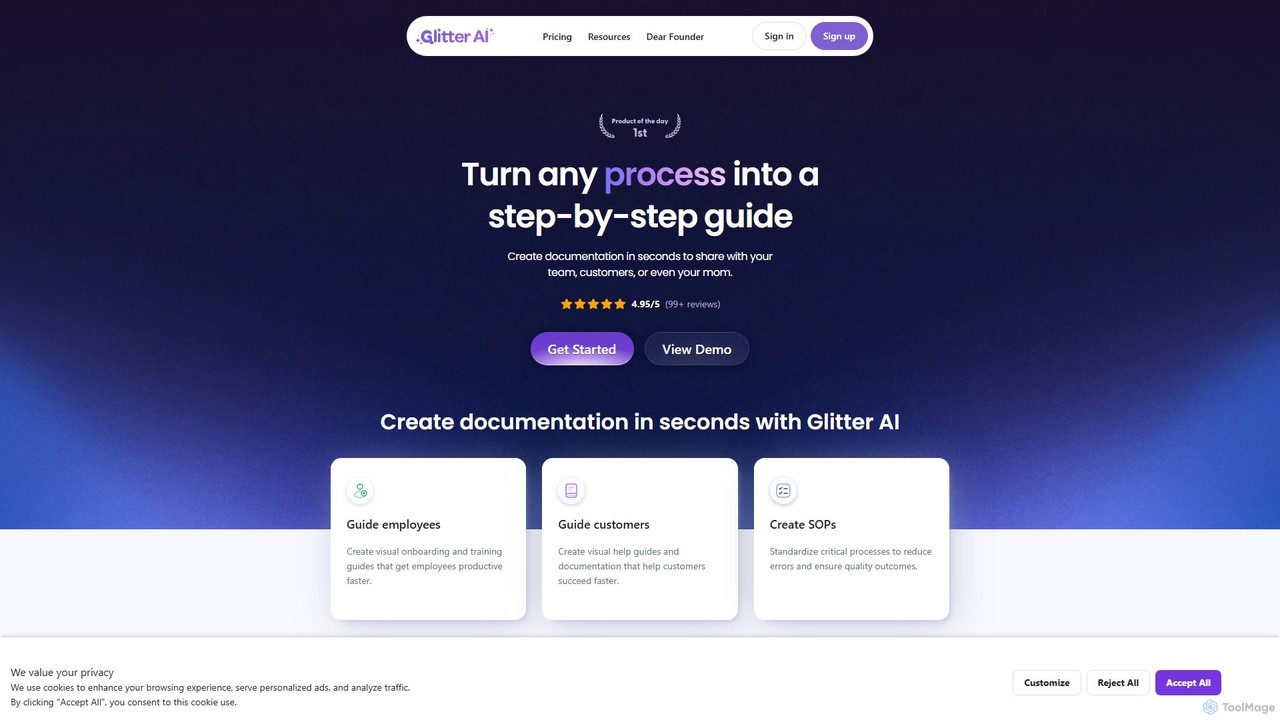
Glitter AI is a revolutionary tool designed to automate and simplify the creation of documentation. It empowers users to turn any process, whether captured through a screen recording or an existing video, into a comprehensive, step-by-step guide complete with screenshots and descriptive text. This solution is ideal for IT departments, operations teams, customer success managers, HR professionals, and educators who need to create clear, concise instructional materials quickly. By leveraging artificial intelligence, Glitter AI eliminates the tedious manual work of taking screenshots, writing instructions, and formatting documents, allowing teams to produce high-quality guides in a fraction of the time.
How to use Glitter AI
Using Glitter AI is an intuitive, three-step process designed for maximum efficiency:
- Record or Upload: Begin by capturing your process. You can use the Glitter AI desktop app (available for Mac and Windows) to record any application on your computer, or the Chrome extension for web-based workflows. Alternatively, you can upload any existing video file, such as a Zoom meeting recording, a pre-recorded screen capture, or even live-action footage of a physical task.
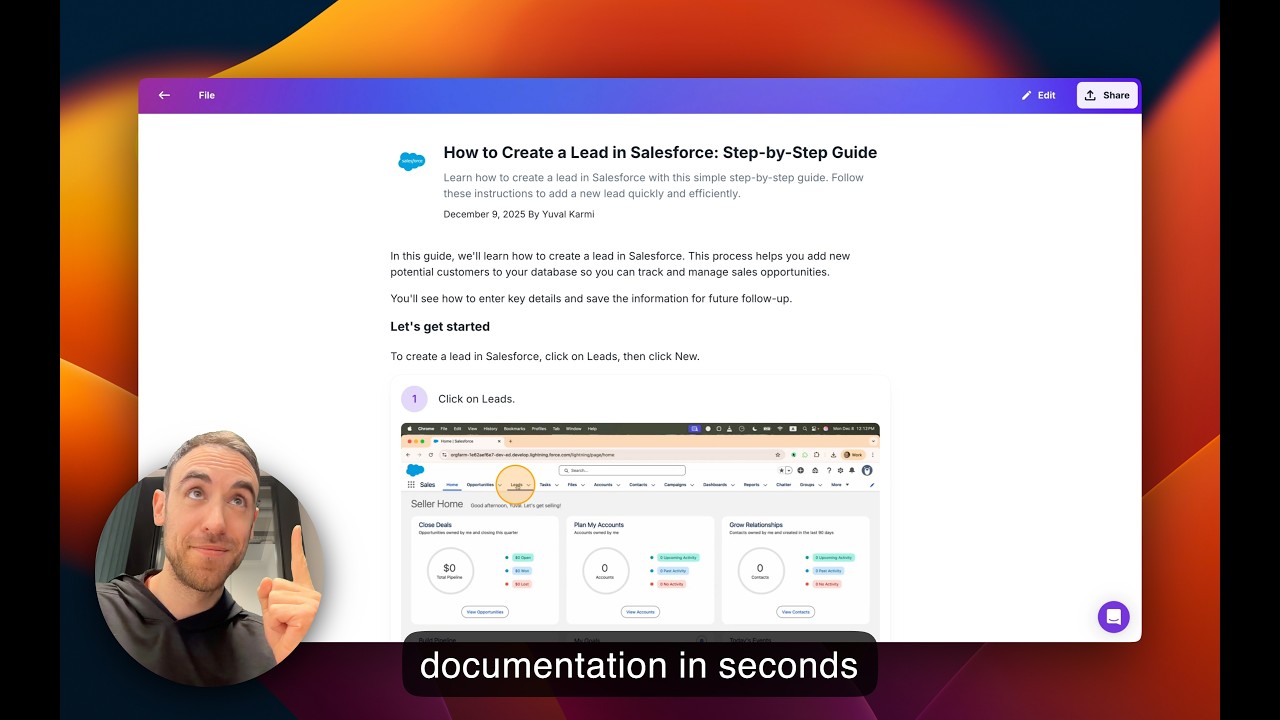
- AI-Powered Generation: Once your recording or video is ready, Glitter AI's engine gets to work. Its 'Magic Article' feature uses AI to automatically transcribe your spoken narration as you record, cleaning up filler words and structuring it into professional text. The AI also intelligently identifies key moments and actions, automatically capturing screenshots and organizing them into a logical, step-by-step format.
- Edit and Share: The generated guide is fully editable. You can easily modify the text, add annotations to screenshots, or reorder steps. A unique feature allows you to edit the guide and video simultaneously just by editing the text. Once you're satisfied, you can share your guide with a public or private link, embed it into your website or knowledge base (like Confluence, Notion, or Zendesk), or export it in various formats, including PDF, HTML, and Markdown.
Core Features of Glitter AI
- AI-Powered Guide Generation: Automatically converts screen activity and voice narration into structured step-by-step guides with text and screenshots.
- Video-to-Guide Conversion: Transforms any existing video—including meeting recordings, mobile screen captures, and live footage—into professional documentation.
- Magic Article: AI Speech-to-Text: Transcribes your speech in real-time during recording and integrates it directly into the guide, saving you from typing instructions manually.
- Desktop & Web Capture: Offers a desktop app for capturing any software and a browser extension for web-based processes, ensuring comprehensive coverage.
- Multi-Language Support: Supports recording and output in 99 languages, with the ability to automatically translate content from one language to another.
- Advanced Editing & Customization: Provides intuitive tools to edit text, annotate screenshots, and customize the look and feel of your guides with branding options.
- Secure Sharing & Exporting: Share guides via a link, embed them securely, or export to PDF, HTML, and Markdown. The Smart Copy-to-Clipboard feature simplifies pasting into any platform.
- On-Device Blurring & Redaction: For enhanced security, the desktop app allows you to blur or redact sensitive information on-device before any data is sent to the cloud (Pro plan and above).
Use Cases for Glitter AI
Glitter AI is a versatile tool applicable across various departments and industries:
- Employee Onboarding & Training: HR and team leads can create visual training guides for new hires, standardizing the onboarding process and getting them productive faster.
- Customer Support & Success: Create clear help articles and tutorials to guide customers through product features, reducing support tickets and improving user satisfaction.
- Standard Operating Procedures (SOPs): Operations teams can document critical workflows and processes to ensure consistency, reduce errors, and maintain quality standards.
- IT & Software Documentation: IT departments can easily document software setups, troubleshooting procedures, and internal tool usage for the entire organization.
- Educational Content: Educators and trainers can develop engaging course materials and tutorials for students, demonstrating complex software or concepts visually.
Advantages of Glitter AI
Glitter AI stands out from other documentation tools with its unique combination of features. Unlike tools that only capture clicks or only record video, Glitter AI integrates video, voice narration, and intelligent AI to create rich, multi-modal guides. Its 'Magic Article' feature is a significant time-saver, and its advanced video-to-guide conversion is powered by sophisticated models that truly understand video content. Furthermore, offering full desktop capture in its generous free plan makes it more accessible than many competitors. The focus on security, with on-device blurring, provides peace of mind when documenting sensitive processes.
Pricing and Plans
Glitter AI offers a flexible pricing structure to suit different needs:
- Free Plan: Includes up to 10 guides, 5 minutes of recording time per guide, desktop and web capture, and the Magic Article feature. Perfect for individuals and small-scale use.
- Pro Plan: Starting at $16/member/month (billed yearly), this plan offers unlimited guides, a 15-minute recording limit, advanced editing, video-to-guide conversion, and exports to PDF, HTML, and Markdown.
- Team Plan: At $60/month (billed yearly, includes 5 members), this plan increases the recording limit to 30 minutes, provides more team credits, and is ideal for collaborative teams.
- Enterprise Plan: Custom pricing for large organizations. It includes up to 1-hour recording time, SAML SSO, on-device blur, PowerPoint export, advanced security, and comprehensive team management features.
Traffic
Latest traffic
Status
Monthly traffic trend
- 2025-9: 6.4K
- 2026-1: 41.9K
- 2026-2: 43.6K
- 2026-3: 60.2K
- 2026-4: 81.9K
- 2026-5: 89.4K
Geography
Top 5 countries / regions
- 🇺🇸United States35.0%
- 🇻🇳Vietnam20.3%
- 🇩🇪Germany17.4%
- 🇮🇳India14.8%
- 🇦🇺Australia12.5%
Traffic sources
| Source type | Percentage |
|---|---|
Direct | 78.9% |
Referral | 16.1% |
Email | 5.0% |
Top keywords
| Keyword | Cost per click |
|---|---|
| chrome extension | $0.31 |
| chrome extensions | $0.30 |
| glitter | $0.37 |
| glitter ai | $0.00 |
| screenshot editor | $0.37 |
Glitter AI Videos on YouTube


Glitter AI Alternatives
Trupeer
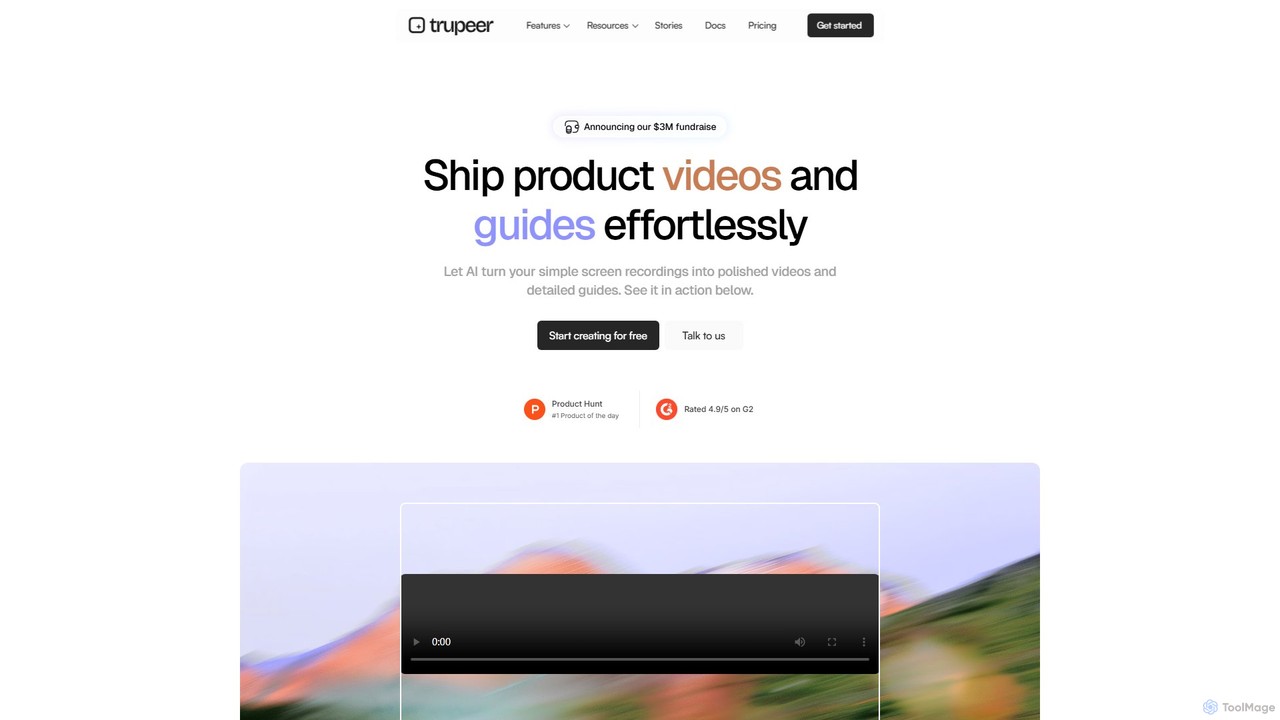
Trupeer is an AI-powered platform that transforms simple screen recordings into polished, professional product videos and detailed step-by-step documentation in minutes. It automates the entire creation process, from scriptwriting and voiceovers to editing and branding, making it ideal for creating demos, tutorials, and training materials.
Tutorials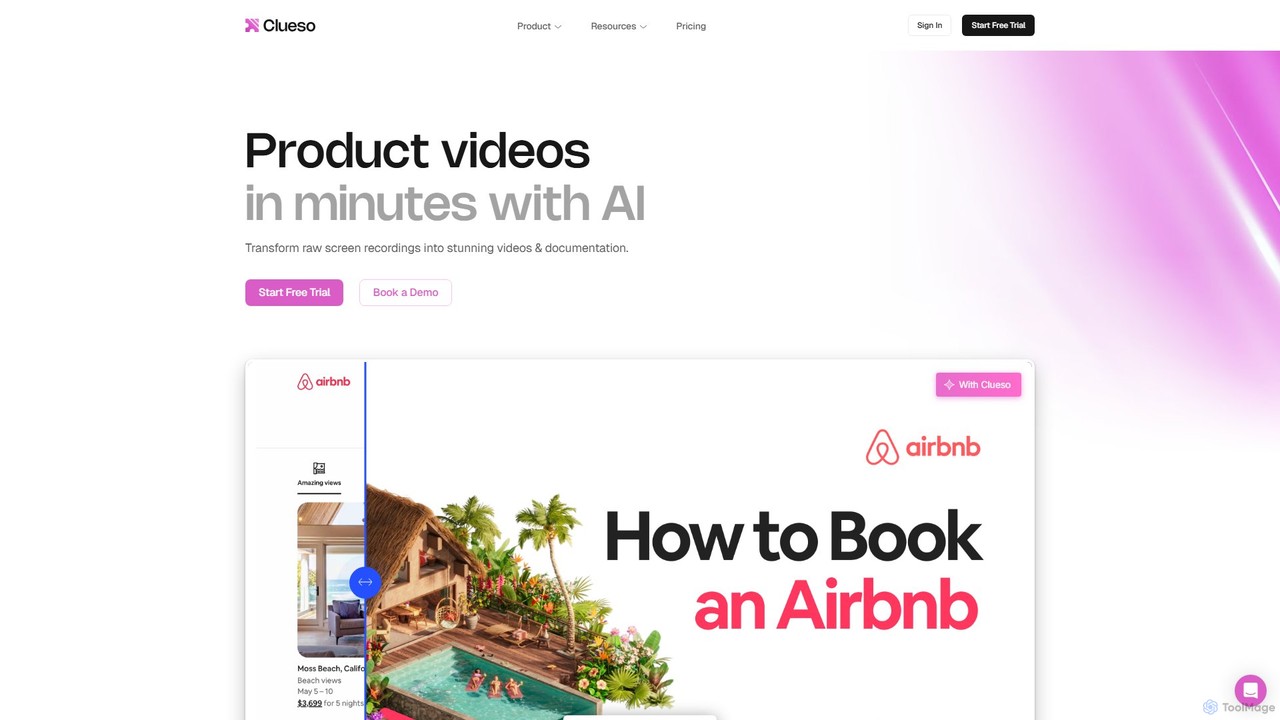
Clueso
Clueso is an AI-powered platform that transforms raw screen recordings into polished product videos and step-by-step documentation in minutes. It automates scriptwriting, voiceovers, editing, and translation to help teams create high-quality training and marketing content at scale.
Training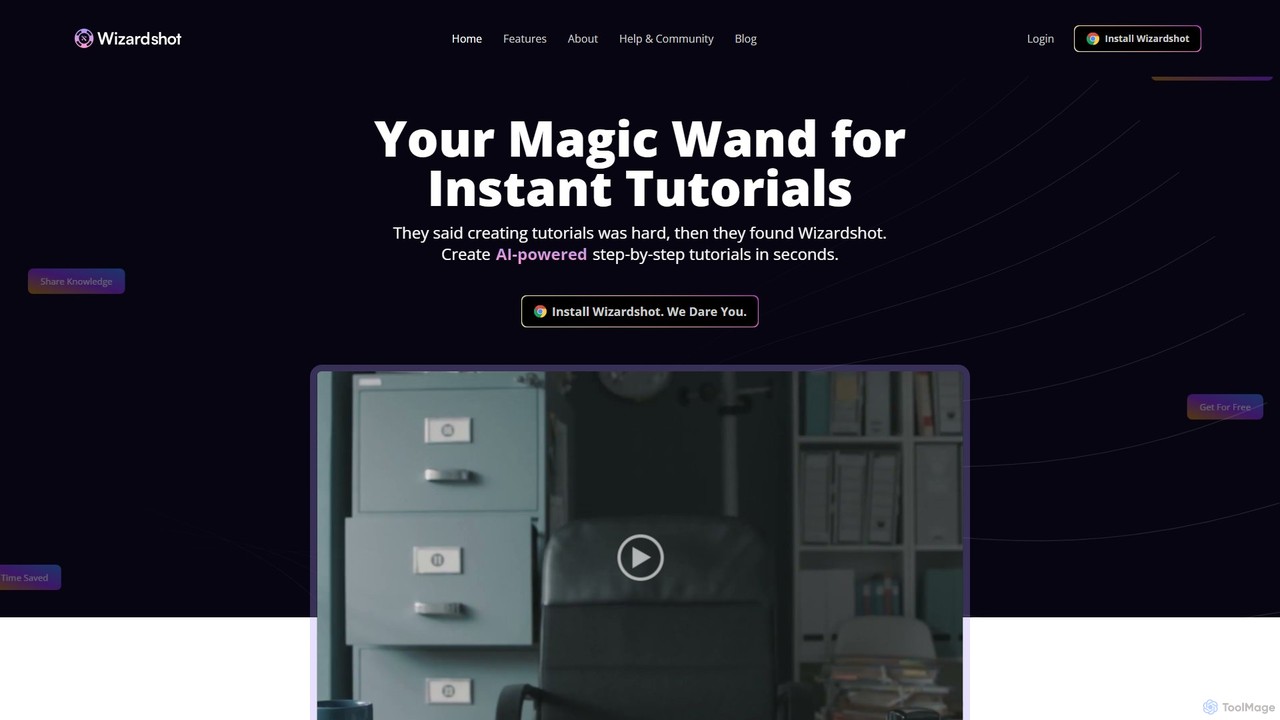
Wizardshot
Wizardshot is a free AI-powered tool that instantly creates step-by-step tutorials and guides from your screen recordings. As a Chrome extension and web app, it automates the process of documentation, allowing teams to generate how-to guides, SOPs, and training materials in seconds, not hours.
Onboarding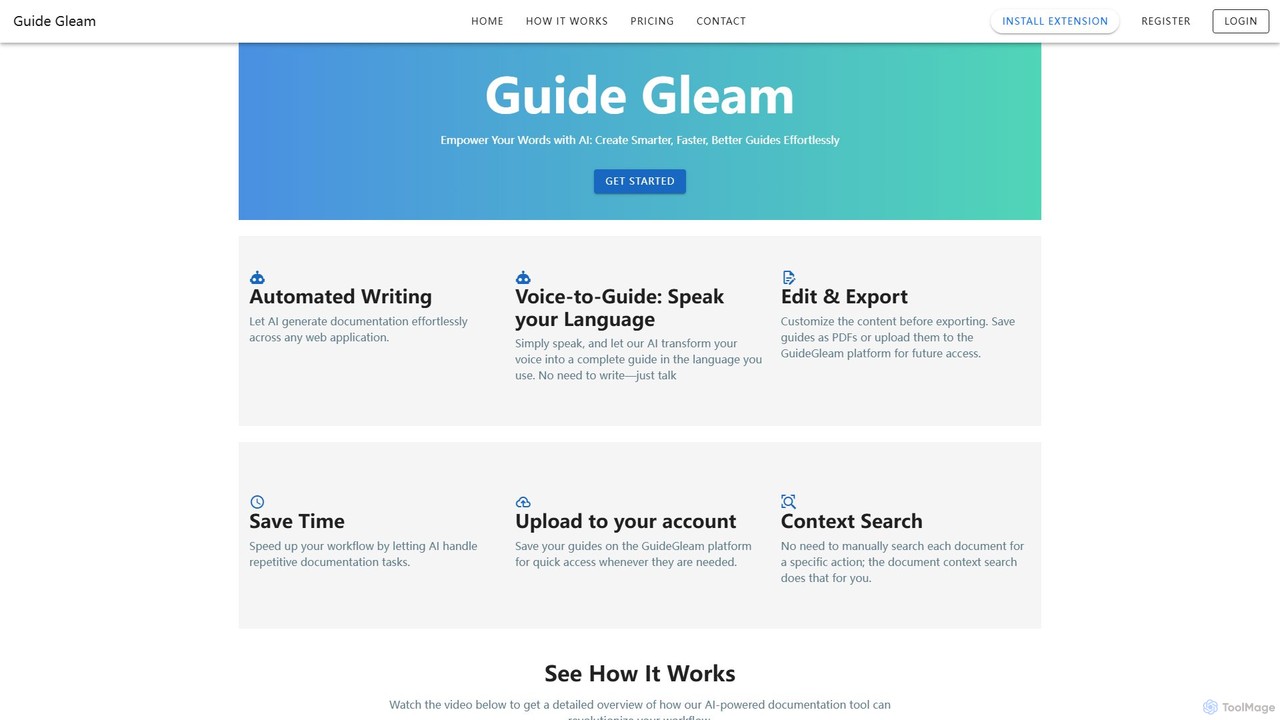
Guide Gleam
Guide Gleam is an AI-powered platform that automates the creation of step-by-step guides and documentation. It transforms user actions and voice commands into clear, editable, and shareable guides, complete with screenshots and text. This tool is designed to streamline workflows for technical writers, support teams, and trainers, significantly reducing the time spent on manual documentation.
Knowledge Management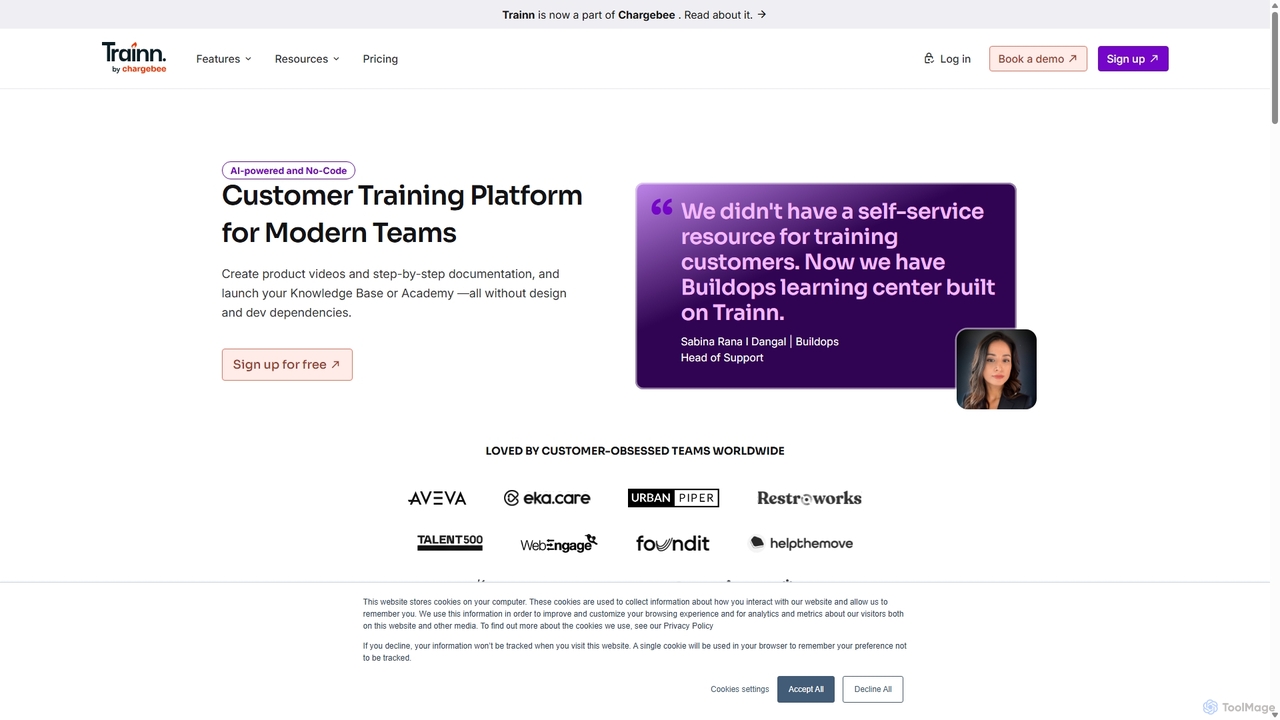
trainn
Trainn is an AI-powered, no-code customer education platform for SaaS businesses. It enables teams to effortlessly create professional product videos, interactive guides, knowledge bases, and customer academies from simple screen recordings, accelerating onboarding and boosting user adoption.
Customer SuccessGlitter AI Categories
Glitter AI Embed Widget
Copy this embed code to place the badge on your blog, article, or product site and send readers directly to this ToolMage detail page.

Related AI tools

Dubble
Dubble is an AI-powered Chrome extension that automatically creates step-by-step guides, tutorials, and documentation. It records your on-screen actions, instantly generating written instructions, annotated screenshots, and videos. This tool is designed to eliminate the tedious process of manual documentation, saving teams significant time on employee onboarding, customer support, and process training.
Knowledge Base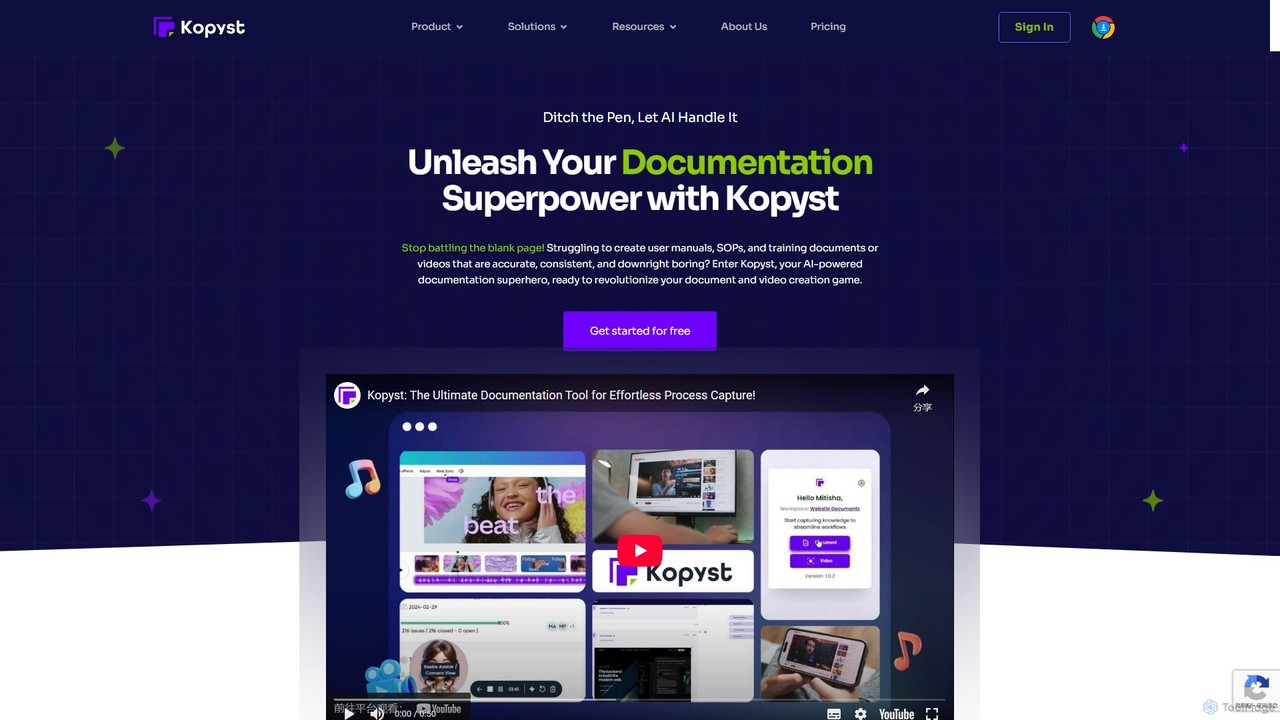
Kopyst
Kopyst is an AI-powered platform that transforms complex workflows into engaging step-by-step videos and documents. By recording your screen interactions, it automatically generates user manuals, SOPs, training materials, and product walkthroughs, saving you hours of manual work and ensuring accuracy.
Knowledge BaseTrupeer
Trupeer is an AI-powered platform that transforms simple screen recordings into polished, professional product videos and detailed step-by-step documentation in minutes. It automates the entire creation process, from scriptwriting and voiceovers to editing and branding, making it ideal for creating demos, tutorials, and training materials.
Tutorials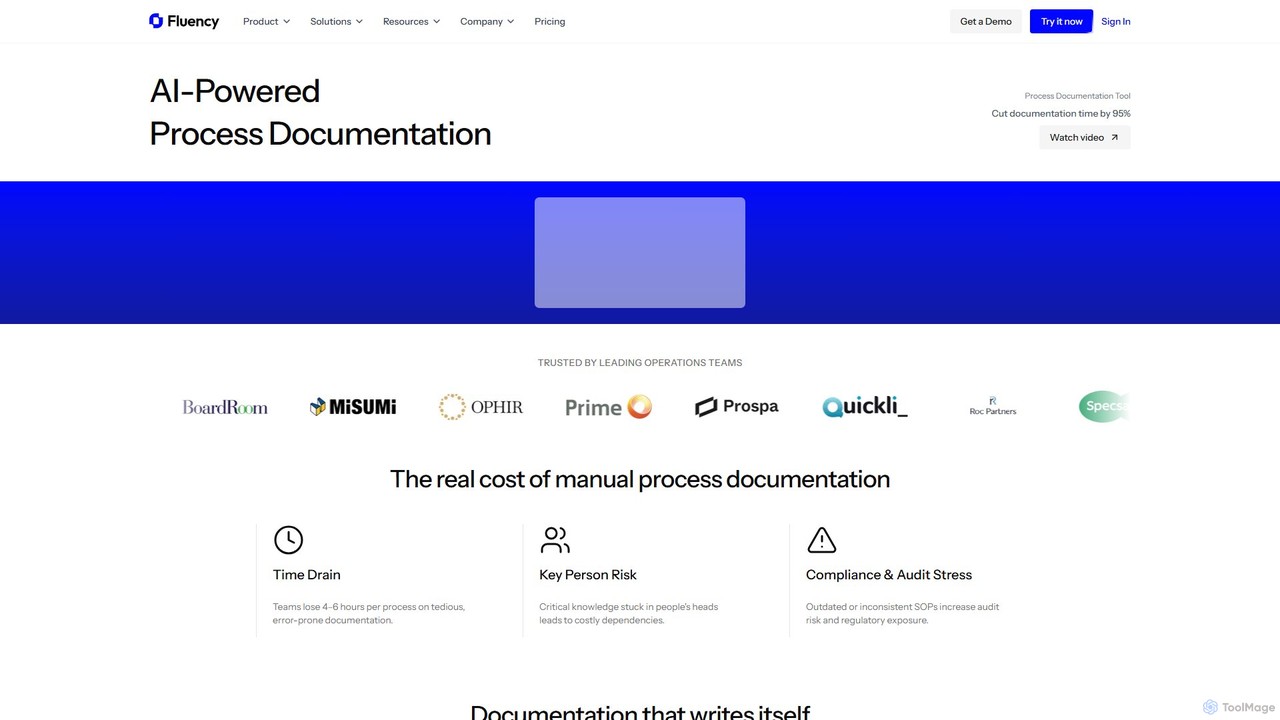
Fluency
Fluency is an AI-powered process documentation platform that automatically creates Standard Operating Procedures (SOPs), training guides, and process documents. Simply record your workflow, and Fluency's AI generates step-by-step instructions with context, cutting documentation time by up to 95%. It's designed for enterprise teams to streamline operations, enhance training, and ensure compliance.
Operations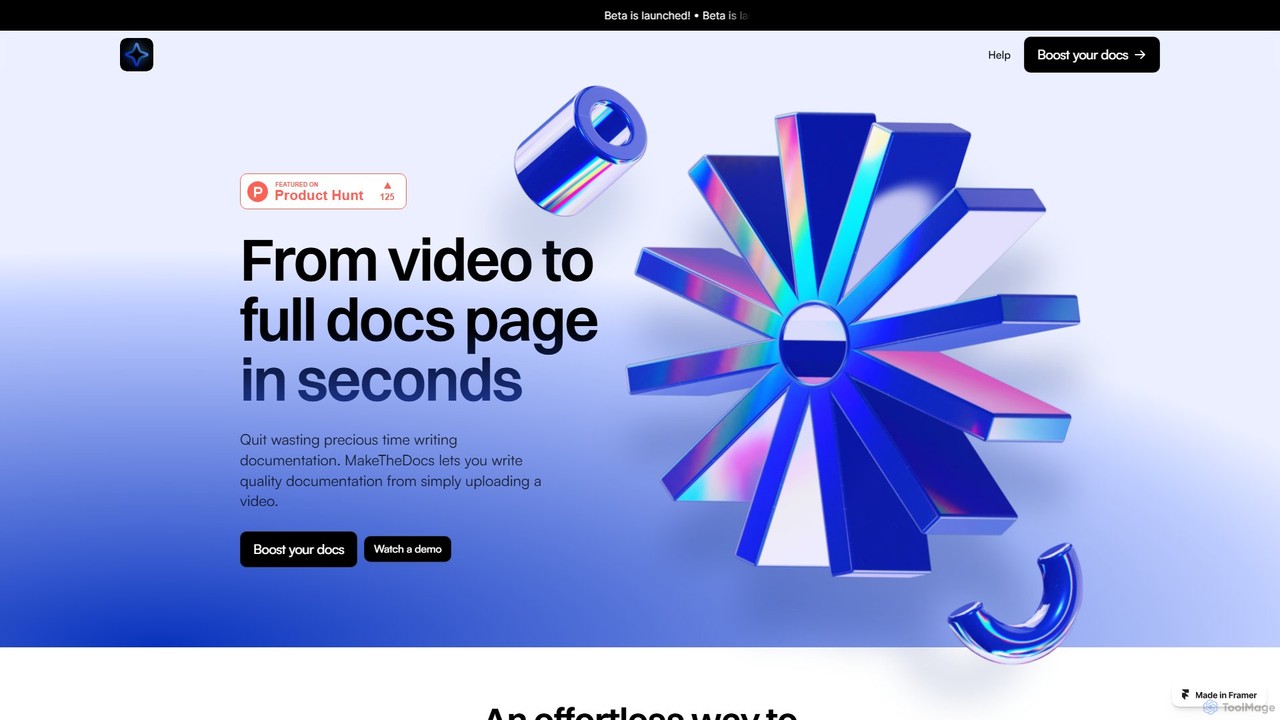
MakeTheDocs
MakeTheDocs is an AI-powered tool that transforms videos into comprehensive documentation pages in seconds. Simply upload a video, and the AI will generate clear, well-structured text, saving you countless hours of manual writing. It's designed for developers, educators, HR departments, and content creators who need to produce high-quality tutorials, guides, and training materials efficiently.
DocumentationClueso
Clueso is an AI-powered platform that transforms raw screen recordings into polished product videos and step-by-step documentation in minutes. It automates scriptwriting, voiceovers, editing, and translation to help teams create high-quality training and marketing content at scale.
TrainingWizardshot
Wizardshot is a free AI-powered tool that instantly creates step-by-step tutorials and guides from your screen recordings. As a Chrome extension and web app, it automates the process of documentation, allowing teams to generate how-to guides, SOPs, and training materials in seconds, not hours.
OnboardingGuide Gleam
Guide Gleam is an AI-powered platform that automates the creation of step-by-step guides and documentation. It transforms user actions and voice commands into clear, editable, and shareable guides, complete with screenshots and text. This tool is designed to streamline workflows for technical writers, support teams, and trainers, significantly reducing the time spent on manual documentation.
Knowledge Management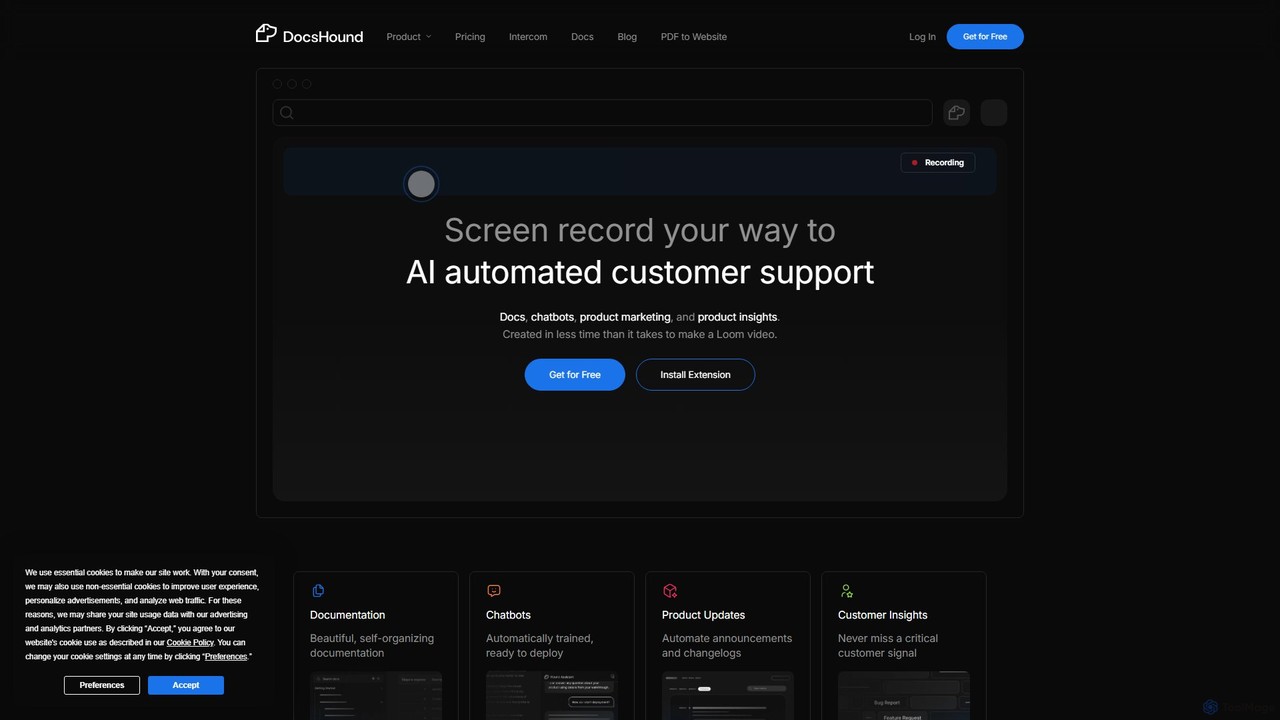
DocsHound
DocsHound is an AI-powered platform that transforms screen recordings of product demos into comprehensive documentation, intelligent chatbots, and actionable product insights. It automates the entire knowledge base creation process, allowing teams to generate beautiful, self-organizing docs and support assets in minutes, keeping pace with rapid product development.
Chatbots
airshot
Airshot is an AI-powered platform that transforms screen recordings into interactive step-by-step guides and product demos. Effortlessly capture your workflow, and let AI automatically generate annotated screenshots and descriptive text, saving you hours on documentation.
Guide Creation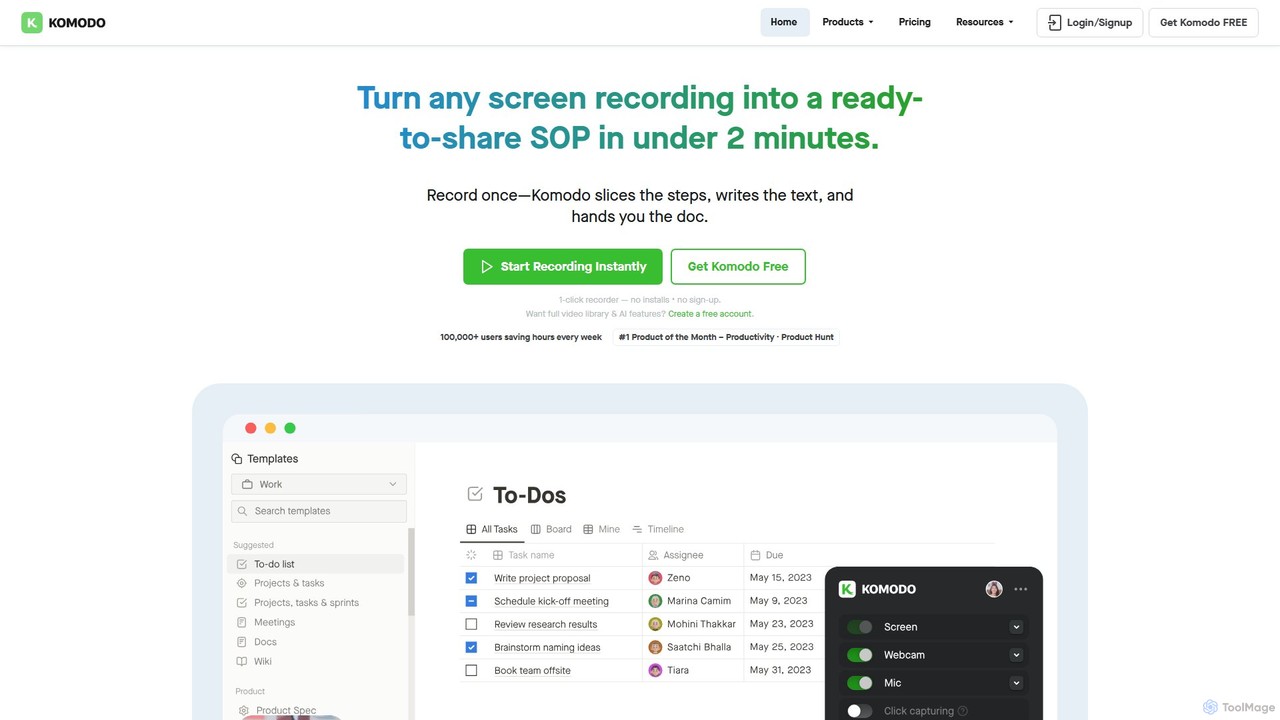
Komodo
Komodo is an AI-powered screen recorder and knowledge base that automatically transforms screen recordings into step-by-step SOPs, guides, and training documents. It also records meetings, generates AI summaries and action items, and provides a searchable video library, consolidating multiple tools into one platform for enhanced team productivity and collaboration.
Knowledge Management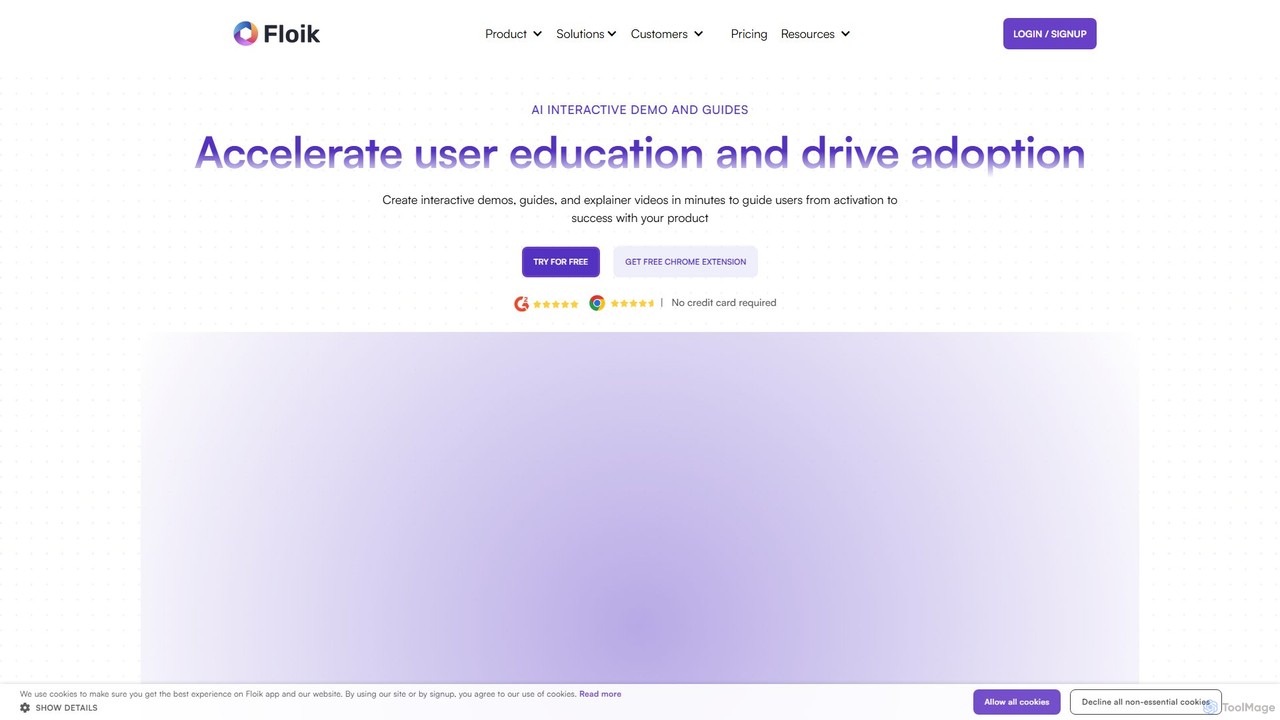
Floik
Floik is an AI-powered platform for creating interactive product demos, explainer videos, and step-by-step how-to guides from a single screen recording. It helps marketing, sales, and customer success teams to showcase products, train users, and resolve support queries efficiently, boosting engagement and productivity.
Knowledge Base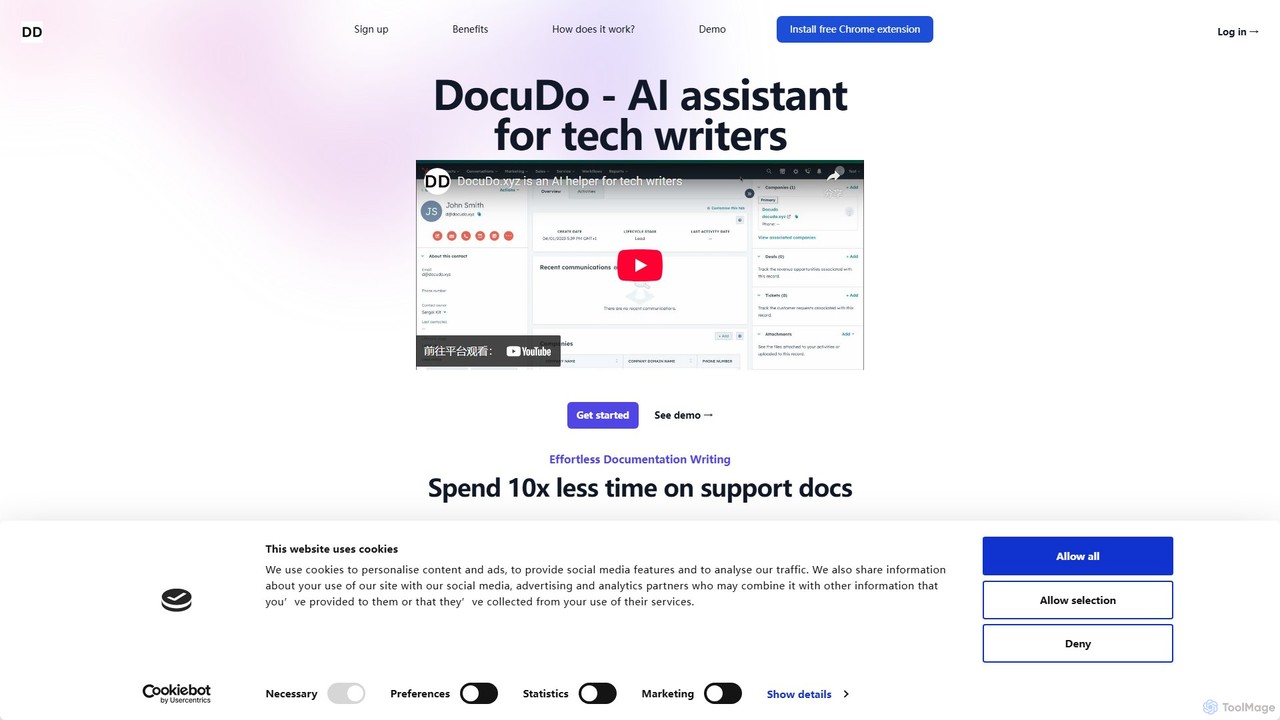
DocuDo
DocuDo is a generative AI platform specifically designed for technical writers. It automates and accelerates the creation of technical documentation, such as API guides, user manuals, and knowledge base articles, by transforming code, specifications, and prompts into clear, structured content.
Code Assistant
Jyek
Jyek is an AI agent platform that understands objectives, creates execution plans, uses tools, and delivers verifiable results for complex, multi-step tasks.
Automation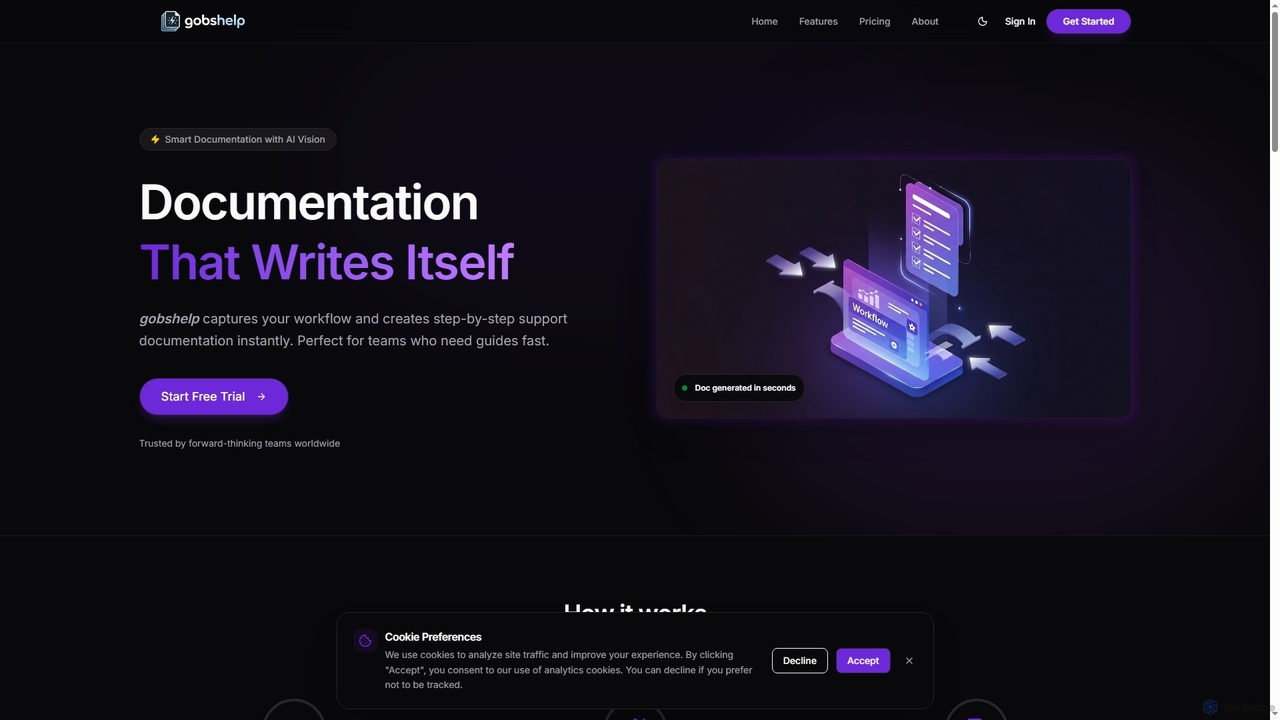
Gobshelp
Gobshelp is an AI-powered smart documentation tool that instantly captures your workflows and transforms them into step-by-step support guides. It's designed to automate the creation of help articles, SOPs, and training materials, saving teams significant time and effort.
Technical Writing
Glitter AI Comments (0)
Sign in to comment.
Sign inNo comments yet.