Glitter AI
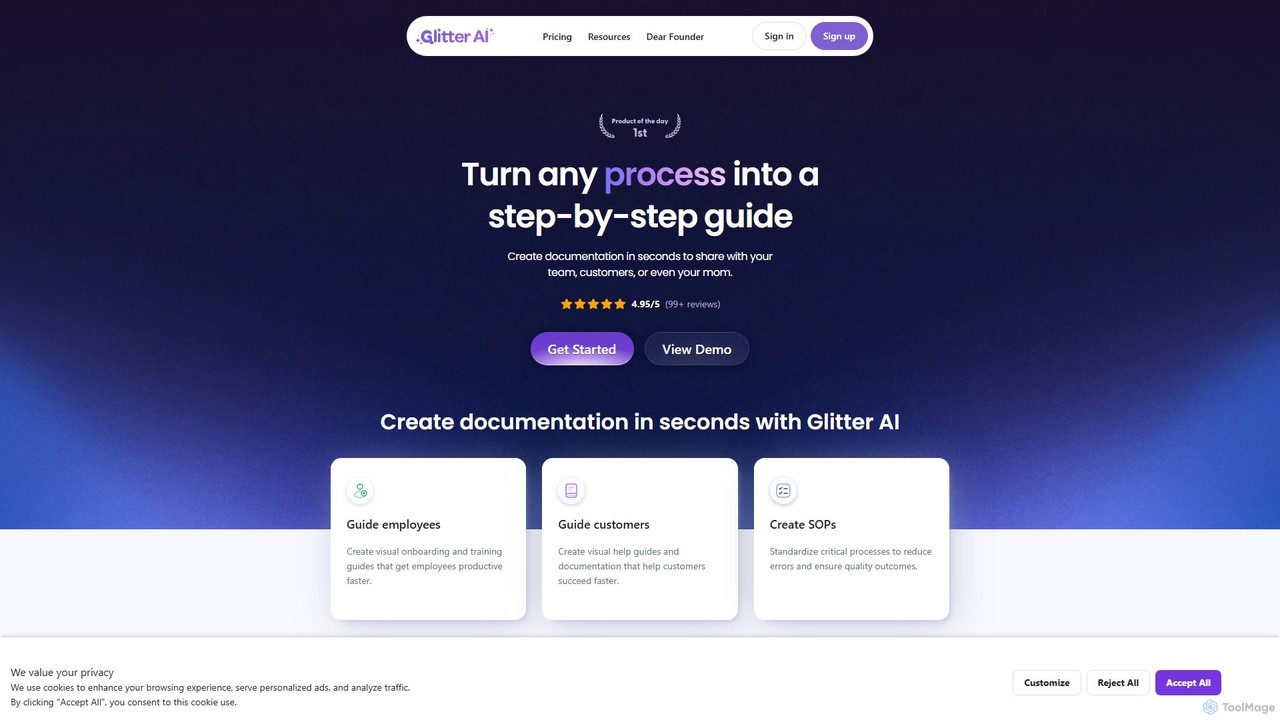
Glitter AI is an AI-powered tool that automatically transforms screen recordings, meetings, and existing videos into step-by-step guides. …
Glitter AI is an AI-powered tool that automatically transforms screen recordings, meetings, and existing videos into step-by-step guides. By capturing your actions and transcribing your voice, it creates professional documentation, SOPs, and training materials in seconds. It supports desktop and web capture, works in 99 languages, and offers easy editing and sharing options, significantly reducing the time spent on creating instructional content.
About Tutorial Maker
AI Tutorial Makers are specialized AI-powered tools designed to streamline the creation of step-by-step guides, software demonstrations, and educational content. These tools leverage artificial intelligence to automate aspects like screen recording, annotation, and script generation, simplifying the process of transforming complex instructions into clear, engaging visual tutorials. They are a focused subset within the broader category of video creation tools, specifically tailored for instructional design and knowledge transfer.
Core Features
- Automated Screen Recording: Intelligently captures screen activity, often with AI-driven click highlighting and smart pause detection.
- AI-Powered Annotation: Automatically adds callouts, text overlays, and visual cues to emphasize key steps or elements.
- Script & Voiceover Generation: Assists in drafting tutorial scripts and can generate natural-sounding voiceovers from text.
- Interactive Elements: Enables embedding quizzes, hotspots, or clickable elements to enhance learner engagement.
- Multi-Format Export: Supports exporting tutorials as videos, GIFs, interactive web pages, or even PDF guides.
Use Cases
These tools are invaluable for professionals across various sectors, including software companies, educational institutions, and customer support teams. They facilitate the rapid production of high-quality instructional materials for product onboarding, employee training, and technical support, significantly reducing the time and effort traditionally required for manual tutorial creation.
How to Choose
When selecting an AI Tutorial Maker, consider its ease of use, the range of supported output formats, and its integration capabilities with existing learning management systems or content platforms. Evaluate the AI features for automation, customization options for branding, and the overall cost-effectiveness for your specific production volume and team size.

Tutorial MakerUse Cases
Software Onboarding Video Creation
SaaS companies and software developers utilize AI Tutorial Makers to create engaging, step-by-step onboarding videos for new users. By automatically capturing software interactions and adding intelligent annotations, these tools simplify complex setup processes, reducing user frustration and improving product adoption rates. This allows new users to quickly grasp core functionalities without extensive manual support.
Internal Employee Training Modules
Human Resources and Learning & Development departments leverage these tools to develop comprehensive training modules for new hires or for introducing new internal systems. AI Tutorial Makers can quickly generate visual guides for software usage, compliance procedures, or operational workflows, ensuring consistent and efficient knowledge transfer across the organization, saving time on repetitive live training sessions.
Product Feature Demonstration Videos
Marketing and sales teams use AI Tutorial Makers to produce concise and impactful demonstration videos for new product features or updates. These tools enable rapid creation of visually rich content that highlights key functionalities, making it easier to communicate value propositions to potential customers and existing users, thereby boosting engagement and feature adoption.
Creating Educational Content for Online Courses
Educators and online course creators employ AI Tutorial Makers to explain complex concepts or software applications in a clear, visual format. The ability to record screen activity, add voiceovers, and embed interactive quizzes helps in breaking down difficult topics into digestible segments, enhancing student comprehension and making e-learning more dynamic and effective.
Developing Customer Support Troubleshooting Guides
Customer support teams benefit from AI Tutorial Makers by creating visual, step-by-step troubleshooting guides for common user issues. Instead of lengthy text instructions, users can follow a visual path to resolve problems, leading to faster resolution times, reduced support tickets, and improved customer satisfaction. This empowers users to self-serve efficiently.
DIY Project and Crafting Instructions
Individual creators, hobbyists, and small businesses use these tools to share detailed instructions for DIY projects, crafting, or cooking recipes. By visually documenting each step with annotations and clear voiceovers, they can create professional-looking guides that are easy for their audience to follow, fostering community engagement and sharing expertise effectively.