

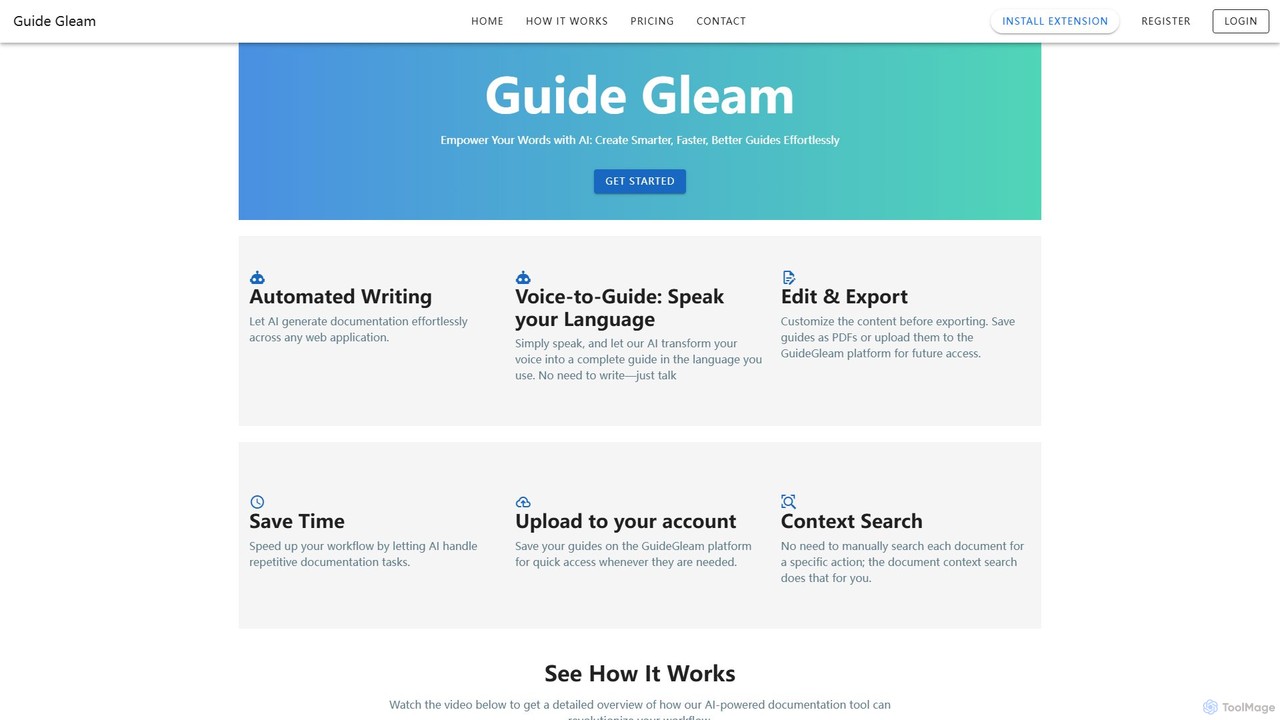
Guide Gleam Overview
Guide Gleam is a revolutionary AI-powered tool designed to transform the way we create documentation, tutorials, and standard operating procedures (SOPs). It empowers users to generate comprehensive, visually-rich guides effortlessly, simply by performing a task. The platform intelligently captures every click, scroll, and keystroke, automatically converting these actions into a structured, step-by-step guide with annotated screenshots and descriptive text. This eliminates the tedious manual process of taking screenshots, writing instructions, and formatting documents, allowing teams to produce high-quality materials in a fraction of the time.
One of its standout features is the innovative "Voice-to-Guide" technology. Users can simply speak their instructions or add context while navigating through a web application, and Guide Gleam's AI will transcribe the speech and integrate it seamlessly into the guide. This makes the documentation process more natural and accessible, especially for creating multilingual content. The platform is built for collaboration and efficiency, offering a centralized space to store, manage, and search for guides, ensuring that knowledge is easily accessible across the entire organization.
How to use Guide Gleam
Using Guide Gleam is an intuitive and straightforward process, designed to be user-friendly for individuals of all technical levels. Here's a typical workflow:
- Start Recording: Begin by activating the Guide Gleam browser extension or application. Click the 'record' button to start capturing your workflow.
- Perform the Task: Navigate through any web application and complete the process you wish to document. Guide Gleam will automatically track your actions in the background.
- Use Voice Narration (Optional): As you perform the steps, you can speak aloud to add extra details, context, or specific instructions. The Voice-to-Guide feature will capture and transcribe your words.
- Stop and Review: Once the task is complete, stop the recording. Guide Gleam will instantly generate a complete guide with screenshots for each step and AI-generated text descriptions.
- Edit and Customize: Review the generated guide. You can easily edit the text, add annotations to screenshots (like arrows, highlights, or text boxes), blur sensitive information, and apply your company's branding (logos and colors).
- Export and Share: Once you are satisfied with the guide, you can export it in various formats, such as PDF, or share it directly with your team or customers via a link. All guides can be saved to your GuideGleam account for future access and updates.
Core Features of Guide Gleam
- Automated Documentation Generation: Captures user actions on any web application and automatically creates step-by-step guides.
- Voice-to-Guide Technology: Transcribes spoken language into written instructions within the guide, supporting multiple languages.
- AI-Powered Text Generation: The AI writes clear and concise descriptions for each step, which can be easily edited.
- Advanced Editing and Annotation: A full suite of editing tools to customize screenshots with annotations, highlights, and redactions for sensitive data.
- Customizable Templates & Branding: Apply custom branding, including logos and color schemes, to maintain a consistent look and feel.
- Multiple Export Options: Export guides as PDFs or share them via a direct link from the GuideGleam platform.
- Centralized Guide Library: A cloud-based platform to store, organize, and manage all your documentation in one place.
- Contextual Search: A powerful search engine that allows you to find specific actions or information within your entire library of guides, saving time on manual searches.
Use Cases for Guide Gleam
Guide Gleam is a versatile tool suitable for various professional scenarios:
- Customer Support: Create detailed how-to articles and troubleshooting guides for help centers to resolve customer issues faster.
- Employee Onboarding & Training: Develop standardized training materials and SOPs to help new employees get up to speed quickly and efficiently.
- Software Documentation: Generate user manuals, feature release notes, and interactive tutorials for software products.
- Sales Enablement: Build compelling product demonstration guides and walkthroughs for the sales team to share with potential clients.
- Internal Knowledge Management: Document internal processes, workflows, and best practices to build a comprehensive and easily searchable knowledge base for your team.
Advantages of Guide Gleam
The primary advantage of Guide Gleam is its massive boost in efficiency. It reduces the time to create a guide from hours to mere minutes. This speed does not come at the cost of quality; the guides are consistent, accurate, and professional. The Voice-to-Guide feature enhances accessibility and makes multilingual guide creation simple. By centralizing all documentation, it fosters better knowledge sharing and collaboration within teams, ensuring everyone has access to the most up-to-date information.
Pricing and Plans
Guide Gleam likely operates on a freemium model, offering different tiers to suit various needs:
- Free Plan: Ideal for individuals or small teams starting out, offering basic features with a limit on the number of guides that can be created.
- Pro Plan: Aimed at professionals and larger teams, this plan would likely include unlimited guides, advanced features like custom branding, team collaboration, and more export options.
- Enterprise Plan: A custom solution for large organizations with specific needs for security, integration, and dedicated support.
For the most accurate and up-to-date pricing information, it is recommended to visit the official Guide Gleam website.
Guide Gleam Alternatives
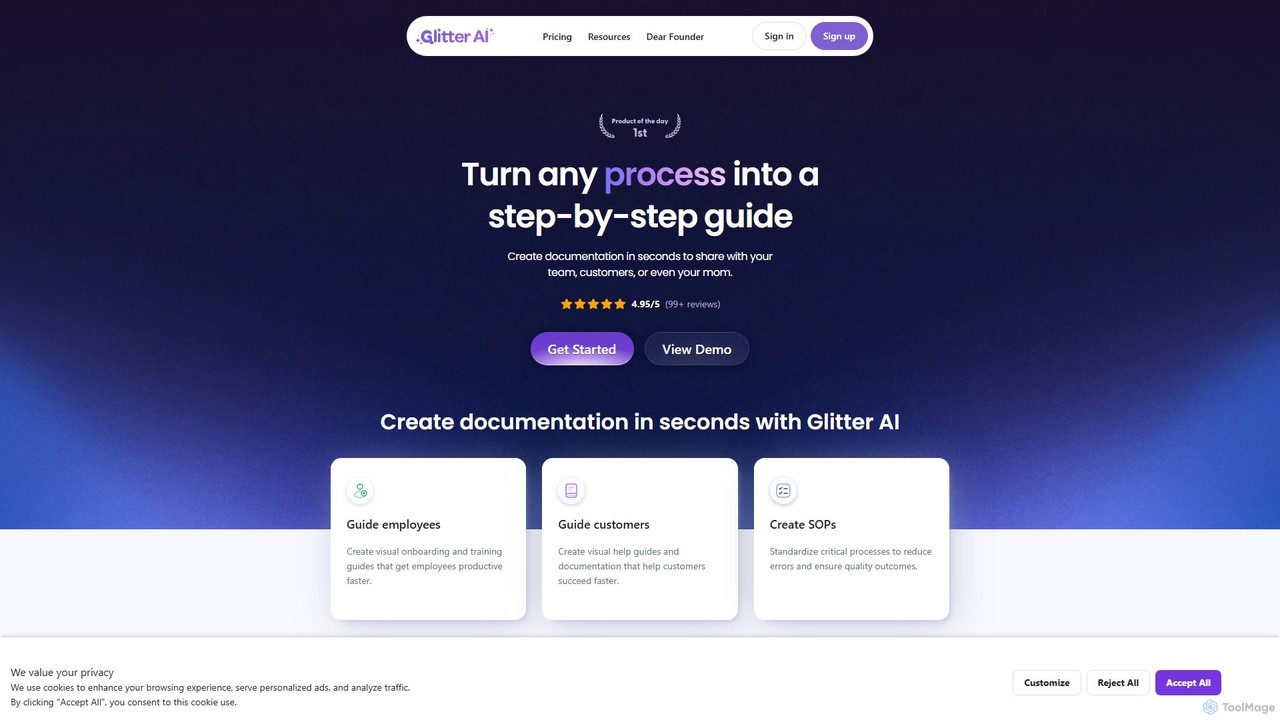
Glitter AI
Glitter AI is an AI-powered tool that automatically transforms screen recordings, meetings, and existing videos into step-by-step guides. By capturing your actions and transcribing your voice, it creates professional documentation, SOPs, and training materials in seconds. It supports desktop and web capture, works in 99 languages, and offers easy editing and sharing options, significantly reducing the time spent on creating instructional content.
Customer Support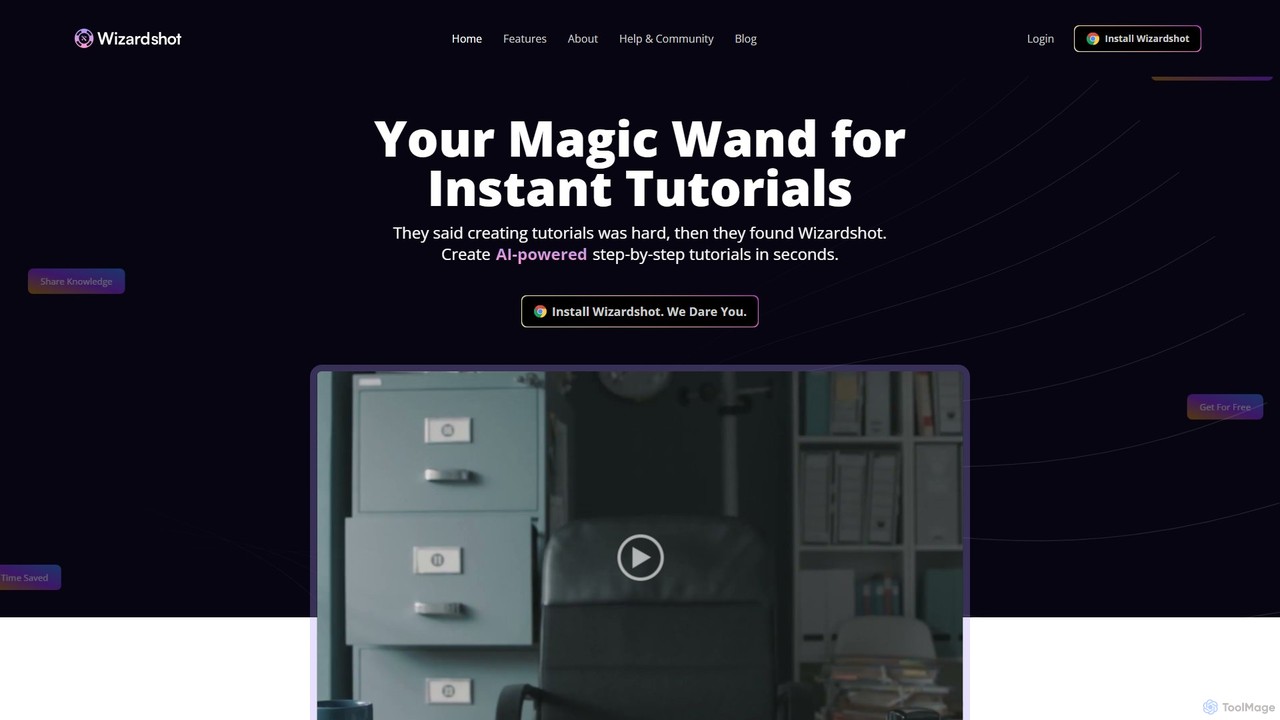
Wizardshot
Wizardshot is a free AI-powered tool that instantly creates step-by-step tutorials and guides from your screen recordings. As a Chrome extension and web app, it automates the process of documentation, allowing teams to generate how-to guides, SOPs, and training materials in seconds, not hours.
Onboarding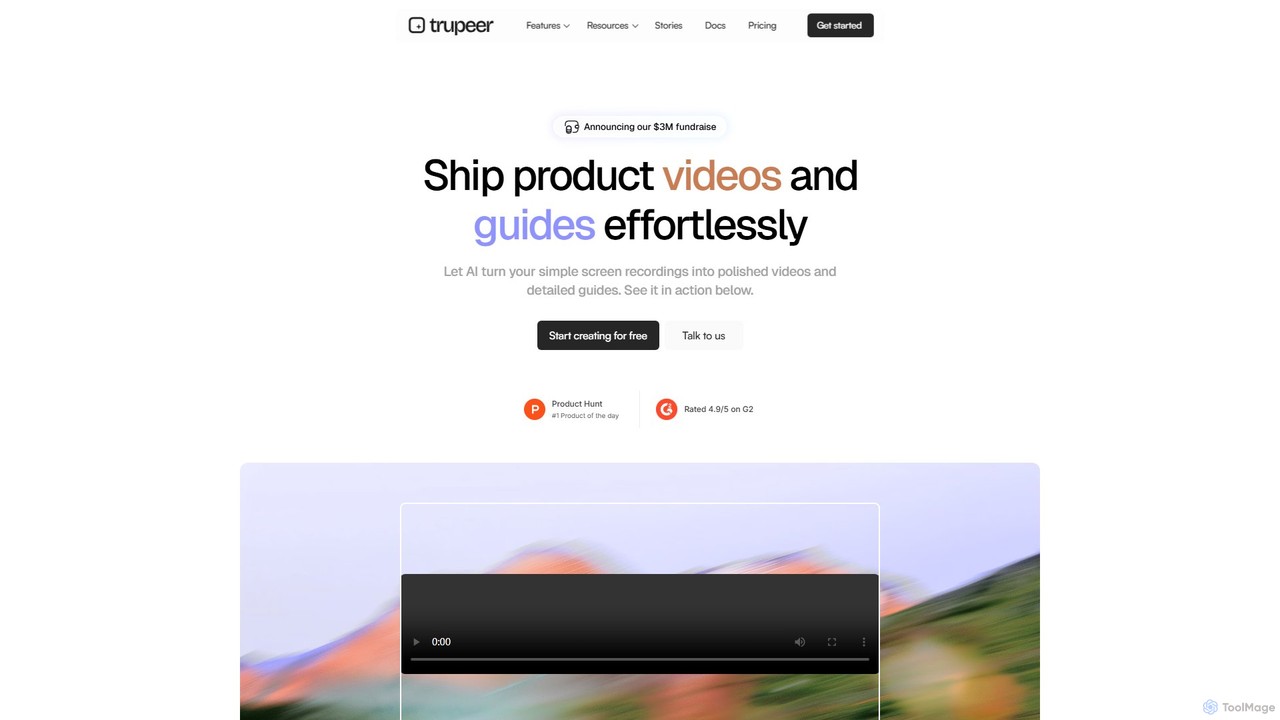
Trupeer
Trupeer is an AI-powered platform that transforms simple screen recordings into polished, professional product videos and detailed step-by-step documentation in minutes. It automates the entire creation process, from scriptwriting and voiceovers to editing and branding, making it ideal for creating demos, tutorials, and training materials.
Tutorials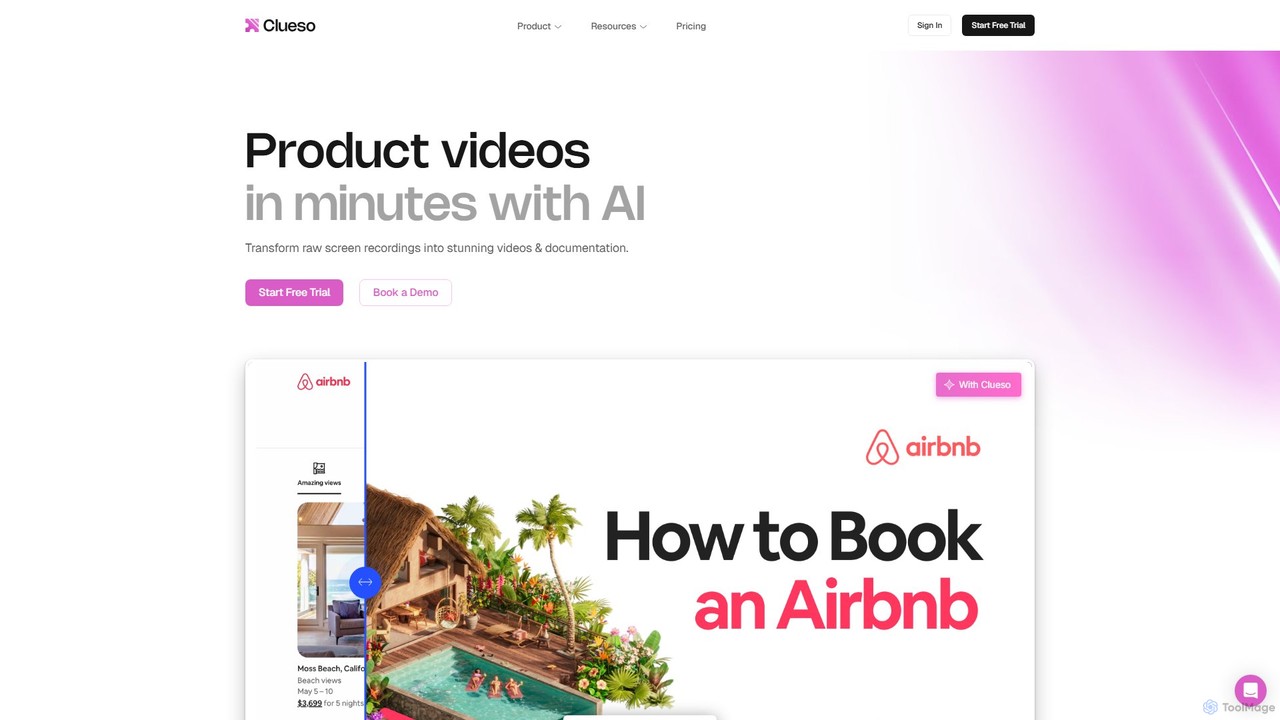
Clueso
Clueso is an AI-powered platform that transforms raw screen recordings into polished product videos and step-by-step documentation in minutes. It automates scriptwriting, voiceovers, editing, and translation to help teams create high-quality training and marketing content at scale.
Training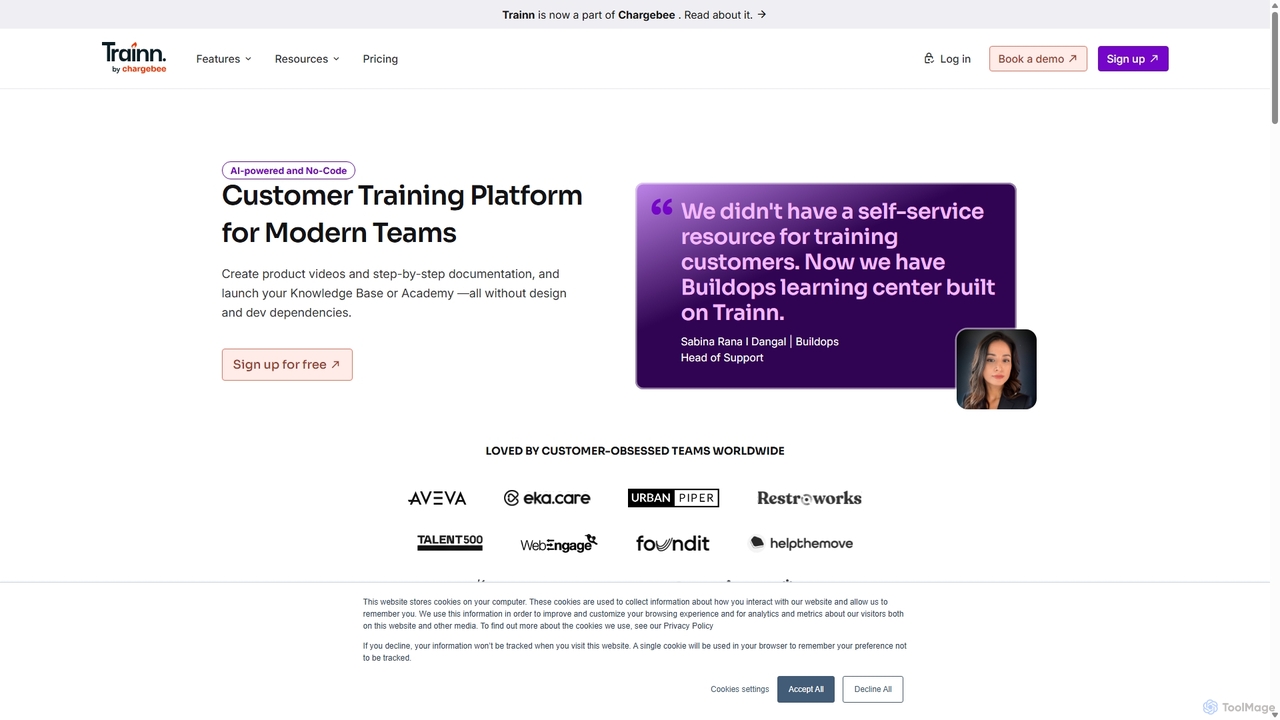
trainn
Trainn is an AI-powered, no-code customer education platform for SaaS businesses. It enables teams to effortlessly create professional product videos, interactive guides, knowledge bases, and customer academies from simple screen recordings, accelerating onboarding and boosting user adoption.
Customer SuccessGuide Gleam Categories
Guide Gleam Embed Widget
Copy this embed code to place the badge on your blog, article, or product site and send readers directly to this ToolMage detail page.

Related AI tools
Glitter AI
Glitter AI is an AI-powered tool that automatically transforms screen recordings, meetings, and existing videos into step-by-step guides. By capturing your actions and transcribing your voice, it creates professional documentation, SOPs, and training materials in seconds. It supports desktop and web capture, works in 99 languages, and offers easy editing and sharing options, significantly reducing the time spent on creating instructional content.
Customer SupportWizardshot
Wizardshot is a free AI-powered tool that instantly creates step-by-step tutorials and guides from your screen recordings. As a Chrome extension and web app, it automates the process of documentation, allowing teams to generate how-to guides, SOPs, and training materials in seconds, not hours.
Onboarding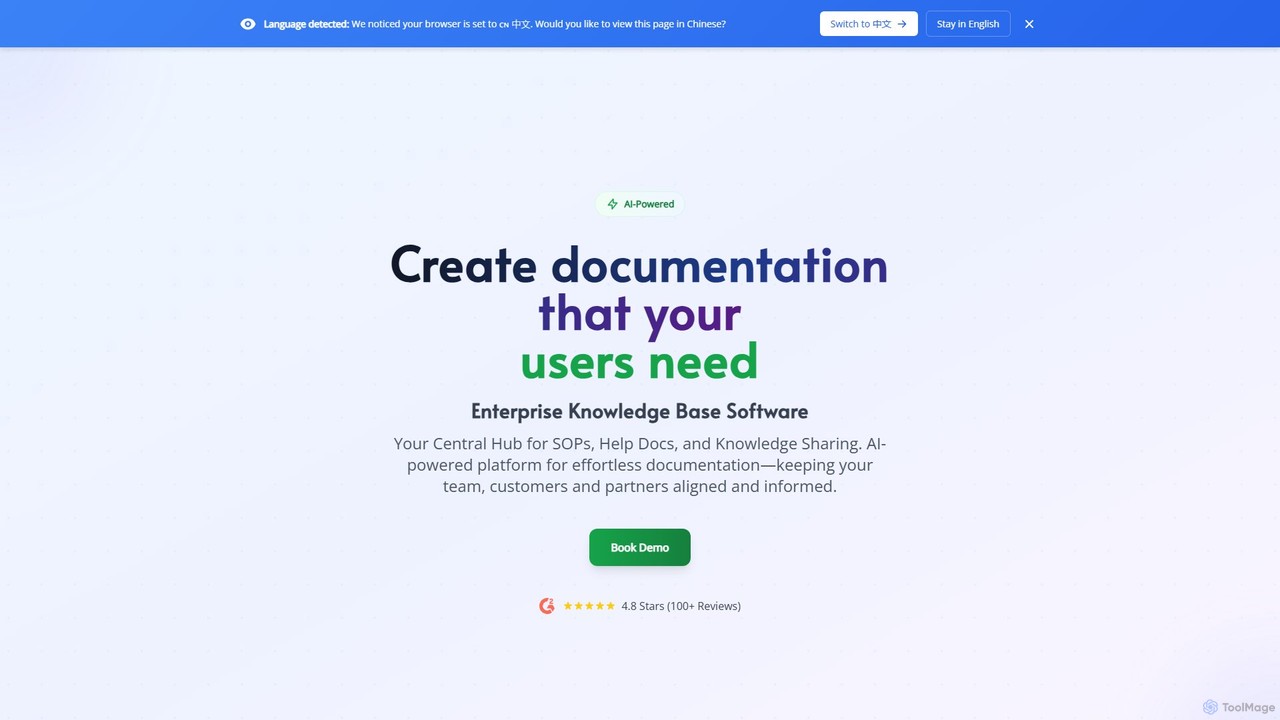
Docsie
Docsie is an AI-powered documentation and knowledge base platform designed to help teams create, manage, and deliver technical content efficiently. It streamlines the creation of user manuals, SOPs, and product documentation, featuring AI writing assistants, collaborative editing, version control, and an integrated AI chatbot to reduce support tickets and improve user self-service.
Collaboration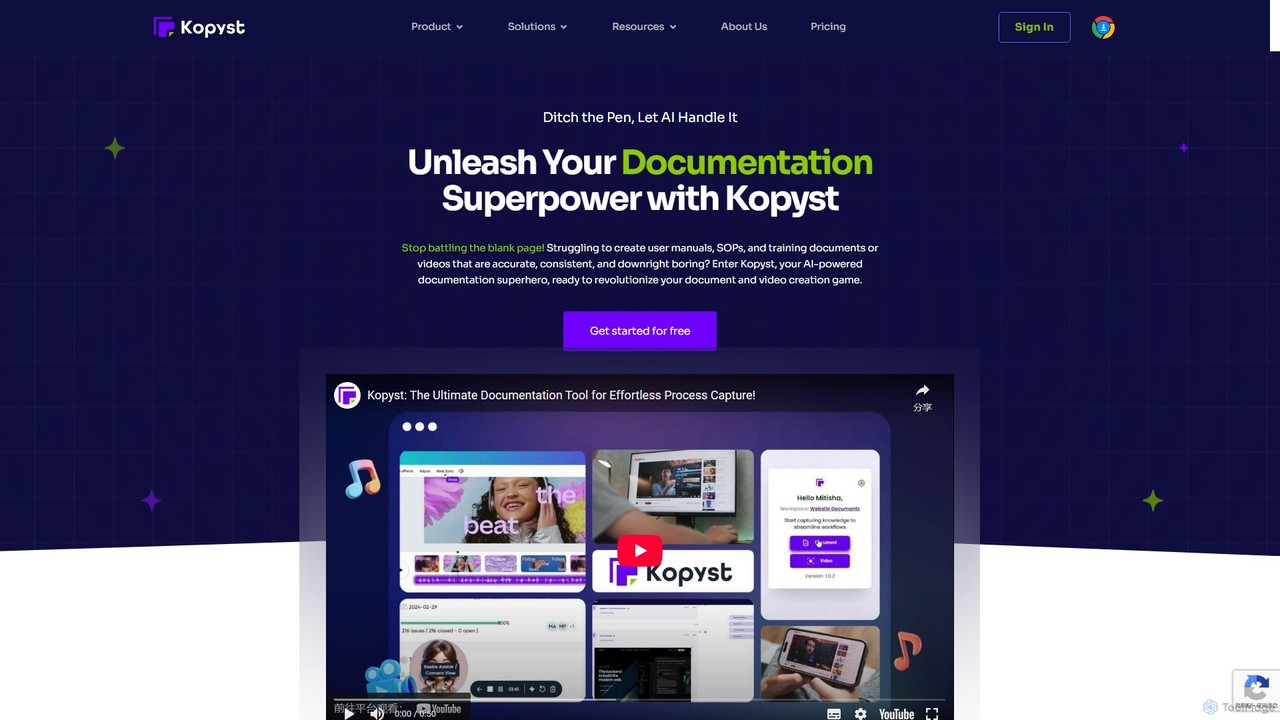
Kopyst
Kopyst is an AI-powered platform that transforms complex workflows into engaging step-by-step videos and documents. By recording your screen interactions, it automatically generates user manuals, SOPs, training materials, and product walkthroughs, saving you hours of manual work and ensuring accuracy.
Knowledge Base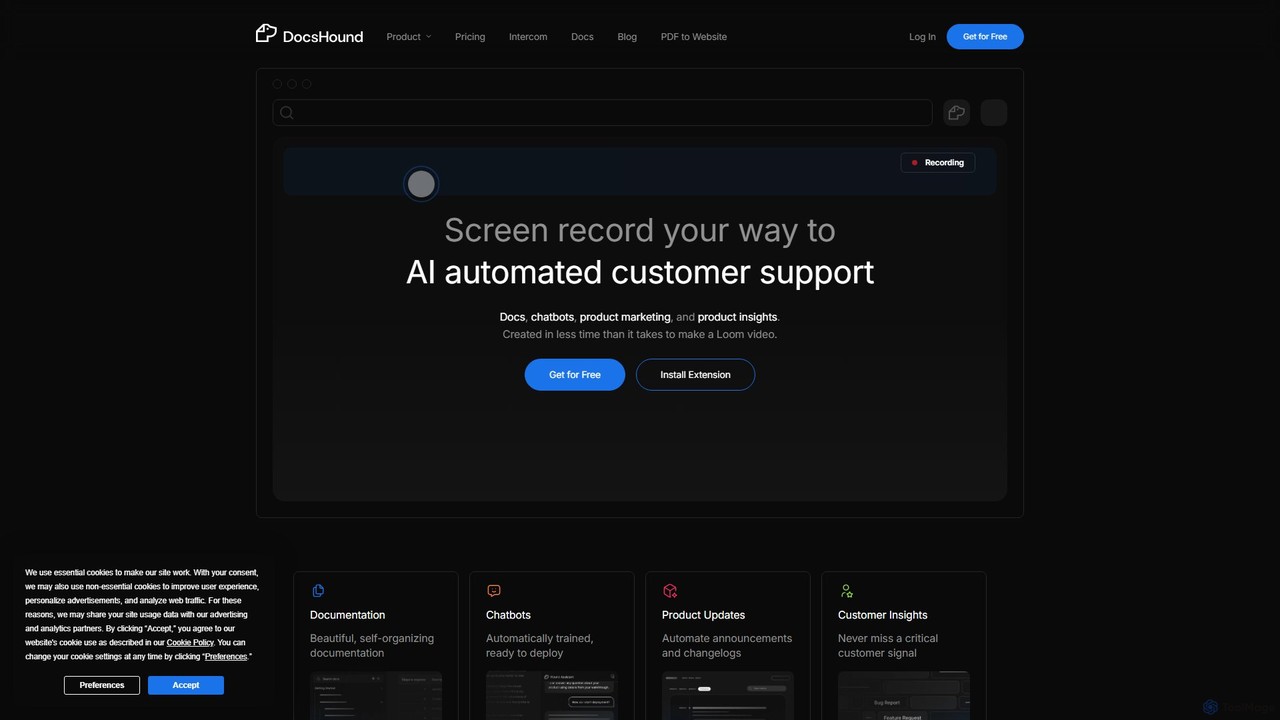
DocsHound
DocsHound is an AI-powered platform that transforms screen recordings of product demos into comprehensive documentation, intelligent chatbots, and actionable product insights. It automates the entire knowledge base creation process, allowing teams to generate beautiful, self-organizing docs and support assets in minutes, keeping pace with rapid product development.
Chatbots
airshot
Airshot is an AI-powered platform that transforms screen recordings into interactive step-by-step guides and product demos. Effortlessly capture your workflow, and let AI automatically generate annotated screenshots and descriptive text, saving you hours on documentation.
Guide Creation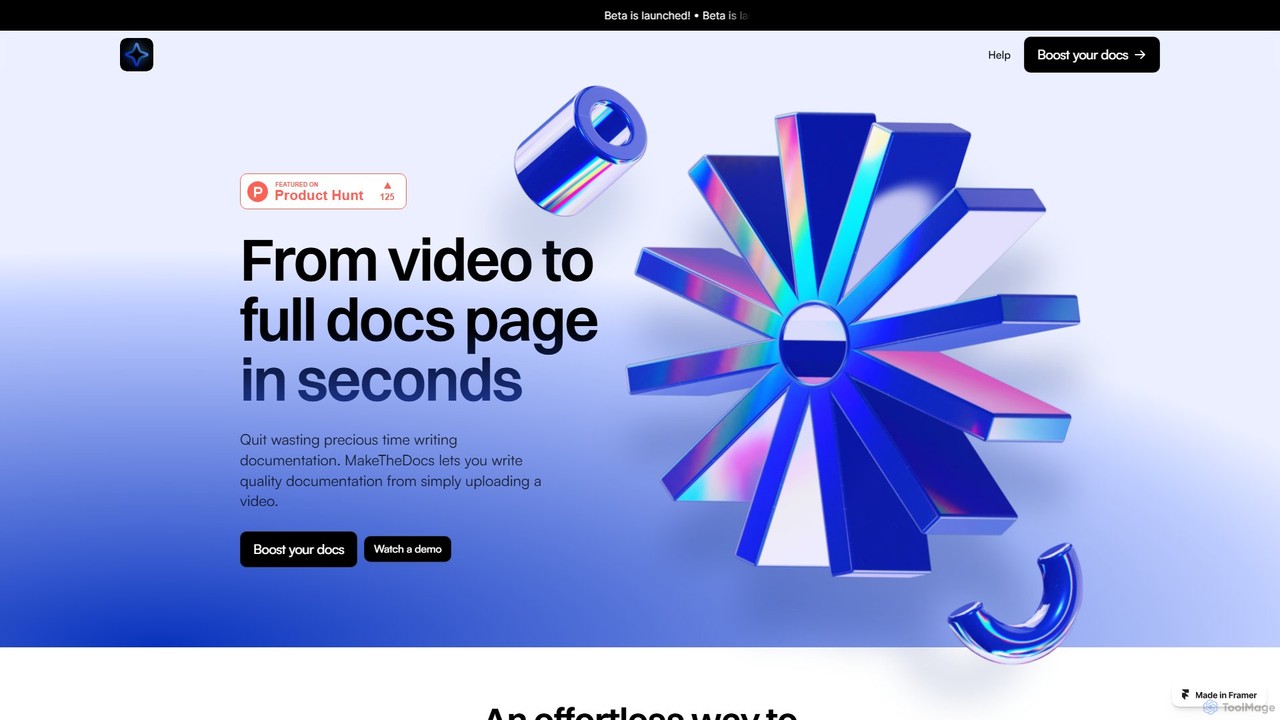
MakeTheDocs
MakeTheDocs is an AI-powered tool that transforms videos into comprehensive documentation pages in seconds. Simply upload a video, and the AI will generate clear, well-structured text, saving you countless hours of manual writing. It's designed for developers, educators, HR departments, and content creators who need to produce high-quality tutorials, guides, and training materials efficiently.
Documentation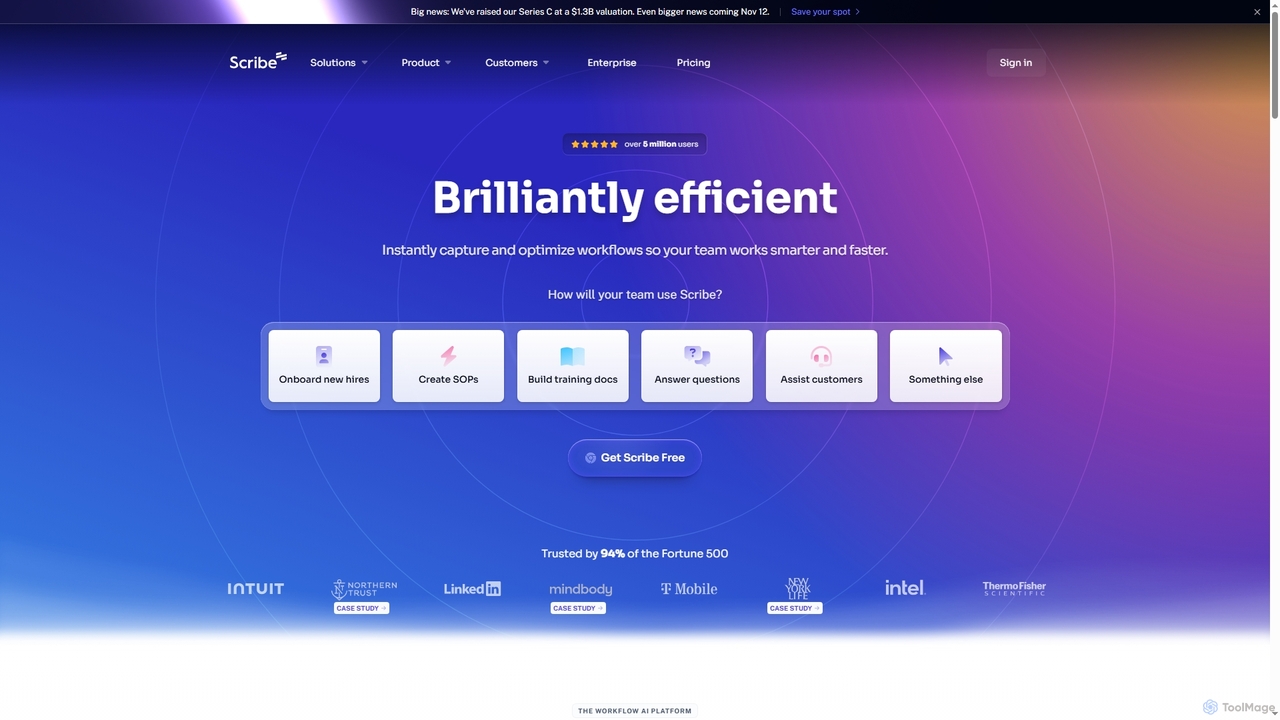
Scribe
Scribe is an AI-powered workflow documentation tool that automatically captures any process—web, desktop, or mobile—and instantly transforms it into a step-by-step guide. It helps teams create SOPs, training materials, and customer support guides faster, enhancing efficiency and knowledge sharing across organizations.
Training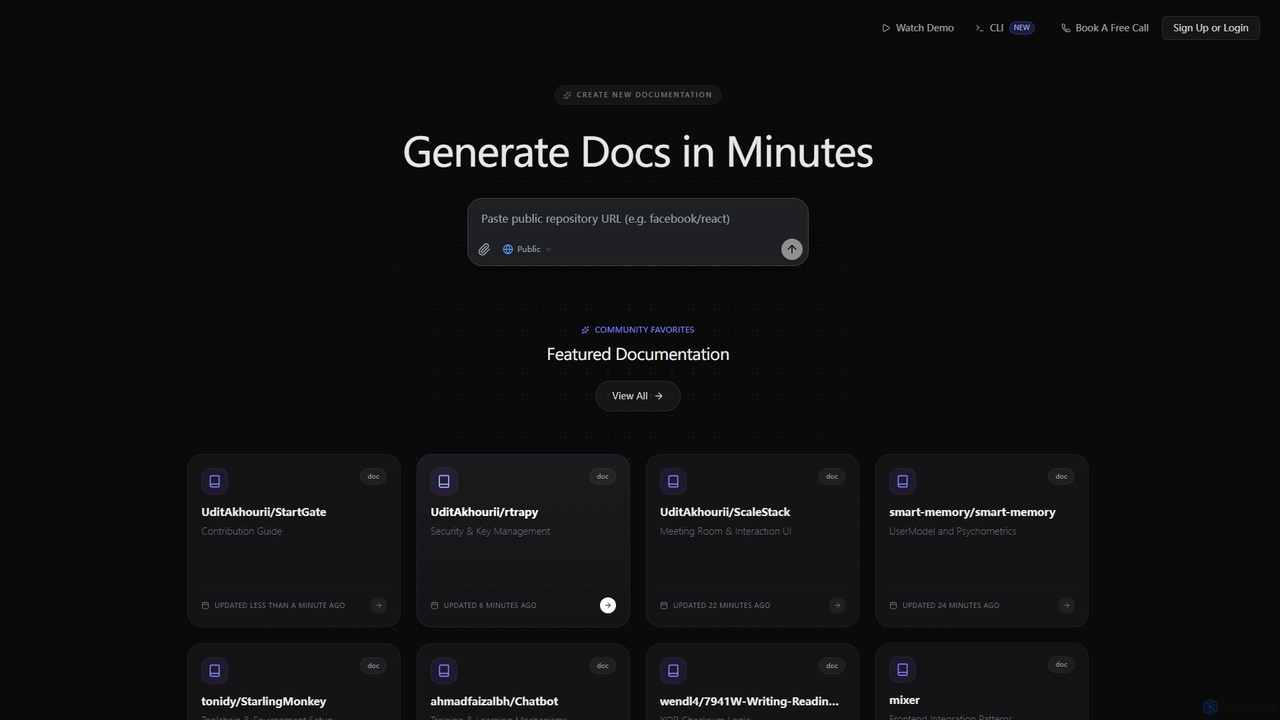
SuperDocs
SuperDocs is an AI-powered platform designed to rapidly generate comprehensive and context-aware documentation. It helps developers, teams, and communities create, manage, and explore technical documentation in minutes, featuring an interactive AI assistant for enhanced user experience.
Api Documentation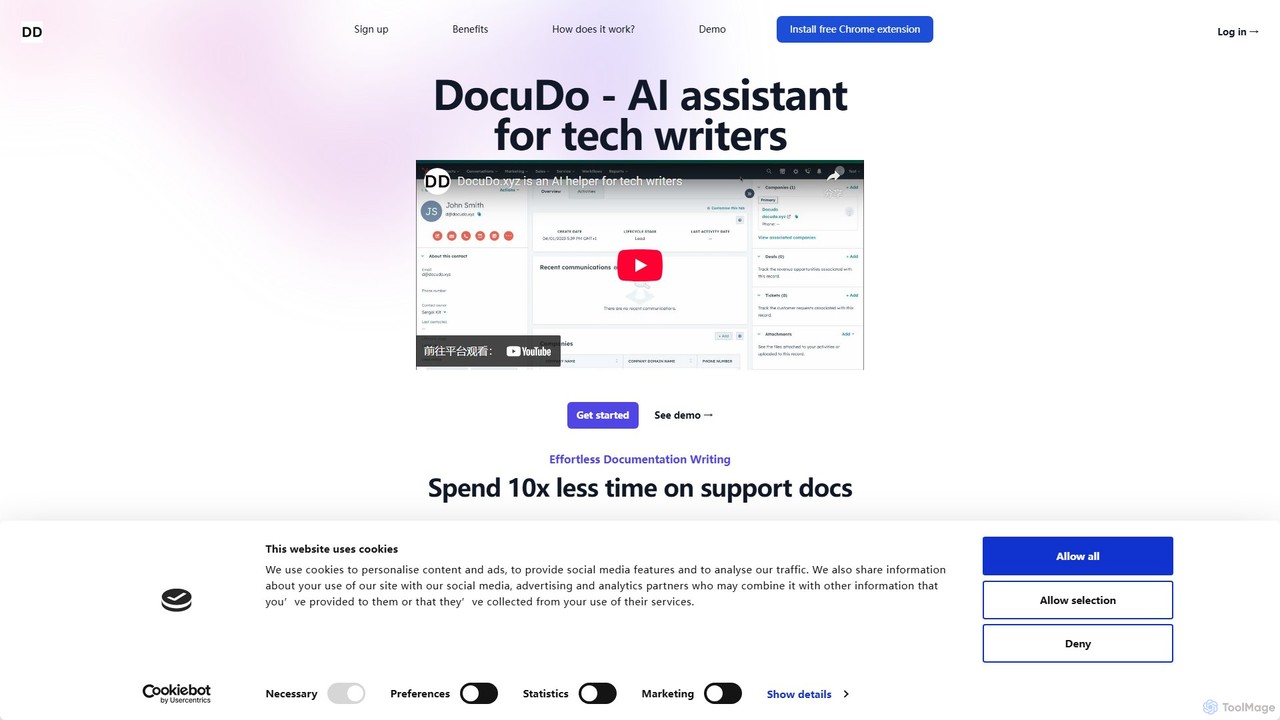
DocuDo
DocuDo is a generative AI platform specifically designed for technical writers. It automates and accelerates the creation of technical documentation, such as API guides, user manuals, and knowledge base articles, by transforming code, specifications, and prompts into clear, structured content.
Code Assistant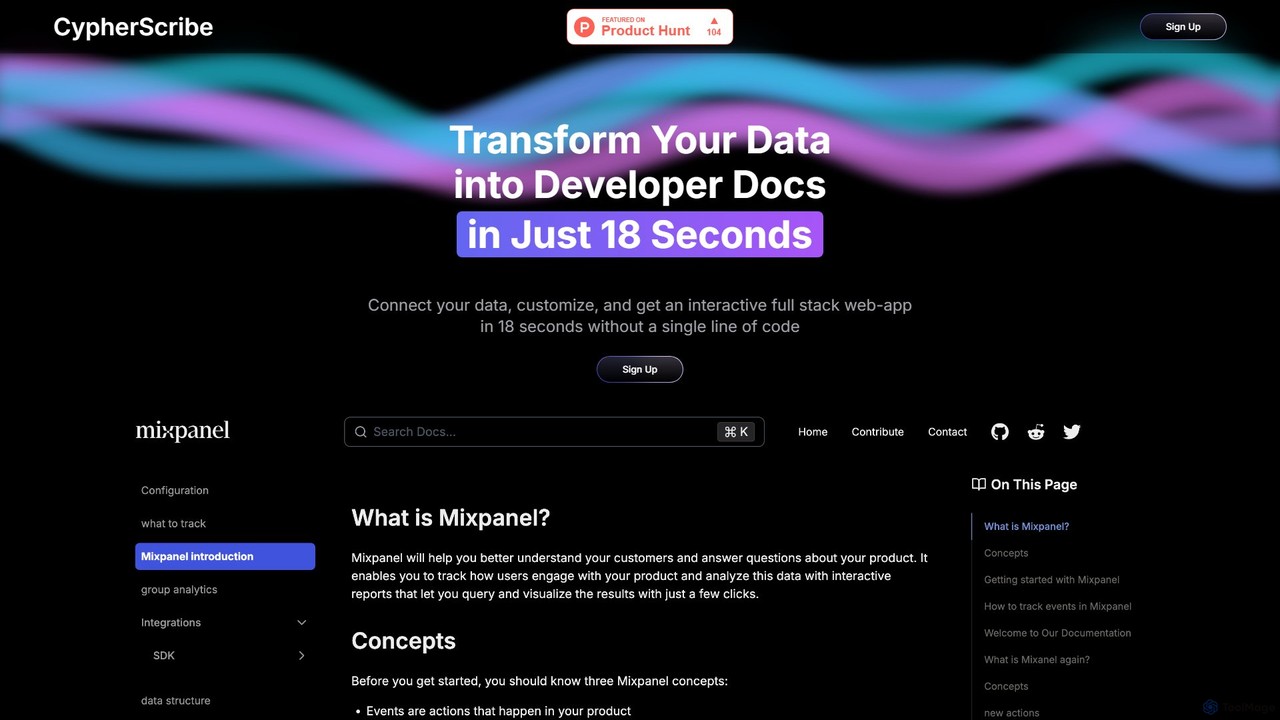
CypherScribe
CypherScribe is an AI-powered, no-code platform that instantly transforms your data into a fully interactive, full-stack developer documentation website. In just 18 seconds, connect your data, customize the appearance, and launch a professional, SEO-optimized documentation site with an integrated AI chatbot. It's designed to save development time by automating the entire documentation creation and hosting process, complete with custom domains, a rich editor, and powerful search capabilities.
Knowledge Base
Jyek
Jyek is an AI agent platform that understands objectives, creates execution plans, uses tools, and delivers verifiable results for complex, multi-step tasks.
Automation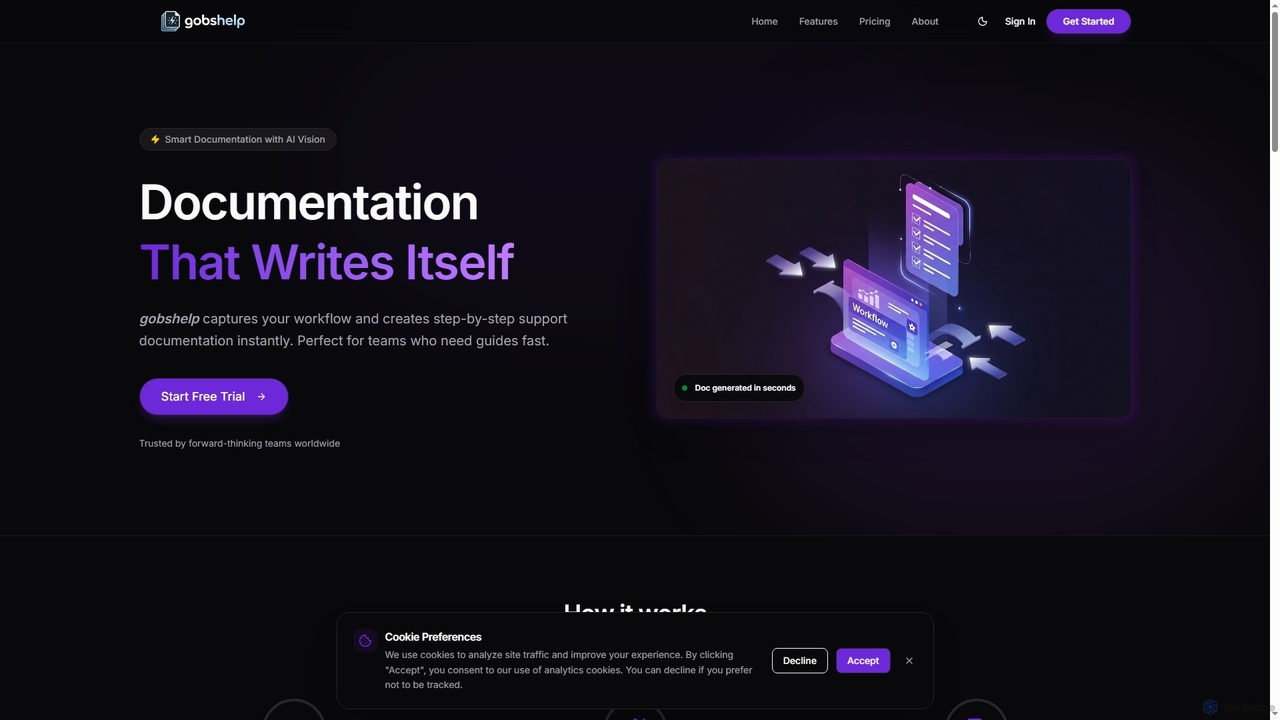
Gobshelp
Gobshelp is an AI-powered smart documentation tool that instantly captures your workflows and transforms them into step-by-step support guides. It's designed to automate the creation of help articles, SOPs, and training materials, saving teams significant time and effort.
Technical WritingTrupeer
Trupeer is an AI-powered platform that transforms simple screen recordings into polished, professional product videos and detailed step-by-step documentation in minutes. It automates the entire creation process, from scriptwriting and voiceovers to editing and branding, making it ideal for creating demos, tutorials, and training materials.
TutorialsClueso
Clueso is an AI-powered platform that transforms raw screen recordings into polished product videos and step-by-step documentation in minutes. It automates scriptwriting, voiceovers, editing, and translation to help teams create high-quality training and marketing content at scale.
Training
Guide Gleam Comments (0)
Sign in to comment.
Sign inNo comments yet.