ToolMage
Sign in

Best 2 Tutorials AI tools for Customer Support

Popular Tutorials AI tools in Customer Support include Scribe and Trupeer, helping you work more efficiently.

Scribe
Freemium

Scribe

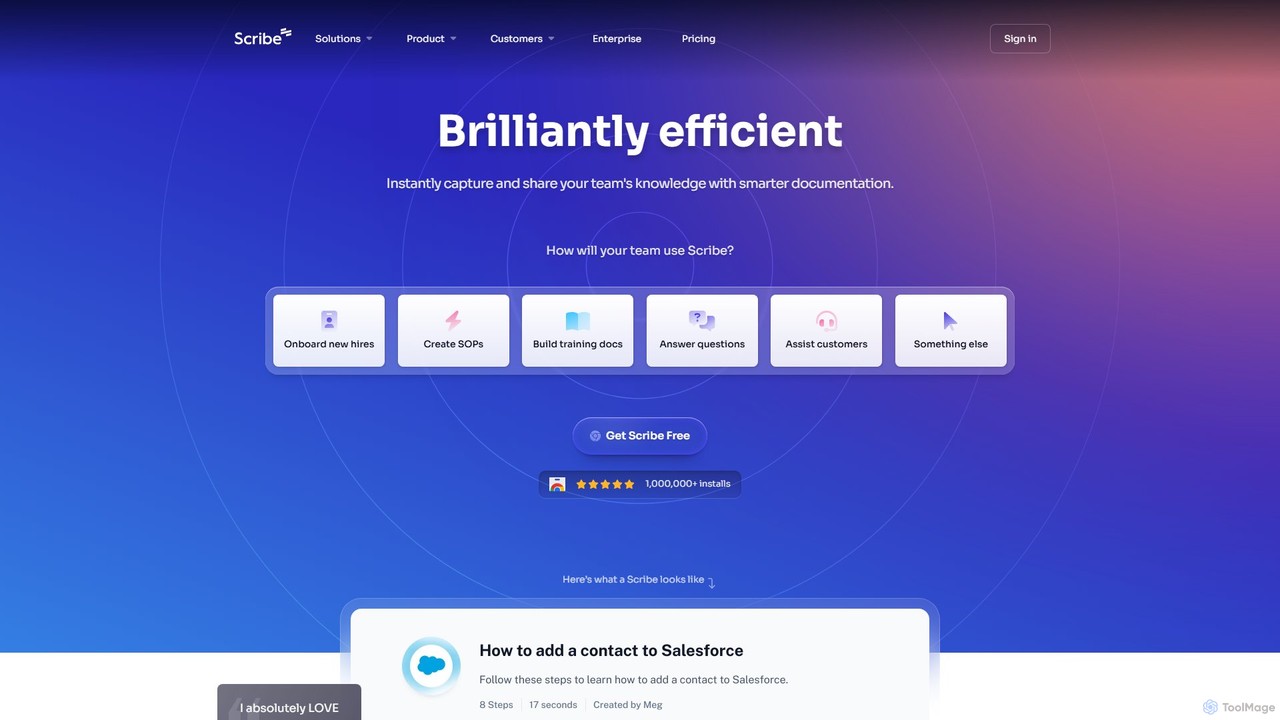
Scribe is an AI-powered platform that automatically captures your workflow and instantly creates step-by-step visual guides. It eliminates manual documentation by recording your clicks and keystrokes, generating shareable tutorials with annotated screenshots. Ideal for team training, customer support, and creating SOPs.

Training
Visits 3MFavorites 135Likes 145
Trupeer
Freemium

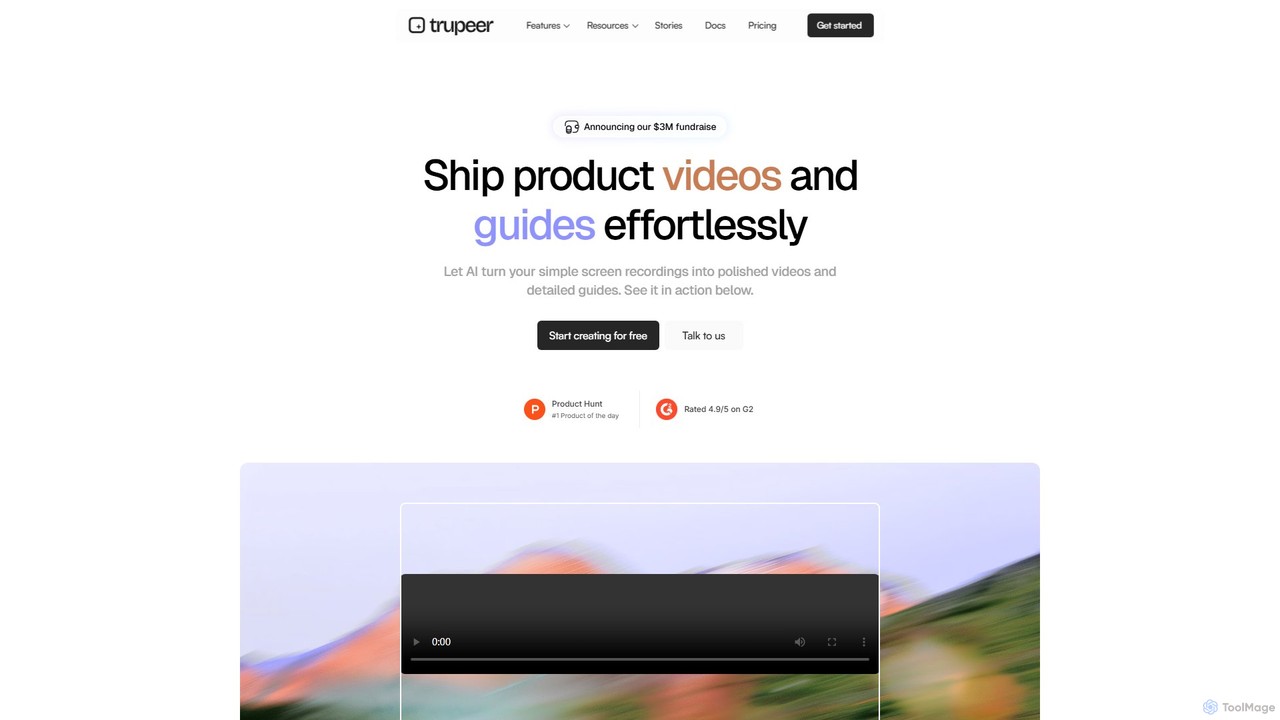
Trupeer

Trupeer is an AI-powered platform that transforms simple screen recordings into polished, professional product videos and detailed step-by-step documentation in minutes. It automates the entire creation process, from scriptwriting and voiceovers to editing and branding, making it ideal for creating demos, tutorials, and training materials.

Tutorials
Visits 273.7KFavorites 143Likes 143

About Tutorials

Tutorials are AI-powered tools designed to automatically generate, personalize, and manage instructional content, serving as a proactive component within customer support strategies. These platforms leverage natural language processing and content generation algorithms to transform complex information into clear, step-by-step guides, interactive walkthroughs, and educational resources. By providing users with immediate access to relevant solutions and learning paths, AI tutorial tools significantly enhance self-service capabilities, reduce reliance on live agents, and improve overall user experience and product adoption.

Core Features

  • Automated Content Generation: Creates step-by-step guides, FAQs, and video scripts from raw data or product documentation.
  • Personalized Learning Paths: Adapts tutorial content and sequence based on user behavior, skill level, and specific queries.
  • Interactive Walkthroughs: Develops guided tours and in-app prompts to help users navigate features and complete tasks.
  • Multilingual Support: Automatically translates and localizes tutorial content for diverse global audiences.
  • Performance Analytics: Tracks user engagement, completion rates, and effectiveness of tutorials to identify areas for improvement.

Applicable Scenarios

These tools are invaluable for SaaS companies onboarding new users, e-commerce businesses providing product usage instructions, and software developers documenting complex APIs. They empower users to quickly find answers, learn new features, and troubleshoot issues independently, thereby reducing the volume of inbound support requests and improving customer satisfaction.

How to Choose

When selecting an AI tutorial tool, consider its content generation capabilities (text, video, interactive), personalization engine's sophistication, integration with existing knowledge bases and CRM systems, and analytics features. Evaluate the ease of content updates, multilingual support, and the tool's ability to scale with your product's complexity and user base.

Tutorials use cases

1

Automating SaaS Onboarding Guides

SaaS product managers can use AI tutorial tools to automatically generate comprehensive onboarding guides and interactive tours for new users. By feeding product documentation and UI screenshots, the tool creates personalized learning paths that guide users through initial setup and core feature adoption, significantly reducing the time to value and improving trial conversion rates.

2

Creating Dynamic Product Manuals

E-commerce businesses can leverage these tools to transform static product descriptions into dynamic, searchable product manuals and how-to videos. When a customer searches for "how to assemble X," the AI generates a tailored, visual tutorial, reducing post-purchase support queries and enhancing customer satisfaction with complex products.

3

Personalizing In-App Feature Adoption

Software development teams can integrate AI tutorial tools to provide context-sensitive in-app guidance. Based on a user's current activity or past behavior, the tool triggers relevant micro-tutorials or tooltips, helping users discover and effectively utilize advanced features without leaving the application, thereby boosting feature adoption.

4

Scaling Multilingual Support Documentation

Global enterprises can use AI tutorial platforms to automatically translate and localize their entire knowledge base and tutorial library into multiple languages. This ensures that customers worldwide receive consistent, high-quality support content in their native language, drastically cutting down translation costs and time while expanding global reach.

5

Generating Troubleshooting & FAQ Content

Customer support teams can employ AI tutorial generators to quickly create detailed troubleshooting guides and expand their FAQ sections. By analyzing common support tickets and user queries, the AI identifies knowledge gaps and generates clear, actionable solutions, empowering users to self-diagnose and resolve issues, thus deflecting repetitive support requests.

6

Developing Interactive Employee Training Modules

Beyond external customers, internal HR or training departments can utilize AI tutorial tools to create interactive training modules for new employees or for learning new internal systems. The AI can generate role-specific tutorials and quizzes, ensuring consistent and efficient knowledge transfer across the organization.

Tutorials FAQ

What are AI Tutorial Tools?

AI tutorial tools are software solutions that use artificial intelligence, primarily natural language processing and generation, to create, personalize, and manage instructional content. They aim to provide users with automated, step-by-step guides, interactive walkthroughs, and educational resources to help them understand products, troubleshoot issues, and learn new skills, often as a proactive element of customer support.

How do AI Tutorial Tools differ from traditional knowledge bases?

While traditional knowledge bases store static articles, AI tutorial tools actively generate and adapt content. They can personalize learning paths based on user behavior, offer interactive in-app guidance, and automatically update or translate content. This dynamic and proactive approach makes them more engaging and effective than static knowledge bases for self-service support.

What are the key benefits of using AI Tutorial Tools for customer support?

The main benefits include reduced support ticket volume by enabling self-service, improved customer satisfaction through immediate access to solutions, faster user onboarding and product adoption, and significant cost savings on manual content creation and translation. They also provide valuable insights into user behavior and content effectiveness.

What features should I look for when choosing an AI Tutorial Tool?

Look for robust content generation capabilities (text, video, interactive elements), advanced personalization and adaptive learning features, seamless integration with your existing CRM and knowledge base, and comprehensive analytics for tracking performance. Multilingual support, ease of content editing, and scalability are also crucial considerations.

Can AI Tutorial Tools create interactive content?

Yes, many advanced AI tutorial tools are capable of creating highly interactive content. This includes guided in-app tours, step-by-step walkthroughs with visual cues, interactive quizzes, and simulations. These features significantly enhance user engagement and comprehension compared to passive text or video tutorials.