


Dubble Overview
Dubble is a revolutionary AI tool designed to automate the creation of documentation. It functions as a Chrome extension that observes your workflow and instantly translates your actions into comprehensive, step-by-step guides complete with written instructions, screenshots, and videos. The platform addresses the common pain point that writing and maintaining documentation is slow, tedious, and often neglected. With Dubble, teams can say goodbye to manually taking screenshots and writing instructions, saving up to 80% of the time traditionally spent on these tasks.
How to use Dubble
Using Dubble is a simple and intuitive three-step process designed for maximum efficiency:
- Record: Simply click the "Record" button in the Chrome extension and perform the task you want to document. Dubble's AI works in the background, capturing every click, keystroke, and on-screen action. It automatically generates the guide as you work.
- Edit: Once you've finished recording, Dubble provides an instantly generated guide. You can then use the powerful editor to make quick adjustments. This includes editing text descriptions, annotating or redacting sensitive information on screenshots, blurring content, and even selecting new screenshots from the video recording of your session.
- Share: With a single click, your polished guide is ready to be shared. You can send a direct link, embed it anywhere, or use the "Magic Copy" feature to paste it directly into your existing knowledge bases like Notion, Confluence, Google Docs, or any platform that supports rich content or markdown. You can also invite team members to collaborate on editing and creating guides together.
Core Features of Dubble
- Automatic Documentation Generation: Captures your workflow to instantly create step-by-step guides with text and screenshots.
- Screen and Audio Recording: Records your screen with audio to create accompanying video tutorials.
- Intuitive Editor: Easily edit text, annotate screenshots with markups, and redact or blur sensitive information.
- Video-to-Screenshot Conversion: Pull new screenshots from your existing video recordings to update or enhance guides.
- Seamless Sharing & Integration: Share via a direct link, PDF export, or use "Magic Copy" to paste into platforms like Notion, Confluence, and Google Docs.
- Team Collaboration: Invite team members to create, edit, and manage documentation in a shared workspace.
- Customization: Customize the highlight color and enable auto-zoom on screenshots for better clarity.
- Version Control: Easily update existing guides by recording new steps or replacing outdated screenshots, ensuring your documentation is always current.
- Security: Features like pre-recording blur and Google SSO ensure your data remains secure. Enterprise plans offer advanced security like SAML SSO.
Use Cases for Dubble
Dubble is versatile and provides immense value across various departments and roles:
- HR & Employee Onboarding: Streamline the onboarding process by creating interactive guides for setting up accounts, using internal software, and understanding company policies. This helps new hires become productive faster.
- IT Support & Help Desk: Quickly create visual troubleshooting guides to resolve common IT issues. This reduces support ticket volume and empowers employees with self-service resources, building a dynamic knowledge base.
- Software Development & QA: Document complex workflows, create clear bug reproduction steps, and provide visual context for pull requests. This improves communication and efficiency within development teams.
- Customer Success & Support: Build a comprehensive help center with easy-to-follow tutorials for your product, reducing customer support queries and improving user satisfaction.
- Operations & Process Management: Document Standard Operating Procedures (SOPs) for any business process, ensuring consistency and quality across the organization.
Advantages of Dubble
Teams that adopt Dubble experience numerous benefits:
- Massive Time Savings: Reduce the time spent creating documentation by up to 80% compared to traditional methods.
- Always-Current Documentation: The easy editing process makes it simple to keep guides and tutorials up-to-date as processes and software evolve.
- Enhanced Knowledge Retention: Capture valuable institutional knowledge from team members, preventing it from being lost when employees leave.
- Faster Onboarding: New team members can get up to speed twice as fast with clear, visual, and interactive guides.
- Improved Clarity and Reduced Errors: Crystal-clear visual instructions minimize misunderstandings and reduce errors in task execution.
- Effective Asynchronous Communication: Easily share context and instructions across different time zones, improving collaboration in remote and distributed teams.
Pricing and Plans
Dubble offers a simple and transparent pricing structure to fit teams of all sizes:
- Free Plan: Perfect for individuals starting out. Includes unlimited guides, image editing and redaction, blurring sensitive content, and the ability to embed and share anywhere with unlimited private viewers.
- Pro Plan: Priced at $18 USD per month (billed annually), this plan is designed for collaboration. It includes 3 creators (with the option to add more for $6/month each), all Free features, plus video and audio recordings, collaboration invites, and no watermarks on videos or images. A 14-day free trial is available.
- Enterprise Plan: Custom pricing for large organizations. Includes all Pro features, plus SSO (SAML), management of multiple workspaces, advanced user administration, priority support, and advanced integrations.
Traffic
Latest traffic
Status
Monthly traffic trend
- 2025-9: 37.9K
- 2026-1: 44.3K
- 2026-2: 31.2K
- 2026-3: 36.6K
- 2026-4: 28.1K
- 2026-5: 29.3K
Geography
Top 5 countries / regions
- 🇺🇸United States40.0%
- 🇧🇷Brazil27.7%
- 🇩🇪Germany11.6%
- 🇮🇩Indonesia10.9%
- 🇲🇽Mexico9.8%
Traffic sources
| Source type | Percentage |
|---|---|
Referral | 68.1% |
Direct | 28.5% |
Email | 3.4% |
Top keywords
| Keyword | Cost per click |
|---|---|
| dubble | $4.65 |
| dubble free plan | $0.00 |
| dubble — free step-by-step guide creator chrome extension | $0.00 |
| imgur client id | $0.00 |
| scribehow smiliar | $0.00 |
Dubble Alternatives
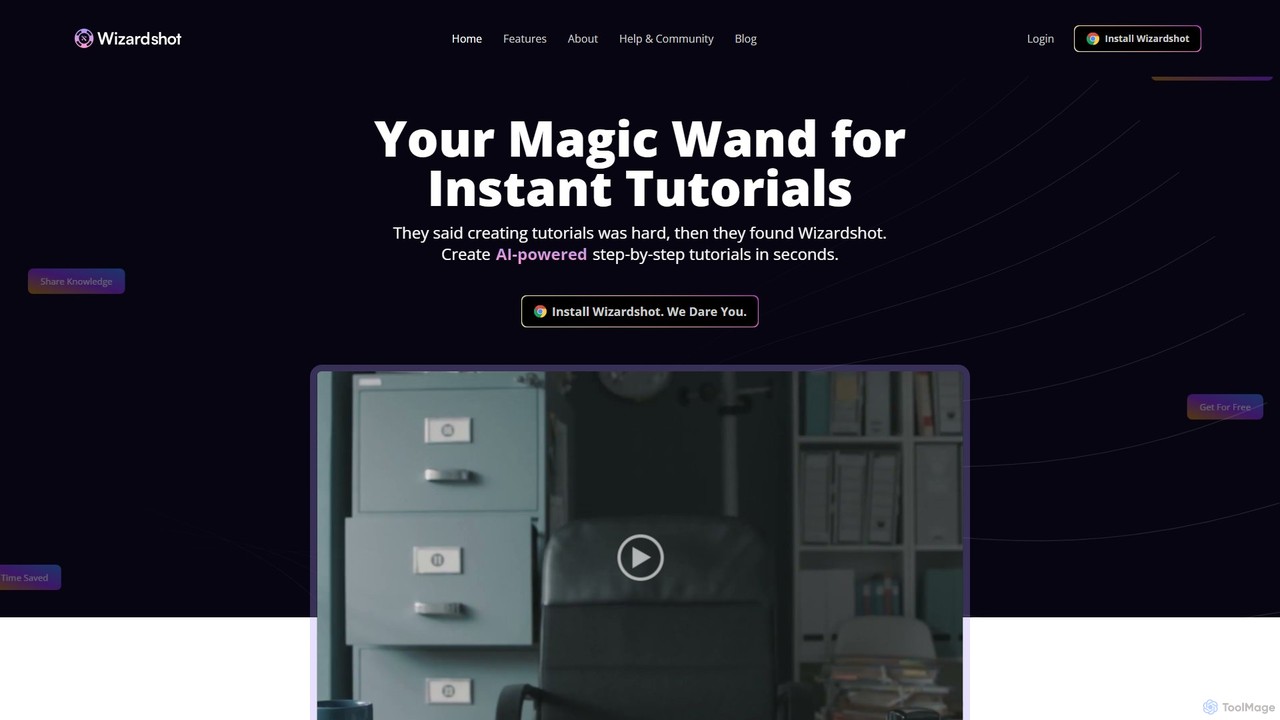
Wizardshot
Wizardshot is a free AI-powered tool that instantly creates step-by-step tutorials and guides from your screen recordings. As a Chrome extension and web app, it automates the process of documentation, allowing teams to generate how-to guides, SOPs, and training materials in seconds, not hours.
Onboarding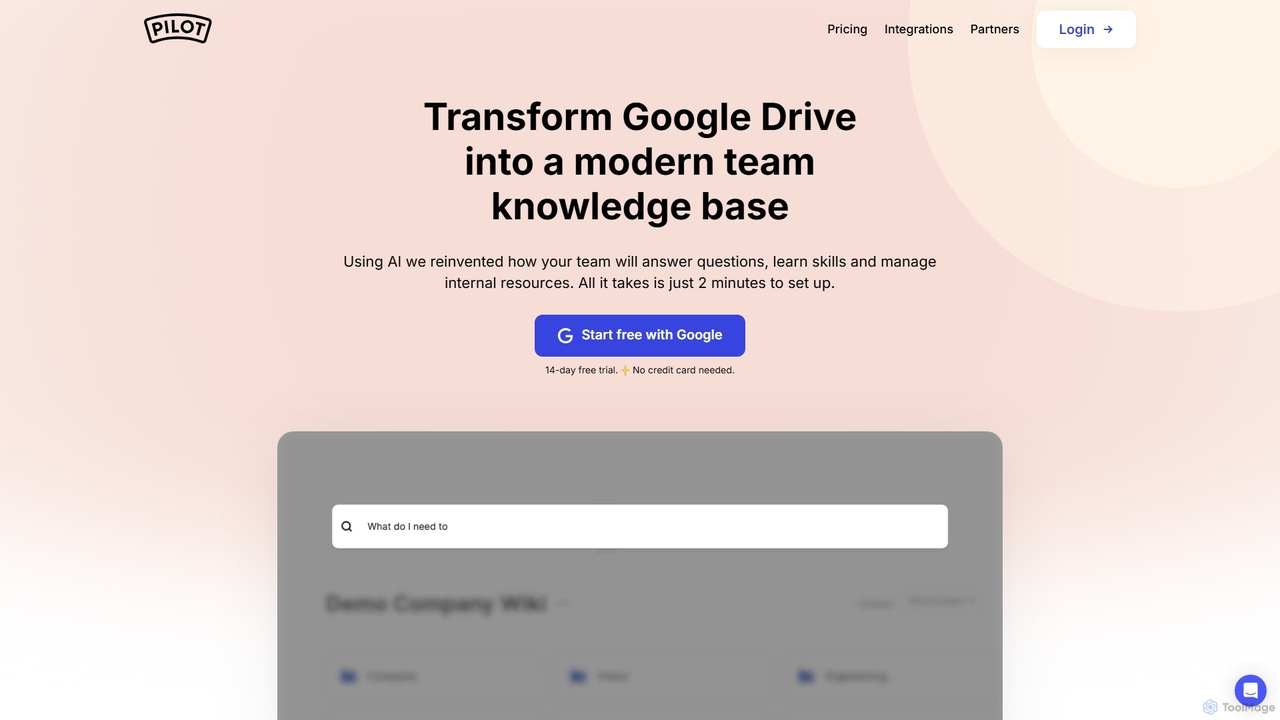
Pilot
Pilot is an AI-powered knowledge base and wiki designed for teams using Google Workspace. It transforms your Google Docs, Sheets, and Slides into a centralized, searchable hub of information. With its conversational AI search, Pilot allows teams to instantly find answers from internal documents, streamline employee onboarding, and foster a culture of knowledge sharing.
Knowledge Base
HelpLook
HelpLook is an all-in-one, no-code AI platform for building intelligent knowledge bases, help centers, and product documentation. It integrates a powerful AI chatbot to automate customer support, reduce service costs, and enhance user self-service experiences, trusted by over 10,000 companies worldwide.
Chatbot Builder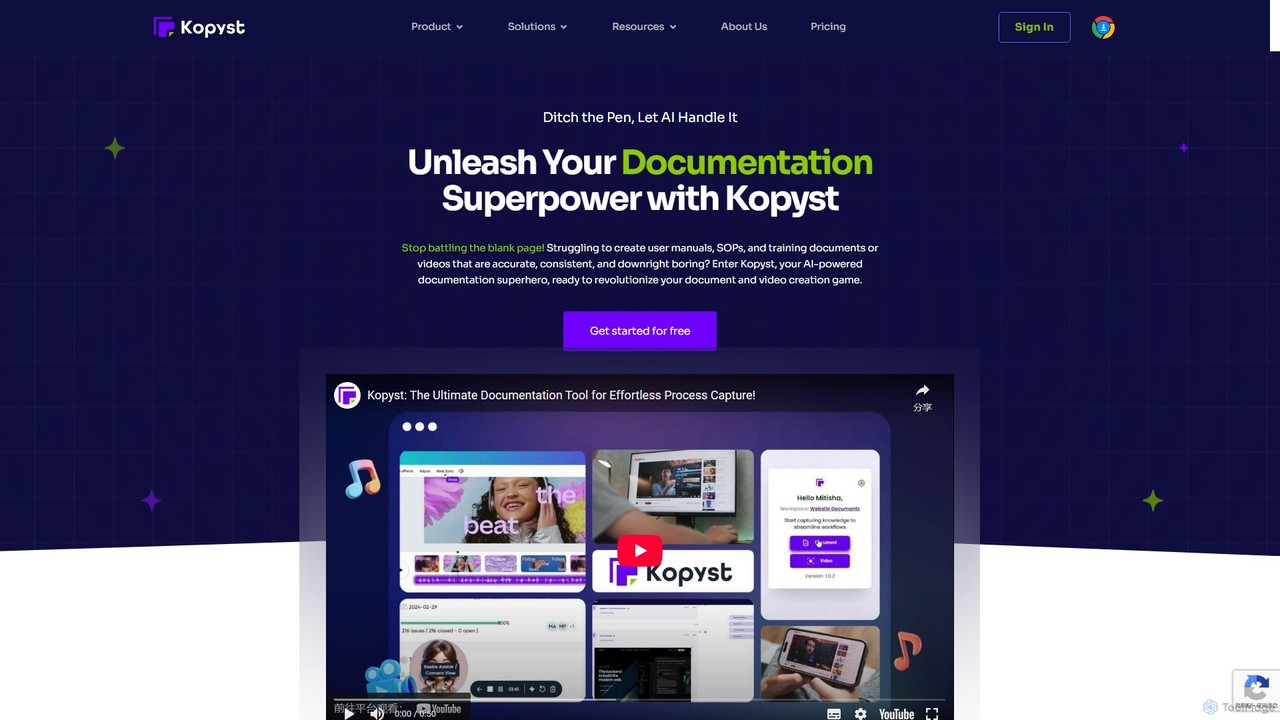
Kopyst
Kopyst is an AI-powered platform that transforms complex workflows into engaging step-by-step videos and documents. By recording your screen interactions, it automatically generates user manuals, SOPs, training materials, and product walkthroughs, saving you hours of manual work and ensuring accuracy.
Knowledge Base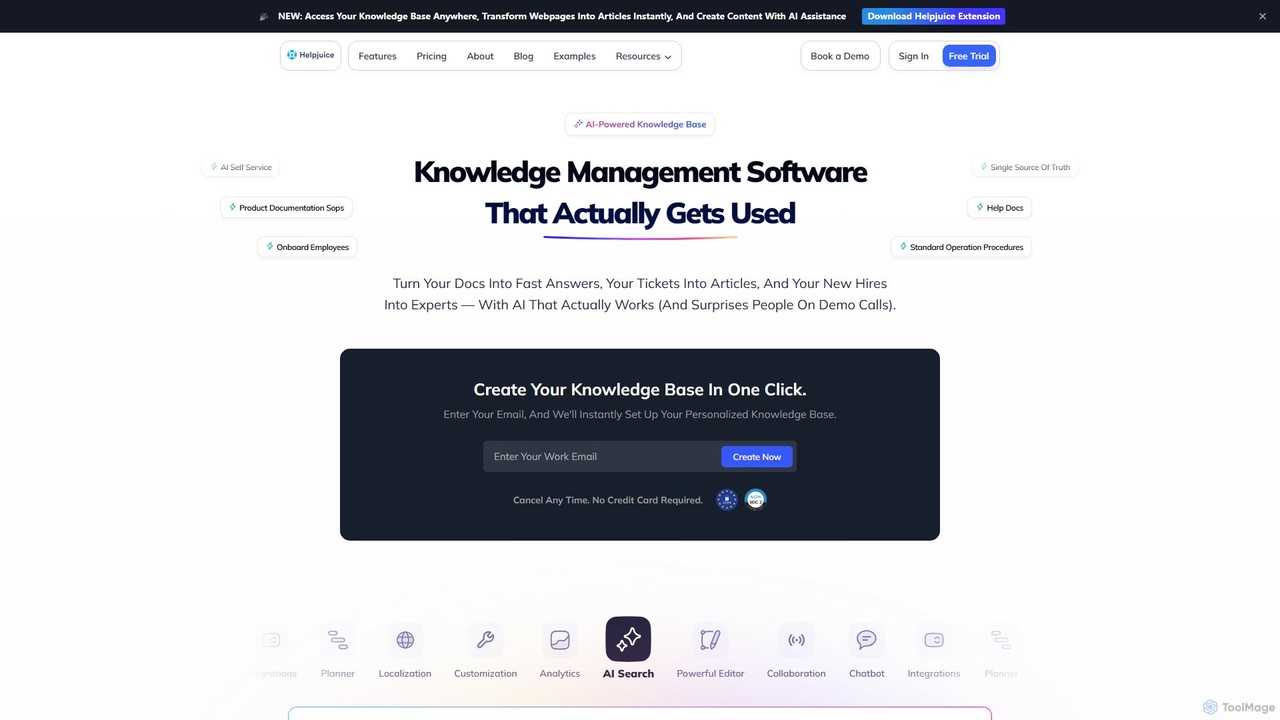
Helpjuice
Helpjuice is an AI-powered knowledge base software designed to streamline customer support and internal documentation. It helps teams create a centralized, searchable source of truth, reducing repetitive questions, speeding up employee onboarding, and enabling 24/7 customer self-service with a powerful AI search and chatbot.
Knowledge BaseDubble Categories
Dubble Jobs
Dubble Embed Widget
Copy this embed code to place the badge on your blog, article, or product site and send readers directly to this ToolMage detail page.

Related AI tools
Pilot
Pilot is an AI-powered knowledge base and wiki designed for teams using Google Workspace. It transforms your Google Docs, Sheets, and Slides into a centralized, searchable hub of information. With its conversational AI search, Pilot allows teams to instantly find answers from internal documents, streamline employee onboarding, and foster a culture of knowledge sharing.
Knowledge Base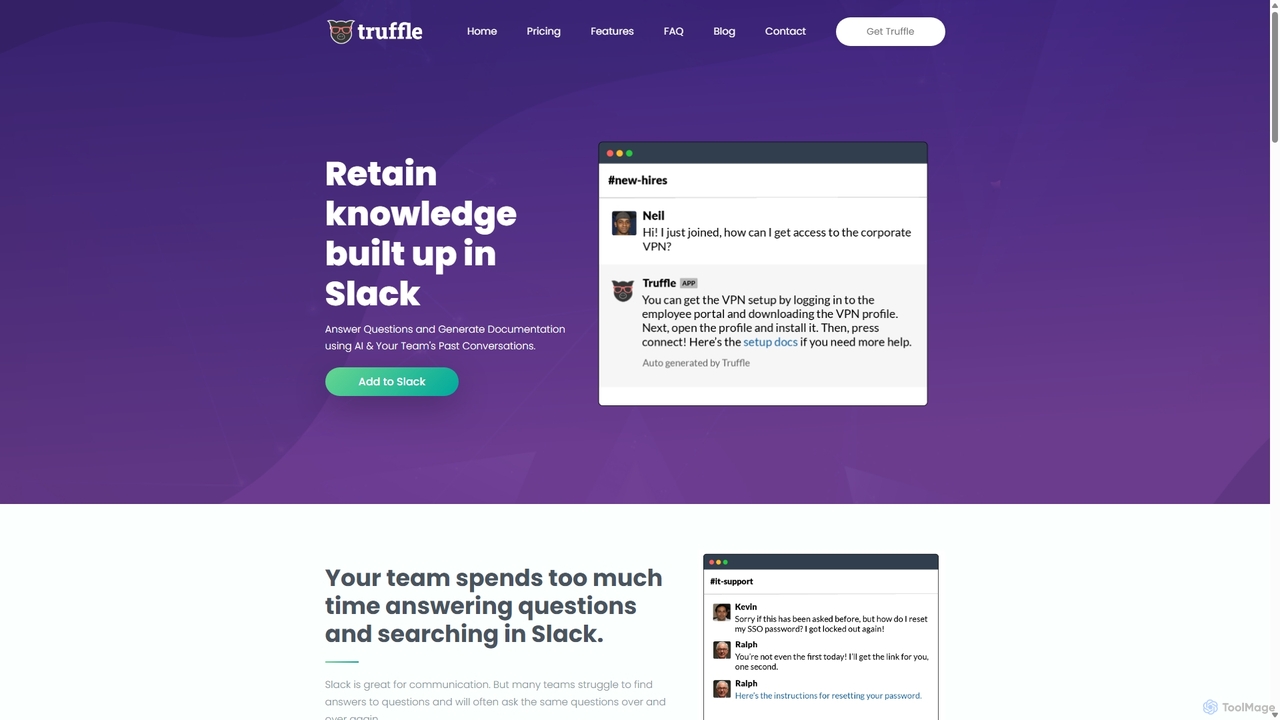
Truffle
Truffle is an AI-powered Slack bot that automatically builds a knowledge base from your team's past conversations. It instantly answers repetitive questions, saving time for HR, IT, and product teams, and making information accessible to everyone.
Team Collaboration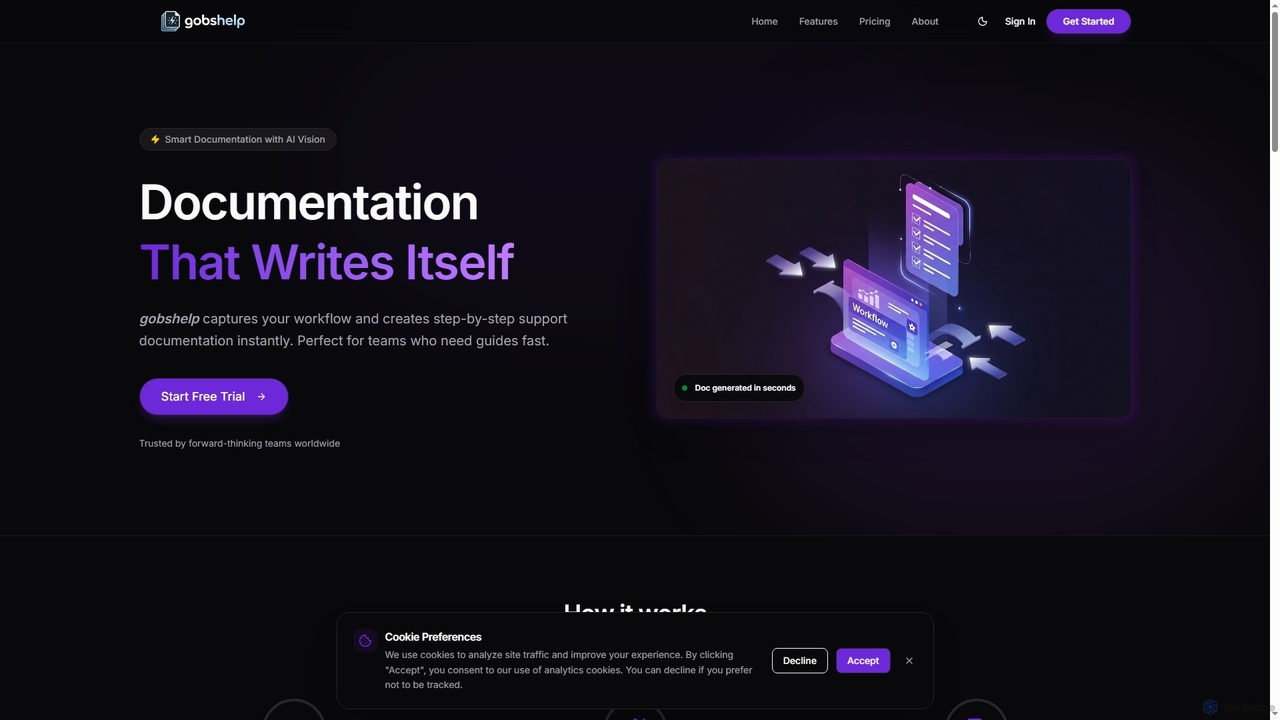
Gobshelp
Gobshelp is an AI-powered smart documentation tool that instantly captures your workflows and transforms them into step-by-step support guides. It's designed to automate the creation of help articles, SOPs, and training materials, saving teams significant time and effort.
Technical Writing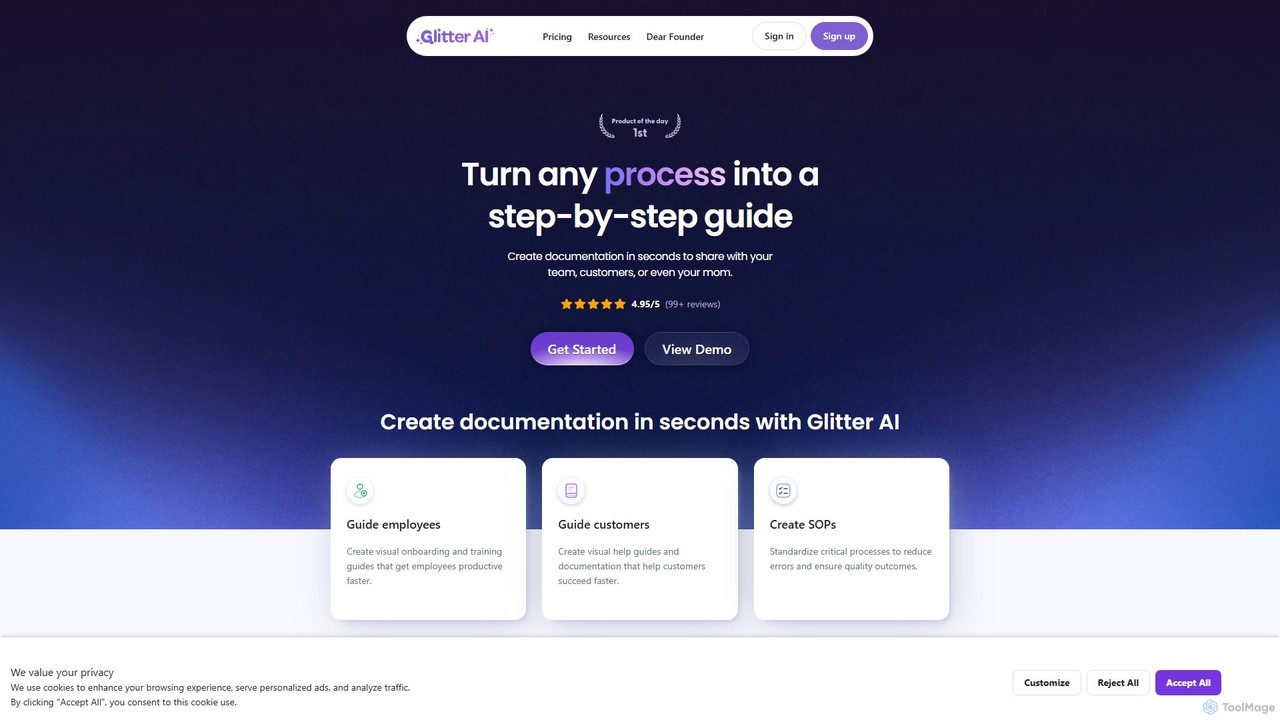
Glitter AI
Glitter AI is an AI-powered tool that automatically transforms screen recordings, meetings, and existing videos into step-by-step guides. By capturing your actions and transcribing your voice, it creates professional documentation, SOPs, and training materials in seconds. It supports desktop and web capture, works in 99 languages, and offers easy editing and sharing options, significantly reducing the time spent on creating instructional content.
Customer Support
Slite
Slite is an AI-powered knowledge base and team collaboration tool. It serves as a single source of truth, helping teams organize their documents, share knowledge, and make decisions asynchronously. Its core AI feature, 'Ask', allows users to find answers from across the entire workspace using natural language questions, making information instantly accessible.
Internal Communication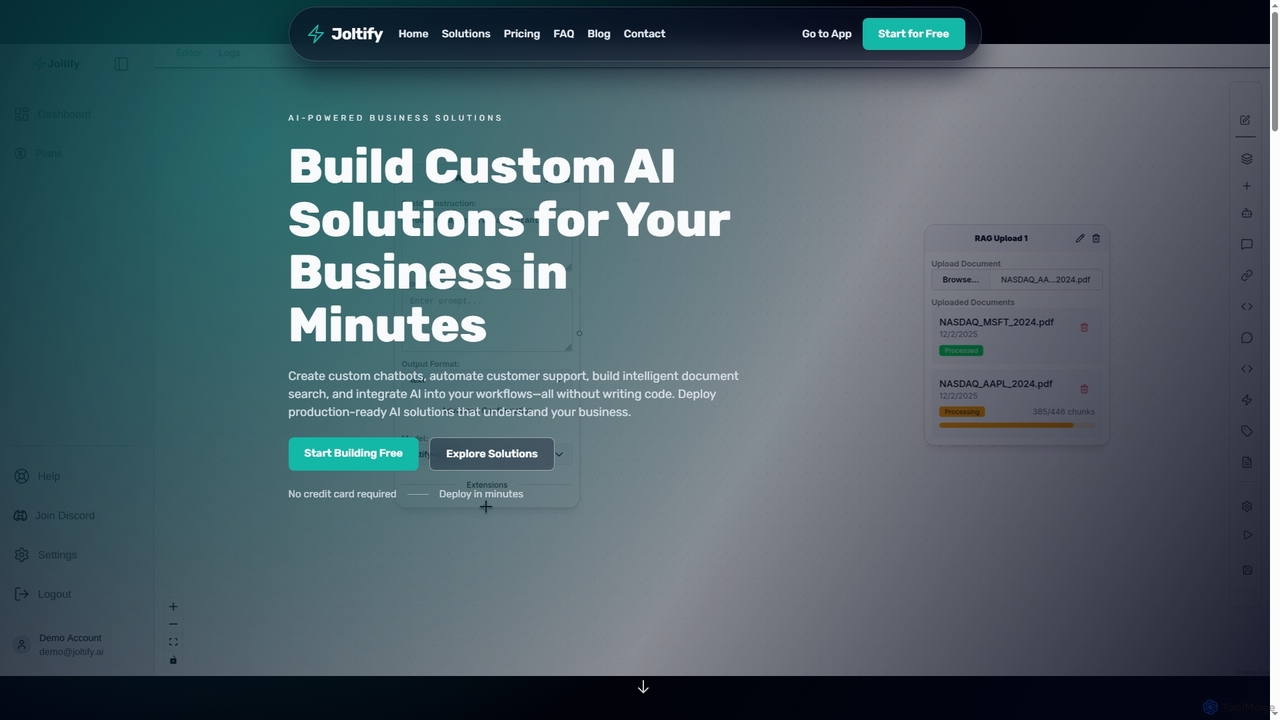
Joltify
Joltify is an AI workflow automation platform that empowers businesses to create custom chatbots, intelligent document search, and automate tasks like support ticket routing and data processing using AI. It's a no-code solution designed to enhance customer experience and streamline internal operations efficiently.
3DWizardshot
Wizardshot is a free AI-powered tool that instantly creates step-by-step tutorials and guides from your screen recordings. As a Chrome extension and web app, it automates the process of documentation, allowing teams to generate how-to guides, SOPs, and training materials in seconds, not hours.
Onboarding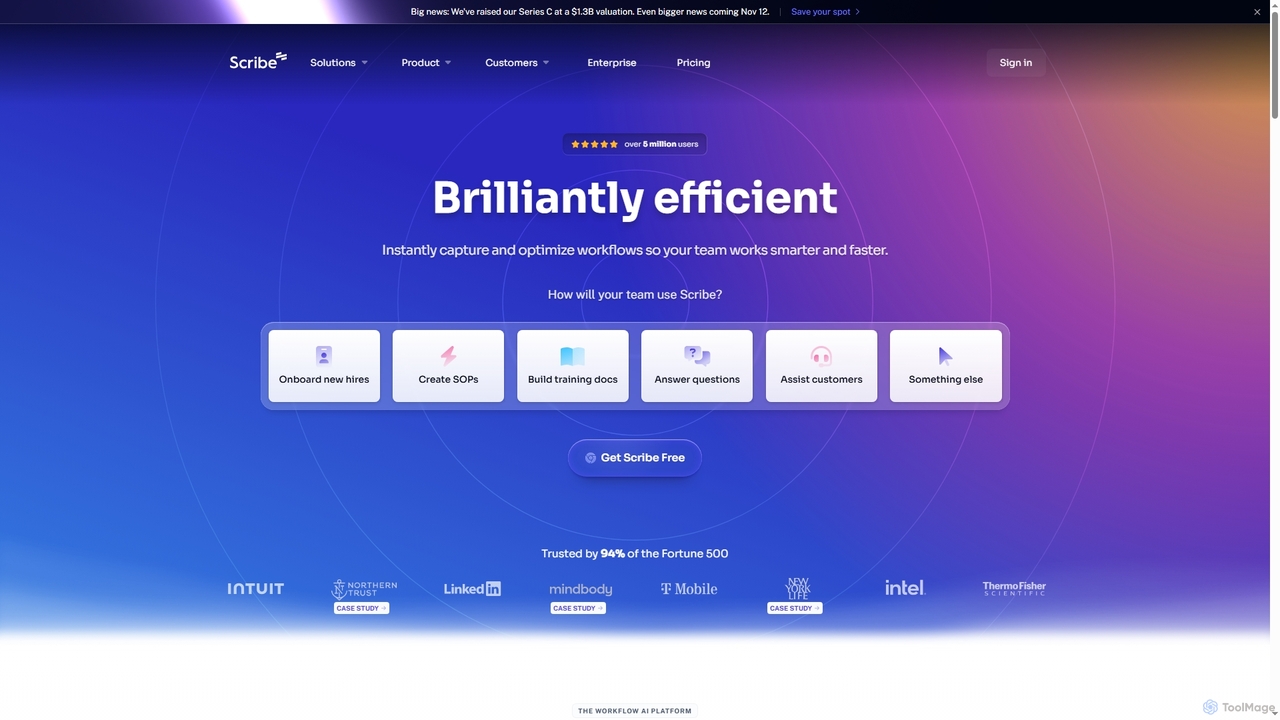
Scribe
Scribe is an AI-powered workflow documentation tool that automatically captures any process—web, desktop, or mobile—and instantly transforms it into a step-by-step guide. It helps teams create SOPs, training materials, and customer support guides faster, enhancing efficiency and knowledge sharing across organizations.
Training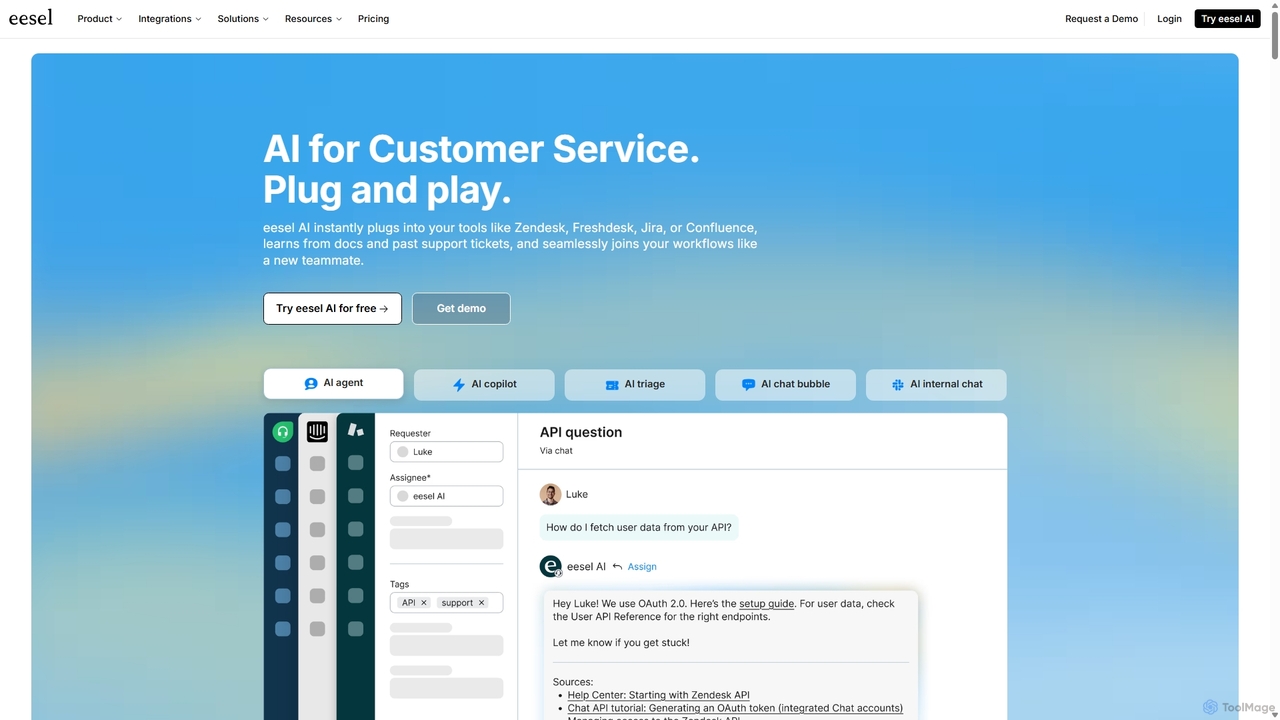
Eesel
Eesel is an AI platform designed to automate and enhance customer service and support. It integrates seamlessly with tools like Zendesk, Freshdesk, and Slack, learning from your existing documentation and past tickets. Eesel offers AI agents for autonomous support, a copilot for human agents, AI-powered ticket triage, and internal knowledge bots. This helps teams resolve issues faster, improve efficiency, and provide consistent, 24/7 support across all channels.
Knowledge Management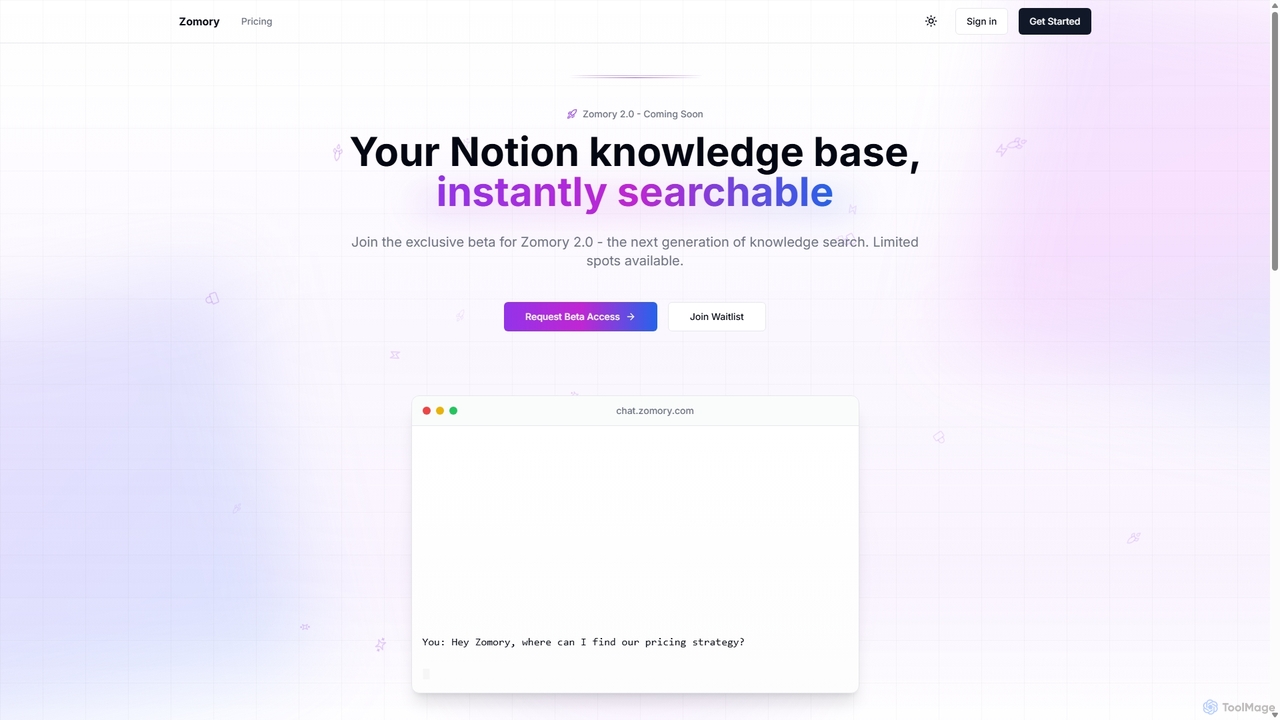
Zomory
Zomory is an AI-powered search tool that transforms your Notion knowledge base into an instantly searchable resource. Integrated directly with Slack, it allows teams to find information using natural language, ask follow-up questions, and get answers in milliseconds without switching context.
Collaboration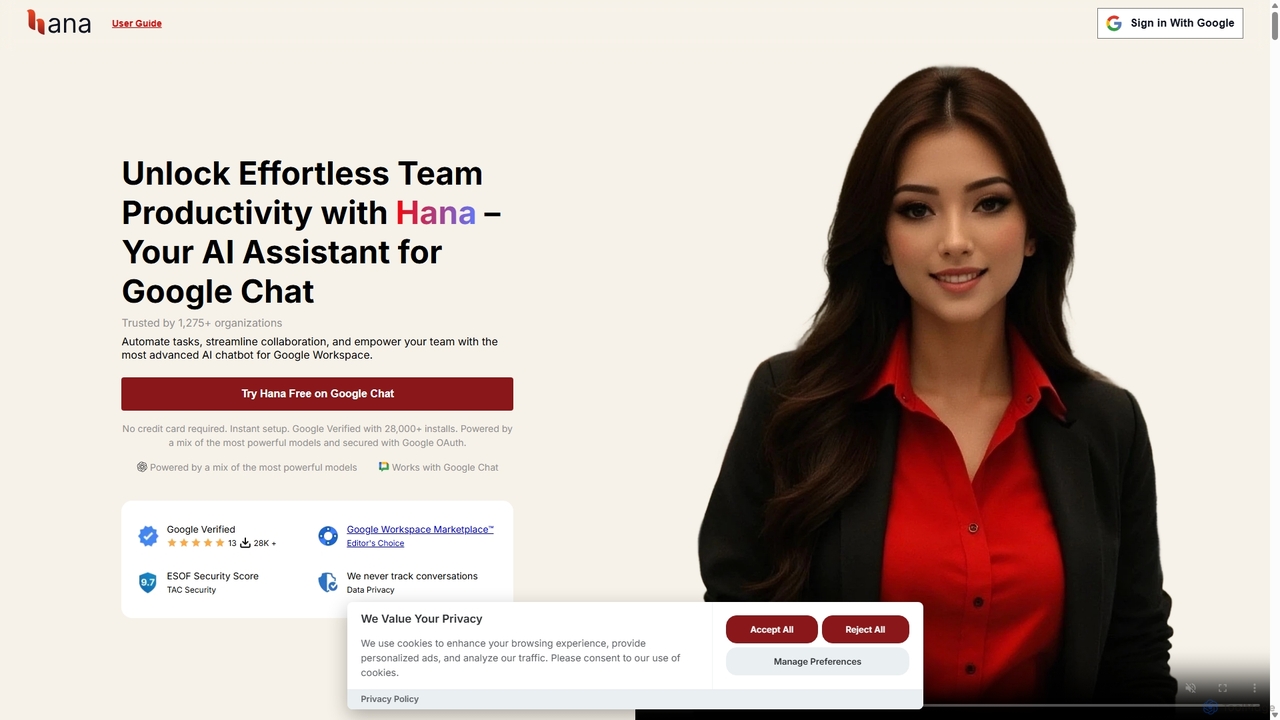
Hana
Hana is an advanced AI assistant integrated directly into Google Chat, designed to enhance team productivity and streamline collaboration. It automates tasks, manages reminders, and provides instant answers from a shared knowledge base, acting as an always-available AI teammate for Google Workspace users.
ChatbotsHelpLook
HelpLook is an all-in-one, no-code AI platform for building intelligent knowledge bases, help centers, and product documentation. It integrates a powerful AI chatbot to automate customer support, reduce service costs, and enhance user self-service experiences, trusted by over 10,000 companies worldwide.
Chatbot Builder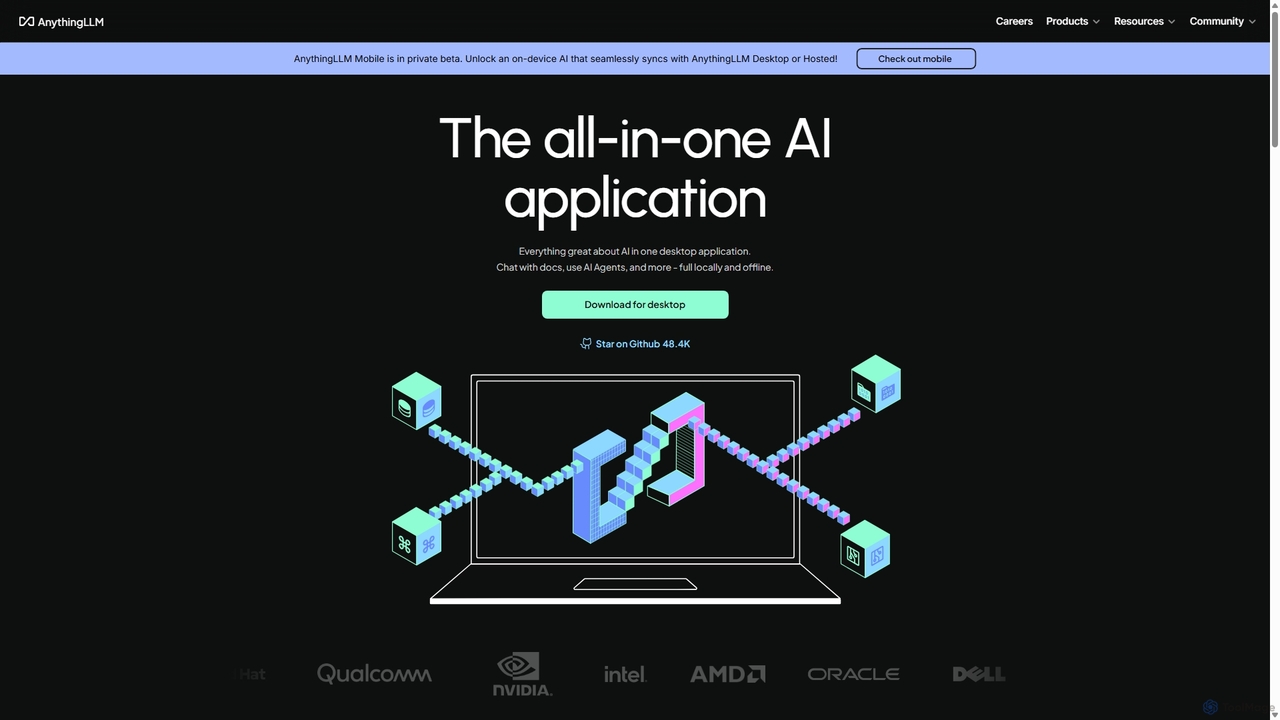
AnythingLLM
AnythingLLM is an open-source, all-in-one AI application that runs locally on your desktop or can be self-hosted. It allows you to create a private knowledge base from any document, chat with your data, and utilize powerful AI agents while ensuring complete data privacy and control.
Document ManagementKopyst
Kopyst is an AI-powered platform that transforms complex workflows into engaging step-by-step videos and documents. By recording your screen interactions, it automatically generates user manuals, SOPs, training materials, and product walkthroughs, saving you hours of manual work and ensuring accuracy.
Knowledge Base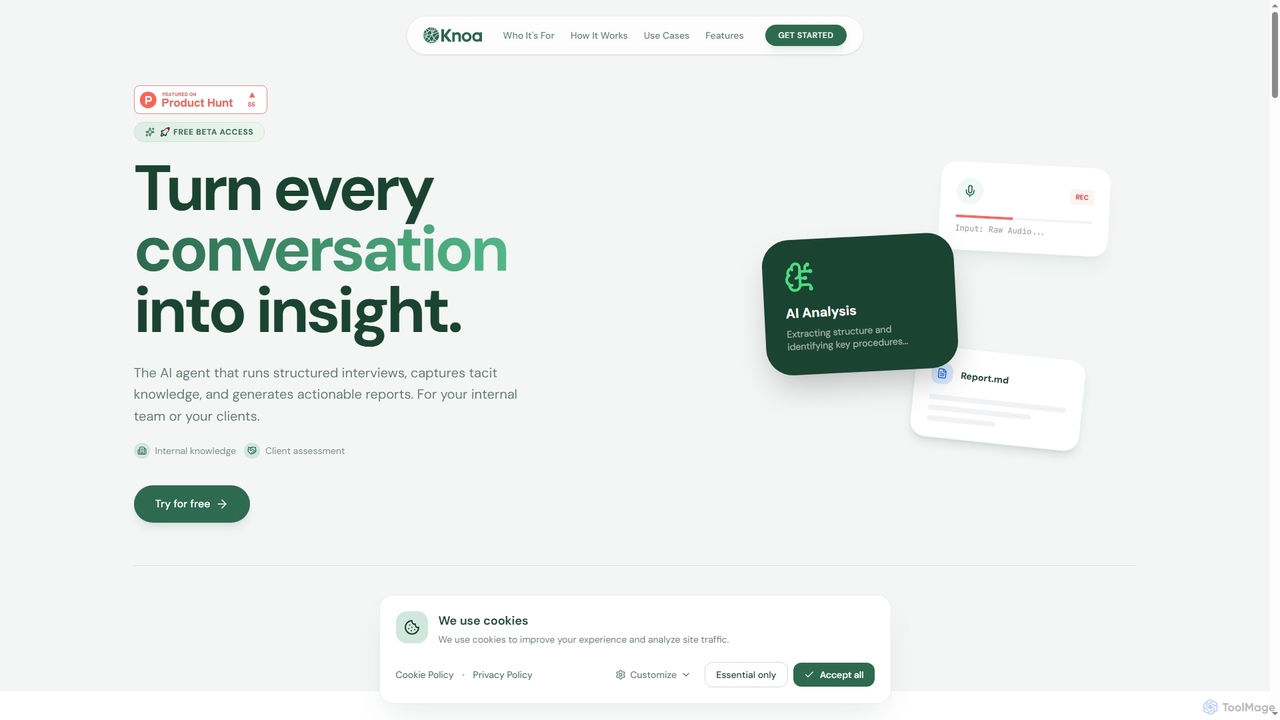
Knoa
Knoa is an advanced AI agent designed to transform conversations into actionable insights. It conducts structured interviews, captures tacit knowledge from internal teams or clients, and automatically generates comprehensive, actionable reports, streamlining knowledge management and scaling expert services.
Client Assessment
Dubble Comments (0)
Sign in to comment.
Sign inNo comments yet.