
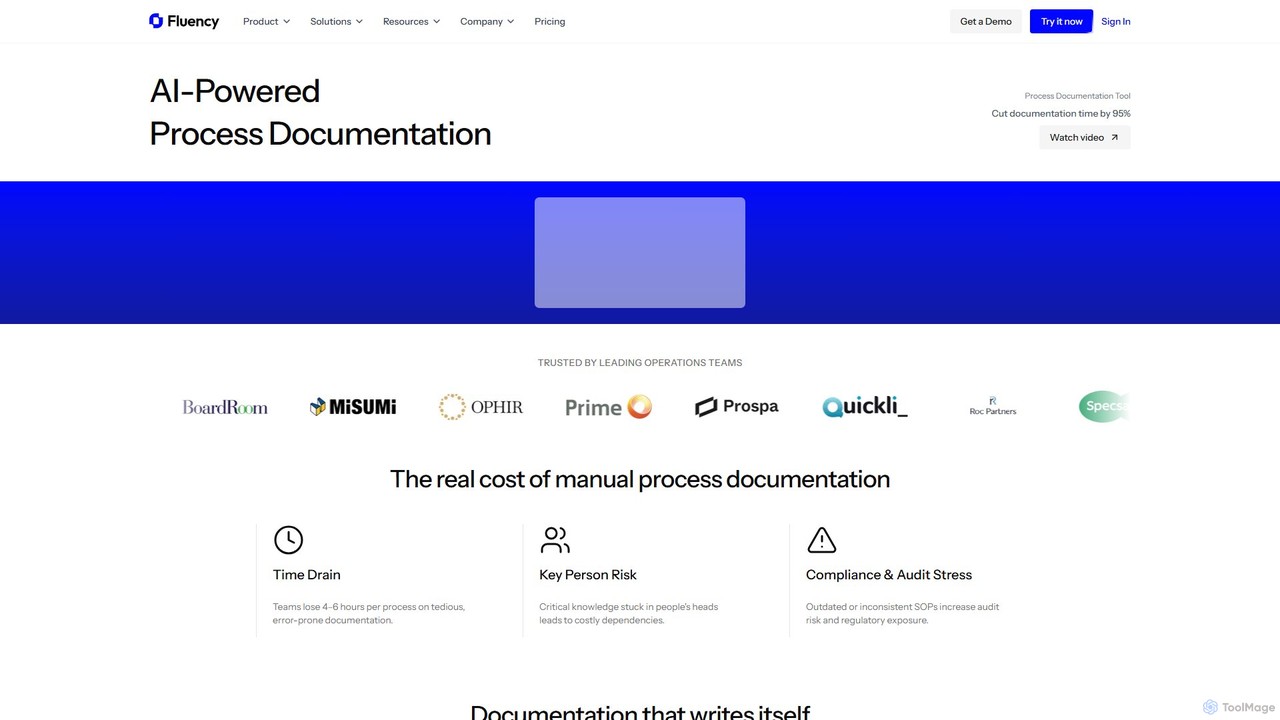
Fluency Overview
Fluency is a revolutionary AI-powered process documentation platform designed to transform how businesses create, manage, and share their operational knowledge. It addresses the critical challenges of manual documentation, which is often time-consuming, prone to errors, and leads to knowledge silos. By automating the entire process, Fluency allows teams to generate comprehensive, production-ready Standard Operating Procedures (SOPs), training manuals, and guides in minutes instead of hours. This not only boosts productivity but also secures critical institutional knowledge, making it easily accessible for onboarding, training, and compliance purposes.
The platform is built for enterprise environments, trusted by leading operations teams to eliminate key person dependencies and reduce the risks associated with outdated or inconsistent documentation. With robust security features like SOC 2 Type I & II attestation, end-to-end encryption, and PII redaction, Fluency ensures that all your sensitive process knowledge is protected by default.
How to use Fluency
Using Fluency is an incredibly simple three-step process that turns complex workflows into clear, actionable documents:
- Click Record: Start by clicking the record button in the Fluency application. There's no need to manually take screenshots, write down steps, or worry about formatting.
- Do Your Work: Perform your task or workflow as you normally would. Fluency works in the background, automatically capturing every click, action, and screen change with full context. The AI understands the 'why' behind each step, not just the 'what'.
- Get an Instant SOP: Once you're done, Fluency's AI processes the recording and generates a complete, step-by-step document in minutes. This document is ready to be shared with your team, stored in a secure vault, or exported for other uses.
Core Features of Fluency
- AI-Powered Documentation: Automatically generates step-by-step guides from screen recordings, saving hours of manual work.
- Contextual Capture: The AI captures not just clicks but the business context and reasoning behind each action, creating truly comprehensive guides.
- PII Redaction: Automatically detects and masks sensitive Personally Identifiable Information (PII) in screenshots to maintain privacy and security.
- Secure Vaults & Folders: Organize and store your process documents in a secure, access-controlled environment.
- Team Management: Manage users and teams with role-based access controls to ensure the right people have access to the right information.
- Document Versioning: Track changes and manage the history of your documents, ensuring everyone is using the most up-to-date version.
- Insights & Analytics: Monitor document views and engagement to understand how your process guides are being used.
- Process Maps: Visualize entire processes across different teams and tools to identify bottlenecks and opportunities for improvement.
- Integrations: Seamlessly export documents to platforms like Confluence and enable secure login with SSO for enterprise clients.
Use Cases for Fluency
Fluency is a versatile tool that adds value across various business functions:
- Employee Onboarding & Training: Drastically reduce onboarding time by up to 80% by providing new hires with clear, interactive, and easy-to-follow training guides for any software or process.
- Operations & Process Standardization: Create a single source of truth for all company procedures, ensuring consistency, reducing errors, and eliminating knowledge silos.
- Compliance & Audits: Effortlessly generate and maintain accurate documentation required for audits and regulatory compliance, reducing risk and stress.
- Customer Support: Equip support teams with detailed guides to help them resolve customer issues quickly and consistently.
- Software Implementation: Document how to use new software and guide teams through digital transformation projects.
Advantages of Fluency
Fluency offers significant advantages over traditional documentation methods:
- Massive Time Savings: Reduce the time spent on creating a single process document from 4-6 hours to just 5 minutes.
- Eliminate Knowledge Silos: Capture and centralize critical knowledge that would otherwise be lost when an employee leaves.
- Enhanced Accuracy & Consistency: AI-generated documents are less prone to human error and ensure every process is documented in a standardized format.
- Improved Compliance: Maintain an up-to-date, easily auditable trail of all your standard operating procedures.
- Scalable Operations: Provides the clarity and consistency needed for teams to scale efficiently without losing productivity.
Pricing and Plans
Fluency offers a flexible pricing structure to suit different needs, from individuals to large enterprises:
- Free Plan: A limited plan perfect for trial and small-scale use. It includes the ability to create up to 5 process documents, manage 5 teams, and use 5 secure vaults and folders.
- Pro Plan: Designed for power users and professional teams. This plan offers unlimited document creation, teams, vaults, and folders. It also includes advanced features like PDF/Word export, document versioning, PII redaction, analytics, process maps, AI chat, and Confluence integration.
- Enterprise Plan: The ultimate solution for large organizations with enhanced security and support needs. It includes all Pro features plus custom branding, SSO integration, dedicated onboarding and training, SLA support, a private Slack support channel, and deployment assistance.
Traffic
Latest traffic
Status
Monthly traffic trend
- 2025-9: 6.0K
- 2026-1: 9.2K
- 2026-2: 33.7K
- 2026-3: 33.0K
- 2026-4: 14.7K
- 2026-5: 23.6K
Geography
Top 5 countries / regions
- 🇺🇸United States45.2%
- 🇦🇺Australia29.7%
- 🇮🇳India11.9%
- 🇵🇭Philippines6.9%
- 🇬🇧United Kingdom6.4%
Traffic sources
| Source type | Percentage |
|---|---|
Direct | 96.2% |
Referral | 3.8% |
Top keywords
| Keyword | Cost per click |
|---|---|
| fluency | $2.83 |
| fluency ai | $4.67 |
| fluencyc | $0.00 |
| usefluency | $0.00 |
| what is execution intelligence | $0.00 |
Fluency Videos on YouTube


PromptMates


Abdifatah Bashi
![What Is AI Fluency and How Do You Measure It? [Spotlight on CodeSignal]](https://i.ytimg.com/vi/ICL4SmyxAu0/maxresdefault.jpg)



Speak English With Tiffani
Fluency Alternatives
Kopyst
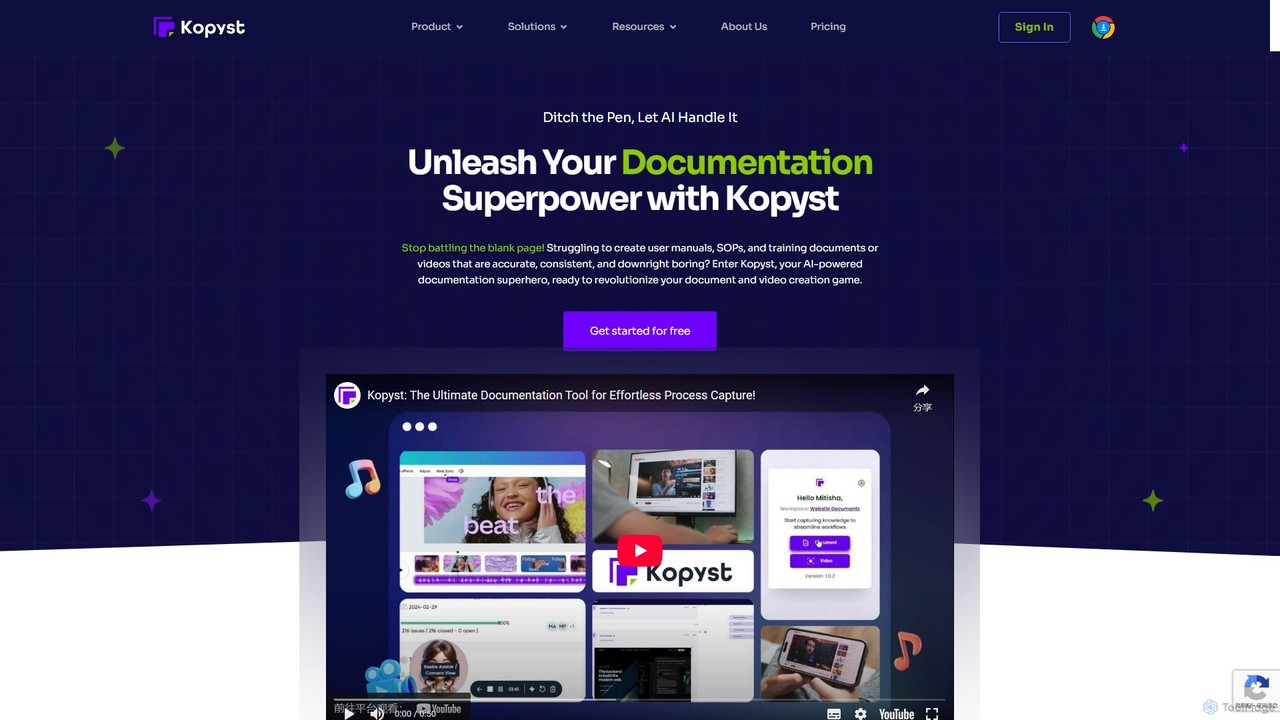
Kopyst is an AI-powered platform that transforms complex workflows into engaging step-by-step videos and documents. By recording your screen interactions, it automatically generates user manuals, SOPs, training materials, and product walkthroughs, saving you hours of manual work and ensuring accuracy.
Knowledge Base
Dubble
Dubble is an AI-powered Chrome extension that automatically creates step-by-step guides, tutorials, and documentation. It records your on-screen actions, instantly generating written instructions, annotated screenshots, and videos. This tool is designed to eliminate the tedious process of manual documentation, saving teams significant time on employee onboarding, customer support, and process training.
Knowledge Base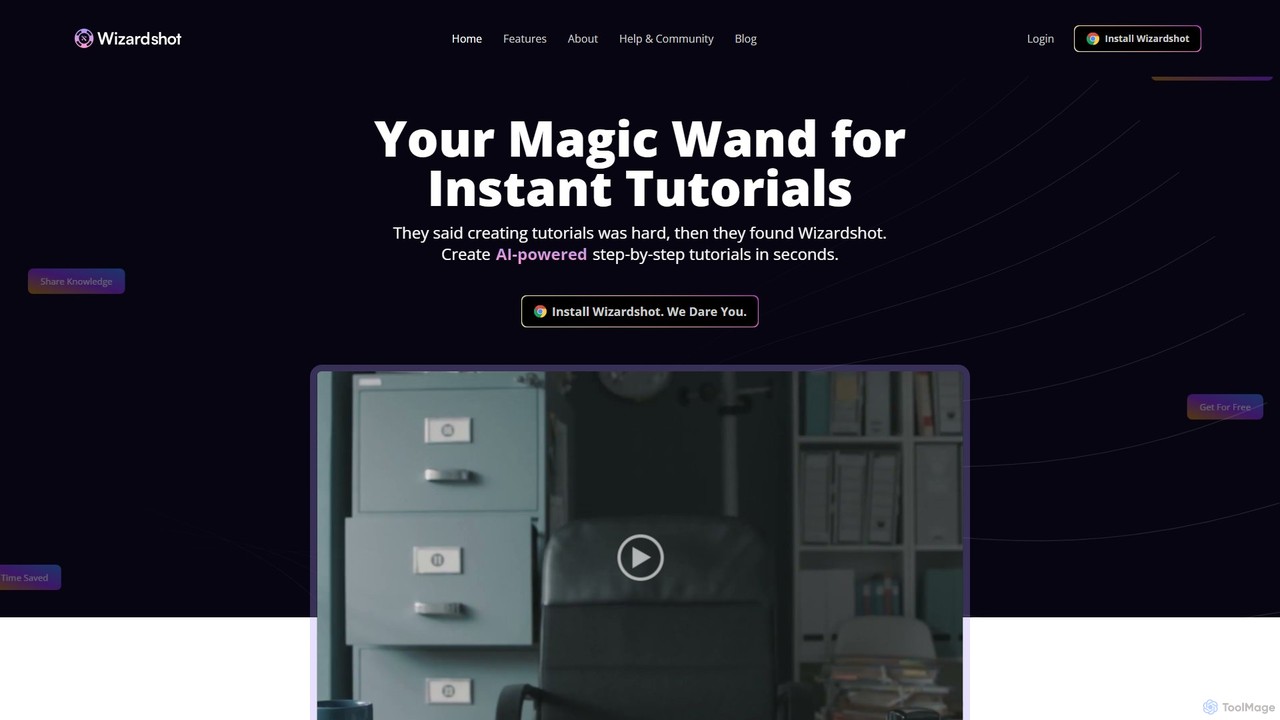
Wizardshot
Wizardshot is a free AI-powered tool that instantly creates step-by-step tutorials and guides from your screen recordings. As a Chrome extension and web app, it automates the process of documentation, allowing teams to generate how-to guides, SOPs, and training materials in seconds, not hours.
Onboarding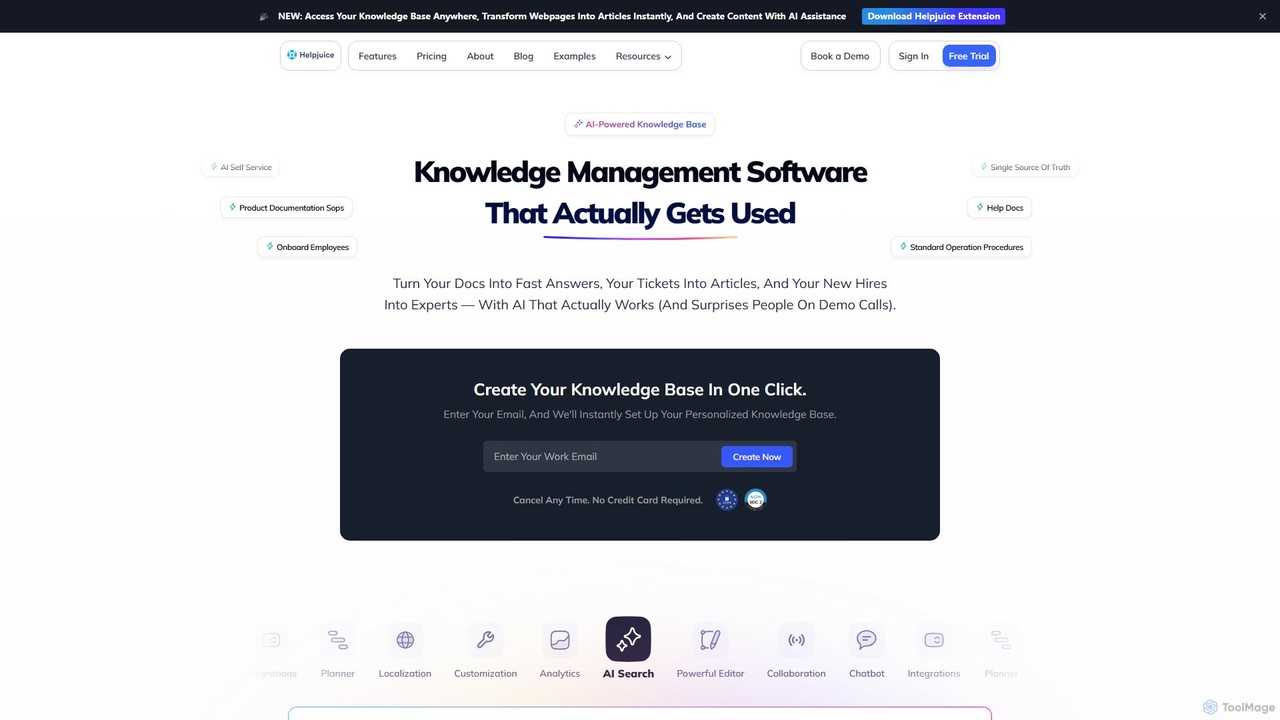
Helpjuice
Helpjuice is an AI-powered knowledge base software designed to streamline customer support and internal documentation. It helps teams create a centralized, searchable source of truth, reducing repetitive questions, speeding up employee onboarding, and enabling 24/7 customer self-service with a powerful AI search and chatbot.
Knowledge Base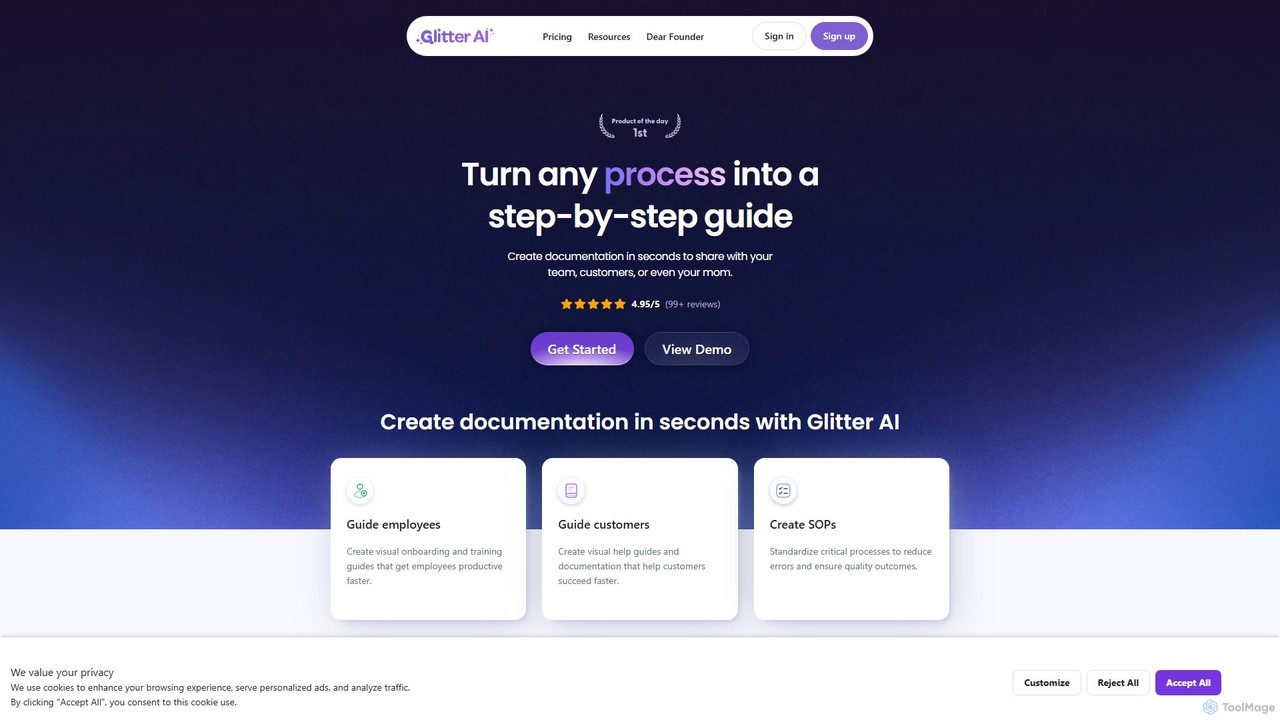
Glitter AI
Glitter AI is an AI-powered tool that automatically transforms screen recordings, meetings, and existing videos into step-by-step guides. By capturing your actions and transcribing your voice, it creates professional documentation, SOPs, and training materials in seconds. It supports desktop and web capture, works in 99 languages, and offers easy editing and sharing options, significantly reducing the time spent on creating instructional content.
Customer SupportFluency Categories
Fluency Embed Widget
Copy this embed code to place the badge on your blog, article, or product site and send readers directly to this ToolMage detail page.

Related AI tools
Kopyst
Kopyst is an AI-powered platform that transforms complex workflows into engaging step-by-step videos and documents. By recording your screen interactions, it automatically generates user manuals, SOPs, training materials, and product walkthroughs, saving you hours of manual work and ensuring accuracy.
Knowledge BaseGlitter AI
Glitter AI is an AI-powered tool that automatically transforms screen recordings, meetings, and existing videos into step-by-step guides. By capturing your actions and transcribing your voice, it creates professional documentation, SOPs, and training materials in seconds. It supports desktop and web capture, works in 99 languages, and offers easy editing and sharing options, significantly reducing the time spent on creating instructional content.
Customer Support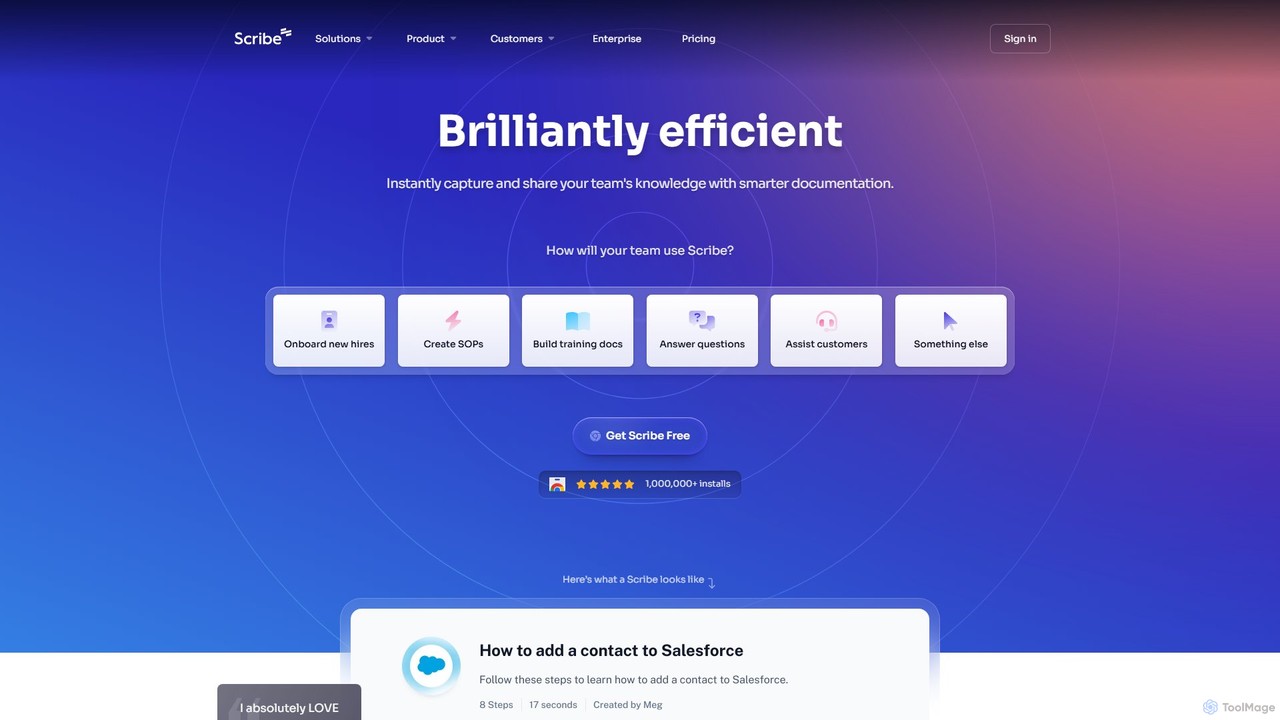
Scribe
Scribe is an AI-powered platform that automatically captures your workflow and instantly creates step-by-step visual guides. It eliminates manual documentation by recording your clicks and keystrokes, generating shareable tutorials with annotated screenshots. Ideal for team training, customer support, and creating SOPs.
Training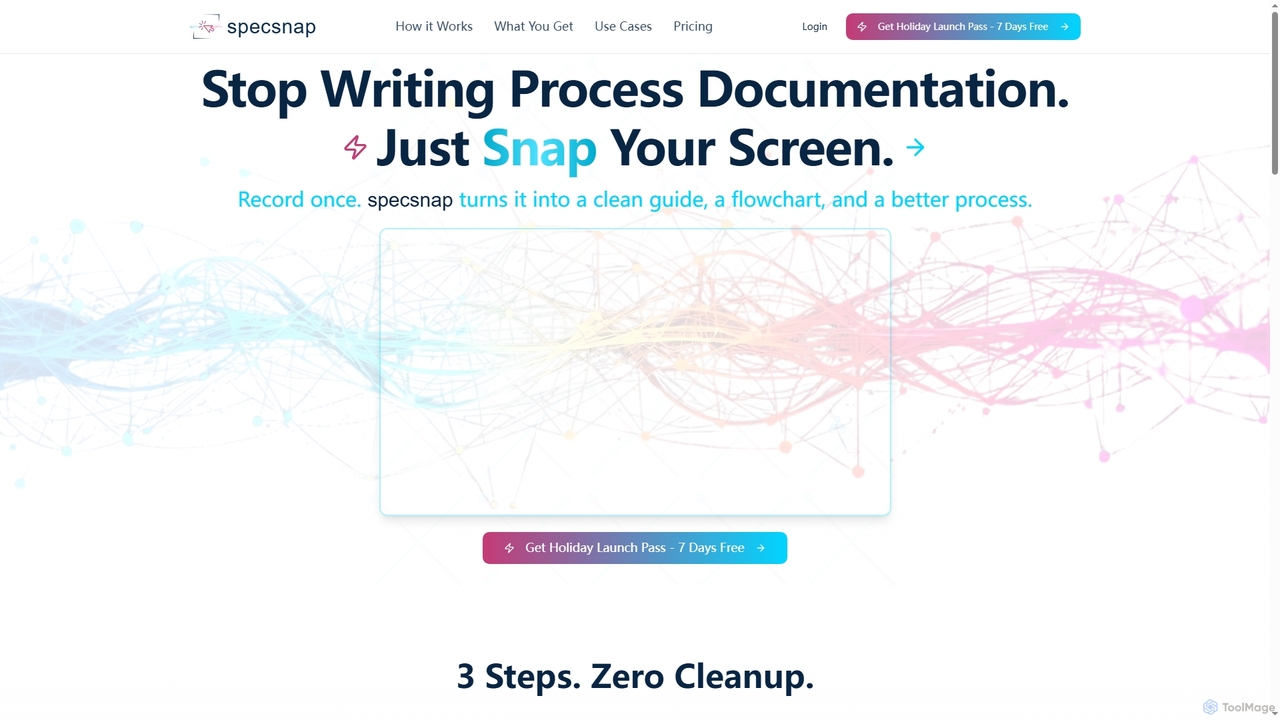
SpecSnap
SpecSnap is an AI-powered tool that transforms screen recordings of any workflow into comprehensive process documentation. It automatically generates step-by-step guides, visual flowcharts, and identifies optimization opportunities, saving teams significant time and effort in creating standard operating procedures and training materials.
Process Management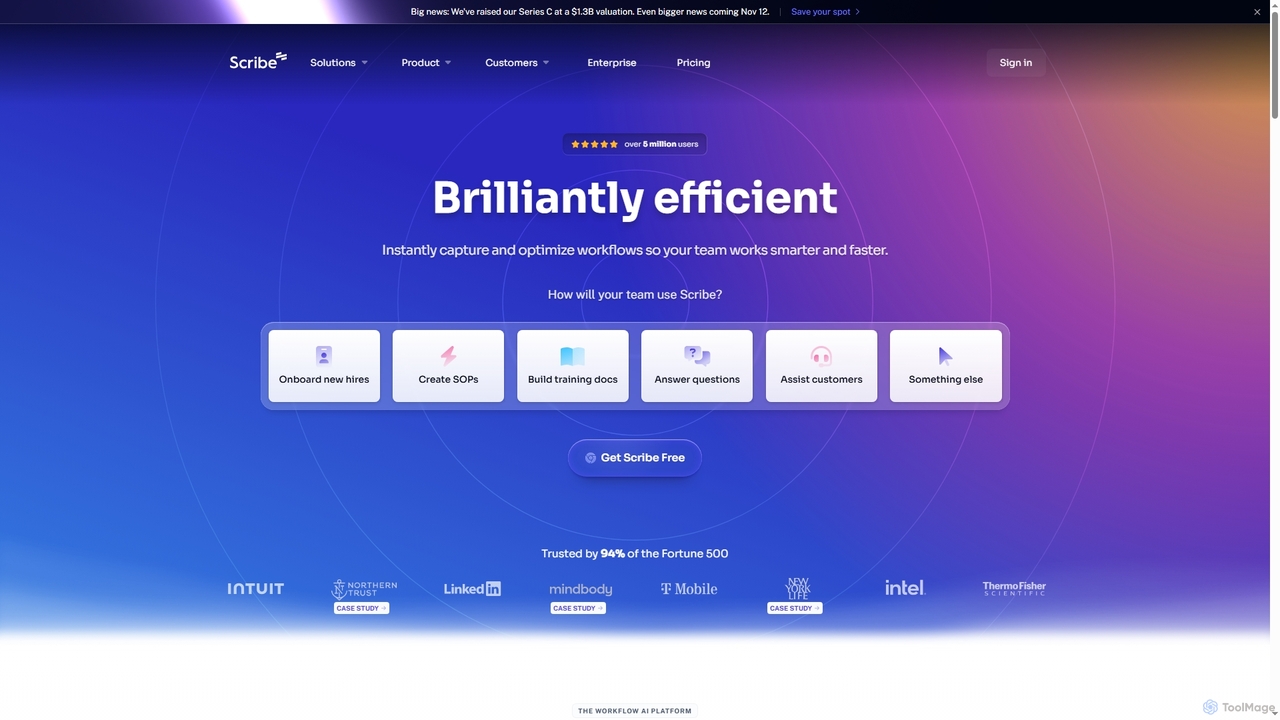
Scribe
Scribe is an AI-powered workflow documentation tool that automatically captures any process—web, desktop, or mobile—and instantly transforms it into a step-by-step guide. It helps teams create SOPs, training materials, and customer support guides faster, enhancing efficiency and knowledge sharing across organizations.
Training
Sana
Sana is an AI-powered knowledge and learning platform for enterprises. It centralizes all your company's information, enabling universal search, personalized learning, and workflow automation through custom AI agents. Unlock your organization's collective intelligence and boost productivity.
Corporate Training
Prompteus
Prompteus is an AI orchestration platform for modern teams, designed to build, manage, and scale AI workflows. It bridges Large Language Models (LLMs), human-in-the-loop decisions, and existing business tools, with a strong focus on security, compliance, and collaboration between technical and non-technical users.
Workflow Management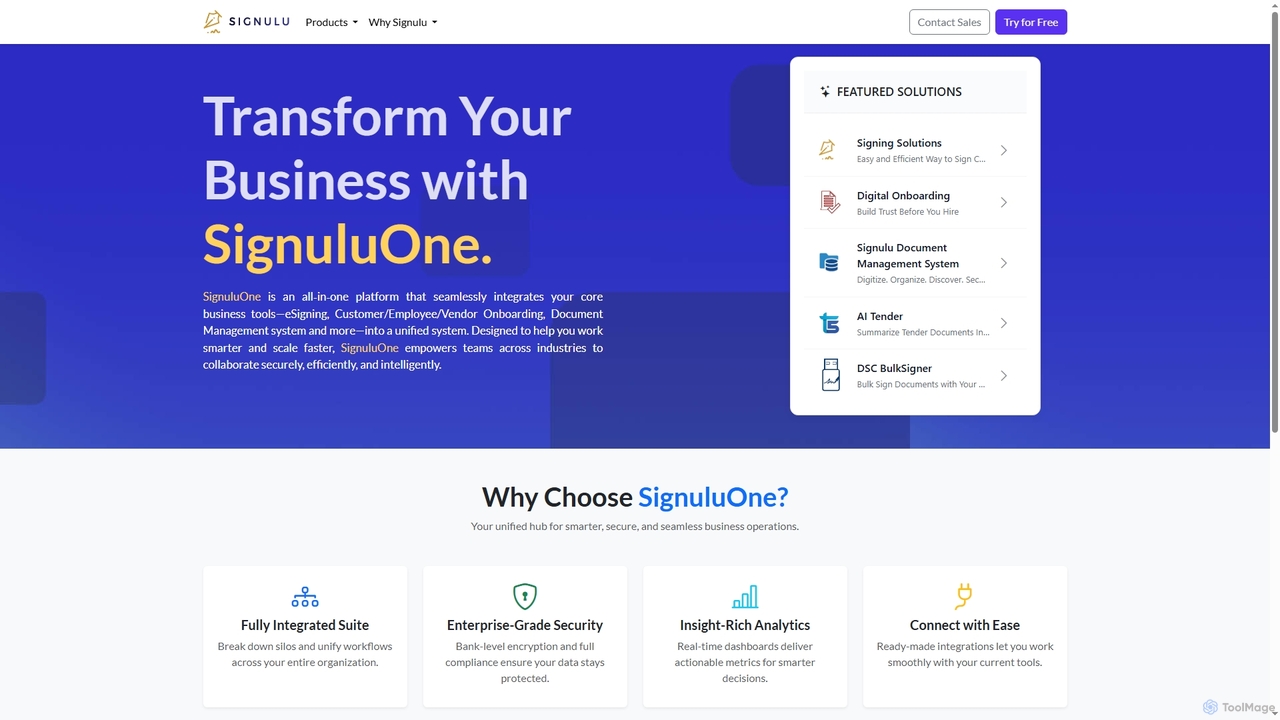
SignuluOne
SignuluOne is an all-in-one platform designed to transform business operations by integrating core tools like eSigning, customer/employee/vendor onboarding, and document management into a unified system. It empowers teams across various industries to collaborate securely, efficiently, and intelligently, helping businesses work smarter and scale faster.
Text Summarization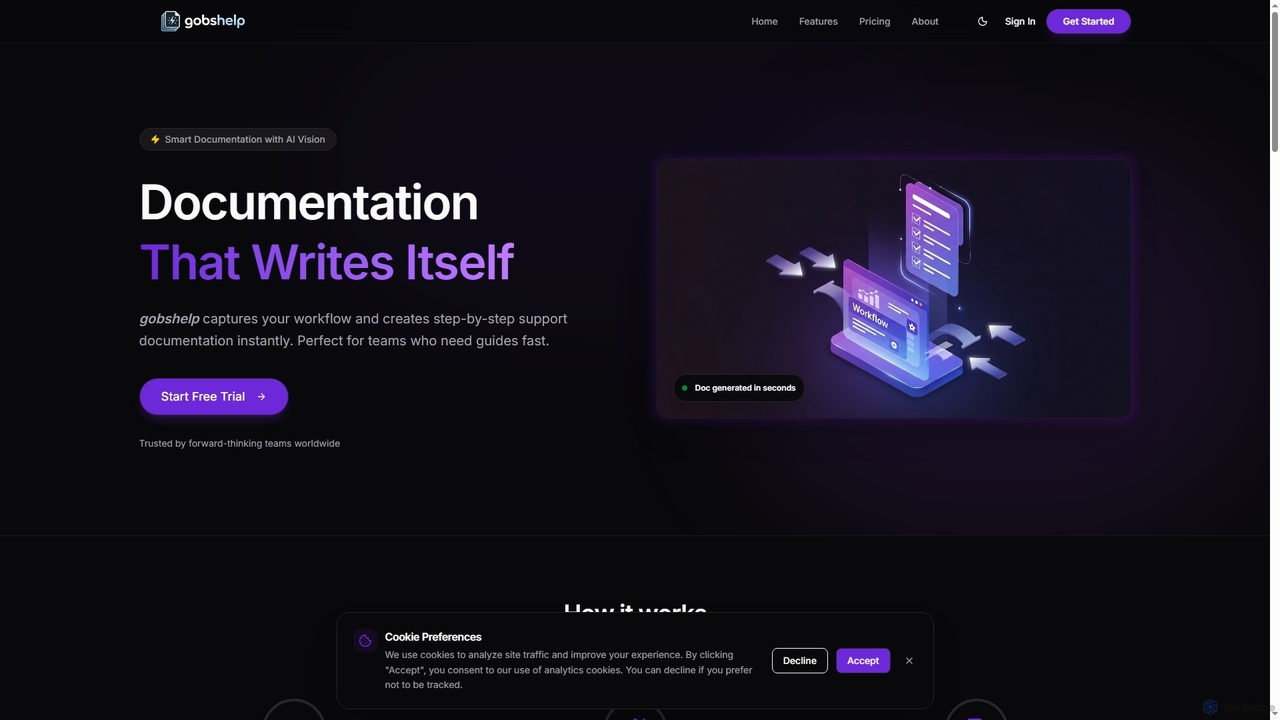
Gobshelp
Gobshelp is an AI-powered smart documentation tool that instantly captures your workflows and transforms them into step-by-step support guides. It's designed to automate the creation of help articles, SOPs, and training materials, saving teams significant time and effort.
Technical Writing
WorkStreamer
WorkStreamer is an accelerator platform designed to streamline and speed up Oracle implementations. It automates training documentation, simplifies project requirements management, and enhances testing events with visual, step-by-step guides, reducing project timelines and improving efficiency.
TestingDubble
Dubble is an AI-powered Chrome extension that automatically creates step-by-step guides, tutorials, and documentation. It records your on-screen actions, instantly generating written instructions, annotated screenshots, and videos. This tool is designed to eliminate the tedious process of manual documentation, saving teams significant time on employee onboarding, customer support, and process training.
Knowledge BaseWizardshot
Wizardshot is a free AI-powered tool that instantly creates step-by-step tutorials and guides from your screen recordings. As a Chrome extension and web app, it automates the process of documentation, allowing teams to generate how-to guides, SOPs, and training materials in seconds, not hours.
Onboarding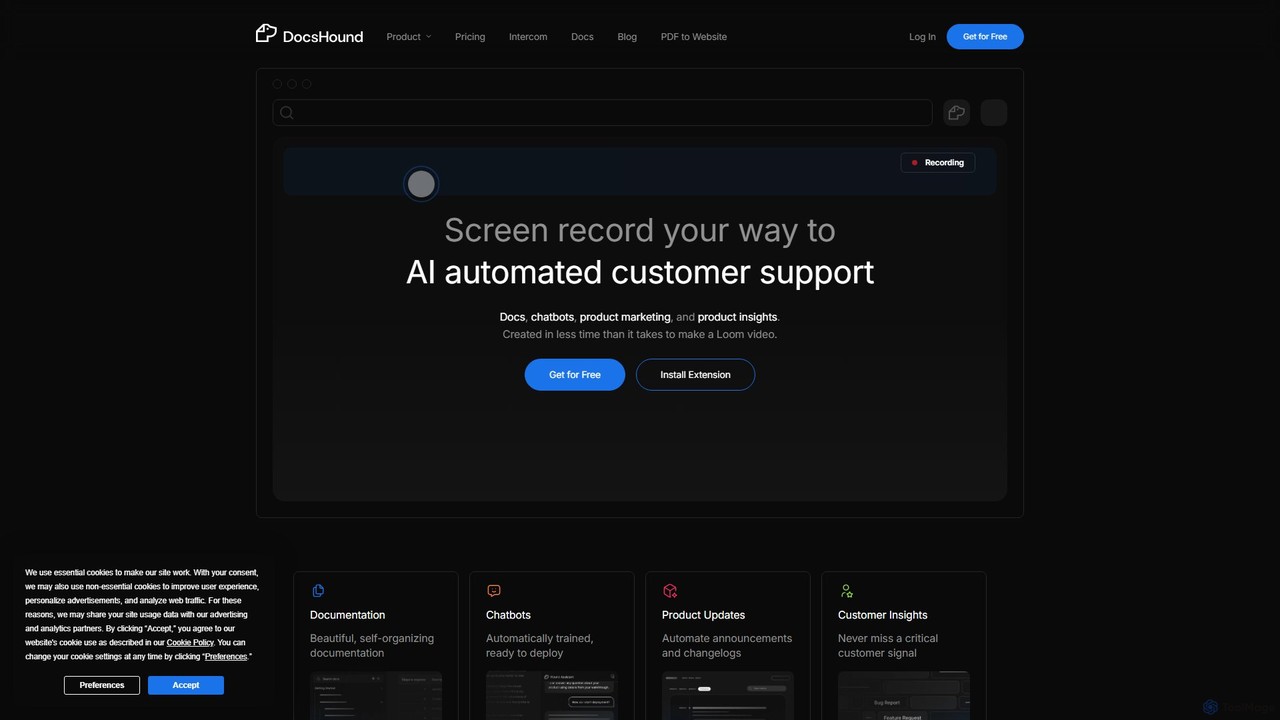
DocsHound
DocsHound is an AI-powered platform that transforms screen recordings of product demos into comprehensive documentation, intelligent chatbots, and actionable product insights. It automates the entire knowledge base creation process, allowing teams to generate beautiful, self-organizing docs and support assets in minutes, keeping pace with rapid product development.
Chatbots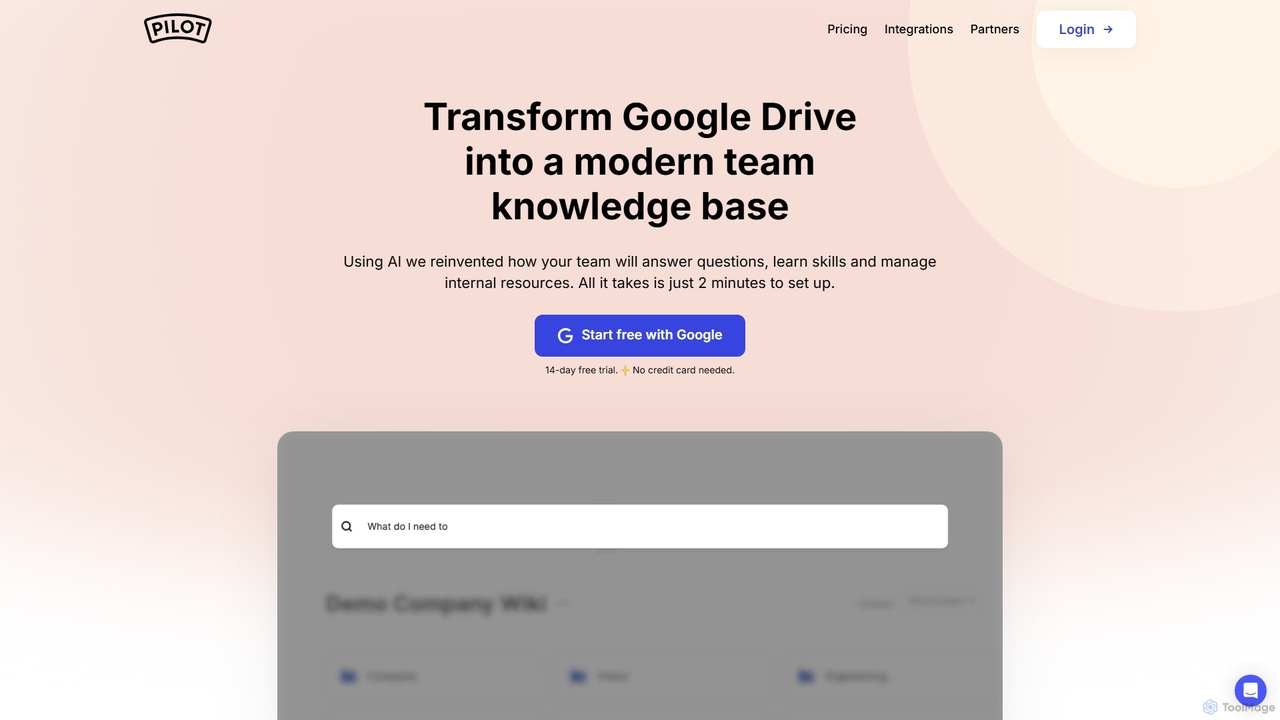
Pilot
Pilot is an AI-powered knowledge base and wiki designed for teams using Google Workspace. It transforms your Google Docs, Sheets, and Slides into a centralized, searchable hub of information. With its conversational AI search, Pilot allows teams to instantly find answers from internal documents, streamline employee onboarding, and foster a culture of knowledge sharing.
Knowledge Base
airshot
Airshot is an AI-powered platform that transforms screen recordings into interactive step-by-step guides and product demos. Effortlessly capture your workflow, and let AI automatically generate annotated screenshots and descriptive text, saving you hours on documentation.
Guide Creation
Fluency Comments (0)
Sign in to comment.
Sign inNo comments yet.