Fluency
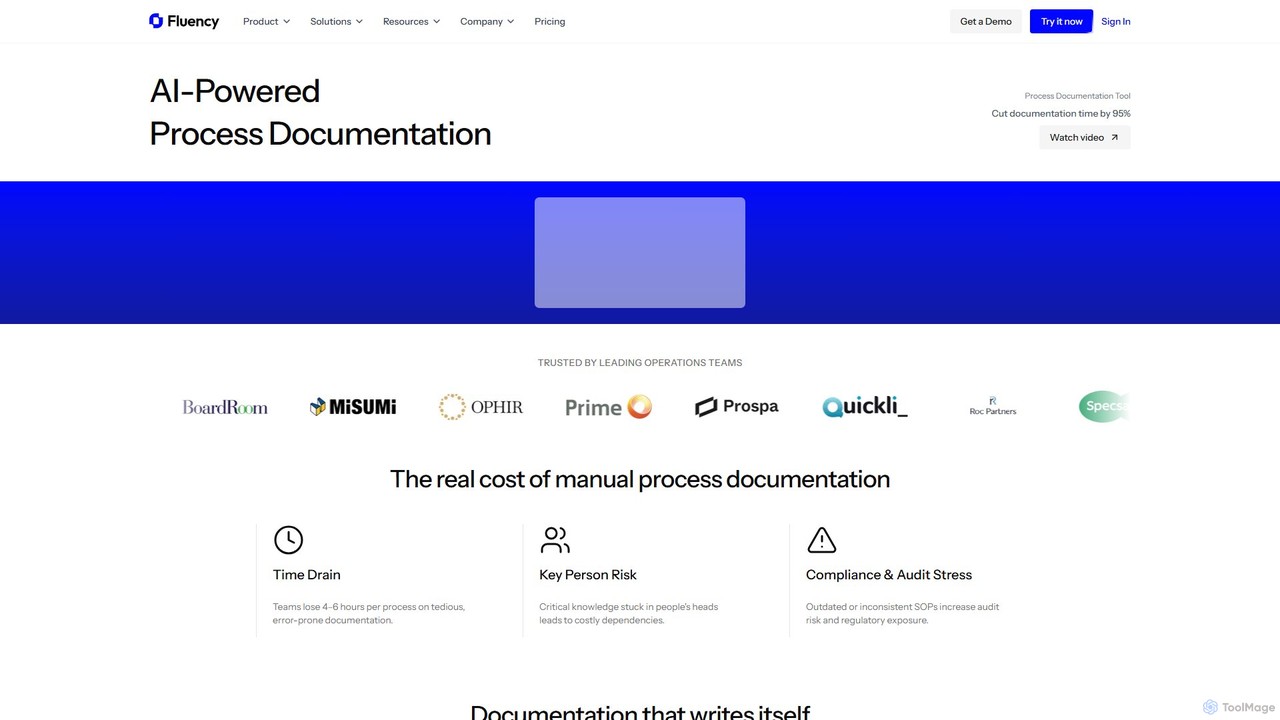
Fluency is an AI-powered process documentation platform that automatically creates Standard Operating Procedures (SOPs), training guides, and process …
Fluency is an AI-powered process documentation platform that automatically creates Standard Operating Procedures (SOPs), training guides, and process documents. Simply record your workflow, and Fluency's AI generates step-by-step instructions with context, cutting documentation time by up to 95%. It's designed for enterprise teams to streamline operations, enhance training, and ensure compliance.
Kopyst
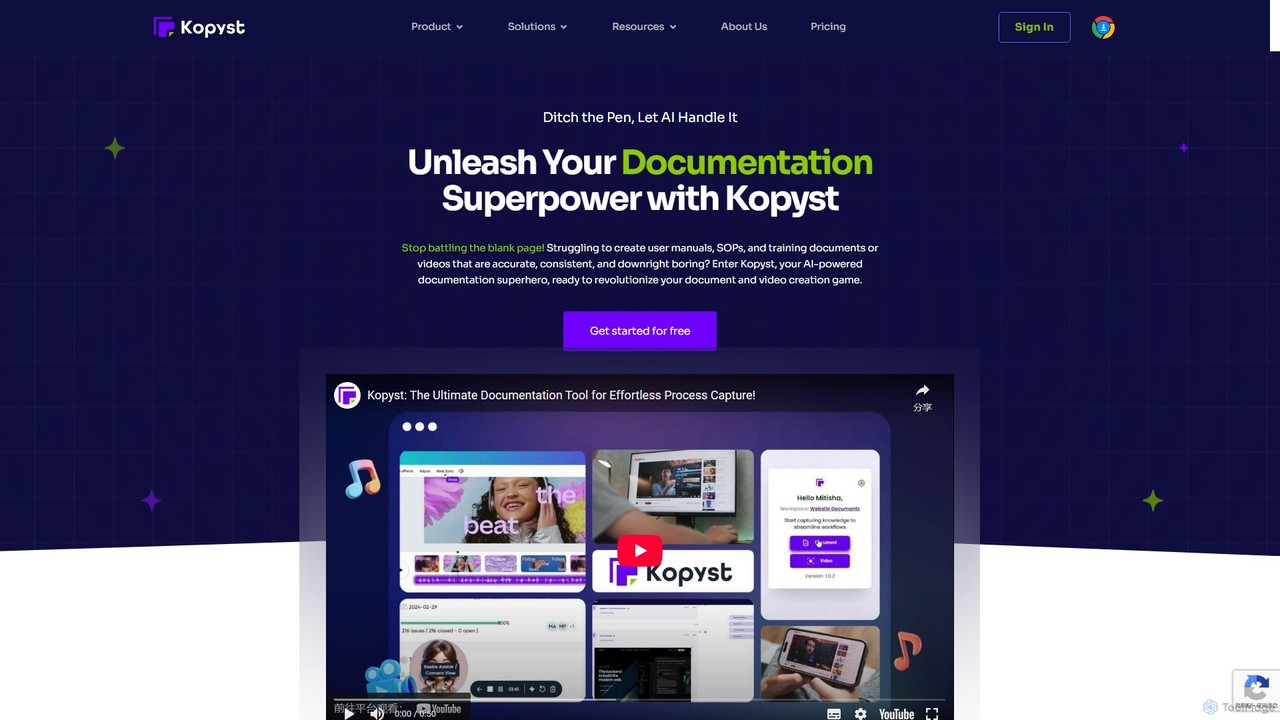
Kopyst is an AI-powered platform that transforms complex workflows into engaging step-by-step videos and documents. By recording your …
Kopyst is an AI-powered platform that transforms complex workflows into engaging step-by-step videos and documents. By recording your screen interactions, it automatically generates user manuals, SOPs, training materials, and product walkthroughs, saving you hours of manual work and ensuring accuracy.
About Onboarding
AI Onboarding tools are a specialized class of software designed to automate and personalize the initial guidance for new users or employees. Leveraging AI, these platforms create interactive product tours, contextual help, and dynamic checklists directly within an application or workflow. Their primary value lies in accelerating user adoption, reducing early-stage churn, and shortening the time-to-productivity for new team members. By analyzing user behavior, these tools can adapt the onboarding experience in real-time, offering a more effective and engaging introduction than static manuals or videos.
Core Features
- Interactive Product Tours: AI-driven walkthroughs that guide users step-by-step through key software features.
- Personalized Learning Paths: Automatically customizes the onboarding sequence based on user role, prior knowledge, or in-app behavior.
- Contextual In-App Guidance: Proactively provides tips, tooltips, and help widgets when the system detects user hesitation or errors.
- Onboarding Analytics: Tracks user progress, completion rates, and identifies friction points in the initial user journey.
- Automated Checklist Management: Generates and manages dynamic task lists to ensure users or employees complete all necessary setup steps.
Applicable Scenarios
These tools are widely used by SaaS companies to improve new user activation and retention. HR and training departments in larger organizations also utilize them to streamline new employee onboarding, ensuring consistent training on internal systems like CRMs or ERPs. They are particularly effective for complex software products where a steep learning curve can be a barrier to adoption.
Selection Criteria
When choosing an AI Onboarding tool, consider its integration capabilities with your existing software stack. Evaluate the level of customization available for guides and tours to match your brand identity. Assess the robustness of its analytics dashboard for actionable insights. Finally, consider its scalability to support a growing user base and the technical expertise required for implementation and maintenance.
OnboardingUse Cases
Automating SaaS User Onboarding
A product manager at a SaaS company needs to reduce early user churn and increase feature adoption. They implement an AI Onboarding tool to create interactive, in-app product tours. When a new user signs up, the tool triggers a personalized walkthrough based on their selected use case. This guides them through essential setup steps and highlights key features relevant to their goals. As a result, the company sees a 30% increase in user activation within the first week and a significant reduction in support tickets from new users asking basic questions.
Streamlining New Employee Onboarding
An HR manager is tasked with improving the onboarding experience for remote employees. They use an AI Onboarding platform to create a centralized, self-paced journey. The platform automatically assigns tasks like completing paperwork, watching compliance videos, and setting up accounts. It also includes interactive guides for essential software like the company's CRM and project management tool. The AI monitors progress and sends automated reminders, freeing up HR staff. New hires report a more structured and less overwhelming experience, and their time-to-productivity is reduced by an average of five days.
Driving Adoption of New Software Features
A development team releases a major update with a powerful but complex new feature. To ensure users discover and learn it, they use their AI Onboarding tool to create a contextual announcement and tour. When an existing user logs in and navigates to the relevant section of the app, a non-intrusive tooltip appears, introducing the new feature. If the user clicks it, an interactive guide launches, walking them through a real-world example of how to use it. This proactive, in-context training leads to a 50% higher adoption rate for the new feature compared to previous releases that relied on email announcements alone.
Scaling Customer Self-Service Support
A customer support team is overwhelmed with repetitive 'how-to' questions. They deploy an AI Onboarding tool as a digital adoption platform across their knowledge base. The tool allows them to build interactive tutorials for common tasks, such as 'how to reset your password' or 'how to generate a report'. When a user searches for these topics, instead of just a text article, they are offered an interactive walkthrough. This empowers users to solve their own problems, reducing the volume of support tickets by 40% and allowing support agents to focus on more complex issues.
Role-Based Training for Sales Teams
A sales enablement manager needs to quickly onboard new sales representatives. Using an AI Onboarding tool, they create a role-specific learning path. The path includes interactive checklists for setting up their accounts, guided tours of the CRM to learn lead management processes, and simulations for using the quoting software. The AI adapts the training, skipping sections if a rep demonstrates proficiency or offering extra help if they struggle. This personalized approach ensures every new rep masters the core sales tools and processes consistently, reducing ramp-up time by 25%.
Ensuring Compliance Training Completion
A compliance officer at a financial institution needs to ensure all employees complete mandatory annual security training. They use an AI Onboarding tool to assign and track this training. The system automatically enrolls employees, sends reminders about deadlines, and provides an interactive module that requires user engagement to complete. The platform's analytics dashboard gives the officer a real-time view of completion rates by department, allowing them to target follow-ups effectively. This automated process ensures 100% compliance and creates a verifiable audit trail, saving hundreds of administrative hours.