
Casablanca Overview
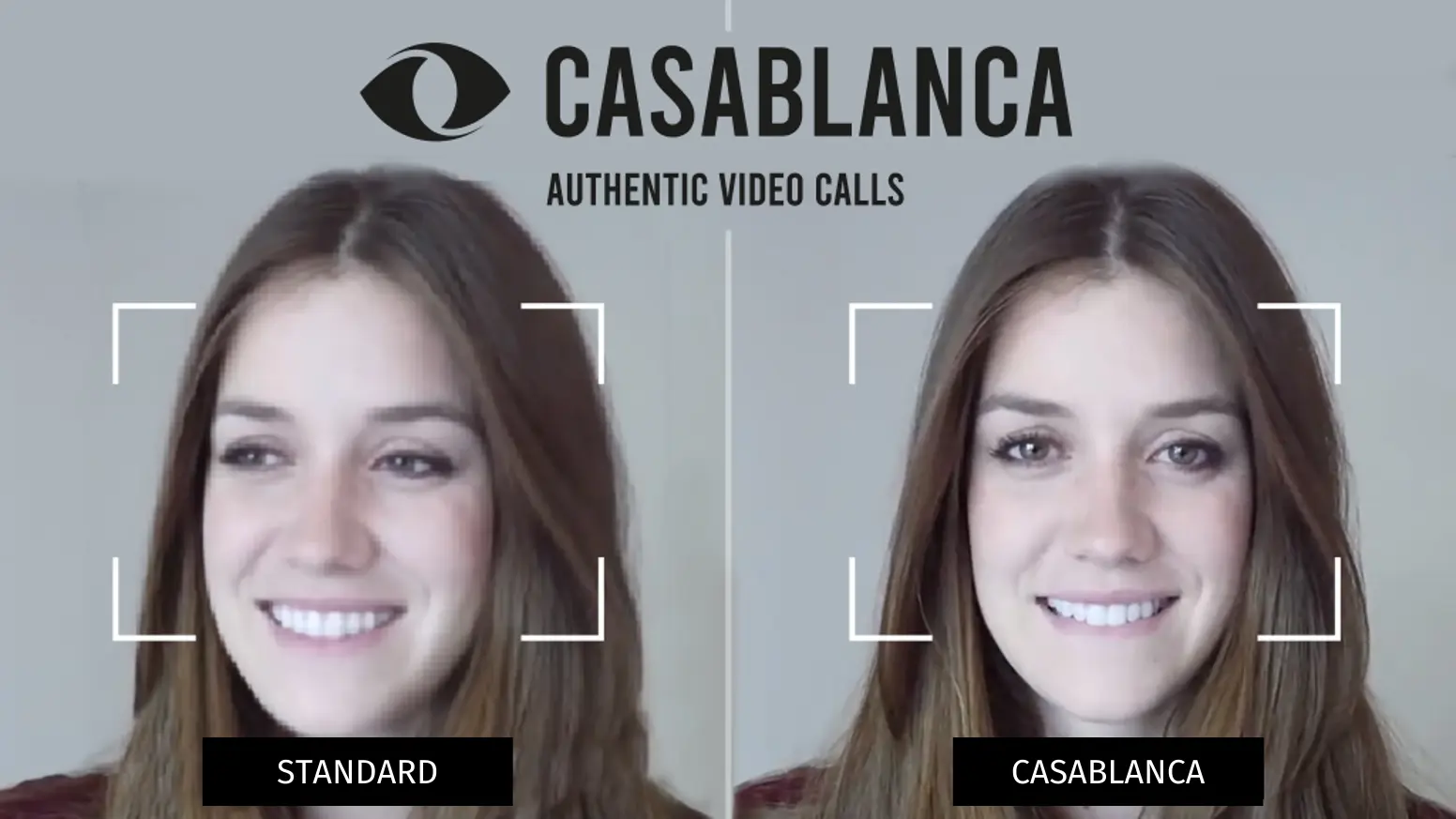
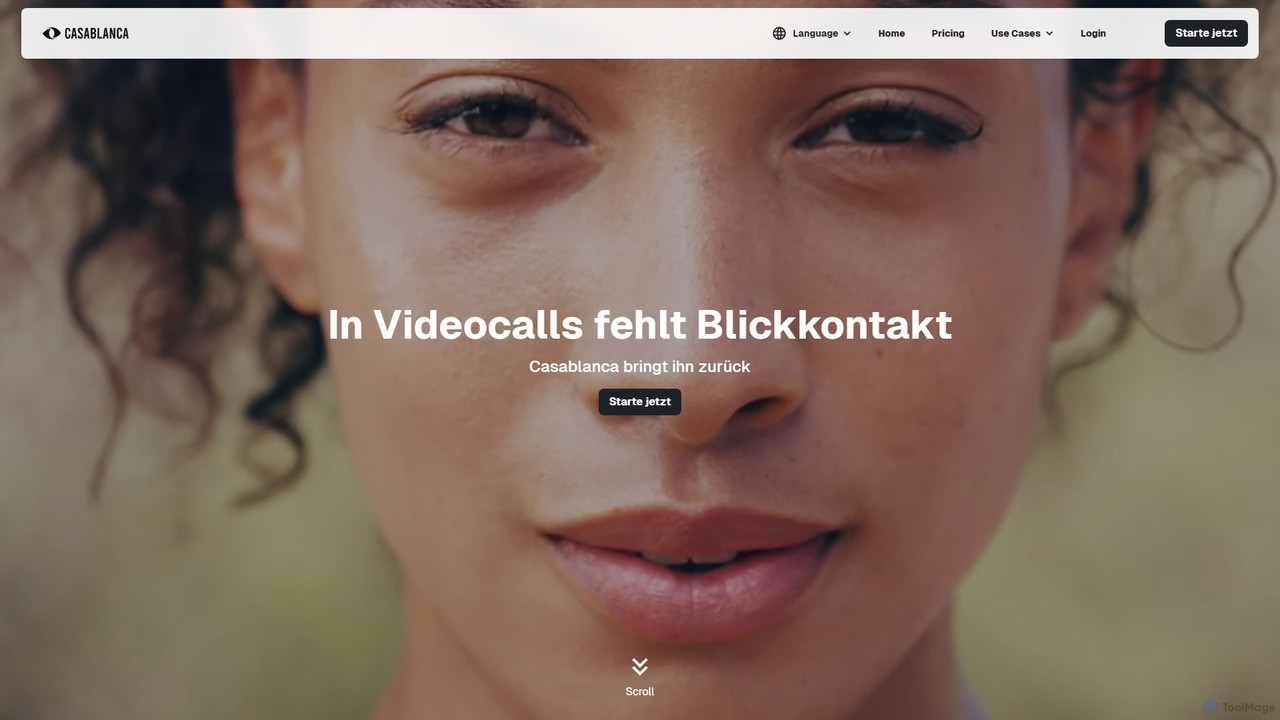
Casablanca is a revolutionary AI-powered application designed to fundamentally improve the way we conduct online meetings. In an era of remote work, genuine connection through video calls is often hindered by a simple yet significant issue: lack of eye contact. Casablanca addresses this by functioning as an intelligent virtual camera that ensures you always appear professional, engaged, and connected.
The core of Casablanca is its patented AI eye contact correction technology. It subtly adjusts your gaze in real-time, making it appear as though you are looking directly into the camera lens, even when you're looking at your notes or other participants on the screen. This small change has a profound impact on communication, building trust and rapport with your audience. Beyond eye contact, the tool offers a suite of features to create a studio-like video feed from any location.
How to use Casablanca
Using Casablanca is straightforward and integrates seamlessly into your existing workflow:
- Download and Install: Visit the Casablanca website and download the application for your Windows or macOS computer. Follow the simple installation instructions.
- Launch and Configure: Open the Casablanca application. You can toggle features like eye contact correction and adjust background settings from its intuitive dashboard.
- Select in Your Meeting App: Open your preferred video conferencing software (e.g., Zoom, Google Meet, Microsoft Teams, Skype).
- Choose the Virtual Camera: In the video settings of your conferencing app, select "Casablanca Camera" as your video source instead of your physical webcam.
- Start Your Meeting: Your video feed will now be automatically enhanced by Casablanca's AI. You can focus on your meeting while Casablanca ensures you look your best.
Core Features of Casablanca
- AI Eye Contact Correction: Patented technology that intelligently redirects your gaze to the camera, creating a more personal and engaging connection with your audience.
- Virtual Camera Compatibility: Functions as a universal virtual camera, compatible with all major video conferencing platforms, including Zoom, Microsoft Teams, Google Meet, Skype, Webex, and more.
- Professional Backgrounds: Offers high-quality background blur to remove distractions and allows the use of custom images for a branded or professional setting.
- Smart Lighting & Color Correction: Automatically adjusts brightness, contrast, and color balance to ensure you are perfectly lit, compensating for poor lighting conditions.
- Low Latency Performance: Highly optimized to run efficiently on your device, ensuring a smooth, real-time video feed without causing significant lag or high CPU usage.
Use Cases for Casablanca
Casablanca is ideal for anyone who relies on video communication:
- Sales Professionals: Build stronger rapport and increase closing rates by maintaining confident eye contact during virtual pitches and demos.
- Team Leaders & Managers: Foster better team dynamics and more effective communication in remote team meetings.
- Recruiters & Job Candidates: Make a powerful first impression in virtual interviews by appearing confident, attentive, and engaged.
- Educators & Coaches: Keep students and clients focused and engaged by creating a more direct and personal teaching experience.
- Content Creators & Streamers: Record videos or stream live with perfect camera presence, enhancing the connection with your audience.
Advantages of Casablanca
Casablanca offers a distinct competitive edge:
- Boost Engagement: Natural eye contact is a critical non-verbal cue that significantly improves communication effectiveness and audience retention.
- Enhance Professionalism: Instantly upgrade your video presence with studio-quality effects, ensuring you look polished and prepared in every call.
- Simplicity and Ease of Use: An intuitive interface and effortless setup mean you can be up and running in minutes without a steep learning curve.
- Universal Integration: Works with the tools you already use, eliminating the need to switch platforms or change your workflow.
- Privacy First: All video processing is performed locally on your computer. Your video data never leaves your device, ensuring complete privacy and security.
Pricing and Plans
Casablanca offers a flexible pricing structure to suit different needs:
- Starter: €0. This plan provides free access to the basic version of Casablanca, allowing users to experience the core functionality without any cost or commitment.
- Pro Version: €7 per month (plus VAT). This plan unlocks all features and functions, designed for professionals and commercial use to get the most out of the tool.
- Enterprise: Custom pricing. This plan is for organizations and teams, offering personalized solutions, a partner program, and premium customer support. Interested parties should contact the sales team for a quote.
Traffic
Latest traffic
Status
Monthly traffic trend
- 2025-9: 13.4K
- 2026-1: 11.8K
- 2026-2: 14.9K
- 2026-3: 15.9K
- 2026-4: 11.6K
- 2026-5: 10.8K
Geography
Top 5 countries / regions
- 🇺🇸United States34.1%
- 🇩🇪Germany27.7%
- 🇮🇩Indonesia18.6%
- 🇬🇧United Kingdom10.8%
- 🇮🇳India8.8%
Top keywords
| Keyword | Cost per click |
|---|---|
| casablanca | $0.51 |
| casablanca ai | $0.00 |
| casablanca.ai скачать | $0.00 |
| casablanca.ai ф | $0.00 |
| nvidia broadcast for mac eye lock | $0.00 |
Casablanca Alternatives
xpressioncamera
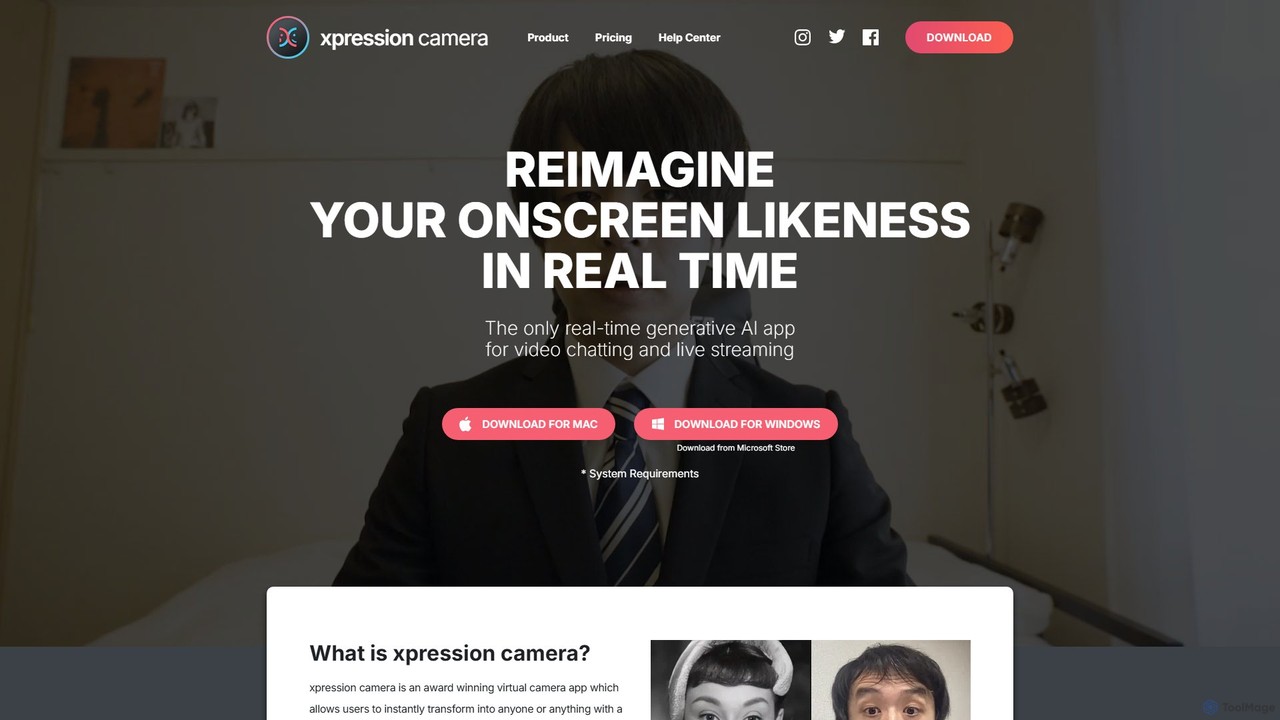
xpressioncamera is an award-winning AI virtual camera app that lets you instantly transform into anyone or anything with a face using a single photo. Animate avatars in real-time for video calls, streaming, and content creation, with features like Voice2Face and AI-powered effects.
Avatar Generator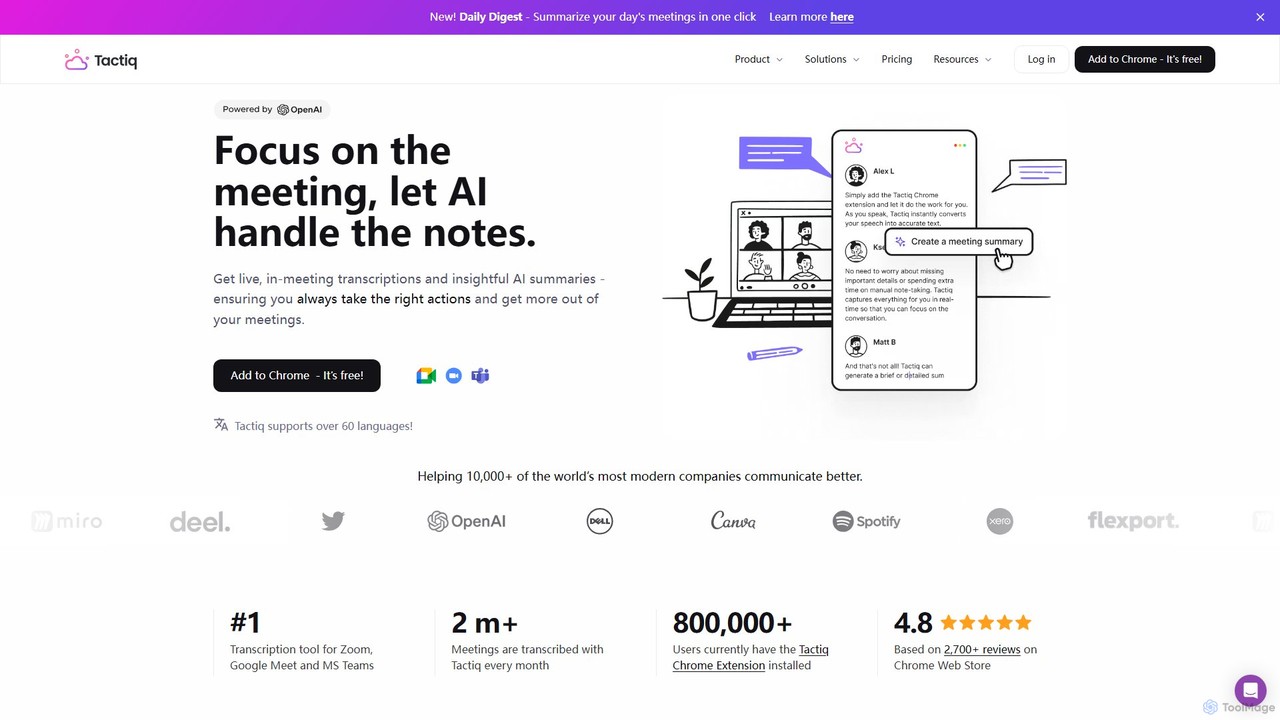
Tactiq
Tactiq is an AI-powered Chrome extension that provides real-time transcription, summaries, and actionable insights for Google Meet, Zoom, and MS Teams meetings. It operates without a bot, ensuring privacy while capturing every detail, identifying speakers, and automating post-meeting tasks like follow-up emails and action items.
Team Collaboration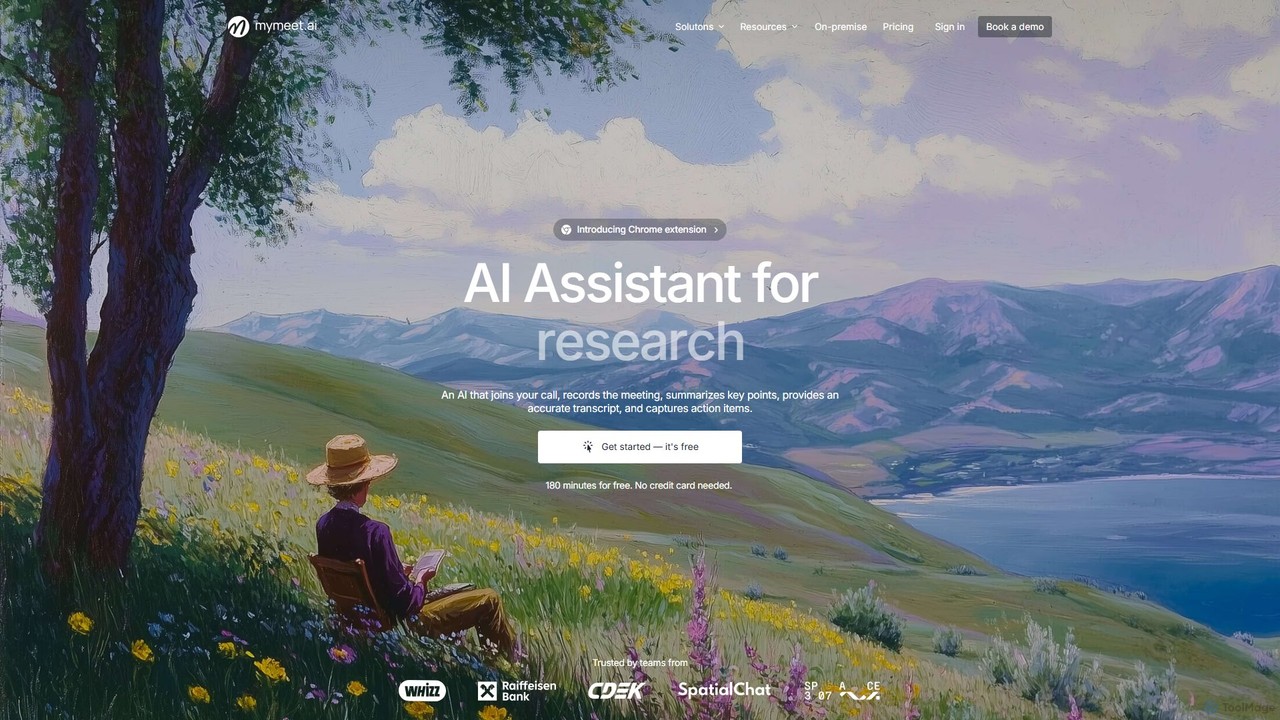
mymeet.ai
mymeet.ai is an AI meeting assistant that automatically joins your calls on Zoom, Google Meet, and Teams to record, transcribe, summarize, and identify action items. It features an interactive AI chat to query meeting details, offers specialized analysis templates, and integrates seamlessly with your calendar and other work tools to boost productivity.
Sales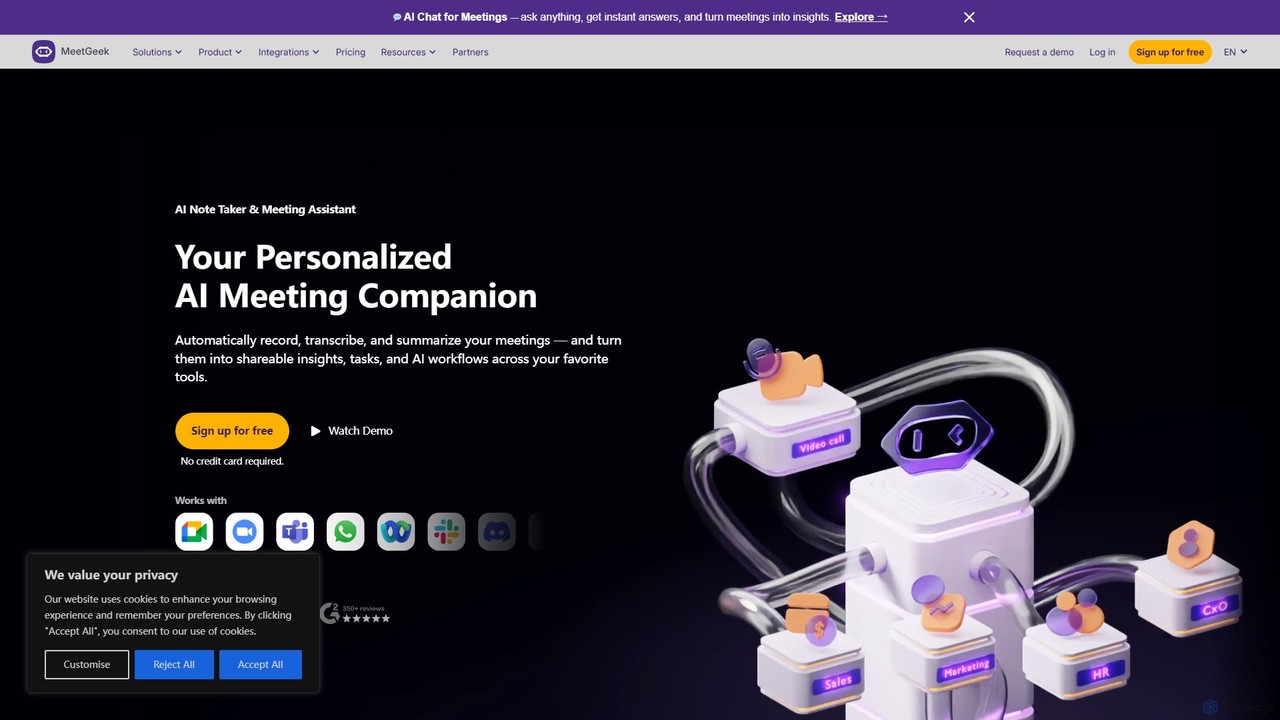
MeetGeek
MeetGeek is an AI meeting assistant that automatically records, transcribes, summarizes, and provides key insights for your meetings. It integrates seamlessly with Zoom, Google Meet, and Microsoft Teams, transforming conversations into actionable knowledge, boosting team productivity, and ensuring no important details are ever missed.
Meetings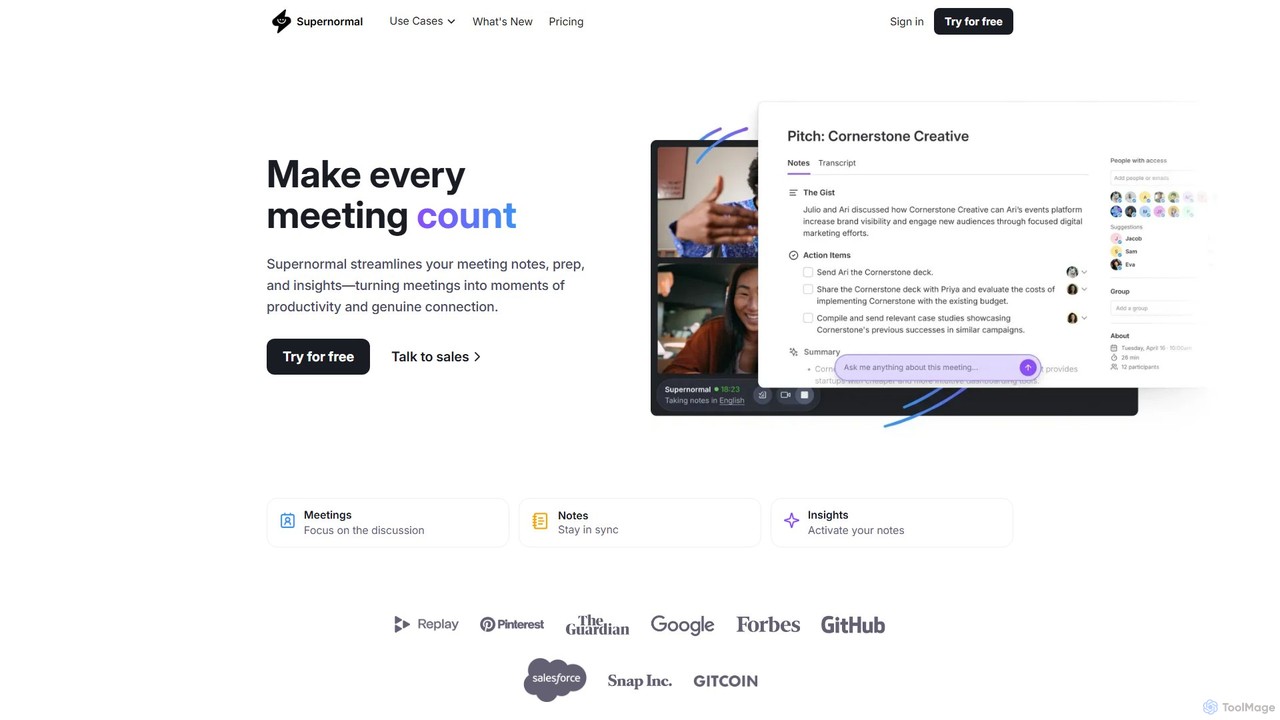
Supernormal
Supernormal is an AI meeting assistant that automatically records, transcribes, and summarizes your meetings on Google Meet, Zoom, and Microsoft Teams. It helps you focus on the conversation by taking care of note-taking, identifying action items, and providing actionable insights.
MeetingsCasablanca Categories
Casablanca Embed Widget
Copy this embed code to place the badge on your blog, article, or product site and send readers directly to this ToolMage detail page.

Related AI tools
Tactiq
Tactiq is an AI-powered Chrome extension that provides real-time transcription, summaries, and actionable insights for Google Meet, Zoom, and MS Teams meetings. It operates without a bot, ensuring privacy while capturing every detail, identifying speakers, and automating post-meeting tasks like follow-up emails and action items.
Team Collaborationmymeet.ai
mymeet.ai is an AI meeting assistant that automatically joins your calls on Zoom, Google Meet, and Teams to record, transcribe, summarize, and identify action items. It features an interactive AI chat to query meeting details, offers specialized analysis templates, and integrates seamlessly with your calendar and other work tools to boost productivity.
SalesMeetGeek
MeetGeek is an AI meeting assistant that automatically records, transcribes, summarizes, and provides key insights for your meetings. It integrates seamlessly with Zoom, Google Meet, and Microsoft Teams, transforming conversations into actionable knowledge, boosting team productivity, and ensuring no important details are ever missed.
MeetingsSupernormal
Supernormal is an AI meeting assistant that automatically records, transcribes, and summarizes your meetings on Google Meet, Zoom, and Microsoft Teams. It helps you focus on the conversation by taking care of note-taking, identifying action items, and providing actionable insights.
Meetings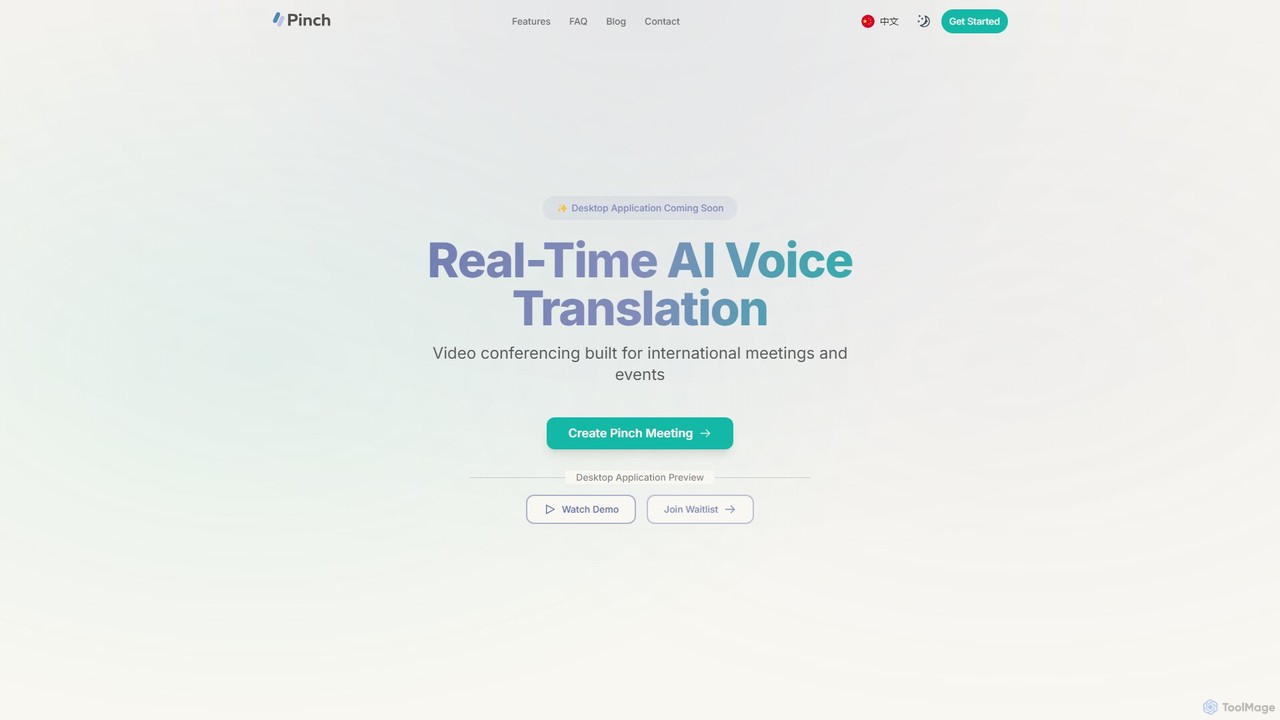
Pinch
Pinch is a real-time AI voice translation platform for video conferencing, designed for international meetings and events. It offers AI-powered interpreter and simultaneous translation modes with lipsync technology to break down language barriers and facilitate seamless global communication on platforms like Zoom, Google Meet, and Teams.
Translation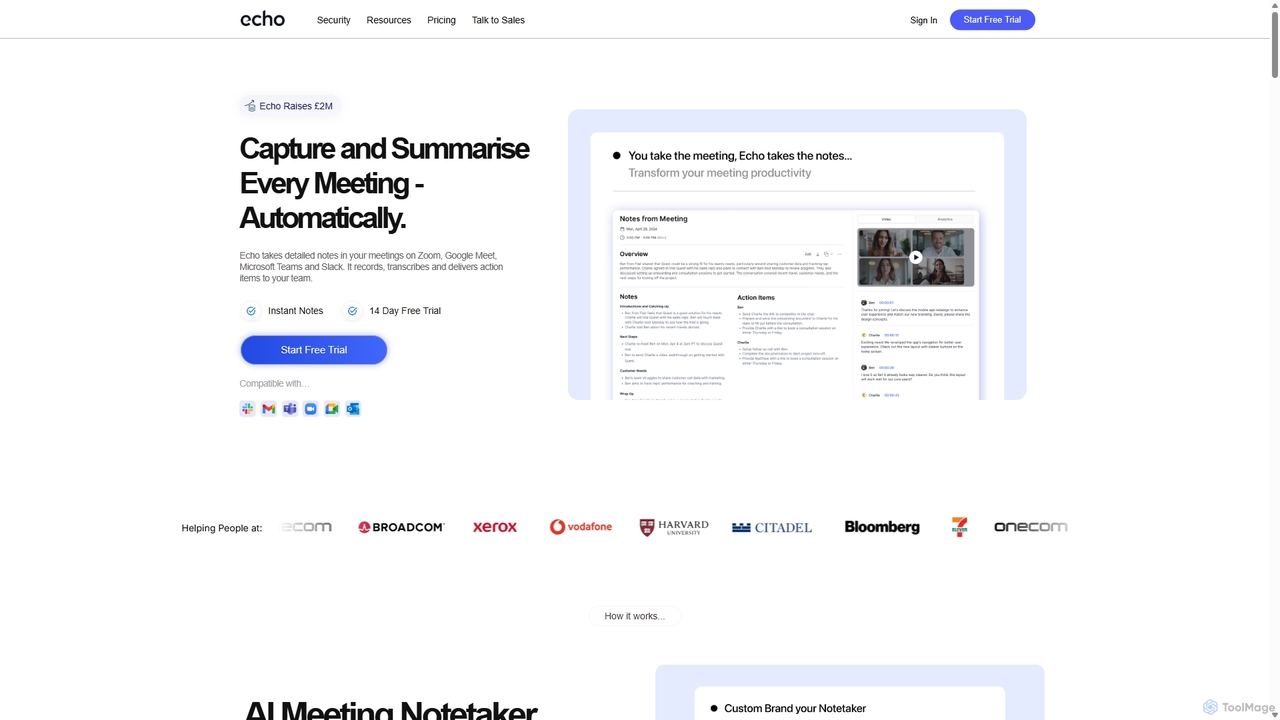
Meetecho
meetecho is an AI executive assistant that automatically joins your meetings on Zoom, Google Meet, and Microsoft Teams to record, transcribe, and generate detailed summaries with action items. It enhances productivity by eliminating manual note-taking and creating a searchable archive of all your conversations. Upcoming features include AI-powered email sorting and drafting.
Assistant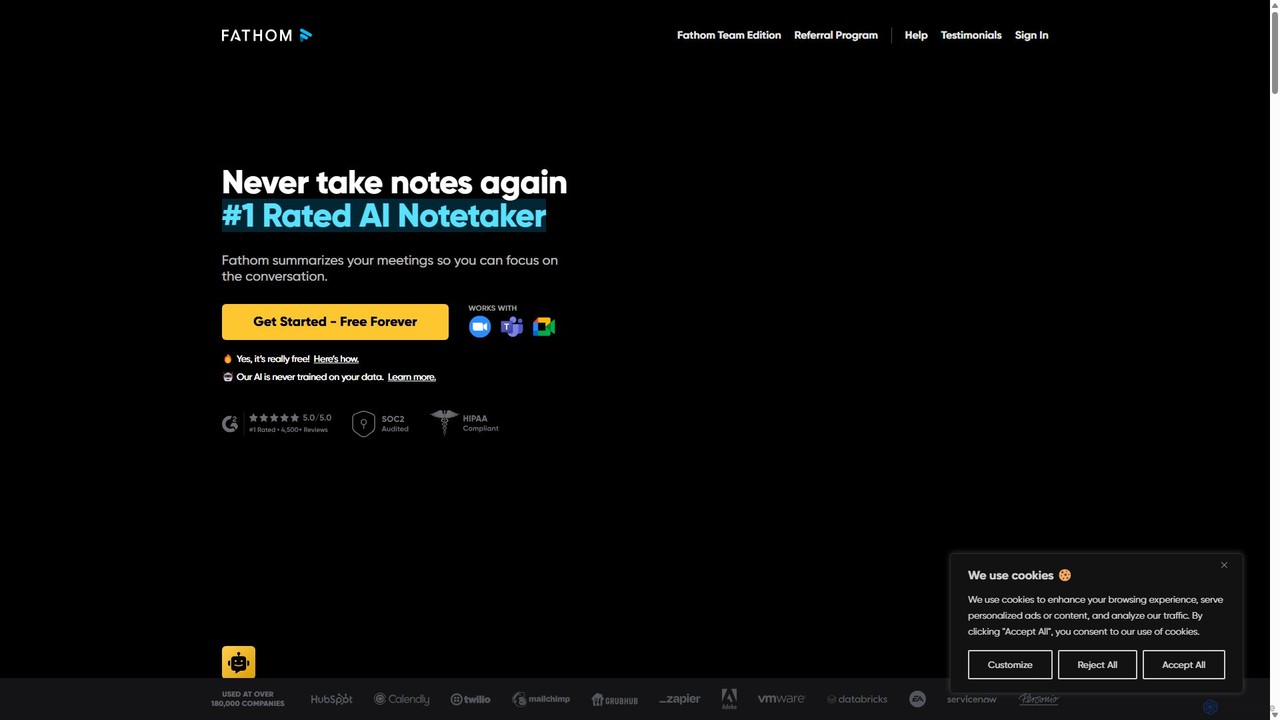
Fathom
Fathom is a top-rated AI meeting assistant that automatically records, transcribes, and summarizes your video calls on Zoom, Google Meet, and Microsoft Teams. It liberates you from note-taking, allowing full focus on the conversation. Fathom provides instant, shareable summaries and action items, and integrates seamlessly with your CRM and other productivity tools, saving significant time and boosting post-meeting efficiency.
Transcription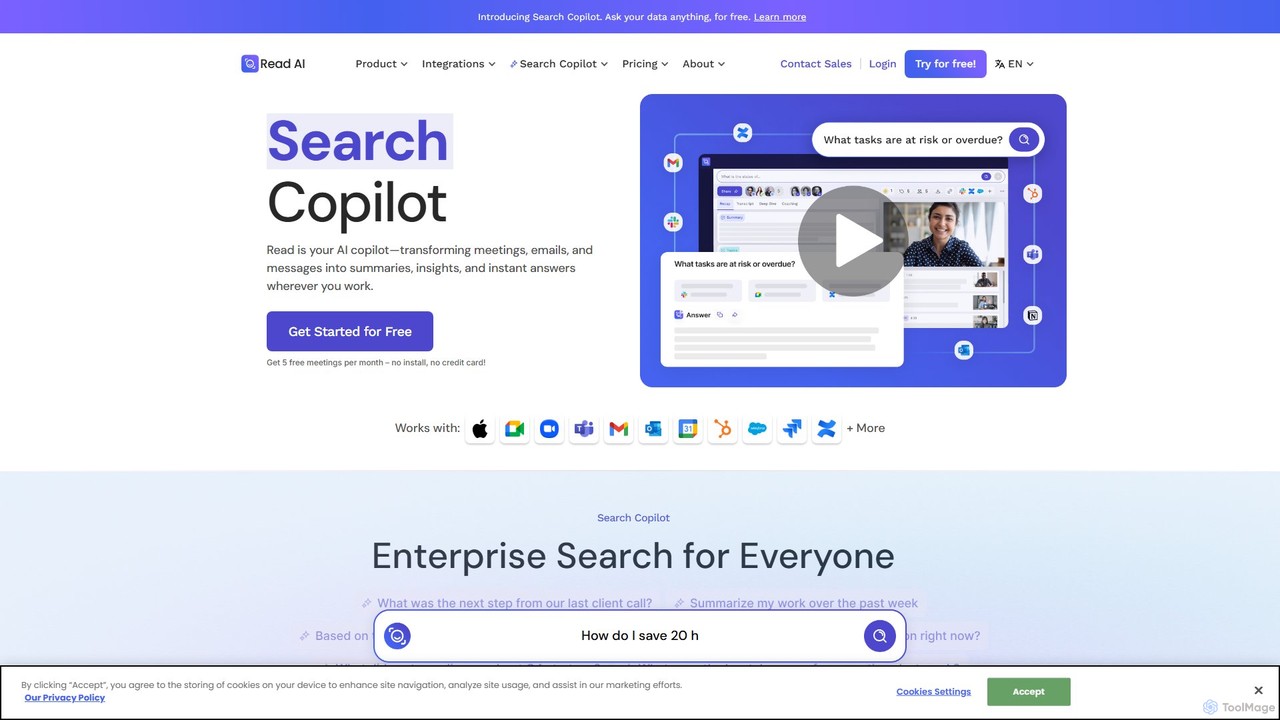
Read.ai
Read.ai is an AI-powered productivity platform that automatically summarizes meetings, generates transcripts, and provides actionable insights. Its flagship Search Copilot unifies information across all your work apps—meetings, emails, chats, and documents—creating a single, searchable knowledge base to boost team efficiency and break down data silos.
Knowledge Management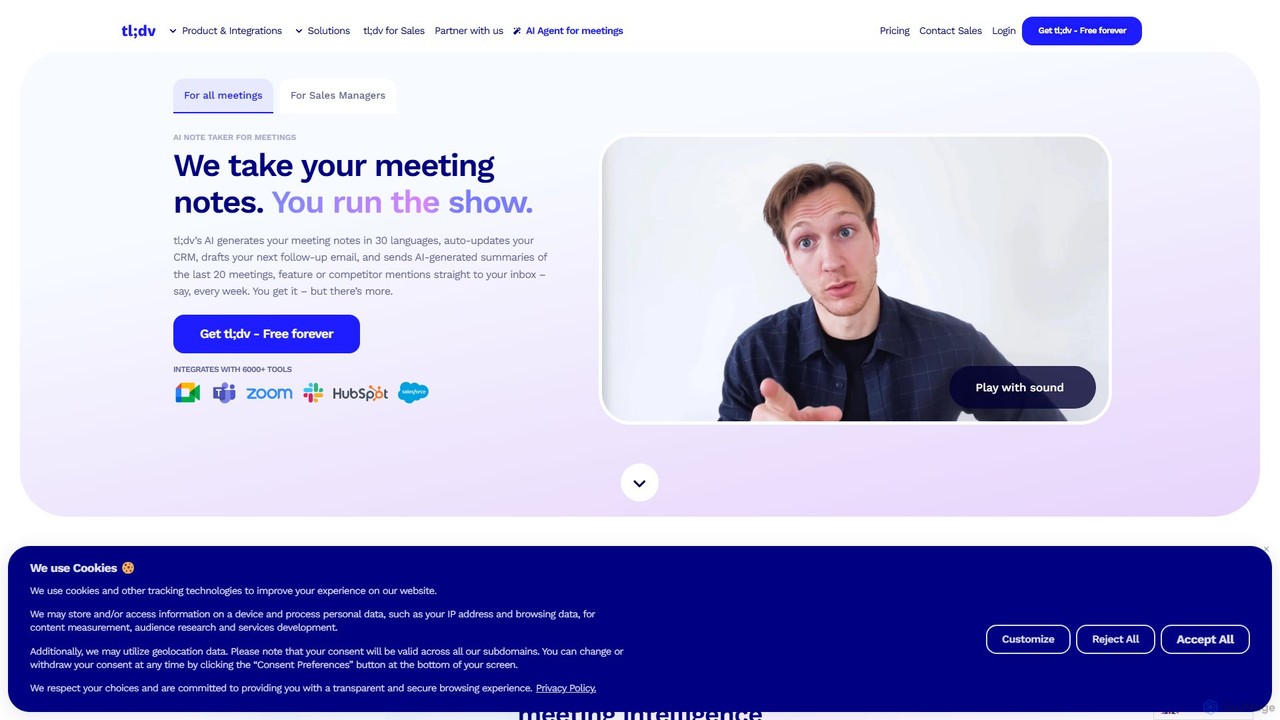
tldv
tldv is an AI meeting assistant for Zoom, Google Meet, and MS Teams. It automatically records, transcribes, summarizes, and timestamps your meetings. Instantly create clips from long recordings, share insights, and automate workflows by integrating with tools like Slack and CRMs. It's designed to boost productivity for sales, product, and collaborative teams.
Meeting Assistant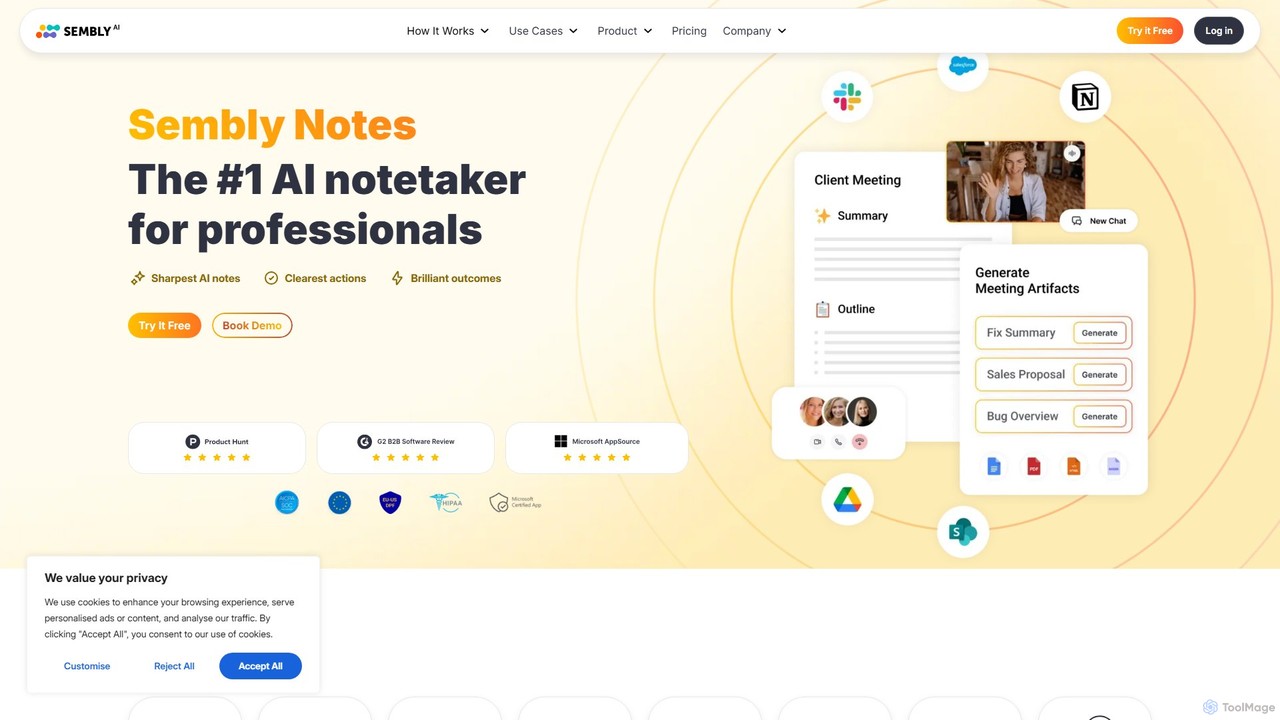
Sembly
Sembly is an AI meeting assistant that records, transcribes, and generates intelligent summaries for your meetings. It integrates with major platforms like Zoom, Google Meet, and Microsoft Teams to capture conversations, identify key items, create action points, and provide deep insights, transforming discussions into actionable outcomes.
Project Management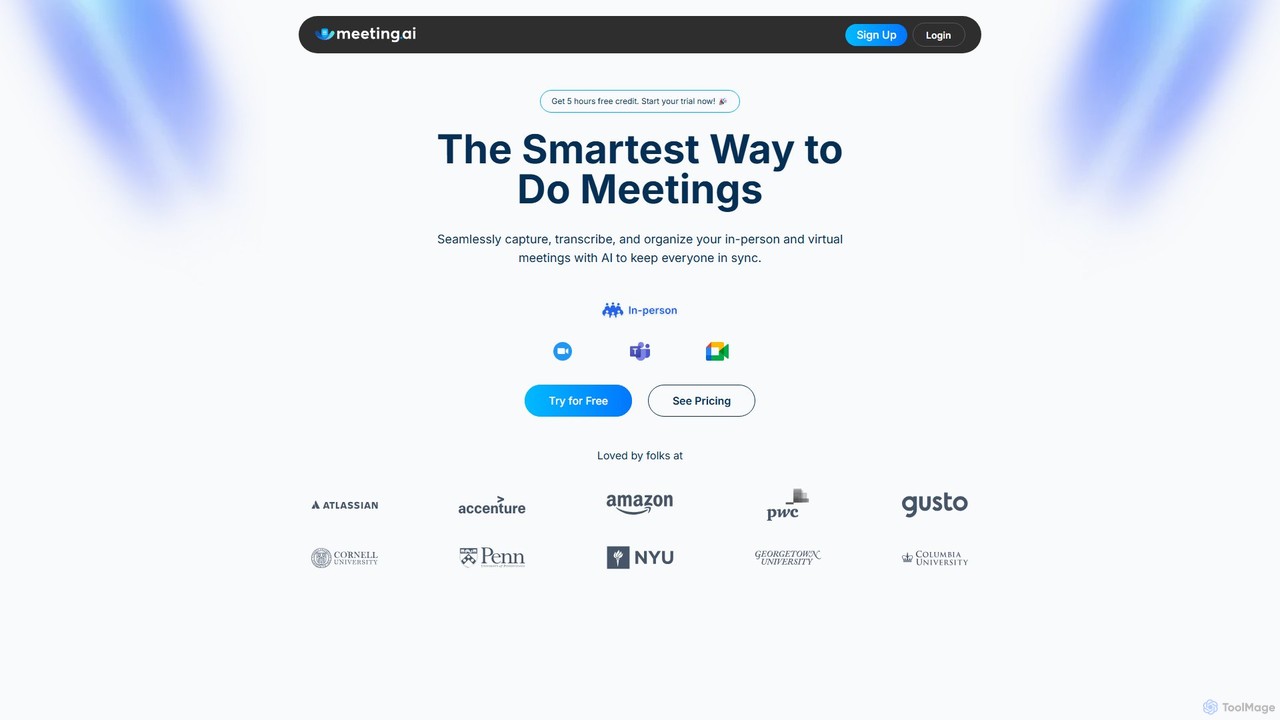
Meeting.ai
Meeting.ai is an AI-powered meeting assistant that seamlessly captures, transcribes, and summarizes your in-person and virtual meetings. It supports over 35 languages, integrates with major platforms like Zoom and Google Meet, and automatically generates organized notes and action items to keep your team synchronized and productive.
Transcription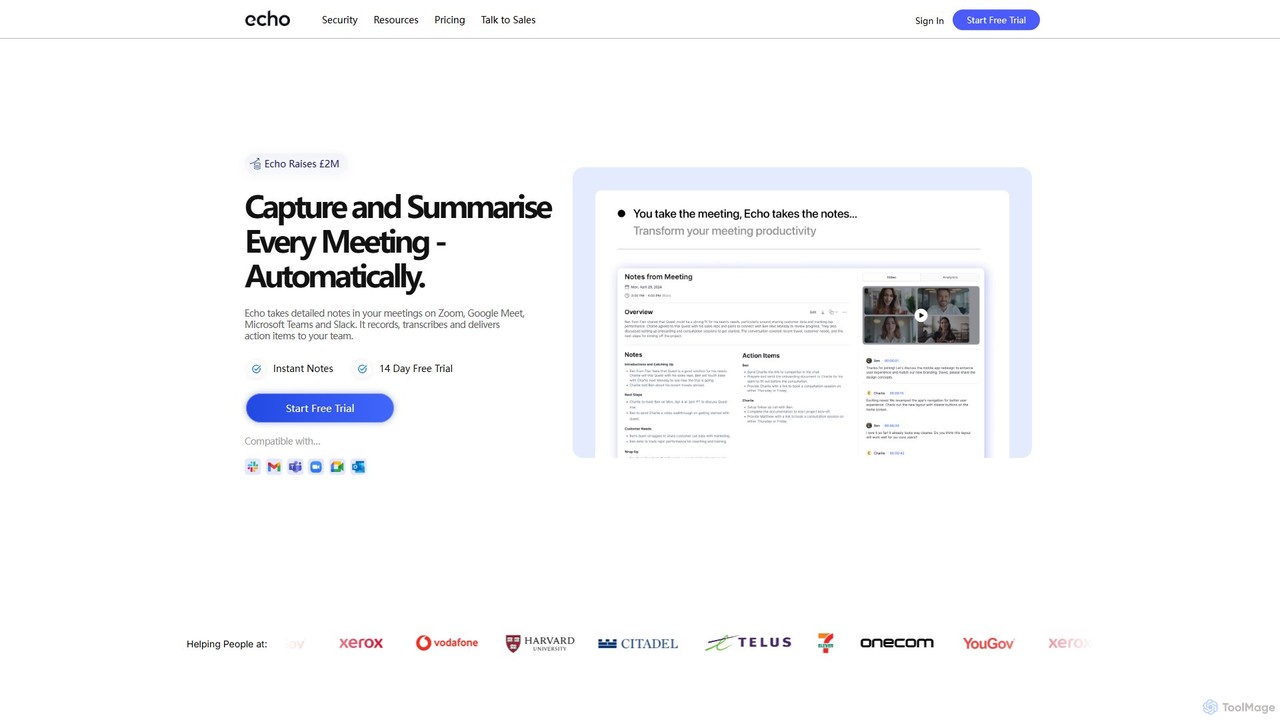
meetecho
Meetecho is an AI executive assistant that automatically joins your meetings on Zoom, Google Meet, and Teams. It records, transcribes, and generates structured summaries with action items, freeing you to focus on the conversation. It supports over 30 languages and offers robust security features.
Communication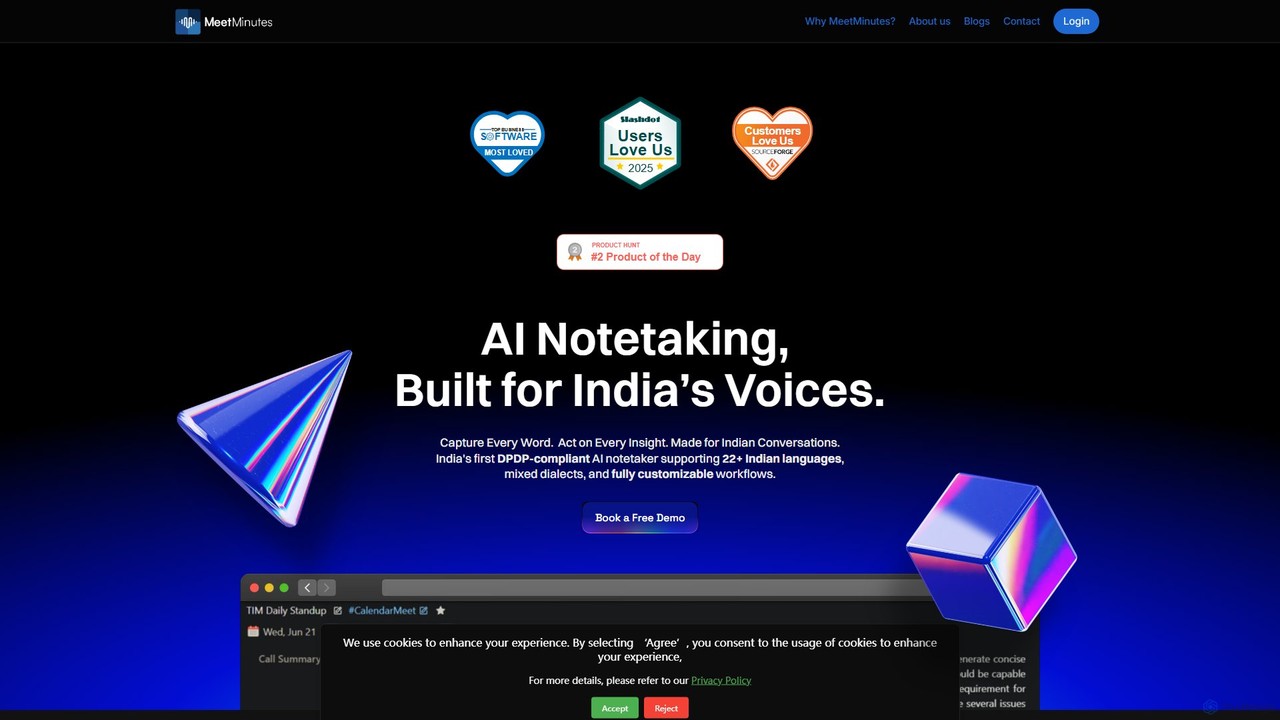
MeetMinutes
MeetMinutes is an AI-powered meeting assistant designed for Indian voices. It automatically transcribes, summarizes, and analyzes meetings from Zoom, Google Meet, and Teams. Supporting 22+ Indian languages and mixed dialects, it captures action items and creates a searchable knowledge base, all while being DPDP, GDPR, and SOC2 compliant.
Meeting Assistant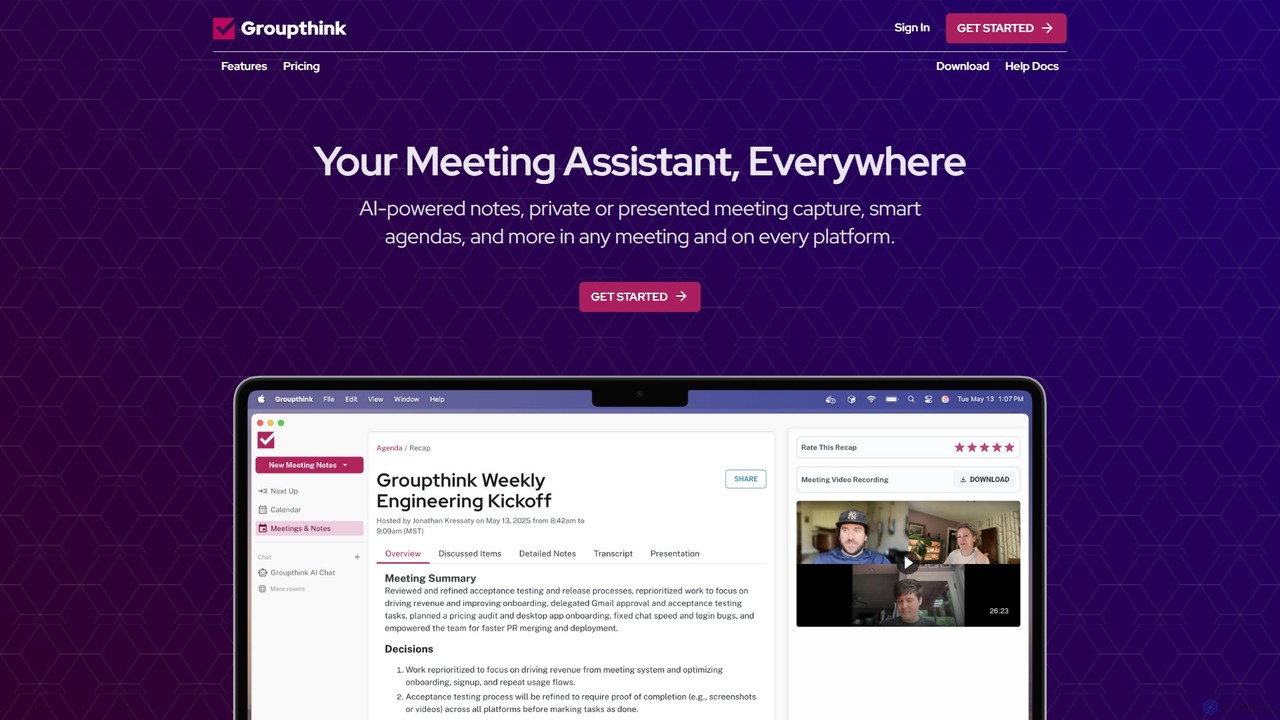
groupthink
Groupthink is an AI meeting assistant that automates note-taking, transcription, and summaries across all major platforms. It offers a unique choice between a visible bot for team collaboration and a private desktop recorder for discreet capture. Features include smart agendas, action item tracking, and an AI chat to query past meetings, saving professionals up to 30% of their meeting time.
Transcription
Ambient
Ambient is an AI-powered meeting assistant that automatically joins your calls, records, transcribes, and generates intelligent summaries. It captures action items, key decisions, and important topics from your meetings on platforms like Zoom, Google Meet, and Microsoft Teams, saving you hours on manual note-taking and ensuring no detail is missed.
Transcription Services
Casablanca Comments (0)
Sign in to comment.
Sign inNo comments yet.