ToolMage
Sign in

Best 4 Virtual Camera AI tools for Video

Popular Virtual Camera AI tools in Video include Fineshare, Pickle, xpressioncamera, and Casablanca, helping you work more efficiently.

Casablanca
Freemium

Casablanca

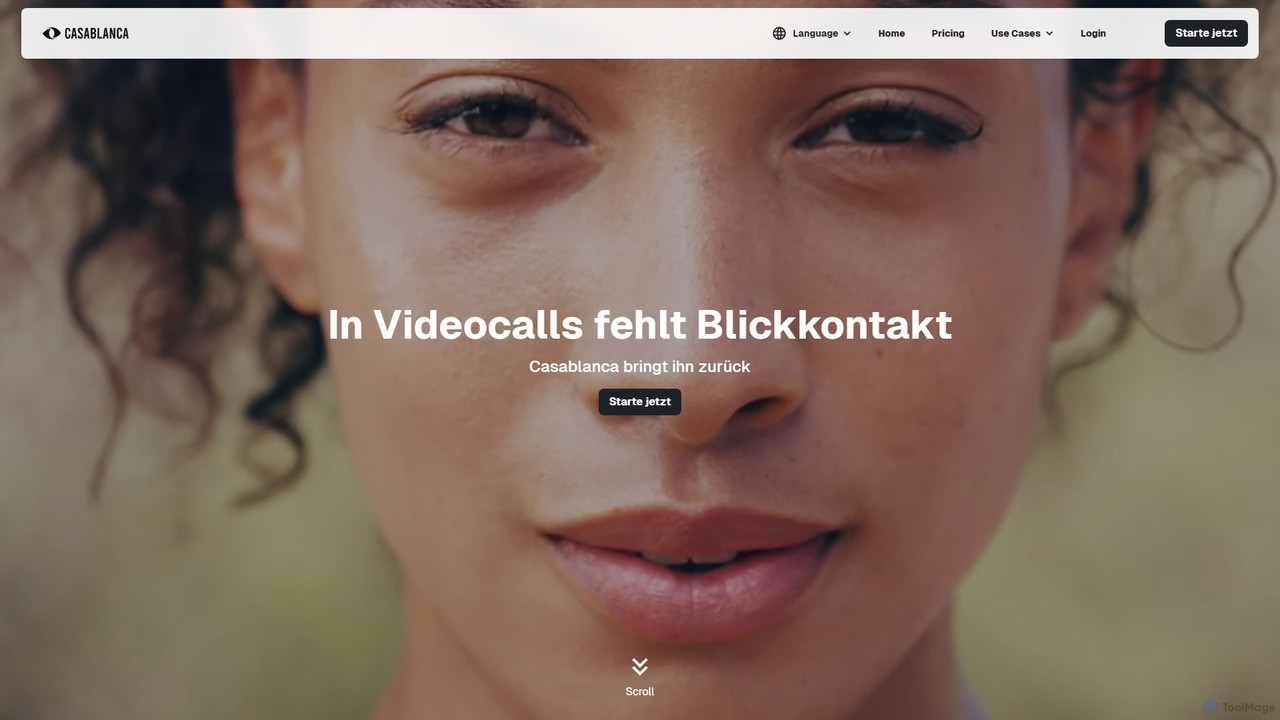
Casablanca is an AI-powered virtual camera that enhances your presence in online meetings. Its core feature, AI eye contact correction, ensures you always appear to be looking directly at the camera, fostering better engagement. It works seamlessly with popular platforms like Zoom, Teams, and Google Meet to make you look your best in every call.

Teleconferencing
Visits 14.5KFavorites 126Likes 110
Pickle

Pickle

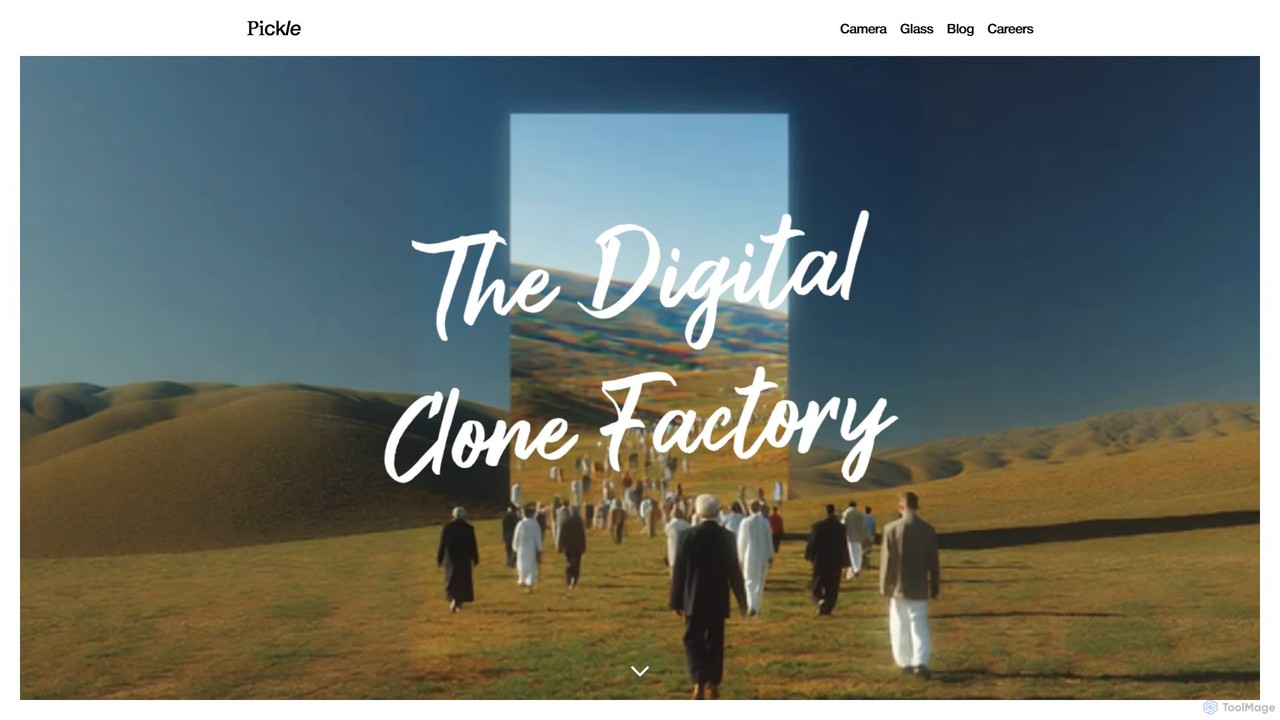
Pickle is a digital clone factory that creates a living AI avatar of you. This digital twin can learn from your daily life, represent you in video calls with perfect lip-sync, and manage your social media presence 24/7, offering a seamless blend of productivity and digital identity.

Digital Twin
Visits 65.4KFavorites 95Likes 106
Fineshare
Freemium

Fineshare

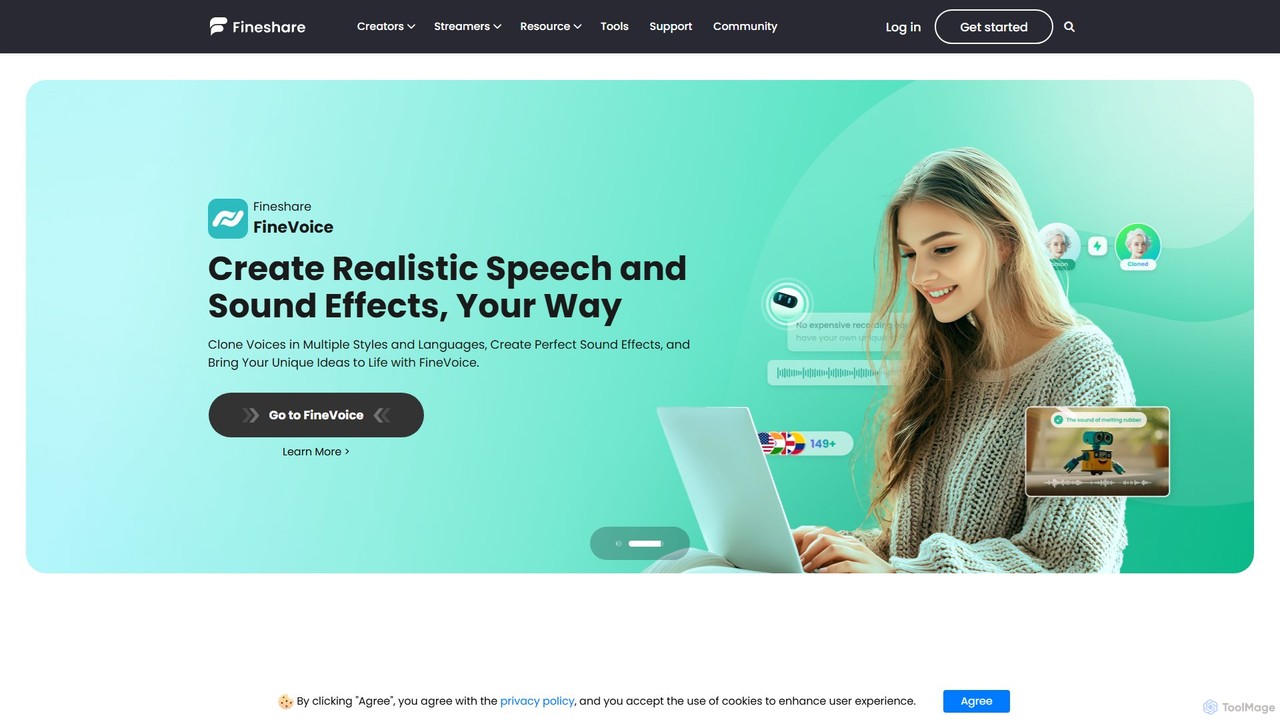
Fineshare offers a suite of AI-powered audio and video tools, including the advanced Finevoice AI voice generator for text-to-speech and voice cloning, and FineCam for turning your phone into a professional HD webcam. It's designed for content creators, marketers, and educators to produce high-quality media effortlessly.

Voice Cloning
Visits 445.7KFavorites 103Likes 124
xpressioncamera
Freemium

xpressioncamera

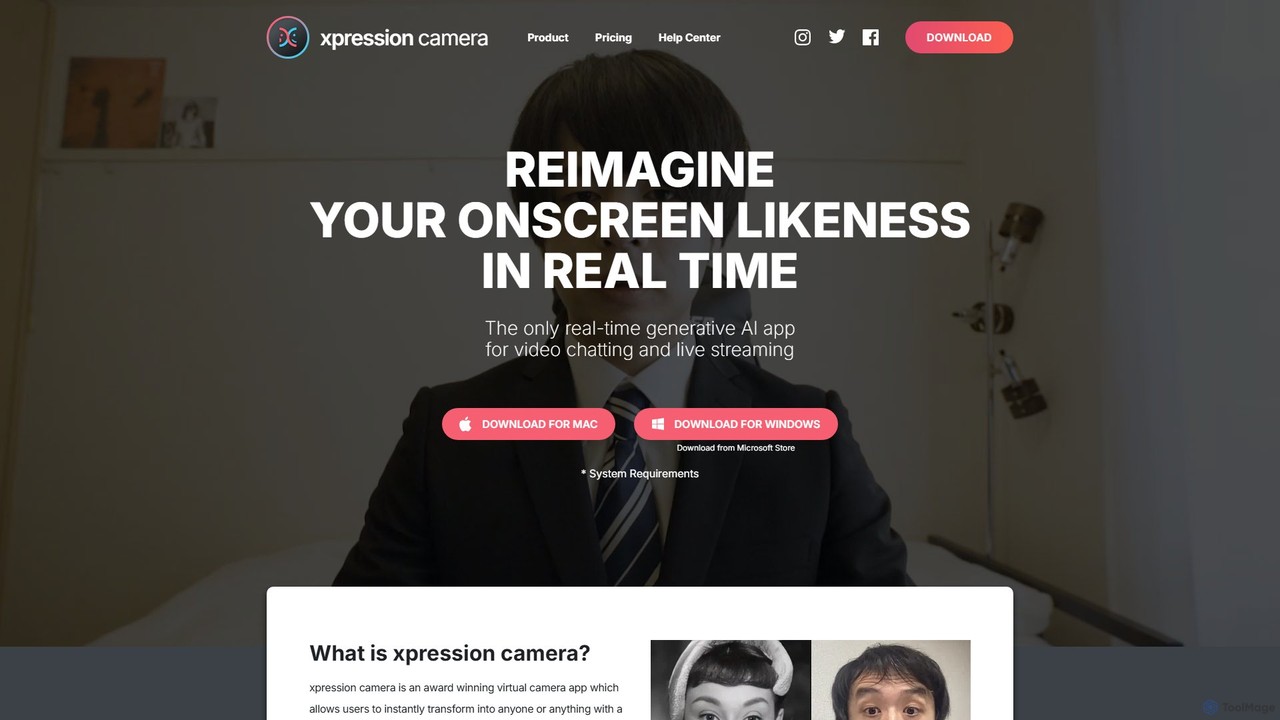
xpressioncamera is an award-winning AI virtual camera app that lets you instantly transform into anyone or anything with a face using a single photo. Animate avatars in real-time for video calls, streaming, and content creation, with features like Voice2Face and AI-powered effects.

Avatar Generator
Visits 41.1KFavorites 104Likes 92

About Virtual Camera

Virtual Camera is a type of AI-powered software that emulates a physical webcam, allowing users to feed diverse media sources into video conferencing, streaming, and recording applications. These tools leverage artificial intelligence to enhance live video streams, offering advanced capabilities like real-time background removal, virtual avatars, and dynamic content overlays. They enable professional broadcasting, engaging virtual presentations, and improved privacy for online interactions, transforming how users present themselves digitally and elevating the quality of their virtual presence.

Core Features

  • AI Background Removal/Replacement: Intelligently removes or replaces your background in real-time without the need for a physical green screen, offering privacy and a professional appearance.
  • Virtual Avatars & Identity Masking: Transforms users into AI-generated virtual characters or masks their identity, providing anonymity or creative expression for various online scenarios.
  • Real-time Effects & Filters: Applies dynamic visual effects, artistic filters, and augmented reality elements directly to your video feed, enhancing engagement and personalization.
  • Multi-source Switching: Seamlessly switches between multiple video inputs, such as different cameras, pre-recorded videos, images, screen shares, or even other applications, creating a dynamic presentation.
  • Customizable Overlays & Branding: Allows users to add personalized logos, lower thirds, text, and other graphic elements to their video stream, perfect for professional branding or informational displays.

Applicable Scenarios

Virtual cameras are indispensable for professional live streamers in gaming or educational content creation, significantly enhancing virtual meetings with dynamic and private backgrounds, and enabling the creation of highly engaging online presentations. They also serve content creators who aim to integrate unique visual flair and advanced production techniques into their videos, from YouTube tutorials to social media clips.

How to Choose

When selecting an AI virtual camera, consider its core AI capabilities, particularly the accuracy and performance of background removal and the quality of avatar generation. Evaluate its compatibility with your primary streaming or conferencing platforms (e.g., OBS, Zoom, Teams), the ease of use for real-time adjustments and scene management, and the breadth of available effects, filters, and overlay customization options. Additionally, assess its impact on your system's CPU/GPU resources and explore the pricing models, including free tiers versus premium subscriptions for advanced features.

Featured tool rankings

Virtual Camera use cases

1

Professional Live Streaming & Broadcasting

Streamers and broadcasters use virtual cameras to integrate multiple video sources, apply real-time effects, display custom overlays, and manage dynamic scene switching for a polished, TV-like production quality on platforms like Twitch, YouTube Live, or OBS. This allows them to create highly engaging and professional-looking live content, captivating their audience with seamless transitions and interactive elements.

2

Enhanced Virtual Meetings & Webinars

Business professionals and educators leverage virtual cameras to replace distracting backgrounds with professional settings, use virtual avatars for privacy, or share dynamic presentations directly into platforms like Zoom, Microsoft Teams, or Google Meet, making interactions more engaging and secure. This elevates the standard of online communication, fostering better engagement and a more polished corporate image.

3

Content Creation with AI Avatars

YouTubers, TikTok creators, and animators utilize virtual cameras to transform themselves into AI-generated avatars, enabling them to create unique character-driven content without revealing their identity, or to experiment with different personas for storytelling. This opens up new avenues for creative expression, allowing creators to explore diverse narratives and visual styles with ease.

4

Online Education & Interactive Learning

Teachers and trainers employ virtual cameras to overlay educational graphics, highlight key information on screen, or switch between camera feeds and digital whiteboards, creating a more interactive and visually stimulating learning environment for students. This dynamic approach enhances student engagement and comprehension, making online lessons more impactful and memorable.

5

Gaming & Esports Commentary

Gamers and esports commentators use virtual cameras to integrate their gameplay footage with their webcam feed, add custom frames, display real-time game statistics, and apply dynamic effects, enhancing the viewer experience and personalizing their streams. This creates a more immersive and branded viewing experience, helping them stand out in a competitive streaming landscape.

6

Virtual Event Hosting & Production

Event organizers and hosts use virtual cameras to manage complex virtual stages, integrate pre-recorded segments, display sponsor logos, and ensure seamless transitions between speakers and content, delivering a high-quality virtual event experience. This allows for professional-grade event production, making online conferences, concerts, and ceremonies feel more polished and engaging for attendees.

Virtual Camera FAQ

What is an AI Virtual Camera?

An AI Virtual Camera is software that mimics a physical webcam, using artificial intelligence to process and enhance video feeds before sending them to other applications. It offers advanced features like intelligent background removal, virtual avatars, real-time filters, and dynamic scene switching, going beyond basic webcam functionalities to create more professional and engaging video output.

How does an AI Virtual Camera differ from a regular webcam?

A regular webcam captures raw video footage. An AI Virtual Camera, however, acts as an intermediary, taking input from a physical webcam (or other sources) and applying AI-driven enhancements in real-time before outputting a modified video stream. This allows for features like background replacement without a green screen, facial tracking for effects, and the creation of virtual personas, which a standard webcam cannot do on its own.

What are the main benefits of using an AI Virtual Camera?

The main benefits include enhanced privacy through identity masking or virtual backgrounds, increased professionalism for streams and meetings with custom branding and effects, greater creative freedom for content creators using avatars and filters, and improved engagement for audiences due to dynamic and visually appealing presentations. It transforms a basic video feed into a polished production, making online interactions more impactful.

Can I use an AI Virtual Camera with any video conferencing or streaming software?

Most AI Virtual Cameras are designed to be highly compatible with popular video conferencing platforms (like Zoom, Microsoft Teams, Google Meet) and streaming software (like OBS Studio, Streamlabs OBS, Twitch Studio). They typically appear as a selectable camera option within these applications, just like a physical webcam. However, it's always recommended to check the specific compatibility list for each virtual camera tool to ensure seamless integration with your preferred setup.

What features should I look for when choosing an AI Virtual Camera?

Key features to look for include robust AI background removal/blurring, a wide range of real-time effects and filters, the ability to create or use virtual avatars, multi-source input and scene switching capabilities, customizable overlays for branding, and seamless integration with your primary video applications. Also, consider performance impact on your system's CPU/GPU, ease of use for real-time adjustments, and the pricing structure, including free tiers versus premium subscriptions for advanced features.