

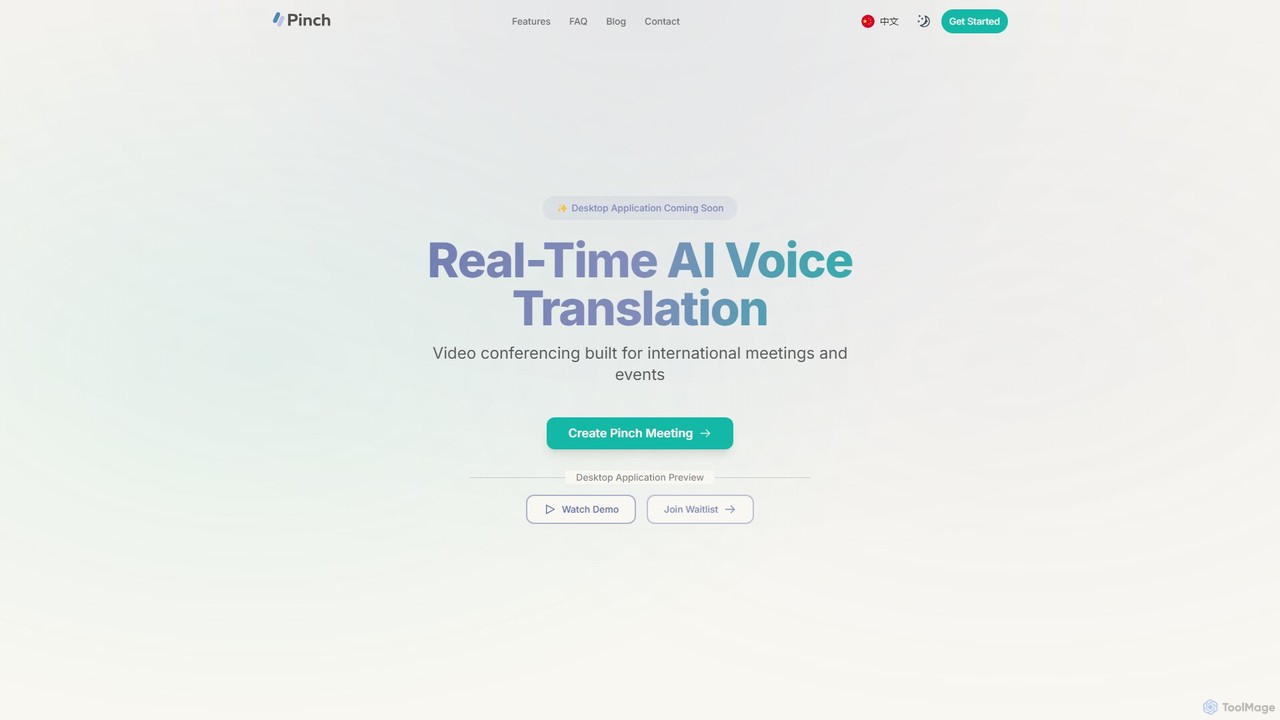
Pinch Overview
Pinch is a cutting-edge AI-powered video conferencing platform designed to eliminate language barriers in global communication. Built for international meetings, remote teams, and multilingual events, Pinch provides real-time voice translation, ensuring that every participant can speak and understand in their native language. The platform aims to make cross-language conversations as natural and seamless as in-person discussions, trusted by teams from leading companies like Microsoft and PageFly.
Pinch offers two powerful and distinct translation modes to cater to different communication needs. The AI-Powered Interpreter Mode provides professional-grade translation with high accuracy and cultural nuance, making it ideal for formal business negotiations, board meetings, and official events. Alternatively, the AI-Powered Simultaneous Translation mode delivers instant, natural-sounding translations, perfect for fast-paced discussions, daily stand-ups, and casual team conversations.
How to use Pinch
Pinch is designed for easy integration into your existing workflow. For its native platform, you can simply create and host a meeting directly within Pinch. The real innovation comes with its upcoming desktop application, which enhances major video conferencing tools:
- Install the Pinch Desktop App: Join the waitlist to be notified of its release.
- Join Any Meeting: Open your preferred video conferencing platform, such as Zoom, Google Meet, or Microsoft Teams.
- Select Pinch as Source: In your meeting's audio and video settings, choose "Pinch Camera" and "Pinch Microphone".
- Push to Translate: During the meeting, simply push a button to have your voice translated in real-time into the selected language for other participants. The platform's advanced AI ensures the translation is delivered instantly.
- Experience Lipsync: A standout feature is the real-time lipsync, where your on-screen lips will move in sync with the translated audio, creating a remarkably natural and engaging experience for all attendees.
Core Features of Pinch
- Two Powerful Translation Modes: Choose between AI Interpreter Mode for high-accuracy, nuanced translation (38 languages) and Simultaneous Translation Mode for instant, conversational translation (32 languages).
- Real-time Lipsync: The upcoming desktop app syncs your lip movements with the translated audio, making video communication feel more natural and connected.
- Broad Platform Compatibility: The desktop application seamlessly integrates with all major video conferencing platforms, including Zoom, Google Meet, and Microsoft Teams.
- Extensive Language Support: Communicate effectively across the globe with support for over 30 languages.
- High-Quality, Natural Voice: Pinch uses advanced AI to not only translate speech but also deliver it in a natural-sounding voice, and in some cases, mimicking the user's voice tone for a more personal touch.
- Millisecond Latency: The entire process of speech detection, translation, and delivery happens in milliseconds, allowing for fluid, uninterrupted conversations.
Use Cases for Pinch
Pinch is a versatile tool for various professional scenarios:
- Global Business Meetings: Conduct international sales pitches, partner negotiations, and executive meetings with confidence, knowing everyone is on the same page.
- Distributed Remote Teams: Facilitate clear communication in daily stand-ups, project planning, and brainstorming sessions for teams spread across different countries.
- Multilingual Webinars & Events: Host large-scale online events and webinars, allowing a global audience to participate in their native language, significantly expanding your reach.
- International Client Consultations: Provide services like legal advice, financial consulting, or technical support to clients worldwide without language being a barrier.
- Online Education & Corporate Training: Deliver courses and training modules to a diverse, international student or employee base, ensuring comprehension and engagement.
Advantages of Pinch
Pinch offers a significant competitive edge for global operations:
- Enhanced Clarity & Understanding: Eliminates misunderstandings caused by language differences, leading to more productive meetings.
- Cost-Effective Solution: Reduces the high costs and logistical challenges associated with hiring human interpreters for every meeting.
- Increased Engagement: Features like real-time lipsync create a more immersive and natural experience, keeping participants engaged.
- Scalability: Easily scale your global communications without being constrained by the availability of human interpreters.
- Flexibility: The two distinct translation modes provide the right tool for any situation, from formal presentations to informal chats.
Pricing and Plans
While specific pricing tiers are not yet detailed on the website, Pinch appears to be targeting a freemium or trial-based model. Users can currently join a waitlist for the desktop application. It is anticipated that there will be a free plan with limited features or usage, and several paid tiers (e.g., Pro, Business, Enterprise) for professional users and teams, offering more translation minutes, advanced features like the Interpreter Mode, and priority support. For the most accurate information, it is recommended to check the official website upon launch.
Traffic
Latest traffic
Status
Monthly traffic trend
- 2026-1: 966
- 2026-2: 2.4K
- 2026-3: 4.2K
- 2026-4: 1.7K
- 2026-5: 1.6K
Geography
Top 5 countries / regions
- 🇺🇸United States100.0%
Top keywords
| Keyword | Cost per click |
|---|---|
| elevenlabs api pricing | $4.63 |
| jepa | $2.63 |
| jepa paper | $0.00 |
| just a pinch for desktop | $0.00 |
| pinch | $4.17 |
Pinch Alternatives
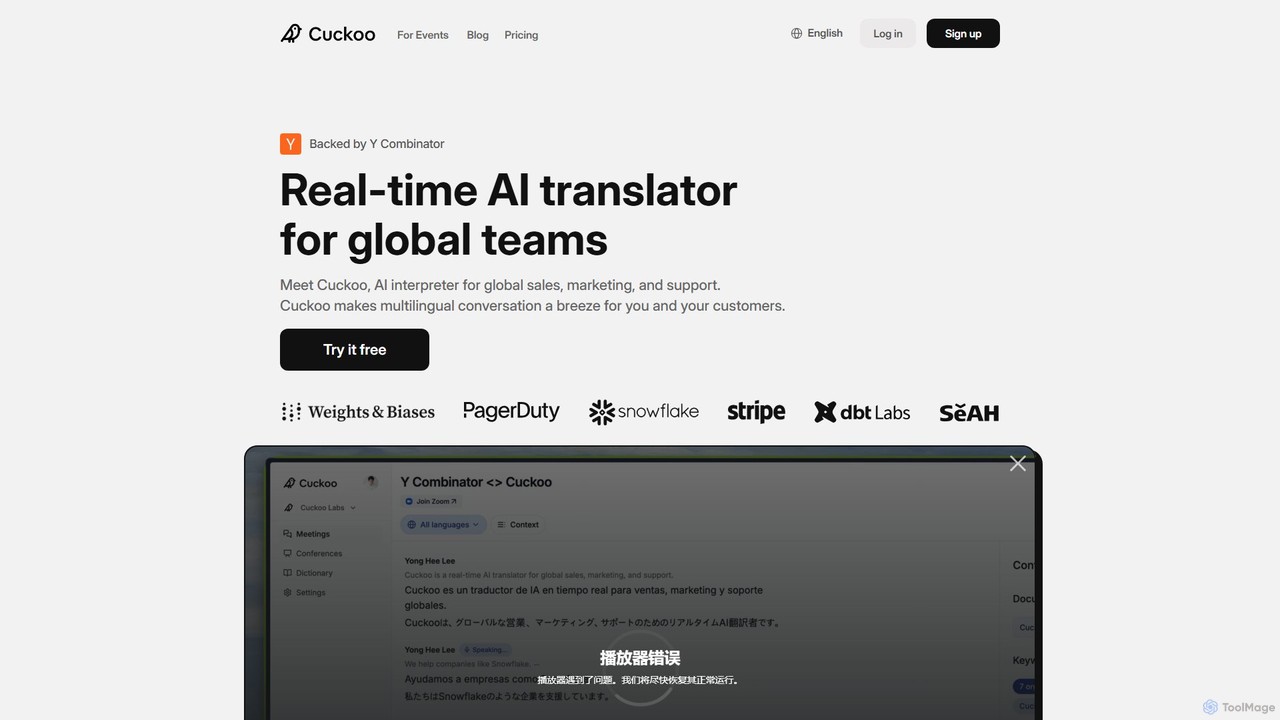
Cuckoo
Cuckoo is a real-time AI interpreter for global teams and events, powered by advanced LLMs. It provides instant, context-aware translations in over 20 languages for platforms like Zoom, MS Teams, and Webex, as well as in-person meetings. It adapts to technical jargon by learning from your documents and keywords, ensuring seamless communication across language barriers.
Sales
Talo
Talo is a real-time AI translator for video calls, designed for global business communication. It seamlessly integrates with Google Meet, Microsoft Teams, and Zoom, allowing users to communicate effortlessly in over 60 languages. The AI bot joins your meeting to provide live, accurate voice dubbing and translation, breaking down language barriers for sales, customer support, marketing, and internal teams.
Sales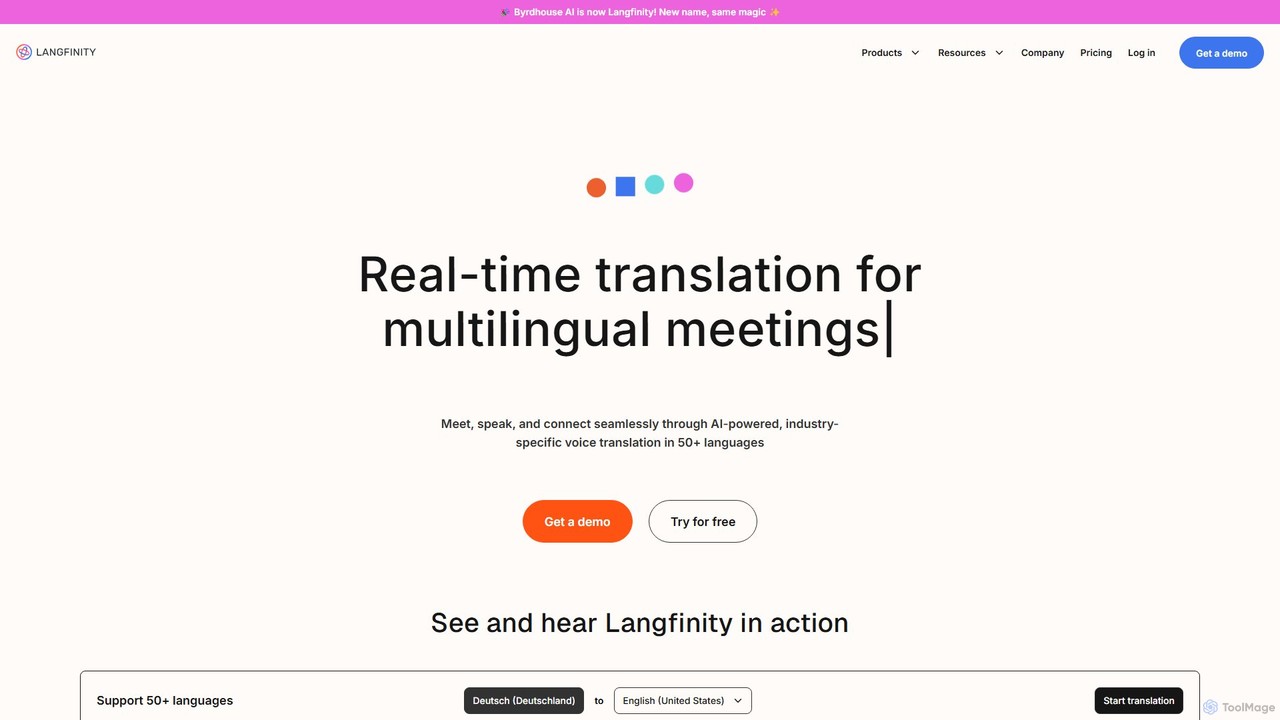
Langfinity
Langfinity (formerly Byrdhouse AI) is an AI-powered platform providing real-time voice and text translation for multilingual meetings. Supporting over 50 languages, it features natural-sounding voice avatars, industry-specific terminology, and seamless integration with platforms like Zoom and Teams. It's designed to break down language barriers in global communication for businesses, events, and organizations.
Global Teams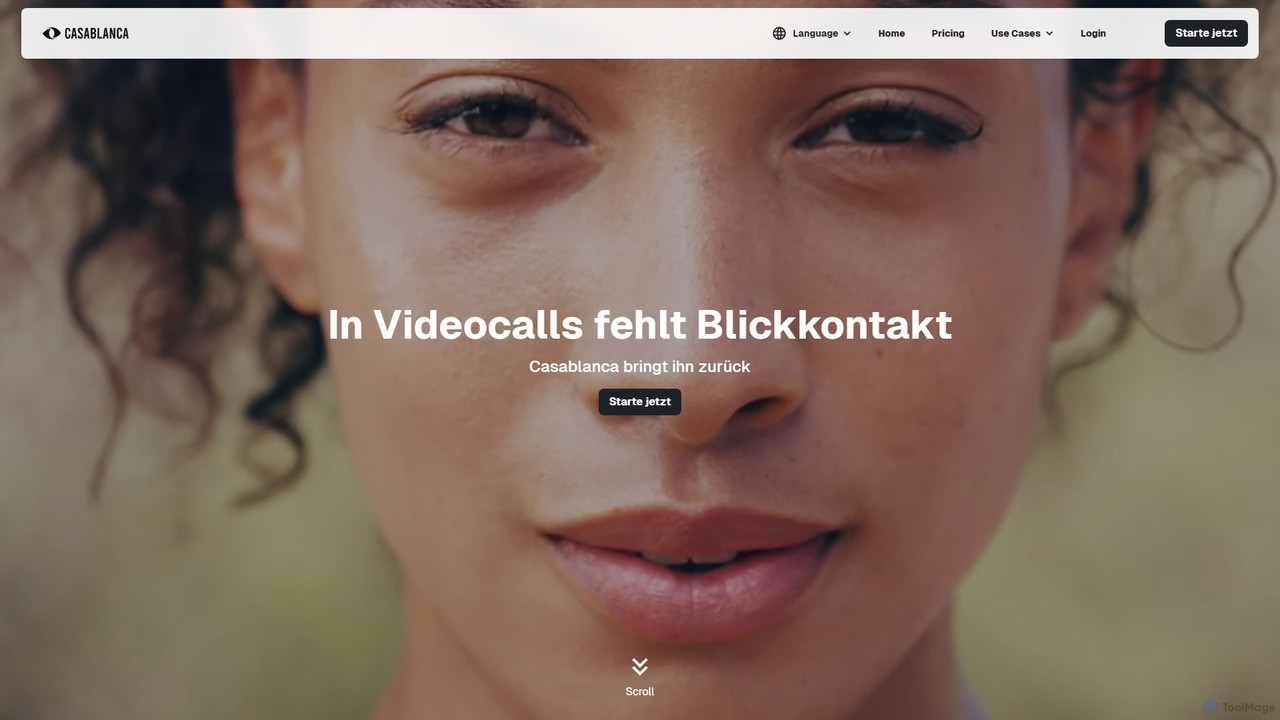
Casablanca
Casablanca is an AI-powered virtual camera that enhances your presence in online meetings. Its core feature, AI eye contact correction, ensures you always appear to be looking directly at the camera, fostering better engagement. It works seamlessly with popular platforms like Zoom, Teams, and Google Meet to make you look your best in every call.
Teleconferencing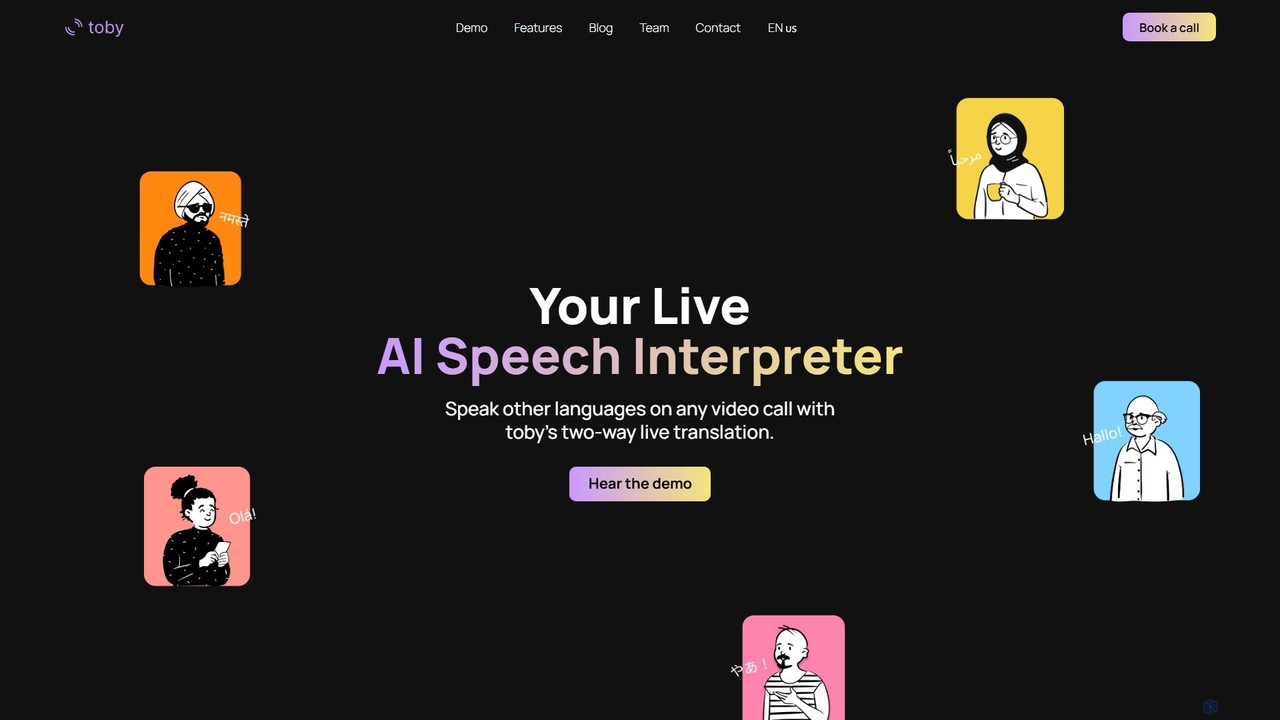
toby
toby is a live AI speech interpreter that provides real-time, two-way translation for any video call. It works seamlessly across all platforms like Zoom, Google Meet, and Teams by translating your system's audio, breaking down language barriers for global communication.
InternationalPinch Categories
Pinch Embed Widget
Copy this embed code to place the badge on your blog, article, or product site and send readers directly to this ToolMage detail page.

Related AI tools
Cuckoo
Cuckoo is a real-time AI interpreter for global teams and events, powered by advanced LLMs. It provides instant, context-aware translations in over 20 languages for platforms like Zoom, MS Teams, and Webex, as well as in-person meetings. It adapts to technical jargon by learning from your documents and keywords, ensuring seamless communication across language barriers.
SalesCasablanca
Casablanca is an AI-powered virtual camera that enhances your presence in online meetings. Its core feature, AI eye contact correction, ensures you always appear to be looking directly at the camera, fostering better engagement. It works seamlessly with popular platforms like Zoom, Teams, and Google Meet to make you look your best in every call.
TeleconferencingTalo
Talo is a real-time AI translator for video calls, designed for global business communication. It seamlessly integrates with Google Meet, Microsoft Teams, and Zoom, allowing users to communicate effortlessly in over 60 languages. The AI bot joins your meeting to provide live, accurate voice dubbing and translation, breaking down language barriers for sales, customer support, marketing, and internal teams.
Sales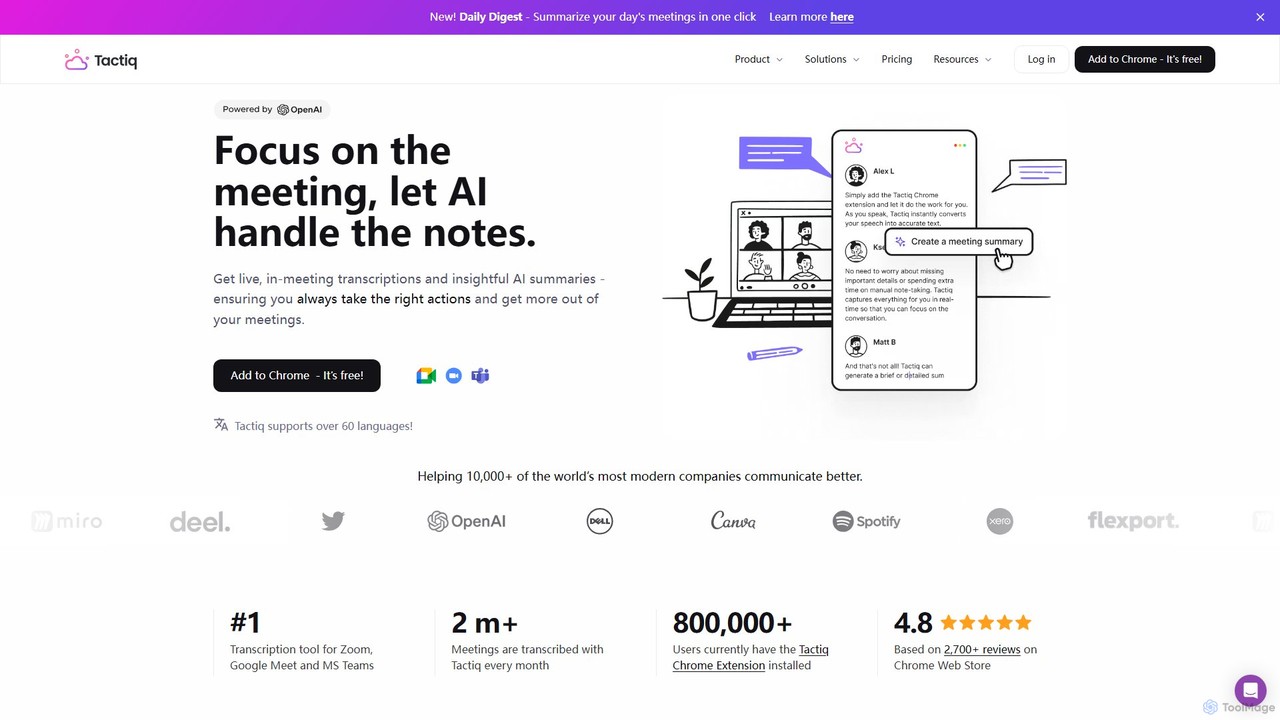
Tactiq
Tactiq is an AI-powered Chrome extension that provides real-time transcription, summaries, and actionable insights for Google Meet, Zoom, and MS Teams meetings. It operates without a bot, ensuring privacy while capturing every detail, identifying speakers, and automating post-meeting tasks like follow-up emails and action items.
Team Collaboration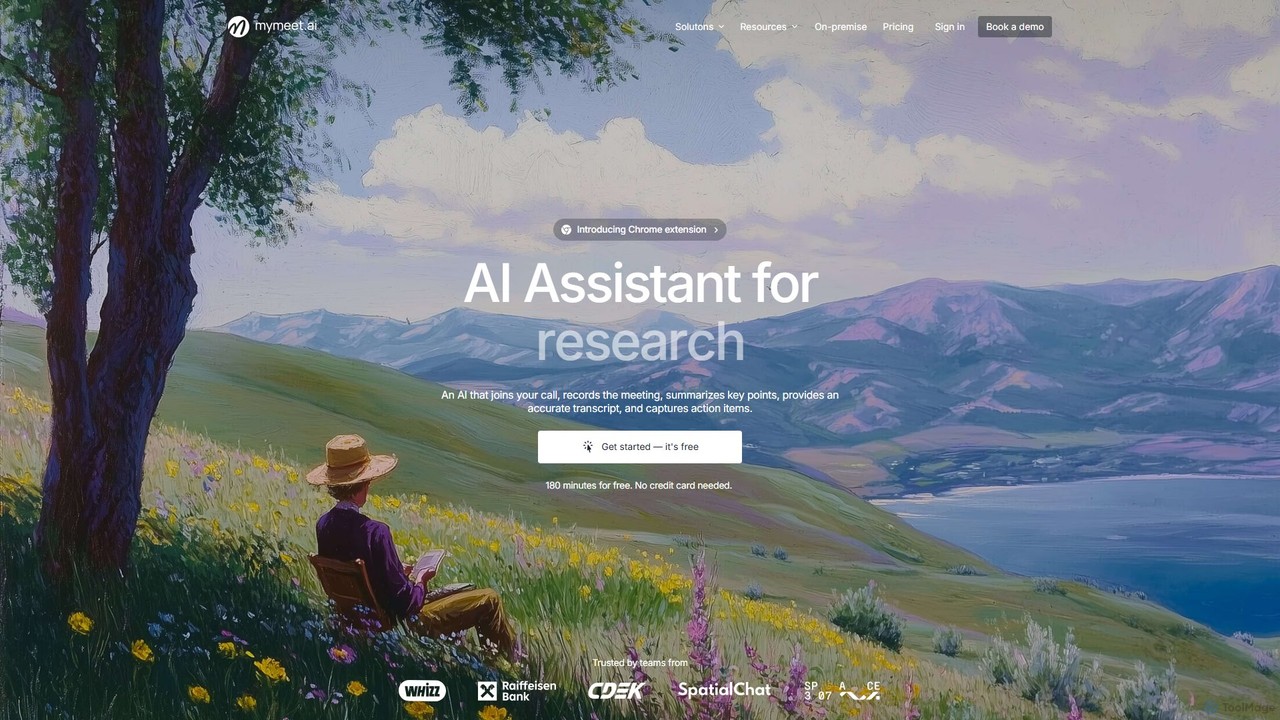
mymeet.ai
mymeet.ai is an AI meeting assistant that automatically joins your calls on Zoom, Google Meet, and Teams to record, transcribe, summarize, and identify action items. It features an interactive AI chat to query meeting details, offers specialized analysis templates, and integrates seamlessly with your calendar and other work tools to boost productivity.
Sales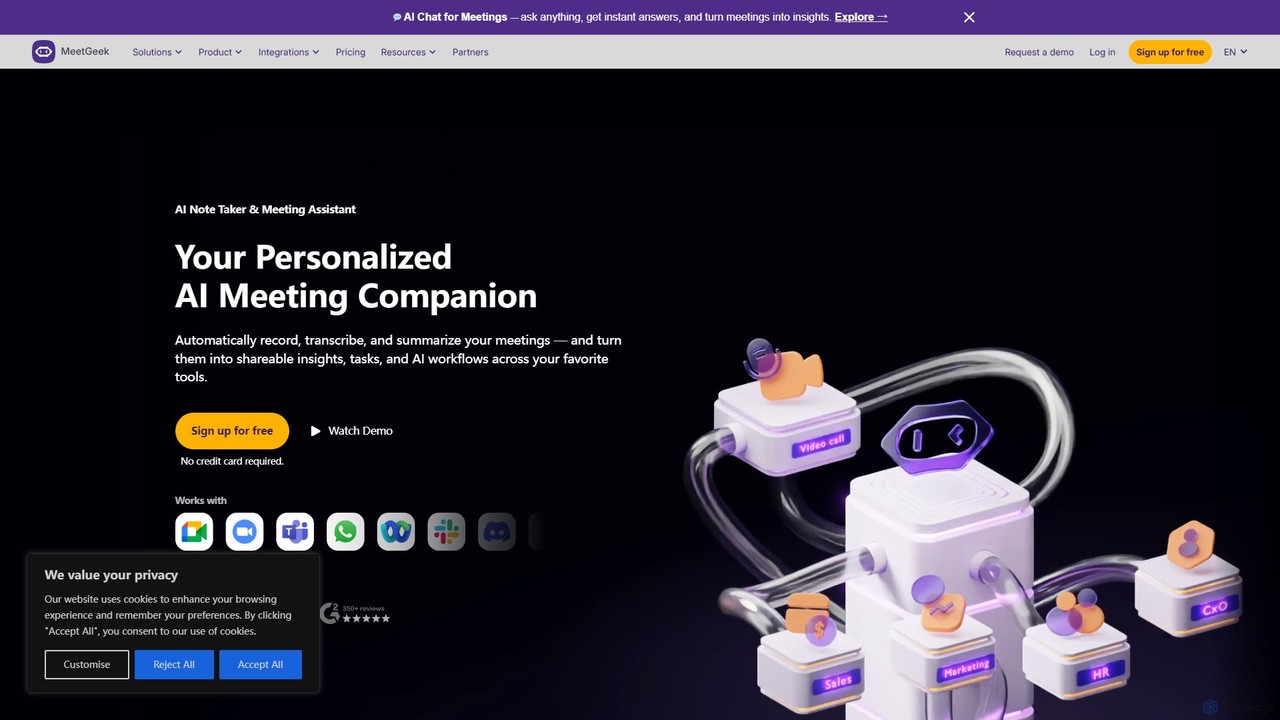
MeetGeek
MeetGeek is an AI meeting assistant that automatically records, transcribes, summarizes, and provides key insights for your meetings. It integrates seamlessly with Zoom, Google Meet, and Microsoft Teams, transforming conversations into actionable knowledge, boosting team productivity, and ensuring no important details are ever missed.
Meetings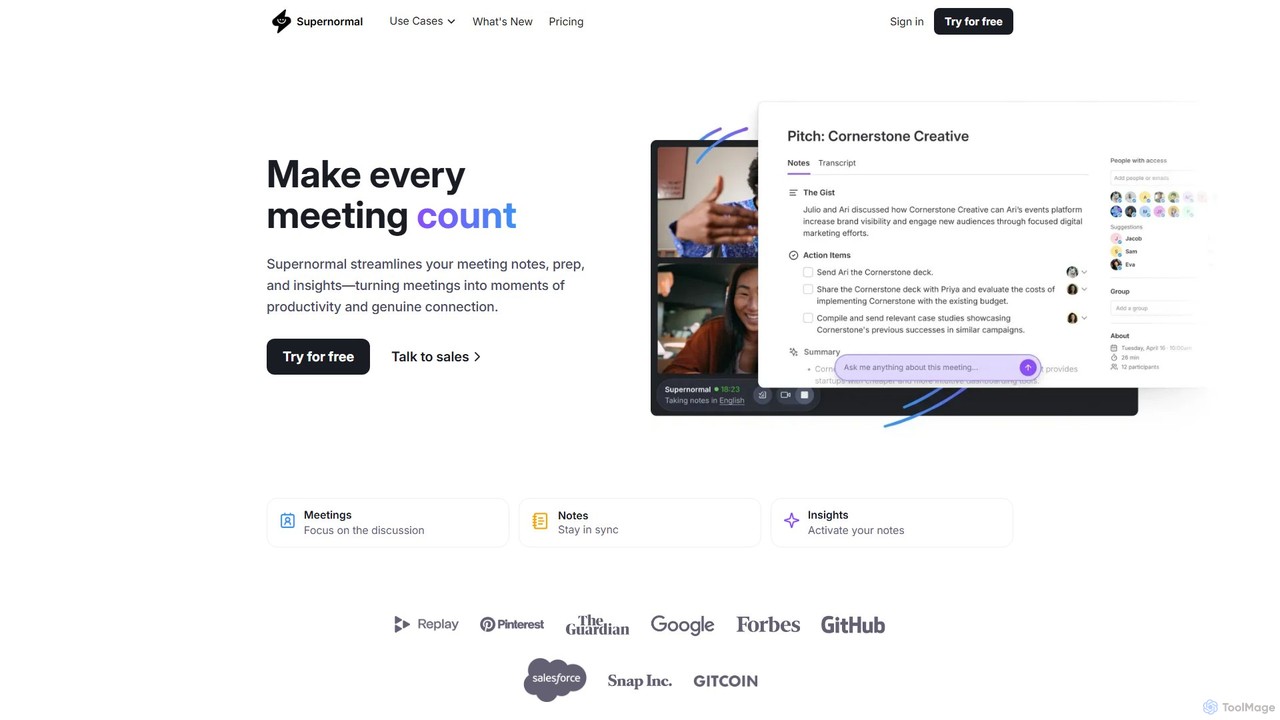
Supernormal
Supernormal is an AI meeting assistant that automatically records, transcribes, and summarizes your meetings on Google Meet, Zoom, and Microsoft Teams. It helps you focus on the conversation by taking care of note-taking, identifying action items, and providing actionable insights.
Meetings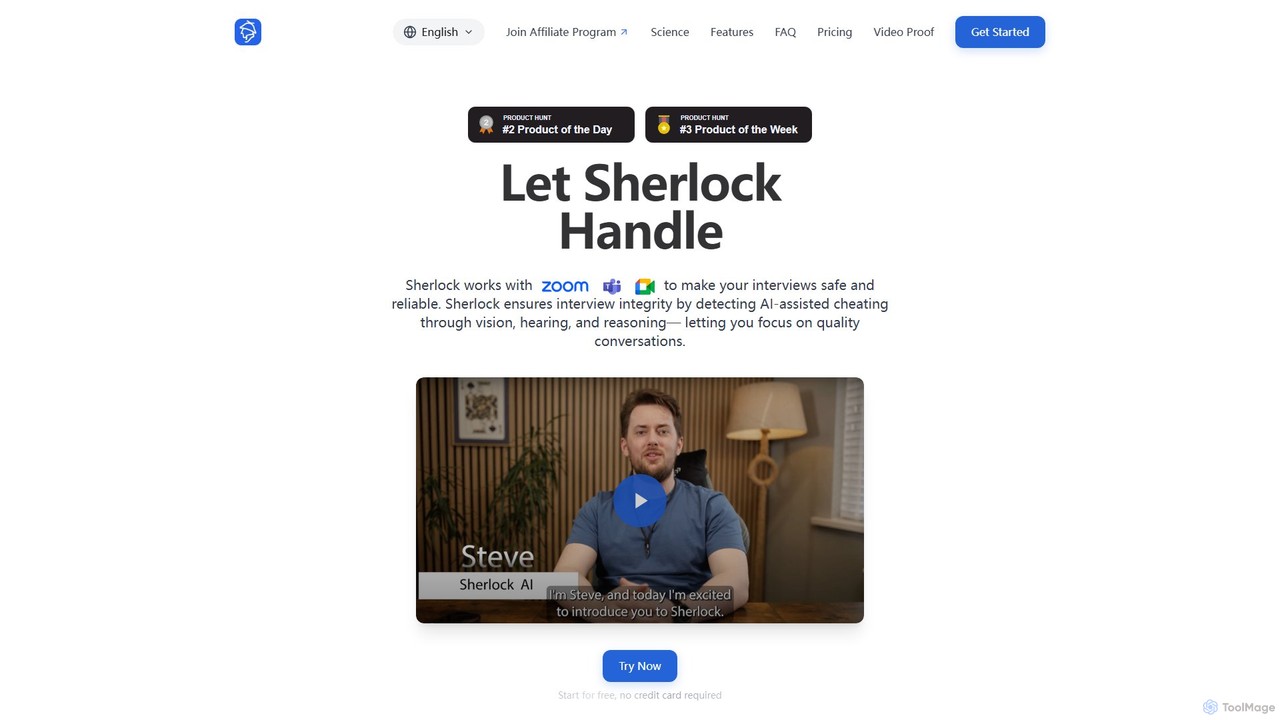
withsherlock
withsherlock is an AI-powered interview proctoring agent designed to ensure interview integrity. It detects and prevents AI-assisted cheating in real-time during remote interviews on platforms like Zoom, Teams, and Meet. By using advanced visual, audio, and behavioral analysis, it helps recruiters and hiring managers focus on candidate quality and make confident hiring decisions.
Recruiting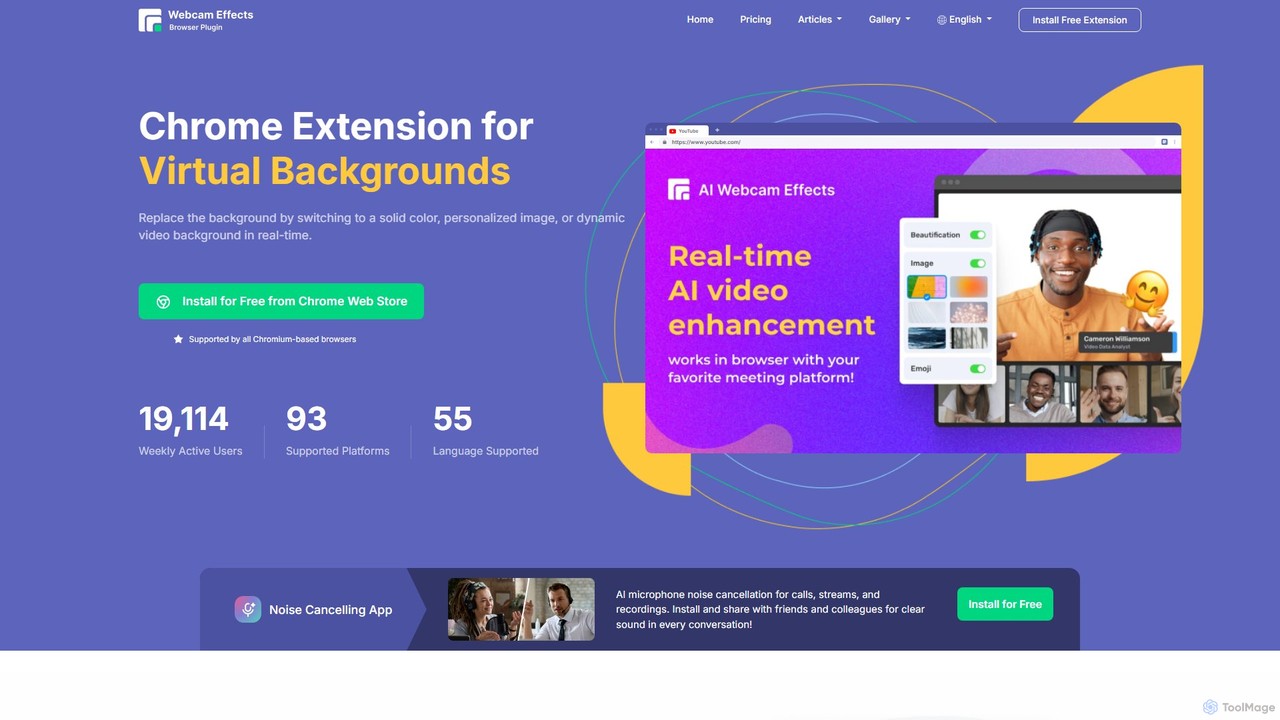
Webcam Effects
Webcam Effects is an AI-powered Chrome extension that enhances your video calls directly in your browser. It offers features like virtual backgrounds, background blur, auto-framing, beautification, and real-time emoji reactions. Compatible with major platforms like Google Meet, Zoom, and Teams, it helps you maintain a professional look, protect your privacy, and make your video conversations more engaging.
Chrome Extensions
MeetingAssistant
MeetingAssistant is an AI-powered copilot designed to enhance your performance in meetings, especially job interviews. It provides real-time transcription of conversations and delivers smart, AI-generated suggestions, helping you respond confidently and effectively. It seamlessly integrates with any web-based meeting platform like Zoom, Google Meet, and Microsoft Teams, acting as your personal communication coach.
Interview Preparation
Meetecho
meetecho is an AI executive assistant that automatically joins your meetings on Zoom, Google Meet, and Microsoft Teams to record, transcribe, and generate detailed summaries with action items. It enhances productivity by eliminating manual note-taking and creating a searchable archive of all your conversations. Upcoming features include AI-powered email sorting and drafting.
Assistant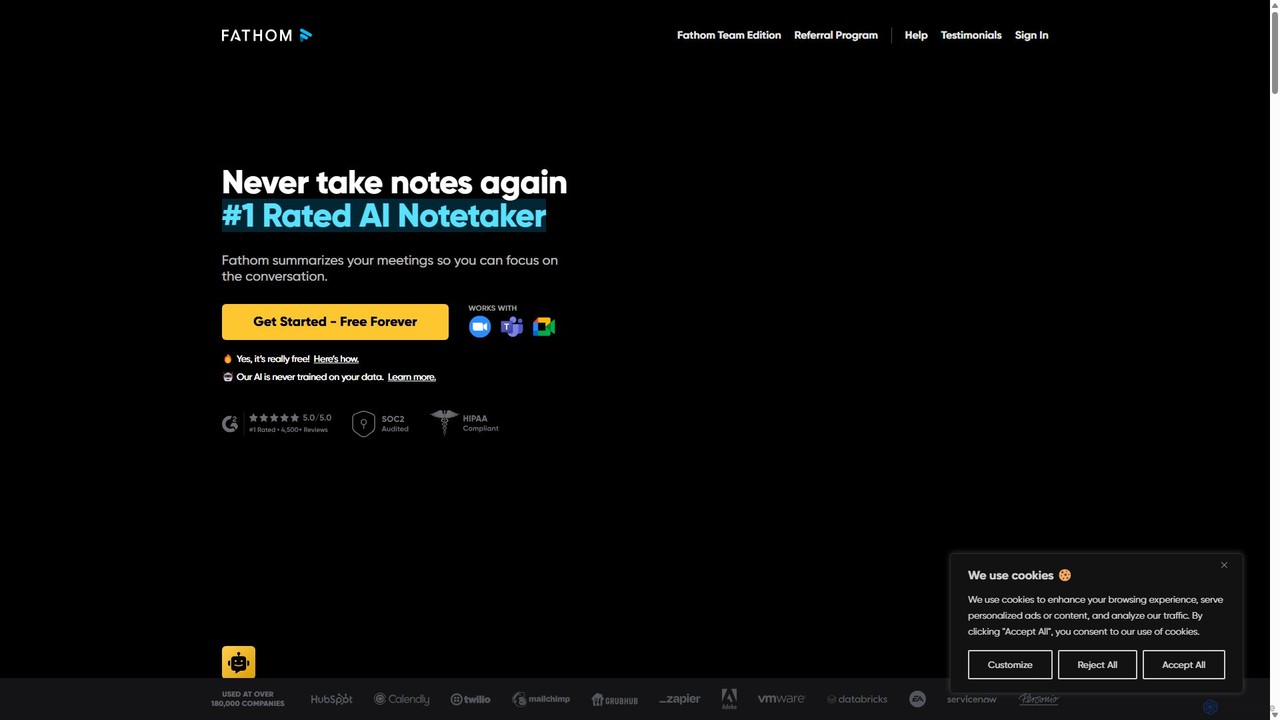
Fathom
Fathom is a top-rated AI meeting assistant that automatically records, transcribes, and summarizes your video calls on Zoom, Google Meet, and Microsoft Teams. It liberates you from note-taking, allowing full focus on the conversation. Fathom provides instant, shareable summaries and action items, and integrates seamlessly with your CRM and other productivity tools, saving significant time and boosting post-meeting efficiency.
Transcription
Jyek
Jyek is an AI agent platform that understands objectives, creates execution plans, uses tools, and delivers verifiable results for complex, multi-step tasks.
Automation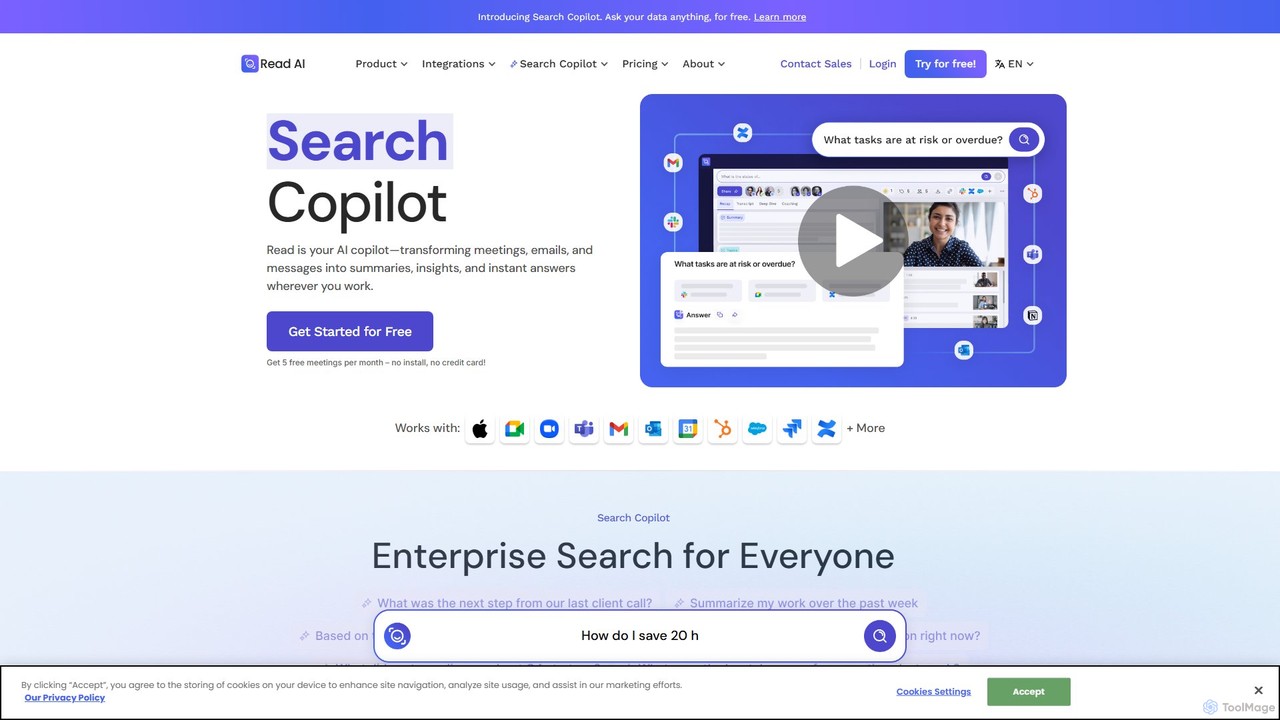
Read.ai
Read.ai is an AI-powered productivity platform that automatically summarizes meetings, generates transcripts, and provides actionable insights. Its flagship Search Copilot unifies information across all your work apps—meetings, emails, chats, and documents—creating a single, searchable knowledge base to boost team efficiency and break down data silos.
Knowledge Management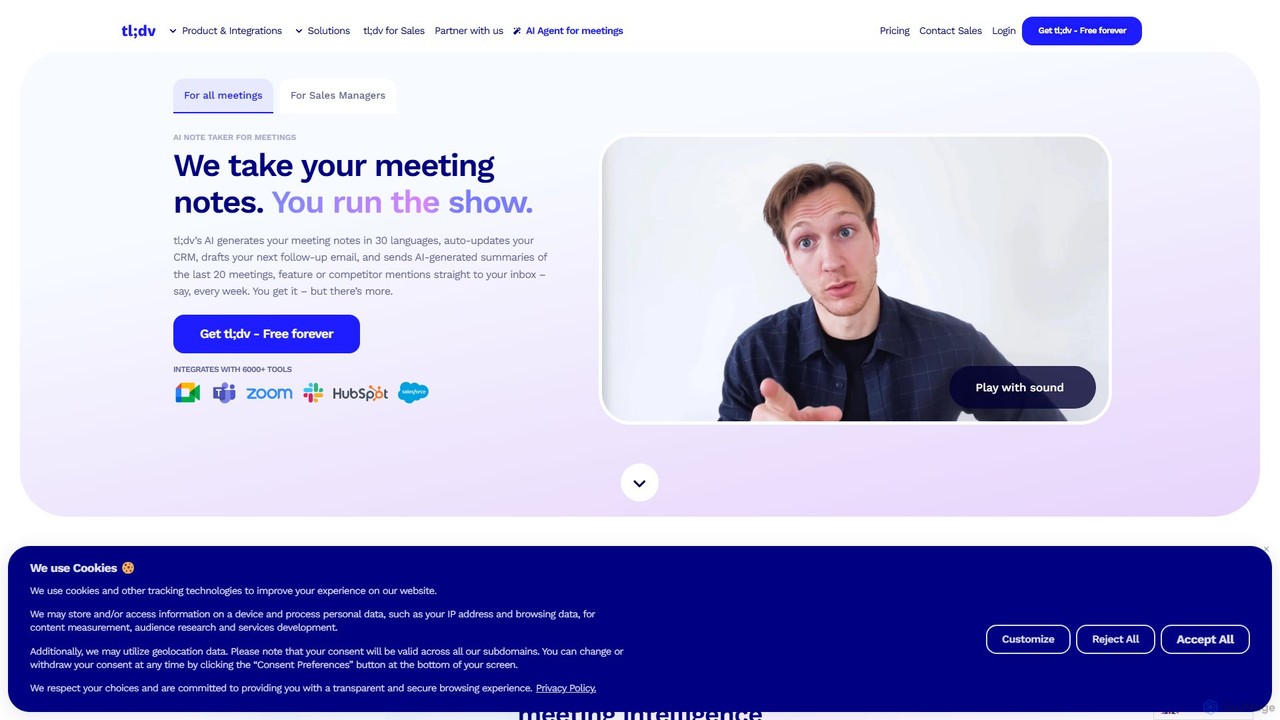
tldv
tldv is an AI meeting assistant for Zoom, Google Meet, and MS Teams. It automatically records, transcribes, summarizes, and timestamps your meetings. Instantly create clips from long recordings, share insights, and automate workflows by integrating with tools like Slack and CRMs. It's designed to boost productivity for sales, product, and collaborative teams.
Meeting Assistant
Pinch Comments (0)
Sign in to comment.
Sign inNo comments yet.