ToolMage
Sign in

Best 1 Real Time Editing AI tools for Video

Popular Real Time Editing AI tools in Video include Pinch, helping you work more efficiently.

Pinch
Freemium

Pinch

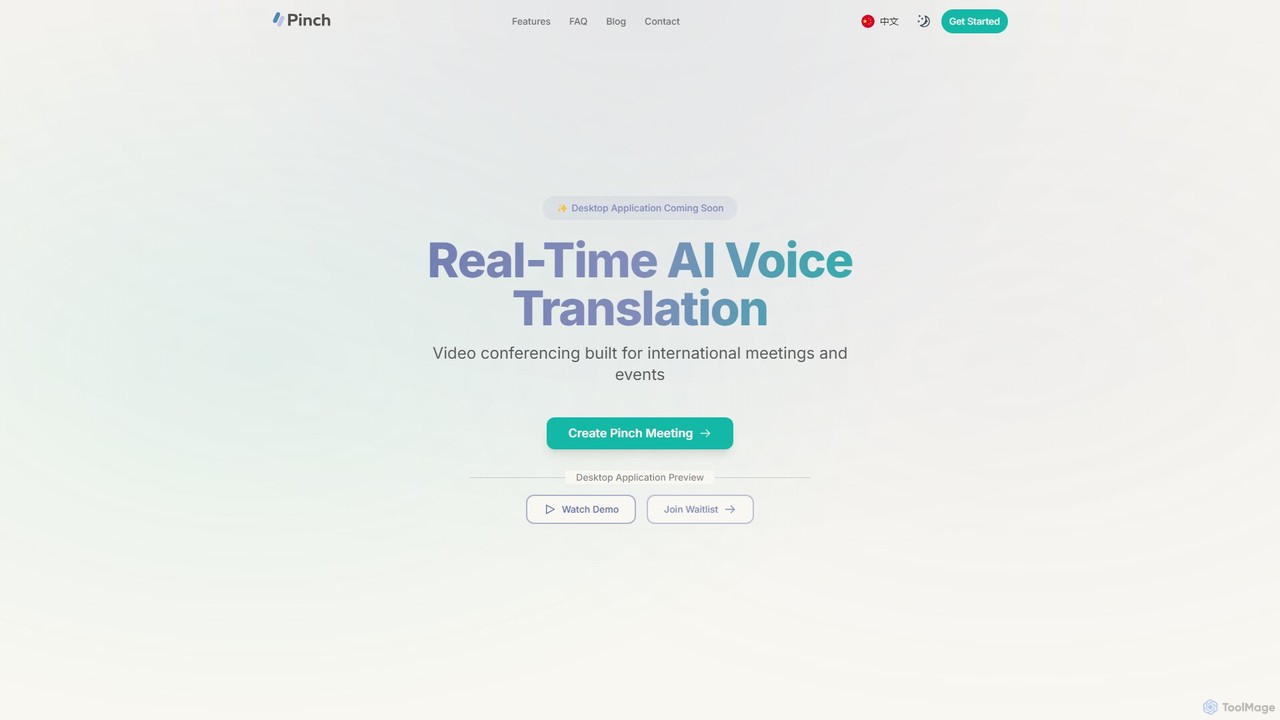
Pinch is a real-time AI voice translation platform for video conferencing, designed for international meetings and events. It offers AI-powered interpreter and simultaneous translation modes with lipsync technology to break down language barriers and facilitate seamless global communication on platforms like Zoom, Google Meet, and Teams.

Translation
Visits 7.1KFavorites 141Likes 143

About Real Time Editing

Real Time Editing tools are AI-powered solutions that enable instant, on-the-fly modifications to video content during capture, streaming, or playback. Leveraging advanced artificial intelligence, these tools process visual and audio data immediately, allowing users to apply effects, adjust visuals, or manipulate elements without post-production delays. This capability significantly enhances live broadcasts, virtual meetings, and rapid content creation by providing immediate visual control and professional polish.

Core Features

  • Instant Background Removal/Replacement: Automatically detect and replace or blur backgrounds in live video feeds.
  • AI Object Tracking & Masking: Real-time identification and isolation of subjects or objects for effects or focus.
  • Live Color Correction & Grading: Adjust brightness, contrast, and color balance instantly during recording or streaming.
  • Automated Captioning & Subtitling: Generate accurate text overlays from spoken audio in real time.
  • Dynamic Visual Effects & Filters: Apply a wide range of visual enhancements and stylistic filters on the fly.

Applicable Scenarios

Live streamers utilize these tools to create engaging, professional broadcasts with dynamic backgrounds and effects. Professionals in virtual meetings enhance their presence by improving lighting and removing distractions. Content creators quickly produce polished short-form videos for social media, saving significant post-production time.

How to Choose

When selecting Real Time Editing tools, consider the processing latency and performance for seamless operation. Evaluate the specific feature set, such as background removal accuracy or effect variety, to match your needs. Check for integration capabilities with your existing cameras, streaming software, or communication platforms. Finally, assess the user interface for intuitiveness and ease of making live adjustments.

Real Time Editing use cases

1

Live Stream Enhancement

Live streamers instantly remove backgrounds, add dynamic overlays, and apply professional filters to their broadcasts, creating a more engaging and polished viewer experience without pre-recording. This allows for spontaneous creativity and a high-quality production feel, keeping audiences captivated and differentiating content from competitors.

2

Virtual Meeting Professionalism

Business professionals and remote workers automatically blur or replace their backgrounds, improve lighting, and add virtual branding elements during video calls, maintaining a professional appearance from any location. This ensures a polished presentation, minimizes distractions from the environment, and reinforces corporate identity in online interactions.

3

Rapid Social Media Content Creation

Influencers and marketers quickly apply trending visual effects, generate accurate captions, and adjust video aesthetics for short-form content, enabling fast turnaround for platforms like TikTok or Instagram Stories. This allows them to capitalize on viral trends, maintain a consistent posting schedule, and produce high-quality, engaging content without extensive post-production.

4

Interactive Online Education

Educators use real-time editing to highlight specific objects, add on-screen annotations, or seamlessly switch between different camera angles or presentation slides during live online lessons, enhancing student engagement. This dynamic approach makes complex topics more digestible and keeps students actively involved, improving learning outcomes in virtual classrooms.

5

Gaming Stream Overlays & Effects

Gamers integrate real-time editing to display dynamic game statistics, apply webcam effects, or show interactive chat elements directly within their live gameplay streams, enriching the viewer's experience. This allows them to personalize their broadcast, provide real-time information to their audience, and create a more immersive and engaging environment for their community.

6

Quick Field Reporting & Storytelling

Journalists or field reporters make immediate cuts, add essential text overlays, or stabilize shaky footage directly from their mobile devices for breaking news updates, ensuring timely and impactful delivery. This capability is vital for rapid response journalism, allowing for on-the-spot production of news segments that are ready for broadcast or social media sharing instantly.

Real Time Editing FAQ

What are Real Time Editing tools?

Real Time Editing tools are AI-powered software solutions that allow users to modify video content instantly as it is being captured, streamed, or played. Unlike traditional editing, these tools perform adjustments like background removal, color correction, and effect application on the fly, eliminating the need for lengthy post-production rendering. They are crucial for live broadcasts, virtual meetings, and rapid content creation where immediate visual changes are required.

How does AI enable Real Time Editing?

Artificial intelligence is fundamental to Real Time Editing through advanced machine learning algorithms. AI models are trained to perform tasks such as object detection, semantic segmentation, and motion tracking at extremely high speeds. This allows tools to instantly identify people, objects, and backgrounds, enabling features like automatic background replacement, intelligent object masking, and real-time facial enhancements without noticeable latency.

What are the main benefits of using Real Time Editing tools?

The primary benefits include unparalleled efficiency and speed, as edits are applied instantly, saving significant post-production time. They enhance professionalism by allowing users to maintain a polished look in live settings, such as virtual meetings or streams. Furthermore, these tools foster greater interactivity and engagement, enabling dynamic visual storytelling and immediate responses to live events or audience feedback.

What's the difference between Real Time Editing and traditional video editing?

The core difference lies in the timing of the editing process. Traditional video editing involves making changes to pre-recorded footage in a dedicated software, followed by a rendering process to finalize the output. Real Time Editing, conversely, applies modifications instantly during live capture or playback, without a separate rendering step. This makes it ideal for live broadcasts, virtual communications, and situations demanding immediate visual adjustments.

Who can benefit most from Real Time Editing tools?

A wide range of users can benefit significantly. Live streamers and content creators can produce more dynamic and professional broadcasts with less effort. Business professionals and remote workers can enhance their presence in virtual meetings. Online educators can create more engaging and interactive lessons. Additionally, anyone needing to quickly produce polished video content for social media or immediate reporting will find these tools invaluable.