

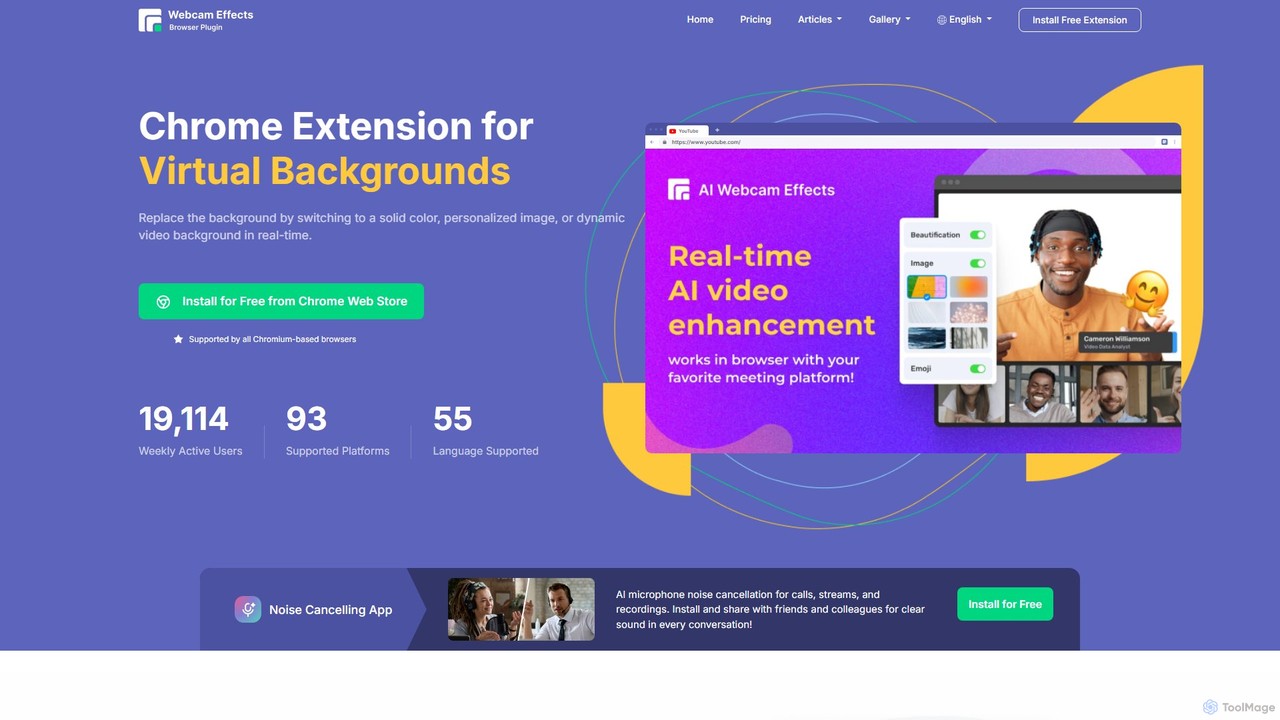
Webcam Effects Overview
Webcam Effects is a powerful and versatile AI-driven Chrome extension designed to elevate your video communication experience. It integrates seamlessly into your browser, providing a suite of real-time video enhancement tools for all major browser-based video streaming and conferencing platforms, including Google Meet, Microsoft Teams, Zoom, Skype, YouTube, and more. With Webcam Effects, you can instantly transform your webcam feed, ensuring you always look professional, protect your privacy, and keep your audience engaged.
How to use Webcam Effects
Getting started with Webcam Effects is incredibly simple and takes only a few seconds. The tool is designed for maximum convenience and accessibility.
- Installation: Visit the Chrome Web Store and search for "Webcam Effects". Click "Add to Chrome" to install the extension for free. It is compatible with all Chromium-based browsers (like Google Chrome, Microsoft Edge) on Windows, Mac, and Linux.
- Activation: Once installed, the extension works automatically with supported video platforms. When you start a video call or stream in your browser, the Webcam Effects icon will appear, giving you access to its control panel.
- Configuration: Click the extension's icon to open the menu. From there, you can easily select and customize various effects in real-time. Choose a virtual background, adjust the blur intensity, enable the beauty filter, or add an emoji reaction with a single click. No complex setup is required.
Core Features of Webcam Effects
- Virtual Backgrounds: Instantly replace your real-world background with a solid color, a custom image, or even a dynamic video. This feature is perfect for maintaining a professional look or adding a touch of creativity to your calls.
- AI Background Blur: Automatically blur your background with adjustable intensity. The advanced AI technology intelligently separates you from your surroundings, keeping the focus on you while obscuring any distractions or private information in your room.
- Smart Zoom (Auto-Framing): This intelligent feature automatically keeps you perfectly centered in the frame. If you move around, the camera will digitally pan and zoom to ensure you remain the focal point, delivering a more professional and stable virtual presence.
- Smoothness and Beautification: Enhance your on-screen appearance with a suite of beautification tools. Smooth skin, reduce the appearance of blemishes or eye bags, and apply gentle lighting adjustments for a flawless look in every call.
- Custom Layouts for Presentations: Optimize your video layout when sharing your screen. You can position your video feed in a corner, allowing you to stream content while remaining visible to your audience for maximum engagement.
- Emoji and Giphy Reactions: Boost engagement and make communication more expressive by adding real-time emoji or Giphy animations to your video feed.
- Lighting and Color Correction: Improve your webcam's video quality with AI-powered adjustments. The tool can enhance brightness in low-light conditions and correct color balance for a clearer, more vibrant image.
- Professional Lower-Thirds: Add a professional touch to your streams or presentations by displaying a lower-third graphic with your name, title, or other custom text.
- Video Recording: Record your video meetings, presentations, or a specific browser tab directly from the extension, with cloud storage options available in paid plans.
Use Cases for Webcam Effects
Webcam Effects is ideal for a wide range of users and scenarios:
- Remote Professionals: Work from home, a café, or any public space while maintaining a clean, professional background during video calls with clients and colleagues.
- Educators and Students: Teachers can create a more focused learning environment by blurring their background, while students can protect their privacy at home.
- Live Streamers and Content Creators: Enhance YouTube or Twitch streams with dynamic backgrounds, branded overlays, and professional lower-thirds without needing complex software.
- Sales and Marketing Professionals: Deliver branded presentations using custom layouts and watermarks to create a lasting impression.
- Casual Users: Have fun with friends and family on platforms like Discord or Skype by using creative backgrounds and Giphy reactions.
Advantages of Webcam Effects
- Privacy: Instantly hide a messy room, confidential information, or other people in the background.
- Professionalism: Project a polished and consistent image, regardless of your physical location.
- Convenience: Works directly within your browser, eliminating the need for separate desktop applications. It's universally compatible with Windows, Mac, and Linux.
- Enhanced Engagement: Interactive features like Emojis and Giphys make conversations more dynamic and fun.
- Improved Attractiveness: The beautification and lighting correction features ensure you always look your best on camera.
Pricing and Plans
Webcam Effects offers a freemium model with plans to suit different needs:
- Free Plan: Includes core features like standard virtual backgrounds, background blur, beauty filter, smart zoom, layouts, Giphy/Emoji, color filters, and low light correction. This plan displays a Webcam Effects watermark.
- Popular Plan ($3.25/month, billed annually): Includes all Free features plus the ability to remove the watermark, use personal virtual backgrounds, add a custom watermark/overlay, use the screen video enhancer, and get 500MB of cloud storage.
- Standard Plan ($4.95/month): Includes all the features of the Popular plan.
Users can start with a free trial and then choose a plan to continue using the full range of features.
Traffic
Latest traffic
Status
Monthly traffic trend
- 2026-1: 30.2K
- 2026-2: 23.5K
- 2026-3: 31.7K
- 2026-4: 38.2K
- 2026-5: 33.7K
Geography
Top 5 countries / regions
- 🇺🇸United States51.1%
- 🇮🇳India22.4%
- 🇵🇭Philippines13.0%
- 🇧🇷Brazil7.0%
- 🇨🇦Canada6.5%
Traffic sources
| Source type | Percentage |
|---|---|
Direct | 91.7% |
Referral | 7.7% |
Email | 0.6% |
Top keywords
| Keyword | Cost per click |
|---|---|
| ai webcam effects | $0.00 |
| ai webcam effects extensions | $0.00 |
| change webcam background in better discord | $0.00 |
| how to blur background on your webcam | $0.00 |
| webcam extension | $0.00 |
Webcam Effects Alternatives
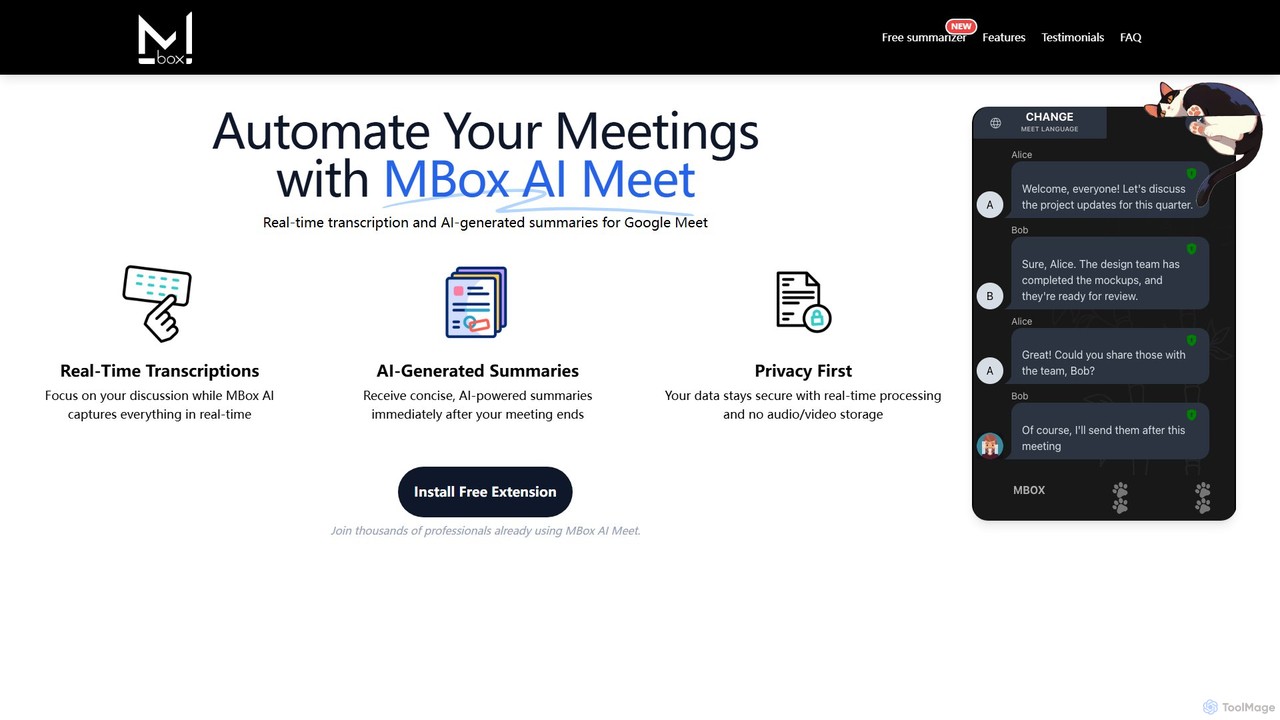
MBox AI Meet
An AI-powered Chrome extension for Google Meet that provides real-time transcription and automatically generates concise meeting summaries. It features speaker identification, action item tracking, and multi-language support to enhance meeting productivity and focus.
Chrome Extensions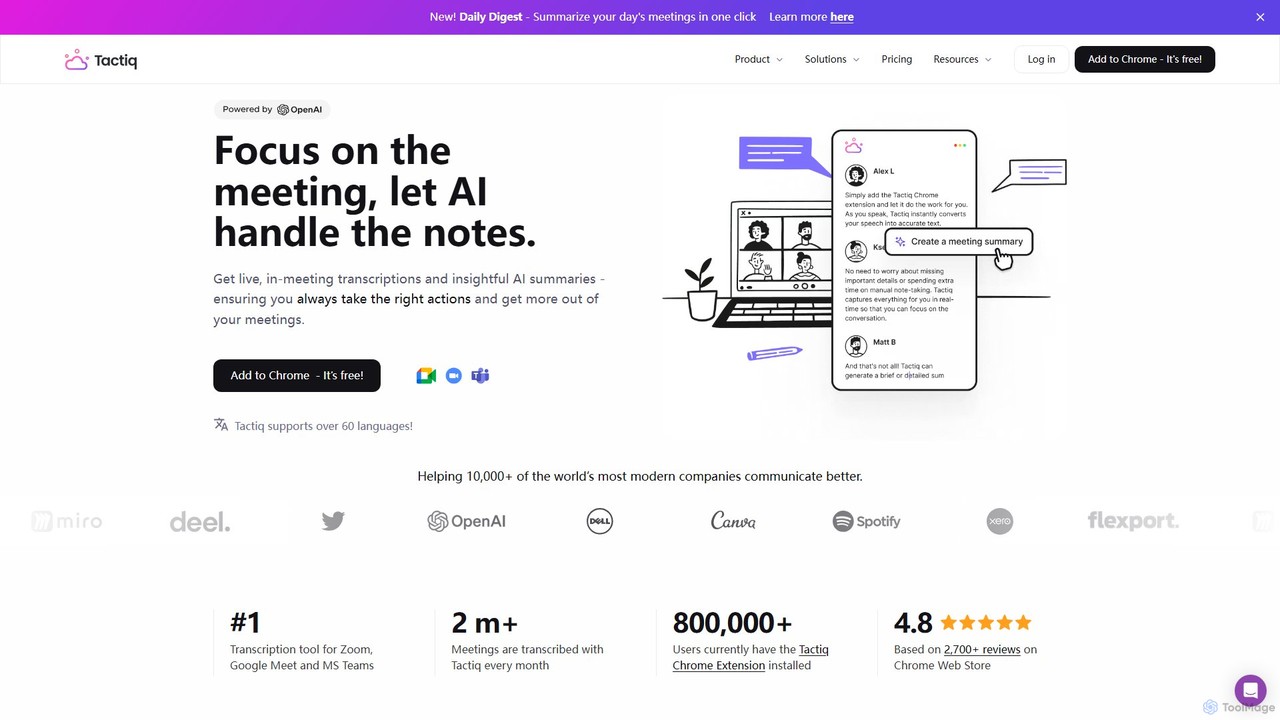
Tactiq
Tactiq is an AI-powered Chrome extension that provides real-time transcription, summaries, and actionable insights for Google Meet, Zoom, and MS Teams meetings. It operates without a bot, ensuring privacy while capturing every detail, identifying speakers, and automating post-meeting tasks like follow-up emails and action items.
Team Collaboration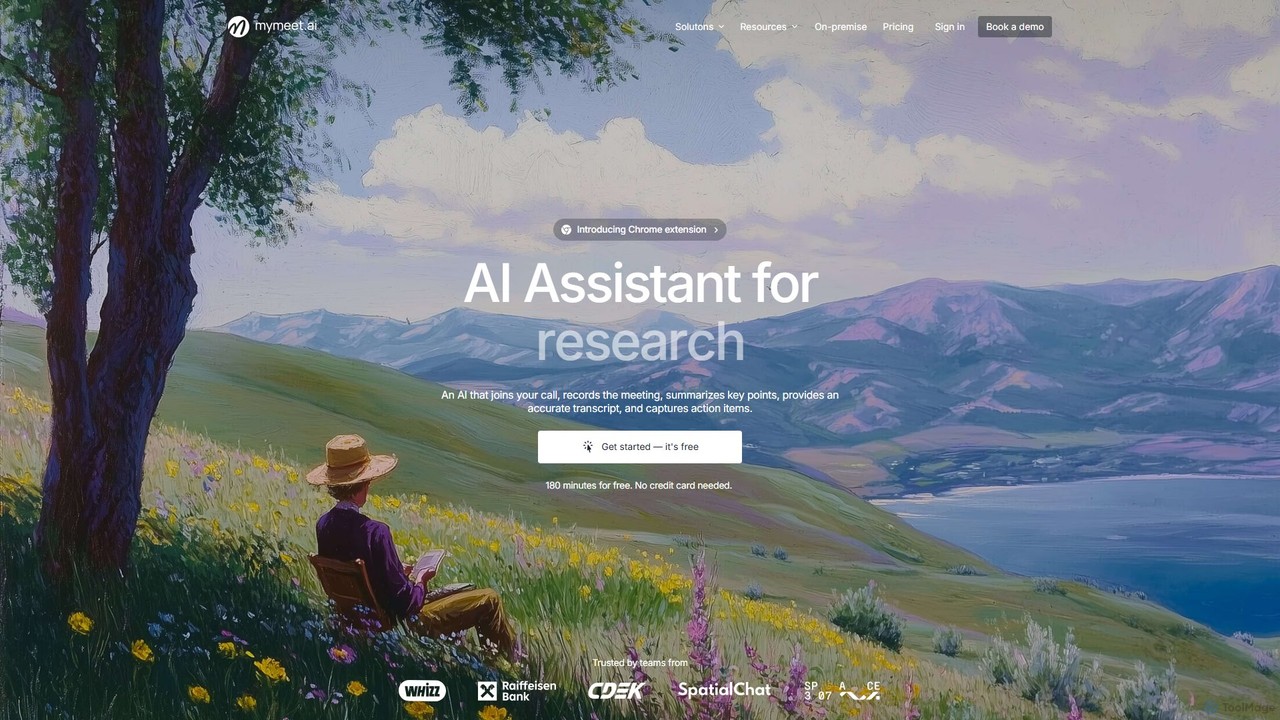
mymeet.ai
mymeet.ai is an AI meeting assistant that automatically joins your calls on Zoom, Google Meet, and Teams to record, transcribe, summarize, and identify action items. It features an interactive AI chat to query meeting details, offers specialized analysis templates, and integrates seamlessly with your calendar and other work tools to boost productivity.
Sales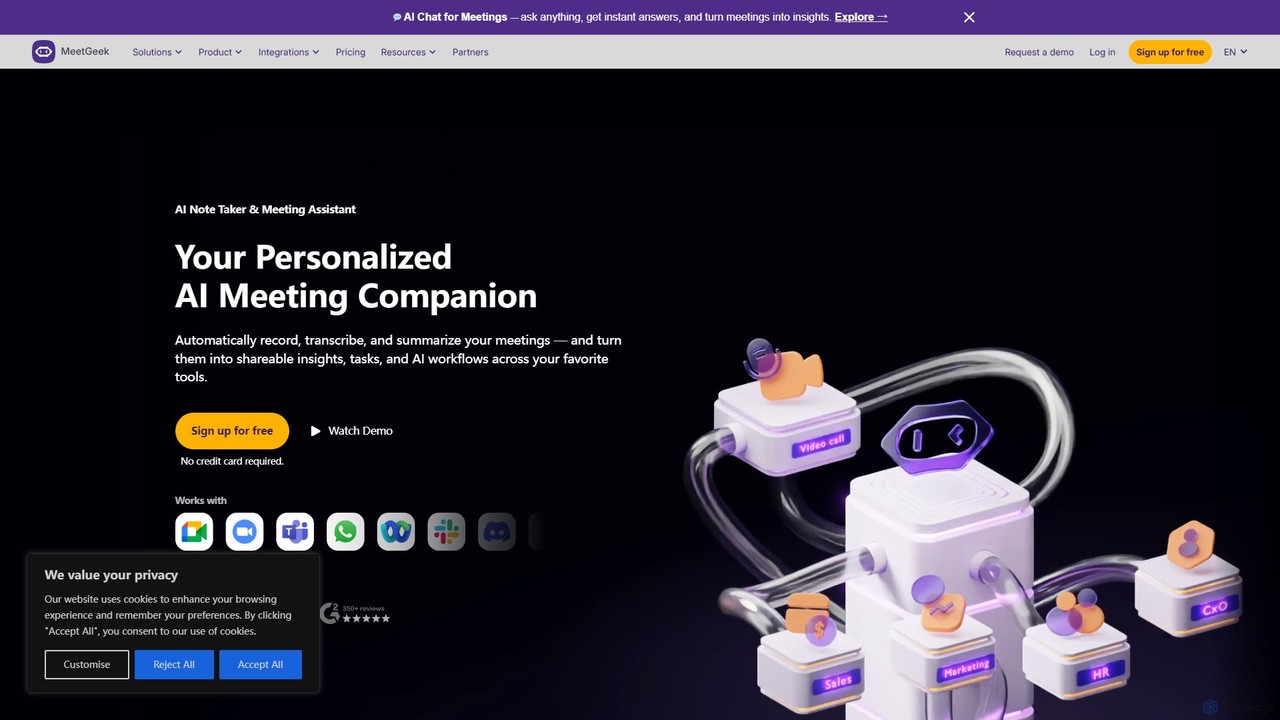
MeetGeek
MeetGeek is an AI meeting assistant that automatically records, transcribes, summarizes, and provides key insights for your meetings. It integrates seamlessly with Zoom, Google Meet, and Microsoft Teams, transforming conversations into actionable knowledge, boosting team productivity, and ensuring no important details are ever missed.
Meetings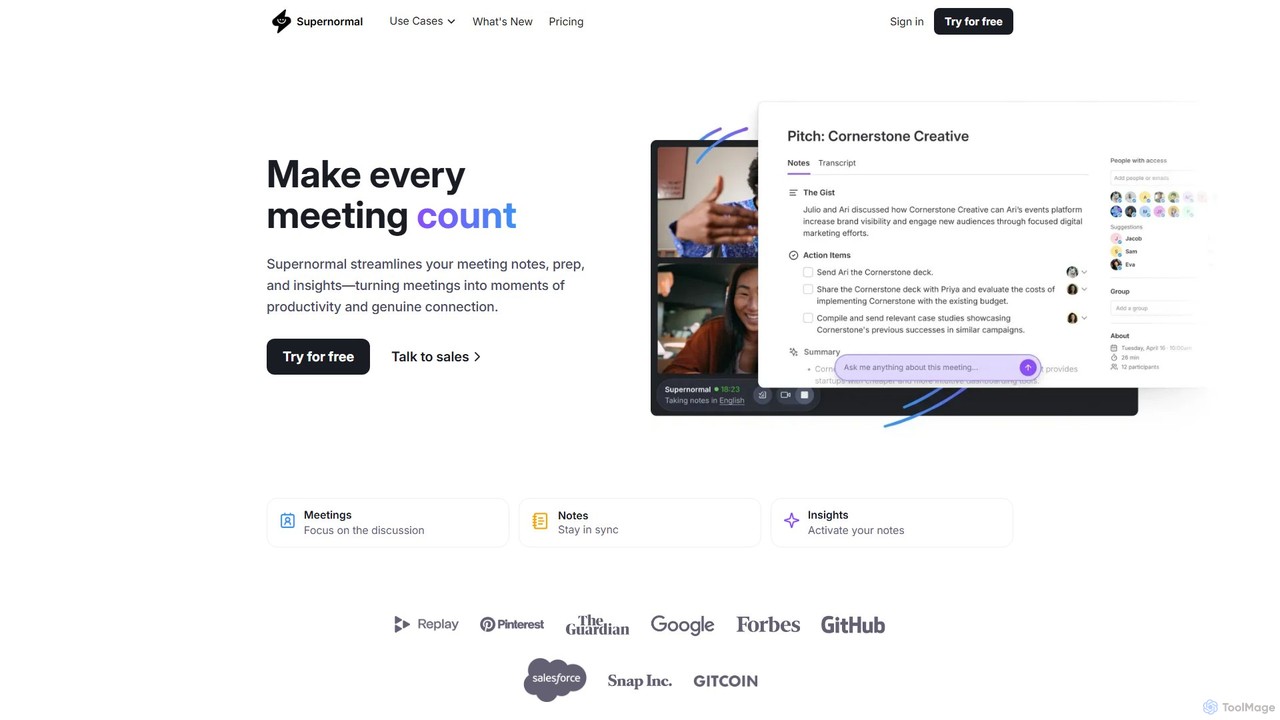
Supernormal
Supernormal is an AI meeting assistant that automatically records, transcribes, and summarizes your meetings on Google Meet, Zoom, and Microsoft Teams. It helps you focus on the conversation by taking care of note-taking, identifying action items, and providing actionable insights.
MeetingsWebcam Effects Categories
Webcam Effects Embed Widget
Copy this embed code to place the badge on your blog, article, or product site and send readers directly to this ToolMage detail page.

Related AI tools
Tactiq
Tactiq is an AI-powered Chrome extension that provides real-time transcription, summaries, and actionable insights for Google Meet, Zoom, and MS Teams meetings. It operates without a bot, ensuring privacy while capturing every detail, identifying speakers, and automating post-meeting tasks like follow-up emails and action items.
Team Collaborationmymeet.ai
mymeet.ai is an AI meeting assistant that automatically joins your calls on Zoom, Google Meet, and Teams to record, transcribe, summarize, and identify action items. It features an interactive AI chat to query meeting details, offers specialized analysis templates, and integrates seamlessly with your calendar and other work tools to boost productivity.
SalesMeetGeek
MeetGeek is an AI meeting assistant that automatically records, transcribes, summarizes, and provides key insights for your meetings. It integrates seamlessly with Zoom, Google Meet, and Microsoft Teams, transforming conversations into actionable knowledge, boosting team productivity, and ensuring no important details are ever missed.
MeetingsSupernormal
Supernormal is an AI meeting assistant that automatically records, transcribes, and summarizes your meetings on Google Meet, Zoom, and Microsoft Teams. It helps you focus on the conversation by taking care of note-taking, identifying action items, and providing actionable insights.
Meetings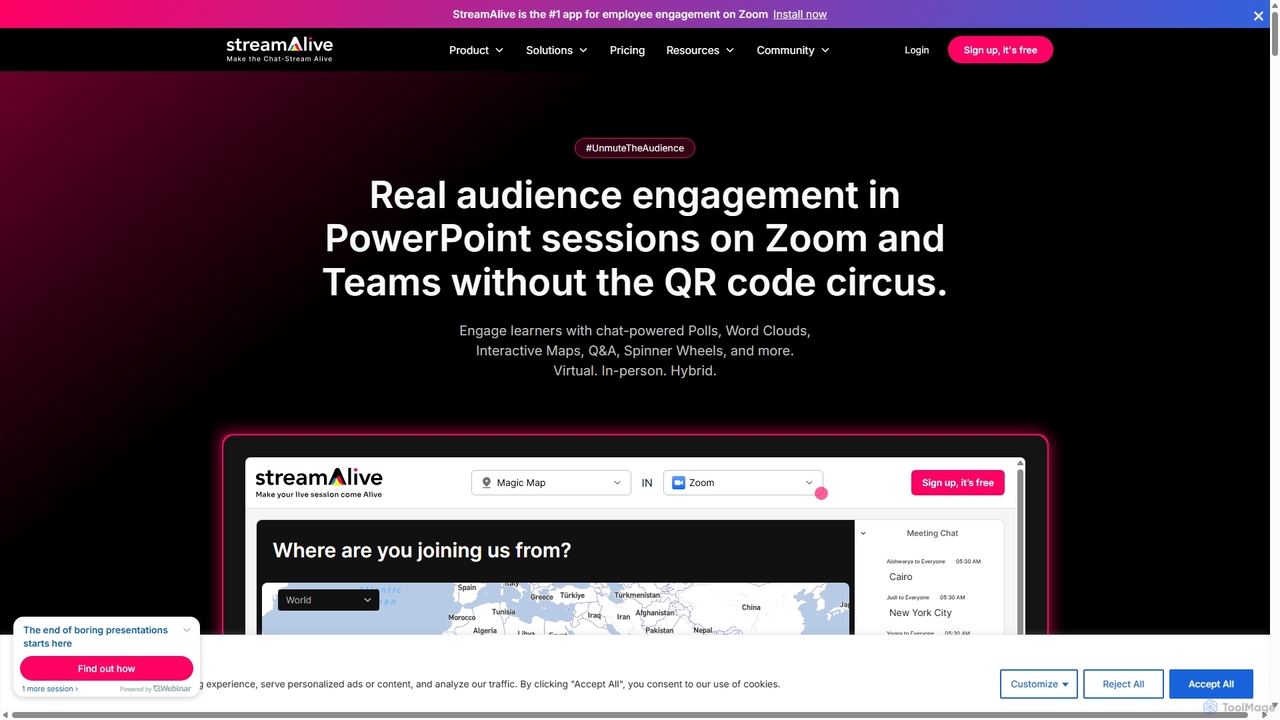
StreamAlive
StreamAlive is an AI-powered audience engagement tool for live sessions on platforms like Zoom, Teams, and YouTube. It transforms passive presentations into interactive experiences using chat-powered features like polls, word clouds, interactive maps, and Q&A. Its AI can automatically generate engagement questions from your presentation material, making it easy for trainers, educators, and presenters to keep their audience captivated without complex setups or QR codes.
Training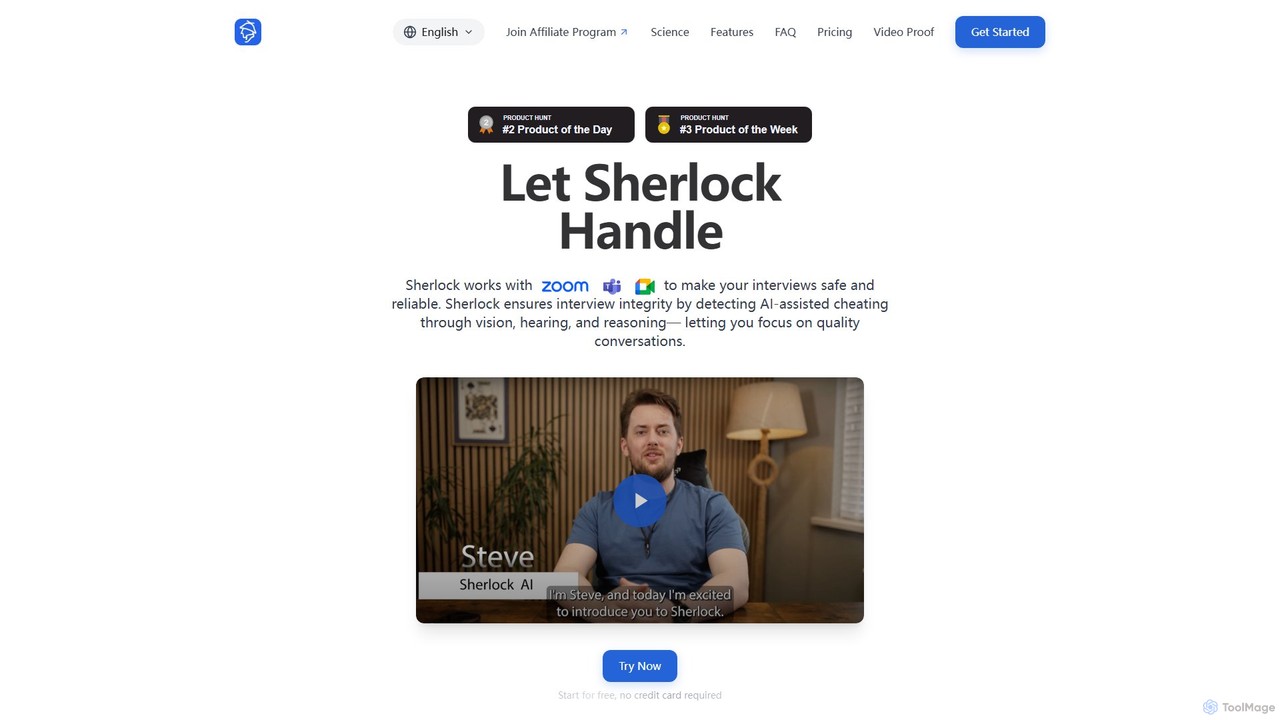
withsherlock
withsherlock is an AI-powered interview proctoring agent designed to ensure interview integrity. It detects and prevents AI-assisted cheating in real-time during remote interviews on platforms like Zoom, Teams, and Meet. By using advanced visual, audio, and behavioral analysis, it helps recruiters and hiring managers focus on candidate quality and make confident hiring decisions.
Recruiting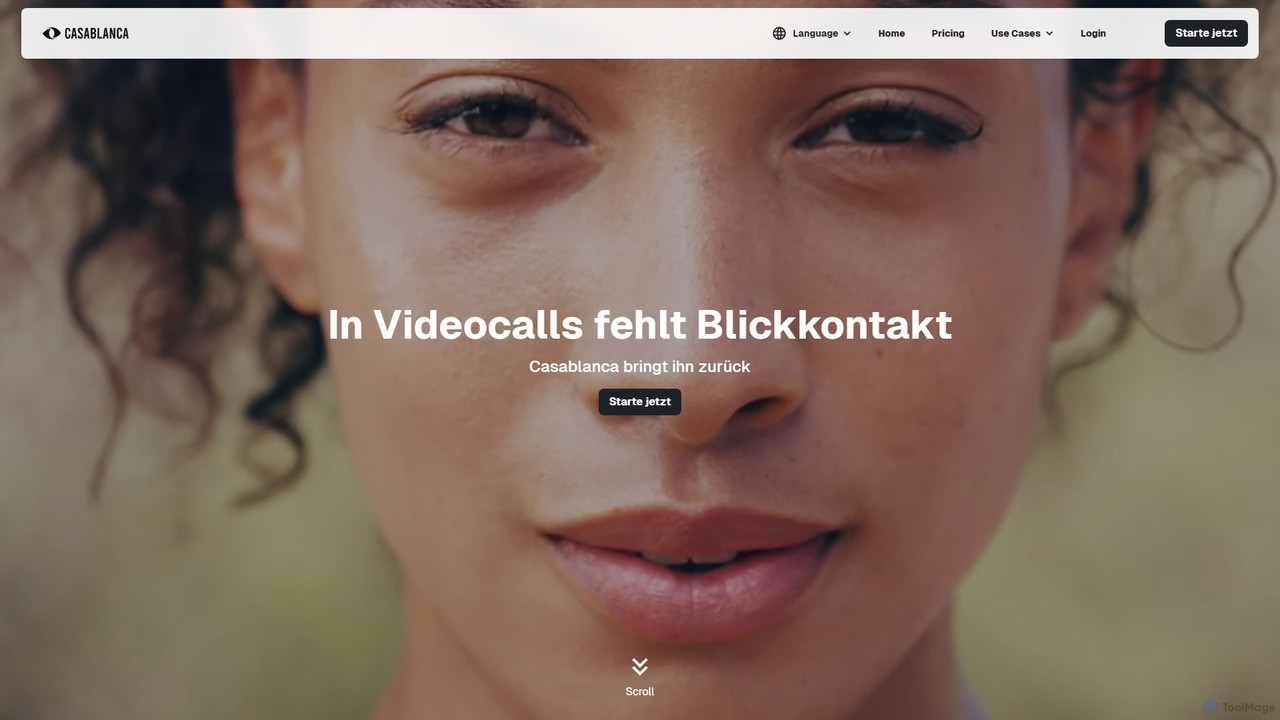
Casablanca
Casablanca is an AI-powered virtual camera that enhances your presence in online meetings. Its core feature, AI eye contact correction, ensures you always appear to be looking directly at the camera, fostering better engagement. It works seamlessly with popular platforms like Zoom, Teams, and Google Meet to make you look your best in every call.
Teleconferencing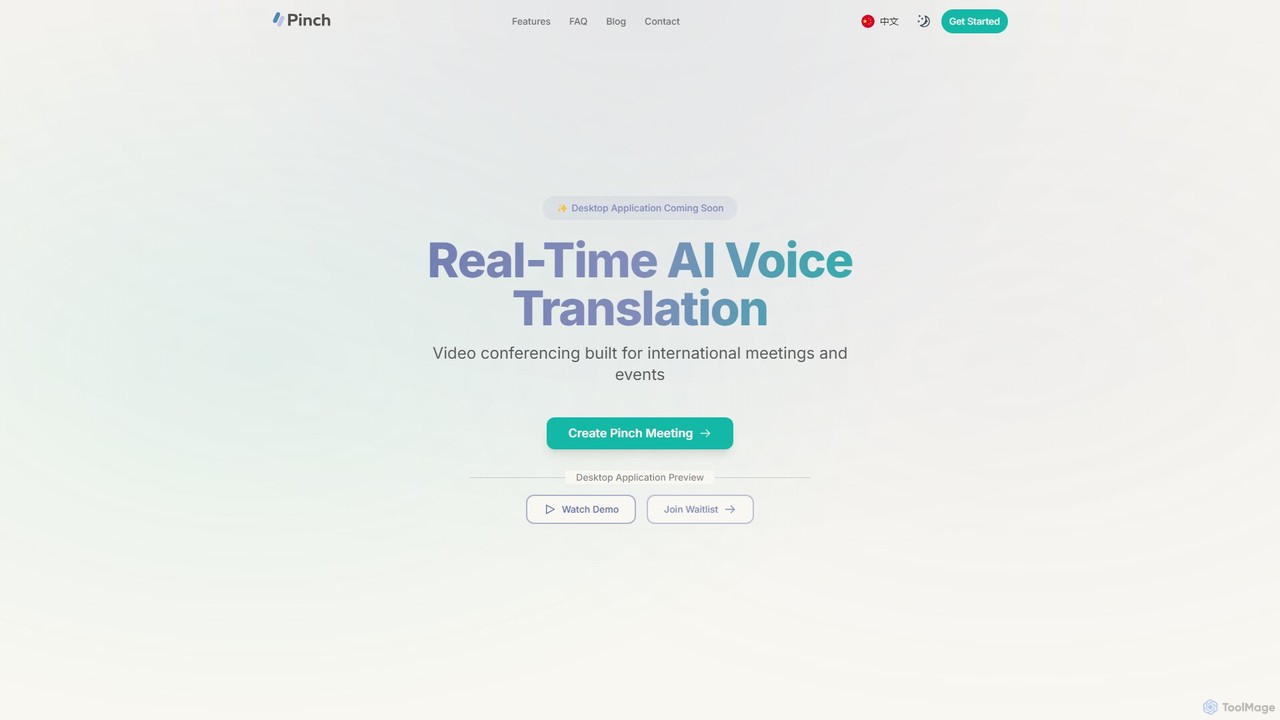
Pinch
Pinch is a real-time AI voice translation platform for video conferencing, designed for international meetings and events. It offers AI-powered interpreter and simultaneous translation modes with lipsync technology to break down language barriers and facilitate seamless global communication on platforms like Zoom, Google Meet, and Teams.
Translation
MeetingAssistant
MeetingAssistant is an AI-powered copilot designed to enhance your performance in meetings, especially job interviews. It provides real-time transcription of conversations and delivers smart, AI-generated suggestions, helping you respond confidently and effectively. It seamlessly integrates with any web-based meeting platform like Zoom, Google Meet, and Microsoft Teams, acting as your personal communication coach.
Interview Preparation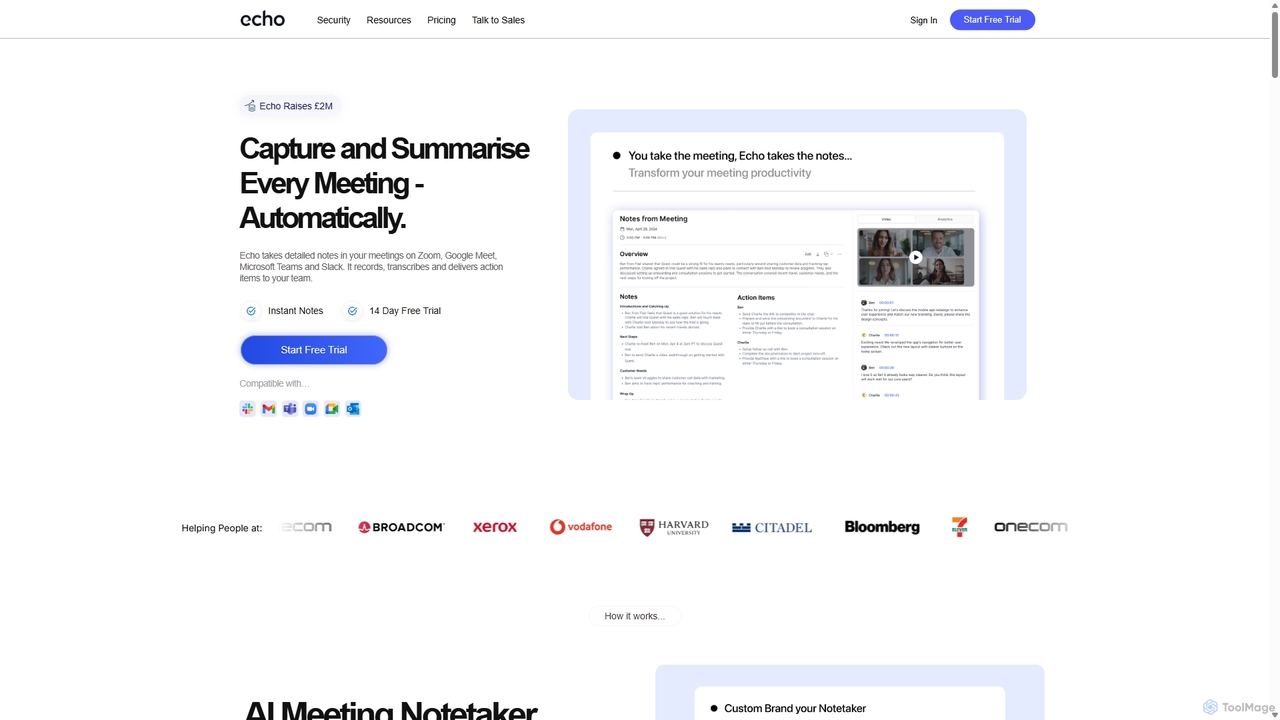
Meetecho
meetecho is an AI executive assistant that automatically joins your meetings on Zoom, Google Meet, and Microsoft Teams to record, transcribe, and generate detailed summaries with action items. It enhances productivity by eliminating manual note-taking and creating a searchable archive of all your conversations. Upcoming features include AI-powered email sorting and drafting.
Assistant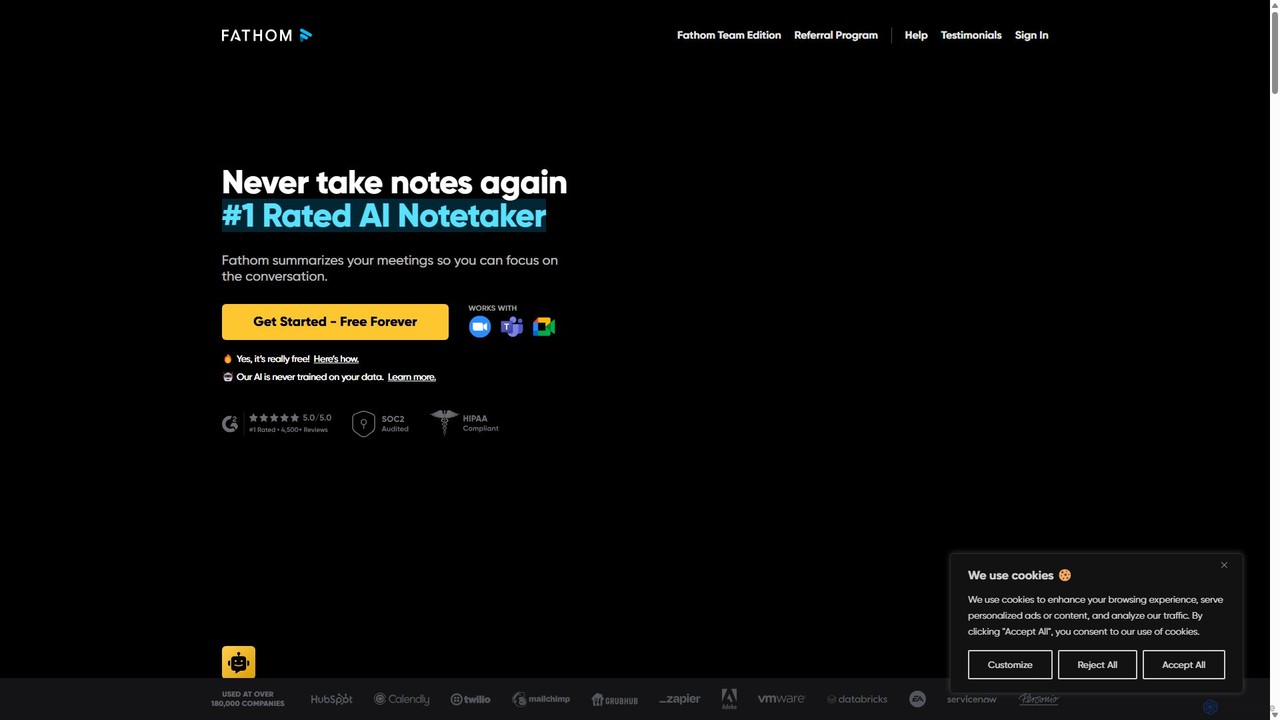
Fathom
Fathom is a top-rated AI meeting assistant that automatically records, transcribes, and summarizes your video calls on Zoom, Google Meet, and Microsoft Teams. It liberates you from note-taking, allowing full focus on the conversation. Fathom provides instant, shareable summaries and action items, and integrates seamlessly with your CRM and other productivity tools, saving significant time and boosting post-meeting efficiency.
Transcription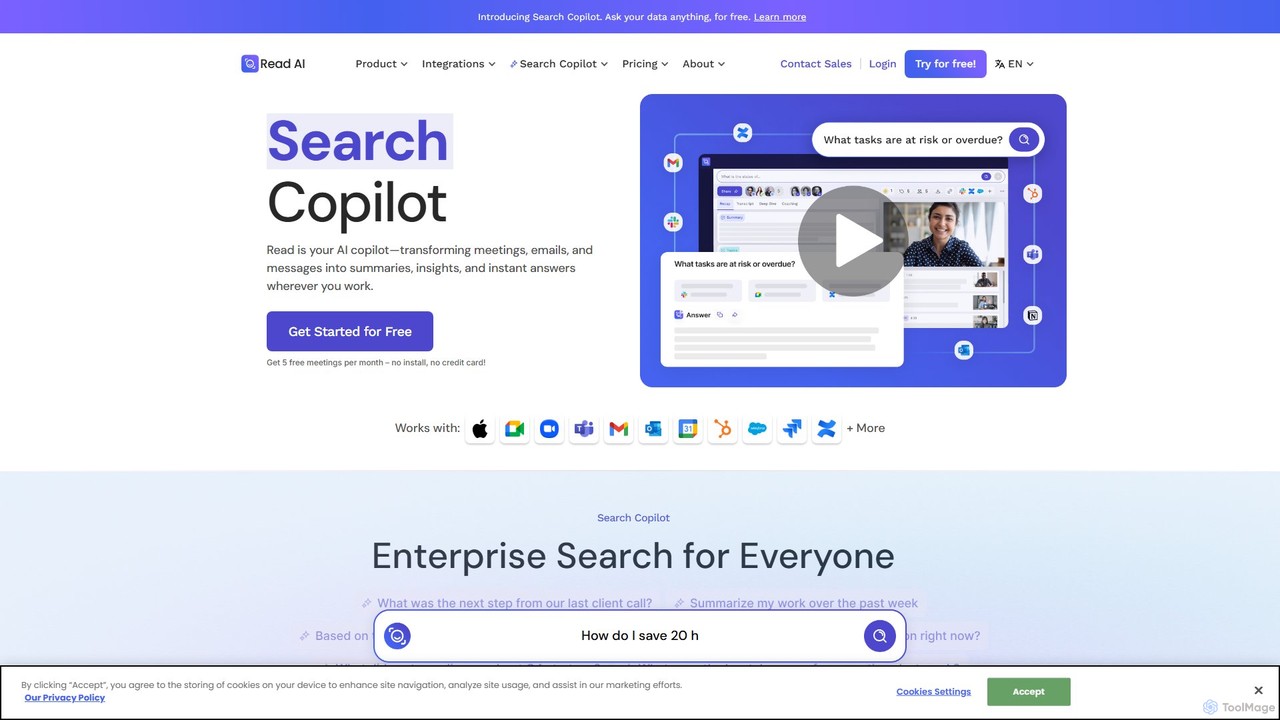
Read.ai
Read.ai is an AI-powered productivity platform that automatically summarizes meetings, generates transcripts, and provides actionable insights. Its flagship Search Copilot unifies information across all your work apps—meetings, emails, chats, and documents—creating a single, searchable knowledge base to boost team efficiency and break down data silos.
Knowledge Management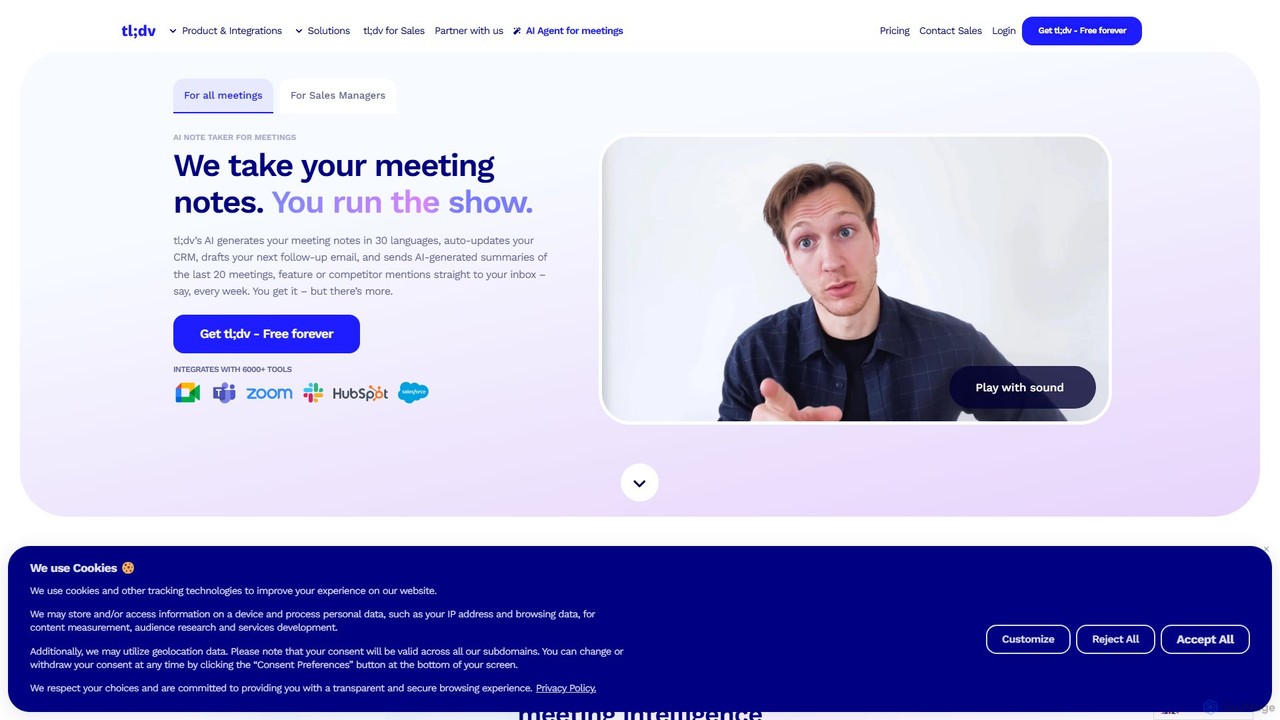
tldv
tldv is an AI meeting assistant for Zoom, Google Meet, and MS Teams. It automatically records, transcribes, summarizes, and timestamps your meetings. Instantly create clips from long recordings, share insights, and automate workflows by integrating with tools like Slack and CRMs. It's designed to boost productivity for sales, product, and collaborative teams.
Meeting Assistant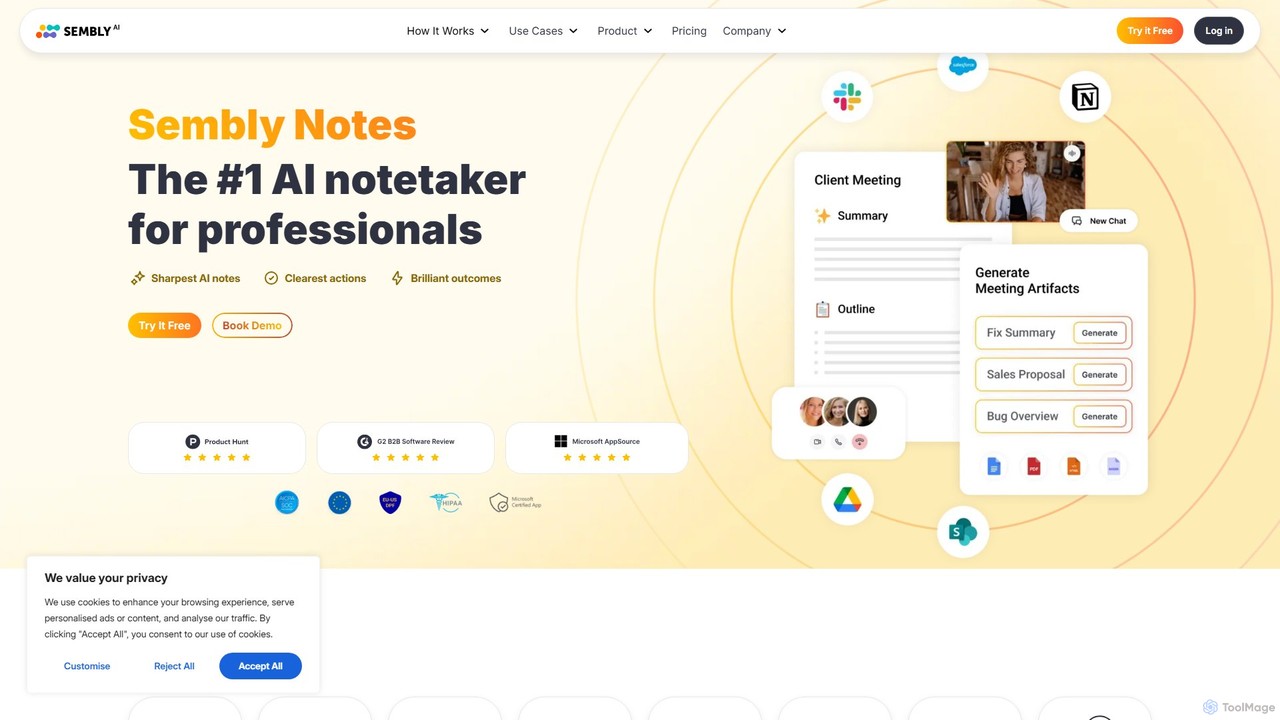
Sembly
Sembly is an AI meeting assistant that records, transcribes, and generates intelligent summaries for your meetings. It integrates with major platforms like Zoom, Google Meet, and Microsoft Teams to capture conversations, identify key items, create action points, and provide deep insights, transforming discussions into actionable outcomes.
Project Management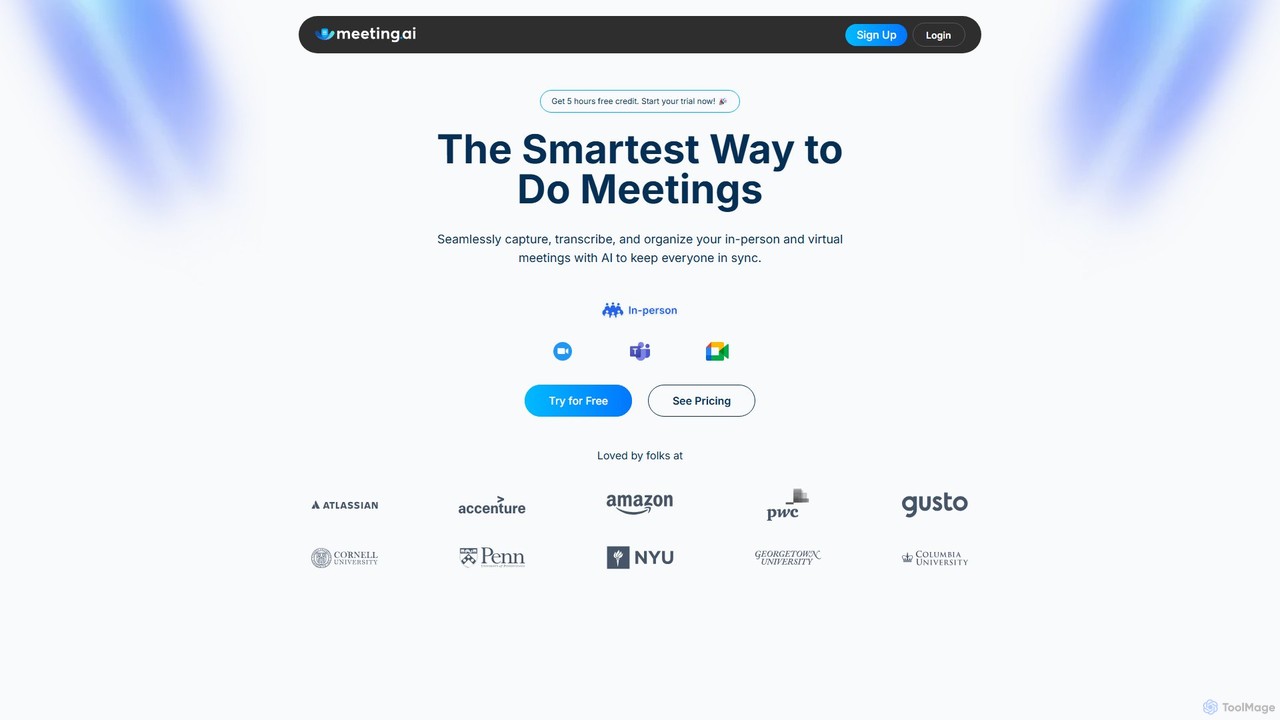
Meeting.ai
Meeting.ai is an AI-powered meeting assistant that seamlessly captures, transcribes, and summarizes your in-person and virtual meetings. It supports over 35 languages, integrates with major platforms like Zoom and Google Meet, and automatically generates organized notes and action items to keep your team synchronized and productive.
Transcription
Webcam Effects Comments (0)
Sign in to comment.
Sign inNo comments yet.