

Insta360 Overview
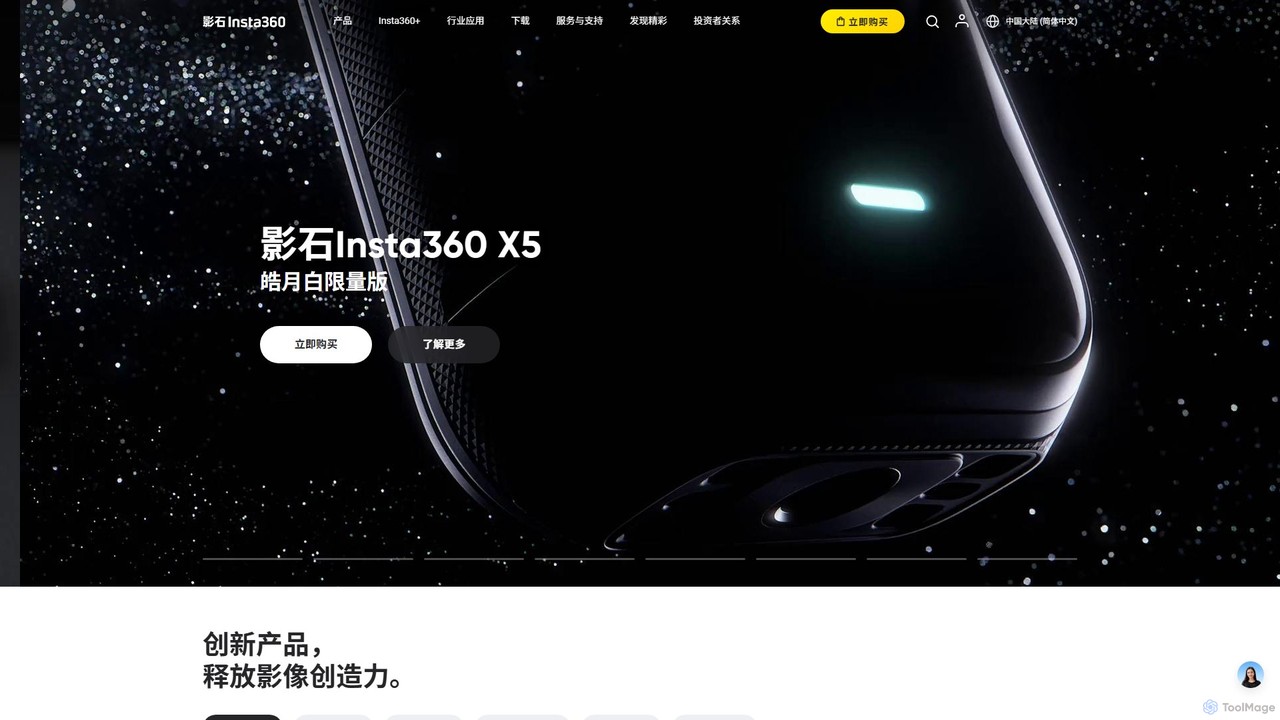
Insta360 is at the forefront of imaging technology, pioneering the use of artificial intelligence to redefine how we capture and share our lives. The company is renowned for its comprehensive ecosystem of 360-degree panoramic cameras, versatile action cameras, and intelligent accessories. More than just hardware, Insta360 provides a powerful suite of AI-driven software, including the Insta360 App and desktop Studio, which transforms raw footage into cinematic masterpieces with unparalleled ease. From the flagship 8K 360° X-series cameras to the tiny, wearable GO series and the AI-powered Flow gimbal, Insta360's mission is to help people "Think bold" and capture the impossible. The integration of AI is central to this mission, automating complex editing tasks and unlocking creative potential for everyone from professional filmmakers to everyday vloggers and adventurers.
How to use Insta360
1. Capture Your Moment: Select the appropriate Insta360 camera for your needs—like the X5 for immersive 360° video, the Ace Pro 2 for high-fidelity action shots, or the GO 3S for discreet, hands-free recording.
2. Connect and Transfer: Easily transfer your footage to your smartphone via Wi-Fi or connect your camera to a computer. The Insta360 App and desktop Studio software will automatically recognize your files.
3. Leverage AI Editing: This is where the magic happens. For 360° videos, use the "AI Viewfinder" to let the AI automatically find the most interesting angles and create a traditional flat video. Apply "AI Magic" templates from the Shot Lab to generate complex effects like "Sky Swap" or "Clone Trail" with a single tap. The "AI Highlights Assistant" can analyze long recordings to find the best moments and edit them into a shareable clip.
4. Refine and Customize: While AI does the heavy lifting, you retain full creative control. Manually adjust framing, color grade, add music, and trim your clips within the app or desktop software.
5. Export and Share: Export your final creation in high resolution and share it directly to social media platforms. The software handles the conversion from 360° to standard video formats seamlessly.
Core Features of Insta360
- FlowState Stabilization: A proprietary AI-powered stabilization algorithm that delivers incredibly smooth, gimbal-like footage without the need for bulky hardware.
- AI-Powered Reframing: The "Shoot First, Frame Later" philosophy is powered by AI. The AI Viewfinder and Deep Track 3.0 can automatically track subjects and reframe 360° video to focus on the key action.
- Invisible Selfie Stick: An advanced stitching algorithm that makes the selfie stick completely disappear from 360° shots, creating clean, unobstructed "drone-like" views.
- AI Shot Lab & Magic Templates: A constantly updated library of one-tap editing templates that use AI to create viral-worthy effects, such as cloning, hyperlapses, and dolly zooms.
- AI Highlights Assistant: Automatically analyzes footage to identify and compile the most exciting moments, saving hours of manual editing.
- AI-Powered Hardware: Products like the Insta360 Flow gimbal use AI for superior subject tracking, while the Link webcam uses AI for gesture control, auto-framing, and desk view mode.
- AI Audio Enhancement: Advanced algorithms for wind reduction and directional audio focus, ensuring your sound is as clear as your video.
Use Cases for Insta360
Insta360's technology serves a wide array of applications. In Action Sports & Adventure, it captures immersive, stabilized footage of skiing, surfing, FPV drone flights, and mountain biking, ensuring no moment is missed. For Vlogging and Content Creation, it enables dynamic videos with unique third-person perspectives thanks to the Invisible Selfie Stick and AI-powered editing. Travelers use it to document journeys in stunning 360°, creating "Tiny Planet" photos and hyperlapses. In professional fields, it's used for creating high-resolution VR content, Google Street View imagery, and virtual tours for real estate. The AI-powered webcam series also excels in Video Conferencing and Live Streaming, offering auto-tracking and 4K quality for professional online presence.
Advantages of Insta360
The primary advantage of Insta360 lies in its unparalleled creative freedom through the "Shoot First, Frame Later" capability of its 360° cameras. This is coupled with a simplified workflow where powerful AI automates complex editing, making high-quality video production accessible to everyone. The brand is known for superior image quality, often featuring high-end sensors (some co-engineered with Leica) and best-in-class FlowState stabilization. Its innovative and diverse product line offers a camera for every conceivable need, all supported by a robust software ecosystem of mobile and desktop apps that are user-friendly and regularly updated with new AI features.
Pricing and Plans
The Insta360 AI software, including the mobile app and desktop Studio, is free to download and use. However, its functionality is designed to work exclusively with Insta360 hardware. The cost is associated with the purchase of the physical cameras and accessories. Prices vary significantly depending on the product model, from more accessible options like the Insta360 Flow gimbal to flagship cameras like the Insta360 X5 and professional-grade systems. Please visit the official Insta360 website for detailed pricing on specific products and bundles.
Traffic
Latest traffic
Status
Monthly traffic trend
- 2026-1: 5.2M
- 2026-2: 4.1M
- 2026-3: 4.6M
- 2026-4: 4.7M
- 2026-5: 5.0M
Geography
Top 5 countries / regions
- 🇺🇸United States48.5%
- 🇨🇳China19.1%
- 🇯🇵Japan14.0%
- 🇩🇪Germany9.4%
- 🇬🇧United Kingdom8.9%
Traffic sources
| Source type | Percentage |
|---|---|
Direct | 73.6% |
Referral | 20.6% |
Email | 5.8% |
Top keywords
| Keyword | Cost per click |
|---|---|
| insta 360 | $0.29 |
| insta360 | $0.29 |
| insta360 go ultra | $0.47 |
| insta360 studio | $1.26 |
| insta360 x5 | $0.42 |
Insta360 Videos on YouTube

Sarb Johal - The TechPacker

TheBetterBuy


A.V. with Rodney

Insta360 Alternatives
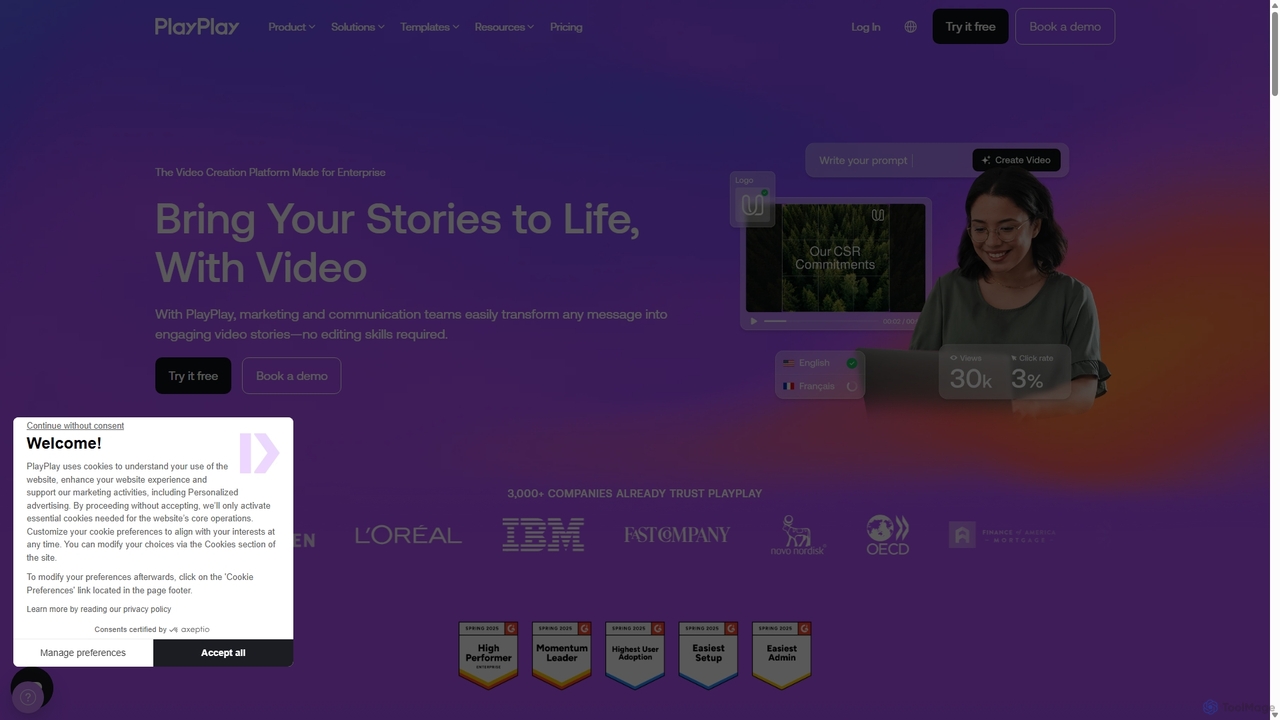
PlayPlay
PlayPlay is an AI-powered online video creation platform designed for businesses. It enables marketing, communication, and HR teams to easily produce professional, on-brand videos without any editing skills. Features include AI video assistance, automatic subtitles, AI avatars, and a vast template library.
Training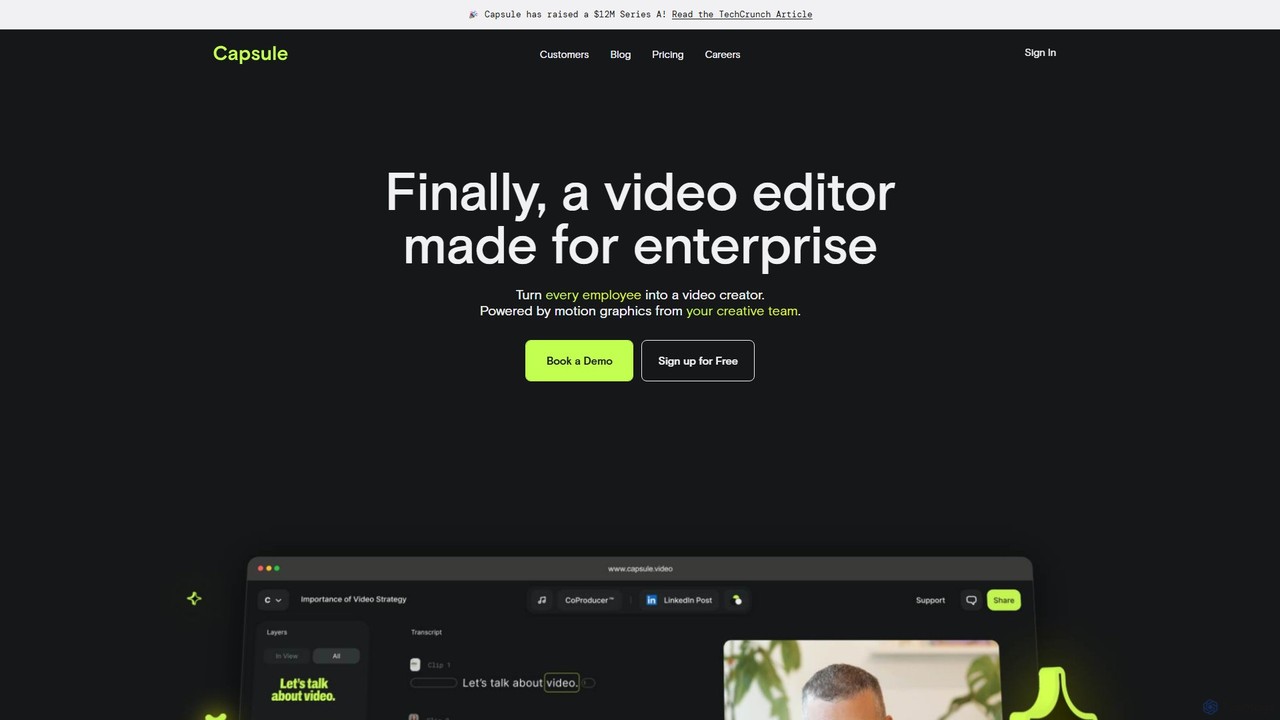
Capsule
Capsule is an AI-powered video editor designed for enterprise teams to create professional, on-brand videos 10x faster. It empowers non-editors with features like AI audio enhancement (VoiceMagic), smart music suggestions, and reusable motion design templates. This collaborative platform streamlines video creation for marketing, sales, and internal communications, ensuring brand consistency at scale.
Social Media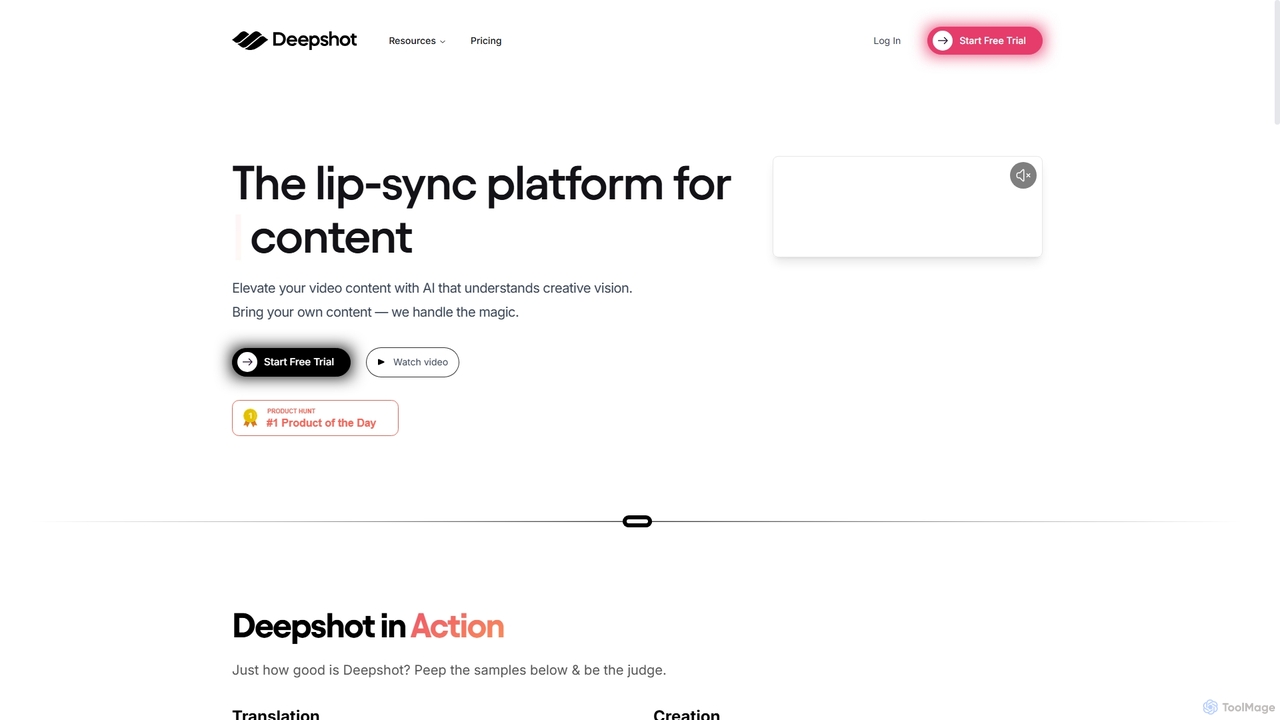
Deepshot
Deepshot is an AI-powered lip-sync platform that enables content creators to translate, correct, and generate video dialogue seamlessly. Repurpose existing footage with new scripts, fix mistakes without reshoots, and A/B test content to maximize engagement. It's designed to save time, reduce costs, and break language barriers for a global audience.
Voice Modulation
Clipchamp
Clipchamp is a user-friendly, AI-powered online video editor from Microsoft. It enables everyone, from beginners to professionals, to create stunning videos with features like AI-driven text-to-speech, automatic subtitles, and smart editing tools. Available on browsers, Windows, and iOS, it's an all-in-one solution for content creators, businesses, and educators.
Text To Speech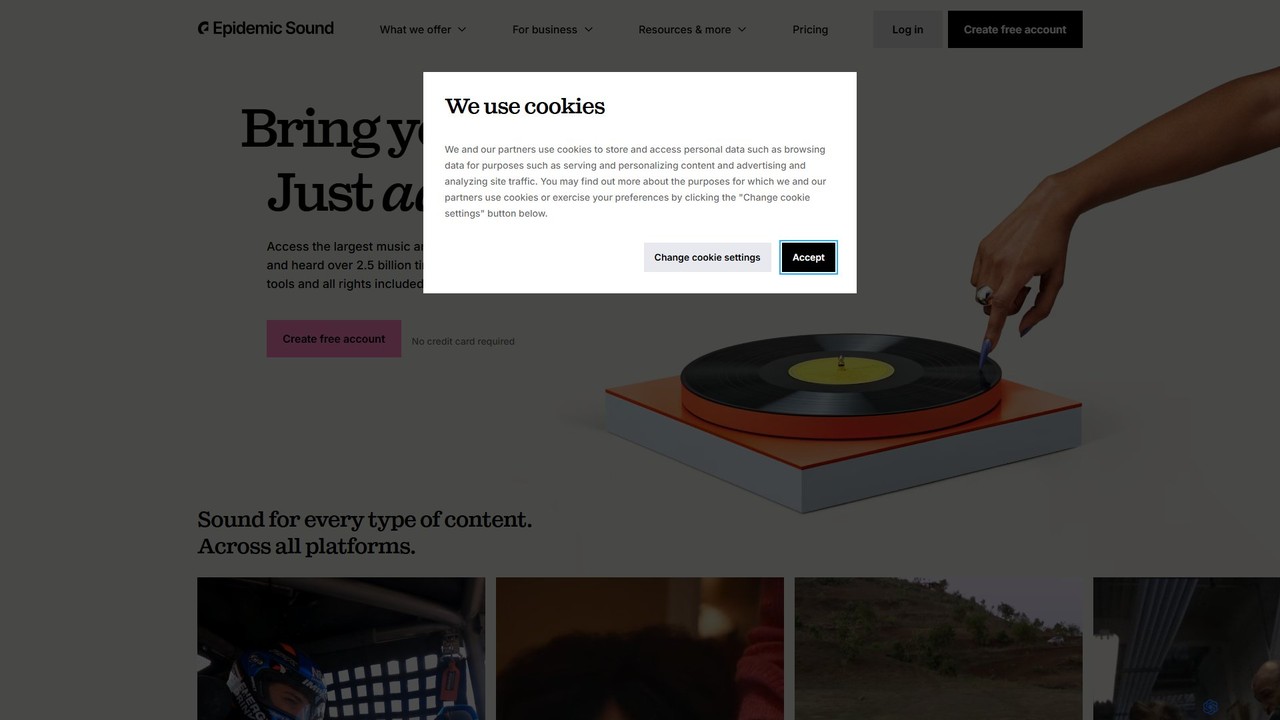
Epidemic Sound
Epidemic Sound is a premier platform offering a vast library of royalty-free music and sound effects for content creators, filmmakers, and businesses. It uses AI-powered search tools to help users find the perfect soundtrack, ensuring all content is safe from copyright claims across all platforms worldwide.
Music GenerationInsta360 Categories
Insta360 Embed Widget
Copy this embed code to place the badge on your blog, article, or product site and send readers directly to this ToolMage detail page.

Related AI tools
Deepshot
Deepshot is an AI-powered lip-sync platform that enables content creators to translate, correct, and generate video dialogue seamlessly. Repurpose existing footage with new scripts, fix mistakes without reshoots, and A/B test content to maximize engagement. It's designed to save time, reduce costs, and break language barriers for a global audience.
Voice Modulation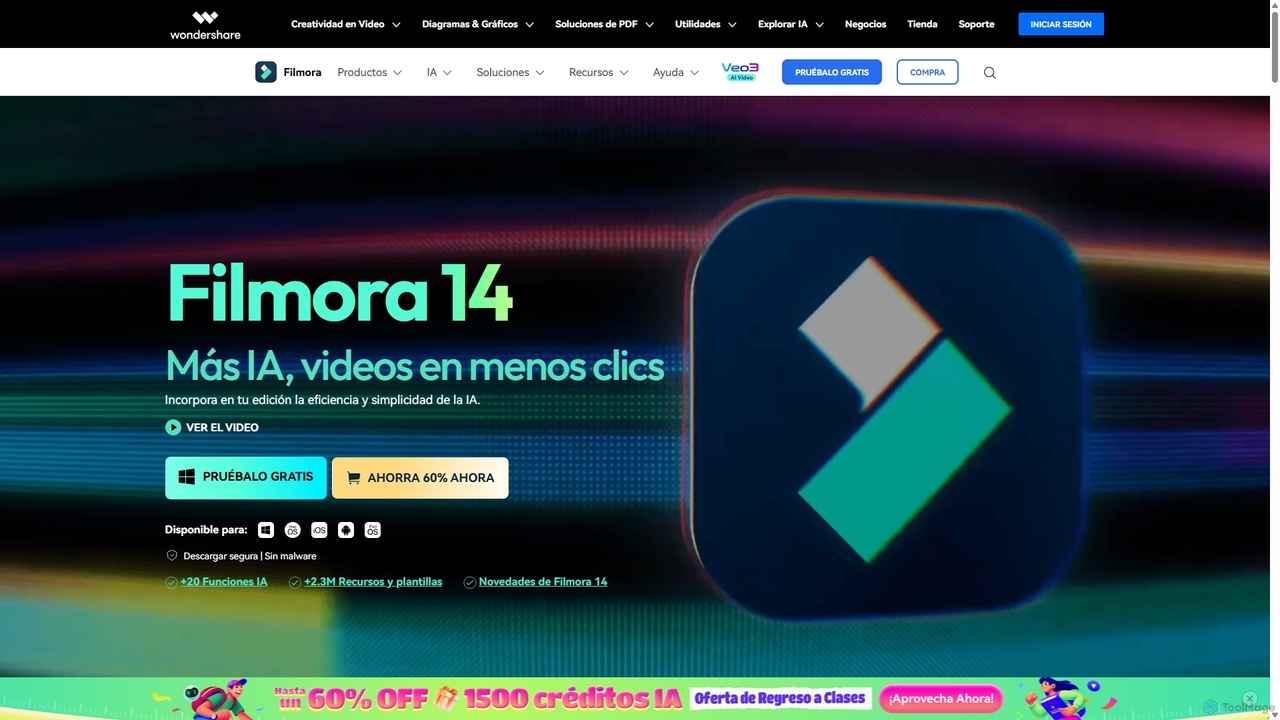
Filmora
Filmora is an AI-powered video editor that simplifies the creation process for both beginners and professionals. It offers a vast suite of AI tools, including smart clip generation, text-to-video, and advanced audio enhancement, combined with a user-friendly interface and a massive library of effects and resources to make video editing faster and more creative.
Social Media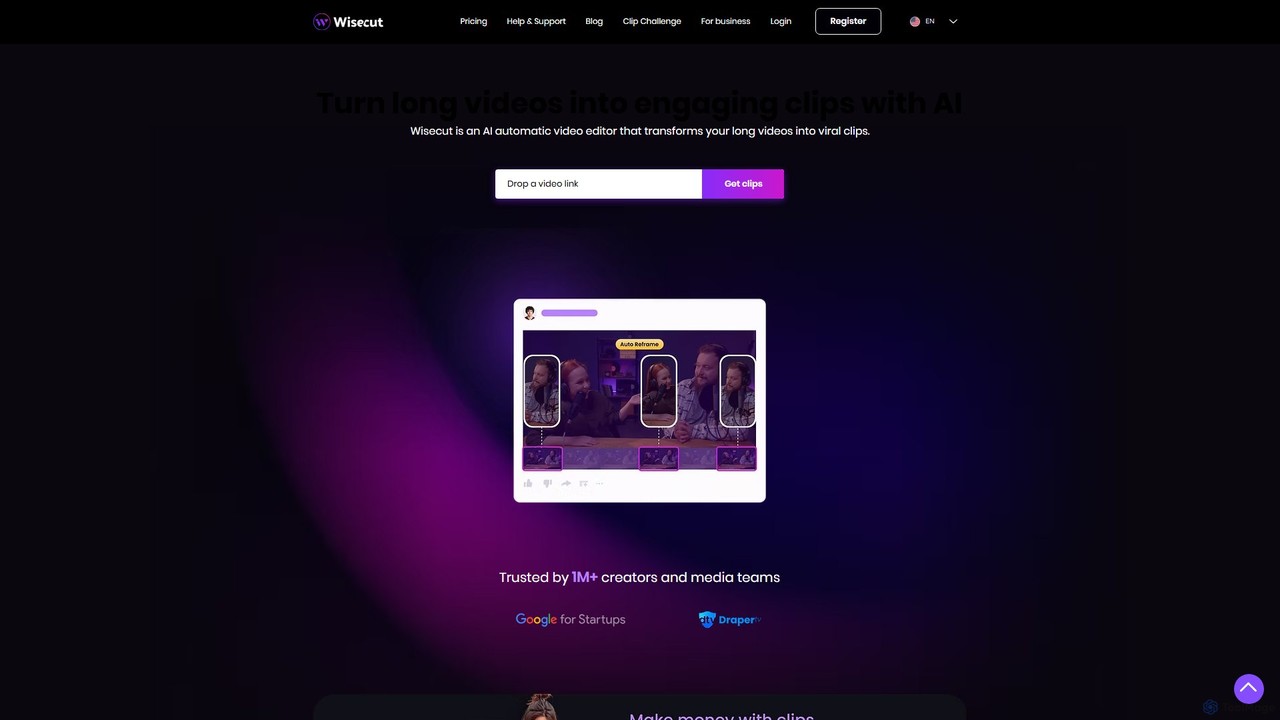
Wisecut
Wisecut is an AI-powered video editor that automatically transforms long videos into short, viral-ready clips. It uses AI to identify highlights, remove silences, add smart background music, and generate captions. Ideal for creators and businesses, it simplifies video editing with a storyboard-based interface, requiring no technical skills to produce professional, engaging content for social media and other platforms.
Automation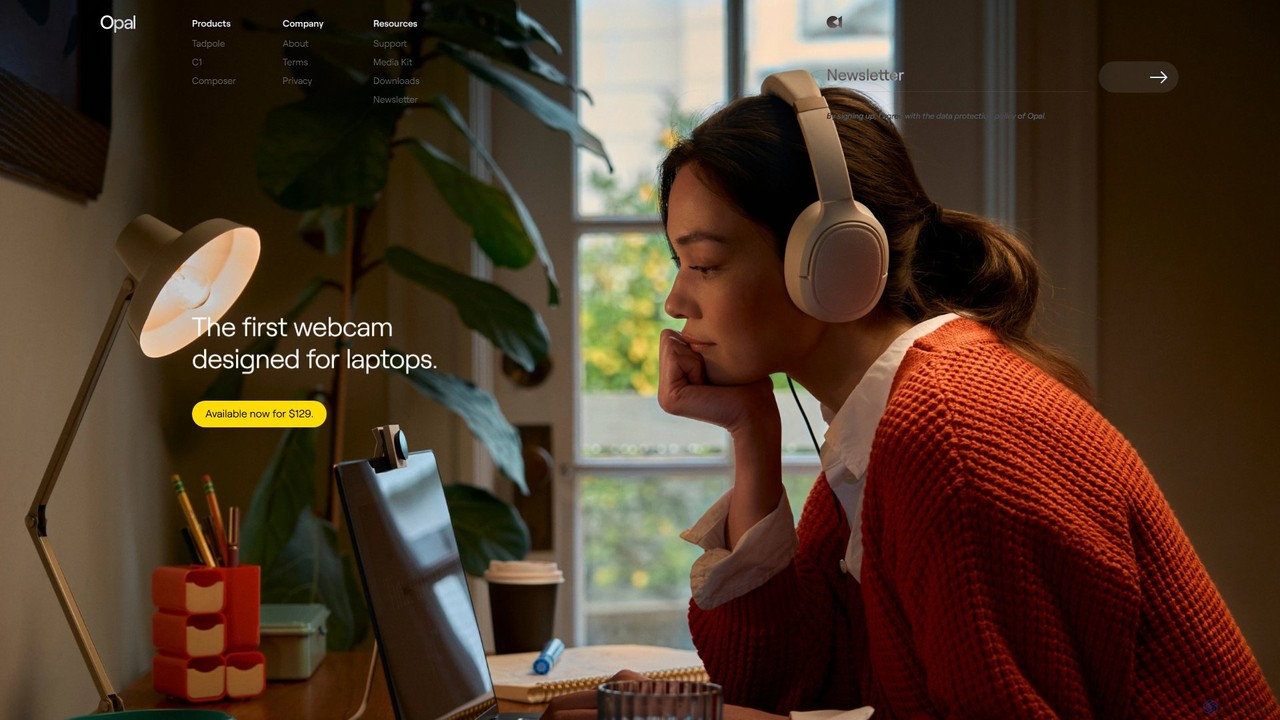
Opal Camera
Opal Camera offers a range of AI-powered webcams, including the C1 and Tadpole models, designed to deliver DSLR-like video quality. Paired with the intelligent Composer software, it provides features like professional bokeh, auto-framing, and advanced image processing for video conferencing, streaming, and content creation.
Smart Gadgets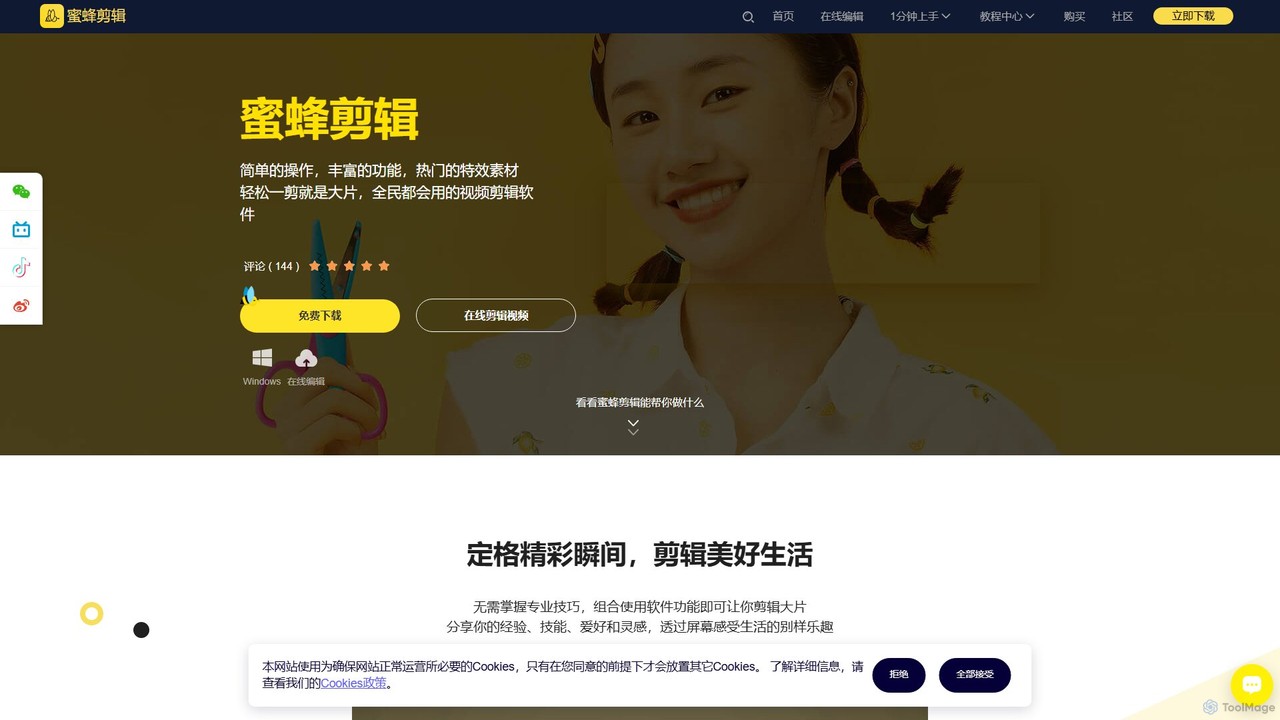
BeeCut
BeeCut is an intuitive and feature-rich video editing software designed for users of all skill levels. It simplifies video creation with a clean interface, extensive asset library, and powerful AI features like auto-subtitling and text-to-speech, making it ideal for vlogs, tutorials, social media content, and more.
Social Media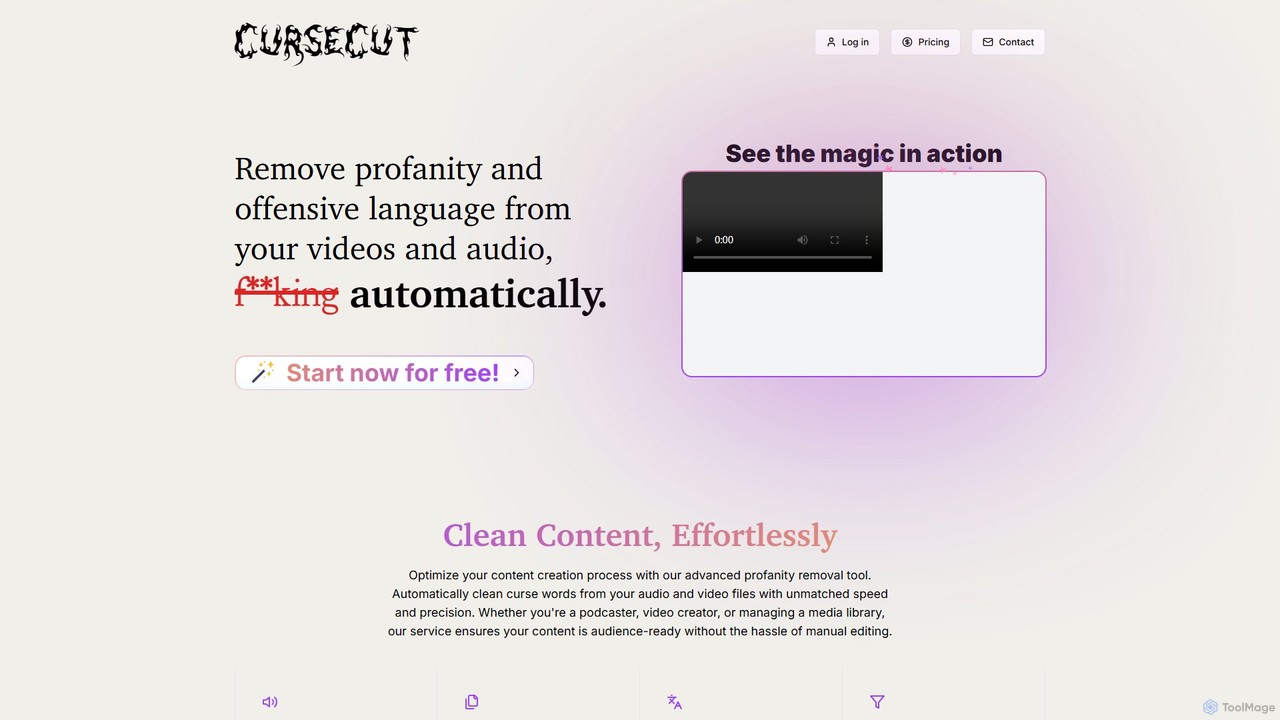
CurseCut
CurseCut is an AI-powered tool that automatically removes profanity and offensive language from video and audio files. It supports over 30 languages, offers batch processing, and features customizable word filters. All processing is done locally on your machine, ensuring your content remains private and secure. Ideal for podcasters, video creators, and media managers who need to create clean, audience-ready content efficiently.
Content Creation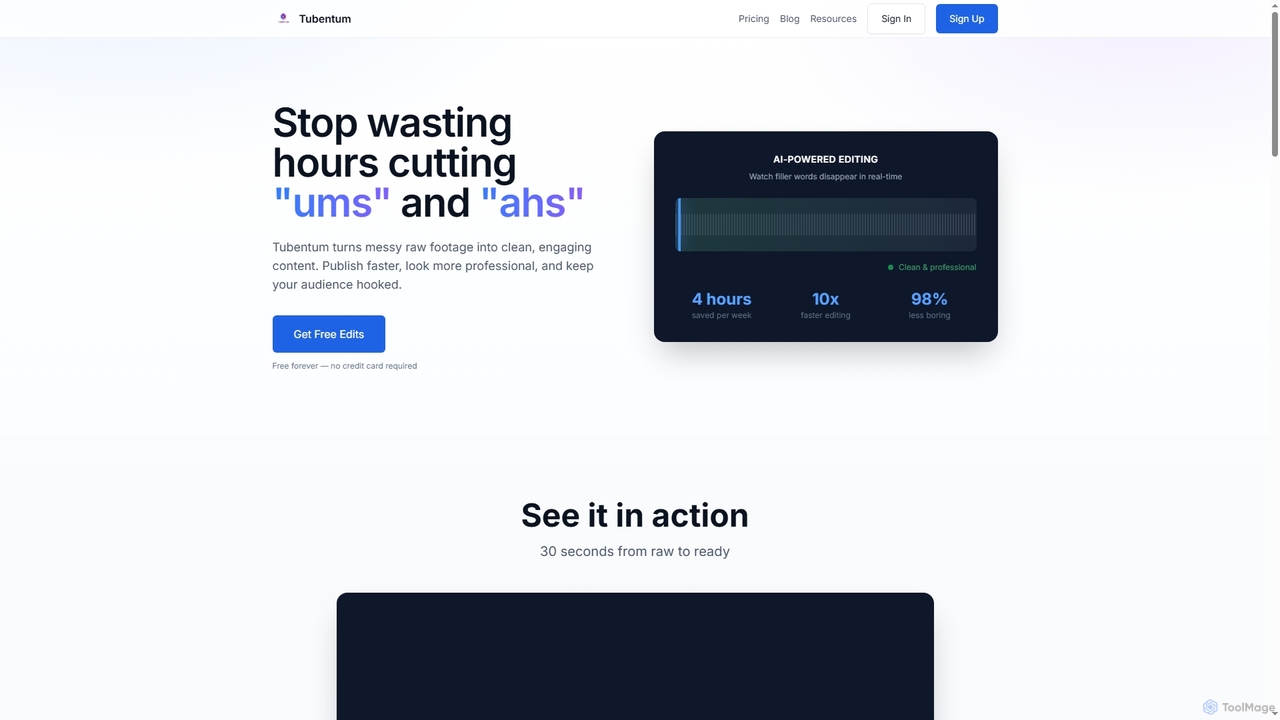
Tubentum
Tubentum is an AI-powered video editing tool that automatically removes filler words like "ums," "ahs," and silences from your raw footage by editing text. It helps content creators, podcasters, and educators produce clean, engaging, and professional video content faster, boosting viewer retention and algorithm performance.
3D
VideoEditorHunt
VideoEditorHunt is an AI-powered online tool designed for efficient video editing, offering advanced features like intelligent watermark removal and face swap. It leverages deep learning algorithms to deliver high-quality results quickly, ensuring privacy protection and support for high-definition formats. Ideal for content creators and marketers seeking to enhance their video content.
3D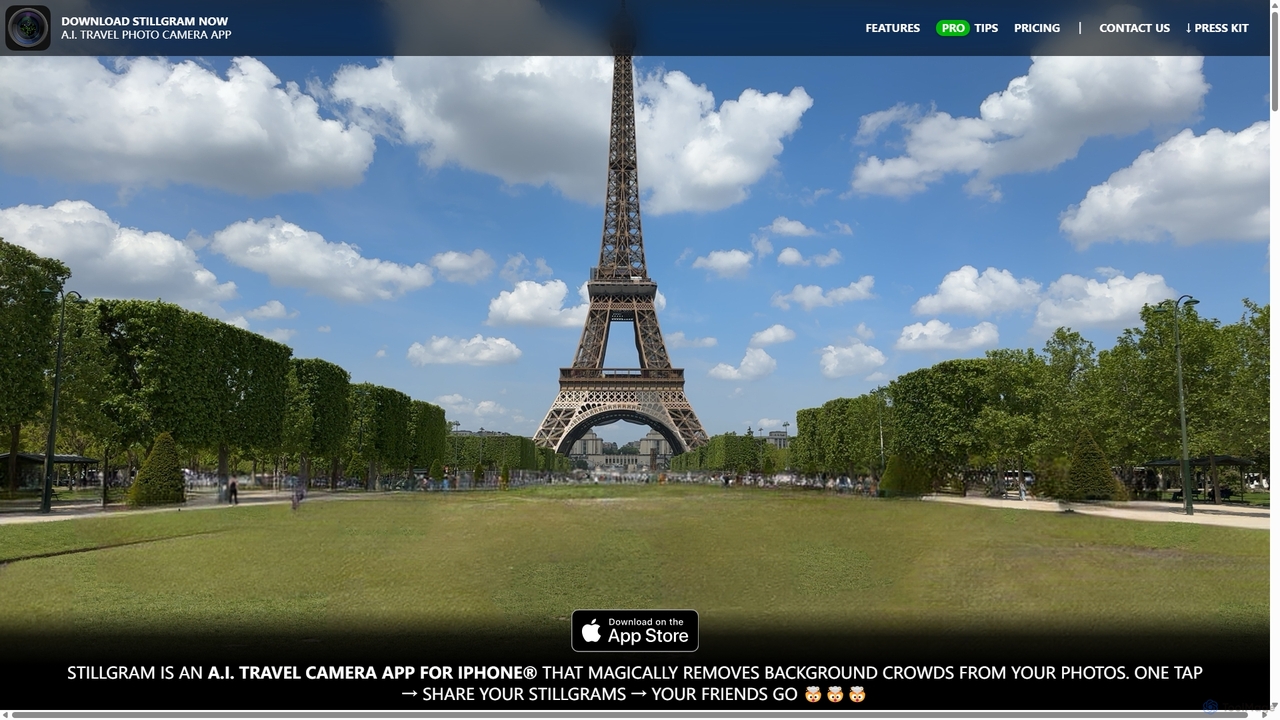
Stillgram
Stillgram is an AI-powered camera app for iPhone designed for travelers. It magically removes crowds and unwanted people from your photos, allowing you to capture perfect, empty shots of famous landmarks. It works completely offline and features unique 'Live Stillgrams' for stunning social media content.
Ios Apps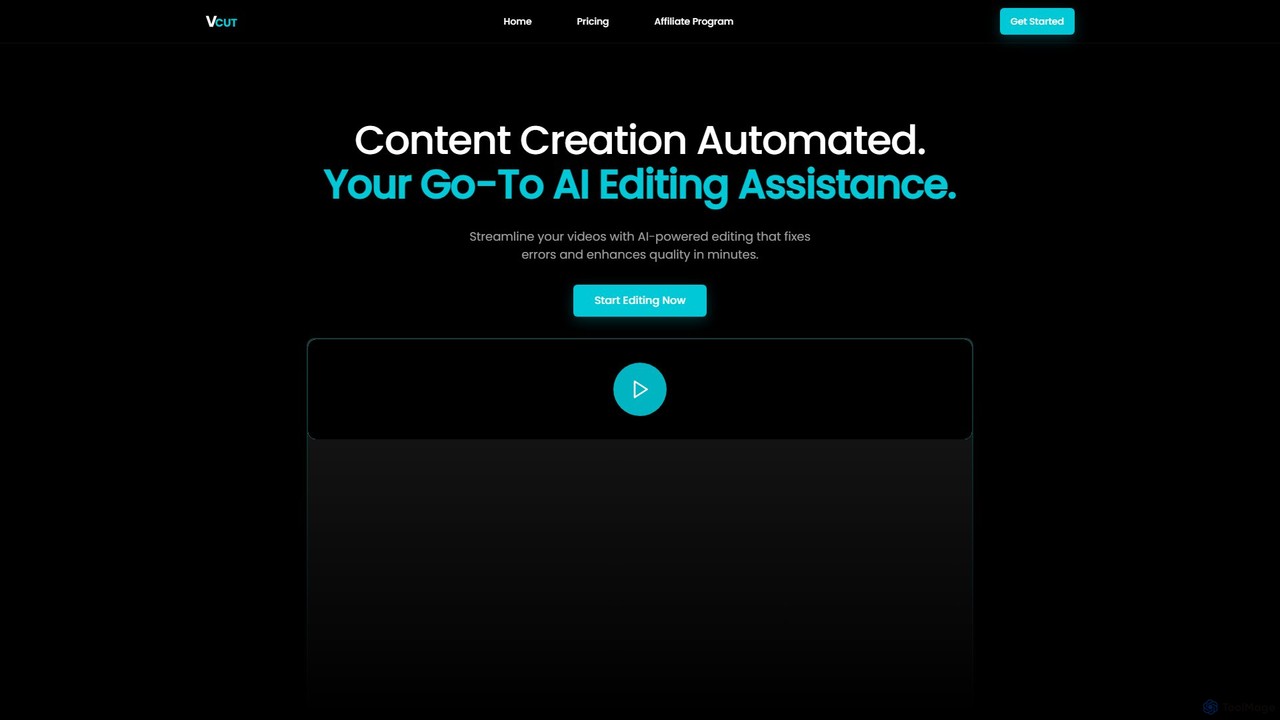
VCut
VCut is an AI-powered video editor designed to automate and streamline the content creation process. It instantly removes filler words, mistakes, and long silences from talking head videos, allowing creators to produce high-quality, polished content in minutes. This tool helps users save significant time, avoid burnout, and maintain a consistent publishing schedule.
AutomationClipchamp
Clipchamp is a user-friendly, AI-powered online video editor from Microsoft. It enables everyone, from beginners to professionals, to create stunning videos with features like AI-driven text-to-speech, automatic subtitles, and smart editing tools. Available on browsers, Windows, and iOS, it's an all-in-one solution for content creators, businesses, and educators.
Text To SpeechEpidemic Sound
Epidemic Sound is a premier platform offering a vast library of royalty-free music and sound effects for content creators, filmmakers, and businesses. It uses AI-powered search tools to help users find the perfect soundtrack, ensuring all content is safe from copyright claims across all platforms worldwide.
Music Generation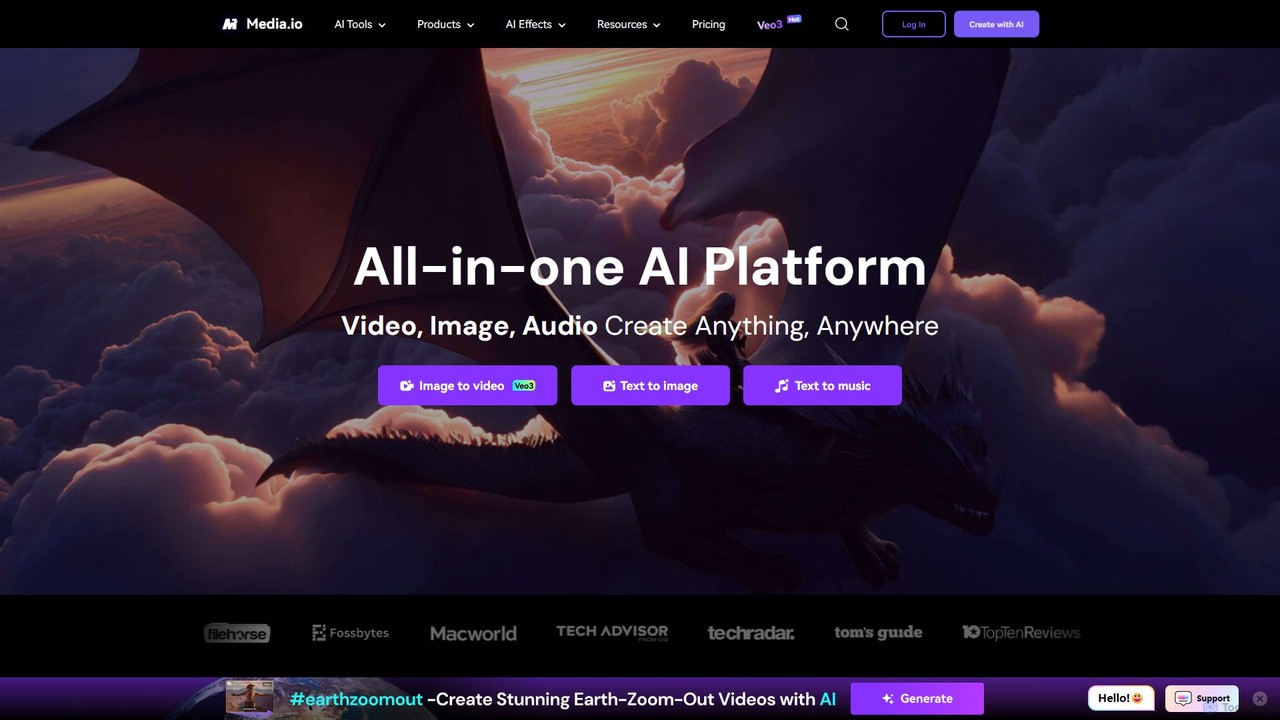
Media.io
Media.io is a comprehensive, all-in-one AI creative platform for video, image, and audio. It empowers users to effortlessly generate and edit high-quality content using advanced AI tools. From text-to-video and image-to-video generation to AI-powered object removal, video enhancement, and music creation, Media.io provides a complete suite for content creators, marketers, and individuals to turn their ideas into compelling visual and auditory experiences directly in their browser.
Music Generation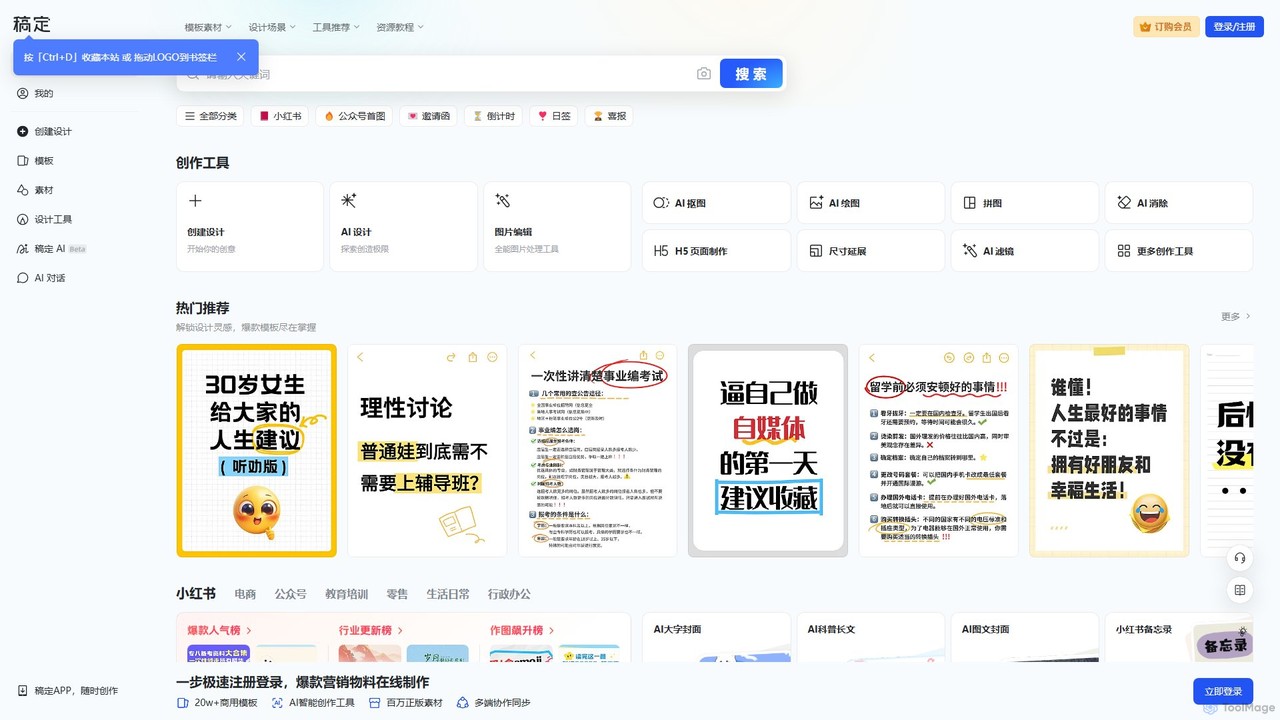
Gaoding Design
Gaoding Design is an all-in-one AI-powered online design platform. It offers a vast library of templates, AI-driven tools for image and video editing, content generation, and smart design automation. Ideal for marketers, content creators, and businesses, it simplifies the creation of professional marketing materials, social media posts, and presentations with collaborative workflows.
Graphic Design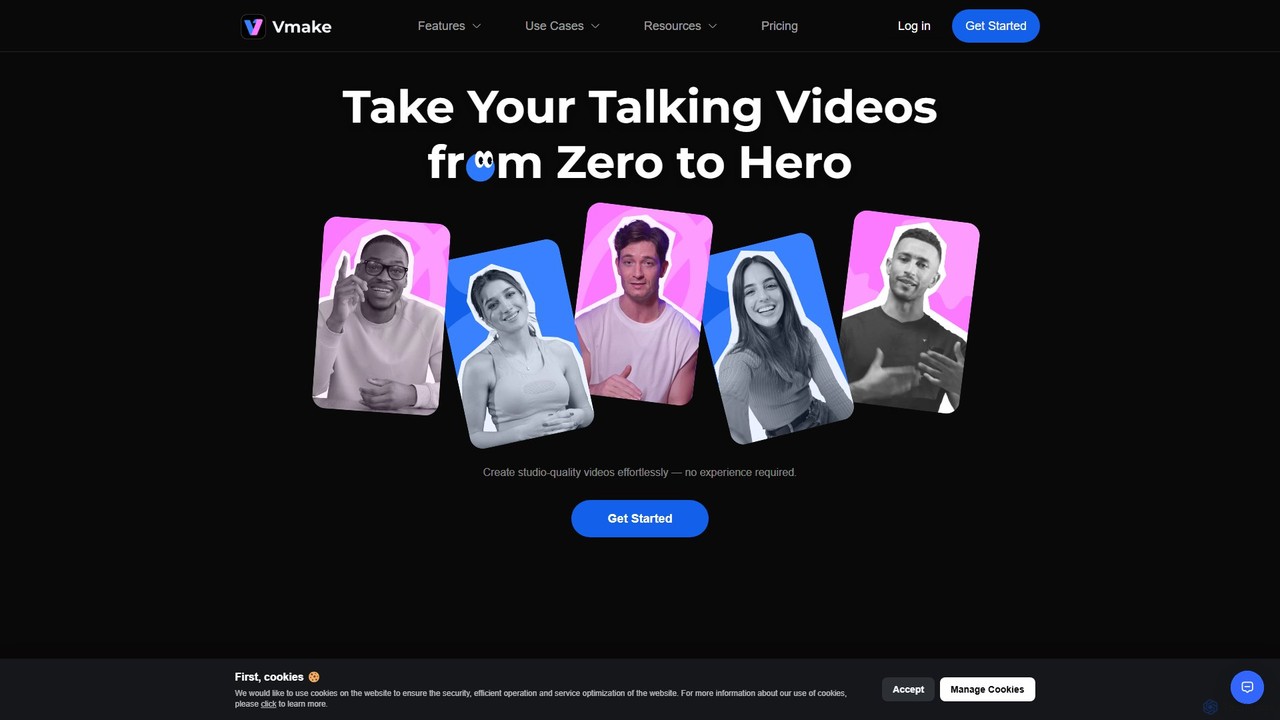
Vmake
Vmake is an all-in-one AI video solution designed for creators. It simplifies video production with features like watermark removal, auto-captions, background removal, and video enhancement. Effortlessly create studio-quality talking videos for social media and marketing without prior experience.
Transcription
Insta360 Comments (0)
Sign in to comment.
Sign inNo comments yet.