ToolMage
Sign in

Best 8 Photo AI tools

Popular Photo AI tools include Insta360, InShot, EaseUS Repair, Glam, imgcreator, Storybeat, Limory, and Relive AI, helping you work more efficiently.

Glam
Freemium

Glam

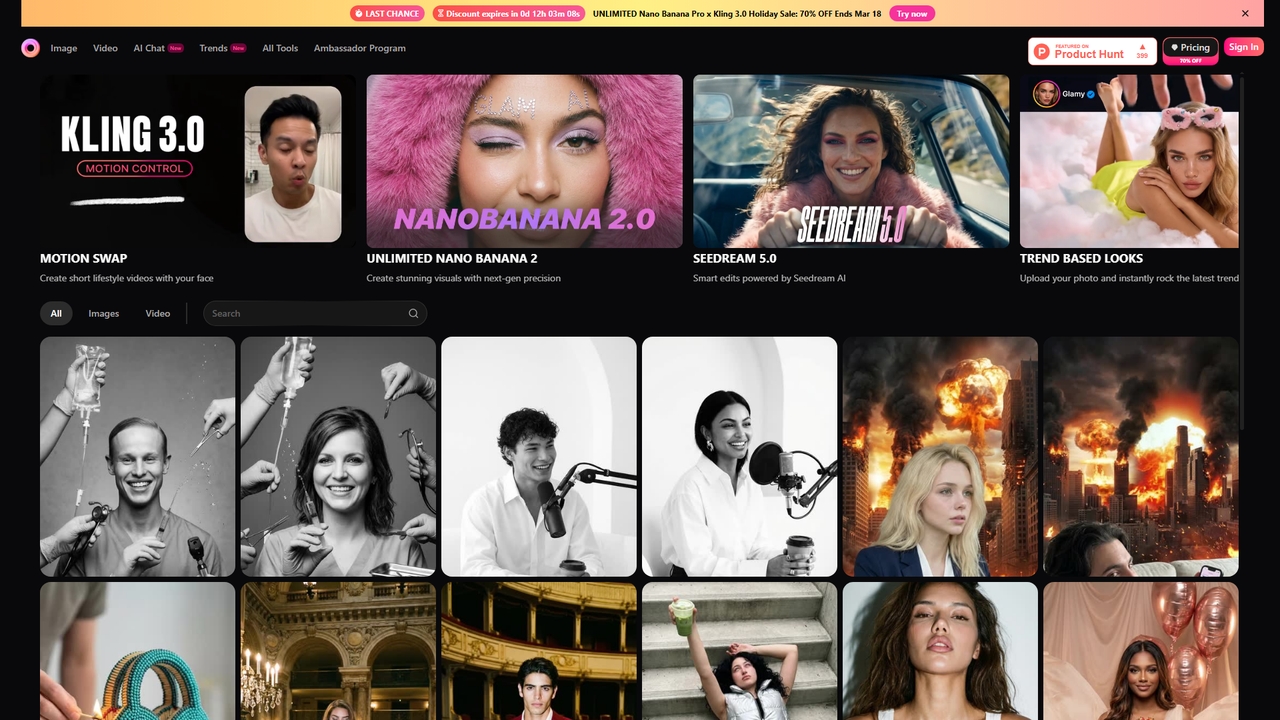
Glam is a comprehensive AI-powered video and photo editing platform that offers unlimited generations across a wide range of cutting-edge models. It allows users to create high-quality visual content, from swapping faces in videos and generating images in latest trends to producing realistic AI videos with perfect lip-sync, all through an accessible, all-in-one interface.

Content Creation
Visits 266.3KFavorites 8Likes 18
Storybeat
Freemium

Storybeat

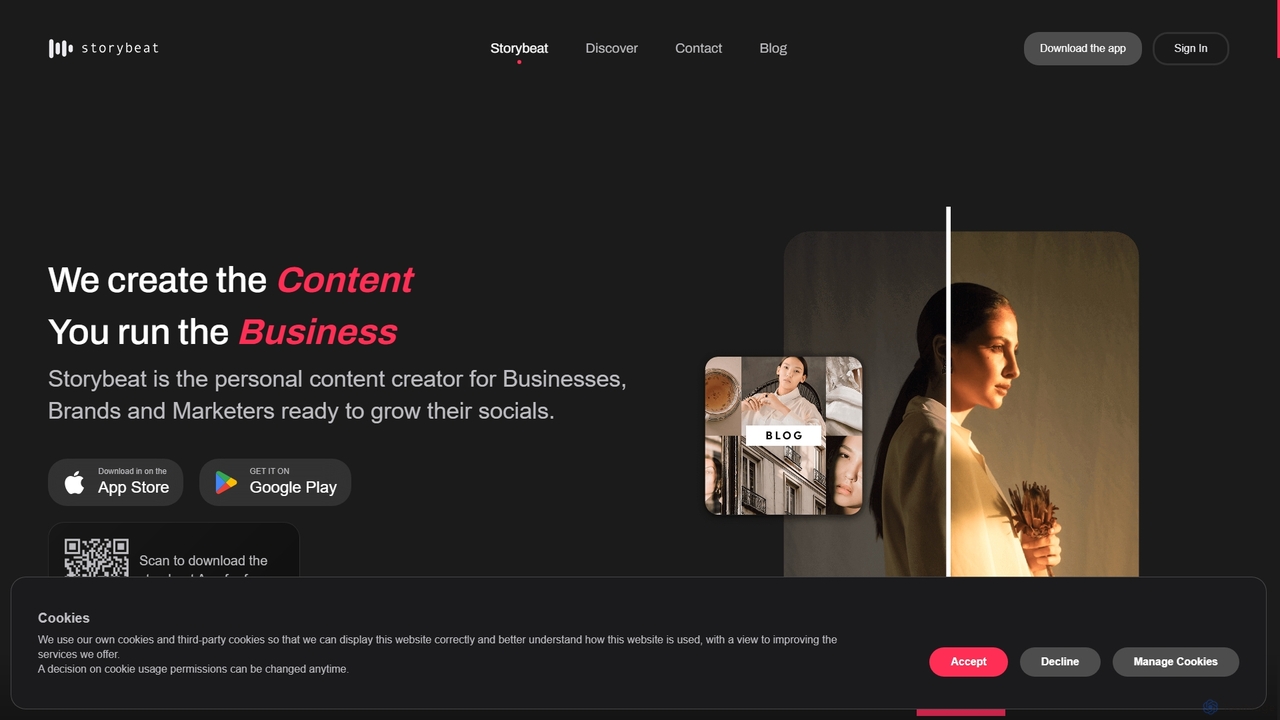
Storybeat is an AI-powered mobile app for creating stunning social media stories and reels. It offers a vast library of templates, filters, and music, along with AI tools like Auto Design, AI Captions, and AI Avatars to help businesses, brands, and creators grow their social presence effortlessly.

Social Media Marketing
Visits 6.5KFavorites 112Likes 102
Limory
Freemium

Limory

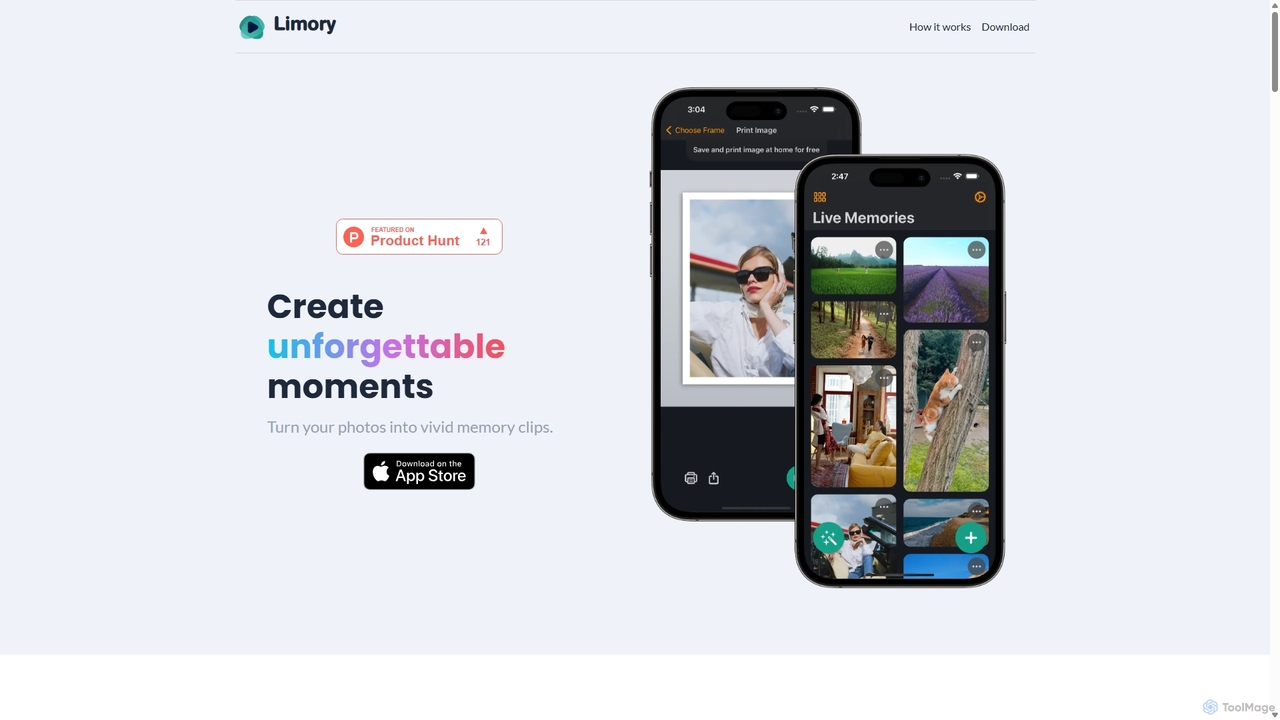
Limory is an innovative mobile app that uses Augmented Reality (AR) to bring your physical photos to life. By linking a video to a printed picture, you can simply point your device's camera at the photo to watch it transform into a dynamic video clip. It's a magical way to preserve and share memories, turning static images into unforgettable, interactive experiences for gifts, events, or personal keepsakes.

Gifts
Visits 4.5KFavorites 116Likes 97
Insta360
Paid

Insta360

Insta360 is a global leader in AI-powered cameras, offering a range of 360° and action cameras. Its ecosystem combines innovative hardware with intelligent software, featuring AI-driven functions like FlowState stabilization, AI reframing, and one-tap editing templates. This empowers creators of all levels to effortlessly capture and share stunning, dynamic video content.

Camera
Visits 5MFavorites 110Likes 132
Relive AI
Freemium

Relive AI

Relive AI is an intelligent platform that transforms your scattered photos, videos, and journal entries into vivid digital memories and compelling stories. It helps you automatically organize, rediscover, and creatively re-experience your most cherished moments with the power of artificial intelligence.

Journaling
Visits 4.2KFavorites 152Likes 156
EaseUS Repair
Freemium

EaseUS Repair

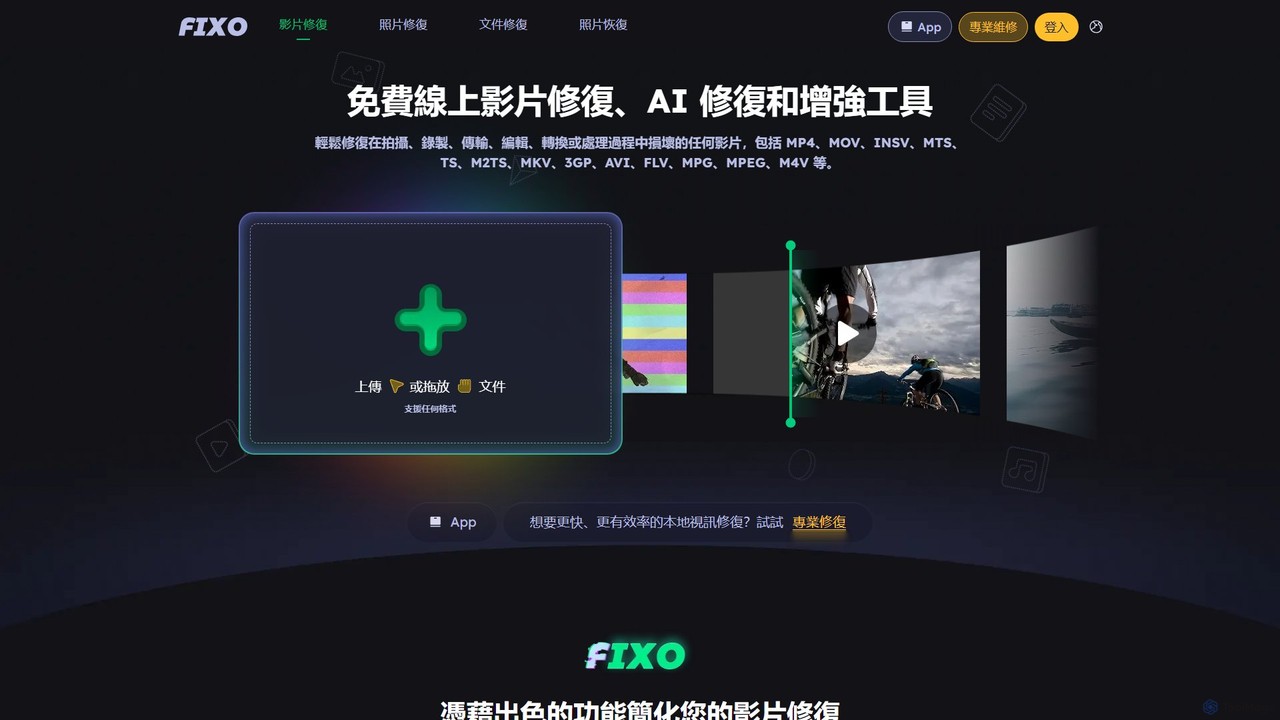
EaseUS Repair is an AI-powered online tool designed to fix corrupted videos, photos, and documents. It supports a wide range of formats and can repair files from various devices, including cameras, drones, and PCs. The tool offers a simple three-step process: upload, automatic repair, and preview before saving, ensuring a high success rate while maintaining original quality.

Photo Editing
Visits 298KFavorites 118Likes 117
InShot
Freemium

InShot

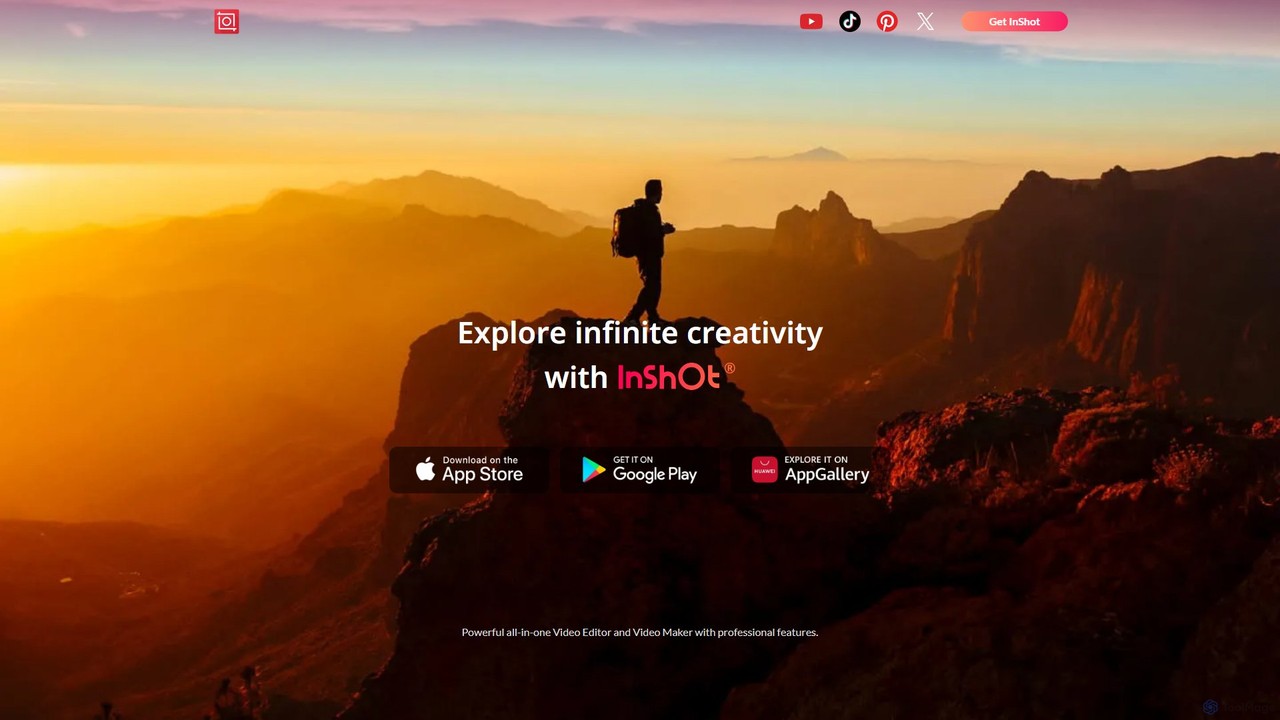
InShot is a powerful all-in-one video and photo editor for mobile devices, packed with professional-grade features and AI-powered tools. It's designed for everyone from social media creators to beginners, offering an intuitive interface for easy editing, trimming, and enhancing videos. With features like AI auto-captions, advanced effects, a rich music library, and 4K export, InShot makes creating high-quality content for platforms like YouTube, Instagram, and TikTok simple and accessible.

Photo Editing
Visits 595.5KFavorites 112Likes 114
imgcreator
Freemium

imgcreator

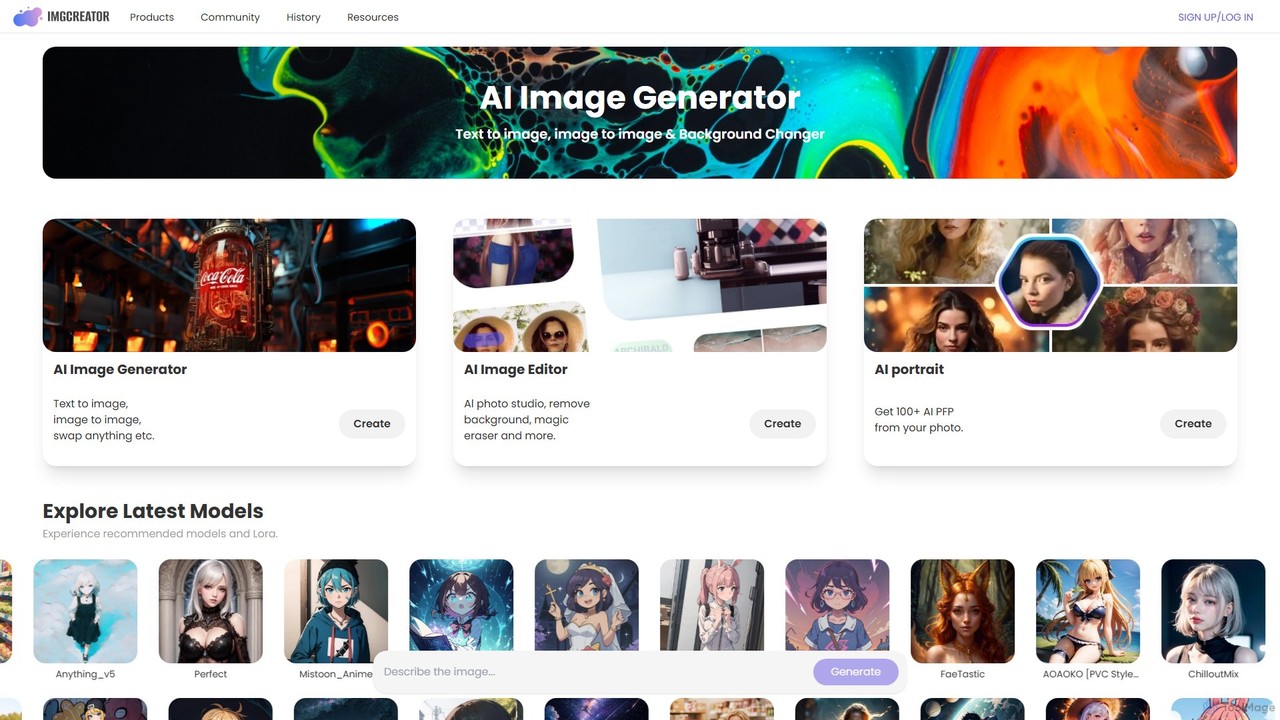
imgcreator is a powerful AI creative suite for generating and editing images. It offers text-to-image, image-to-image, an extensive library of art models (Lora), an AI photo studio with background removal, magic eraser, and an AI portrait generator for creating unique PFPs.

Generative Art
Visits 91.4KFavorites 101Likes 117

About Photo

AI Photo tools are a class of software that leverage artificial intelligence to automate and enhance the editing, generation, and management of digital photographs. They utilize deep learning models to perform complex tasks like object removal, image upscaling, style transfer, and background replacement. These tools empower photographers, marketers, and designers to achieve professional-quality results with greater speed and precision, streamlining workflows from simple touch-ups to complex creative compositions. Unlike traditional editors, they can intelligently understand image content, enabling context-aware adjustments and generative capabilities.

Core Features

  • AI Image Enhancement: Automatically improves brightness, contrast, color balance, and sharpness for optimal visual quality.
  • Object & Background Removal: Intelligently identifies and removes unwanted objects or replaces entire backgrounds seamlessly.
  • High-Resolution Upscaling: Increases image resolution and detail without introducing significant artifacts, ideal for printing or large displays.
  • Generative Editing: Fills in missing parts of an image (inpainting) or expands its canvas (outpainting) with contextually appropriate content.
  • Intelligent Retouching: Automates portrait editing tasks such as skin smoothing, blemish removal, and teeth whitening with natural-looking results.

Applicable Scenarios

These tools are widely used by e-commerce managers for batch processing product photos, social media marketers for creating engaging visuals, and professional photographers for speeding up their retouching workflow. They are also valuable for graphic designers in concept creation and individuals looking to restore old family photos or improve personal pictures.

How to Choose

When selecting an AI Photo tool, first assess its core functionality—whether it specializes in enhancement, editing, or restoration. Consider its integration capabilities, such as whether it operates as a standalone app or a plugin for software like Photoshop. Evaluate the user interface for ease of use, and compare pricing models (subscription vs. pay-per-use) to match your budget and usage frequency.

Featured tool rankings

Photo use cases

1

E-commerce Product Image Optimization

An e-commerce store owner needs to prepare hundreds of new product photos for a website launch. The goal is to achieve a clean, professional look with consistent white backgrounds and high resolution. By using an AI photo tool, they can batch-process all images at once. The tool automatically removes the original backgrounds, enhances colors to be more vibrant, and upscales the images for zoom functionality. This entire process can be completed in under an hour, saving days of manual work in traditional software and ensuring product pages look uniform and trustworthy, which can improve customer conversion rates.

2

Accelerating Social Media Content Creation

A social media manager is tasked with creating a week's worth of eye-catching posts for a brand campaign but has limited visual assets. Using an AI tool's generative fill (outpainting) feature, they can extend a standard product photo into a wider banner format suitable for different platforms. They can also apply an AI-powered style filter to give all campaign images a cohesive, artistic look. This allows for the rapid generation of multiple unique visual variations from a single source image, increasing content diversity and engagement without the need for an expensive photoshoot.

3

Professional Real Estate Photo Enhancement

A real estate agent needs to make property photos look more appealing to attract online buyers. Using an AI photo enhancer, they can perform 'sky replacement' on exterior shots taken on an overcast day, instantly adding a bright, sunny sky. The tool can also automatically correct lens distortion to make rooms look more spacious, brighten dimly lit interiors, and sharpen details to highlight key features of the property. As a result, listings with professionally enhanced photos receive significantly more clicks and viewing requests, helping to sell properties faster.

4

Restoring and Colorizing Old Family Photos

An individual wants to preserve their family history by restoring a collection of faded, scratched, and black-and-white photos. After scanning the old photographs, they upload them to an AI restoration tool. The software automatically removes scratches, creases, and digital noise, sharpens blurry faces, and uses a sophisticated colorization algorithm to add realistic colors. This process transforms fragile, monochrome memories into vibrant, detailed images that can be easily shared with younger generations and preserved digitally for the future, bringing cherished family moments back to life.

5

Streamlining Portrait Retouching for Photographers

A professional portrait photographer needs to retouch a large batch of headshots from a corporate photoshoot, ensuring natural-looking results under a tight deadline. Instead of spending hours on each photo manually, they use an AI portrait tool. The software automatically detects and smooths skin, reduces blemishes, whitens teeth, and enhances eyes across all images. The photographer can adjust the intensity of these effects to maintain the subject's unique features. This reduces retouching time per photo from over 15 minutes to just a few, allowing for much faster delivery to the client while maintaining high quality.

6

Creating Concept Art and Mood Boards

A graphic designer or art director needs to quickly visualize a concept for an advertising campaign. They use an AI tool's generative editing features to combine multiple images seamlessly. For instance, they can remove a person from one photo and place them in a completely different background, then use style transfer to apply a cinematic color grade to the entire composition. This allows for the rapid creation of high-quality mood boards or concept images in minutes, facilitating faster client feedback and iteration cycles compared to the time-consuming process of manual compositing.

Photo FAQ

What are AI Photo tools?

AI Photo tools are applications that use artificial intelligence to automate and improve photo editing, enhancement, and creation. They analyze image content to perform complex tasks like object removal, resolution upscaling, and intelligent color correction, often with a single click. Unlike traditional editors that require manual adjustments, these tools understand context, enabling them to produce professional results quickly and efficiently for both amateurs and professionals.

How to choose the right AI Photo tool?

To choose the right tool, consider these key factors:

  • Primary Need: Identify your main goal. Are you focused on enhancement (improving quality), editing (removing objects), restoration (fixing old photos), or generative tasks (creating new elements)?
  • Skill Level: Some tools offer simple one-click solutions perfect for beginners, while others provide advanced controls for professionals who need more precision.
  • Workflow Integration: Determine if you need a standalone app, a plugin for software like Photoshop/Lightroom, or an API for automated processes.
  • Pricing Model: Compare subscription plans, pay-per-use credit systems, and one-time purchases to find what best fits your budget and usage frequency.
What's the difference between AI Photo Editors and traditional software like Photoshop?

The main difference lies in automation and context awareness. Traditional software like Photoshop provides a powerful manual toolset, requiring user skill and time to select objects, mask areas, and adjust layers. AI Photo Editors automate these processes. For example, instead of manually tracing an object to remove it, an AI tool identifies and removes it automatically, then intelligently fills the background. AI tools excel at speed and simplicity for complex tasks, while traditional software offers more granular, manual control for detailed creative work.

Can AI tools replace professional photographers or editors?

AI photo tools are best viewed as powerful assistants rather than replacements. They significantly speed up tedious and repetitive tasks like background removal, basic retouching, and color correction, freeing up professionals to focus on more creative aspects like composition, lighting, and artistic direction. While AI can produce high-quality results for common tasks, the creative vision, critical judgment, and unique style of a human professional remain indispensable for high-end, bespoke, and emotionally resonant work.

What are the main functions of AI Photo tools?

Most AI Photo tools offer a combination of the following core functions:

  • Enhancement: Automatically adjusting brightness, contrast, color, and sharpness to improve overall image quality.
  • Upscaling: Increasing image size and resolution without significant loss of detail, often called 'super-resolution'.
  • Object & Background Manipulation: Removing unwanted elements, people, or text, and replacing or blurring backgrounds.
  • Restoration: Repairing scratches, removing digital noise, de-blurring, and colorizing old black-and-white photos.
  • Generative Fill: Adding, extending, or replacing parts of an image with new, AI-generated content that matches the context.